🚀 2TB High-Speed Storge SD Card 2TB Original Micro TF Cards Class 10 Fast Transfer Memory Card for Phones Digital Camera, OnePlus 2TB High-Speed Micro SD Card – Class 10 Memory Card for Smartphones & Digital Cameras
🌟 Introduction
Discover a convenient digital storage solution with the OnePlus High-Speed Micro SD / TF Memory Card, designed for users who need additional storage space for compatible smartphones, digital cameras, tablets, and other supported electronic devices.
Featuring a Class 10 speed classification, this Micro SD card is marketed for everyday digital storage applications, including photographs, videos, music, documents, and other personal files.
With an advertised capacity of up to 2TB, this memory card is presented as a high-capacity storage option for users looking to expand their device's storage capabilities.
Whether you are organizing your favorite photographs, transferring personal files, or storing everyday digital content, this compact memory card offers a practical storage format for compatible devices.
💾 More storage. Better organization. Convenient portability.
⭐ Key Features
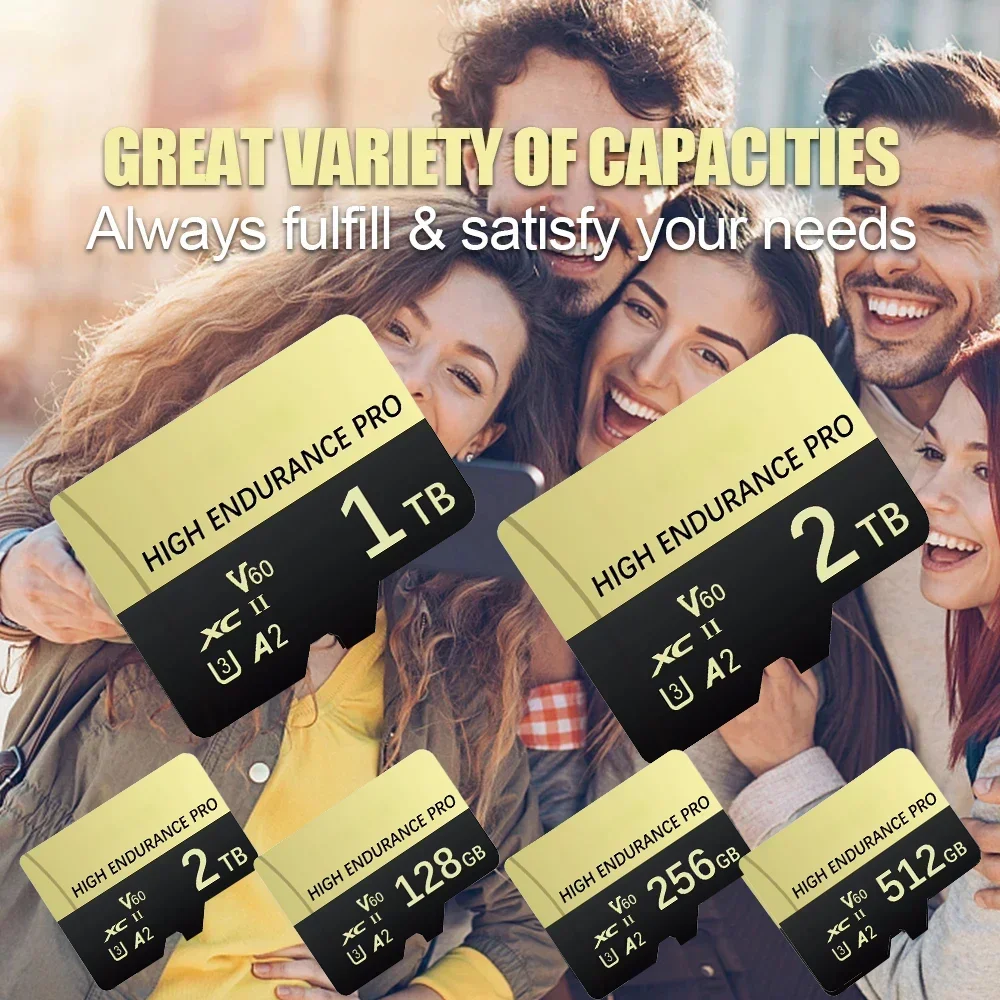
💾 1. Advertised 2TB Storage Capacity
- Advertised storage capacity: Up to 2TB.
- Designed for storing digital photographs, videos, music, documents, and other files.
- Provides a compact storage format for compatible electronic devices.
- Suitable for users seeking additional digital storage space.
- Actual usable capacity may be lower because of formatting and system requirements.
⚡ 2. Class 10 Speed Classification
- Marketed with a Class 10 speed classification.
- Suitable for everyday file storage and transfer applications.
- Designed for storing and accessing compatible digital content.
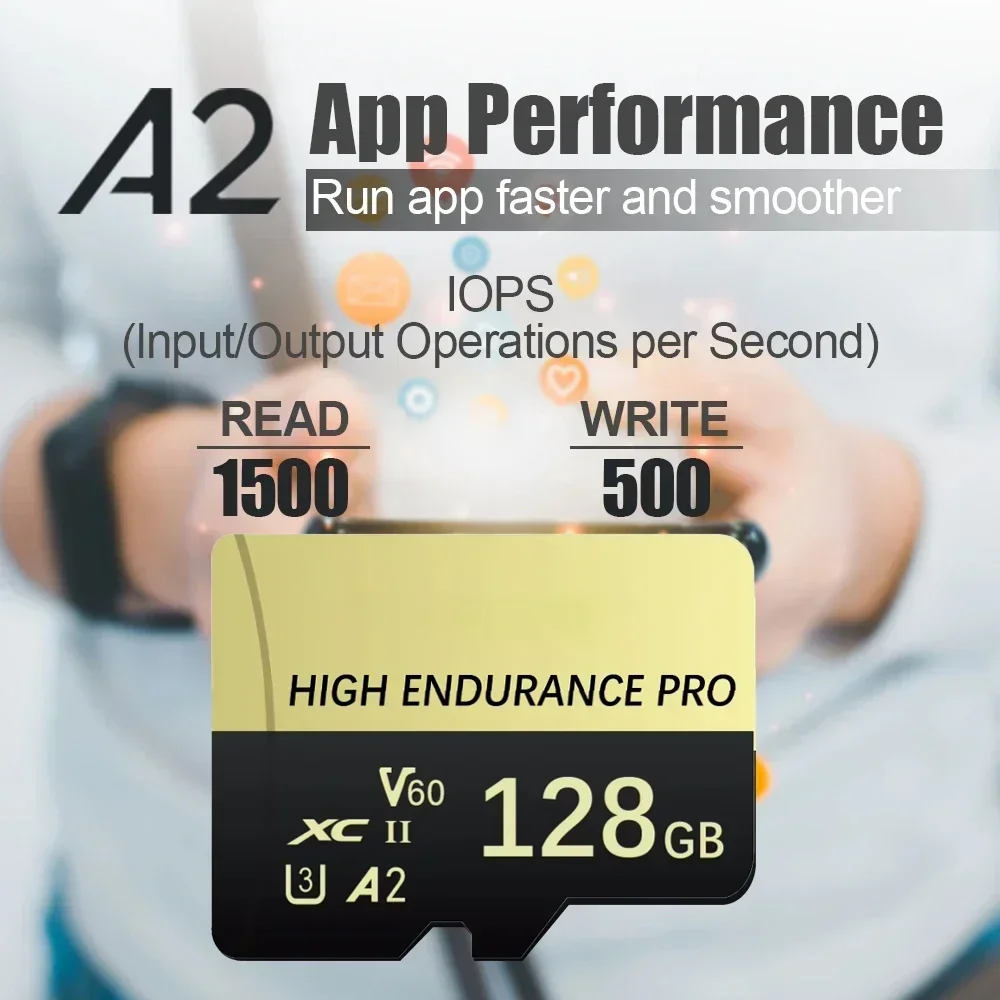
- Actual transfer performance depends on the card, device, card reader, file size, and connection interface.
Important: Class 10 indicates a minimum sequential write-speed classification of 10 MB/s under applicable testing conditions. It does not guarantee a particular maximum transfer speed.
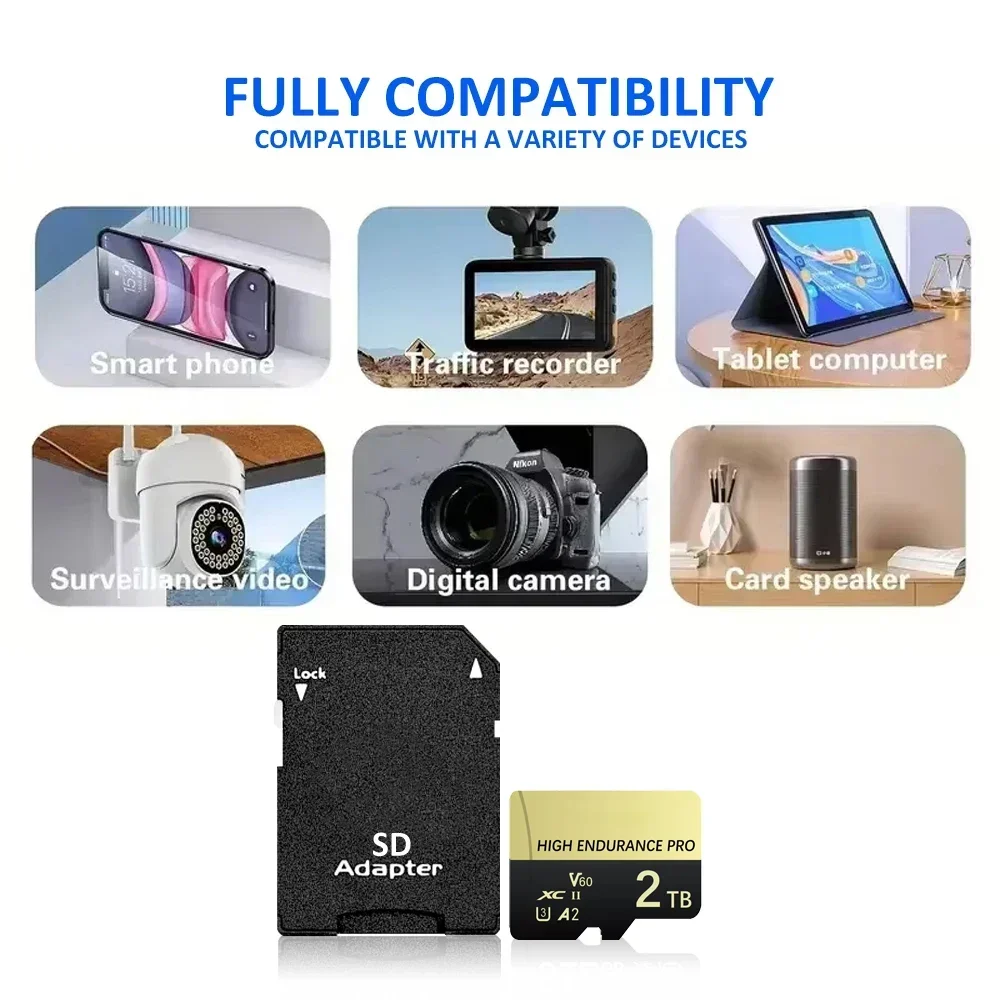
📱 3. Smartphone Compatibility
Designed for compatible devices featuring a Micro SD card slot.
Potential applications include:
- Additional storage for photographs.
- Music and audio file storage.
- Document organization.
- Personal video storage.
- Transferring supported files between compatible devices.
📸 4. Digital Camera Applications
The Micro SD format can be used with compatible digital cameras and devices featuring a supported Micro SD interface.
Possible applications:
- Photograph storage.
- Personal video recording.
- Transferring image files.
- Organizing digital photography collections.
Compatibility and recording performance depend on the camera's supported memory-card specifications.
🎒 5. Compact and Portable Design
- Small Micro SD / TF card format.
- Easy to carry and store.
- Convenient for portable electronics.
- Requires very little storage space when not in use.
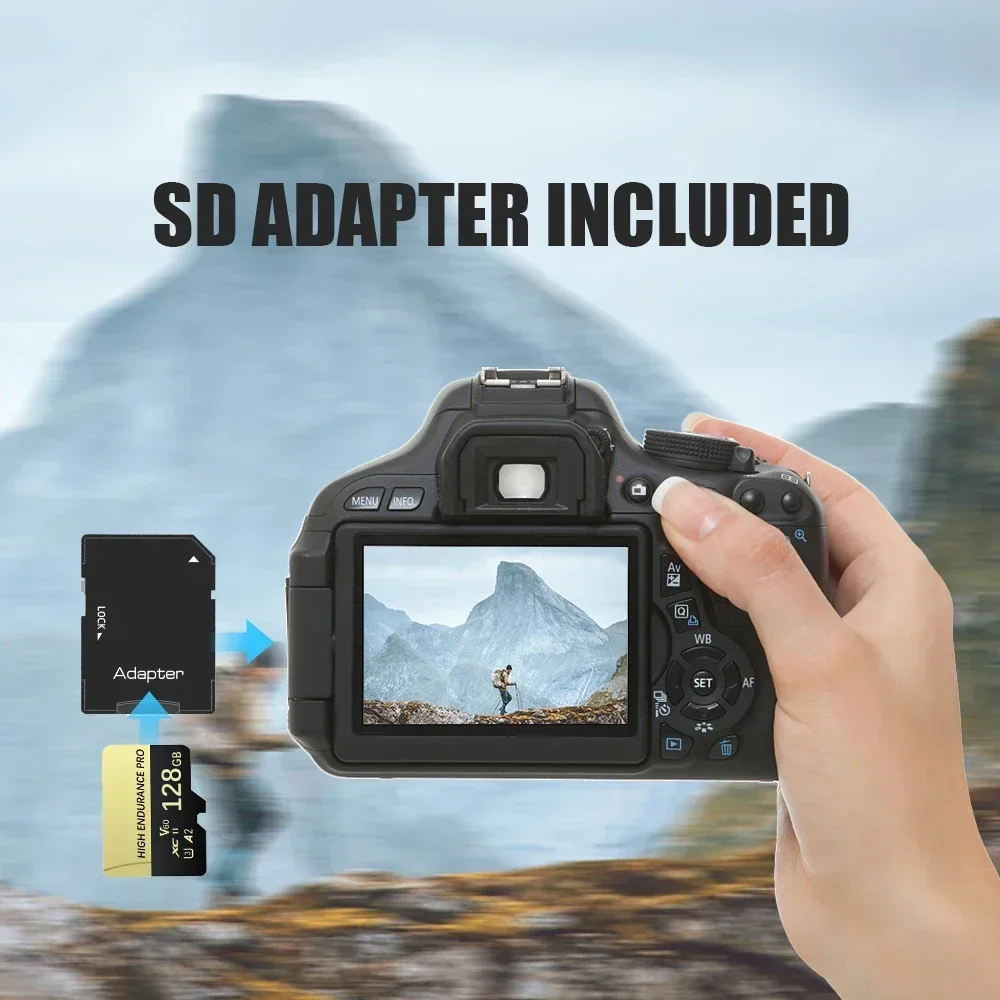
- Suitable for compatible card readers and adapters.
🔄 6. Convenient File Management
Use a compatible card reader or device interface to manage supported files.
You can:
- Copy photographs.
- Transfer documents.
- Organize music collections.
- Move supported videos.
- Create additional storage space on compatible devices.
📋 Technical Specifications
| Specification | Product Details |
|---|---|
| Brand Name | OnePlus (as listed by the seller) |
| Product Type | Micro SD / TF Memory Card |
| Advertised Capacity | Up to 2TB |
| Speed Class | Class 10 (advertised) |
| Memory Format | Micro SD / TF |
| Application | Digital Storage |
| Compatible Devices | Supported smartphones, cameras, tablets, and card readers |
| High-Concern Chemicals | None declared |
| Product Origin | Mainland China |
| Transfer Performance | Depends on device and card specifications |
| Storage Content | Photos, videos, music, documents, and other digital files |
📏 Physical Dimensions and Weight
The seller-provided specifications do not include verified product measurements or weight.
For reference, the standard Micro SD card format measures approximately:
- Length: 15 mm / 0.59 inches
- Width: 11 mm / 0.43 inches
- Thickness: 1 mm / 0.039 inches
- Approximate Weight: 0.25–0.5 g / 0.009–0.018 oz (typical Micro SD card range)
These are standard-format reference measurements, not independently verified measurements of this specific product.
💽 Storage Capacity Reference
| Storage Unit | Equivalent |
|---|---|
| Advertised Capacity | 2TB |
| Terabytes | 2,000 GB |
| Approximate Gigabytes | 2,000 GB (decimal) |
| Approximate Megabytes | 2,000,000 MB |
Actual available storage depends on formatting and the device's operating system.
🎯 Where and How Can You Use It?
📱 Smartphones
Use a compatible smartphone's Micro SD slot to expand storage for supported content.
Examples:
- Store personal photographs.
- Keep music collections.
- Save documents.
- Transfer files between devices.
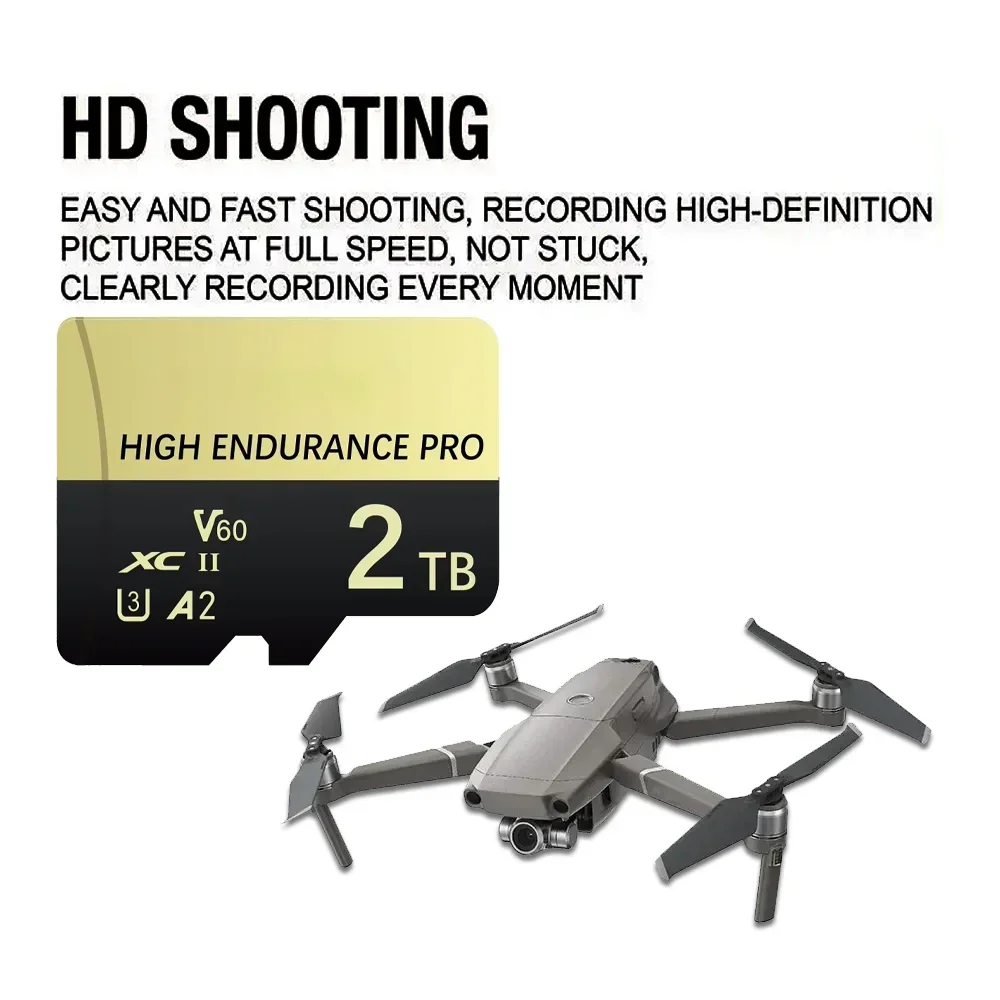
📷 Digital Cameras
Use it with supported cameras for compatible image and video storage applications.
📹 Video Recording Devices
Compatible recording devices may use Micro SD cards for supported video storage. Check the manufacturer's recommended speed class before recording high-resolution video.
💻 Computers and Laptops
Use a compatible Micro SD card reader to access, organize, copy, and transfer supported files.
🎮 Compatible Portable Electronics
Some portable electronic devices support Micro SD cards for additional storage. Always verify device compatibility before purchasing.
💚 Benefits and Advantages
✨ Additional Storage: Provides an additional storage option for compatible devices.
⚡ Class 10 Classification: Offers a defined minimum sequential write-speed classification.
📱 Compact Format: Convenient for portable electronics with Micro SD support.
📸 Photo Organization: Helps organize and transfer digital photographs.
🎵 Music Storage: Suitable for compatible digital music files.
📂 File Portability: Makes transferring supported files between devices easier.
🎒 Easy to Carry: Small physical format for convenient storage and transportation.
🔌 Flexible Connectivity: Can be accessed through compatible Micro SD card slots and card readers.
🛠️ How to Install and Use
Step 1 – Check Compatibility
Verify that your smartphone, camera, tablet, or other electronic device supports Micro SD cards and the intended capacity.
Step 2 – Insert the Card
Turn off your device if recommended by its manufacturer. Carefully insert the memory card into the designated slot in the correct orientation.
Step 3 – Format if Necessary
If the device requests formatting, use its recommended file system and formatting procedure. Formatting erases existing data.
Step 4 – Check Available Capacity
Open the device's storage settings and verify that the card is recognized correctly.
Step 5 – Transfer Your Files
Copy supported photographs, videos, music, and documents to the card.
Step 6 – Safely Remove the Card
Use the device's eject or unmount function before physically removing the card.
⚠️ Important Considerations and Precautions
Please review the following information before purchasing and using this product.
1. Verify the Advertised 2TB Capacity
The product listing advertises a 2TB capacity. However, the actual capacity has not been independently verified.
For memory cards advertised with unusually high capacities, it is particularly important to verify their authenticity and actual usable storage before saving important files.
2. Verify Brand Authenticity
The listing identifies the brand as OnePlus. However, the supplied information does not establish official OnePlus manufacturing, licensing, or authorization.
Customers should verify the seller, manufacturer documentation, packaging, and product authenticity before purchase.
3. Check Device Compatibility
Not every smartphone or camera supports every Micro SD capacity.
Some devices have maximum supported storage limits. Confirm the manufacturer's specifications before ordering.
4. Understand Class 10 Speed
Class 10 is not a guarantee of 100 MB/s, 150 MB/s, or any other maximum transfer speed.
Actual performance depends on the memory card and connected hardware.
5. Protect Important Files
- Keep a separate backup of important photographs and documents.
- Avoid removing the card while files are being transferred.
- Do not interrupt formatting.
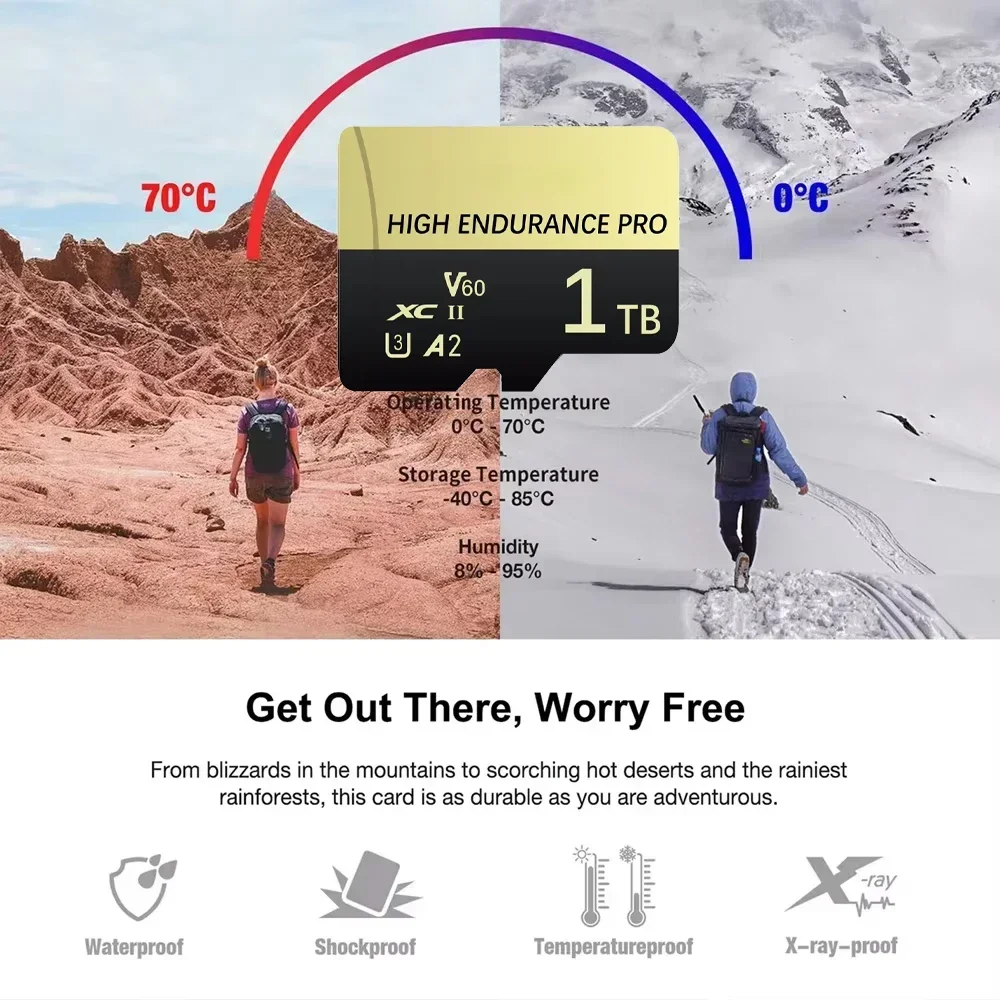
- Keep the card away from excessive heat, moisture, and physical damage.
6. Test the Card Before Important Use
Verify the card's actual storage capacity using a reputable capacity-testing utility and check its read/write performance.
Do not rely exclusively on the capacity displayed by the device.
📦 Package Includes
- 1 × OnePlus-branded Micro SD / TF Memory Card (advertised capacity: 2TB).
Note: Adapters, card readers, storage cases, and other accessories are not confirmed as included in the supplied product information.
🏆 Why Buy This Micro SD Memory Card?
Looking for a compact storage solution for compatible electronic devices?
This Micro SD / TF memory card is marketed as an additional storage option for everyday digital file management.
Reasons to consider this product:
- 💾 Advertised high-capacity 2TB storage.
- ⚡ Class 10 speed classification.
- 📱 Compact Micro SD / TF format.
- 📸 Suitable for supported digital photography applications.
- 🎵 Convenient music and document storage.
- 🔄 Compatible with supported card readers and electronic devices.
- 🎒 Portable and easy to store.
A practical storage format for everyday digital content management!
🔑 Key Bullet Points
- 💾 Advertised Capacity: 2TB.
- ⚡ Speed Classification: Class 10.
- 📱 Memory Format: Micro SD / TF.
- 📸 Applications: Compatible smartphones and digital cameras.
- 🎵 Storage: Photos, videos, music, and documents.
- 🔄 Connectivity: Compatible Micro SD slots and card readers.
- 🌍 Origin: Mainland China.
- 🏷️ Listed Brand: OnePlus.
- 🧪 High-Concern Chemicals: None declared.
- 📦 Package: 1 × Memory Card.
❓ Frequently Asked Questions
Q1: Is this memory card advertised as 2TB?
Yes. The seller's listing specifies an advertised capacity of 2TB. Actual capacity should be independently verified.
Q2: Is it compatible with all smartphones?
No. Only smartphones with compatible Micro SD card slots and appropriate capacity support can use this memory card.
Q3: What does Class 10 mean?
Class 10 identifies a minimum sequential write speed of 10 MB/s under applicable testing conditions.
Q4: Can I use it with a digital camera?
Yes, if the camera supports the Micro SD format and the card's actual capacity and performance specifications.
Q5: Can I store photographs and videos?
Yes, provided the card is compatible with your device and has sufficient verified usable capacity.
Q6: Is a card reader included?
A card reader is not confirmed in the supplied package information.
Q7: Is the card suitable for important data backups?
Test its actual capacity and reliability first. Always maintain a separate backup of important files.
💡 Final Product Information
The OnePlus-branded High-Speed Micro SD / TF Memory Card is listed as a Class 10 storage product with an advertised 2TB capacity, intended for compatible smartphones, digital cameras, and other supported electronic devices.
Its compact Micro SD format makes it convenient for portable digital storage and everyday file management.
⚠️ Customer Transparency Notice: The advertised 2TB capacity, OnePlus brand authenticity, and actual transfer performance have not been independently verified from the supplied specifications. Customers should confirm these details with the seller before purchase.
💾 Choose compatible storage. Protect your files. Keep your digital content organized! 📸✨
Oneplus High-Speed Storge SD Card 2TB Original Micro TF Cards Class 10 Fast Transfer Memory Card for Phones Digital Camera