Product Details
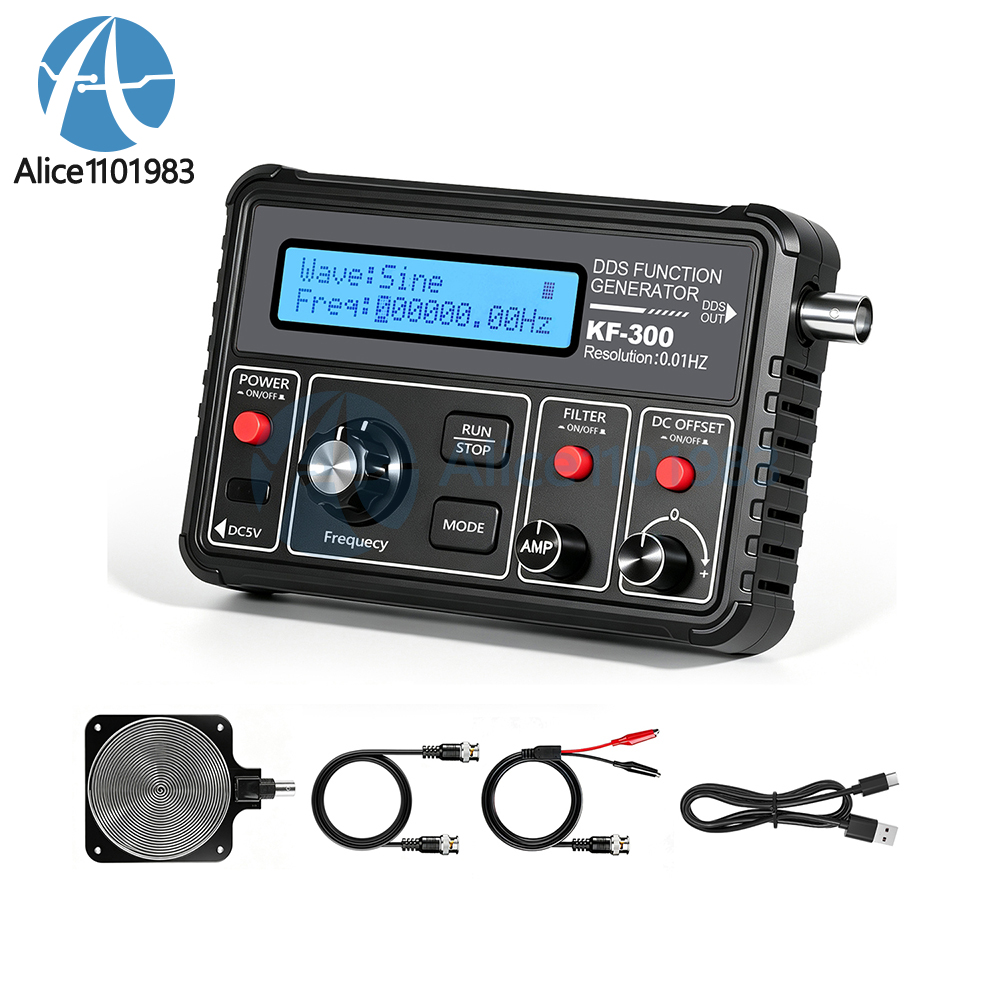
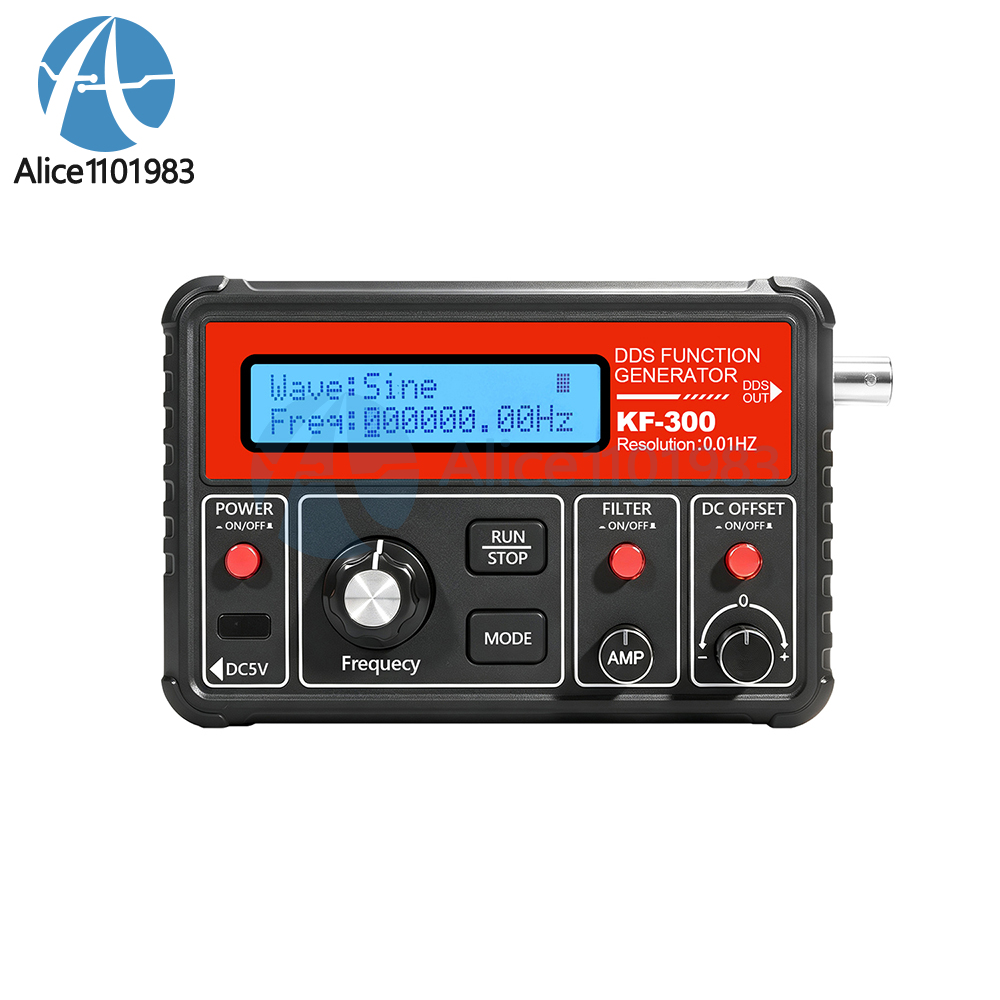
1. 15 waveform outputs: sine wave, square wave, triangle wave, forward sawtooth wave, reverse sawtooth wave, half-wave, full-wave, Schumann wave, noise waveform, etc.
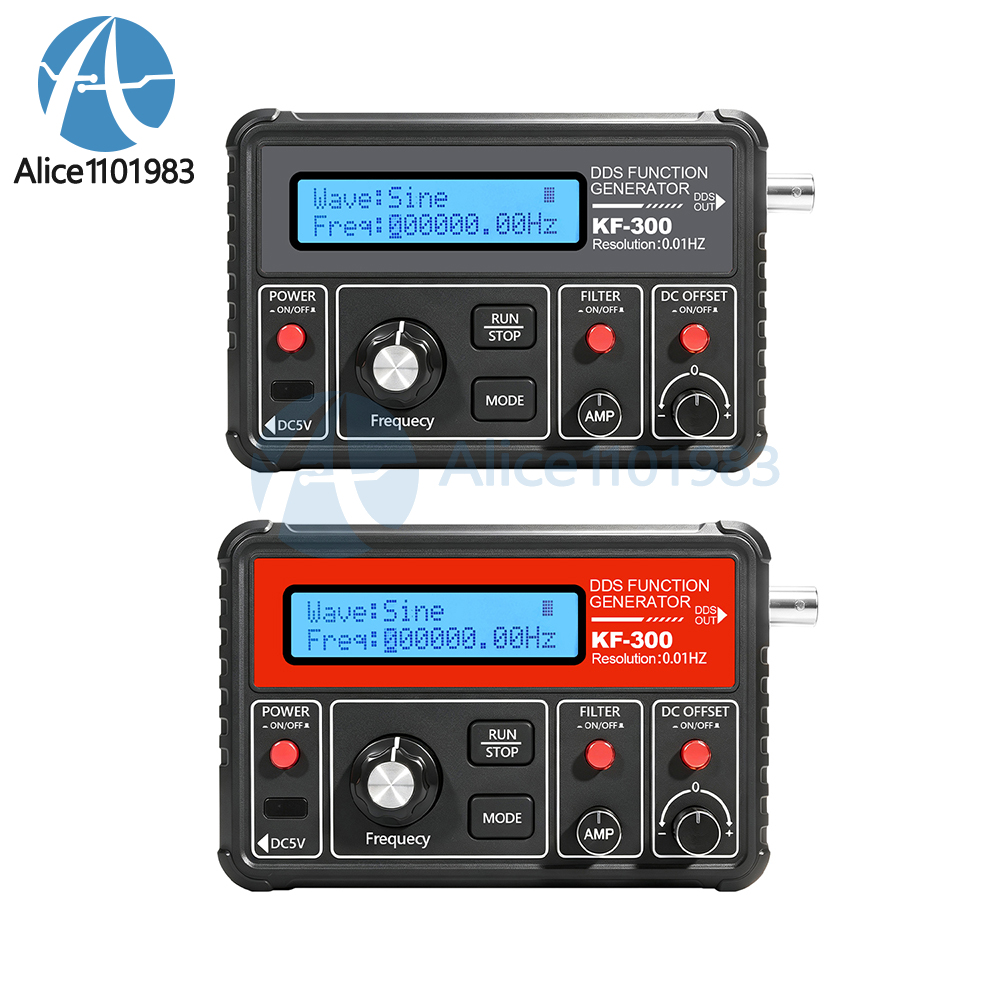
2. High-precision frequency adjustment with a resolution of up to 0.01 Hz; the frequency adjustment knob and mode button make setup simple and intuitive.
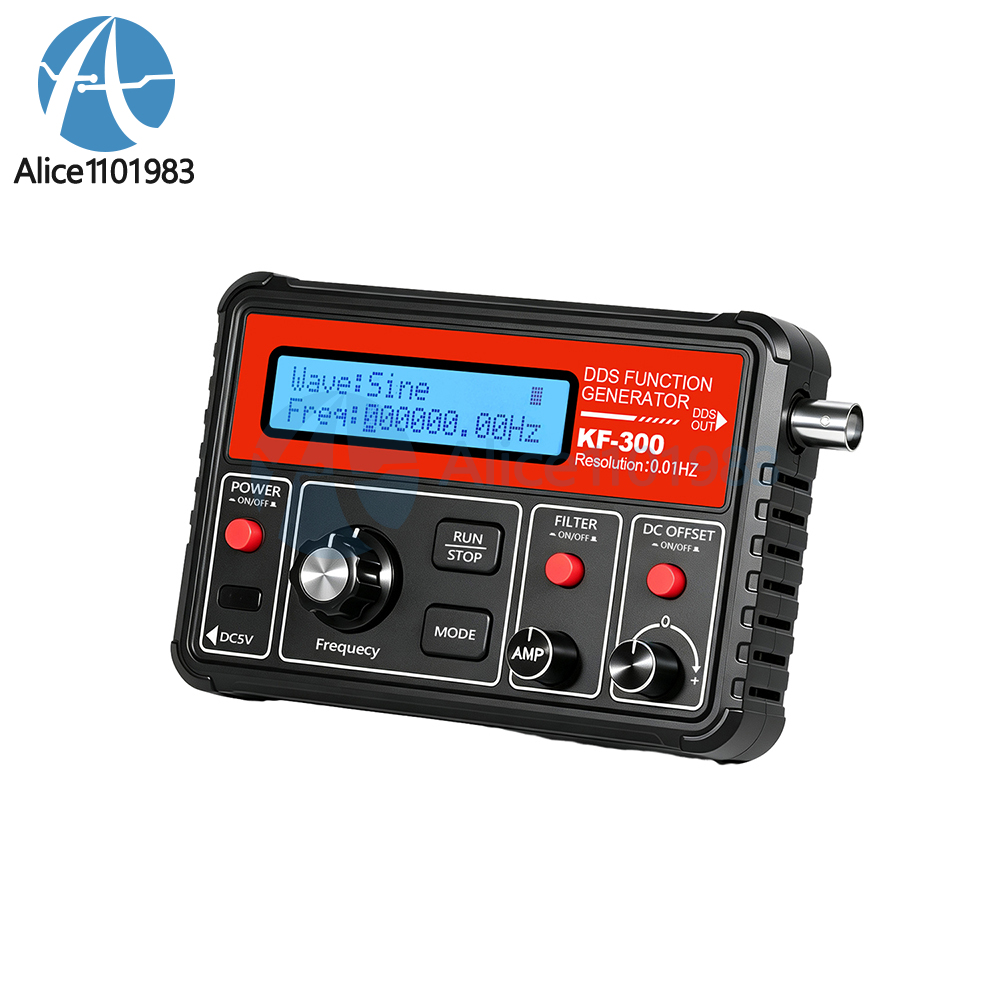
3. Extensive adjustable functions: Supports amplitude (AMP) adjustment, DC offset (DC OFF SET), filter (FILTER) switch, and run/stop (RUN/STOP) control.
4. Built-in LCD display provides an at-a-glance view of waveforms and frequency with clear readings; includes a save function to store all configuration parameters.
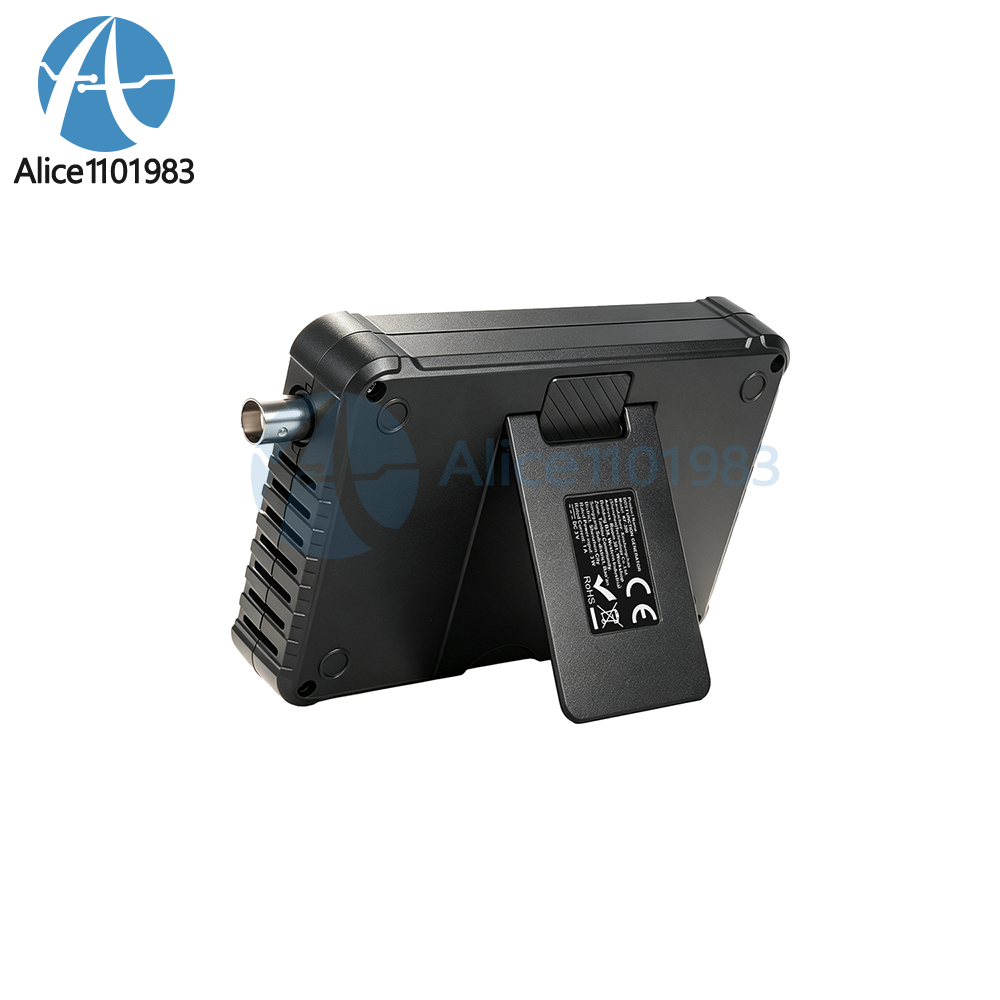
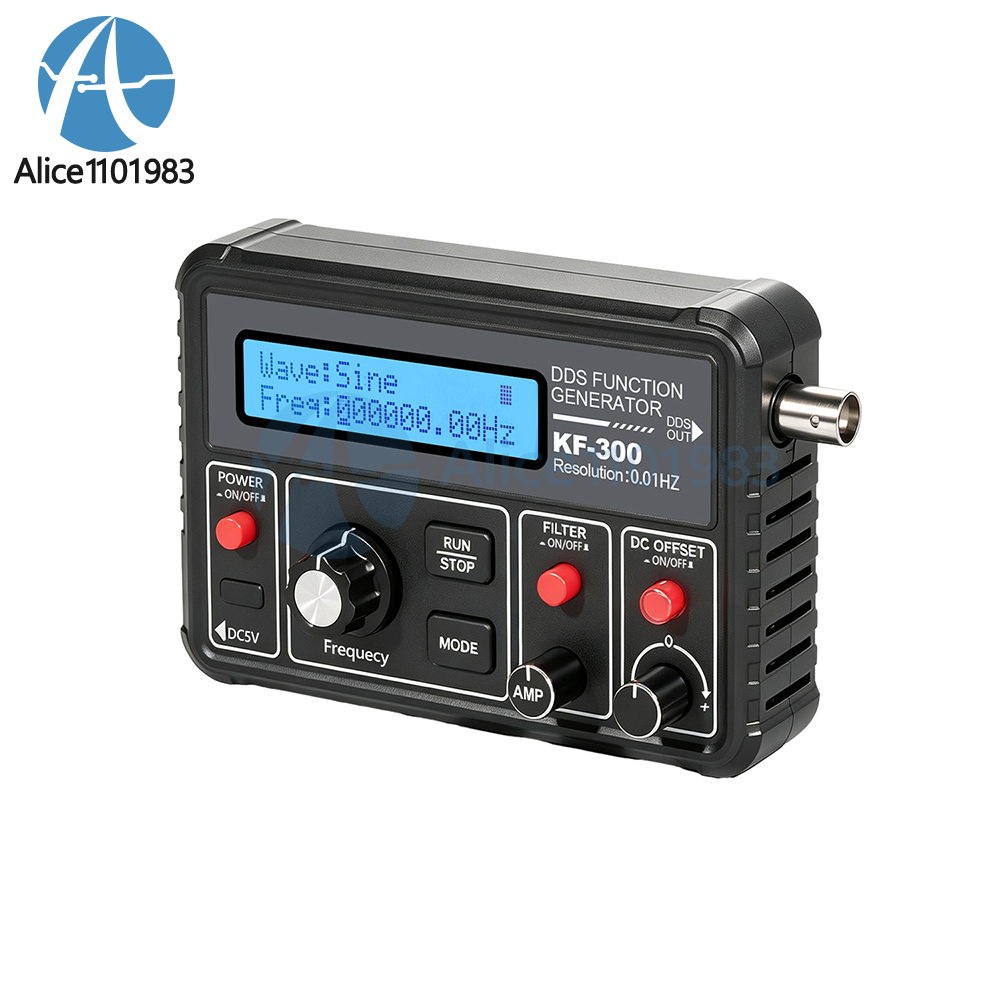
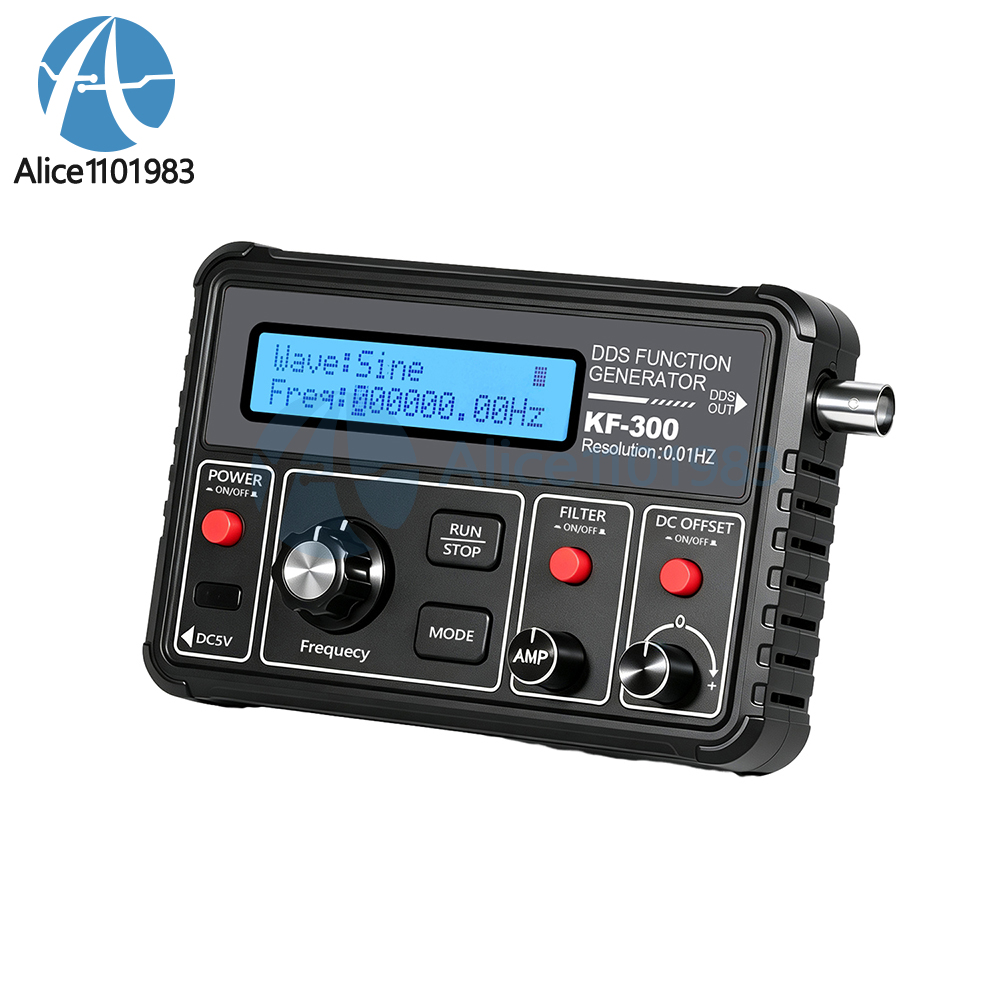
5. Portable, all-in-one design with a non-slip, wear-resistant housing; compact size makes it ideal for desktop experiments and on-the-go use.
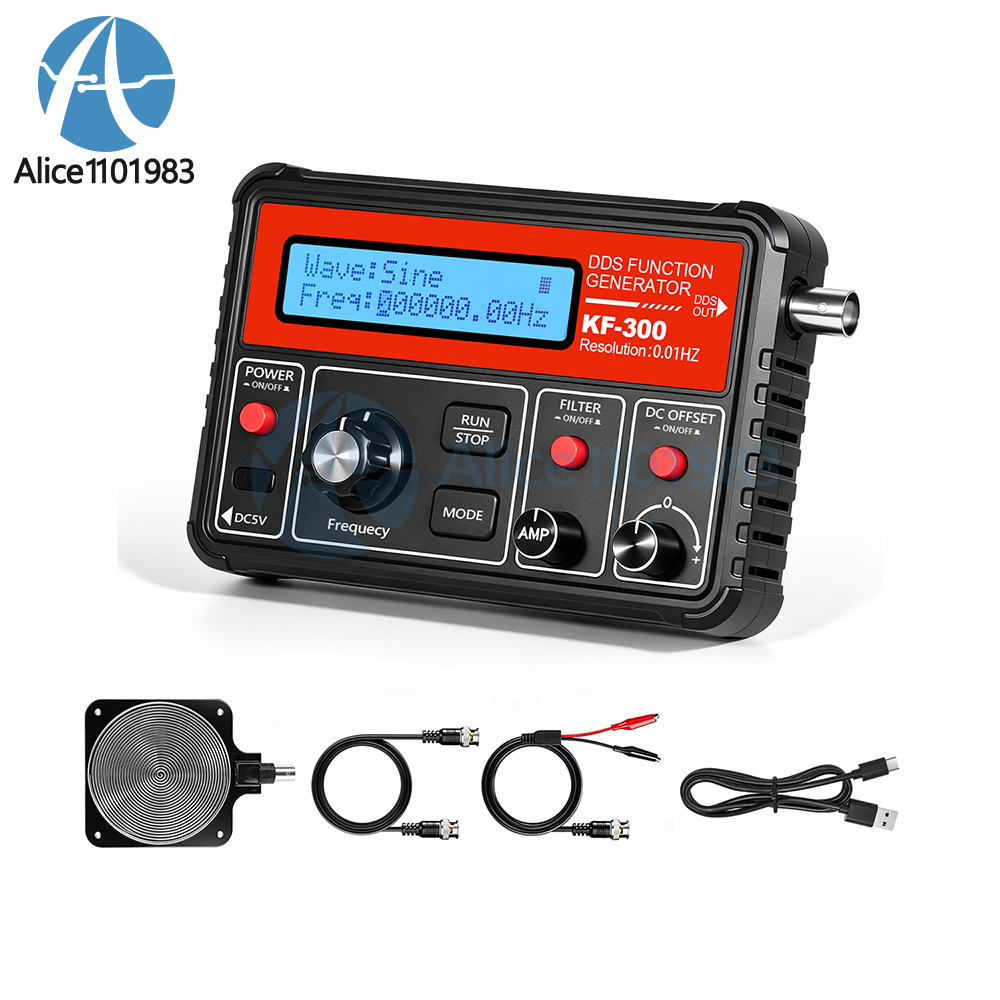
6. Complete set of accessories: Comes standard with a BNC signal cable, alligator clip test leads, and a speaker—ready for signal testing and sound demonstrations right out of the box.
7. Applications: Electronics education and training, analog circuit debugging, sensor testing, maker DIY projects, audio signal experiments, and component testing.
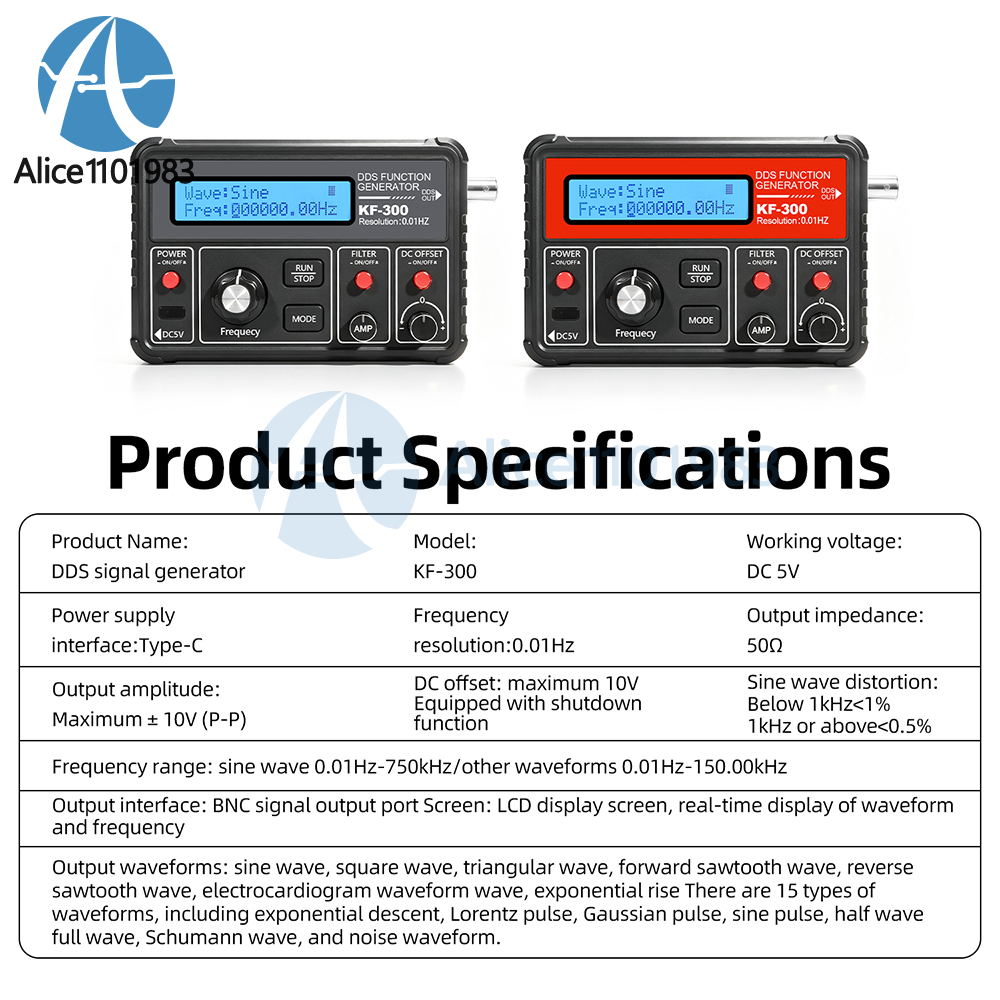
Product Name: DDS Signal Generator
Model: KF-300
Operating Voltage: DC 5V
Power Interface: Type-C
Frequency Resolution: 0.01 Hz
Frequency Range: Sine wave 0.01 Hz–750 kHz / Other waveforms 0.01 Hz–150.00 kHz
Sine Wave Distortion: <1% below 1 kHz, <0.5% above 1 kHz
Output Amplitude: Max. ±10 V (P-P)
Output Impedance: 50 Ω
DC Offset: Max. 10 V, with power-off function
Output Interface: BNC signal output port Screen: LCD display, real-time display of waveforms and frequency
Output Waveforms: 15 types, including sine wave, square wave, triangle wave, forward sawtooth wave, reverse sawtooth wave, ECG waveform, exponential rise, exponential fall, Lorentz pulse, Gaussian pulse, sine pulse, half-wave, full-wave, Schumann wave, and noise waveform.
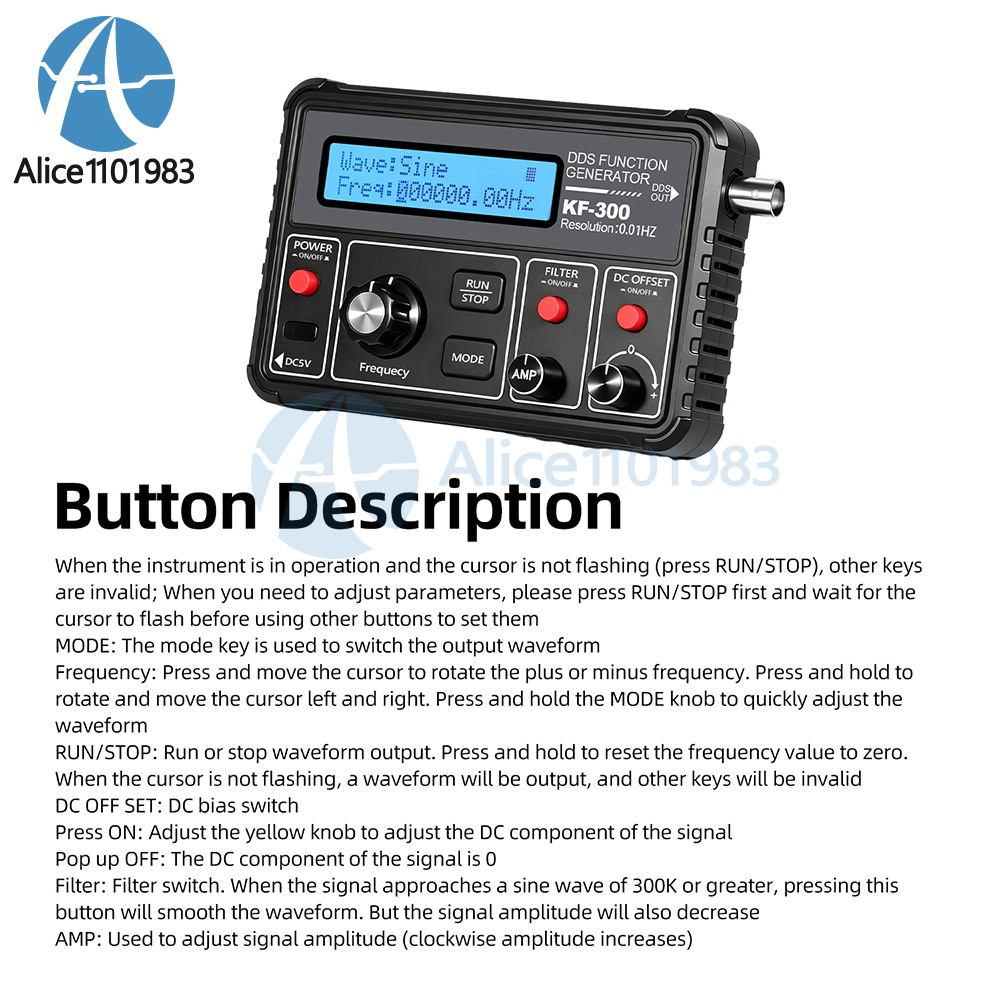
When the instrument is in operation and the cursor is not flashing (RUN/STOP button pressed), other buttons are disabled; to adjust parameters, first press the RUN/STOP button and wait for the cursor to flash, then use the other buttons to configure settings
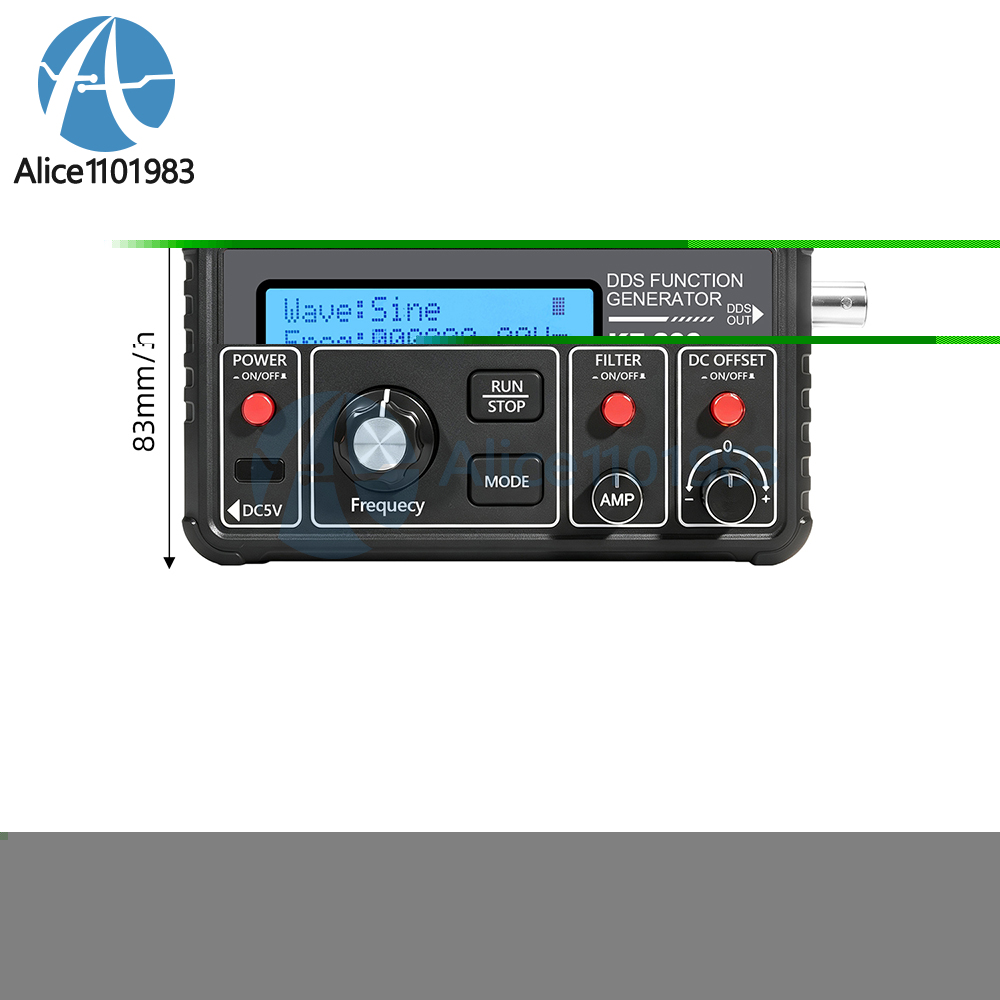
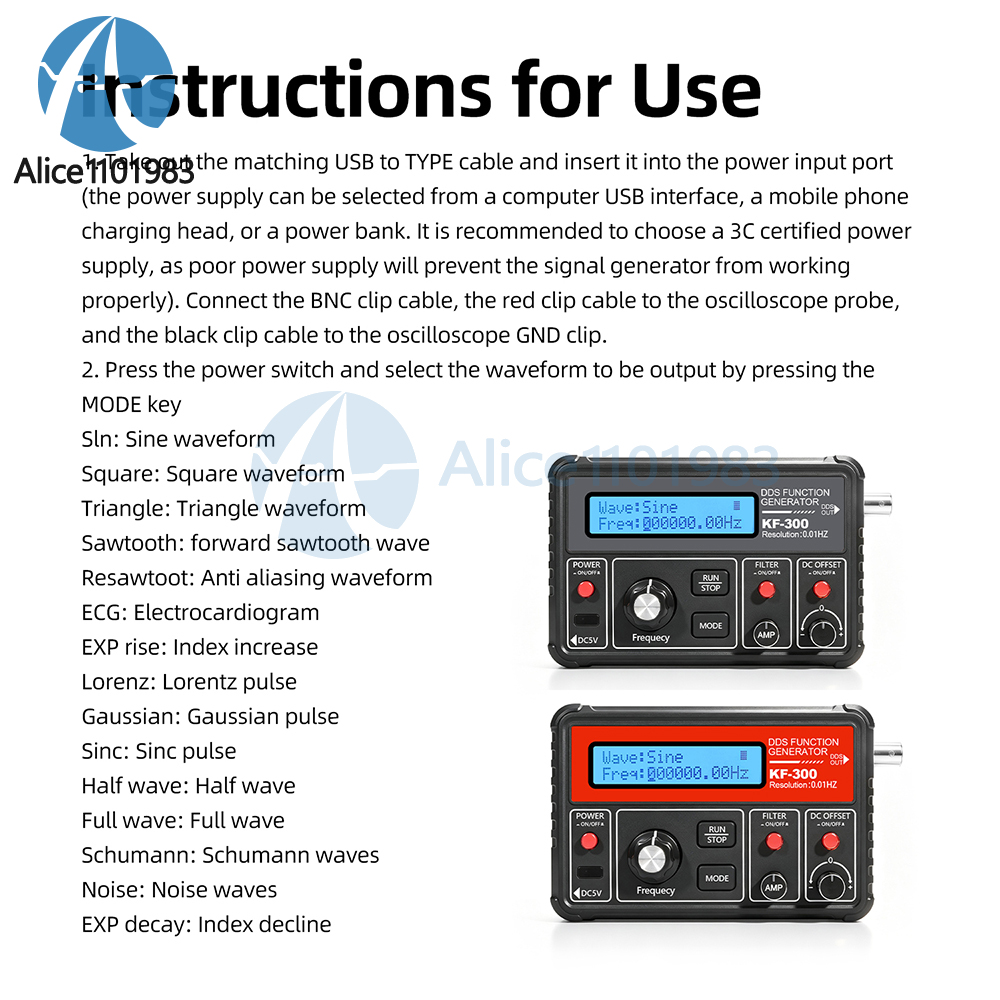
MODE: The MODE key is used to switch between output waveforms.
Frequency: Press to move the cursor; rotate to increase or decrease the frequency. Hold down and rotate to move the cursor left or right. Hold MODE and turn the knob to quickly adjust the waveform.
RUN/STOP: Starts or stops waveform output. Press and hold to reset the frequency value to zero. When the cursor is not flashing, the instrument outputs the waveform, and other keys are disabled.
DC OFF SET: DC offset switch
Press ON: Adjust the yellow knob to set the signal’s DC component
Press OFF: The signal’s DC component is set to 0
FILTER: Filter switch. When the signal approaches a sine wave of 300K or higher, pressing this button will smooth the waveform. However, the signal amplitude will also decrease
AMP: Used to adjust signal amplitude (turn clockwise to increase amplitude)
1. Remove the included USB-to-Type cable and plug it into the power input port (you can use a computer’s USB port, a smartphone charger, or a power bank as the power source; it is recommended to use a power source certified by 3C, as an unsuitable power source may prevent the signal generator from functioning properly). Connect the BNC clip leads: the red clip lead connects to the oscilloscope probe, and the black clip lead connects to the oscilloscope’s GND terminal.
2. Press the power switch, then press the MODE button to select the waveform to output:
SlN: Sine wave
Square: Square wave
Triangle: Triangle wave
Sawtooth: Forward sawtooth wave
Resawtooth: Reverse sawtooth wave
ECG: Electrocardiogram
EXP-rise: Exponential rise
Lorenz: Lorenz pulse
Gaussian: Gaussian pulse
Sinc: Sinc pulse
Half-wave: Half-wave
Full-wave: Full-wave
Schumann: Schumann wave
Noise: Noise wave
EXP-decay: Exponential decay
DDS Signal Generator*1
USB Power Cable*1
BNC Clip Cable*1
- EBAY Managed Payment. But we only Accept your Ebay Address, please Make sure it's 100% right.
- Payment must be received in 5 business days of auction closing.
- Please leave note for your special request (e.g. Colors or Size) in PayPal when you pay the order.
- Any special request cannot be accepted after 24 hours of payment, because most of orders will be processed instantly and same day dispatched.
1. We only ship to the confirmed address provided by eBay. please make sure your ebay address is 100% matches the address you would like us to ship to. If not, please let us know before we sent you the package, or we will not be responsible for any loss. hope you could understand.
2. Orders will be processed instantly and dispatched within 1-3 business days except hoilday, so we do NOT accept any email/message note after you place orders.
3. All package need to wait 30 days,Please take care it.Less than 30 days,we can't take a refund.
- All package need to wait 30 days(US only need 7-10 days),Please take care it.Less than 30 days,we can't take a refund.
- If the item is defect when you receive it or you are not satisfied with it, please return it within 14 days for a replacement or money back. But the items must be back in factory condition. Please keep in touch with us and double check the return address before you return it.
- If is item is defective in 12 months, you can return it to us. We will send you a new replacement after receiving the defective item.
We maintain high standards of excellence and strive for 100% customer satisfaction! Feedback is very important to us. We request that you keep in touch with us immediately BEFORE you give us neutral or negative feedback, so that we can satisfactorily address your concerns.