🚀 16TB High Speed External SSD 1TB 2TB 4TB Type-C USB 3.0 Portable Solid State Drive for Laptop Mac PC Mobile Storage Hard Disk, High-Speed Portable External SSD – 1TB, 2TB & 4TB | USB Connectivity
🌟 Introduction
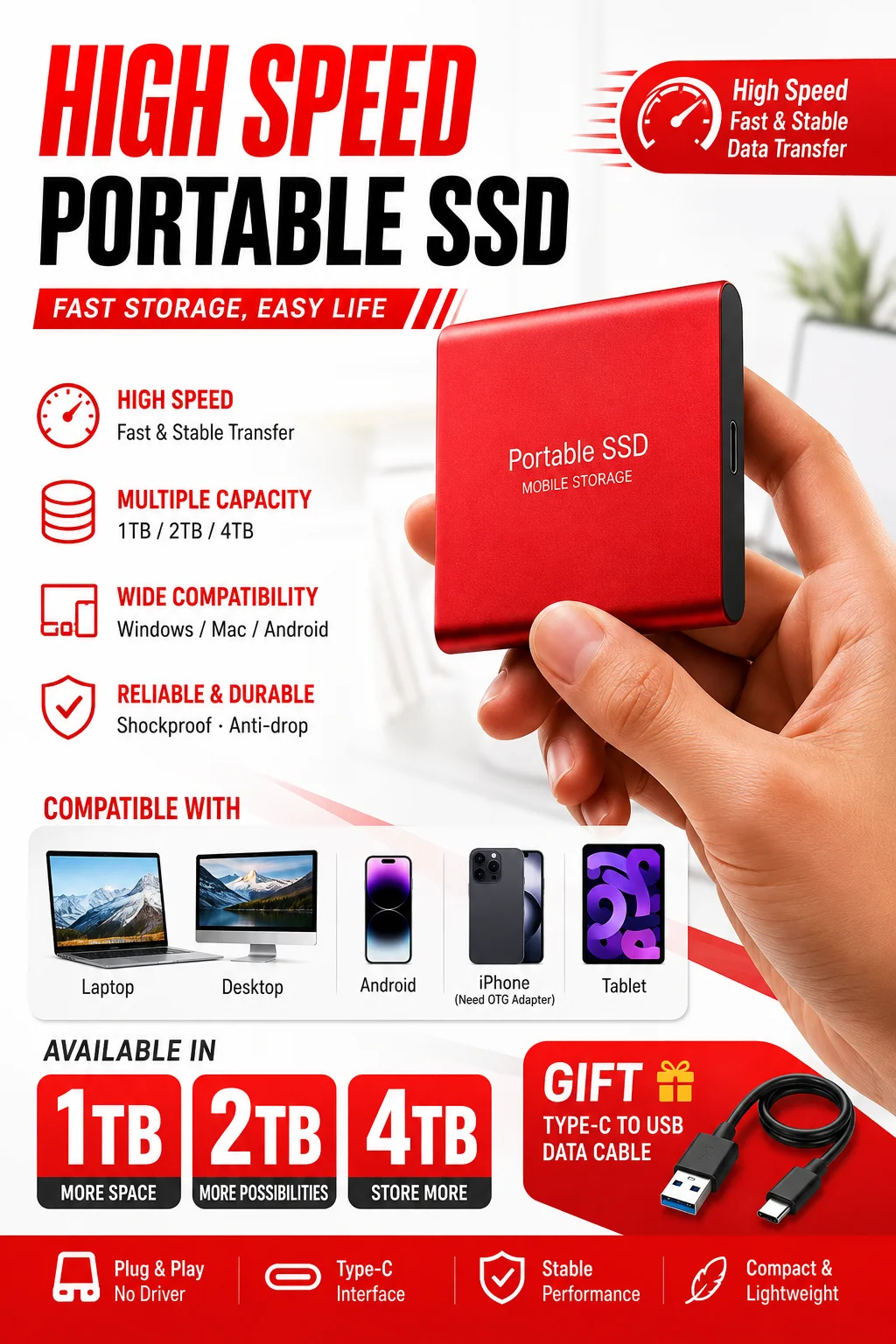
Discover a convenient and portable storage solution with the Somdisk High-Speed External SSD, designed for users who need additional digital storage for computers, laptops, and compatible devices. Available in 1TB, 2TB, and 4TB storage capacity options, this compact external solid-state drive offers a practical way to store, organize, transfer, and back up important digital files.
💻 Whether you are a professional managing work documents, a student organizing study materials, a content creator handling digital projects, or a home user looking for additional storage, this portable SSD provides a compact alternative to carrying bulky storage equipment.
⚡ Featuring USB connectivity and a portable design, the Somdisk external SSD is intended for convenient everyday storage. Its compact form makes it suitable for home, office, educational, and travel-related workflows.
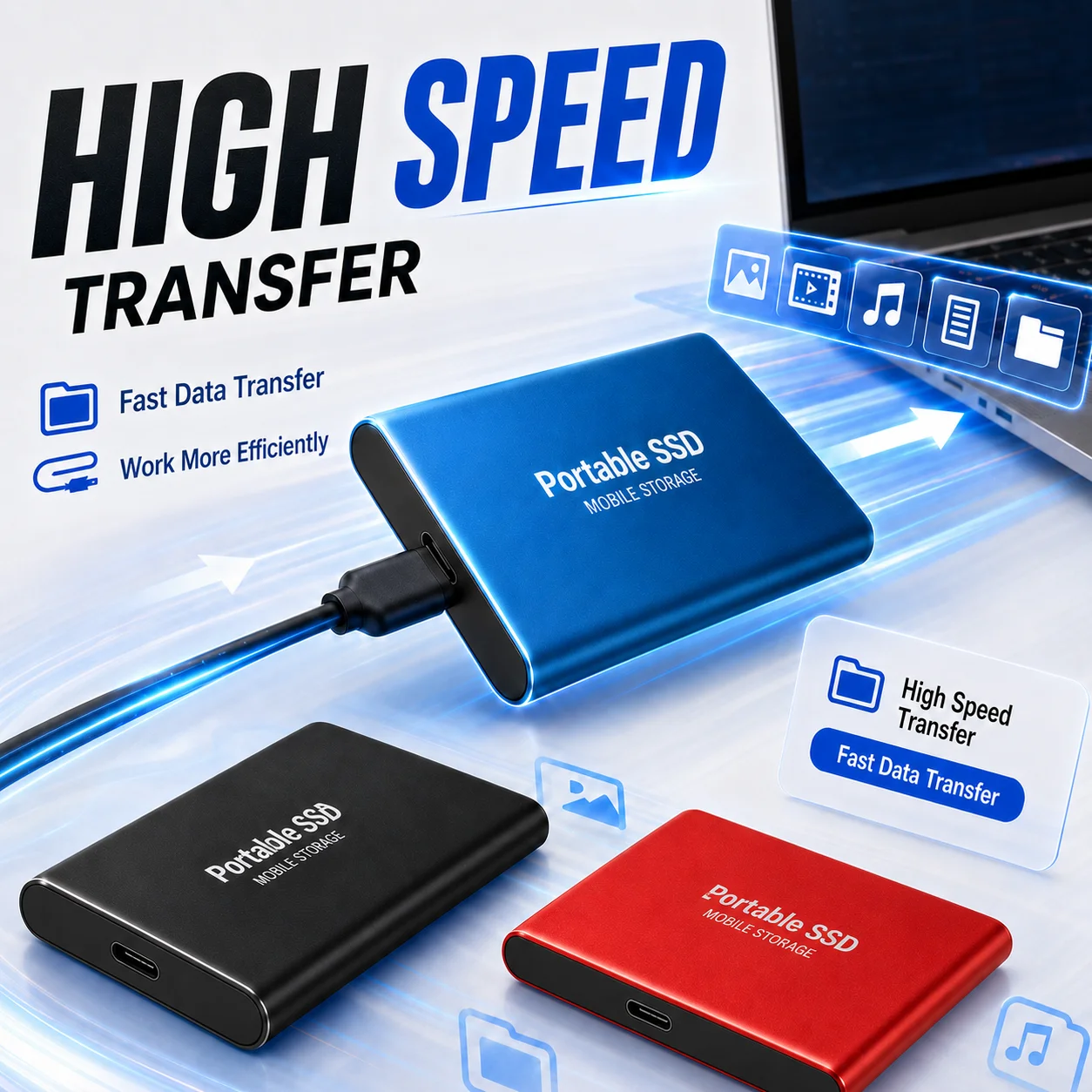
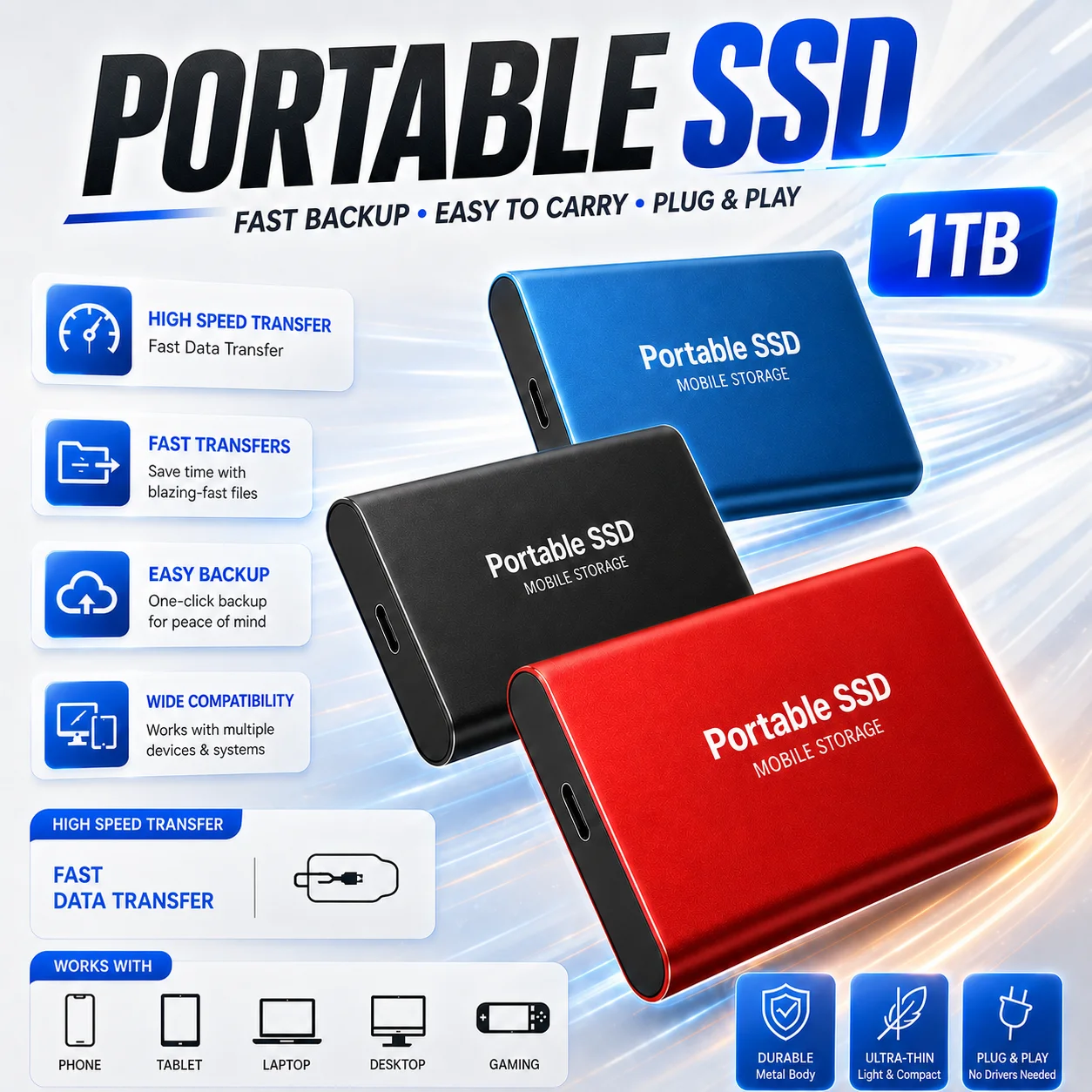
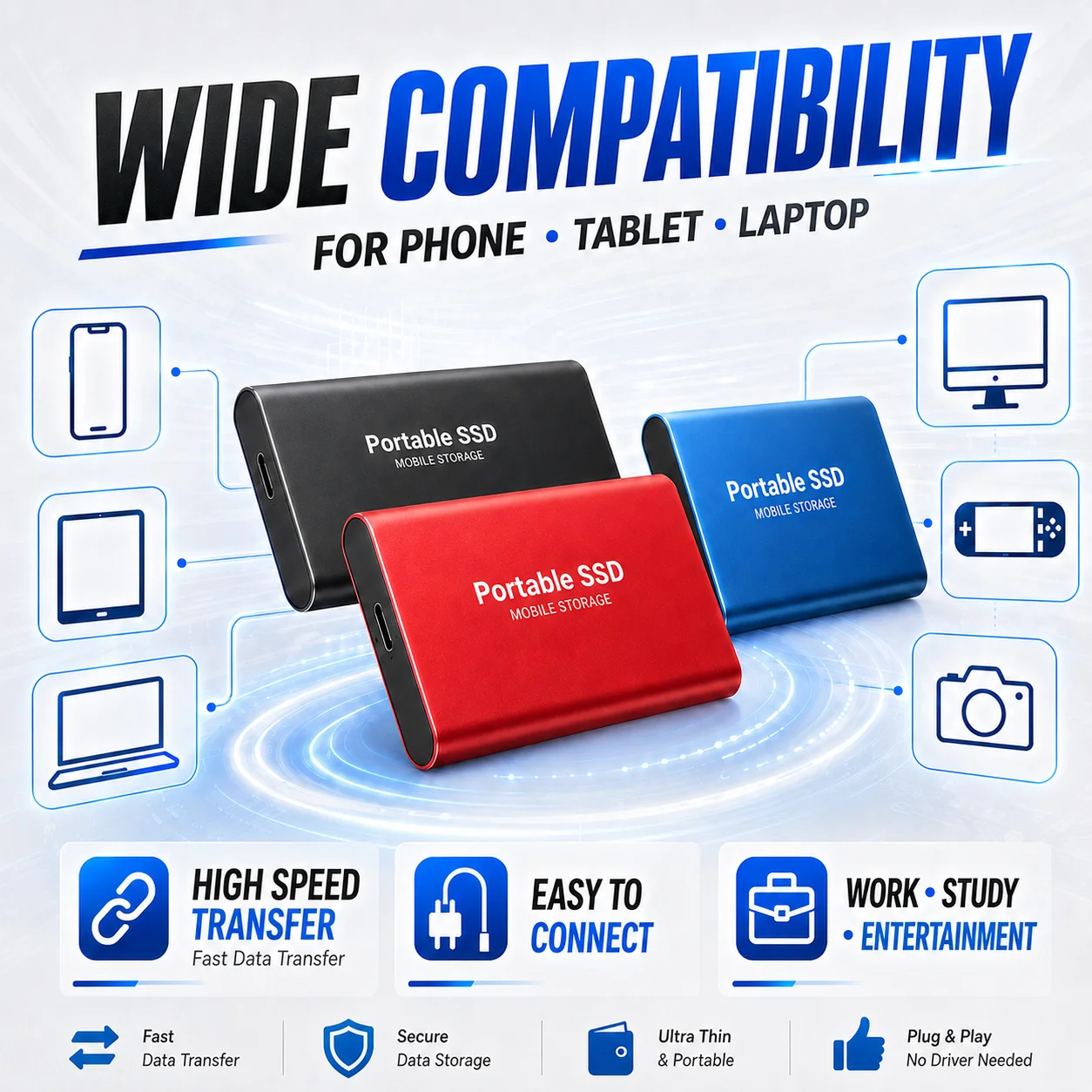
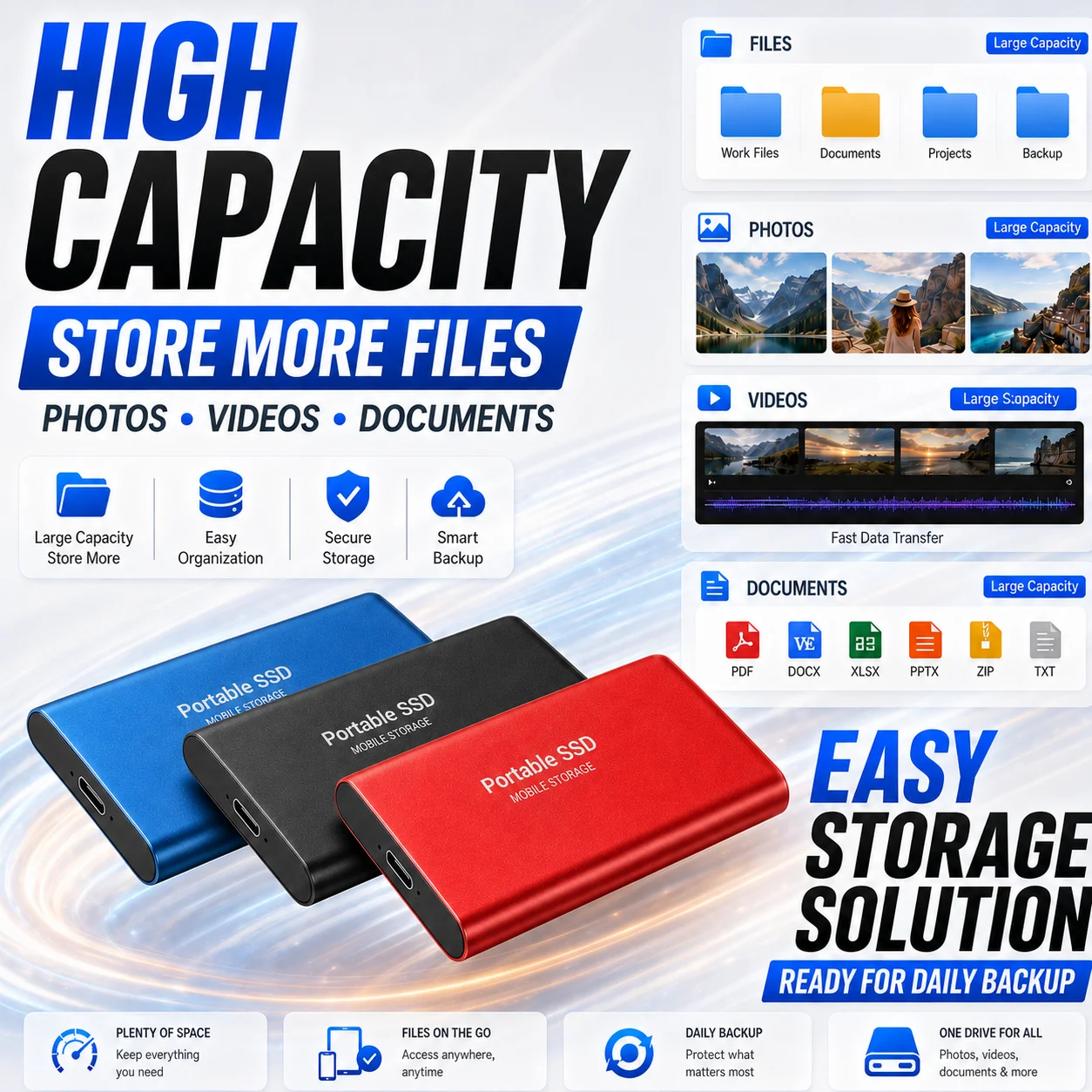
🎨 Choose from available color options, including Black, Blue, and Red, to suit your preferences and personal setup.
📦 With multiple storage capacity options, a lightweight package, and compatibility with supported PC, desktop, laptop, and Mac systems, this product is designed to make everyday file management more convenient.
Important: Actual transfer speeds, usable storage capacity, device compatibility, and supported connections depend on the specific product configuration and the connected device. Please verify the selected variant and interface specifications before purchasing.
✨ Key Features
⚡ 1. High-Speed Portable Storage
Designed for convenient external storage, the Somdisk SSD connects through a supported USB interface, allowing users to transfer and access files without installing an internal drive.
Potential everyday applications include:
📄 Transferring documents and office files.
🎬 Storing and moving video files.
🎵 Organizing music libraries and audio projects.
🖥️ Keeping software installers and project resources.
📚 Managing school assignments and research materials.
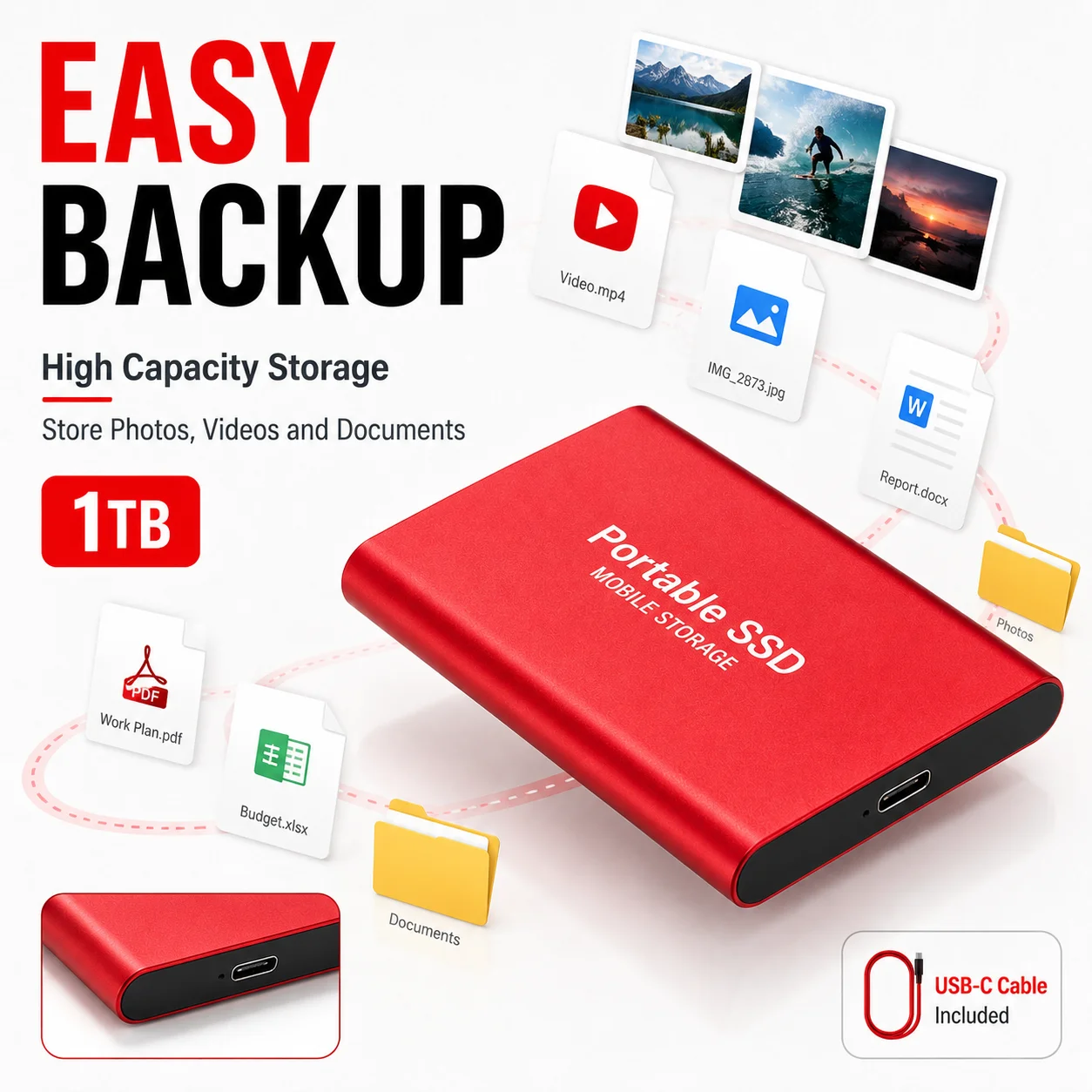
💾 Creating additional copies of important files.
Speed information: The product title references USB 3.0 and Type-C connectivity, while the supplied technical specifications also mention USB 2.0. The exact interface configuration must therefore be confirmed for the selected model. Actual read and write speeds have not been independently verified, so no specific MB/s performance is guaranteed.
💾 2. Multiple Storage Capacity Options
Choose the capacity that best suits your storage requirements.
🔹 1TB Version: Suitable for everyday documents, personal files, application resources, and moderate multimedia collections.
🔹 2TB Version: Offers additional room for larger project folders, extensive document archives, media libraries, and regular backups.
🔹 4TB Version: Provides the largest advertised capacity option for users managing extensive file collections and storage-intensive workflows.
📌 Storage capacity note: Manufacturers typically advertise storage using decimal units. A nominal 1TB drive represents approximately 1,000,000,000,000 bytes, equivalent to about 0.91TiB using binary units. The operating system's displayed capacity may differ because of unit conventions, formatting, and system overhead.
🎨 3. Color Options for Personal Preference
Available advertised colors include:
⚫ Black — a classic, understated appearance.
🔵 Blue — a distinctive alternative for personal setups.
🔴 Red — a bold color option that can help distinguish the drive from other accessories.
Color availability may vary by storage capacity and seller inventory. Confirm the chosen color and capacity in the product selection menu before ordering.
🎒 4. Compact and Lightweight Package
The supplied package dimensions are approximately 15 × 10 × 10 cm (5.91 × 3.94 × 3.94 inches), with a stated package weight of 0.100 kg (100 g / 3.53 oz).
These measurements refer to the supplied package specifications, not necessarily the SSD itself.
Benefits of a compact storage solution include:
🧳 Convenient placement in a backpack or laptop bag.
🏢 Easy storage in a desk drawer or office organizer.
🎓 Practical portability for study and work environments.
✈️ Reduced bulk when carrying everyday computer accessories.
The actual drive dimensions and weight have not been provided and should not be inferred from the package measurements.
💻 5. Compatibility With Supported Computers
The supplied listing identifies compatibility with:
🖥️ Desktop computers.
💻 Laptop computers.
🍎 Mac computers.
🪟 PC systems.
Compatibility depends on the specific operating system, available ports, cable connection, and file system.
Before use, verify that your device supports the drive's actual interface and that its operating system can recognize the drive. Some devices may require formatting or additional configuration.
🔌 6. External USB Connectivity
USB connectivity makes an external storage device convenient to connect and disconnect when transferring files between compatible systems.
The product title mentions USB 3.0 and Type-C, while the detailed specification lists USB 2.0 and M.2 2280. These details do not establish the exact interface of the finished external drive.
Before purchase, confirm:
🔌 Whether the selected drive has a USB Type-C or another connector.
⚡ Whether it supports USB 2.0, USB 3.0, or another USB standard.
🔗 Whether the required cable is included.
💻 Whether your computer has a compatible port or requires an adapter.
USB Type-C describes a connector shape; USB 2.0 and USB 3.0 describe interface standards. They are not interchangeable terms.
🛡️ 7. Practical Everyday Storage
An external SSD can help keep files organized and separate from the computer's internal storage.
Useful applications include:
📂 Maintaining a dedicated folder for important documents.
🧾 Keeping copies of invoices, reports, and business records.
🎓 Organizing coursework, presentations, and research materials.
🎥 Storing media files for compatible editing workflows.
🗃️ Archiving completed projects and older files.
🔄 Moving files between compatible computers.
The supplied listing does not establish a particular water-resistance rating, drop-resistance rating, encryption feature, or hardware write-protection function. Do not assume these protections are included.
🌿 8. Chemical Information
The supplied product information declares that no high-concern chemicals are present.
This is a seller-provided declaration and should not be interpreted as independent laboratory certification or proof of compliance with every chemical safety regulation.
📋 Product Specifications
| Specification | Details |
|---|---|
| Brand | Somdisk |
| Product type | Portable external storage drive, advertised as an SSD |
| Available capacities | 1TB, 2TB, 4TB |
| Advertised connector | USB Type-C |
| Interface stated in title | USB 3.0 |
| Interface listed in detailed specifications | USB 2.0 |
| Additional specification | M.2 2280 |
| Compatible systems listed | PC, desktop, laptop, Mac |
| Available colors | Black, Blue, Red |
| Package dimensions | 15 × 10 × 10 cm |
| Package dimensions in US units | 5.91 × 3.94 × 3.94 in |
| Stated package weight | 0.100 kg |
| Package weight in US units | 3.53 oz |
| Quantity per pack | 1 piece |
| Stated origin | Mainland China |
| High-concern chemicals | Declared none by the supplied listing |
| Read speed | Not specified or independently verified |
| Write speed | Not specified or independently verified |
| Drive dimensions | Not provided |
| Drive weight | Not provided |
| Cable inclusion | Not confirmed |
| Warranty | Not specified |
| Hardware encryption | Not specified |
| Water-resistance rating | Not specified |
⚠️ Technical specification clarification: The listing combines USB 2.0, USB 3.0, Type-C, and M.2 2280 terminology. M.2 2280 is a form factor for internal storage modules; it does not by itself establish the connection type or performance of a finished external drive. Confirm the actual hardware specifications with the seller before relying on a particular interface or transfer speed.
📦 Package Includes
The supplied listing specifies one piece per pack.
💾 1 × Somdisk external storage drive — advertised in the selected capacity and color.
Please note: A USB cable, Type-C adapter, carrying case, user manual, and other accessories are not confirmed in the supplied listing. Check the seller's package details before purchasing if any accessory is essential to your setup.
🏠 Where and How Can You Use It?
🏢 1. Office and Business
Keep frequently used documents, presentations, spreadsheets, and project folders organized in one portable storage location.
Suggested uses:
📊 Transferring reports between compatible workstations.
📑 Keeping copies of non-confidential business documents.
📁 Archiving completed projects.
🔄 Moving files between home and office computers.
Professional tip: Follow your organization's data protection policies when storing customer records, financial information, or confidential business files on removable storage.
🎓 2. Education and University
Students can use external storage to organize assignments, presentations, research documents, and other academic materials.
Suggested workflow:
Create separate folders for each subject or semester.
Use clear filenames and consistent folder structures.
Keep an additional copy of essential assignments in another secure location.
Safely eject the drive before disconnecting it.
🎬 3. Photography and Video Projects
External storage can provide additional room for compatible image, video, and audio files.
Possible uses:
📸 Organizing image collections.
🎞️ Storing completed video projects.
🎧 Managing audio recordings.
🗂️ Keeping archived project files.
Performance-sensitive tasks such as editing high-resolution video directly from the drive depend on the actual interface, drive performance, file sizes, and editing software. Confirm the specifications before using the drive for demanding professional workflows.
🏡 4. Home and Personal Storage
Keep personal documents, downloaded files, compatible media, and other digital content organized outside your computer's internal storage.
Potential benefits:
🗃️ Less dependence on internal disk space.
📂 A dedicated location for selected file collections.
🔄 Convenient file transfers between compatible computers.
🧹 Easier separation of personal and work-related files.
✈️ 5. Travel and Mobile Work
The compact package may be convenient for users who regularly carry computer accessories.
Possible applications include:
💼 Working while travelling.
🏨 Accessing selected work files away from the office.
🎓 Moving assignments between locations.
🧳 Carrying additional storage with a laptop.
For phones and tablets, compatibility is not guaranteed. Check USB host support, connector compatibility, power requirements, file system support, and the operating system's external storage capabilities before connecting the drive.
🌟 Benefits and Everyday Convenience
💾 More Storage Flexibility
Choose from three advertised capacities to match your expected workload and storage needs.
🎒 Portable Storage Format
The compact package measurements make the product convenient to carry with other computer accessories, although the actual drive dimensions are not specified.
🔌 Convenient File Transfers
A compatible USB connection can simplify moving files between supported computers without removing the computer's internal storage.
📂 Better File Organization
Keeping selected files on a separate drive can help organize projects, archives, and personal documents.
🎨 Personalization
The advertised black, blue, and red options provide a choice of appearance.
🖥️ Multiple Computing Environments
The listing identifies PC, desktop, laptop, and Mac compatibility, subject to the actual connection and operating system requirements.
📦 Straightforward Single-Unit Purchase
One drive per pack is suitable for customers who need a single storage device rather than a multi-unit bundle.
🛒 Why Buy This Somdisk External SSD?
Consider this product if you are looking for:
💾 A choice of advertised 1TB, 2TB, or 4TB storage capacities.
🎒 A portable external storage format.
💻 Additional storage for compatible computers.
🔌 A USB-connected storage solution, subject to interface verification.
🎨 A choice of black, blue, or red.
📂 A dedicated location for selected files and archives.
🧳 A storage accessory for home, office, study, or travel use.
A practical buying recommendation: Choose the capacity based on your actual storage needs, and confirm the interface, connector, genuine capacity, and performance before placing an order. These checks are especially important if you intend to use the drive for professional video editing, large file transfers, or regular system backups.
⭐ Key Bullet Points
🚀 Product category: Portable external storage drive advertised as an SSD.
💾 Capacity options: 1TB, 2TB, and 4TB.
🔌 Connectivity advertised: USB Type-C and USB 3.0 in the title; USB 2.0 is also listed in the detailed specifications.
💻 Listed compatibility: PC, desktop, laptop, and Mac.
🎨 Color choices: Black, Blue, and Red, subject to availability.
📦 Package quantity: One piece.
📐 Package size: 15 × 10 × 10 cm (5.91 × 3.94 × 3.94 in).
⚖️ Package weight: 100 g (3.53 oz).
🌏 Listed origin: Mainland China.
🛡️ Chemical declaration: No high-concern chemicals, according to the supplied product information.
⚡ Transfer speeds: Not specified or independently verified.
🔗 Accessories: Cable and adapter inclusion not confirmed.
⚠️ Important Considerations Before Purchase
1. Verify the Actual Product Interface
The title and detailed specifications contain inconsistent interface information. Confirm the exact connector and supported USB standard for your selected variant.
2. Confirm Genuine Storage Capacity
If capacity is important for business or professional use, test the drive using a reputable storage verification utility after purchase. A displayed capacity alone does not establish that every advertised byte is physically available and reliable.
3. Understand Performance Limitations
USB 2.0 and USB 3.0 have different theoretical interface bandwidths. Actual performance also depends on the storage hardware, controller, cable, host port, and file type. No guaranteed transfer rate is provided for this product.
4. Format Compatibility
A new drive may need to be initialized or formatted before use. Formatting can erase existing data, so inspect the drive carefully before performing this step.
Common file system considerations include:
🪟 NTFS for many Windows-focused workflows.
🍎 APFS for Apple-focused storage workflows.
🔄 exFAT for cross-platform file exchange where supported.
Choose the file system based on your devices, operating systems, and intended use.
5. Protect Important Data
An external drive should not be your only copy of irreplaceable information.
Recommended practice:
🔐 Keep sensitive files protected.
☁️ Maintain another backup on a separate drive or a trusted cloud service.
🔄 Verify that copied files open correctly.
🛑 Avoid disconnecting the drive during active transfers.
⏏️ Use the operating system's safe-ejection procedure.
6. Check Phone and Tablet Compatibility
Although the product title mentions mobile storage, support for smartphones and tablets has not been established by the detailed specifications. Check the exact device model and operating system before purchasing for mobile use.
7. Review the Package Contents
The listing confirms one piece per pack but does not confirm the included cable, adapter, or carrying accessories.
8. Confirm Warranty and Seller Support
Warranty duration, return conditions, after-sales support, and independent quality certifications are not specified in the supplied information. Review these details before ordering.
❓ Frequently Asked Questions
Q1: What storage capacities are available?
💾 The listing advertises 1TB, 2TB, and 4TB options. Confirm that the selected variant matches your intended capacity.
Q2: Is this drive compatible with Mac and Windows computers?
💻 The listing identifies PC, desktop, laptop, and Mac compatibility. Actual compatibility depends on the drive's interface, file system, and operating system.
Q3: Does it support USB Type-C?
🔌 Type-C is mentioned in the product title. However, the detailed specifications also list USB 2.0 and M.2 2280, so the exact connector and interface should be verified with the seller.
Q4: What are its read and write speeds?
⚡ The supplied listing does not provide verified read or write speeds. Do not rely on a particular MB/s figure unless the seller supplies specifications for the exact model.
Q5: Is a cable included?
📦 Cable inclusion is not confirmed. Review the package contents before ordering.
Q6: Can I use it with a smartphone?
📱 The title mentions mobile storage, but compatibility with particular phones and tablets is not confirmed. Check connector, operating system, power, and file system requirements.
Q7: Can it be used for backups?
💾 It may be suitable for storing backup copies of compatible files. For important data, maintain more than one copy and verify that your backups can be restored.
Q8: Is the package lightweight?
⚖️ The supplied package weight is 100 g (3.53 oz). The weight of the drive itself is not specified.
Q9: What are the package dimensions?
📐 The listed package measures 15 × 10 × 10 cm, equivalent to approximately 5.91 × 3.94 × 3.94 inches.
Q10: Which color should I choose?
🎨 Choose black, blue, or red according to the options available for your selected capacity and the seller's current inventory.
💡 Recommended Usage Tips
✅ Before first use: Confirm that the product's capacity and interface match your order.
✅ During file transfers: Use a compatible port and cable, and avoid disconnecting the drive while data is being written.
✅ For organization: Create clearly named folders and maintain a consistent file naming system.
✅ For data security: Keep separate backup copies of important information.
✅ For long-term storage: Periodically check that archived files remain readable and maintain additional copies of valuable data.
✅ For professional use: Test capacity and performance before trusting the drive with critical workflows.
📌 Final Product Summary
The Somdisk High-Speed Portable External SSD is advertised as a compact storage solution available in 1TB, 2TB, and 4TB capacities, with black, blue, and red color options. The supplied listing identifies PC, desktop, laptop, and Mac compatibility and provides package measurements of 15 × 10 × 10 cm (5.91 × 3.94 × 3.94 inches) and a package weight of 100 g (3.53 oz).
💾 It may be suitable for additional file storage, document organization, media archiving, and file transfers between compatible devices.
⚡ Before purchasing, verify the exact USB interface, connector, genuine storage capacity, actual transfer speeds, and included accessories. These details are essential because the supplied title and technical specifications do not fully agree.