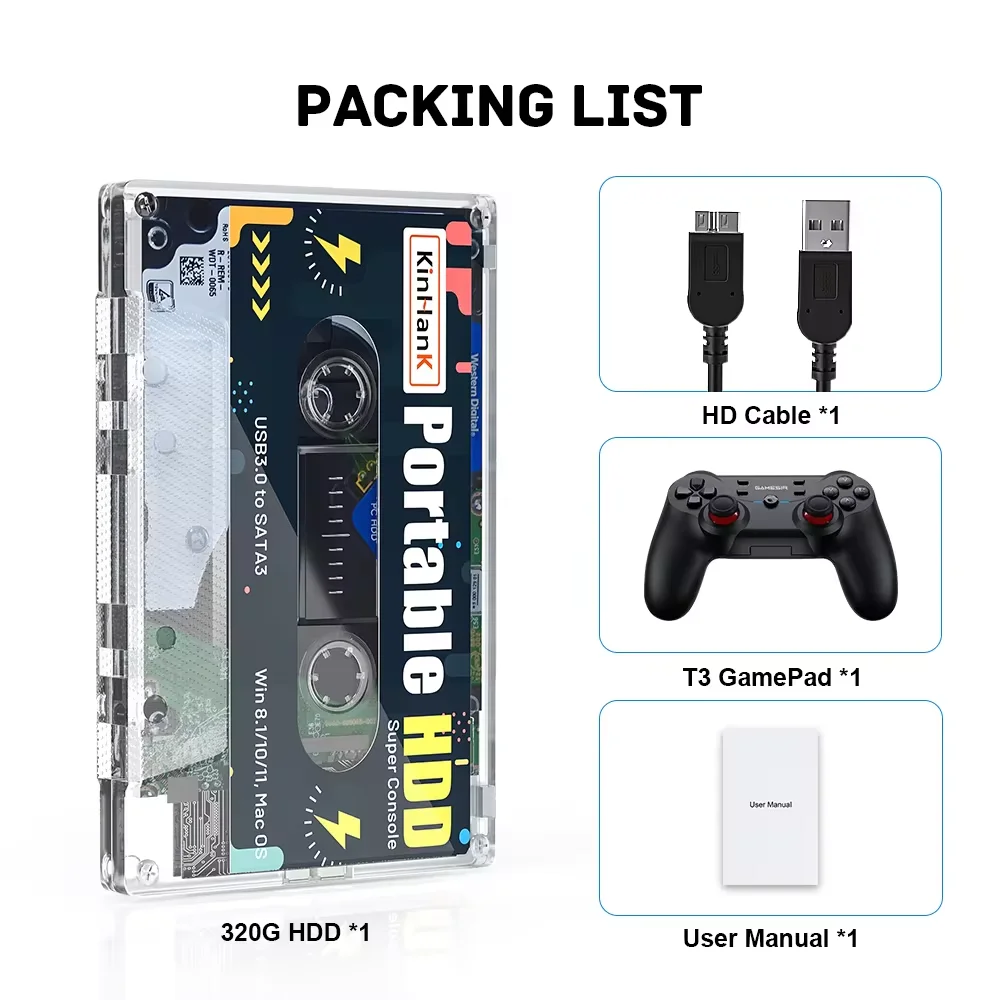
Main Features:
●Latest Batocera 38 system, plug and play
● 70+ classic emulators
● Supported systems: Windows/Linux, strong compatibility
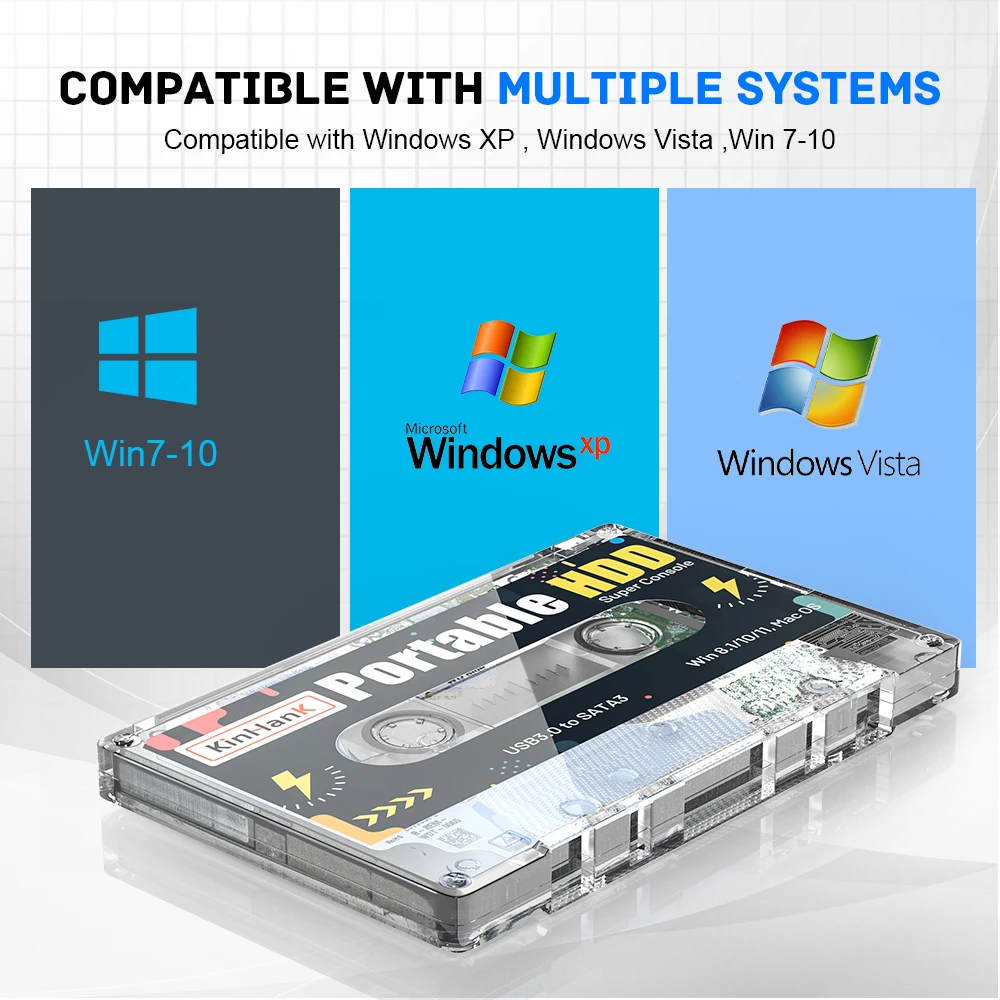
●Strong compatibility, compatible with Windows XP/7/8/10/11 and MAC operating systems
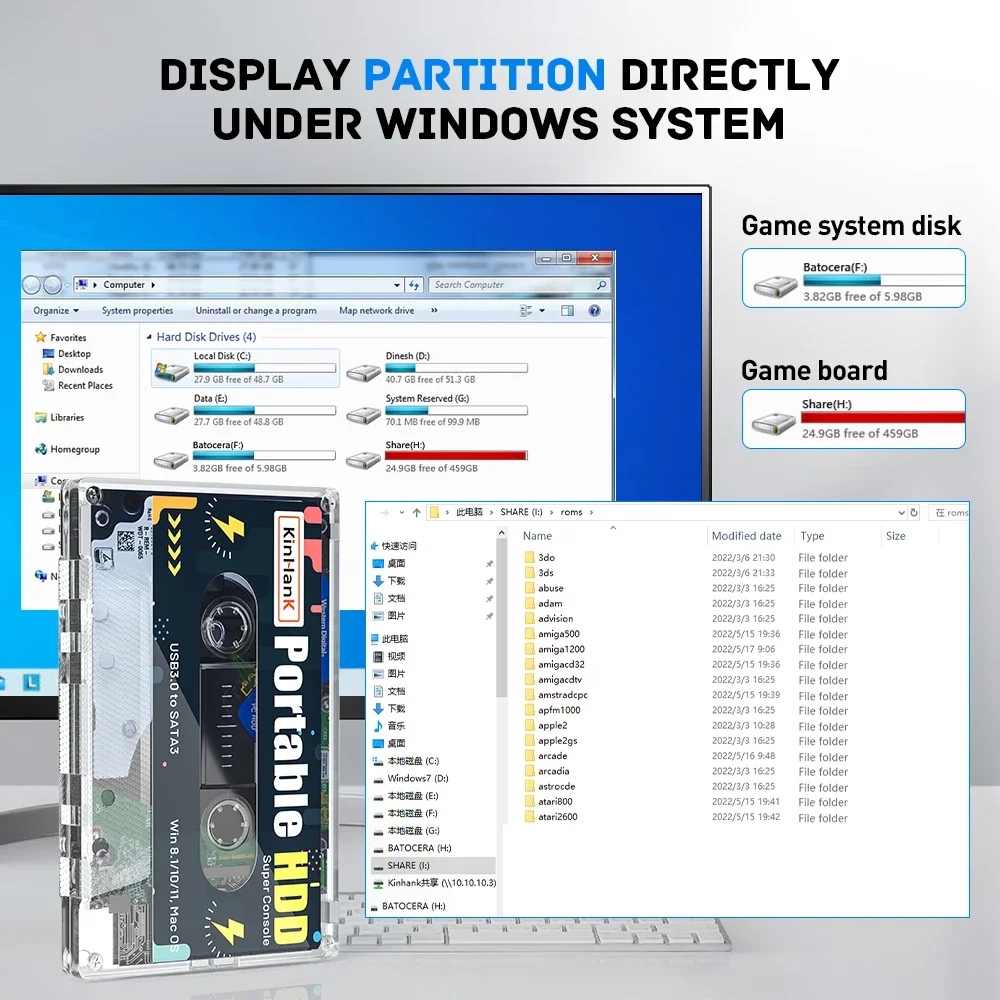
●Can be read directly in Windows system, making it easy to add and delete games
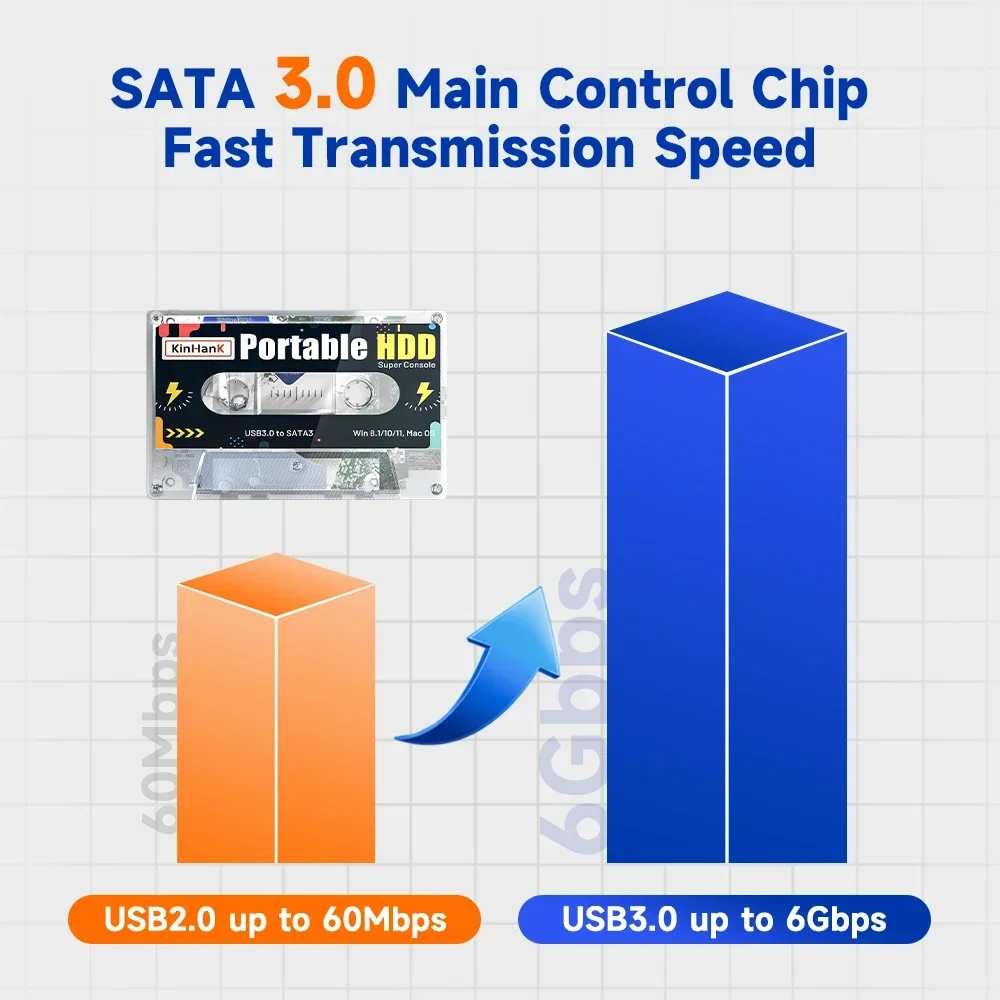
●USB 3.0 interface, stable and fast transmission speed
●Supports 26 languages

◉Support 70+ Emulators
Support 60000+ games and 70+ emulators. The game is rich in content and worth the money!

◉How to use it?
1. Connect the portable hard drive to the USB port on your PC or Mac when it’s off, a USB 3.0 port is recommended.
2. After pressing the power button, keep tapping ESC or Delete on your keyboard(wired or 2.4g wireless Keyboard, BT keyboard does not work) to enter BIOS. For Mac users, simply hold Option and choose the portable hard drive to boot into.
3. By choosing the hard drive in the boot override option, your PC will boot into Batocera for once, after restarting it will get back to your operating system. If you would like Batocera as the default booting option, go to the boot page and set the portable hard drive as boot option #1.
4. save and restart.

◉High Compatibility
Compatible with Windows XP、Windows Vista, Win7-10 and above. Turn your old computer into a game console.
◉USB 3.0, The Fastest Transfer Speed
The USB 3.0 read and write speed has been greatly improved, escorting the gaming experience. The fast transfer speed makes the game data transfer faster and the game runs more smoothly. With the perfect Batocera system, it runs PS2/PSP/DC/SS/N64 more smoothly.
◉Adding games is easy
You can directly add the roms file of the game to the hard disk, update the game list, and the game is added.
◉Support 20+languages
Batocera 38 system has built-in 26 languages, including English, French, Spanish, and Japanese. German. Arabic etc. You can switch freely in the system settings without worrying about language barriers.

◉Frosted Design, Mini Size
Easy to carry, easy to fight.
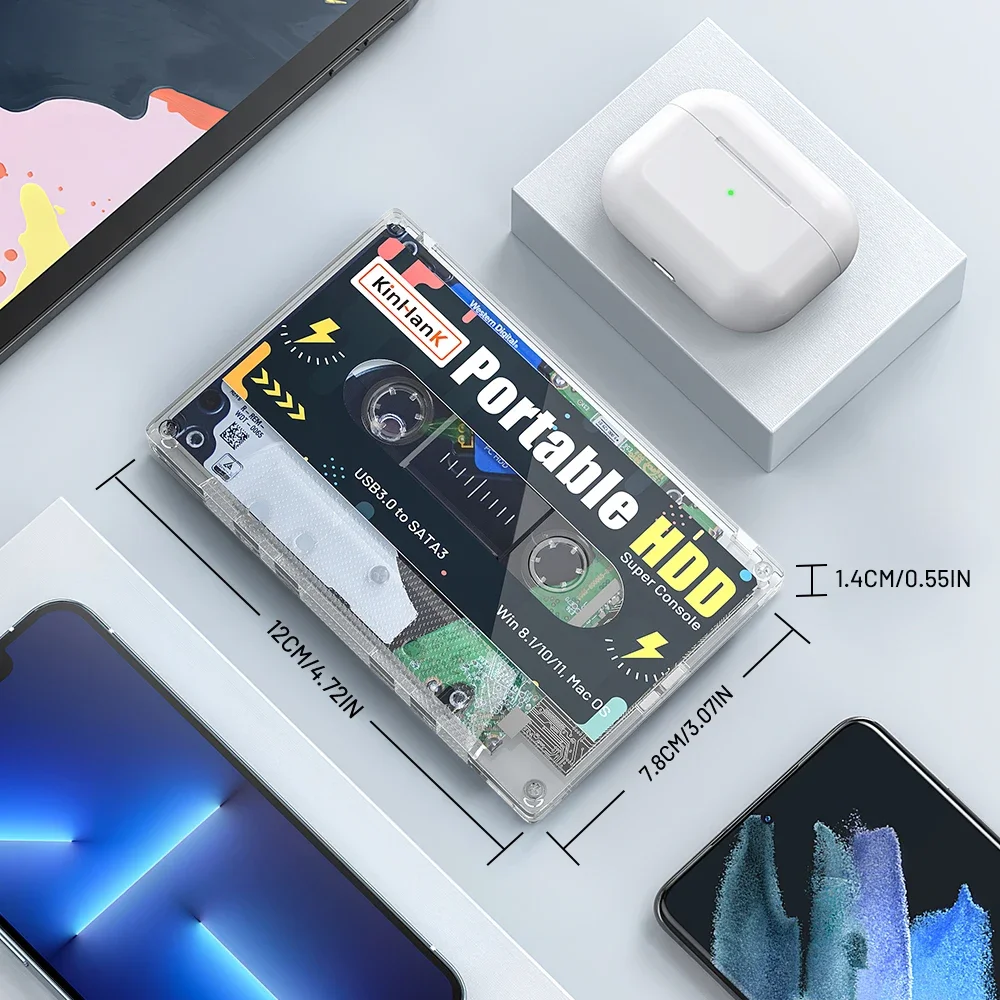
Package 1
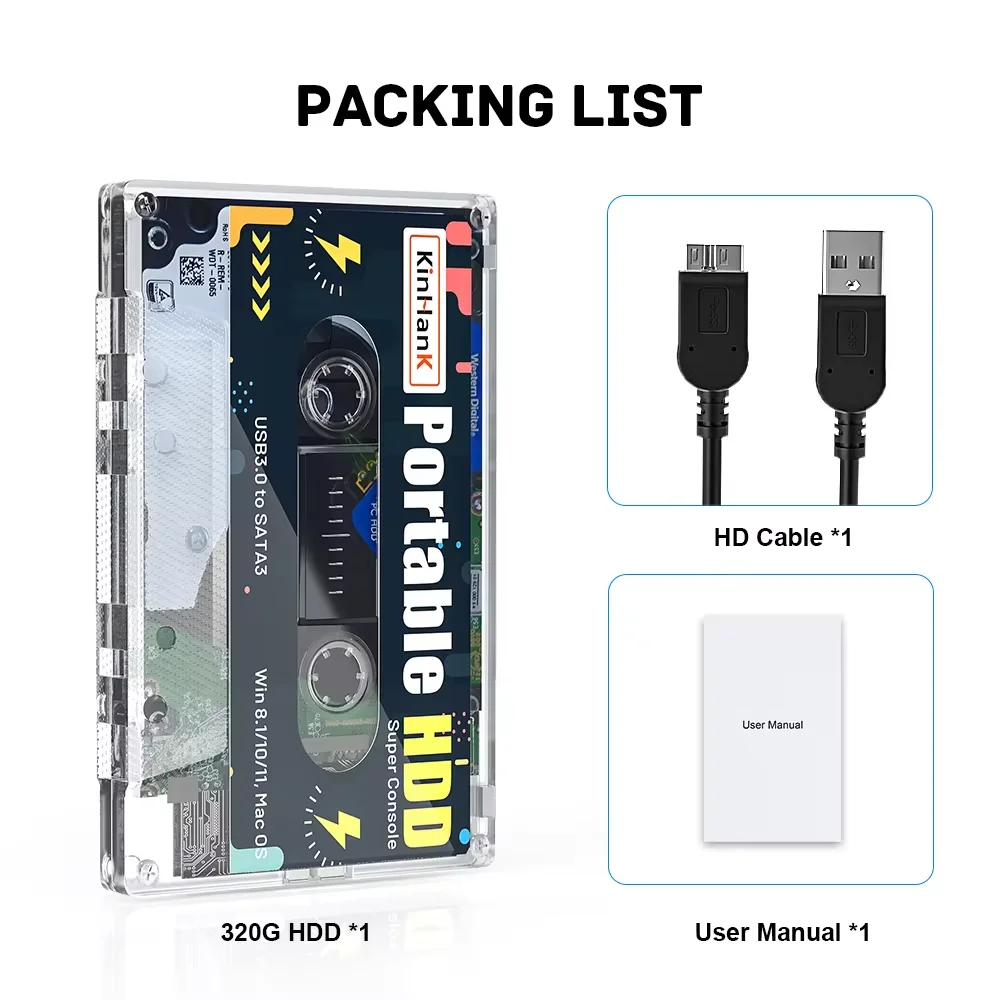
Package 2