Bluetooth OBD2 Diagnostic Scan Tool
NextGen V2 – Vehicle Diagnostics and Coding Support
Product Description
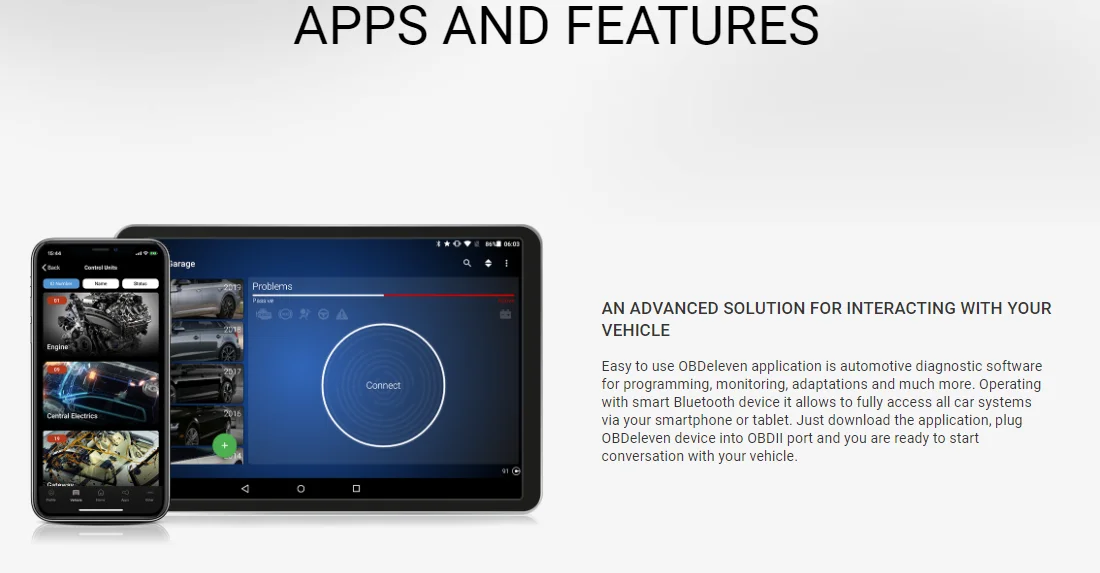
This Bluetooth OBD2 diagnostic device connects to a compatible vehicle's OBD2 port and works with the supporting mobile application. It allows users to read diagnostic information, check vehicle control units and access available vehicle functions using a compatible Android or iOS device.
Key Features
- Bluetooth Connection: Connects wirelessly to a compatible smartphone or tablet.
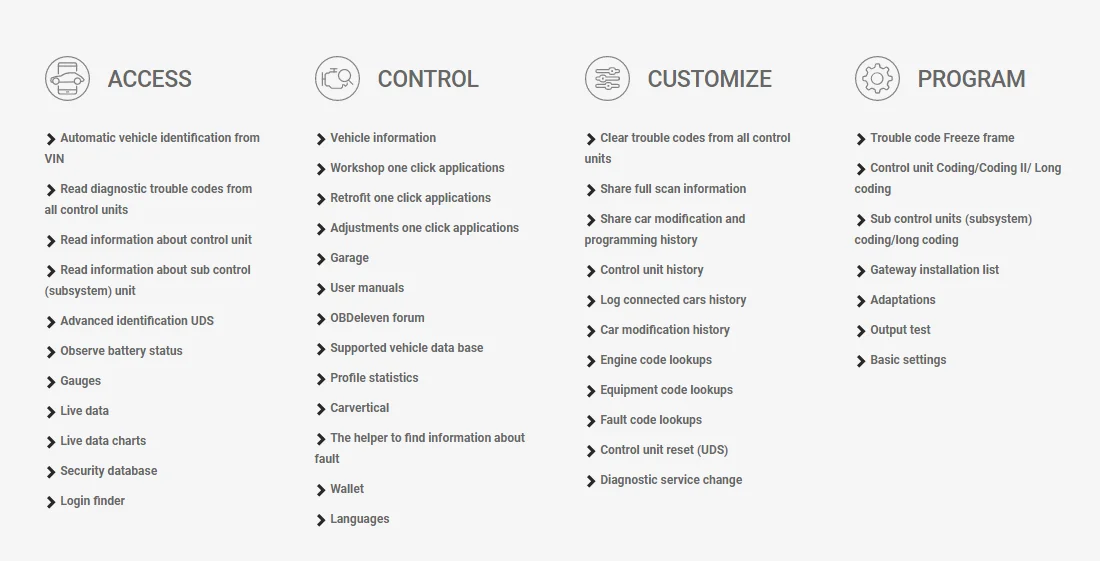
- Vehicle Diagnostics: Access available control unit information, including supported part numbers, software details and coding information.
- Fault Code Reader: Read and clear supported diagnostic trouble codes.
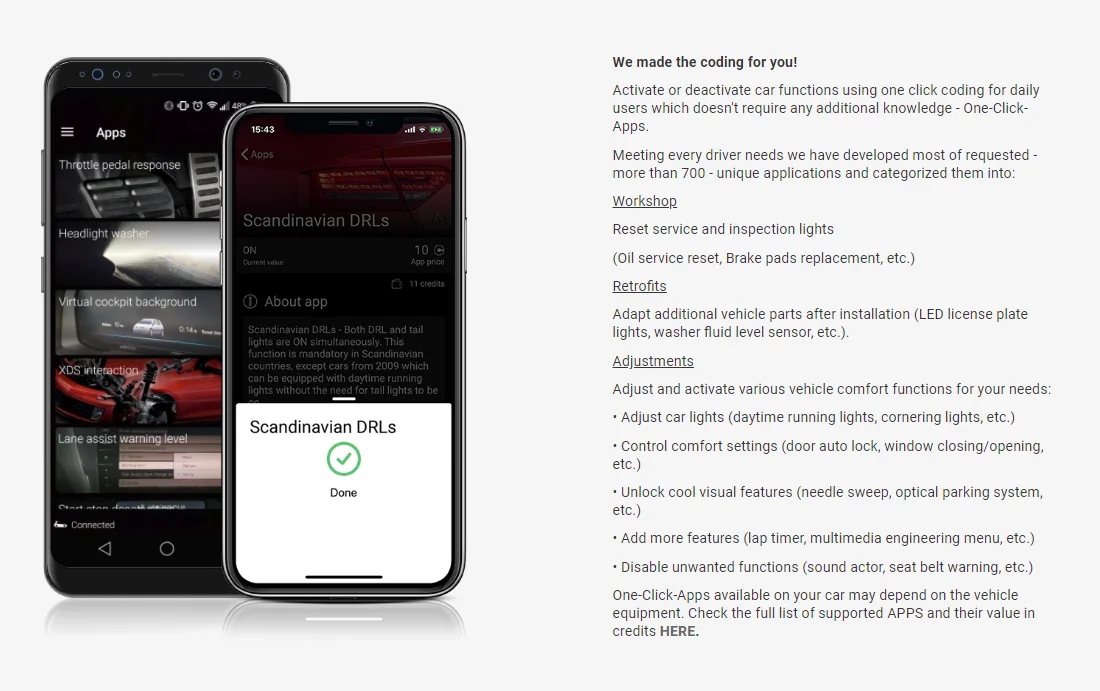
- One-Click Apps: Access available vehicle service and comfort functions through the application. Some functions require credits.
- Live Data and Gauges: View supported vehicle parameters, such as battery voltage and other available readings.
- Diagnostic Reports: Share supported diagnostic data through the application.
- Software Updates: Supports software updates through the compatible application.
Product Images
Product Specifications
| Product Type | OBD2 Diagnostic Scan Tool |
| Hardware Version | NextGen V2 |
| Software Version | OBDeleven V2 |
| Connectivity | Bluetooth |
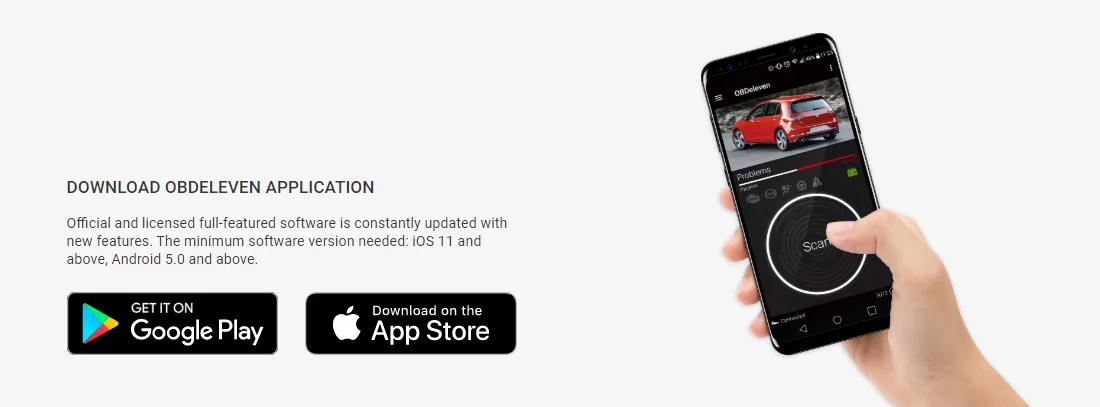
| Mobile Compatibility | Android 5.0 or later; iOS 11.0 or later |
| Supported Languages | Czech, Danish, Dutch, English, Finnish, French, Hungarian, Italian, Japanese, Portuguese and Spanish |
| Software Updates | Supported |
| Default PIN | 123456 |
Vehicle Compatibility
Designed for use with supported vehicles from Volkswagen, Audi, SEAT, Škoda and other listed vehicle makes. BMW support is also advertised. Compatibility and available functions depend on the vehicle model, year, control units and application support. Please check your vehicle in the application before purchasing.
Package Includes
- 1 × NextGen V2 Bluetooth OBD2 Diagnostic Device
Important Information
- This standard package includes the device only.
- PRO and Ultimate licences, activation codes and app credits are not included.
- The device may be eligible for a licence upgrade with a separately purchased activation code.
- Some application features and one-click functions may require additional credits or a paid licence.
- A compatible smartphone and the required application are needed for operation.
- Check vehicle compatibility and supported functions before ordering.
Bluetooth OBD2 Diagnostic Scan Tool
NextGen V2 | Wireless Vehicle Diagnostics
Product Description
Make vehicle diagnostics more convenient with this Bluetooth OBD2 diagnostic scan tool. Designed to connect to a compatible vehicle's OBD2 port and work with a supporting mobile application, it allows users to check available diagnostic information, read supported fault codes and access various vehicle functions from a smartphone.
Product Images
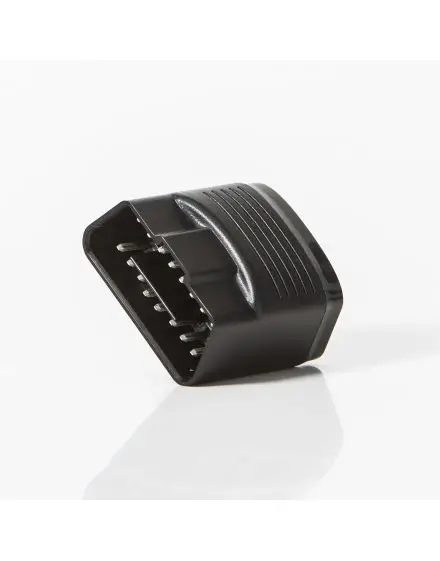

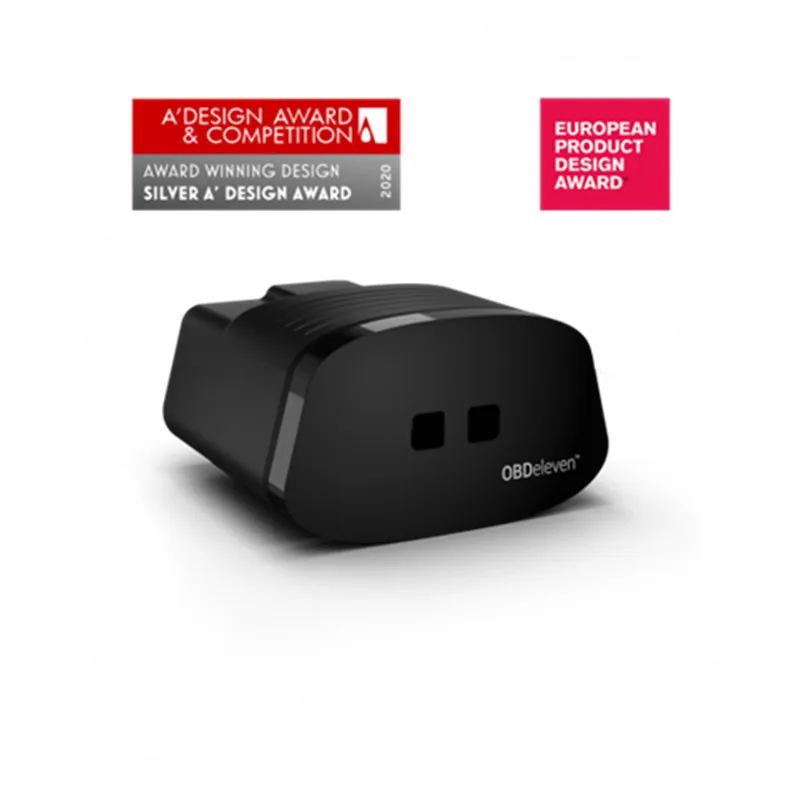
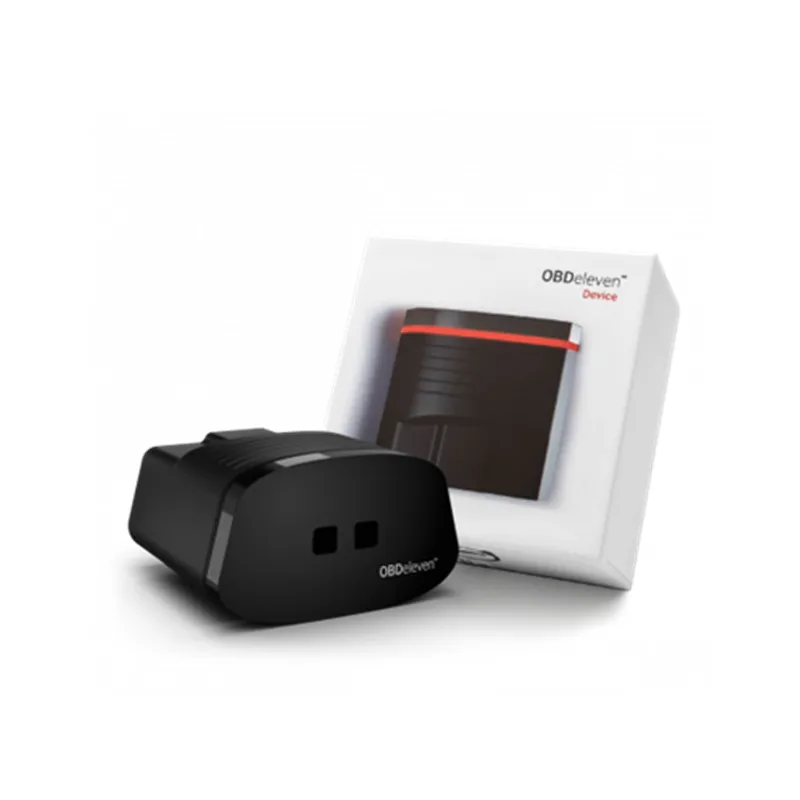
Key Features
- Bluetooth Connectivity: Connects wirelessly with a compatible Android or iOS smartphone.
- Vehicle Diagnostics: Access available information from supported vehicle control units.
- Fault Code Reader: Read and clear supported diagnostic trouble codes.
- Live Data and Gauges: View available vehicle parameters through the application.
- Service Functions: Access supported functions such as oil service reset and brake pad replacement procedures.
- One-Click Applications: Use available vehicle comfort and adjustment functions where supported.
- Diagnostic Reports: Share supported diagnostic information through the application.
- Software Updates: Supports software updates through the compatible application.
How to Use – Step-by-Step Guide
Step 1: Check Vehicle Compatibility
Check your vehicle make, model and year using the mobile application before connecting the device.
Step 2: Locate the OBD2 Port
Find your vehicle's OBD2 diagnostic socket, commonly located underneath the dashboard.
Step 3: Connect the Device
Insert the diagnostic scanner securely into the vehicle's OBD2 port.
Step 4: Install the Application
Download the compatible application on your Android or iOS smartphone.
Step 5: Connect via Bluetooth
Follow the pairing instructions in the application. If requested, the default PIN code is 123456.
Step 6: Start Vehicle Diagnostics
Open the application, connect to your vehicle and select the diagnostic functions available for your vehicle.
Vehicle Compatibility
Advertised vehicle support includes Volkswagen, Audi, SEAT, Škoda and BMW. Other vehicle makes may have limited or no support.