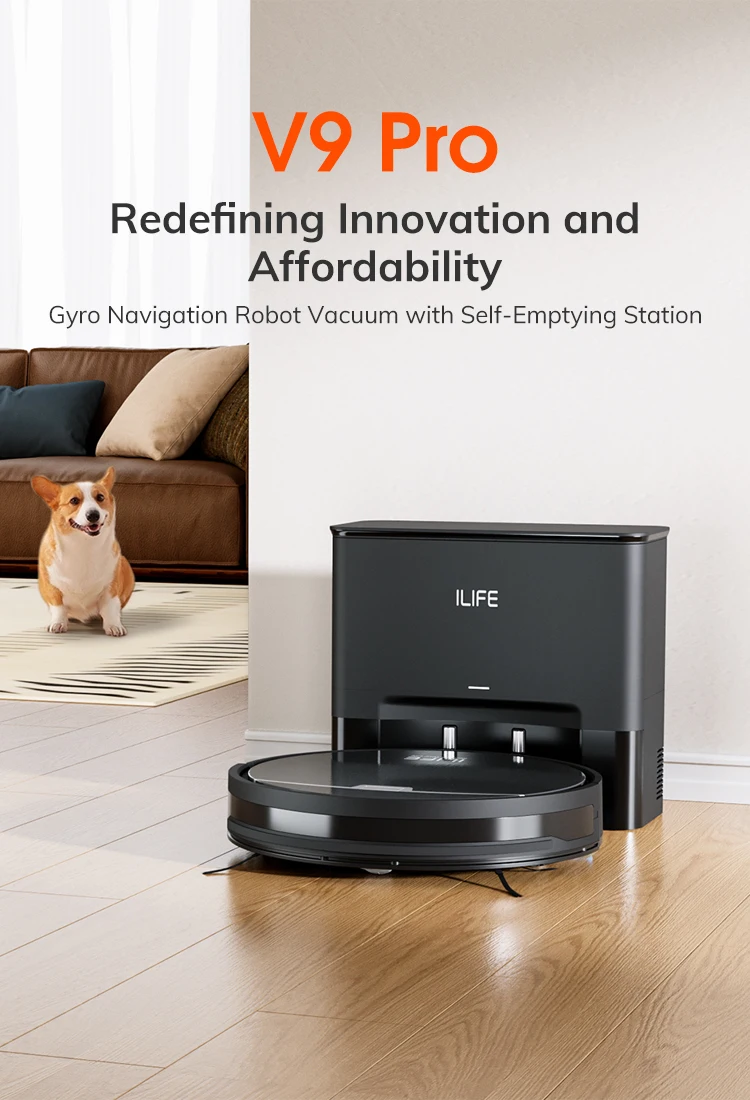
V9 pro: redefining innovation and affordability
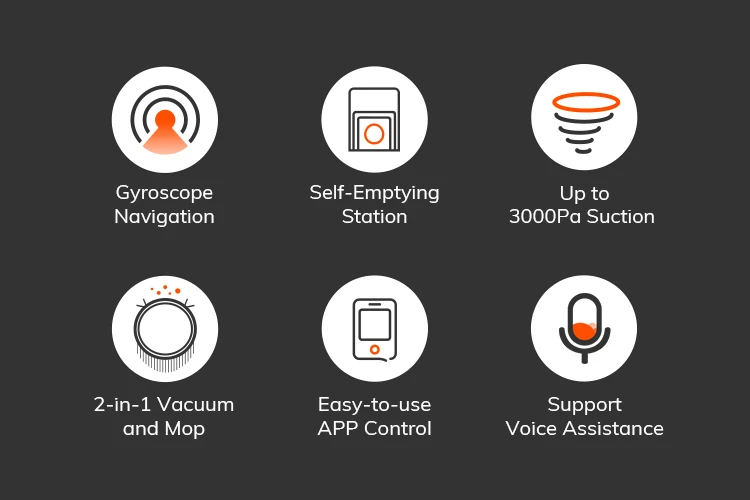
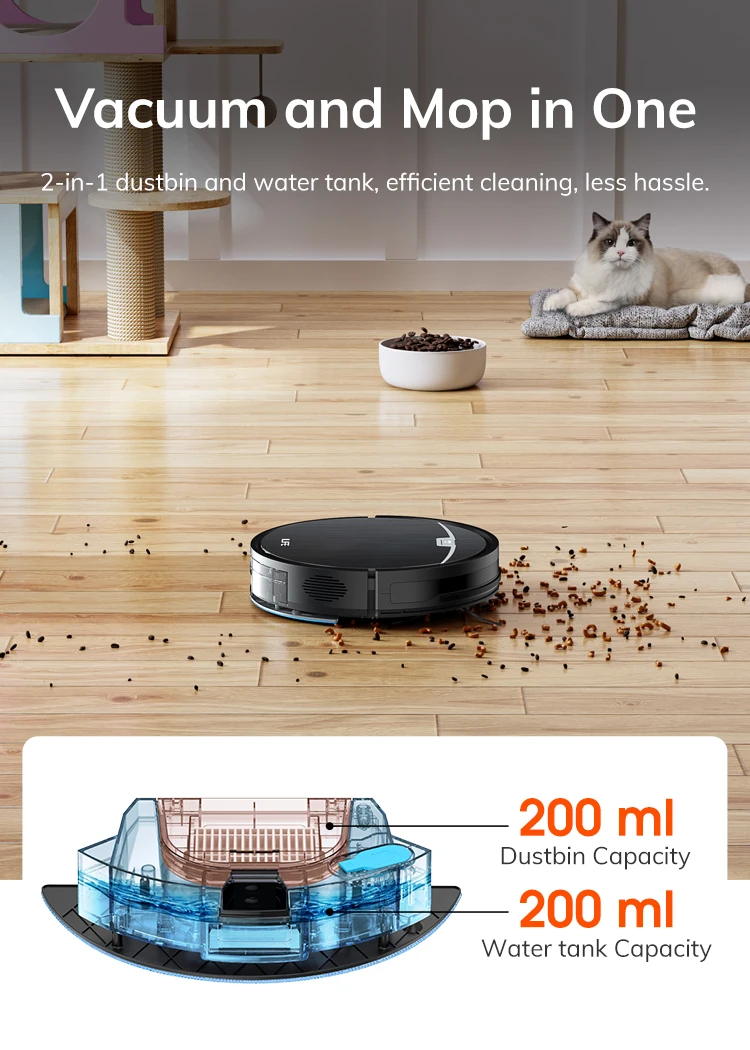
Gyro navigation robot vacuum with self-emptying station
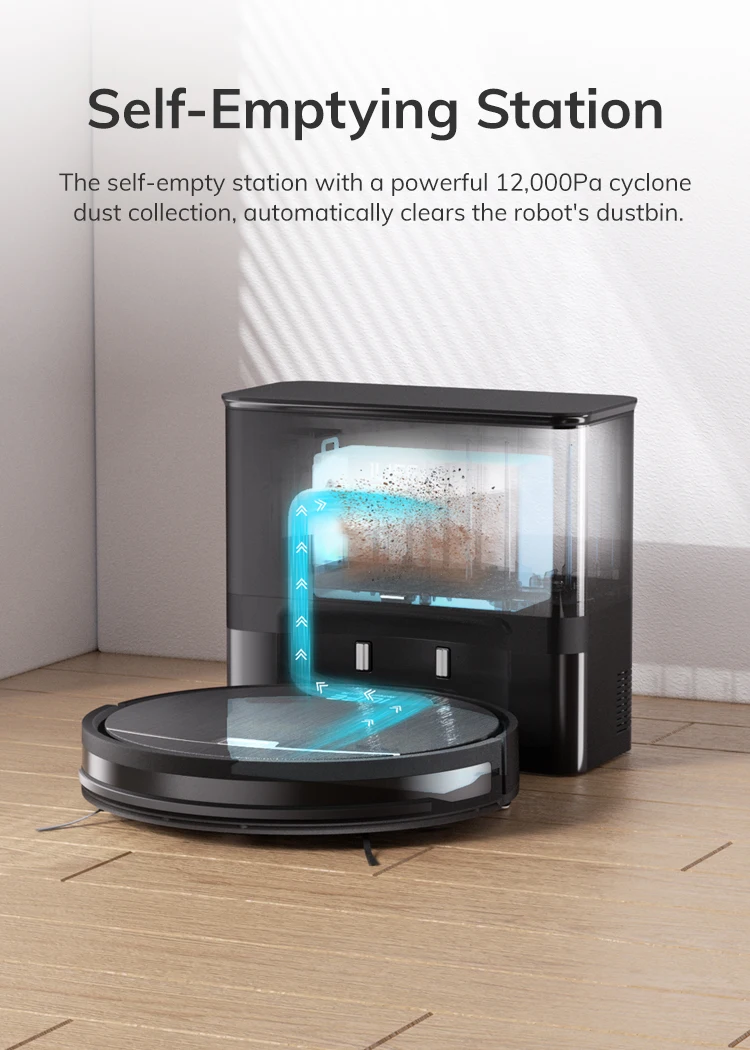
Self-emptying station
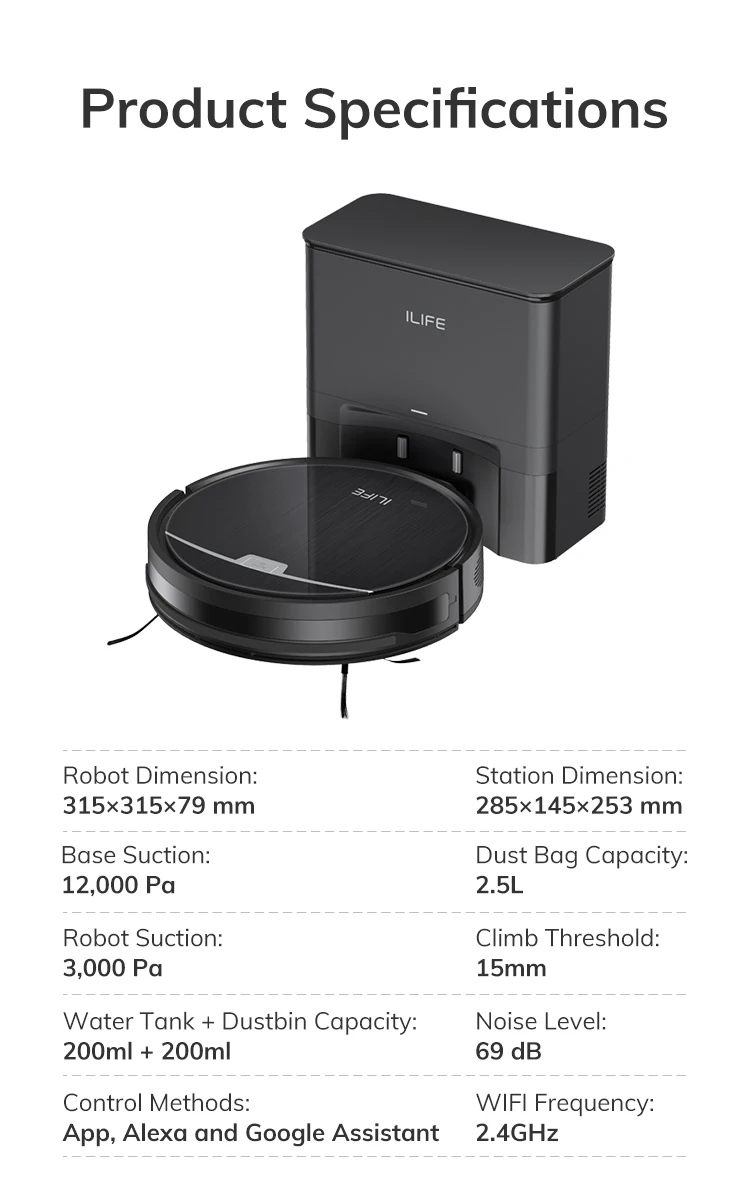
The self-emptying station with a powerful 12,000pa cyclone dust collection automatically clears the robot's dustbin.
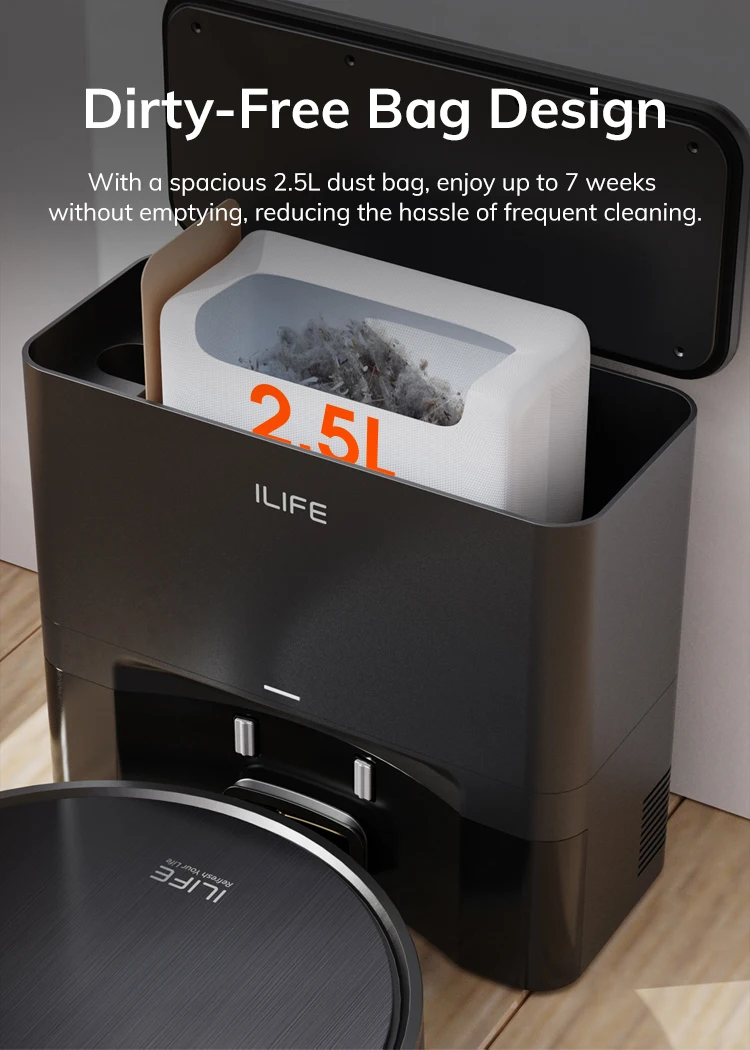
Dirt-free bag design
With a spacious 2.5l dust bag, enjoy up to 7 weeks without emptying, reducing the hassle of frequent cleaning.
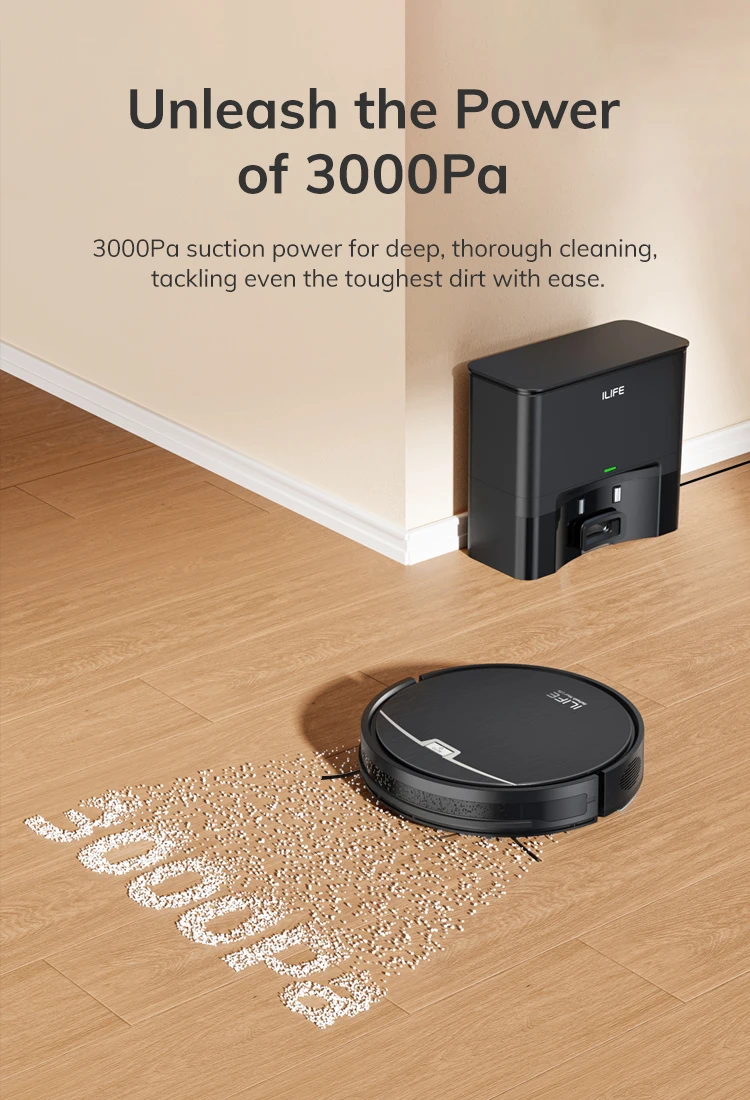
Unleash the power of 3000pa
3000pa emiş gücü ile derinlemesine ve etkili temizlik sağlar, en zorlu kirleri bile kolayca temizler.
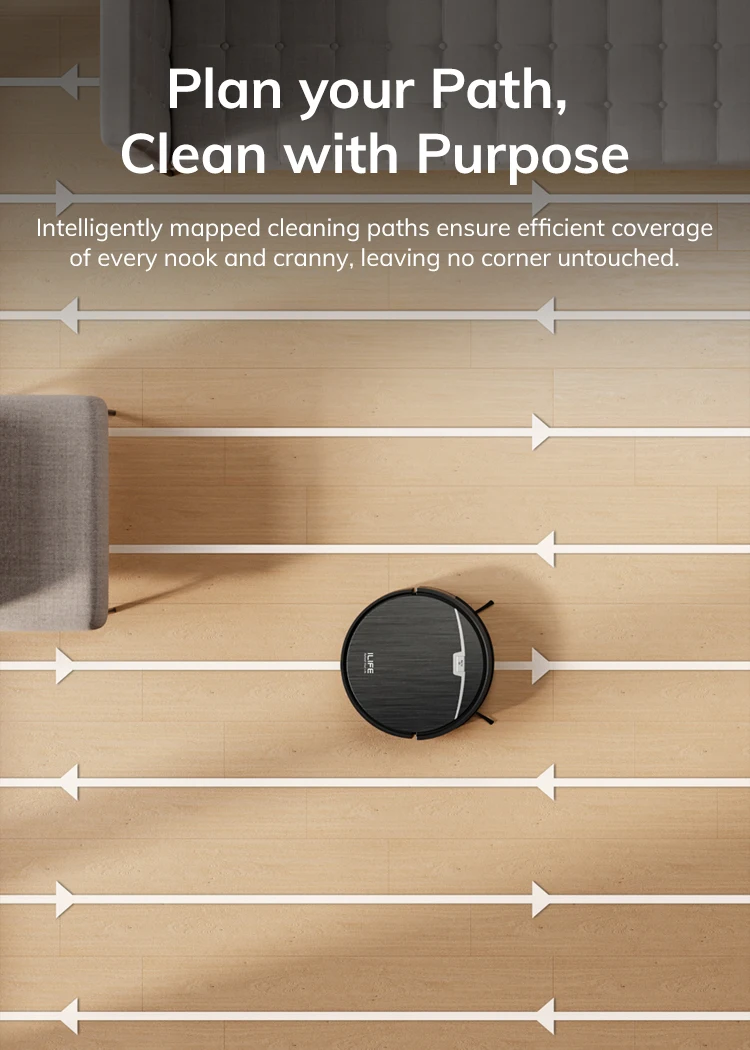
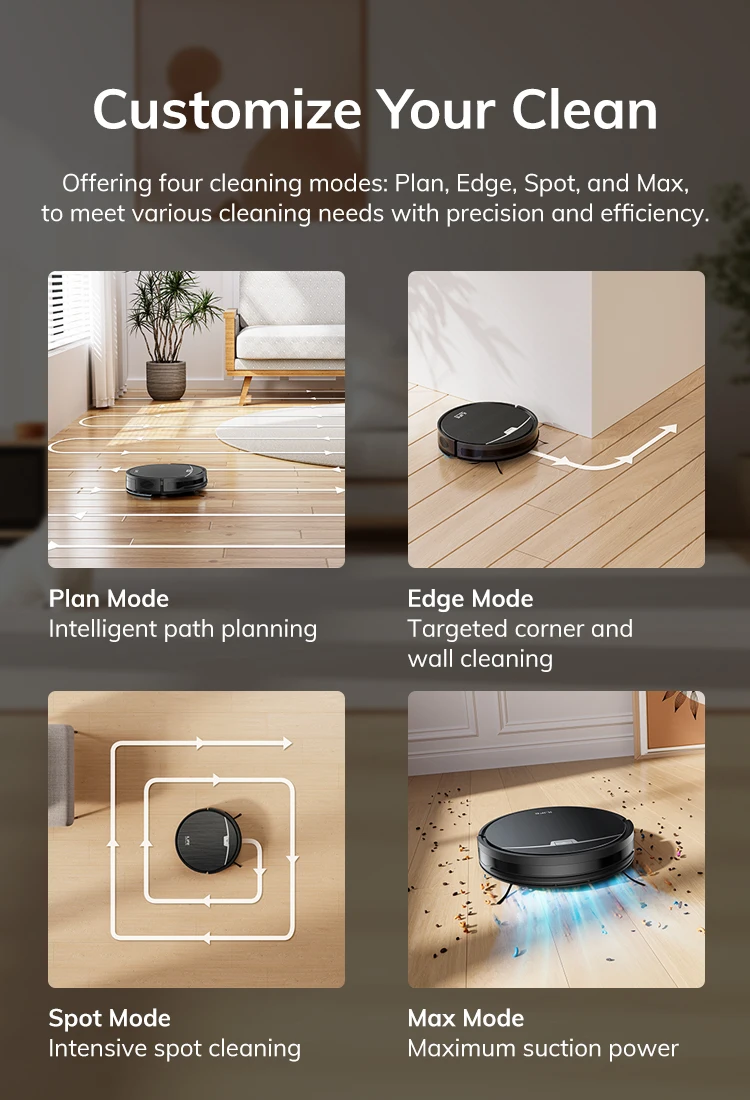
Plan your path, clean with purpose
Akıllıca planlanan temizleme yolları, her köşe ve bucağın verimli bir şekilde temizlenmesini sağlayarak hiçbir yerin atlanmamasını garanti eder.
Neden robot daha fazla gürültü yapıyor ve eskisinden daha az verimli temizlik yapıyor?
The robot needs to be maintained regularly. follow these steps to remove debris from the robot:
1. turn off the power switch. remove and empty the dustbin.
2. clean the primary and high-performance filters.
3.clean the main brush.
4. remove and clean the side brushes. 5. remove and clean the main brush.
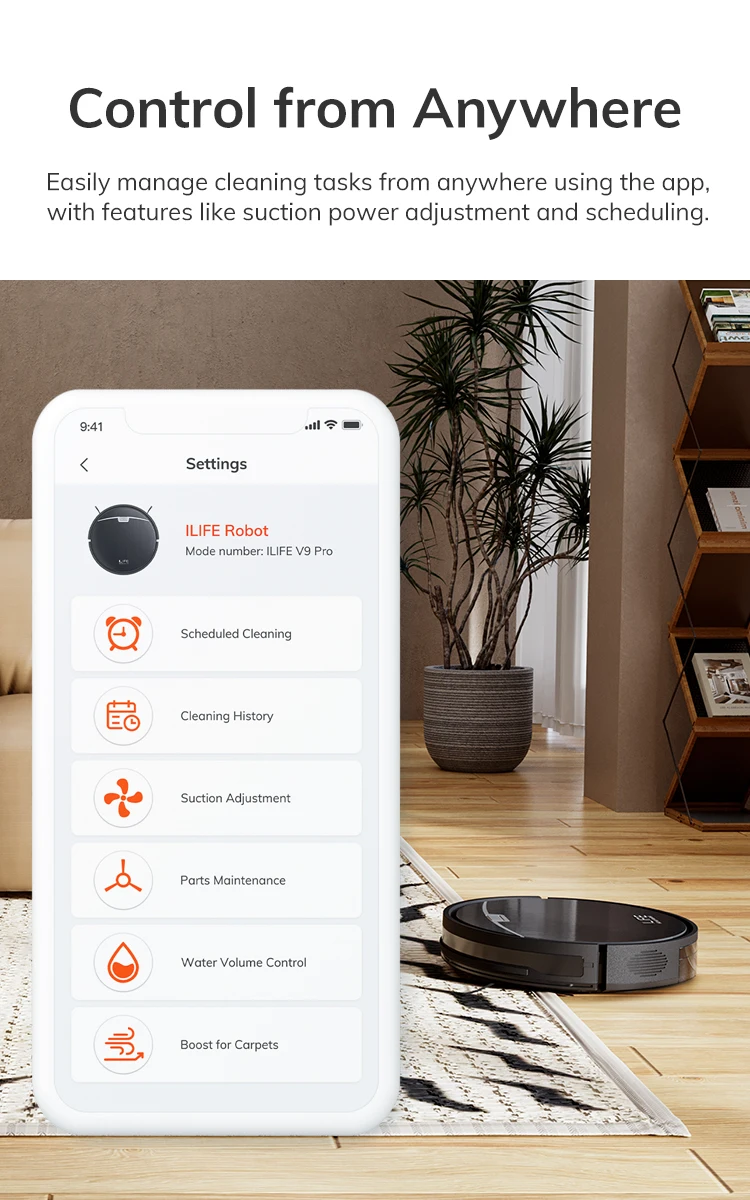
Note for unable to connect to the app:
1.please check that the app version matches the region version
(1)turn the machine over, remove the dust box, and check the mac id number on the label
(2)north america corresponds to us version:us region or aligw region
2. check if the machine is bound to someone else's mobile app.
(1)you can log in to the original account to unbind. (refer to the instructions for use)
(2)re-networking can force unbundling
(3)contact the after-sales service, and provide the serial number and registered email address at the same time
3.the machine is not connected to the network
(1)check whether the distribution network model you selected in the app is consistent with the actual model.
(2)wifi password must be entered correctly
(3)cannot use 5g wifi signal
(4) check if the router is blacklisted
(5)it is not recommended to use corporate wifi or public wifi
4. the phone can't find the machine's hotspot robot_xxxxx.
(1)check the hotspot name of the machine robot_xxxx or adh_xxx
(2) please confirm that your distribution network operation steps are correct. after booting, you need to wait 30 seconds, and then press and hold the button for more than 5 seconds to configure the network. (it is not recommended to distribute the network in or around the charging base)
(3)try again after shutdown and restart
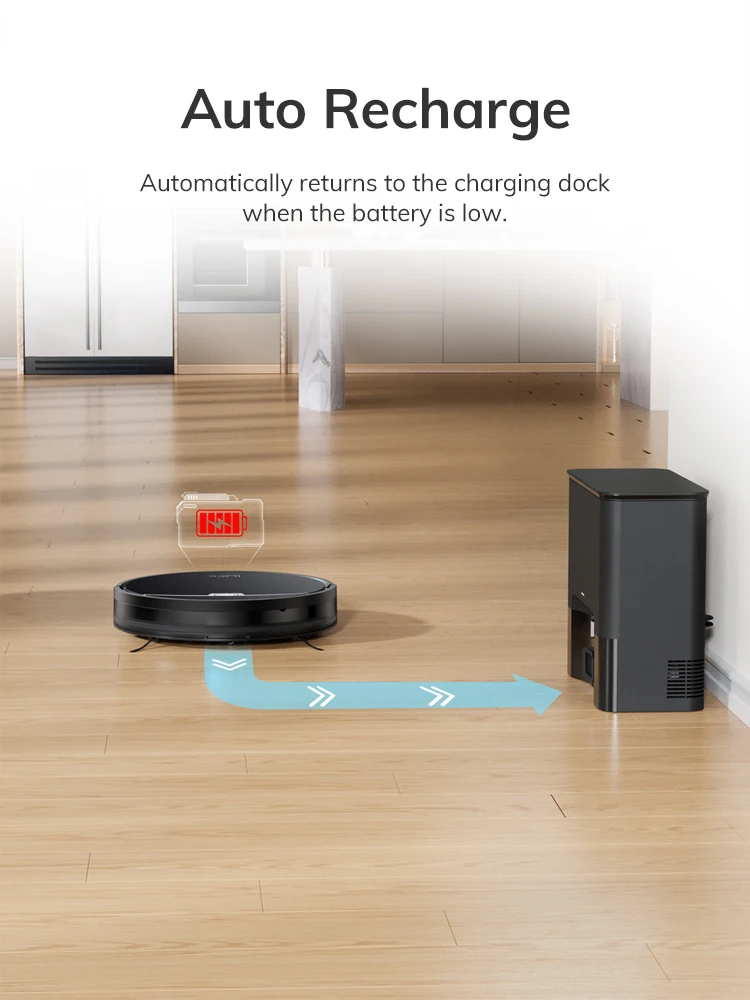
Robot is not connected to the charging dock for recharge.
1. clean the charging pins on the robot and the charging dock if they are dirty. try to recharge the robot again.
2.press the home button on the remote to let the robot dock itself instead of placing the robot on the dock yourself.
The robot has missed or repeated cleaning some areas.
1. the robot will automatically clean the areas it has missed. do not move it or block its cleaning route.
2. because every home setting is different, spatial analysis discrepancies may occur. if the robot hasn't covered some areas, manually place it in another spot and restart the cleaning cycle.
3. before using the robot, clear excessive objects on the floor that may block its cleaning path (e.g. cables, slippers, upright fan). the robot cannot clean narrow spaces that are smaller than itself. rearrange the furniture and settings for better cleaning results.