Product Overview
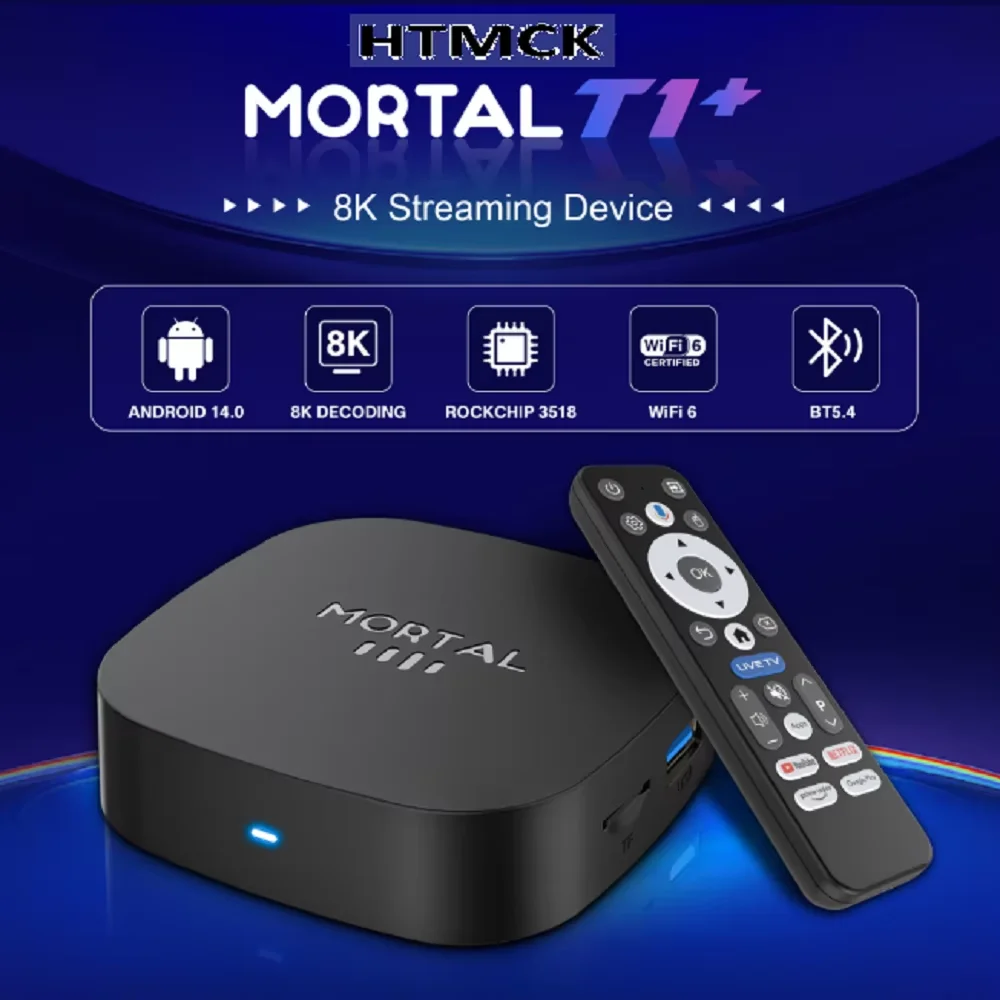
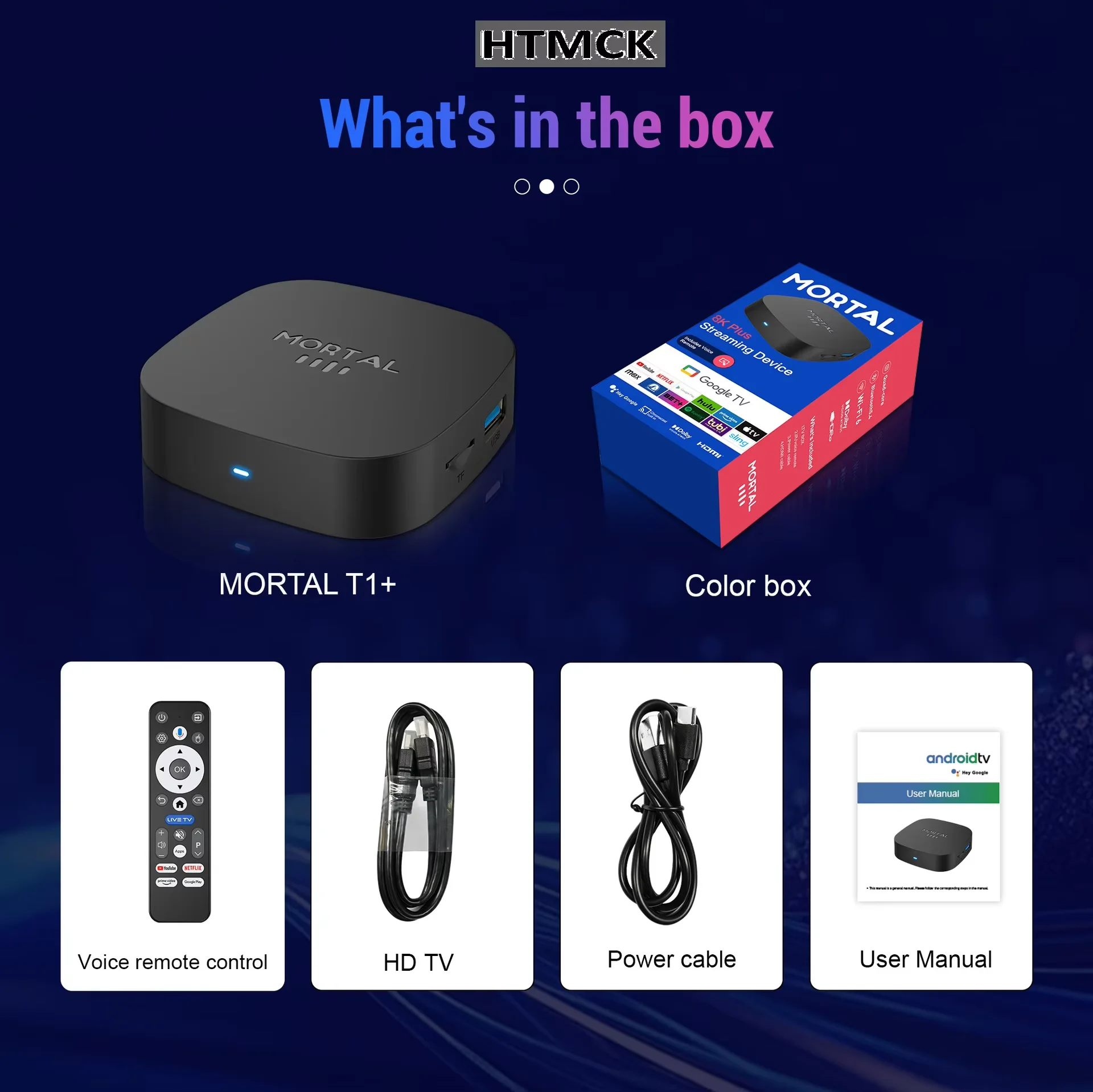
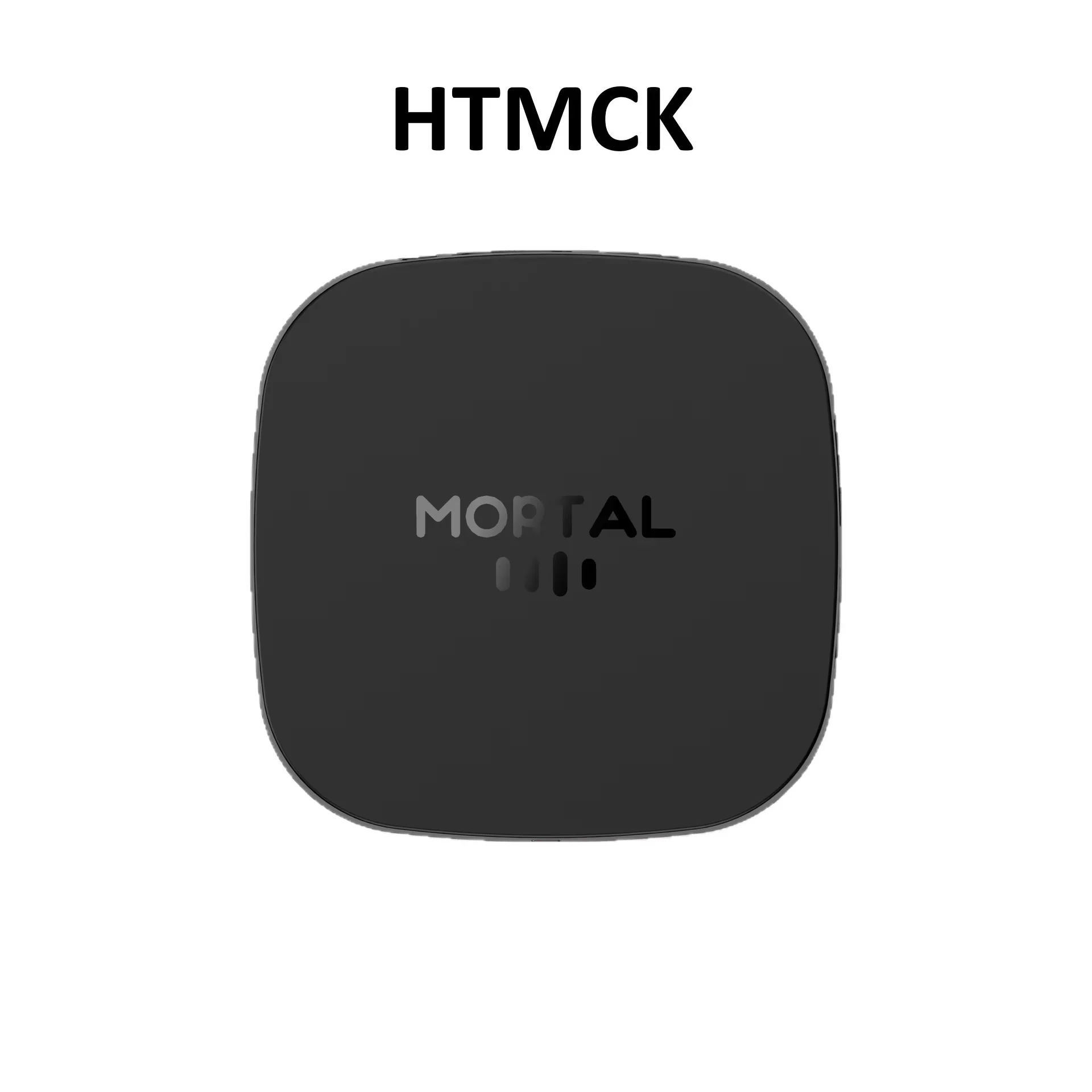
MORTAL T1+ Android TV Box is powered by Rockchip RK3518 quad‑core chip, running Android 14.0 OS with 2GB RAM +16GB ROM. It supports 8K hardware decoding, WiFi‑6 and Bluetooth5.4. Multiple casting protocols including Airplay, Miracast and DLNA are available. Dual‑UI launcher can be switched freely. Rich expansion ports turn your ordinary TV into a smart media player for home entertainment and local media playback.
✨Key Features
✅ High‑Performance RK3518 Chipset
Quad‑Core Cortex‑A53 CPU + Mali‑450 MP2 GPU, smooth multitasking for video playback and applications.
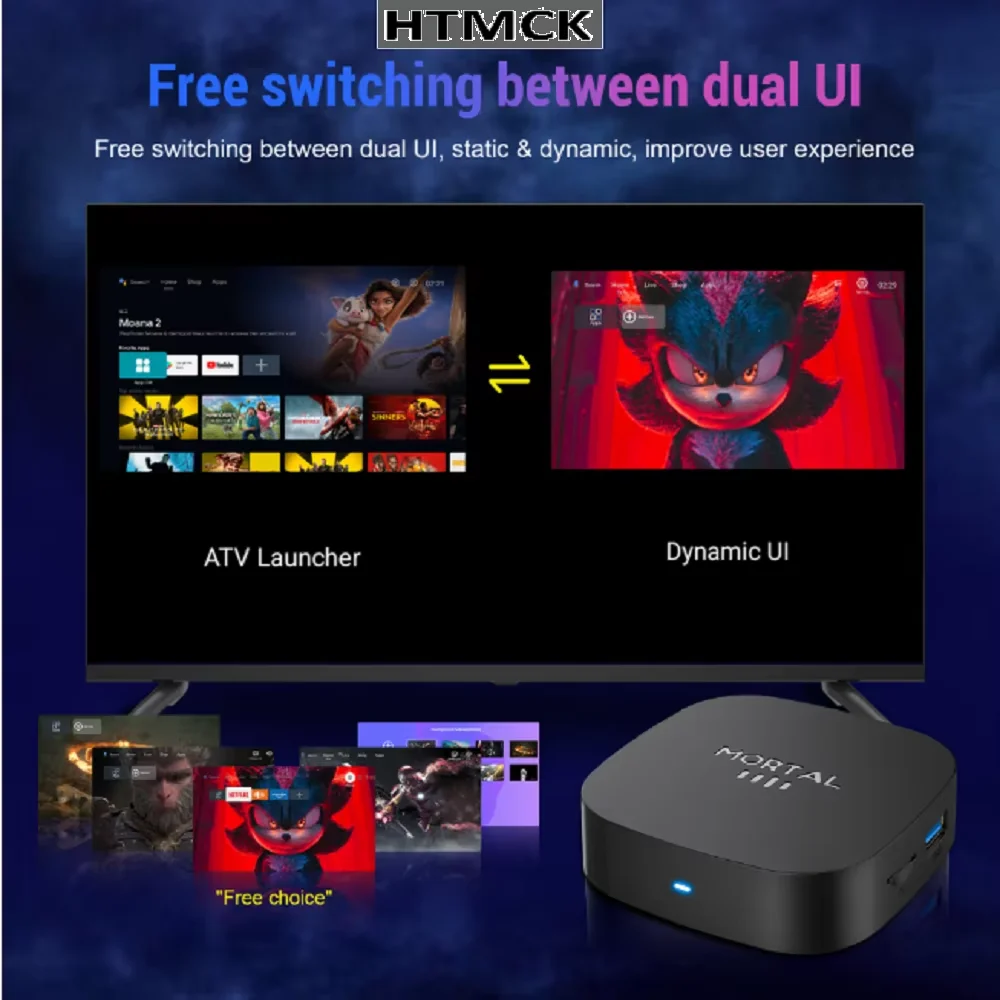
✅ Android14.0 System with Dual‑UI Switch
Great app compatibility. Toggle freely between ATV Launcher and Dynamic UI for personalized operation experience.
✅ 8K Hardware Decoding
Support up to 8K video decoding, backward compatible with 4K /1080P for high‑definition visual enjoyment.
✅ WiFi‑6 & Bluetooth5.4
WiFi‑6 delivers stable network connection with low latency. BT5.4 connects Bluetooth headsets, speakers, keyboards and other peripherals.
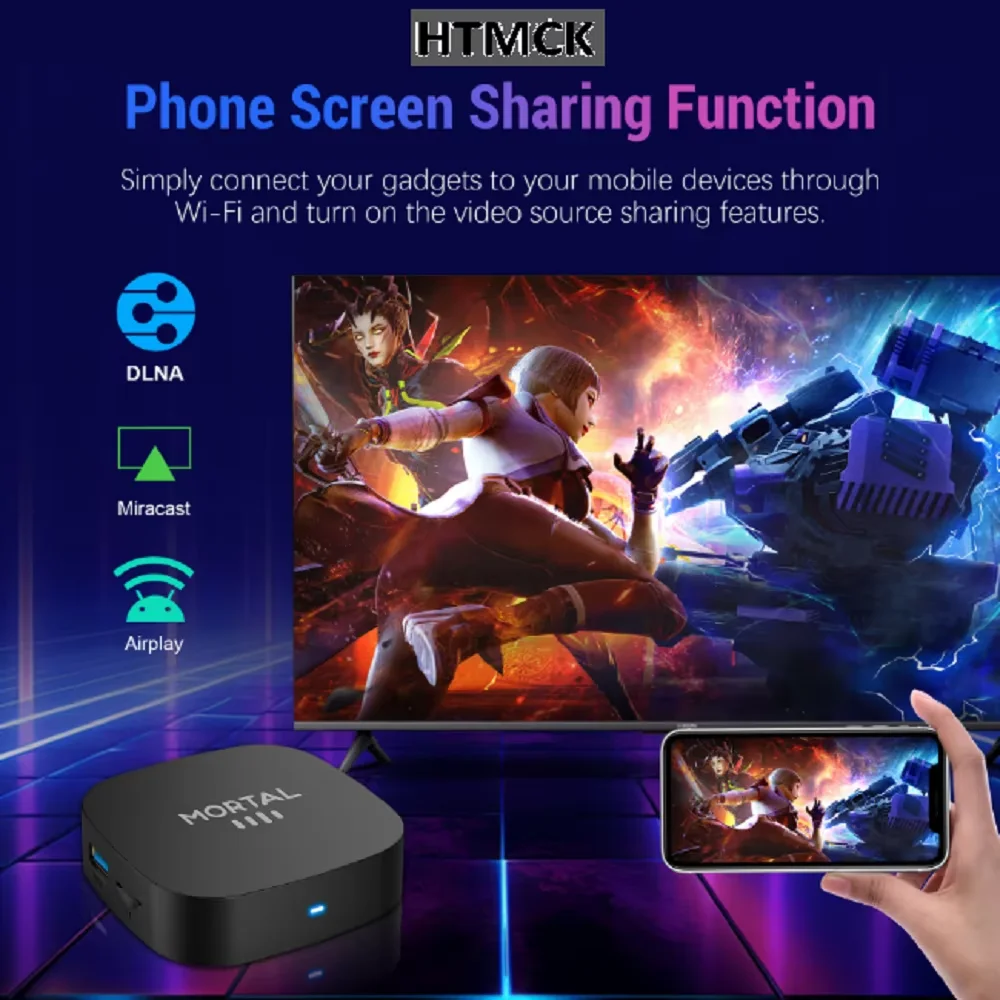
✅ Multi‑Protocol Screen Casting
Airplay, Miracast, DLNA supported. Mirror your phone or tablet screen onto big‑screen TV easily under same Wi‑Fi.
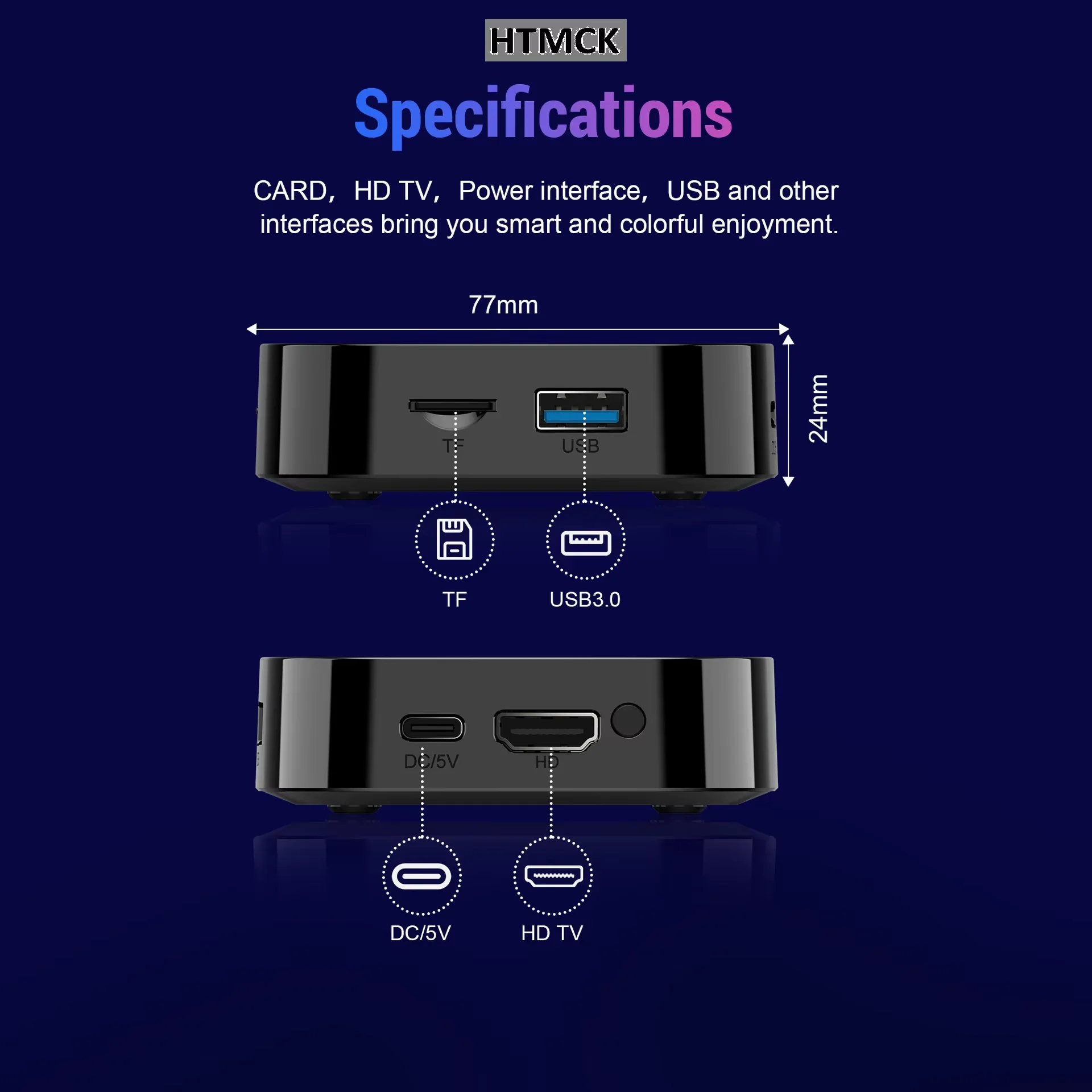
✅ Full Expansion Ports
HDTV output, USB3.0 high‑speed port, TF card slot, DC‑5V power port. Play local media from USB drive, hard disk or TF memory card.
✅ Optimized Heat Dissipation
Hollow vent holes on bottom improve heat dissipation for stable long‑time running. Infrared remote controller included for easy operation.
📋Specifications
‑Model: MORTAL T1+
‑Chipset: Rockchip RK3518, Quad‑Core Cortex‑A53, Mali‑450 MP2 GPU
‑OS: Android 14.0
‑RAM: 2GB
‑ROM:16GB
‑Video Decode: Max 8K
‑Wi‑Fi: WiFi‑6
‑Bluetooth: BT5.4
‑Casting Protocol: Airplay, Miracast, DLNA
‑Interfaces: HDTV out, USB3.0, TF slot, DC‑5V
‑Dimension:77×77×24mm
‑Accessories: Host unit, IR remote, power adapter, HDTV cable
‑Compatible Device: TV / Projector / Monitor with HDTV port
🛠Usage Instructions
Connect TV box to display device with HDTV cable, plug in DC‑5V power supply, select corresponding HDTV signal source on TV.
Finish initial setup after boot‑up, connect Wi‑Fi and pair Bluetooth peripherals as needed.
Download apps from app store; insert USB drive or TF card to play local media files.
Keep phone and TV box under same Wi‑Fi network, activate screen mirror function on mobile device.
Switch between two UI launchers in setting menu.
Use standby or normal shutdown, avoid forced power‑off by directly unplugging power cord.
⚠️Notes
Although hardware supports 8K decoding, actual output resolution depends on video source, HDTV cable and display hardware. Old display devices may not support 8K output.
Only use original DC‑5V power supply. Incompatible voltage will damage mainboard.
Keep bottom ventilation holes unblocked. Do not place box inside fully‑closed cabinet to prevent overheating crash.
This is pure Android hardware box. No pre‑installed paid live‑stream or copyrighted video content. Third‑party apps should comply with local copyright laws.
External storage devices better use FAT32 / NTFS file system; some uncommon file formats may not be recognized.
Do not flash unofficial custom firmware, unauthorized modification may brick the device and void warranty.
Protect unit from drop, heavy pressure, moisture and high‑temperature environment.
Do not block IR receiver window of remote. Remove batteries if remote will not be used for long time to avoid battery leakage corrosion.
📜Disclaimer
Size tolerance of 1‑3mm is normal due to different measuring methods. Minor color difference caused by shooting lighting shall not be regarded as product defect.
8K is hardware chip parameter. Real playback performance is limited by video source, HDTV cable and display hardware, which does not count as product malfunction.
No built‑in copyrighted streaming resources. Availability and copyright of third‑party applications are irrelevant to hardware manufacturer.
Damage caused by unofficial firmware flashing or hardware modification is excluded from warranty.
Hardware failure caused by non‑original power supply, blocked ventilation, water damage or dropping is not covered under warranty.
System UI may change via OTA update. Product appearance and specifications subject to change without prior notice.
End‑users shall obey local copyright laws when playing media content with this device.