WiFi 16A Smart Plug Socket with Energy Monitoring (AU Plug - 1PC)
Upgrade your home with this 16A smart plug socket designed for standard AU outlets. Effortlessly control connected appliances remotely, track power usage, and set automated schedules using your smartphone or voice commands.
Key Features:
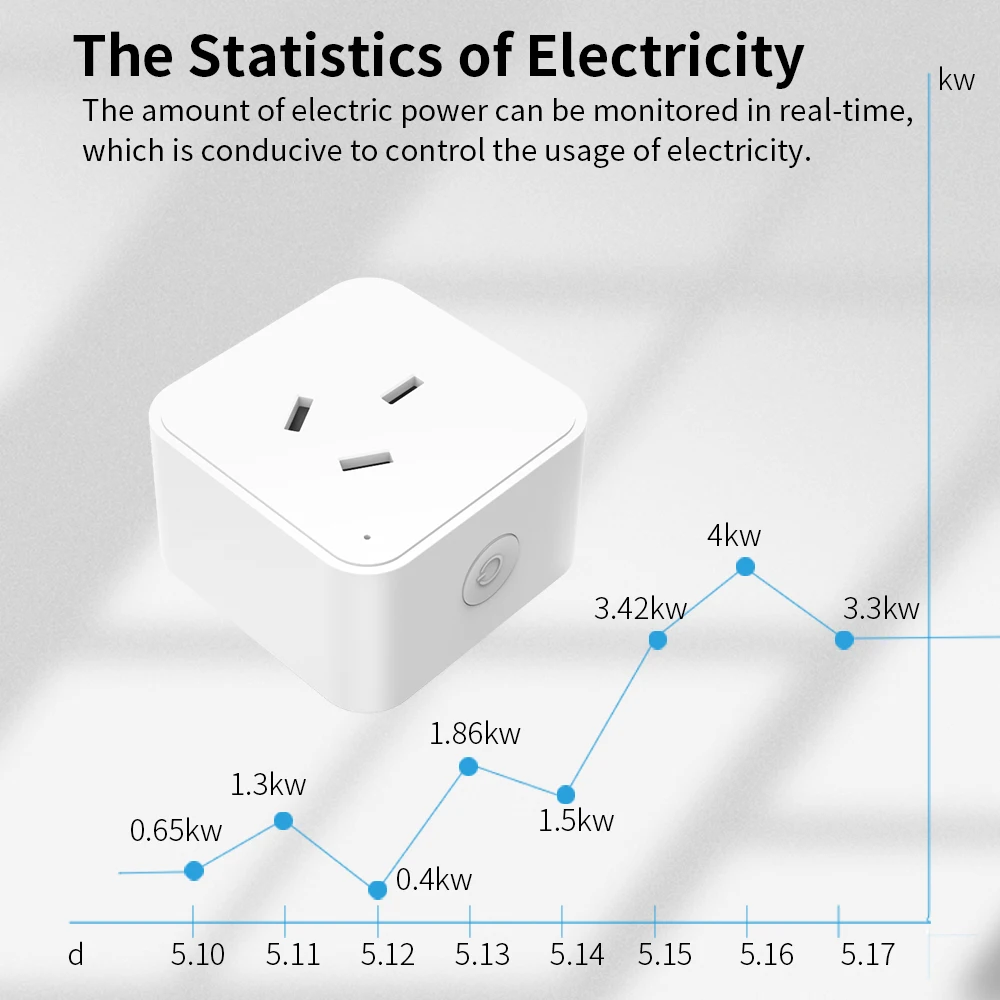
Real-Time Energy Monitoring: Monitor active power consumption and review daily, monthly, and yearly usage logs to manage electricity costs.
Remote App Control: Turn appliances on or off from anywhere using compatible smart life mobile applications.
Voice Control Integration: Works with voice assistant devices for convenient, hands-free operation.
Timers & Schedules: Program custom countdowns and automated schedules for devices like lamps, fans, and humidifiers.
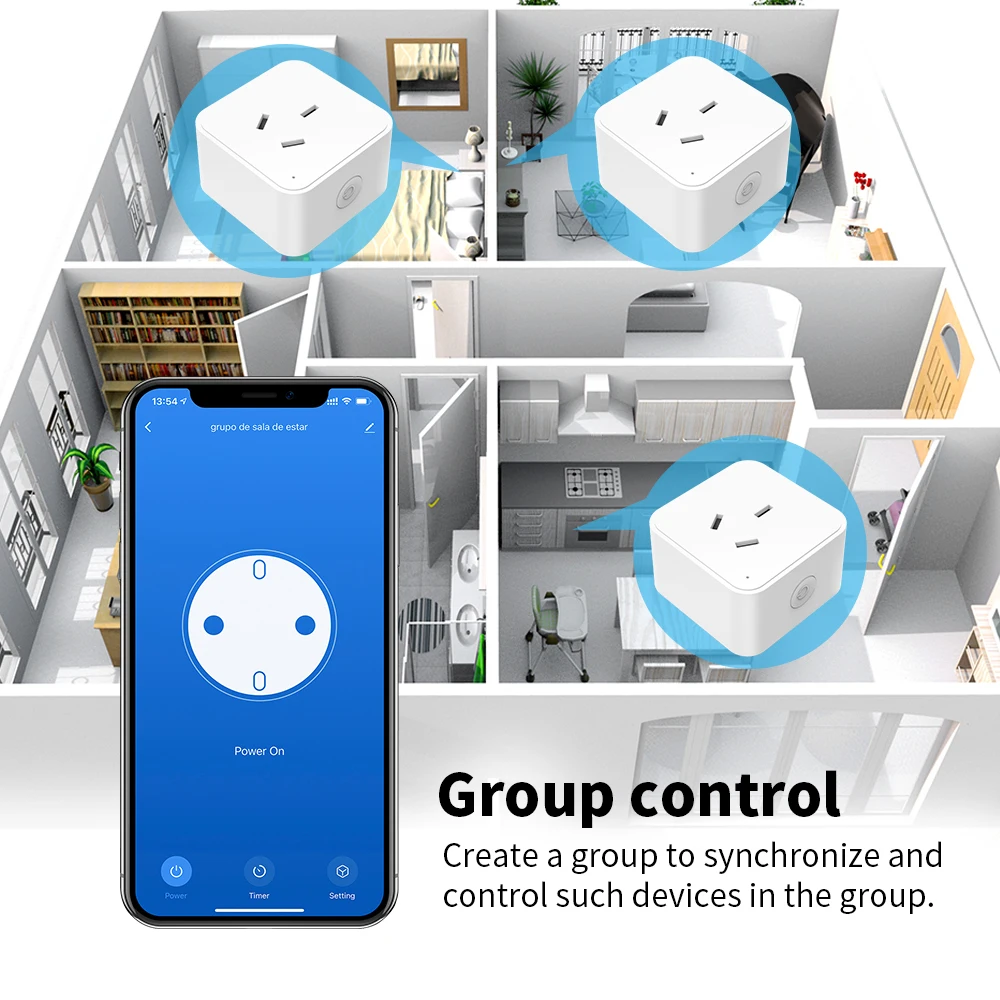
Family Sharing: Grant control access to family members through the app interface.
Specifications:
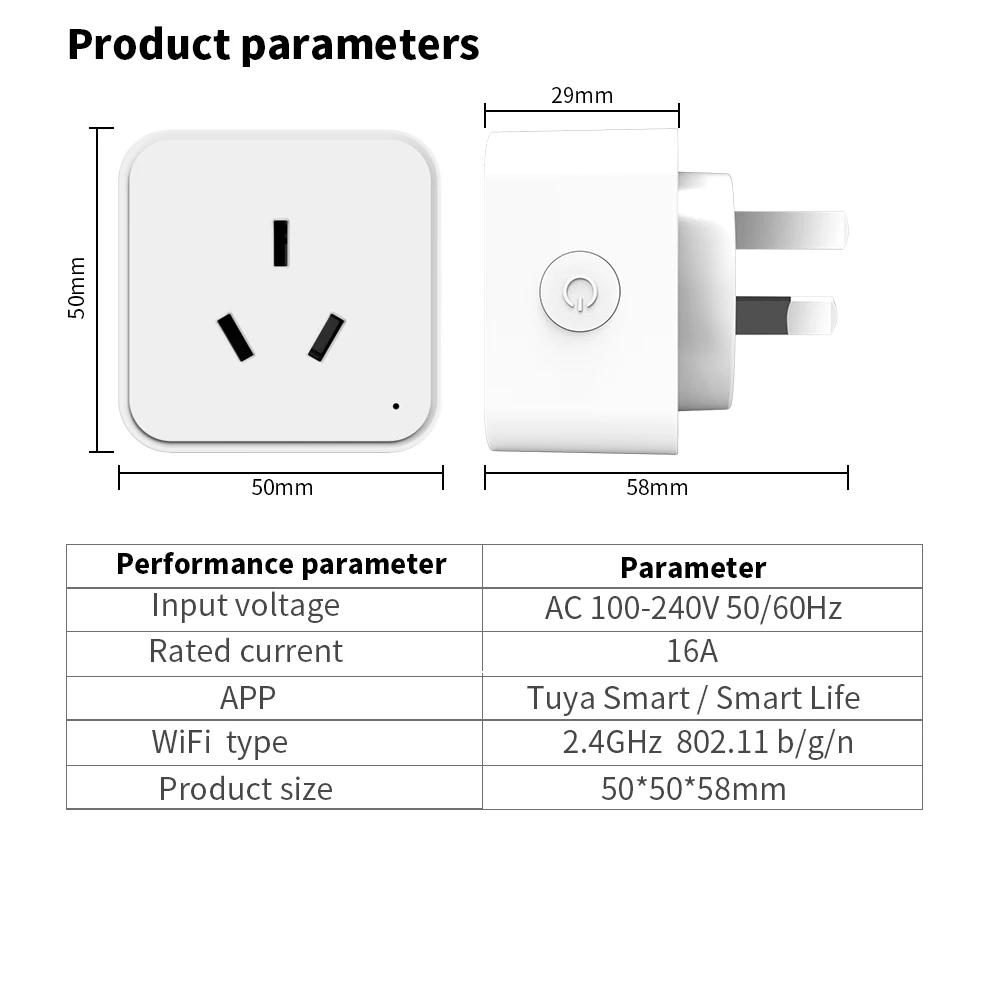
Voltage Rating: AC 100-240V, 50/60Hz
Maximum Load: 16A
Wireless Network: 2.4GHz WiFi (802.11 b/g/n)
Plug Standard: AU Plug (3-Pin)
Package Includes:
1 x Smart WiFi Plug (AU Plug)
1 x Instruction Manual
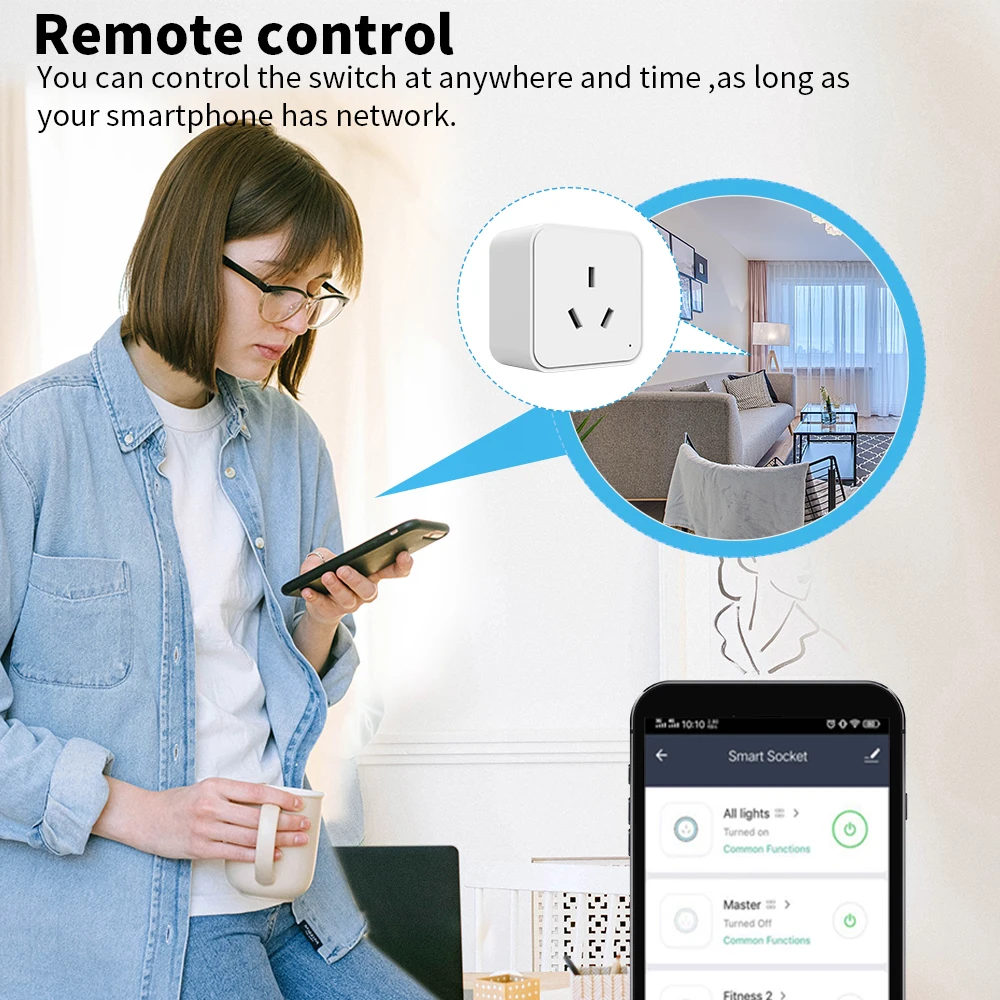
2. Smart Life App – Remote Control from Anywhere
Control your home appliances anytime, anywhere. Whether you're at work or on vacation, simply open the Smart Life or Tuya samrt APP to turn devices on/off remotely."
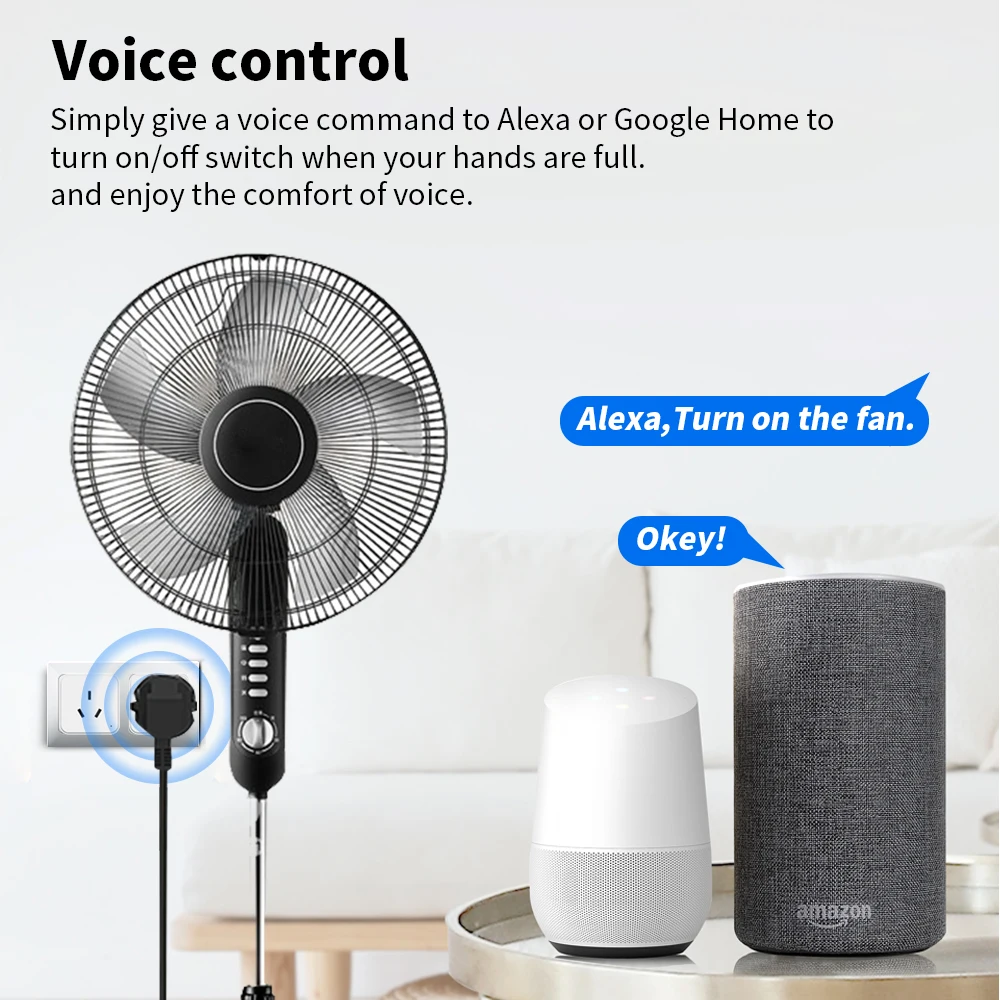
3.Voice Control: Fully compatible with Alexa and Google Assistant. Use simple voice commands to turn appliances on or off hands‑free.
4.Device Sharing: Share the plug with family members or housemates with one tap. They can control the device without needing to set up the connection again—perfect for managing appliances together.

5. Flexible Scheduling & Automation
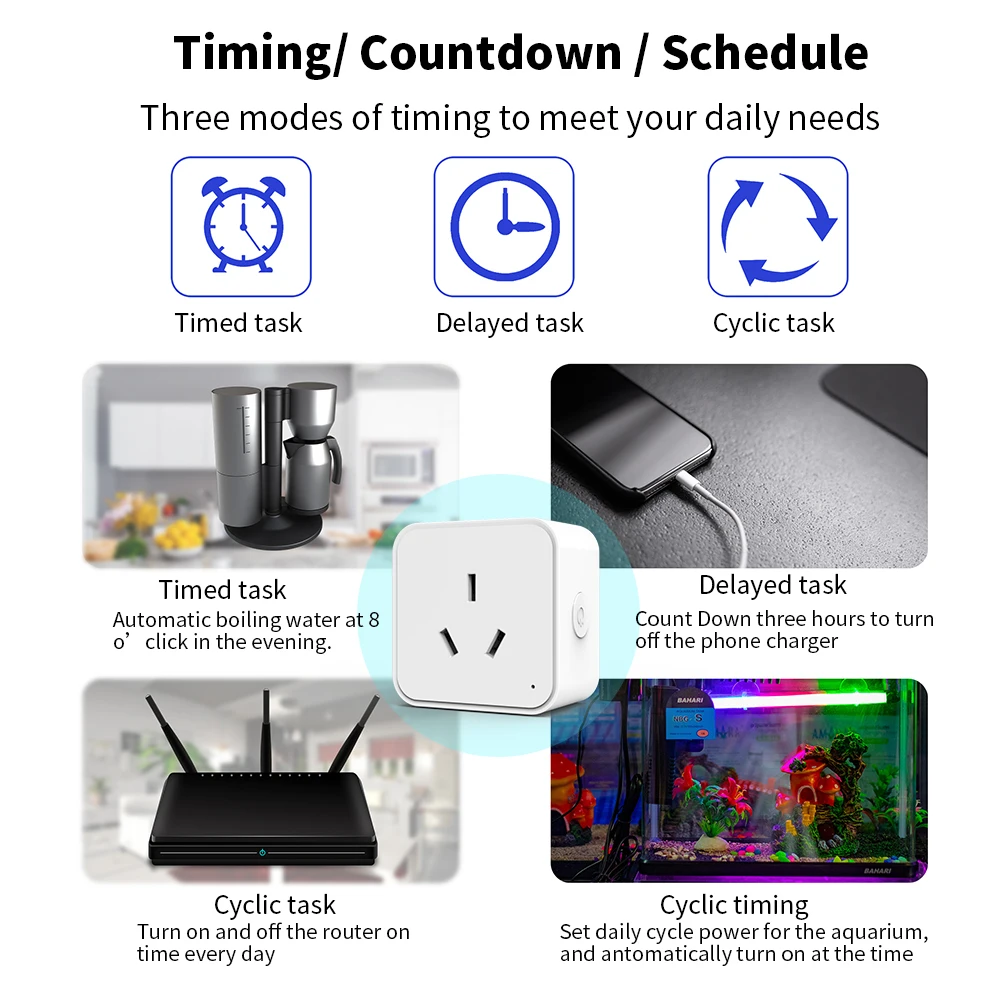
Timer & Countdown: Set multiple timers (e.g., turn on the coffee maker at 7:00 AM daily). The countdown function automatically turns off the plug after a set period—ideal for chargers or heaters.
Scenes & Automation: Combine with other Smart Life‑compatible devices to create smart scenes, such as “Good Night” mode that turns off all connected appliances with one tap.
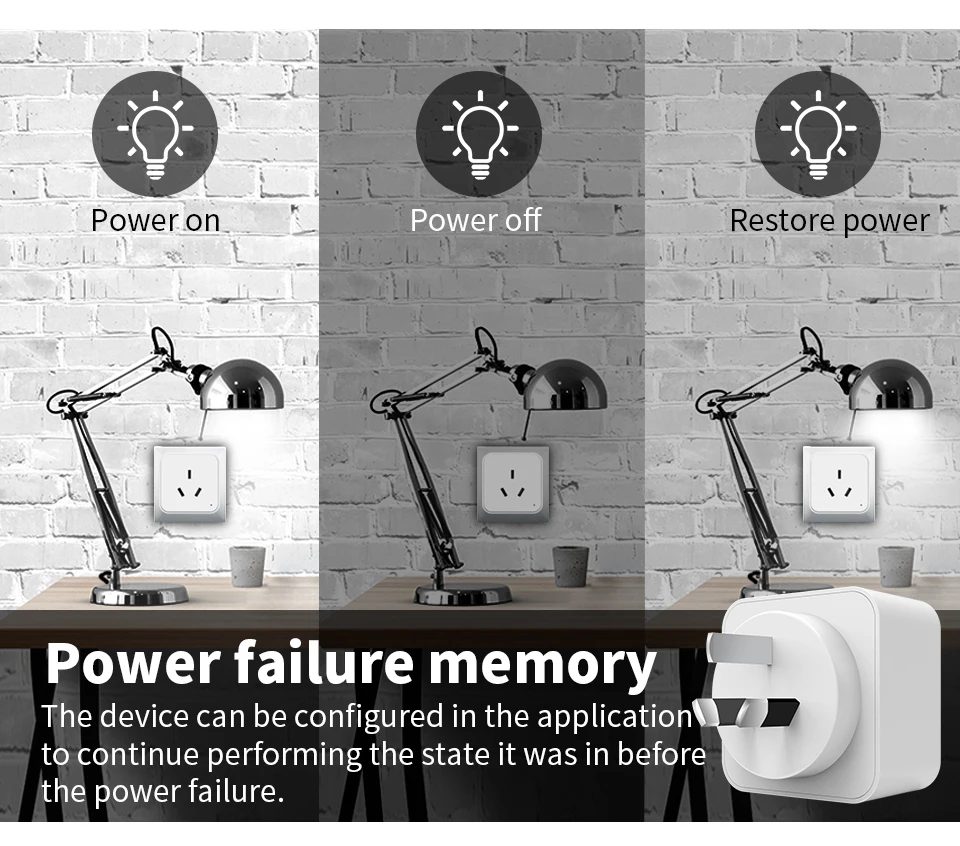
Power failure memory
The device can be configured in the applicationto continue performing the state it was in beforethe power failure.