Please Note:
This item only shipped to United States,If you are Buyers from United States, Only take 1-5 Business Days for Delivery.
If you need to return the item for some reasons, please contact us via eBay message at the first time to get the RMA#,and return address instead of sending back directly without permission,thank you!
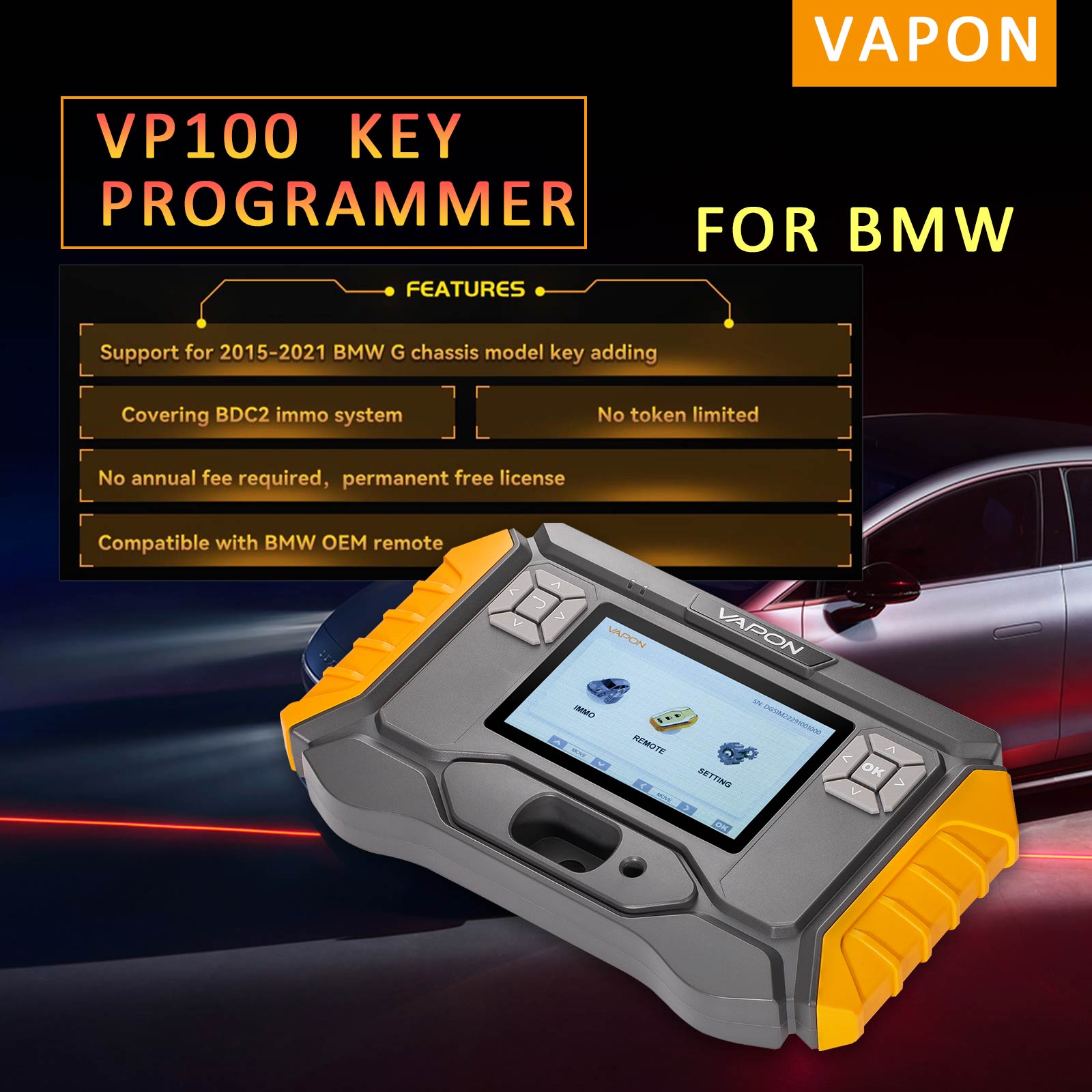
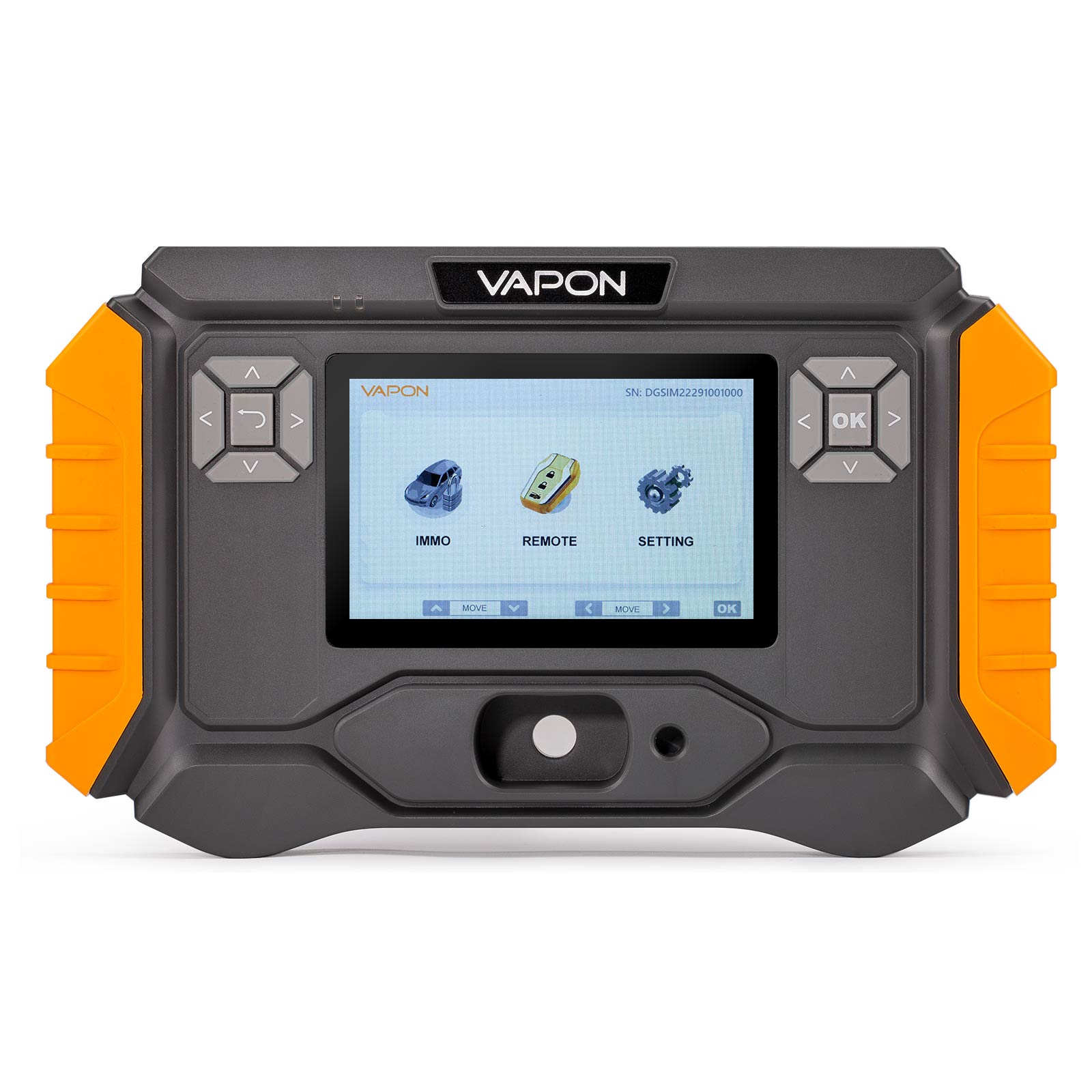
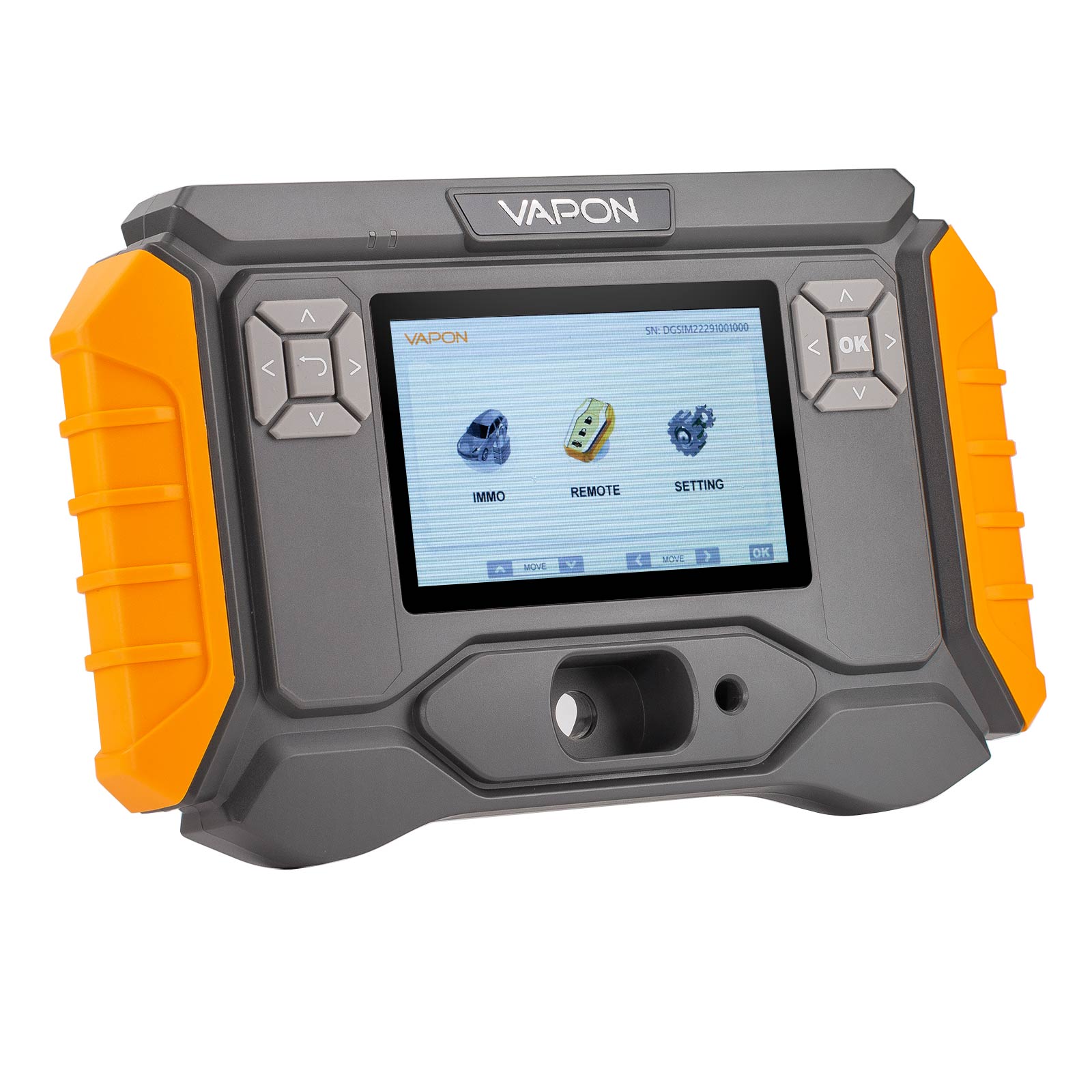
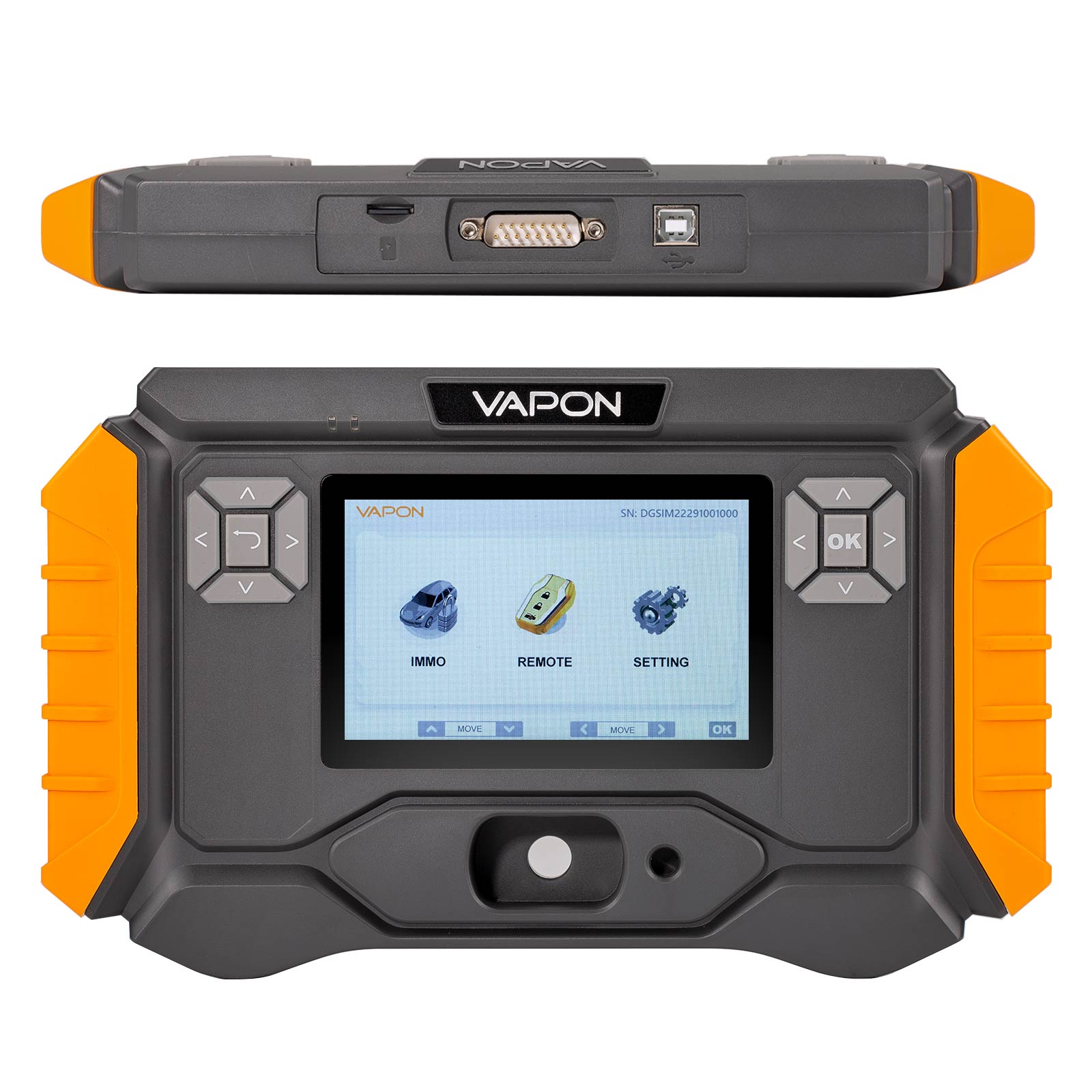
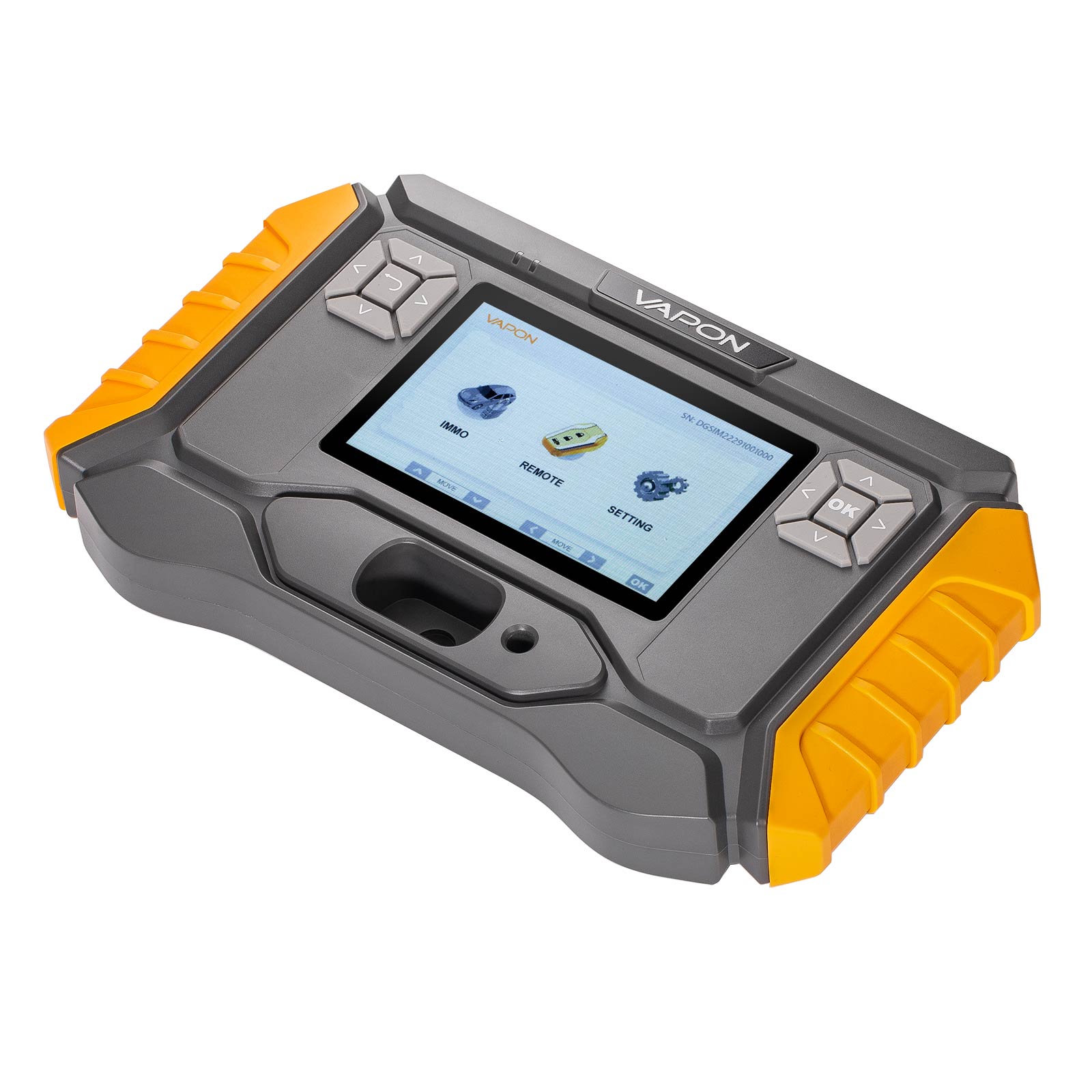
VAPON VP100 K.ey Progarmmer for BMW Support 2015-2021 for BMW G Chassis Model K.ey Adding No Annual Fee No Token Needed
Description:
The VP100 is the latest innovation from Vapon, specifically engineered to support for BMW G chassis models from 2015 to 2021. This powerful device brings a range of features designed to make k.ey progarmming faster, easier, and more cost-effective than ever before.
Currently, it supports k.ey addition for BMW G-Chassis models, with upcoming expansions to include:
*For BMW CAS3 & CAS4 series
*For BMW Motorcycle series
Additionally, we are actively developing an all-k.ey-lost solution for BMW G-Chassis models, further enhancing its functionality.
Features:
Support for 2015-2021 BMW G Chassis Add Key Function.
Supports for BMW BDC2 IMMO System.
No token limitation.
No Annual subscription, lifetime free update.
Compatible with for BMW OEM and aftermarket key.
Supports coding data backup via OBD or Bench.
Language: English, Spanish, Portuguese, Italian, French.
Recent Update:
Add BDC2 IMMO module data erase function.
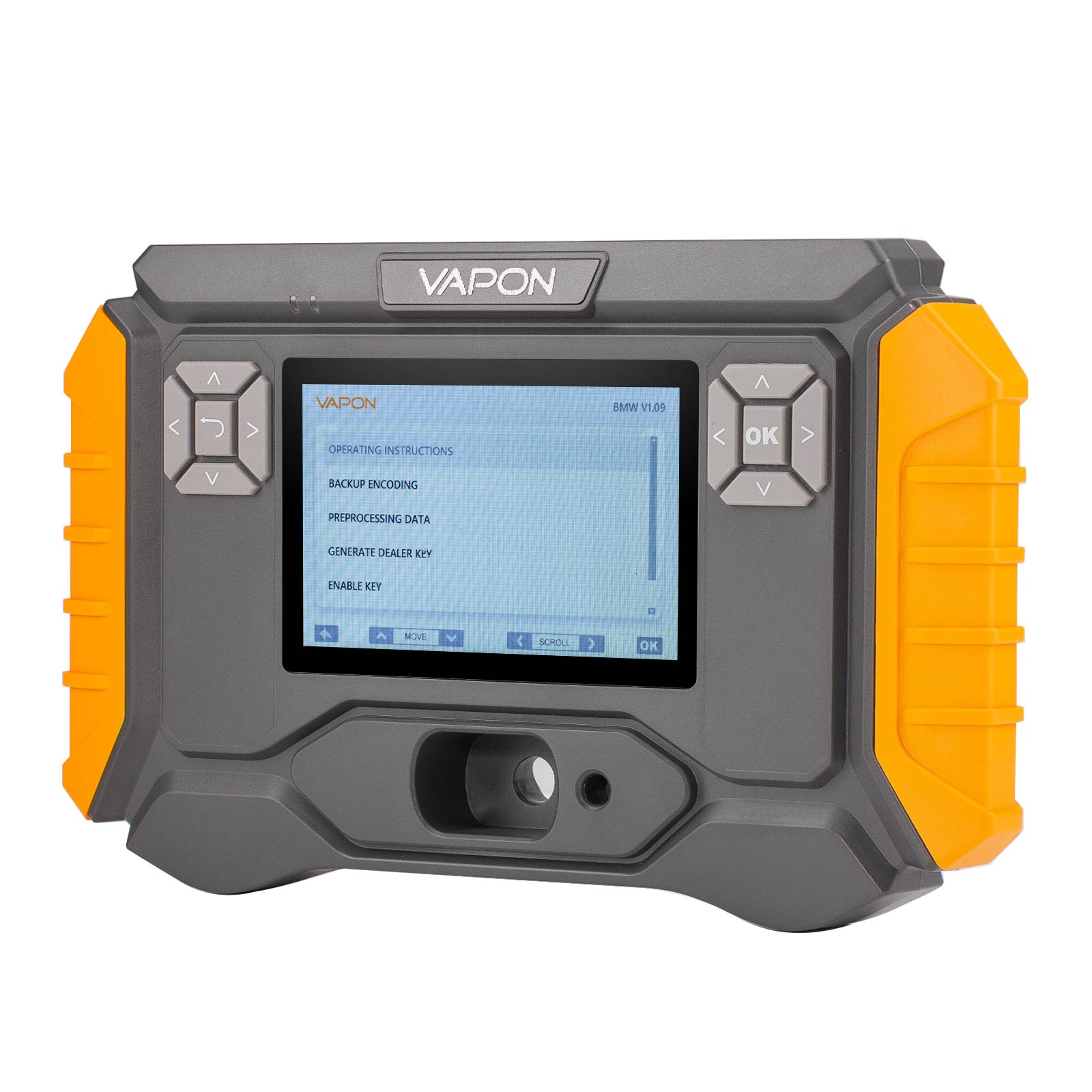
Modify the k-ey progarmming process. Fully automatic pre-processing operation, easy to use, safe and reliable.
Vehicle Supported:
Model | Chassis Code | Year |
X3 | F97 | 2019/04 - 2021/07 |
X3 | G01 | 2017/12 - 2021/07 |
X4 | G02 | 2018/04 - 2021/07 |
X4 | F98 | 2019/04 - 2021/07 |
5 Series | G30 | 2016/11 - 2020/06 |
5 Series | G31 | 2017/03 - 2020/06 |
5 Series | G38 | 2017/05 - 2020/08 |
6 Series | G32 | 2017/07 - 2020/06 |
7 Series | G11/G12 | 2015/07 - 2019/02 |
X3/iX3 | G08 | 2018/05 - 2021/08 |
M5 | F90 | 2017/11 - 2020/06 |

1.Connect the vehicle to backup BDC code by OBD
2.Remove the BDC2 module from the vehicle and use the VP100 adapter to perform pre-processing (see the wiring diagram and wiring tutorial below)
3.After the pre-processing is completed, install the BDC2 back to the vehicle to generate the dealer key
4.Place the generated dealer key close to the key induction coil (usually on the right side of the steering column) and press and hold the start button for 20 seconds.After the matching is successful, check whether the key is working properly


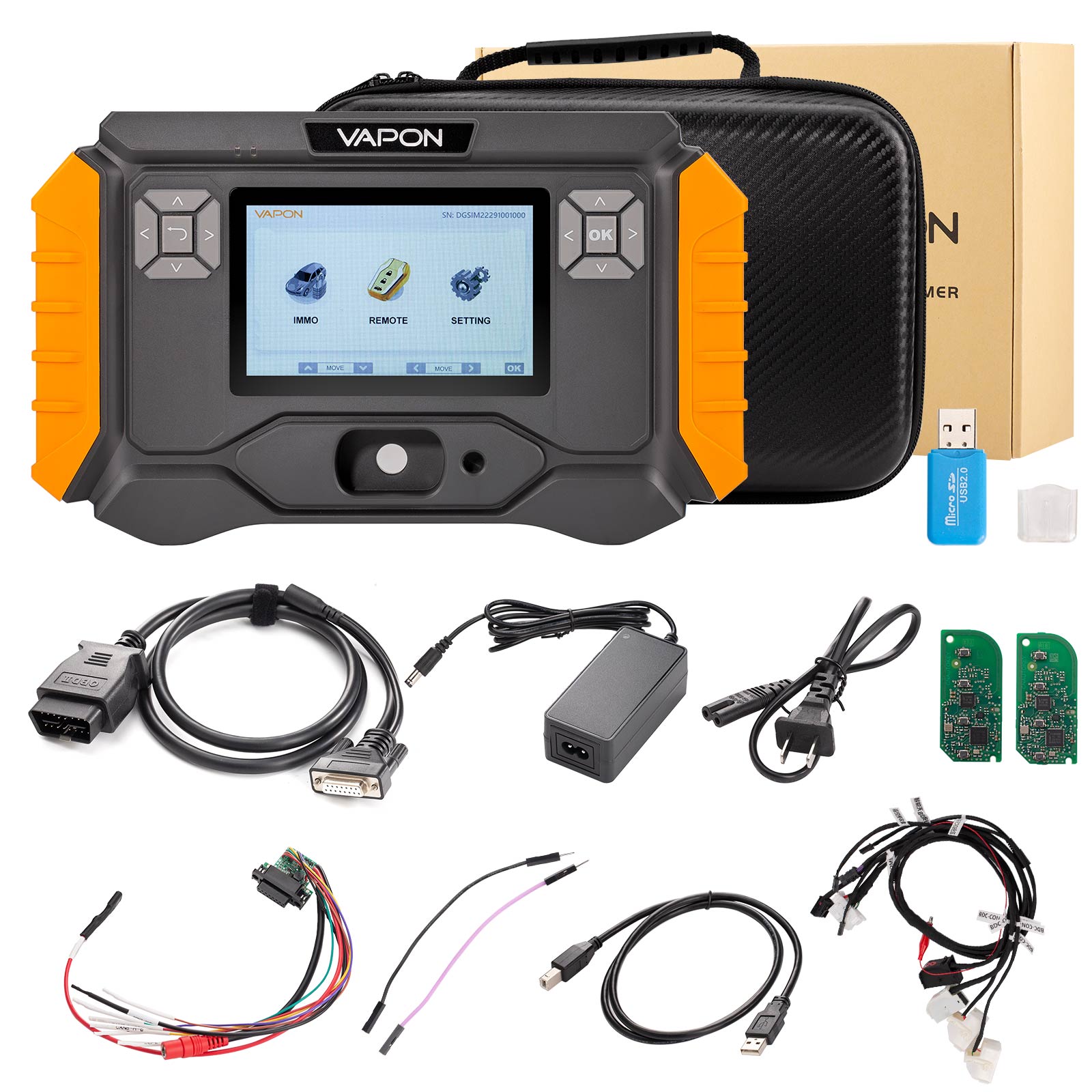
Package List:
1pc x VAPON VP100 Host
1pc x OBD Cable
1pc x Card Reader
1pc x USB Cable
1pc x BDC Adapter
1pc x Adapter Cable
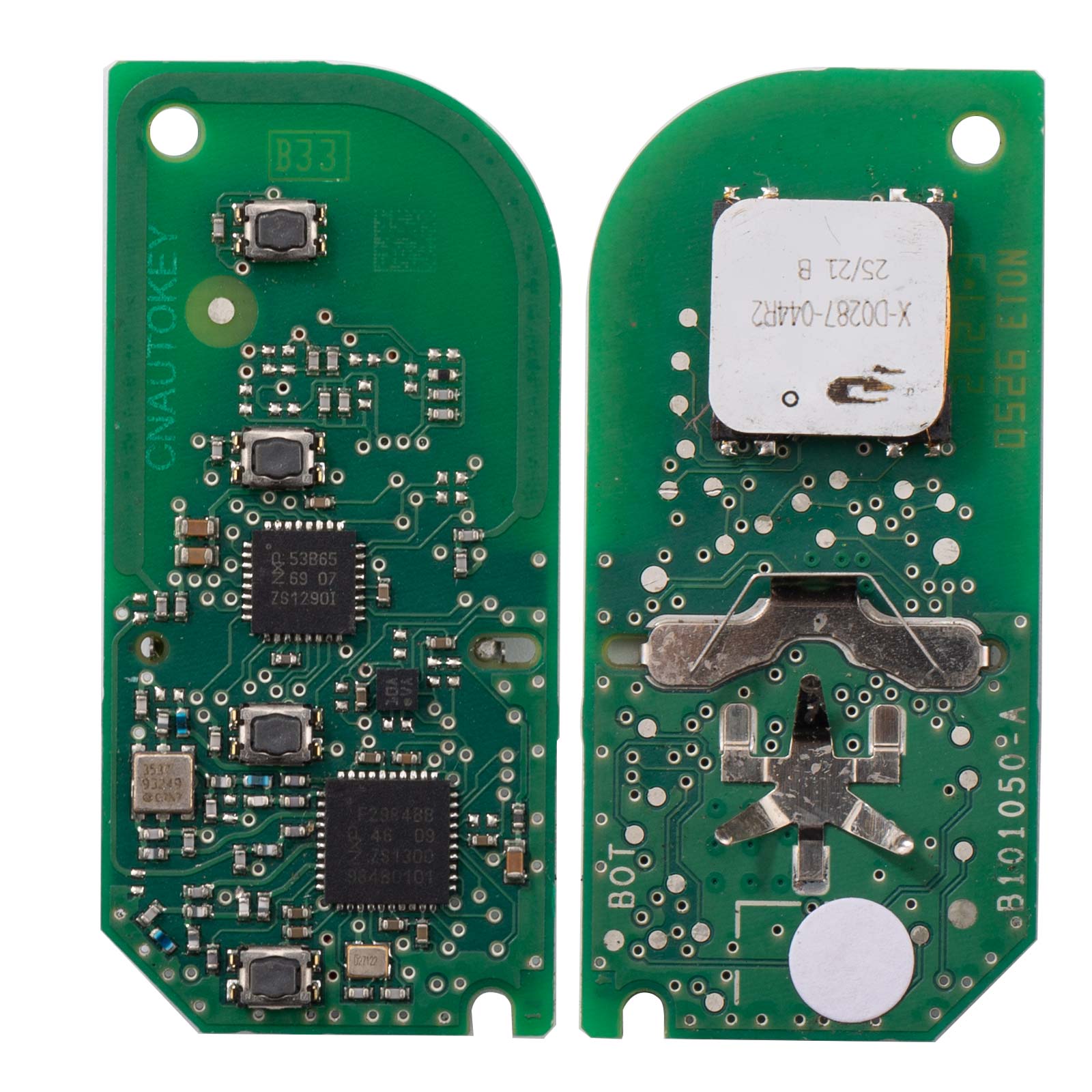
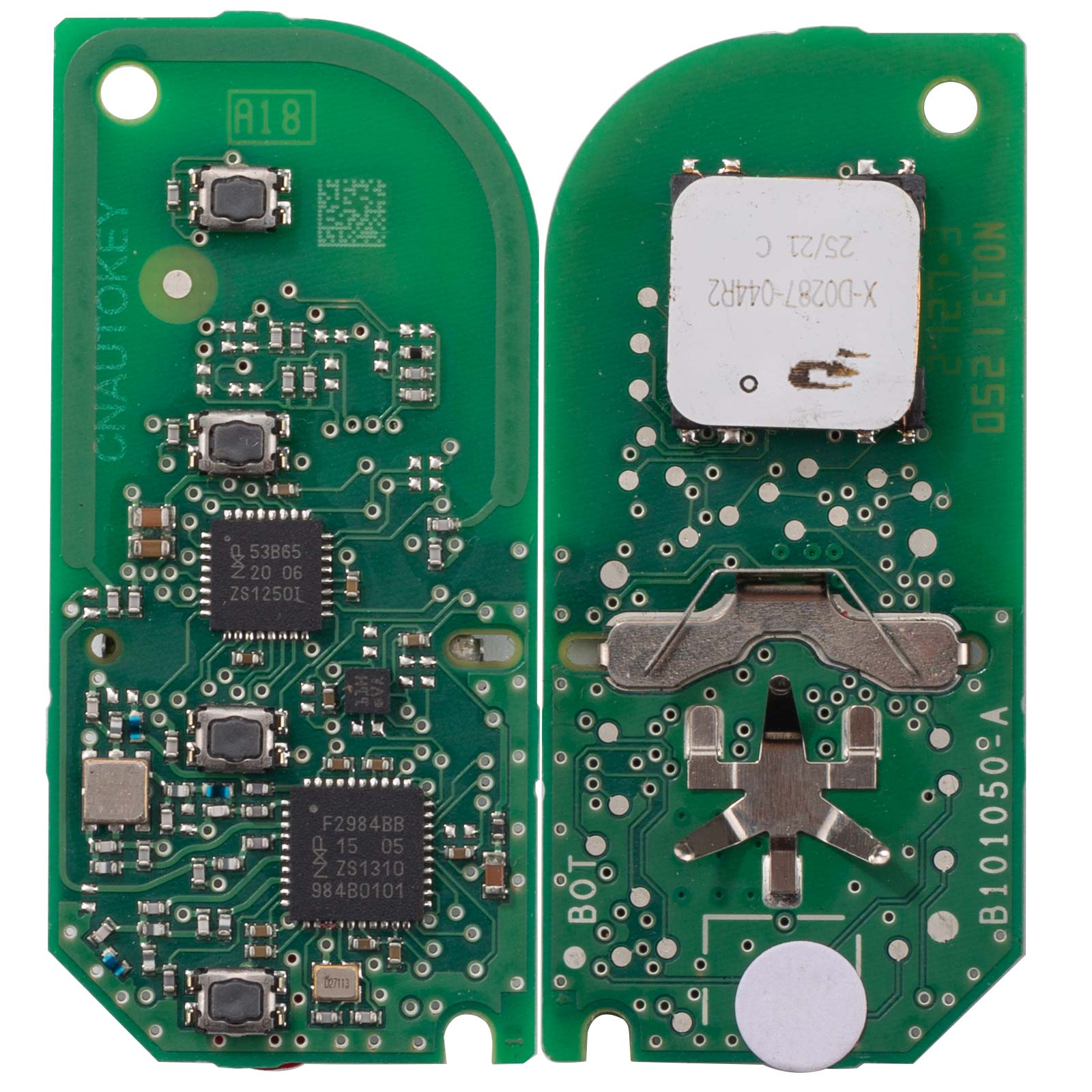
2pcs x Boards
1pc x Bag