X10 Pro 4K Retro Game Stick
128GB Storage | 50,000+ Built-In Games | 40+ Emulators | Dual Wireless Controllers
🎮 Product Overview
The X10 Pro Retro Game Stick provides a convenient way to enjoy a wide selection of classic-style games on a compatible TV or display. With 128GB storage, 50,000+ built-in games and more than 40 emulator systems, it offers a wide range of gaming options in a compact plug-and-play design.
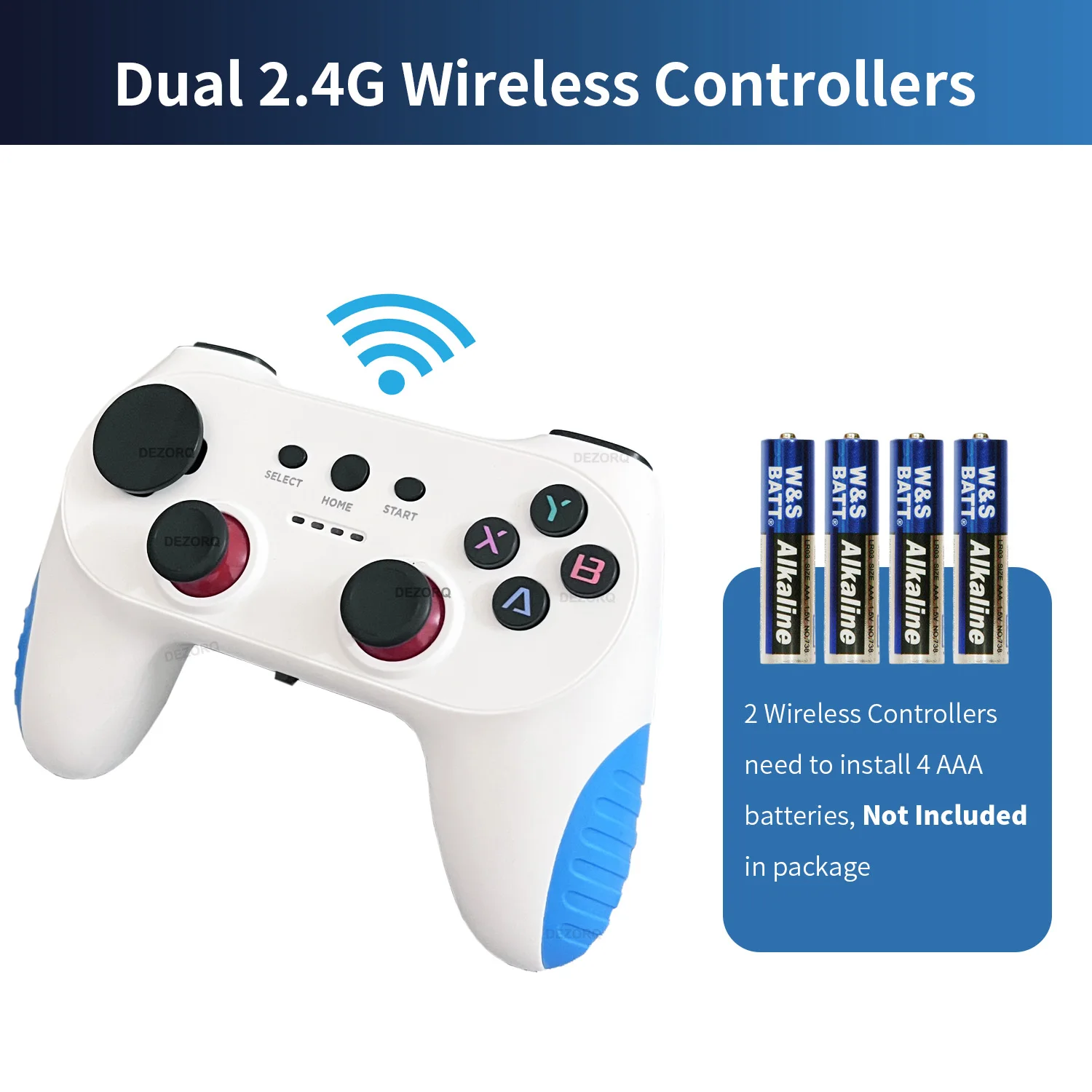
The system includes two 2.4GHz wireless controllers, allowing two players to enjoy compatible games together without the need for controller cables.
✨ Key Features
🕹️ 50,000+ Built-In Games
The 128GB version includes a large built-in game library for convenient access to a wide range of retro-style gaming content.
📡 Dual Wireless Controllers
Two 2.4GHz wireless controllers are included for multiplayer gaming with compatible titles.
📺 HD Display Output
Supports HD output at 1080P and 720P for connection to compatible televisions, projectors and displays.
🎯 40+ Emulator Systems
Supports more than 40 emulator systems, including the systems listed in the specifications below.
💾 Save & Load Support
The system supports saving and loading game progress for compatible games and emulator systems.
🔎 Game Search Function
A built-in search function makes it easier to locate games within the available game library.
📋 Technical Specifications
X10 Pro
S905X3 ARM Cortex-A55 2.0GHz
Mali-G31 MP2
LPDDR3 2GB
EmuELEC 4.7
128GB
50,000+
2.4GHz Controllers
🕹️ Supported Emulator Systems
The system includes support for 40+ emulator systems. The supplied information specifically lists:
🎮 Wireless Controllers
2 Wireless Controllers
2.4GHz
2 × AAA per Controller
No
🔧 Installation Guide
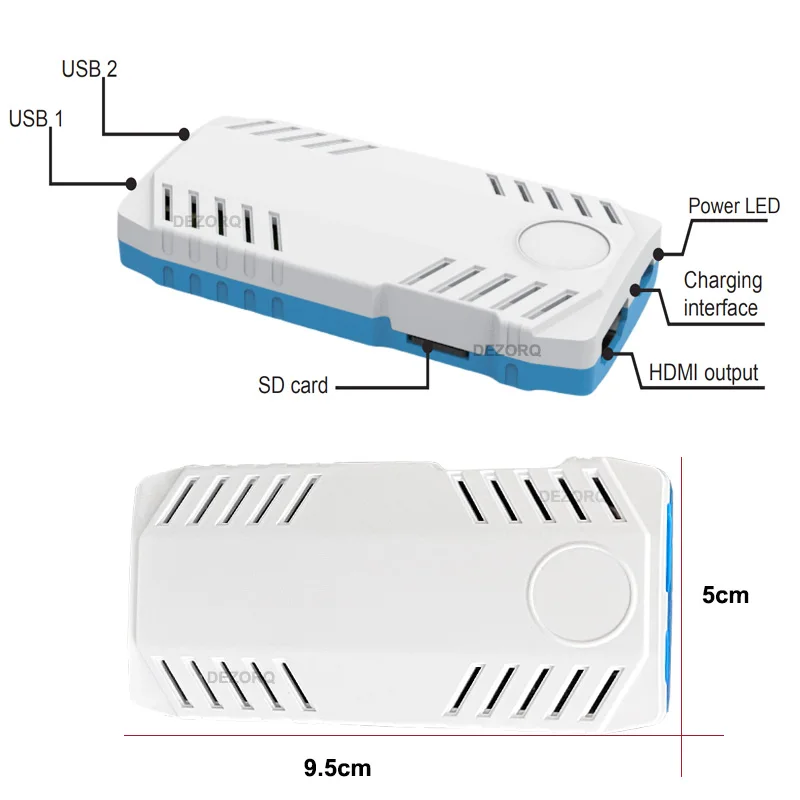
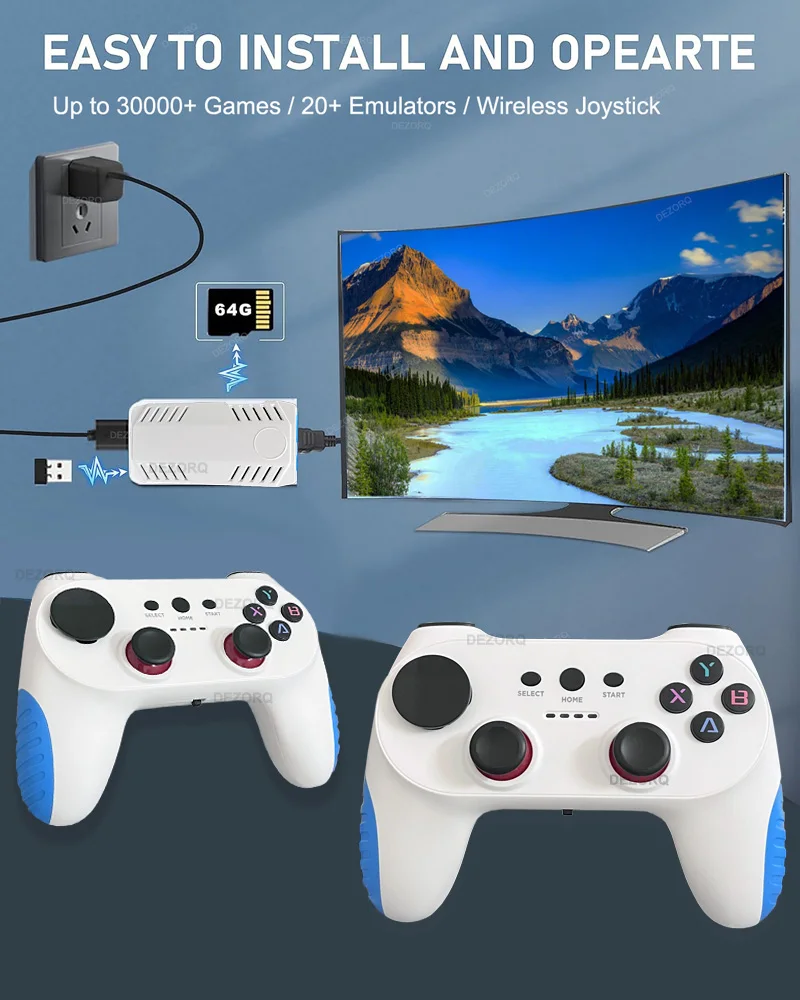
- Connect the USB wireless receiver to the USB port on the game stick.
- Connect the power cable to the game stick and a suitable 5V 2A power source.
- Connect the HD cable between the game stick and an available HD port on your TV.
- Select the corresponding HD input on your television.
- Install 2 × AAA batteries into each controller before use.
⚠ Controller Button Information
The controller's directional buttons are detachable. The round directional button is installed by default, while a cross-shaped directional button is included in the package and can be fitted according to your preference.
Please remove the button carefully when changing it. Do not use excessive force or dismantle the controller unnecessarily, as this may damage the accessory.
📦 Package Includes
- 1 × X10 Pro Retro Game Stick
- 2 × 2.4GHz Wireless Controllers
- 1 × USB Wireless Receiver
- 1 × Power Cable
- 1 × HD Cable
- 1 × Cross-Shaped Directional Button Set
⚠ Important Information
- AAA batteries for the wireless controllers are not included.
- Please use a suitable 5V 2A power source as specified.
- Please select the correct HD input on your television after connecting the game stick.
- Game availability and compatibility may vary between emulator systems.
- Not every game necessarily supports two-player operation.
- Please check your TV/display connections before purchasing.
💜 Why Choose This Retro Game Stick?
Thank You For Visiting Our Store
Quality Products • Friendly Customer Service