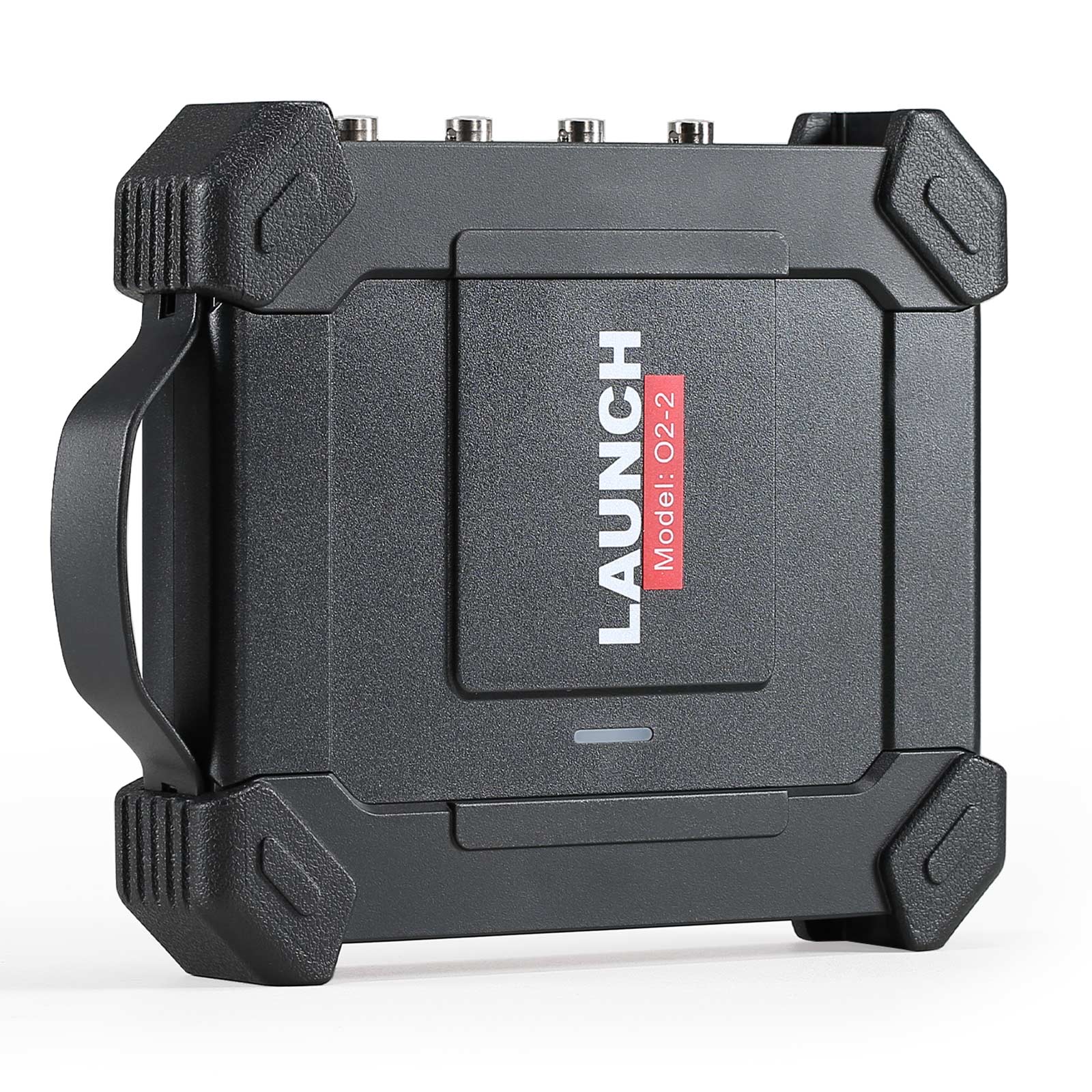
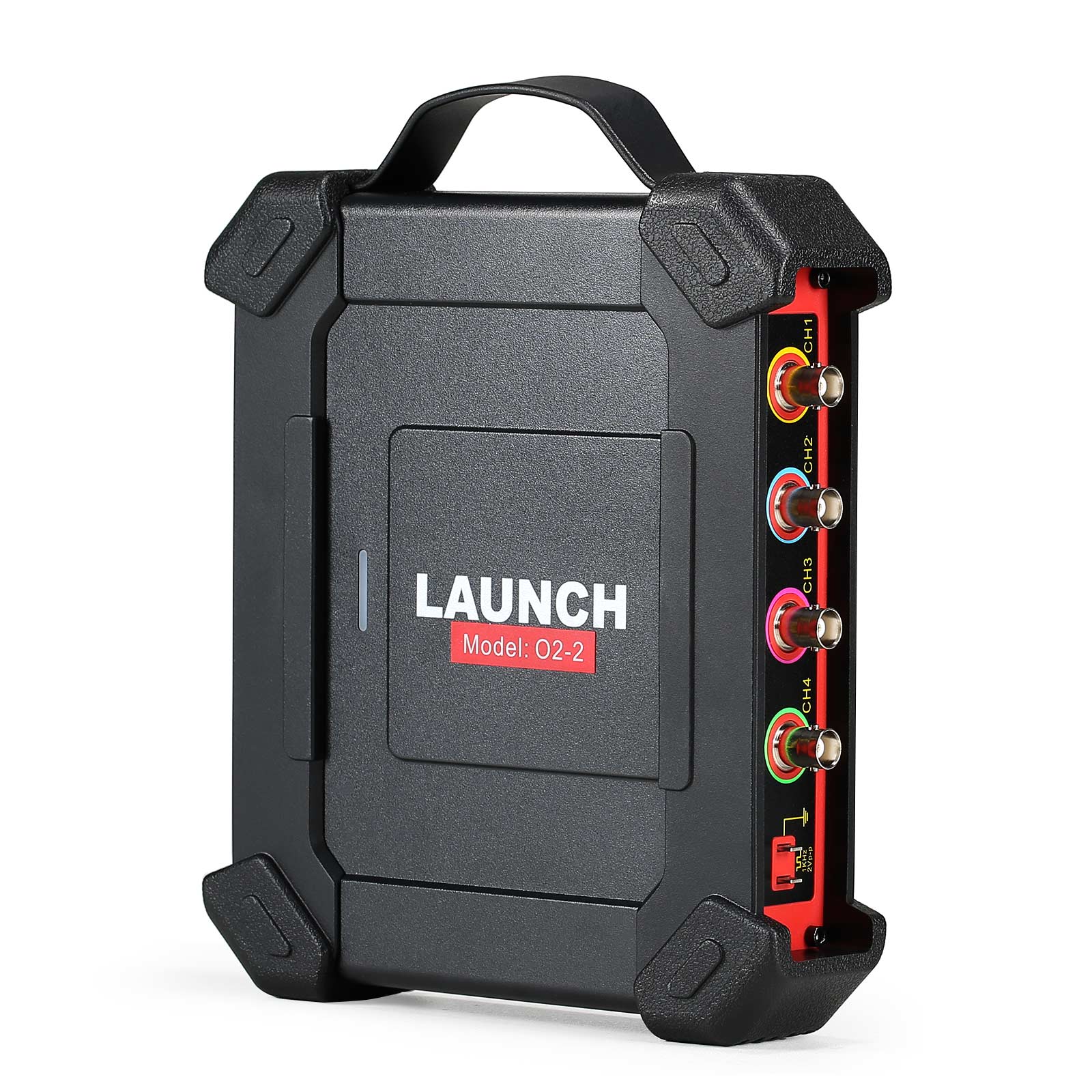
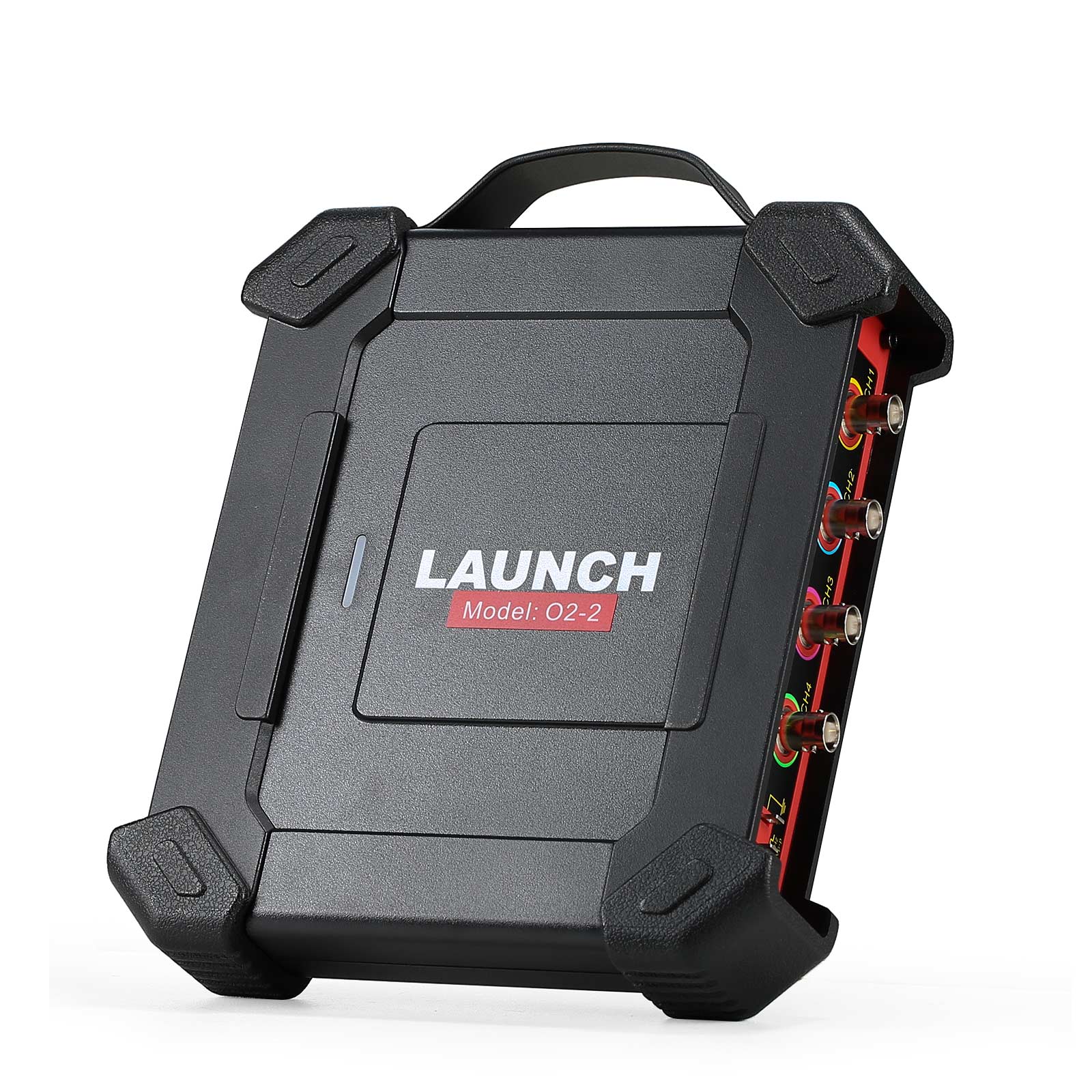
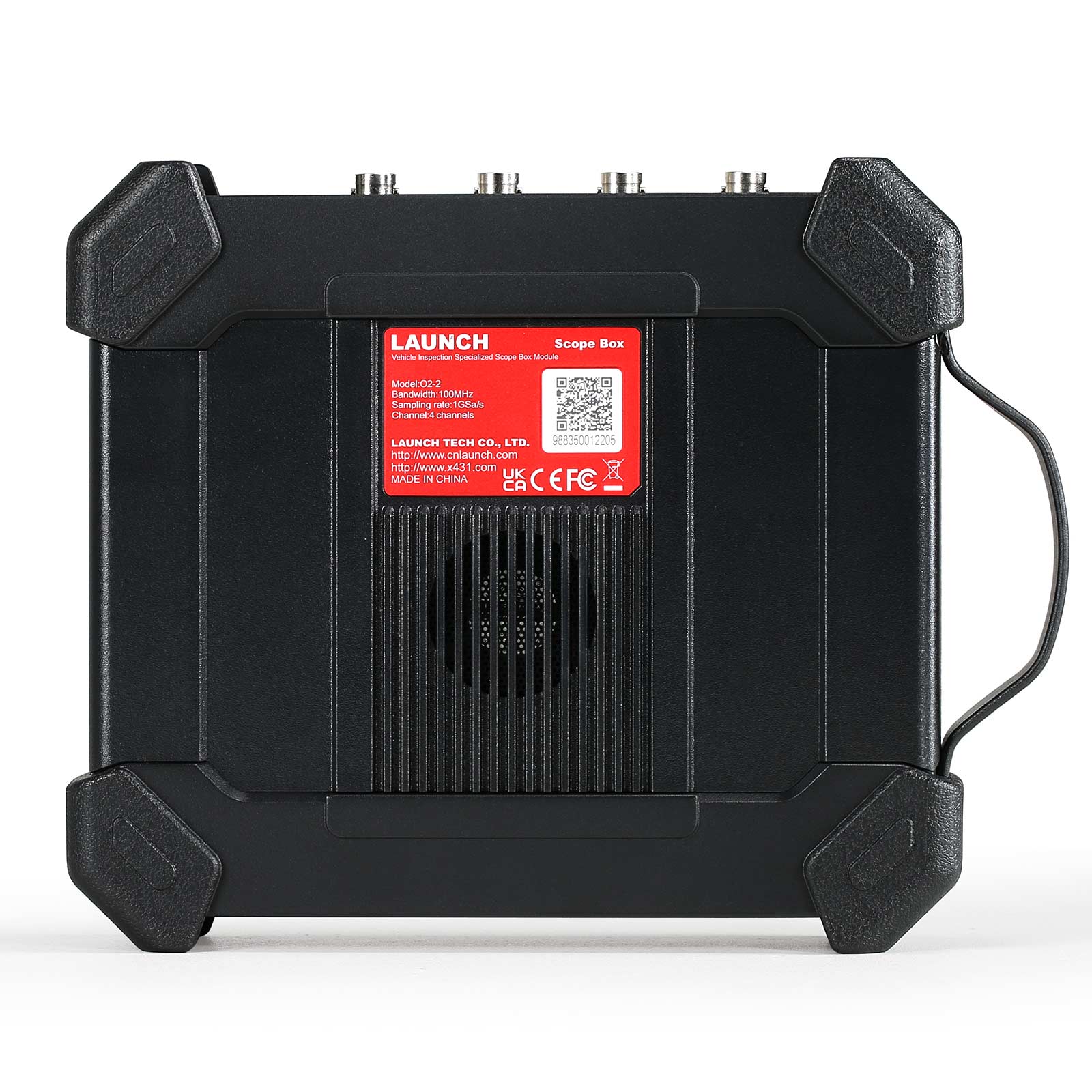
Launch X431 O2-2 Scope Box Oscilloscope 4 Channels 100MHz USB DC For PRO3S+ PADV
International Buyers – Please Note:
2. Please check with your country’s customs office to determine what these additional costs will be prior to bidding/buying.
LAUNCH X431 O2-2 Oscilloscope Scopebox Analizador 4 Channel Digital Scopebox Tester USB Port Works with X431 PAD VII, PAD V, PAD III
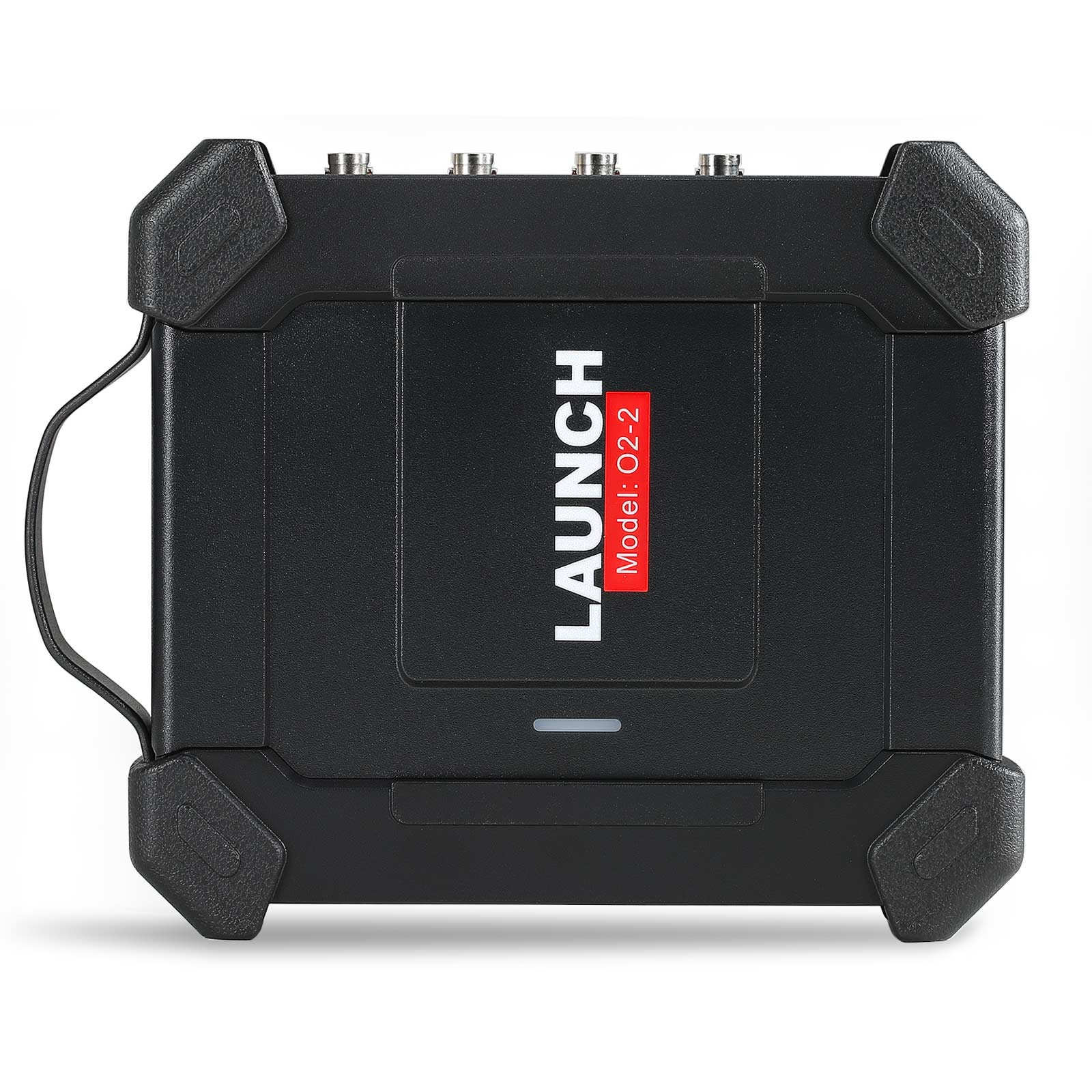
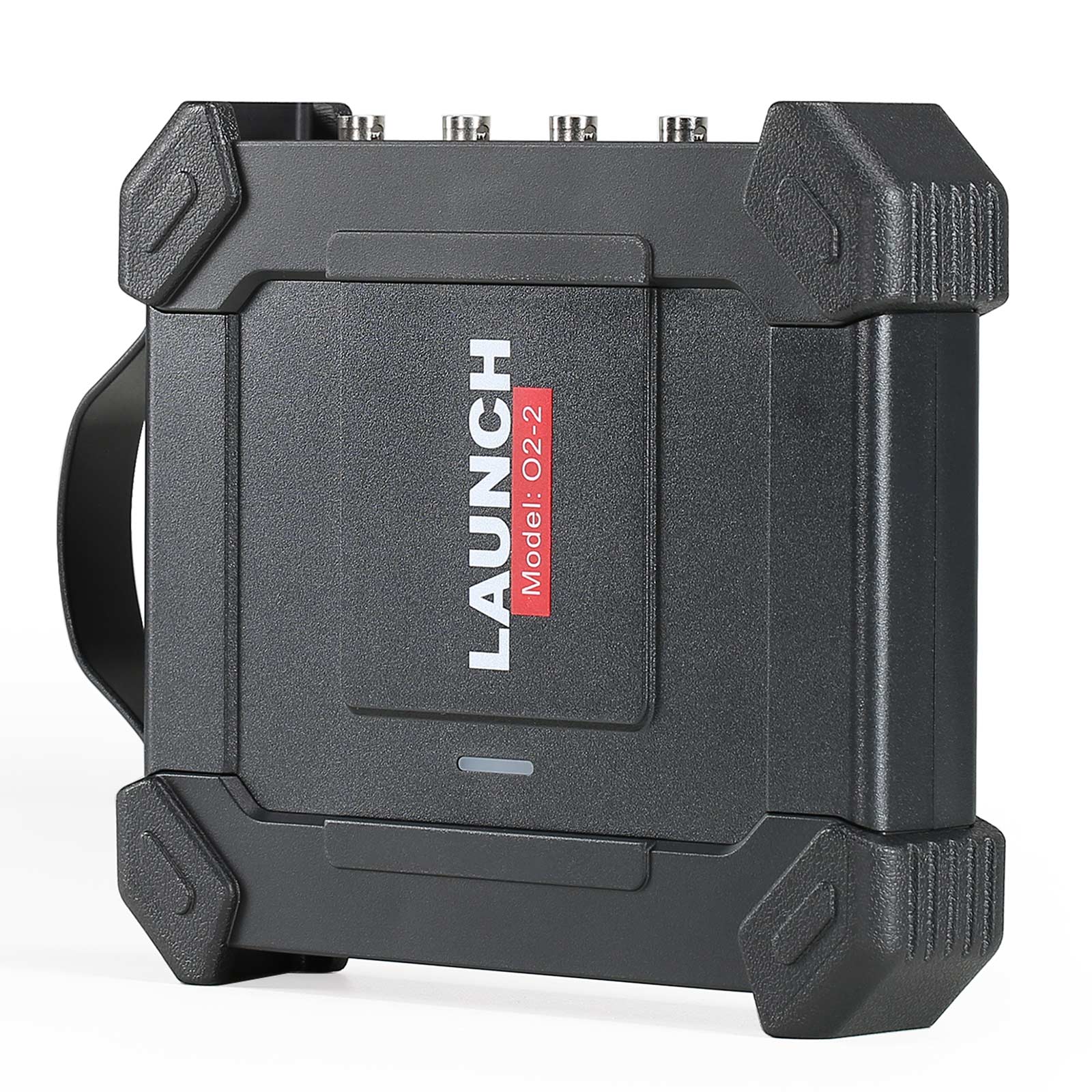
Featuring a new design and upgraded hardware, the LAUNCH O2-2 Scopebox is a versatile and easy to use add-on module that can detects high level faults on various electrical components, such as sensors, acturators and circuits. By integrating with the X-431 series scan tools via O2-2 application, it delivers accurate and conclusive diagnostic faults that enable the shop and technician to enlarge their scan tool's functionality.
O2-2 Highligts:
1. Channels 4
2. Bandwidth 100 MHz
3. Rasing time less than 3.5 ns (typical)
4. 1-year Warranty. 24 Hours NON-STOP Hassle-Free Technic Support
5. LAUNCH Electrical analyzer (oscilloscope) is stable, durable, and portable.
6. Features the ability to record and play back high-resolution waveform data for future analysis;
7. By integrating with the X-431 series scan tools via the O2-2 application, it delivers accurate and conclusive diagnostic faults
8. LAUNCH O2-2 Scopebox can detect high-level faults on various electrical components, such as sensors, acturators and circuits.
9. One-click enable function allows users to capture a particular waveform making the process 70% more efficient compared to other oscilloscopes.
10. Support with X-431 series scan tools and V5.0 new version tools:
- Offline Model: X431 pro3 link, X431 Throttle, X431 Pad II AE, X431 Torque, X431 Turbo
- Online PRO Series Model: X431 Pros Star, PROs Elite/PRO ELITE, X431 PRO (V 5.0, PROS V5.0), X431 V+ V5.0, X431 Pro3S+ V5.0, X431 PRO3 APEX, X-431 PRO3 ACE, X-431 PRO3 (V+) ELITE, X-431 PRO5 SmartLink
- PAD Series Model: X-431 PAD V ELITE, X-431 PAD VII ELITE,
- IMMO Series Model: X431 IMMO Elite, X431 IMMO PLUS
NOTE: DO NOT SUPPORT old version PRO5, CRP919X BT/CRP919E BT, PRO3S+ V2.0, V+ 2.0 or V+4.0.
If you are not sure if your device is supported, please feel free to contact us with your serial number.
Features of Launch O2-S2 Scopebox:
One key enable function
Access to 23 variants of automatic measurements that are displayed on one screen for an easy switch.
Buffer memory up to 50M.
Use the zoom in/out feature to review precise details
Customizable personal system settings that can be saved as configuration files for viewing
Self-calibration function allows optimization of the oscilloscope signal path for maximum measurement accuracy.
Magnifies waveform math operations, such as addition, subtraction, multiplication and FFT function for high level waveform analysis.
Multiple automotive tests that include circuits, sensors, actuators, ignition tests and more.
Multi-language user interface.
USB Sync Data Transfer to external devices such as laptop, tablet, etc....
LAUNCH X431 O2-2 Scope Box Functions:
1. Supports multiple vehicle preset project tests
Supports a variety of automotive preset project tests, such as circuits, sensors, actuators, ignition tests, communication tests and combination tests, and presets various parameters and specific connection methods for each test.
2. 23 automatic measurement settings
23 automatic measurement settings are displayed on one screen, which is clear at a glance and can be clicked with a light touch. It supports one-click clearing, eliminating the tediousness of turning pages and searching multiple times, making automatic measurement easy to use and convenient.
3. Quick trigger source switching
Supports edge, pulse, and other triggers. Simple and intuitive trigger settings and fast trigger source switching methods make the most difficult part of oscilloscope application extremely easy.
4. Quickly create waveform preset parameters with one click
When testing waveforms, you can save the existing settings on the current interface as waveform preset parameters with one click. When testing similar waveforms later, you can directly load the preset parameters without repeated settings.
5. Quickly save waveforms with one click
Quickly save the waveform currently displayed on the screen with one click and automatically save it in the specified format. It can be directly used as a reference channel waveform for display later.
6. Convenient cursor operation
Turn on the horizontal and vertical cursors with one click respectively. Each cursor can be dragged independently, and cursor tracking is also directly implemented through simple highlight touches, improving overall efficiency by more than 80%.
7. Support cursor/phase ruler changes accordingly
When the waveform is zoomed in/out, the cursor and phase scale can change accordingly, keeping the measurement range unchanged.
8. Supports 2-point touch, the waveform can be zoomed in or out vertically or horizontally
Drag horizontally or vertically with 2 points to zoom in or out the waveform horizontally or vertically.
9. Support demonstration function
Preset sine waveforms to demonstrate common functions without connecting an oscilloscope.
10. Supports waveform math operations
Supports addition, subtraction, multiplication, and division calculations of two-channel waveforms, in addition to fast Fourier transform.
Detailed Comparison Between Launch O2-2 Scope Box and Launch O2-1 Scope Box :
Model | O2-1 | O2-2 |
Channel | 4 | 4 |
Bandwith | 100MHz | 100MHz |
Rise Time | ≤3.5ns(typical) | ≤3.5ns |
Maximum sampling rate | 1Gbps(for four channels) | 1Gbps |
Input resistance | 1MΩ±1.5% | 1MΩ±1.5% |
Storage depth | 50M | 10M |
Number of sampling bits | 8bit | 8bit |
vertical accuracy | 3% | 3% |
Vertical gear | 5mV~10V | 5mV~10V |
Inverting | Support | Support |
Channel coupled | DC, AC | DC, AC |
Time base gear | 5ns~1ks | 1ns-1ks |
Time base accuracy | 20ppm | 20ppm |
Sampling mode | Normal | Normal |
CANBus decoding | CAN, LIN | CAN, LIN |
Trigger type | Edge, Pulse width | Edge, Pulse width |
Trigger mode | Normal, Auto and Single SEQ | Normal, Auto and Single SEQ |
Trigger coupling | DC, Noise rejection | DC, Noise rejection |
Math | Double wave\FFT | Double wave\FFT |
Display | YT、Zoom、Roll | YT、Zoom、Roll |
Roll mode | 200ms/div~1000s/div | 200ms/div~1000s/div |
Auto configuration | Support | Support |
Auto measurement | 23 | 23 |
Cursor | Horizontal cursor, Vertical cursor | Horizontal cursor, Vertical cursor |
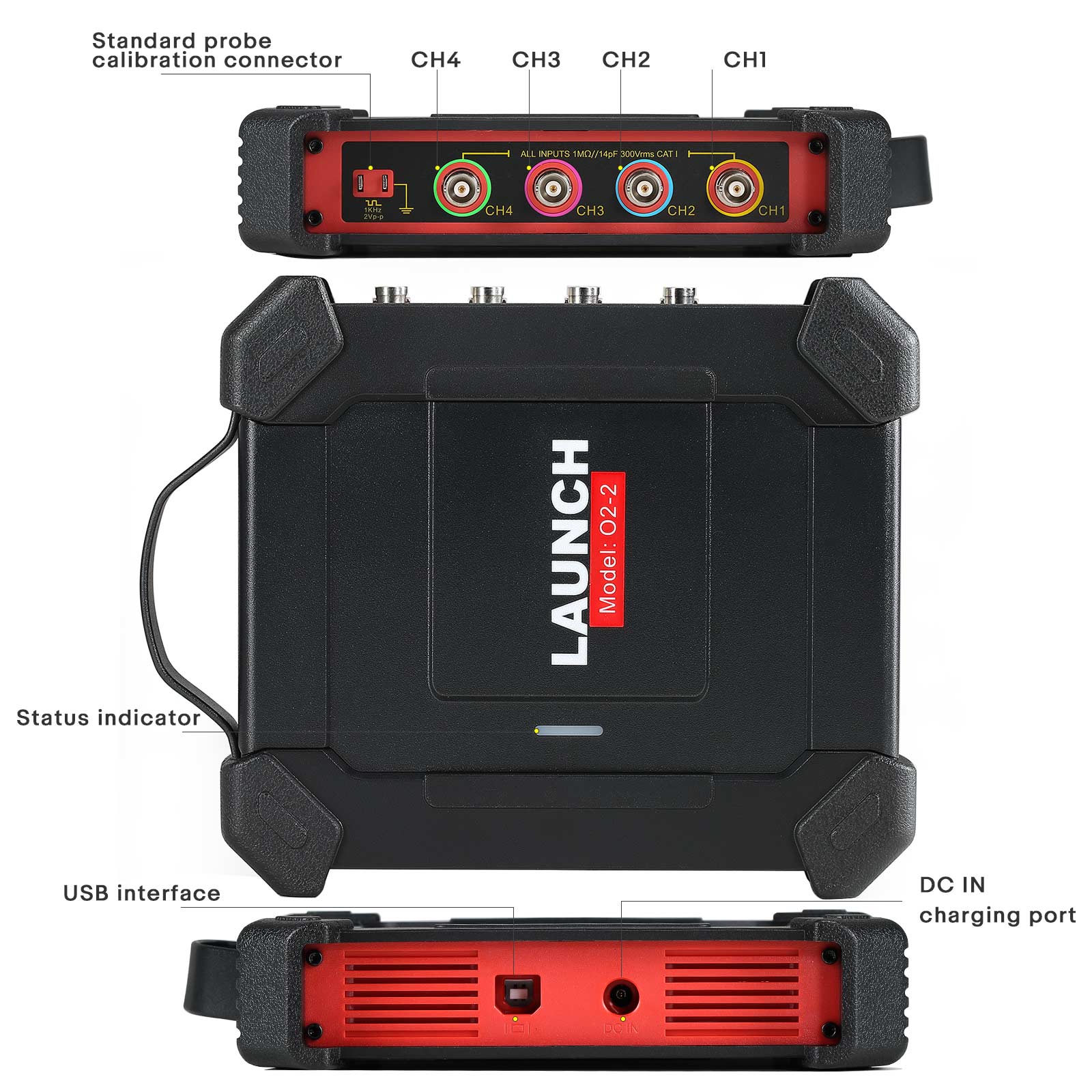
Powered by | USB port, DC IN port | USB port, DC IN port |
Data transmission method | USB | USB |
Vehicle configuration options | Circuits, sensor, actuators, ignition | Circuits, sensor, actuators, ignition |
Operating temperature | 0℃~50℃ | 0℃~50℃ |
Power supply range | USB:5V/1A | USB:5V/1A |
Compatibility | Different tablet resolutions require different APPs | One APP can be compatible with multiple tablet resolutions |
Multi-touch gestures | No | Supports 2-point touch, the waveform can be zoomed in or out vertically or horizontally |
Vehicle configuration | No | Each test project can support online help documentation (help documentation will be compiled according to needs later) |
Firmware upgrade | Manual upgrade | Support online upgrade |
Trigger | Waveform observation cannot be expanded during normal trigger waiting. | Can be used normally during normal trigger waiting. |
Demo function | No | Yes |
Split-screen | No | Yes |
Sampling rate | Single channel 1G/s, more than 2 channels only 250M/s | Single channel 1G/s, 2 channels 500M/s, multiple channels 250M/s |
Start time | 2-3S | about 16s |
Power consumption | about 6W | about 7.5W |
How to Connect the Cables?
Different application scenarios require different connection methods (no matter which application scenario, the following connections are required)
1. power the oscilloscope box through the double-clip power cable: Connect one end of the double-clip power cable to the power interface of the oscilloscope box, and the other end to the vehicle battery to draw power (red is connected to the positive pole, black is connected to the negative pole).
Note: * PADVII series tablets support USB power supply.
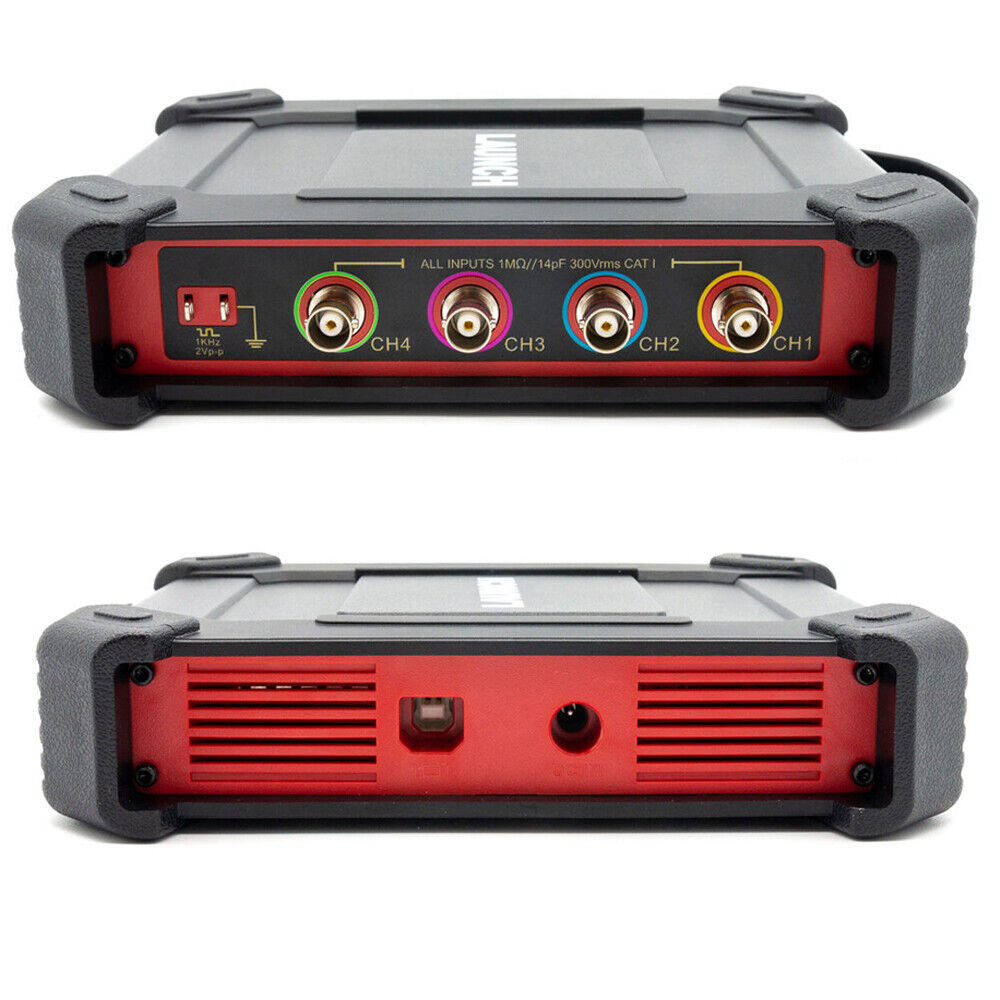
2. Connect the Type B terminal of the USB cable to the Type B interface of the oscilloscope, and connect the other end to the USB interface of the diagnostic device.
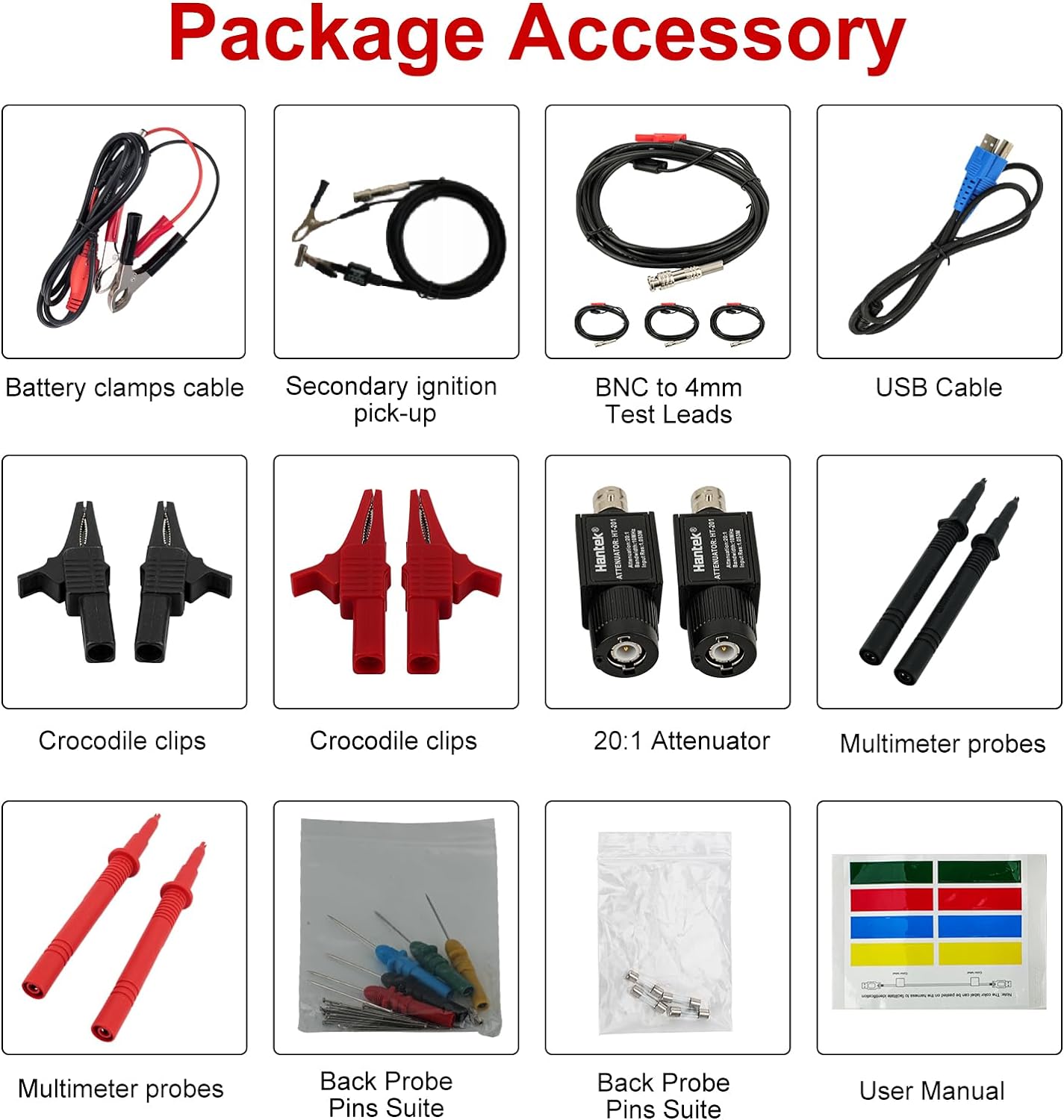
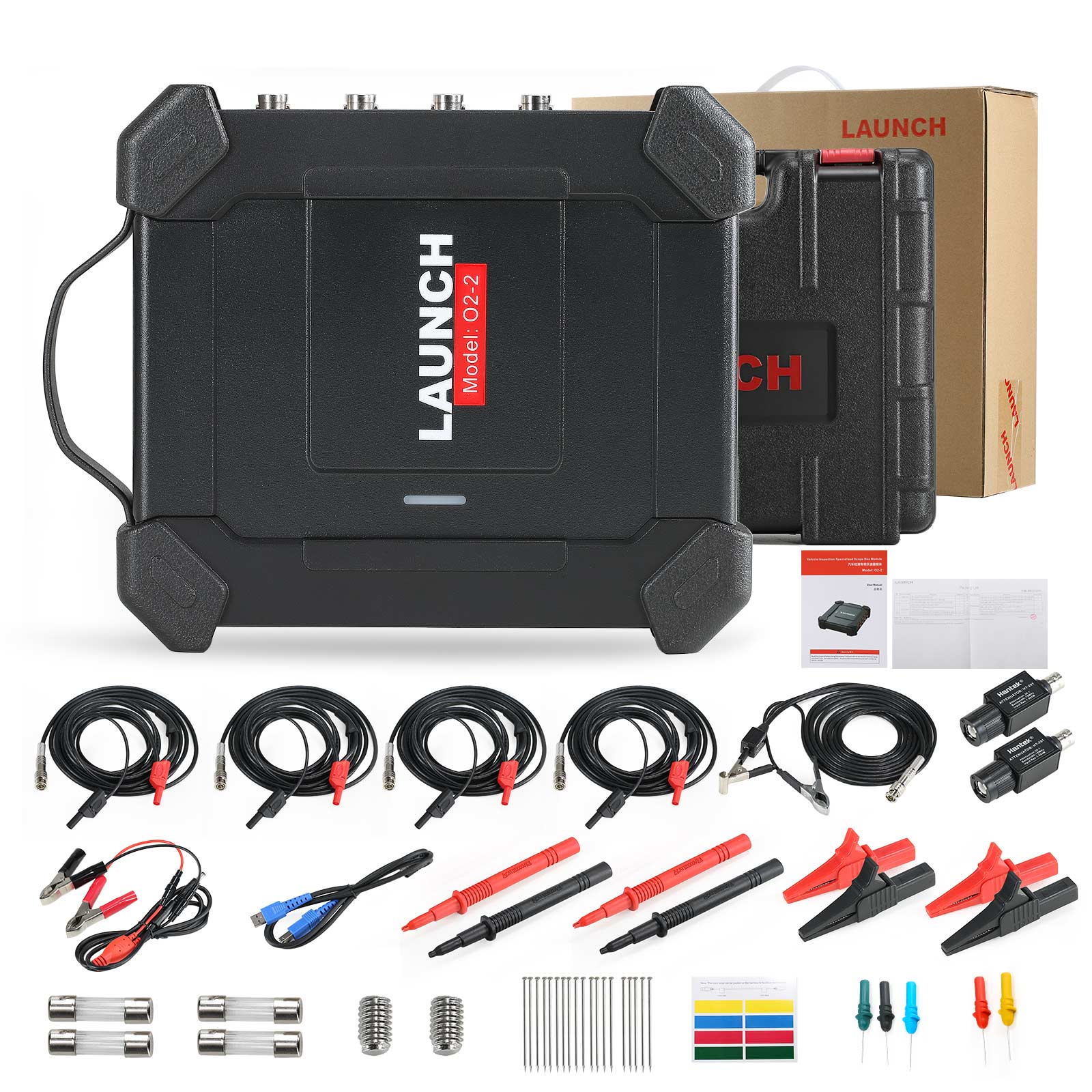
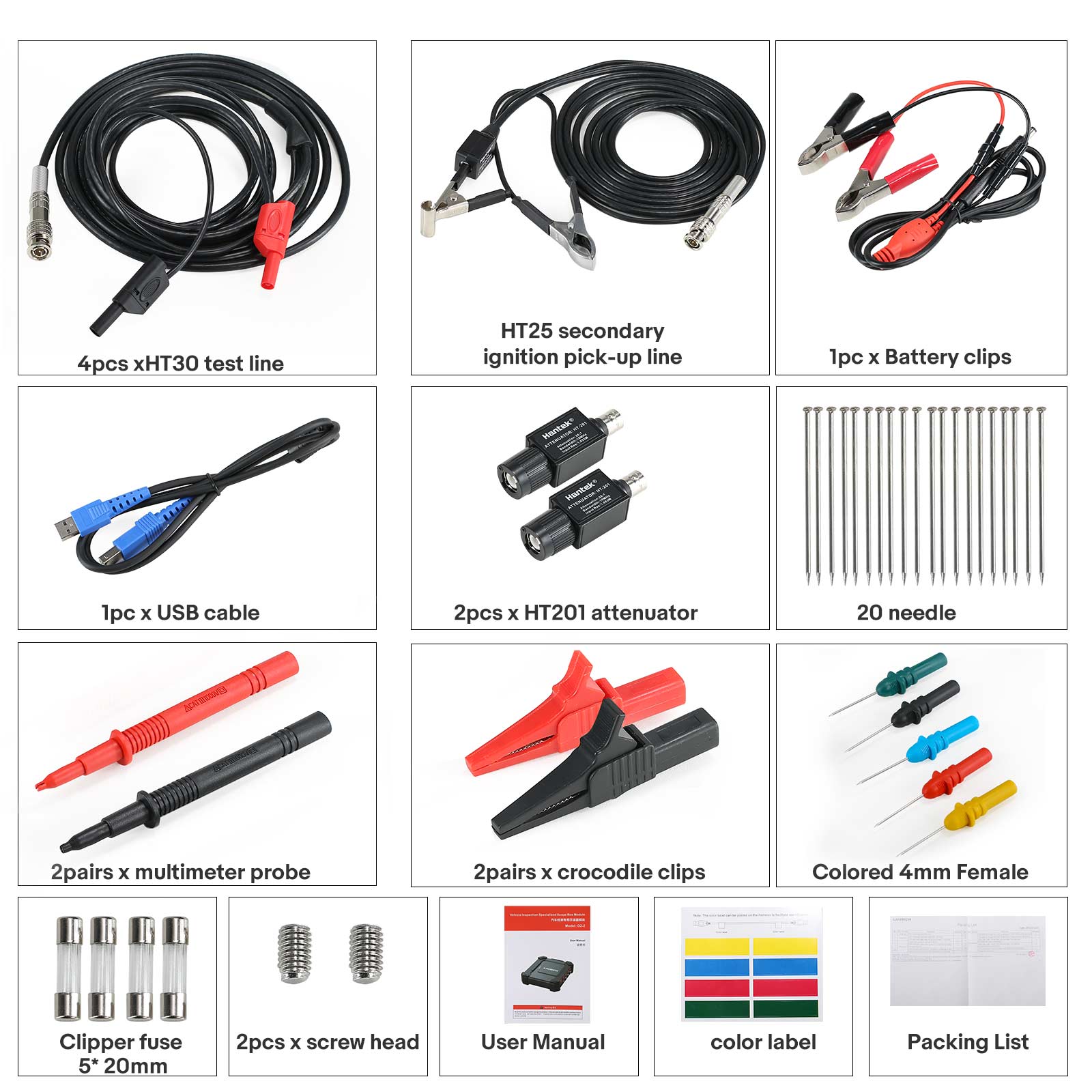
Package Includes:
1pc x Launch O2-2 main unit
4pcs x HT 30 test lines
1pc x HT25 secondary ignition pick-up line
1pc x battery clip cable
1pc x USB cable
2pcs x HT201 attenuator
20pcs x piercing needles
2 pairs x multimeter probes
2 pairs x crocodile clips
5pcs x colored 4 female probes
4pcs x clipper fuses(5*20mm)
2pcs x screw head
1pc x user manual
1pc x color label
1pc x packing list