
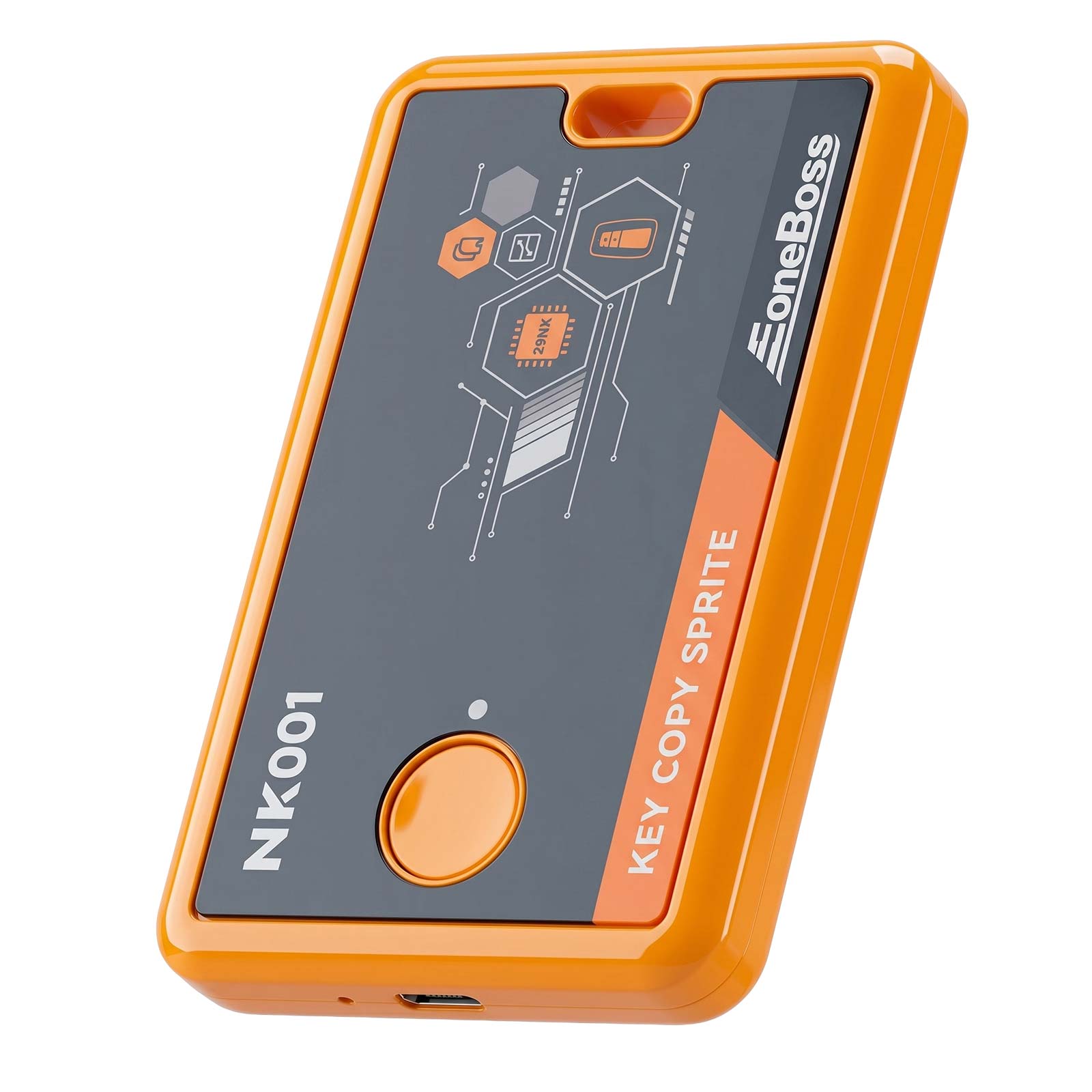
EONEBOSS NK001 Key Co-py for NCF29A(*) Smart Key C-lone & Data Identification
For international customer please note: ( Non-international buyers please ignore )
a) Import duties, taxes and charges are the buyer’s responsibility. It is not include in the price.
b) Before you buy Please check with your post office to know if the additional fee will more than you expect.
NOTE
Provide Your brand, model, year, function to customer service before buying, otherwise you may buy the wrong product.
If you have any questions, Lisa will help you solve them, please contact her from ebay message.It is better than open the return request.
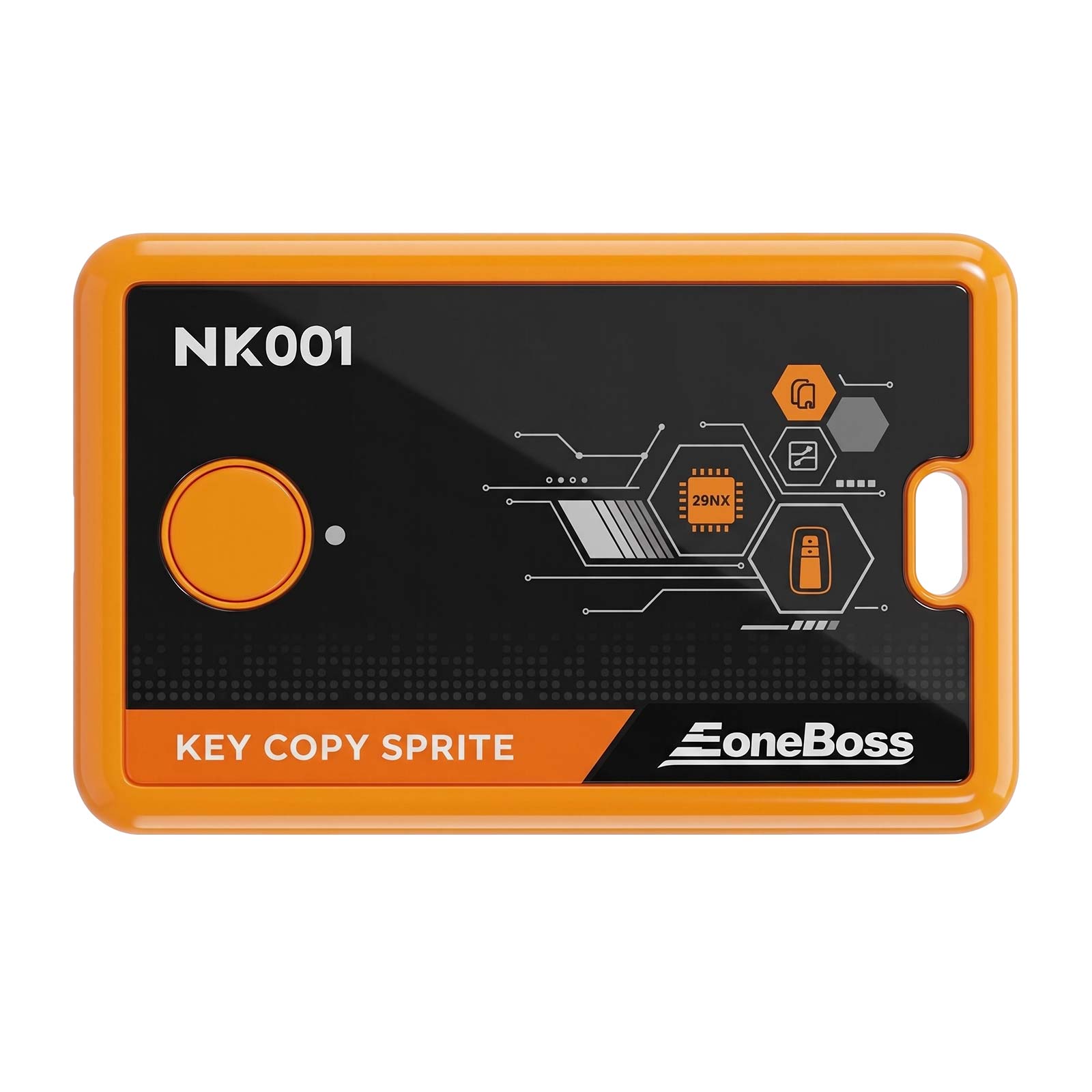
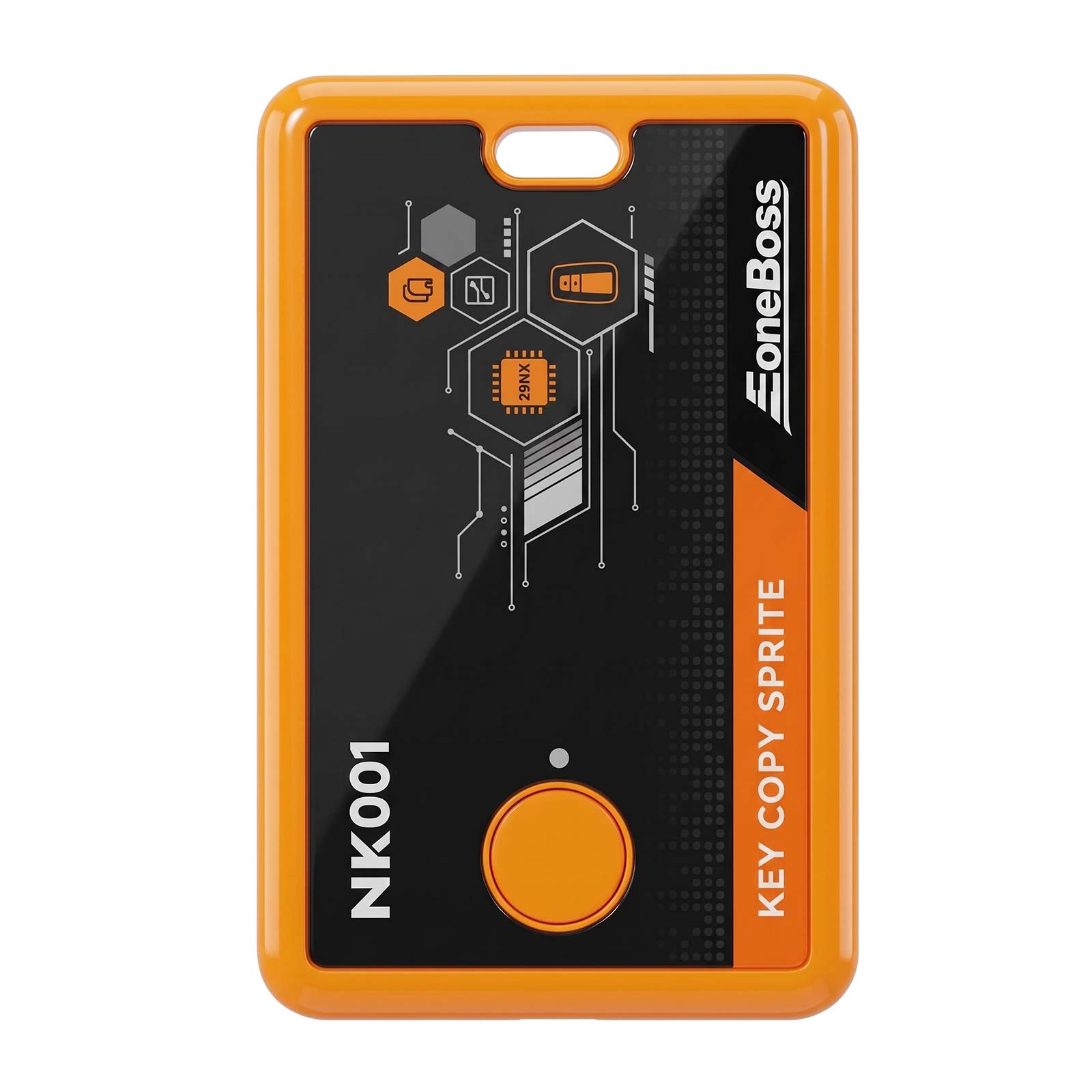
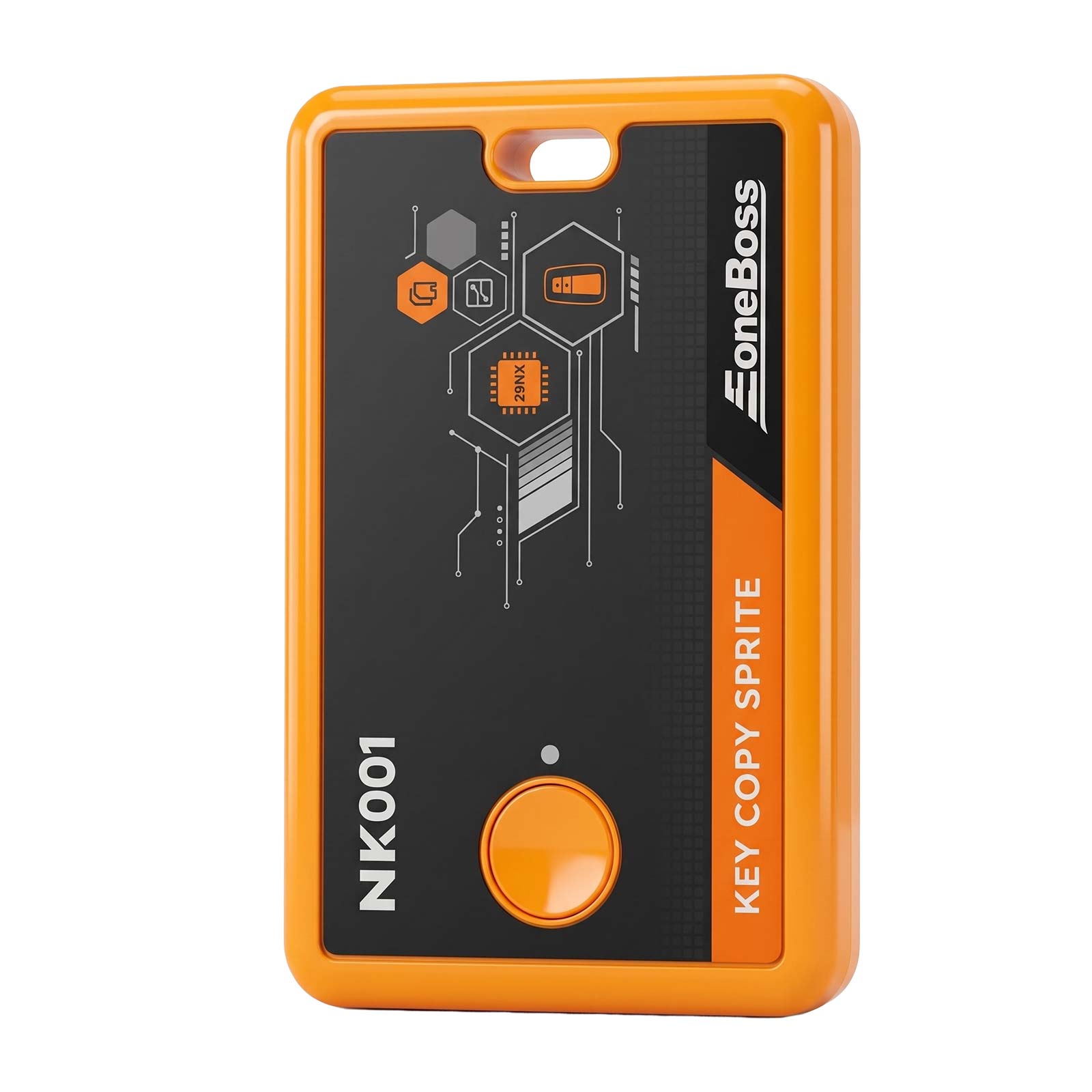
EONEBOSS NK001 Key Copy Sprite: Professional Tool for NCF29A(*) Series Smart Key C-loning and Data Identification.
Through high-efficiency identification and writing technology, NK001 supports direct c-loning of original car key data to new keys, providing a plug-and-play experience without OBD matching, significantly simplifying the locksmith's workflow.

Technical Background
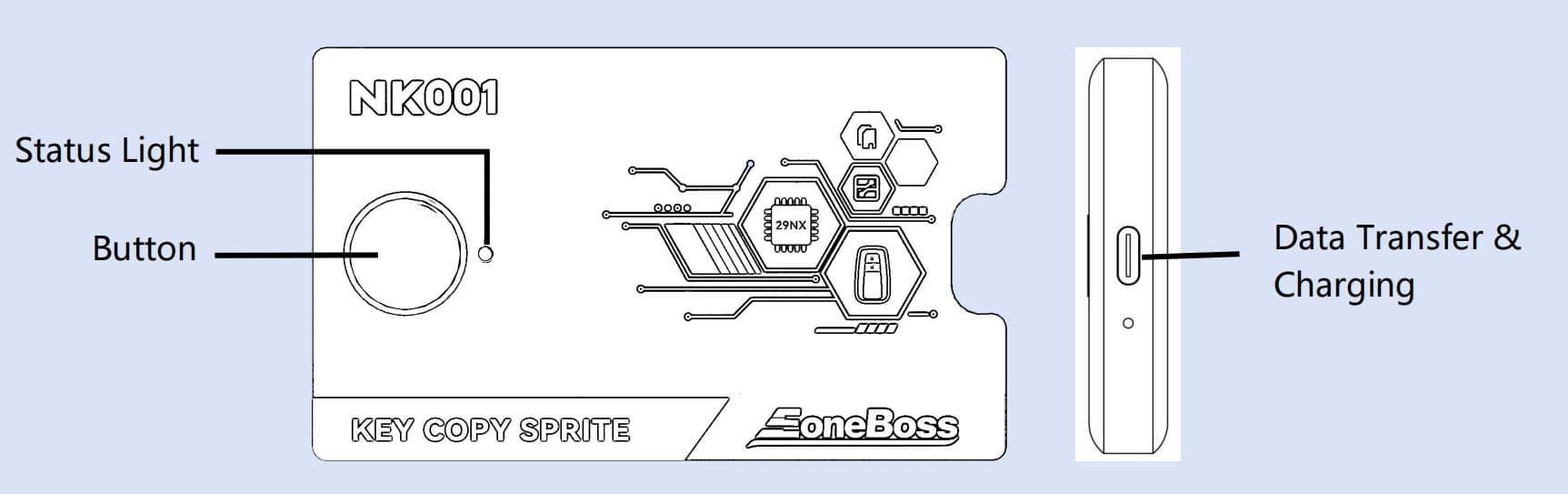
✅ Status Light Indicator Descriptions:
Green: The device function indicator light.
Red: The device is currently charging.
Blue: The device Bluetooth indicator light.
✅ Button Functions:
Power On/Off: Press and hold for 2s (one beep).
Forced Power Off: Press and hold for 5s (No beep).
✅ Type-C Charging Interface:
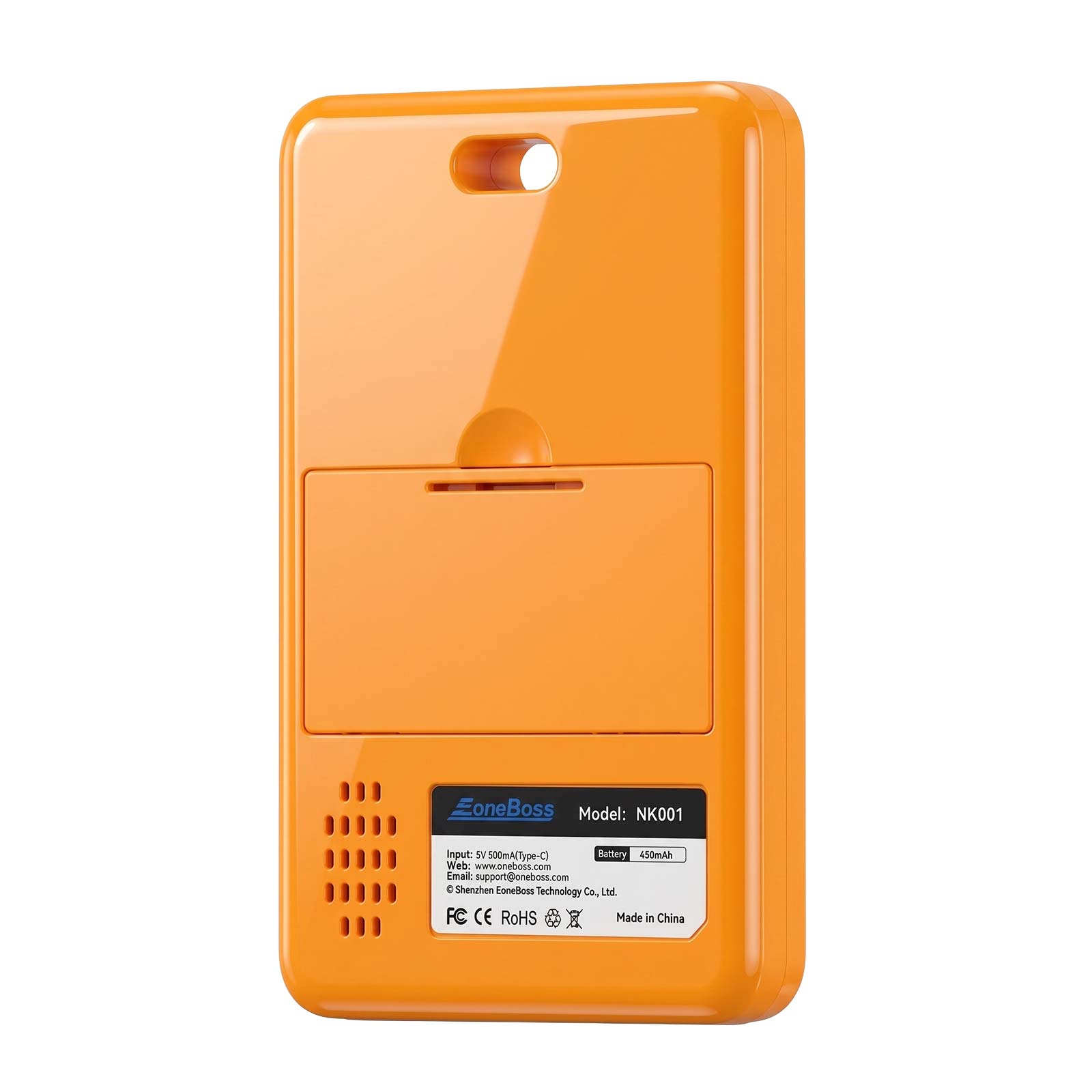
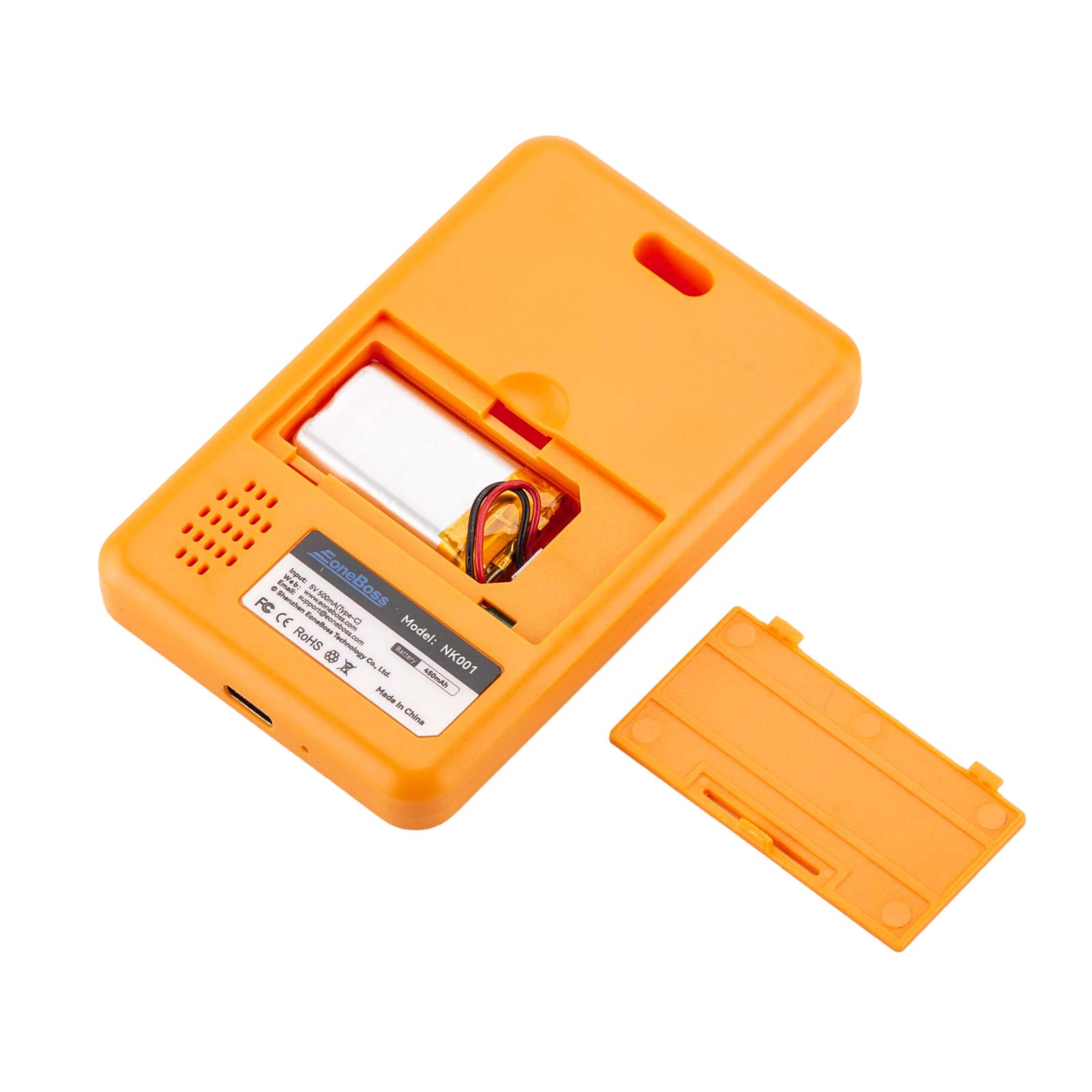
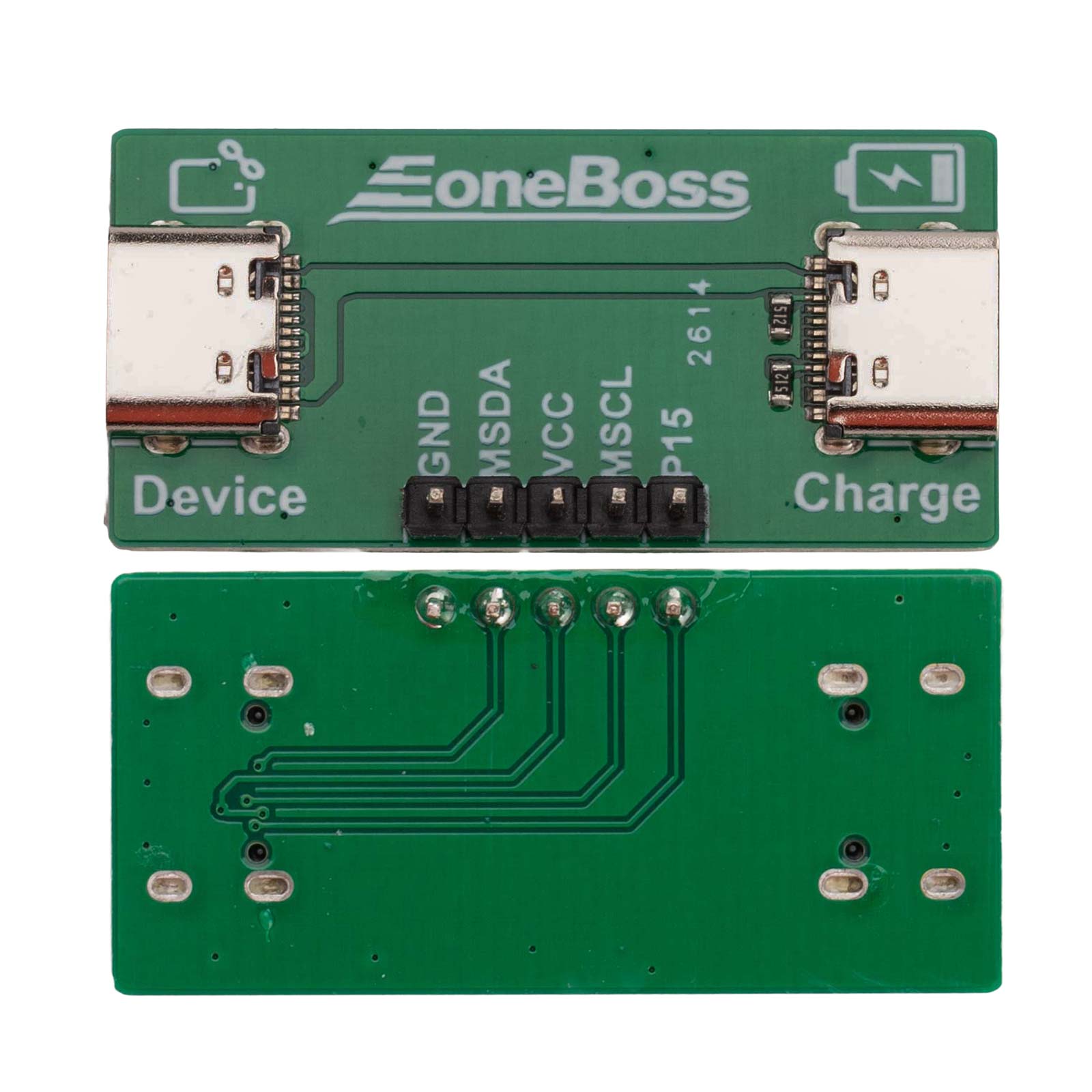
Built-in 3.7V 450mAh battery; supports simultaneous charging and operation (requires connection board). External power is prioritized.
✅ Power Sources:
Compatible with mobile phone chargers, computers (USB), power banks, and standard 5V adapters.
✅ Low Battery Warning:
When the battery is low, the device will beep every 2 seconds until it automatically powers off. Please recharge in time.
Through high-efficiency identification and writing technology, NK001 supports direct c-loning of original car key data to new keys, providing a plug-and-play experience without OBD matching, significantly simplifying the locksmith's workflow.
Technical Background
Are you looking for a faster way to clo-ne smart keys without complex progarmming?
Traditional OBD matching processes are tedious and require high-end equipment. The EoneBoss NK001 Key Copy Sprite is born to enhance efficiency, allowing you to easily handle c-loning needs for NCF29A(*) series chips.
Core Value NK001 can quickly identify and capture original smart key data and write it directly into a new NCF29A(*) smart key. Once c-loning is complete, the key is ready for immediate use on the vehicle without any OBD matching.
Why choose NK001?
✅ NXP Specialized: Perfect for all NXP Smart Keys (OEM & Aftermarket).
✅ No OBD Required: Ready to use after generation; no need to connect to the vehicle's OBD interface for tedious pairing, saving significant time.
✅ Mobile Power: Full control via your iOS or Android smartphone.
✅ Pure Plug & Play: No complex training, no steep learning curve.
✅ Professional Support: Our core R&D team has 20 years of industry experience, supporting customized development and production requirements.
Traditional OBD matching processes are tedious and require high-end equipment. The EoneBoss NK001 Key Copy Sprite is born to enhance efficiency, allowing you to easily handle c-loning needs for NCF29A(*) series chips.
Core Value NK001 can quickly identify and capture original smart key data and write it directly into a new NCF29A(*) smart key. Once c-loning is complete, the key is ready for immediate use on the vehicle without any OBD matching.
Why choose NK001?
✅ NXP Specialized: Perfect for all NXP Smart Keys (OEM & Aftermarket).
✅ No OBD Required: Ready to use after generation; no need to connect to the vehicle's OBD interface for tedious pairing, saving significant time.
✅ Mobile Power: Full control via your iOS or Android smartphone.
✅ Pure Plug & Play: No complex training, no steep learning curve.
✅ Professional Support: Our core R&D team has 20 years of industry experience, supporting customized development and production requirements.
Product Functions
Smart Key Copy: Write the identified original smart key information into an original or third-party key. It can be used directly without progarmming matching.
Note: NCF29AG is not supported yet. Some third-party keys may have incorrect button functions.
Operating Instructions
App Download: Scan the QR code to download and install the EoneBoss Client.
NK001 Device Connection: Press and hold the NK001 button for 2 seconds to turn on (one beep), and ensure your phone's Bluetooth is enabled. Open the EoneBoss App, enter the c-loning function interface, and follow the prompts to complete data reading and writing operations.
Smart Key Copy: Write the identified original smart key information into an original or third-party key. It can be used directly without progarmming matching.
Note: NCF29AG is not supported yet. Some third-party keys may have incorrect button functions.
Operating Instructions
App Download: Scan the QR code to download and install the EoneBoss Client.
NK001 Device Connection: Press and hold the NK001 button for 2 seconds to turn on (one beep), and ensure your phone's Bluetooth is enabled. Open the EoneBoss App, enter the c-loning function interface, and follow the prompts to complete data reading and writing operations.
Functional Diagram
✅ Status Light Indicator Descriptions:
Green: The device function indicator light.
Red: The device is currently charging.
Blue: The device Bluetooth indicator light.
✅ Button Functions:
Power On/Off: Press and hold for 2s (one beep).
Forced Power Off: Press and hold for 5s (No beep).
✅ Type-C Charging Interface:
Built-in 3.7V 450mAh battery; supports simultaneous charging and operation (requires connection board). External power is prioritized.
✅ Power Sources:
Compatible with mobile phone chargers, computers (USB), power banks, and standard 5V adapters.
✅ Low Battery Warning:
When the battery is low, the device will beep every 2 seconds until it automatically powers off. Please recharge in time.
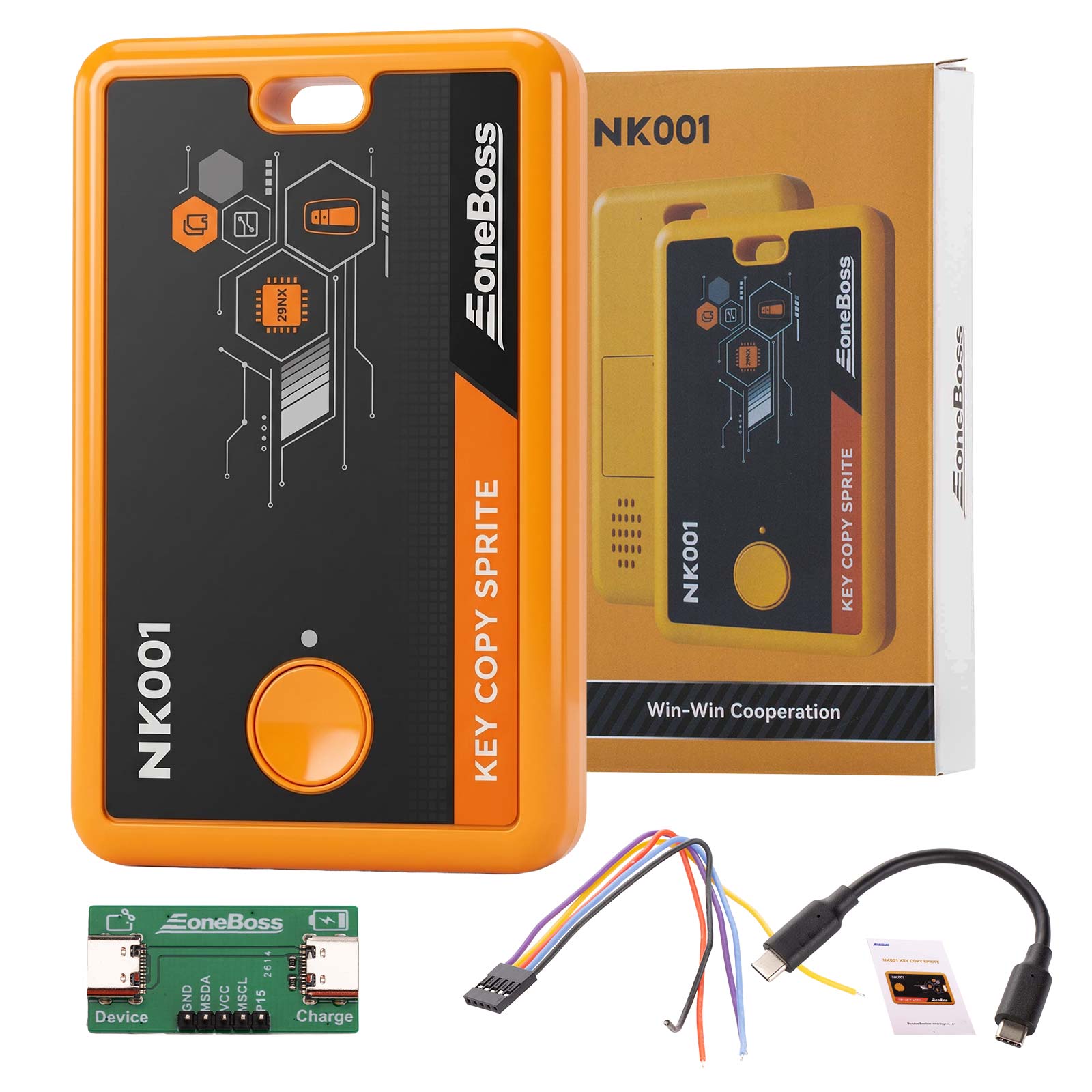
Package includes:
1pc x EoneBoss NK001
1pc x USB Type-C cable
1pc x ribbon cable
1pc x board
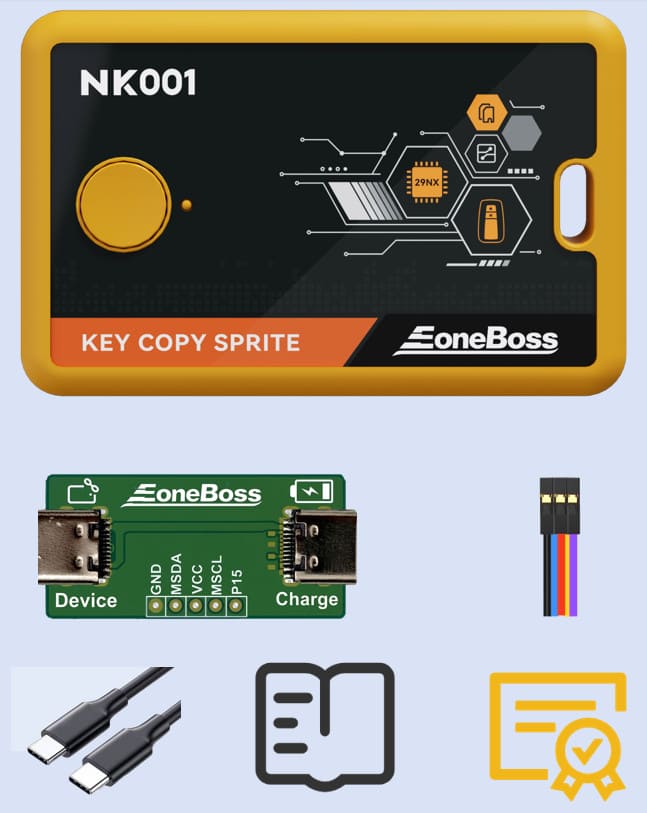
1pc x EoneBoss NK001
1pc x USB Type-C cable
1pc x ribbon cable
1pc x board

 100% Genuine
 High Quality
 Fast Shipping