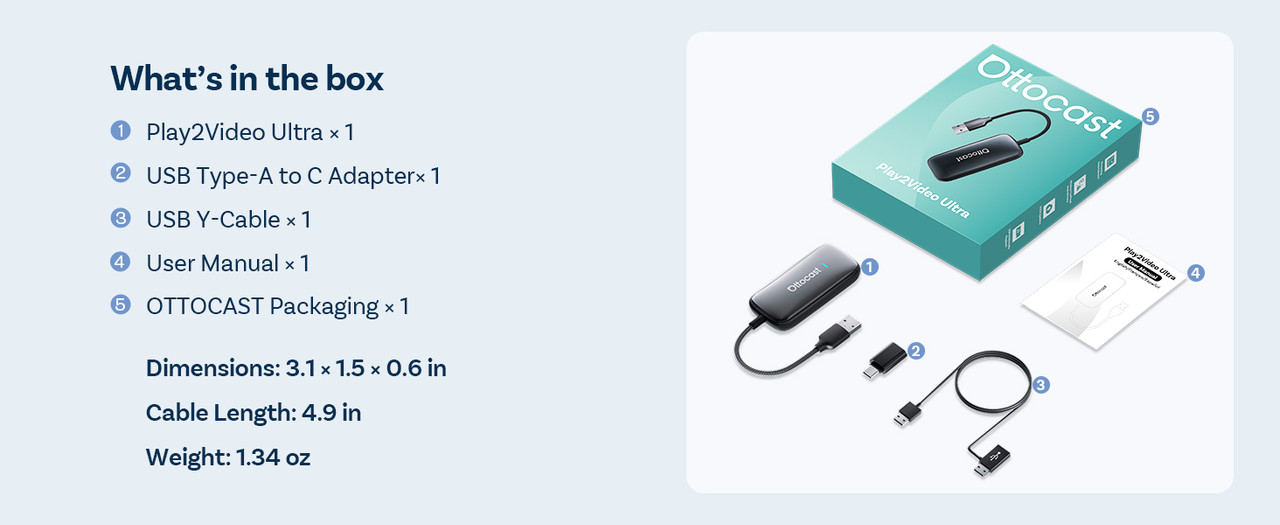
📱 Device Compatibility
- iPhone: iPhone 5 and later, running iOS 10 or higher
- Android: Android 11 or higher
- Streaming Apps Supported: YouTube, Netflix, IPTV Smarters PRO
- Limitations: Cannot download additional apps; not compatible with Huawei, Xiaomi, or Redmi devices
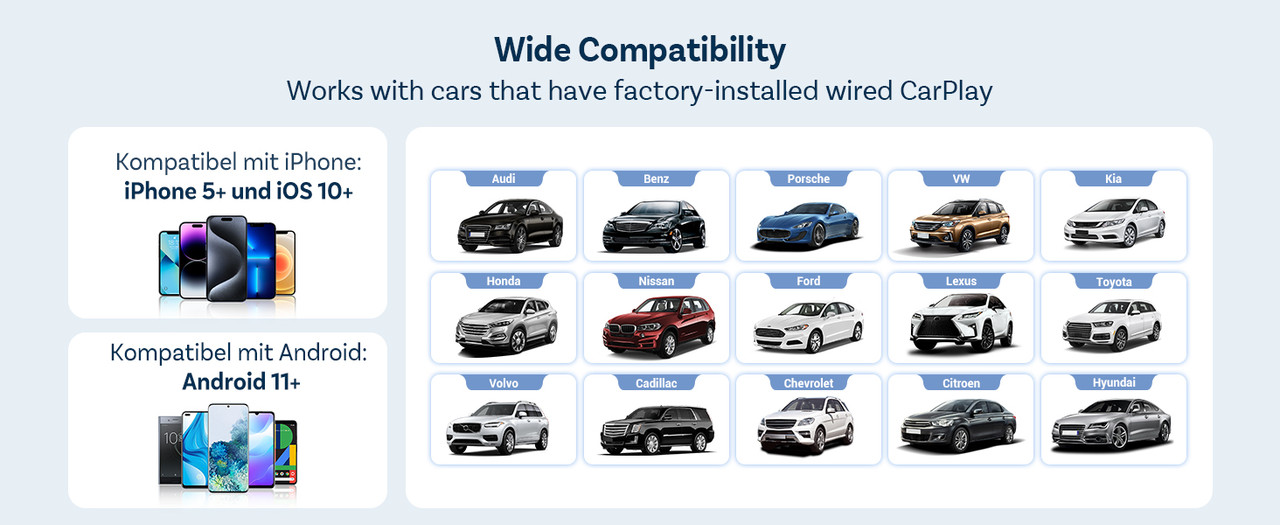
🚗 Vehicle Compatibility
Works with cars that have factory-installed wired CarPlay. Compatible brands include:
- Audi, Benz, Porsche, VW, Kia
- Honda, Nissan, Ford, Lexus, Toyota
- Volvo, Cadillac, Chevrolet, Citroen, Hyundai
Important Notes:
- Only fits cars with factory wired CarPlay; aftermarket or non-CarPlay systems are not supported.
- Cars without touchscreens require the Air Mouse option.
- Japanese car models may have lower current; some may need the included bypass power cable for sufficient power.
📱 How to Use Wireless CarPlay / Android Auto
Before You Start: Make sure your car has wired CarPlay enabled.
3-Step Quick Pairing:
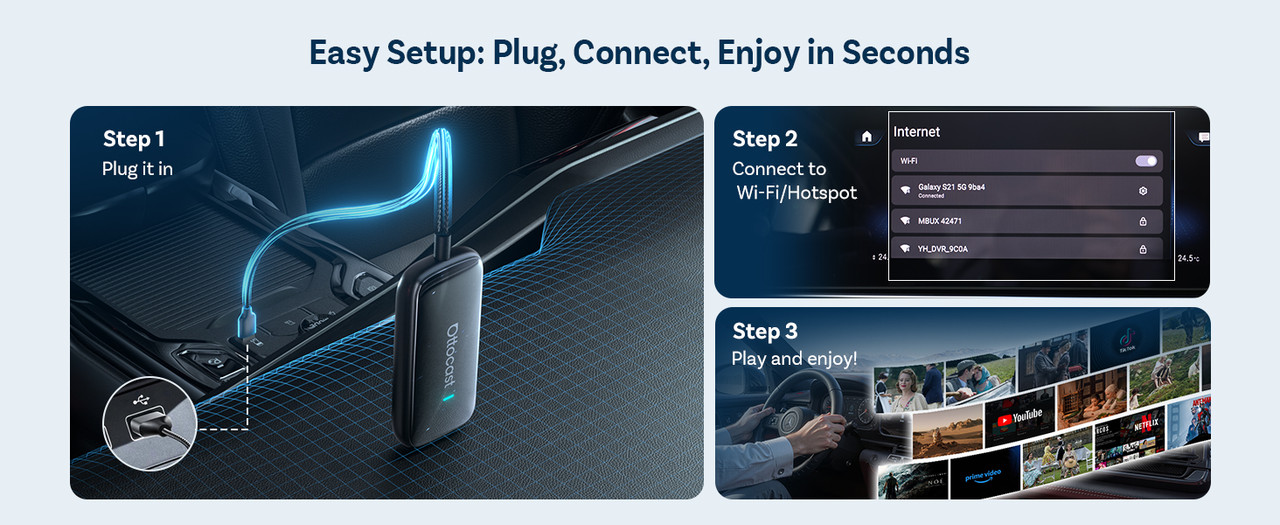
- Plug In – Insert the adapter into your car’s USB port.
- Pair Devices – Turn on WiFi and Bluetooth on your phone, then select “Ultra-XXXX” to pair.
- Connect & Enjoy – Access wireless Android Auto or wireless CarPlay instantly.
🌐 How to Connect to WiFi
- Open Settings on your phone.
- Go to Network & Internet.
- Select your WiFi network and connect.
⚡ Support for Online Upgrade
- Upgrade your adapter easily via two supported methods for the latest features and stability improvements.

🚘 OTTOCAST Play2Video Ultra Wireless CarPlay & Android Auto Adapter
📺 Smart In-Car Entertainment
Transform your car into a mobile entertainment hub. Why settle for boring drives when you can:
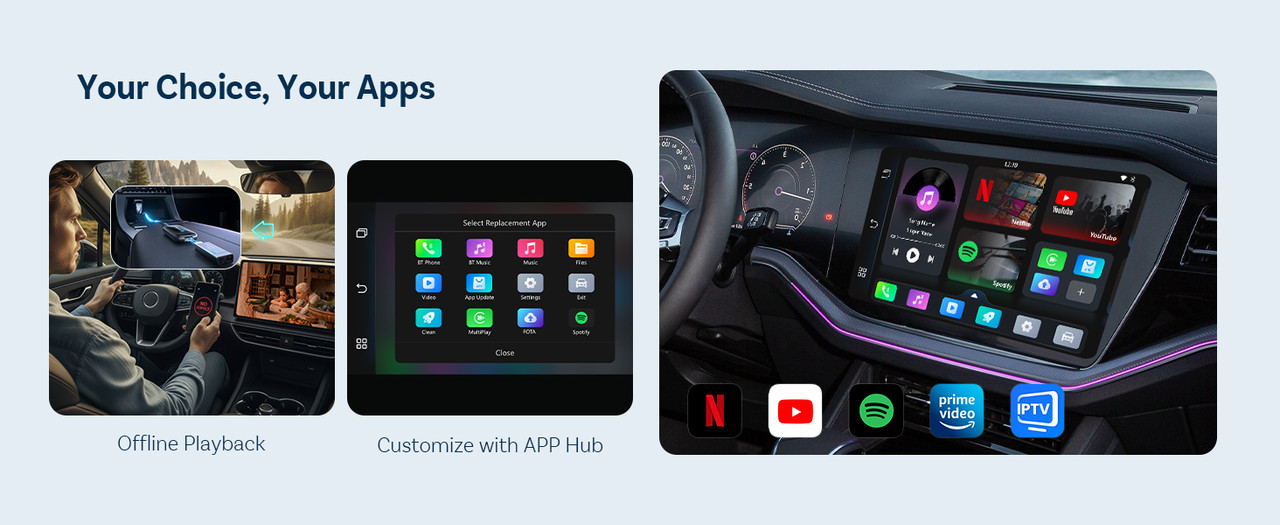
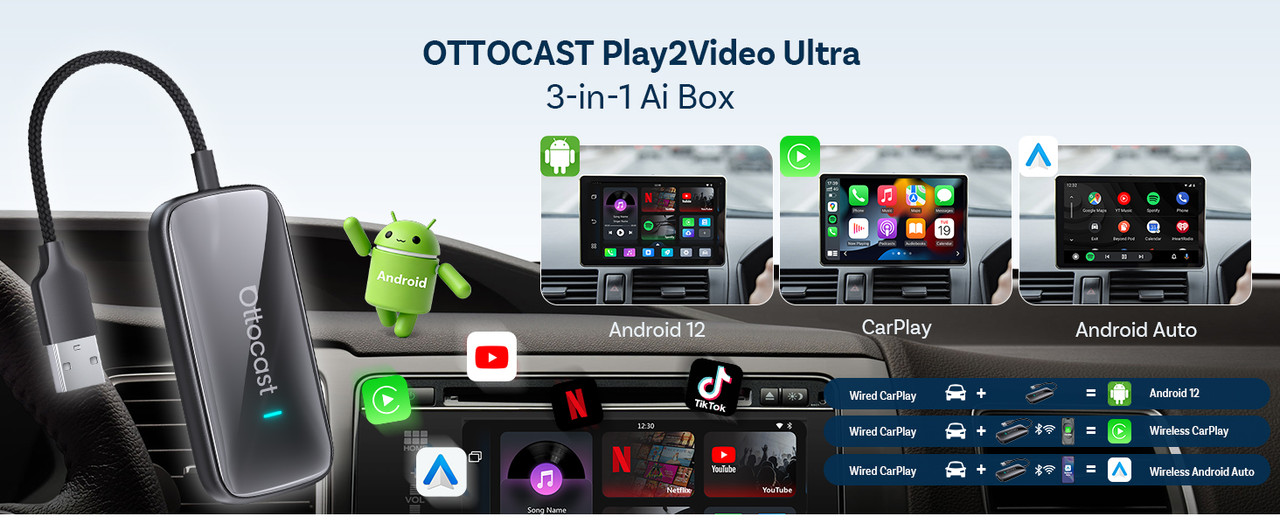
- STREAM MOVIES - Watch Netflix, YouTube, Prime Video, or Spotify in 1080P Full HD right on your dashboard.
- OFFLINE PLAYBACK - Add a 128GB USB drive to enjoy videos anywhere, perfect for road trips or parking breaks.
- ENHANCED ENTERTAINMENT - AirPlay mirroring ensures your iPhone apps, navigation, and media display instantly on your screen.
⚡ Dual Wi-Fi 6 for True Multitasking
No more switching between apps or devices—enjoy uninterrupted performance:
- DUAL CONNECTION - One Wi-Fi channel keeps CarPlay or Android Auto active while the other streams apps like YouTube or Spotify.
- NO LAG - Navigate with Waze while your passengers enjoy entertainment without interference.
- STABLE PERFORMANCE - Dual-band WiFi + Bluetooth 5.0 ensures smooth streaming and auto-reconnect in just 10–15 seconds.
🔋 Android 12 Performance Upgrade
Experience powerful performance optimized for modern vehicles:
- FAST APPS - Android 12 OS with 4GB RAM and 32GB storage launches apps in seconds without delay.
- SMOOTH MULTITASKING - Switch screens seamlessly while maintaining stable streaming for all media.
- OPTIMIZED POWER - Efficient CPU performance ensures no overheating during long drives.
🔌 Plug & Play Convenience
Upgrade your car in seconds without complicated installation:
- AUTO-CONNECT - Simply plug into your car’s USB port and connect in 10–15 seconds.
- SMART BUTTON - Switch instantly between CarPlay, Android Auto, and AirPlay modes with a single button.
- COMPATIBLE VEHICLES - Works with most CarPlay-equipped vehicles (excludes Tesla & BMW).