|
Why
Choose Thinkcar Thinkscan 689BT PRO Diagnostic Tools ?

 |
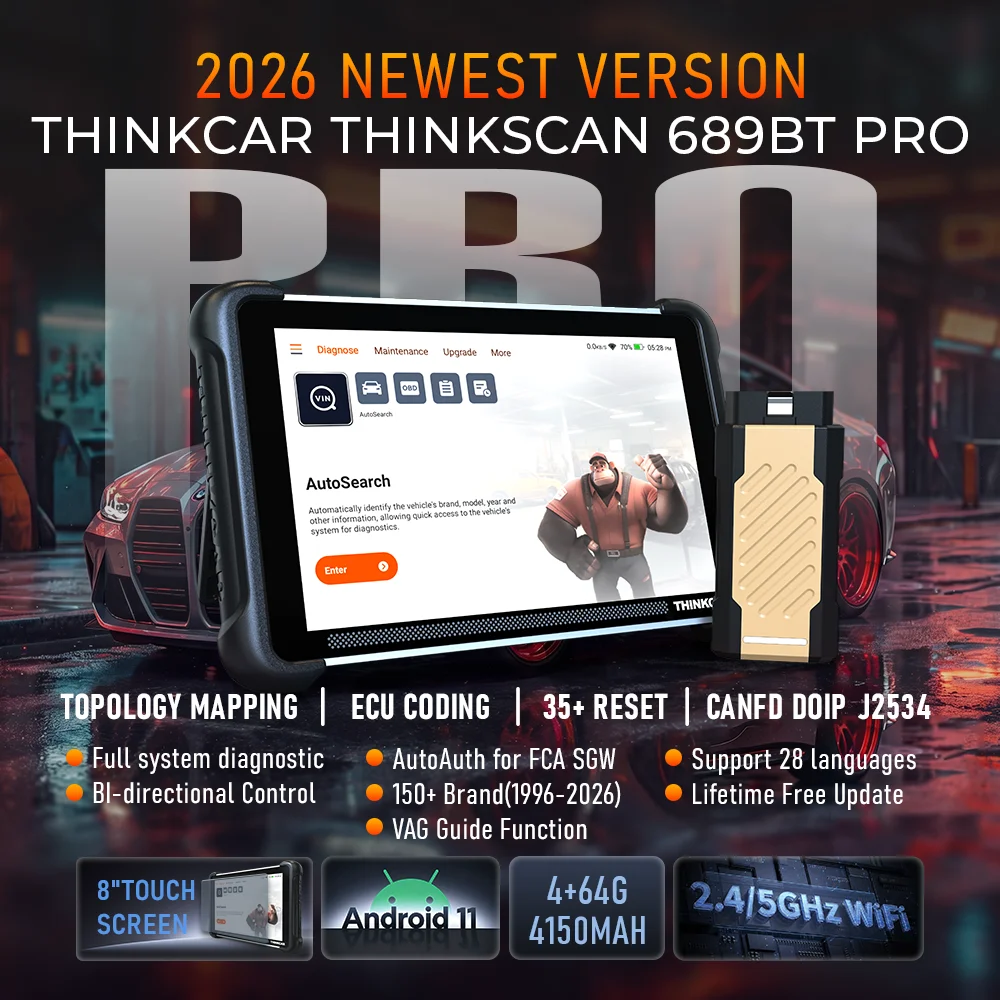
【THINKCAR
689BT PRO with J2534 Pass-Thru Support】The newest
THINKCAR 689BT PRO bidirectional scan tool is fully
compliant with the latest J2534 standards,
newly-developed high-speed wireless VCI, enabling it to
operate as a pass-thru device when using alongside OEM
diagnostic software. You are able to perform
dealer-level diagnostics and reprogramming applications
across multiple vehicle brands using a single device,
make your work faster, easier, and more profitable! |
|
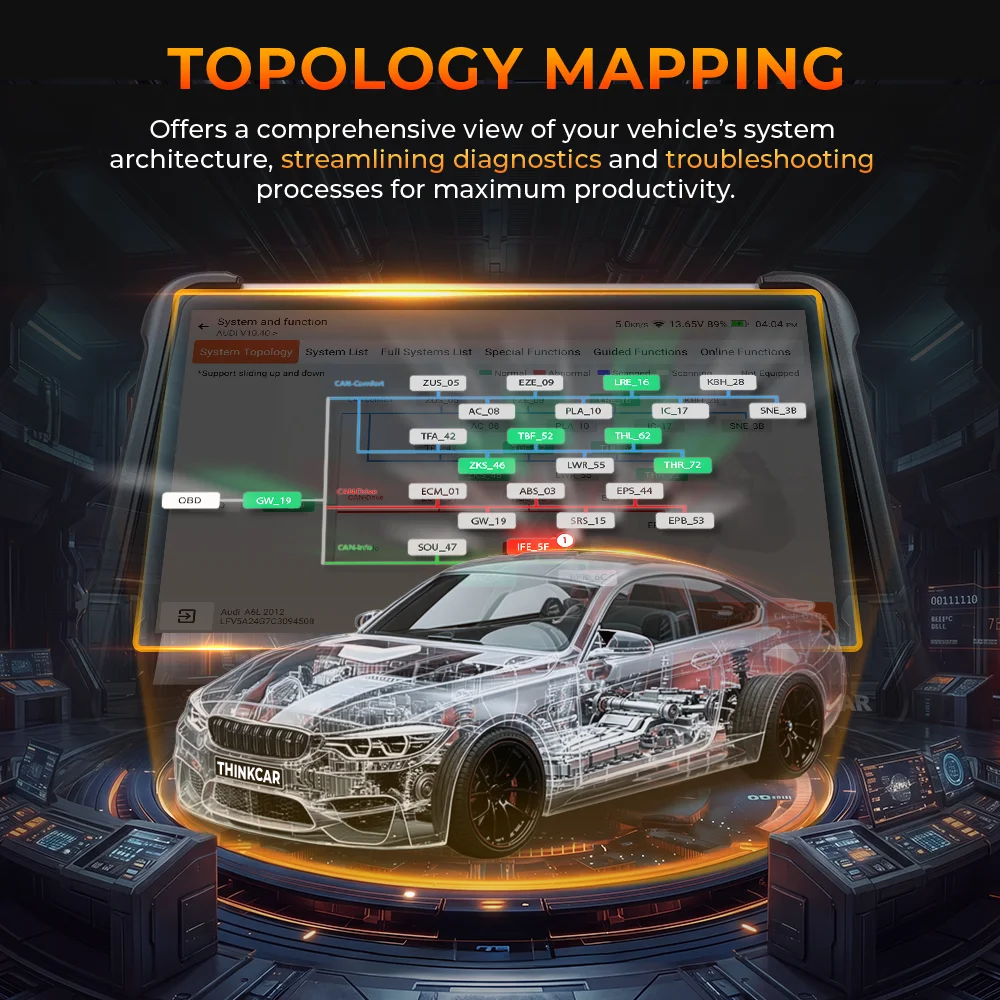
【OE Topology
Mapping for Faster Full System Diagnostics】The 689BT
PRO scan tool now features newly integrated intuitive
topology mapping technology. It provides a complete
visual overview of all vehicle systems, displaying every
accessible control module in distinct colors along with
system counts, scanned systems, and diagnostic outcomes.
Zoom, pan, and highlight specific modules, you will
easily get fault causes, and repair assistance.
Delivering ultimate convenience and exceptional repair
efficiency. |
|
【Smart
THINKCAR AI Intelligent Diagnostic Tool】This 689BT
PRO works as AI expert to analyse vehicle problems and
quickly locate issues, providing accurate, customized
solutions and repair guidance to simplify repairs. This
intelligent system automotically retrieves and analyse
fault codes, reports, and related repair details. And
built-in AI chat bot tell any questions you wanna know
for a quick, real-time trouble shooting, greatly push
repair workflow. |
|
【3000+
Active Tests/Full Bidirectional】Experience OE-level
diagnostics and active testing with full bi-directional
features. This 689BT PRO bidirectional scanner offers
3000+ active tests, it enables direct interaction with
your vehicle's systems & actuators to pinpoint component
issues with precision, like headlight, windows, sunroof,
wipers, AC clutch, oil fuel, wheel speed sensor, brake,
and mirror, etc. Note: Menu varies by vehicle make,
please check compatibility before purchase. |
|
【35 Hot
Reset Services】This 689BT PRO car scanner provides
40+ services for 140 makes, allowing quick access to
vehicle systems to perform various special functions,
including Oil reset, brake reset, battery regist, SAS
calibration, ABS bleed, Injector coding, Gearbox match,
Crankshaft relearn, Throttle relearn, etc. Plus, it
offers more vehicle-specific reset services, go to main
menu, Diagnosis->Car Model->System->Special Function. |
|
【Advanced
ECU Coding】THINKCAR 689BT PRO obd2 scanner
diagnostic tool enables you to reprogram ECU and code
retrofitted modules, replace a new module, flash hidden
functions, disable unnecessary functions, and built-in
third-party service FCA AutoAuth for peak performance.
This device offers full flexibility to customize your
car precisely to your needs. Note: Some features are
vehicles specific fit. |
|
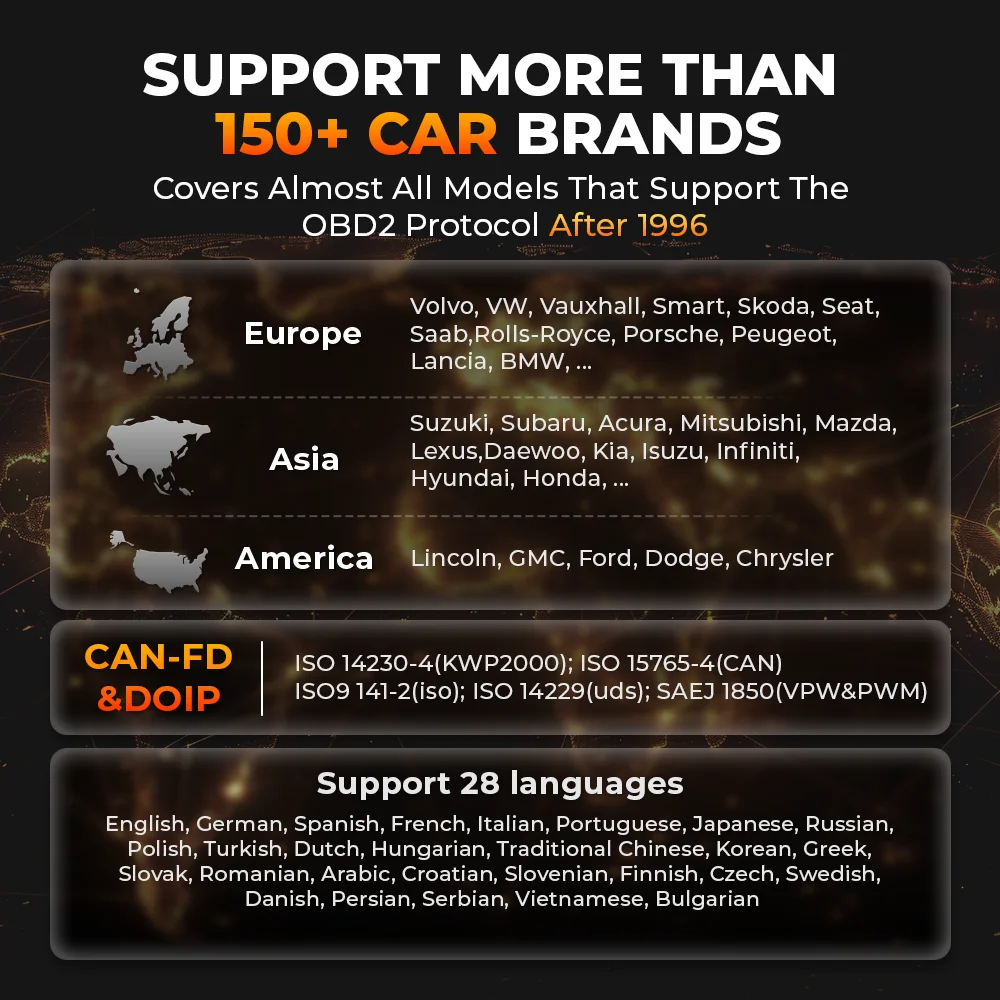
【NO Annual Fees, CAN FD&DOIP,
Modular Extension】THINKCAR 689BT PRO scanner
for cars comes with lifetime free upgrade without any
subscription&renewal fees. It support CAN-FD and DOIP,
ensuring compatibility with a wide range of modern
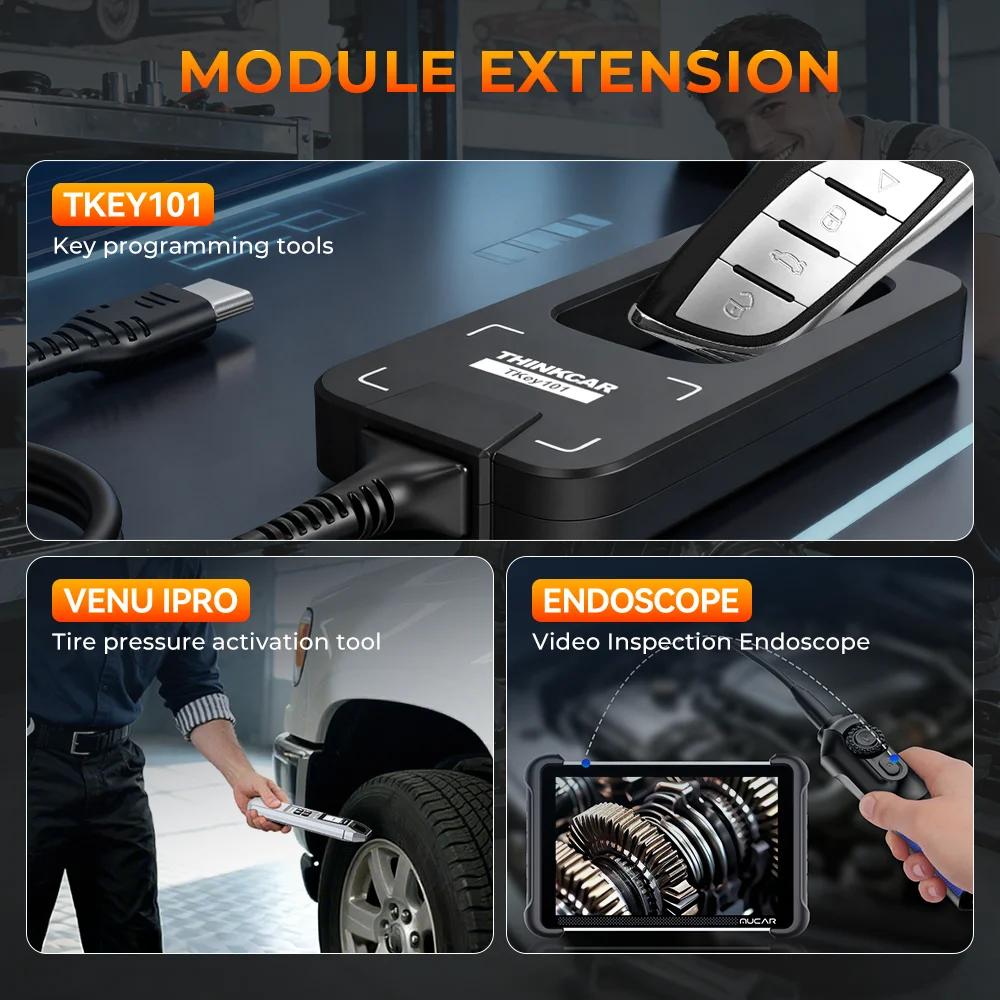
vehicles. Supported add-on modules: USB endoscope, TPMS
relearn tool, battery tester...make troubleshooting
becomes more straightforward. 689BT PRO is the most
competitive tool for workshop and mechanics grow repair
business. |
Warm Tips
1)
Before place order please check compatibility first. Send your
car brand model and release year to seller.for example(Audi,A3,
2020)
2) Not all 34 resets work for all cars, send your car brand,
model and release year check compatibility for you.
Packing List
 |
1PC
THINKCAR 689BT PRO OBD2 Scanner |
|
1PC
TES102 USB-Endoscope |
|
1PC
VENU-iPRO |
|
1PC
Thinkcar Tkey101 |
|
1PC 3-IN-1
Charger + 1PC Storgae Box + 1PC J234 VCI |
|
1PC User
Manual |
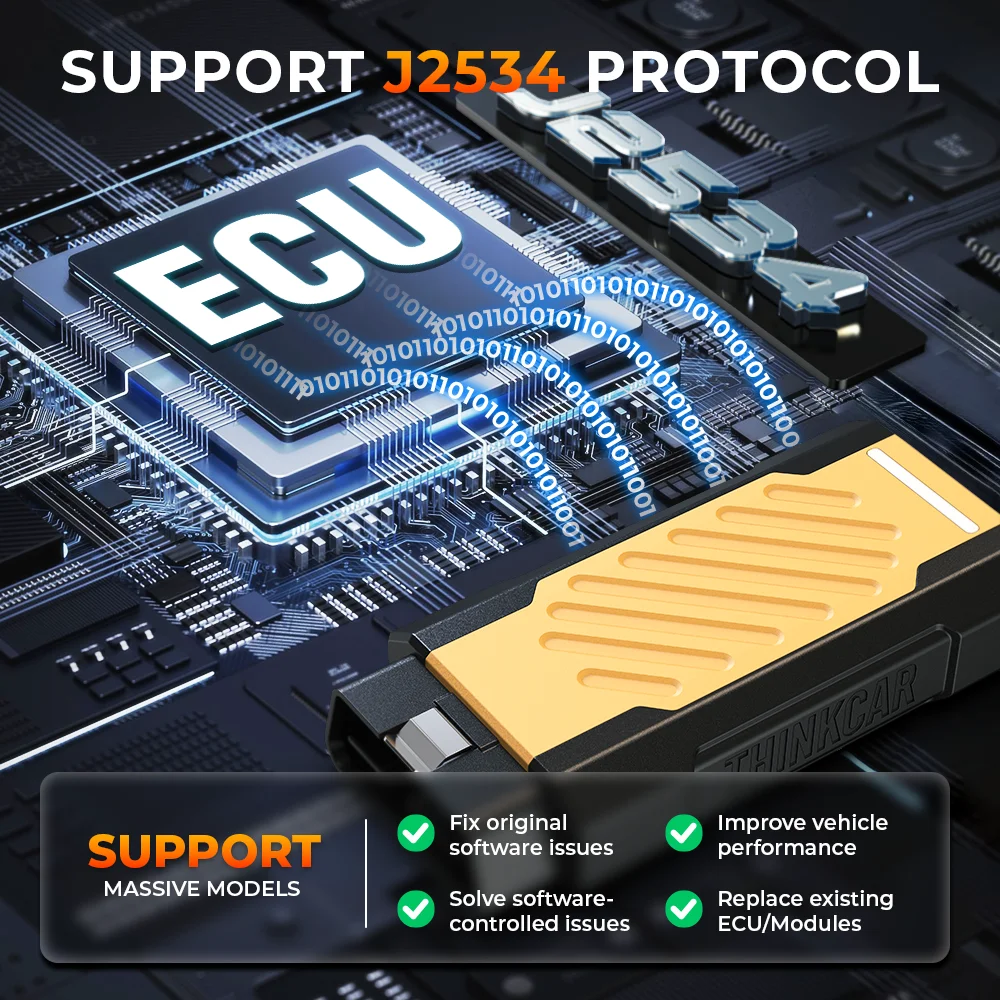
Support J2534 Protocol
The core objective of
the J2534 protocol is to enable a universal hardware device to
communicate and program the electronic control units (ECUs) of
all car brands, and the GVCI box included with this device meets
this communication standard.
How to use J2534 Protocol ?
 |
1) Ensure
your GVCI box has the latest firmware version. If
not, you need to upgrade. |
|
2) First,
install the J2534 Plus driver on your PC. Running it
will retrieve the version and other information. |
|
3) Install
the corresponding original software for your car
brand onto your PC. The software varies depending on
the car model. |
|
4) Open the
original software and locate our corresponding
【ThinkCar J2534 VCI】. |
|
5) Follow
the menu instructions in the original software to
identify your car model and access the diagnostic
function menu. The flashing process requires
downloading the program from the original
manufacturer's server. |
Notes
1.
When connecting the GVCI box to the PC, some systems require
checking the "Hardware Management" settings to see if the USB
driver is recognized. Otherwise, the original software may not
recognize our ThinkCar-J2534.
2. Please adjust the PC's time zone and time to the region you
used when you applied for the service. Otherwise, some login
errors may occur.
THINKCAR AI ASSISTANT
This 689BT PRO works as
AI expert to analyse vehicle problems and quickly locate issues,
providing accurate, customized solutions and repair guidance to
simplify repairs. This intelligent system automotically
retrieves and analyse fault codes, reports, and related repair
details. And built-in AI chat bot tell any questions you wanna
know for a quick, real-time trouble shooting, greatly push
repair workflow.

Topology Mapping
THINKCAR 689BT PRO
scan tool now features newly integrated intuitive topology
mapping technology. It provides a complete visual overview of
all vehicle systems, displaying every accessible control module
in distinct colors along with system counts, scanned systems,
and diagnostic outcomes. Zoom, pan, and highlight specific
modules, you will easily get fault causes, and repair
assistance. Delivering ultimate convenience and exceptional
repair efficiency.
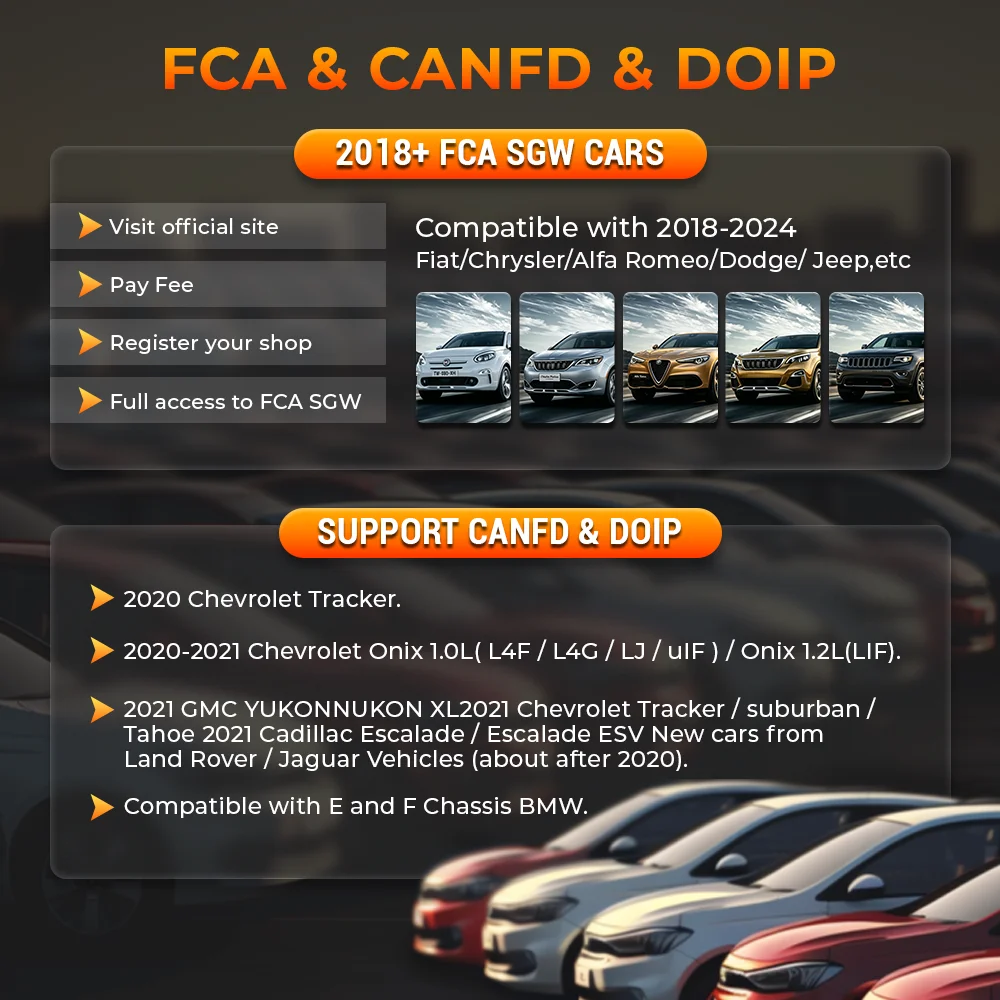
FCA
& CANFD & DOIP
2018+ FCA SGW Cars
Compatible with 2018-2024 Fiat/Chrysler/Alfa Romeo/Dodge/Jeep,etc
Support CANFD & DOIP
✔2020 Chevrolet Tracker
✔2020-2021 Chevrolet Onix 1.0L(L4F/L4G/LJ/LIF)/Onix 1.2L(LIF)
✔2021 GMC YUKONNUKON XL2021 Chevrolet Tracker/Suburban/Tahoe
2021 Cadillac Escalade/Escalade ESV New cars from Land
Rover/Jaguar Vehicles (about after 2020)
✔Compatible with E and F Chassis BMW
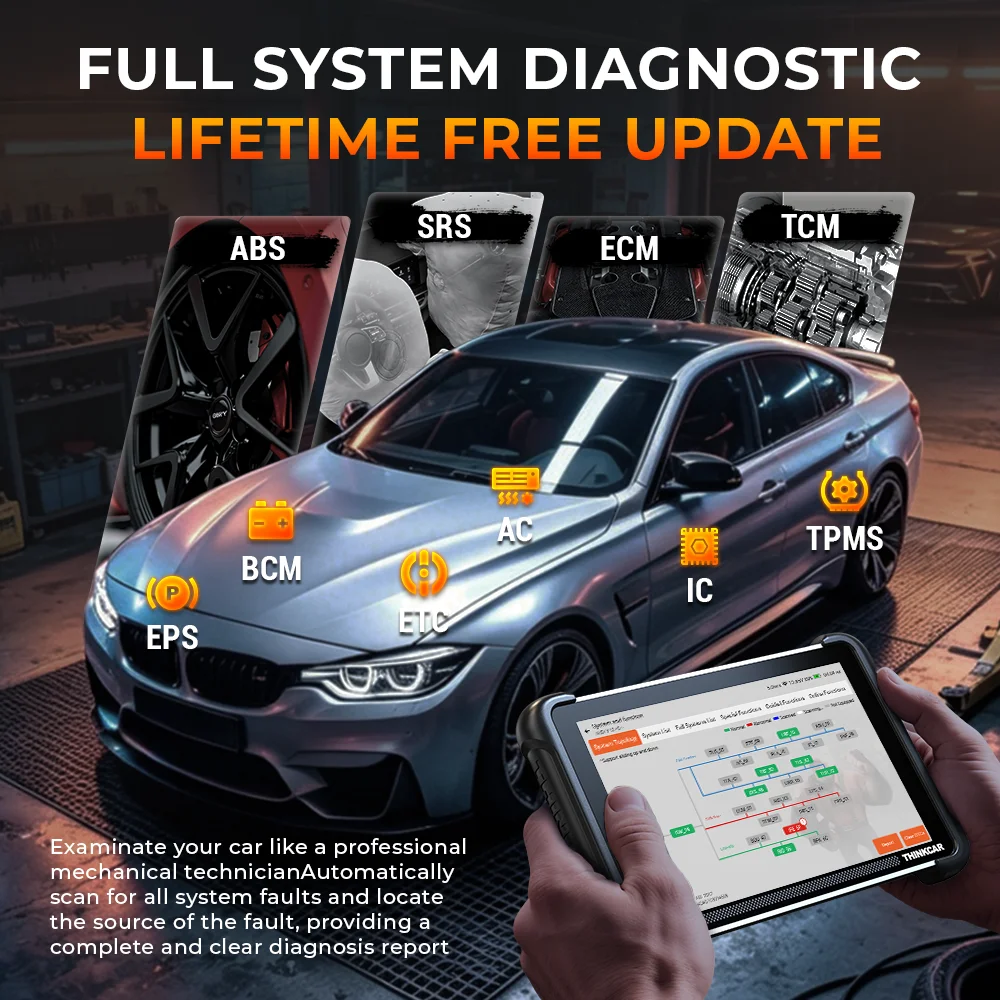
OE-Level Full System Diagnostic
Scanner
THINKCAR 689BT PRO has
the ability to access all available system and subsystems codes,
and perform a comprehensive scanning on ECUs:
Engines/Transmission/Airbags/Immobilizer/Key Coding/ABS/Cruise
Control/Instruments/ Self Leveling Suspension
systems/Seats/Doors/Gateway/Steering Angle/Air Suspension/Body
Systems/Electronic Power Steering & Motor Assisted/Power
Steering/Tyre Pressure/Rain Sensors/4WD
System/Stabilizer/Intelligent Parking Assist/Door Motors/Audio
Systems/Air Conditioning/Tiptronic/Anti Theft/Soft Top/Headlamp
Leveling/Central Locking/Automatic Clutch/ DPF Reset/Electric
Windows/Plip coding/Heated Rear Window/Xenon Headlights/Wash
Wipe/Fuel Burning Heater/Transfer Box/Seat Memory/Oil Life
Service Reset/Sliding Doors/Electronic Throttle/Navigation
System/Rollover Sensor/Cruise Control/ Multi Function Steering
Wheel/Aux Heating/Electronic Parking Brake/Clutch Electronics,
etc.
It supports the detailed Function :
--read fault codes: read and decode the DTCs to identify where
the fault location is;
--clear fault codes: erase the DTCs to turn off the MIL after
repairs;
--retrieve ecu information: allows you to retrieve vehicle
information;
--Graph live data stream: view the dynamic data stream to
determine vehicle condition
With the Diagnose Function , you can enhance performance, save
energy, reduce emissions and more as following:
For Engine: detect common issues as Poor lubrication,
Failing oil pump, Oil deposits and debris, Inadequate fuel and
air compression, Leaking engine coolant, Blocked engine
radiators, Prolonged engine detonation, Damaged oxygen sensors,
Aged spark plugs, etc.
For SRS: pinpoint the trouble area as: a bad seat belt, a
corroded crash sensor, or some water intrusion in a connector,
etc.
For ABS: diagnose Blown sensor fuse, Low brake fluids,
and Faulty sensor, etc.
For Transmission: avoid Grinding or shaking sensation in
gear, Whining, humming or clunking noises, Burning smells, Gears
Slipping, Low or Leaking Transmission Fluid, etc.
For TPMS: verify problems of Low tire pressure, Faulty in
tire pressure monitor control module, Unknown tire sensor,
Failure to identify tire sensor, etc.
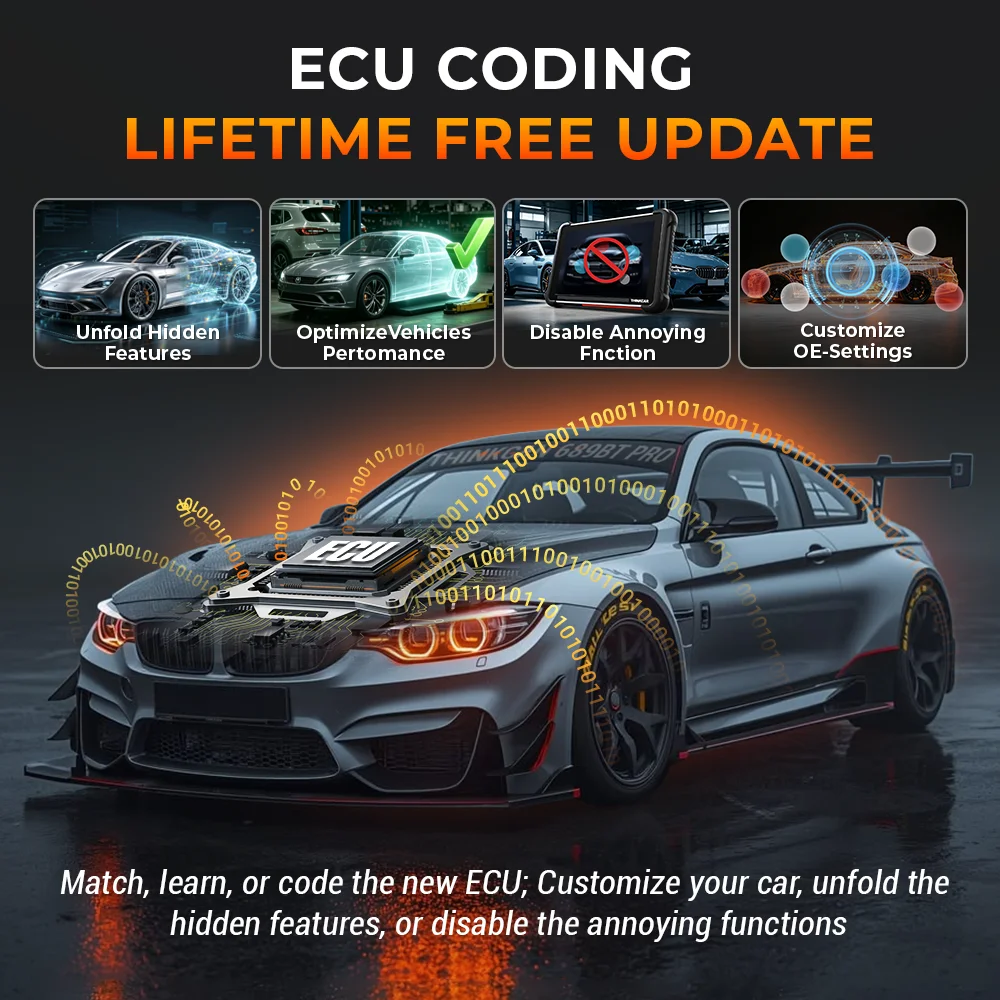
Support ECU Coding
THINKCAR 689BT PRO car
diagnostic scanner tool support ECU Coding to quickly match,
learn, code any replaced ECU. Modify ECU and reveal hidden
features for 99% cars in the market. Adaptive data for certain
components after repairs or replacements.
✔ ECU Coding: Helps re-flash the vehicle control modules, it
allows you to reprogram adaptive data for certain components
after making repairs or replacements.
After we replace ECU modules, defective units, or certain parts
we need to do the coding to make the replaced parts being stored
and recognized by the ECU. Follow the strict procedures of the
manufacturer to match, learn, code, and program it until it
functions normally. Warm Tips: Before coding, please read and
record the original module’s information.
✔ ECU coding enables multiple car systems to recognize each
other and then the actuators can start to work.
✔ ECU coding helps to flash some hidden features for vehicles
and disable the car’s annoying functions. such as changing the
interior light, activating cornering headlights with fog lights,
and deactivating buzzing sounds when locking the door, etc.
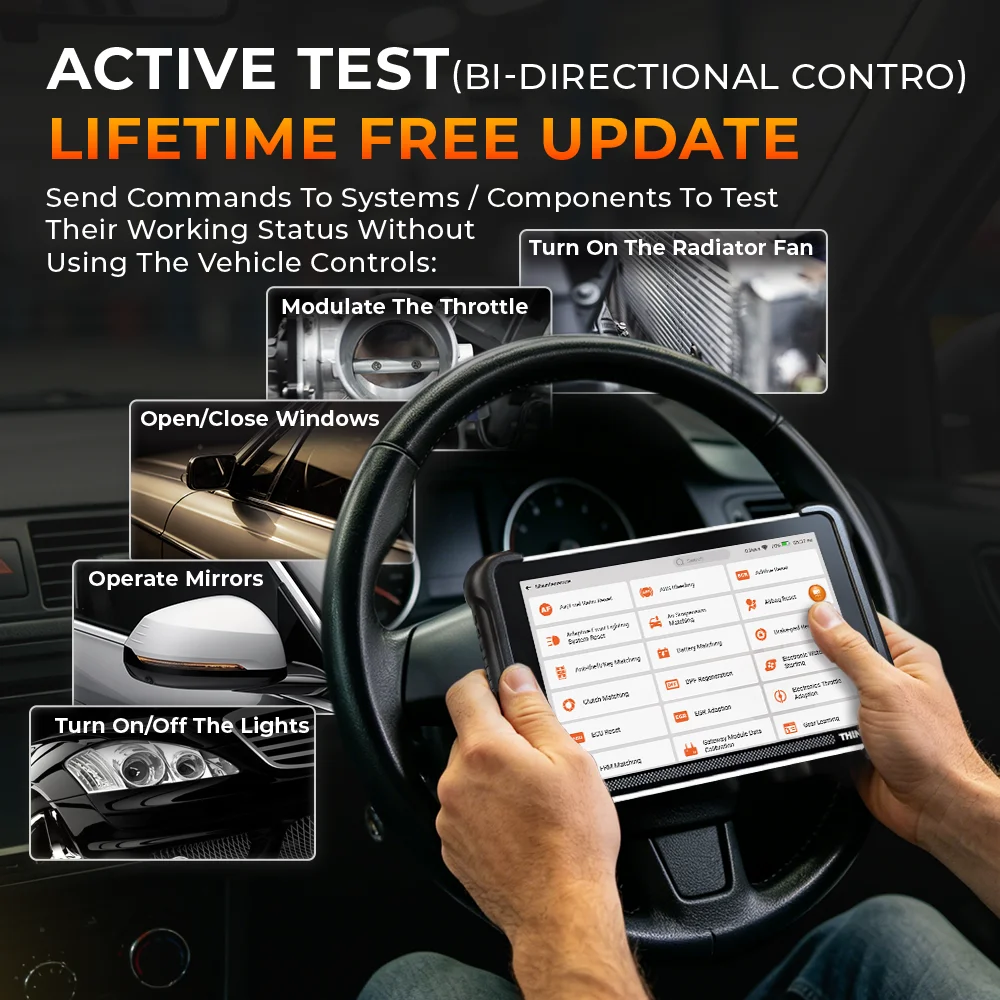
Support Active Test/Bi-directional control
THINKCAR 689BT PRO car
diagnostic tool is a bi-directional scan tool, that allows you
to request information or command a module to perform specific
tests and functions while observing the resulting data at the
same time. Bi-directional Control (also referred to as Active
Tests) function is a commonly-used function for
mechanics/workshops, can save you a load of time and help you
get through more jobs every day.
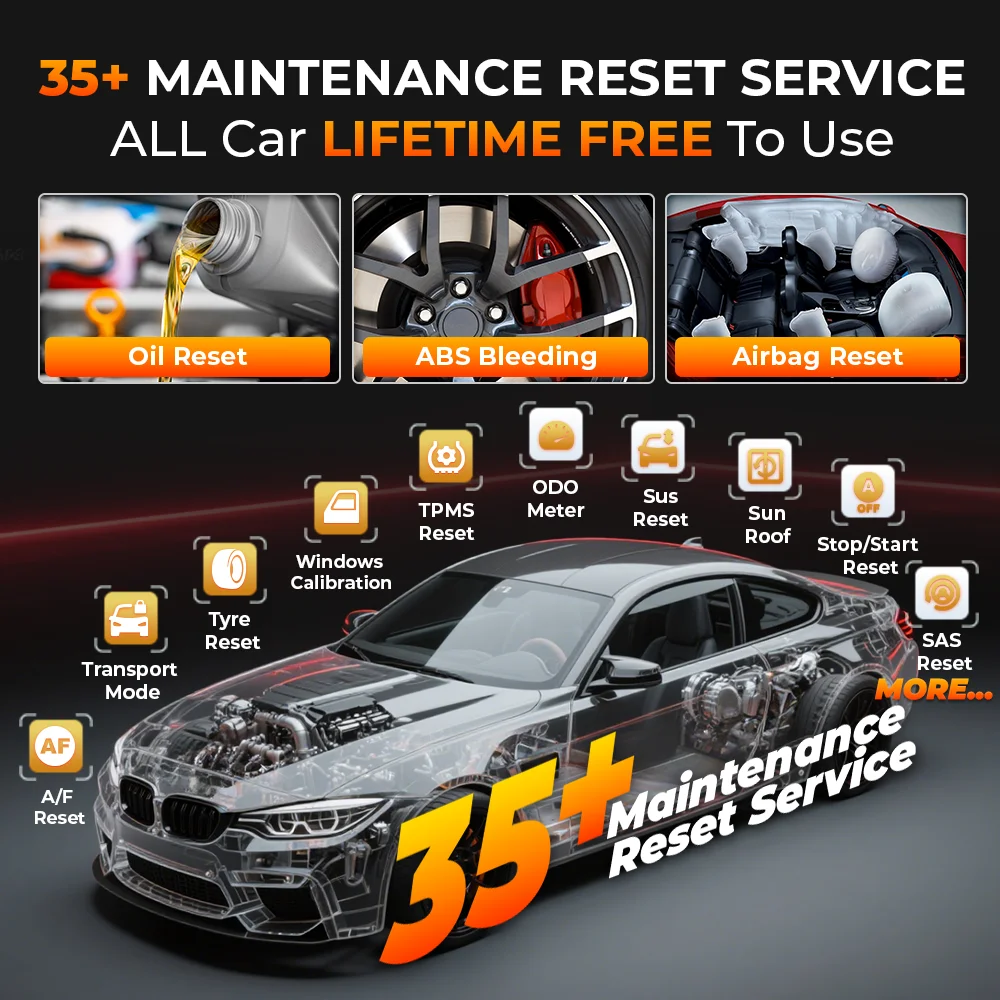
Support 35 Maintenance Services > FAST & EFFICIENT > Improve
Repair Efficiency
1. Oil Reset: reset the
oil life system and turn off the oil light after oil or oil
filter replacements.
2. EPB Reset :the brake pad after replacing the brake pad, the
servo motor, etc., deactivate/activate the brake control system,
assist with brake fluid control, open and close brake pads, etc.
3. TPMS Reset : the tire pressure and turn off the tire pressure
fault indicator.
4. BMS Reset : the monitoring unit of the car battery after
replacing the battery or battery monitoring sensors.
5. DPF Regeneration: clear particulate matter from the DPF
filter through continuous combustion oxidation mode to stabilize
the filter performance.
6. IMMO Keys: disable the lost vehicle keys and program the
replacement key fob. ONLY For some Asian and American cars with
low-grade IMMO.
7. Injector Coding: write the actual code of the fuel injection
nozzle or rewrite the code in the ECU to the code corresponding
to the fuel nozzle of each cylinder after replacing the ECU and
the fuel injector, to accurately control or correct the fuel
injection amount of each cylinder.
8. SAS Calibration: calibrate the steering angle after replacing
steering-related parts.
9. Suspension Level Calibration: adjust the vehicle height
sensor for level calibration when replacing the vehicle height
sensor or control module in the air suspension system.
10. Throttle Adaption: Initialize the throttle actuators so that
the “learned” values stored on ECU are returned to the default
state.
11. Sunroof Initialization: initialize the sunroof data to set
the sunroof to lock off, close in rain, memory function of
sliding/tilting sunroof, outside temperature threshold, etc.
12. Seats Calibration: specially designed for the seats with
memory functions. Match the seat after repairing or replacing
the seat.
13. ABS Bleeding: Help exhaust the air.
14. Gearbox Reset: Help complete the gearbox self-learning to
improve gear shifting quality.
15. Gear Learning: Monitors certain camshaft position sensors
signals.
16. Tire Reset: Set the size parameters of the modified or
replaced tire.
17. A/F Reset: Set or learn Air/Fuel ratio parameters.
18. Adblue Reset(Diesel Engine Exhaust Gas Filter): Reset urea
after the diesel exhaust treatment fluid is replaced or filled
up.
19. Coolant Bleeding: Activate the electronic water pump.
20. Nox Sensor Reset: Reset catalytic converter learned value
stored in ECU.
21. ODO Reset: Copy, write or rewrite the kilometer value.
22. SRS(Airbag Reset): Resets the airbag data to clear the
airbag collision fault indicator.
23. Transport Mode: Deactivate the transport mode.
24. Windows Calibration: Perform door window matching to recover
ECU initial memory.
25. Language Change: Change vehicle system language.
26. EGR Adaption: Learn the Exhaust Gas Recirculation valve
after being cleaned.
27. Stop/Start Reset: Set up the automatic start-stop function
in ECU.
28. AFS Headlamp Reset: Initialize the adaptive headlamp system.
29. ECU Reset : After performing the ECU coding, some ECUs may
not display the new code and will need to run this function to
display the correct code
30. Clutch Matching:This function is used to learn the
engagement point of the clutch at which the engine torgue is
transmitted to the gearbox. To be carried outl after replacing
the control unit, replacing/removing the gearbox or replacing
the clutch
31. Rain & Light Sensor: The rain sensor is used to adiust the
wining frequency and the light sensor adiusts the light
intensity of the automatic headlights denendino on the ambient
light and darkness. After replacing the windscreen or the
sensor, the rain/driving light sensor must be initialised. with
this service function, initialisation performs an adjustment of
the rain/driving light sensor.
32. FRM Matching:This function resets the FRM control unit
(installed in BMW and MINI vehicles). The reset clears fixed
faults in the footwell module related to a short circuit of the
lights
33. Turbocharging Matching :For learning after replacement of
turbocharger system components or resetting the turbocharger
learning value.
34. Gateway Module DataCalibration:After replacing the gateway
control unit, there may be a VIN inconsistency, so the VIN needs
to be changed.
35 ODO Check
Noted : NOT ALL Reset Services work
for All Car Models. Please contact seller with the vehicle
Make/Model/Year/Vin before purchase to make sure the desired
functions are compatible with your cars, which won't waste your
time!!!
20K+ Car Coveage + LIFETIME FREE
Update Online
For
Amercian
for Buick, for Chrysler, for Cadillac, for
Chevrolet, for Doge, for AU Ford, for Brazil Fiat,
for Brazil GM, for Ford, for GM, for Jeep, for
Lincoln, for SGM
For European
for Aston Martin, for Audi, for Alfa Remeo, for
Abarth, for BMW, for Bentley, for Bugatti, for
Citroen, for DR, for Dacia, for EU Ford, for
Ferrari, for Fiat, for GAZ, for Iveco, for IZH, for
Jaguar, for Land Rover, for Lamborghini, for Lancia,
for Mercedes, for Maserati, for Maybach, for Mini,
for Opel, for Opel (south africa), for PAZ, for
Peugeot, for Porche, for Renault, for Rover, for
Rolls-royce, for SAAB, for Seat, for Skoda, for
Smart, for Sprinter, for UAZ, for VAZ, for Volvo,
for Volkswagen, for Vauxhall, for ZAZ
For Asian
for Acura, for Daewoo, for Daihatsu, for AU Holden,
for Honda, for Hyundai, for Ikco, for Isuzu, for
Infiniti, for Kia, for Luxgen, for Lexus, for
Mahindra (India), for Maruti (India), for Tata
(India), for Mahindra, for Maruti, for Mazda, for
Mitsubishi, for MVM, for Nissan, for Nissangtr, for
Perodua (Malaysia), for Proton (Malaysia), for
Perodua, for Proton, for Renault Samsung, for Saipa,
for Ssangyong, for Subaru, for Suzuki, for Toyota,
for Tlisuzu, for United Pakistan
✔ CONTINUOUSLY GROWING Vehicle Coverage WITH UPDATES
Support 28 Languages
English, German, Spanish, French, Italian, Portuguese, Russian,
Polish, Turkish, Dutch, Hungarian, Chinese (Traditional), Greek,
Slovak, Romanian, Arabic, Croatian, Slovene, Finnish, Japanese,
Korean, Czech, Persian, Swedish, Serbian, Danish, Vietnamese ,
Bulgarian
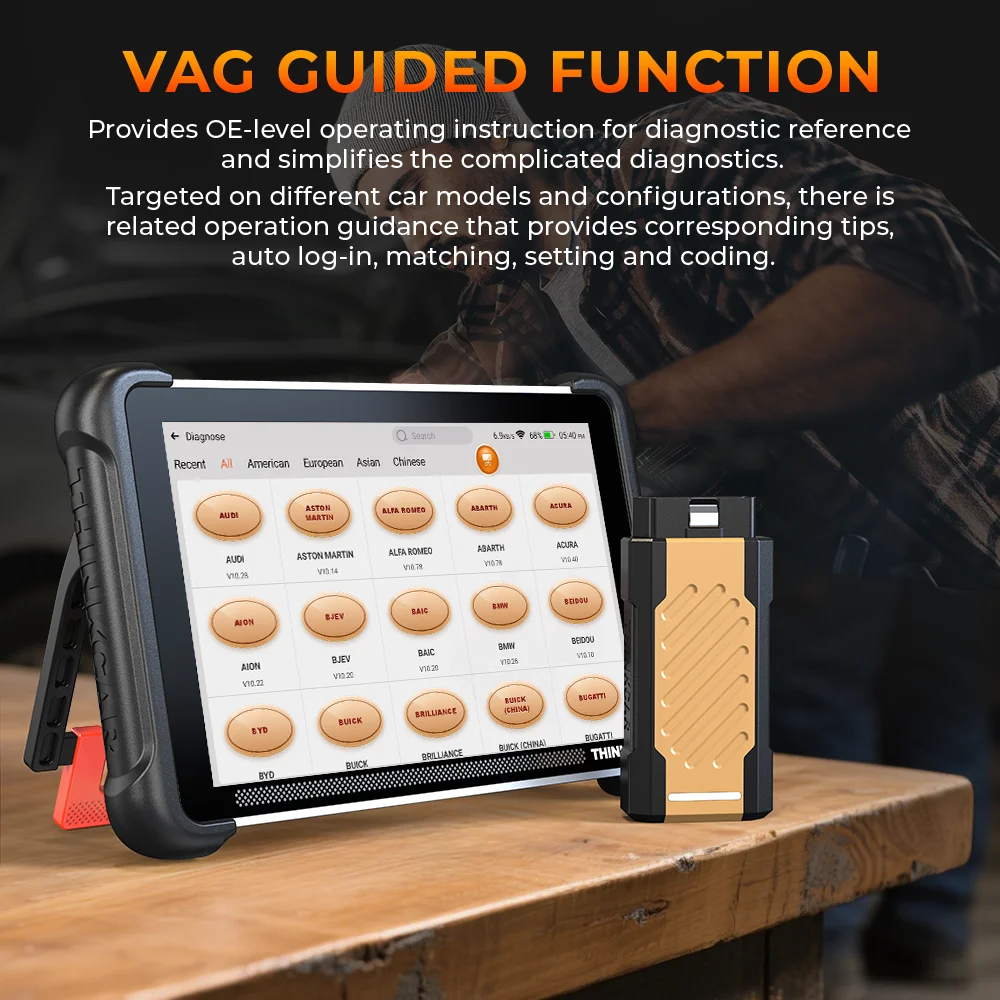
VGA
Guided Function
Provides OE-level
operating instruction for diagnostic reference and simplifies
the complicated diagnostics. Targeted on different car models
and configurations, there is related operation guidance that
provides corresponding tips, auto log-in, matching, setting and
coding.
Module EXtension
Support for connecting
external modules to achieve functionality
User-Friendly Features Experience
the ease ,feel the power
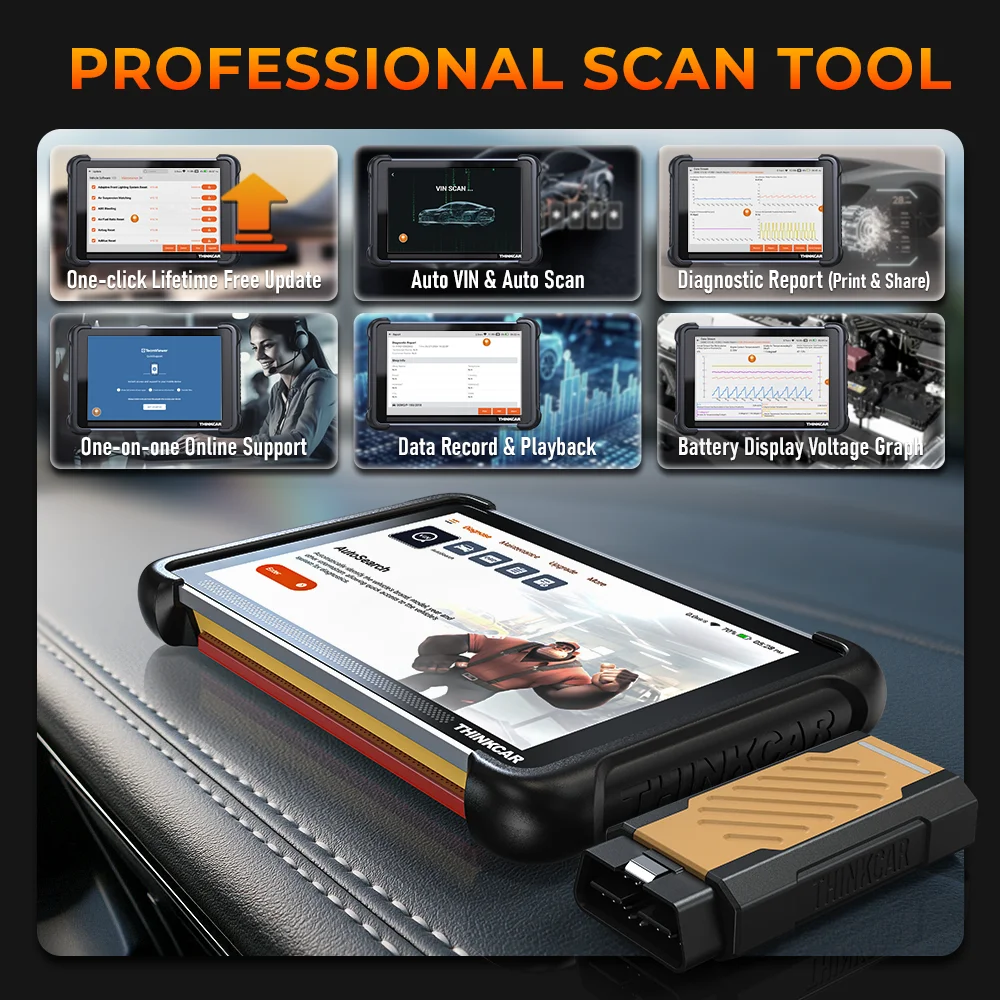 |
1) One-click
Lifetime Free Update |
|
2) Diagnostic
Report ( Print&Share ) |
|
3) Data Record
& Play back |
|
4) Auto VIN&
Auto Scan |
|
5) One-on-one
online support |
|
6) Battery
Voltage Graph Display |


|