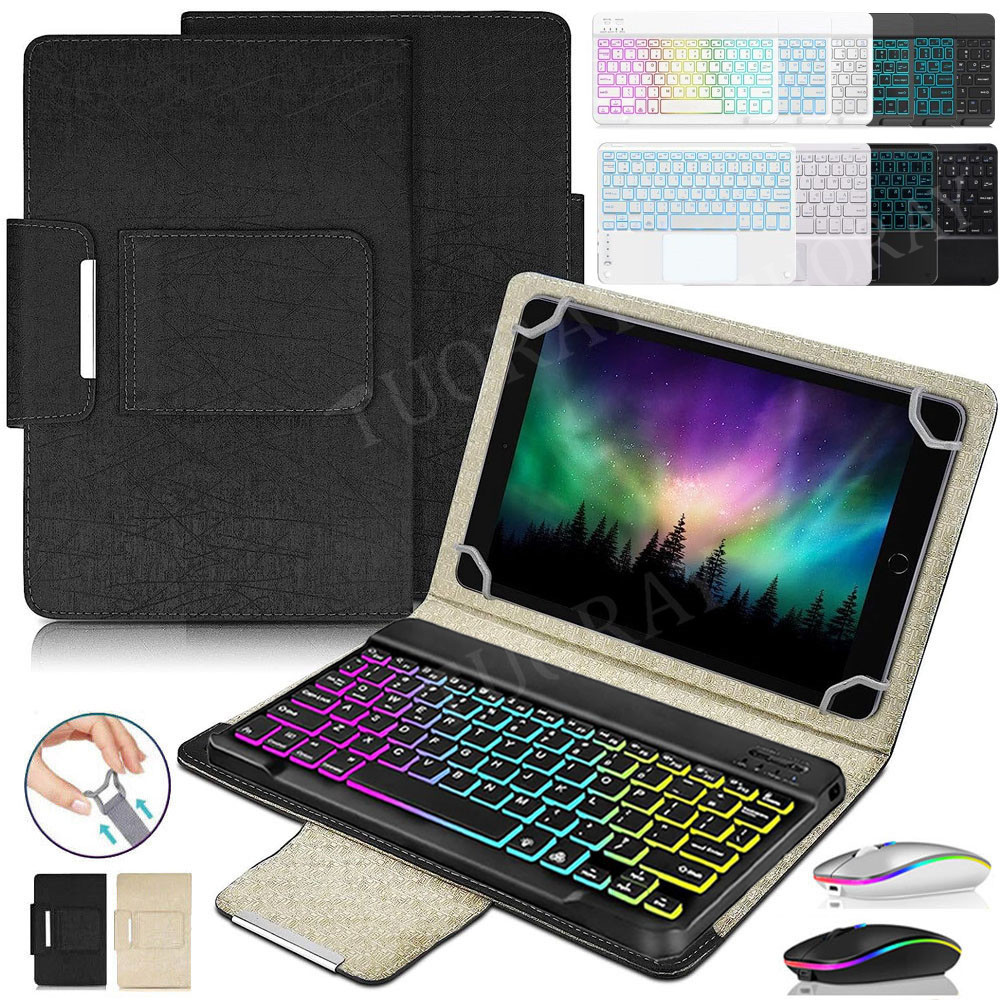

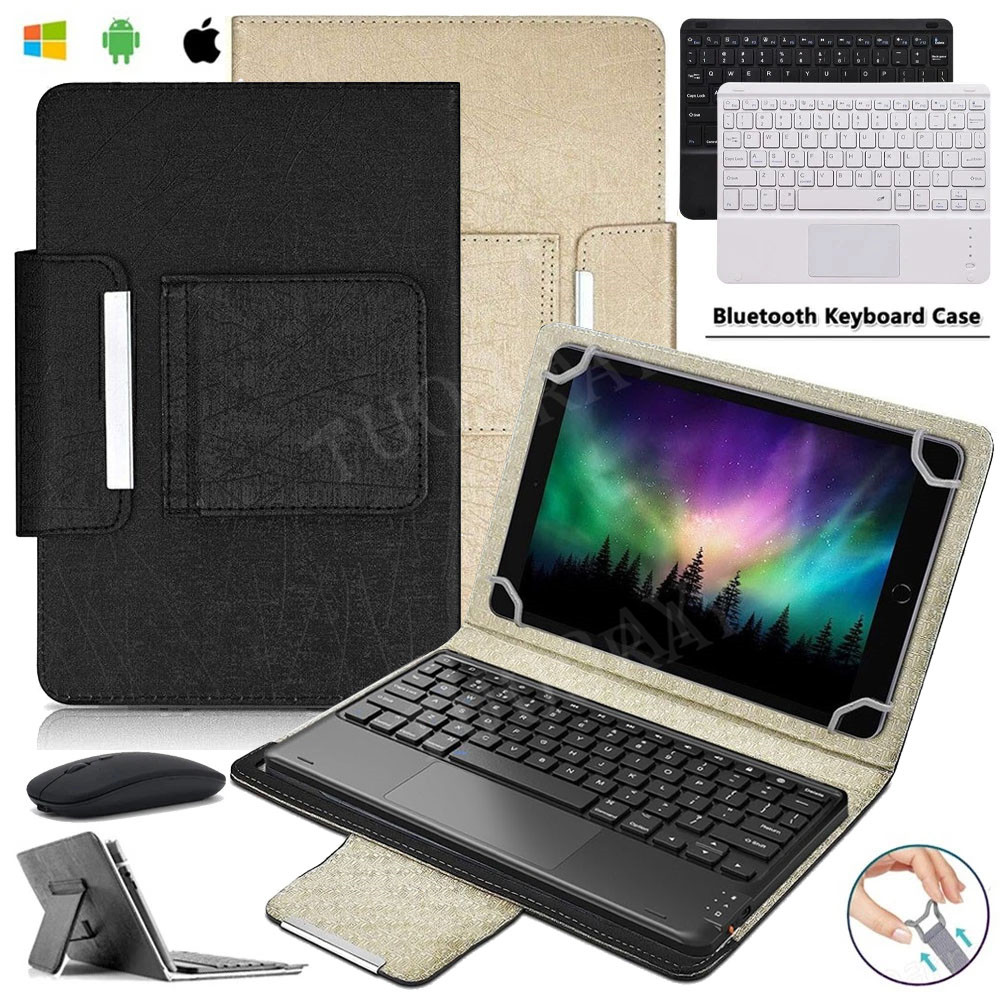
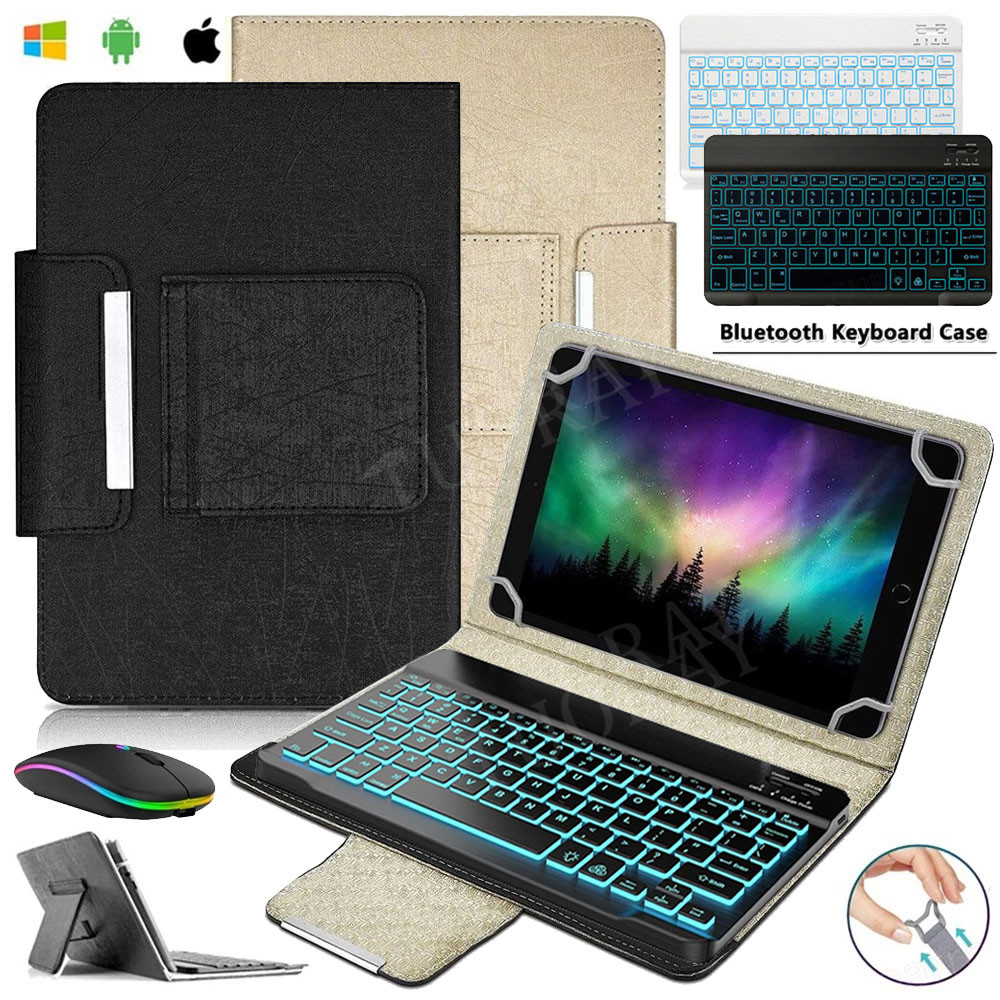
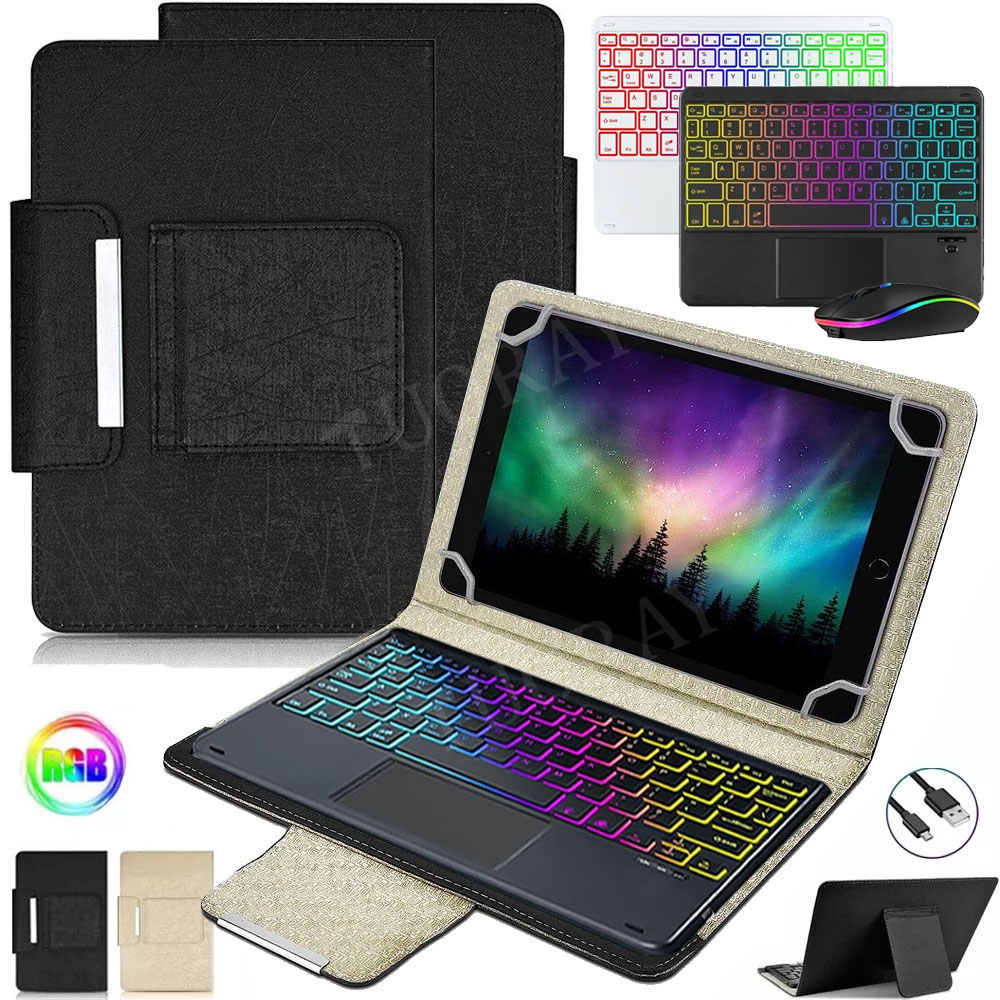
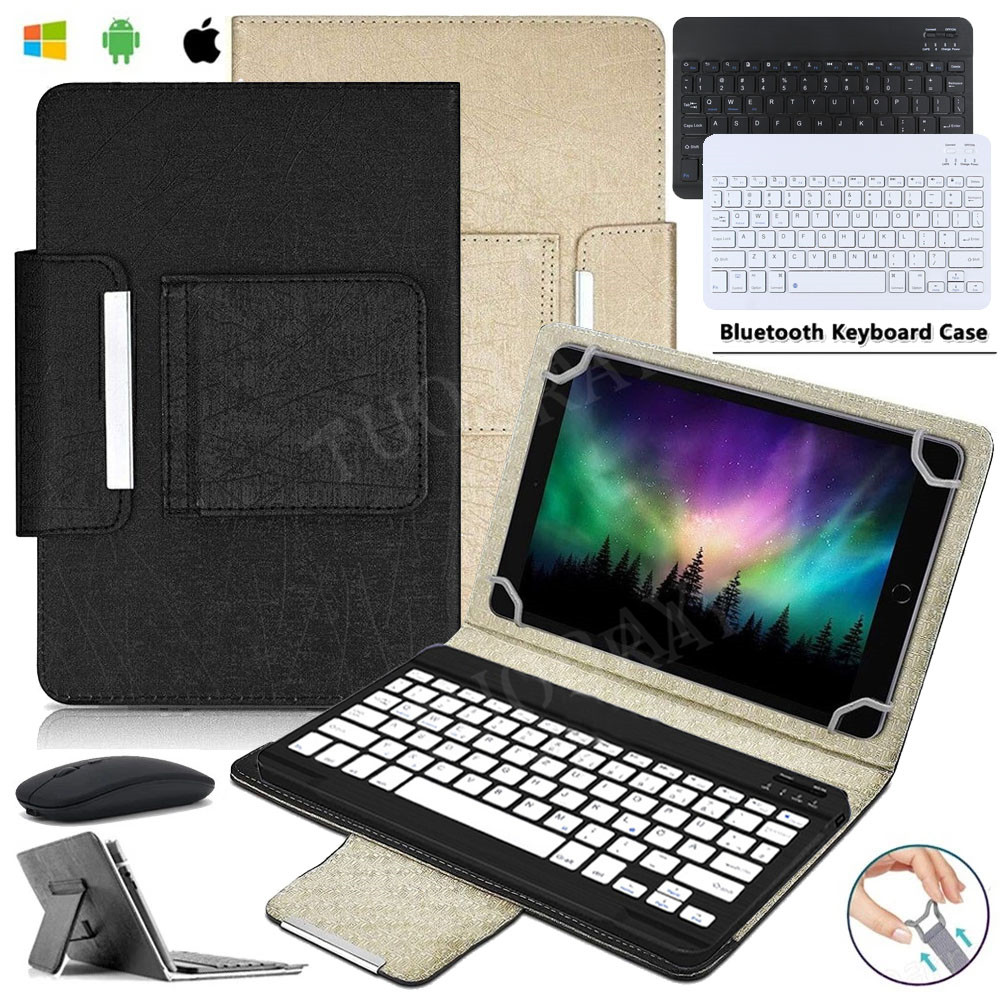

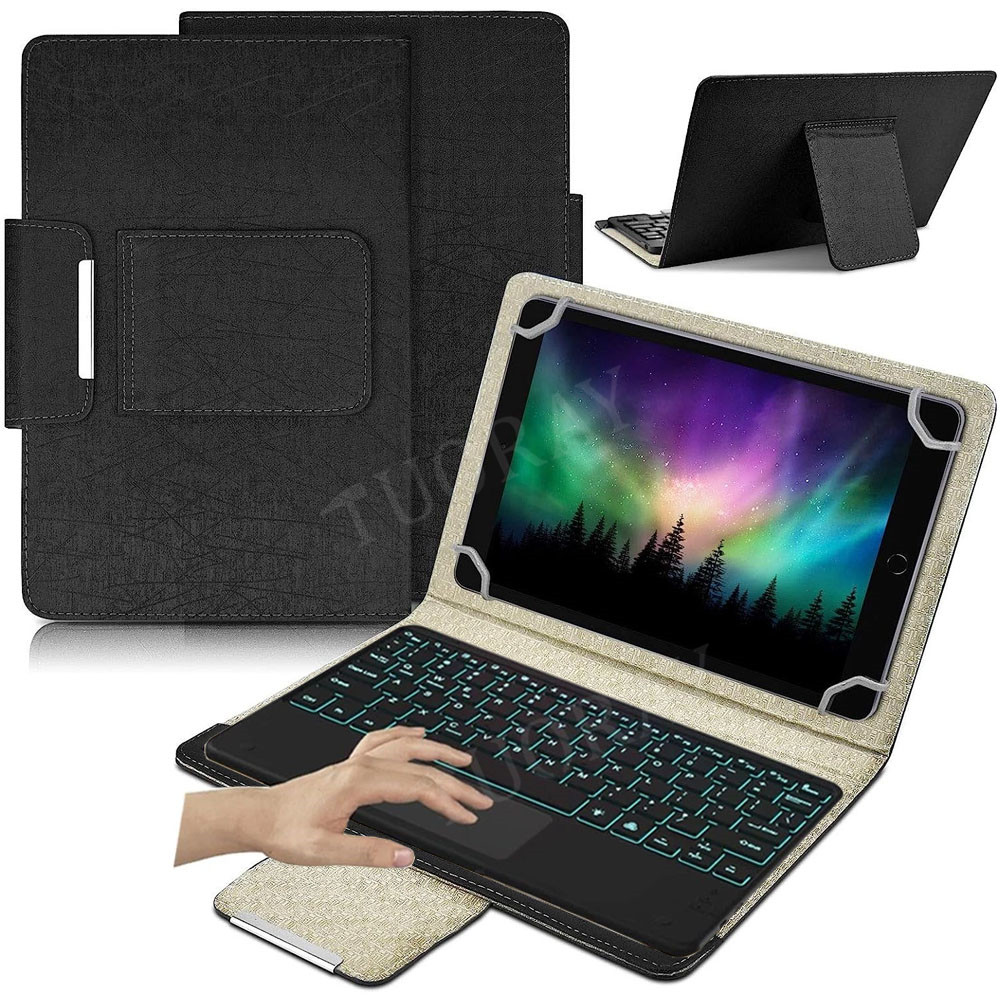
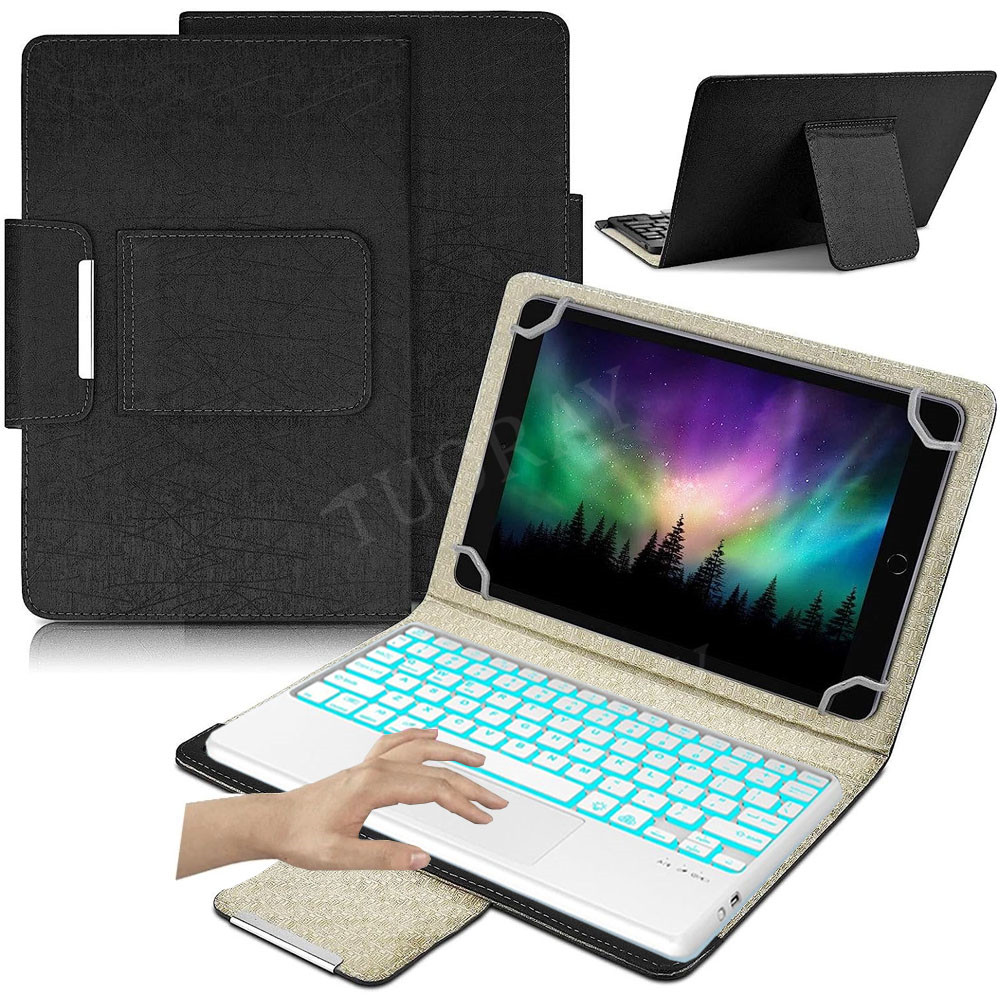
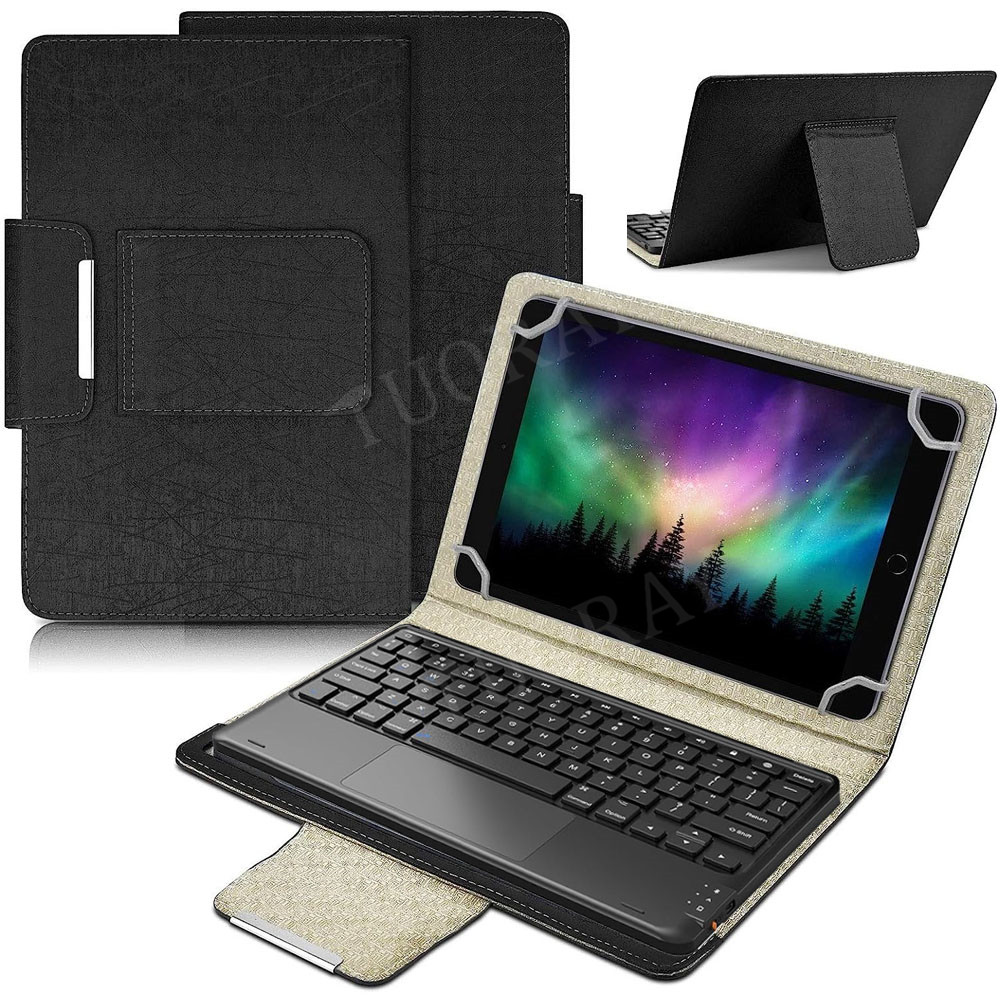
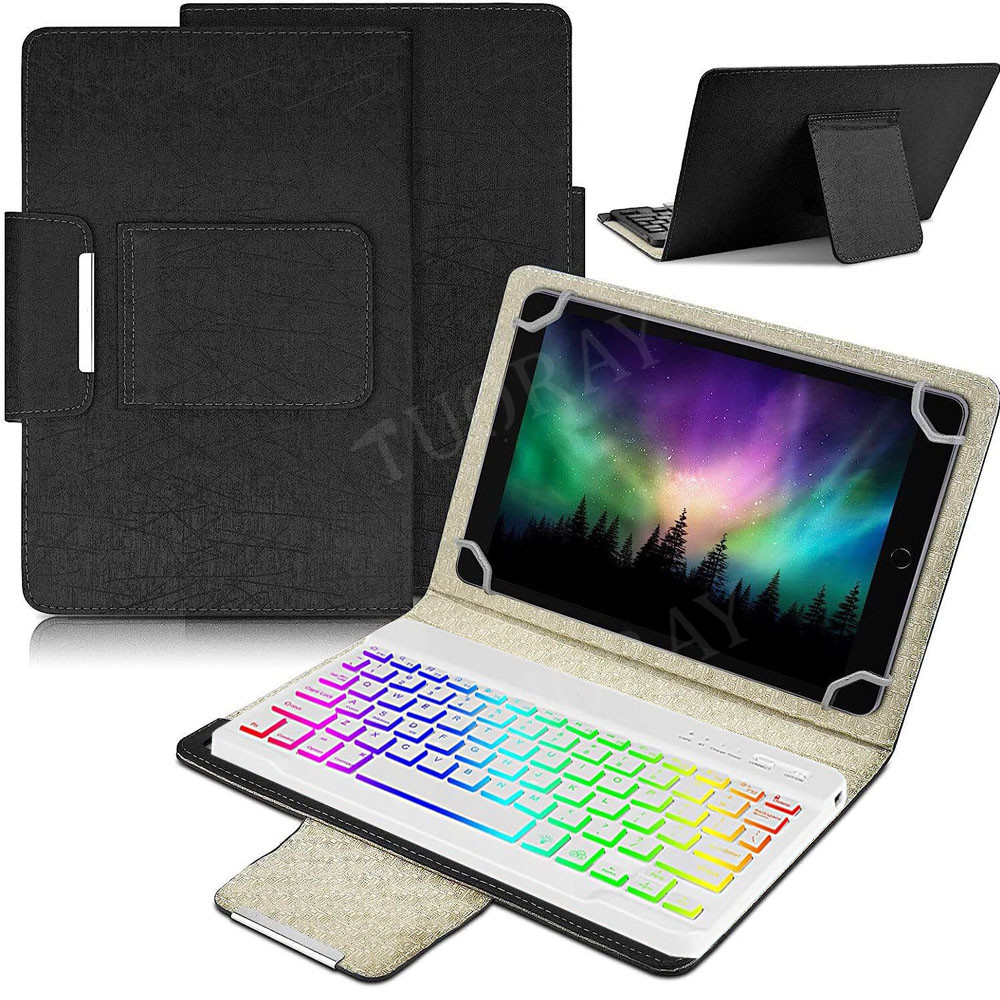
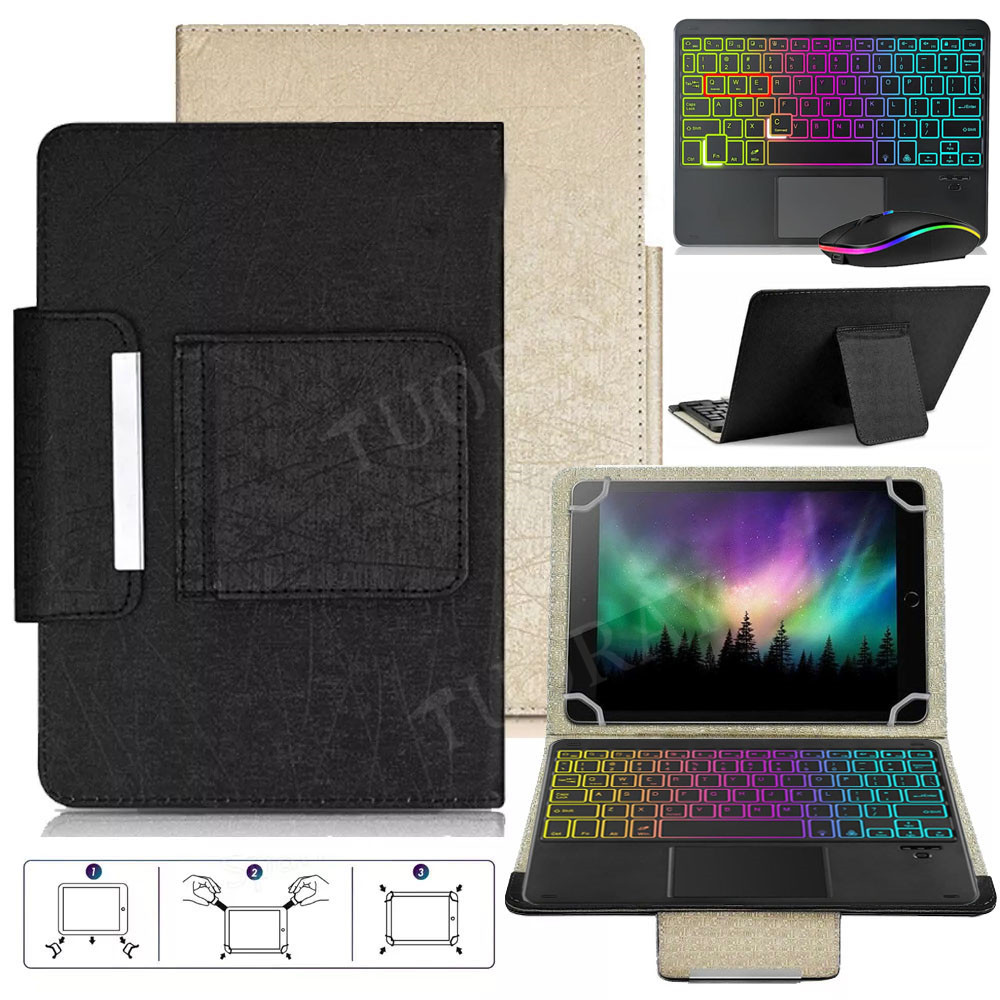
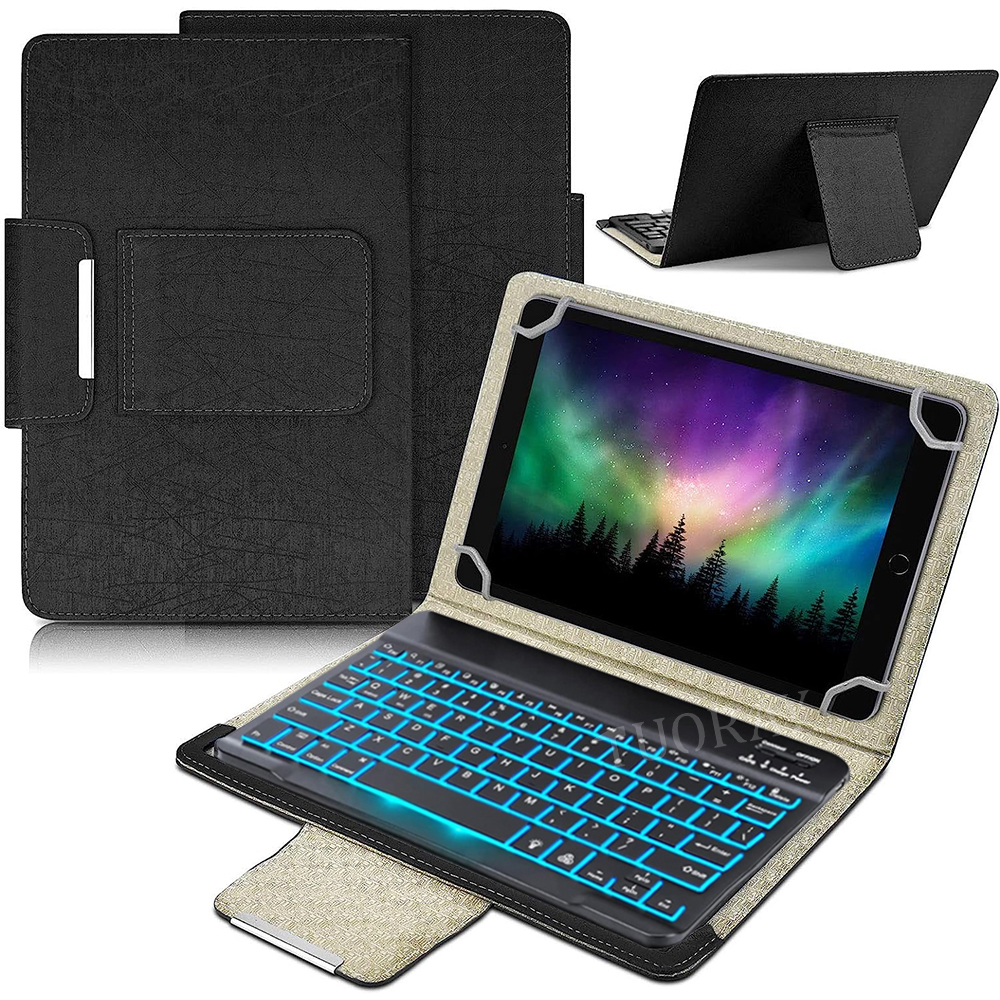
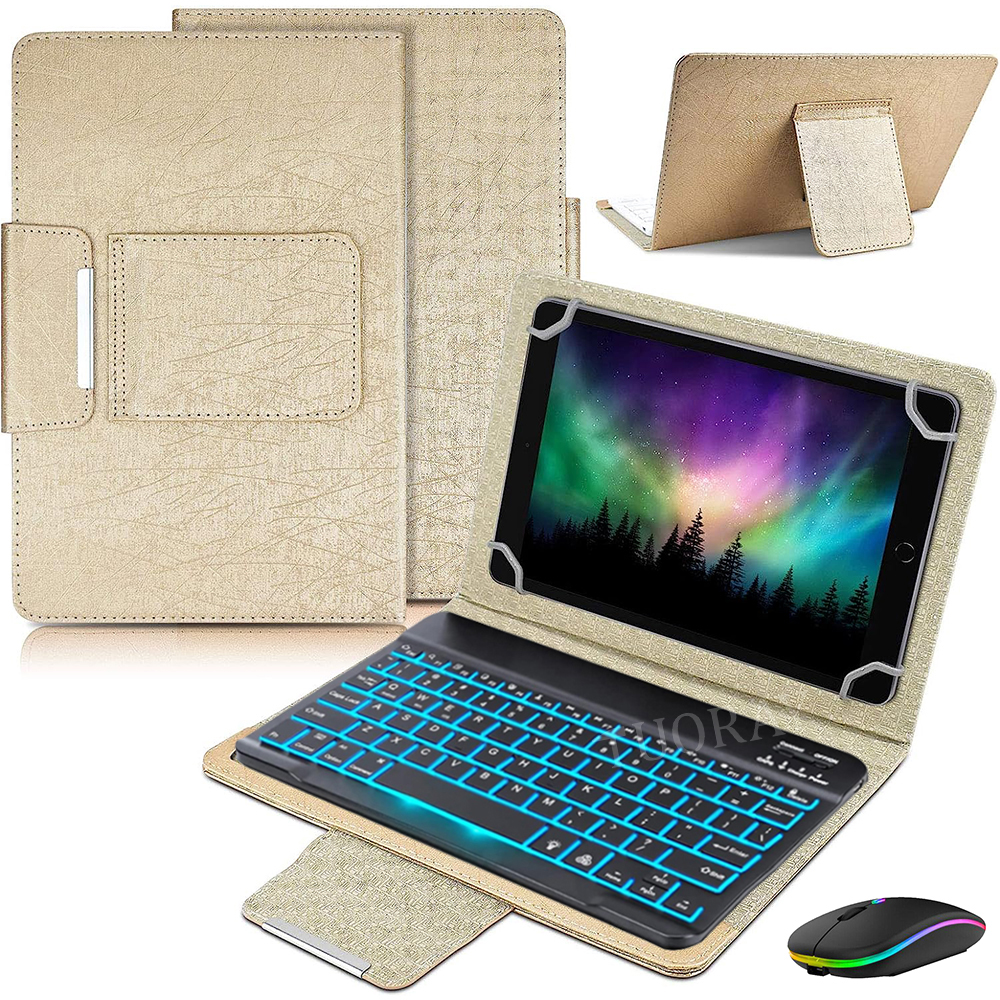
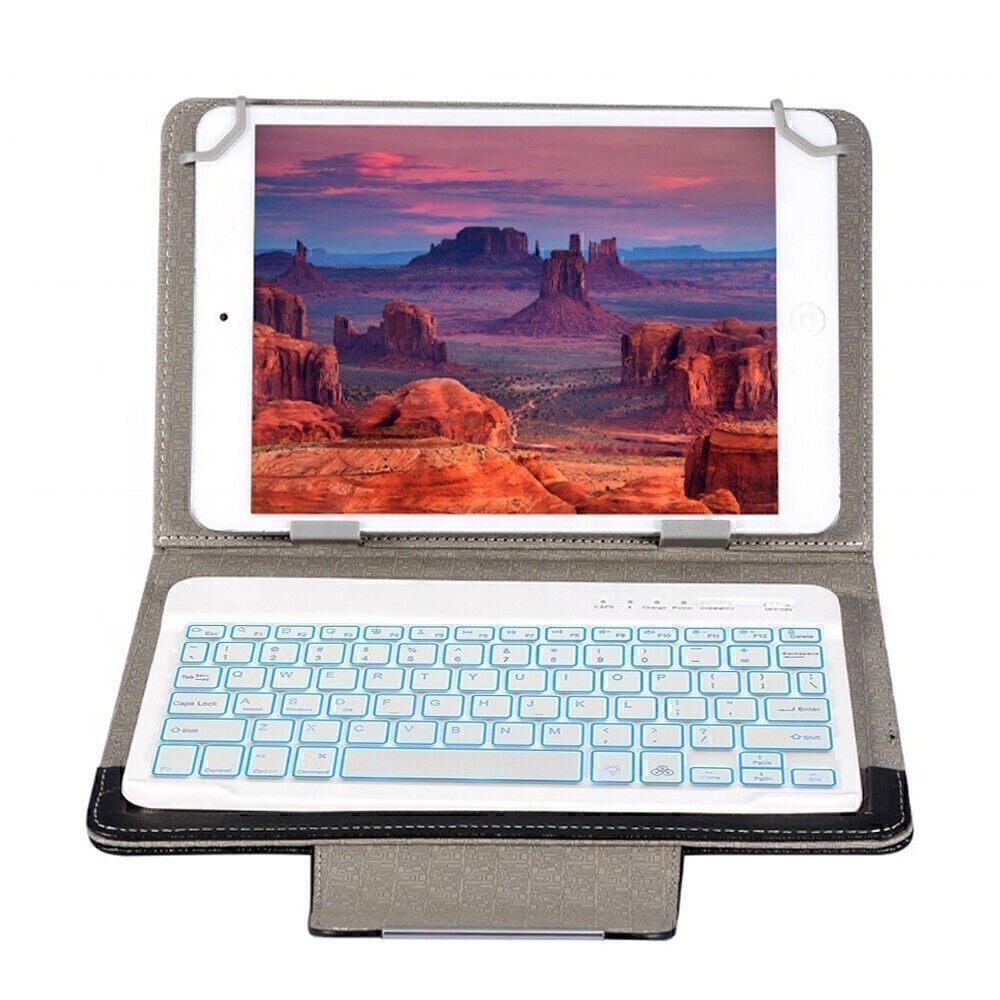

<1> What you choosed, what you will get, For example if you just choose the keyboard only,you will not received the Case Cover and Mouse.
<2> This case is universal design without camera hole,please confirm if you mind this before buying it.
Compatible Size:
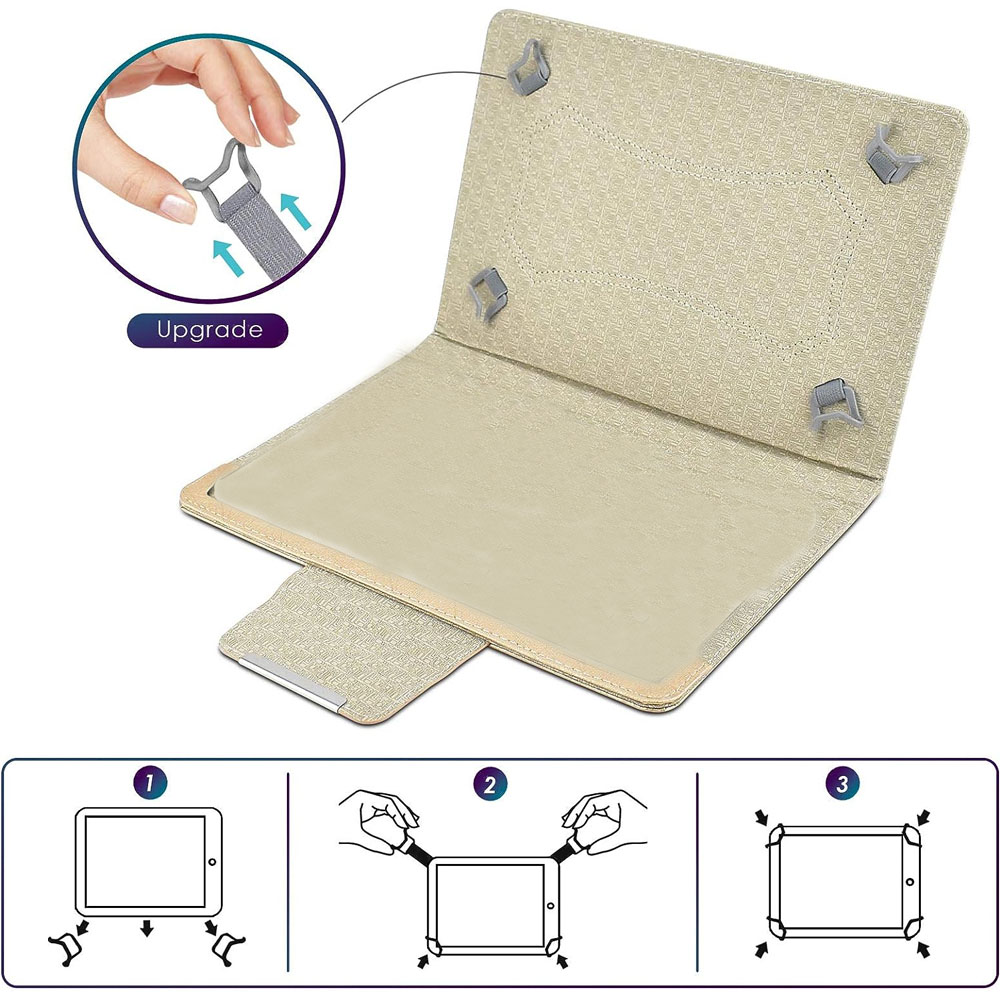
10"~11" inch Compatible Size:200mm < Length < 270mm and 140mm < width < 180mm and thickness<10mm
Leather Case Features:
- 100% new and high quality, fashion design.
- Support stand function,release your hands.
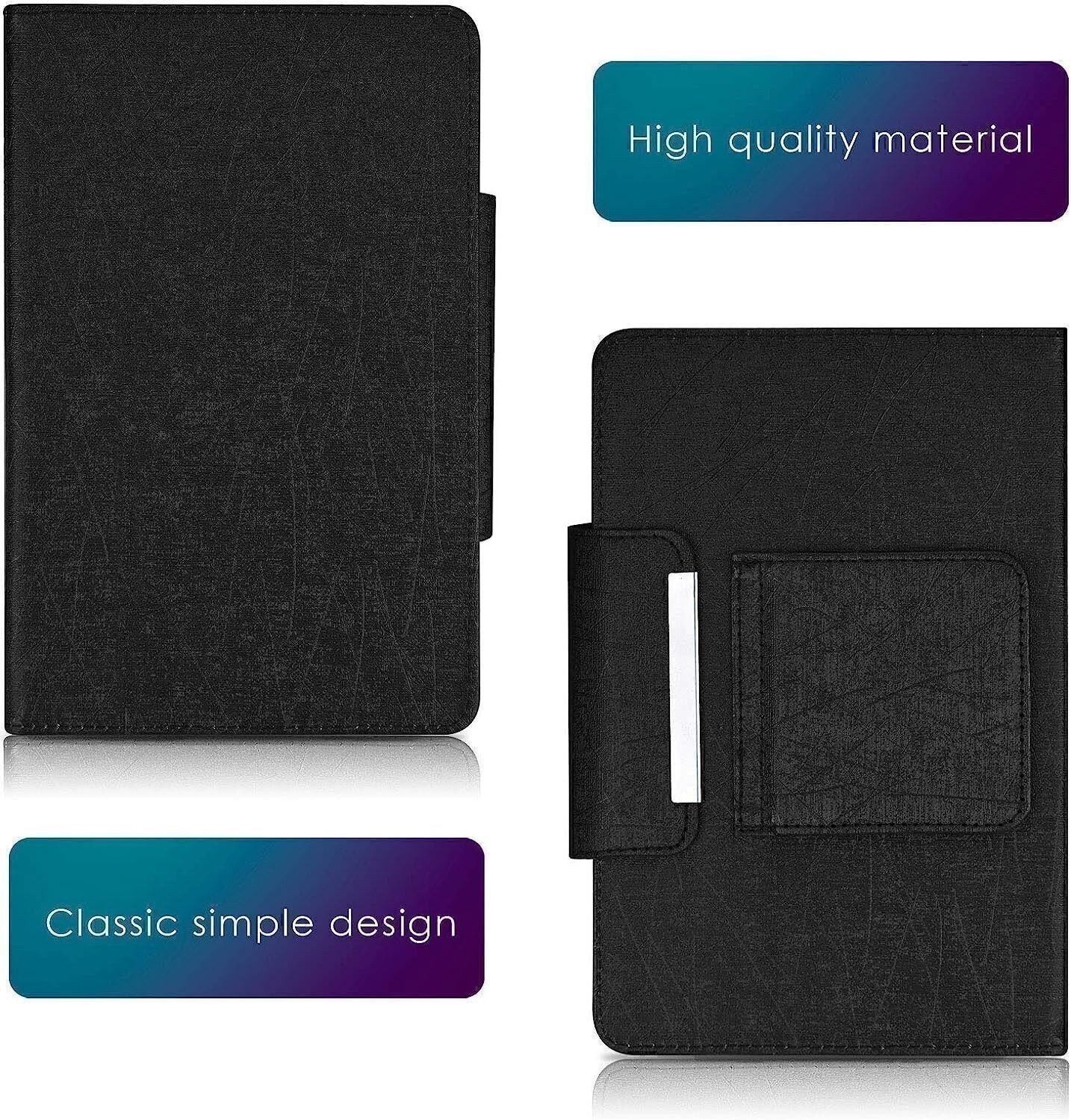
- Made of soft durable synthetic leather.
- Soft micro fiber interior lining that protect your screen and keeps your display clean.
- Anti-dirts,anti- fingerprints, anti-aging, anti-shock.
- Magnetic label holds your tablet closed securely.
Keyboard Size:
#1 Backlit Keyboard (Size:248x150mm)
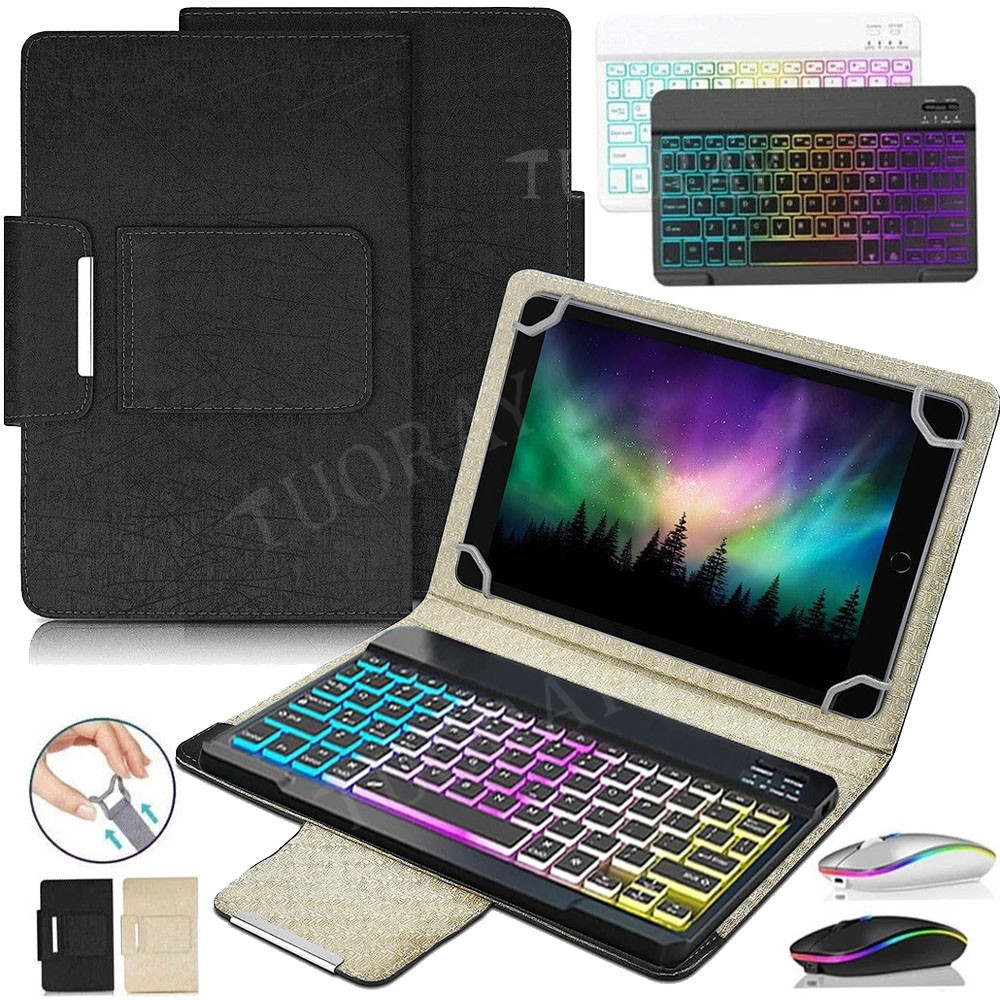
#2 RGB Backlit Keyboard (Size:247x150mm)
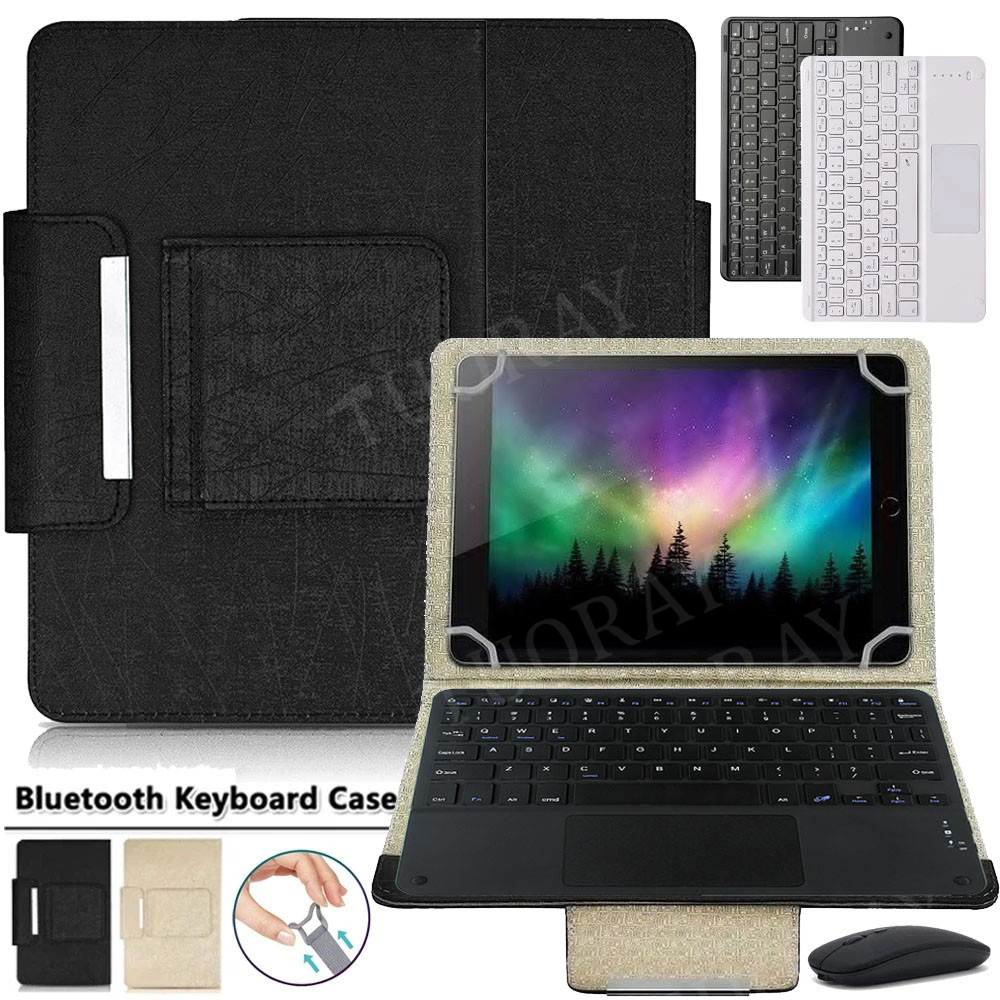
#3 Backlit Touchpad Keyboard (Size:245x180mm)
#4 Backlit Touchpad Keyboard (Size:245x180mm)
#5 Keyboard (Size:248x150mm)
#6 Touchpad Keyboard (Size:245x180mm)
Keyboard Characteristics
1.Support HID Bluetooth connection
2.Support Android, iOS, windows.
3.Dealing with drawing lines on the surface case.
4.Lightweight portable
5.Adopt Broadcom Bluetooth chip, steady and rapid connection.6.Adopt scissor-feet structure, comfortable for using.
About Backlit :
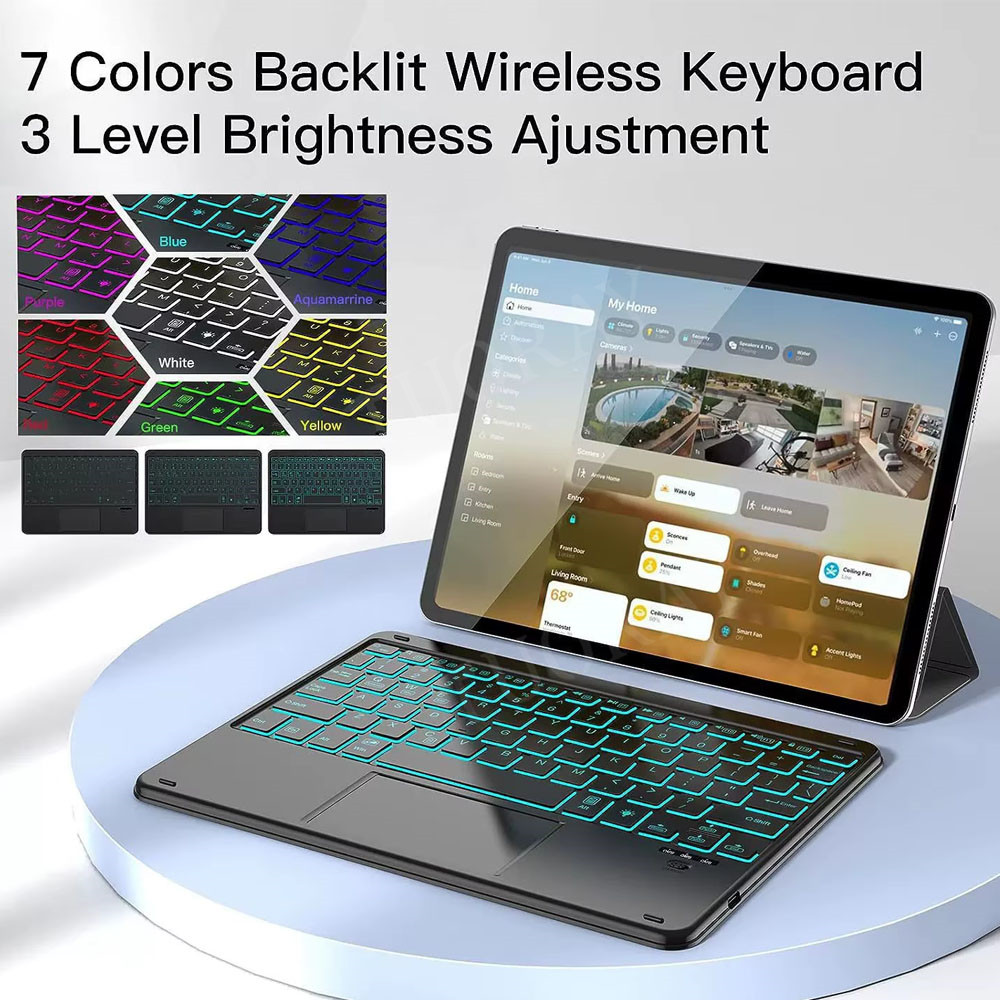
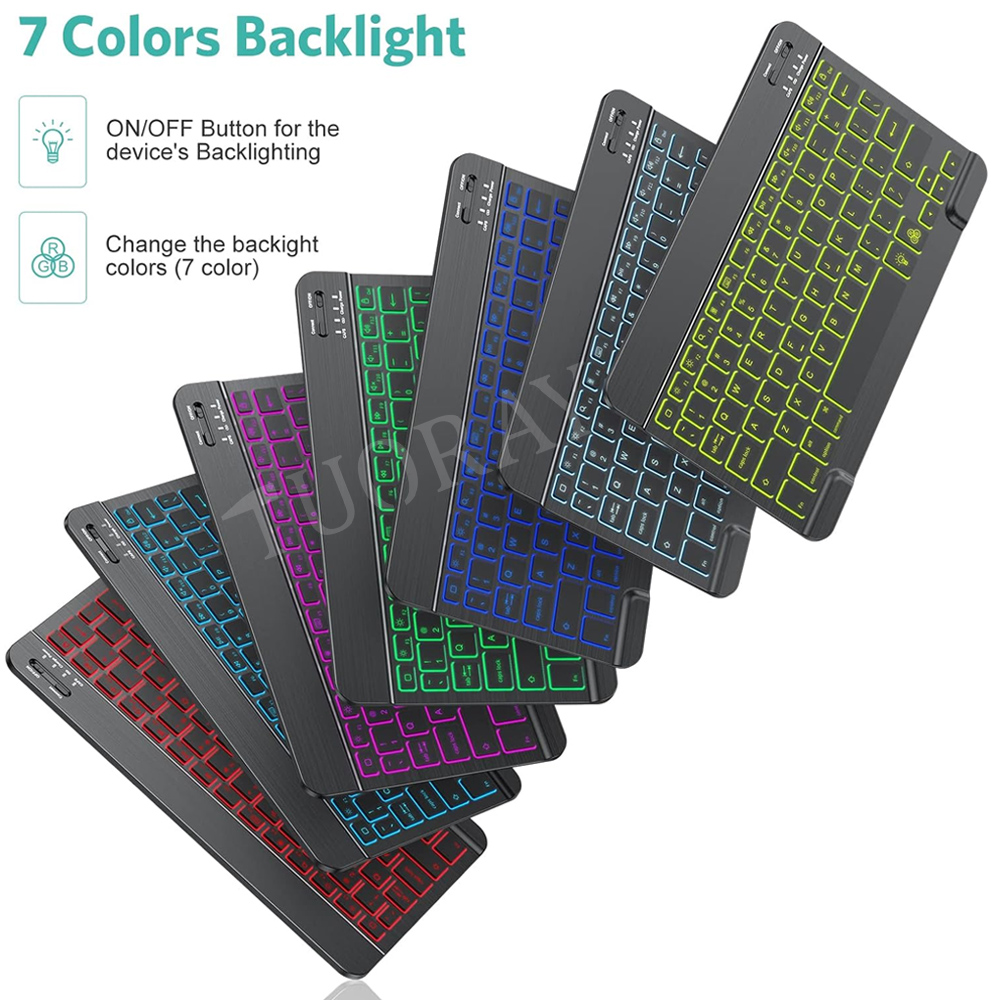
#1 and #3 type with single backlight with 7 kinds of backlight can be adjusted .
#2 and 4 type with 3-zone rainbow backlight with 7 kinds of backlight can be adjusted .
#5 without backlit,#6 wiith touchpad but without backlit
Bluetooth keyboard pairing:
Step 1:Turn on the keyboard, status indicator blinking 5s then off.
Step 2: Press 'connect' key, Bluetooth indicator blinking.
Step 3: Open the Bluetooth and search, tablet PC search the keyboard (Bluetooth name: Bluetooth keyboard) automatically or manual, dlick connection.
Step 4: Connect successful, Bluetooth indicator go out.

With Touchpad keyboard Bluetooth keyboard pairing:
1: Turn on the ON/OFF switch
2: Press FN+C CONNECT, the indicator of the Bluetooth logo will flash.
3: Turn on the Bluetooth switch of the device such as mobile phone/tablet, search for Bluetooth device, keyboard Bluetooth default name: Bluetooth 3.0 Keyboard.
4: Click the Bluetooth 3.0 Keyboard on the mobile phone/tablet and other devices, the digital password will be prompted, input on the keyboard, press the Enter to link. 
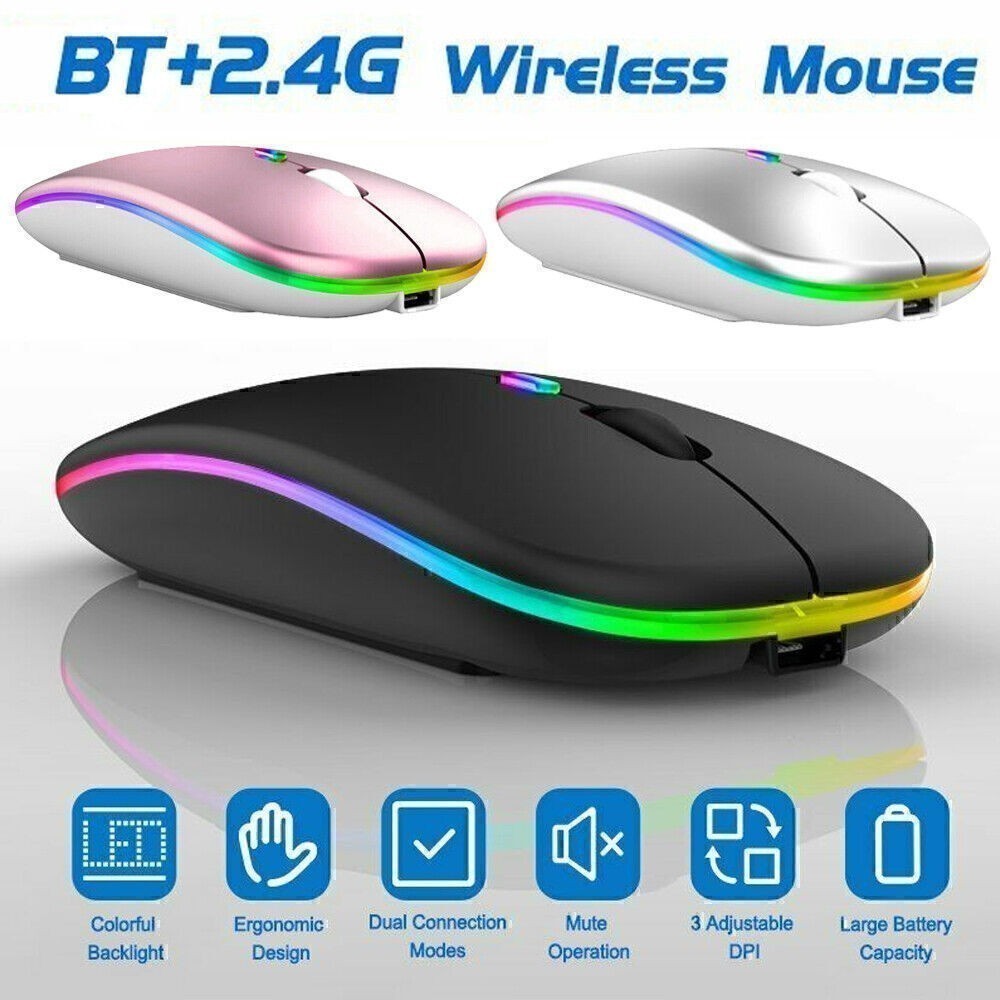
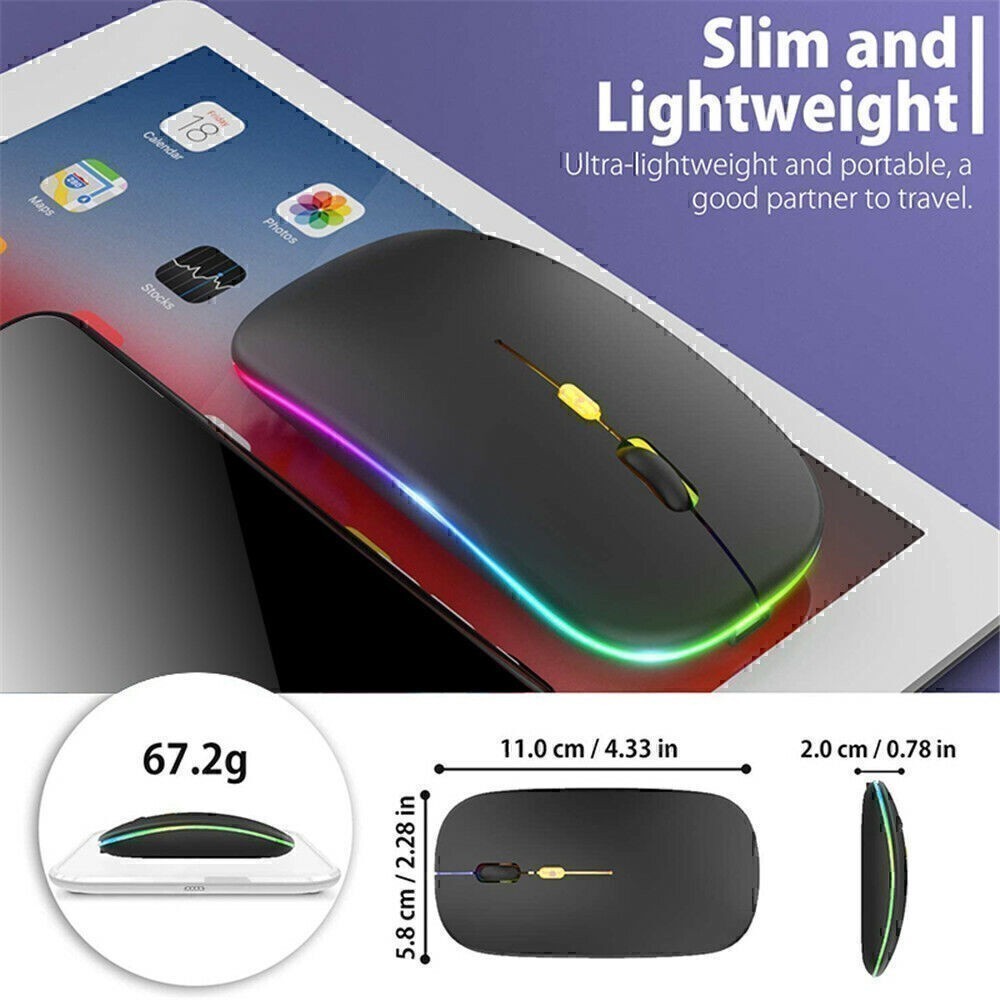
Dual Mode Bluetooth Mouse
(BT 5.0 + 2.4GHz): dual mode wireless mouse realizes free switches between two devices with one mouse only by only one click. 【Please turn on the "Assistive Touch" on iPad: Setting-Accessibility- Assistive Touch for an iPad usage.】


