⭐⭐⭐⭐⭐ Top Quality • Fast Dispatch
3-in-1 Type-C USB Endoscope Camera
5.5mm Flexible Snake Inspection Borescope
3-in-1 Universal Connectivity
Ultra-Slim 5.5mm Camera Head
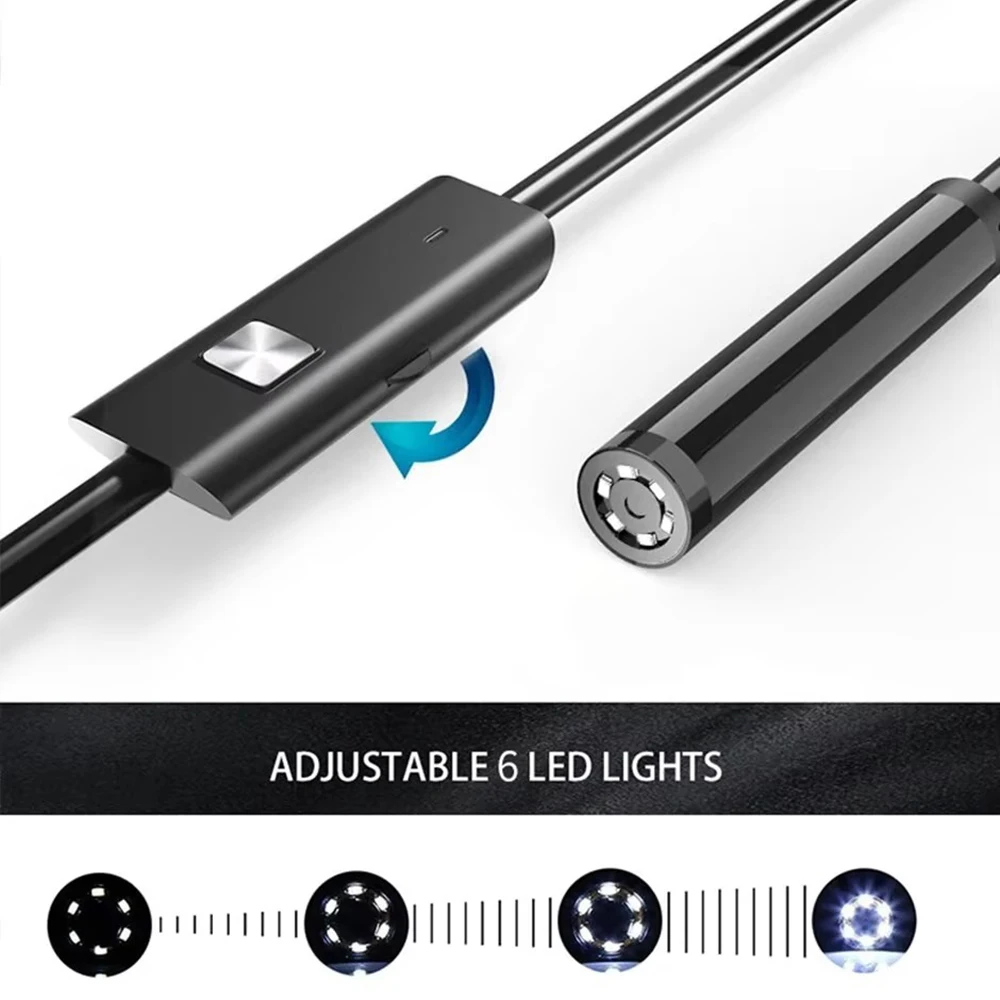
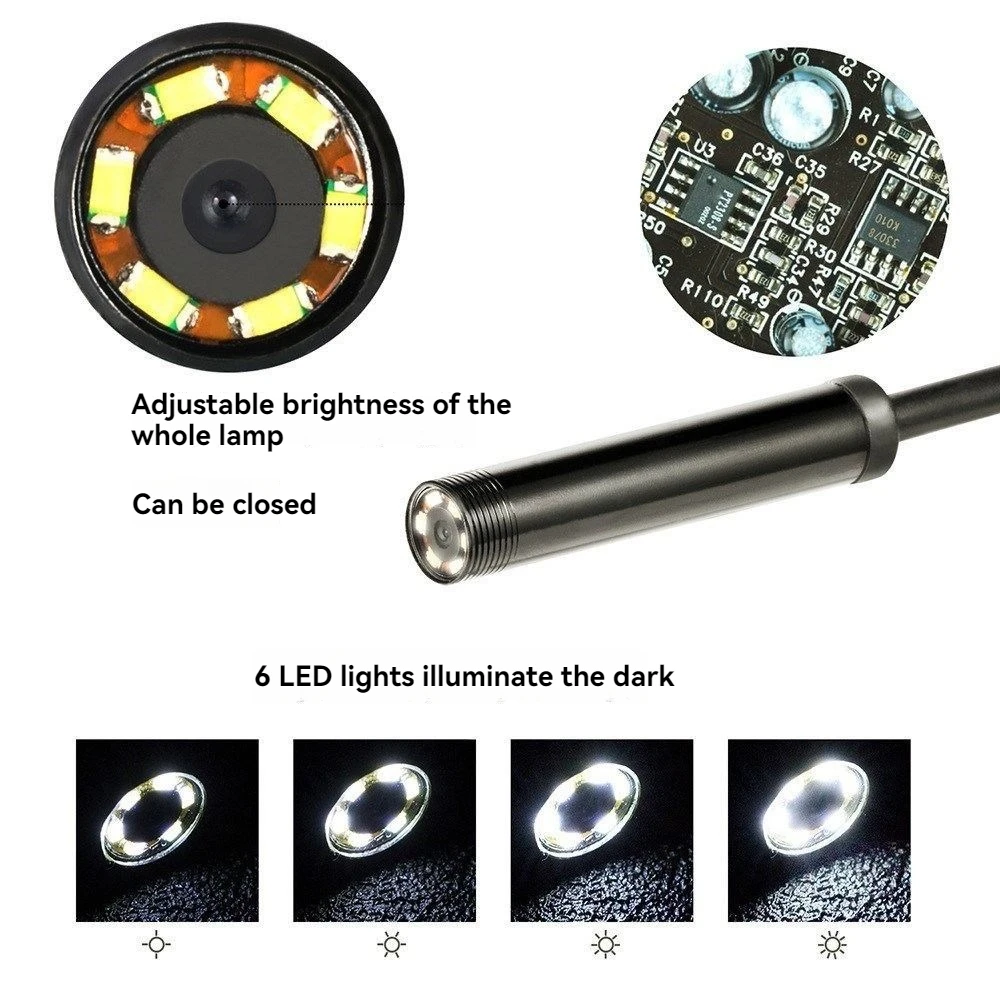
6 Adjustable LED Lights
IP67 Fully Waterproof Design
📸 Product Gallery
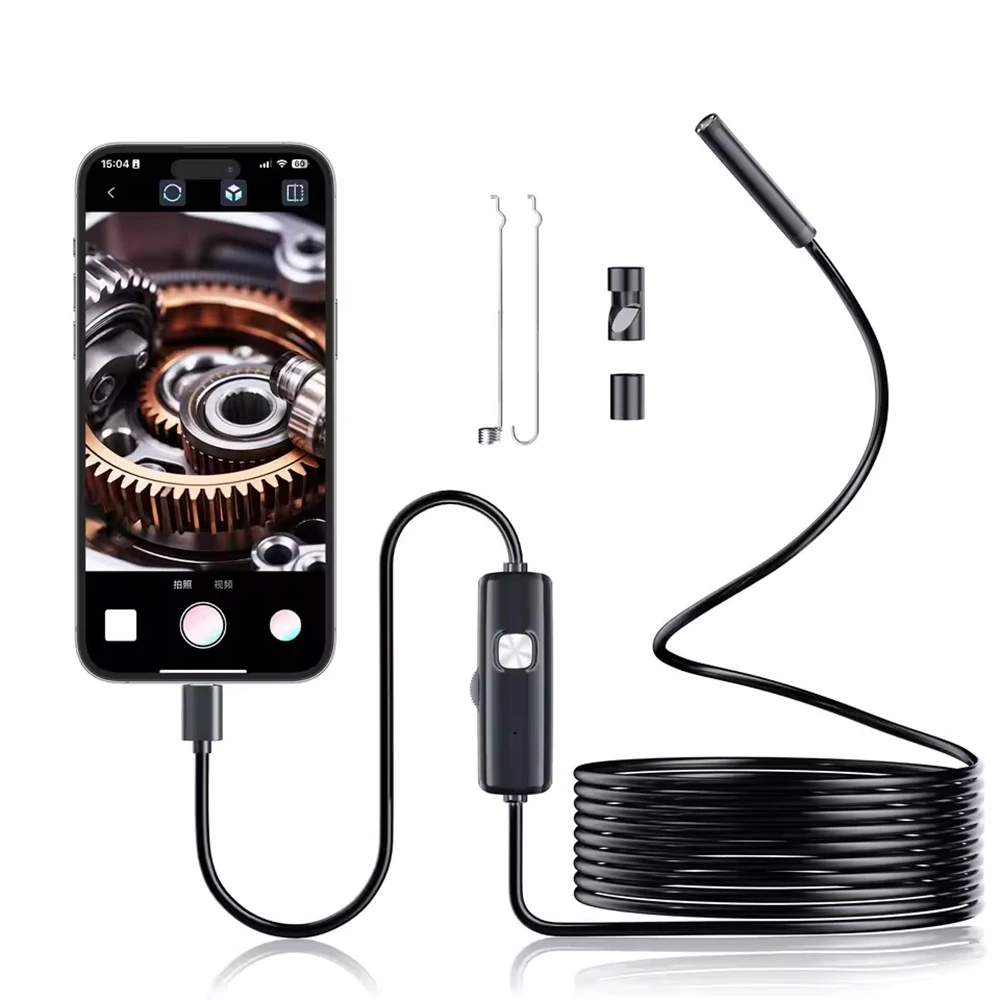
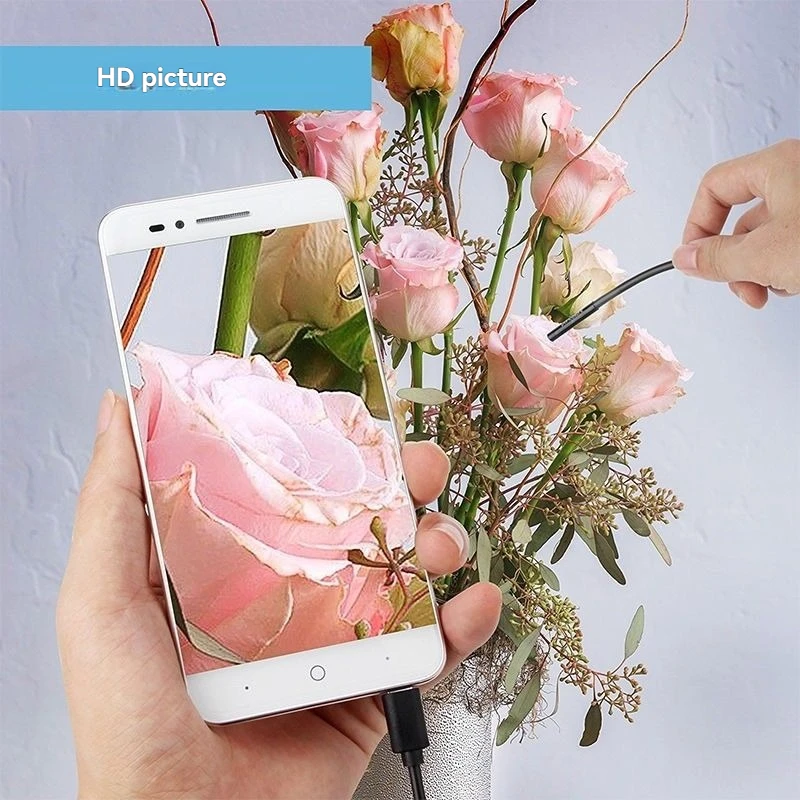
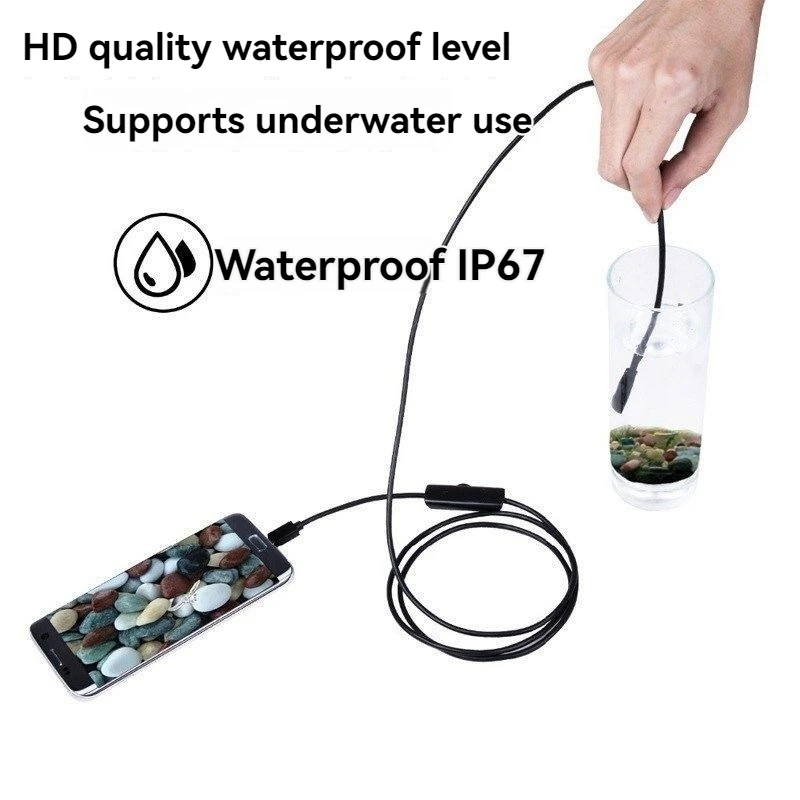
Inspect hard-to-reach spaces with ultimate precision using our 3-in-1 Type-C USB endoscope inspection camera. Built with a ultra-slim 5.5mm camera head and a flexible soft wire, this borescope effortlessly glides into tight pipes, engines, and vents. Equipped with 6 adjustable white LEDs and an IP67 waterproof rating, it delivers clear 640x480 resolution footage directly to your OTG-enabled Android phone or Windows PC, making it an essential tool for automotive, plumbing, and DIY home maintenance.
KEY FEATURES
| 3-in-1 Universal Connectivity Equipped with Type-C and standard USB interfaces to work seamlessly across compatible Android smartphones and Windows computers |
Ultra-Slim 5.5mm Camera Head Precision-engineered 5.5mm diameter lens allows for easy entry into extremely tight gaps, small cylinders, and narrow pipelines |
| 6 Adjustable LED Lights Features 6 built-in bright white LEDs with an integrated manual scroll wheel to easily adjust brightness for dark, enclosed spaces |
IP67 Fully Waterproof Design Rated IP67 waterproof, making it highly reliable for inspecting underwater environments, sewer pipelines, and damp automotive blocks |
| Direct Photo & Video Recording Capture real-time images and videos with audio that save directly onto your Android device for instant observation and analysis |
Complete Attachment Accessories Comes supplied with a small hook, retrieval magnet, side mirror, and fixing set to catch dropped keys, rings, or screws in dark drains |
SPECIFICATIONS
| Model Number | N500-M |
| Camera Lens Diameter | 5.5mm |
| Resolution | 640 x 480 (High-Resolution 1/9 CMOS Camera) |
| Wire Type | Flexible Soft Wire |
| Focal Distance Range | 3cm - 8cm |
| Waterproof Rating | IP67 |
| Light Source | 6 Dimmable White LEDs |
| Operating Temperature | -20 to 100 Degrees Celsius |
| Compatible Systems | Android 4.0+ (With OTG & UVC) / Windows 2000, XP, Vista, 7, 8, 9, 10 |
| Screen Included | No (Uses smartphone/PC monitor display) |
PERFECT FOR
Automotive repairs checking engine blocks, spark plug holes, and internal valves
Plumbing and drainage diagnosis mapping clogged sewer pipes and under-sink leaks
Home DIY maintenance looking behind walls, under floorboards, and inside HVAC ducts
Retrieving small metallic items like screws, keys, or jewelry from tight crevices
Professional engineering, electrical PCB inspecting, and industrial site checking
HOW TO USE
| 1 | Ensure your Android device is running system 4.0+ and supports both OTG and UVC functions |
| 2 | Connect the Type-C or USB interface directly into your smartphone or computer port |
| 3 | Open your preferred external camera application to view the live video feed stream |
| 4 | Use the integrated rolling wheel to adjust the 6 LED lights to your desired brightness level |
| 5 | Attach the hook or magnet to the camera tip if you need to retrieve lost objects from tight spaces |
PACKAGE INCLUDES
✔️ 1 x Mini USB Endoscope (5.5mm Lens / Soft Wire)
✔️ 1 x Type-C to USB Interface Adapter
✔️ 1 x Small Hook Attachment
✔️ 1 x Retrieval Magnet Attachment
✔️ 1 x Side Audition Mirror
✔️ 1 x User's Manual
✔️ 1 x Type-C to USB Interface Adapter
✔️ 1 x Small Hook Attachment
✔️ 1 x Retrieval Magnet Attachment
✔️ 1 x Side Audition Mirror
✔️ 1 x User's Manual
IMPORTANT NOTES
• Crucial Compatibility: This item does NOT support iOS systems (Apple iPhone/iPad). Your Android phone must natively support OTG (On-The-Go) and UVC (USB Video Class) external camera functions to operate.
💎 Why Choose Us
🚚
Fast Dispatch
Orders processed quickly & shipped with tracked delivery
✅
Quality Checked
Every item is 100% brand new & inspected before dispatch
↩️
Easy Returns
14-day hassle-free returns — shop with complete confidence
💬
Friendly Support
Quick replies via eBay messages — we're here to help 6 days a week
🛍️ More From Our Store — you may also like

🌸 Thank you for shopping with us — check our other listings for more great deals!