Brand Name : JIKONG
Type : LIFEPO4 Battery BMS
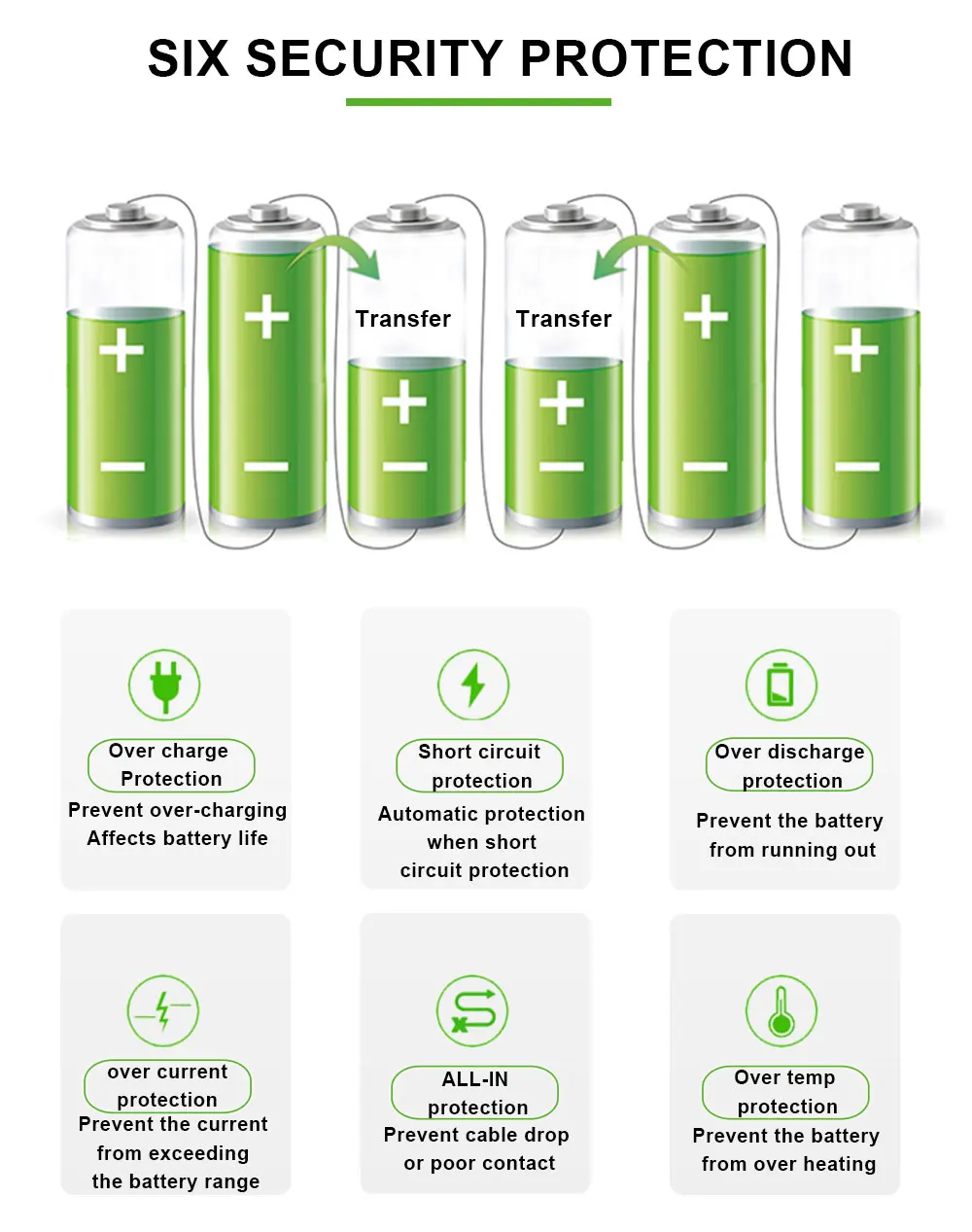
Function : Overcharge Protection,Over Discharge Protection,Overcurrent Protection,Short Circuit Protection
Origin : Mainland China
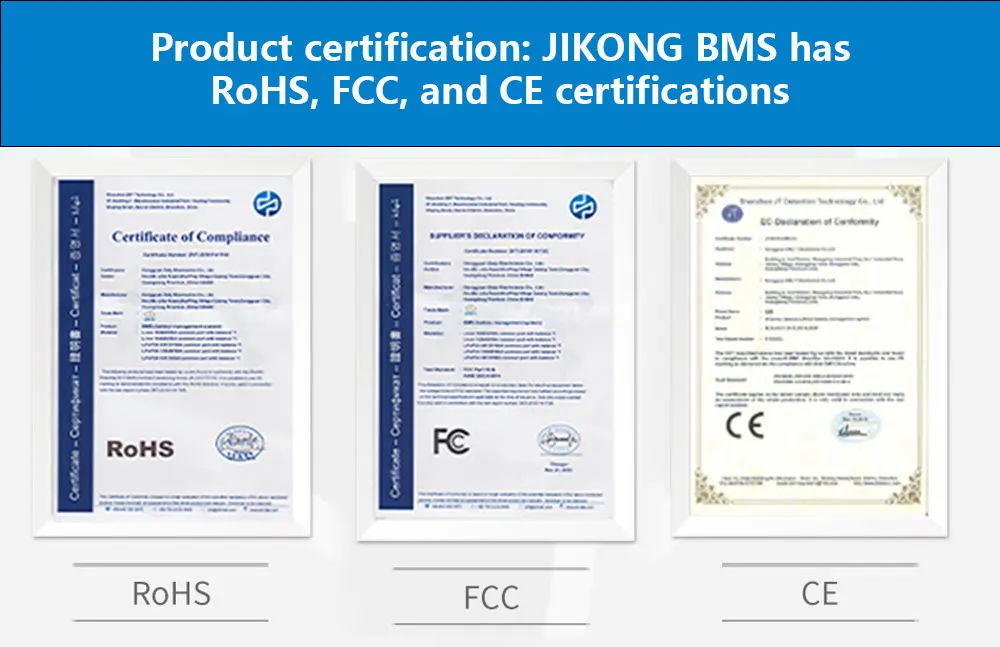
Certification : CE,FCC,RoHS
Usage Scenario : Power BMS,3C Digital BMS
Handware or Smart : SMART BMS
Charging Current : 200A
Balance Function : Active Balanced BMS
Charge and Discharge Port : Common Port BMS
High-concerned chemical : None
Feature 8 : jk b2a8s20p
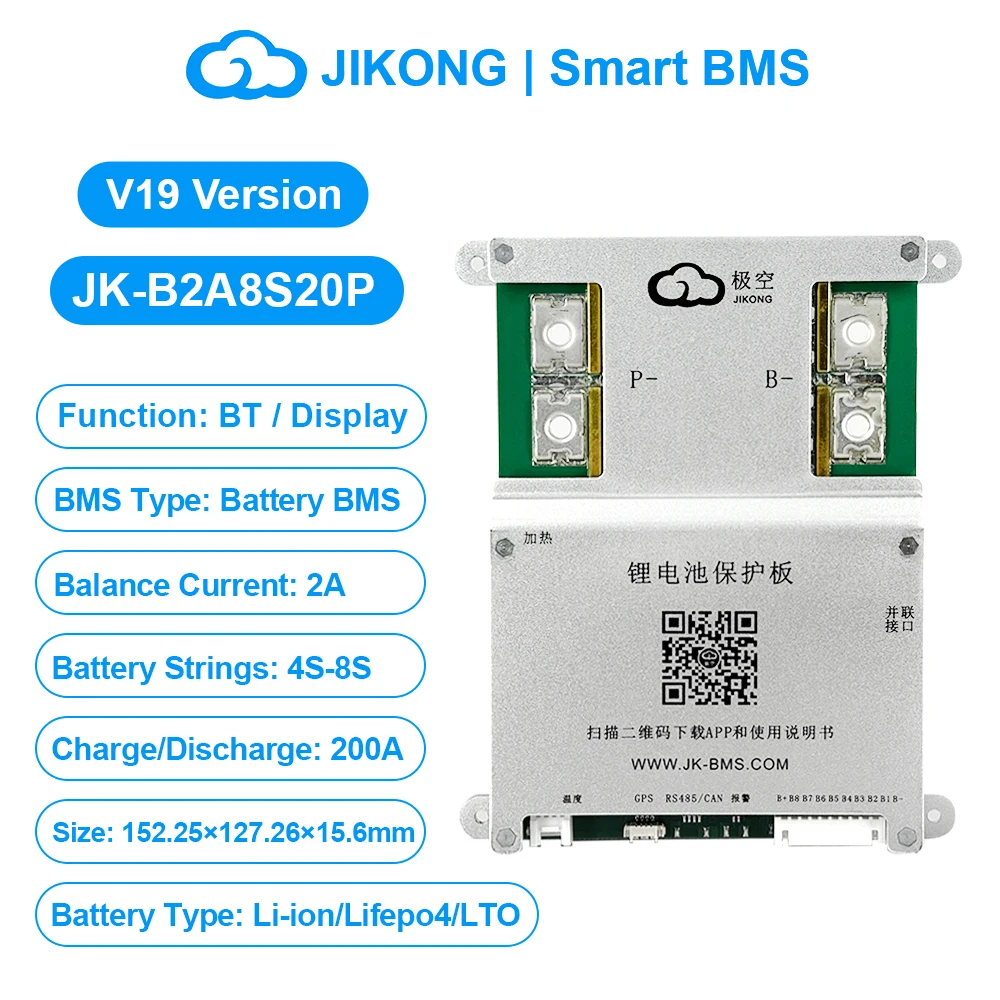
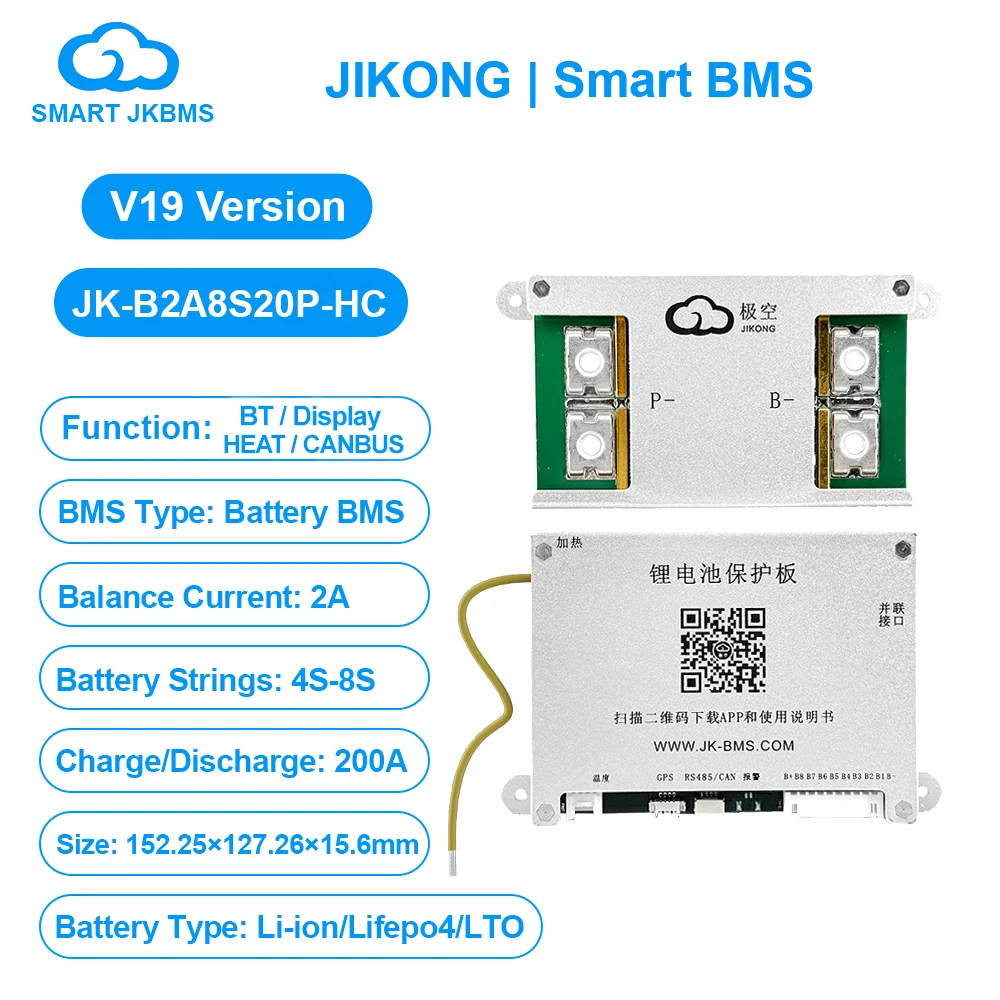
JIKONG JK BMS 3S 4S 5S 6S 7S 8S Smart BMS with BT APP Heat CAN RS485 2A 10-36V Active Balance BMS for Lifepo4 Li-ion LTO Battery Pack JK BMS 200A(B2A8S20P)
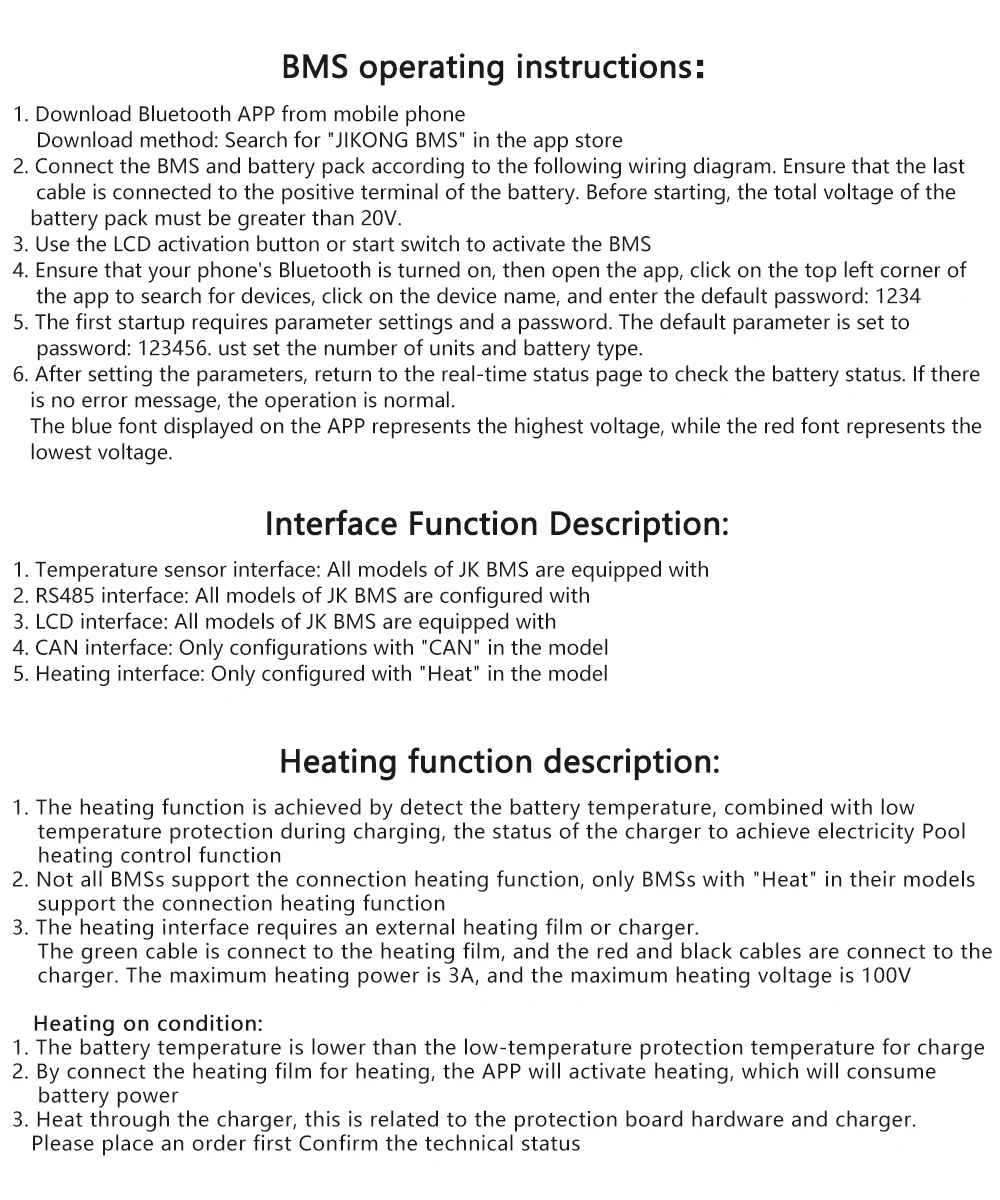
Use Manual:
1. Download app and manual
2. Hardware connection
3. Startup
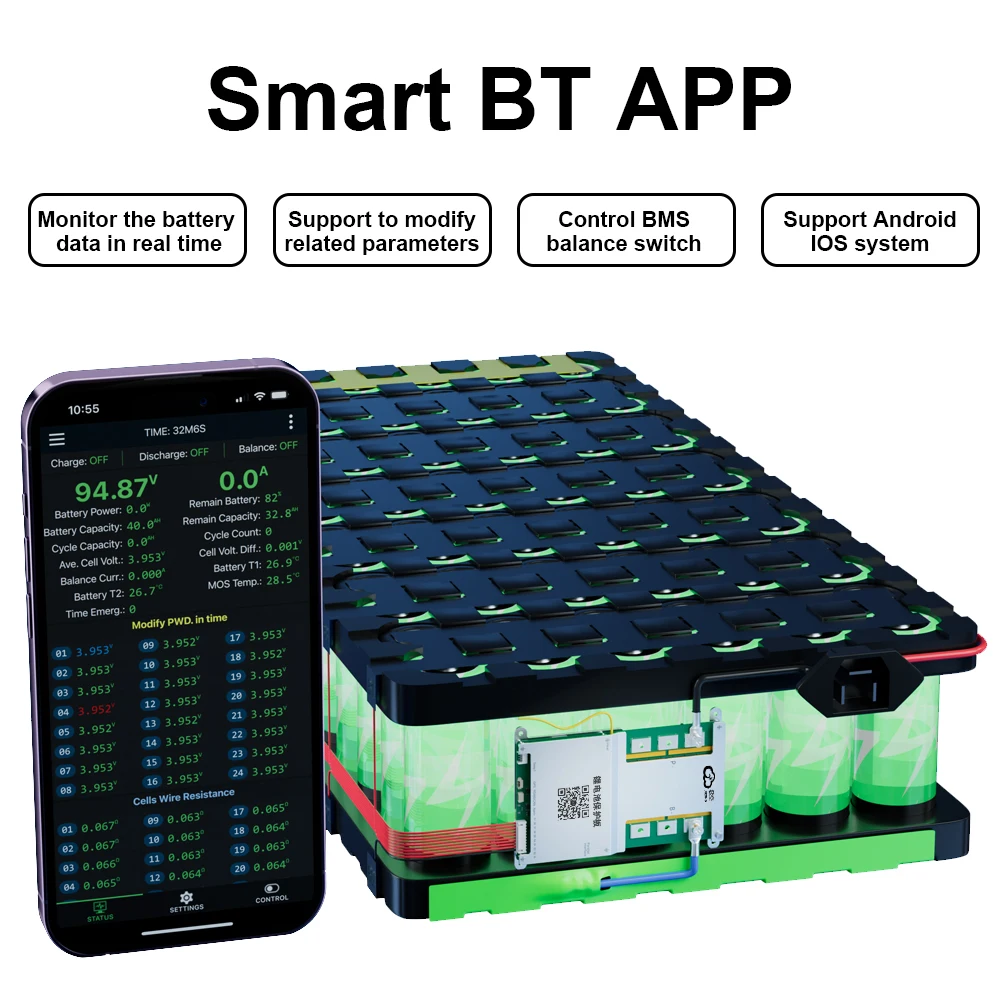
4. Open the app and connect the device
5. Set the number of strings and battery type
6. Check the battery status
Download link-IOS: Search (JIKONG BMS) in the APP STORE
Download link-Andriod : Search (JK BMS) in the Google STORE
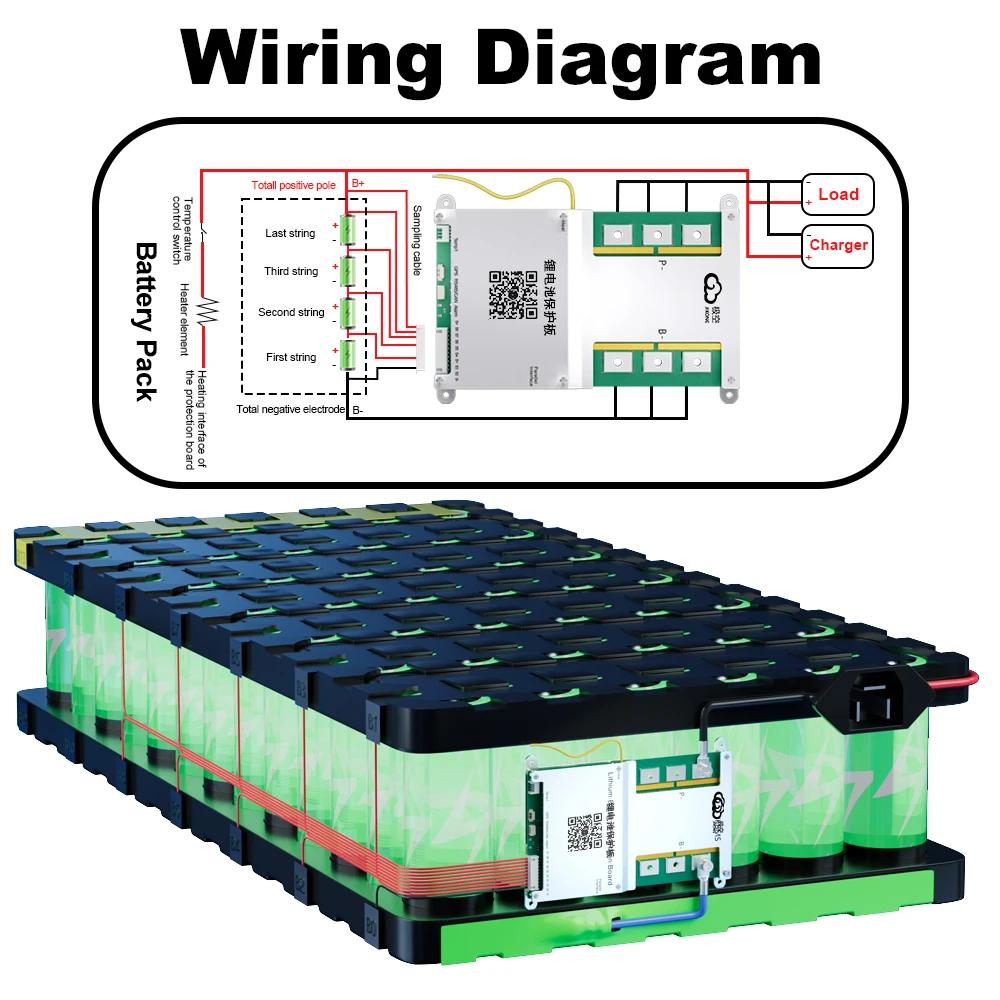
(1) Connect the protection board and battery pack according to the
following wiring diagram,Make sure that the last power cord is also
Connected to the main positive pole,The total voltage of the battery
pack must be greater than 20V(Default BMS)/10V(4S BMS) before tarting up.
(2) Use the display activation button or additional switch to activate the BMS.
(3) Turn on GPS and Bluetooth on your mobile phone.
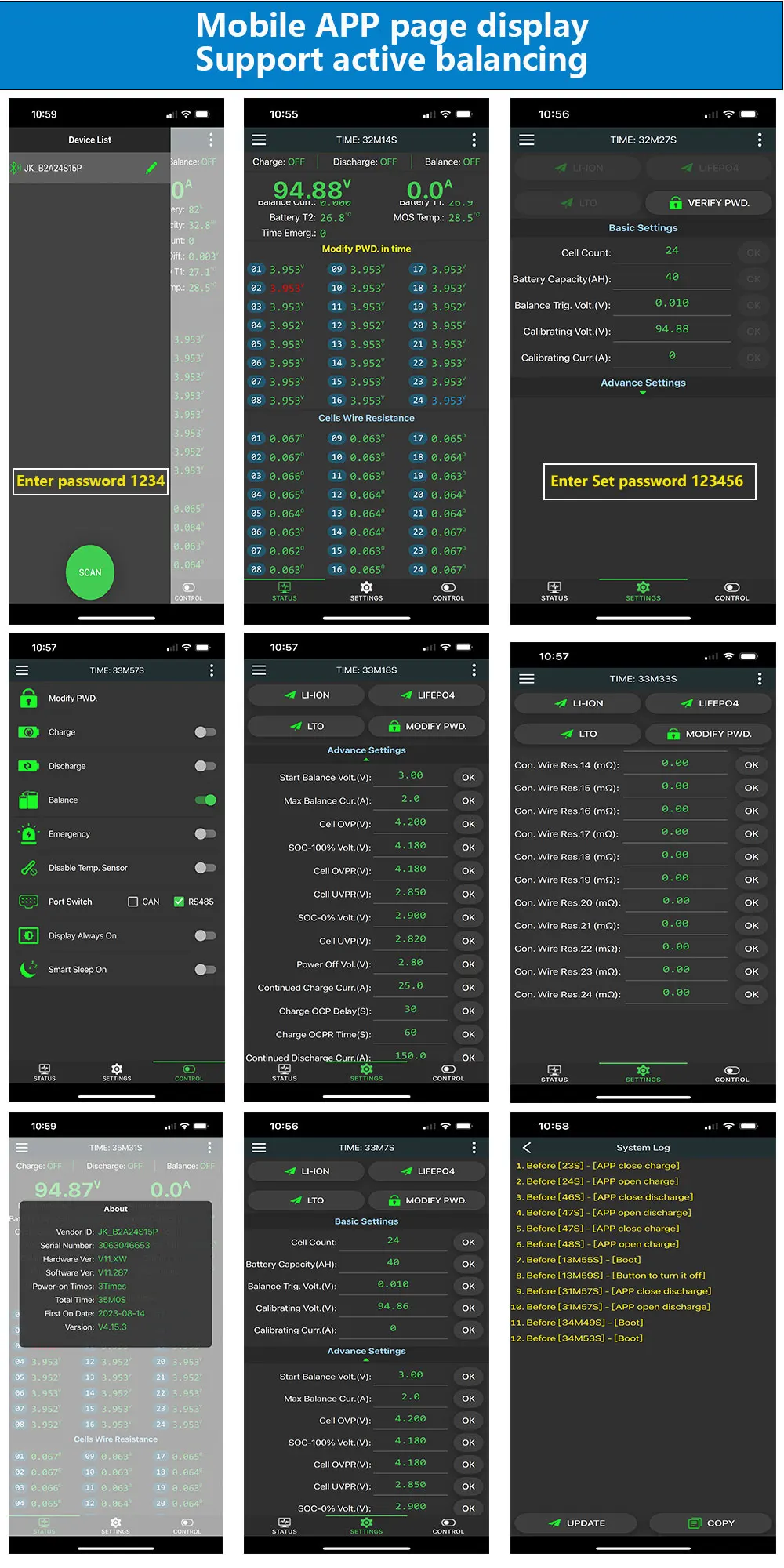
(4) Make sure your mobile Bluetooth is turned on, then turn on APP
click on the top left corner of APP to search for devices, and click on
the device name to connect to the default password: 1234.
(5) Parameters need to be set for the first start-up Setting requires a
password, The default parameter is set to password 123456,Simply
set the number of units and battery type.
(6) Once the parameters are set, go back to the real-time status page,
check the battery status, no error message is prompted and normal
operation,blue is the highest voltage, red is the lowest voltage.
Interface Function Description:
1. Temperature sensor interface: All models of JKBMS are equipped with
2. RS485 interface: All models of JK BMS are configured with
3. LCD interface: All models of JK BMS are equipped with
4. CAN interface: Only configurations with"CAN"in the model
5. Heating interface: Only configured with"Heat" in the model
Heating function description:
1.The heating function is achieved by detect the battery temperature,combined with low
temperature protection during charging,the status of the charger to achieve electricity Pool heating control function.
2.Not
all BMSs support the connection heating function, only BMSs with "Heat"
in their models support the connection heating function.
all BMSs support the connection heating function, only BMSs with "Heat"
in their models support the connection heating function.
3.The heating interface requires an external heating film or charger.
The
green cable is connect to the heating film, and the red and black
cables are connect to the charger. The maximum heating power is 3A, and
the maximum heating voltage is 100V
green cable is connect to the heating film, and the red and black
cables are connect to the charger. The maximum heating power is 3A, and
the maximum heating voltage is 100V
Heating on condition:
1. The battery temperature is lower than the low-temperature protection temperature for charge
2. By connect the heating film for heating, the APP will activate heating, which will consume battery power.
3. Heat through the charger,this is related to the protection board hardware and charger.
Please place an order first Confirm the technical status.