Brand Name : JKBMS
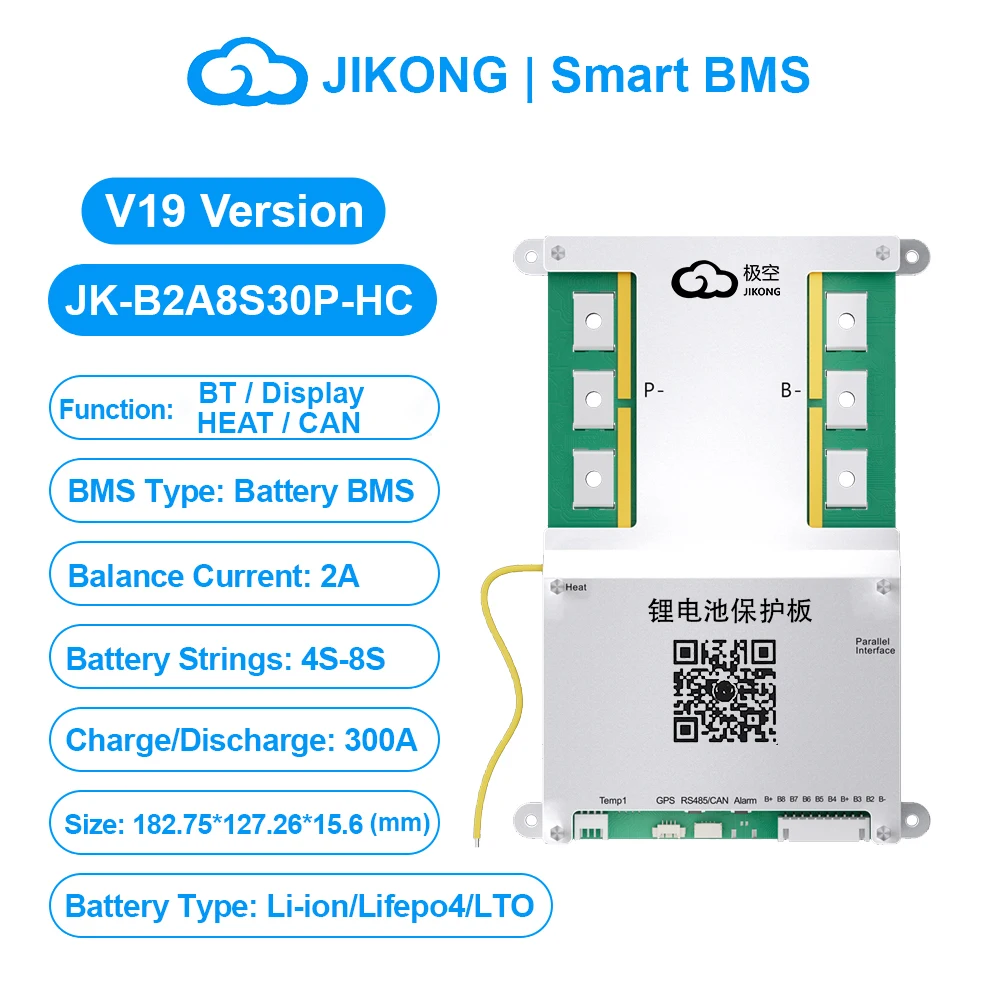
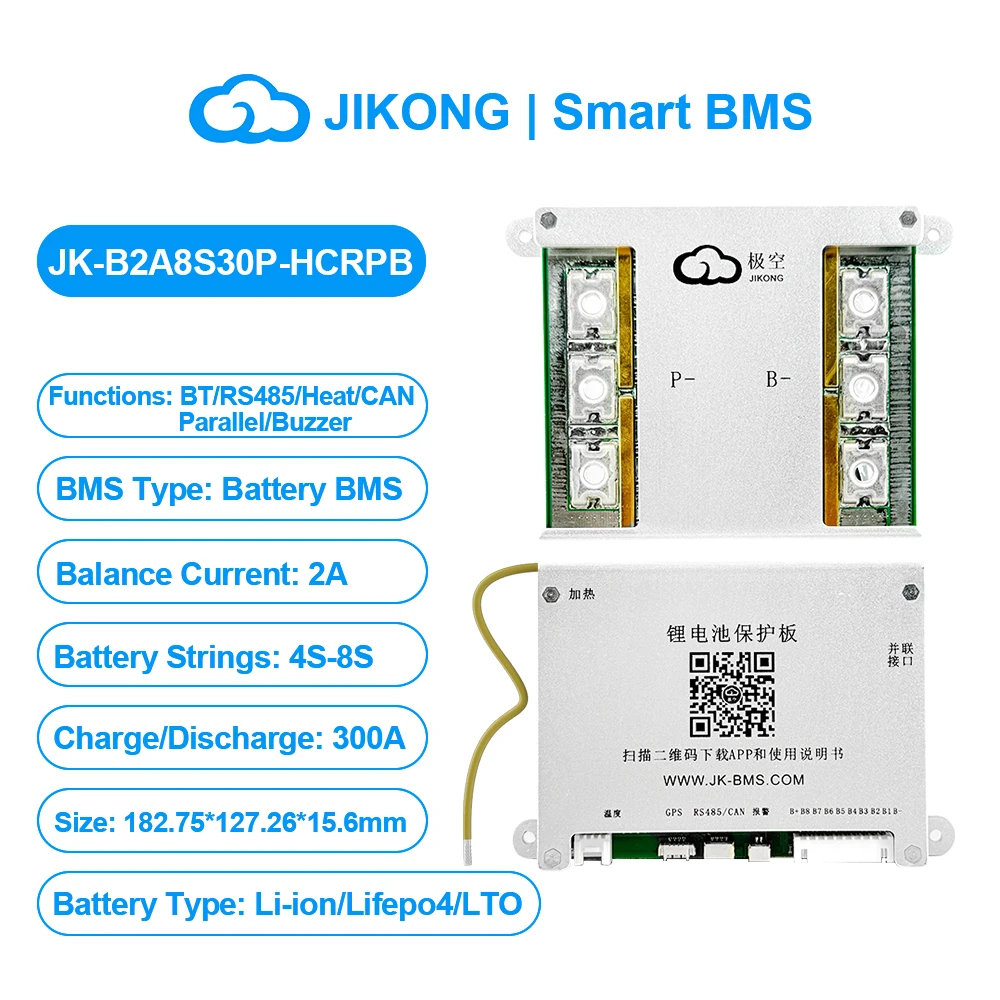
Type : LIFEPO4 Battery BMS
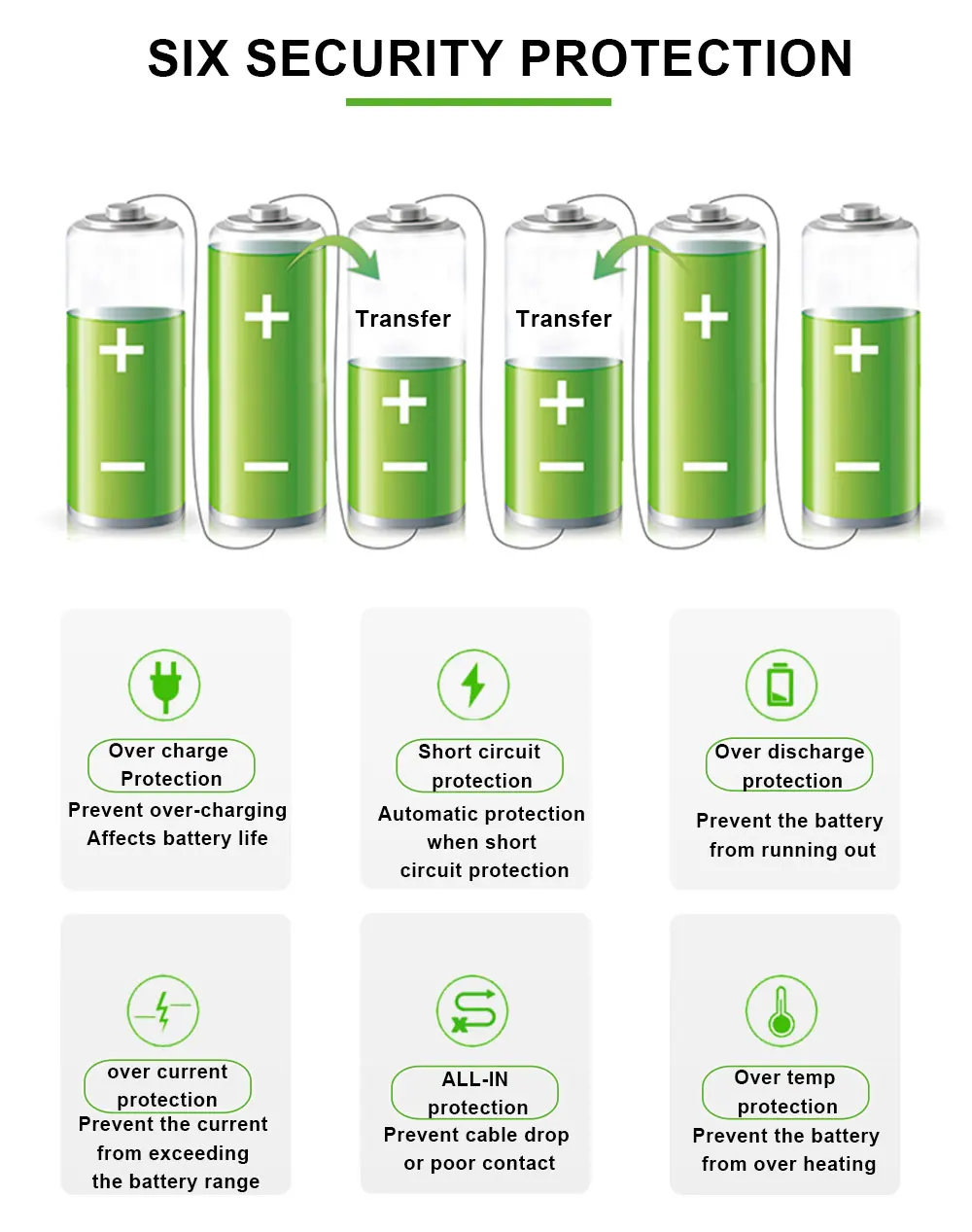
Function : Overcharge Protection,Over Discharge Protection,Overcurrent Protection,Short Circuit Protection
Origin : Mainland China
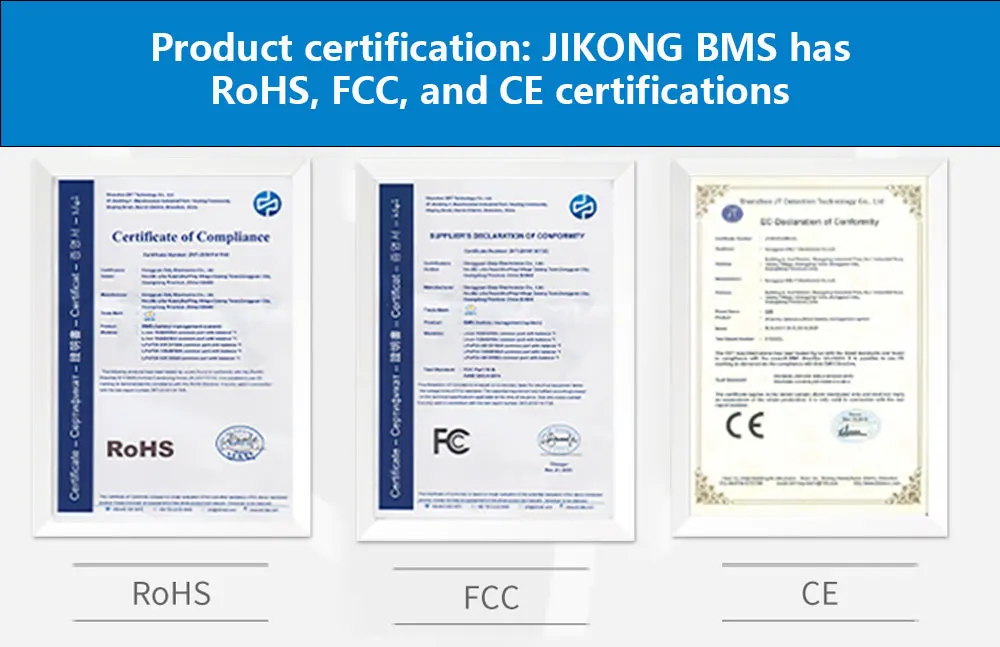
Certification : CE,FCC,RoHS
Usage Scenario : Power BMS,3C Digital BMS
Handware or Smart : SMART BMS
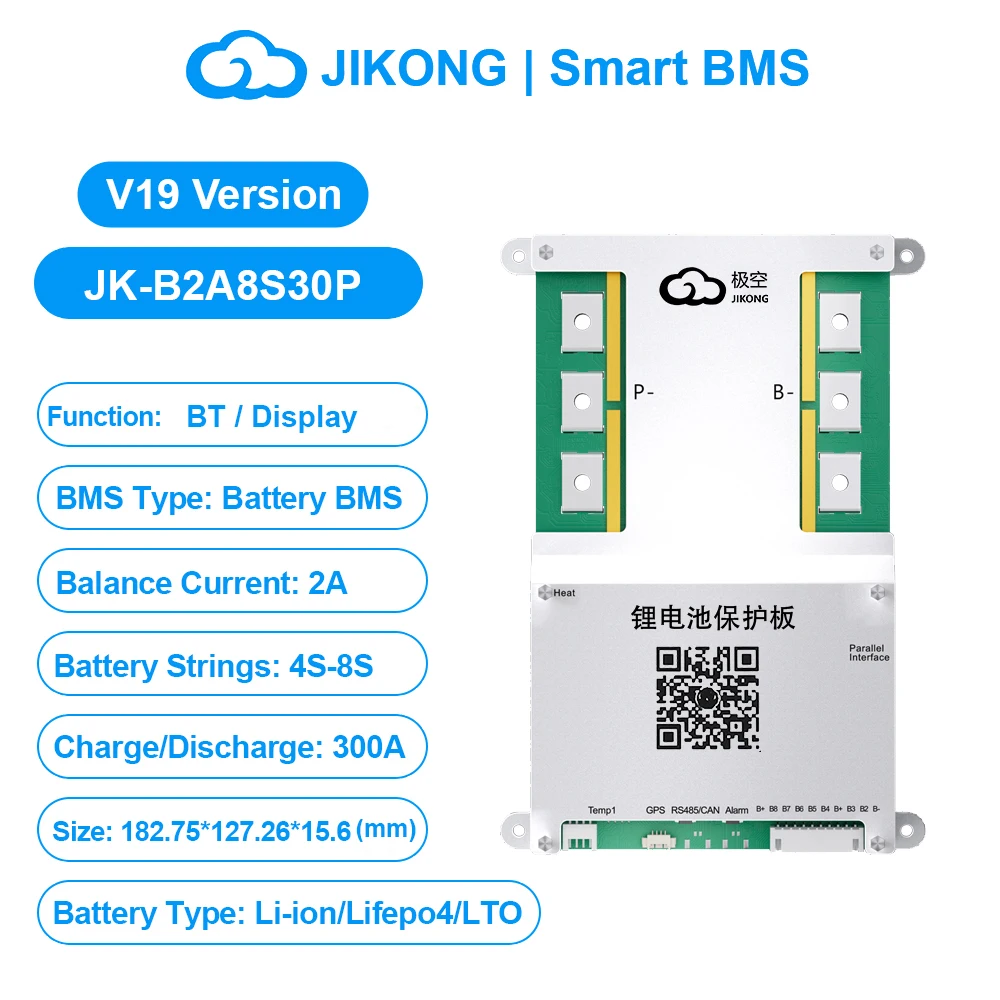
Charging Current : 300A
Balance Function : Active Balanced BMS
Charge and Discharge Port : Common Port BMS
High-concerned chemical : None
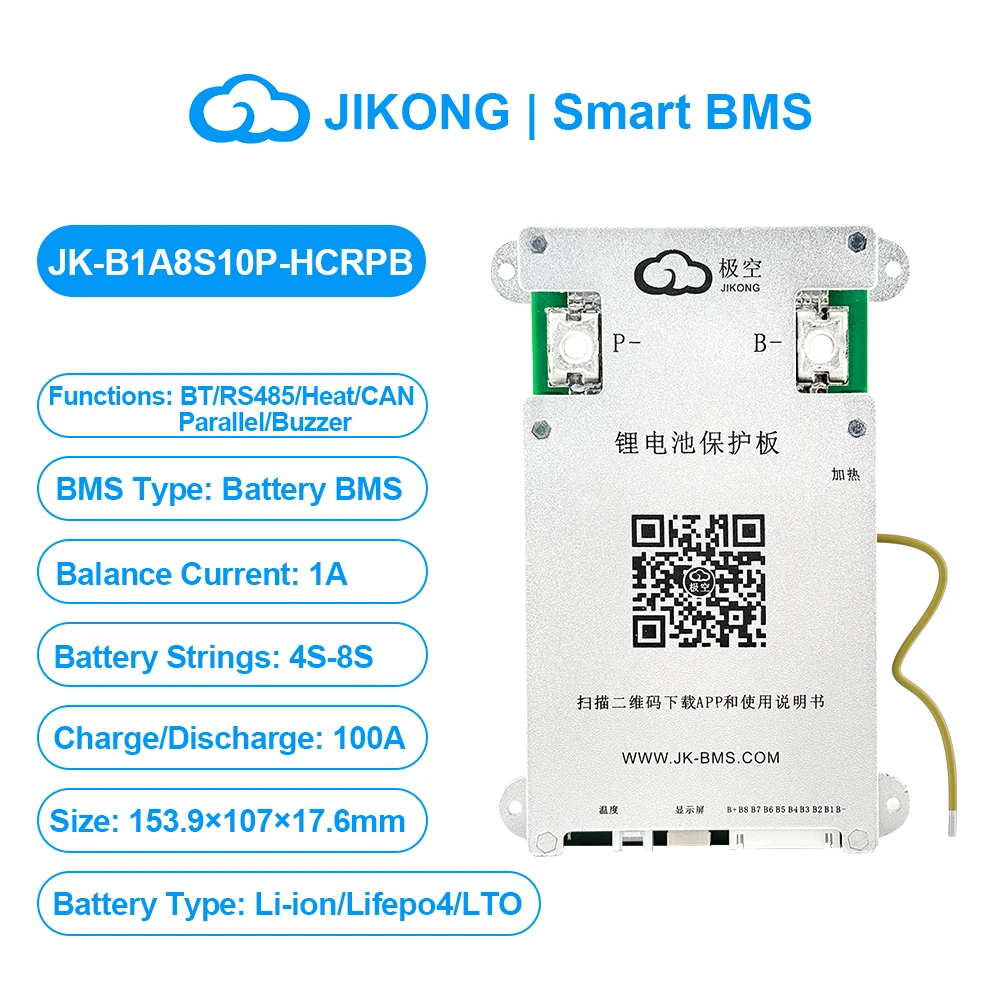
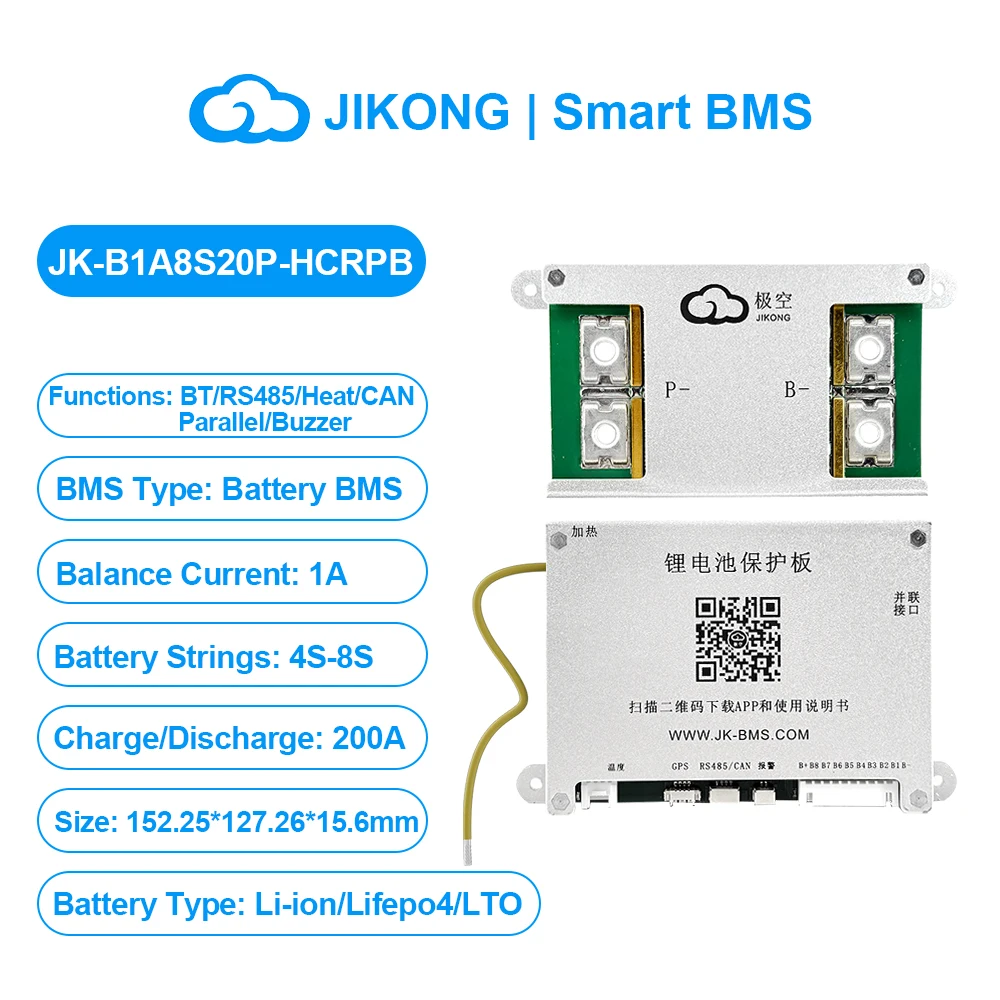
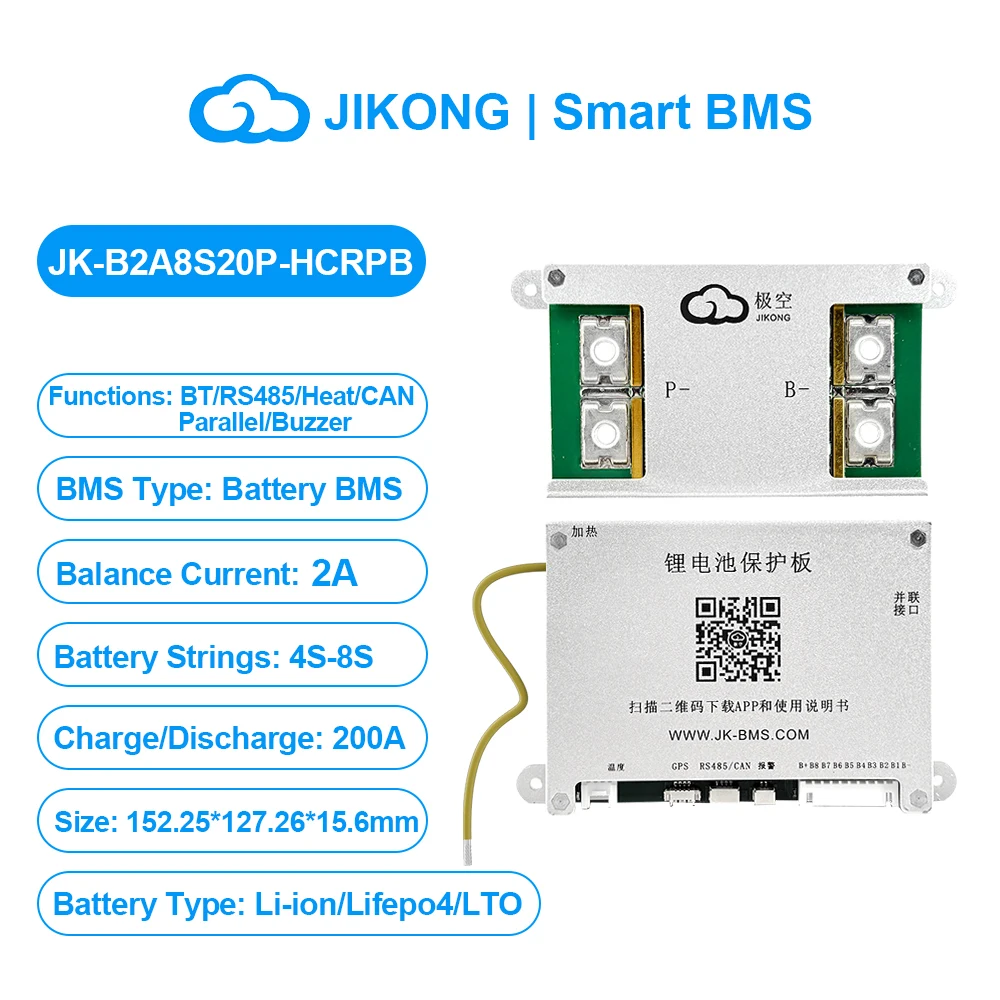
Feature 22 : jk b2a8s30phcrpb
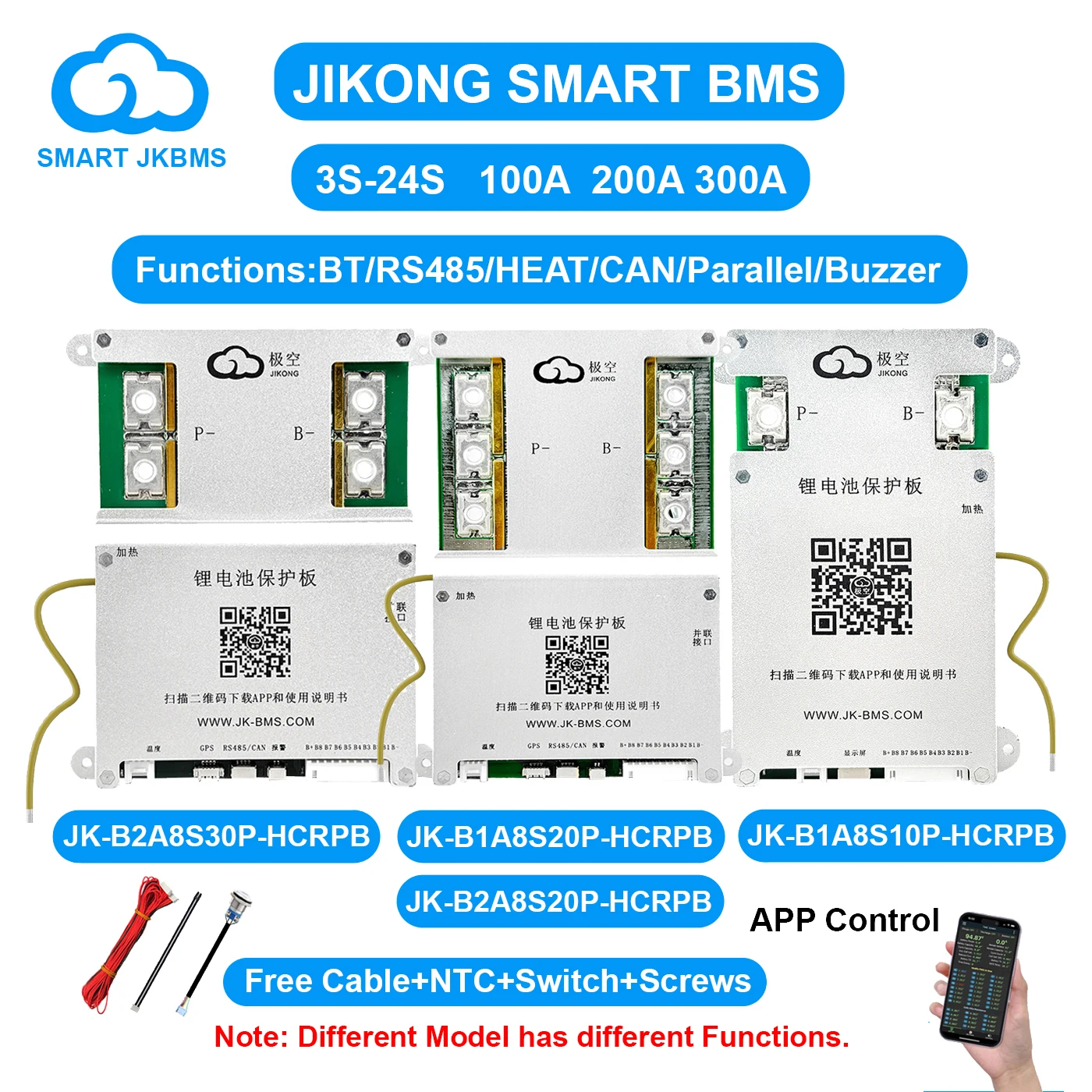
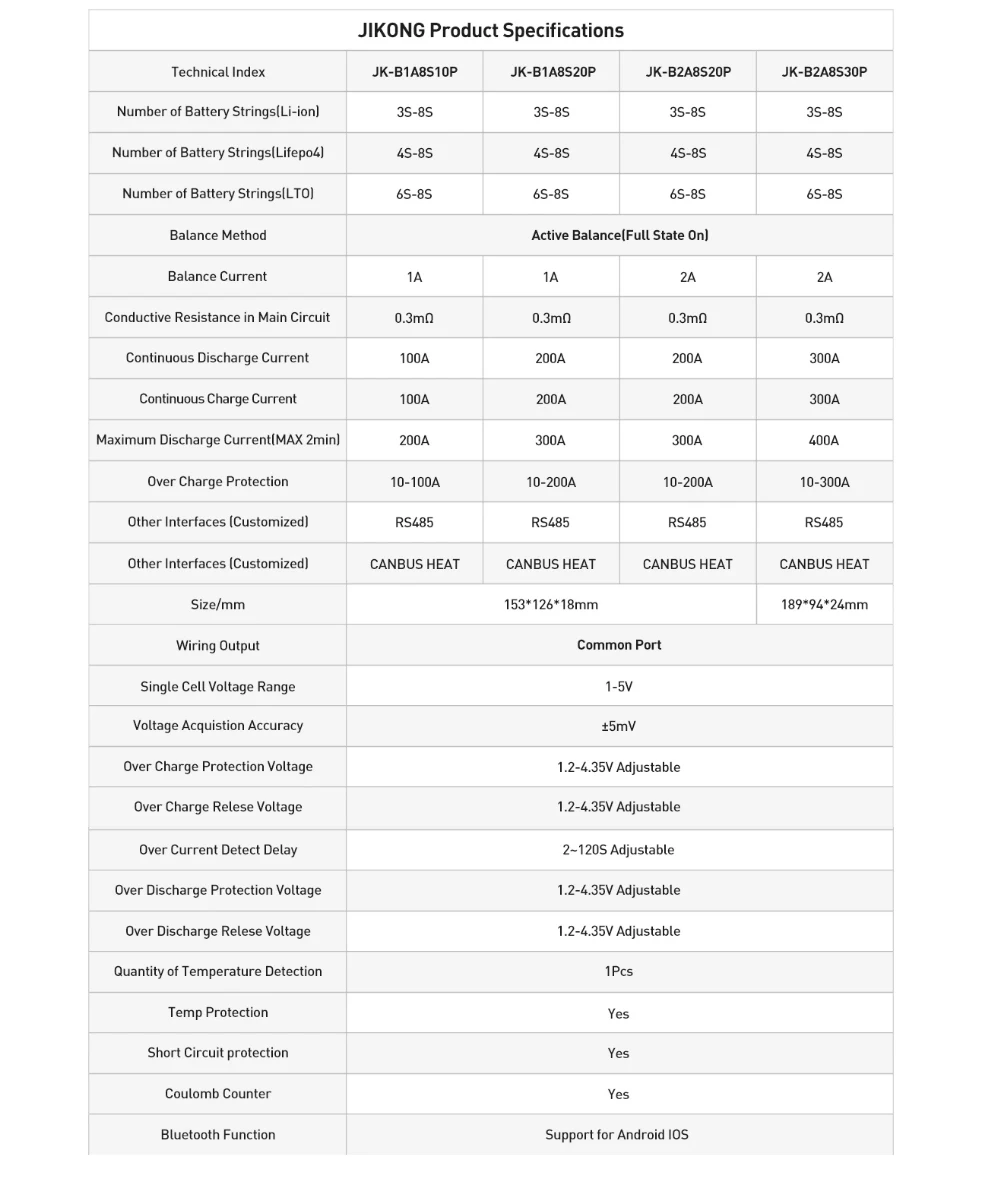
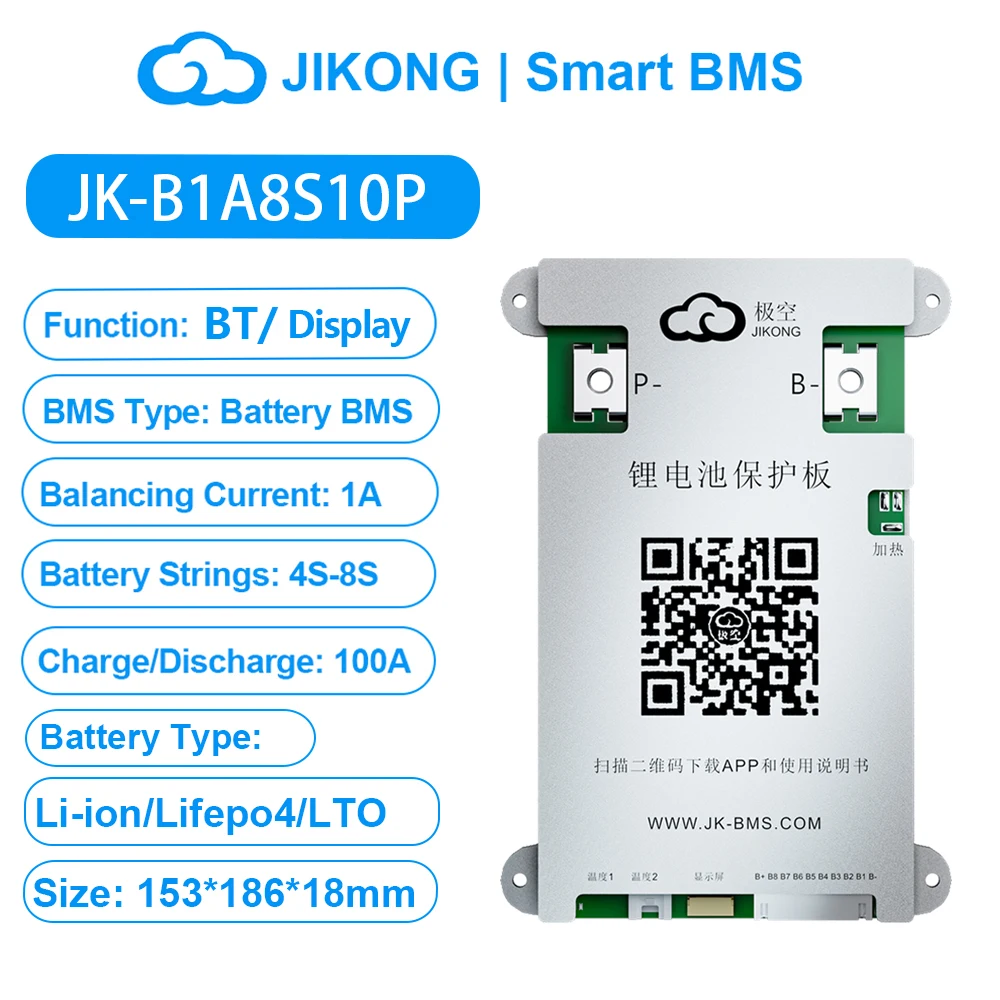
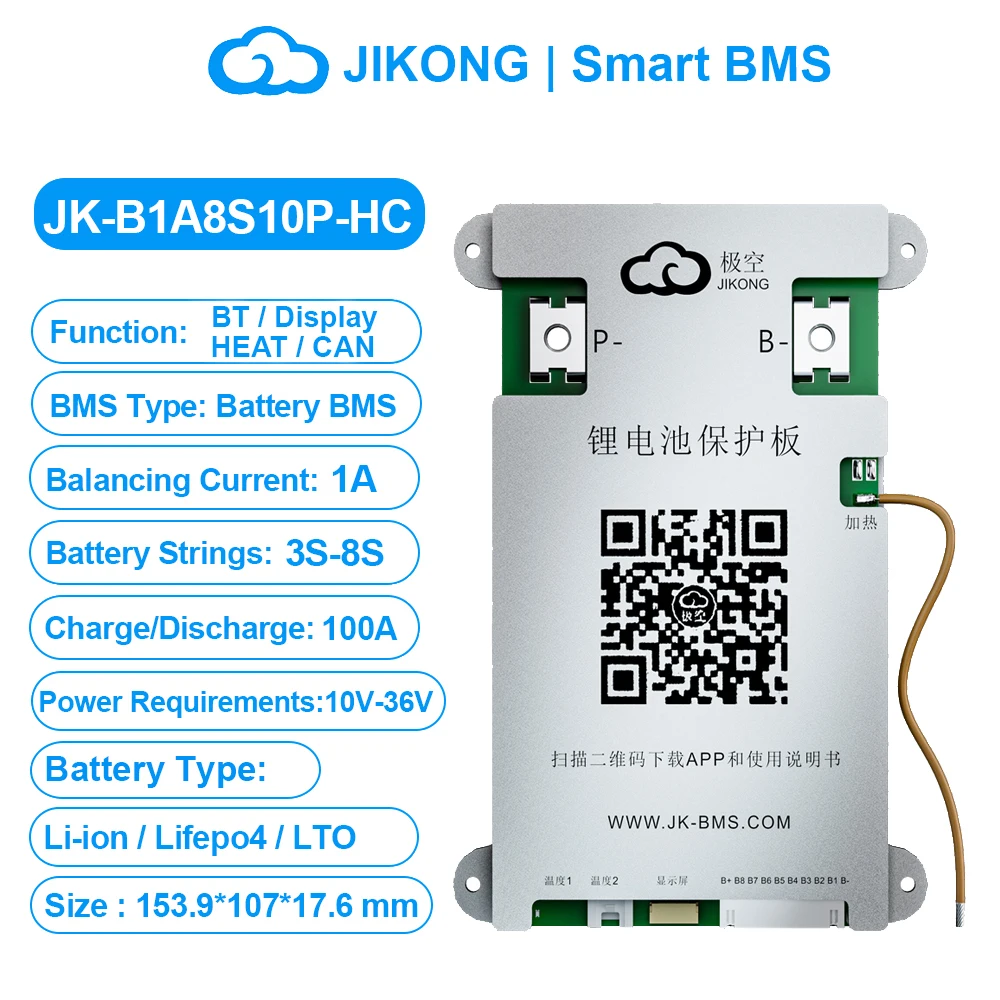
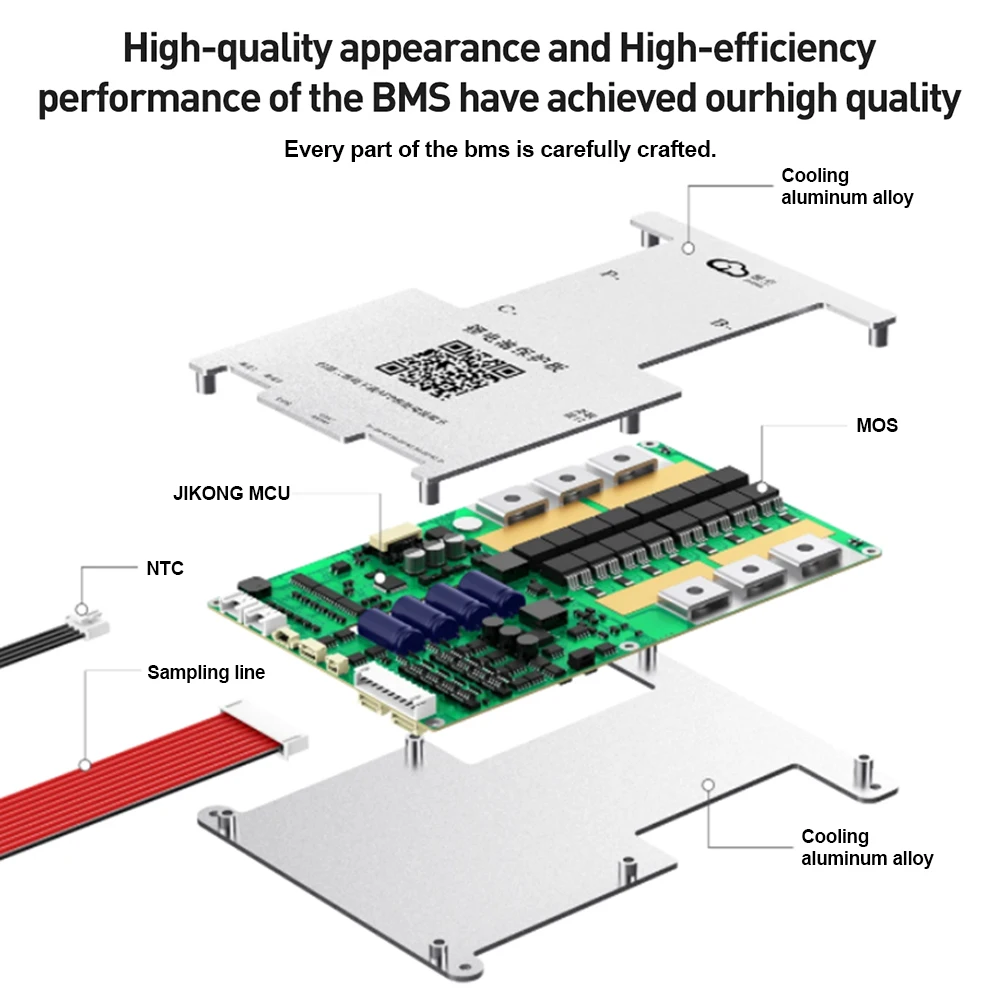
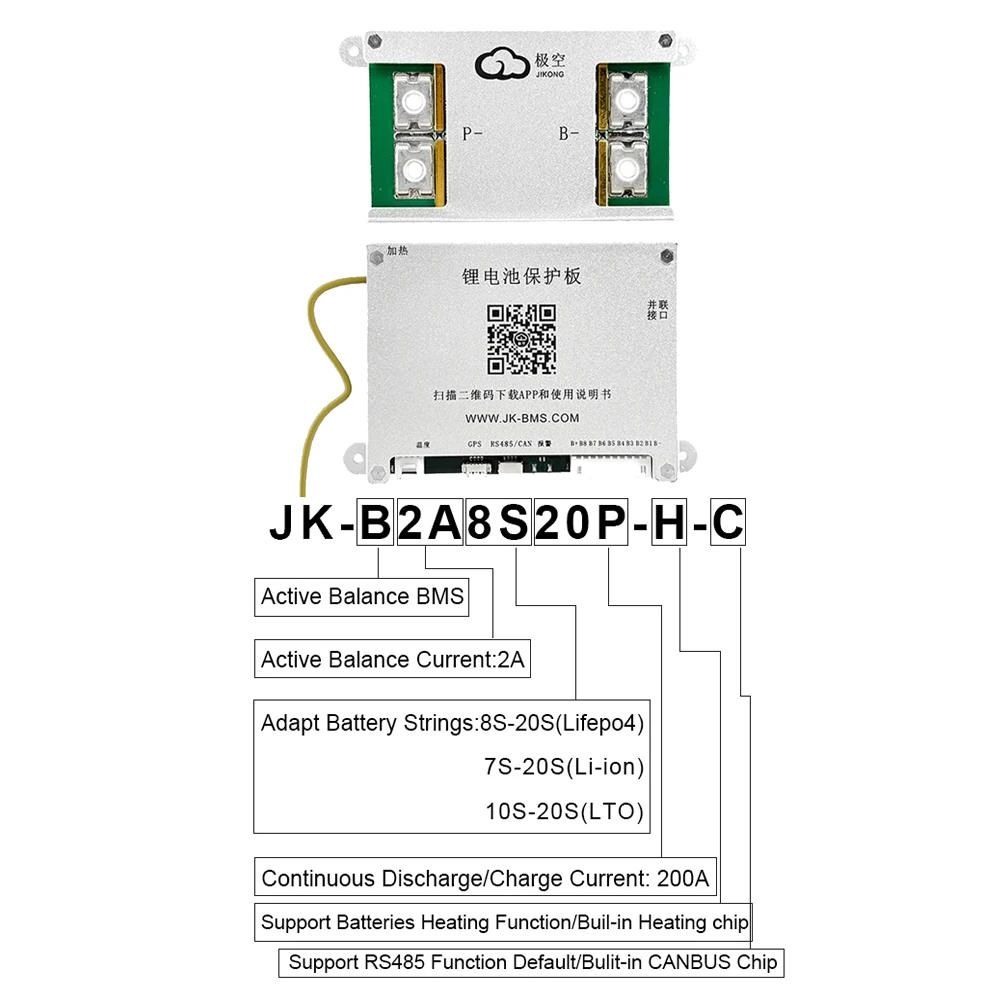
JIKONG JK BMS 3S 4S 5S 6S 7S 8S Smart BMS with BT APP CAN RS485 Heat Parallel Buzzer 12V-36V 1A-2A Active Balance BMS for LifePo4 Li-ion Lto Battery Pack 100A 200A 300A
Note: Different Model has different function,pls choose the model you need and contact us if any questions,thank you.
BMS Use Manual:
1. Download app and manual
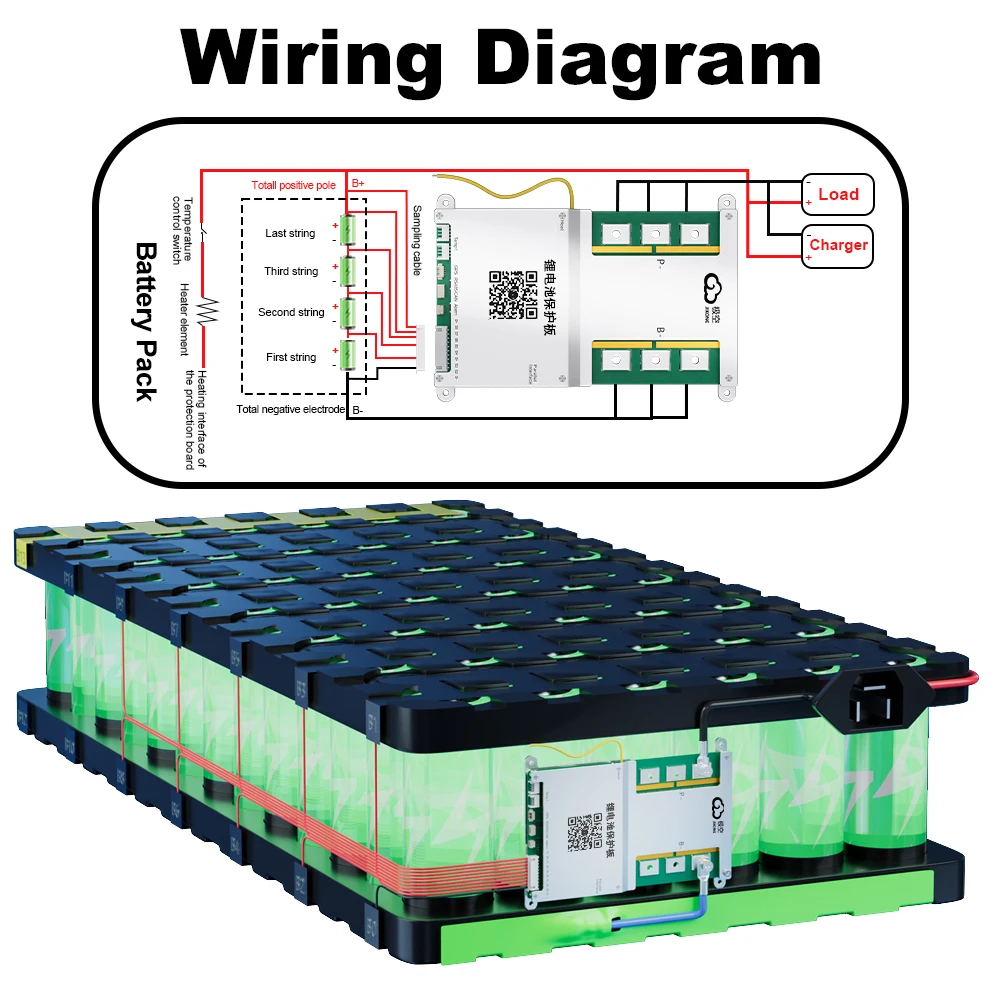
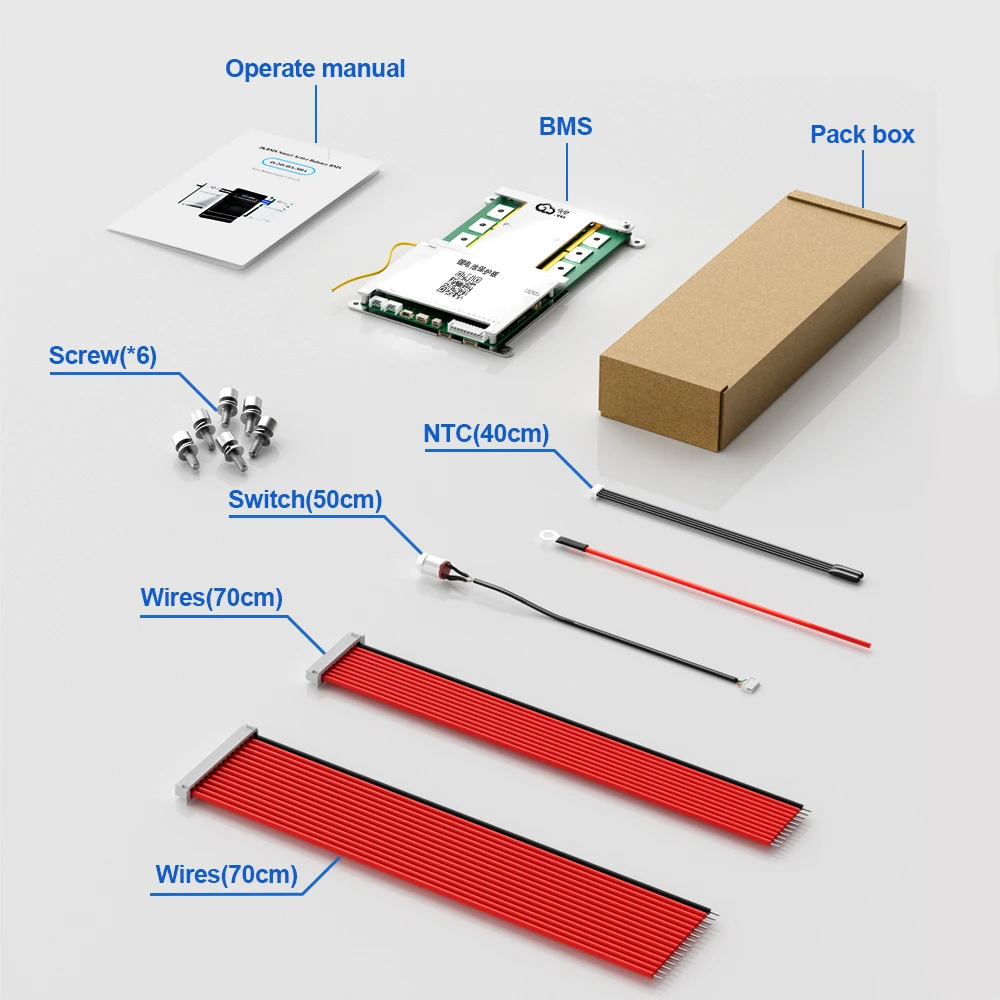
2. Hardware connection
3. Startup
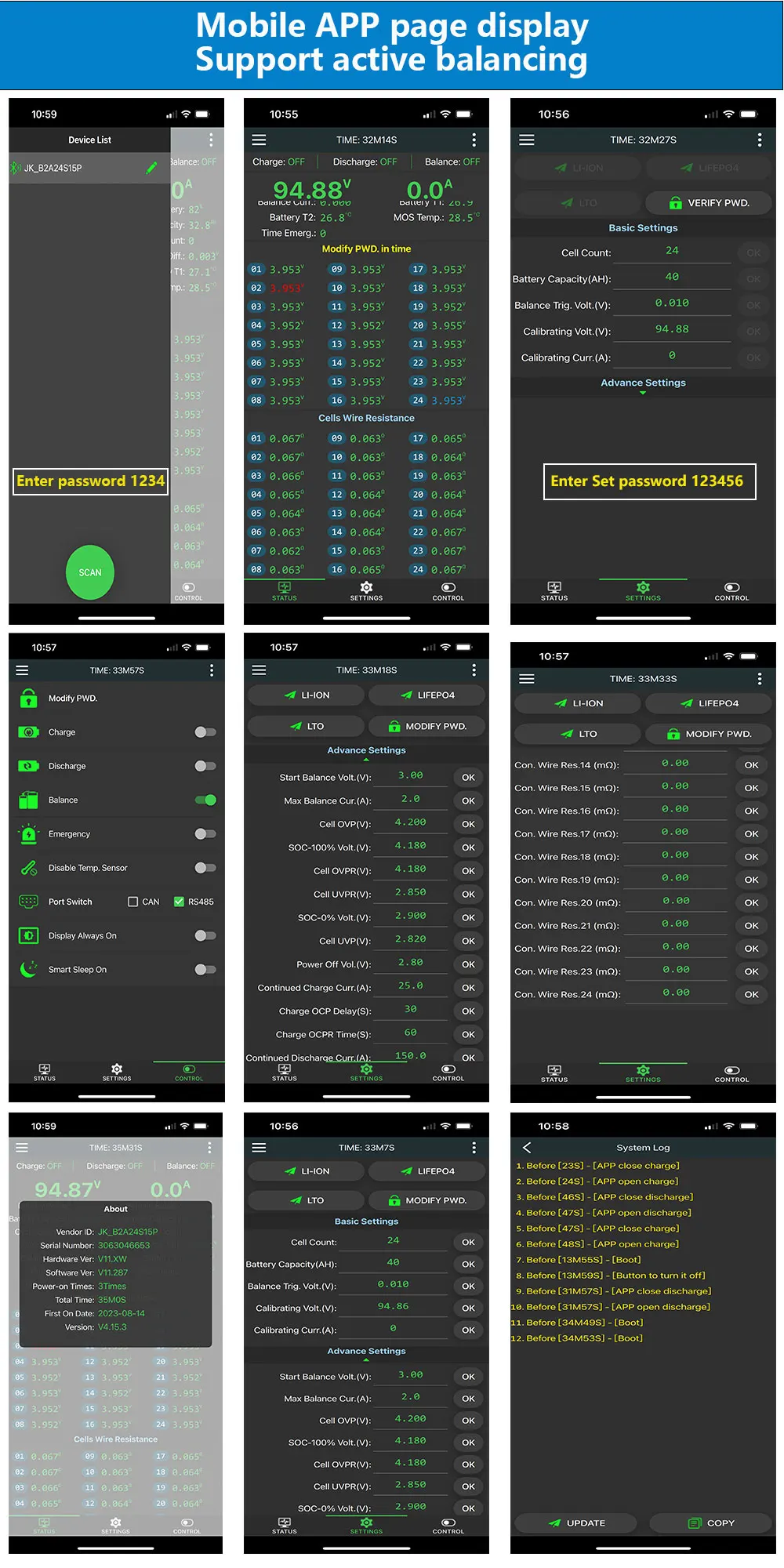
4. Open the app and connect the device
5. Set the number of strings and battery type
6. Check the battery status
Download link-IOS: Search (JIKONG BMS) in the APP STORE
Download link-Andriod : Search (JK BMS) in the Google STORE
(1) Connect the protection board and battery pack according to the following wiring diagram,Make sure that the last power cord is also Connected to the main positive pole,The total voltage of the battery pack must be greater than 20V(Default BMS)/10V(4S BMS) before tarting up.
(2) Use the display activation button or additional switch to activate the BMS.
(3) Turn on GPS and Bluetooth on your mobile phone.
(4) Make sure your mobile Bluetooth is turned on, then turn on APP click on the top left corner of APP to search for devices, and click on the device name to connect to the default password: 1234.
(5) Parameters need to be set for the first start-up Setting requires a password, The default parameter is set to password 123456,Simply set the number of units and battery type.
(6) Once the parameters are set, go back to the real-time status page, check the battery status, no error message is prompted and normal operation,blue is the highest voltage, red is the lowest voltage.
Interface Function Description:
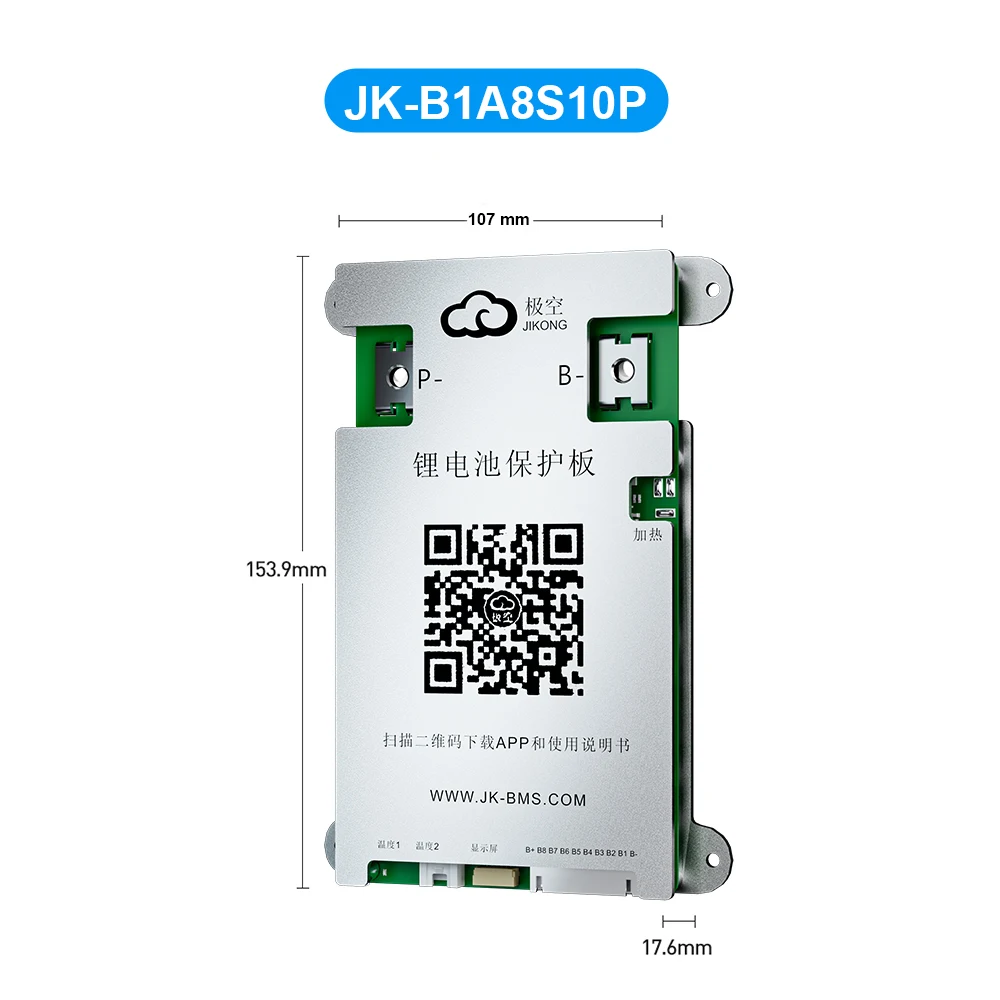
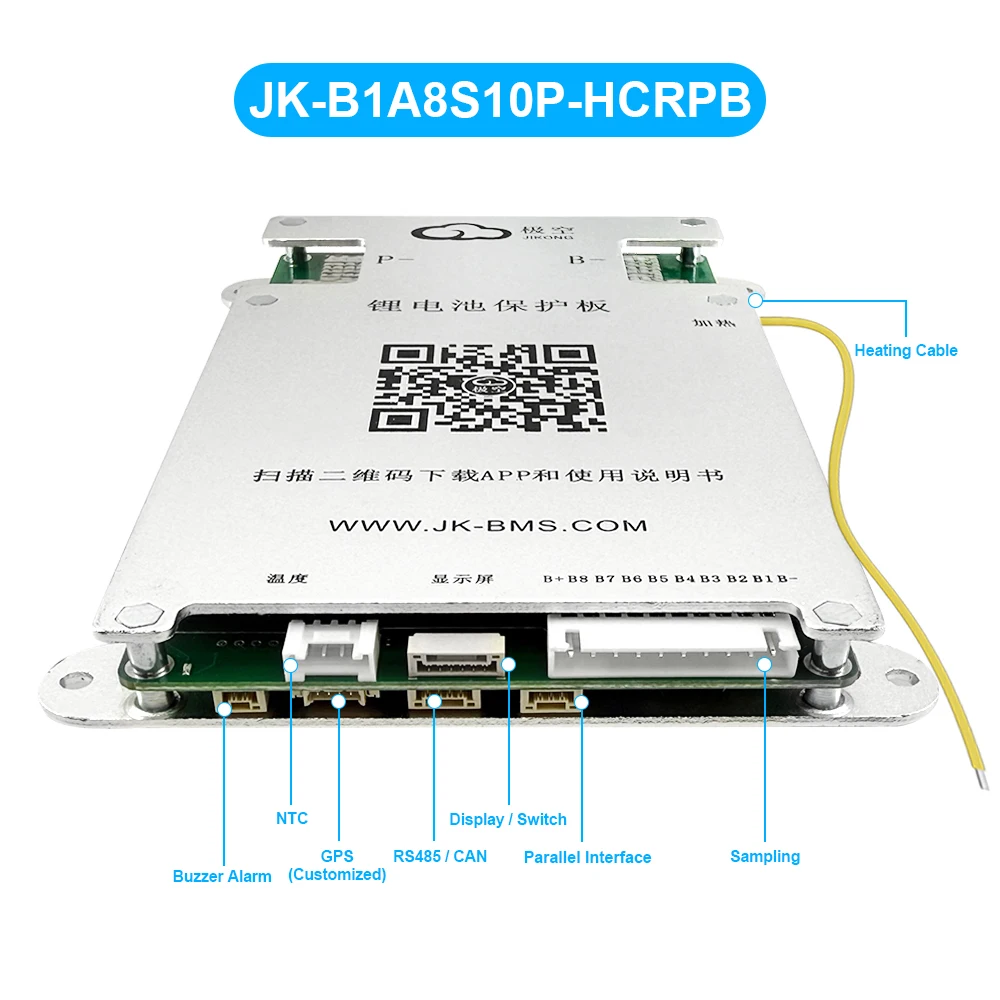
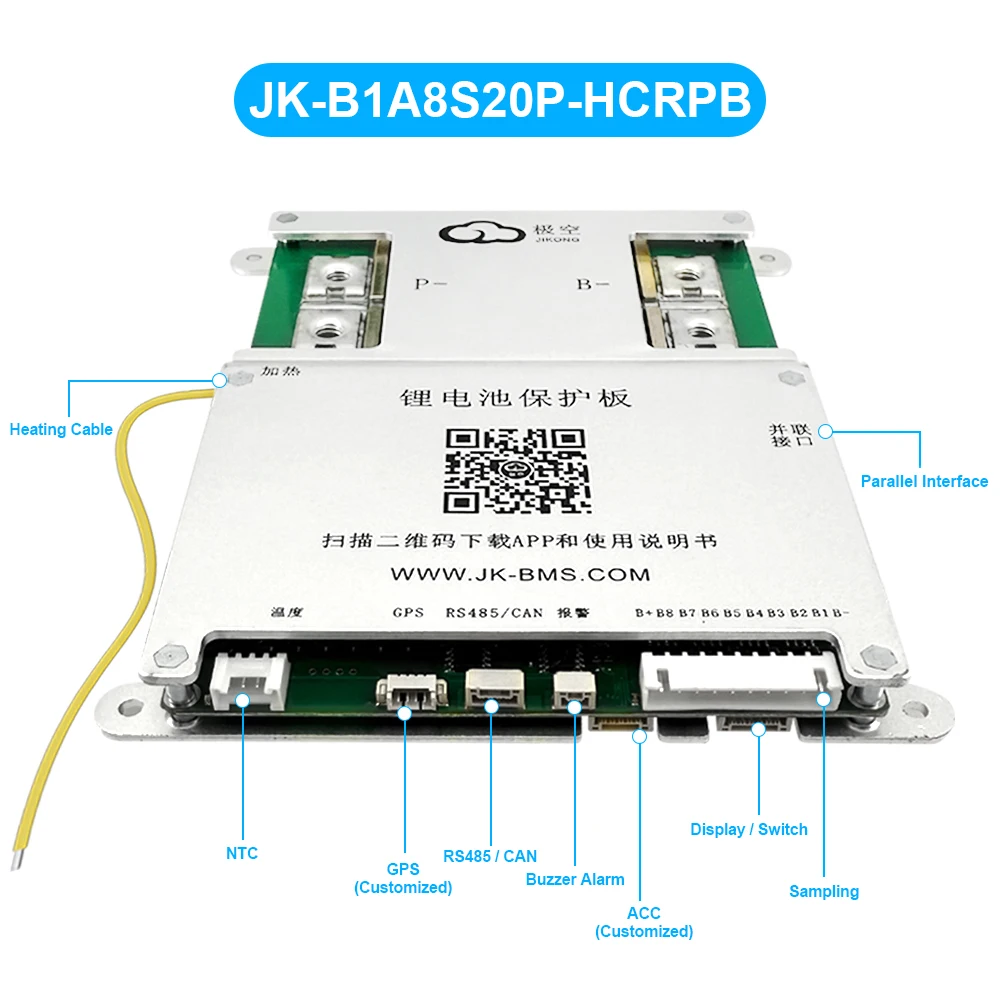
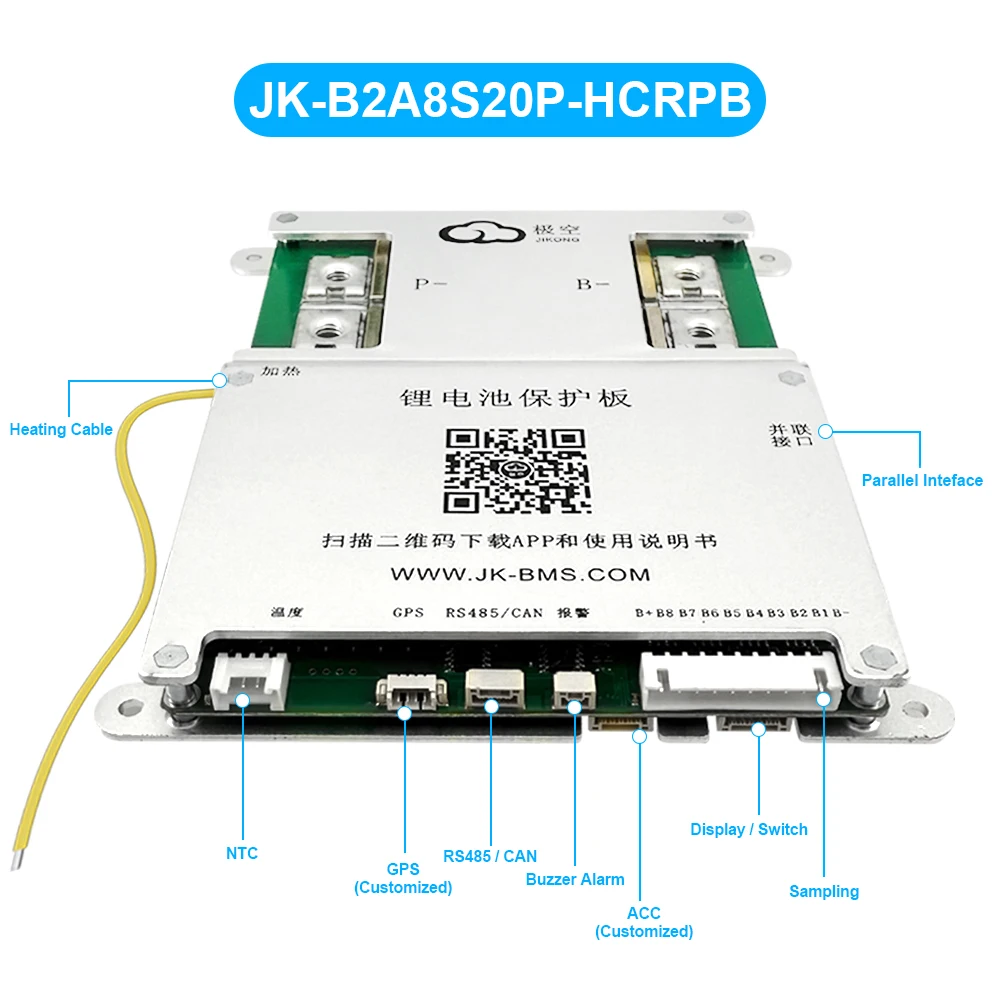
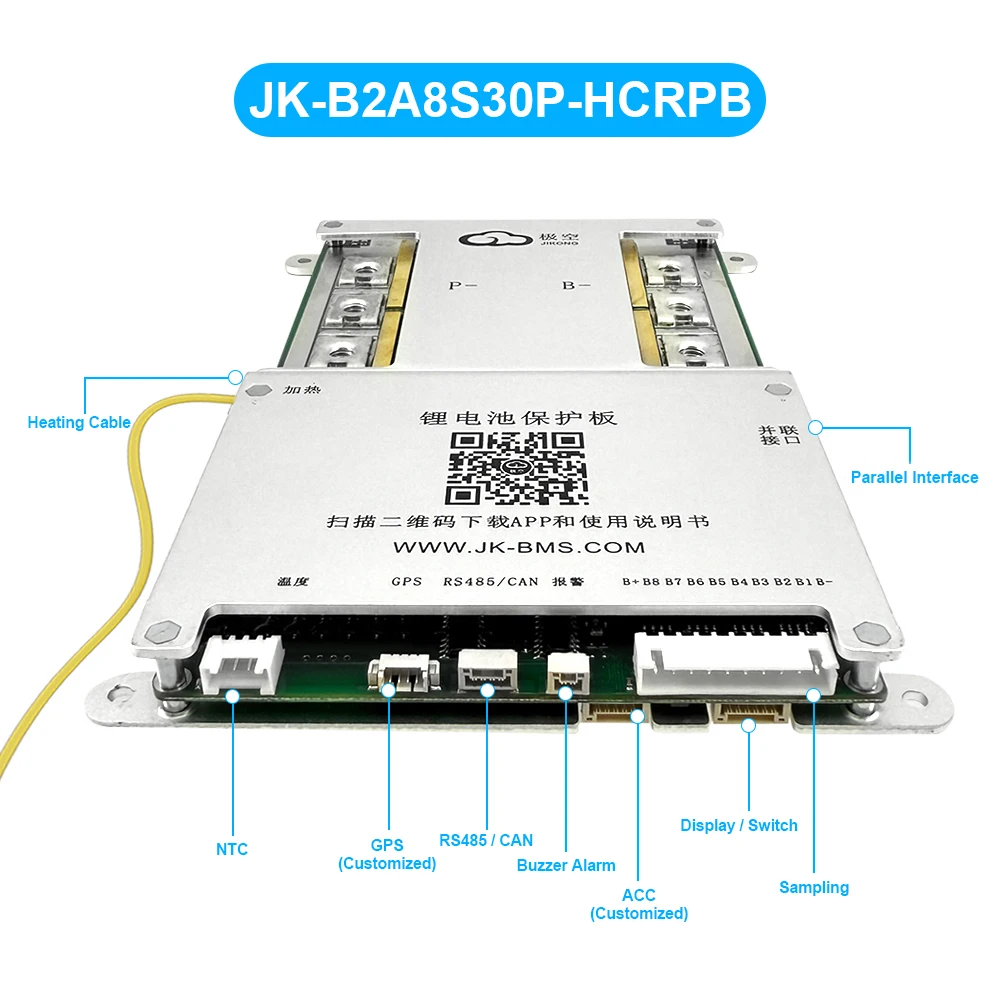
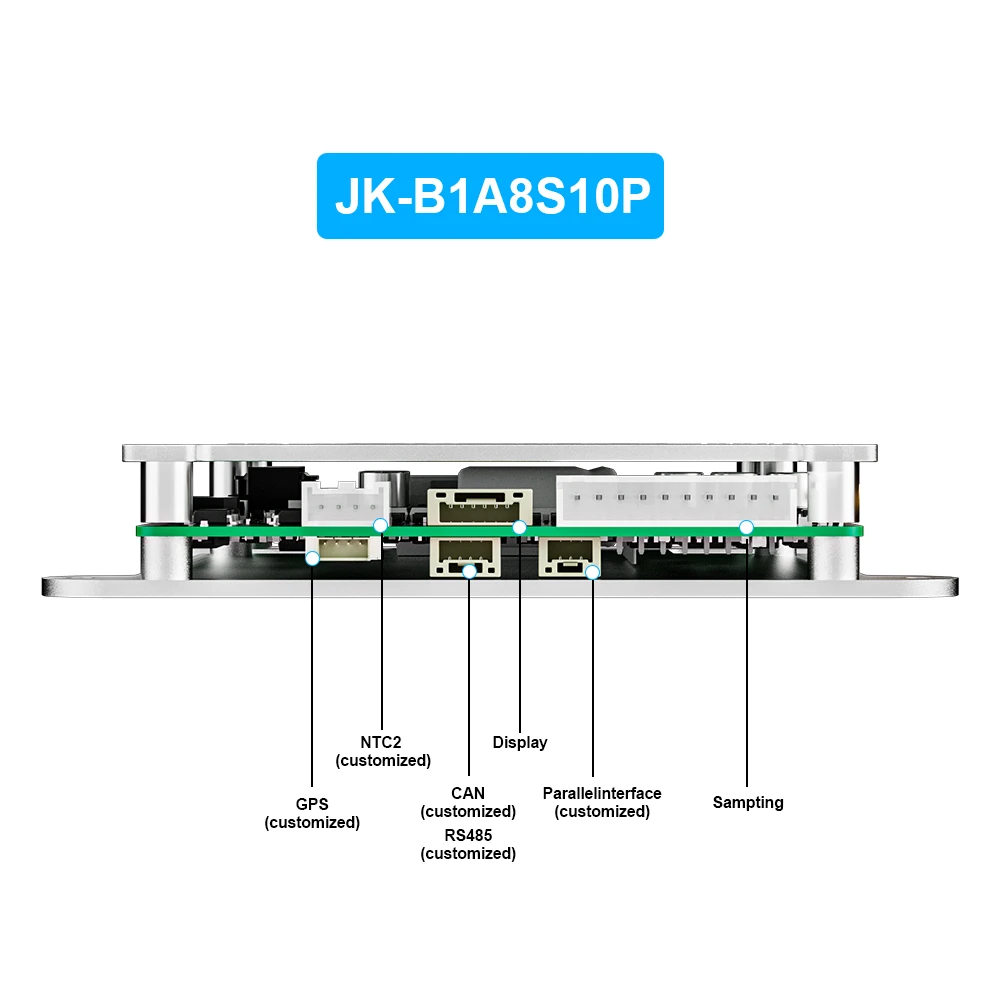
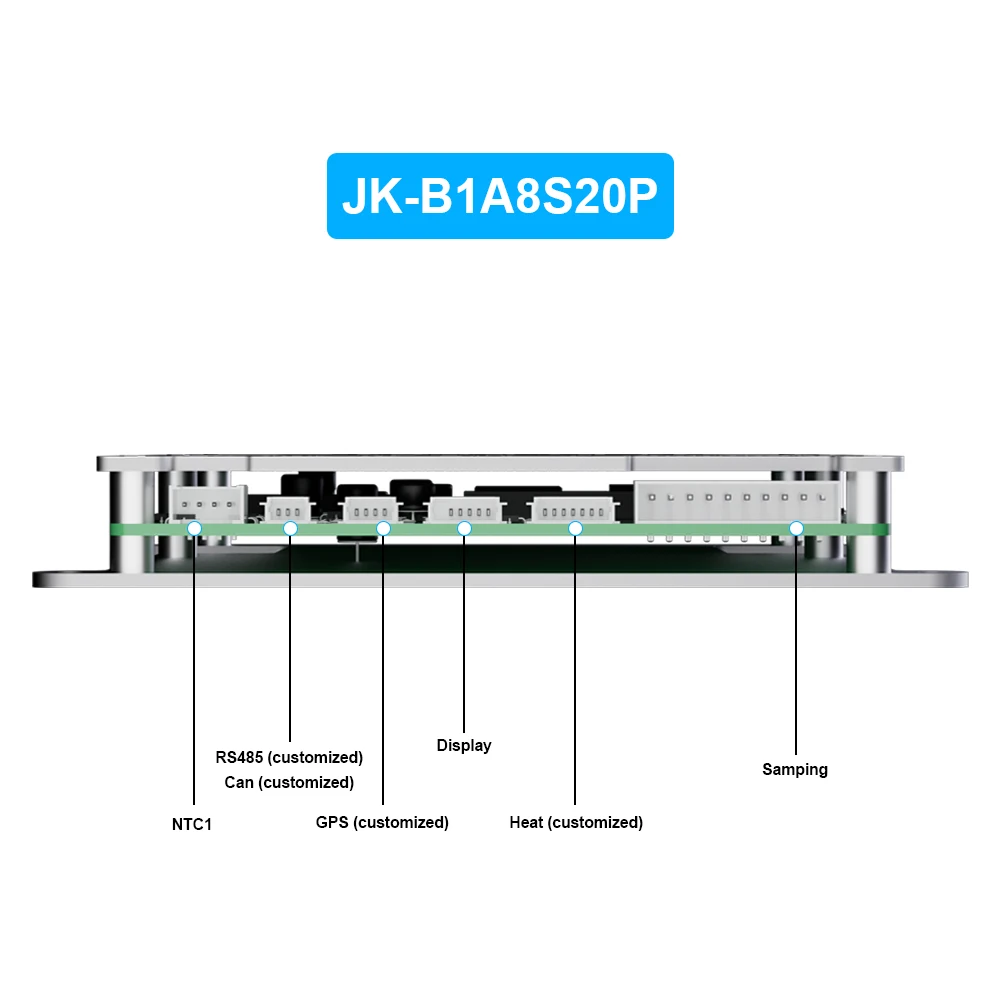
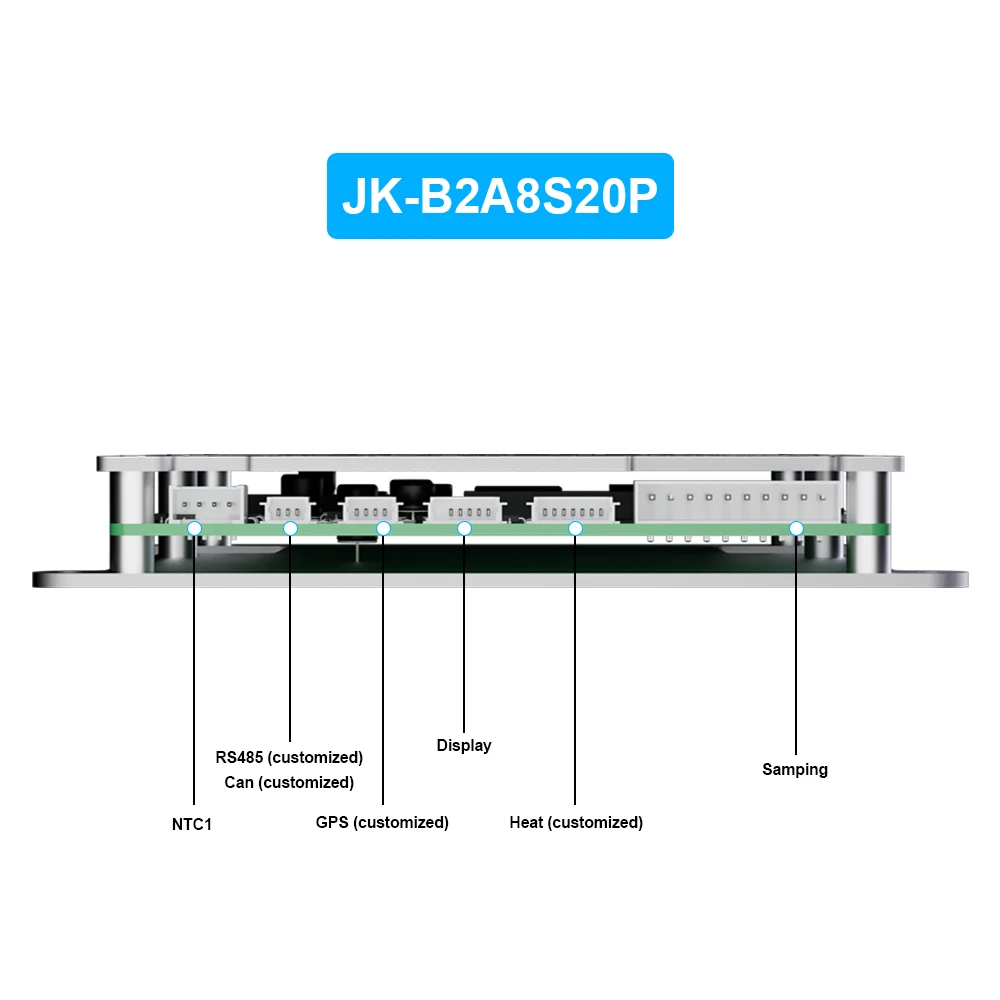
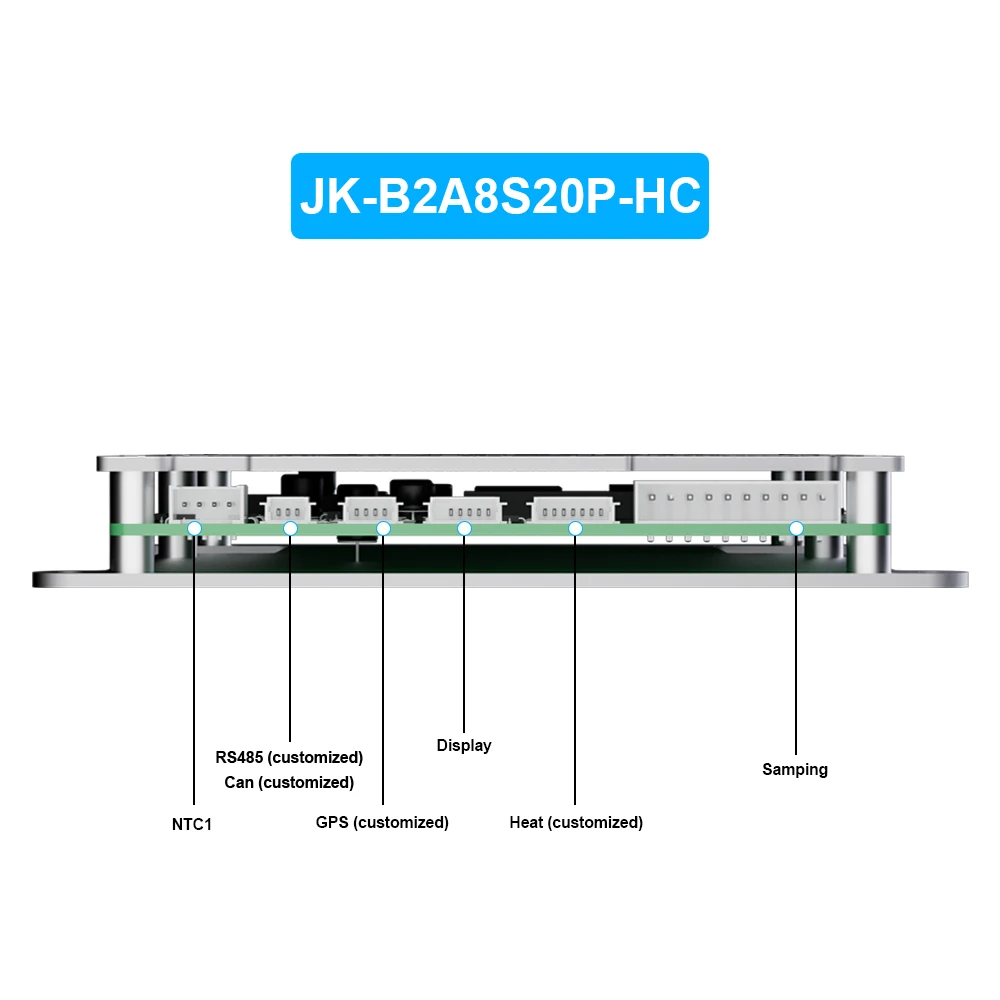
1. Temperature sensor interface: All models of JKBMS are equipped with
2. RS485 interface: All models of JK BMS are configured with
3. LCD interface: All models of JK BMS are equipped with
4. CAN interface: Only configurations with"CAN"in the model
5. Heating interface: Only configured with"Heat" in the model
Heating function description:
1.The heating function is achieved by detect the battery temperature,combined with low temperature protection during charging,the status of the charger to achieve electricity Pool heating control function.
2.Notall BMSs support the connection heating function, only BMSs with "Heat" in their models support the connection heating function.
3.The heating interface requires an external heating film or charger.The green cable is connect to the heating film, and the red and black cables are connect to the charger. The maximum heating power is 3A, and
the maximum heating voltage is 100V
the maximum heating voltage is 100V
Heating on condition:
1. The battery temperature is lower than the low-temperature protection temperature for charge
2. By connect the heating film for heating, the APP will activate heating, which will consume battery power.
3. Heat through the charger,this is related to the protection board hardware and charger.
Please place an order first Confirm the technical status.
FAQ
Do not turn on
1. Ensure that the last“B+*line of the cable has been connected to the
positive pole of the battery;
2. Start up after charging and ensure that the charger voltage is greater
than 4V of the battery pack voltage;
3. Check whether the charger has voltage output.
Inaccurate voltage
Measure the actual total pressure of the battery pack with a multimeter
and fill the actual total pressure in the "voltage calibration" on the
parameter setting page.
Inaccurate current
1.
B - and P - of the protection board are two 7awg wires, both of which
need to be connected in parallel,otherwise it will lead to current
error;
B - and P - of the protection board are two 7awg wires, both of which
need to be connected in parallel,otherwise it will lead to current
error;
2. Measure the
actual current of the battery pack with a clamp meter and fill the
actual current into the "current calibration" on the parameter setting
page; the larger the actual current, the higher the calibration
accuracy.
actual current of the battery pack with a clamp meter and fill the
actual current into the "current calibration" on the parameter setting
page; the larger the actual current, the higher the calibration
accuracy.
Inaccurate capacity
1.
An initial capacity estimated according to the monomer voltage when the
protection board is powered on for the first time, which is inaccurate.
An initial capacity estimated according to the monomer voltage when the
protection board is powered on for the first time, which is inaccurate.
2.
After the protection board is discharged to the cut-off voltage and
then fully charged,the capacity is calibrated, and the charging process
cannot be interrupted.
After the protection board is discharged to the cut-off voltage and
then fully charged,the capacity is calibrated, and the charging process
cannot be interrupted.
The designed string number is inconsistent with the actual string
number
1. Check whether the "unit quantity" in the parameter setting is set
correctly;
2. If there is no voltage in two or more strings in the middle, check
whether the acquisition cable falls off.