
Description:
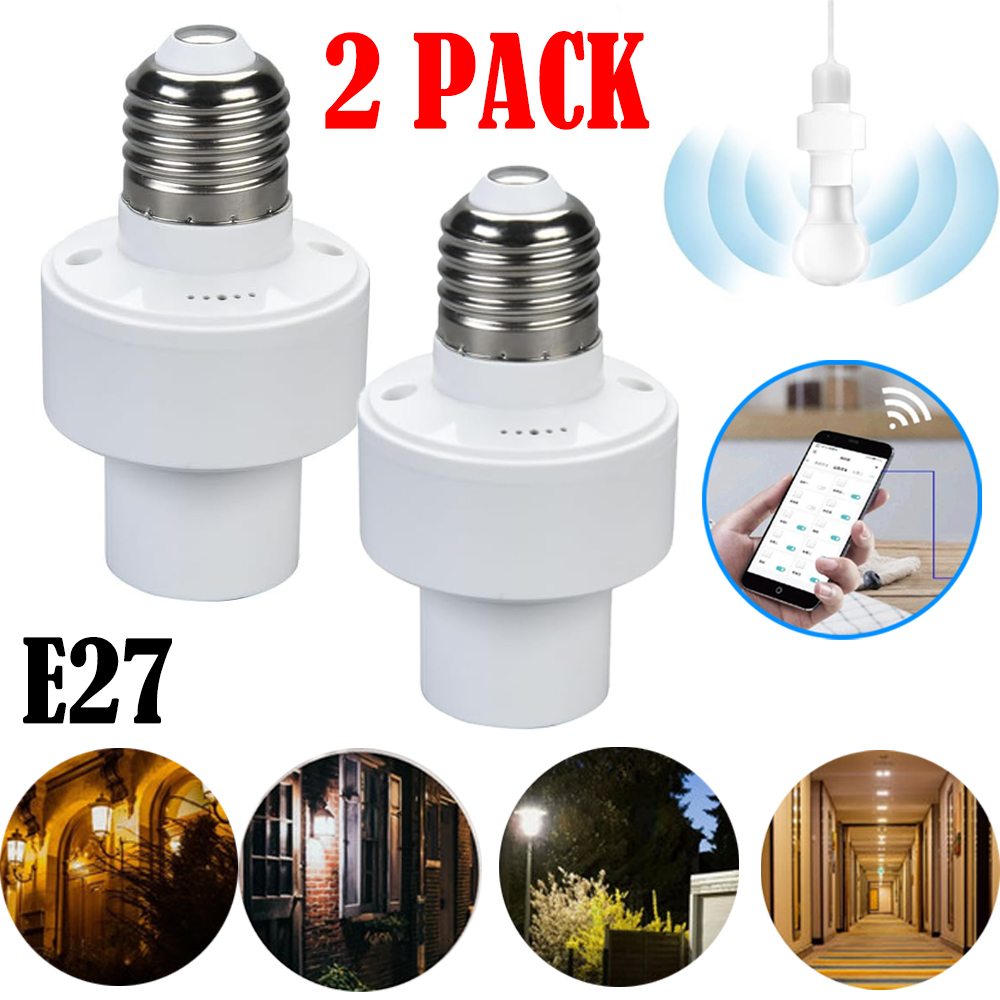
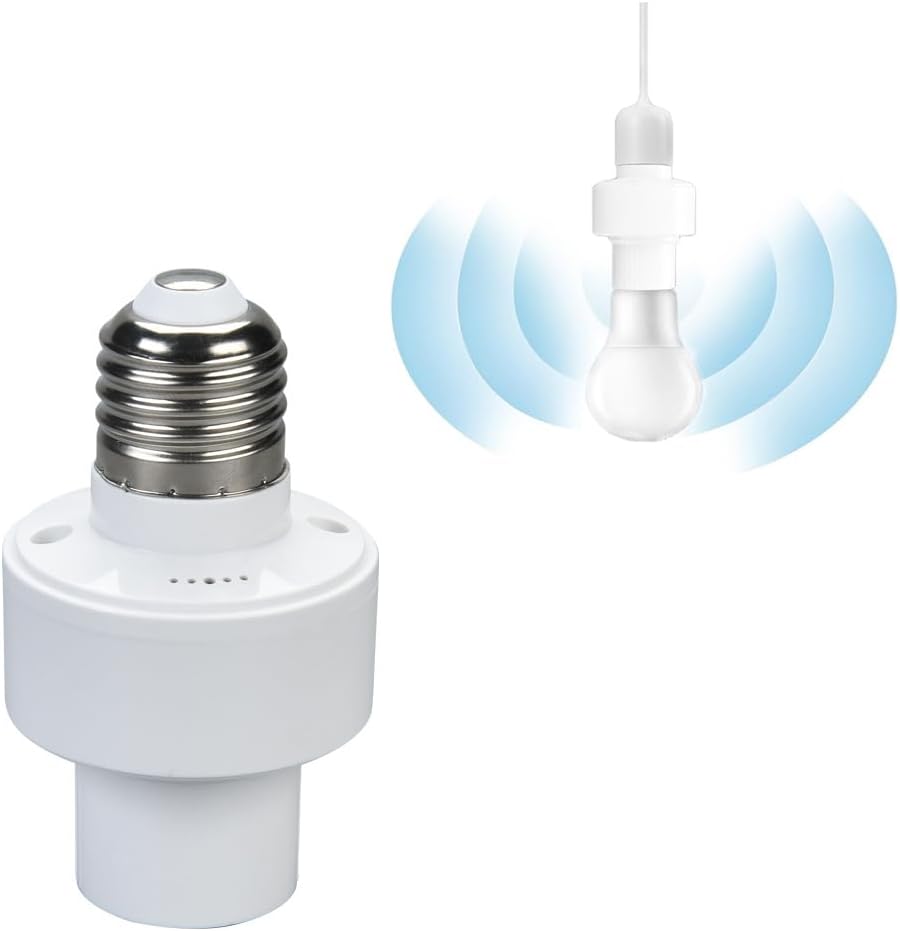
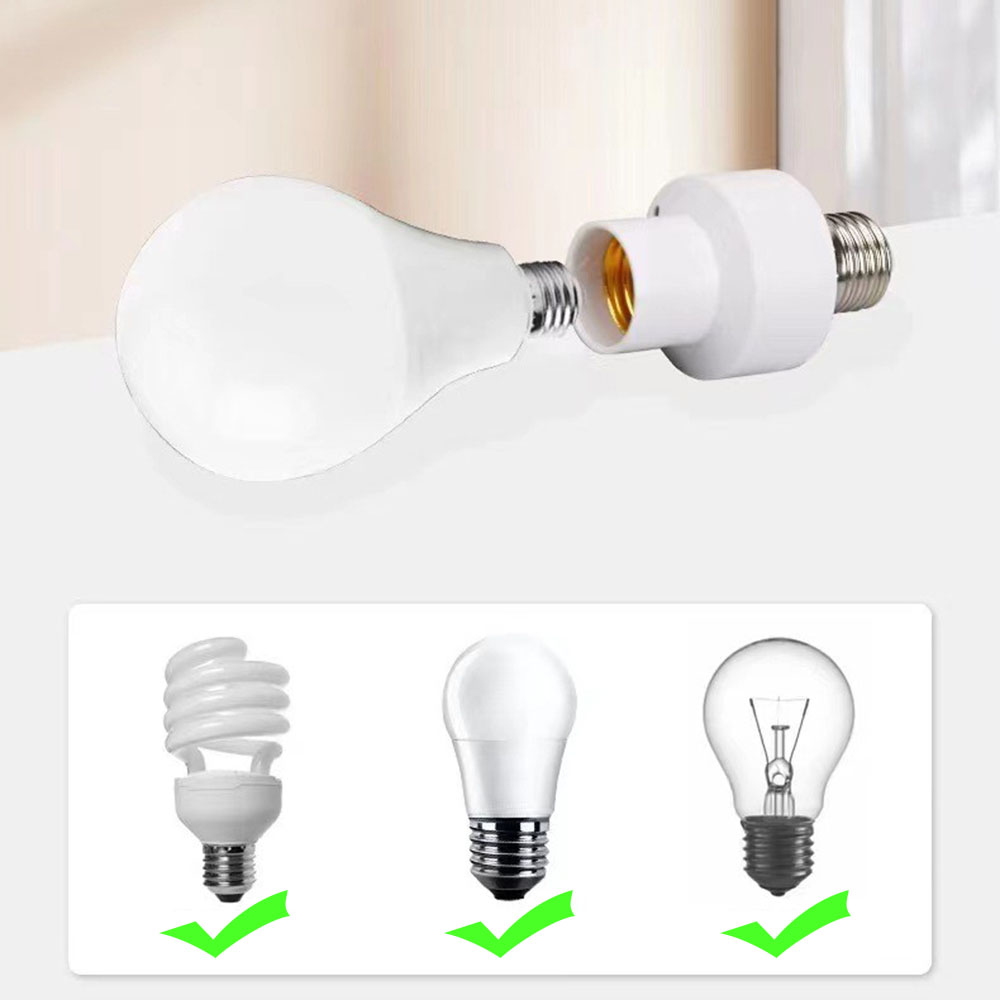
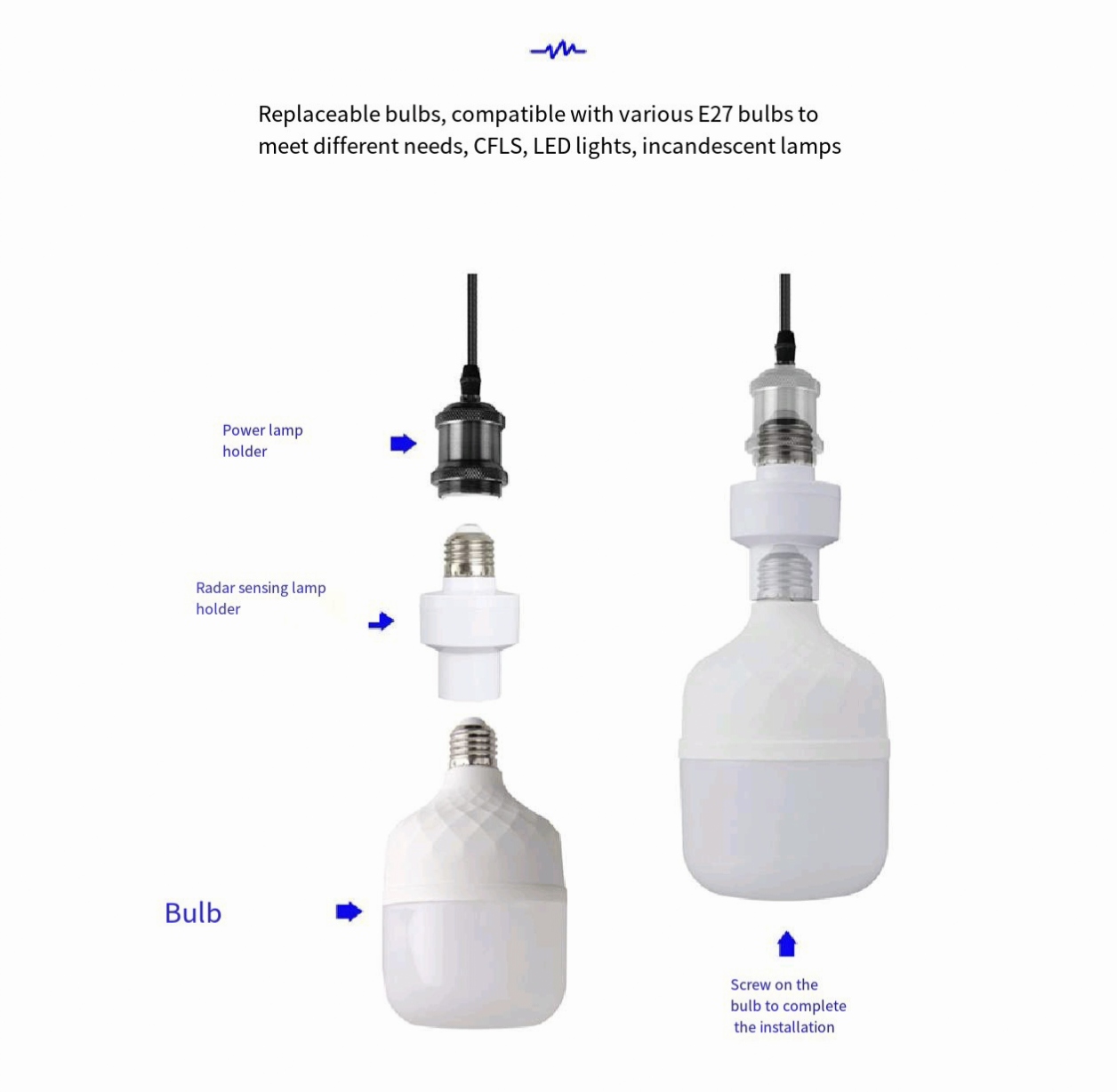
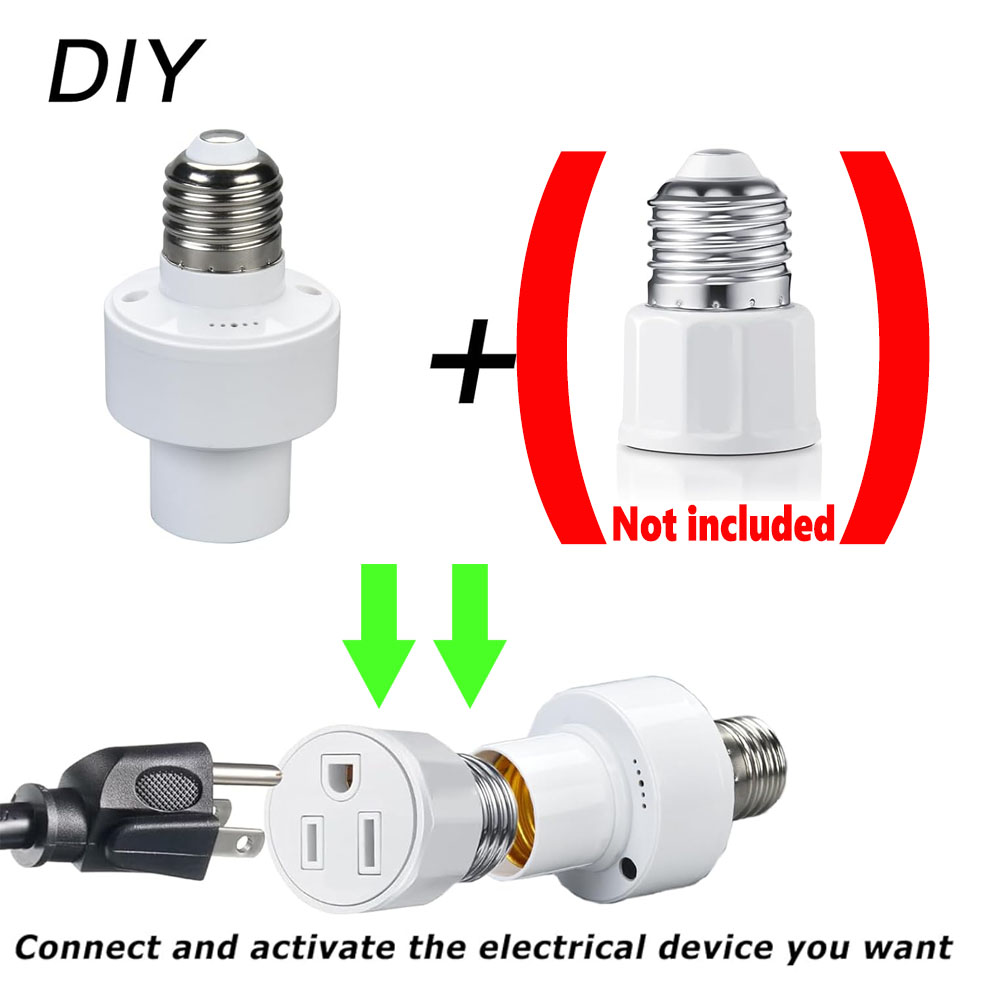
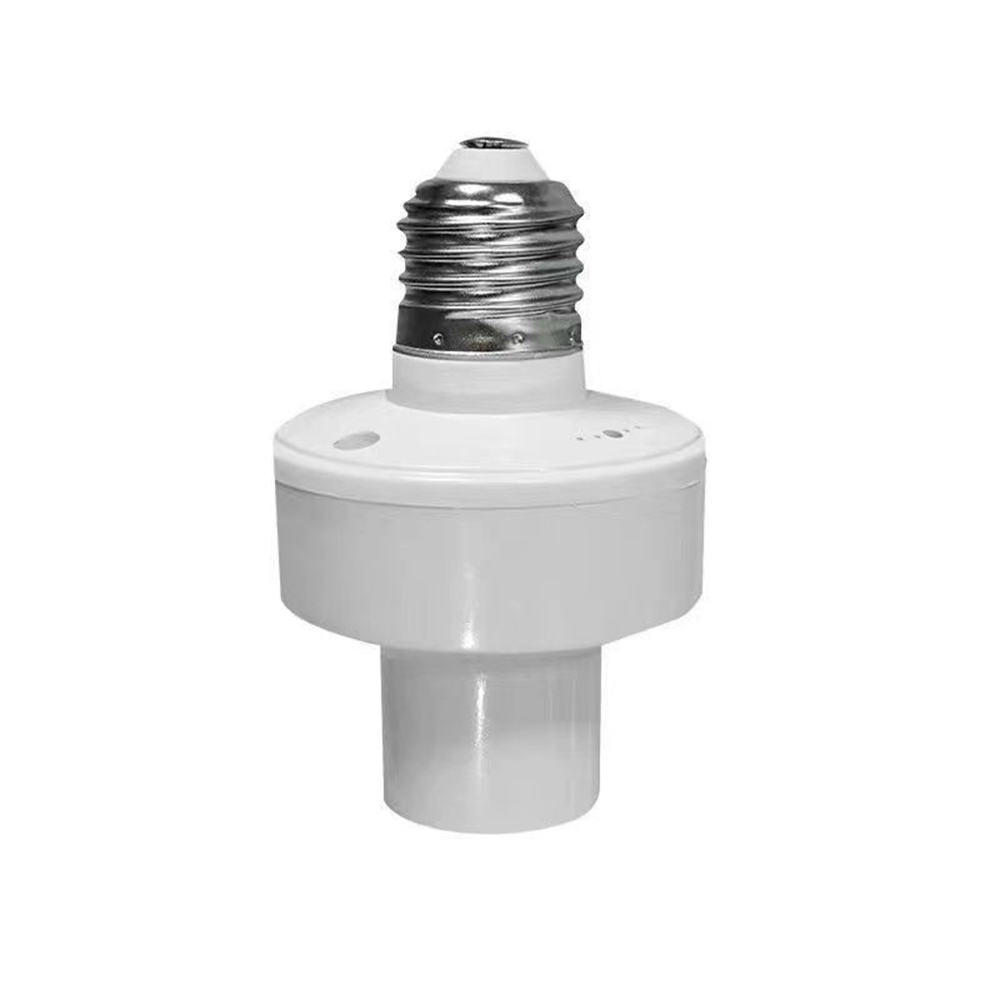
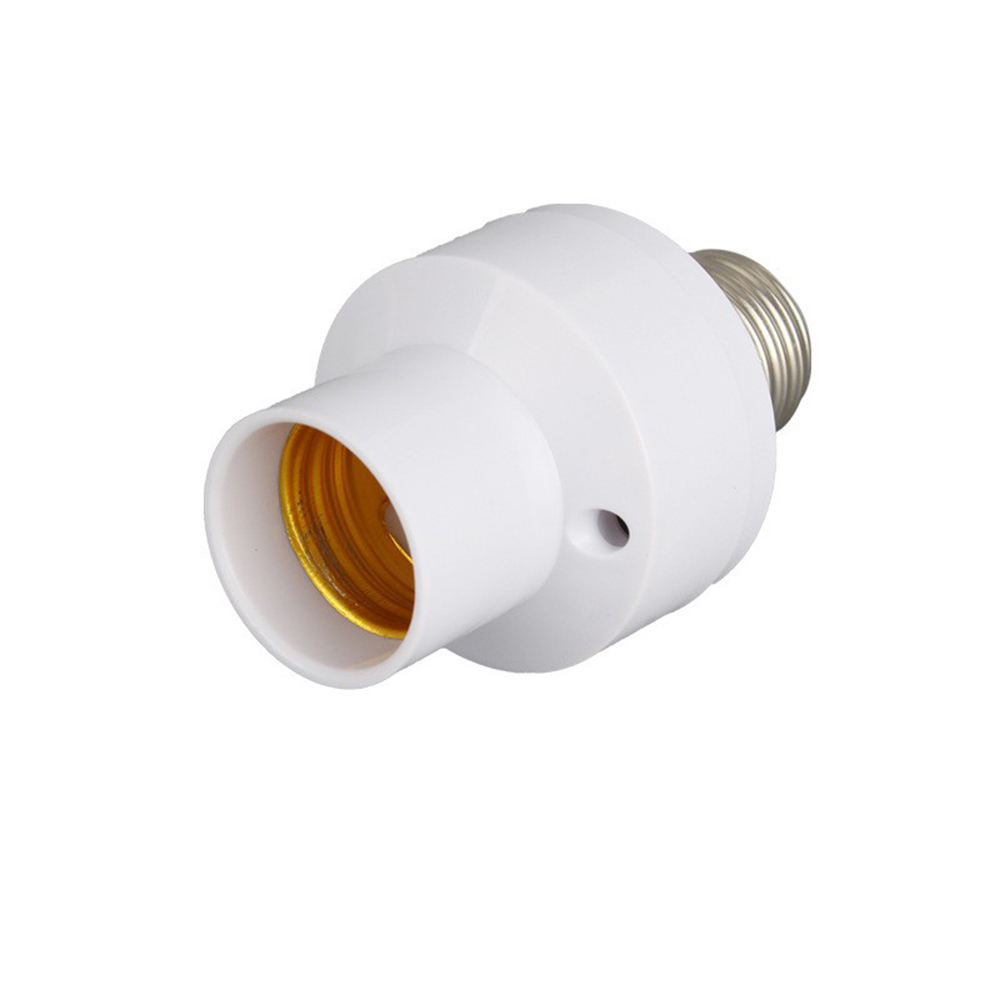
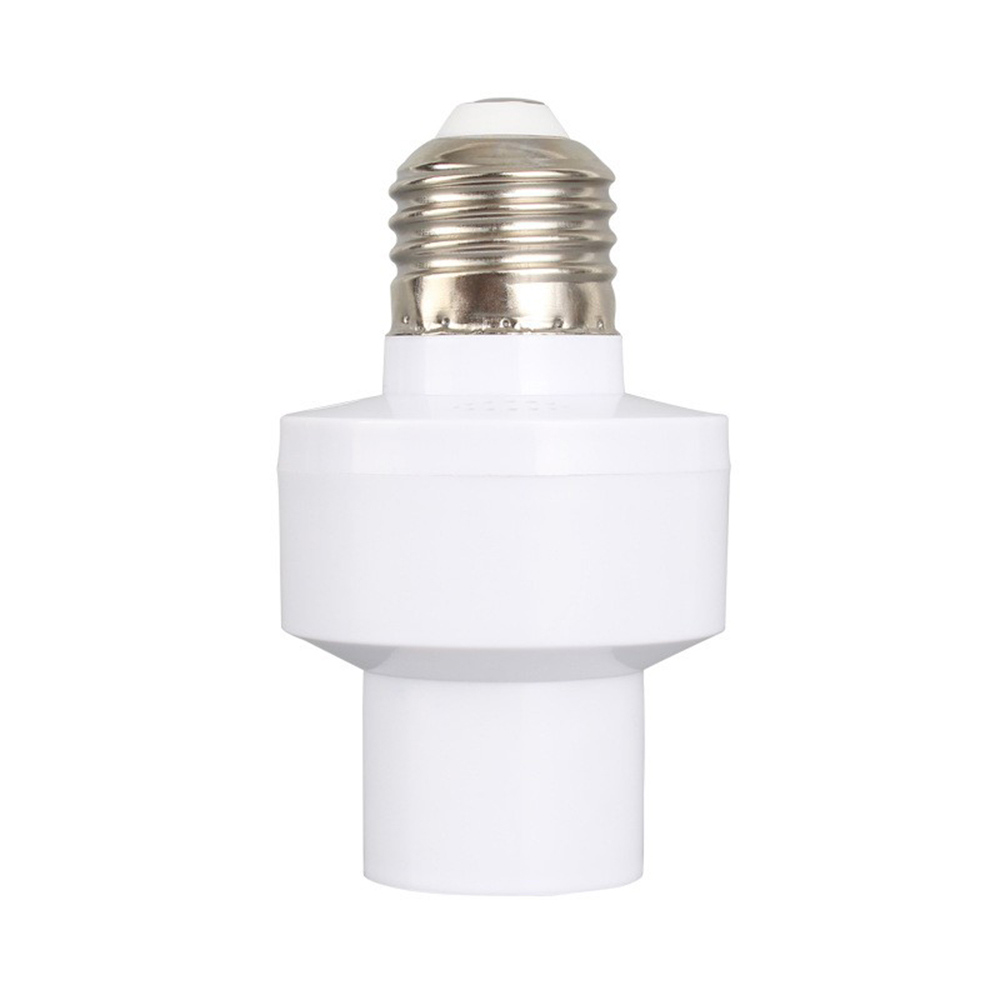
1. Compatible with any E27 screw base bulb, providing a simpler way for your smart lifestyle and helping you turn existing lighting into smart lighting.
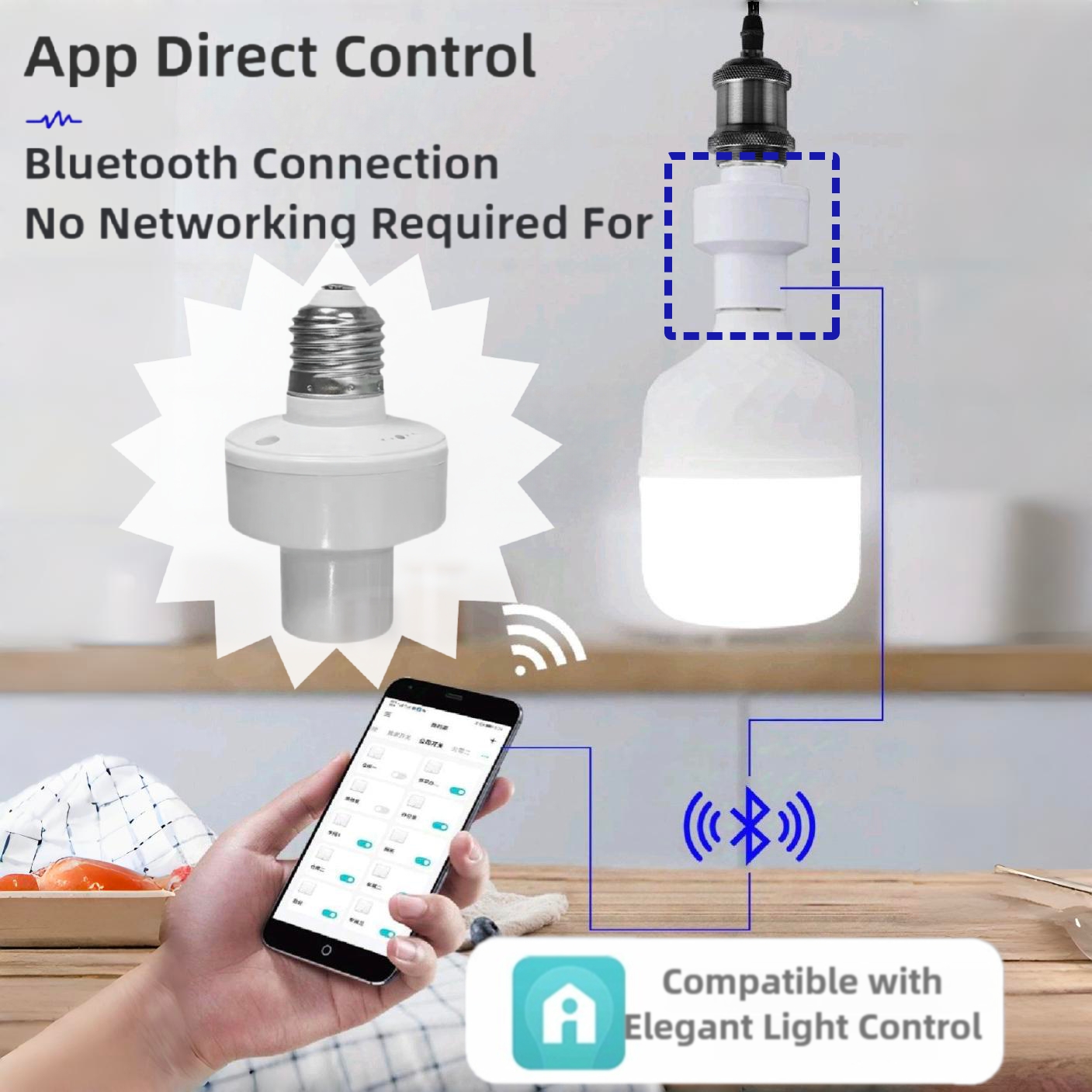
2. Wireless remote control: No matter where you are, you can easily control your connected devices through the free mobile "Smart light" mobile app. (Compatible with Android and iOS devices) Control your appliances in advance when you are not at home.
Specifications
Input voltage: 85V-265V
Output voltage: 85V-265V
Load: 100W
Scope of application: Control at a distance of approximately 50 meters
Product size: 9 * 5cm
Maximum compatibility: E27 100W incandescent lamp
Product Lamp Cap Specification: E27
Compatibility: Various E27 bulb heads (LED bulb ≤ 100W energy-saving lamp ≤ 100W)
Mobile App: Smart Light
Package:
E27 to E27 wireless control lamp head * 2
Bluetooth lamp holder: ( Attention: When using, it is necessary to turn on the Bluetooth function of the phone)
(1) Search for 'Smart light' directly in the app market
(2) Click on the "+" in the upper right corner
Find the "Switch" in the left-hand directory bar, click on "Unidirectional Switch", and then click on "Next"
(3) The 'device name' can be modified
(4) After selecting "Living Room" or "Dining Room", click "Next"
(5) Manually turn off the light to be connected, then turn it back on after 2 seconds. Within 10 seconds of turning on the light, click "Pair" and the light will flash 3 times;
Prompt for successful pairing, and finally click 'Finish'.
(6) To pair one or more sets of switches at a time, simply turn off the lights before pairing, wait for two seconds before turning them back on, and click "Pair". (7) To pair with other switches, repeat steps (1) - (6).
Note:
A switch can only connect to one light, and if the previous switch is reconnected, it cannot be used. If there is more than one person controlling the household, click on the "=" in the upper left corner, click on "Invite Members" - scan the code to invite (add the person you want to add)
-After scanning is complete, click "Save" to automatically return to the homepage. Click on "=" on the homepage - click on the current family - click on the family I added - return to control