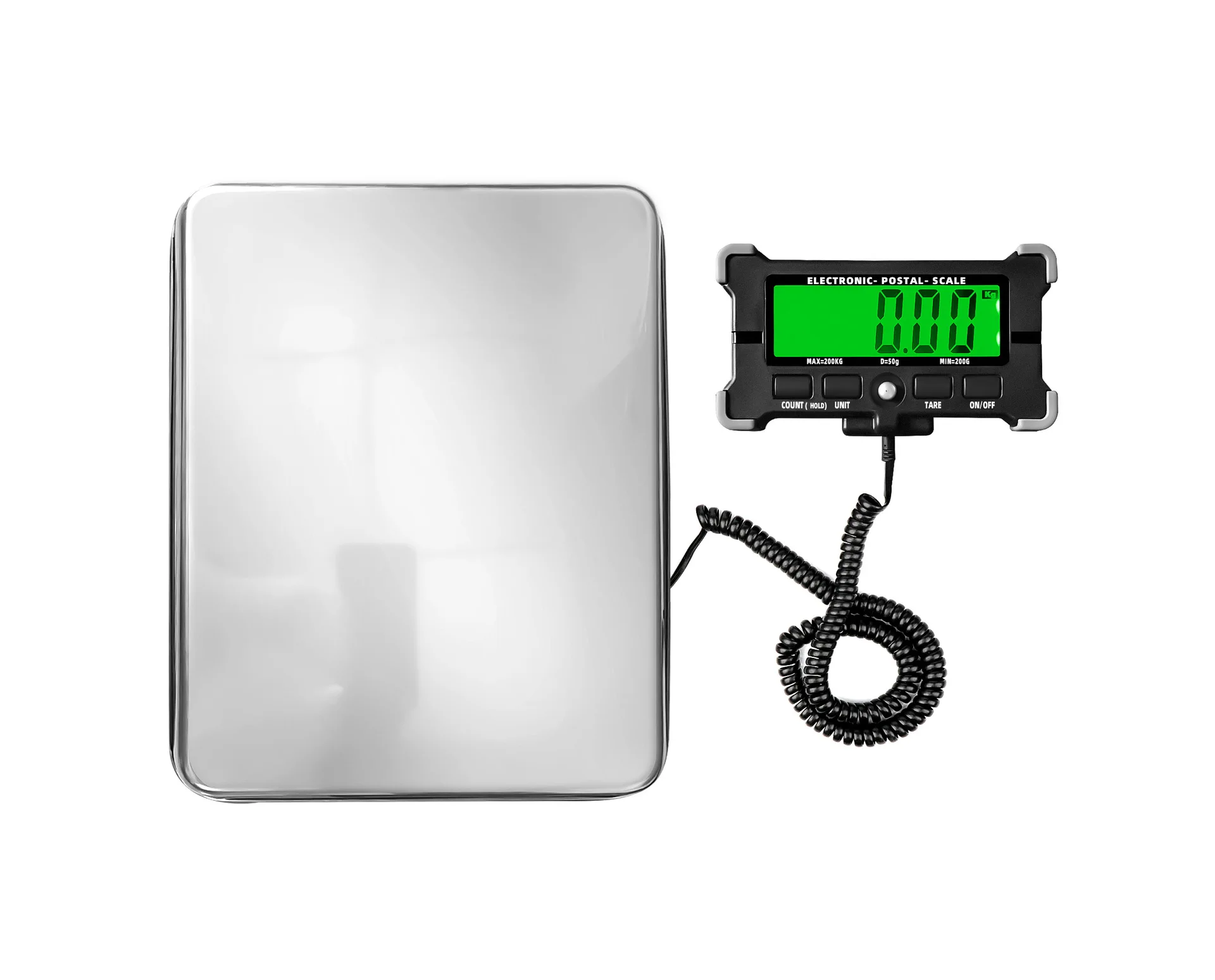
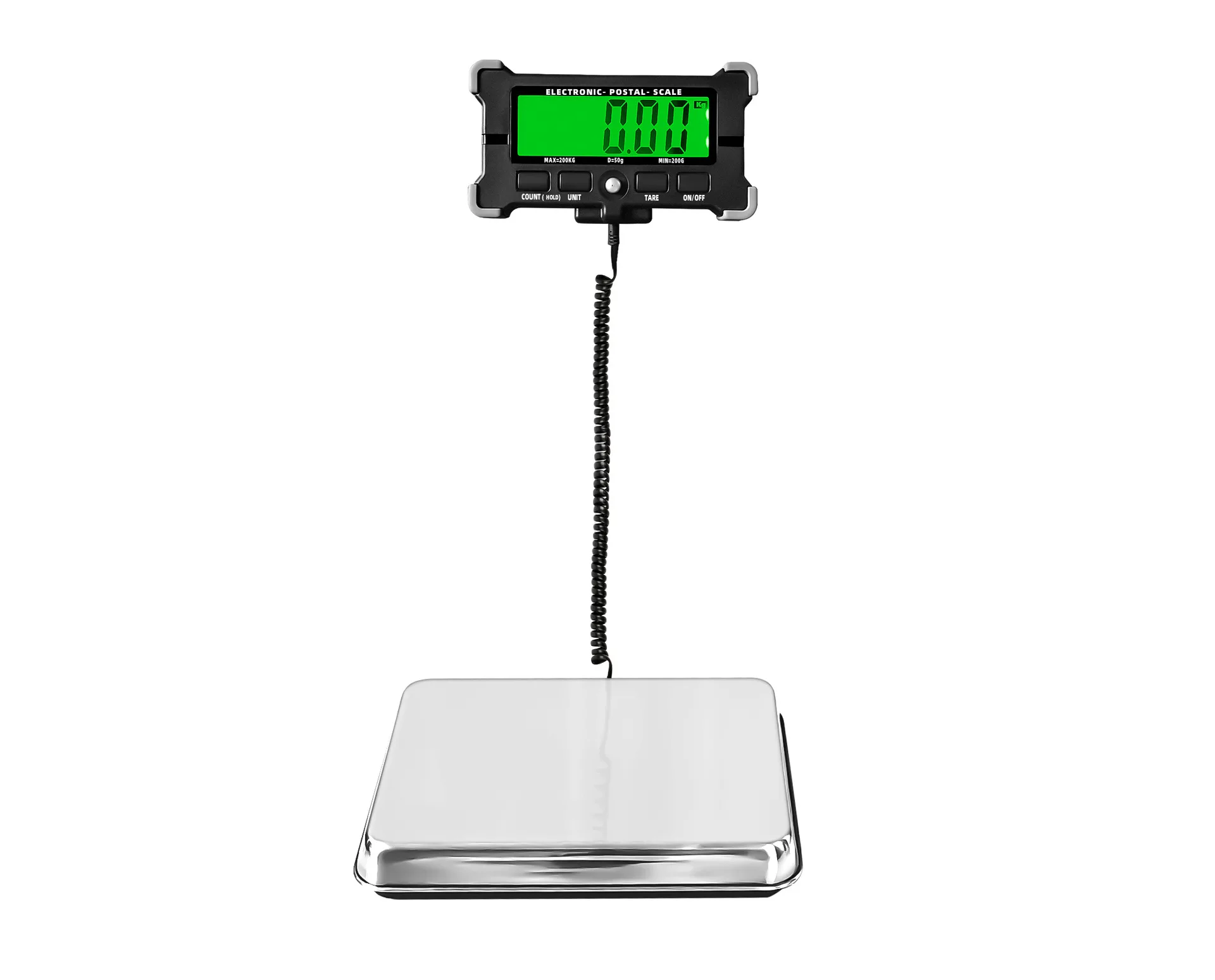
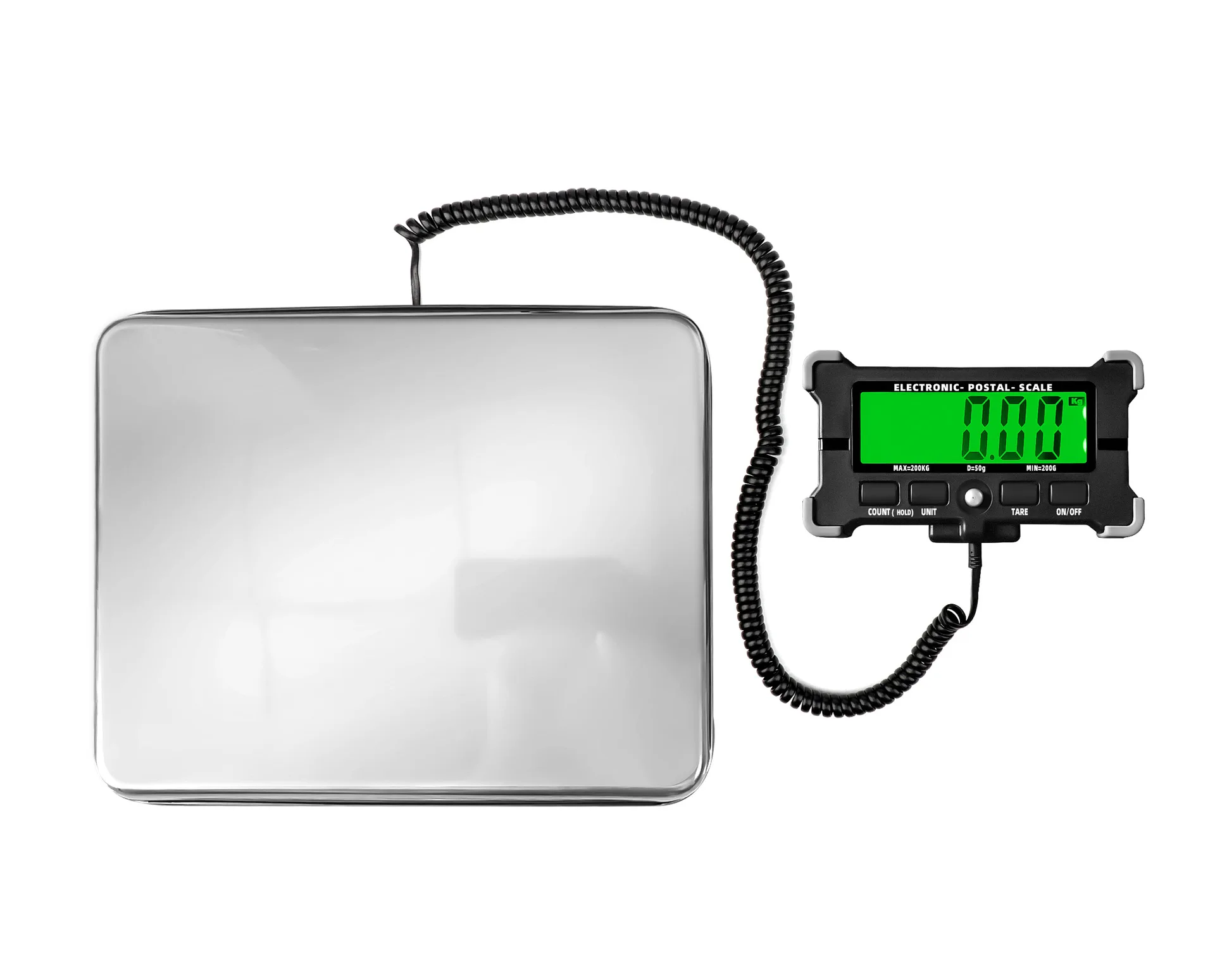
Handheld 300kg express parcel electronic scale commercial platform scale portable 120kg fruit scale small grain weighing scale
2, Specification parameters
1.
Product size: 316X250X49.5MM 2
Monitor size: 153.4X83.4X25MM
3.LCD Display: HTN HD Display Large Screen 4.LCD Display Size(101.5X31.9MM)
5.
Green backlight 6
Power supply: 3X
"
AAA
"
&5V USB power supply
7.
Maximum weighing capacity: 200KG, minimum lifting capacity: 200G, division value: 50G
8.
Stainless steel scale surface 9
one
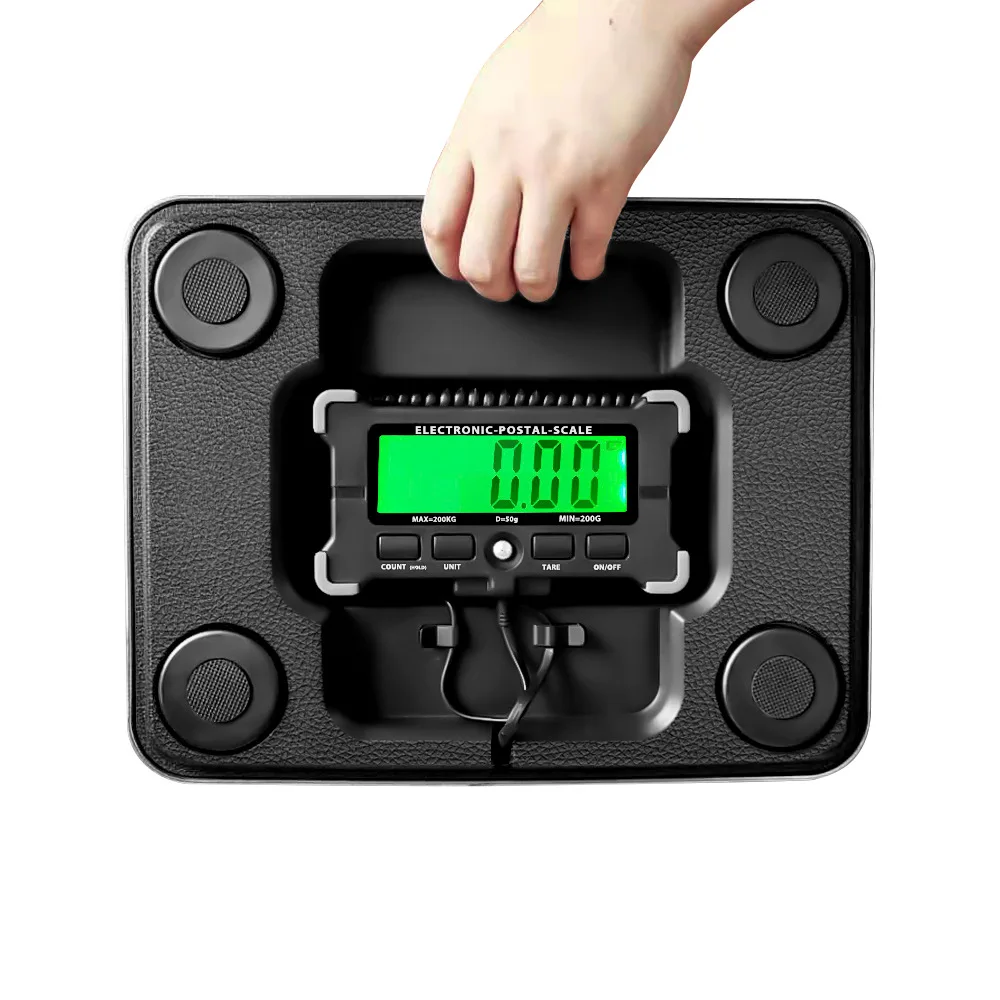
The body can accommodate the display 10.
Anti drop display design
Instructions for use of electronic parcel scale 3. Instructions for use
When it is used for the first time, press the lock switch in Figure 5, remove the monitor, and open the battery cover of the monitor (as shown in Figure 11).
, according to the battery logo into AAA battery, or with random distribution (USB
-
DC) plug wire
Connect the mobile phone charger (as shown in Figure 4) or the USB port of the PC to provide power to the electronic scale.
3.1 Place the weighing platform on the flat ground, press ON/OFF (Figure 2) to start the machine, and it will return to zero after displaying 88888. At this time,
It is possible to load the items to be weighed and place them on the weighing platform (fig. 1).
3.2
"
TARE
"
If you need to use a container to weigh items, add the container after turning it on and resetting it to zero, and press TARE
(Figure 3) Key reset, at this point, items can be loaded into the container for measurement
3.3
"
UNIT
"
The key (Figure 6) allows for selecting different units of measurement (KG, G, LB, OZ)
3.4
"
PCS
"
(Fig. 7) (Counting function): If you need a lot of points, you can use this for the same item
Function, this function provides 25
-
50
-
75
-
100 四个不同的采样数,开机归零状态lower
, the number of points is 4 sampled values
one
The numerical values (such as 25 items) are put on the scale and displayed.
25 items weighing (such as 1000G), press and hold the PCS button for 3 seconds, and P 25 will be displayed (if needed)
Select the other 3 sampling values, press the UNIT key to display P50, P75, P100, and then press the PCS key again,
The monitor will display PCS 25, and loading the same item will start counting (The classification of this product)
The product object with a degree value of 50G should not be less than 50G as much as possible, otherwise it may not be accurate
3.5 Weighing lock function: in the weighing state, press the PCS+UNIT button for 3 seconds at the same time, and the weighed weight will be
Lock and press simultaneously
One
The KG unit will flash when it is unlocked, and it will be locked in the locked state
It will not flash
3.6 The hanging hole in Figure 10 can be used to hang the monitor on the wall (with product accessories) for easy reading.
IV. Shutdown time setting
Long press in power on mode
"
TARE
"
Press the button for 3 seconds to display AU 90 (representing 90 seconds). When pressing the UNIT button to change
Sometimes, up to 540 seconds, 0 means not to turn it off. Press again.
one
下
"
TARE
"
Press the key to display PSS before displaying the version
Number, setting completed
5, Precautions
5.1 Please place this product in a stable and vibration free environment for use
5.2 Do not place heavy objects on the scale for a long time, or items larger than the rated weight of this product. Exceeding this limit will display
FULL.
5.3 Timely replace the battery (LO) or switch to USB when the battery is low
-
DC power supply
5.4 Place this product at 10
-
Use in a 30-degree environment.
5.5 Do not use corrosive cleaning solution to wipe the surface of this product. The main material of the shell is ABS, and the weighing pan is stainless steel
Material.
Please do not disassemble, take care of it!