Selling Point:
1:84 round keycaps,2.4GHz stable and better wireless connect technology,gorgeous color.
2: Fine matte touch,the keyboard is frosted,take into account durable at the same time.
3: It keeps the surface smooth and comfortable to the touch.
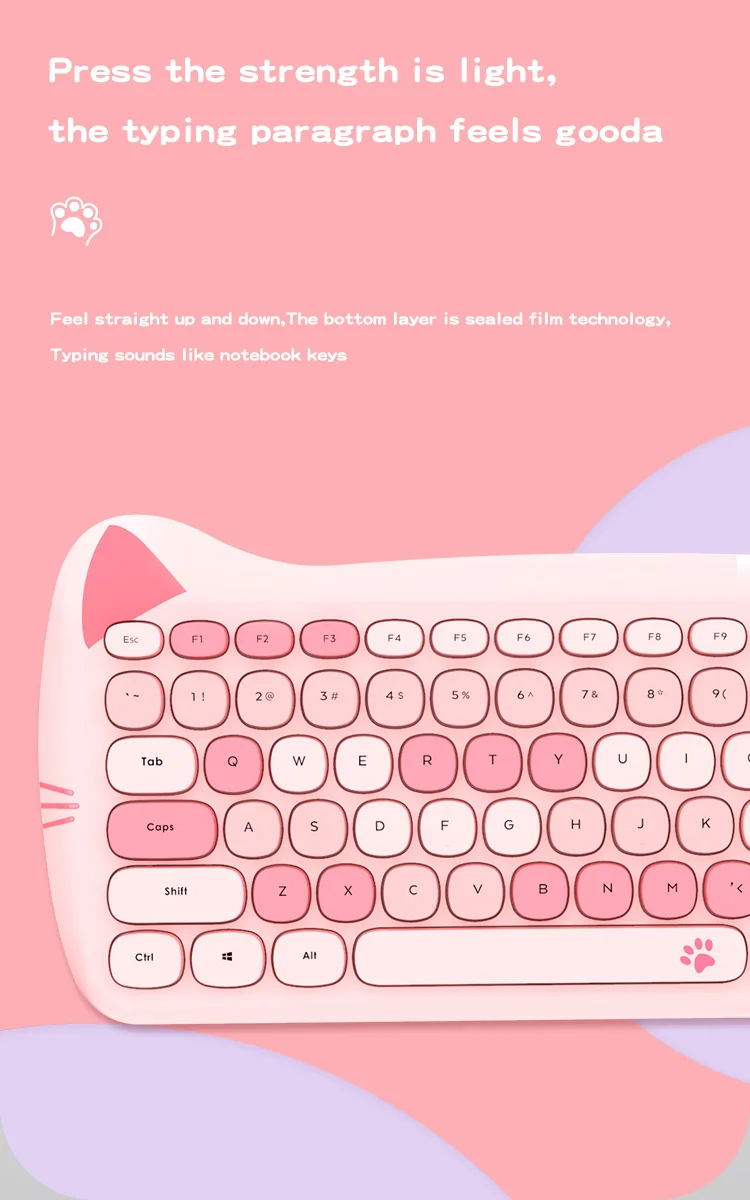
4: Press the strength is light,the typing paragraph feels good.
5: Feel straight up and down,The bottom layer is sealed film technology,Typing sounds like notebook keys .
6: ,desktop cleaner,no keyboard and mouse line, easy to organize storage.
7: Meet the needs of daily busy work.Pet styling adds a good mood to your desk.
Specification:
Product type: 2.4G wireless mouse and keyboard set
Keyboard key type: membrane keyboard
Number of keyboard keys: 84 keys
Number of mouse buttons: 4 keys
Keyboard click life: 50M
Mouse click life: 5M (silent switch design)
Mouse DPI:800-1200-1600DPI
Keyboard voltage/current: 3V/6mA
Mouse voltage/current: 1.5V/15mA
The keyboard uses the battery model: 2*AAA (battery not included)
Mouse battery model: 1*AA (battery not included)
Mouse + keyboard net weight: 524g
Keyboard size: 344*150*27mm
Mouse size: 104*68*38mm
Packing weight: 1040g
Packing size: 455*188*50mm
Support system: Win XP/Win7/Win8/Win10/Android/Mac OS, etc.
Package Contents:
Wireless Keyboard X 1
Wireless Mouse X 1
Nano Receiver X 1
Instruction Manual X 1
How to use shortcut keys:
Press FN +ESC two keys at the same time, the default is to switch between multimedia function and F1 to F12 shortcut keys.
For example, press F7 to bring up the browser home page. Press FN
+ Esc at the same time The shortcut function of F7 will pop up.)
Indicator light:
Keypad lock
Caps Lock indicator LED
Low battery indicator
2.4G connection indicator LED
Product installing instructions:
1. Remove the USB receiver from the bottom of the mouse and plug it into the USB port of your computer.
2. Open the battery cover at the bottom of the mouse, and put
an AA (No.5) battery into the battery bin (note that the positive and negative polarity of the battery must be correct). The LED light at the bottom of the mouse will light up once and then turn off, and cover the battery cover.




3. Open the battery cover at the bottom of the keyboard, put a AAA(No.7) battery into the battery bin (note that the positive and negative polarity of the battery must be correct), and close the battery cover.
4.The USB receiver can also be loaded into the receiver slot at the bottom of the mouse when carried out or not in use.