
Store Categories
Product View
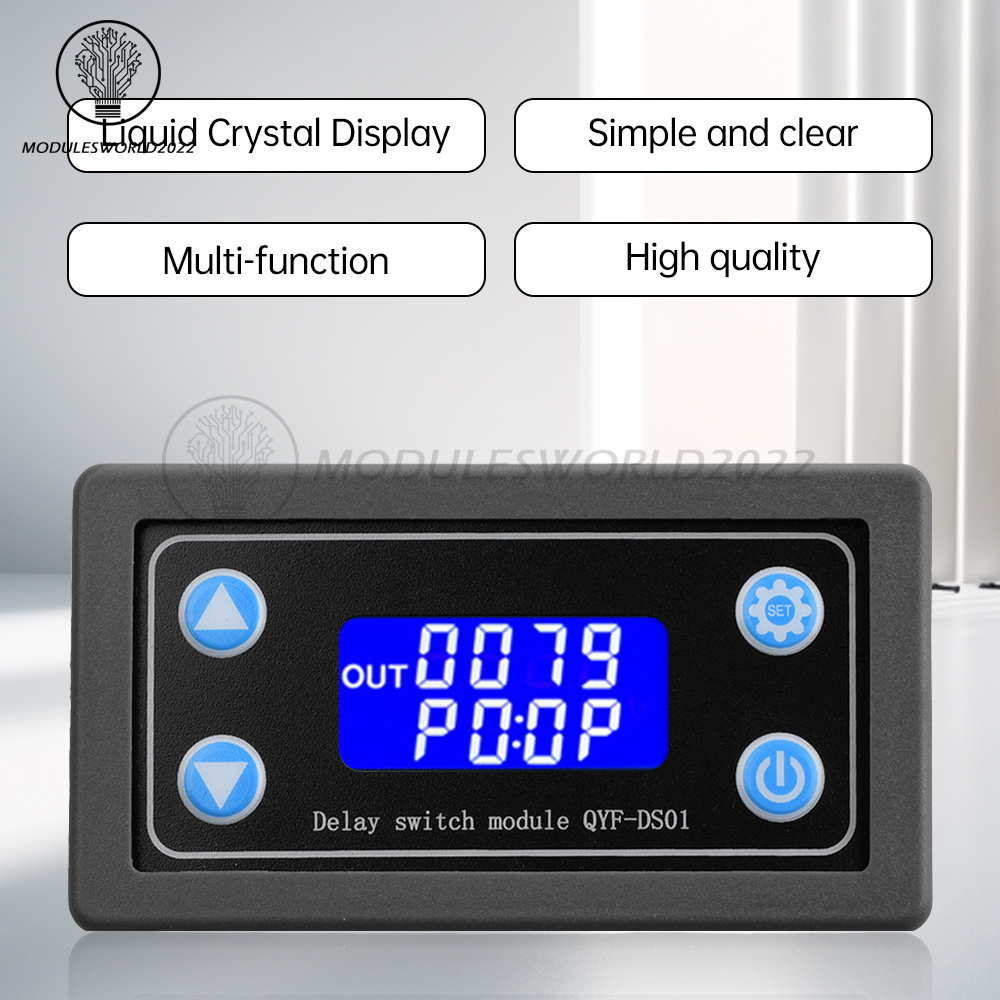
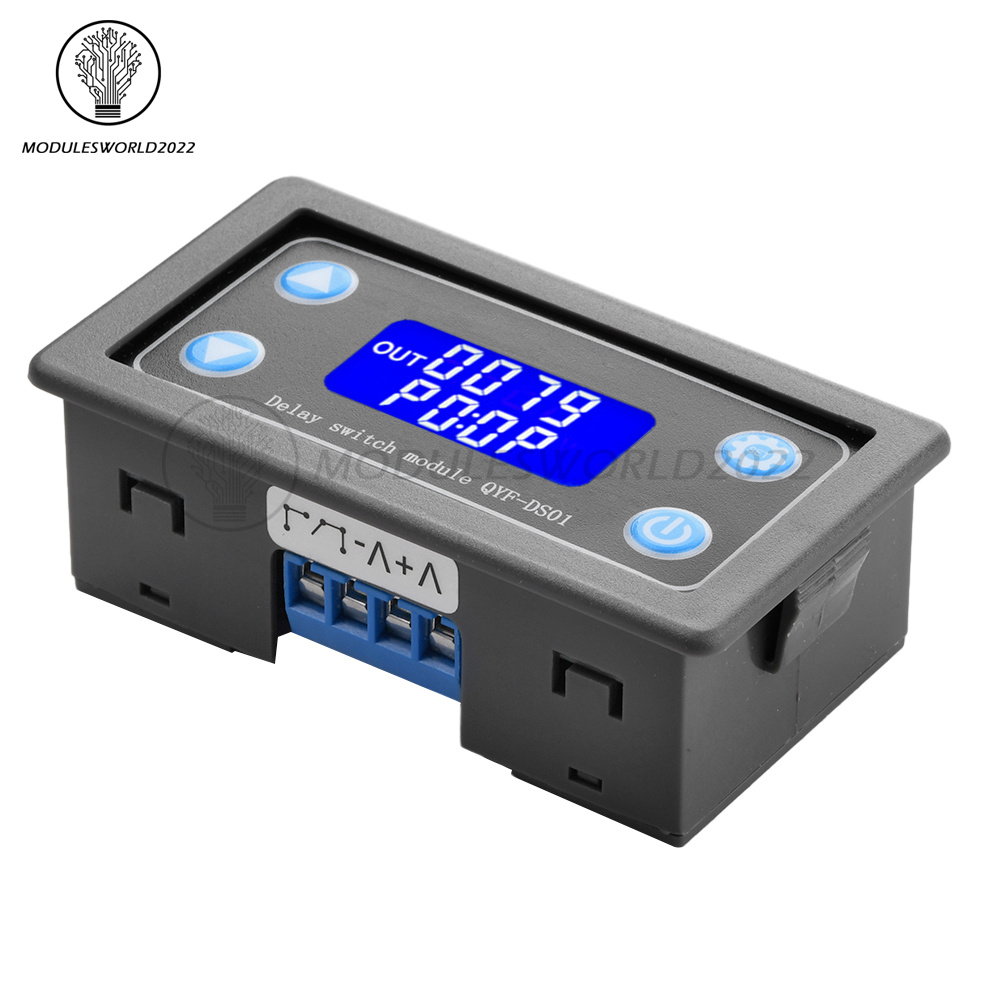
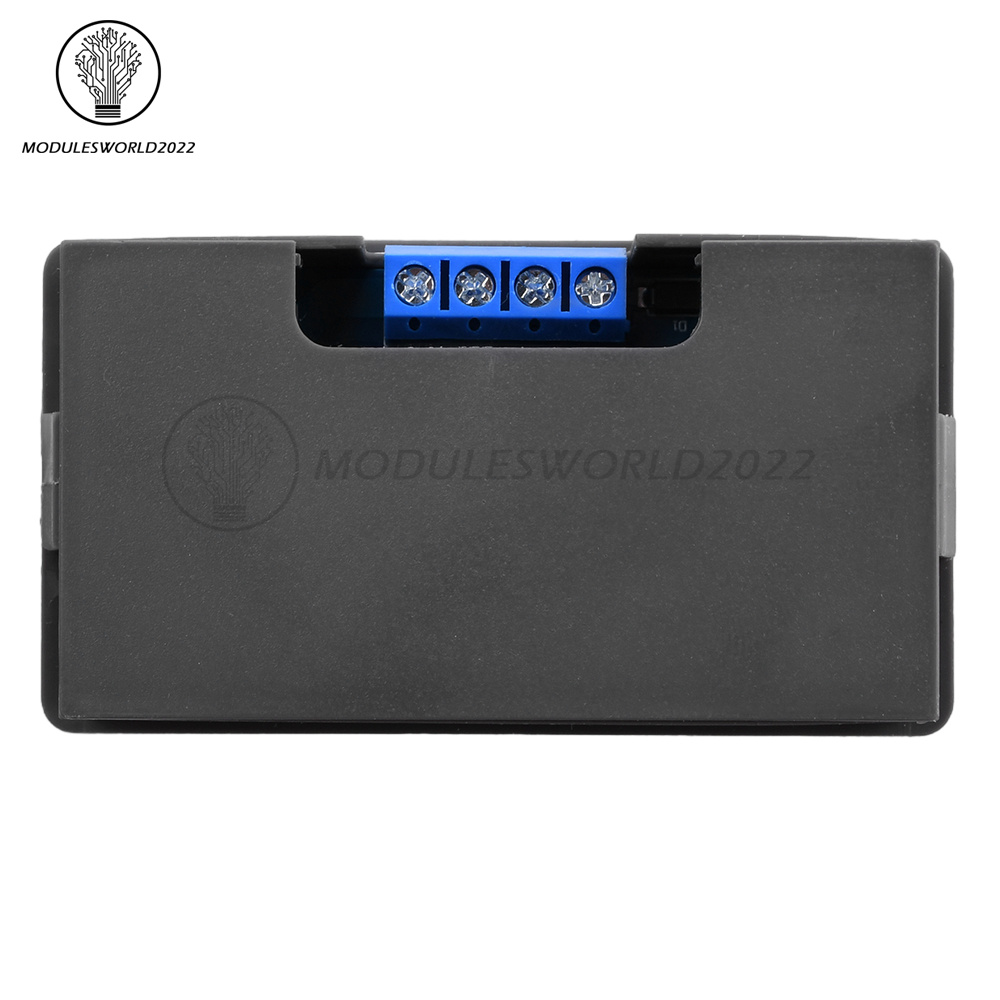
Details
2. support key trigger control, high and low level trigger, switching control, applicable to most of the occasions;
3. Support UART data upload and parameter setting. 4;
4. has a key pause function, with reverse connection protection, reverse connection does not burn;
5. increase the sleep mode, after enabling, about 5 minutes without any operation, automatically turn off the LCD backlight, any key to wake up;
6. can set different OP, CL, LOP parameters, these parameters are independent of each other, saved separately, all set parameters automatically power-down save.
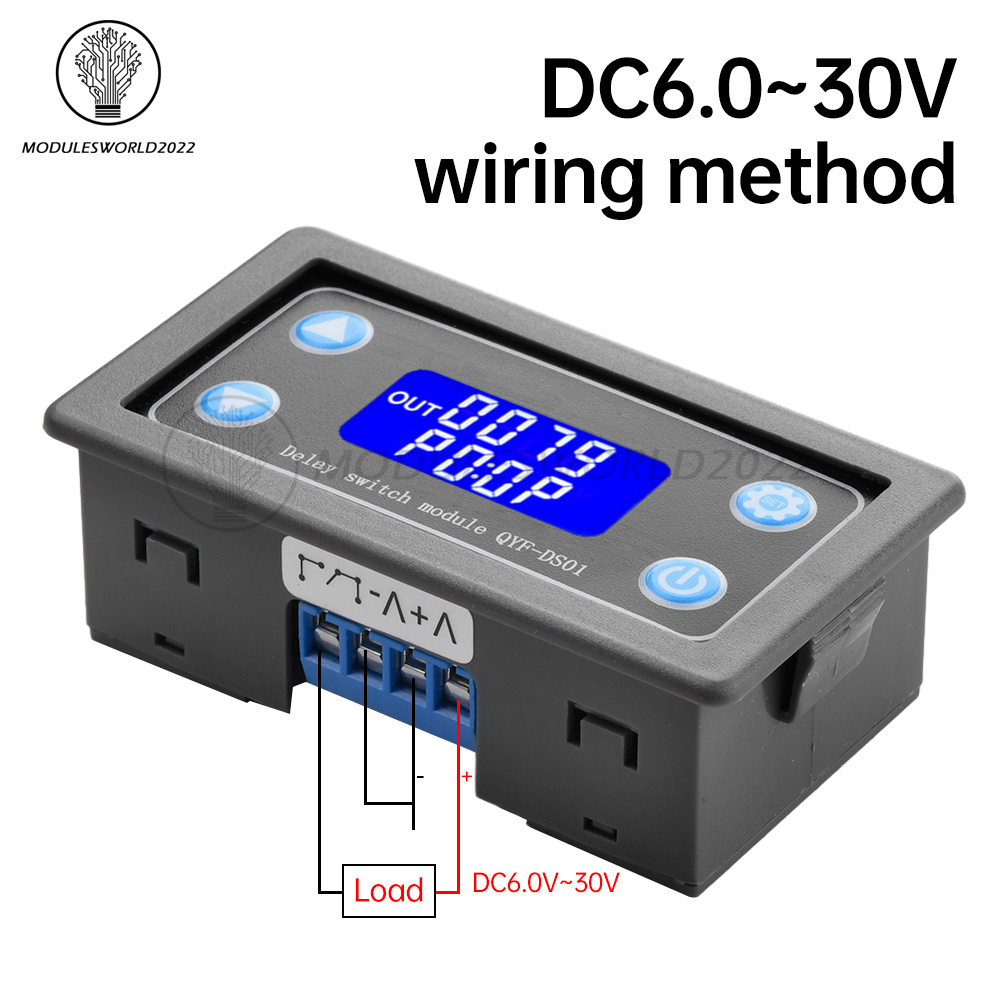
Operating voltage: DC6-30V power supply
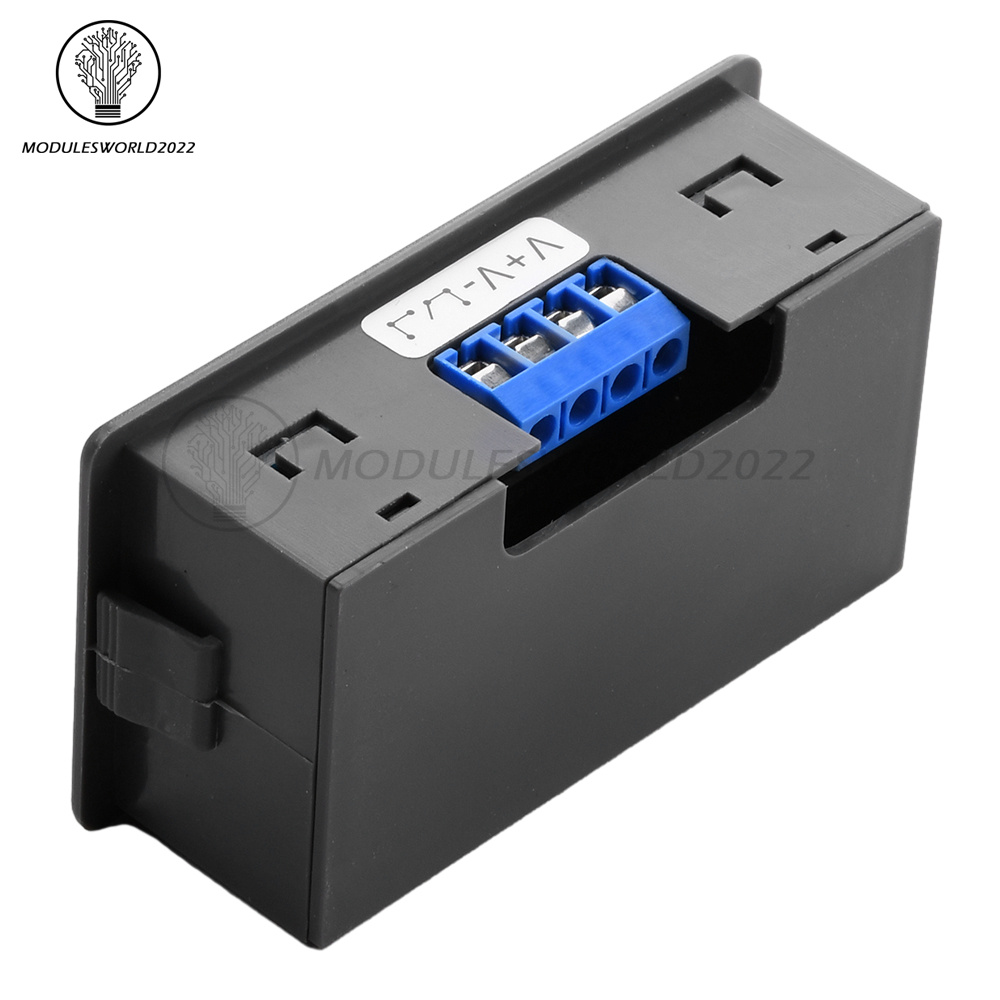
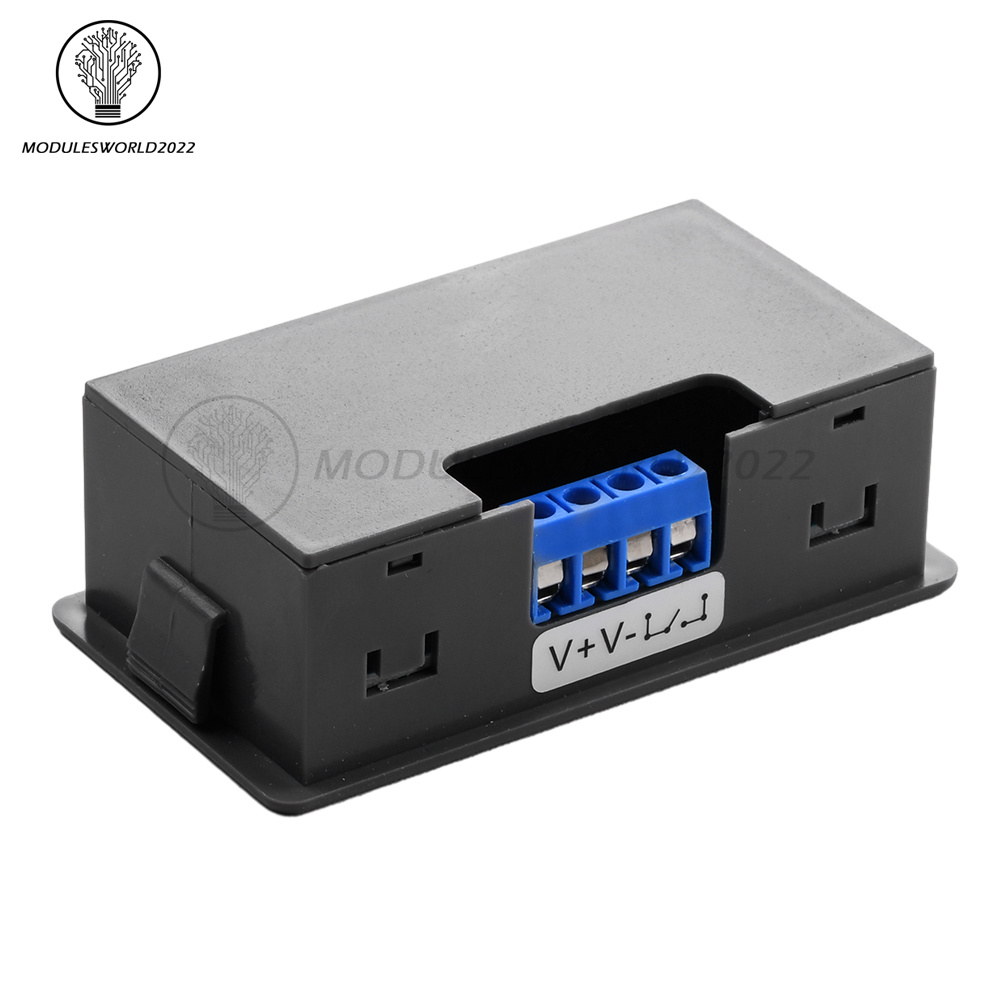
Trigger signal source: high level trigger (3.0V~24V), low level trigger (0.0V~0.2V), switch control (passive switch)
Output capacity: can control devices within 30V/10A DC; or 220V/5A AC
Static current: 15mA
Operating current: 50mA
Service life: more than 100,000 times
With opto-coupler isolation to enhance the anti-interference ability, industrial grade circuit board, set parameters are always memorized after power failure.
Timing range:0.01 seconds (min) ~ 9999 minutes (max), continuously adjustable
Operating Temperature:-40-85°C
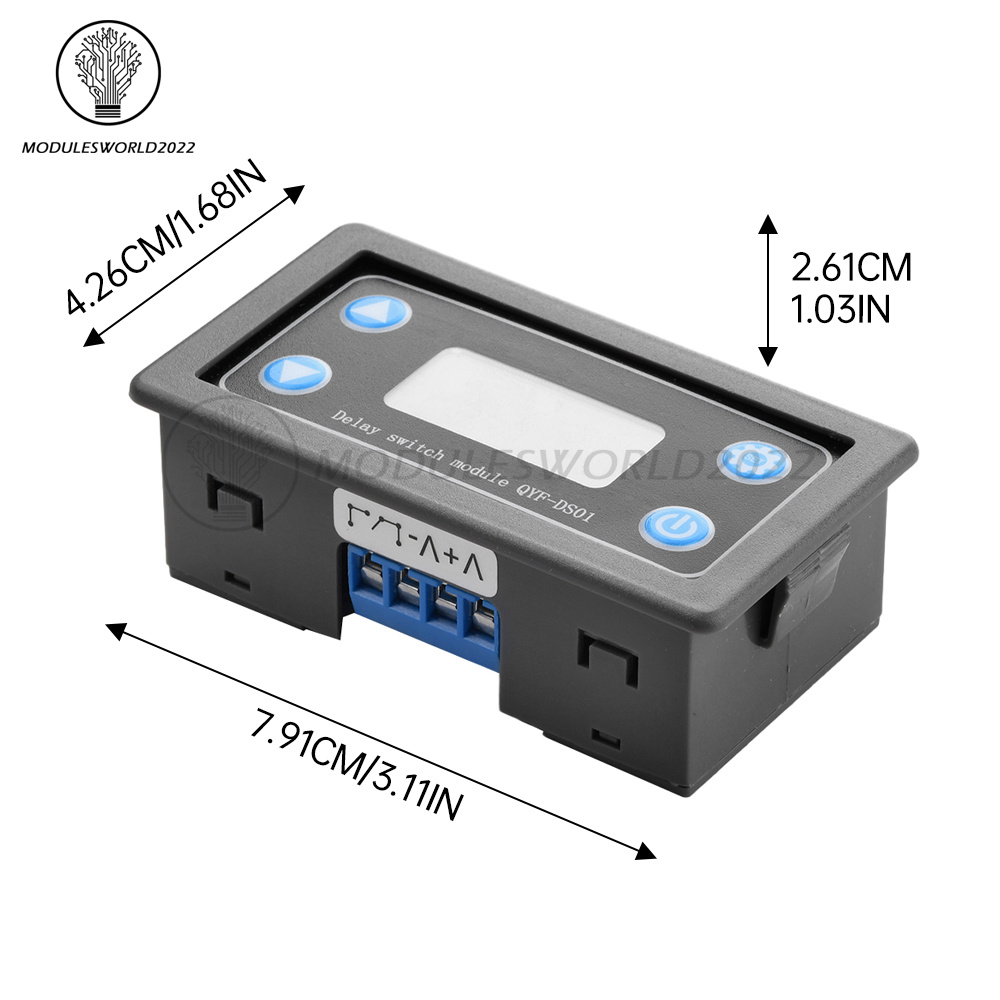
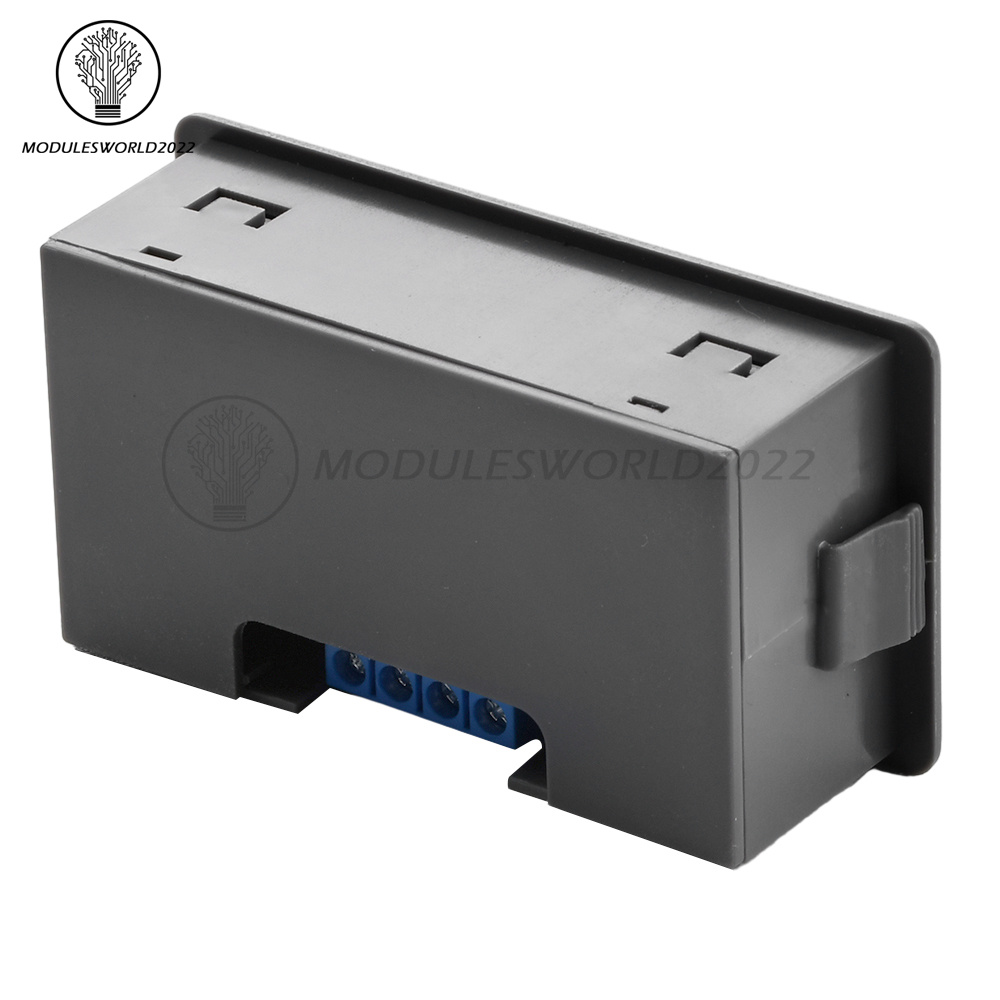
Size:7.9x4.3x2.5cm (LWH)
1 x Relay
How to select timing range:
In the OP/CL parameter modification interface, short press the pause button to select the timing range;
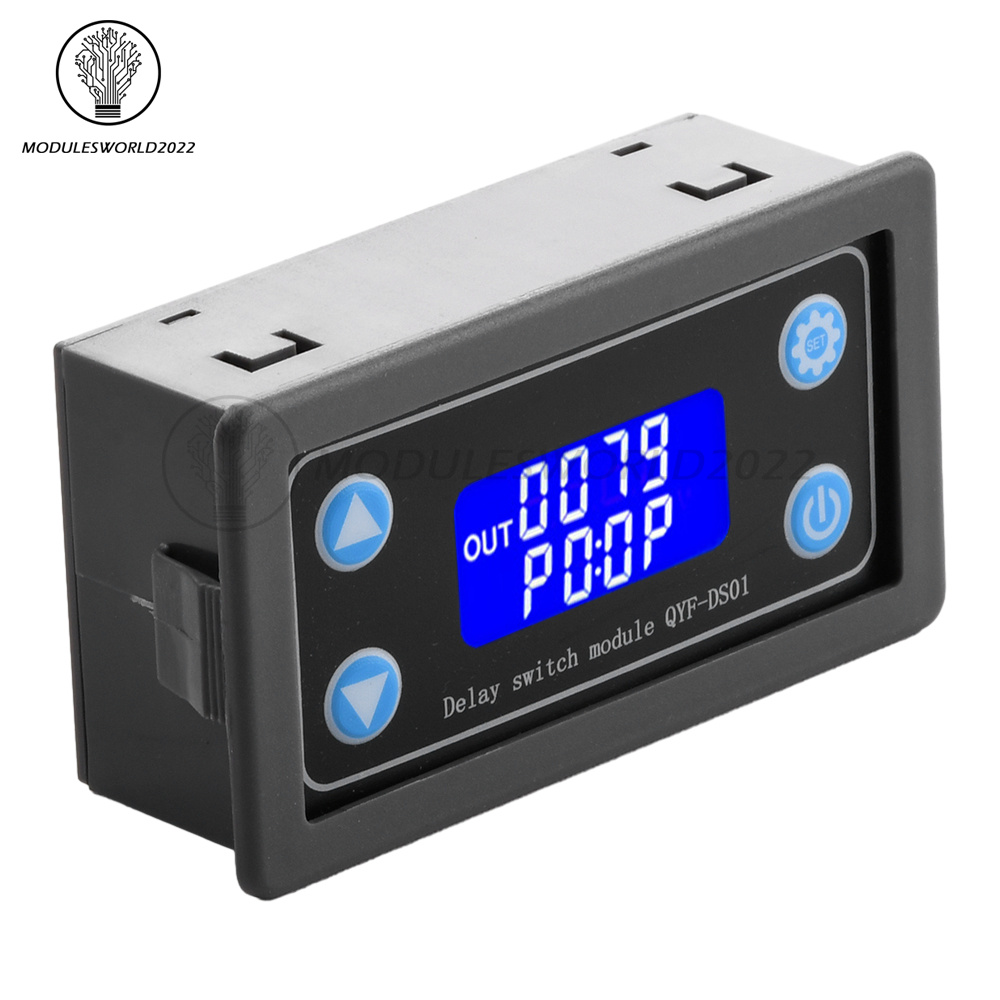
XXXX No decimal point, timing range 1 sec~9999 sec.
XXX.X Decimal point in the tenth place, timing range 0.1sec~999.9sec
XX.XX Decimal point in the hundreds place, timing range 0.01 seconds ~ 99.99 seconds
X.X.X.X Decimal point is fully illuminated, timing range 1 minute ~ 9999 minutes
For example, if you want to set OP is 3.2 seconds, then move the decimal point to the tenth digit, LCD display 003.2
Parameter description: OP on time, CL off time, LOP cycle times (1-9999 times, "----" means infinite cycles)
(a) Enter the setting interface by long pressing the setting button;
(b) First set the working mode, the working mode blinks as a reminder, and set the working mode by short-pressing the increase/decrease key;
(c) Short press the setup button to select the working mode and enter the system parameter setting;
(d) In the system parameter setting interface, short press the setting key to switch the system parameter to be modified, short/long press the increase/decrease key to modify;
(Note: short press setting key is invalid in P0~P3/P8/P9 modes); (d) In the system parameter setting interface, short press setting key to switch the system parameter to be modified, short press/long press increase/decrease key to modify.
(e) In OP/CL parameter modification interface, short press pause button to switch timing unit (1s/0.1s/0.01s/1min);
(f) All parameter settings are completed, long press the setup button to save the parameter settings and exit the setup interface;
Working mode:
P0: After the signal is triggered, the relay conducts for OP time, and then disconnects; within the OP time, the signal is invalid for triggering again.
P1: After the signal is triggered, the relay conducts for OP time and then disconnects; within OP time, the signal is triggered again to re-timing.
P2: After the signal is triggered, the relay turns on for OP time, then disconnects; within OP time, the signal is triggered again to reset, the relay disconnects and stops timing.
P3: After the signal is triggered, the relay is disconnected for CL time, and then the relay turns on; P4: Give the trigger signal, the relay turns on for OP time, and then disconnects.
P4: give the trigger signal, after the relay turns on for OP time, the relay turns off for CL time, then cycle the above action, give the signal again within the cycle, restore the initial state, stop the timing; the cycle number (LOP) can be set; the cycle ends, keep the relay off; P5: give the trigger signal, the relay turns off for CL time, then turn off the relay, stop the timing.
P5: give the trigger signal, after the relay disconnects for CL time, the relay turns on for OP time, then cycle the above action, give the signal again within the cycle, restore the initial state, stop the timing; the cycle number (LOP) can be set; at the end of the cycle, keep the relay on.
P6: no trigger signal is needed after power-on, relay on OP time, relay off CL time, then cycle the above actions; cycle times (LOP) can be set; end of cycle, keep the relay off; P7: after power-on, no trigger signal is needed; cycle times (LOP) can be set; end of cycle, keep the relay off.
P7: No trigger signal is needed after power-on, the relay disconnects at CL time, the relay turns on at OP time, and cycles the above actions; the cycle number (LOP) can be set; at the end of the cycle, the relay is kept on.
P8: Signal hold function If there is a trigger signal, the timing will be cleared to zero, and the relay will keep on; when the signal disappears, the relay will be disconnected after the timing OP; during the timing period, if there is a signal again, the timing will be cleared to zero;
P9: Signal hold function If there is a trigger signal, timing clear zero, the relay stays disconnected; when the signal disappears, the relay is conducted after timing CL; during the timing period, when there is a signal again, the timing is cleared to zero;
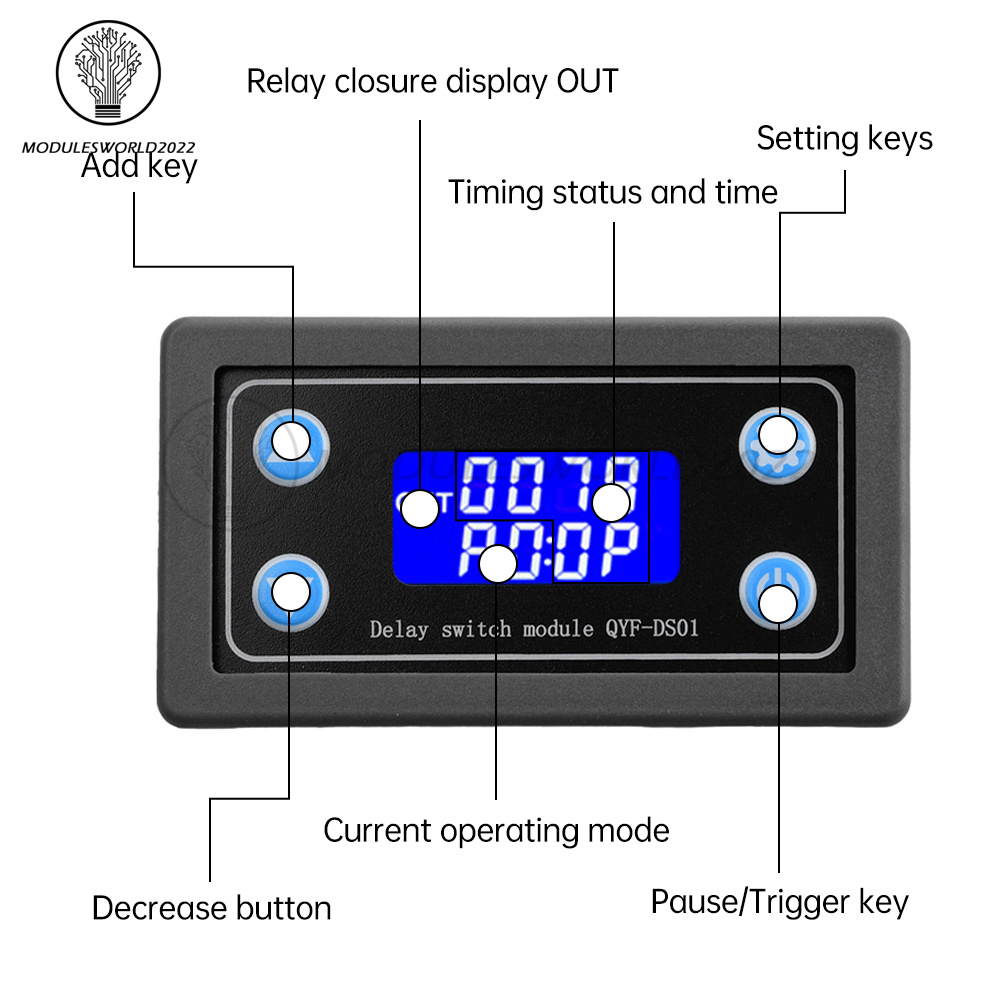
(P0~P7) mode, short press the pause button, the system has not triggered the timing, the system starts timing; the system has already timed, the system pauses the timing, the relay is disconnected, and the flashing display "OUT" as a reminder; P8 P9 mode, in the event of a trigger signal, the relay will remain disconnected; when the signal disappears, the relay conducts after timing CL; during the timing period, if there is another signal, the timing will be cleared.
P8 P9 mode, in the running interface pause button as a trigger signal, its key function short press/long press failure.
Additional Functions.
(a) Automatic hibernation function: In the running interface (P0~P7 mode), long press the pause button to activate or deactivate the automatic hibernation function (L-P selects on to activate the hibernation function for five minutes or so, without any operation, the LCD backlight will be turned off automatically, and the system will be run normally, and wake up at any time by pressing the button; off to deactivate the hibernation function);
(b) Parameter view: in the running interface, short press SET key to display the current parameter settings of the system, and does not affect the normal operation of the system;
(c) Display content switching: in P4 ~ P7 modes, switch the display content (running time/cycle times) by short pressing DOWN key;.
Copyright©2018 datacaciques

Store Categories
Product View
Details
2. support key trigger control, high and low level trigger, switching control, applicable to most of the occasions;
3. Support UART data upload and parameter setting. 4;
4. has a key pause function, with reverse connection protection, reverse connection does not burn;
5. increase the sleep mode, after enabling, about 5 minutes without any operation, automatically turn off the LCD backlight, any key to wake up;
6. can set different OP, CL, LOP parameters, these parameters are independent of each other, saved separately, all set parameters automatically power-down save.
Operating voltage: DC6-30V power supply
Trigger signal source: high level trigger (3.0V~24V), low level trigger (0.0V~0.2V), switch control (passive switch)
Output capacity: can control devices within 30V/10A DC; or 220V/5A AC
Static current: 15mA
Operating current: 50mA
Service life: more than 100,000 times
With opto-coupler isolation to enhance the anti-interference ability, industrial grade circuit board, set parameters are always memorized after power failure.
Timing range:0.01 seconds (min) ~ 9999 minutes (max), continuously adjustable
Operating Temperature:-40-85°C
Size:7.9x4.3x2.5cm (LWH)
1 x Relay
How to select timing range:
In the OP/CL parameter modification interface, short press the pause button to select the timing range;
XXXX No decimal point, timing range 1 sec~9999 sec.
XXX.X Decimal point in the tenth place, timing range 0.1sec~999.9sec
XX.XX Decimal point in the hundreds place, timing range 0.01 seconds ~ 99.99 seconds
X.X.X.X Decimal point is fully illuminated, timing range 1 minute ~ 9999 minutes
For example, if you want to set OP is 3.2 seconds, then move the decimal point to the tenth digit, LCD display 003.2
Parameter description: OP on time, CL off time, LOP cycle times (1-9999 times, "----" means infinite cycles)
(a) Enter the setting interface by long pressing the setting button;
(b) First set the working mode, the working mode blinks as a reminder, and set the working mode by short-pressing the increase/decrease key;
(c) Short press the setup button to select the working mode and enter the system parameter setting;
(d) In the system parameter setting interface, short press the setting key to switch the system parameter to be modified, short/long press the increase/decrease key to modify;
(Note: short press setting key is invalid in P0~P3/P8/P9 modes); (d) In the system parameter setting interface, short press setting key to switch the system parameter to be modified, short press/long press increase/decrease key to modify.
(e) In OP/CL parameter modification interface, short press pause button to switch timing unit (1s/0.1s/0.01s/1min);
(f) All parameter settings are completed, long press the setup button to save the parameter settings and exit the setup interface;
Working mode:
P0: After the signal is triggered, the relay conducts for OP time, and then disconnects; within the OP time, the signal is invalid for triggering again.
P1: After the signal is triggered, the relay conducts for OP time and then disconnects; within OP time, the signal is triggered again to re-timing.
P2: After the signal is triggered, the relay turns on for OP time, then disconnects; within OP time, the signal is triggered again to reset, the relay disconnects and stops timing.
P3: After the signal is triggered, the relay is disconnected for CL time, and then the relay turns on; P4: Give the trigger signal, the relay turns on for OP time, and then disconnects.
P4: give the trigger signal, after the relay turns on for OP time, the relay turns off for CL time, then cycle the above action, give the signal again within the cycle, restore the initial state, stop the timing; the cycle number (LOP) can be set; the cycle ends, keep the relay off; P5: give the trigger signal, the relay turns off for CL time, then turn off the relay, stop the timing.
P5: give the trigger signal, after the relay disconnects for CL time, the relay turns on for OP time, then cycle the above action, give the signal again within the cycle, restore the initial state, stop the timing; the cycle number (LOP) can be set; at the end of the cycle, keep the relay on.
P6: no trigger signal is needed after power-on, relay on OP time, relay off CL time, then cycle the above actions; cycle times (LOP) can be set; end of cycle, keep the relay off; P7: after power-on, no trigger signal is needed; cycle times (LOP) can be set; end of cycle, keep the relay off.
P7: No trigger signal is needed after power-on, the relay disconnects at CL time, the relay turns on at OP time, and cycles the above actions; the cycle number (LOP) can be set; at the end of the cycle, the relay is kept on.
P8: Signal hold function If there is a trigger signal, the timing will be cleared to zero, and the relay will keep on; when the signal disappears, the relay will be disconnected after the timing OP; during the timing period, if there is a signal again, the timing will be cleared to zero;
P9: Signal hold function If there is a trigger signal, timing clear zero, the relay stays disconnected; when the signal disappears, the relay is conducted after timing CL; during the timing period, when there is a signal again, the timing is cleared to zero;
(P0~P7) mode, short press the pause button, the system has not triggered the timing, the system starts timing; the system has already timed, the system pauses the timing, the relay is disconnected, and the flashing display "OUT" as a reminder; P8 P9 mode, in the event of a trigger signal, the relay will remain disconnected; when the signal disappears, the relay conducts after timing CL; during the timing period, if there is another signal, the timing will be cleared.
P8 P9 mode, in the running interface pause button as a trigger signal, its key function short press/long press failure.
Additional Functions.
(a) Automatic hibernation function: In the running interface (P0~P7 mode), long press the pause button to activate or deactivate the automatic hibernation function (L-P selects on to activate the hibernation function for five minutes or so, without any operation, the LCD backlight will be turned off automatically, and the system will be run normally, and wake up at any time by pressing the button; off to deactivate the hibernation function);
(b) Parameter view: in the running interface, short press SET key to display the current parameter settings of the system, and does not affect the normal operation of the system;
(c) Display content switching: in P4 ~ P7 modes, switch the display content (running time/cycle times) by short pressing DOWN key;.
We will arrange shipping for you within 24 Hours after payment cleared except the holidays.
-We ship items to Worldwide. Thank you!
-we will ship out the order in 1-2 business days after payment cleared .Since it is international shipping ,delivery time is about 15--28 business days to arrive to most countries.
We accept PayPal payment ONLY, and must be received within 5 days from the date of purchase.
2. It is easy and safe for you to pay by credit cards, debit cards, bank transfers and PayPal account balances.
3.Buyers are responsible for import duties,custom fees and taxes, if any, please check your country.
1.We believe our items are so outstanding. We are convinced you will be happy with your Purchase.
2. If you do not satisfy with our items. Please simply return to us within 30 Days in original condition. Just pay for the returned postage. Then we can issue full refund or resend the item to you after the returned item arrived at our warehouse.
3. Please include your eBay ID and item number with any email requests.