✍️ Universal Active Stylus Pen – 6ms Low Latency | Type-C Rechargeable | 2 Spare Tips
🖊️ Write, Draw & Create with Precision!
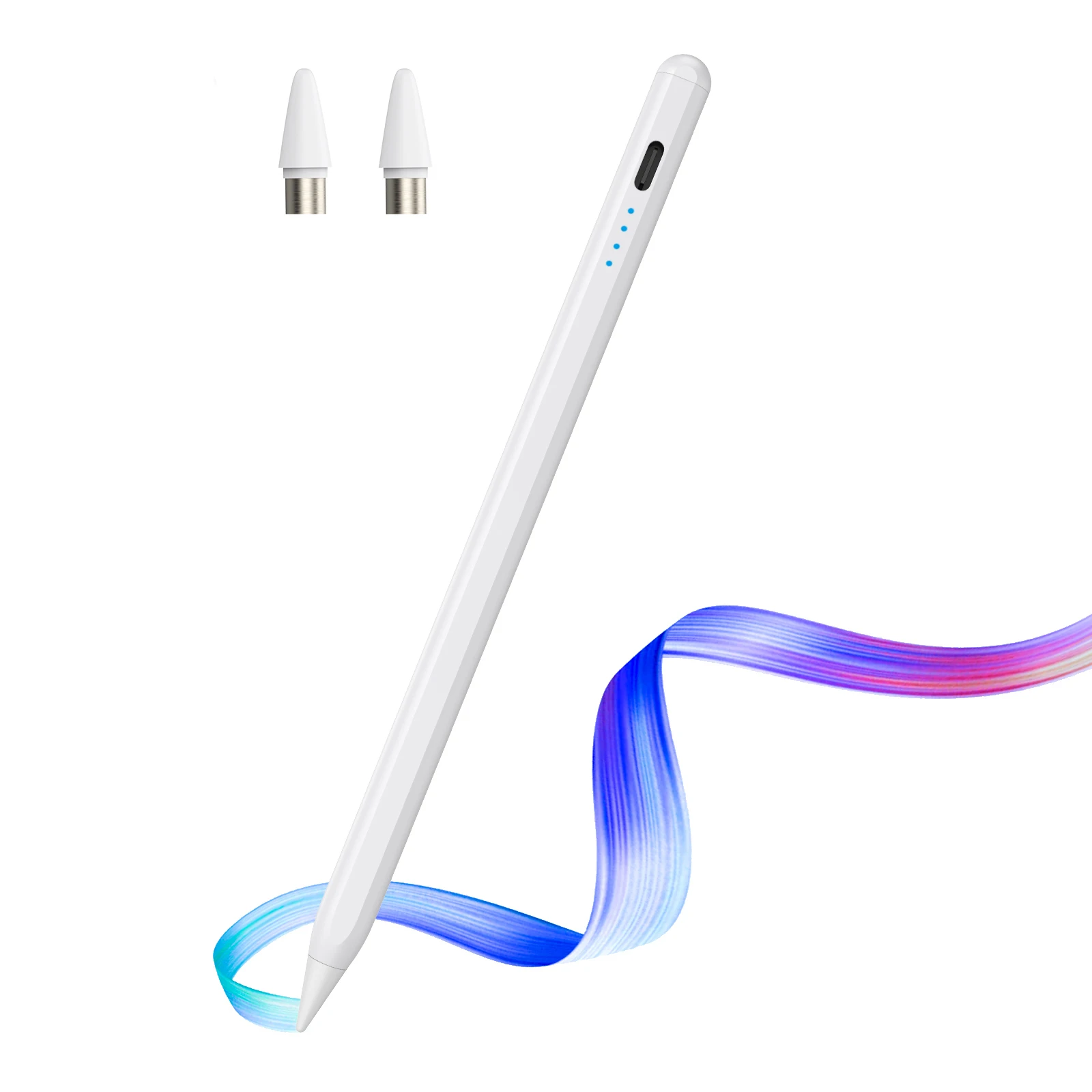
Take your digital writing and drawing experience to the next level with this Universal Active Capacitive Stylus Pen. Designed for smooth and responsive touchscreen interaction, it is ideal for writing notes, drawing, sketching, studying, browsing and everyday tablet use.
With a 6ms response delay, comfortable metal body and replaceable conductive tips, this stylus is a practical accessory for compatible capacitive touchscreen devices.
⭐ Key Features
✔ Universal Capacitive Stylus Pen
✔ 6ms Low-Latency Response
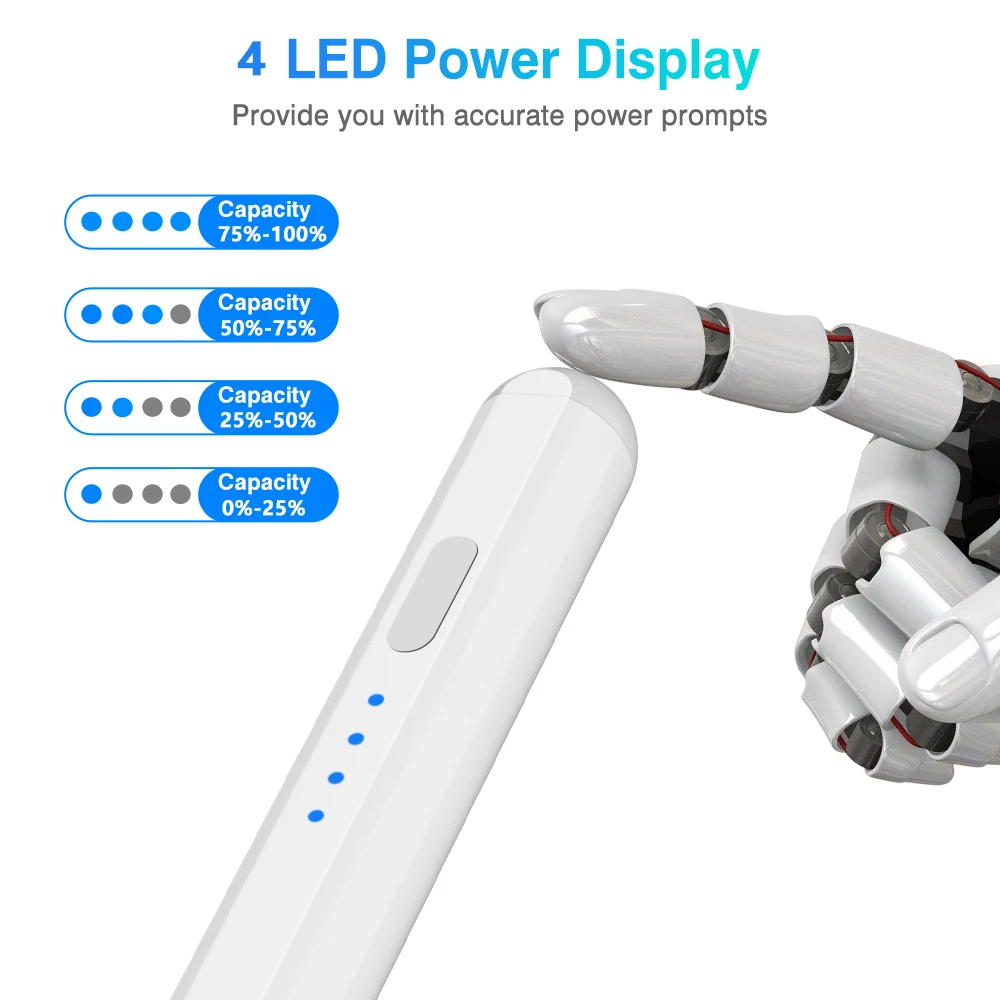
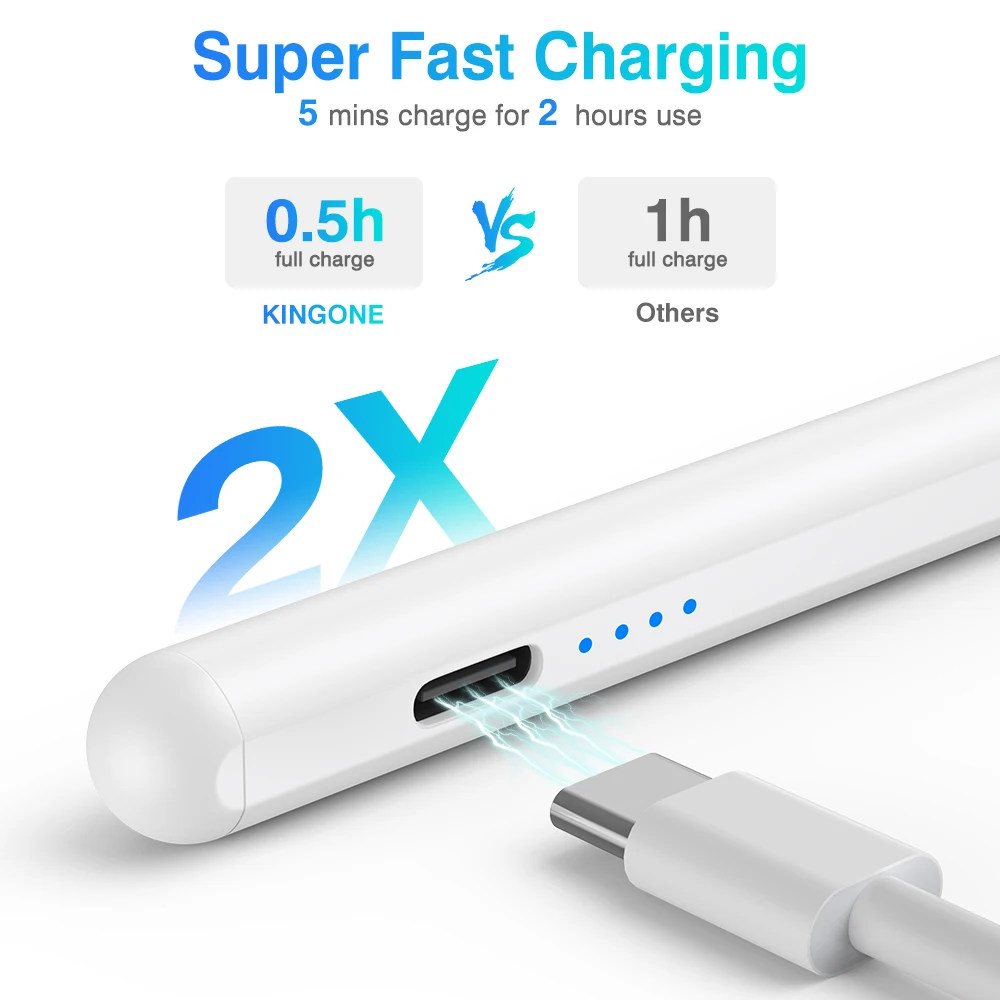
✔ Type-C Rechargeable Charging Port
✔ Up to 18 Hours Working Time
✔ Replaceable Pen Tip Design
✔ 2 Spare Pen Tips Included
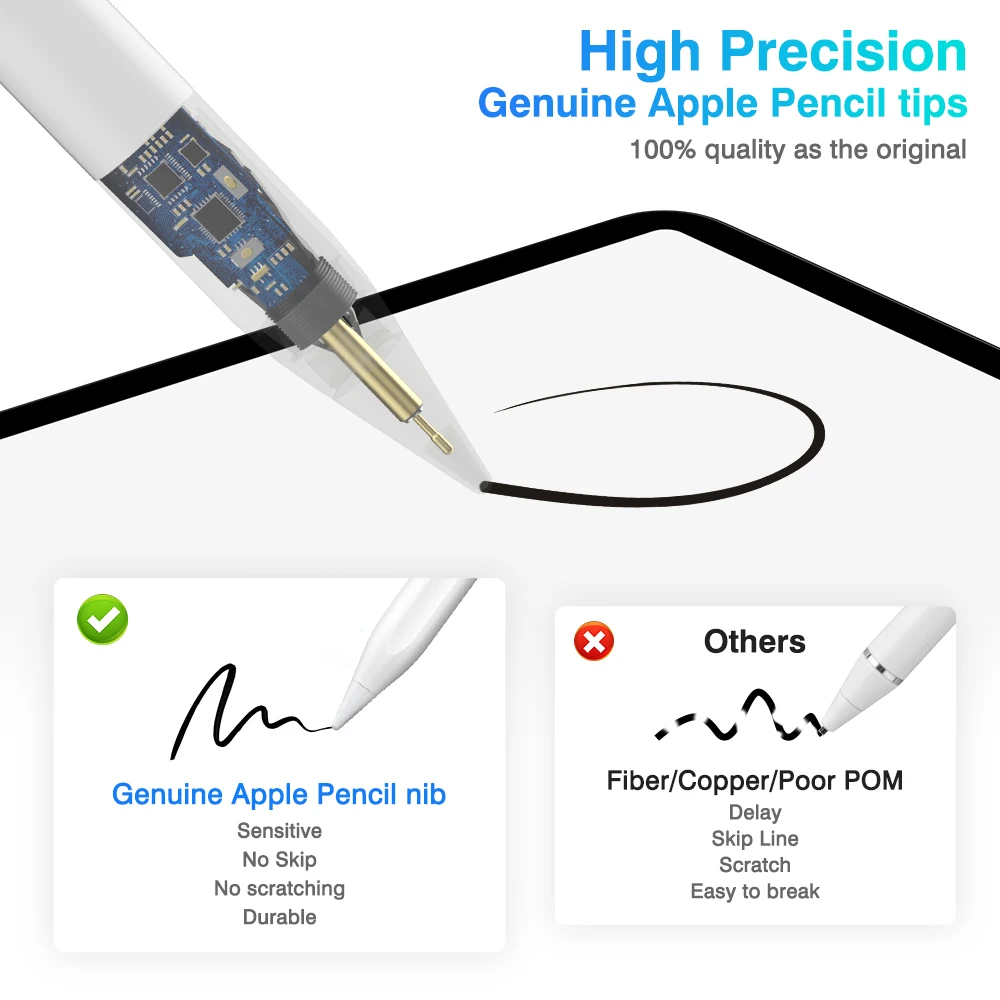
✔ Pre-Installed Special Conductive Tip
✔ Smooth & Comfortable Metal Body
✔ Dust-Covered Type-C Charging Port
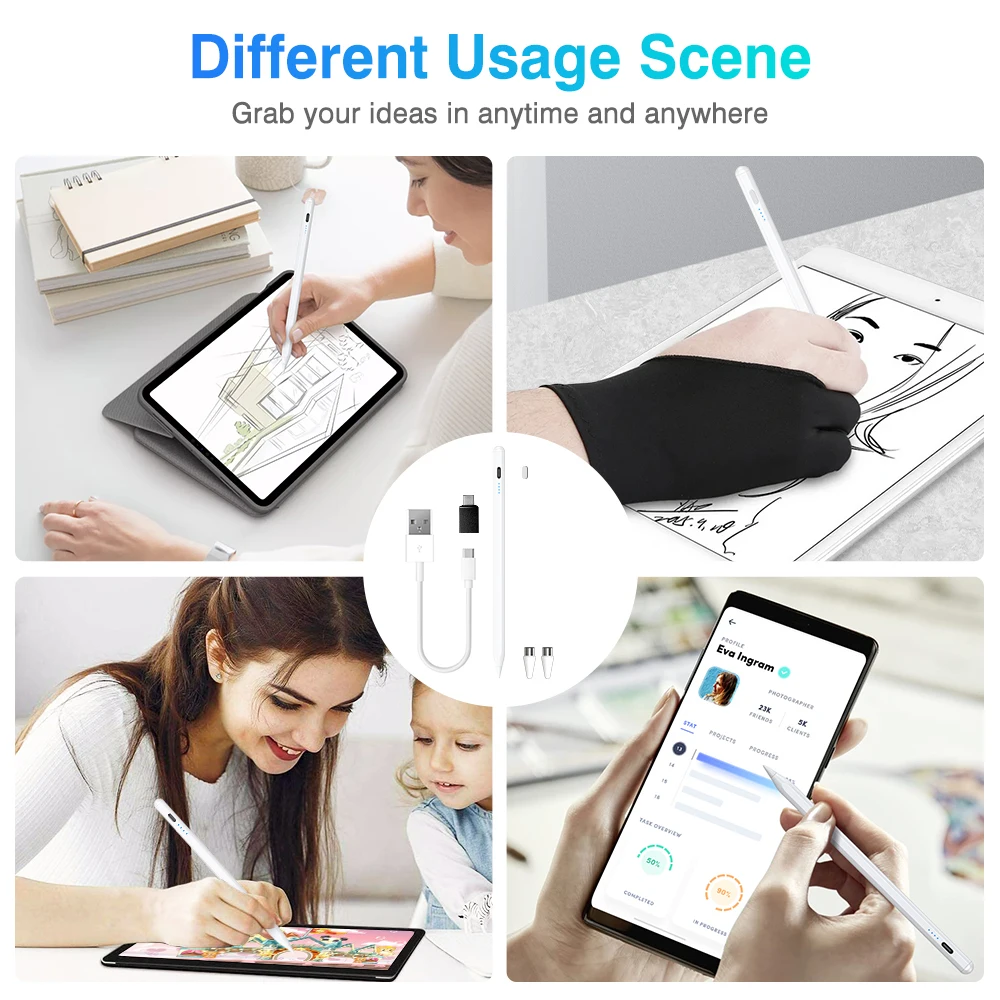
✔ Ideal for Writing, Drawing & Note Taking
✔ Lightweight & Portable Design
🎨 Perfect for Everyday Use
Use the stylus for a variety of touchscreen activities:
📝 Digital Note Taking
✏️ Drawing & Sketching
🎨 Digital Art
📚 Studying & Learning
📱 Touchscreen Navigation
💻 Tablet Work
📖 Reading & Annotation
🖊️ Handwriting & Marking
🔋 Long-Lasting Battery
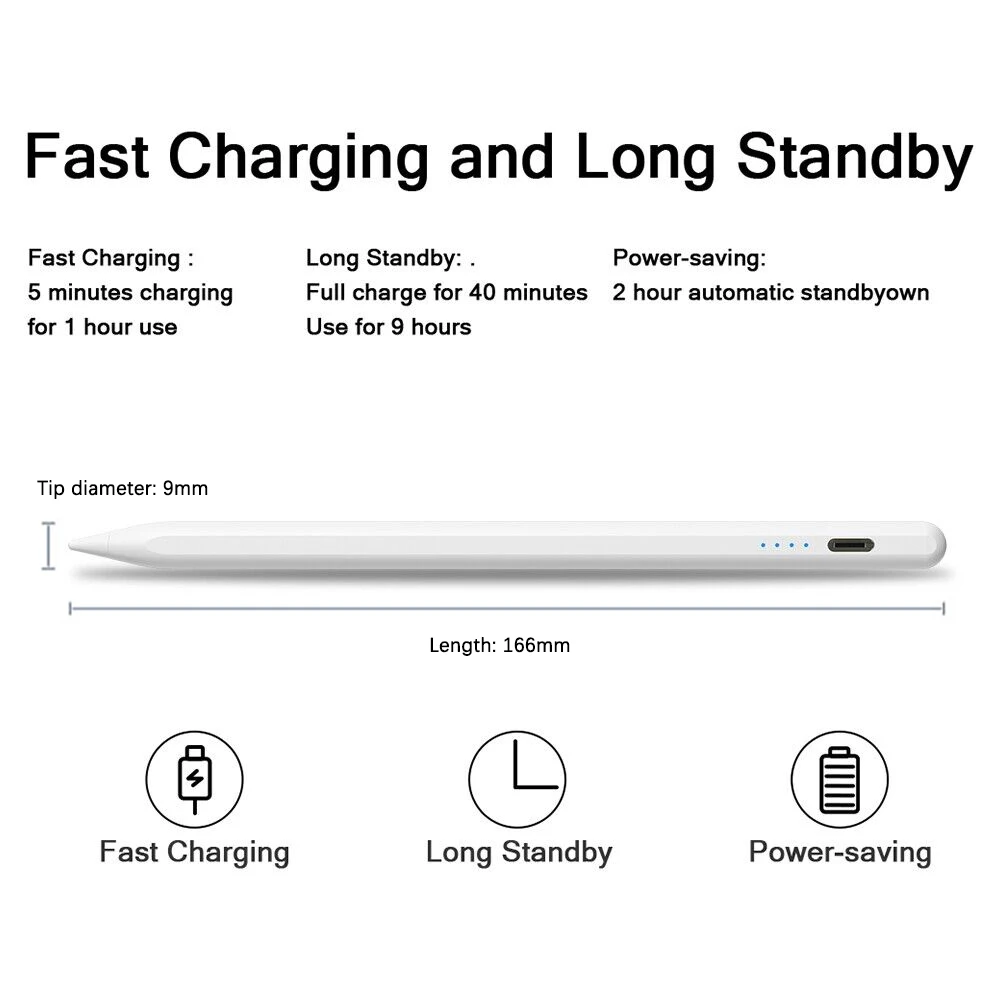
The built-in rechargeable battery provides up to 18 hours of working time after a full charge.
🔌 Charging Port: Type-C
⏱️ Charging Time: Approx. 1.5 Hours
⚡ Working Time: Up to 18 Hours
💤 Standby Time: Up to 2 Years when fully charged
✨ Premium & Comfortable Design
The stylus features a metal shell with matte spray coating, providing a smooth and comfortable hand feel during extended use.
📏 Length: 163mm
📐 Diameter: 9.1mm
📌 Thinnest Part: Approx. 8.3mm
⚖️ Weight: Approx. 70g
The slim design makes it easy to carry in a handbag, laptop bag, school bag or tablet case.
⚠️ IMPORTANT COMPATIBILITY & USAGE INFORMATION
❗ Please Read Before Purchasing
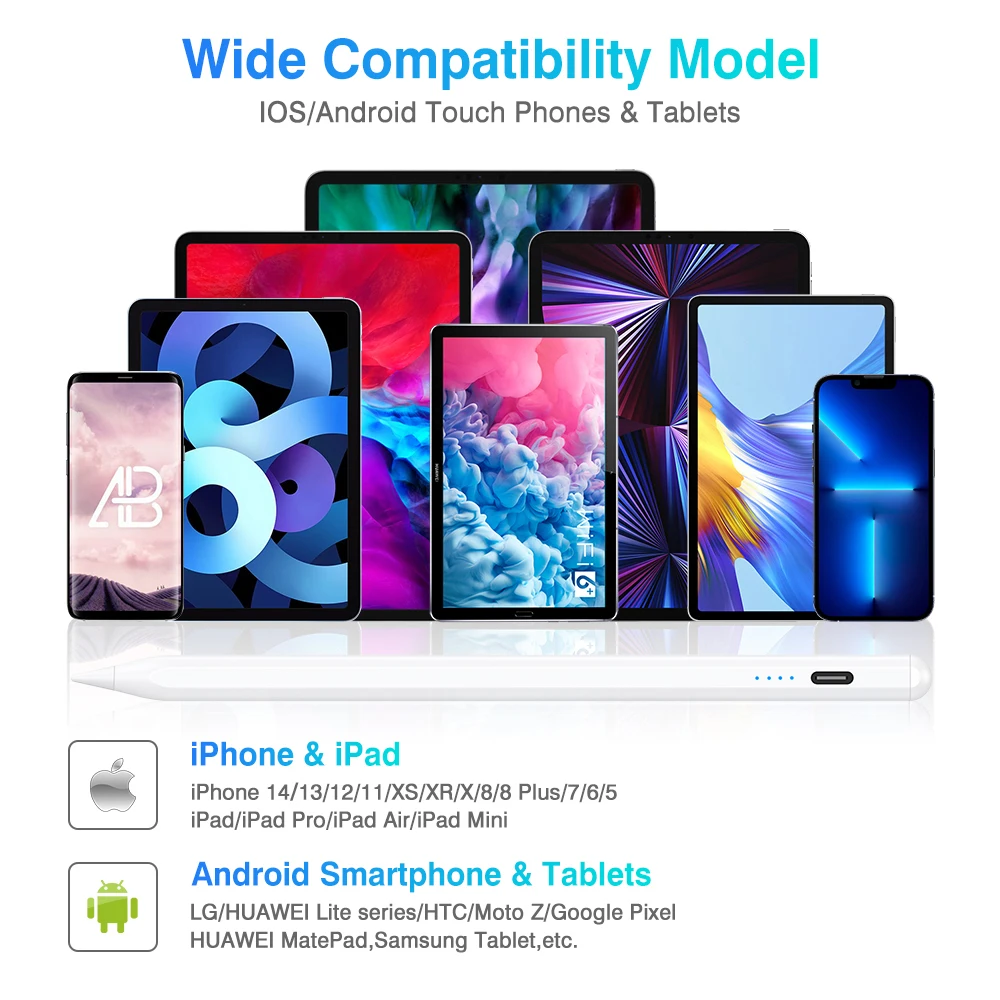
This is a universal capacitive stylus, not an original branded active pen.
Compatibility depends on the touchscreen and device software. Devices without palm rejection may not provide proper performance.
It is not recommended for certain devices including some Samsung tablets, Microsoft tablets, Lenovo Xiaoxin, Teclast, Realme, Readboy, OnePlus/BBK and some learning machines, as touch disconnection may occur.
🍎 iPad Users
When using this universal stylus with an iPad, please turn off the “Apple Pencil Only” option if enabled.
If an original Apple Pencil or other original stylus is connected, disconnect it before using this universal pen.
🧤 IMPORTANT USAGE TIPS
For the best performance:
1. Please use the included anti-accidental-touch glove while using the stylus.
2. Hold the stylus at approximately a 15° angle. It is not designed to be used vertically.
3. Do not use the stylus while the tablet is charging.
4. A thick screen protector may cause touch disconnection. A thin screen protector is recommended.
5. Paper-like screen protectors may affect touchscreen performance and are not recommended.
6. If the pen tip stops responding, try replacing it with one of the included spare tips.
7. If your device has had its screen replaced, touchscreen compatibility may be affected.
8. Avoid touching the screen with your bare hand while using the stylus if accidental-touch issues occur. Use the supplied glove.
📱 SOFTWARE SETUP
Some drawing and note-taking applications may require settings to be adjusted for a universal stylus.
SketchBook
Go to Main Menu → Preferences → General → Pen Mode and adjust the setting as required.
Procreate
Go to Wrench → Gesture Controls → Enable Finger Painting.
GoodNotes
Open the drawing page → Three Dots → Stylus & Palm Rejection and select the appropriate stylus setting.
Notability
Open the drawing page → Three Dots → Information and disconnect Apple Pencil if necessary.
Notes
Make sure the app is updated → Open the drawing page → Pen Palette Settings → enable finger drawing if required.
Apple iPad Notes
Go to Settings → Apple Pencil and adjust Scribble/Doodle settings if required.
Noteshelf
Open the drawing page → Three Dots → Stylus → turn off Apple Pencil mode if required.
Please note: App menus and settings may vary depending on your device and software version.
📦 What's Included?
📦 1 × Universal Active Stylus Pen
🔄 2 × Spare Pen Tips
🔌 1 × Type-C Charging Cable
📖 1 × Instruction Manual
💖 Why Choose This Universal Stylus?
✨ Smooth touchscreen control
✨ Fast 6ms response
✨ Rechargeable Type-C battery
✨ Long working time
✨ Replaceable conductive tips
✨ Comfortable metal construction
✨ Great for notes, drawing & studying
✨ Compatible with many capacitive touchscreen devices
🛒 Upgrade Your Touchscreen Experience Today!
Whether you're taking notes, drawing, studying or simply navigating your tablet, this rechargeable universal stylus provides a convenient and comfortable way to interact with compatible touchscreen devices.
Please check your device compatibility and the important usage information above before purchasing.