Android 14.0 AI Box MMB Wireless Multimedia Video CarPlay
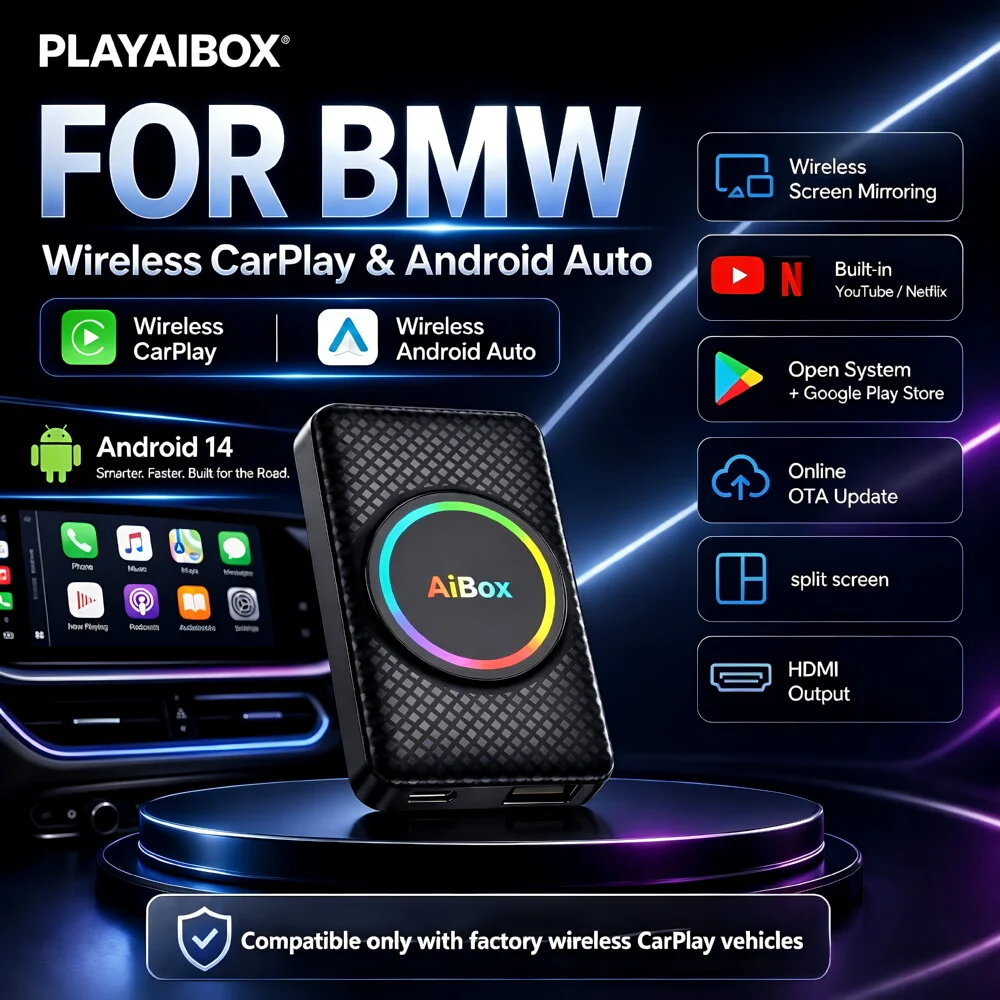
Note: Only supports wireless carplay that comes with the original car
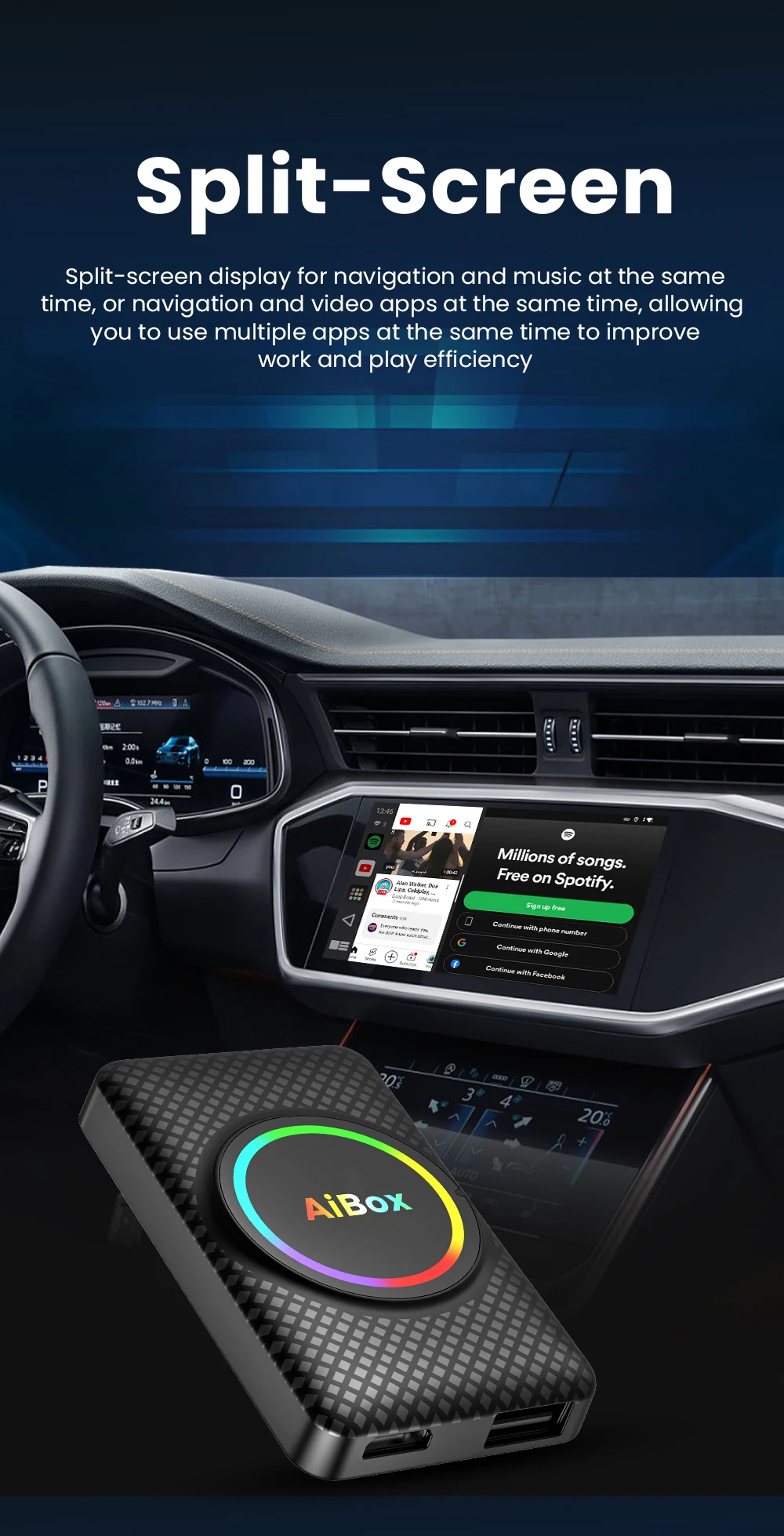
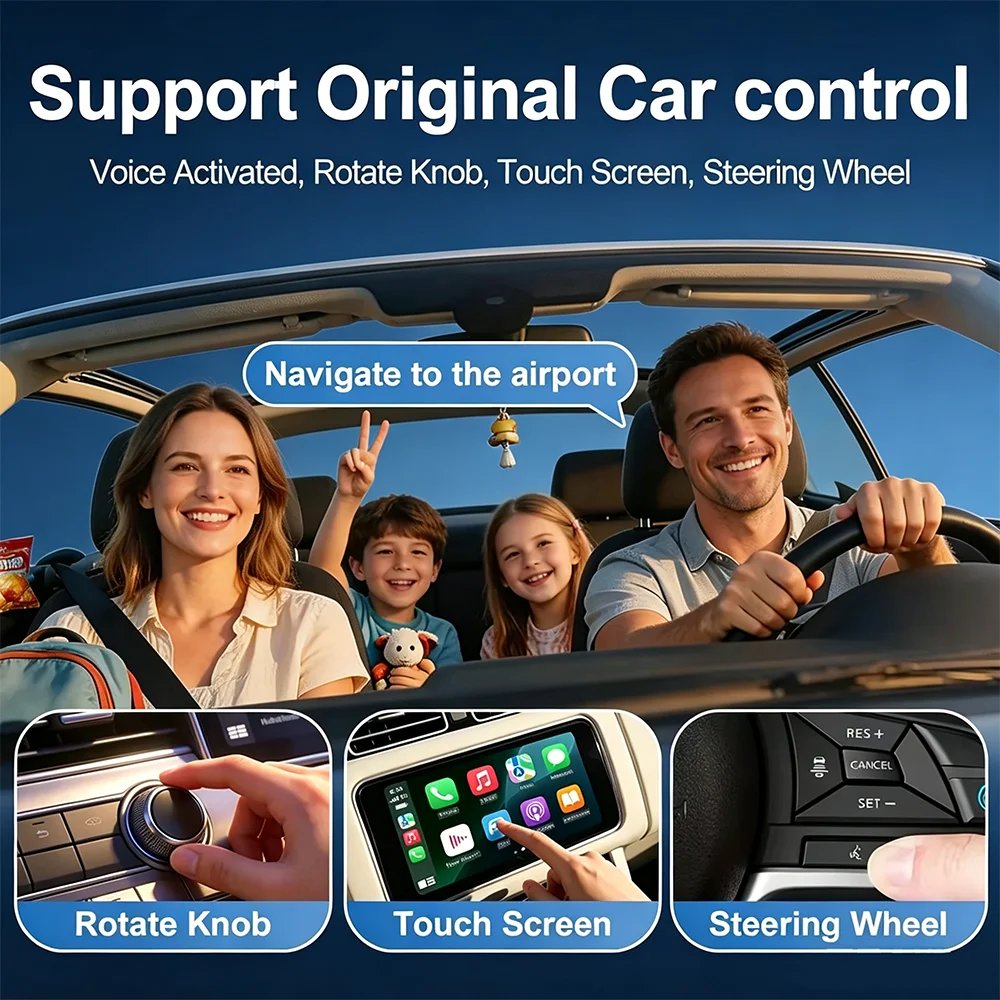
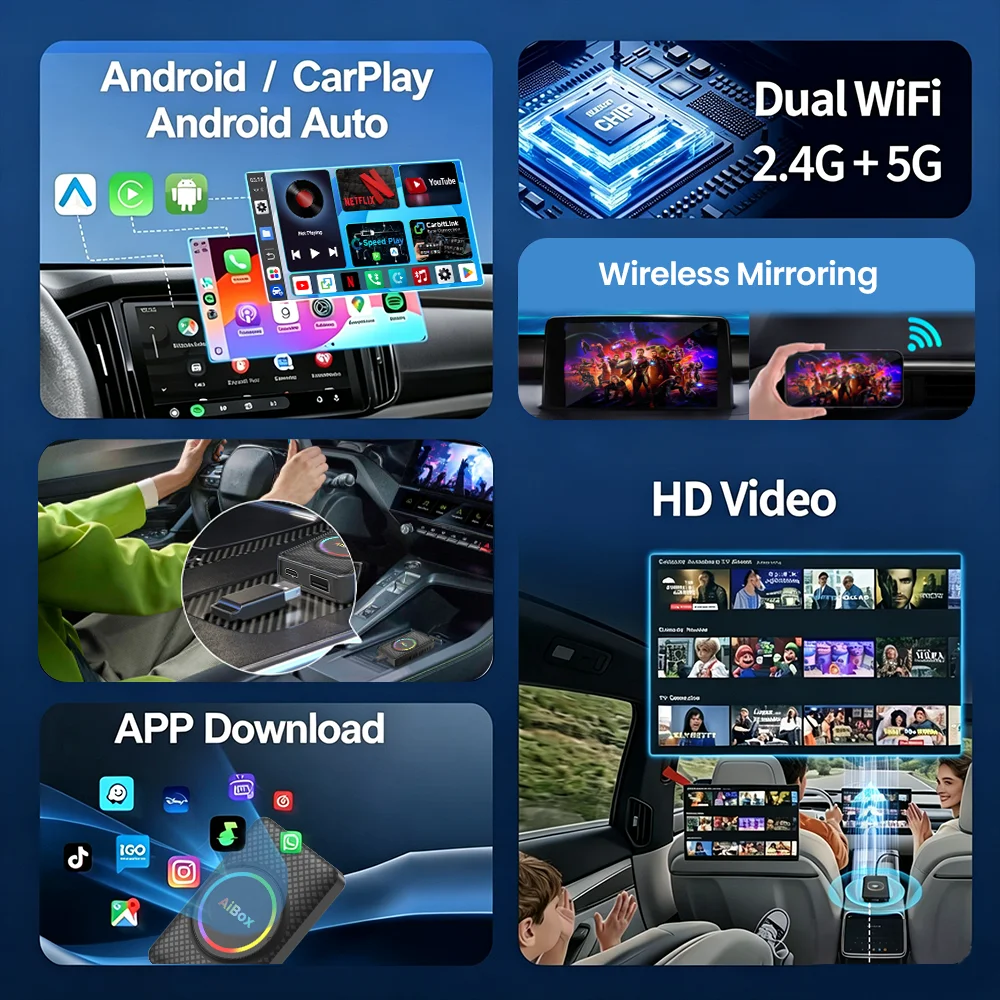
This HD8 CarPlay AI Box is specially designed for BMW cars with built-in wireless CarPlay. It supports wireless Apple CarPlay Android Auto, runs on Android 14.0 system, with 2GB RAM + 16GB ROM for smooth performance.built-in Google Play Store to download apps like Netflix, YouTube, Spotify, split-screen multi-app function, HDMI output for rear screen sharing, and FOTA online upgrade. It also supports hands-free calls, music streaming, and plug-and-play installation, bringing a smarter, more entertaining in-car experience for BMW drivers.
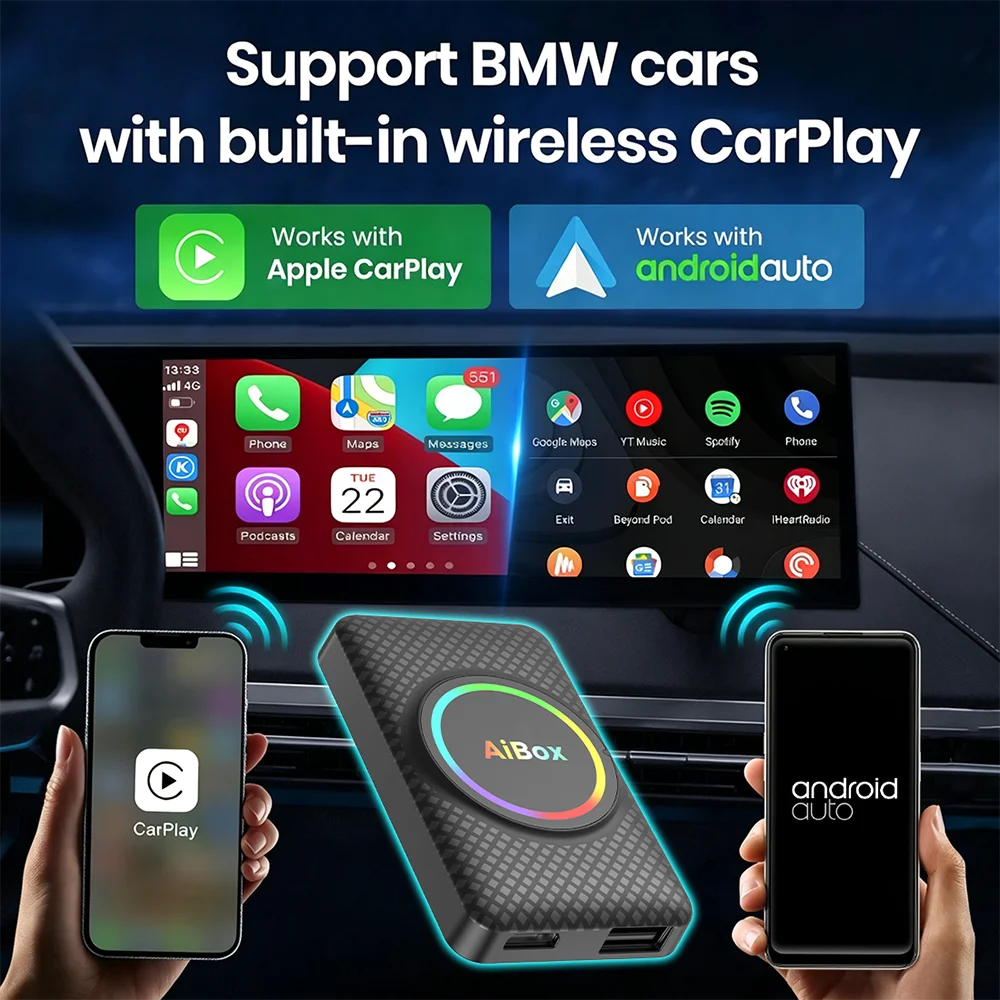
Support BMW cars with built-in wireless CarPlay
This HD8 supports BMW cars with built-in wireless CarPlay, and comes with wireless CarPlay and wireless Android Auto in the box, which can connect Apple and Android phones.
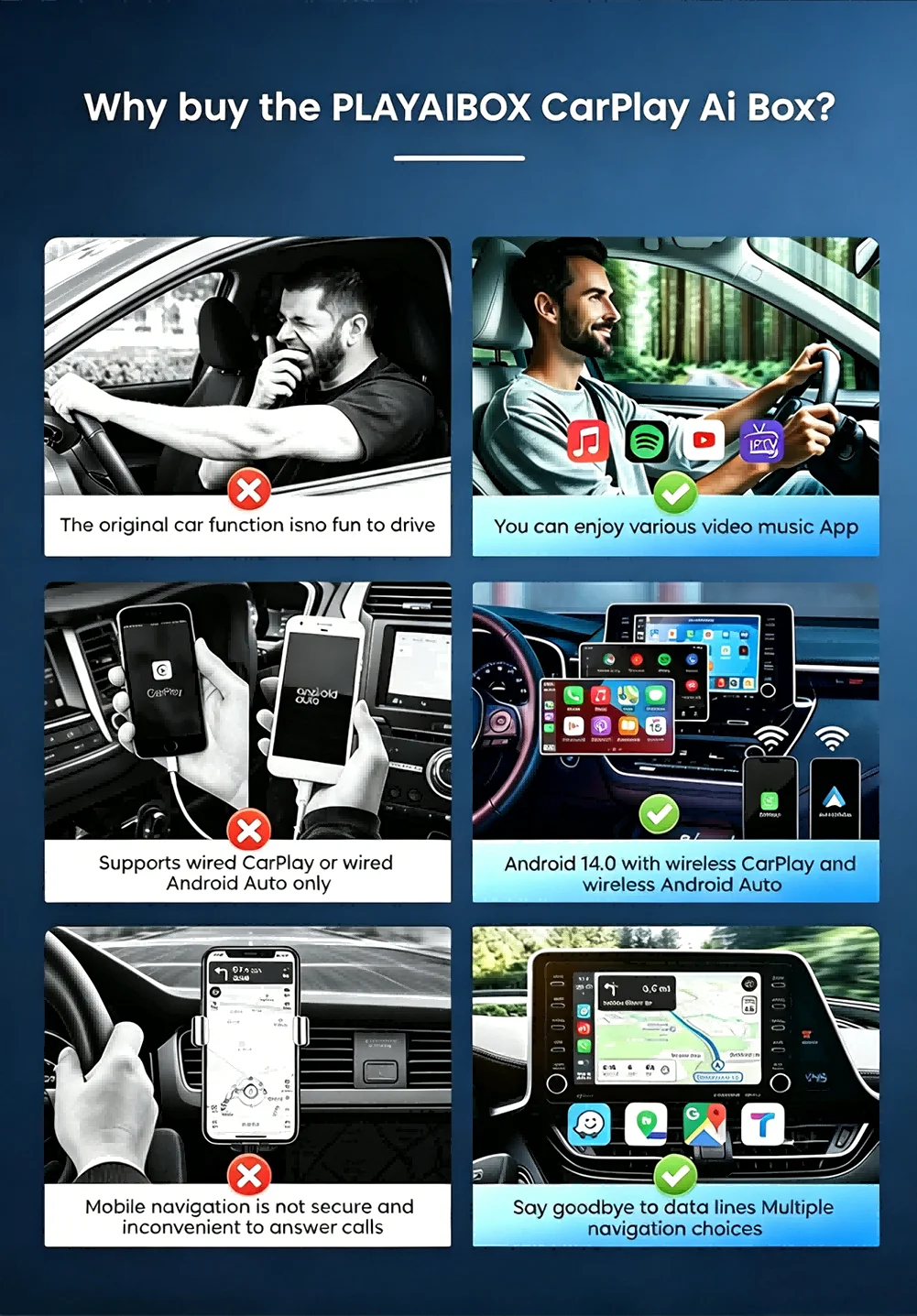
The main function
1.Wireless CarPlay to Android 14.0 System
2.Wireless CarPlay to Wireless CarPlay
3.Wireless CarPlay to Wireless Android Auto
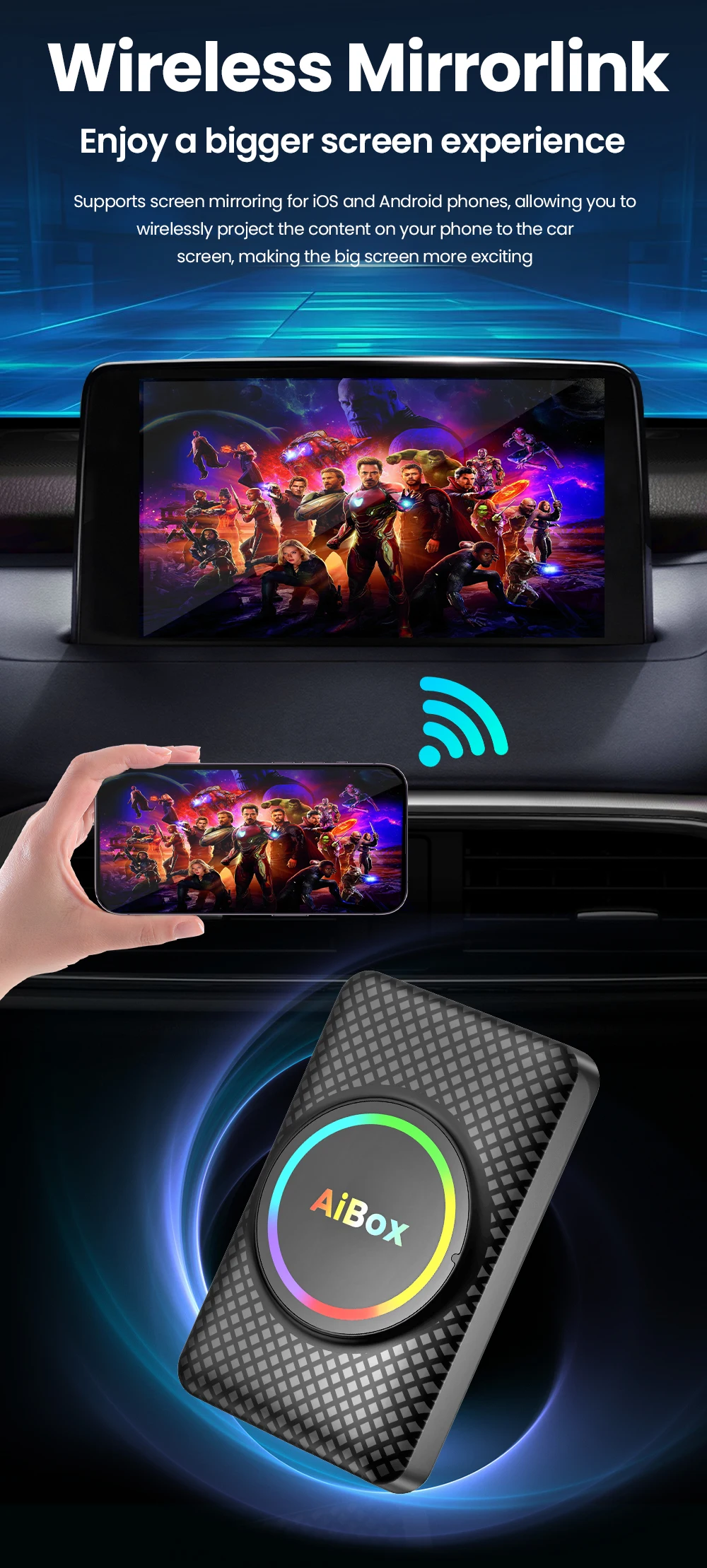
4.Wireless Mirror for iphone and android phone
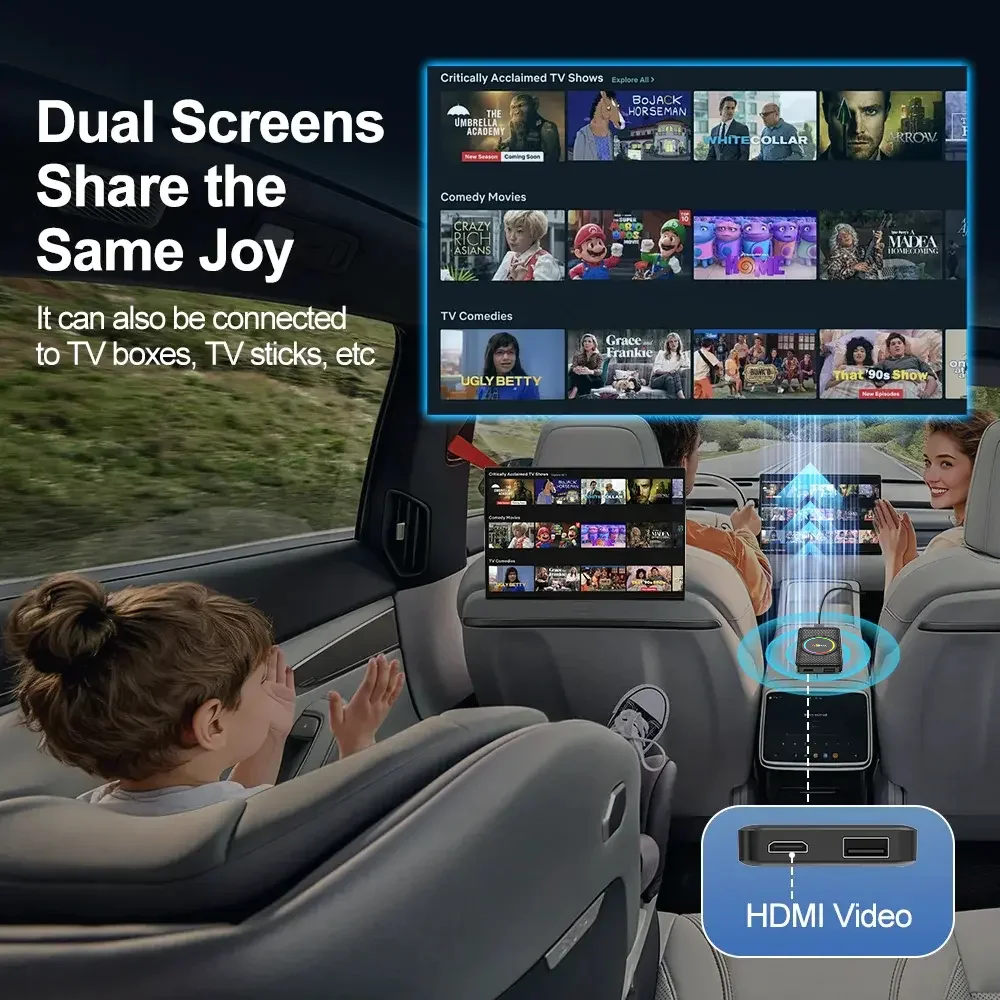
5. Supports HDMI high-definition output
6. Supports the use of USB drives
7.Built in Youtube and netflix
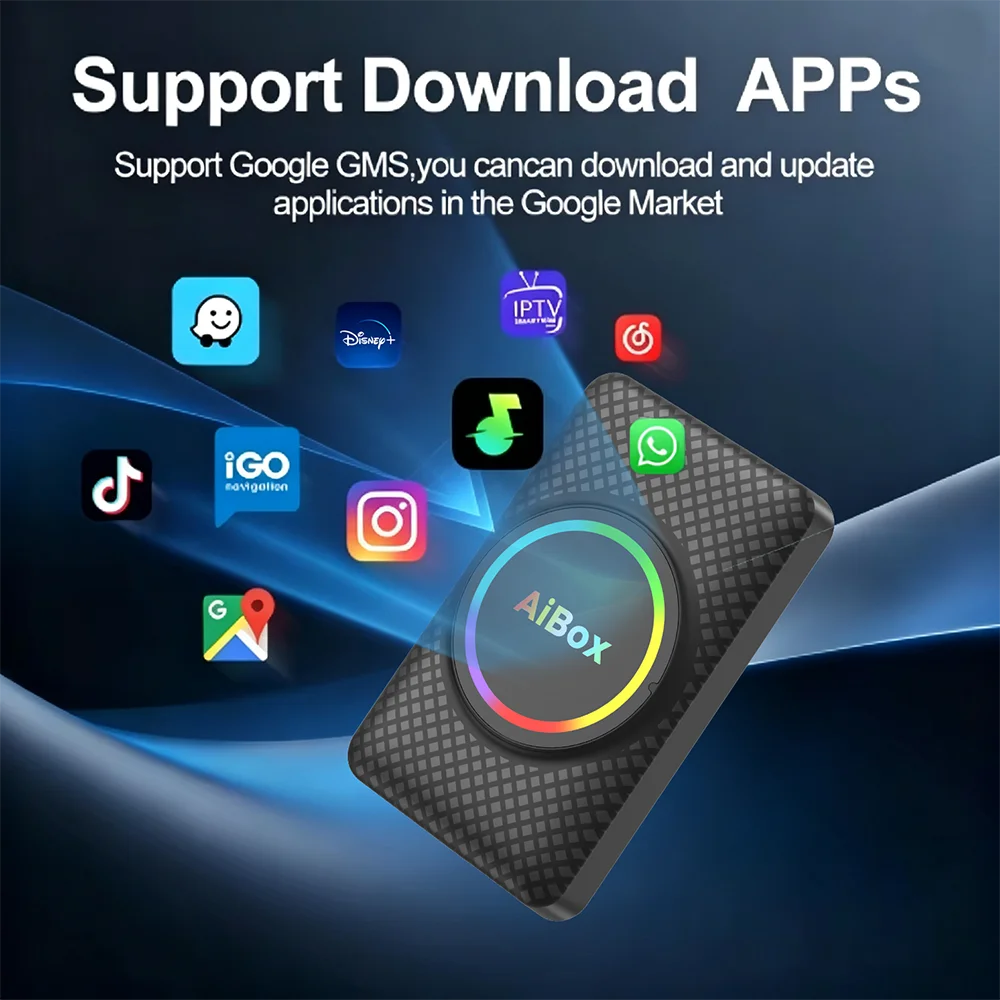
8.Suppprt Download other apps from Google Store
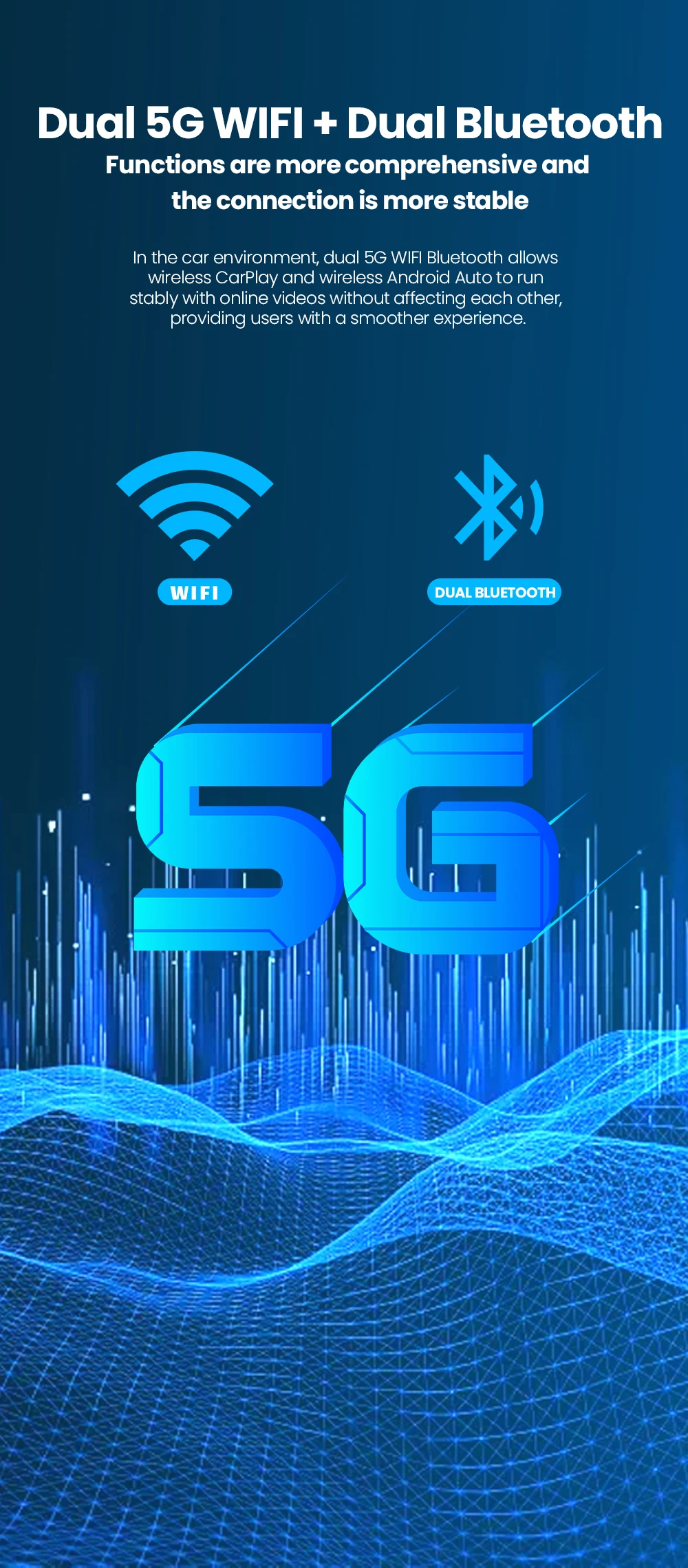
9.Dual Bluetooth
1.Master-slave Bluetooth(5.0): complete mobile phone side Bluetooth protocol stack, support to connect to various Bluetooth devices, such as Bluetooth OBD, Bluetooth HDMI Output devices (Bluetooth mouse, Bluetooth keyboard, etc.)
2.Slave Bluetooth(5.1): support to connect to mobile phone Bluetooth, provide Bluetooth hands-free phone, mobile phone Bluetooth music transmission and other functions.
10.Transmission: WIFI 802.11a/b/g/n/AC, support 2.4GHz/5GHz WIFI transmission at the same time.
11.Official Guarantee: One Year Warranty."
Product parameters
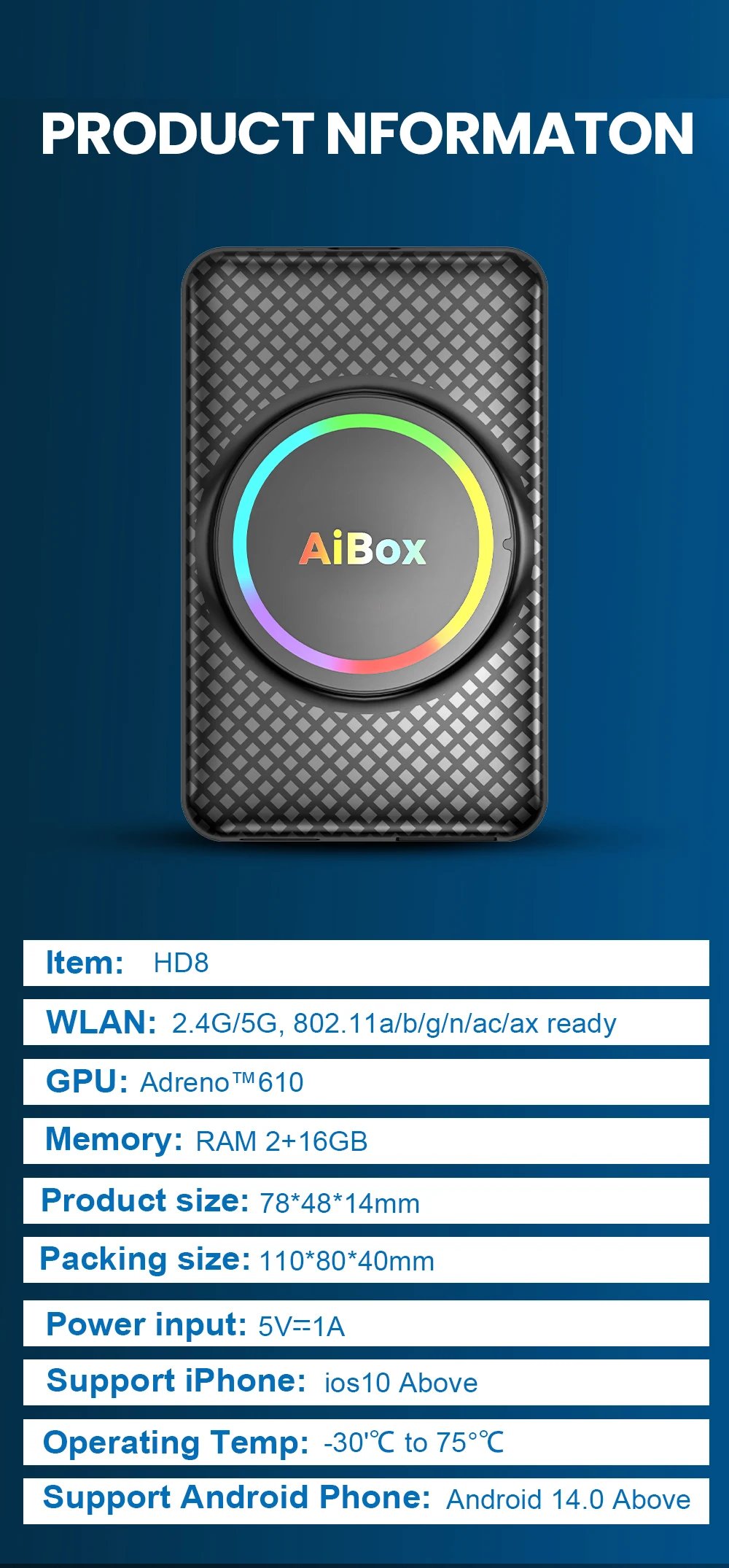
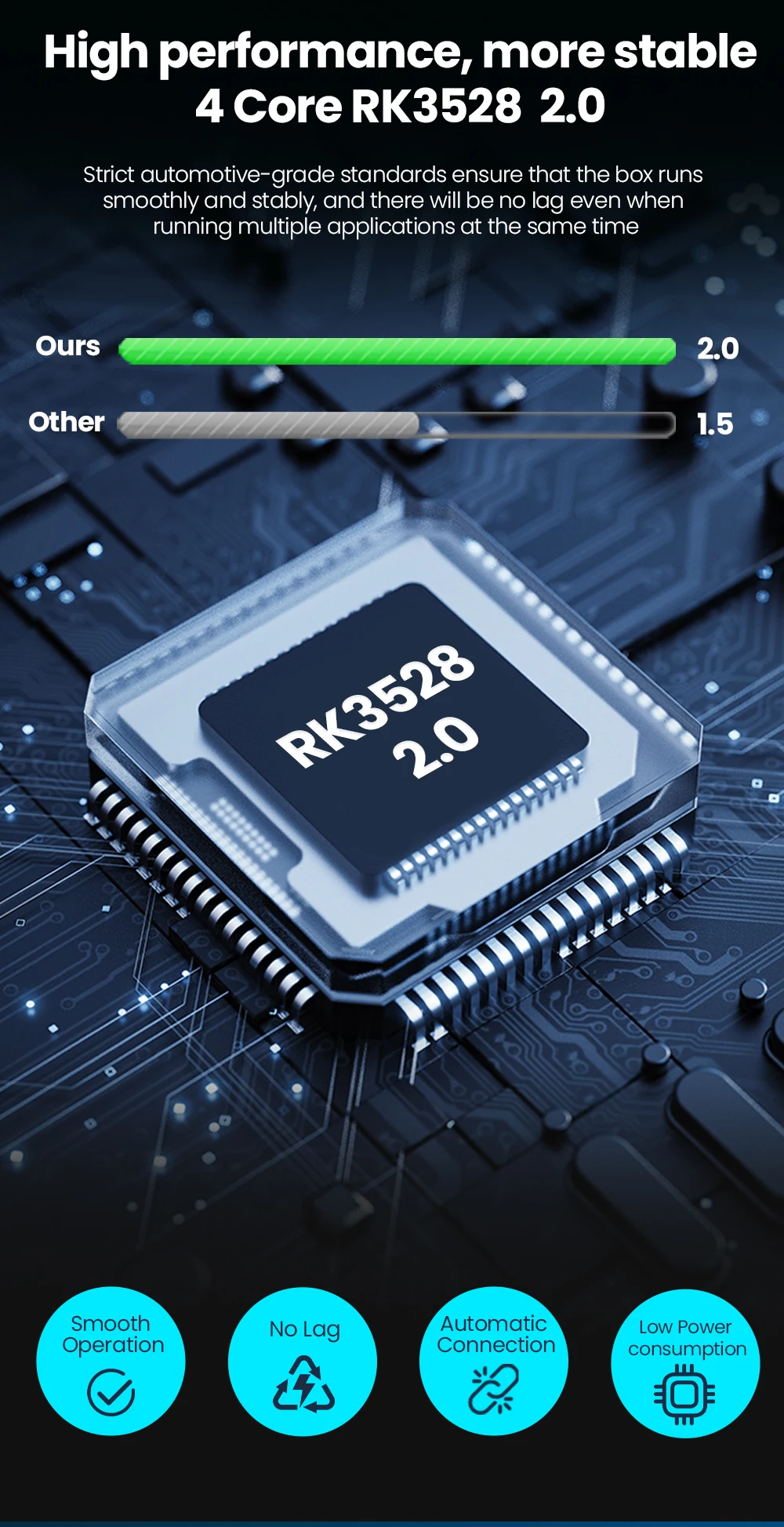
"Hardware configuration: RK3528
CPU:Quad-core A53 2.0
GPU:Adreno ™ six hundred and ten
System: Android 14.0
Wireless network: 2.4G/5G, 802.11 a/b/g/n/ac/ax ready
Bluetooth communication: 5.1BLE+5.0BLE
Power input: 5V=1A
Working environment: -30 ℃~75 ℃
Usage conditions: Only supports the original car with wireless Carplay
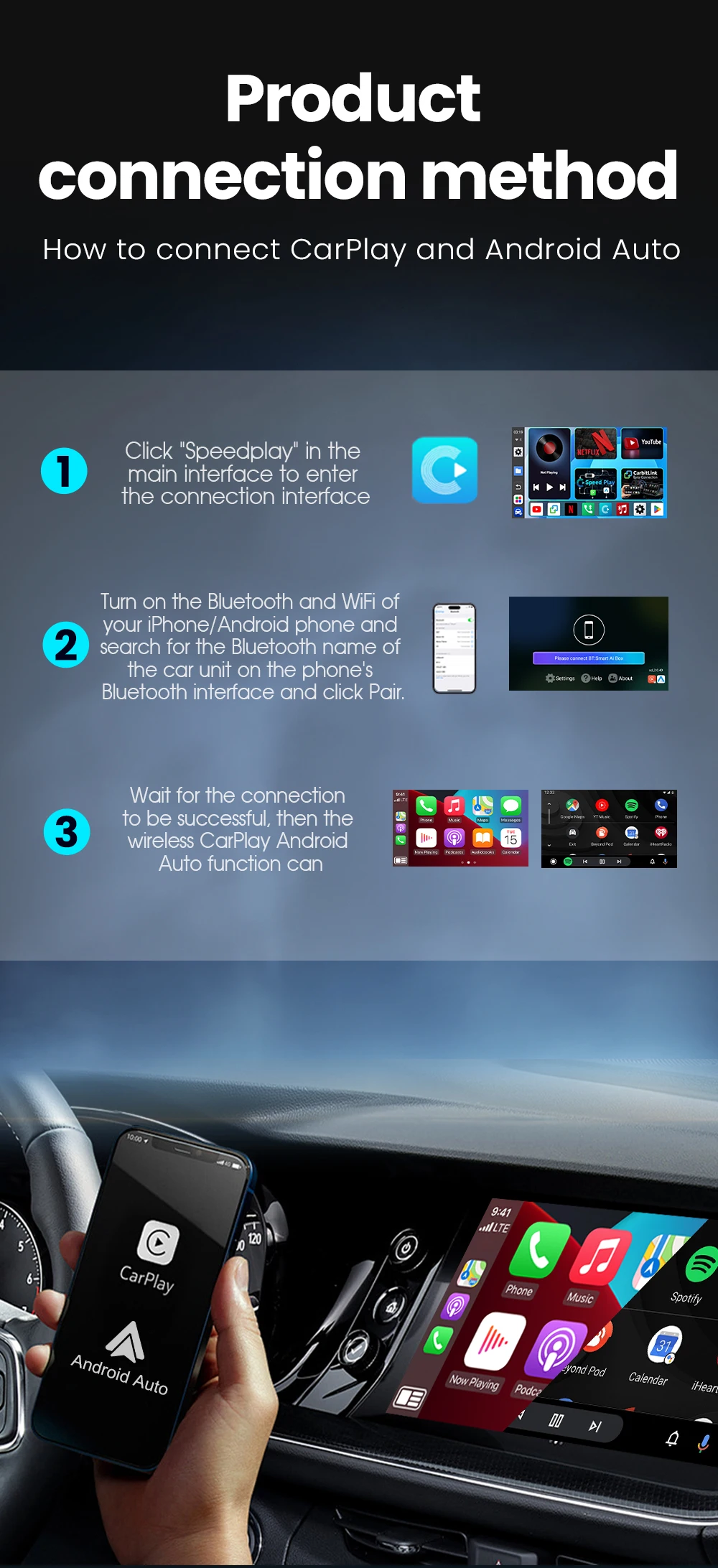
How to use wireless Carplay/Android Auto?
1. Please click ""SpeedPlay"" APP to enter the connection page
2. Turn on Bluetooth and WIFI on your Apple /Android phone
3. Search the Bluetooth name ""Smart Ai Box"" displayed on the car on the Bluetooth interface of your mobile phone and click Pair."
How to mirror an Apple phone?
"1. Use your mobile phone, turn on the hotspot, let the device connect to the mobile hotspot, and maintain the same network
2. Click on the ""Carbitlink"" application
3. Click ""Airplay"" on your phone to cast the screen"
How to mirror Android phones?
"1. Download the ""Carbitlink"" APP on your Android phone first
2. Use your mobile phone, turn on the hotspot, let the device connect to the mobile hotspot, and maintain the same network
3. Click the ""Carbitlink"" application on the device
4. Click ""Carbitlink"" on your phone to mirror"