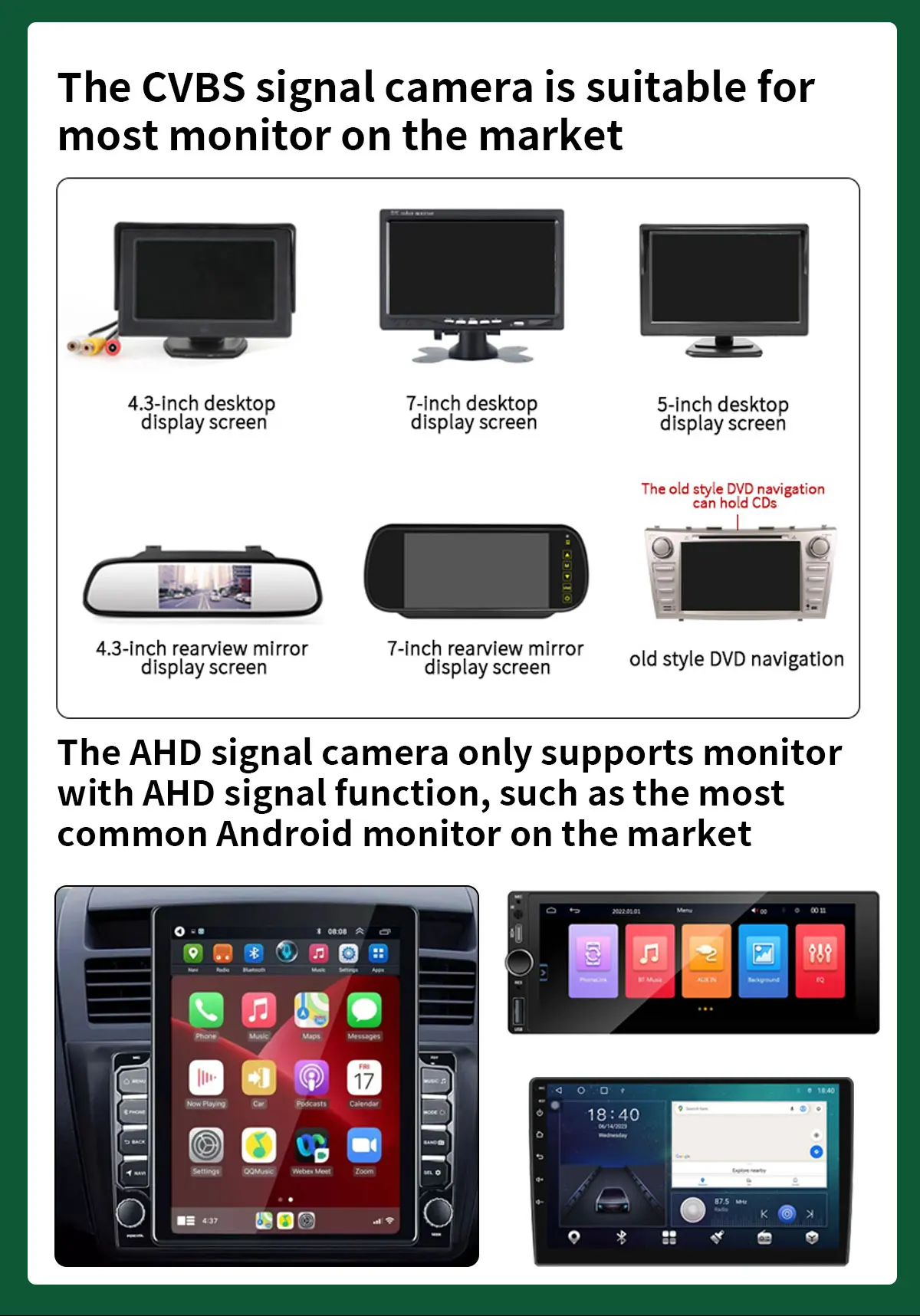
Cameras with CVBS CCD video signal is universal for all monitors, but AHD signal will only work with AHD monitor!
How to check if your monitor has AHD function?
Go to Car Settings>>Factory Settings>>Reverse (Image) Settings
Check if there is an AHD option selection,If not, it is not supported
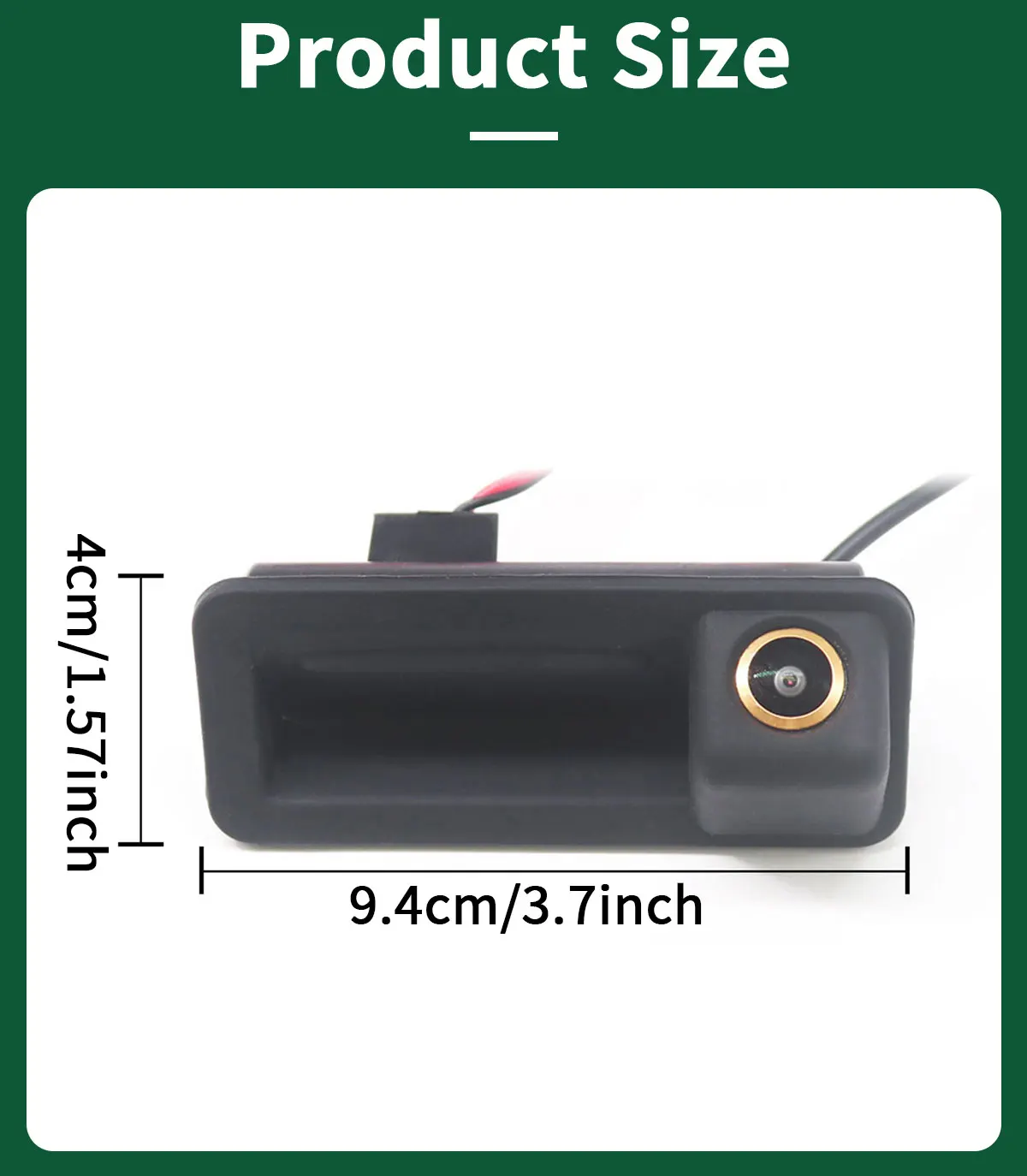
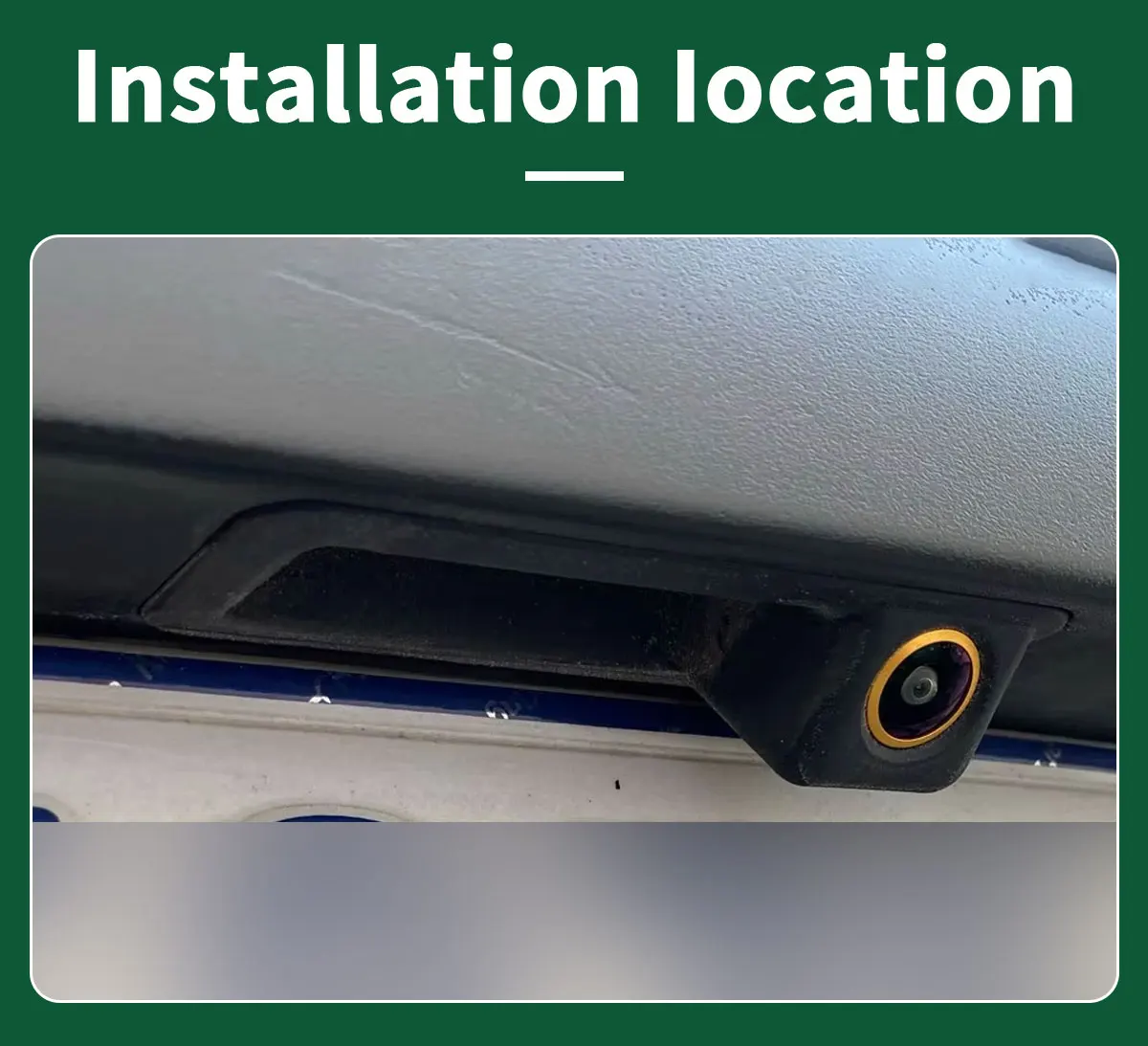
Fit:
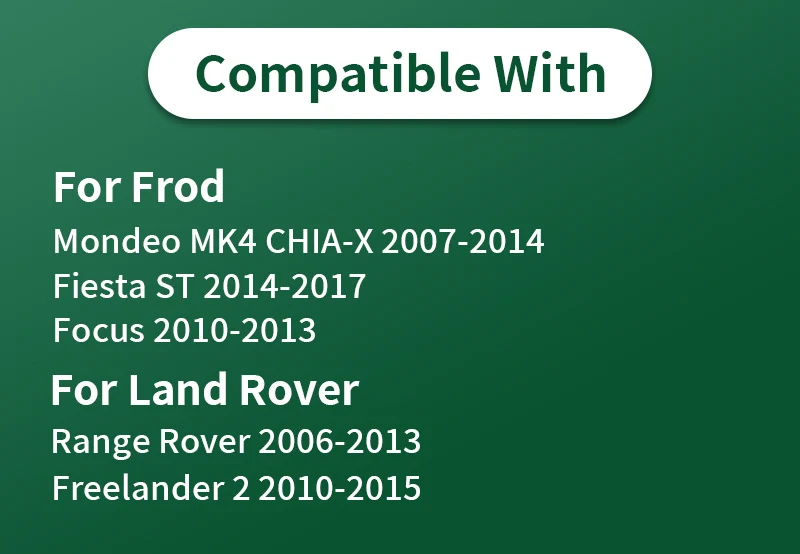
For Frod
Mondeo MK4
CHIA-X2007-2014
Fiesta ST 2014-2017
Focus 2010-2013
For Land Rover
Range Rover 2006-2013
Freelander2 2010-2015
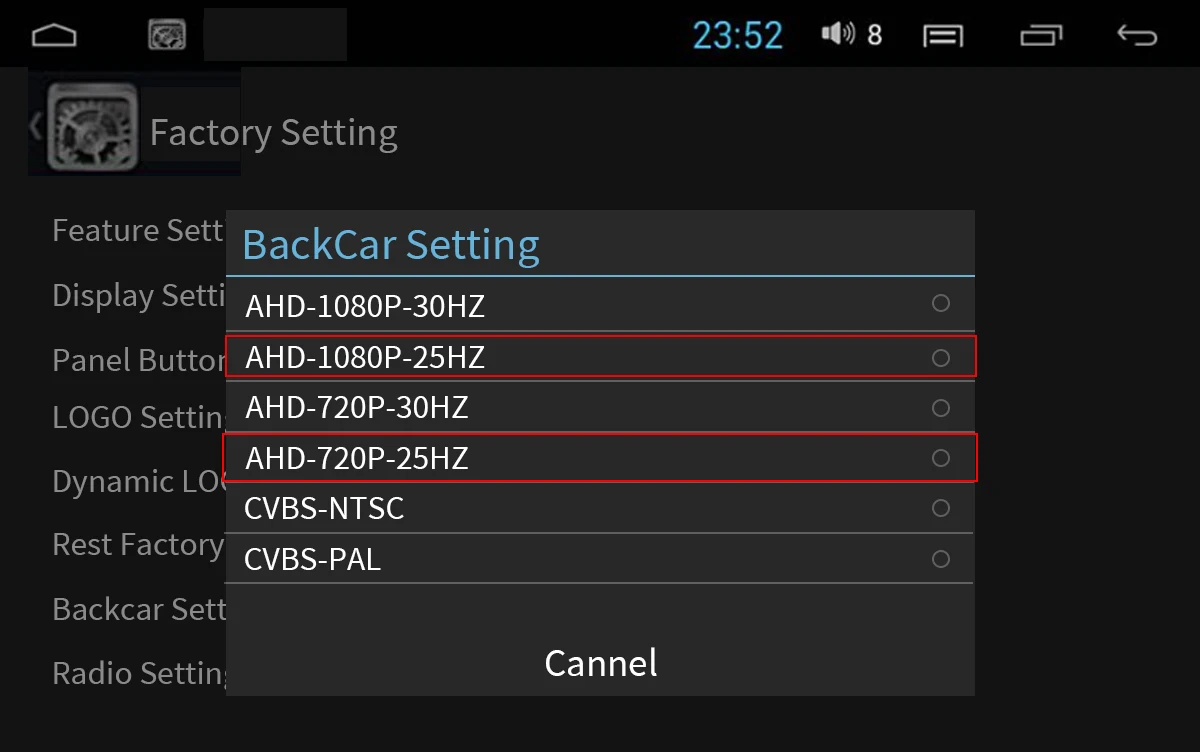
 The signals of the camera and monitor need to be matched. Before installing the camera, the corresponding signals need to be adjusted through the monitor settings so that the monitor can be compatible with the camera
*If AHD cannot be selected, AHD cameras are not supported!
Setting method: Go to Car settings >> Factorysettings >> Reverse (picture) settings >> Select AHD 1080P/AHD 720P
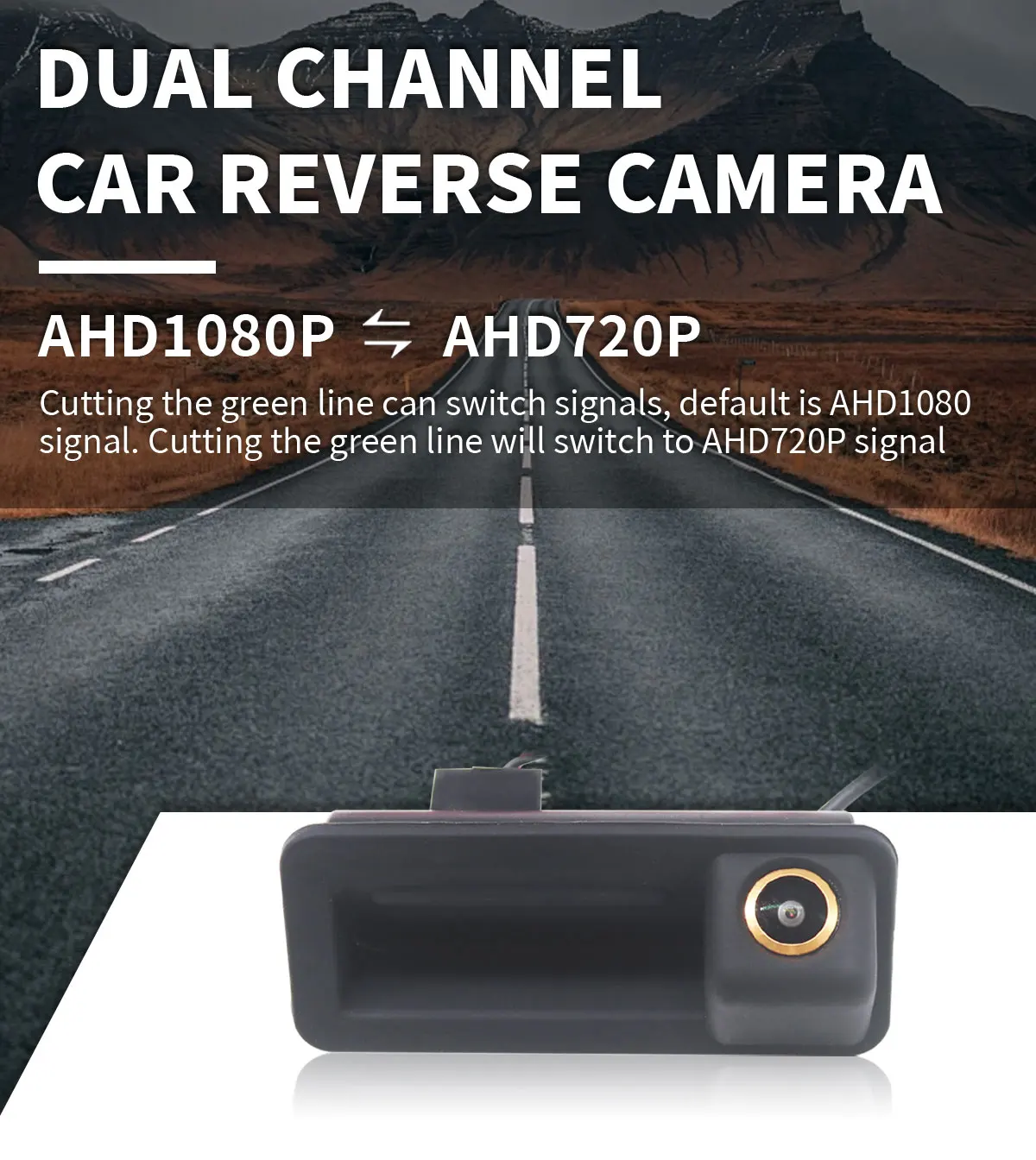
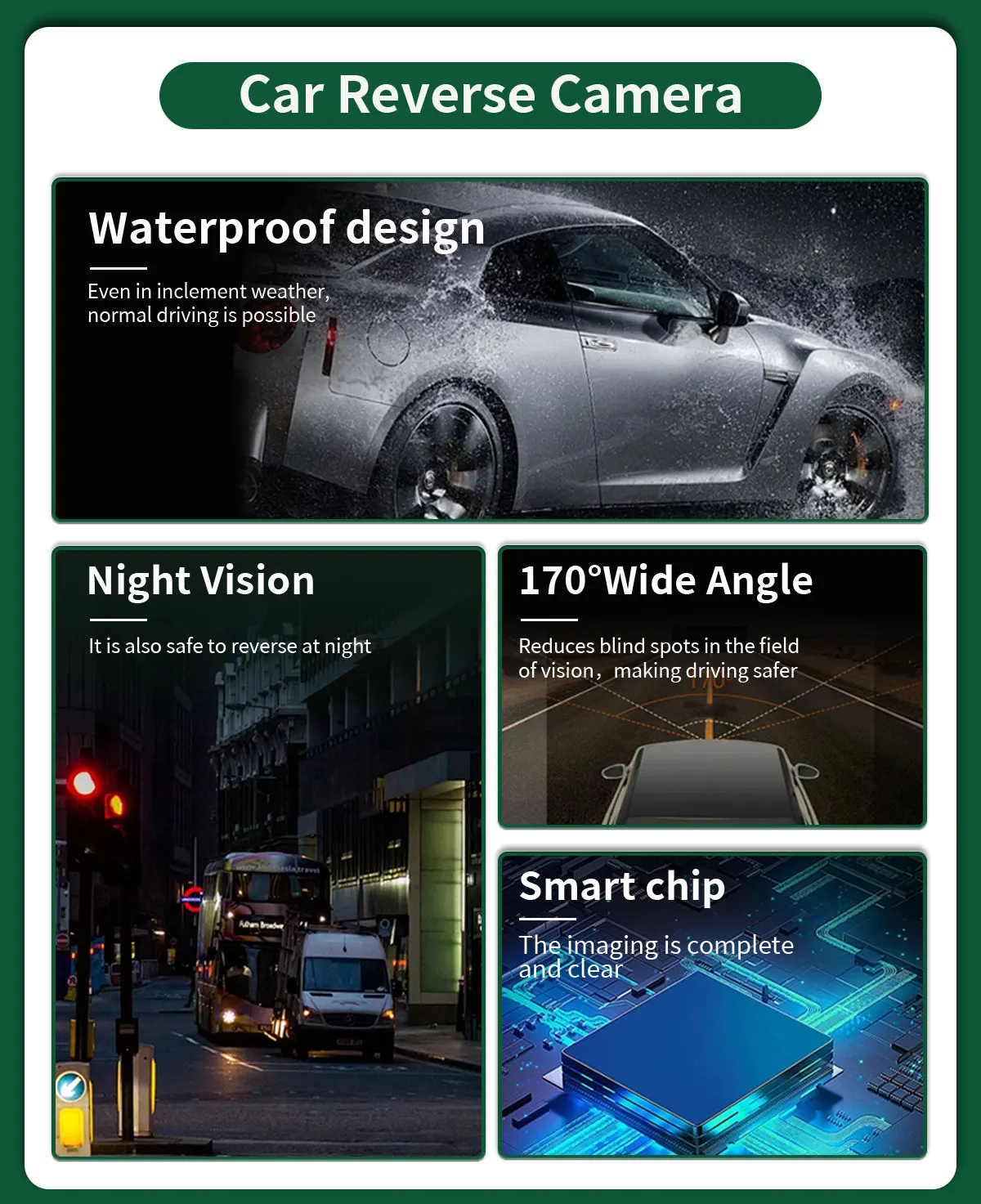
Conversion Line Control
AHD 1080P-AHD720P
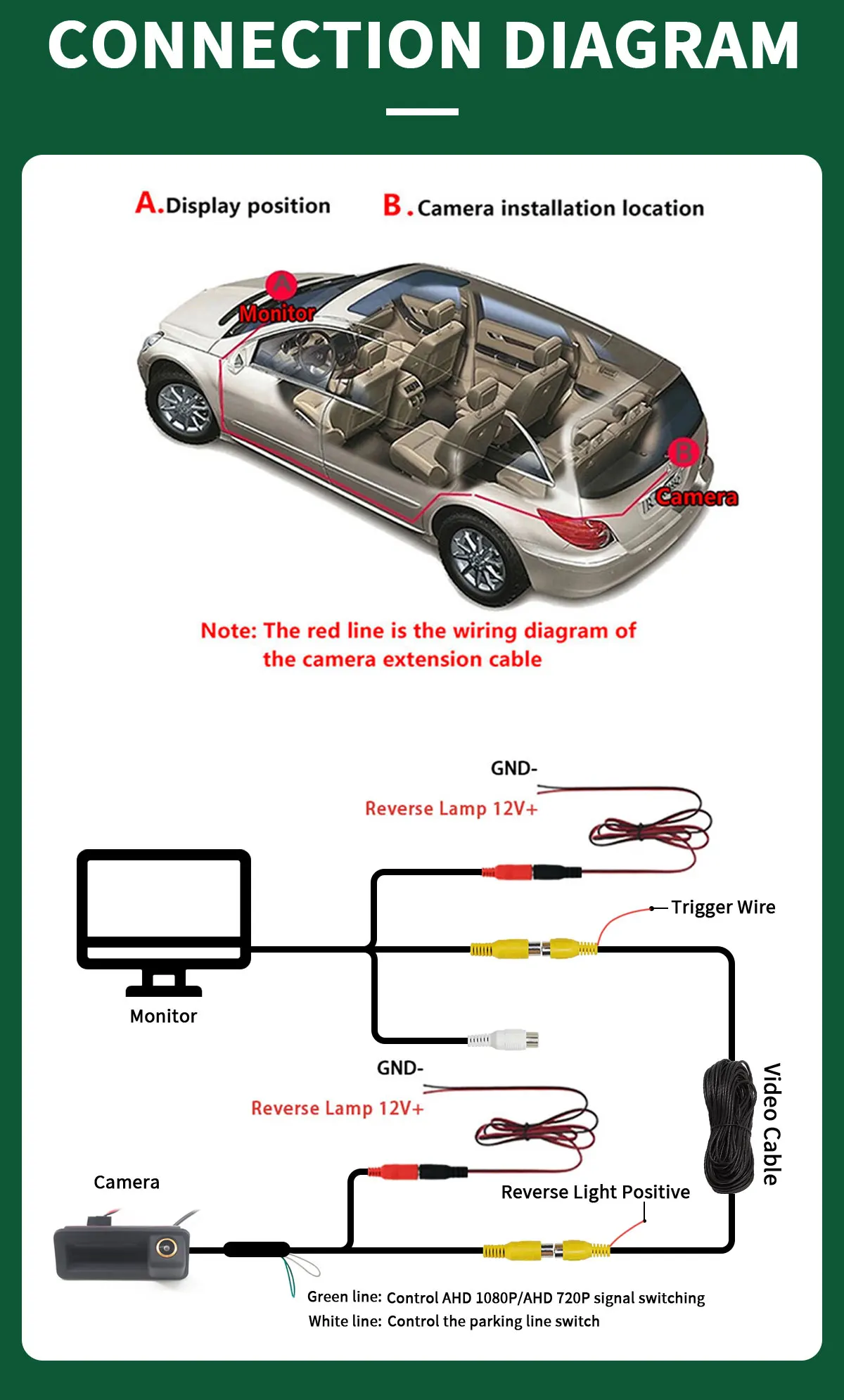
*If your Android unit does not support AHD 1080P signal, you can switch to AHD 720P signal by cutting the green line.
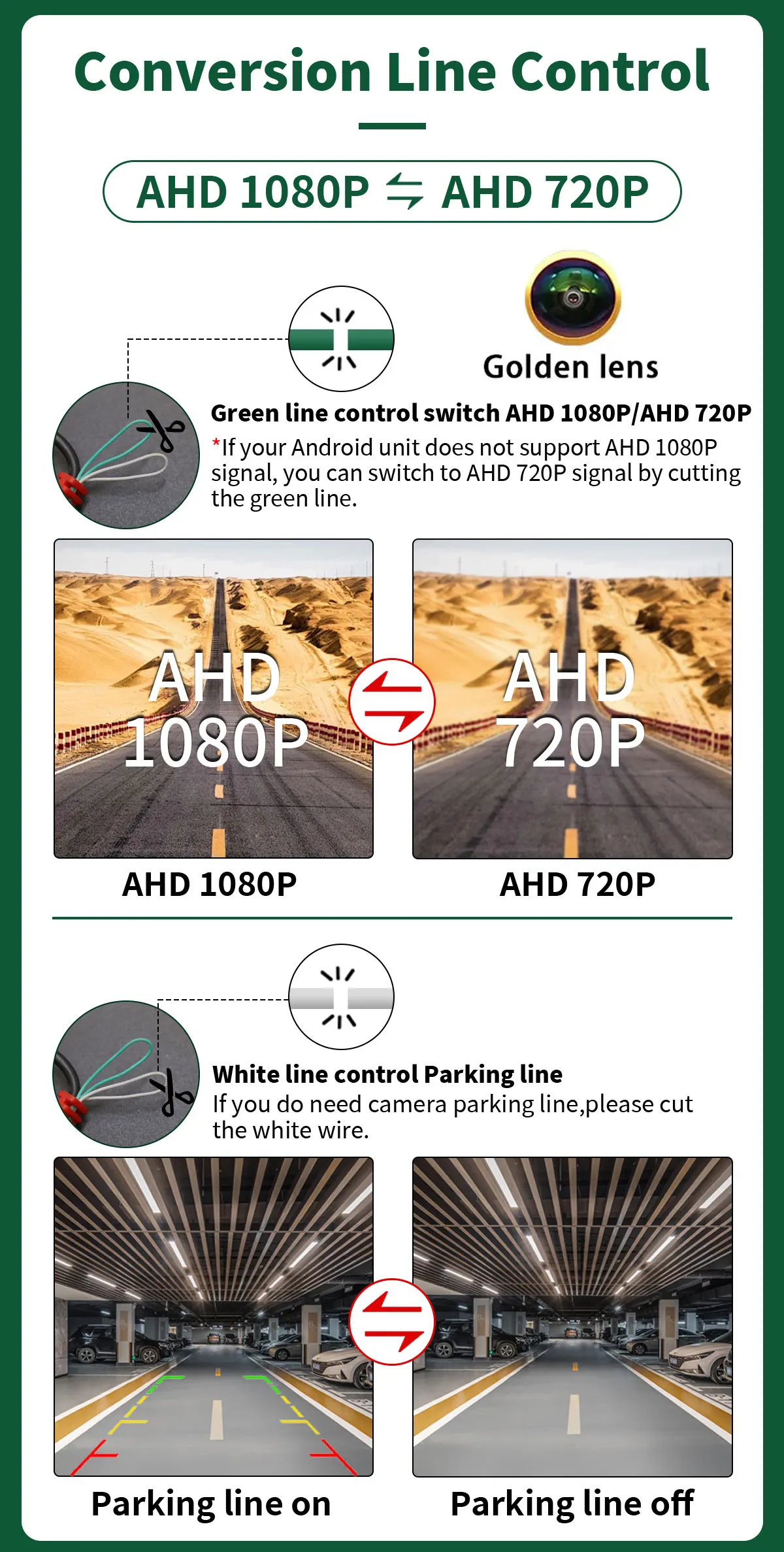
CVBS-AHD
*If you need to switch the camera to AHD signal, simply cut the green line. However, it should be noted that before cutting the line, you need to check if your Android device supports AHD signal,
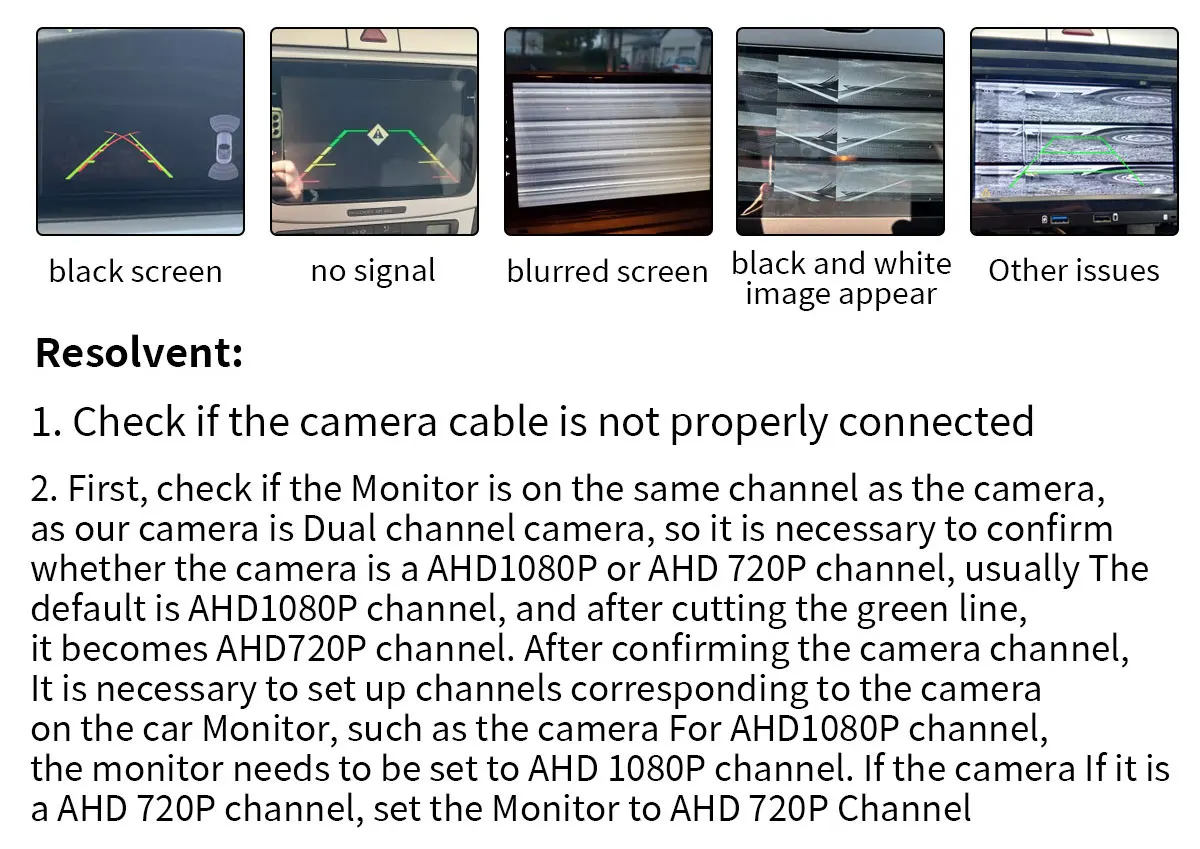
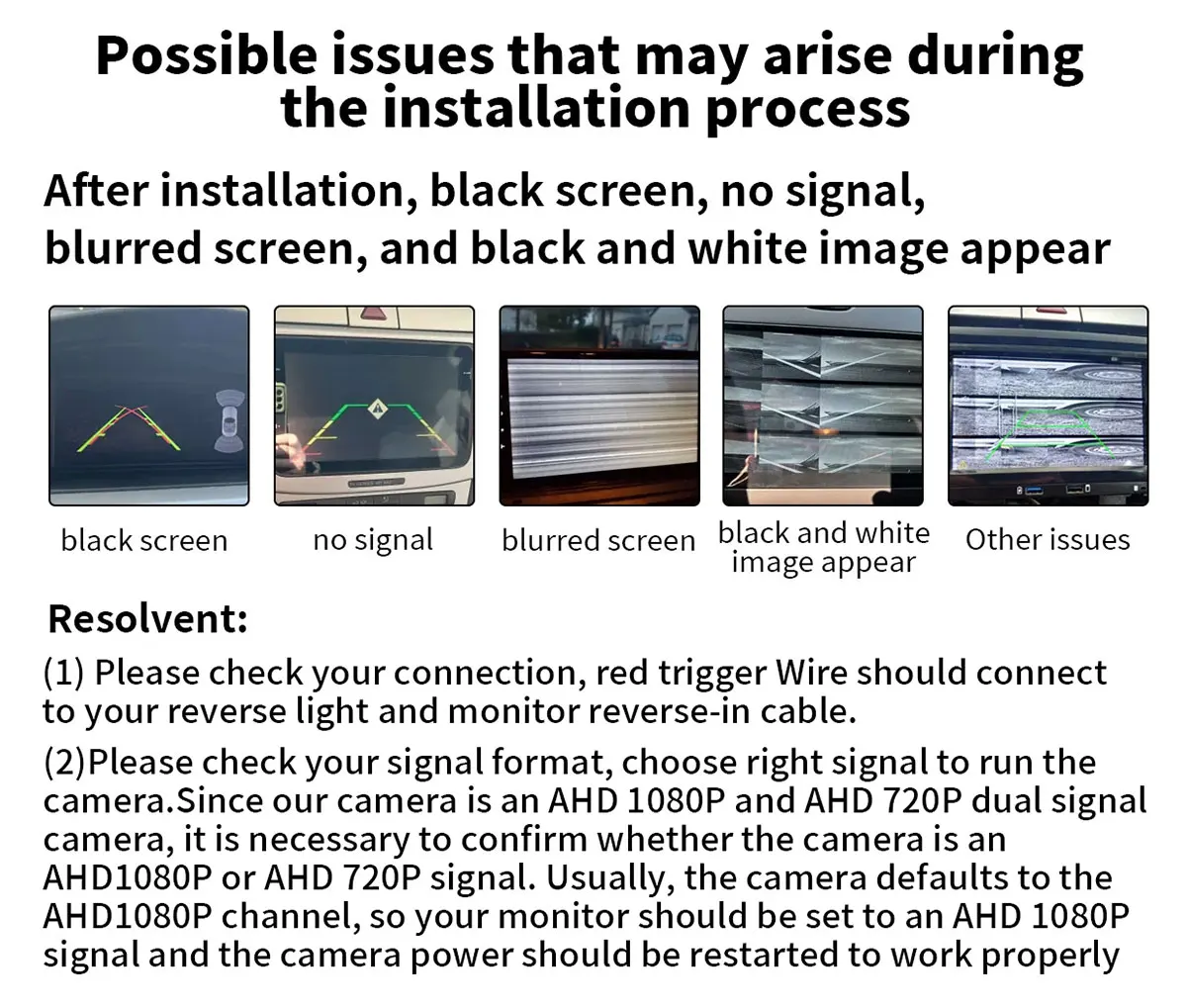
Possible issues that may arise during
the installation process
After installation, black screen, no signal,
blurred screen, and black and white image appear
Resolvent:
1. Please check your connection, red trigger wire should connect to your reverse light and monitor reverse-in cable.
2. Please check your signal format, choose right signal to run the camera.
Since our camera is an AHD 1080P and AHD 720P dual signal camera, it is necessary to confirm whether the camera is an AHD1080P or AHD 720P signal. Usually, the camera defaults to the AHD1080P channel, so your monitor should be set to an AHD 1080P signal and the camera power should be restarted to work properly