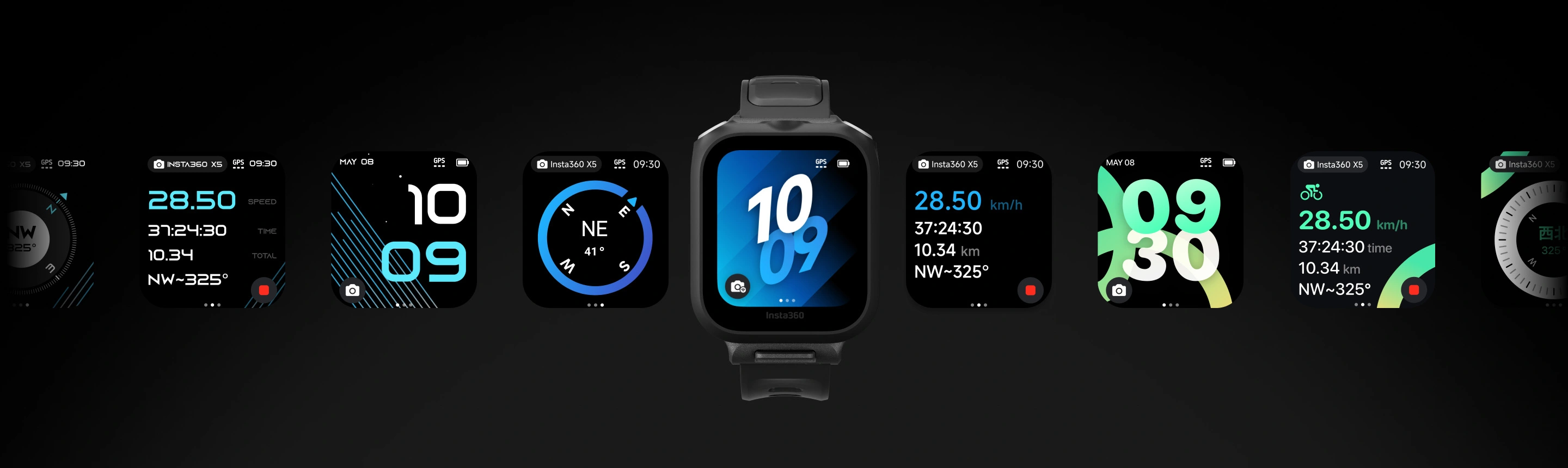
Smarter shooting.

Stay up to date.
To keep the camera and remote compatible, keep both up to date with the latest official firmware. Connect the remote to the Insta360 app to check for new firmware.How to update firmware:
Open the Insta360 app and head to Me > Device Settings - Accessory Settings and connect to the remote. If a firmware update is available, follow the on-screen instructions to update the remote.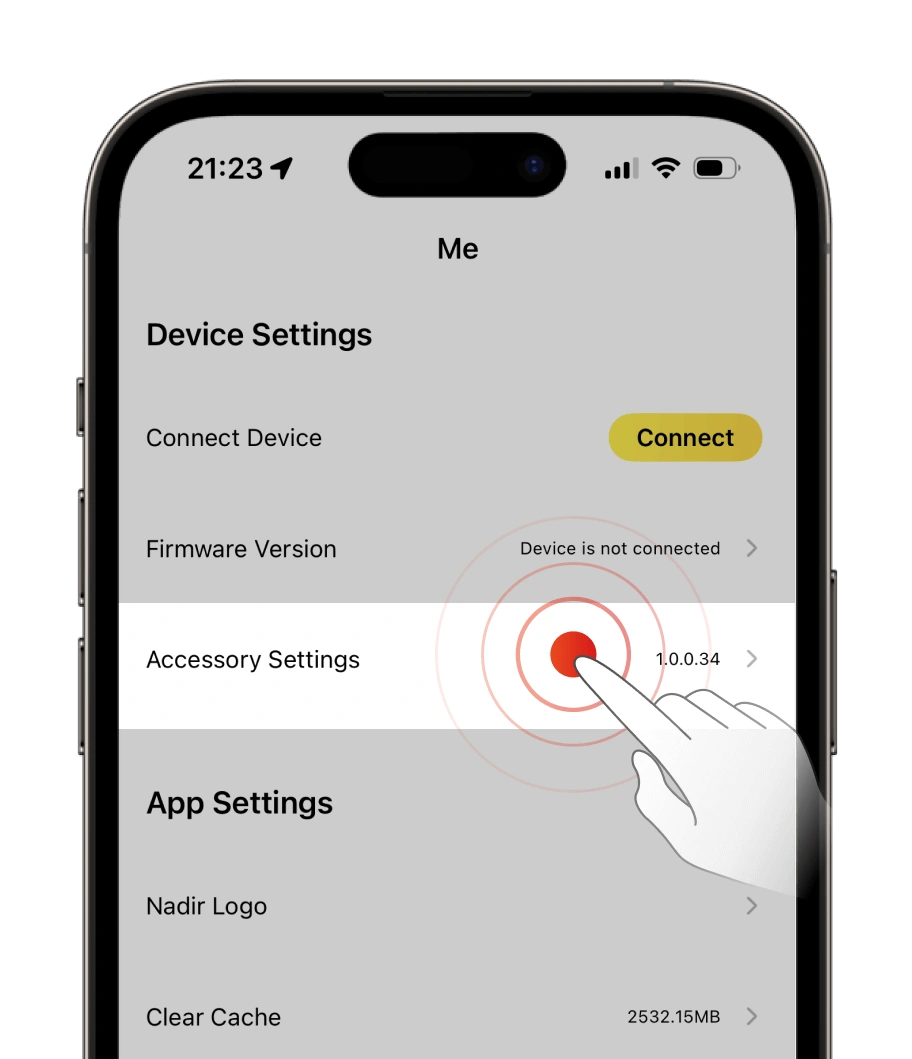
1.
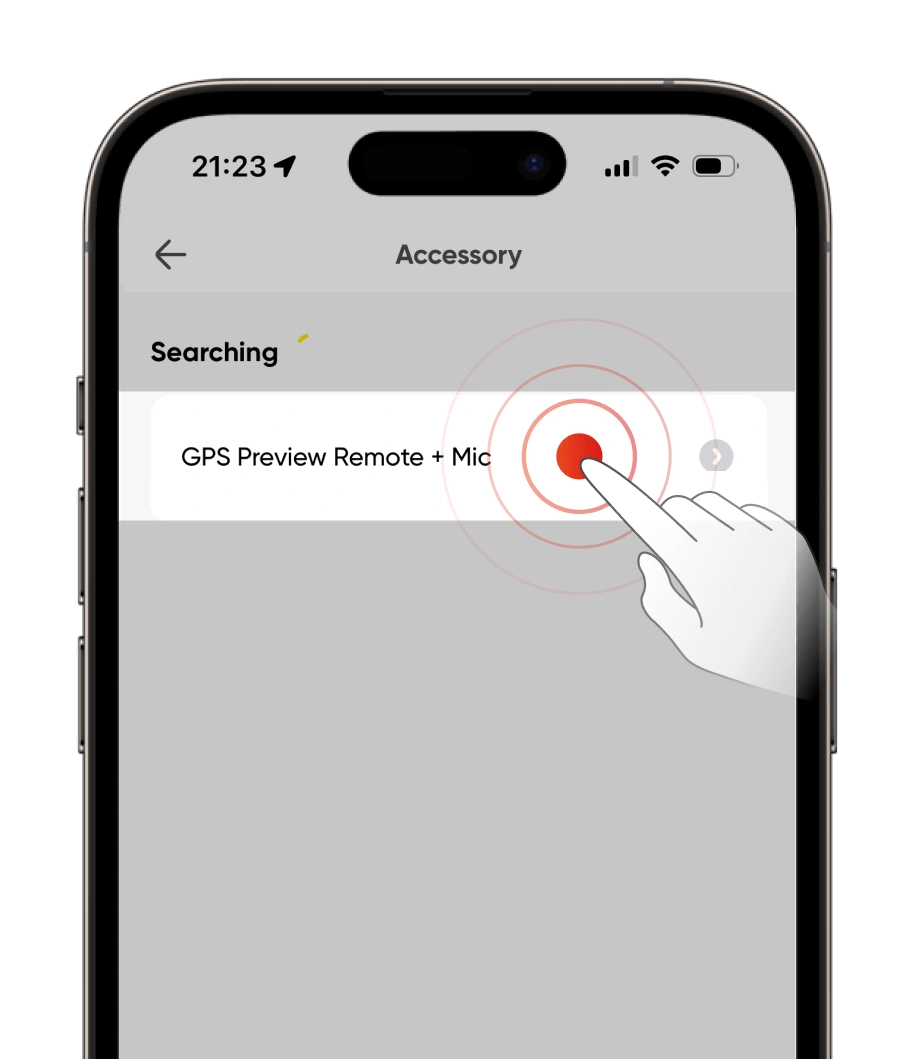
Open the Insta360 app > Me > Device Settings - Accessory Settings.
2.
Tap the remote to connect.
3.
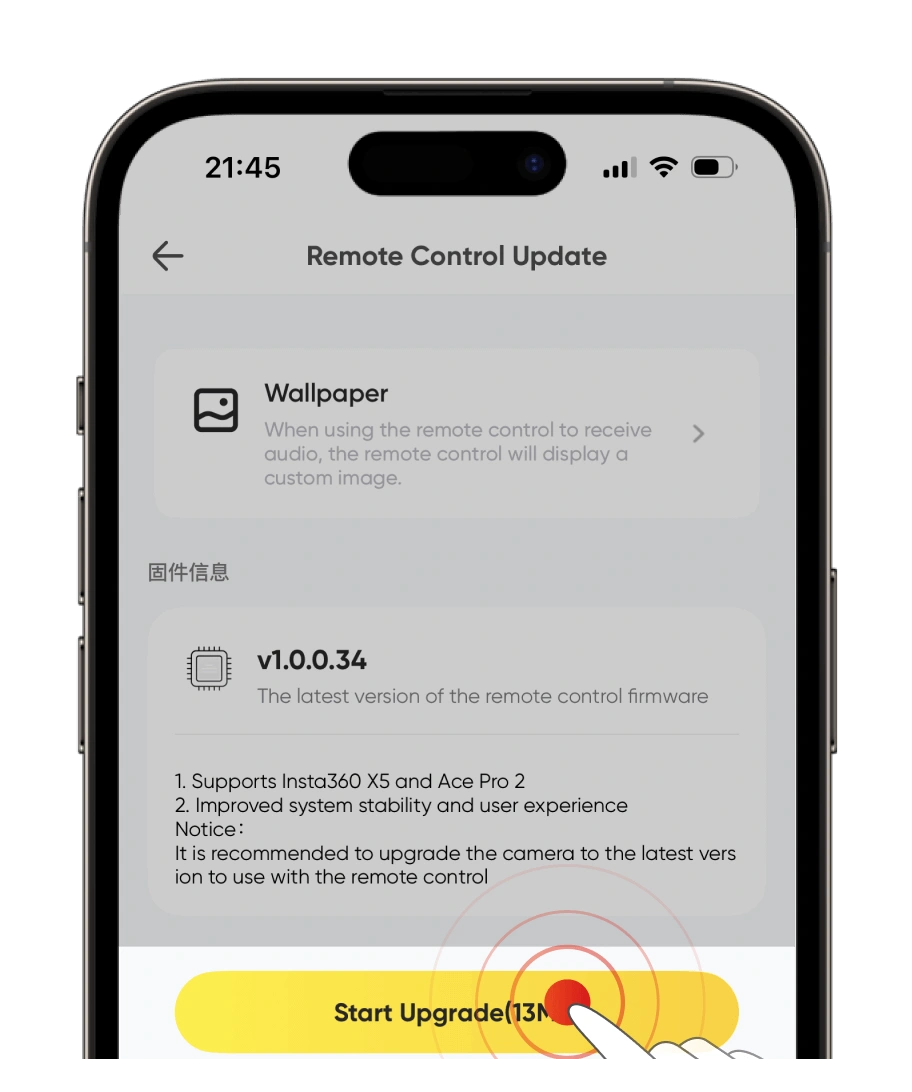
If a firmware update is available, update the remote.
4.
The app will automatically download and transfer the new firmware to the remote. Ensure the phone screen is on and do not exit the app.
5.
The remote will automatically restart once the transfer is complete and start the update. You can view the update progress on the remote's screen. When the update is finished, you can use the remote as normal.