



Features:
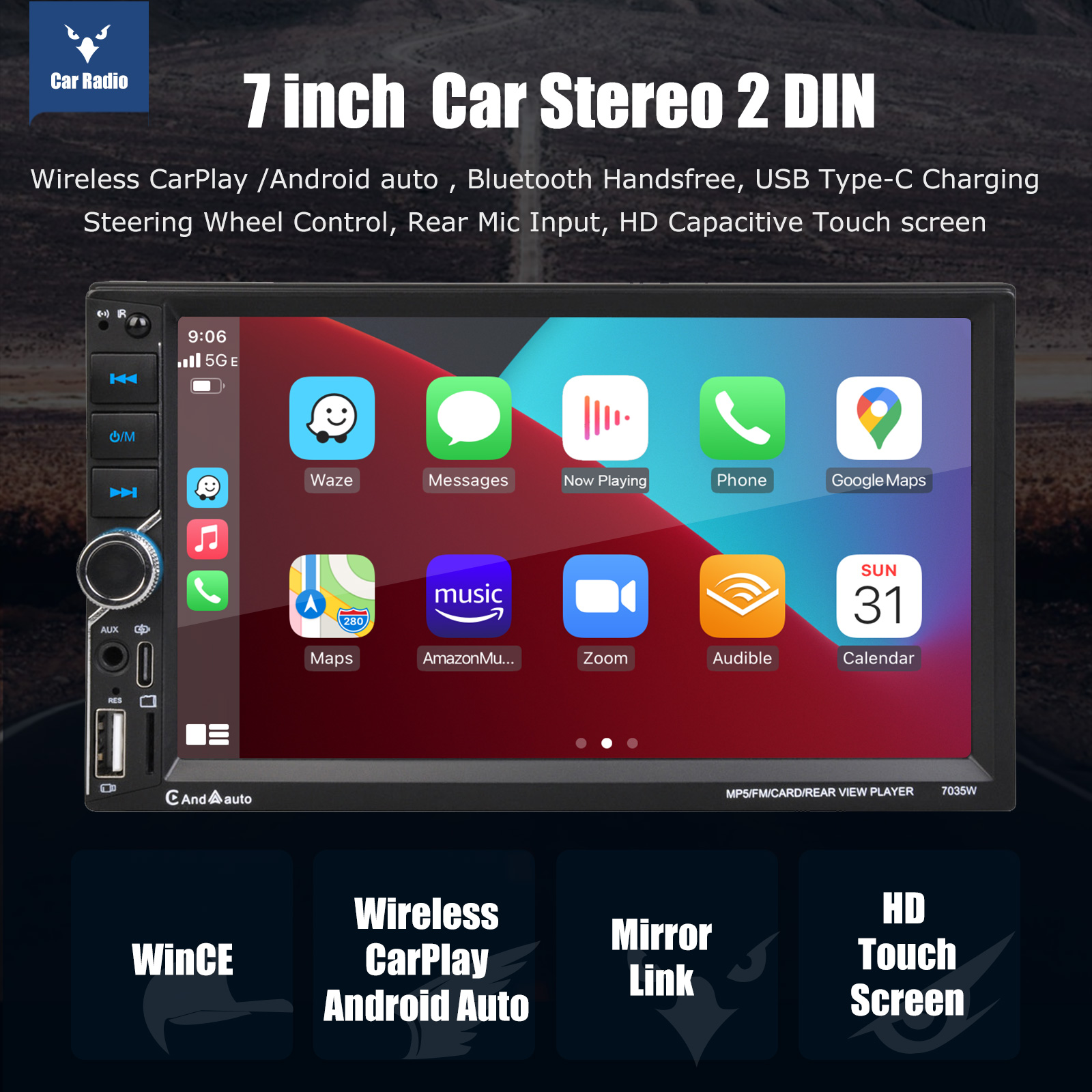
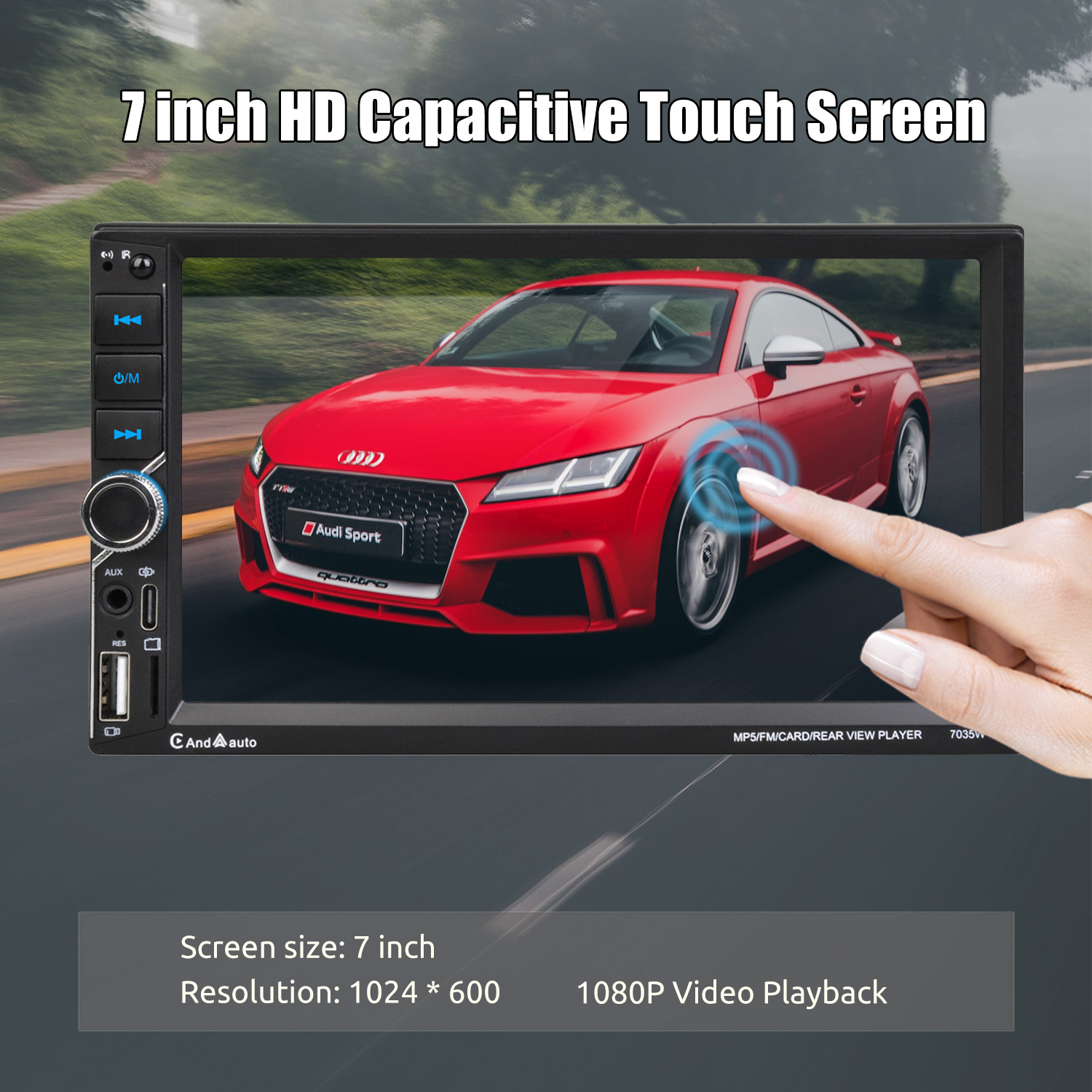
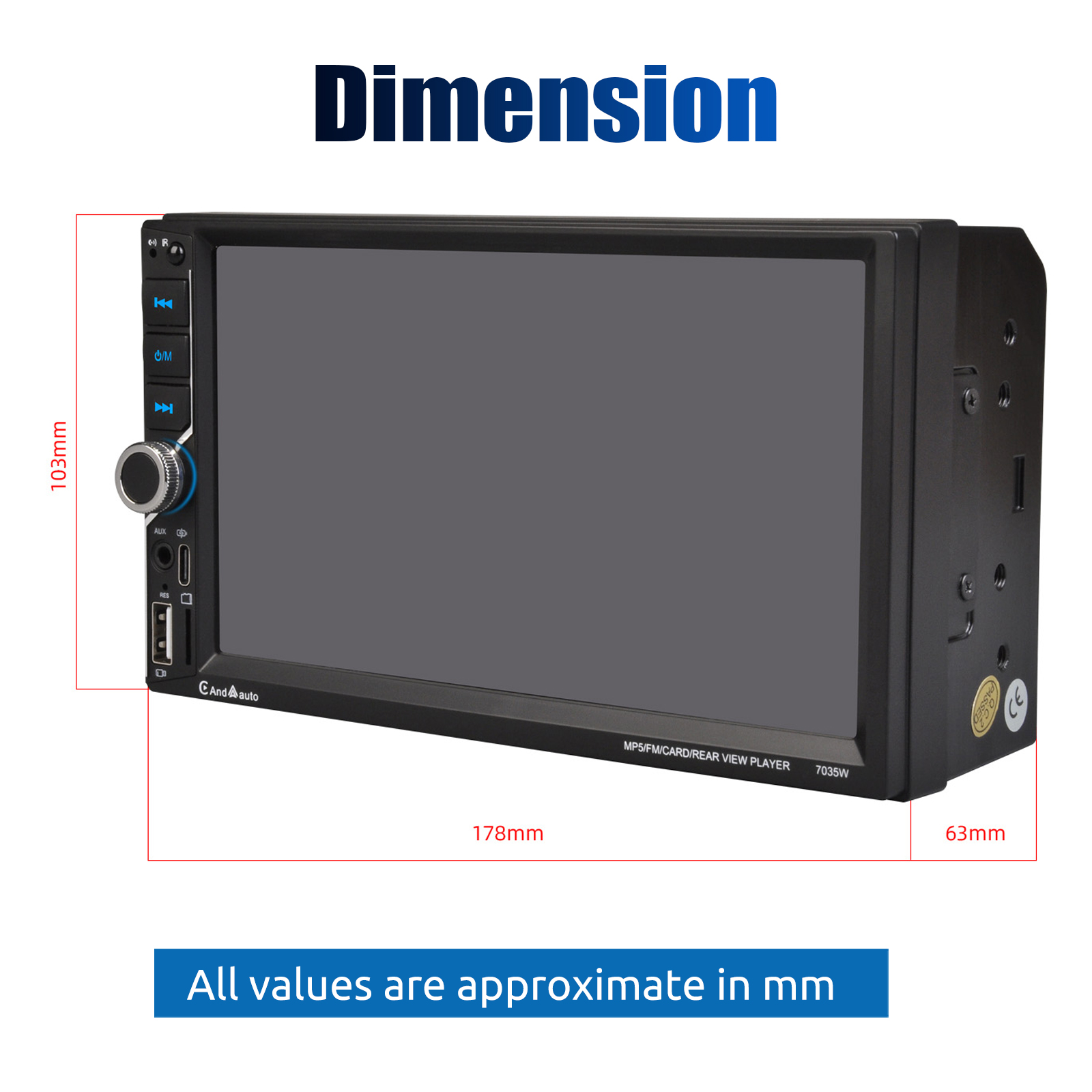
【7-Inch Double Din Touchscreen Car Stereo】7-inch 1024x600 HD capacitive screen designed. Universal double din standard size 7.0 inch×4.0 inch×2.4 inch,Installation size 100*178MM to fit most vehicles. Our double din stereo is equipped with a 7-inch HD capacitive touch screen and it makes more sensitive and accurate.
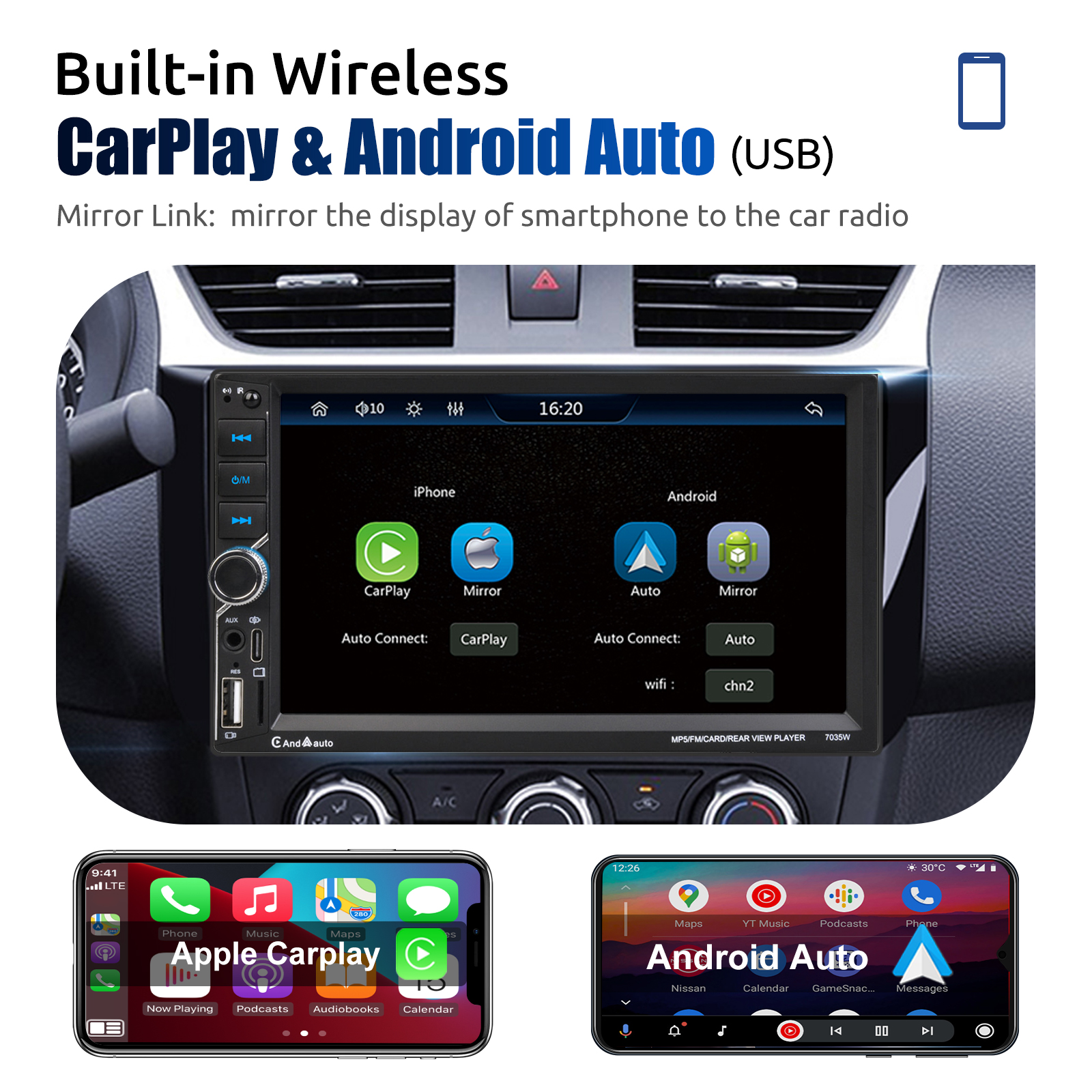
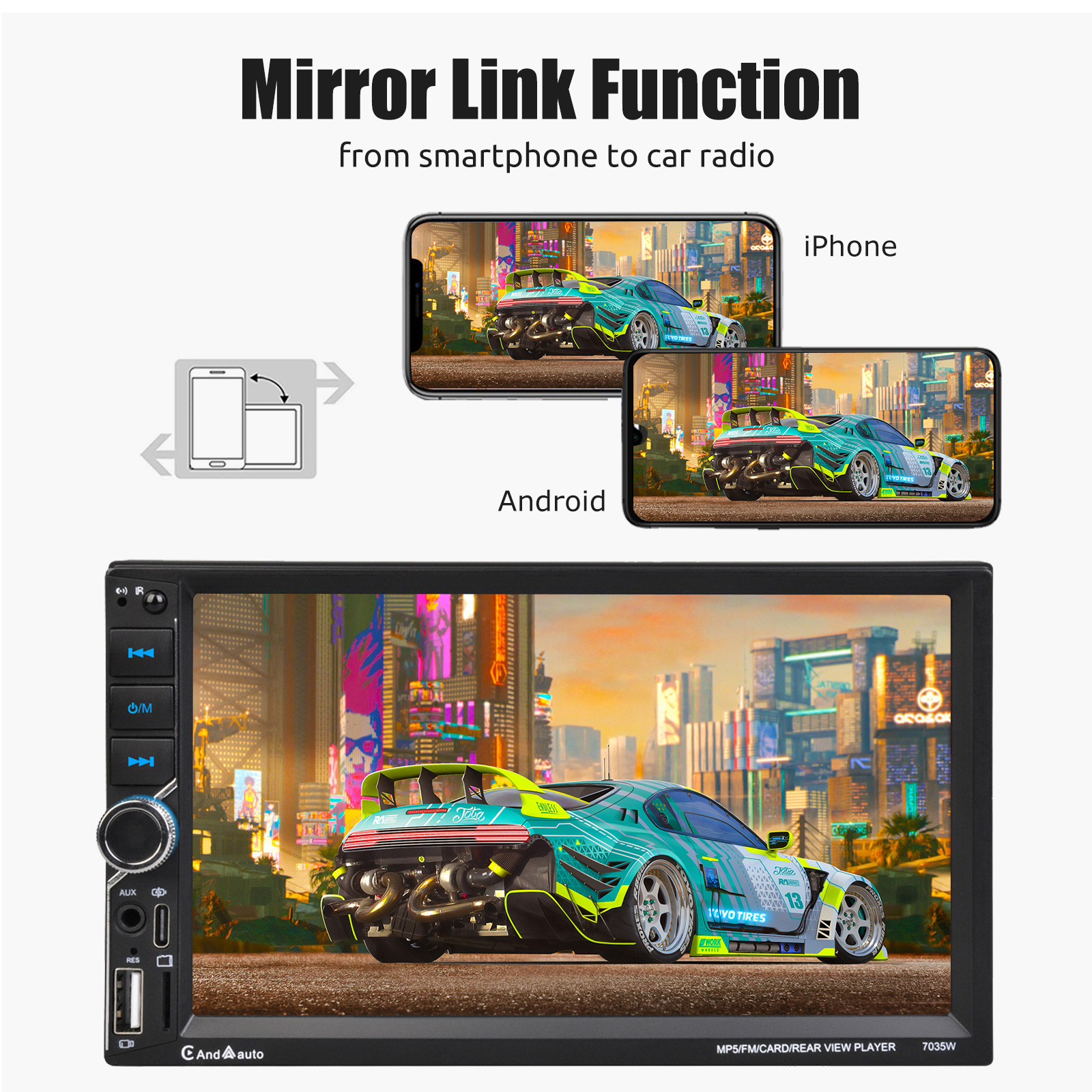
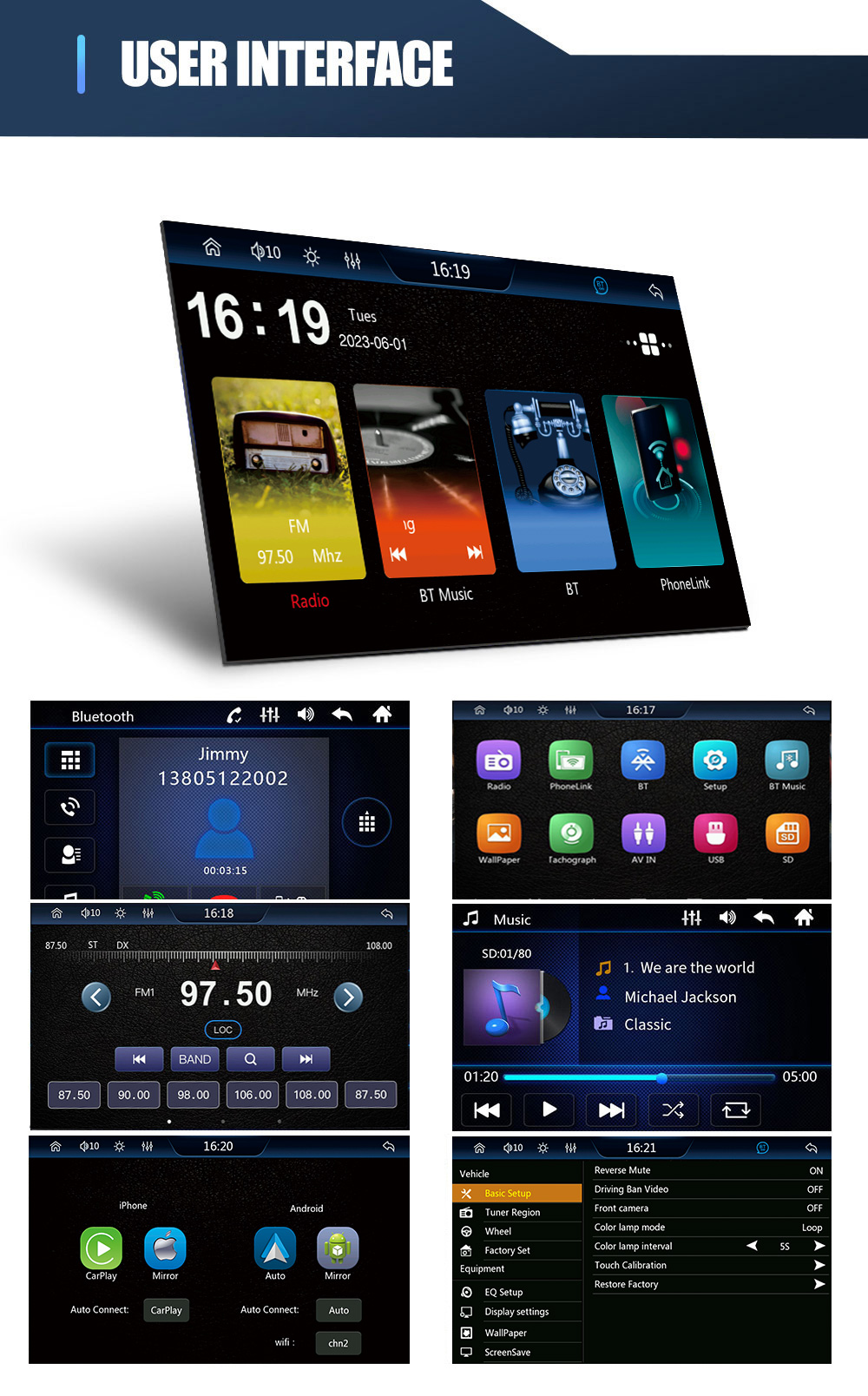
Mirror Link & Wireless Carplay & Android Auto: With this car radio, you will experience the impressive Mirror Link function, compatible with iOS and Android phones. You can mirror your smartphone screen to the car radio using apps like Google Maps, Spotify, Youtube, etc. Replace your mobile phone with the car screen and turn your vehicle into a smart platform. Immerse yourself in a seamless and user-friendly infotainment experience with Apple CarPlay & Android Auto. Connect your iPhone to Apple CarPlay or your Android smartphone to Android Auto and securely access calls, texts, navigation, music and more. With intuitive operation via the touchscreen or voice control, you have all functions at your fingertips while you remain safely at the wheel. Use your favorite apps and stay connected at all times while keeping your eyes on the road. Turn your vehicle into an extended hub for your mobile devices and experience a new dimension in infotainment.
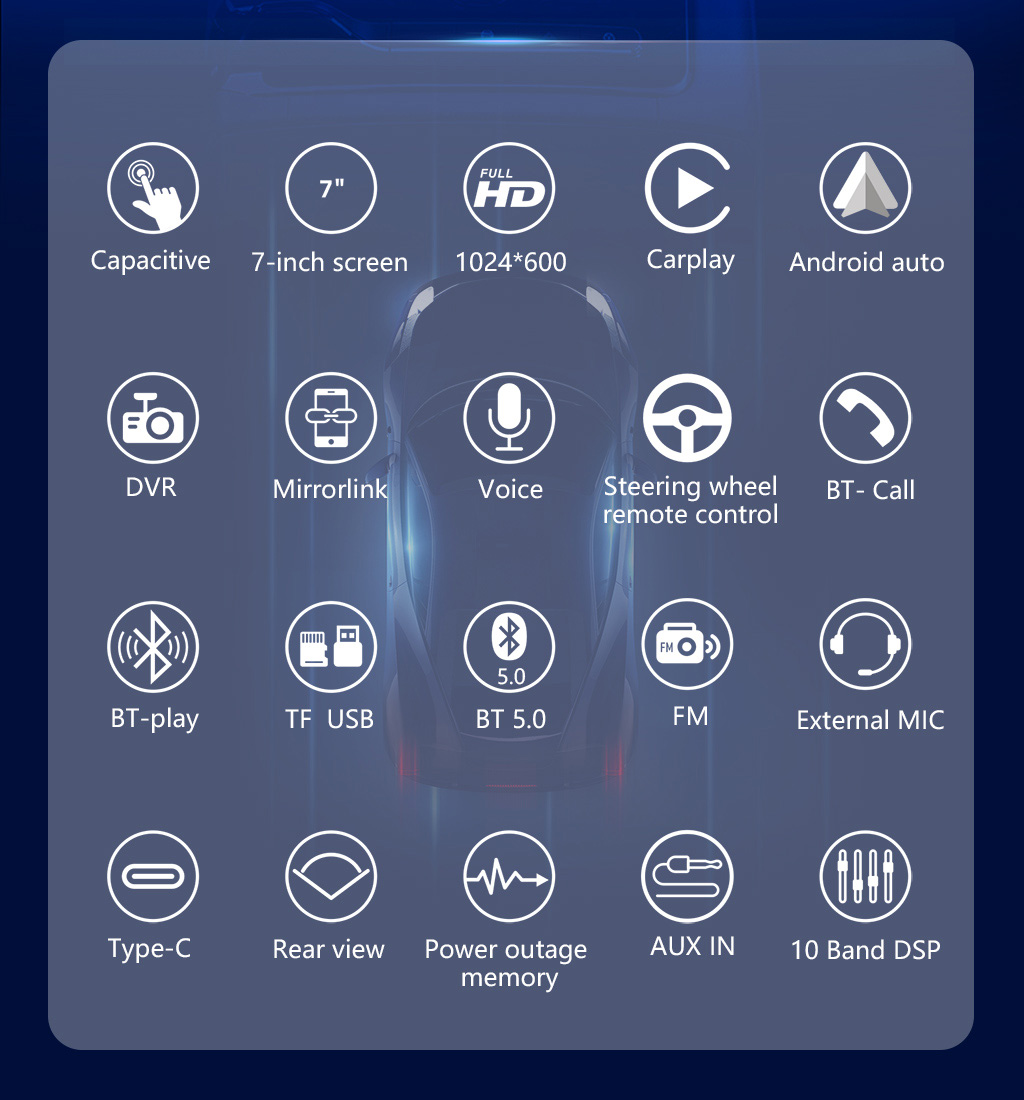
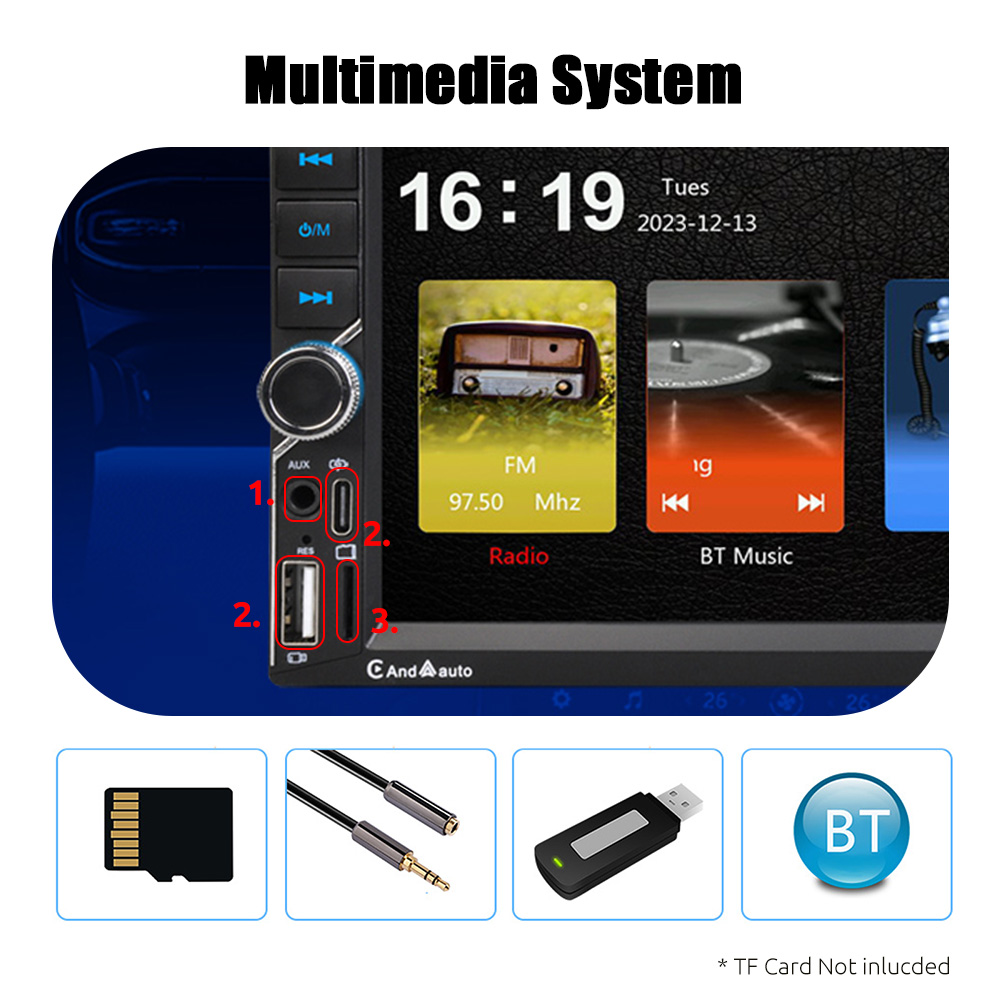
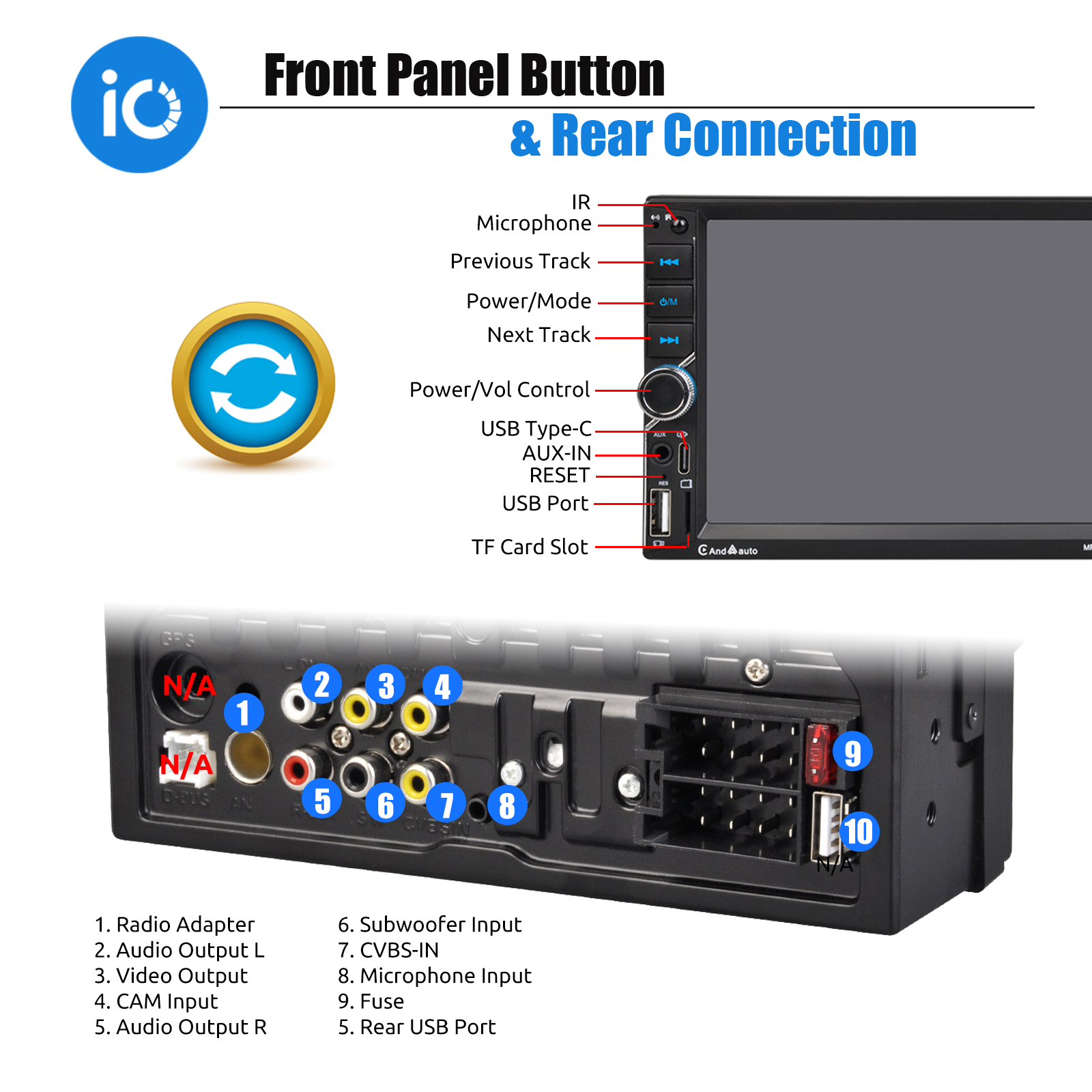
【Vehicle Fit & Multi Functions】 Standard size, universal power, audio plug, rich function expansion ports. Our double din car stereo can meet the needs of most vehicles. Please confirm that your dash opening size is suitable before ordering. Extra features: USB/SD/Aux input/Type-C, FM radio, audio/video output, front and backup cameras video input. Working Voltage: DC 12V, Max power output: 4x60W.
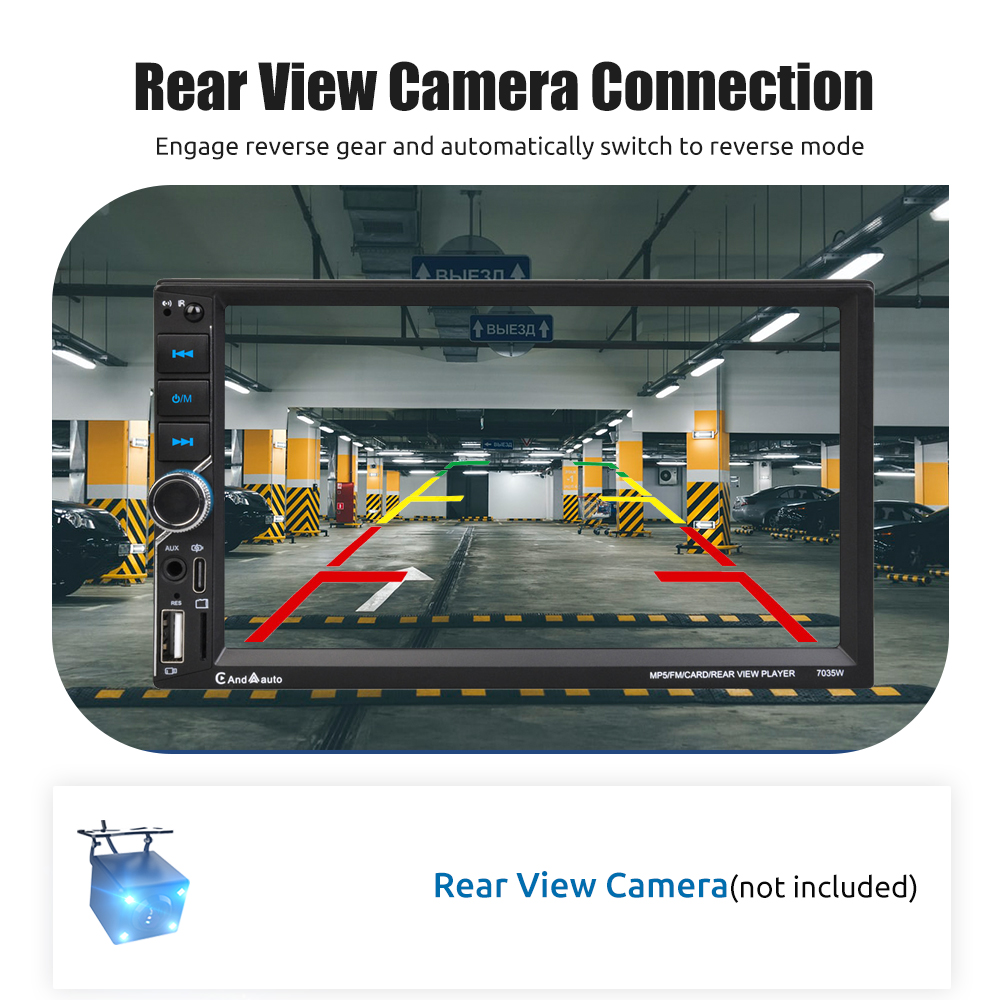
【Reversing Image Function】After connected with the rear camera, you can see the image on the radio screen through the rear view camera when reversing your car. The 7-inch touch screen will automatically display the reverse image once you pull in reverse. Make your daily reversing safer.
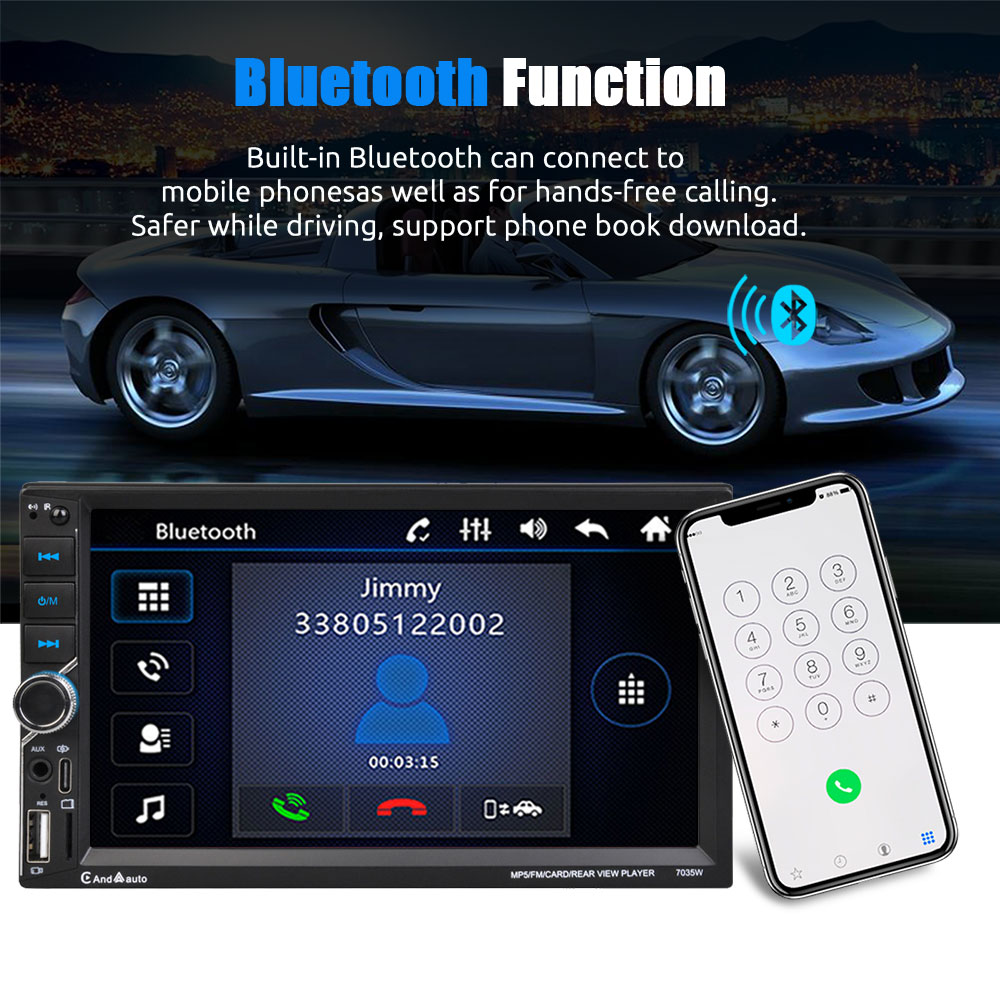
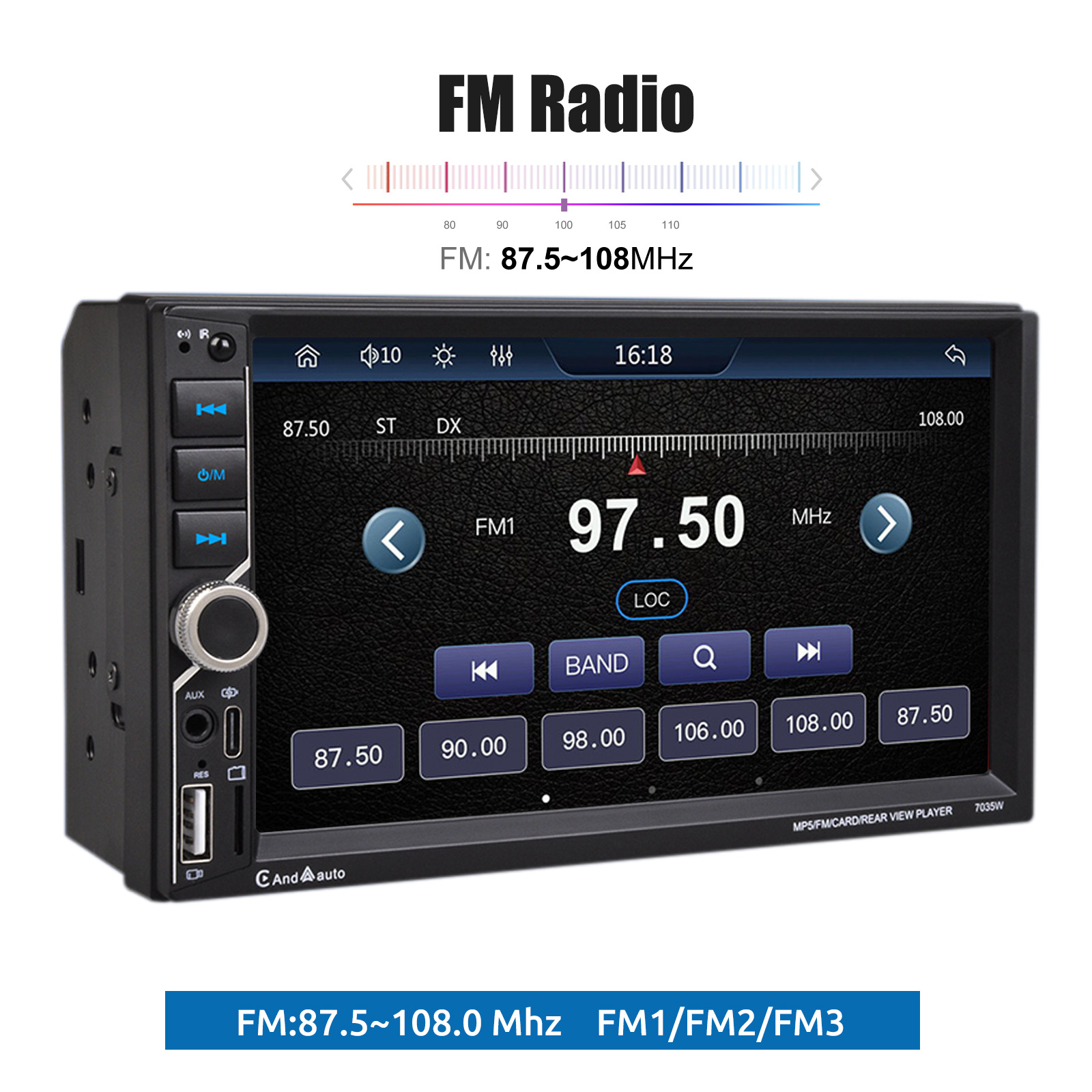
【FM Radio and Bluetooth】High quality FM radio for weather forecasts, live traffic information, news and more to make driving less boring. Supports saving 18 radio stations. Built-in car radio Bluetooth 4.0, supports hands-free calling, phonebook download and Bluetooth music playback.
【Steering Wheel Control】Car original steering wheel remote control button programme supported, more convenient to control car radio when you are driving.
Specifications:
System: WINCE
Screen size: 7" capacitive touch screen
Screen resolution: 1024*600
Screen type: TFT
Radio frequency: 87.5-108MHz
Radio bands: FM1, FM2, FM3 three bands can pre-store 18 radio stations
Reversing support: support
Bluetooth: 5.0
Remote control: support
Audio format Audio format support: MP3, WMA, WAV, FLAC, OGG, APE, APE and other formats; when playing APE format, the sound quality reaches CD level;
Video format: RM, RMVB, DVD (VOB), VCD (DAT), MP1, MP2, DIVX/XVID/MP4, H263, H264, FLV, MKV, 3GP, SWF, AVI, ASF, MJPEG, etc.;
Image format: Support JPEG encode size up to 8192 x 8192
Function support: MP5/reverse/Bluetooth/mobile phone interconnection/wired and wireless carplay/wired and wireless Android auto
Installation size: 100*178MM
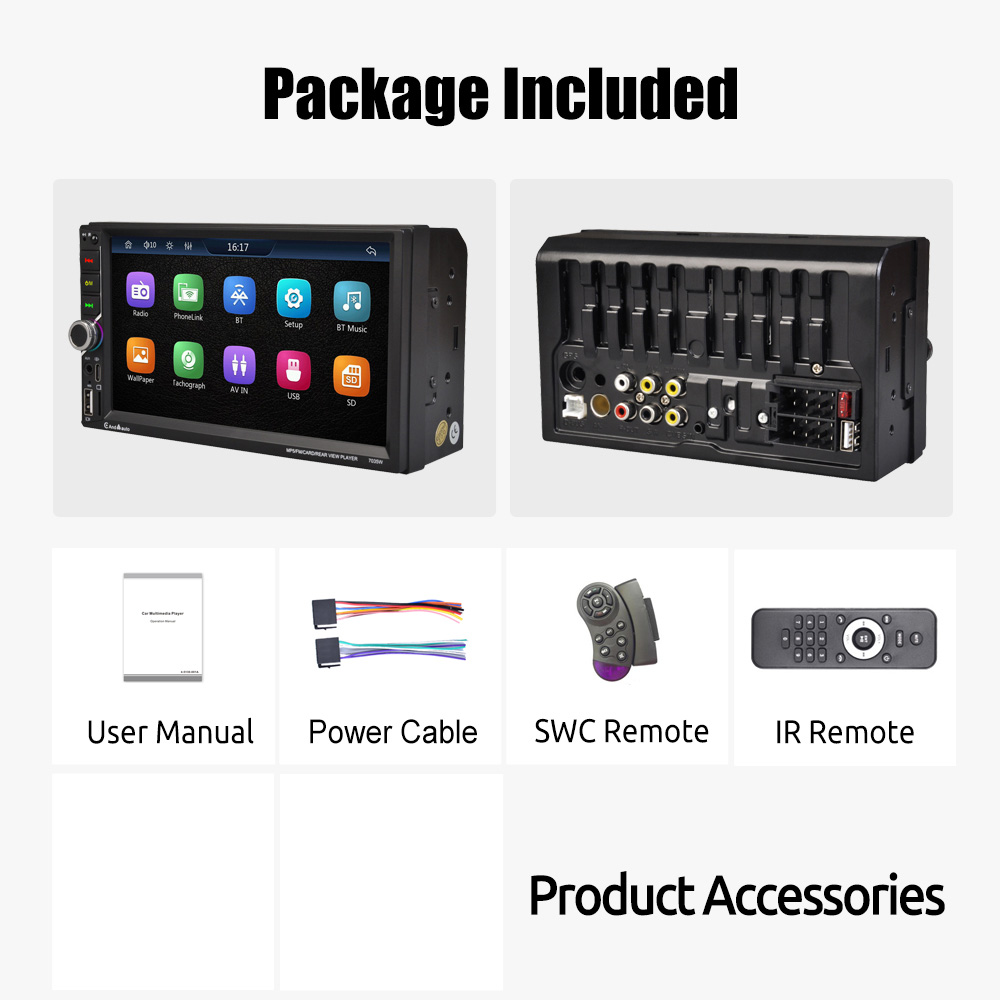
Package Included:
1 x Car Radio
1 x Remote Controller(No battery)
1 x Steering Remote control(No battery)
1 x Power Cable
1 x User Manual
1 x Rear View Camera