Feature:
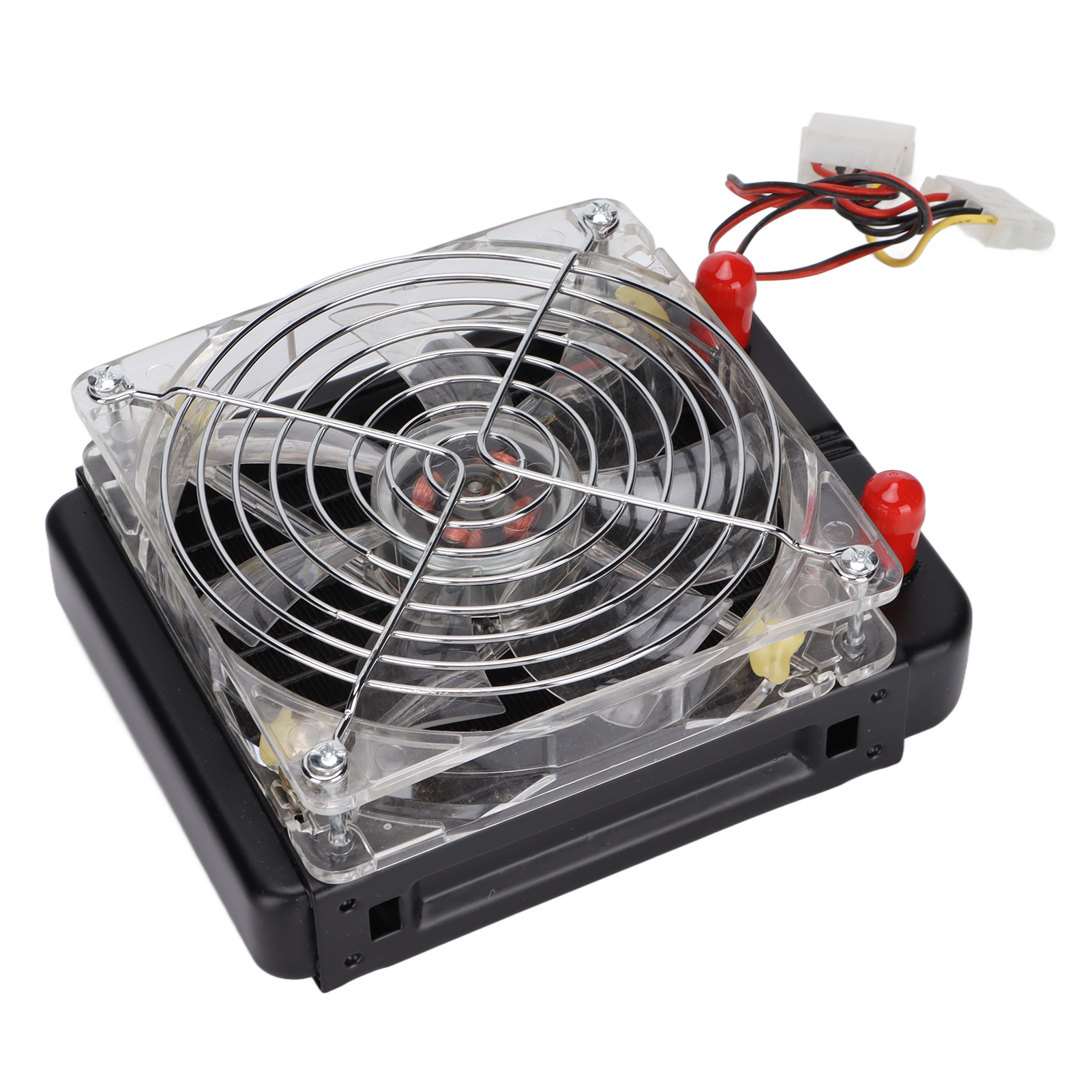
1. DIY: This is a set of suits suitable for desktop computer heat dissipation, suitable for DIY players, assembling suitable heat dissipation equipment, allowing you to fully experience the fun of DIY.
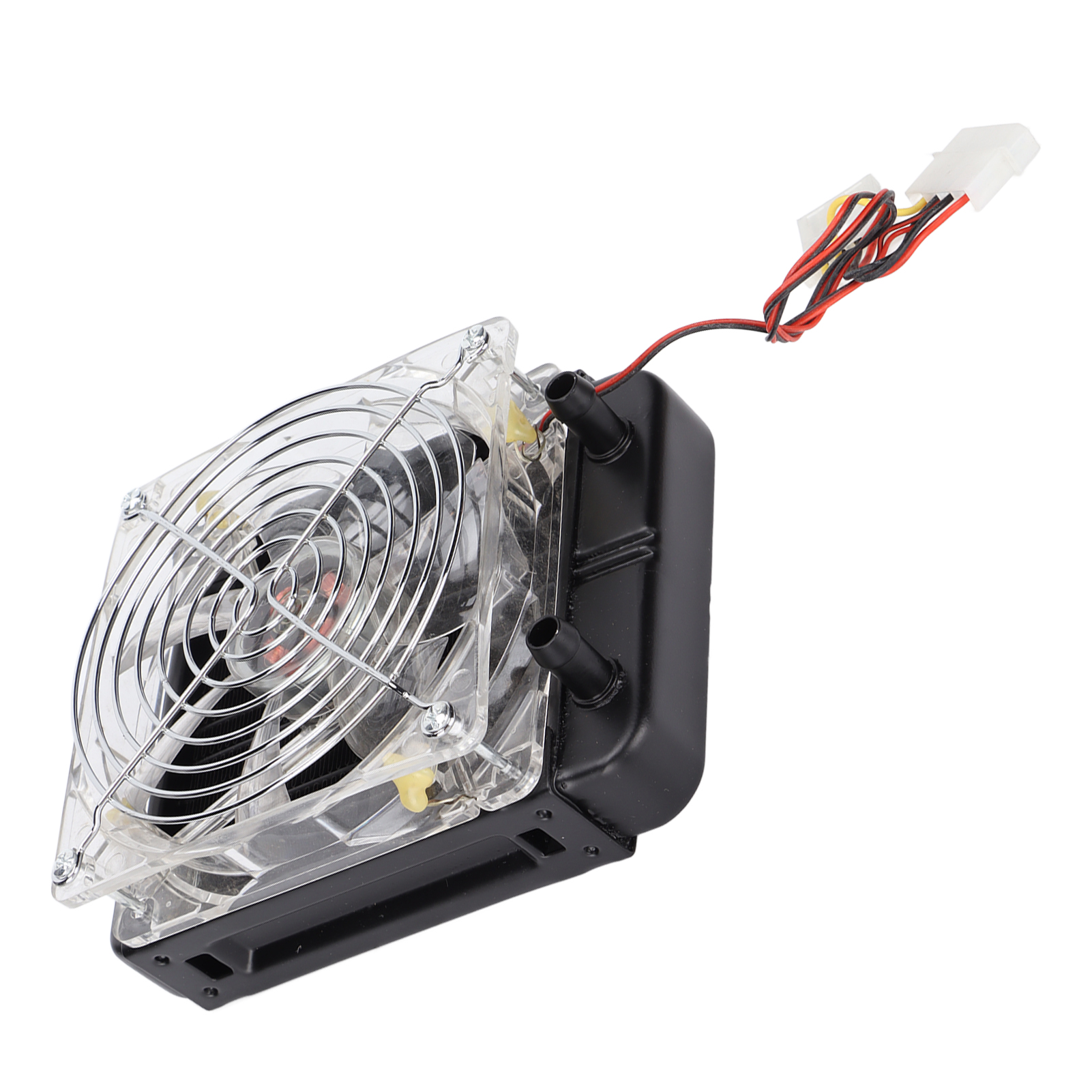
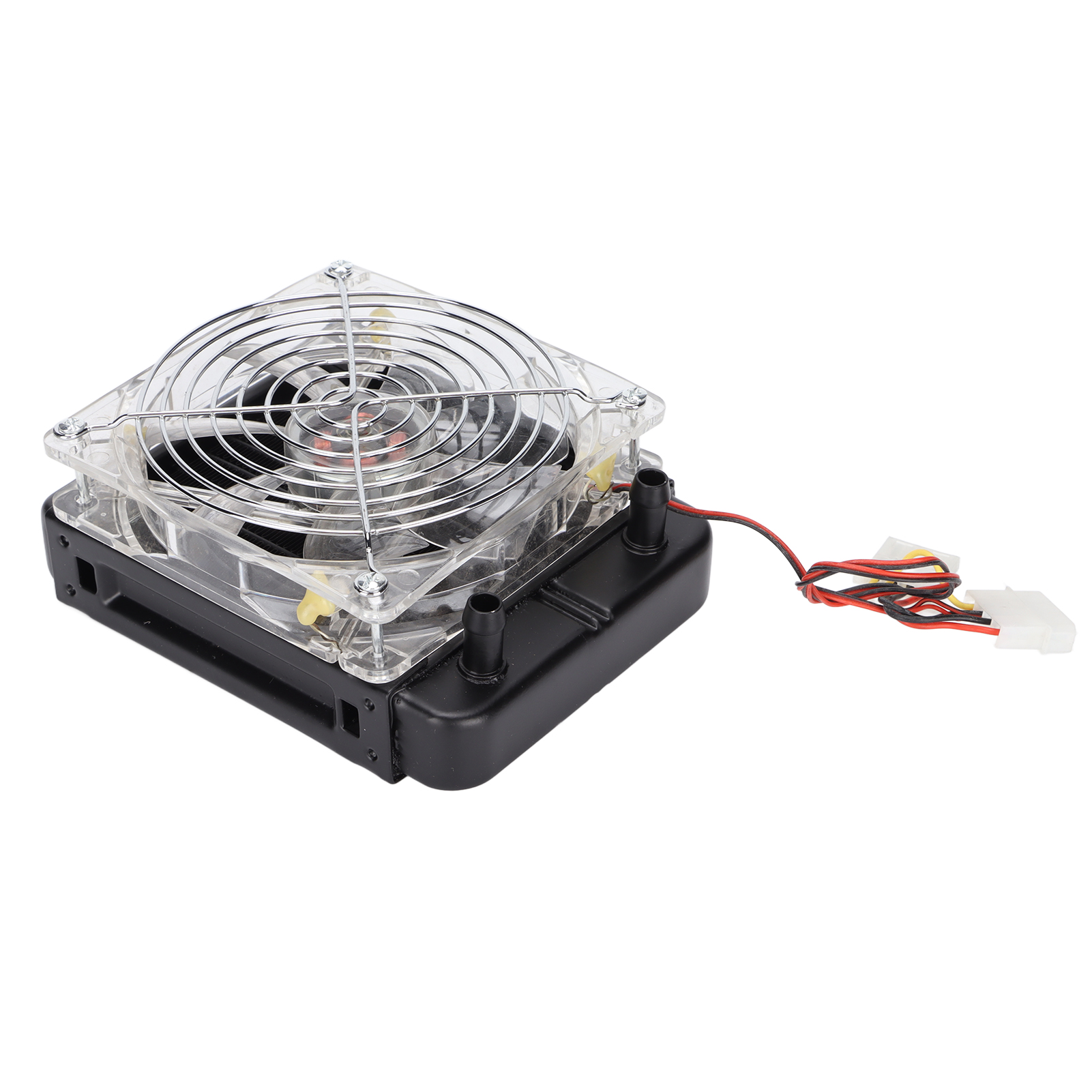
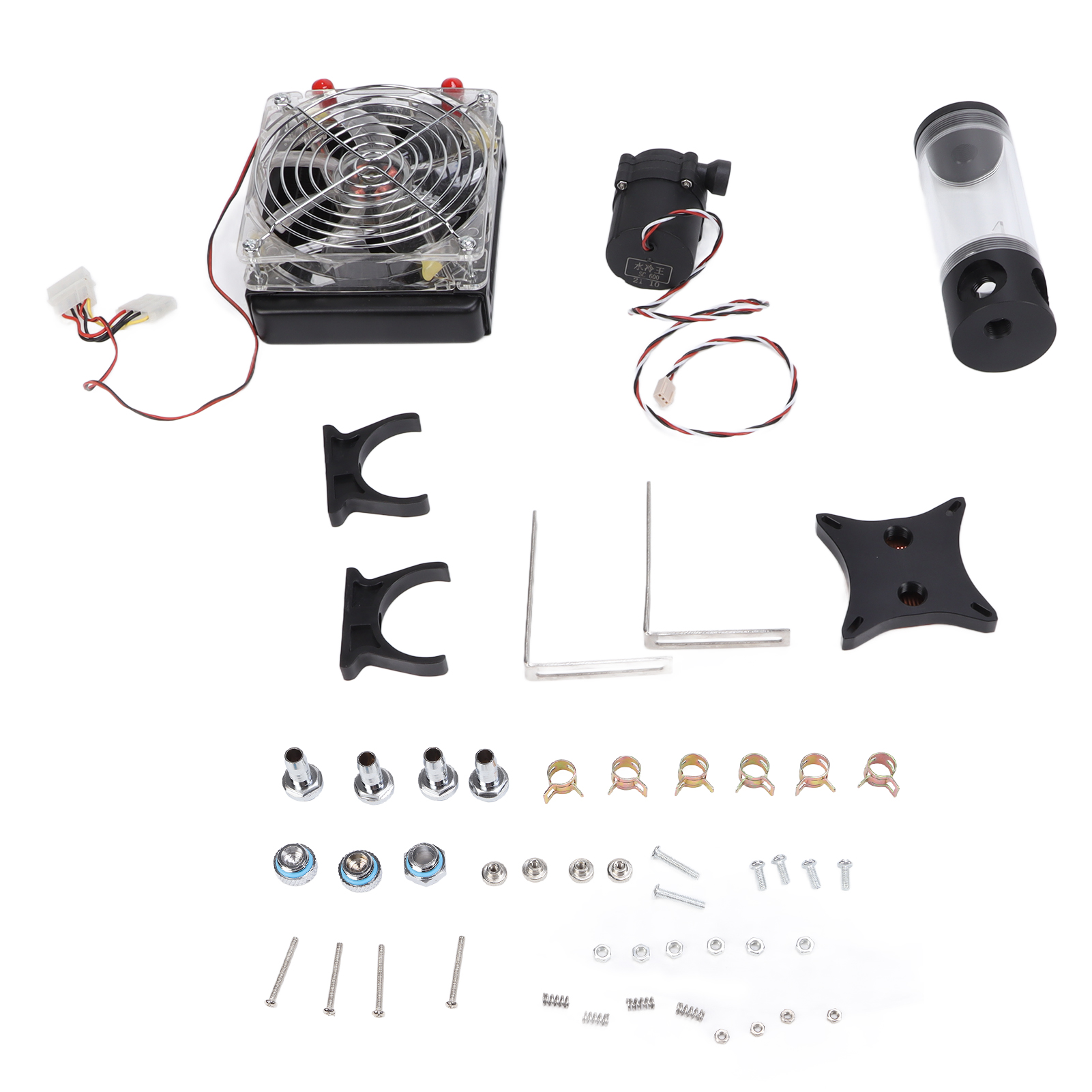
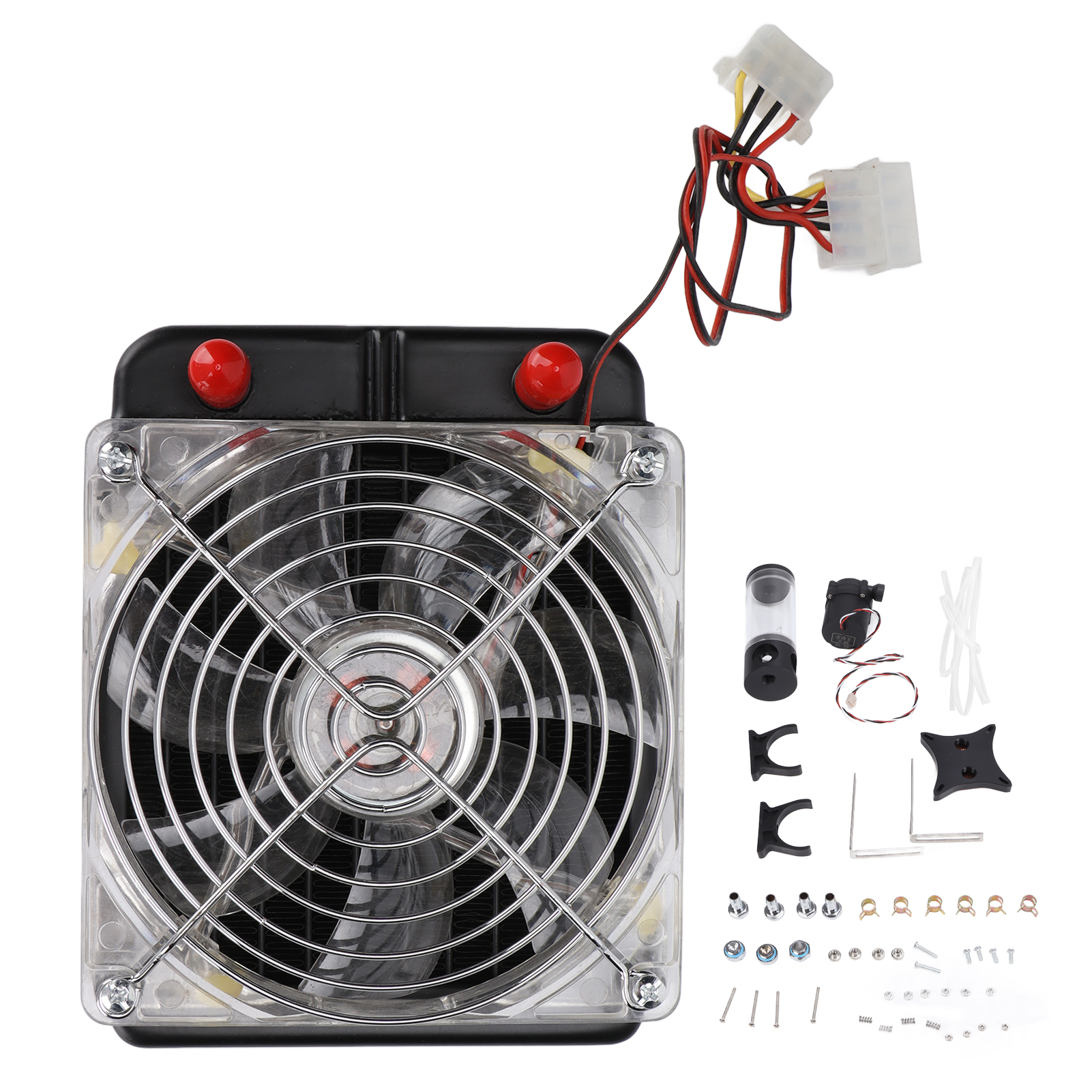
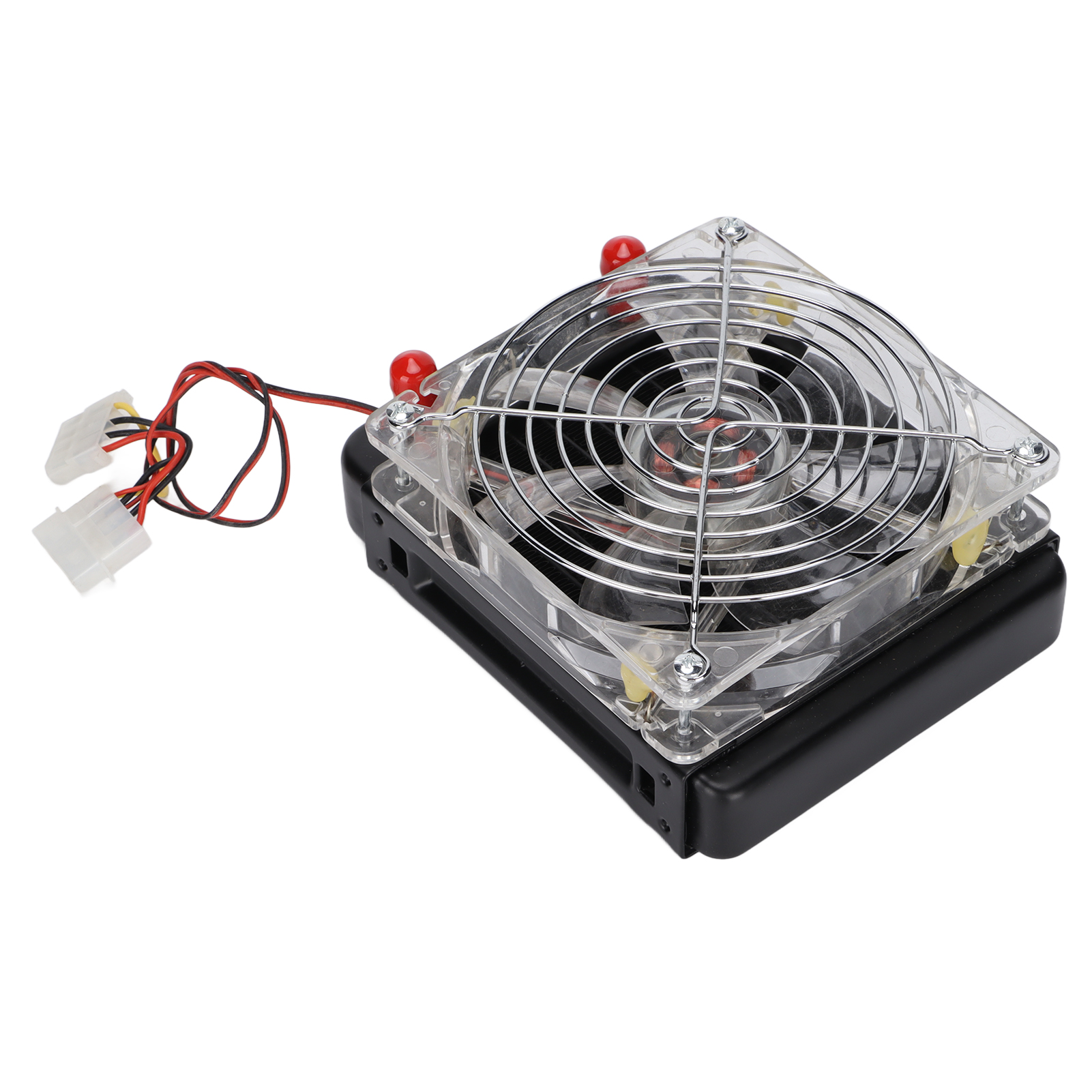
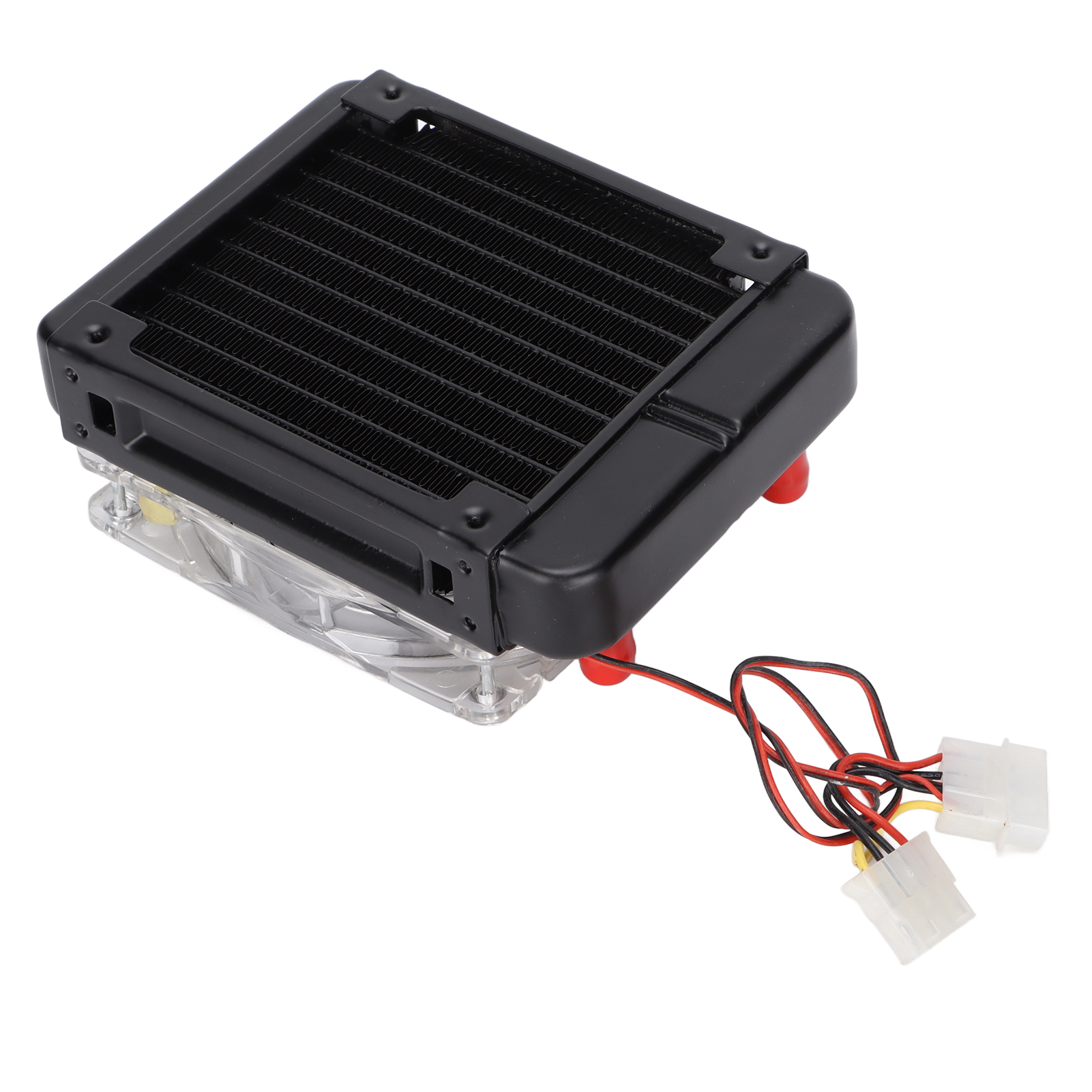
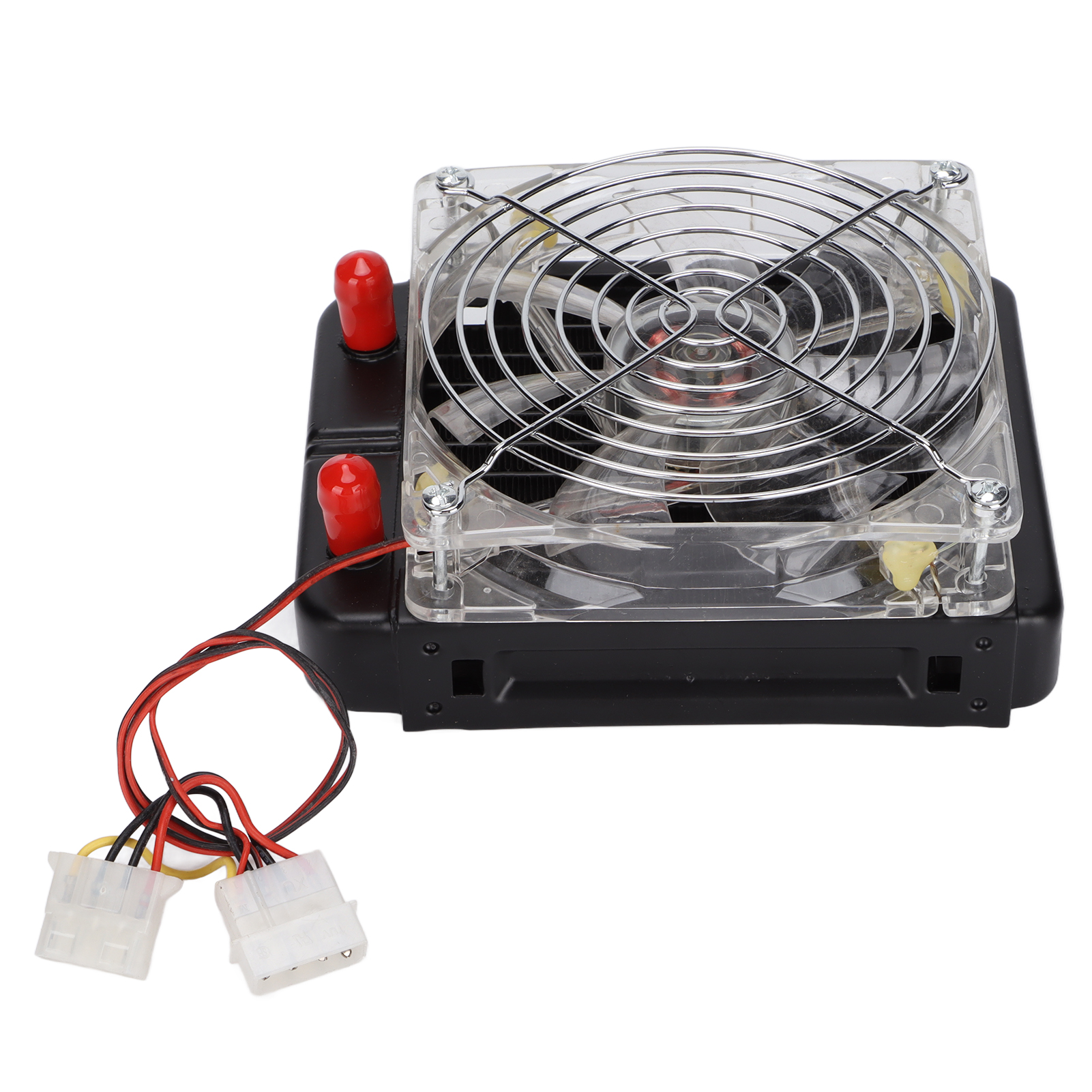
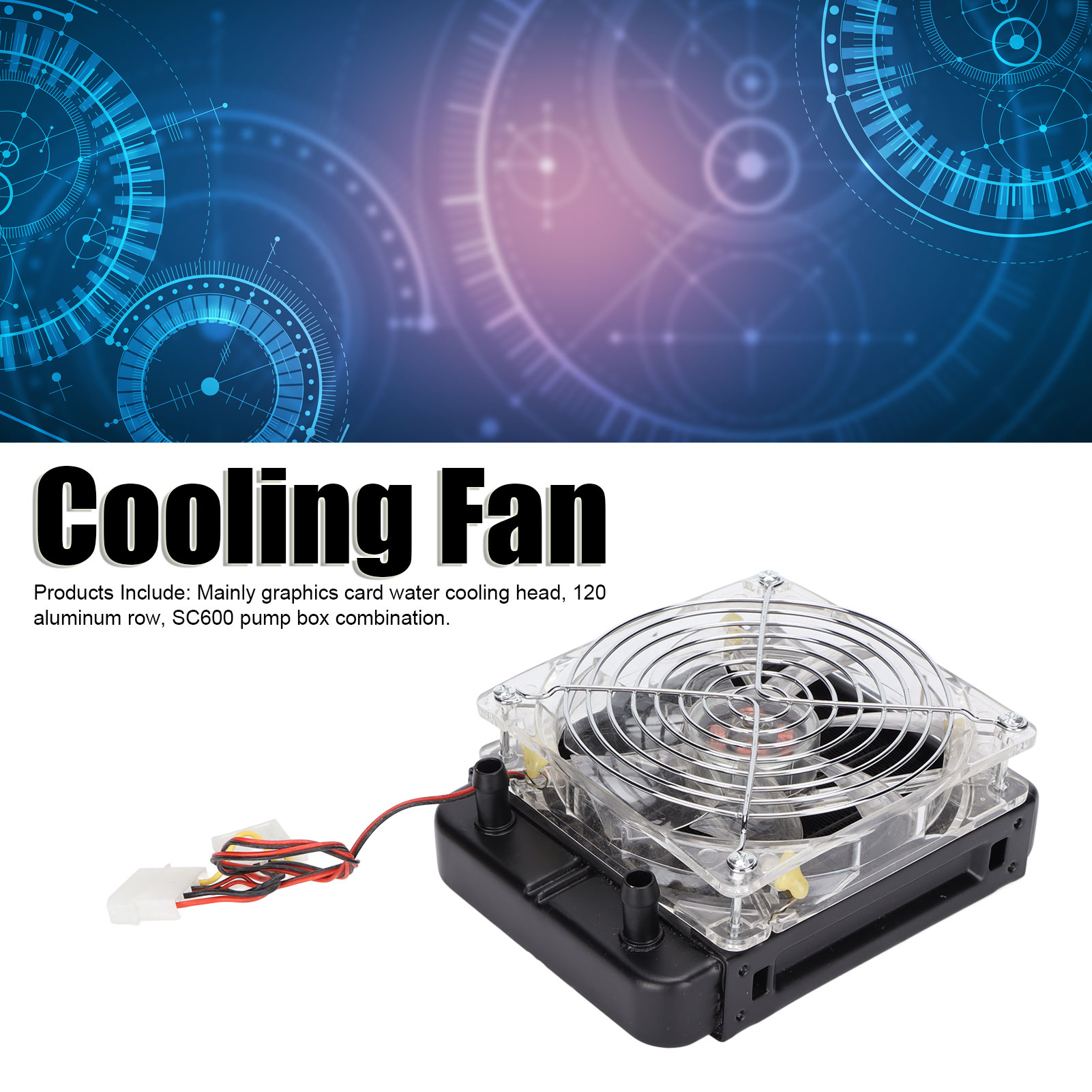
2. Products Include: Mainly graphics card water cooling head, 120 aluminum row, SC600 pump box combination.
3. GPU Water Block: Adopts copper based structure to provide excellent heat transfer and cooling performance.
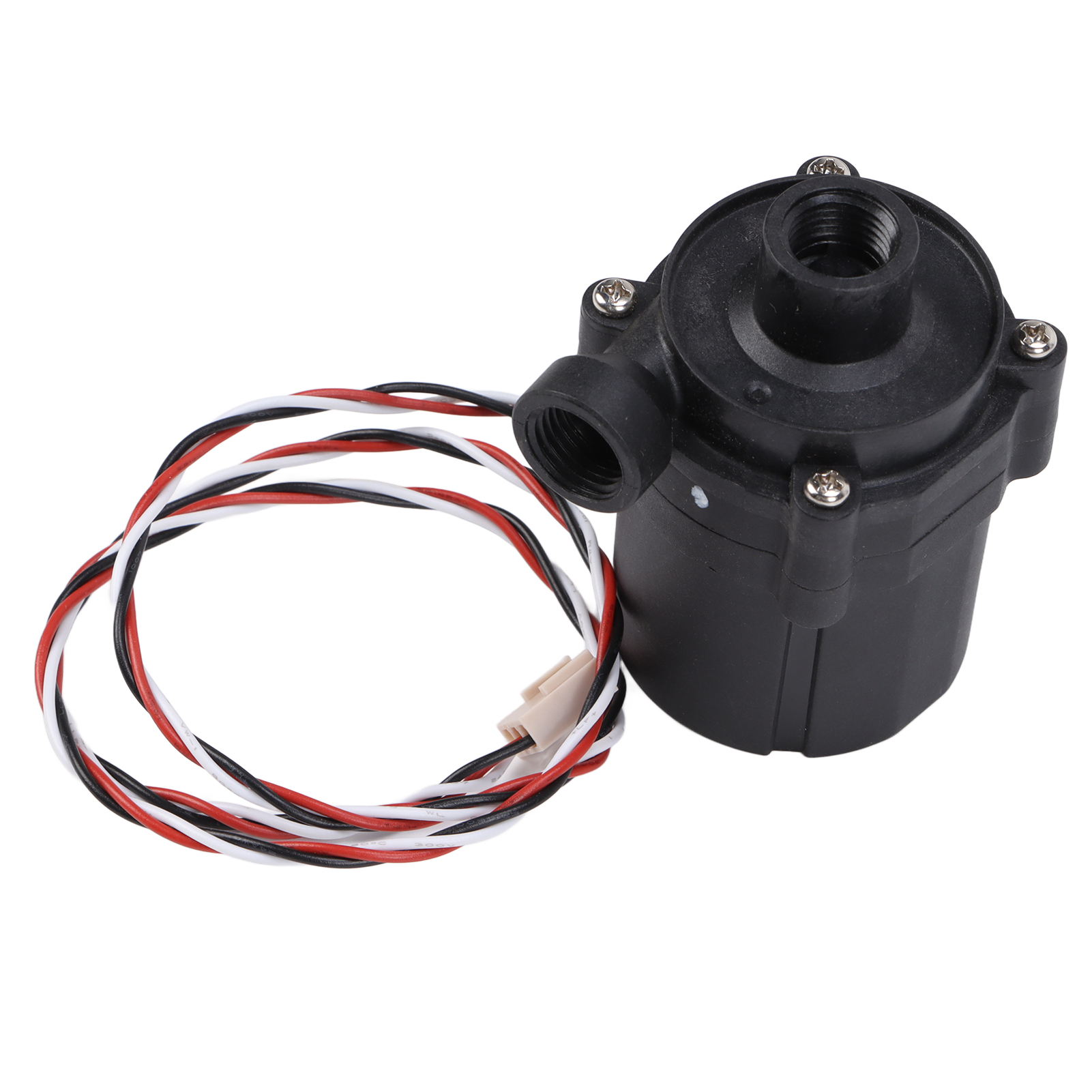
4. S600 Water Pump: Waterproof, stable, high noise, and long life. LED fan: high static air pressure and low noise.
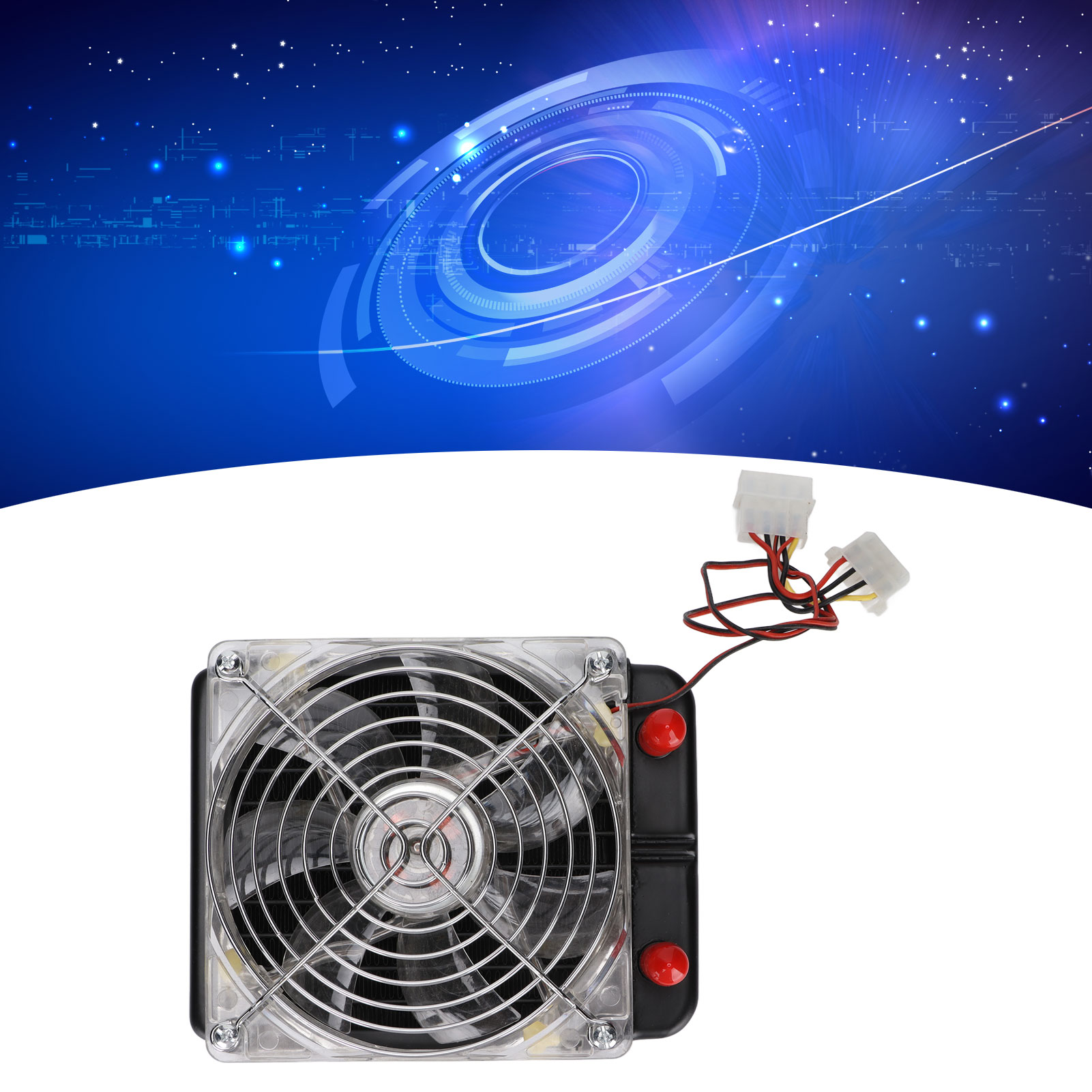
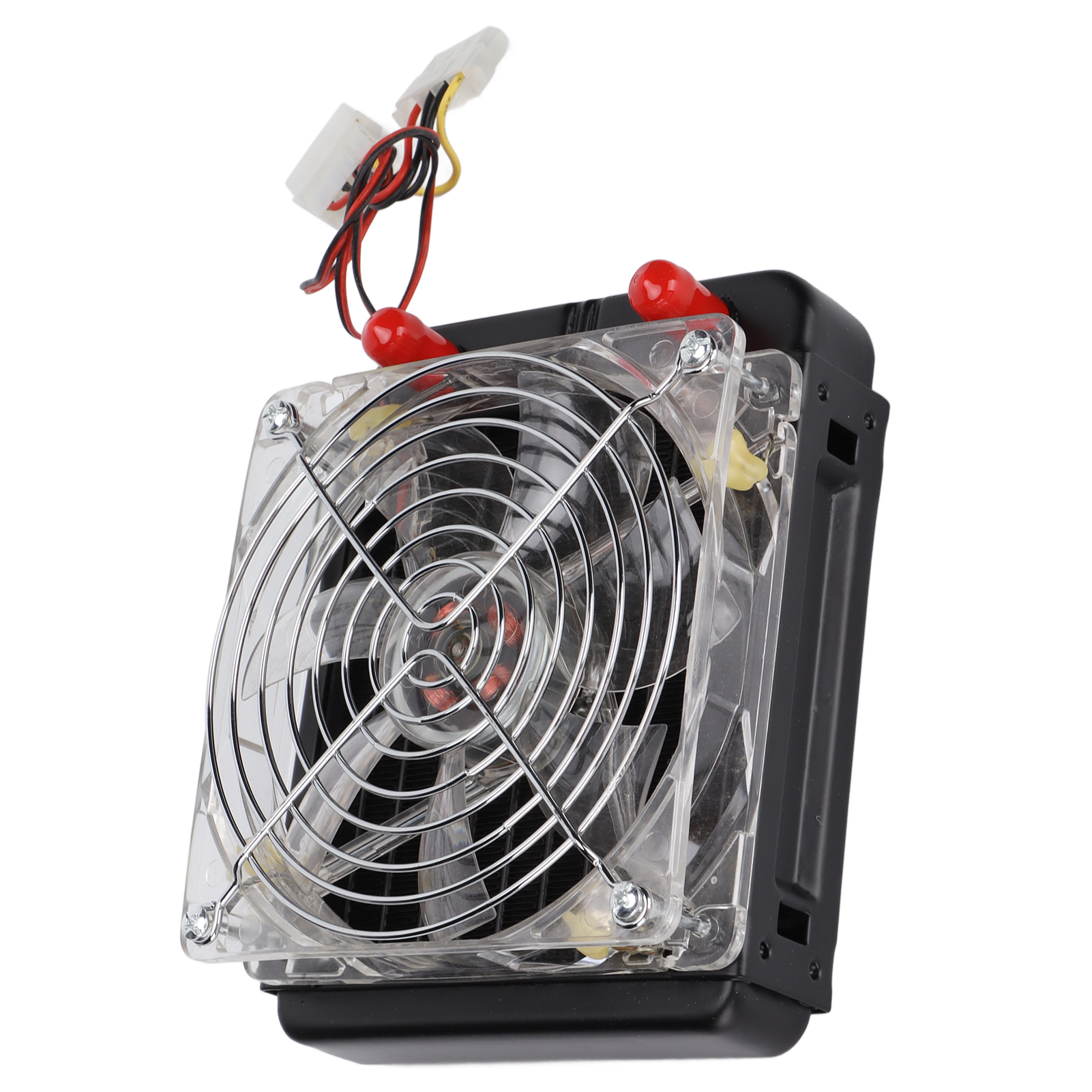
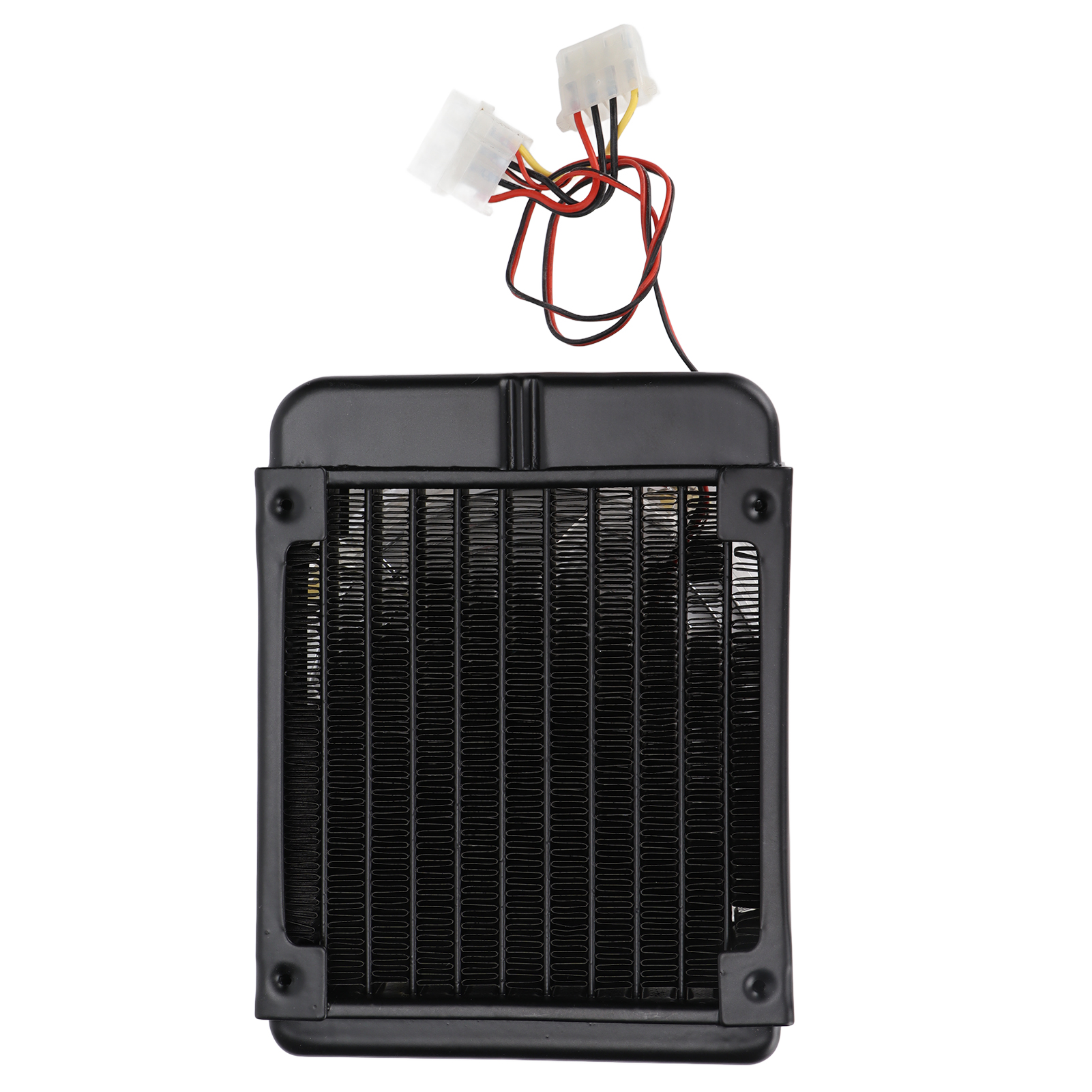
5. : Equipped with 120mm heat dissipation water drain, providing excellent heat dissipation, because you need a highly overclocked desktop processor.
Specification:
Item Type: PC Water Cooling Kit
Material: ABS, Brass, Aluminum Alloy, Acrylic
Main Accessories:
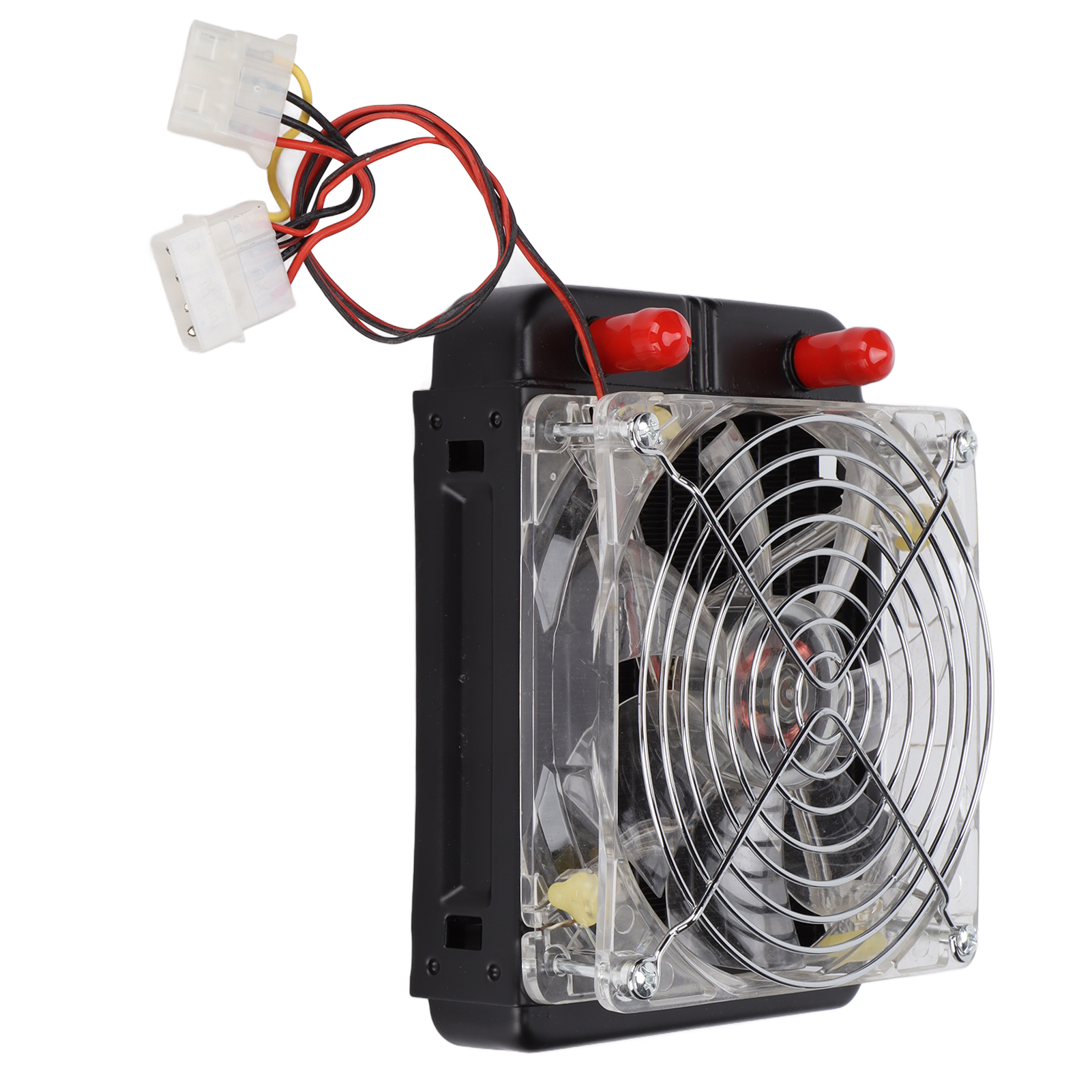
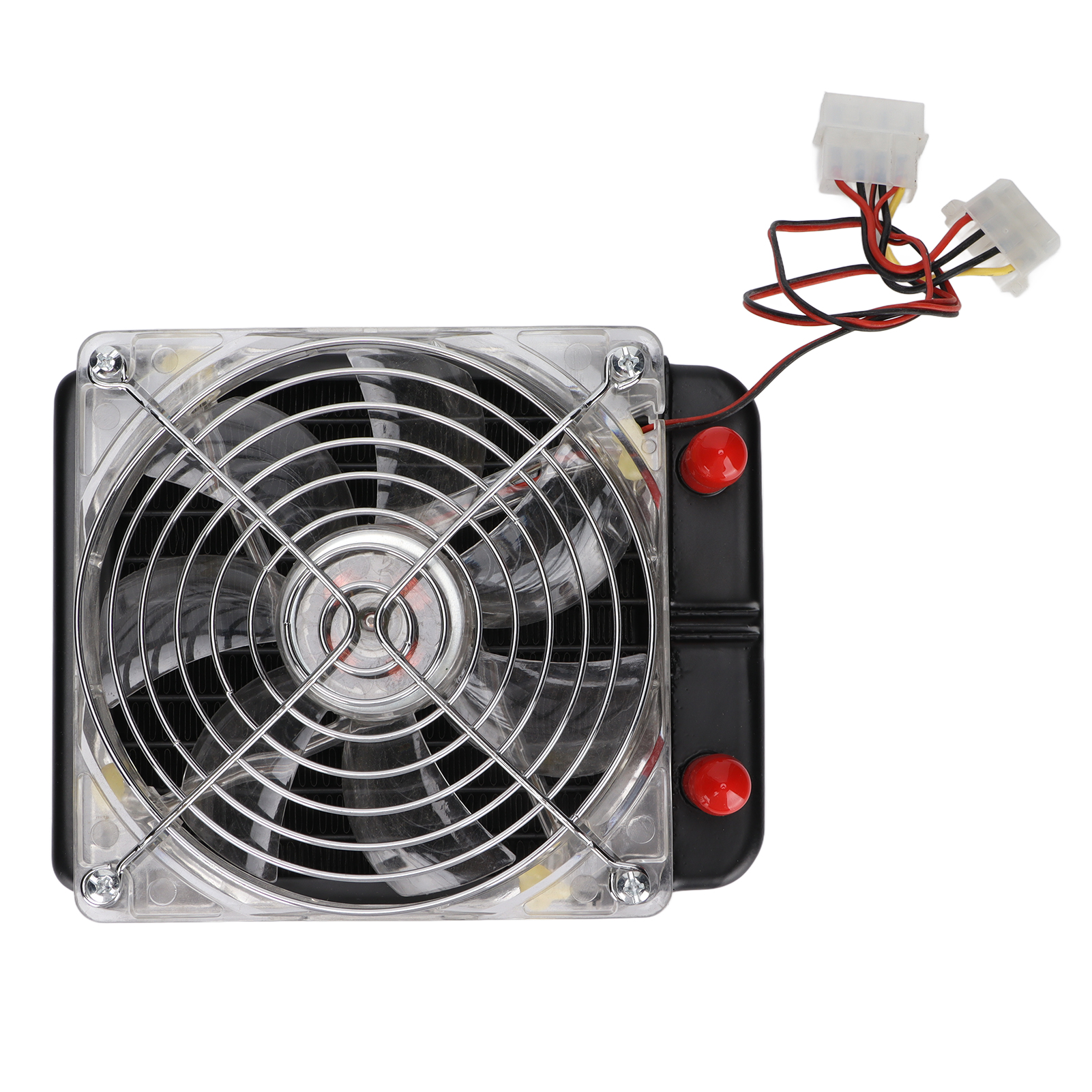
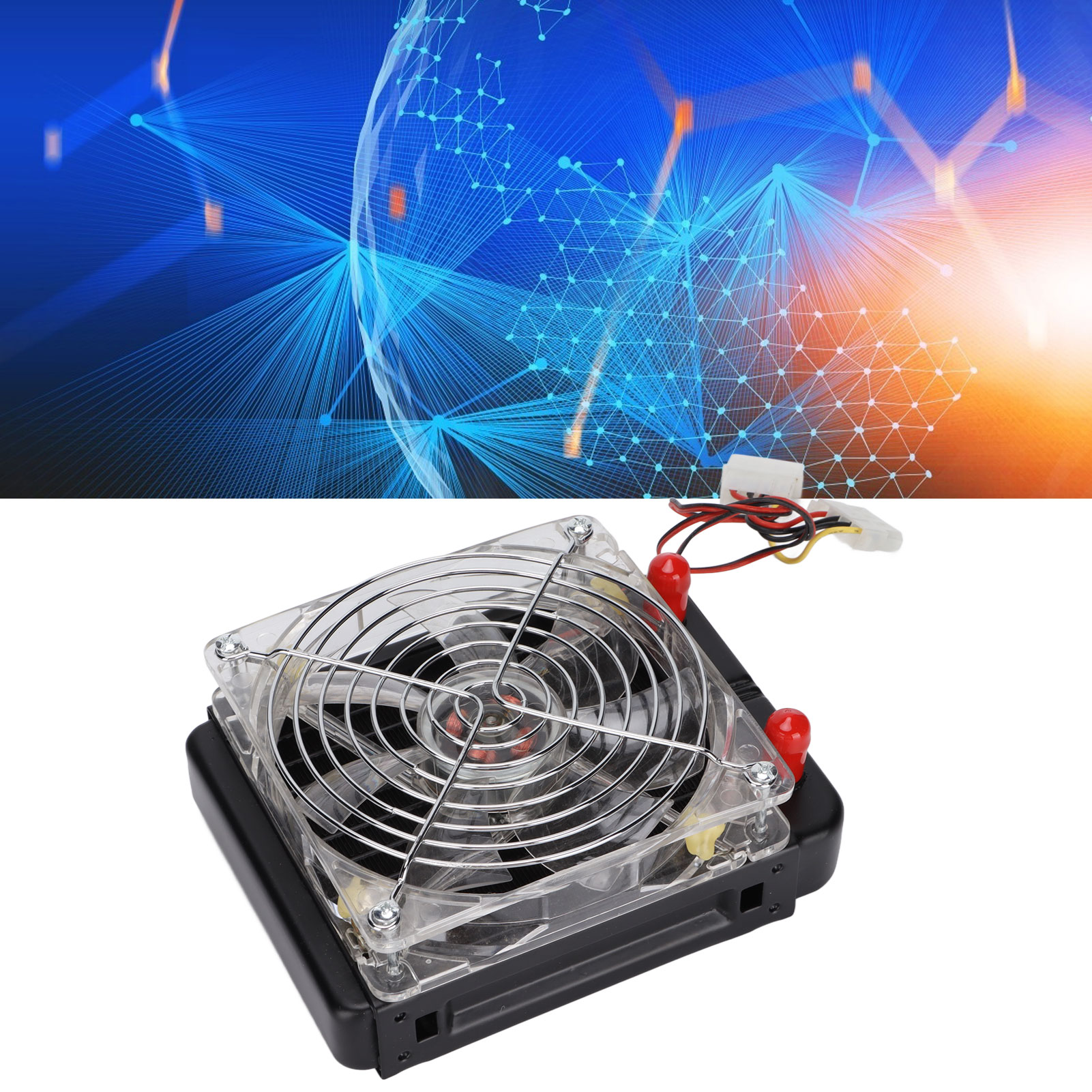
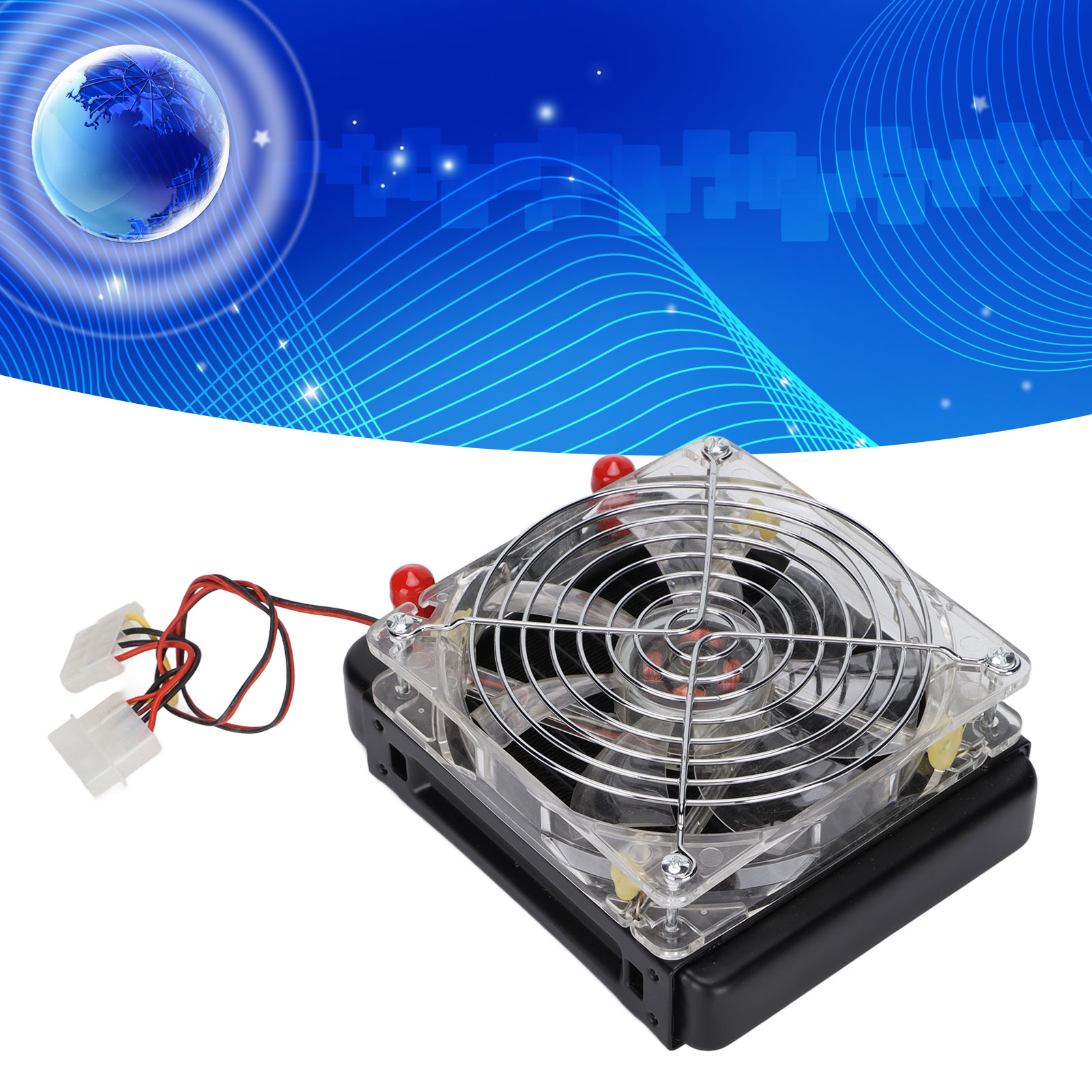
1. 10 Pipes with Fan Integrated Water Drain Assembly
Interface: Straight Mouth
Fan Size: 12cm x 12cm / 4.7 x 4.7in
Fan Interface: Big 4PIN
Water Drain Specification: 120mm / 4.7in
Water Drain Size: 152 x 60 x 120mm / 6 x 2.4 x 4.7in
2. GPU Water Block Components
Contact Copper Size: 50 x 50mm / 2 x 2in
Material: Brass, Aluminum Alloy
With a Pack of Mounting Screws
3. SC600 Water Pump Components, a Pack of Pagoda Screws
Voltage: 12V DC, 3-pin Plug on the Motherboard
Power: 10W
Head: 3 Meters
Flow Rate: 500 Liters/Hour
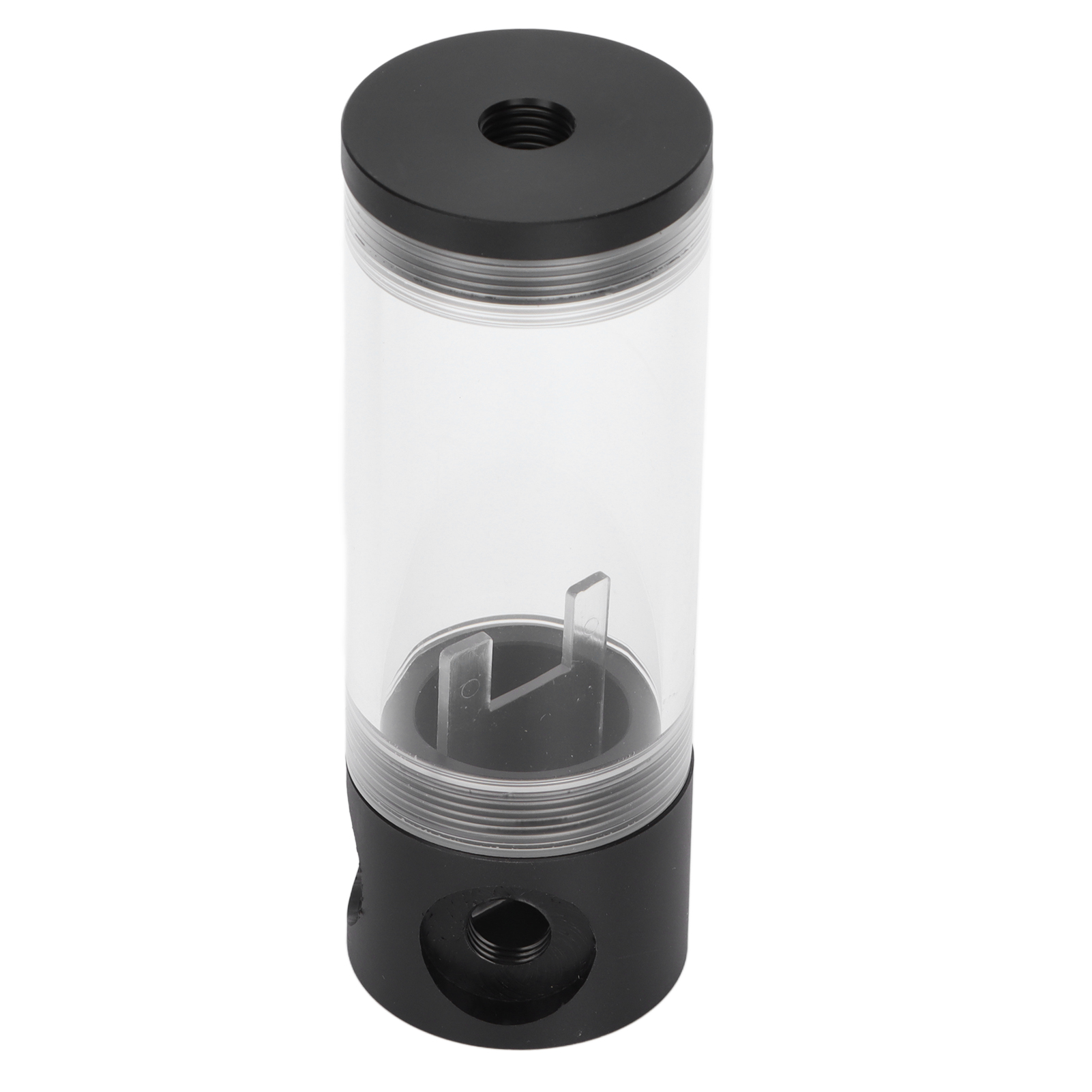
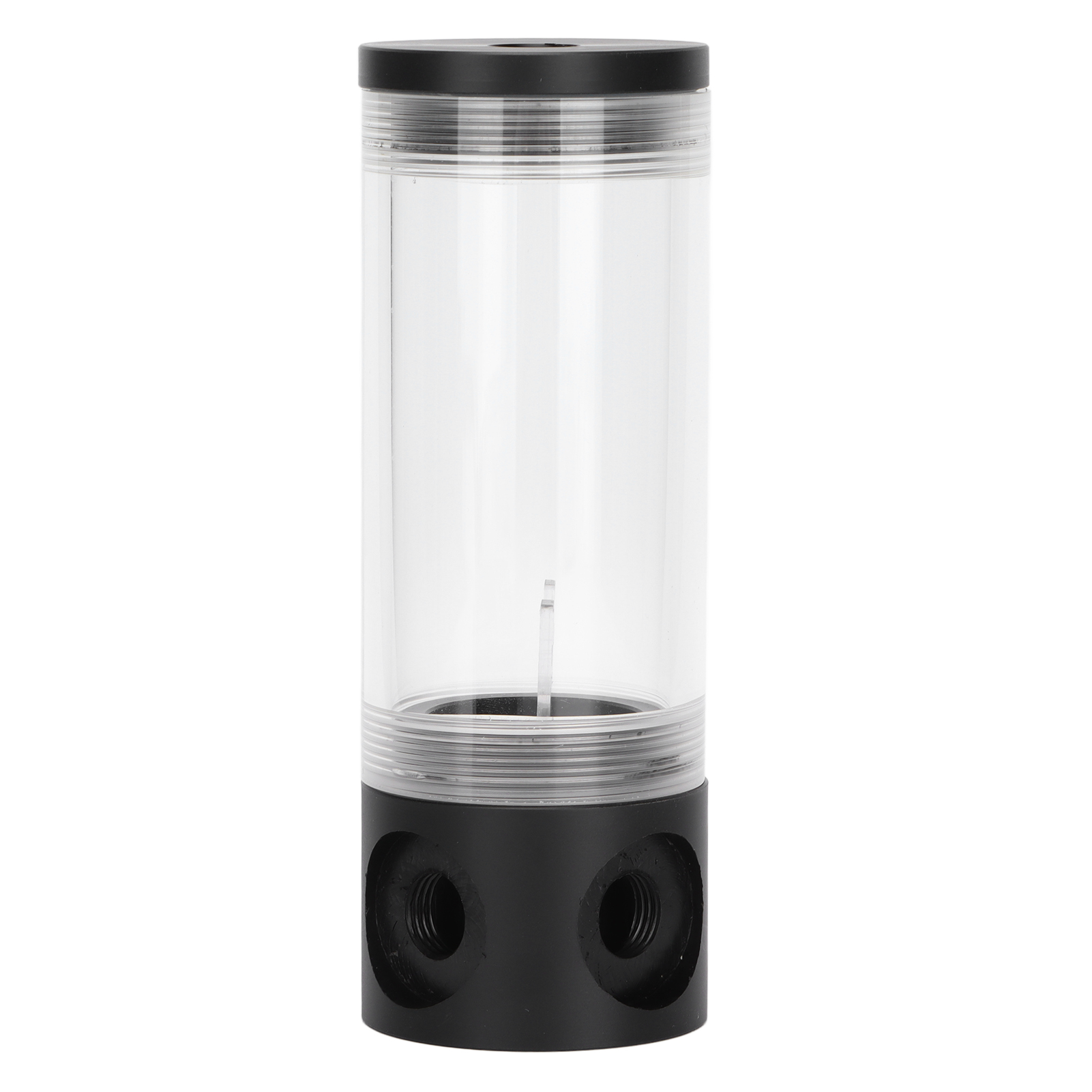
4. 140mm Cylindrical Water Components
Water Diameter: 50mm / 2in
Water Height: 140mm / 5.5in
Water Material: Acrylic, ABS
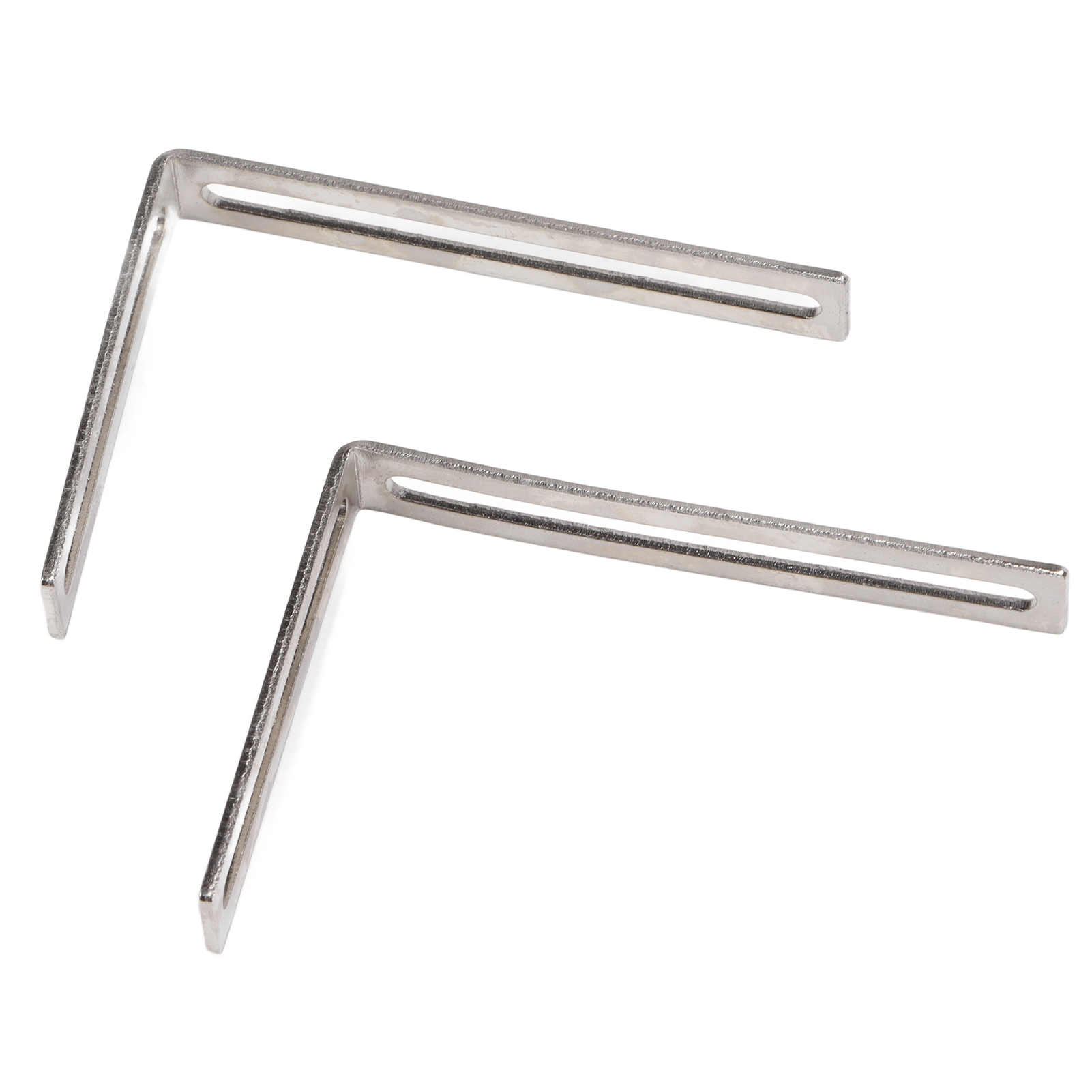
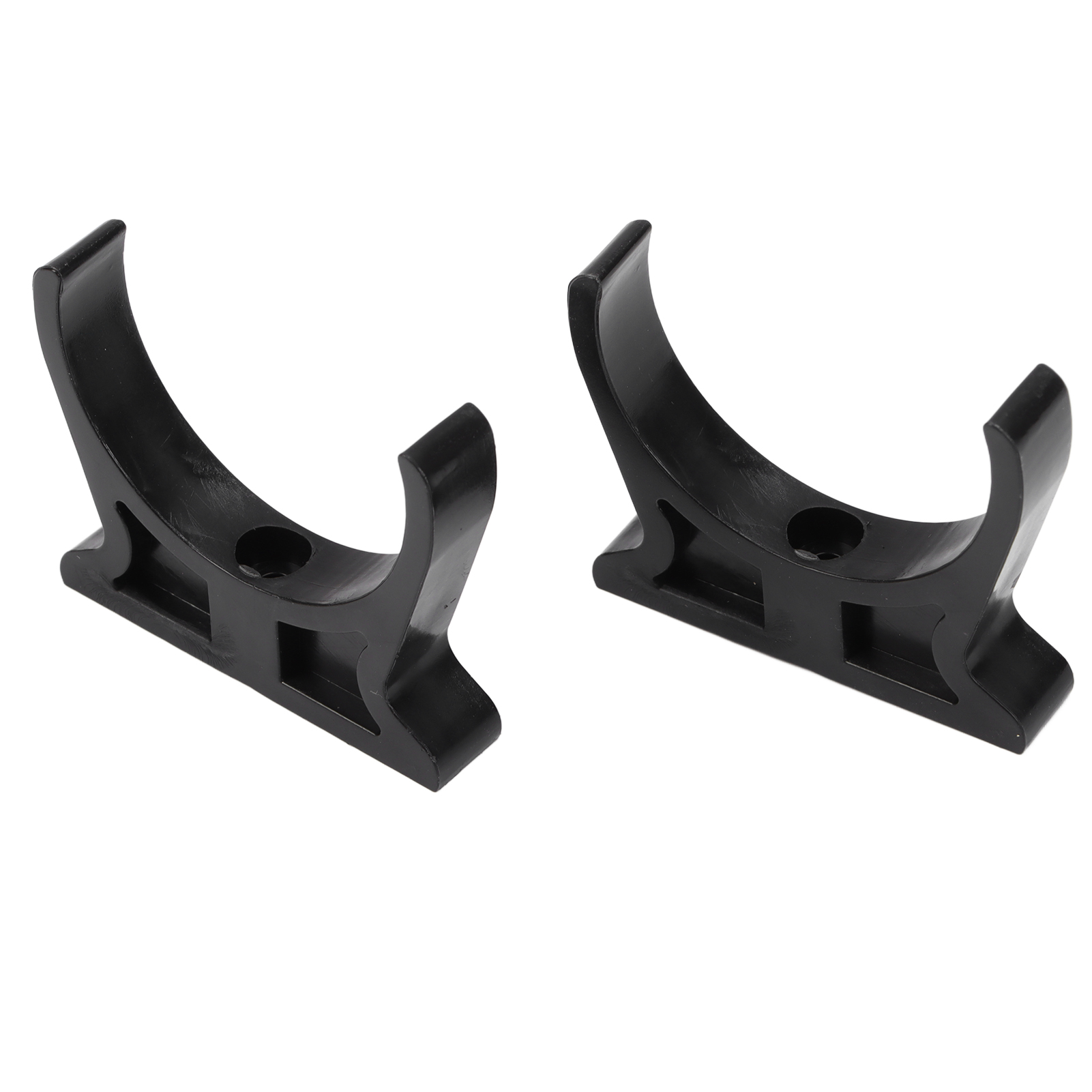
With a Pair of Black Water Brackets, a Pair of Silver Brackets, a Pack of Mounting Screws
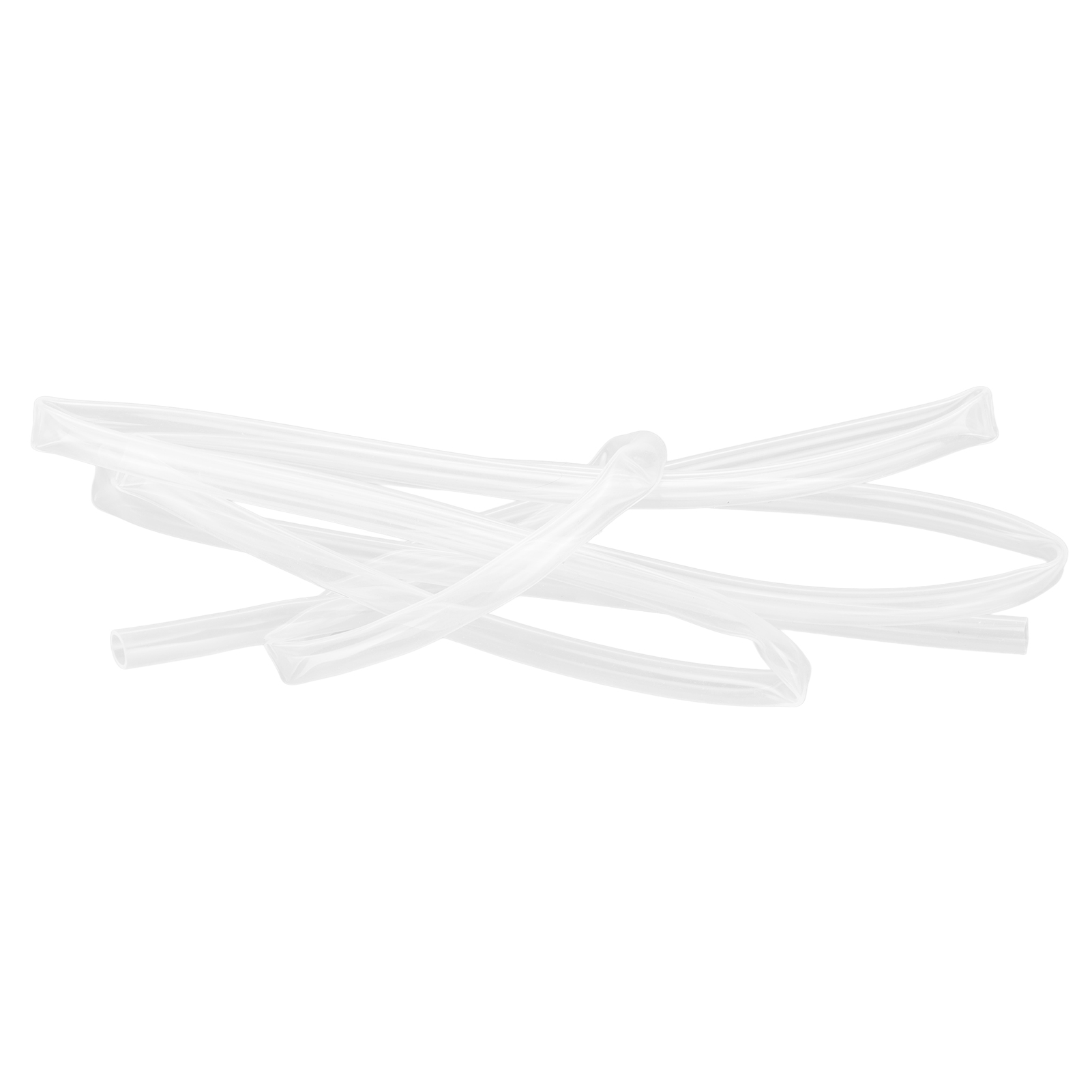
5. Hose (Transparent) Assembly
Hose Length: About 2 Meters
Hose Size: 8mm / 0.3in(Inner Diameter), 10mm / 0.4in(Outer Diameter)
Hose Material: TPE
A Pack of Accessory Copper Mounting Screws
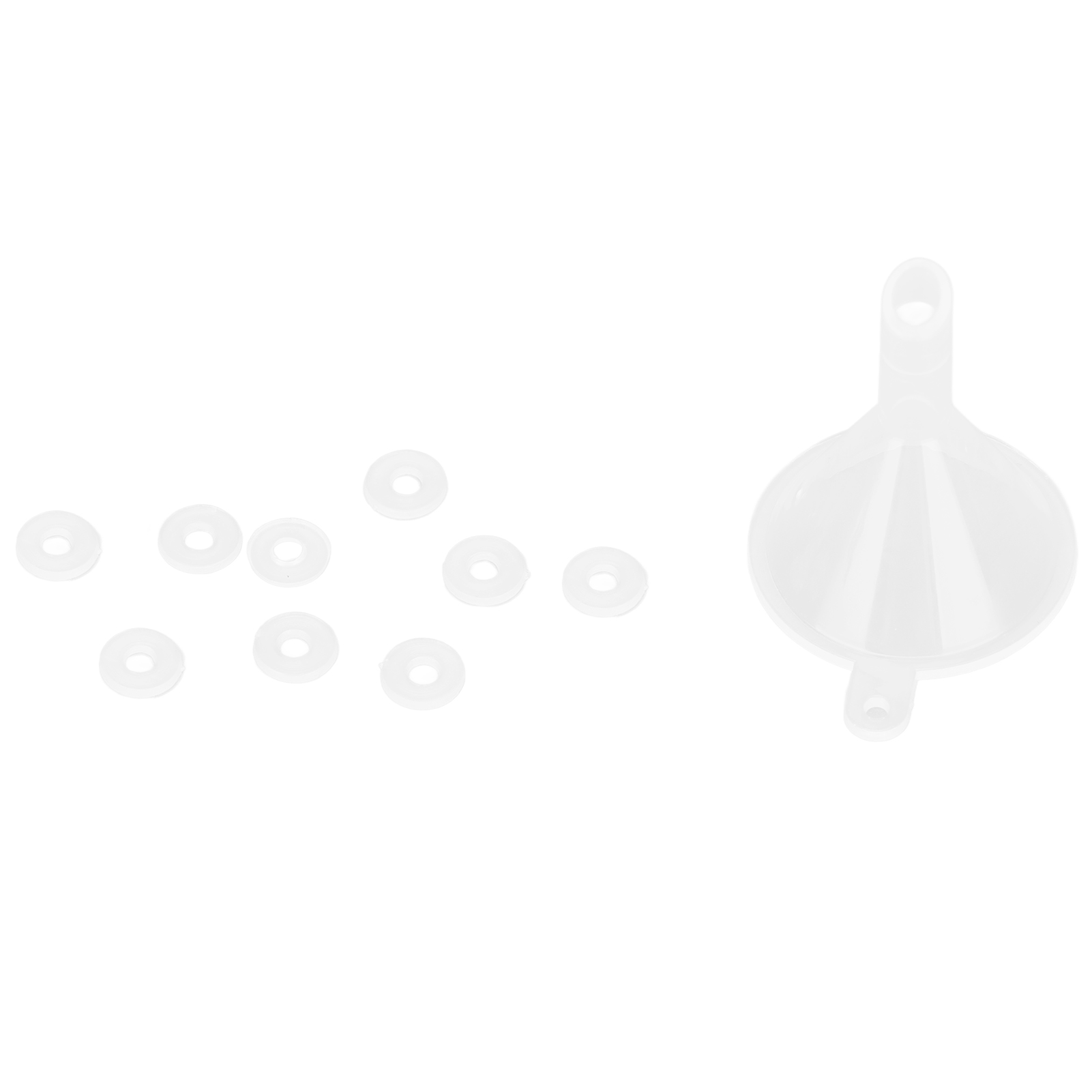
6. Water Cooled Liquid Filling Device
1. Remove the CPU cooler
2. Remove the CPU base and north bridge
3. The effect picture of removing the CPU base and the north bridge
4. Prepare 4 screws to fix the CPU, and put on spacers for each
5. Put the prepared screws into the four holes of the CPU
6. Turn the motherboard to the front, put a washer on each screw
Screw nuts on 7.4 screws
8. Use a screwdriver to tighten the 4 screws
9. Apply silicone grease evenly on the CPU
10. Align the CPU water block with the hole and place it
11.4 springs are placed on the fixing screws
Tighten the nut with 12.4 screws. The progress of tightening the 4 nuts must be the same, otherwise it will cause imbalance and poor heat conduction.
13. Install 2 pagoda connectors
14. Prepare the two screws of the north bridge, and put washers on the screws
15. The north bridge screw penetrates the hole of the motherboard
16.Turn the motherboard over and put 2 screws on the front side with spacers
17. Apply thermal grease evenly on the North Bridge/South Bridge chip
18. Screw the nut on the screw, go to the back and use a screwdriver to tighten
19. Put the corresponding screws into the North Bridge/South Bridge
20. Put a spring on the screw
21. Screw on the nut, the progress of the two screws is the same, then install the pagoda connector, and tighten
22. The graphics card is removed from the motherboard
23. Remove the previous heat dissipation effect diagram
24. The graphics card head is the same as the previous steps
25. Show that the water block is installed
26. Install the graphics card back to the computer motherboard and fix the effect picture
27. Fix the cooling fan to the cooling water drain (note: the fan is sent to the )
28. The effect diagram of fixing the heat sink on the chassis
29. The display diagram of the follow-up connection of the pump and the water . The follow-up method can be changed in the actual situation, and you can install it at will.
30. Fix the water rack in the proper position of the chassis, and then snap the water into the buckle
31. Fix all fittings, measure the length of the pipe at each position of the pipeline, and then cut the pipe
32. Put the tube skull on both ends of the tube
33. Casing Skeleton Method
34. Connect the weft waterway like this, and then put the pipe skeleton on the joint with pliers
35. Then check whether each waterway is installed properly to avoid water leakage
36. Add water and coolant, fill the water for the first time, and then turn it on, it will become less during the cycle, fill it up again, make sure the air inside is drained, and then plug the plug
37. Connect the power supply of the water pump to the position of the previous CPU fan, and the big 4pin interface of the fan can be found on the power supply to insert it.
Package List:
1 x 120 Pagoda Water Drain (with 1pcs 12cm Fan)
1 x GPU Water Block
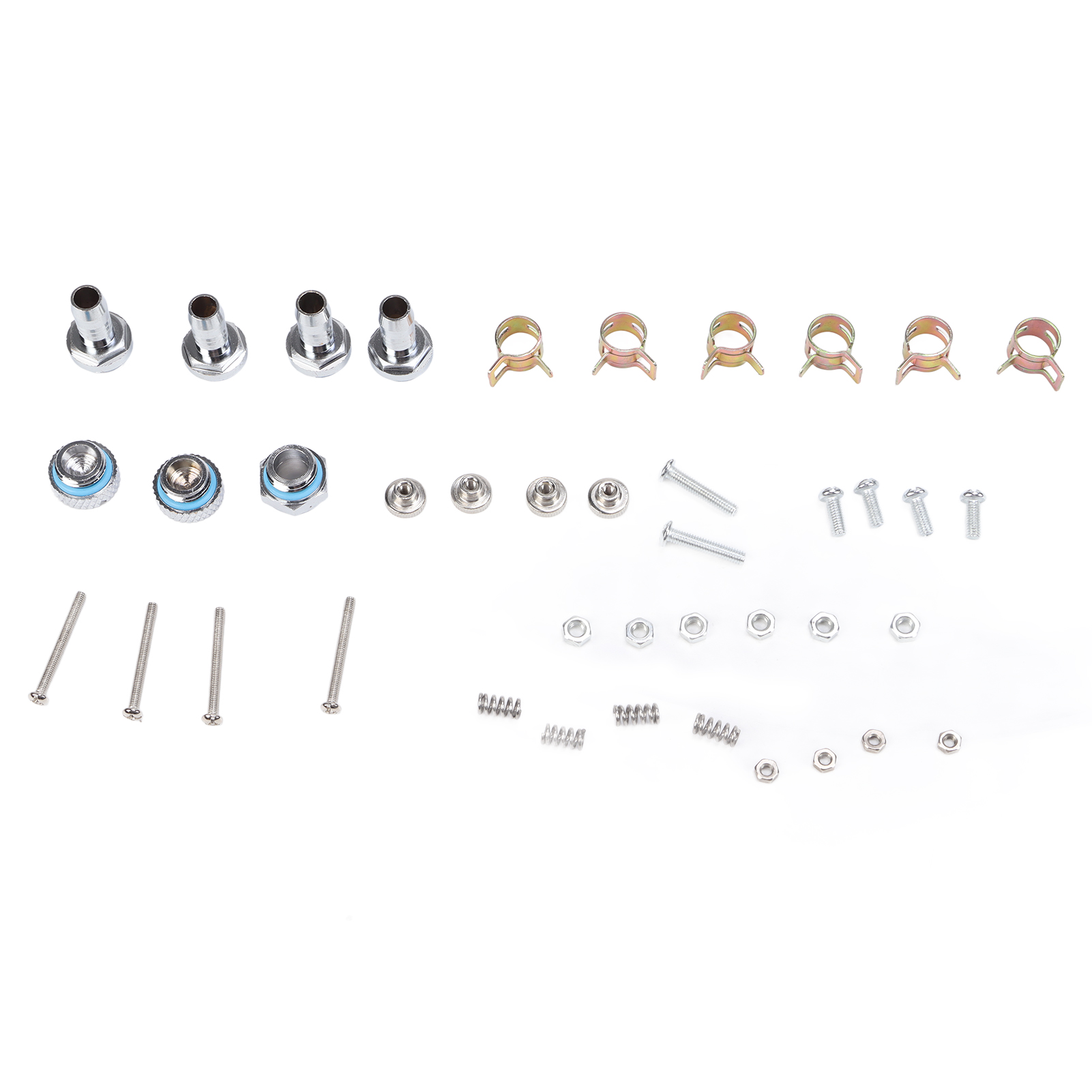
4 x Long Screws
4 x Thumb Nut
4 x Spring
4 x Small Nut
8 x Gasket
1 x Water Pump
1 x 140mm Cylindrical Water
2 x Black Water Bracket
2 x Silver Bracket
2 x Long Screws
4 x Short Screws
6 x Large Nut
1 x Hose Transparent
6 x Tube Buckle
4 x Pagoda
2 x Plug
1 x Docking
1 x Funnel
2 x Dust Cover
Note:
Manually measure the size, there may be errors.