Features:
For experienced buyers, NVMe hard drives are recommended. (Not all NVME M.2 SSDs are compatible with for Apple computers)
It allows you to plug in and install the new system directly, making the operation relatively simple. Suitable for novice operation.
First: Before replacing the new NVME M.2 SSD, make sure to upgrade from the original computer hard disk to the version of Sierra 10.14 (or higher than version 10.14) (your computer must run 10.14 or hhigher than version 10.14 one time), and the SMC and boot ROM versions of Mac will be updated during the upgrade process to support the SSD of NVME.
Second: Do not use for Mac's own network recovery software to install new hard disk for Mac OS, and only install new hard disk through U disk. (You must use a U-disk for installation, not a Mac for network installation and system recovery. The U -disk version of the system must be 10.14 or higher, if no hard disk will be found below this version. It is recommended to download the latest version before replacing the hard disk version of the for Apple system and install it on the U disk.)
Specifications:
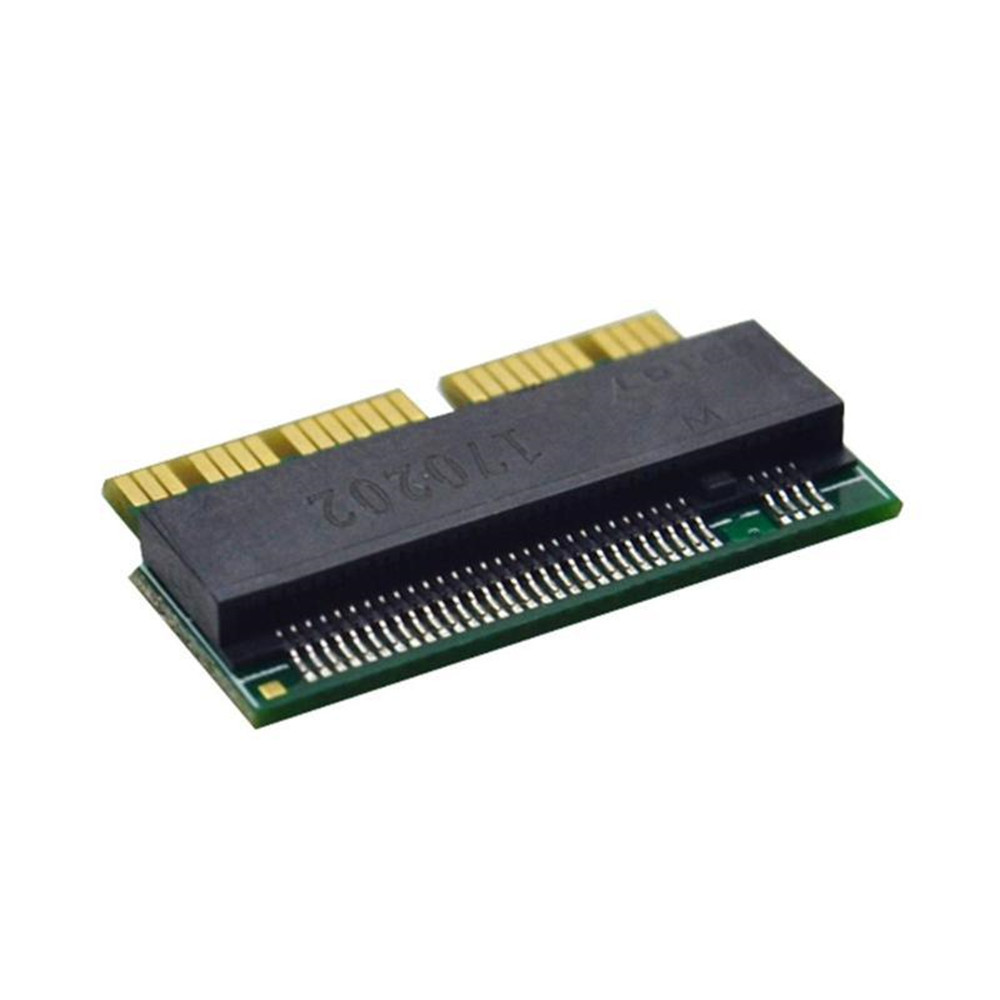
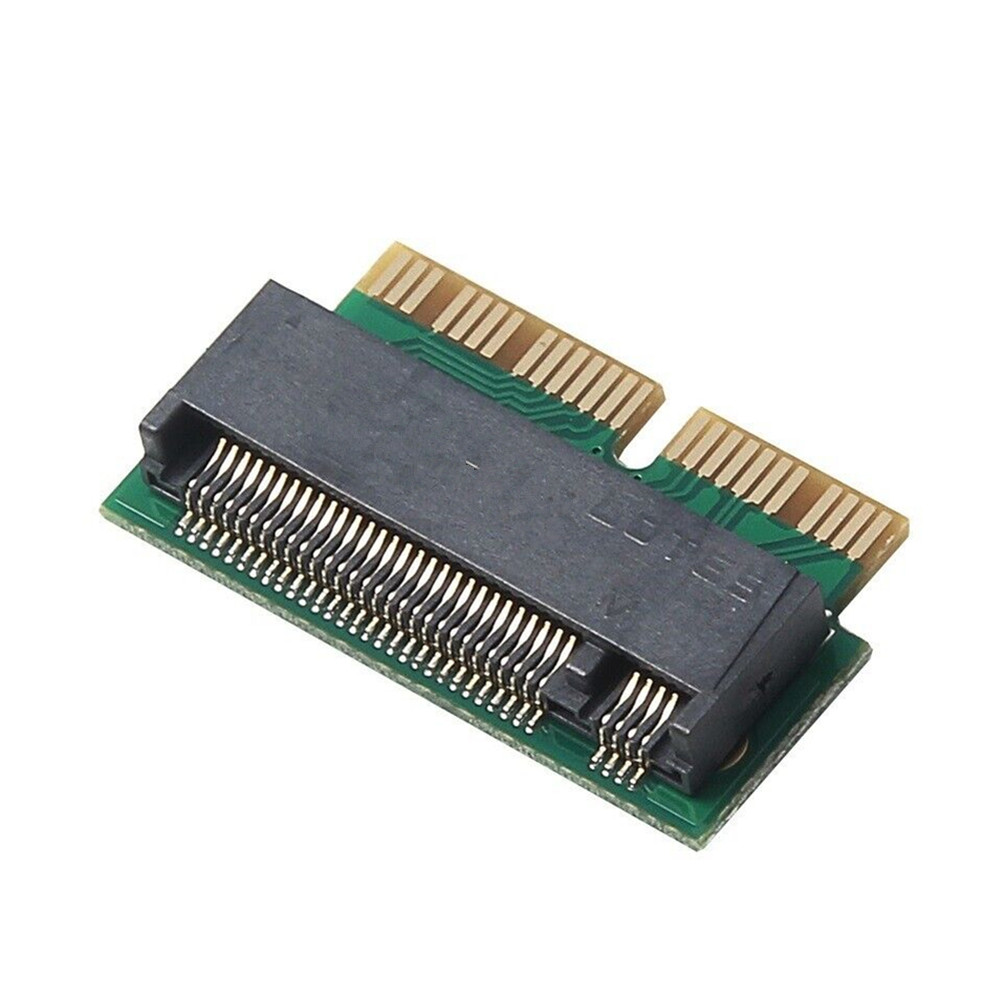
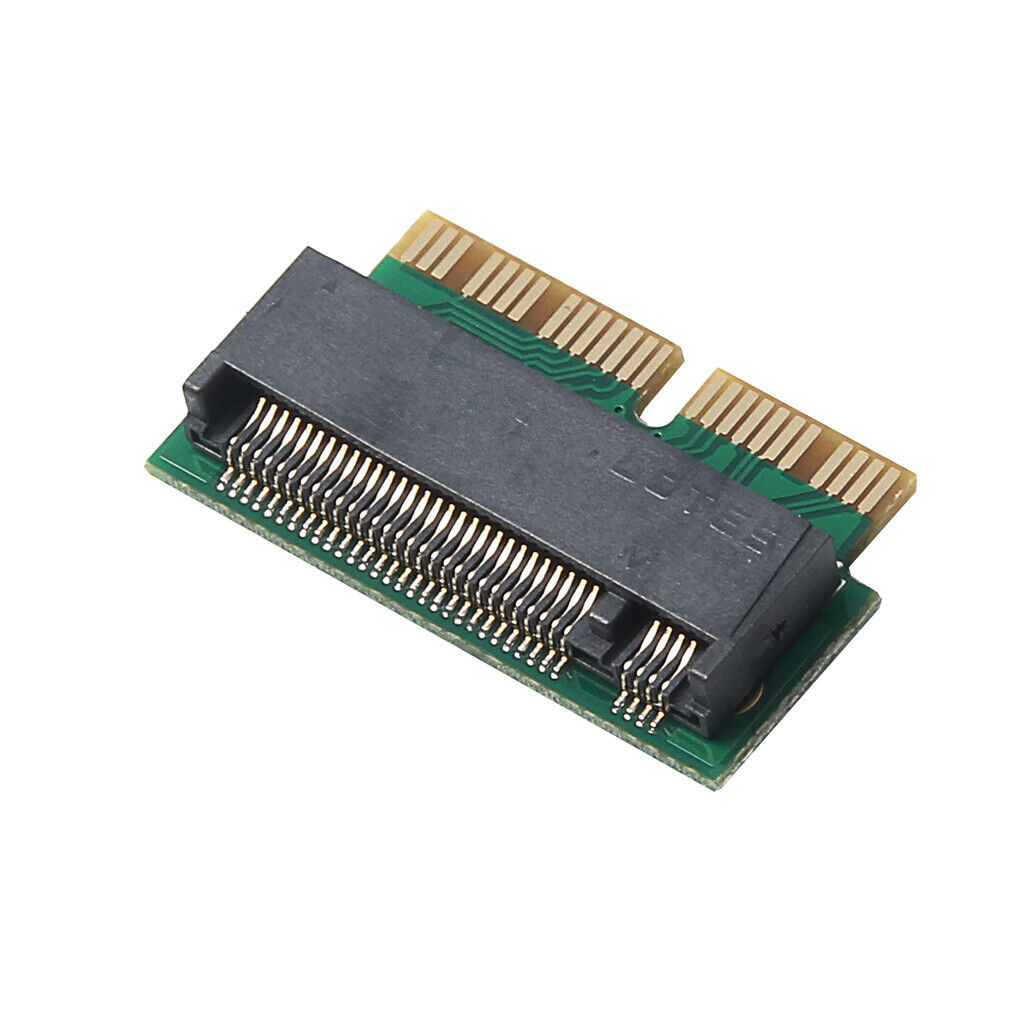
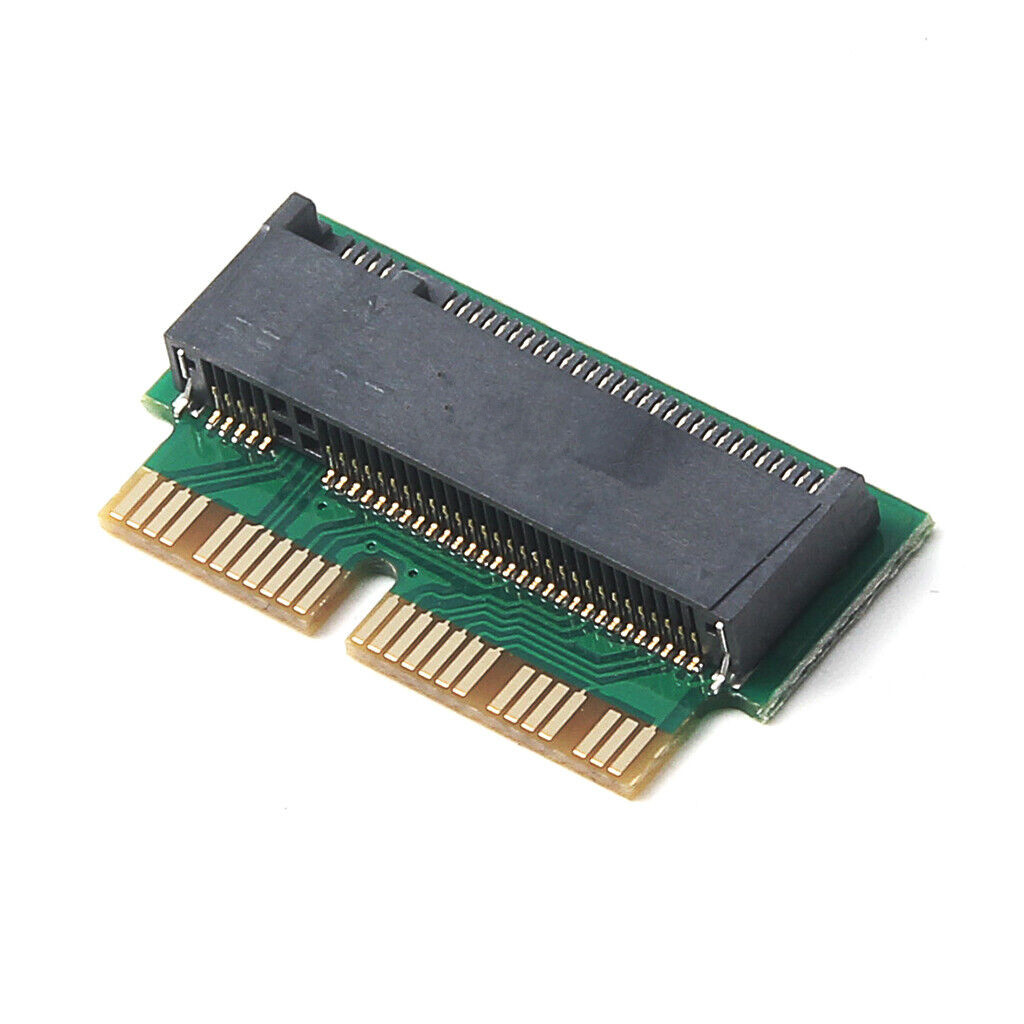
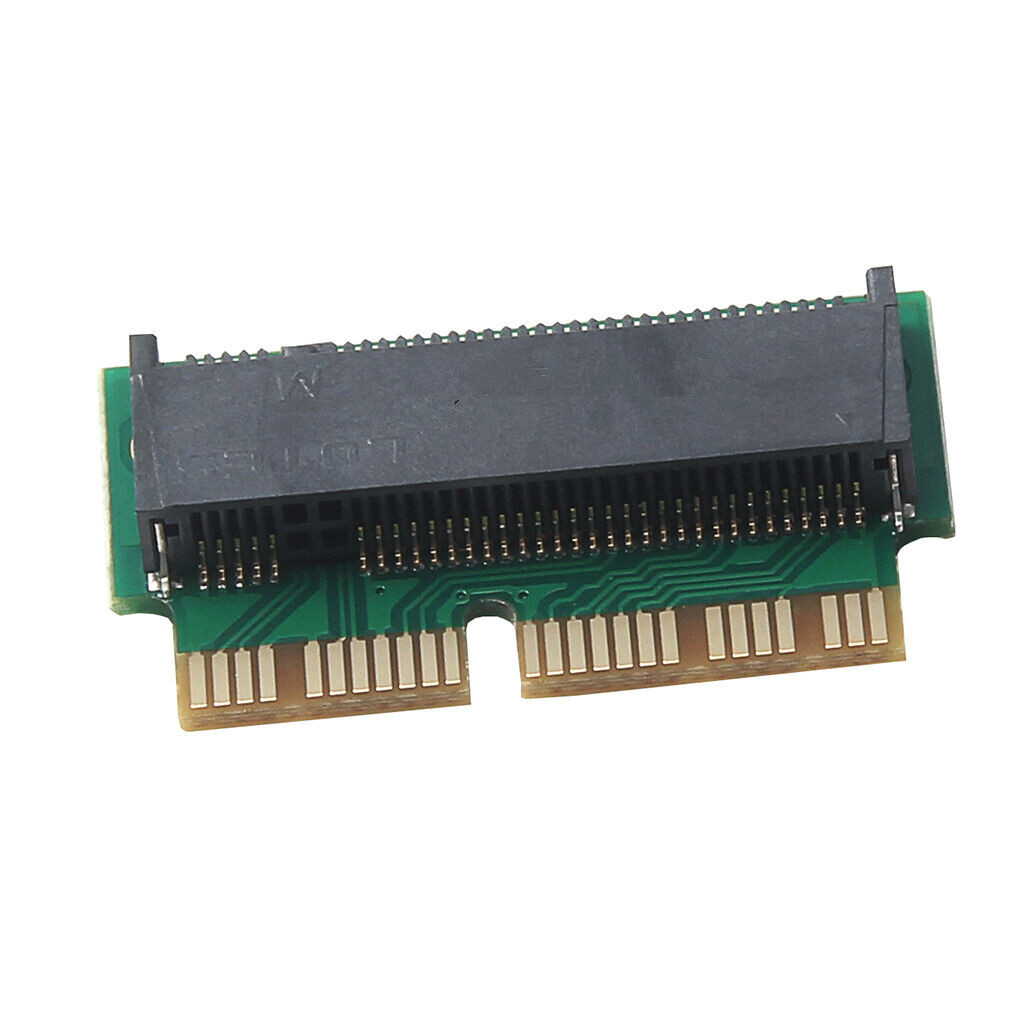
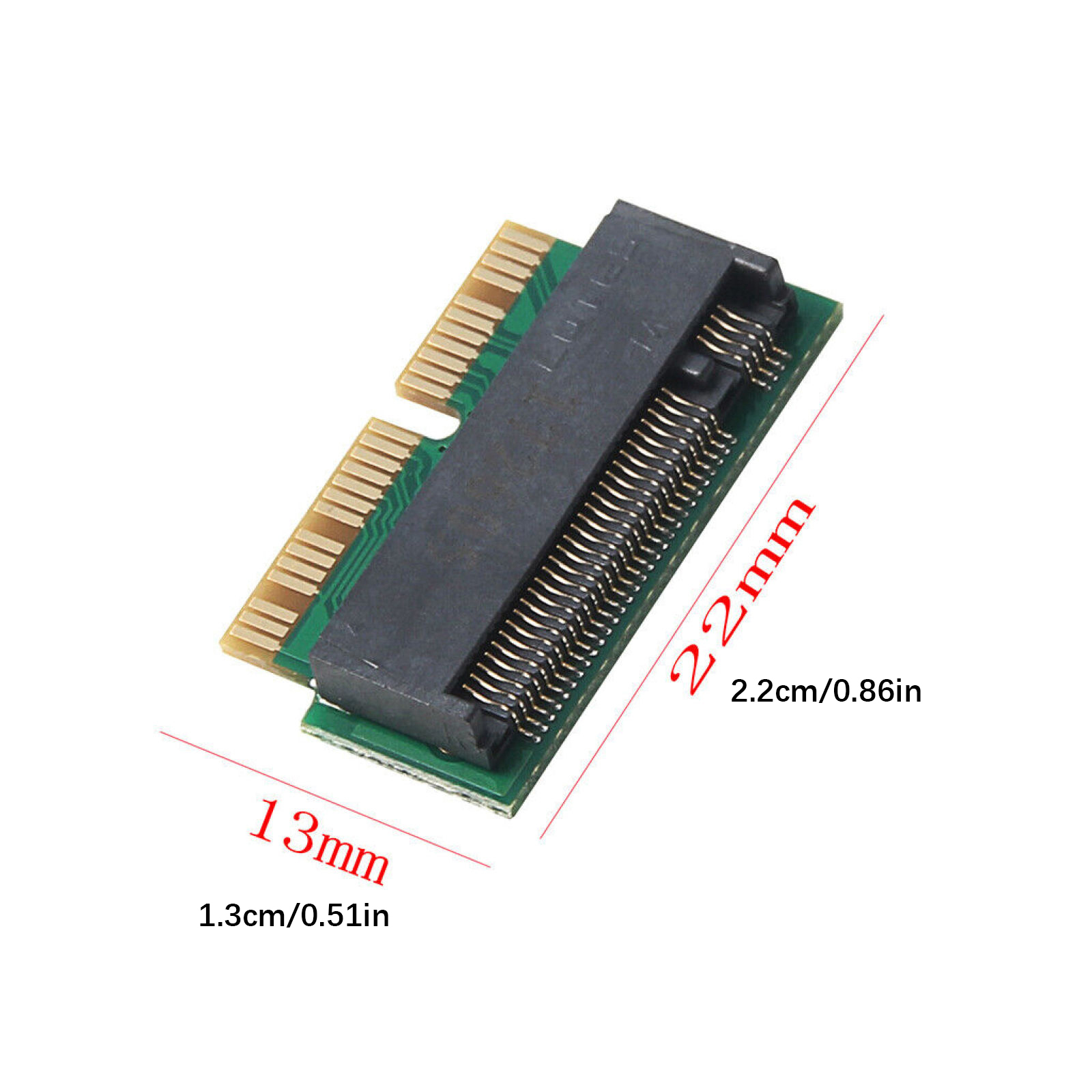
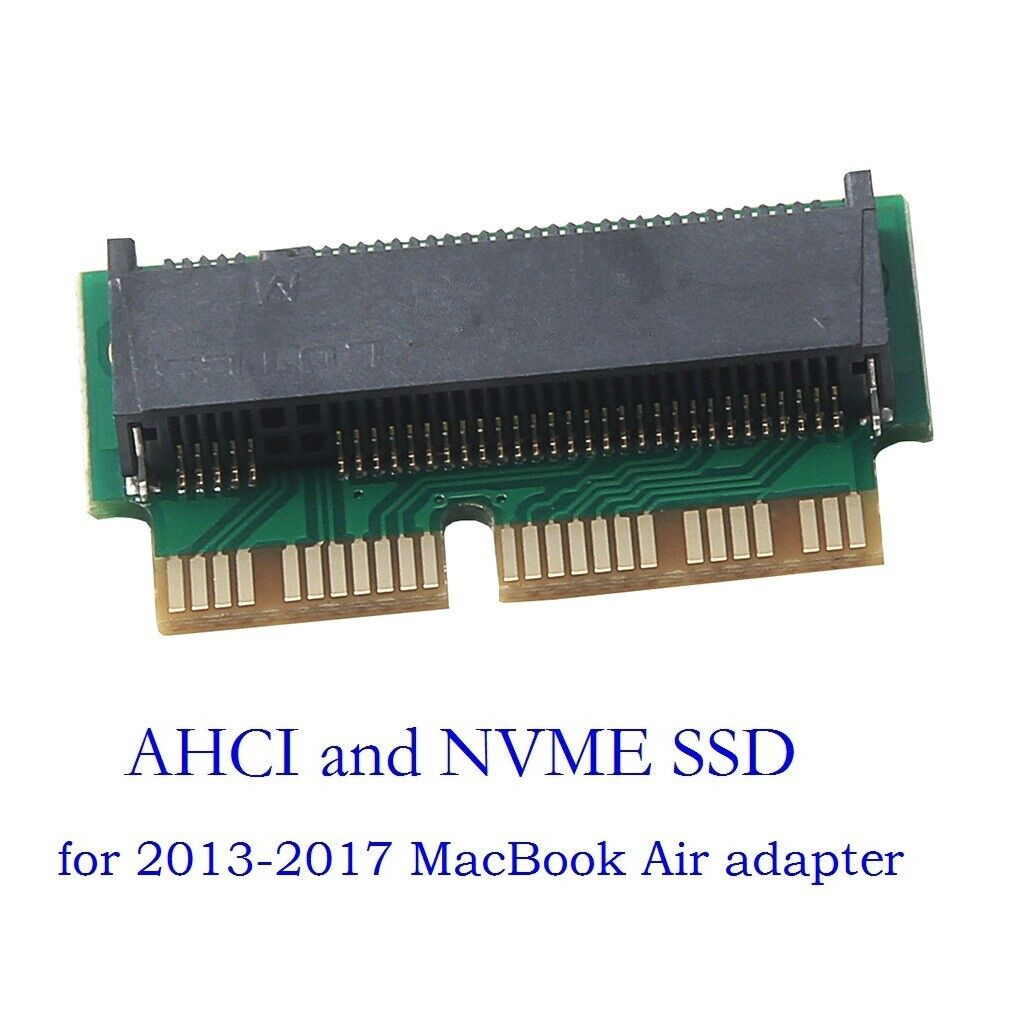
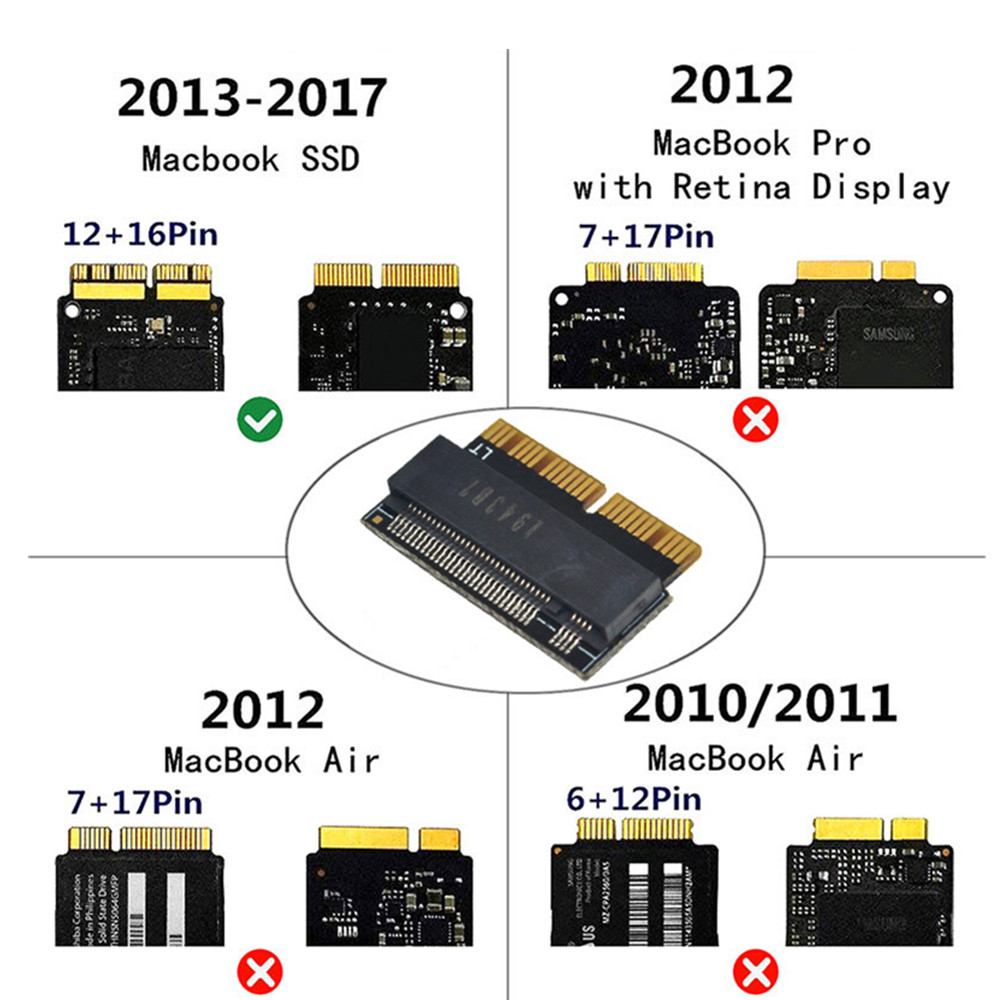
Item: NVMe M.2 to for Macbook Air Pro 2013 2014 2015 2017
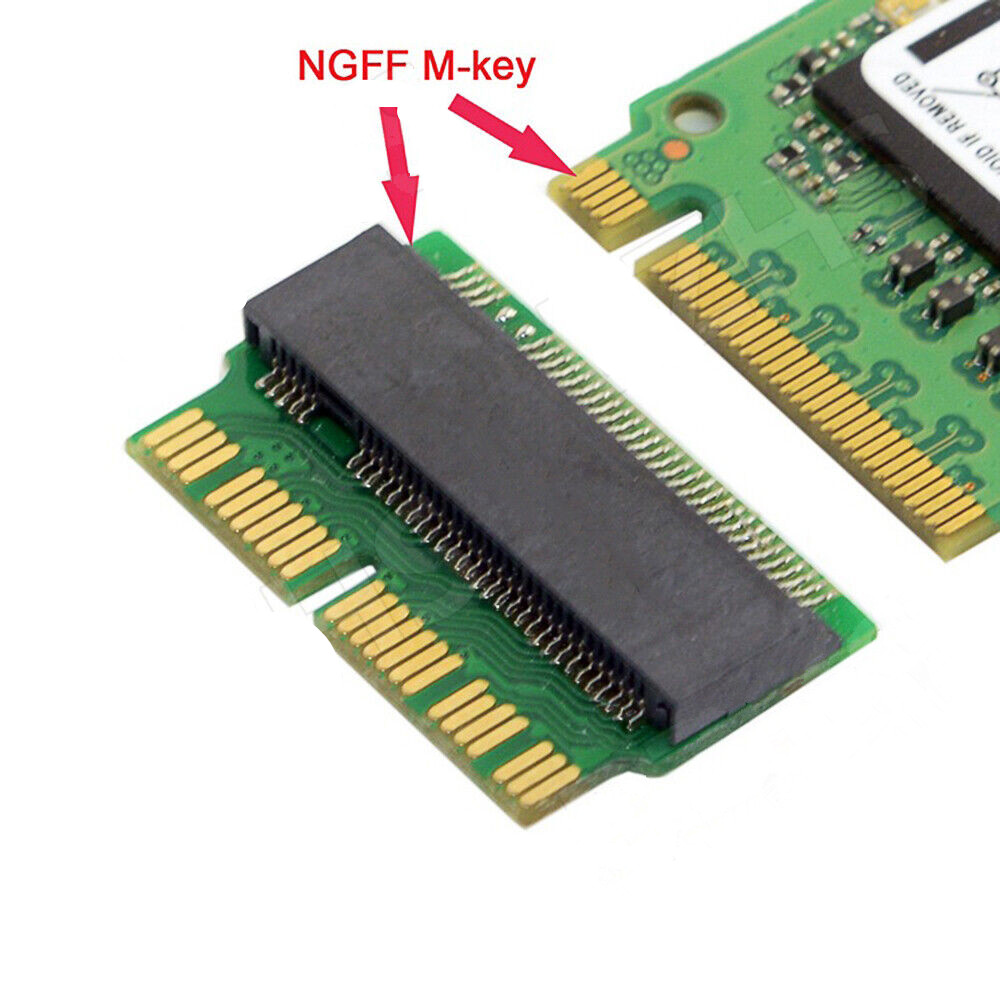
Interface: M.2 KEY-M
Package include:
1* Card Adapter
We only accept Ebay payments from verified accounts with confirmed addresses.
Orders will be shipped after receiving cleared payment.
If you want faster shipping way. Please contact us before making payment.
Sometimes due to problems with our transportation company system, your shipping information may be delayed to update. We recommend that you try again after 3-4 days. If you still haven't checked the shipping information, you can contact us.
If you have any questions, please reach out to us via eBay message, we will reply you as soon as possible.
Return/refund is accepted within 30 days after the buyer receives the item. No exchange will be accepted after 30 days from the date when the item is received.
Please contact us first before returning your product.
We only accept Ebay payments from verified accounts with confirmed addresses.
Orders will be shipped after receiving cleared payment.
If you want faster shipping way. Please contact us before making payment.
Sometimes due to problems with our transportation company system, your shipping information may be delayed to update. We recommend that you try again after 3-4 days. If you still haven't checked the shipping information, you can contact us.
If you have any questions, please reach out to us via eBay message, we will reply you as soon as possible.
Return/refund is accepted within 30 days after the buyer receives the item. No exchange will be accepted after 30 days from the date when the item is received.
Please contact us first before returning your product.