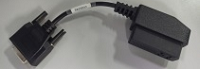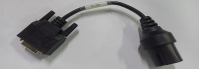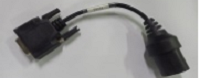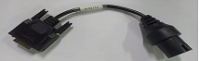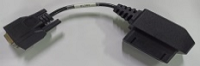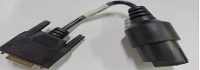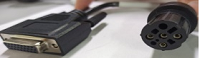
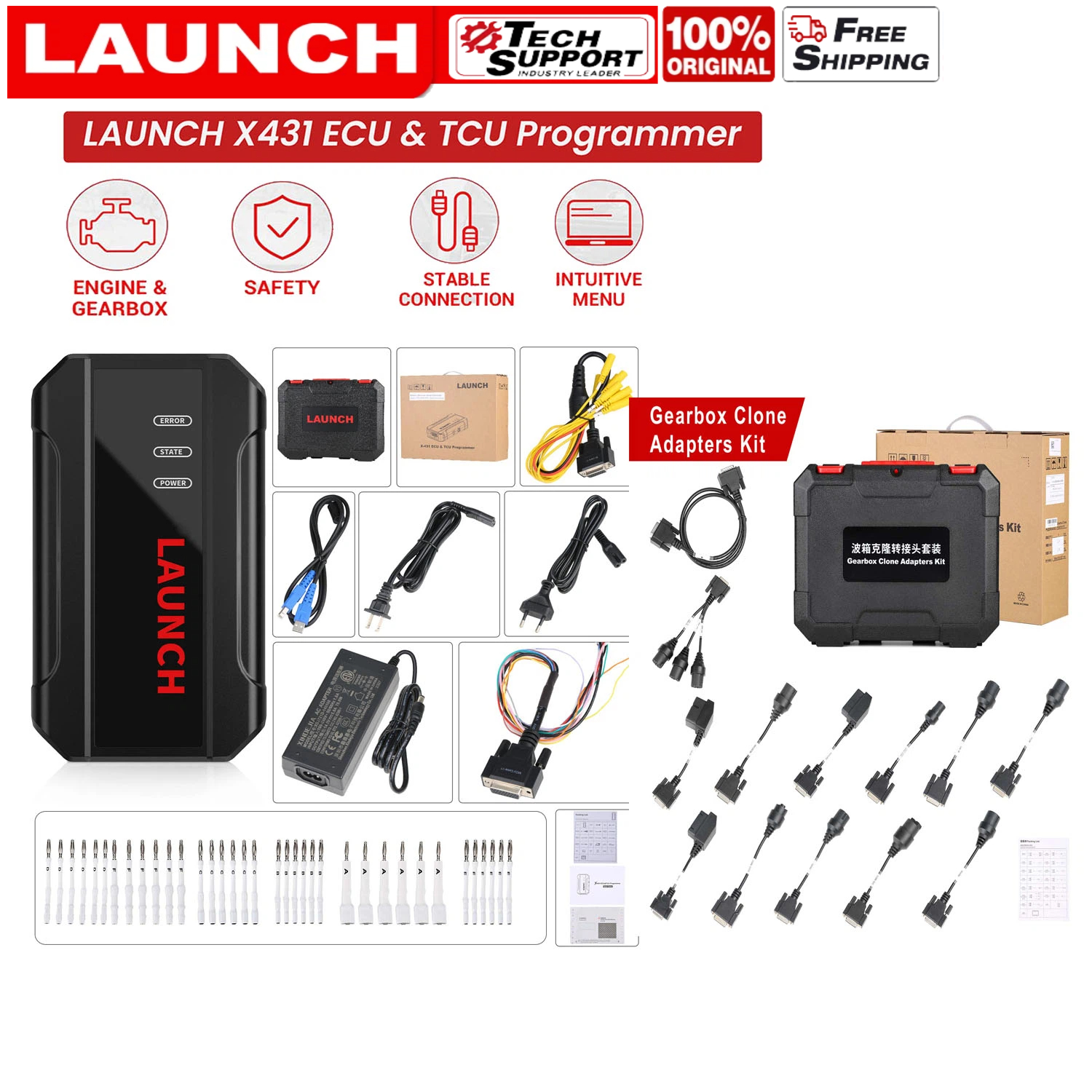
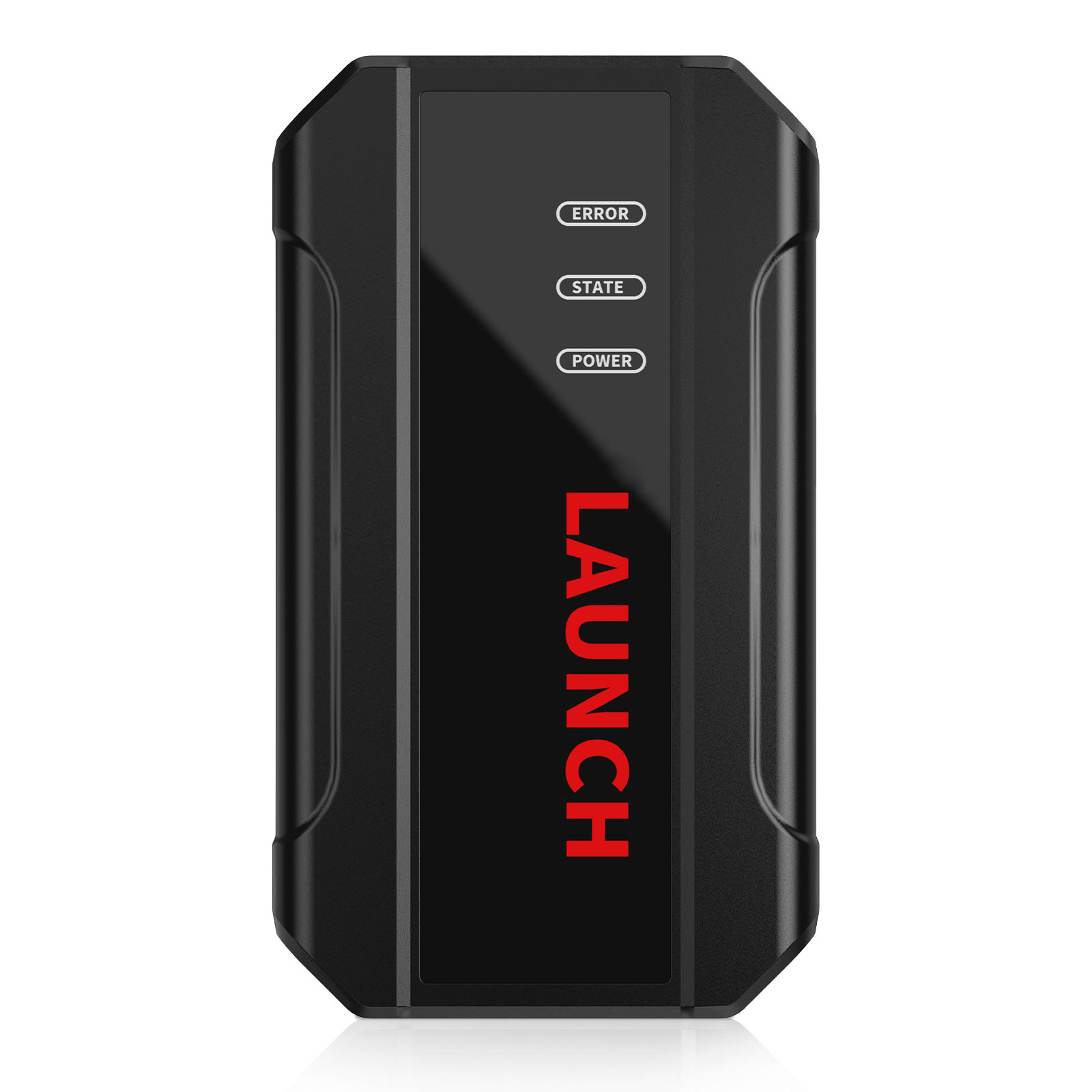
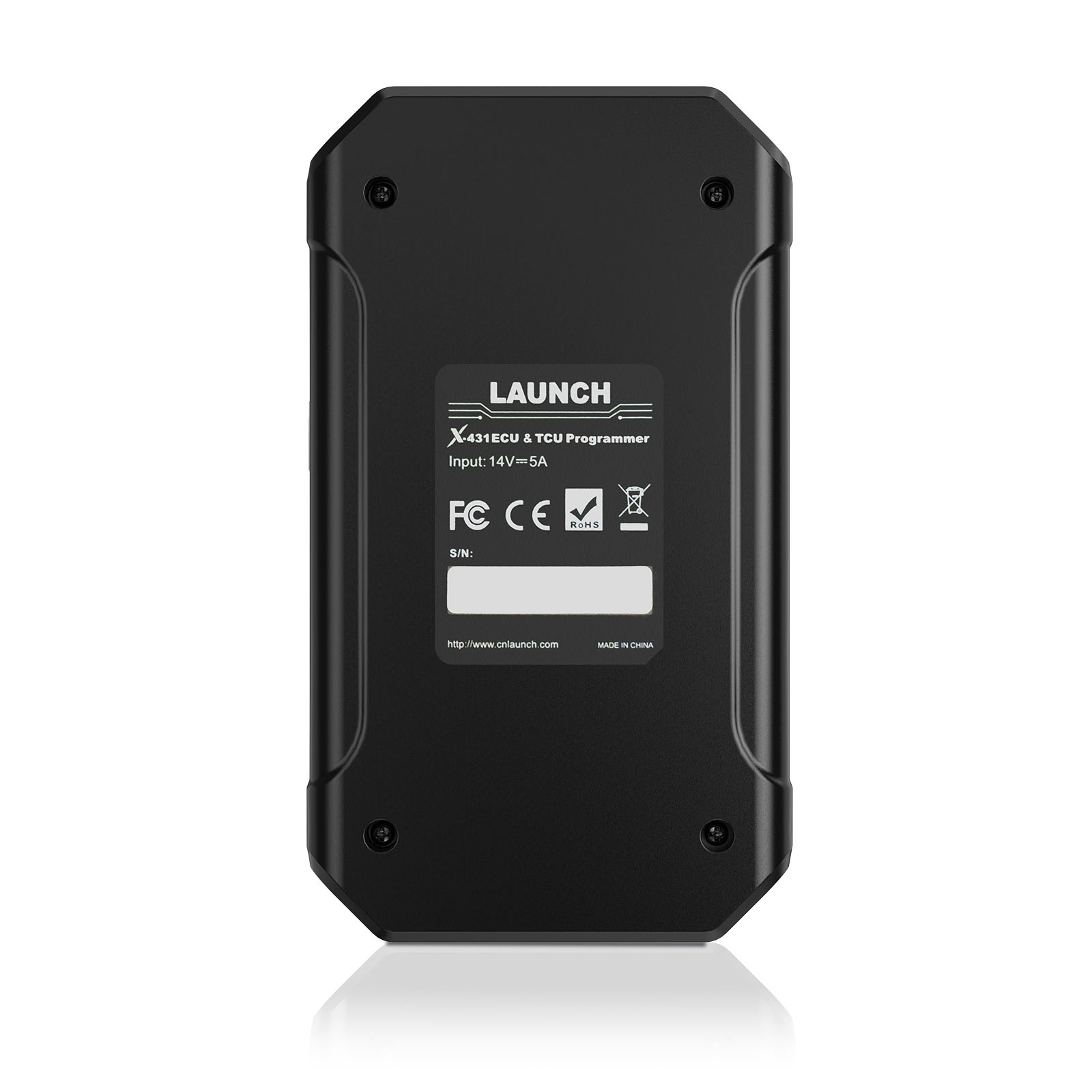
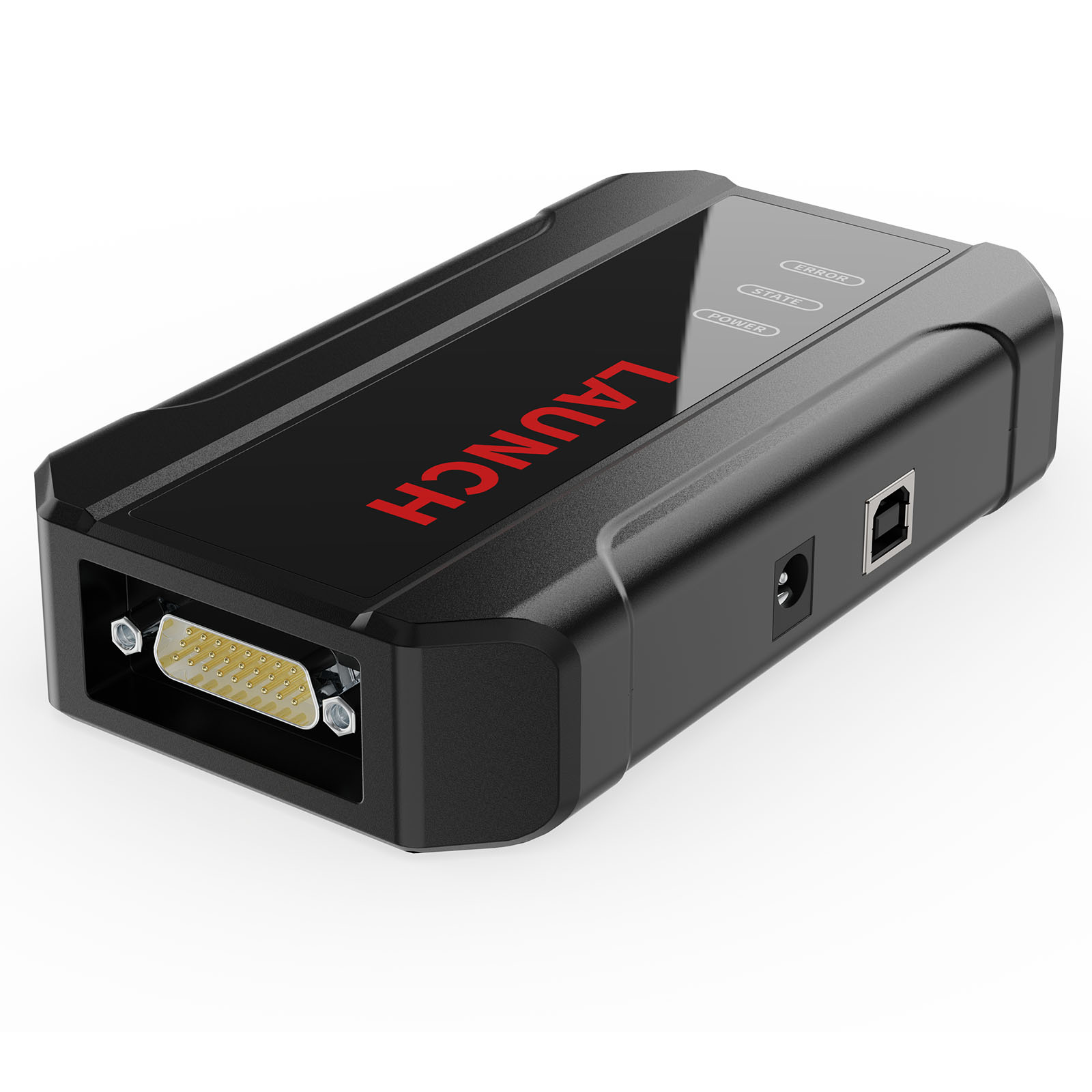
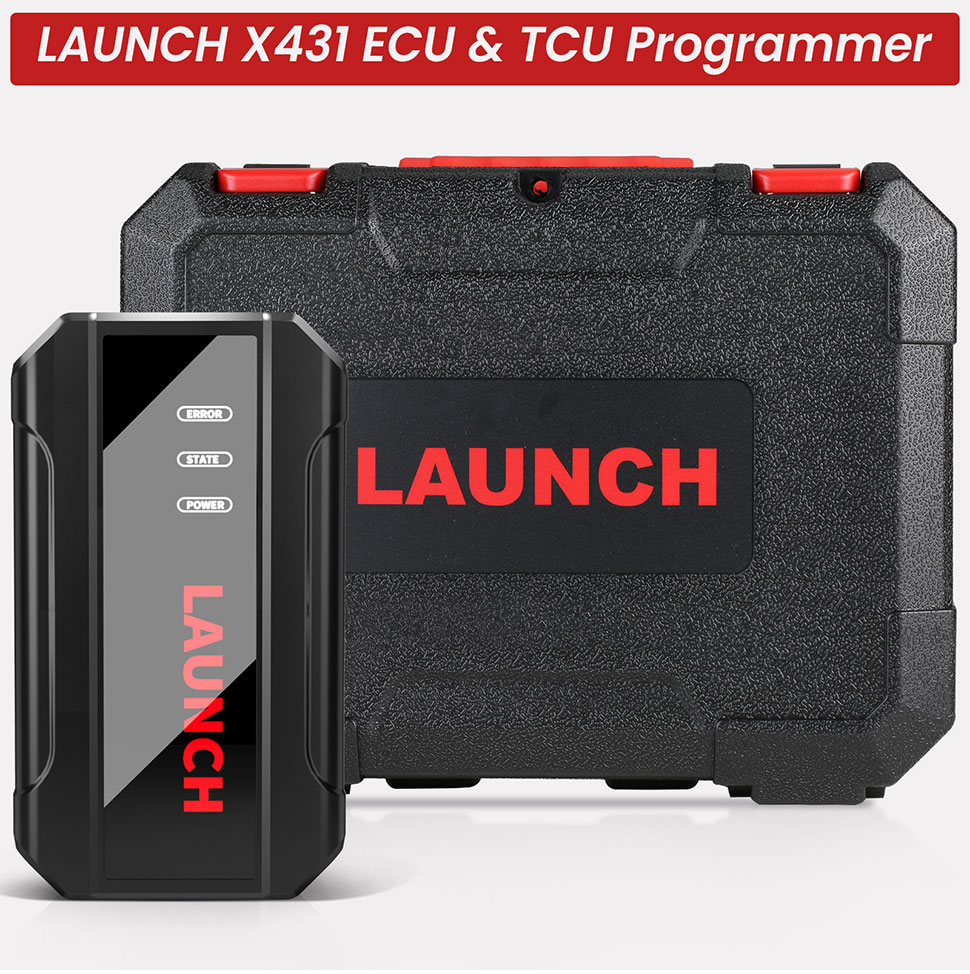
Launch X431 ECU & TCU Progarmmer Plus X431 X-PROG3 Gearbox Clone Adapler Kits
International Buyers – Please Note:
2. Please check with your country’s customs office to determine what these additional costs will be prior to bidding/buying.
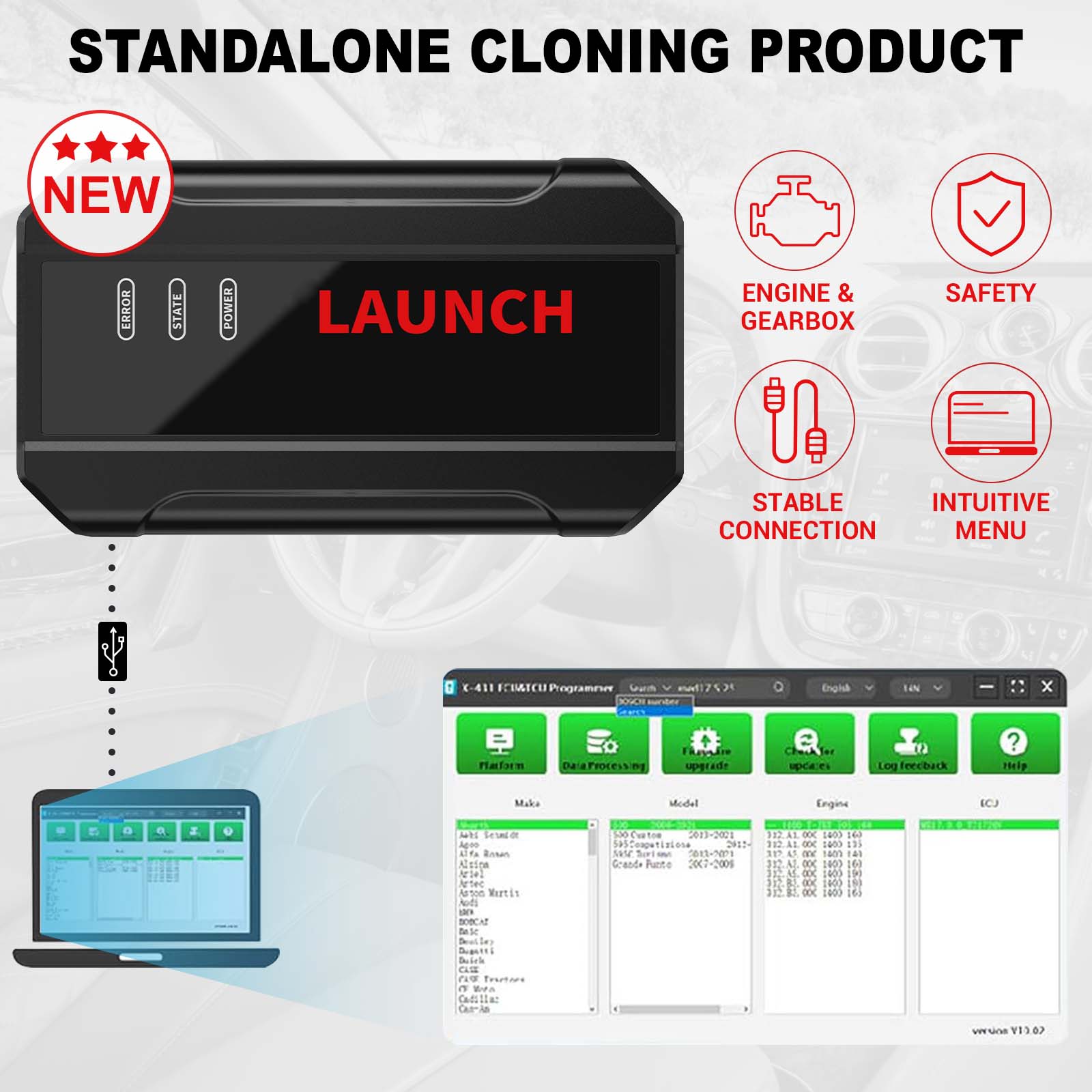
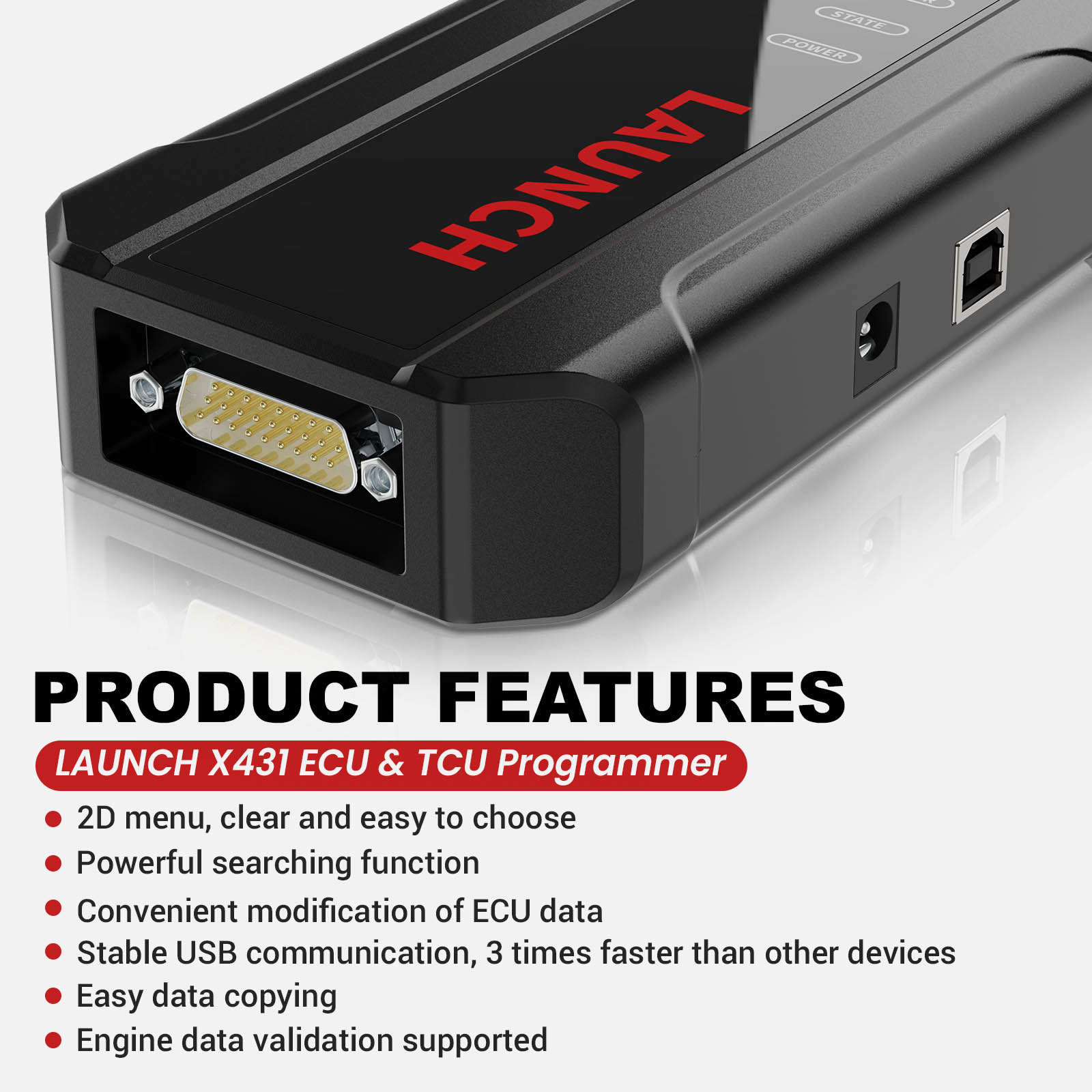
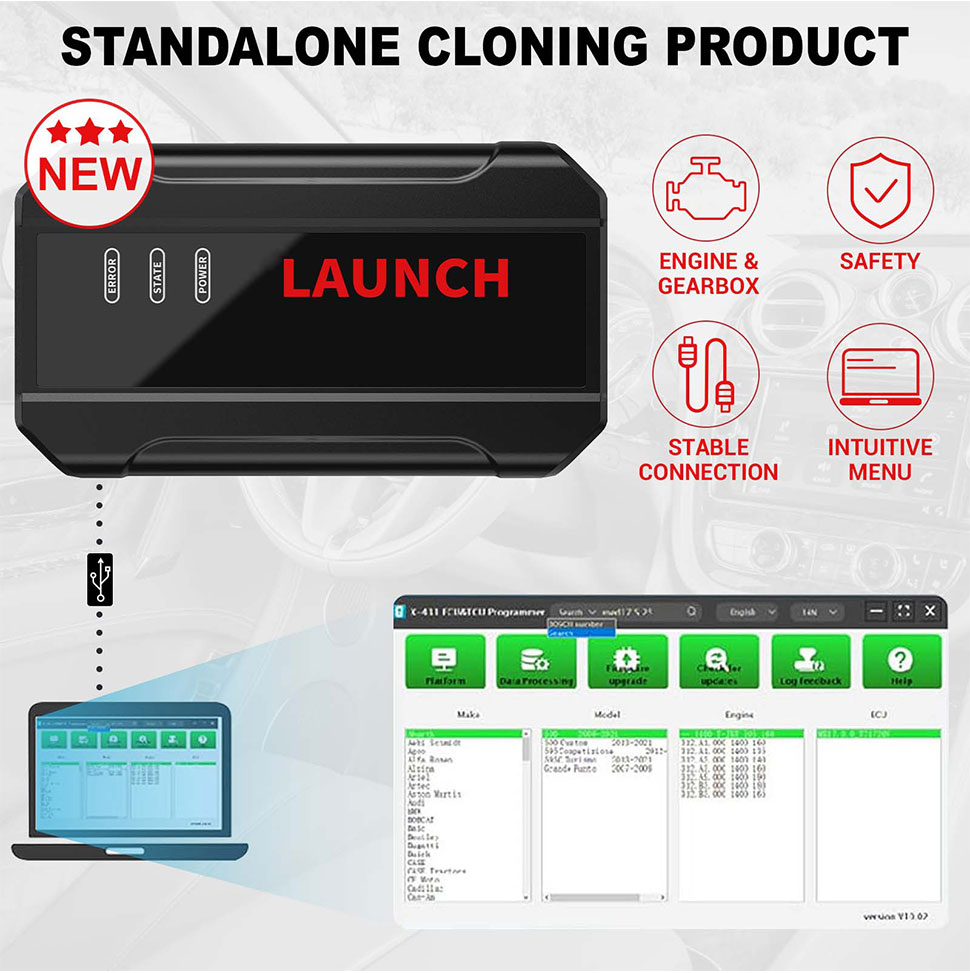
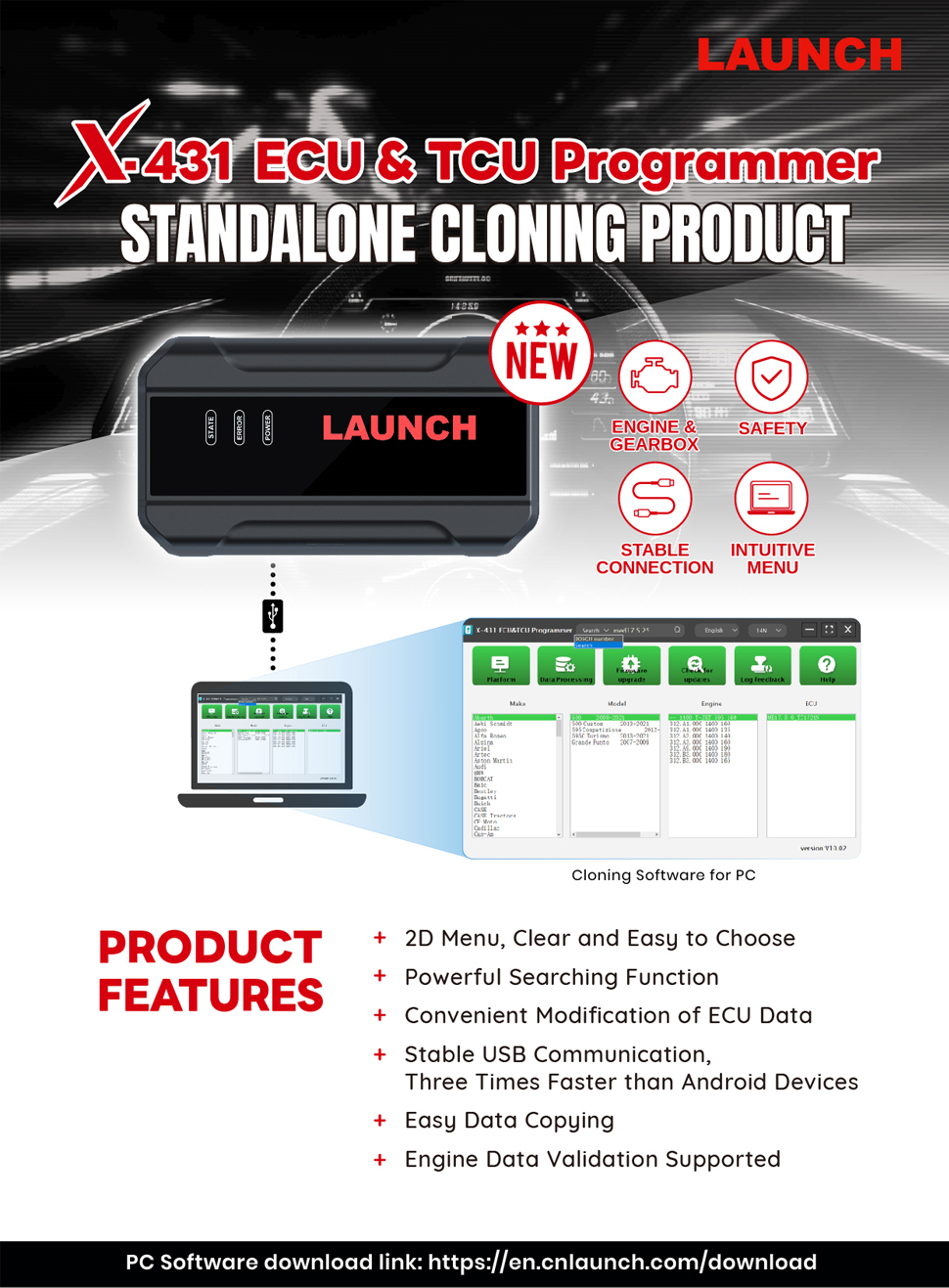
LAUNCH X431 E-C-U & TCU Progarmmer 2D Menu E-C-U Data Reading/Writing
Product Features:
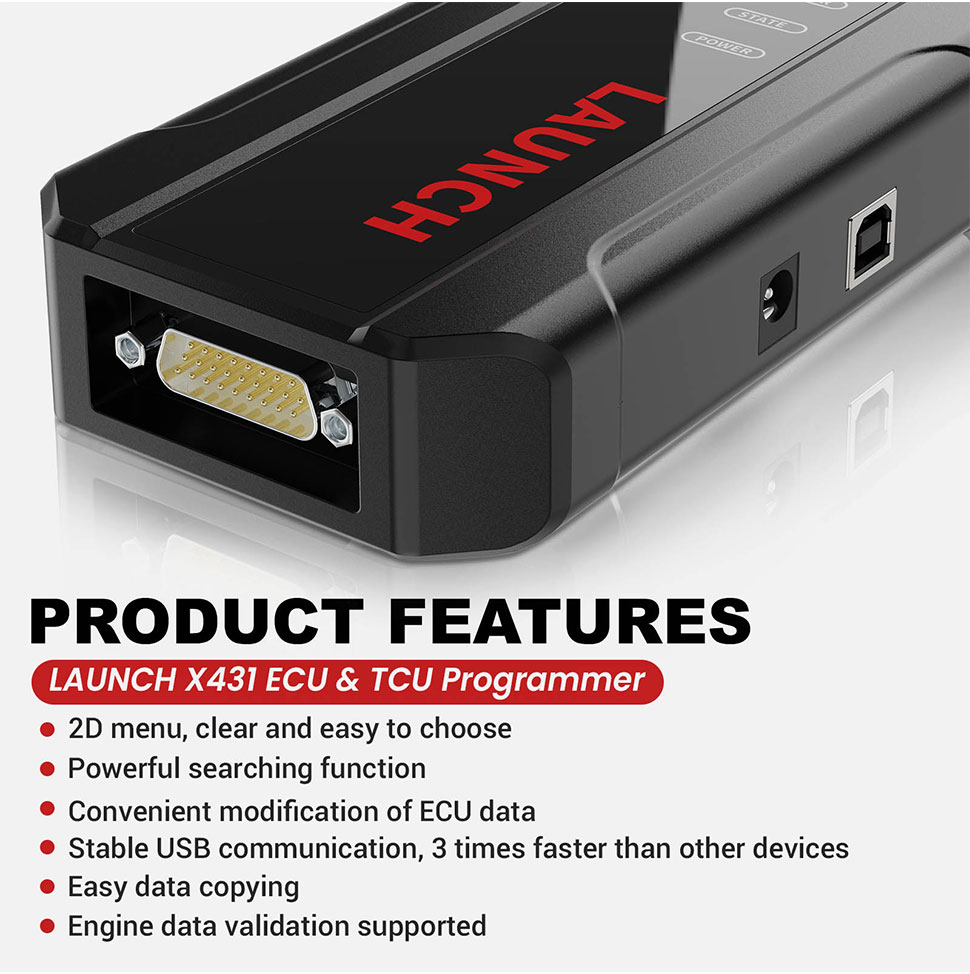
1. 2D menu, clear and easy to choose
2. Powerful search function
3. Convenient modification of E-C-U data
4. USB communication, with a speed more than three times that of Android devices, making it more stable
5. Easy to copy data
6. Support engine data validation function
7. One year free update
Software download : Download on the Launch official website.
PC Software Description:
Firstly, connect the X-431 E-C-U&TCU Progarmmer to the computer with a hole wire.
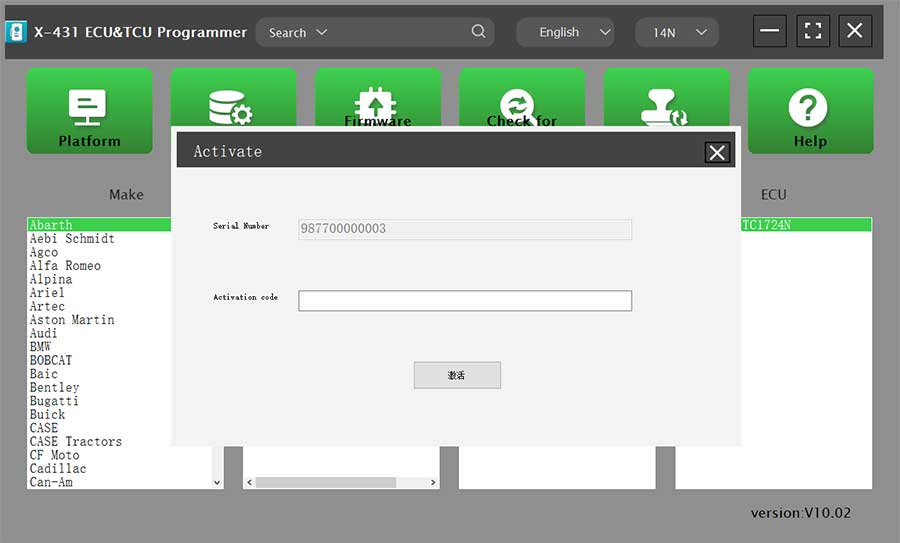
Then, click to enter the software. The serial number will be automatically recognized from the X-431 E-C-U&TCU Progarmmer, and the activation code needs to be obtained from the envelope bar of the X-431 E-C-U&TCU Progarmmer.
Click [Activate] to activate (only activate once, no need to activate again later), as shown in Figure 1.
Without connection, you cannot access the software, as shown in Figure 2.
I.E-C-U Data Reading/Writing
1. Obtain the related E-C-U.
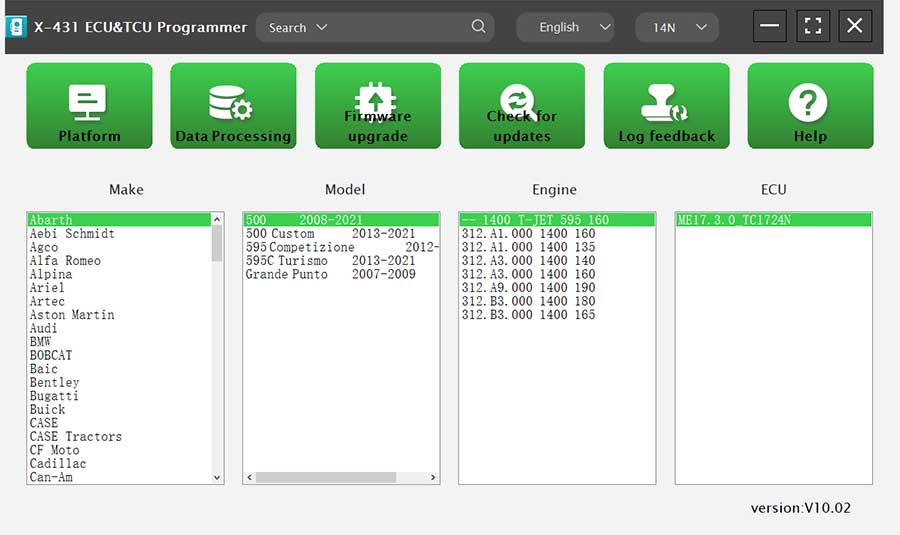
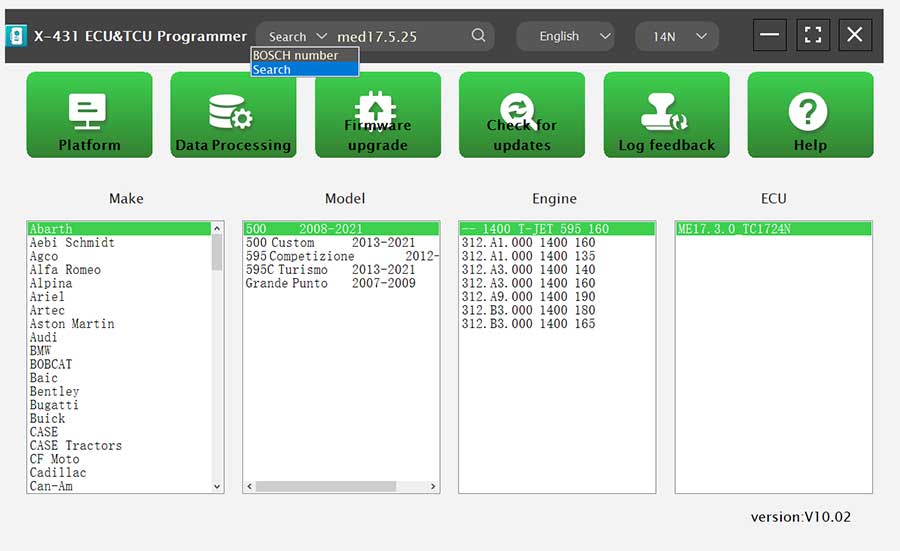
(1) Method 1: Obtain the desired E-C-U type through brand > model > engine > E-C-U in turn, as shown in Figure 3.
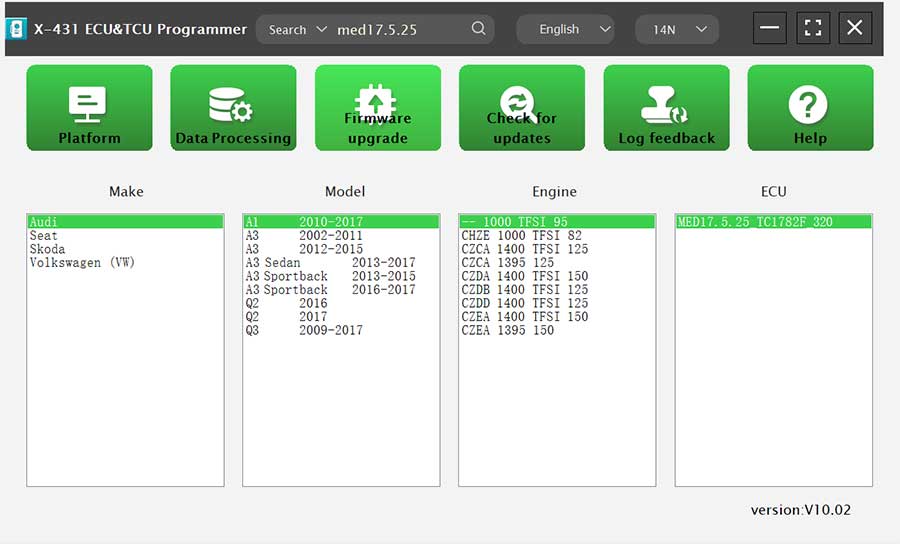
(2) Method 2: Query the desired E-C-U by entering a value in the search box. The search categories includeB-osch number and Search, as shown in Figure 4. For example, search for the MED17.5.25 engine by Search, as shown in Figure 5.
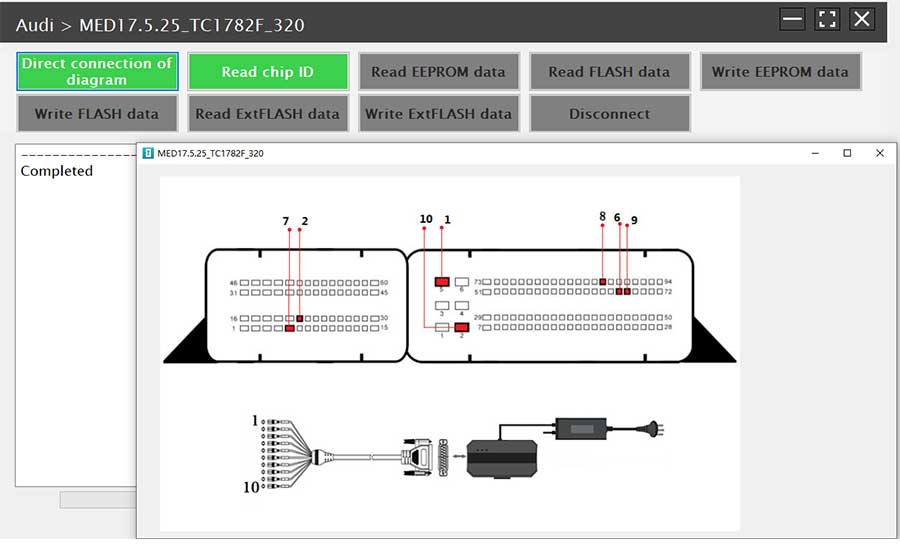
2. Click [Direct Connection Diagram] to obtain the E-C-U connection diagram, as shown in Figure 6.
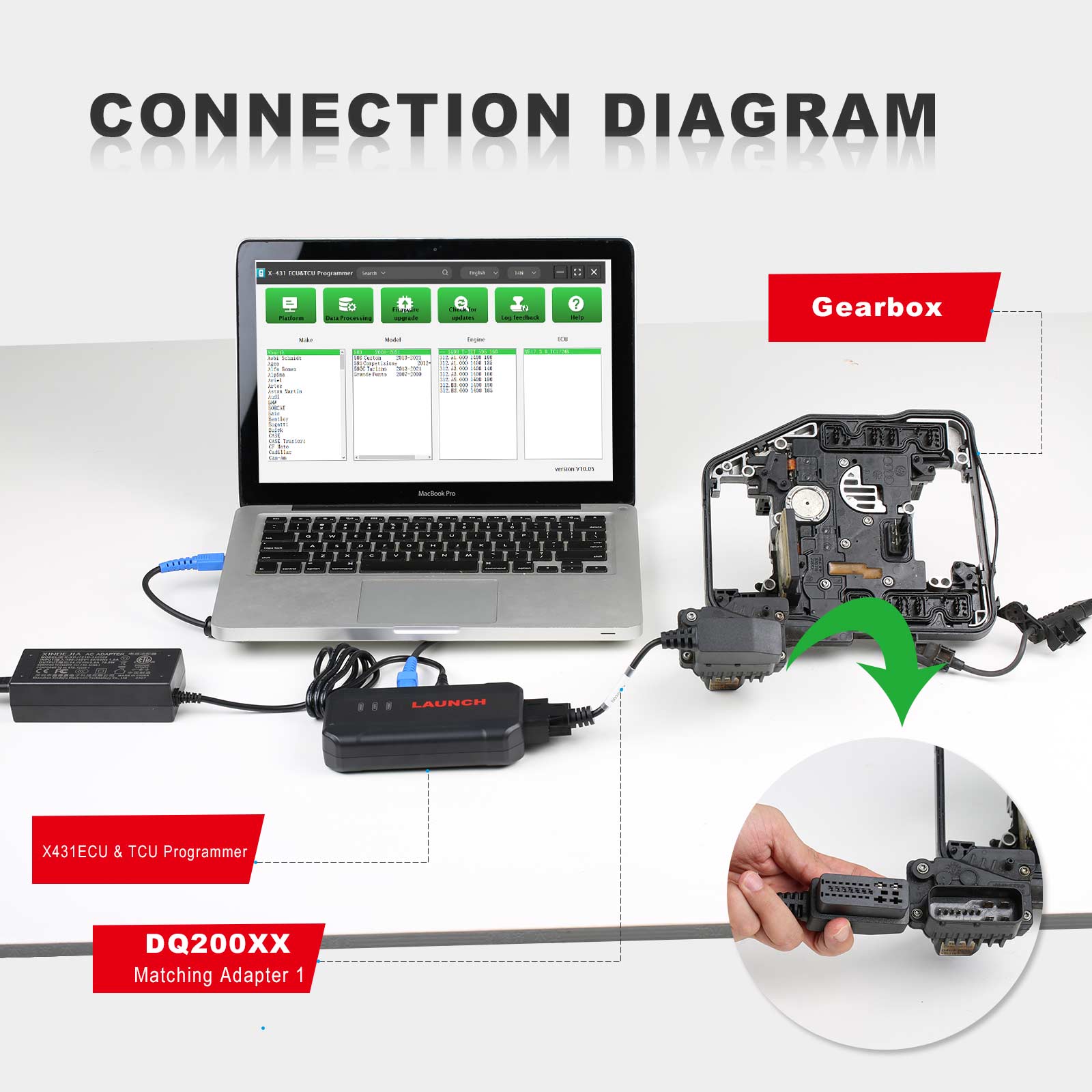
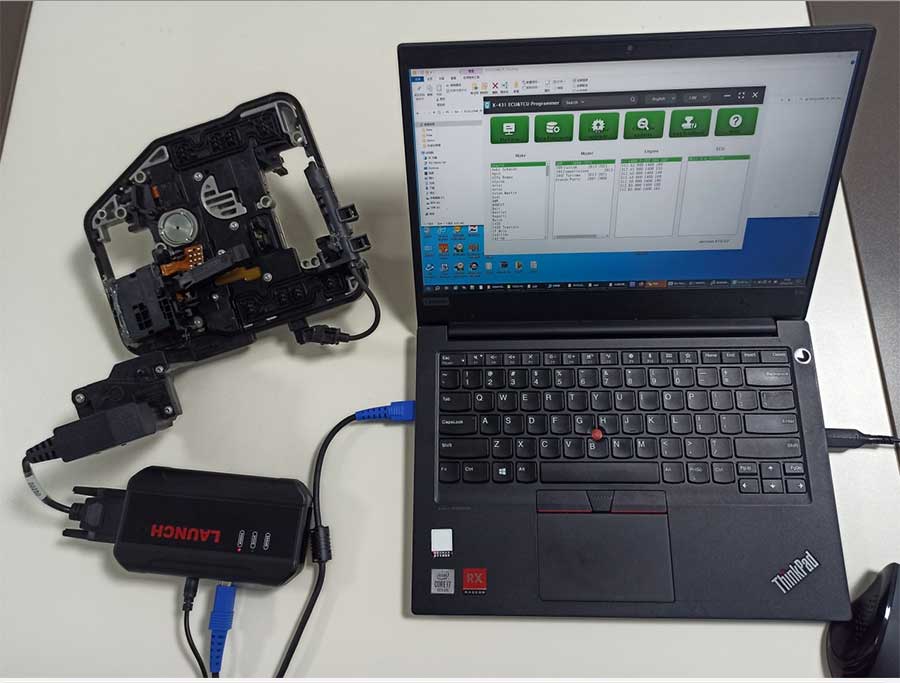
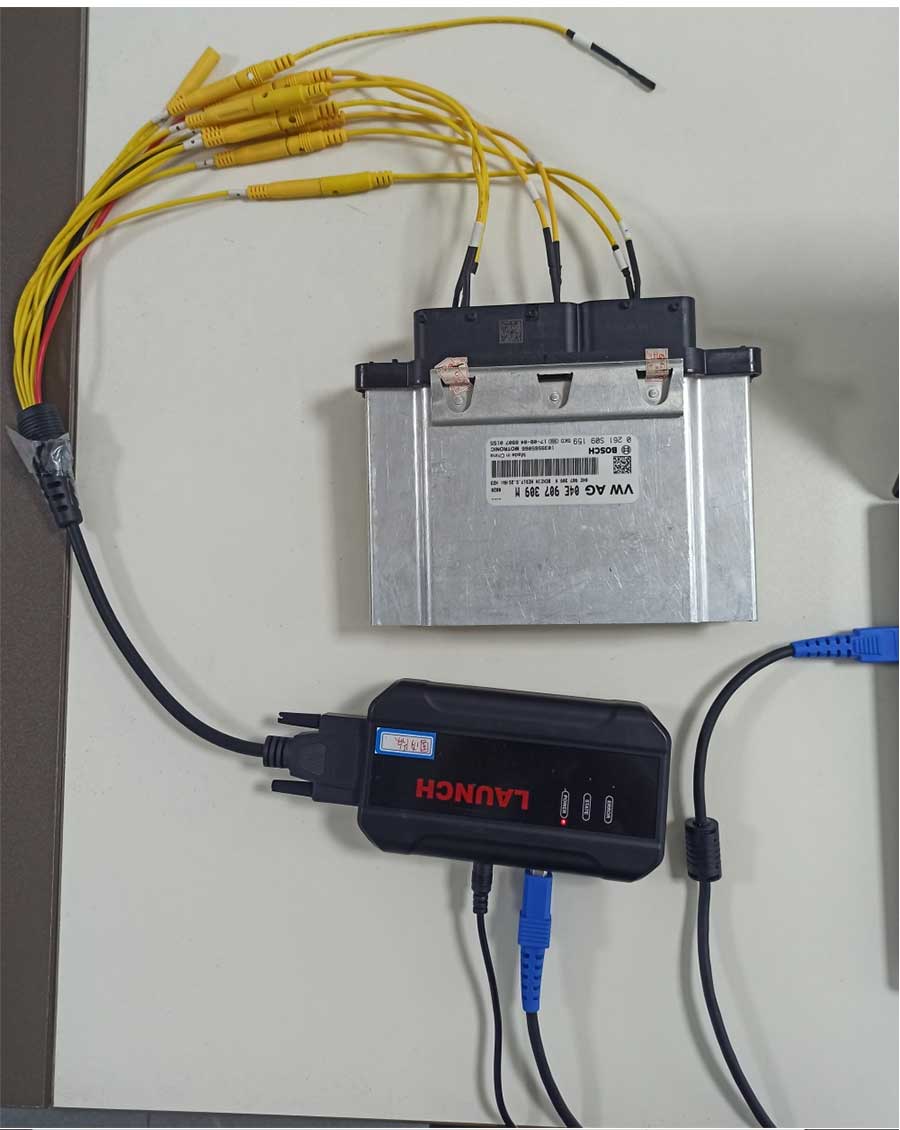
3. Connection: Connect the E-C-U and PCBOX according to the information provided in the connection diagram. The physical connection diagram of MED17.5.25 (using the BENCH mode line) is shown in Figure 7, and the physical connection diagram using the gearbox adapter is shown in Figure 8.
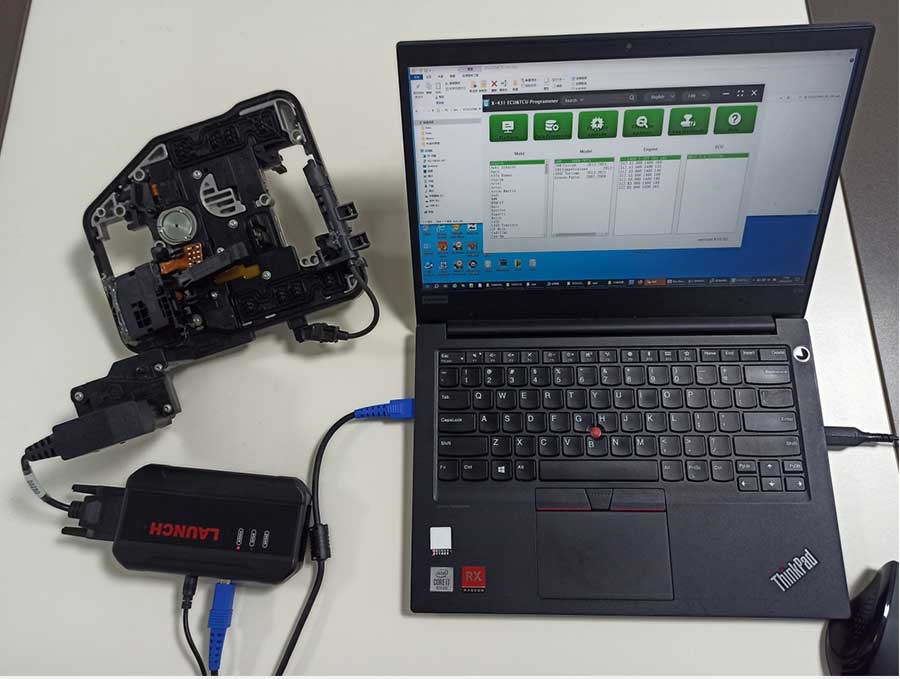
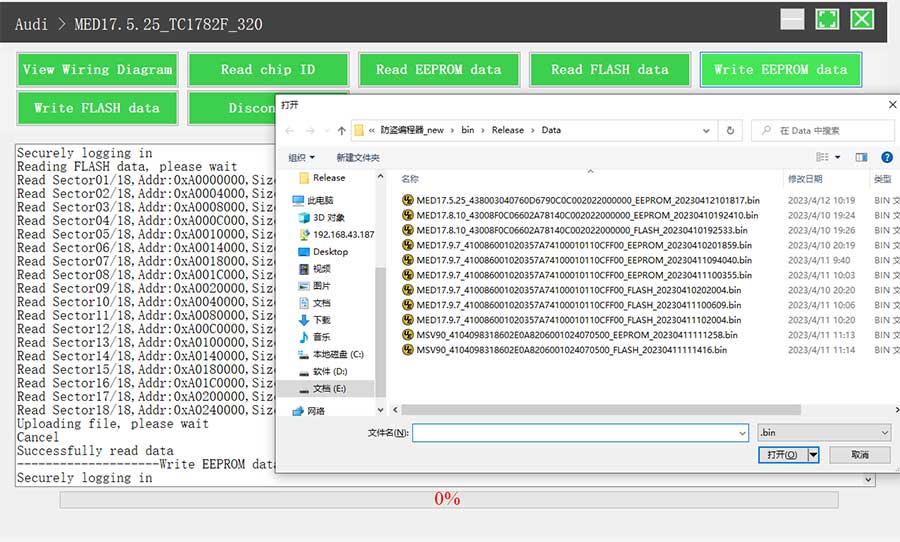
4. Read the chip ID, as shown in Figure 9.
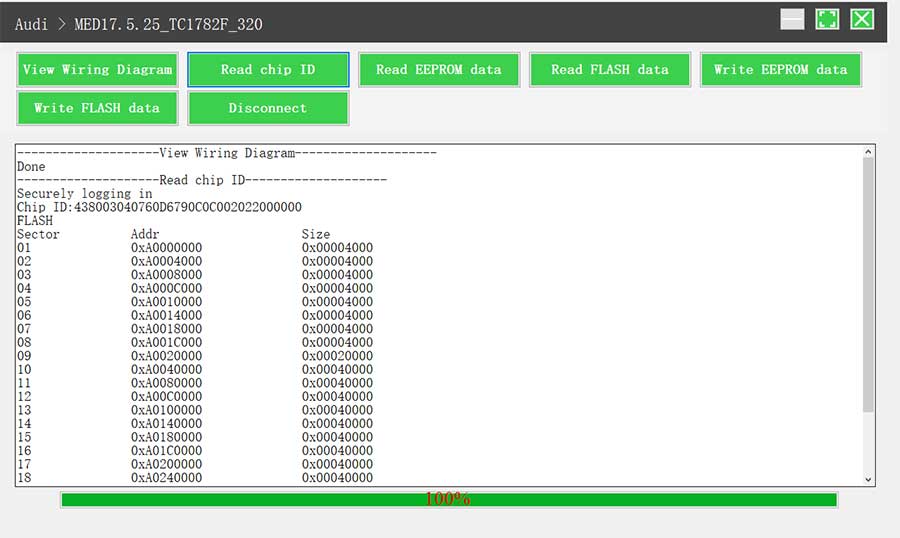
5. Back up the EEPROM data and save it, as shown in Figure 10 (the figure shows the save page of the read data).
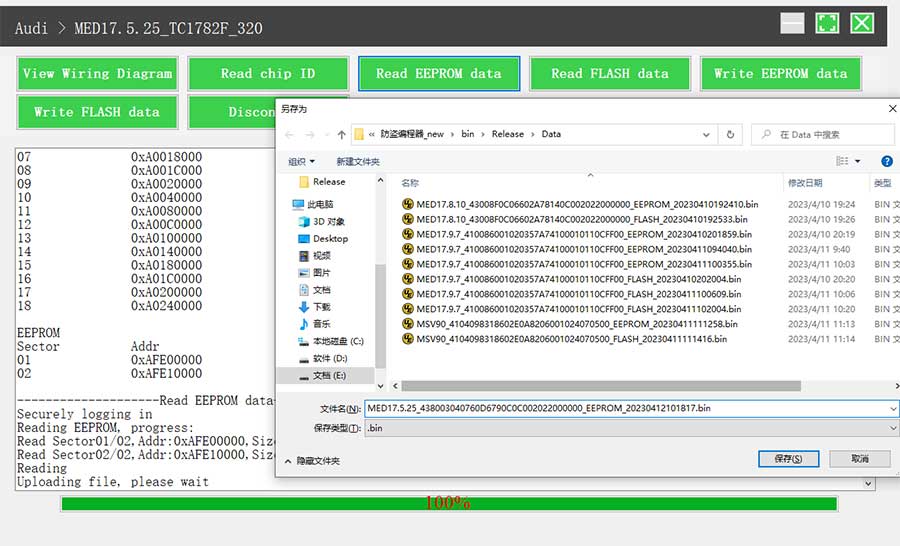
6. Back up the FLASH data and save it, as shown in Figure 11 (the figure shows the process of reading FLASH data).
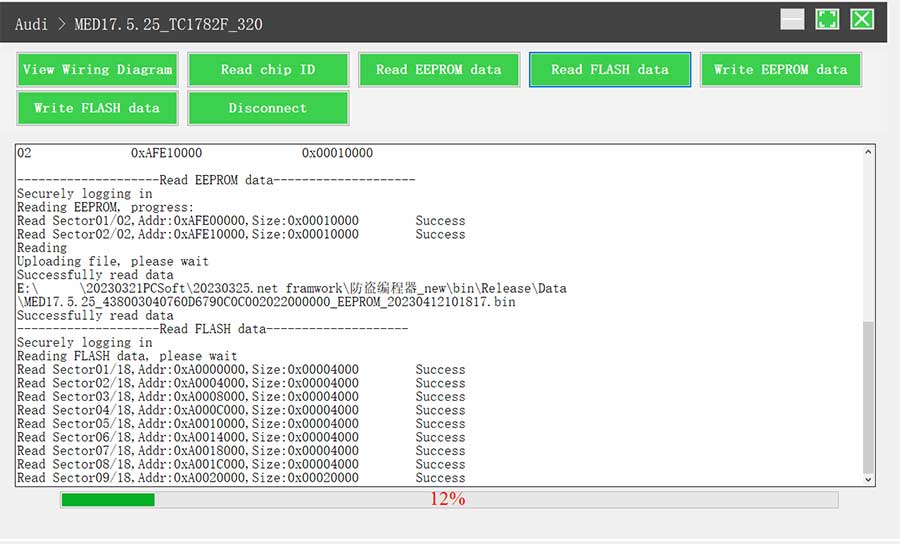
7. Restore EEPROM/FLASH data, as shown in Figure 12 (the figure shows the file selection page).
II. Data Processing
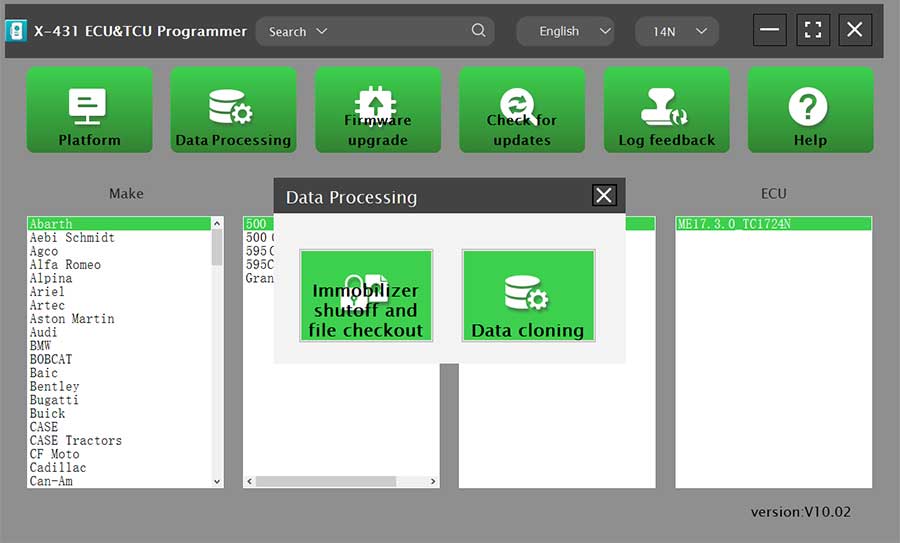
1. Click the [Data Processing] button on the main page, as shown in Figure 13, and select [IMMO Off and File Verification] ([DTC Shield] is not currently supported), as shown in Figure 14.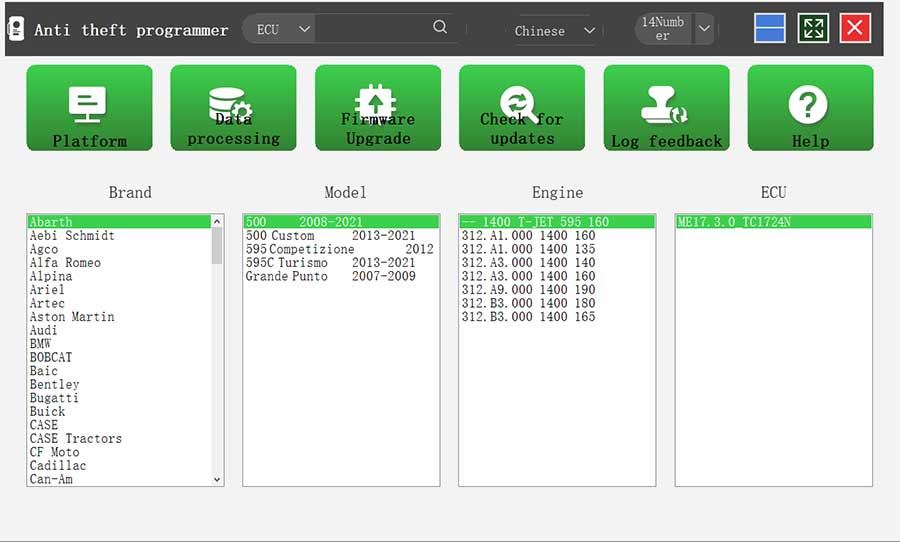
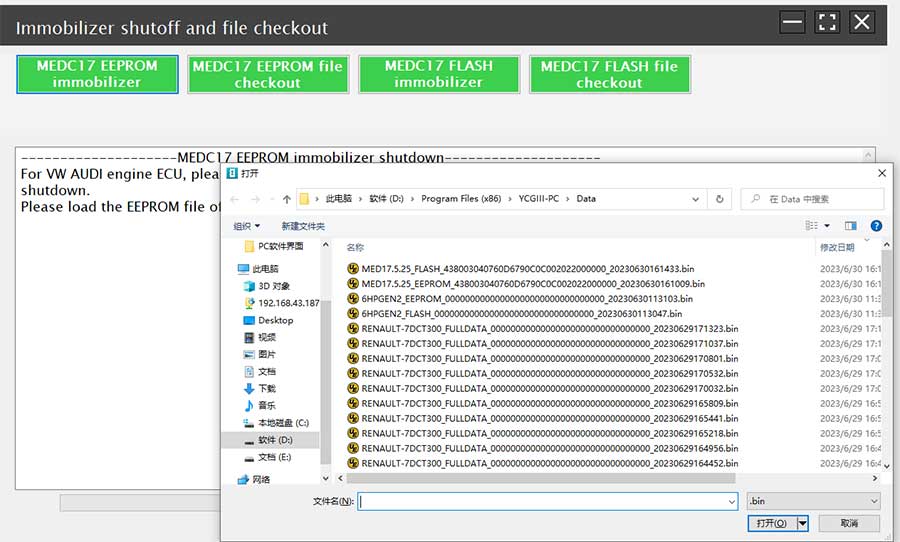
2. File verification and IMMO off (process: select file > connect network to obtain > save file), as shown in Figure 15.
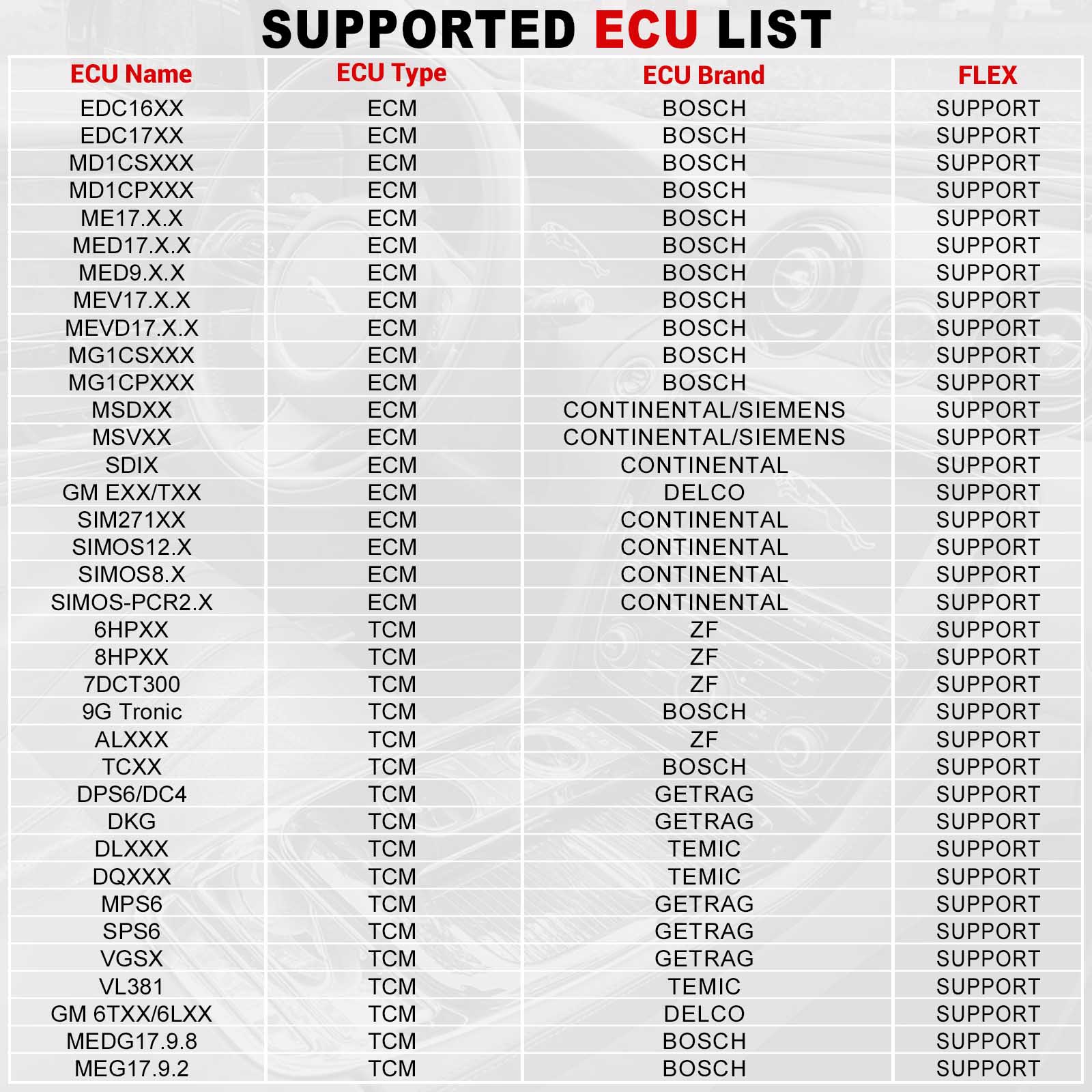
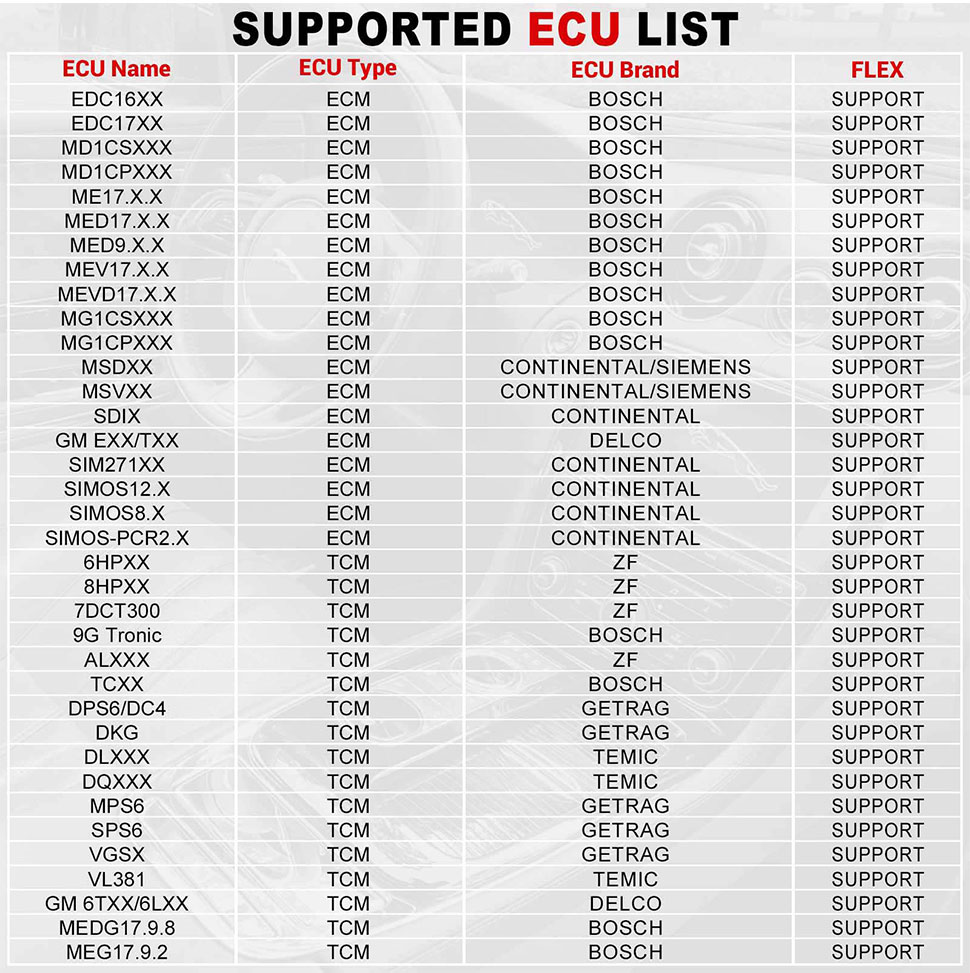
Support list June 2023:
E-C-U Name | E-C-U Type | E-C-U Brand | FLEX |
EDC16XX | ECM | B-osch | Support |
EDC17XX | ECM | B-osch | Support |
MD1CSXXX | ECM | B-osch | Support |
MD1CPXXX | ECM | B-osch | Support |
ME17.X.X | ECM | B-osch | Support |
MED17.X.X | ECM | B-osch | Support |
MED9.X.X | ECM | B-osch | Support |
MEV17.X.X | ECM | B-osch | Support |
MEVD17.X.X | ECM | B-osch | Support |
MG1CSXXX | ECM | B-osch | Support |
MG1CPXXX | ECM | B-osch | Support |
MSDXX | ECM | Continental/SIEMENS | Support |
MSVXX | ECM | Continental/SIEMENS | Support |
SDIX | ECM | Continental | Support |
GM EXX/TXX | ECM | DELCO | Support |
SIM271XX | ECM | Continental | Support |
SIMOS12.X | ECM | Continental | Support |
SIMOS8.X | ECM | Continental | Support |
SIMOS-PCR2.X | ECM | Continental | Support |
6HPXX | TCM | ZF | Support |
8HPXX | TCM | ZF | Support |
7DCT300 | TCM | ZF | Support |
9G Tronic | TCM | B-osch | Support |
ALXXX | TCM | ZF | Support |
TCXX | TCM | B-osch | Support |
DPS6/DC4 | TCM | GETRAG | Support |
DKG | TCM | GETRAG | Support |
DLXXX | TCM | Temic | Support |
DQXXX | TCM | Temic | Support |
MPS6 | TCM | GETRAG | Support |
SPS6 | TCM | GETRAG | Support |
VGSX | TCM | GETRAG | Support |
VL381 | TCM | Temic | Support |
GM 6TXX/6LXX | TCM | DELCO | Support |
MEDG17.9.8 | TCM | B-osch | Support |
MEG17.9.2 | TCM | B-osch | Support |
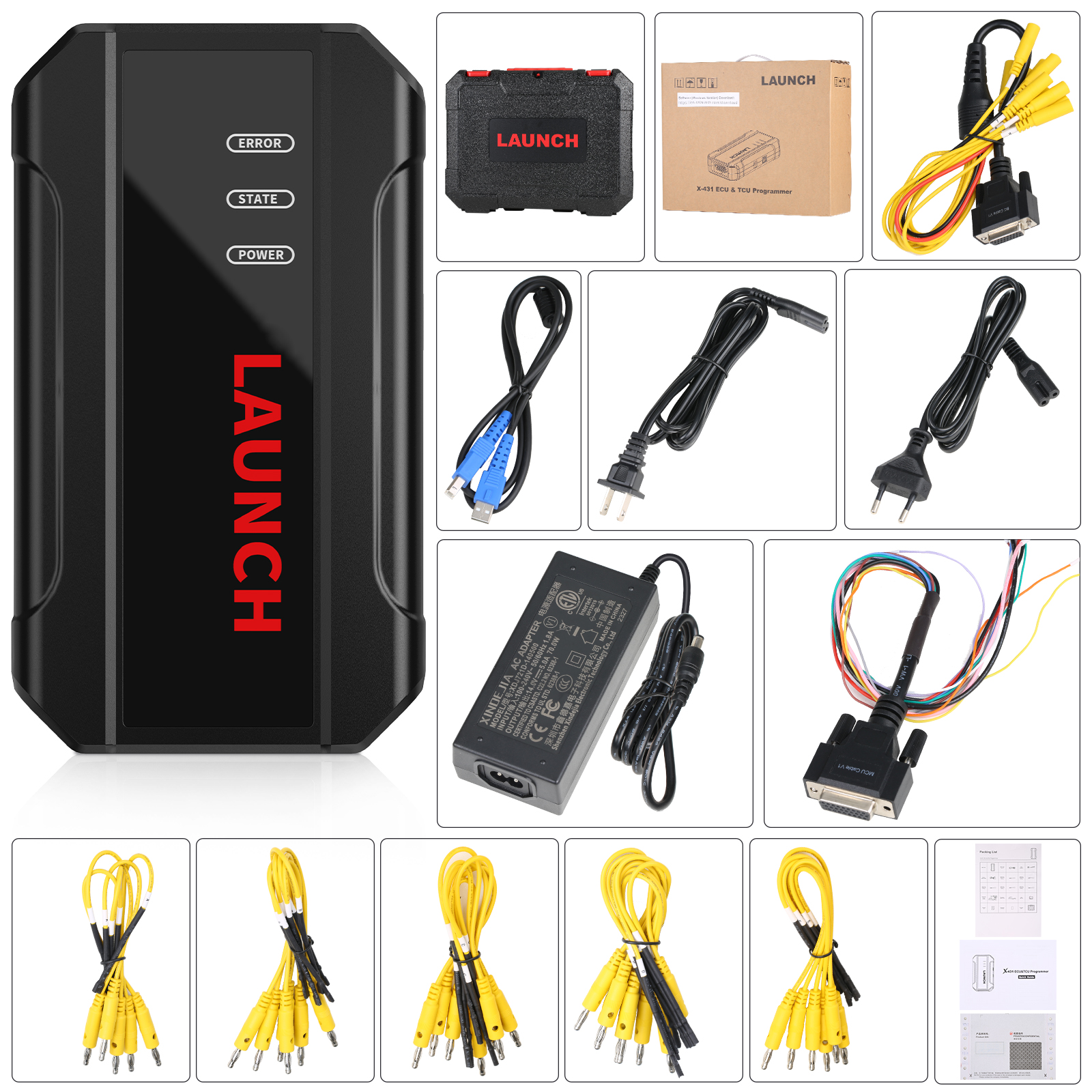
Package includes:
1pc x main unit
1pc x USB cable
1pc x MCU cable V1
1pc x Bench Mode Cable V2.0
6pcs x Matching adapters A
6pcs x Matching adapters B
6pcs x Matching adapters C
6pcs x Matching adapters D
6pcs x Matching adapters E
6pcs x Matching adapters F
1pc x switching power adapter
1pc x European power cord
1pc x user manual
1pc x packing list
1pc x password envelope
1pc x carrying case
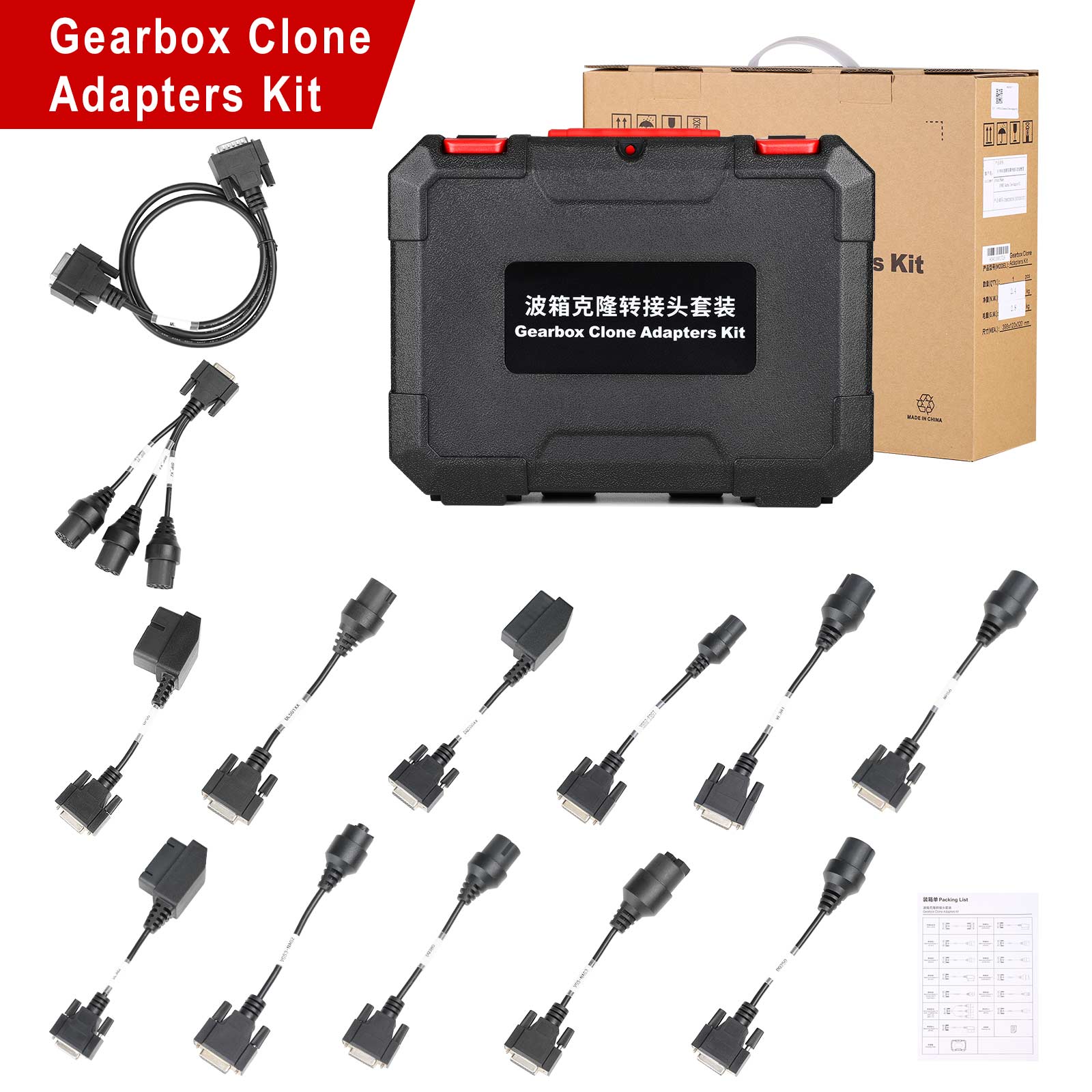
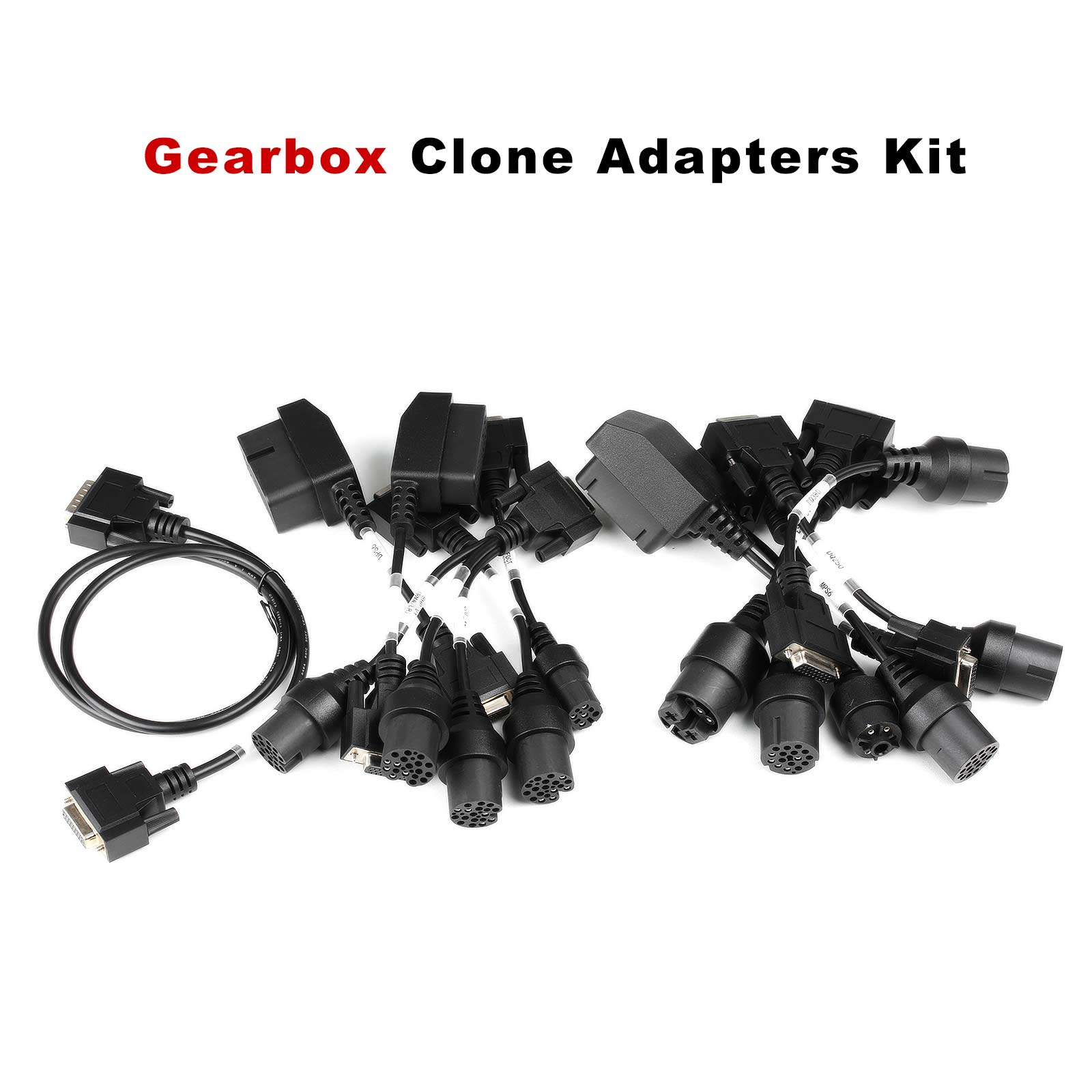
Launch X431 E-C-U Programmer Gearbox Connectors Package, E-C-U Module Cloning Device
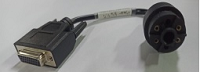
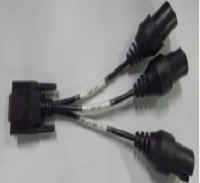
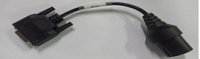
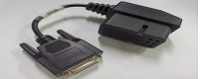
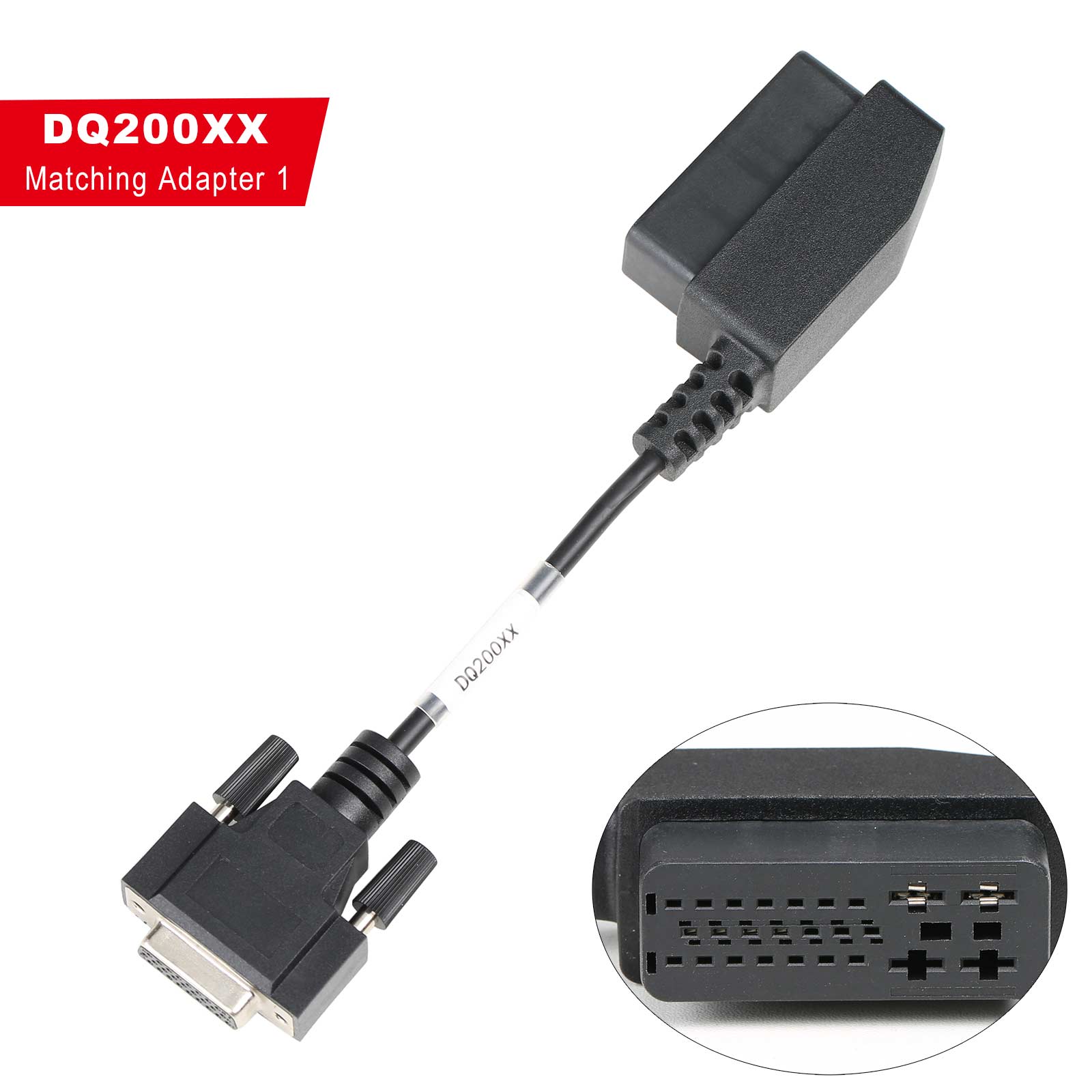
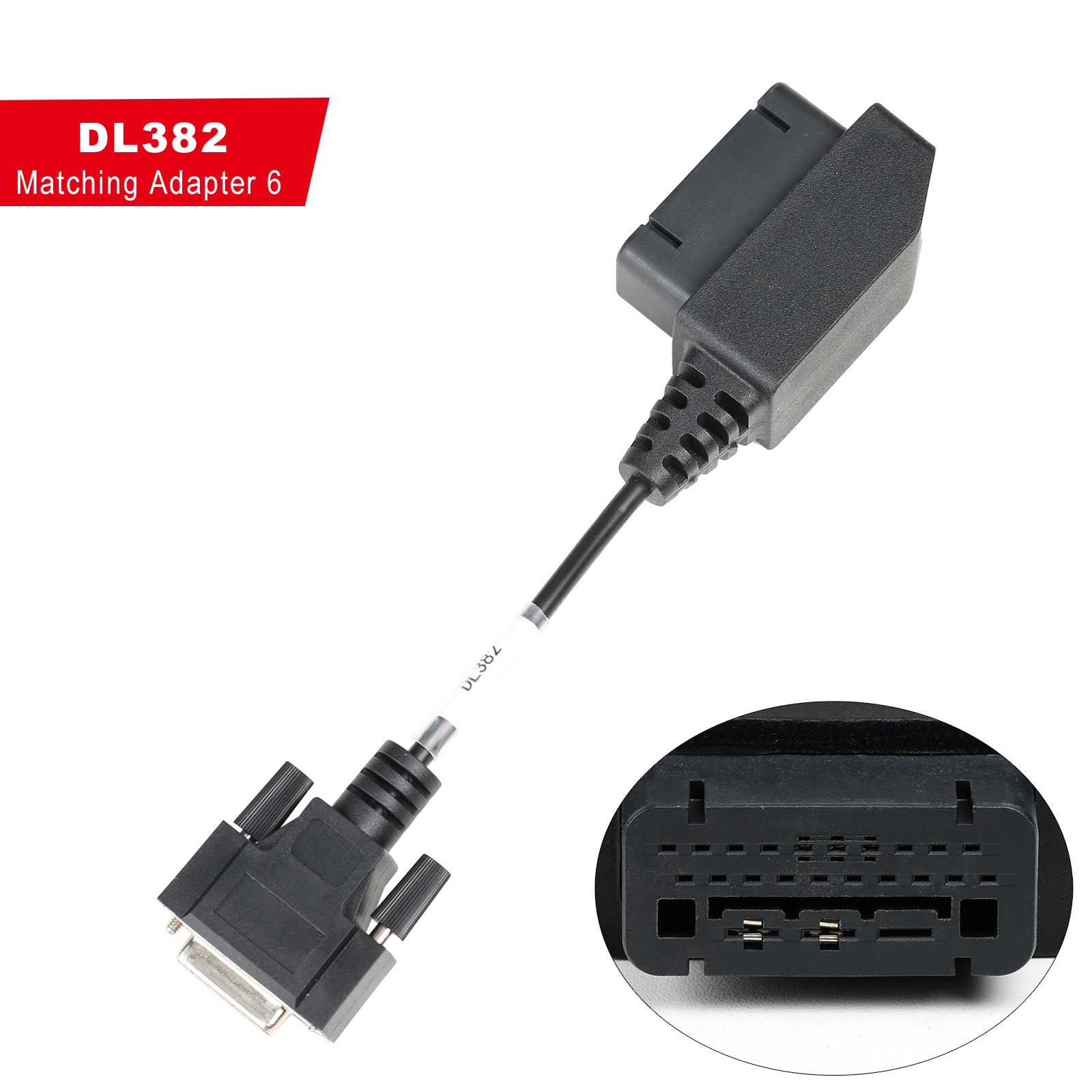
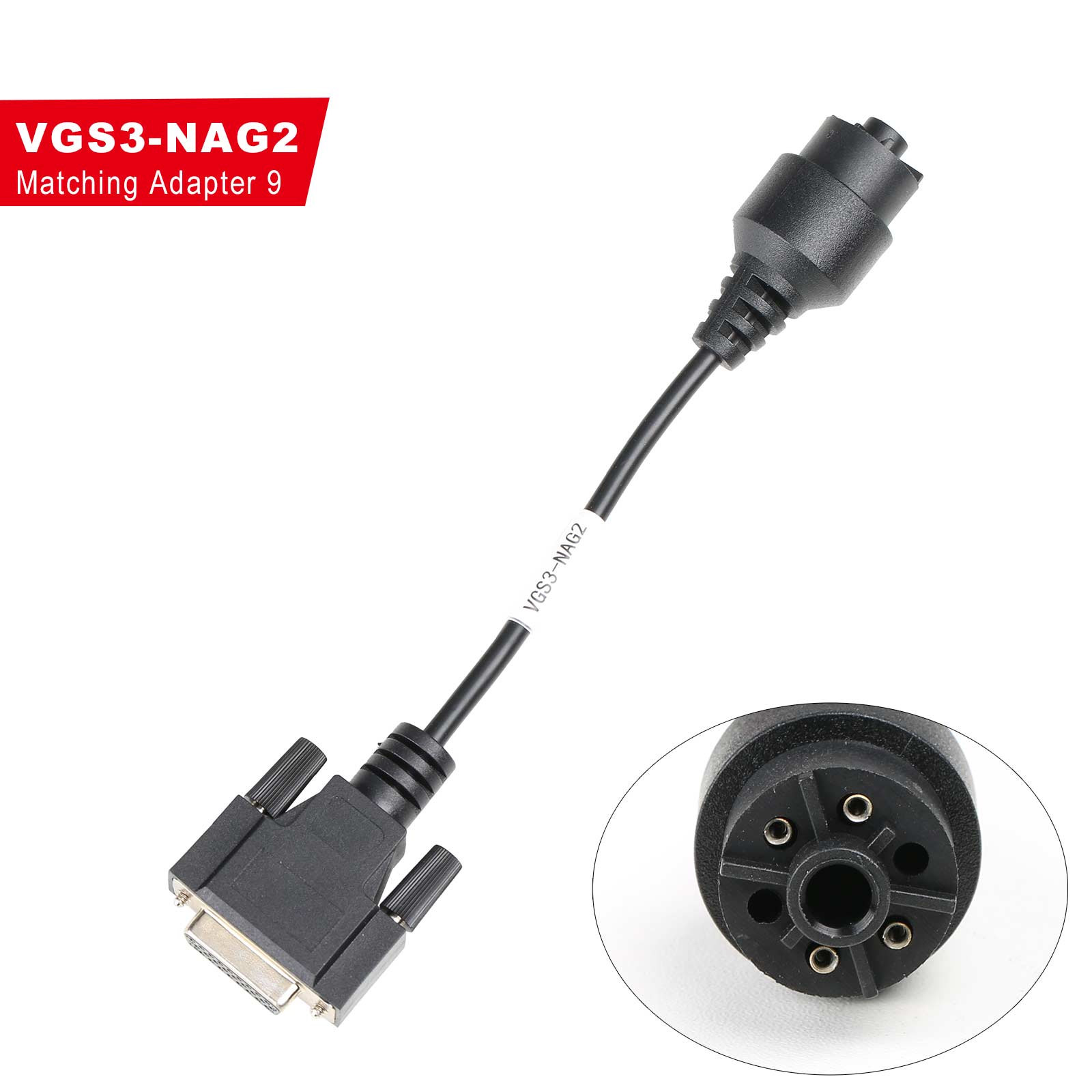
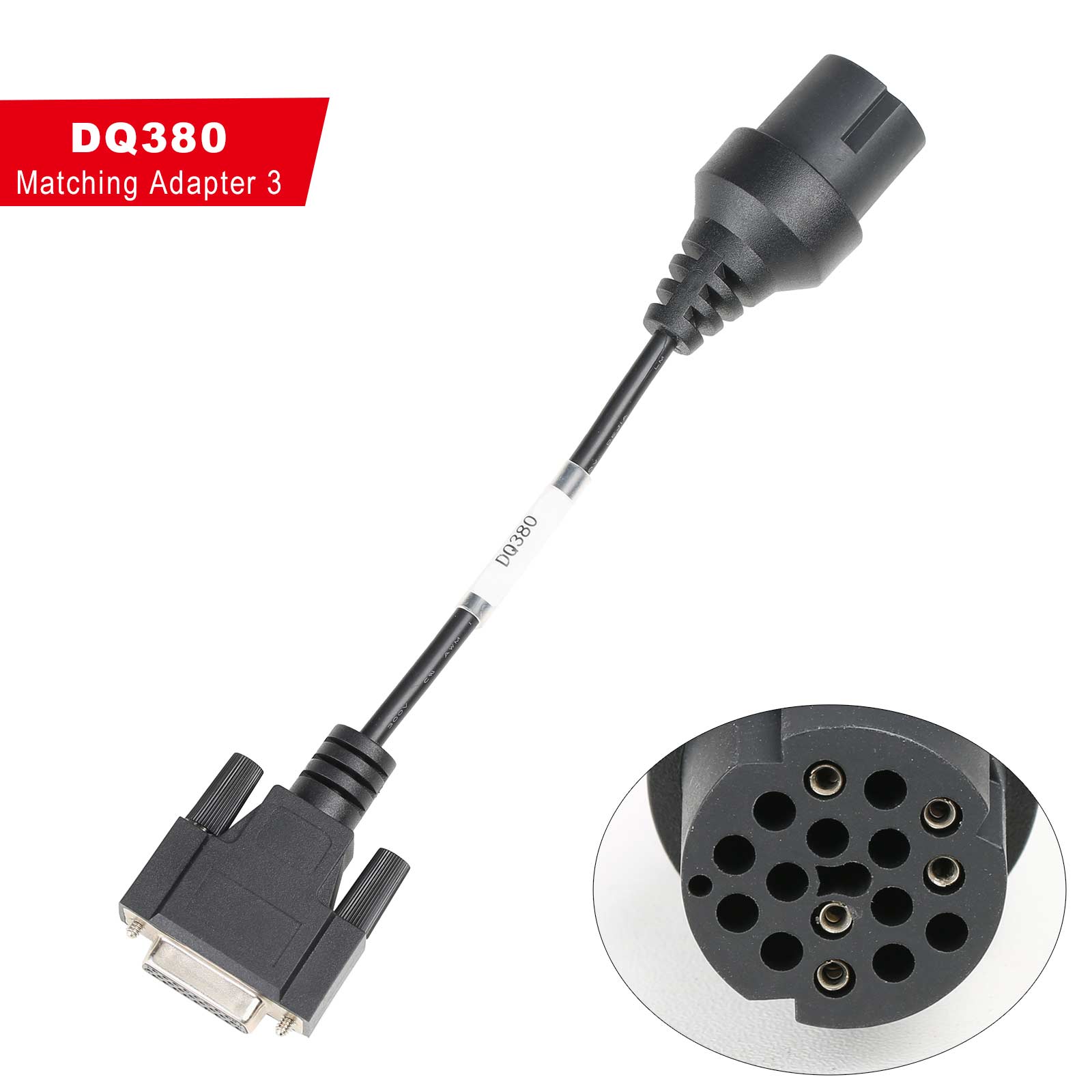
The Launch X431 X-PROG3 gearbox clone adapters kit can save the time for customers who use jumper wires to connect to the E-C-U. They only need to find the corresponding cable and plug it into the corresponding E-C-U to clone directly.
Compatible device: X-prog3, X431 E-C-U programmer, PC Adapter for X-prog3
Connection Diagram:
X-prog3 connection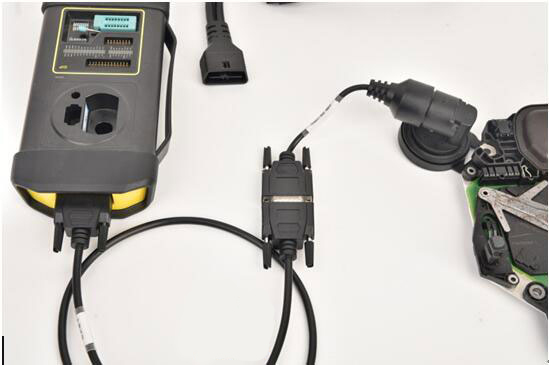
X431 E-C-U Programmer connection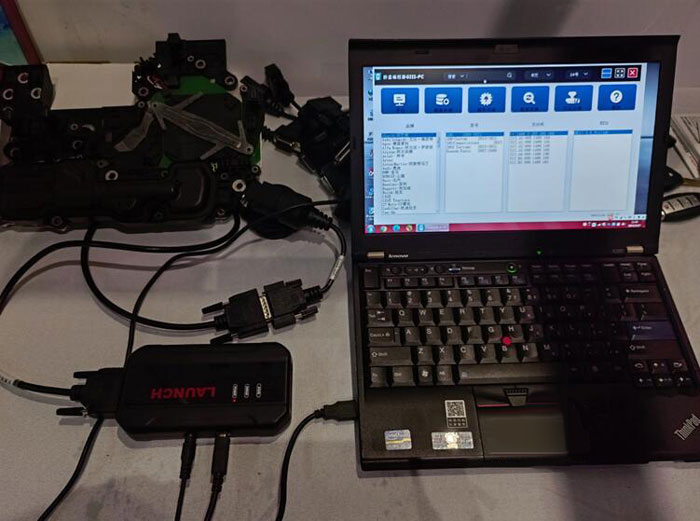
X prog3 PC Adapter Connection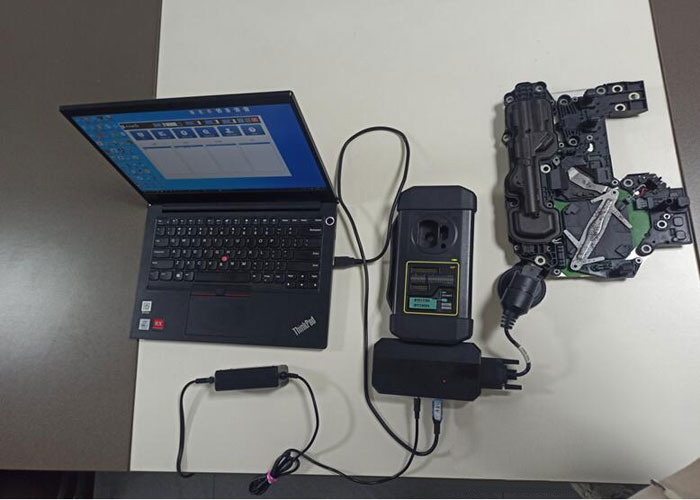
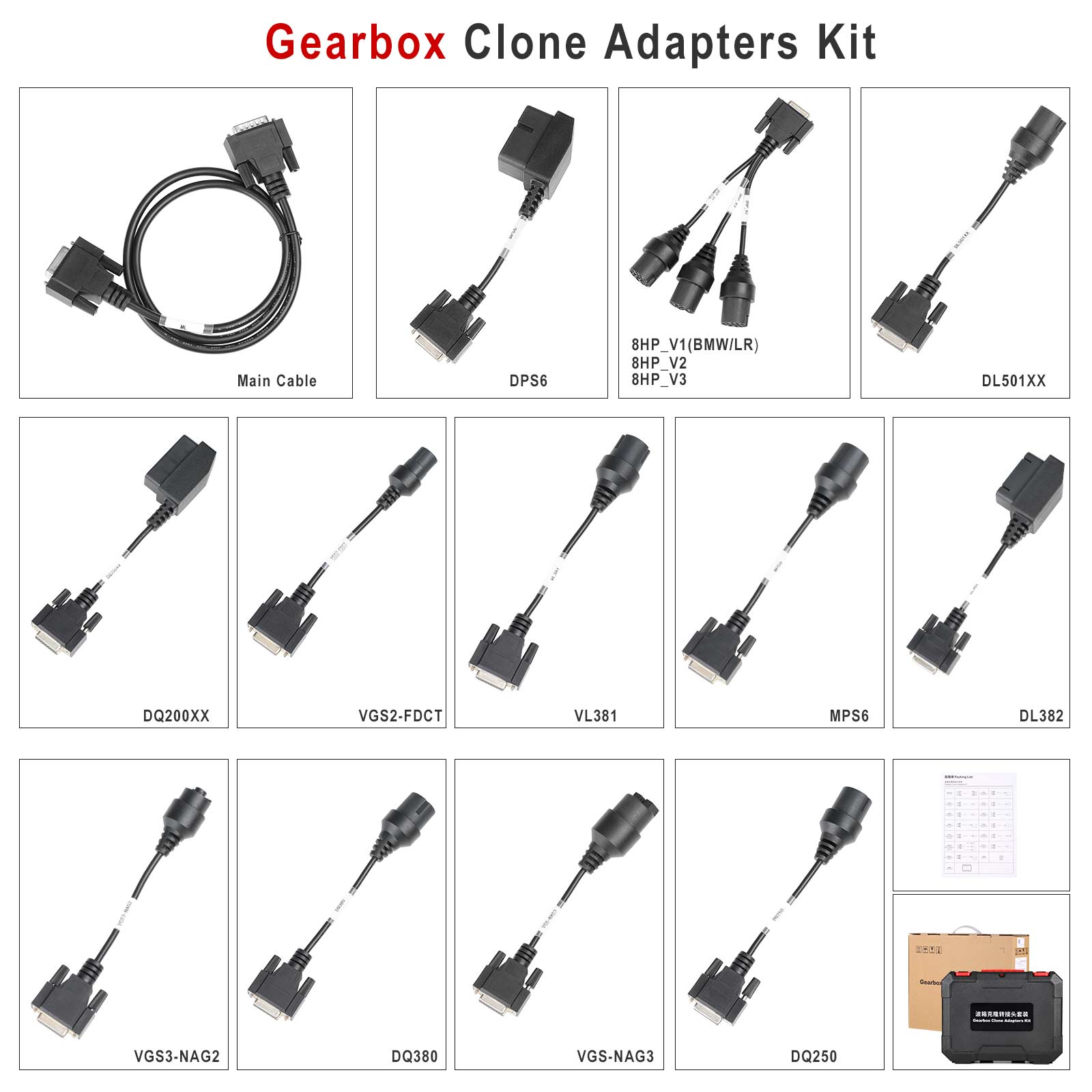
Launch X431 E-C-U Module Cloning Device Connectors Package
Accessory | Material | function | picture | |
1 | X-PROG3 Adapter Cable 1 (DQ200XX) | 307110077 | Used to connect the DQ200XX gearbox, and available models include For V-W, For Audi, etc. |
|
2 | X-PROG3 Adapter Cable 2 (VL381) | 307110078 | Used to connect the VL381 gearbox, and available models include For V-W, For Audi, etc. |
|
3 | X-PROG3 Adapter Cable 3 (DQ380) | 307110079 | Used to connect the DQ380/DQ381/DQ500 gearbox, and available models include For V-W, For Audi, etc. |
|
4 | X-PROG3 Adapter Cable 4 (DQ250) | 307110080 | Used to connect the DQ250 gearbox, and available models include For V-W, For Audi, etc. |
|
5 | X-PROG3 Adapter Cable 5 (DL501) | 307110081 | Used to connect the DL501XX gearbox, and available models include For V-W, For Audi, For Porsche, etc. |
|
6 | X-PROG3 Adapter Cable 6 (DL382) | 307110082 | Used to connect the DL382 gearbox, and available models include For V-W, For Audi, etc. |
|
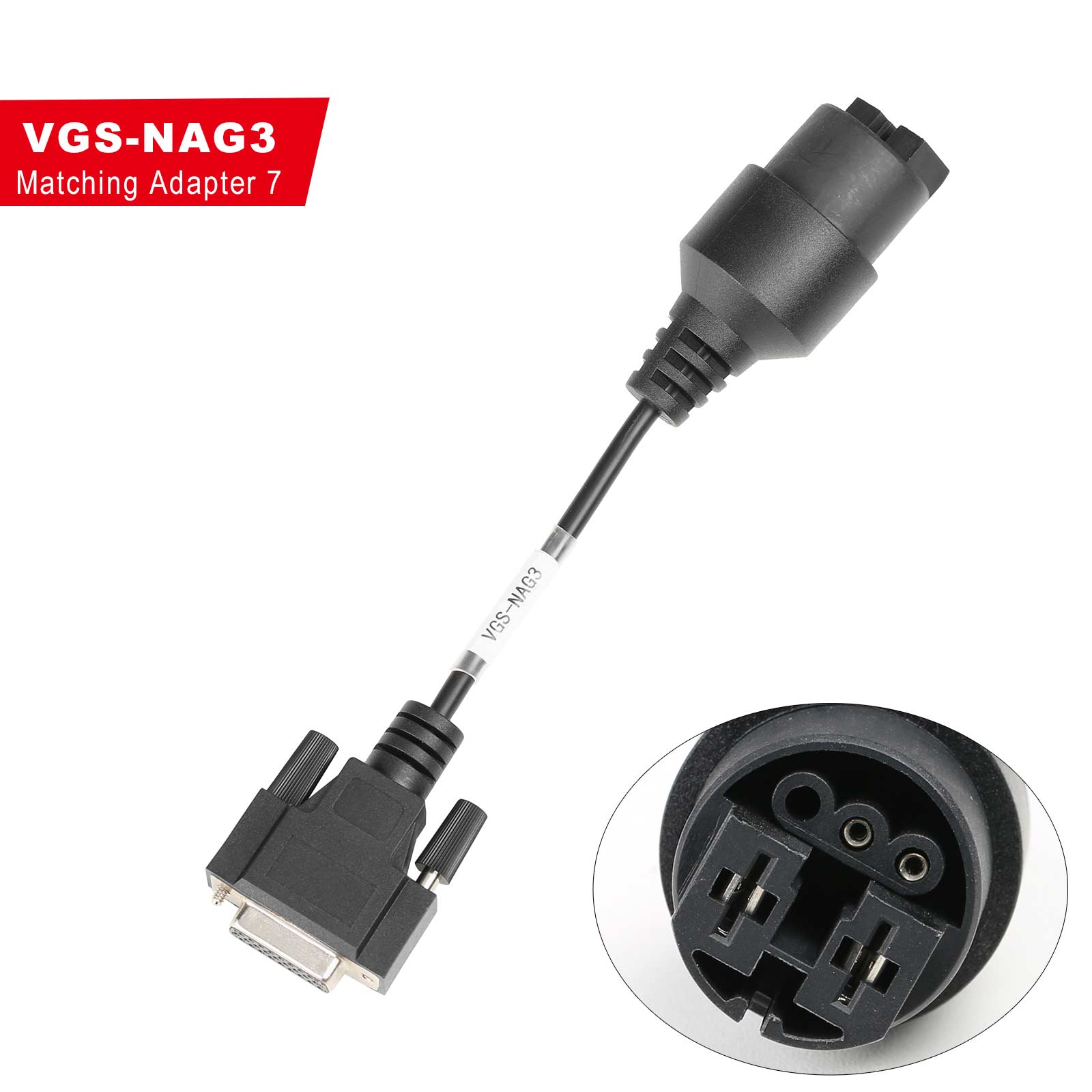
7 | X-PROG3 Adapter Cable 7 (VGS-NAG3) | 307110083 | Used to connect the VGS-NAG3 gearbox, and available models include For Benz, For Nissan, etc. |
|
8 | X-PROG3 Adapter Cable 8 (VGS2-FDCT/VGS-FDCT) | 307110084 | Used to connect the VGS-FDCT/VGS2-FDCT gearbox, and available models include For Benz, For Infiniti, etc. |
|
9 | X-PROG3 Adapter Cable 9 (VGS3-NAG2) | 307110085 | Used to connect the VGS3-NAG2 gearbox, and available models include For Benz, etc. |
|
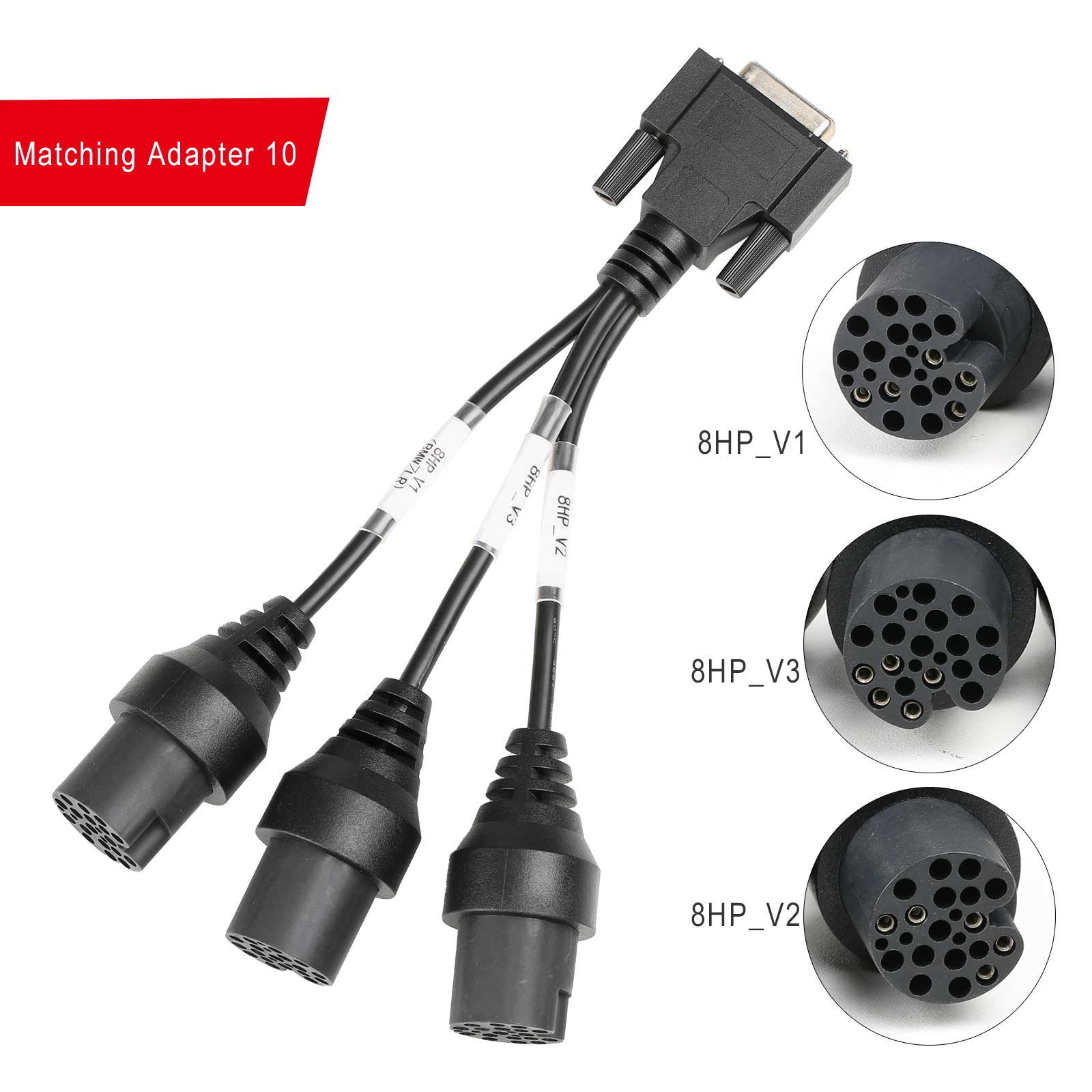
10 | X-PROG3 Adapter Cable 10 (8HP_V1(BMW/LR)/8HP_V2/8HP_V3) | 307110086 | Used to connect the 8HPXX/AL450/AL551/AL552 gearbox, and available models include For BMW, For Land Rover, For Jaguar, For Dodge, For Alpina, For Chrysler, For Rolls Royce, For Alfa Romeo, For Aston Martin, For Great Wall, For Jeep, For Lamborghini, For Maserati, For Iveco, etc. |
|
11 | X-PROG3 Adapter Cable 11 (MPS6) | 307110087 | Used to connect the MPS6/MPS6_GEN3 gearbox, and available models include For Ford, For R-enault, For Chrysler, For Dodge, For Land Rover, For Volvo, etc. |
|
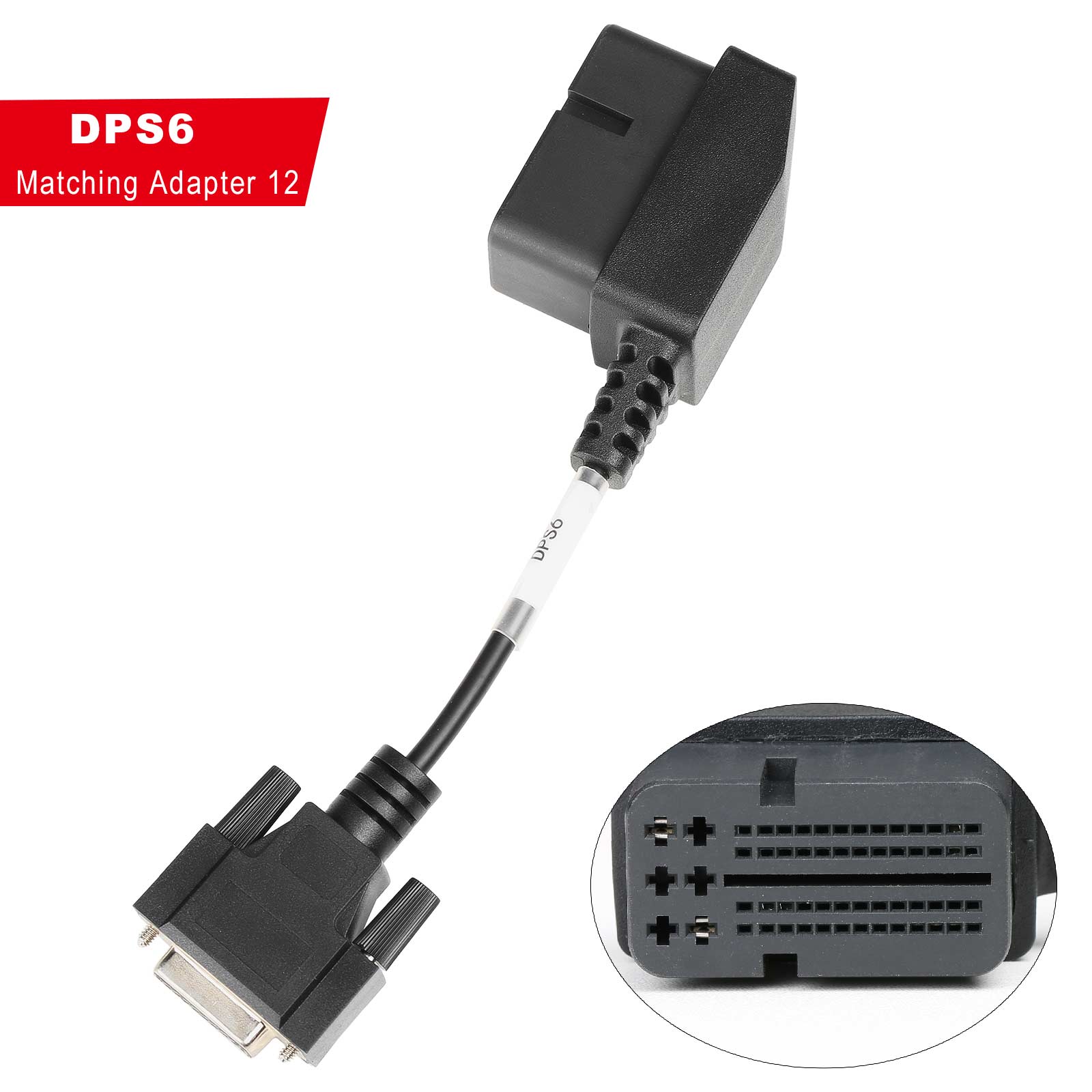
12 | X-PROG3 Adapter Cable 12 (DPS6) | 307110088 | Used to connect the DPS6 gearbox, and available models include For Ford, etc. |
|
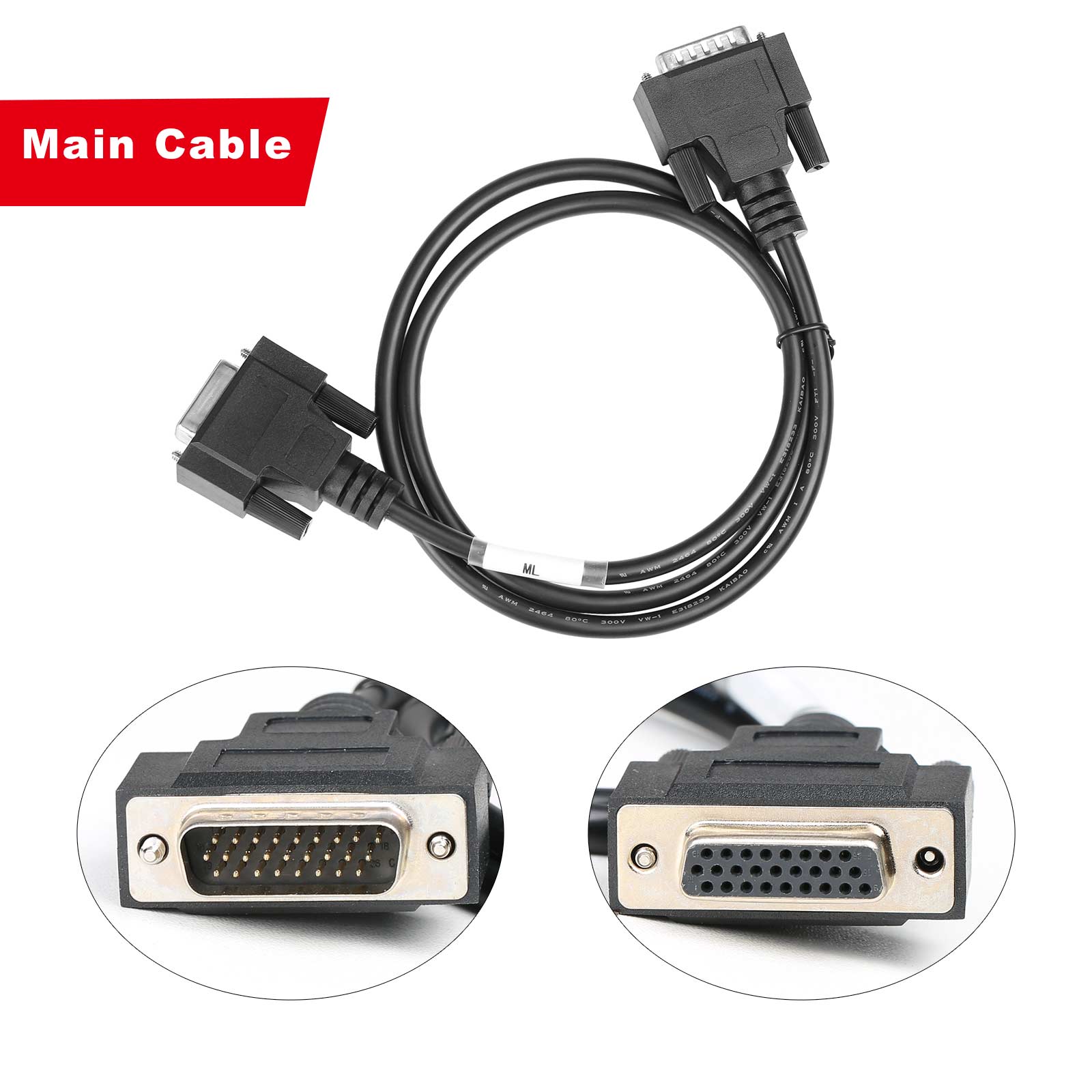
13 | X-PROG3 Adapter Cable Main Line (ML) | 307110089 | The extension wire of the gearbox harness, with one end connected to the immobilizer programmer and the other end connected to the gearbox harness |
|