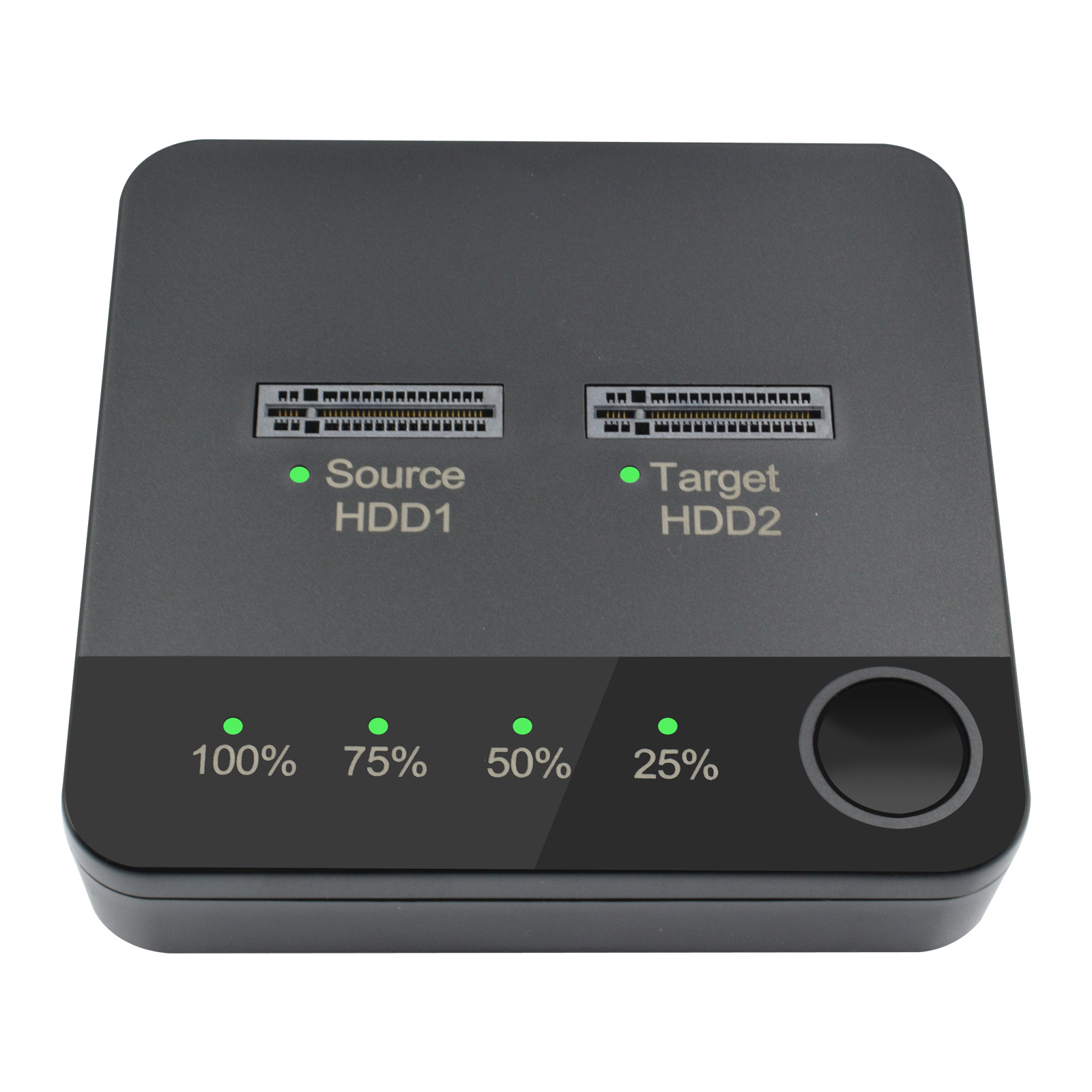
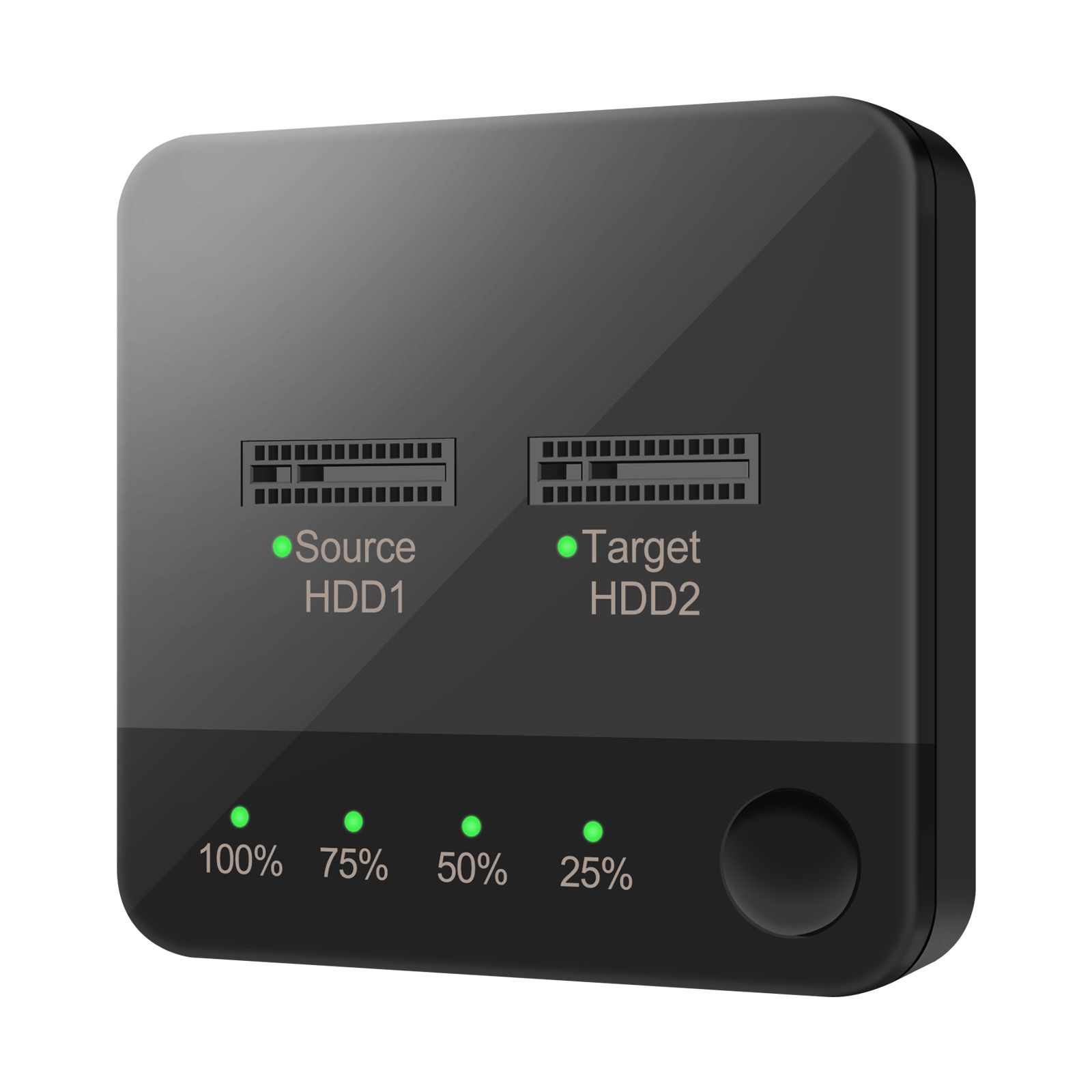
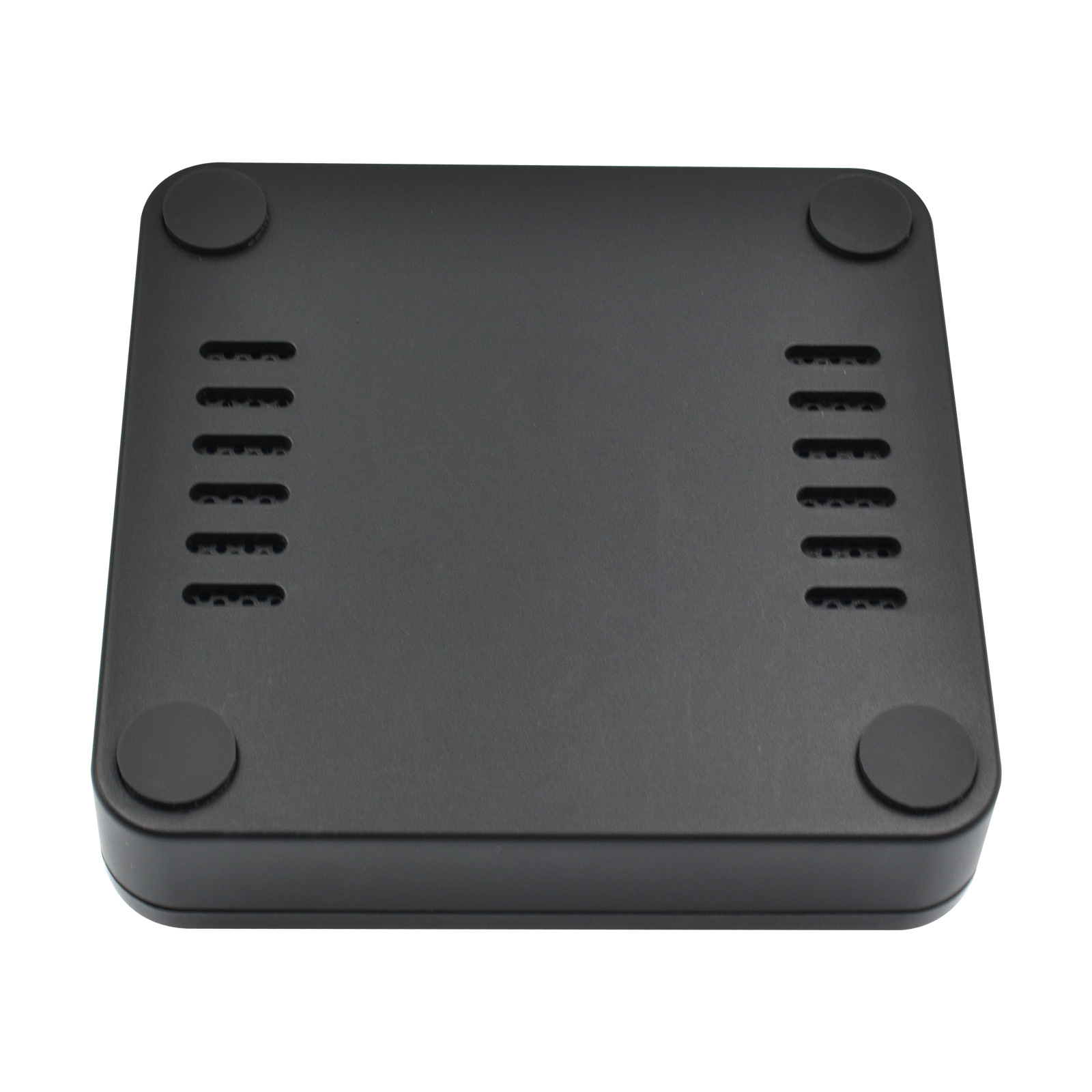
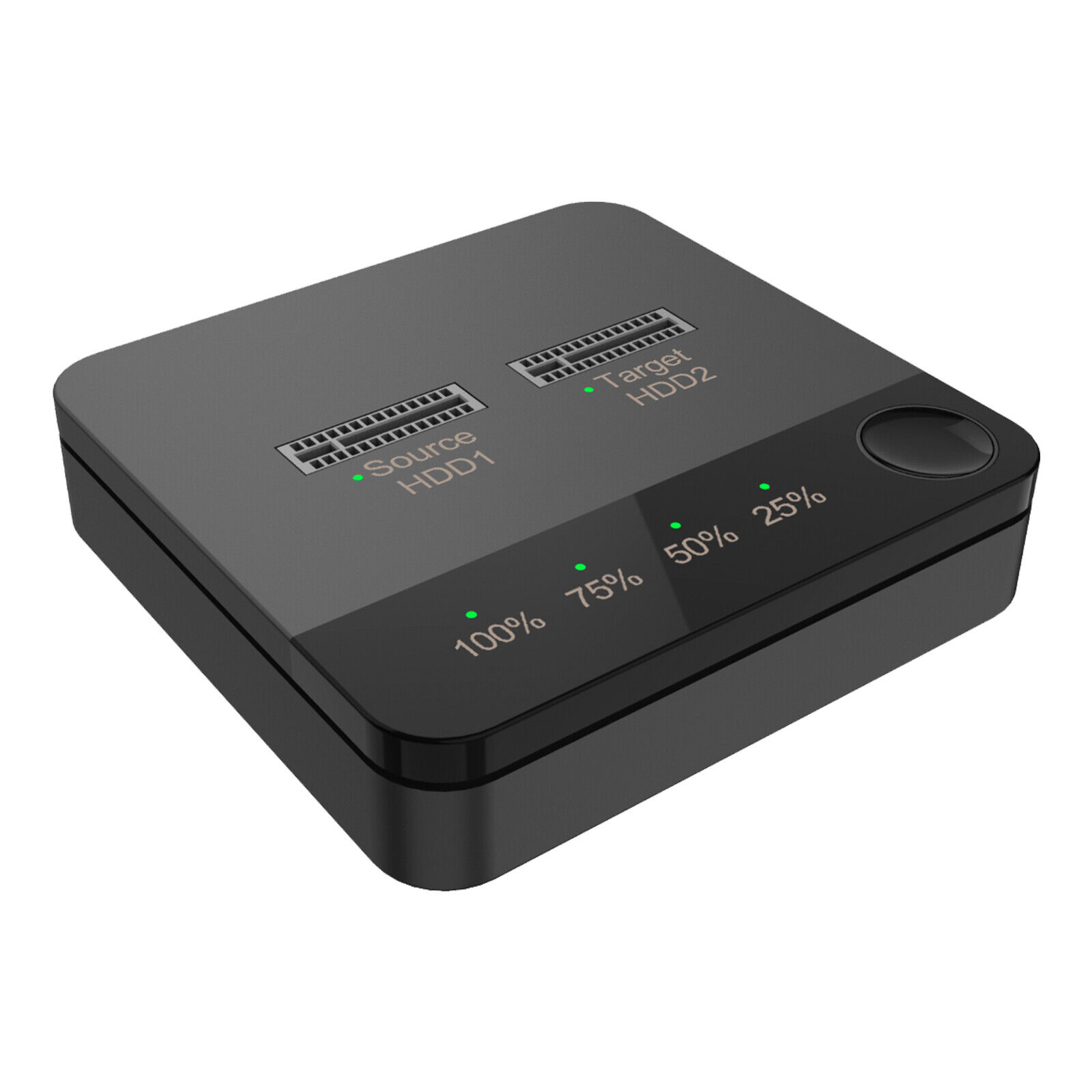
Features:
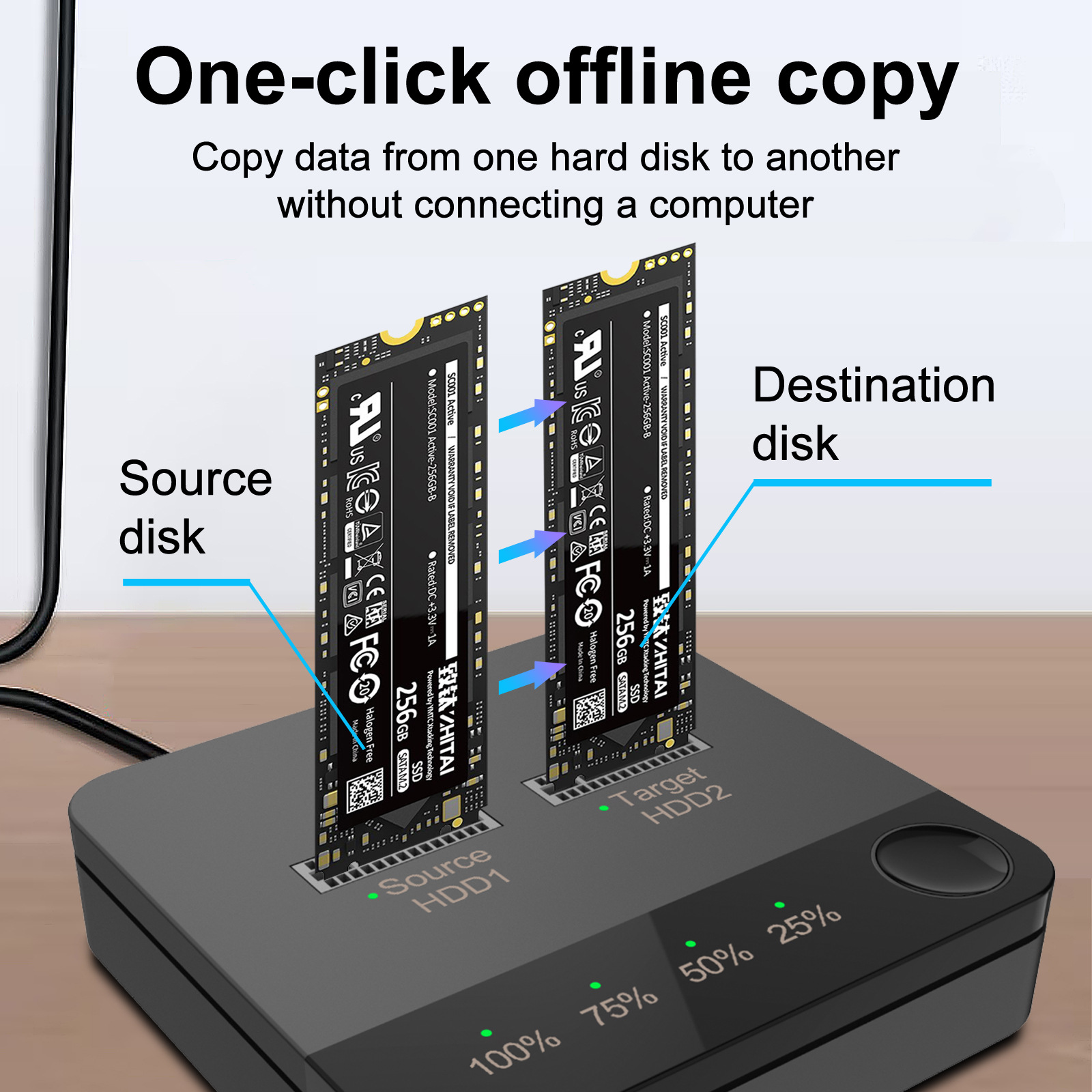
1. High-speed storage, one key to achieve the SSD copy function with each other.
2. Single disk support 2TB SSD, the total capacity can support 4TB, video and video games mass storage.
3.
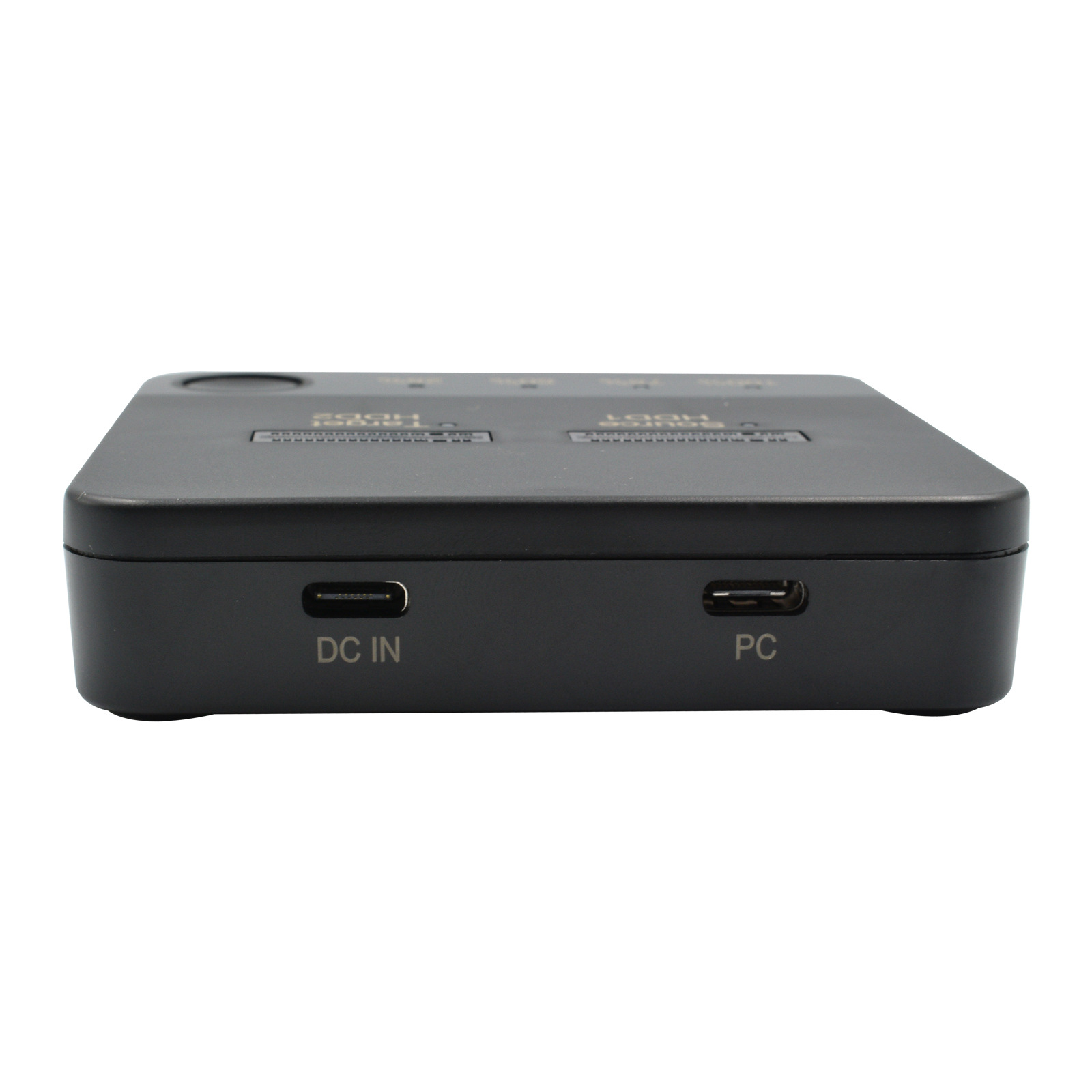
Online read/write/offline clone. PM mode: with USB C to USB C or USB C
to USB A data connection to the computer, easy to achieve control of the
hard drive. clone mode: no need to connect to the computer, just DCIN
power supply, and then long press the button in the lower right corner,
the LED blinking can start cloning.
4. Easy operation, one key
operation, multi-function interface, applicable to multi-system
compatibility, can be compatible with for WIN XP/7/8/10, for MAC OS.
Specifications:
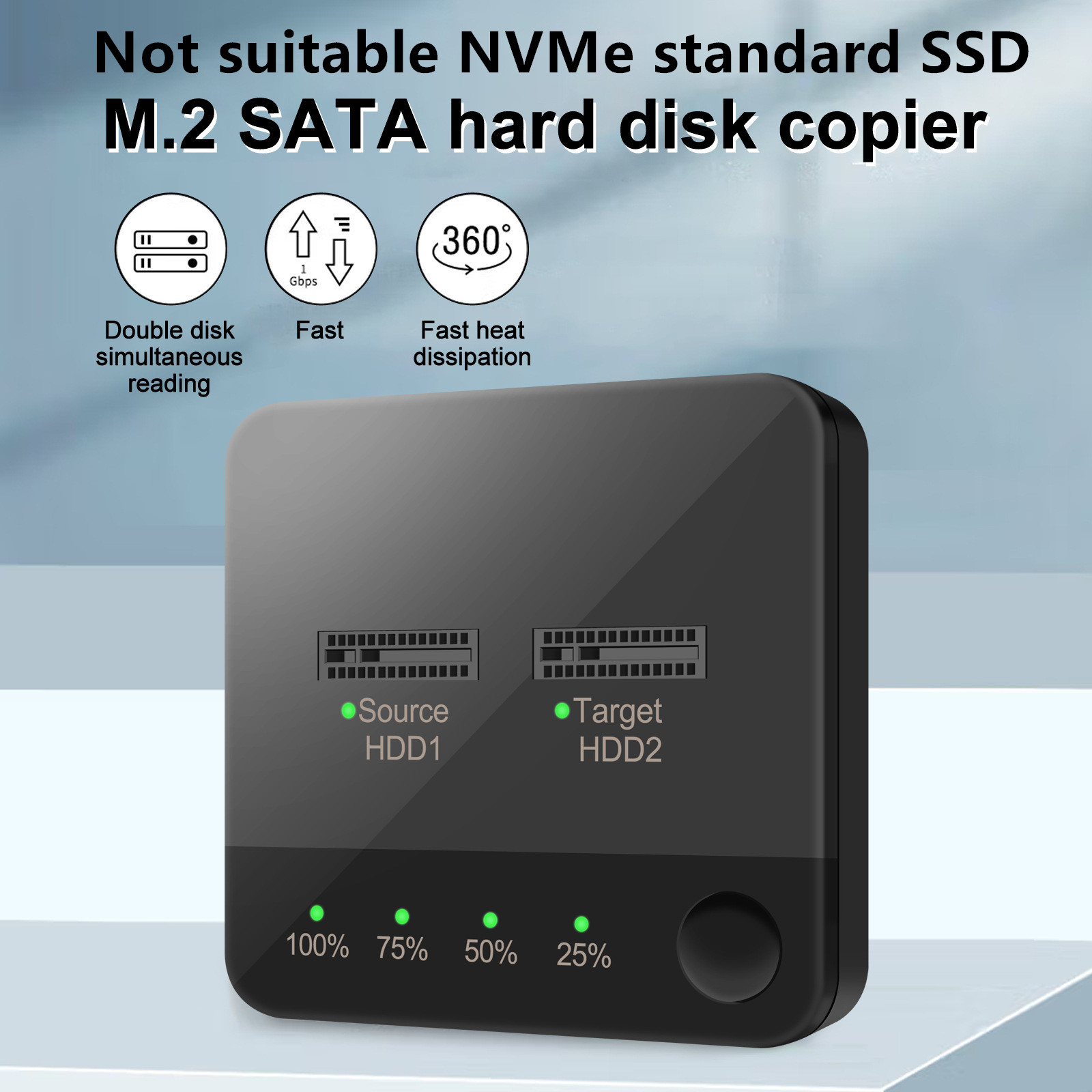
Support hard disk: M.2 SATA (B-KEY/B&M-KEY)
Product disk position: dual disk position
Product features: one to one hard drive offline to copy; data transfer
Operating system: for Windows XP/7/8/10, for MacOS
Support Capacity: Single Disk Supports 2TB,Total Capacity 4TB
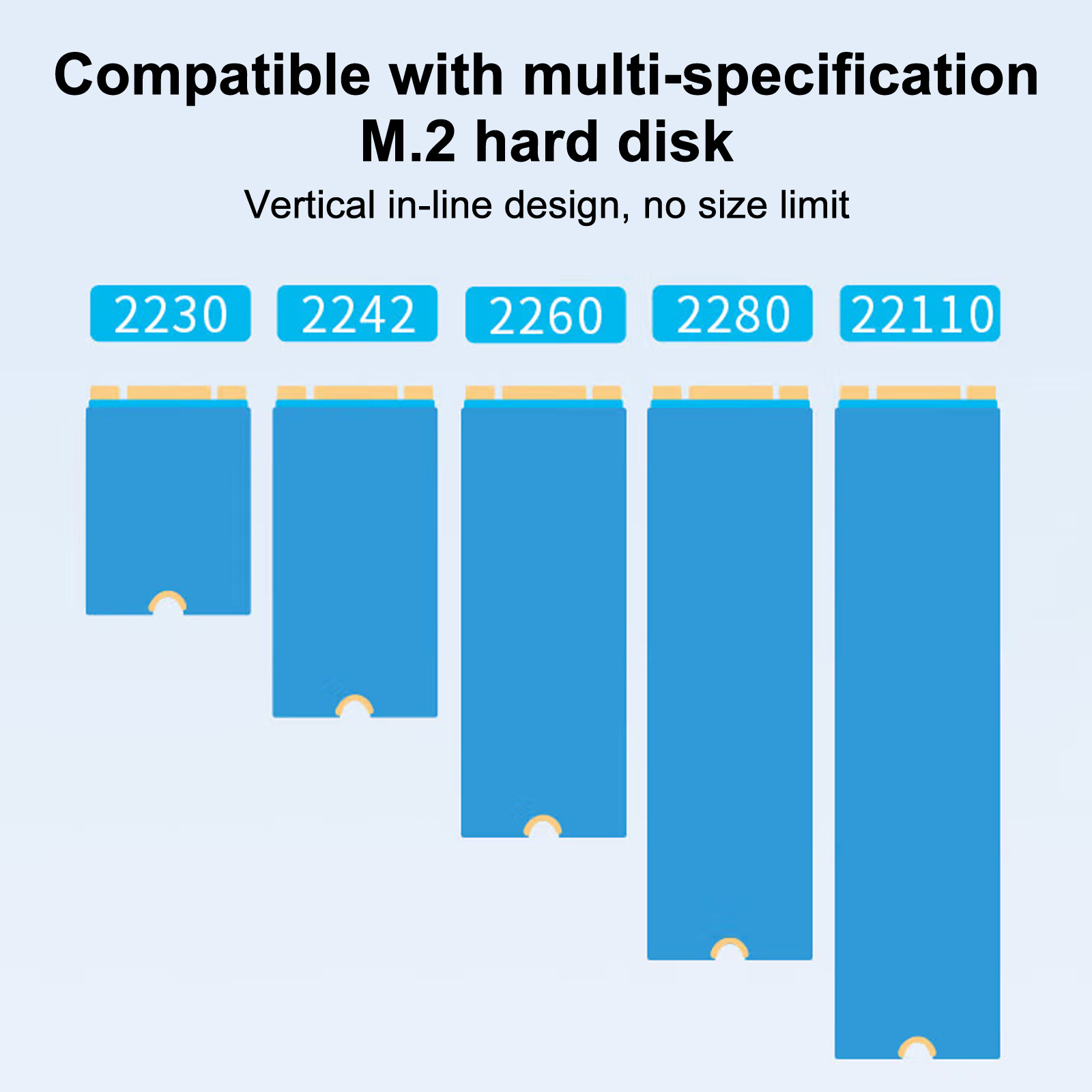
support 2230/2242/2260/2280/22110 M.2 hard drive
Note: Not suitable NVMe standard SSD
Input: 5V 2A
Output: 5V 2A
Applicable disk: For M.2 Sata only, NVME Standard ssd not applicable!
Note: Not suitable NVMe standard SSD
Two types of applications:
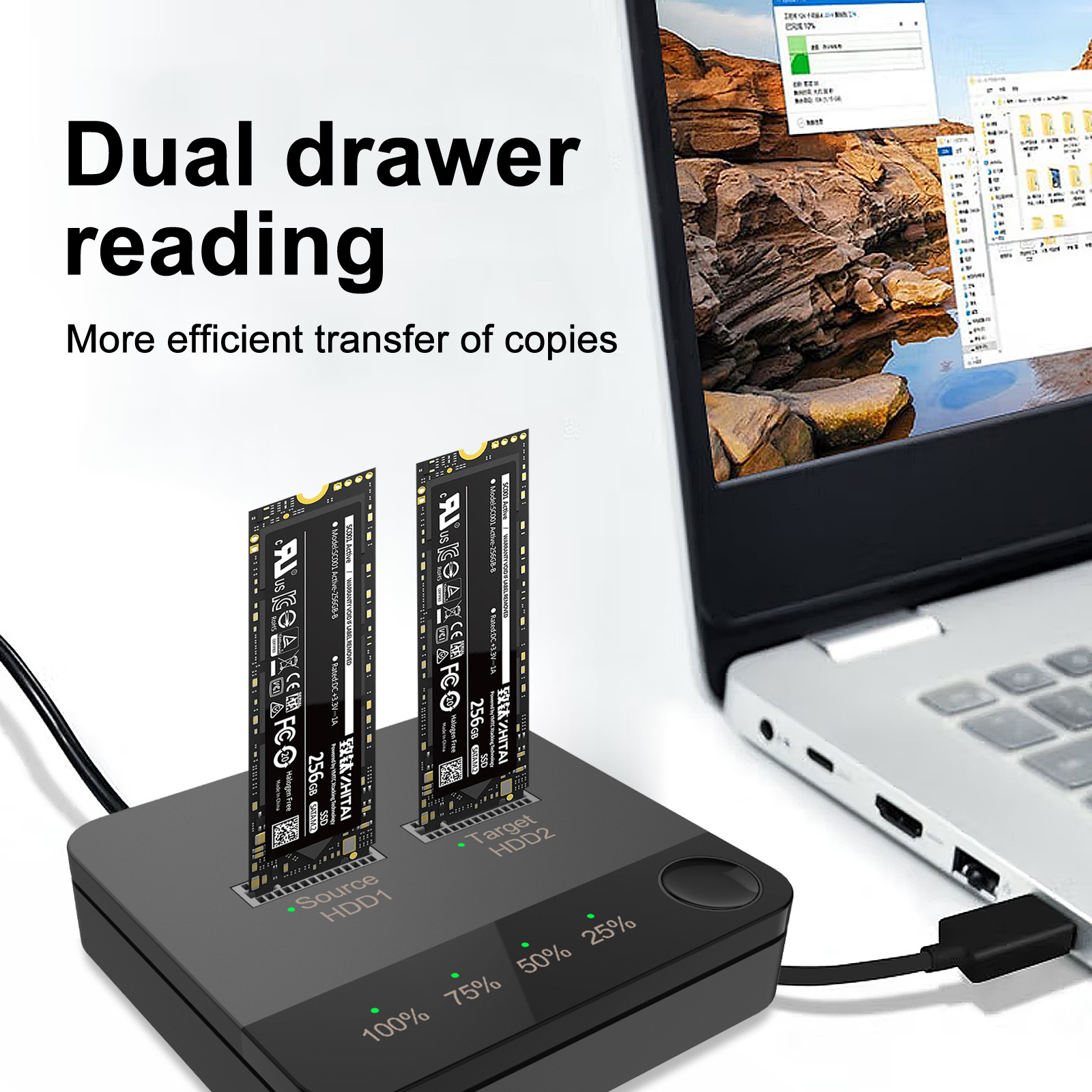
1.Mobile hard drive case:
When
using, please first plug the hard drive socket (A disk port or disk
port) of this product into the M.2 SSD hard drive (support
2230/2242/2260/2280 M.2 hard drive); turn on the power, the power input
port is plugged into the DC power port of this product. Then connect the
computer and the product with the USB cable, the USB A port is plugged
into the computer and the other end is plugged into the Type-C port of
this product.
2.Offline copy:
Please operate without
connecting to the computer, you must insert the AB two disks, the total
capacity of the A disk is less than the B disk; turn on the power, long
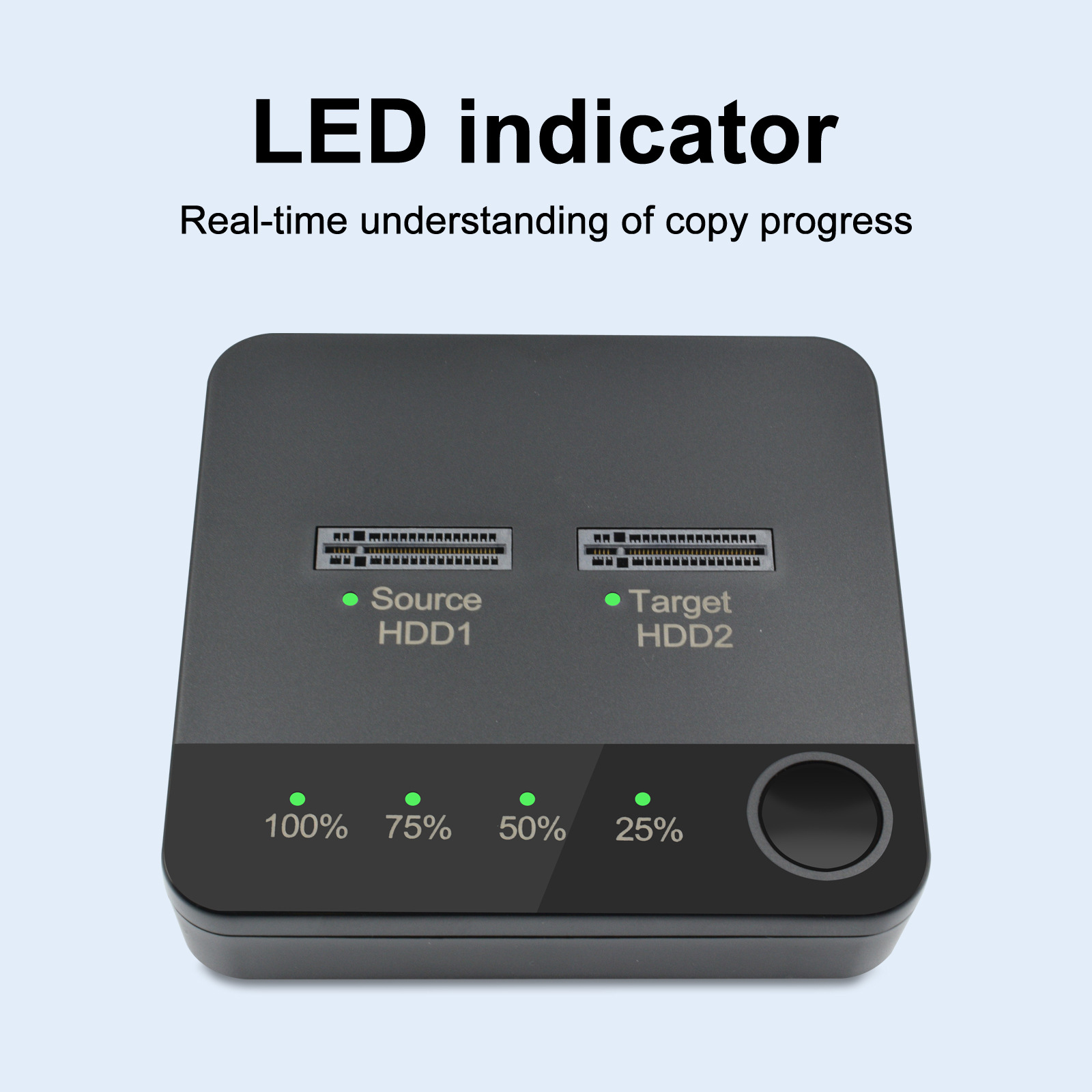
press the copy button for 3s, if the copy progress indicator appears
flashing at the same time, then click the offline copy switch again, if
25% of the indicator begins to flash it means that the copy from the A
disk to the B disk, when the copy is complete, the four indicators are
fully lit, turn off the power, unplug the hard disk When the copy is
complete, all four lights will be on, turn off the power and unplug the
hard drive.
Notice:
1)Due to the different display and
different light, the picture may not reflect the actual color of the
item. Thanks for your understanding.
2)Please allow 1-3CM differs due to manual measurement.
Package Included:
1* SATA Docking Station Duplicator