BM700 Pro All System OBD2 Scanner Fit For BMW EPB SAS Airbag ABS Oil CAS Reset Code Reader Auto Vin OBD 2 Diagnostic Too
There are many expensive OBD2 scanners on the market, they can only diagnose a few systems of BMW cars, and only have a small amount of reset function. In order to meet the increasing needs of BMW owners, the technical team has developed the BM700 PRO
BMW diagnostic tool. It can provide full system diagnosis for most of the BMW cars produced after 1976. At the same time, it has full OBD-level diagnostics and manufacturer-level diagnostics. A large number of reset functions can easily turn off the reset service light. One battery registration can recoup its cost. BM700 is committed to providing BMW owners with good car maintenance services in a cost-effective manner.
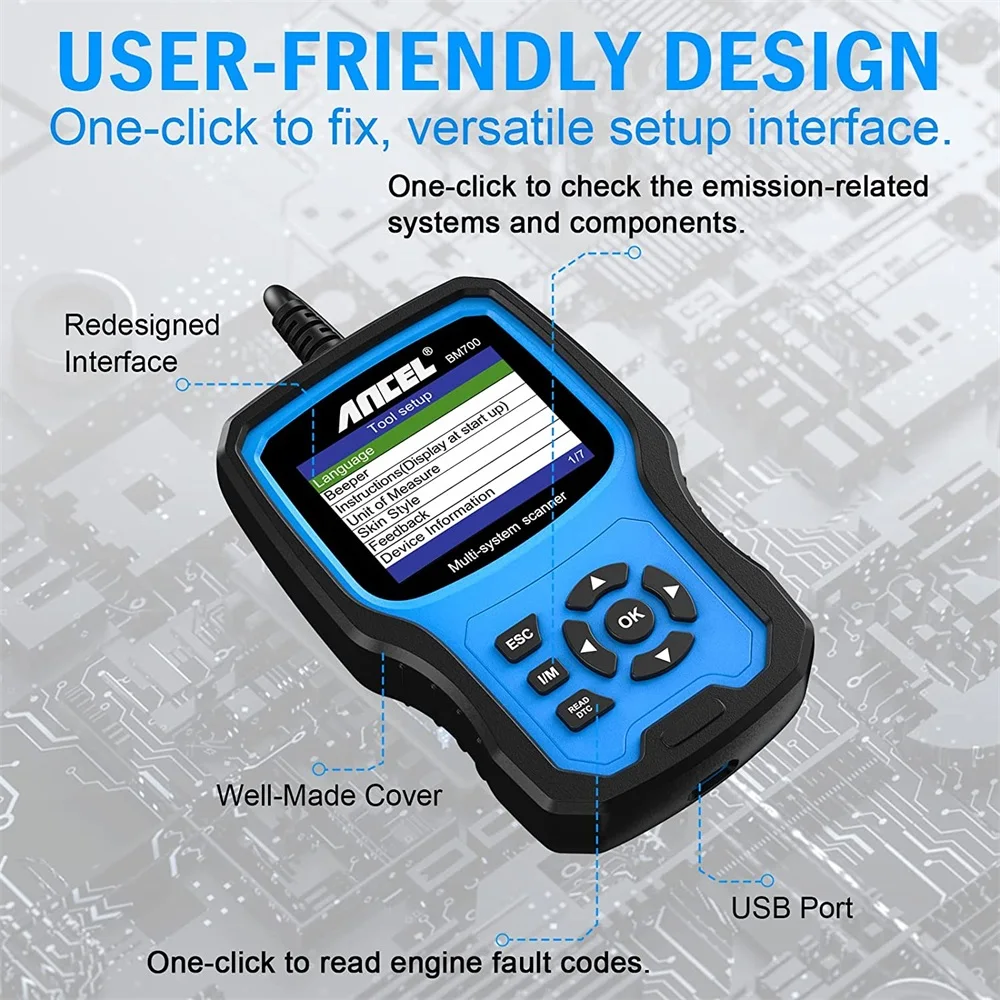
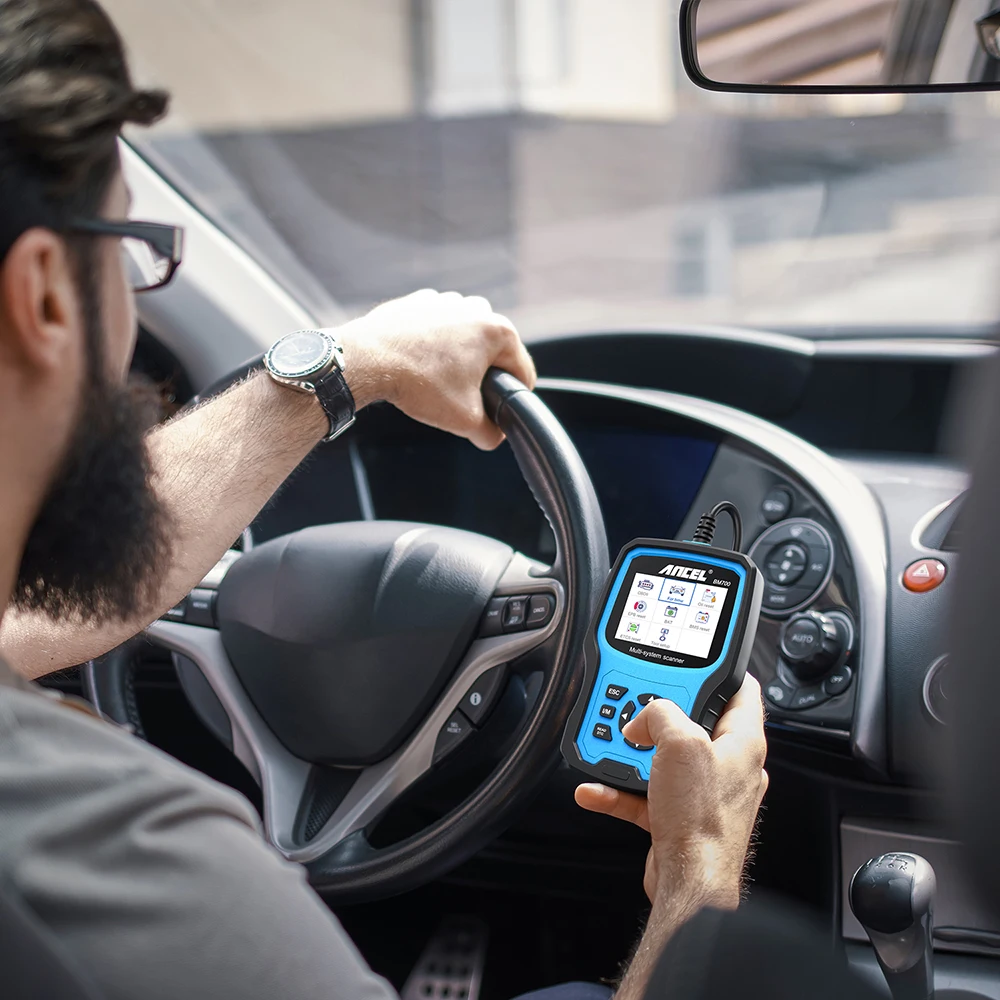
-Include 2. 8" TFT 262K true color LCD display screen to indicates the test results , with the silicone keypad you can easy to access the each of menu options, Rugged drop-proof case Prevent falling, the menu layout on the screen is easy to understand and you will no trouble to figuring out how to do what you needed.
Top reasons to choose BM700 Pro:
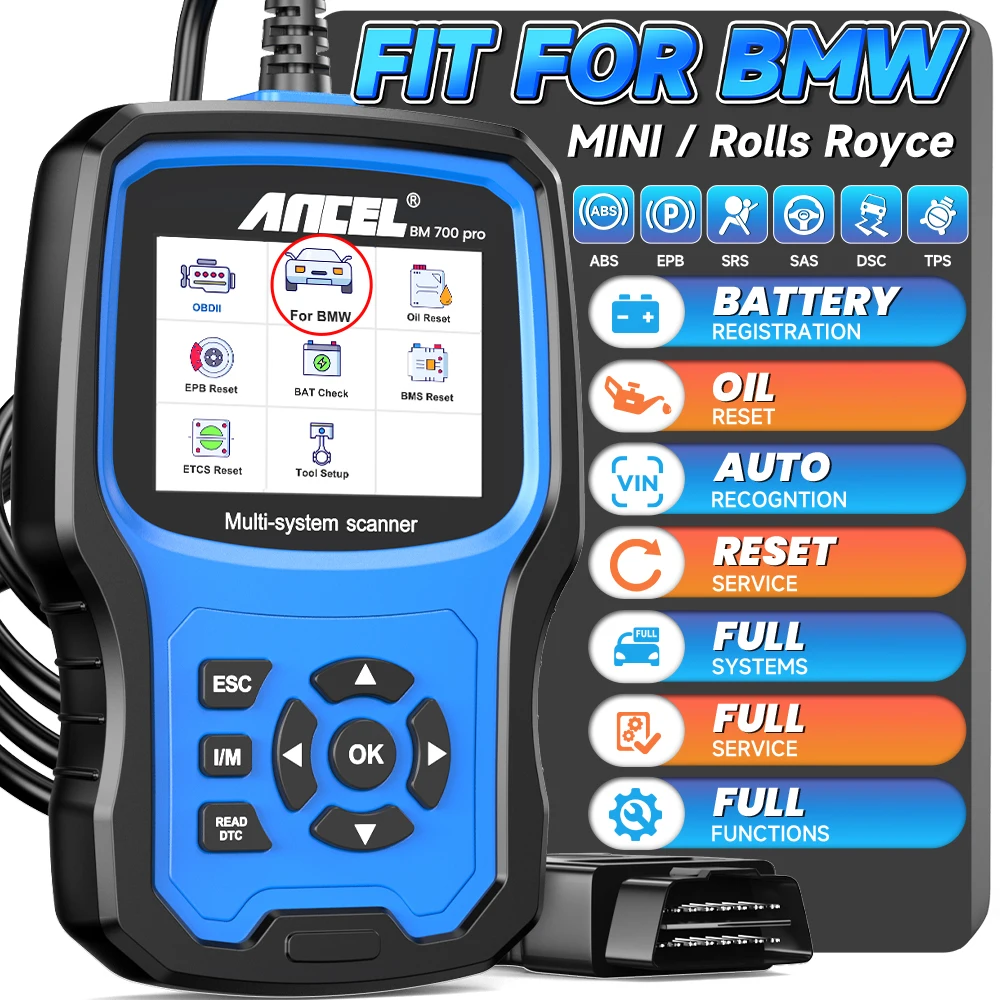
* Professional supports more Chassis for BMW/Mini/Rolls Royce all system diagnoses;
* Support special functions of ABS/ASC/DSC etc for BMW/Mini/Rolls Royce ;
* Not only for BMW, read engine fault code for all OBD2 cars(only for engine system);
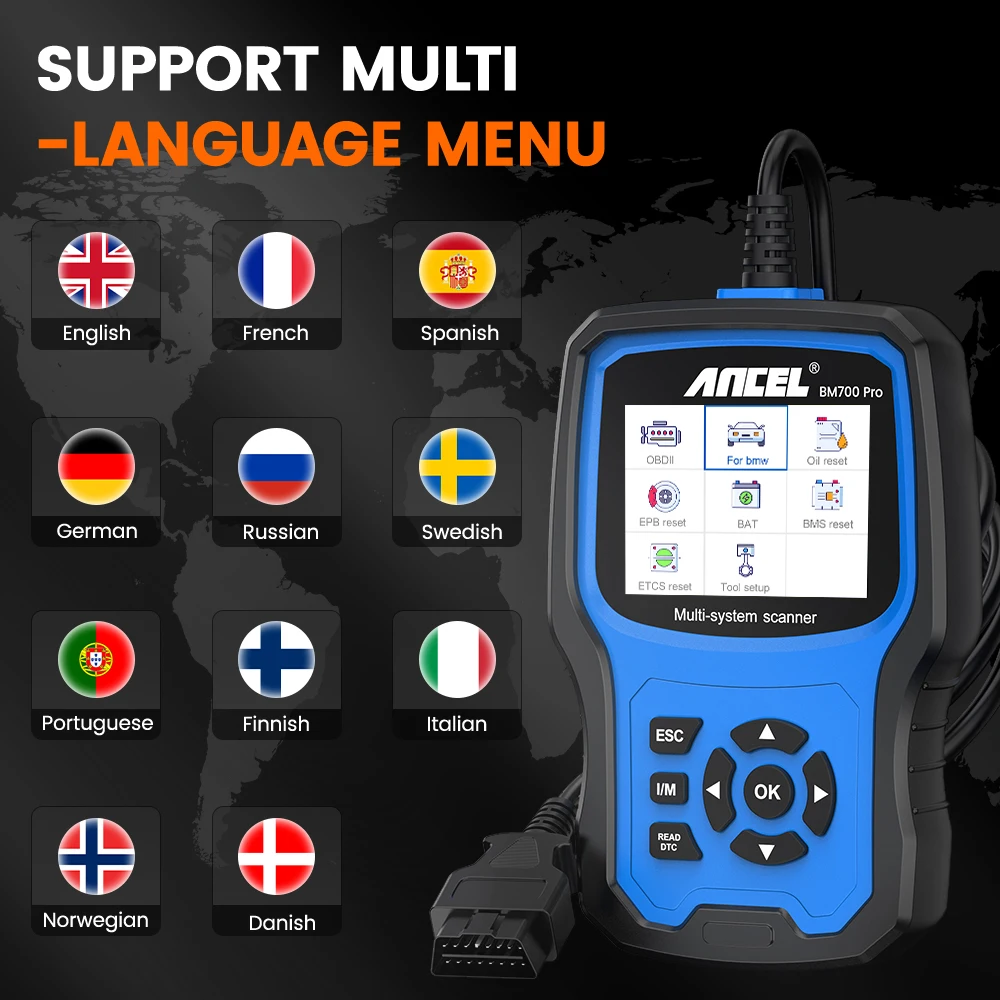
* Support 10 kinds of multi-language menu;
* Lifetime free upgrade online;
* Support English,French,Spain,Italian,Germany multi-language user manual;
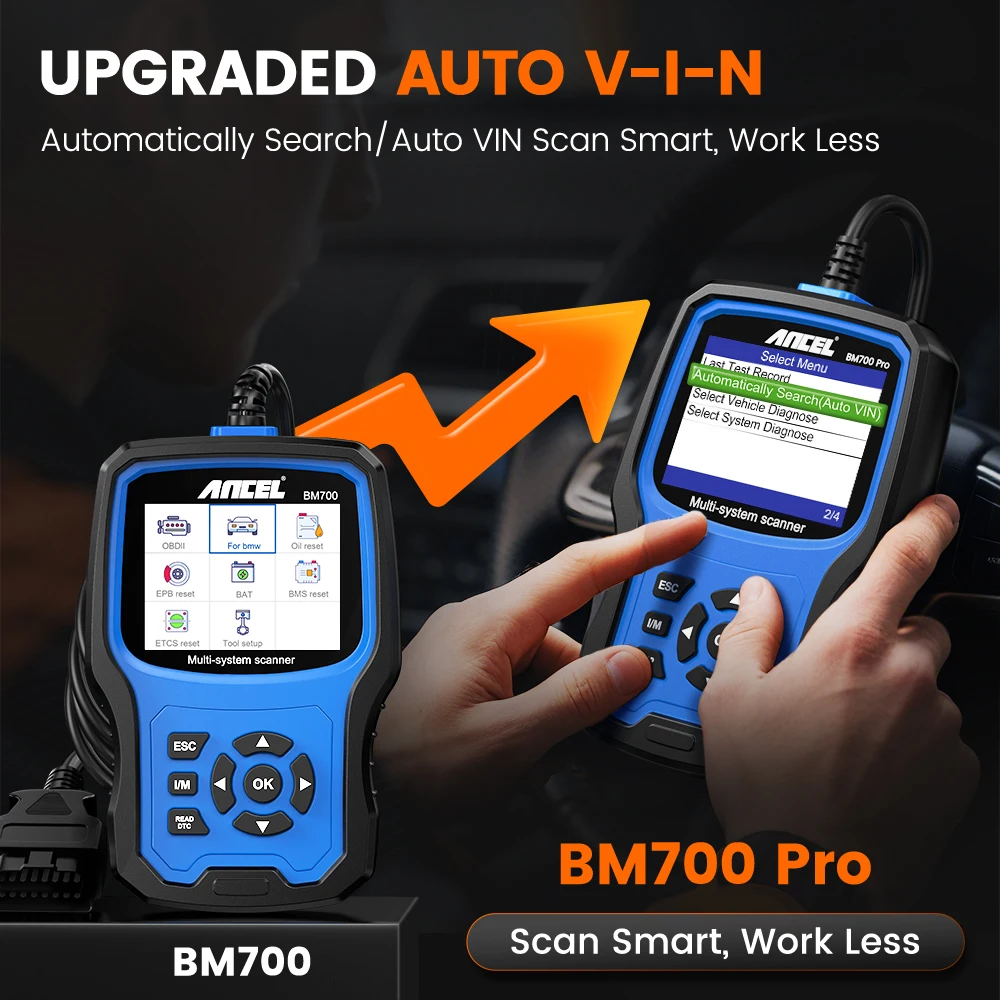
* Hotkey for I/M & read DTC , Scans faster than similar products ;
* Two interface skin style for choosing;
* Suitable for personal and auto repair shop
Full OBD-Level Modes
Such as read code, clear code, view real-time data/vehicle information, retrieve I/M readiness status and EVAP system test, etc. Helping technicians quickly identify the faulty part and accurately diagnose the emissions-related problems.
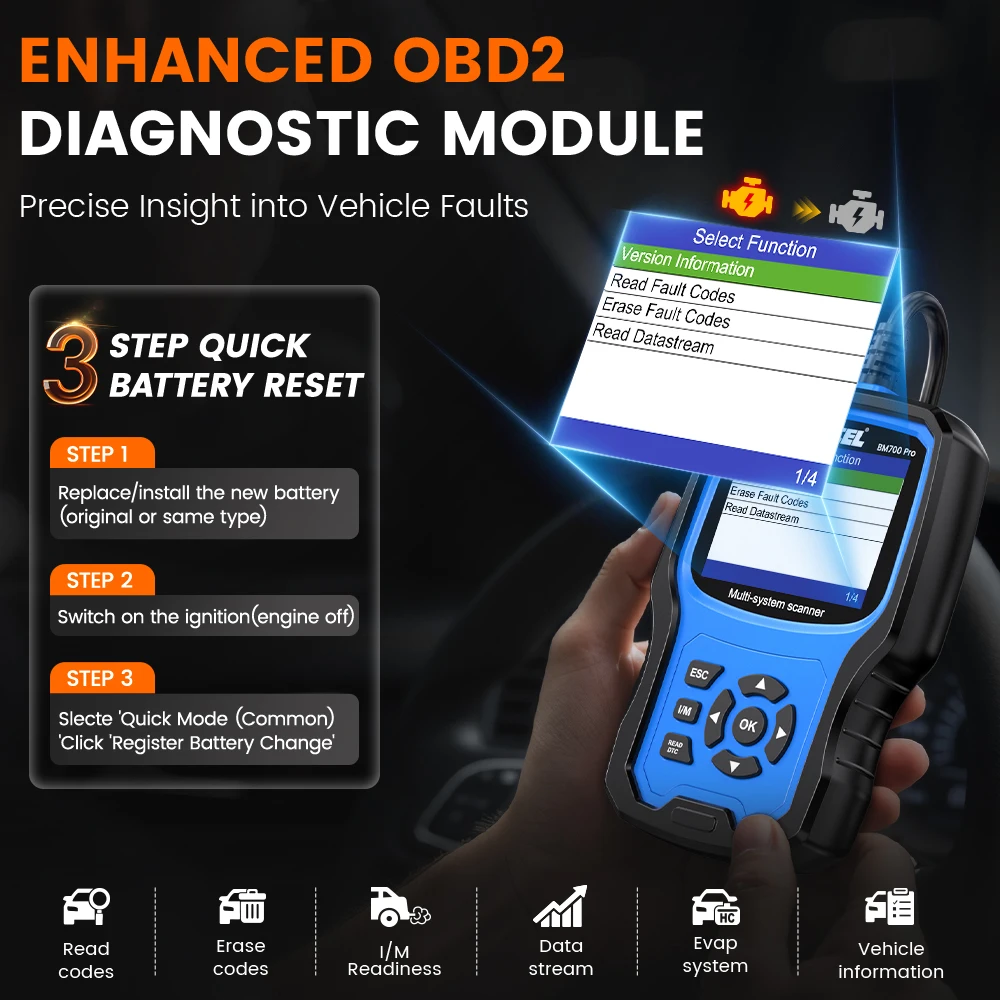
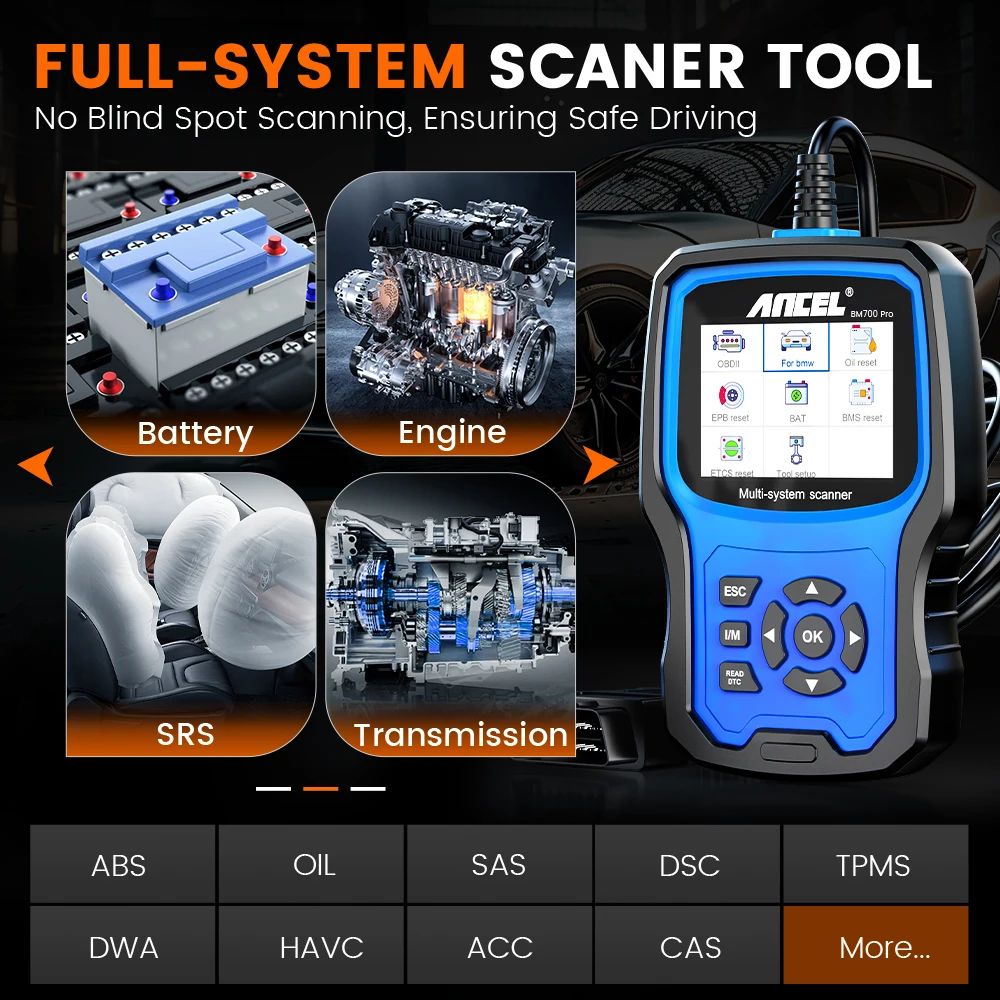
All-system Diagnostic Scan Tool for BMW, MINI and Rolls-Royce.
Engine System: It supports 6 modes OBDII functions. Easily identify car problems and turn off engine lights. Help you pass emissions test and keep your car in best condition. Save gas and improve performance.
Transmission System: It can help before transmission problems become a big hassle. That's because most trouble codes come from your vehicle's transmission. With a transmission diagnostic tool, you can get a fault code if there is one. All you need to do is troubleshoot a fault code.
Airbag System: The SRS (Supplemental Restraint System) is a device that deploys the airbag to protect the passenger before the second collision occurs. The BM700 obd2 scanner can read/clear the code and turn off the airbag warning light.
ABS System: ABS automatically controls the braking force of the brake when the car brakes, so that the wheels do not lock and enter the state of edge rolling slip (slip rate is about 20%) to ensure the maximum grip between wheels and ground. BM700 can turn off the light and locate the fault location.
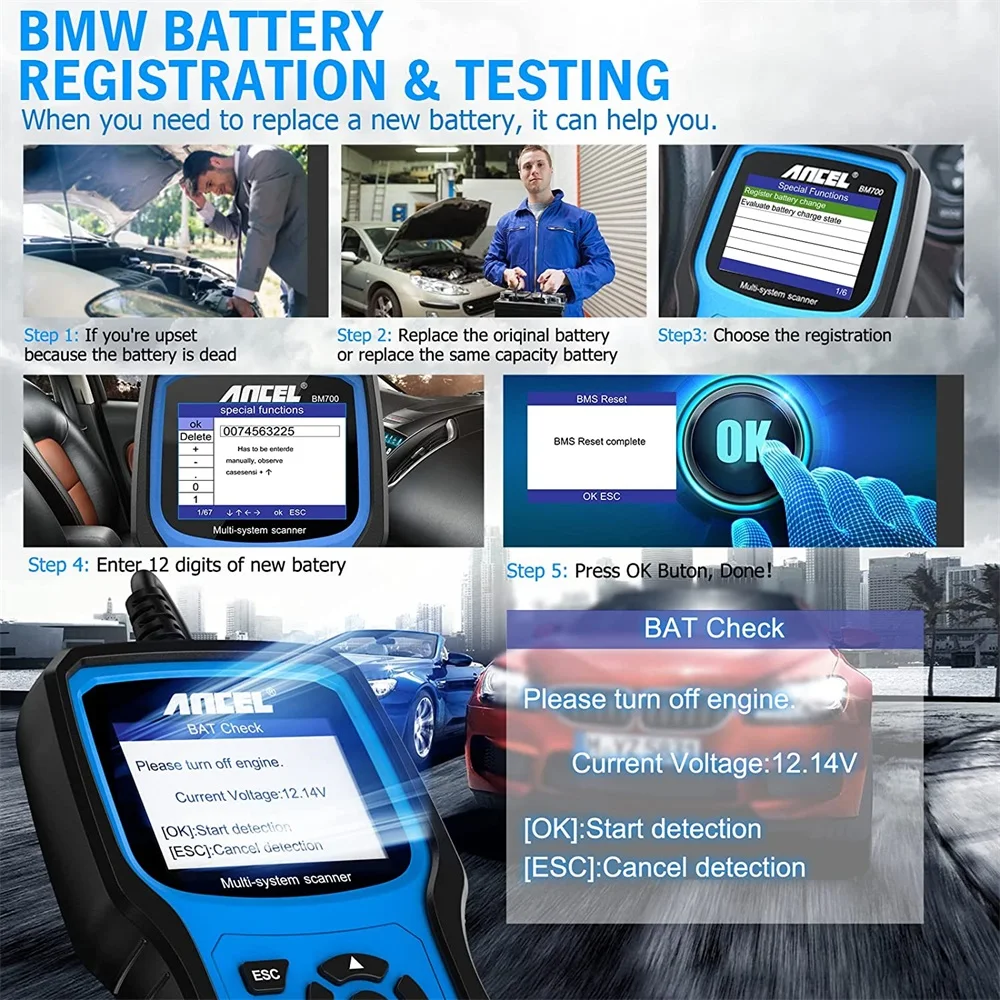
Battery System: BM700 allows the scan tool to evaluate the battery charge level, monitor the short circuit current, register the battery change, activate the vehicle hibernation mode and charge the battery via the diagnostic socket.
DPF System: The scan tool can retrieve/clear DPF-related codes, reset the DPF light after a filter change, micro-control the injection rate, and burn off collected particulates when a maximum level is reached.
Oil System: Reset the system every time the oil is changed so it can calculate when the next oil change is needed. Also reset the system when the oil is changed before a service indicator comes on.
Immobilizer System: Use the immobilizer to keep your car safe and prevent it from being stolen.
Provide a good car maintenance service.
SRS Reset: SRS is a device that expands the airbag to protect the passenger before the second collision occurs called Supplemental Restraint System (SRS). BM700 can read/clear code, turn off warning light of airbag.
ABS Reset: Allows you to use the scanner temporarily to activate or control anti-lock brake system.
EPB Reset: Reset the brake pad after repairs in electronic parking brake system are done. Deactivate and activate the brake control system, assist with brake fluid control, open and close brake pads, etc.
SAS Reset: Allows you to perform calibration of the steering angle sensor, which permanently stores the current steering wheel position as straight-ahead in the sensor . After calibrate sensor successfully, its fault memory will be automatically cleared.
DPF Reset: Clear PM (Particulate Matter) from the DPF filter through continuous combustion oxidation mode to stabilize the filter performance.
BMS Reset: Re-match the control module and motoring sensor for battery detecting more accurately, clear original low battery information and prevent the related control module from detecting false information.
Oil Reset: Allows you to reset the service lamps on the instrument cluster.
Injector Coding: Code new injector numbers to replace the previous one when fitting the new injectors or after the replacement is completed.
Unlock more advanced features.
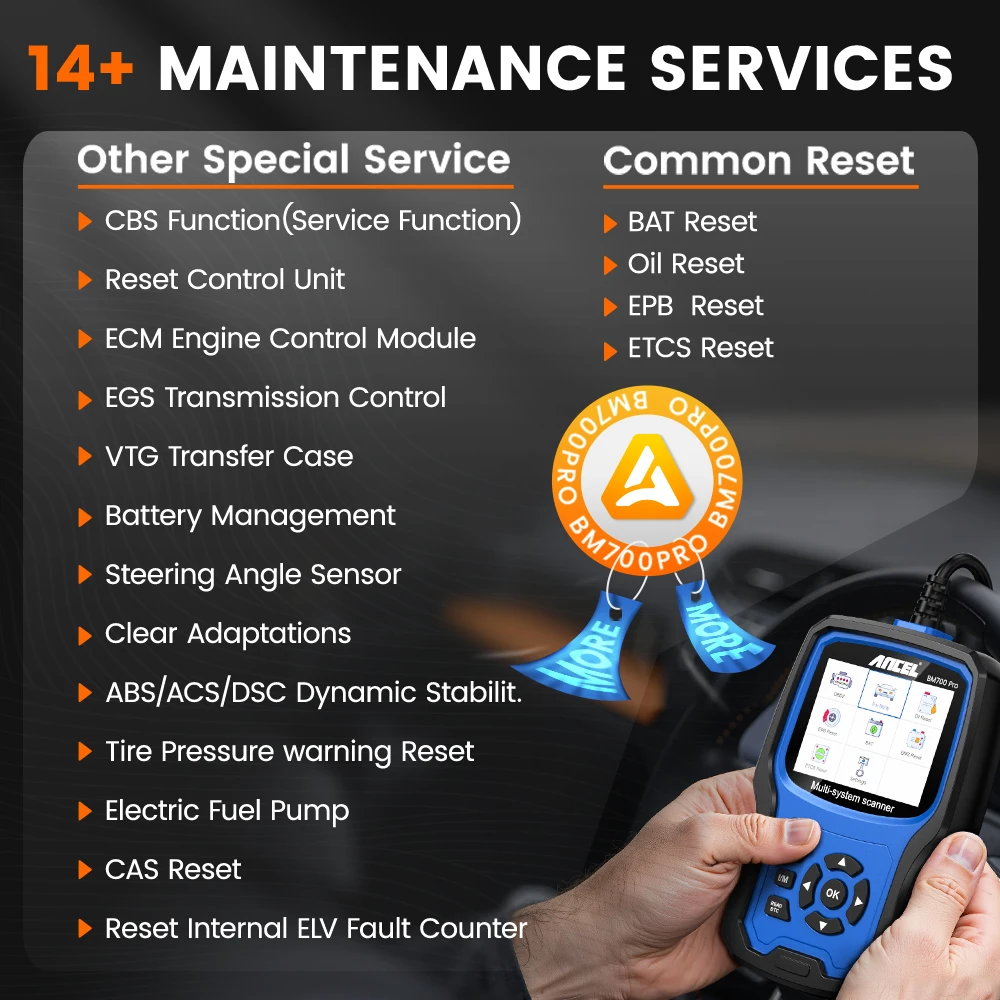
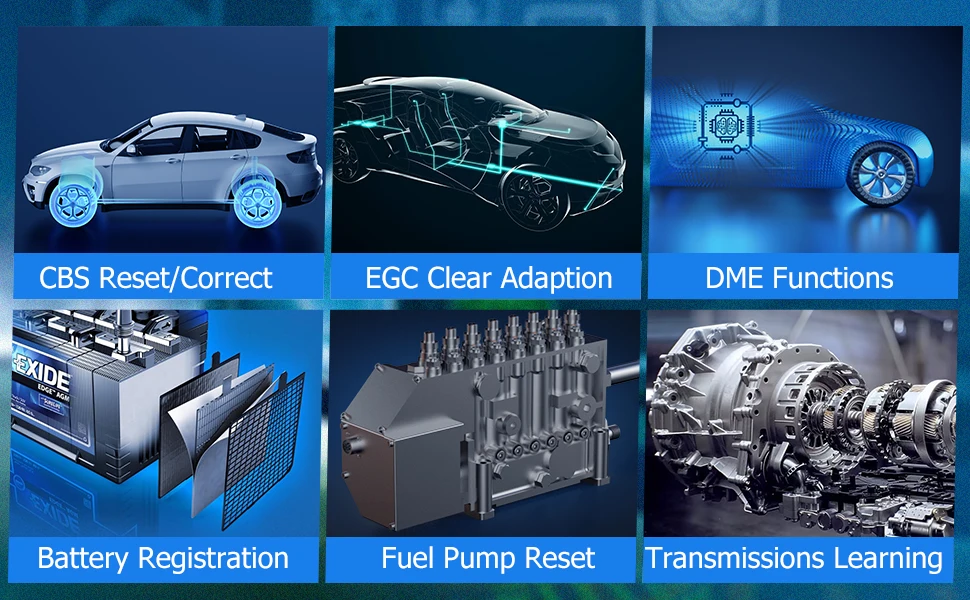
CBS Reset/Correct: BMW's Condition Based Servicing (CBS) system actively monitors engine and other vehicle components for wear. This system monitors the oil life, cabin air filter, brake pad wear, condition of the brake fluid, spark plugs, and, with diesel engines, the diesel particulate filter.
EGC Clear Adaption: Automatic gearbox are unpredictable sometimes, which can be extremely expensive if not maintained properly. BM700 can help you complete the maintenance of the transmissions.
Battery Registration: When you change a new battery, you need to register the battery information, BM700 can do it easily.
Fuel Pump Reset: This function only works for the F series automobile chassis. Turn the ignition switch OFF. Ensure that there is no fuel leaking in the engine compartment, along any of the lines or at the tank, then reset it.
Transmissions Learning: The automatic transmission is equipped with a learning tool that allows it to learn how you drive and adapt to those needs. This offers better performance and helps the transmission last longer.
Digital Motor Electronics (DME) Functions: Including Injector Coding(IQA), Idle speed adjustment, fuel injection rate, CO adjustment, Exhaust Gas Recycling, engine clear adaption, etc.
Battery Registration & Testing
When you need to replace a new battery,it can help you.
Auto Diagnostic Scaner Tool ANCEL BM700 Coverage vehicle list:
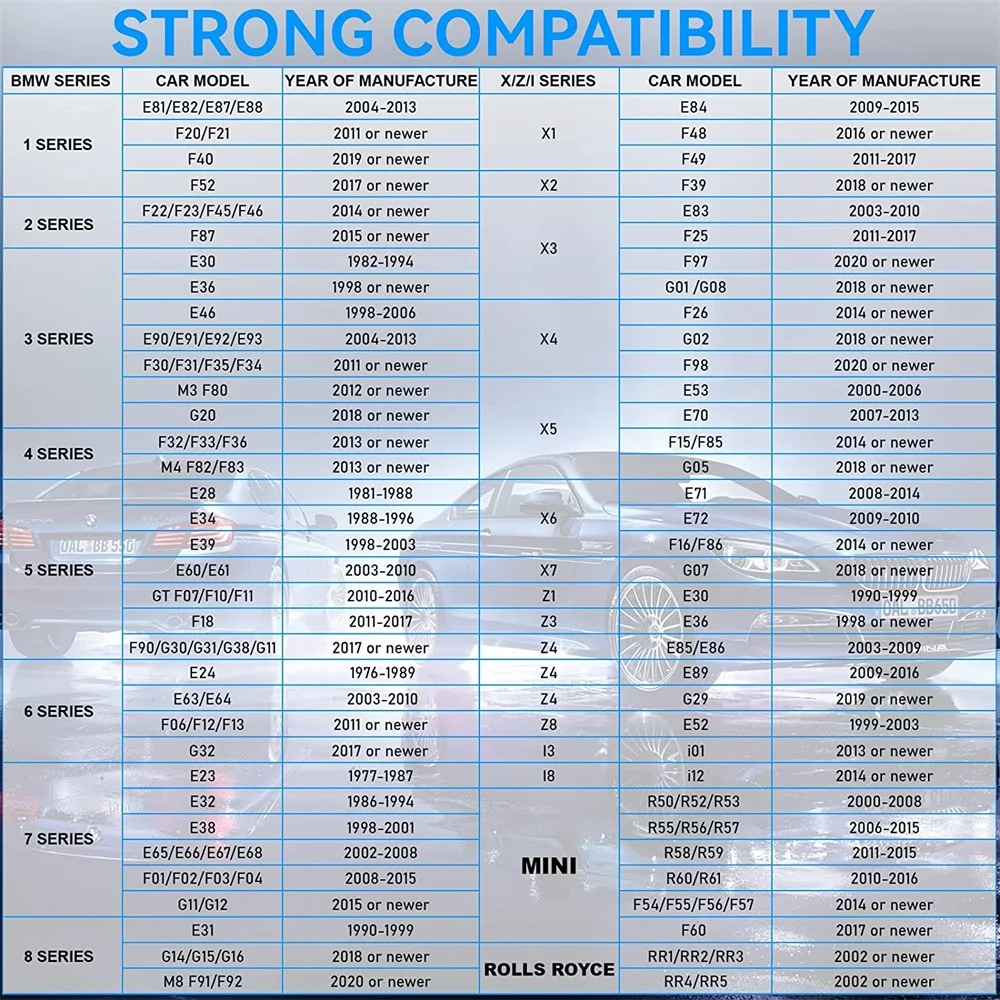
1 Series Chassis: E81/E82/E87/E88/F20/F21/F52
2 Series Chassis: F22/F23/F45/F46/F87
3 Series Chassis: E30/E36/E46/E90/E91/E92/E93/F30/F31/F34/F35/F80/G20
4 Series Chassis: F32/F33/F36/F82/F83
5 Series Chassis: E28/E34/E39/E60/E61/F07/F10/F11/F18/F90/ G30/G31/G38
6 Series Chassis: E24/E63/E64/F06/F12/F13/G32
7 Series Chassis: E23/E32/E38/E65/E66/E67/E68/F01/F02/F03/F04/G11/G12
8 Series Chassis: E31/G14/G15/G16
X Series Chassis: X1 E84 F48 F49/X2 F39/ X3 E83 F25 G01/X4 F26 G02/X5 E53 E70 F15 F85 G05/ X6 E71 E72 F16 F86/X7 G07
Z Series Chassis: Z1 E30 Z3 E36/ Z4 E85 E86/Z4 E8/Z8 E52
I Series Chassis: I3 I01/I8 I12
MINI Series Chassis:
R50/R52/R53/R55/R56/R57/R58/R59/R60/R61/F54/F55/F56/F60
Rolls-Royce Series Chassis: RR1/RR2/RR3/RR4/RR5
User-friendly Design
One-click to fix,versatile setup interface.
BM700 Supports Multiple Languages
English, French, Spanish, German, Russian, Swedish, Portuguese, Finnish, Norwegian, Danish. Meet the language needs of people from all over the world.
How to Update the ODB2 Car Diagnostics BM700
After you find your model of your car please according the step to download the zipped file ,then Double click to unzip the file .you may see three information :1.Help.avi 2.README.txt 3.Update.exe you can look 1 and 2 for some help.
1.Click official website, download client update tool software
2.Please connect device and computer with USB cable before upgrading.
3.The update software is only supported by windows 7/8/10.
(Win8/10 can run update software directly, only windows 7 need to install the driver.)
4.Click "install driver.bat" in the driver file to install the driver.
**Make sure that then Double click the "Update.exe" finish the process .
About the "Battery Register ",please see the" User Guide" on this listing's detail page " Technical Specification" part ,and according the step to operate.
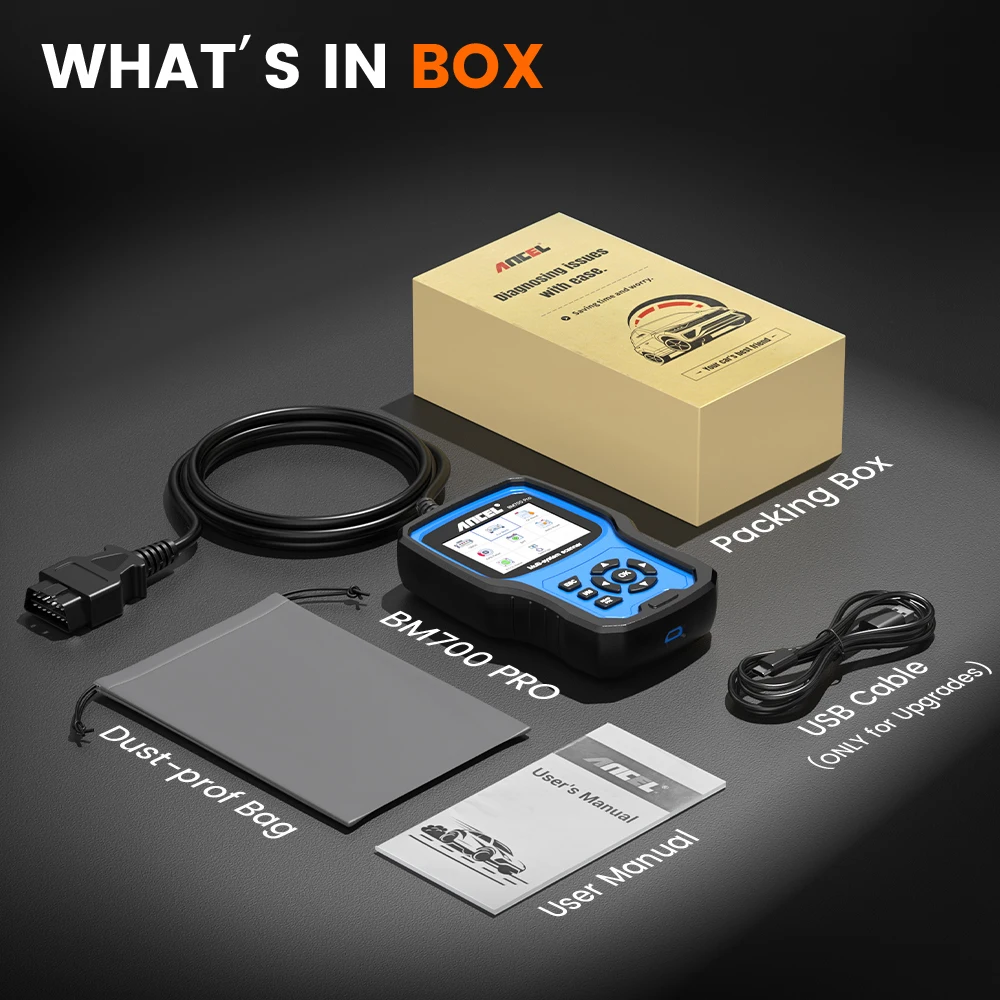
PACK LIST