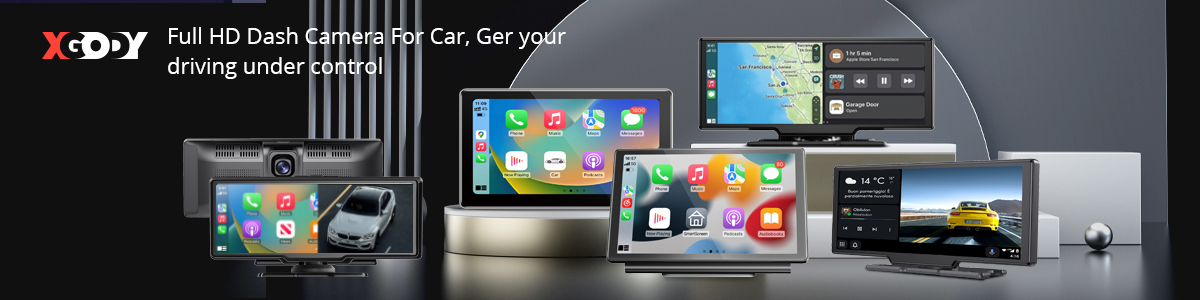
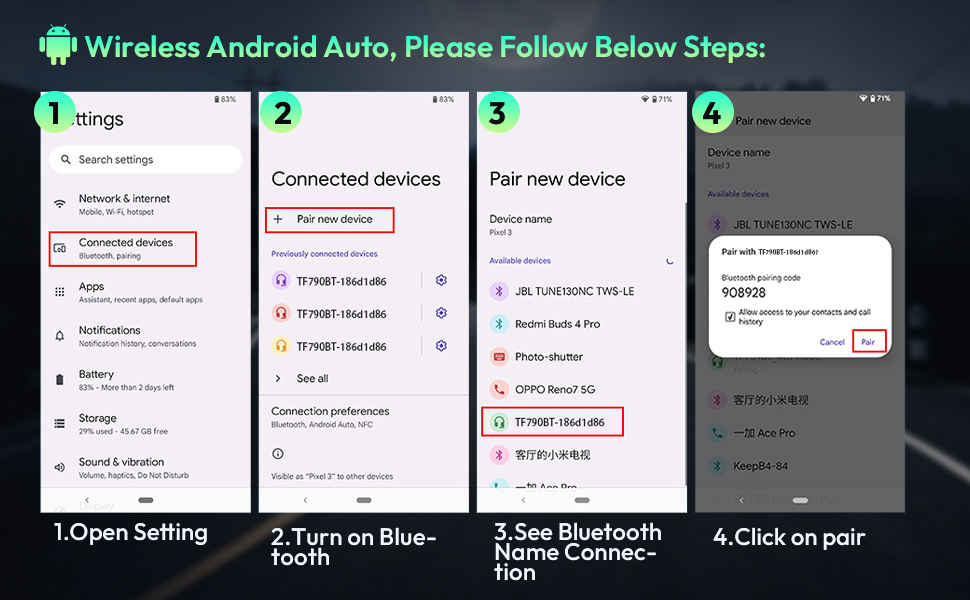
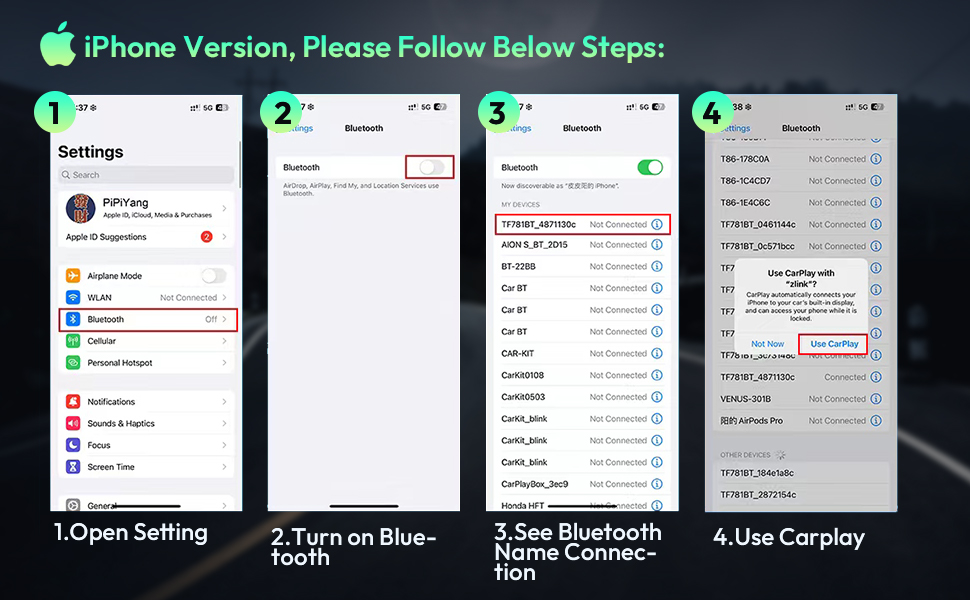
| 🚘Wireless Apple CarPlay and Android Auto: This dashcam, specifically designed to connect to smartphones, enables wireless Apple CarPlay and Android Auto by simply connecting your phone to the XGODY H26PRO via Bluetooth. It automatically recognizes your smartphone after the first successful connection. Use voice controls or the touchscreen to access features such as music, navigation, voice emails, calls, notifications and messages - CarPlay is a safer way to use your smartphone in the car. | |||
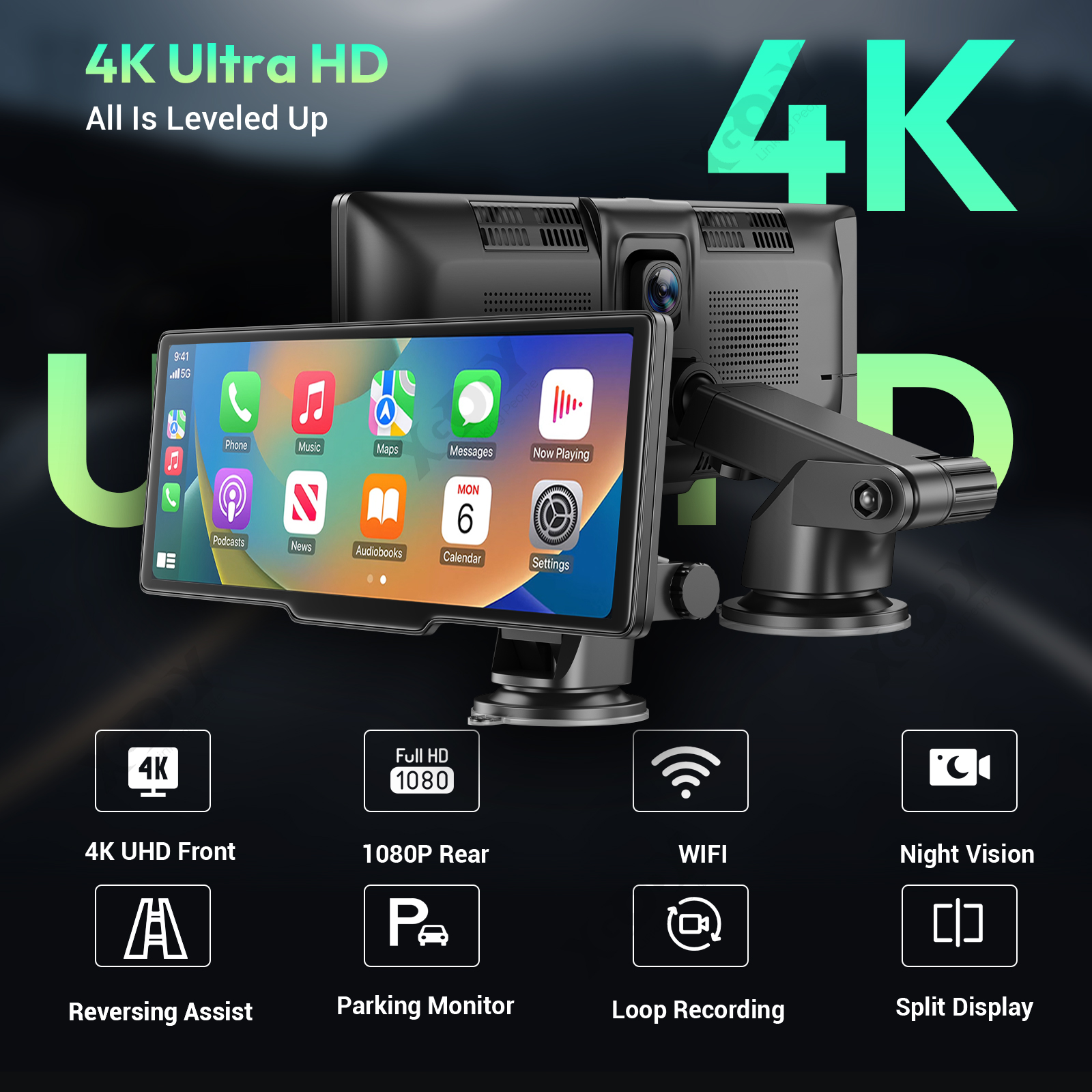
| Specification: Color: Black Display: 10.26 inch capacitive screen, touch sensitive TF card slot (Micro SD socket): Supports TF card sizes up to 256GB USB interface (USB port): Powered by car charger 5V/3A Front Camera: 4K Ultra-Clear Rear view camera: AHD 1080P high resolution camera Bluetooth: Supports BLE 4.2 FM: Supports 88-108MHz WIFI: Supported and compatible with 2.4G/5G 802.11b/g/n System/OS: LINUX Language: Supports 15 languages (English, Traditional Chinese, Japanese, Korean, French, German, Italian, Spanish, Hebrew, Russian, Polish, Portuguese, Vietnamese, Thai) Mobile WIFI (APP playback view): Roadcam Apple Internet Screen Mirroring: Supports Carplay International Android Internet Projection: Supports Android Auto Apple Mirroring: Supports Airplay Android Mirror Screencasting: Supports mirroring Audio output: Support local speaker + FM + AUX + BT Rear camera: Supported Split Screen Display: Supported Format/Codec: H.264 |
|
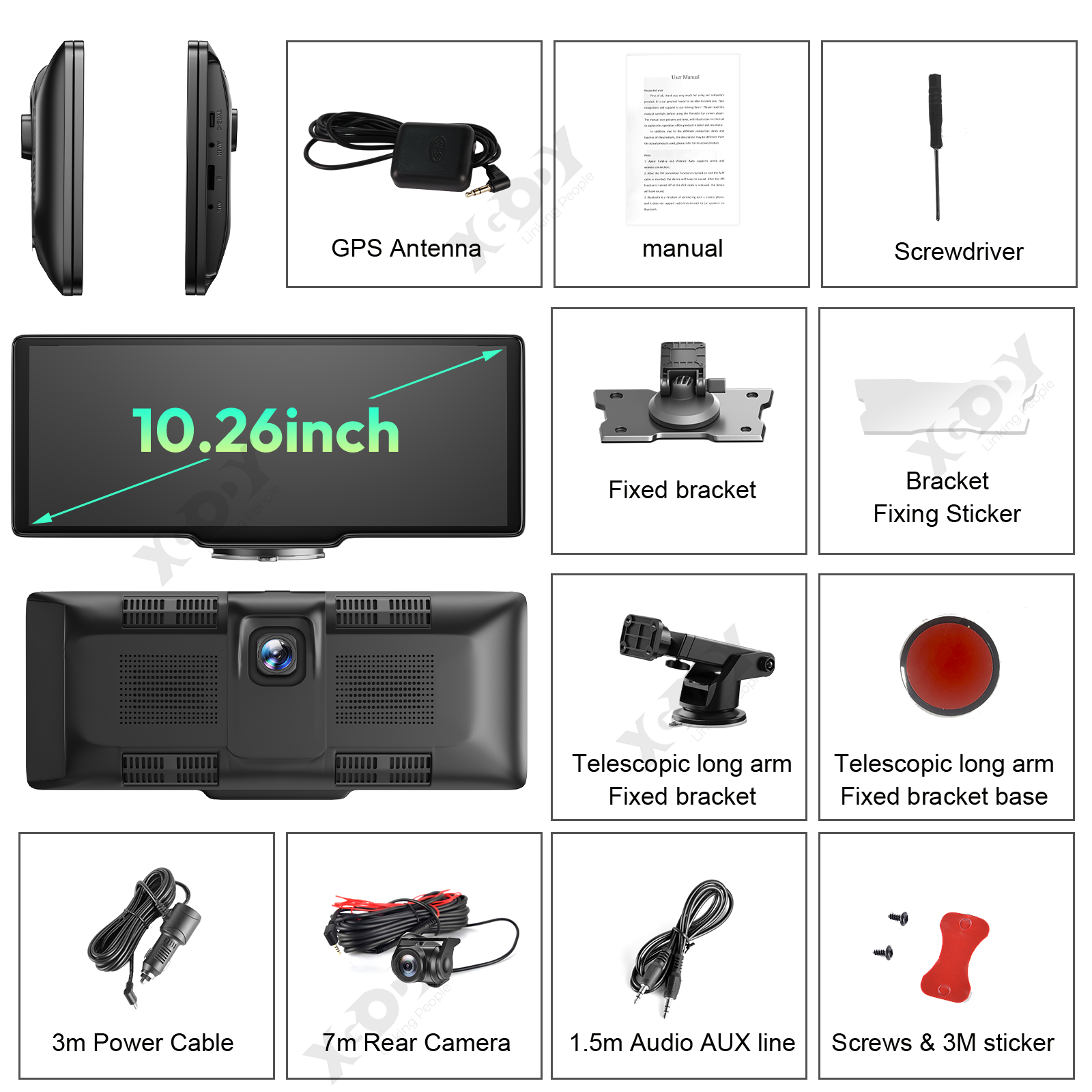
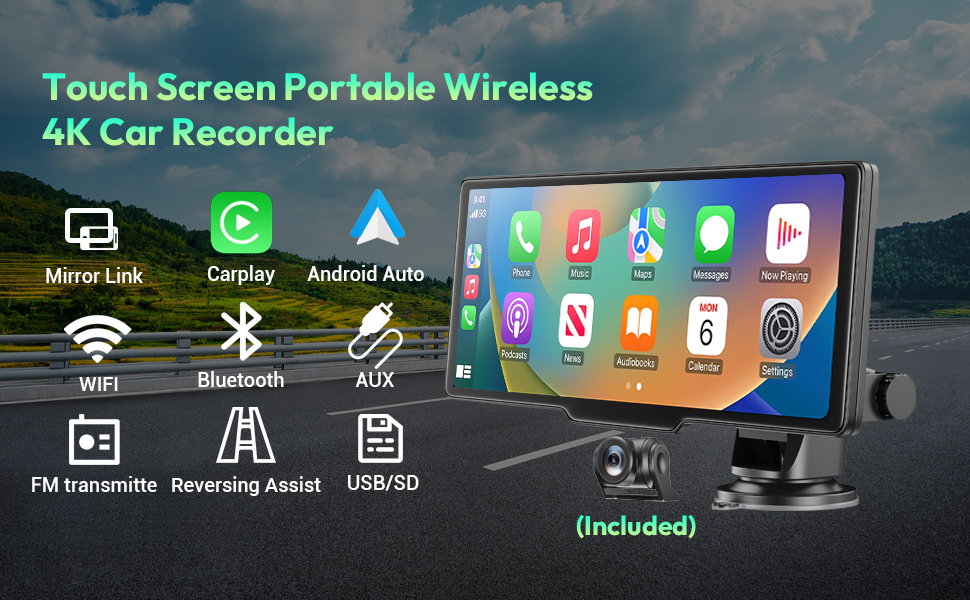

How to connect the device to the car radio to get sound: This wireless Android car stereo has a built-in speaker, but if you want louder sound, you can connect it to your car's speakers. | Bluetooth connection problems when making phone calls You the volume settings: Make sure the dashcam's volume settings are enabled and appropriate. Sometimes the volume may be accidentally muted or set at a low level, which can result in missing audio. |