 |
 |
|
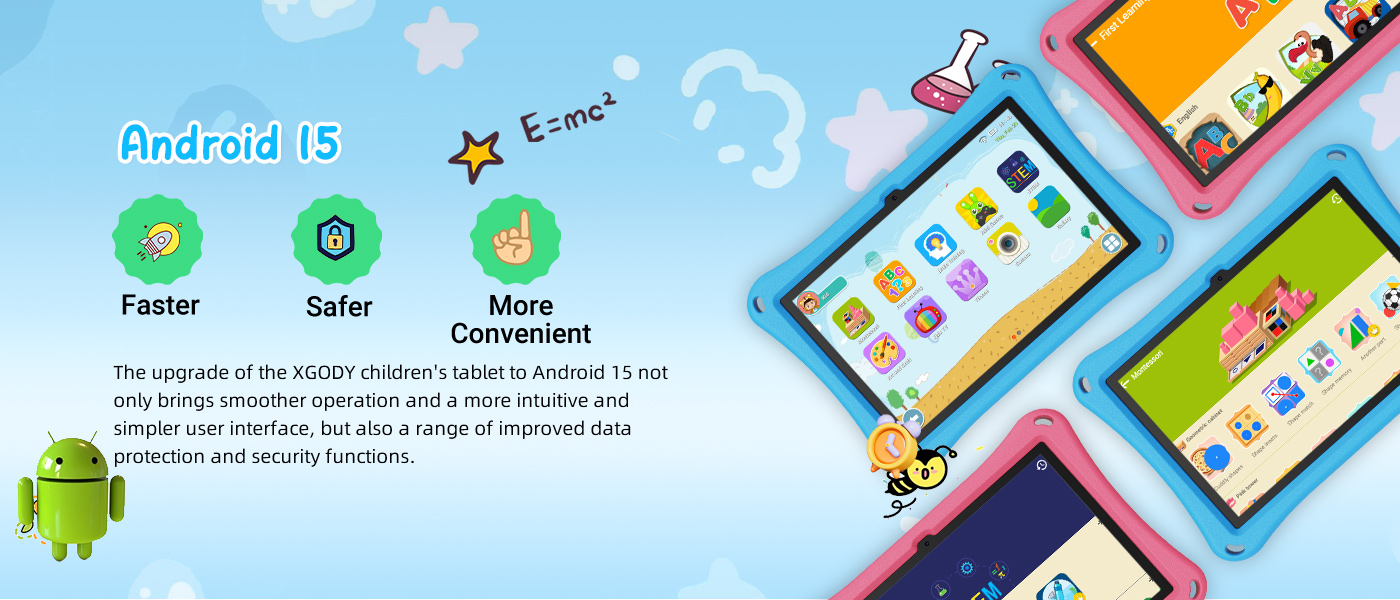
🍉🍉16 (8+ 8) + 256 GB (1 TB TF) + Android 15-System
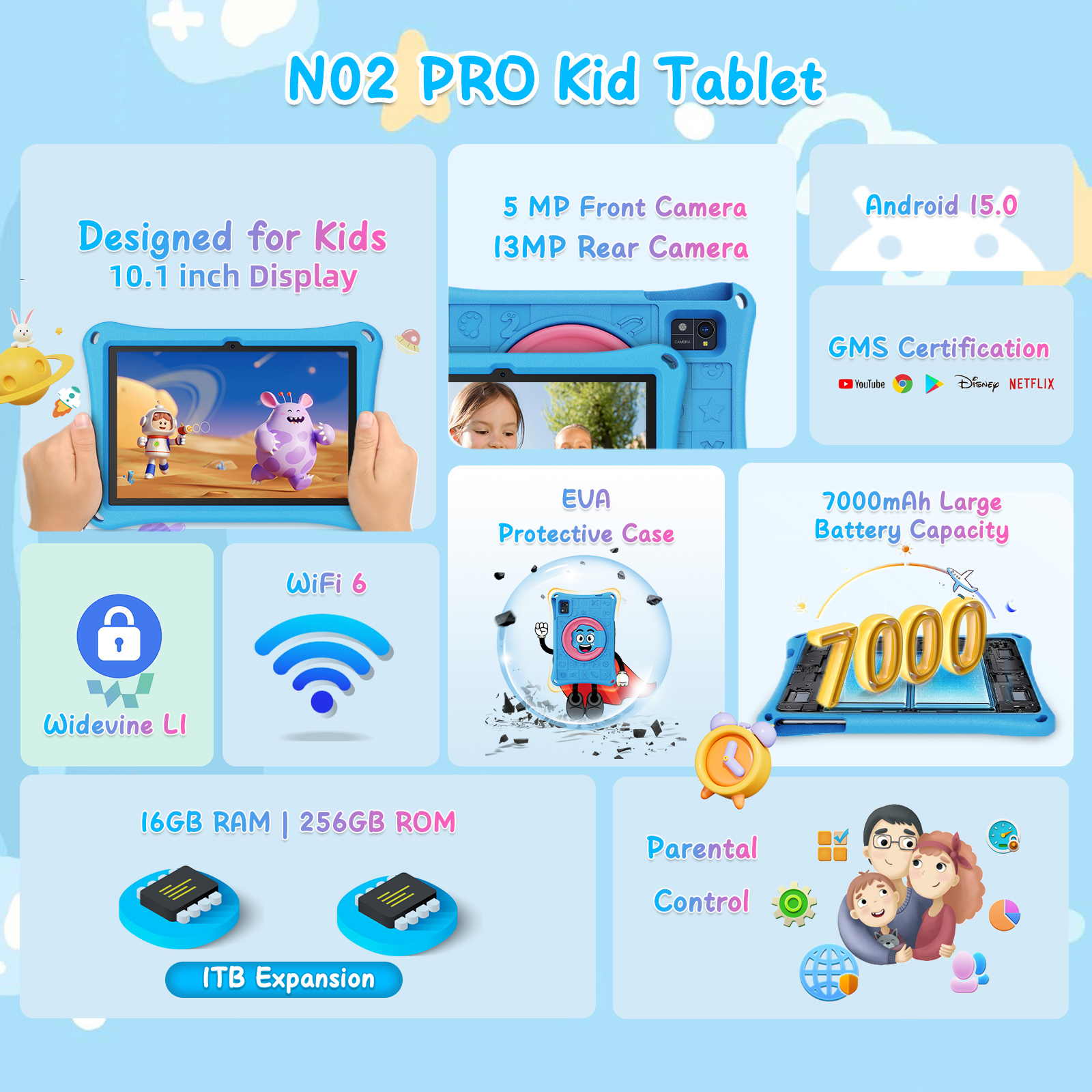
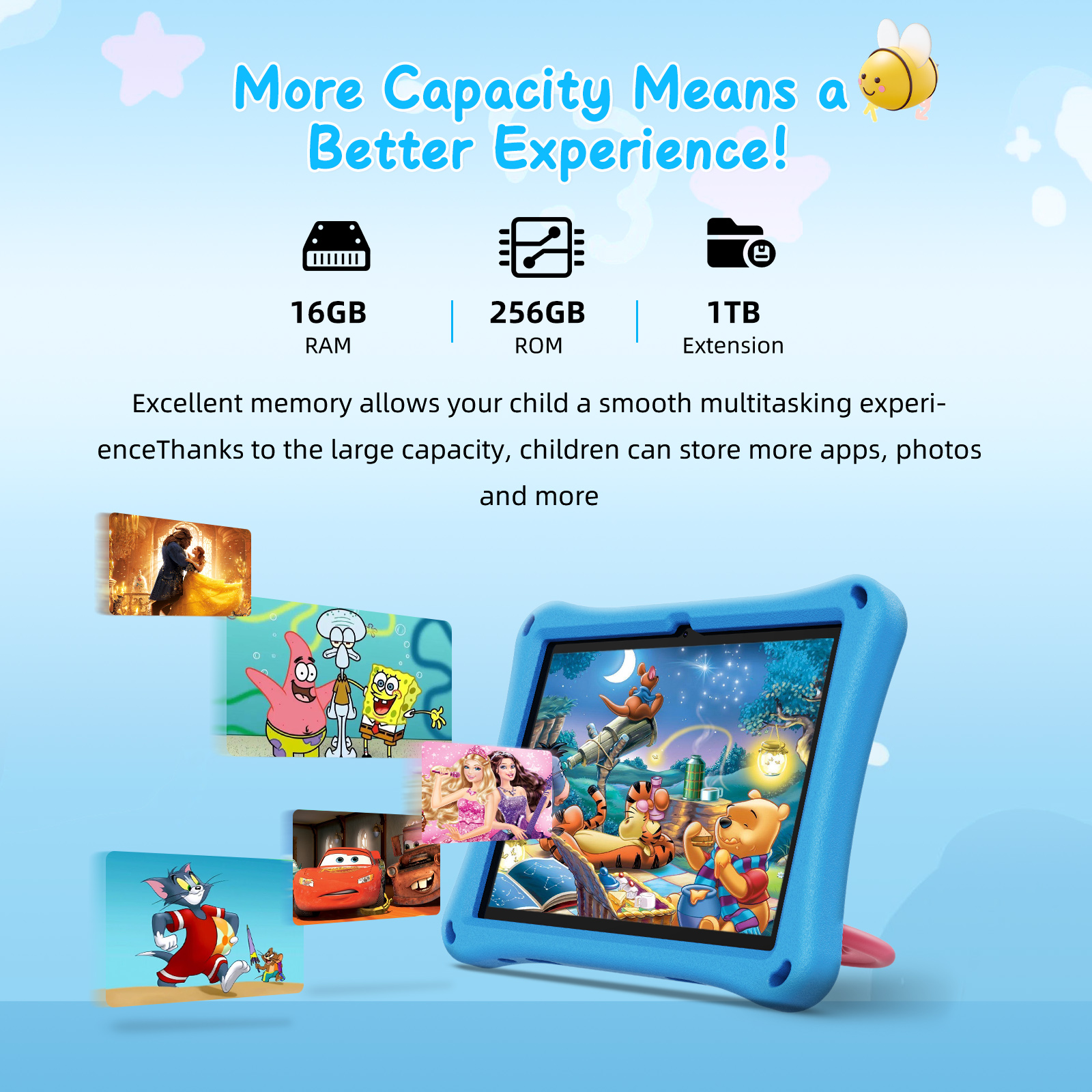
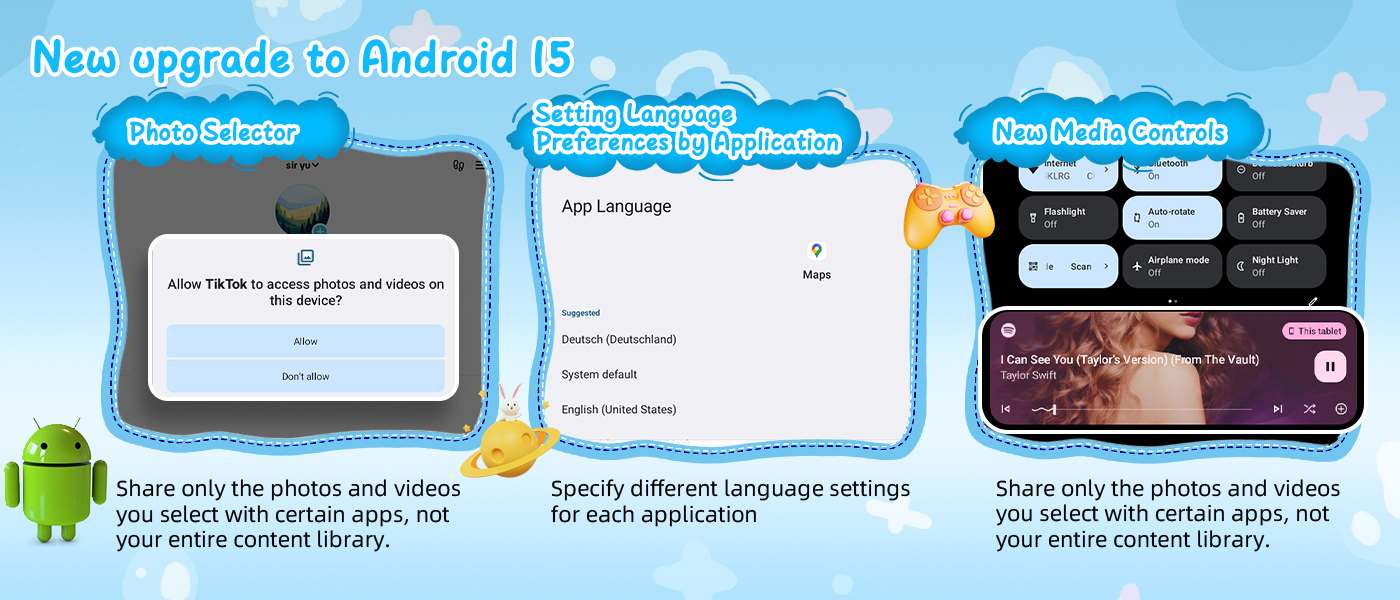
This XGODY N02 Pro kids' tablet is equipped with the Android 15 operating system, allowing you to take advantage of the most advanced features and security updates. Built-in 16 GB RAM (8 GB + 8 GB expansion) and 256 GB storage, supporting up to 1 TB TF card expansion, provide you with ample storage space, whether you're downloading apps, saving photos, or storing videos, it's easy to handle. For family users, this kids' tablet also features a parental control feature, allowing parents to better manage their children's usage time, prevent addiction, and protect their children's eyesight.
🍉🍉10,1-Inch-HD-Display
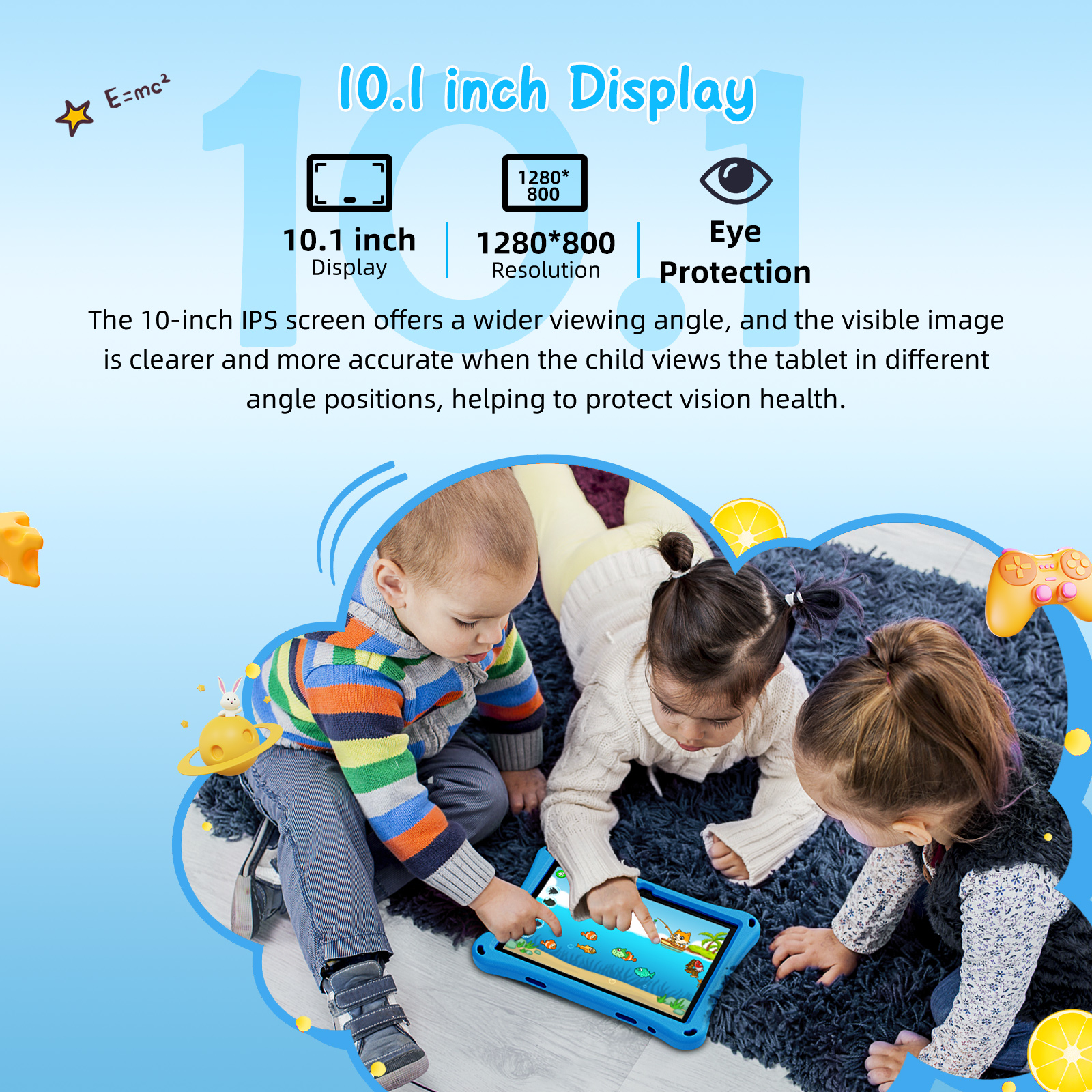
The XGODY N02 Pro tablet uses a 10.1-inch LCD IPS HD display with a resolution of 1280 x 800 HD, offering a clear and crisp visual experience. Whether watching movies, browsing the internet, or playing games, this large screen offers a wider field of view and can display clearer and crisper images, making it ideal for family entertainment and children's learning.
🍉🍉1,8 GHz Octa-Core-Processor
This Android 15 kids' tablet is equipped with a 1.8 GHz octa-core processor. The XGODY N02 Pro tablet can perform multiple tasks smoothly, boasts fast processing speed, responds quickly, and reduces lag. It also improves the responsiveness of parental control features. Whether it's everyday office work, entertainment, or learning for kids, this kids' tablet can easily handle it all and ensures a seamless user experience.
🍉🍉5MP+13MP HD Dual Camera and 5G Wi-Fi
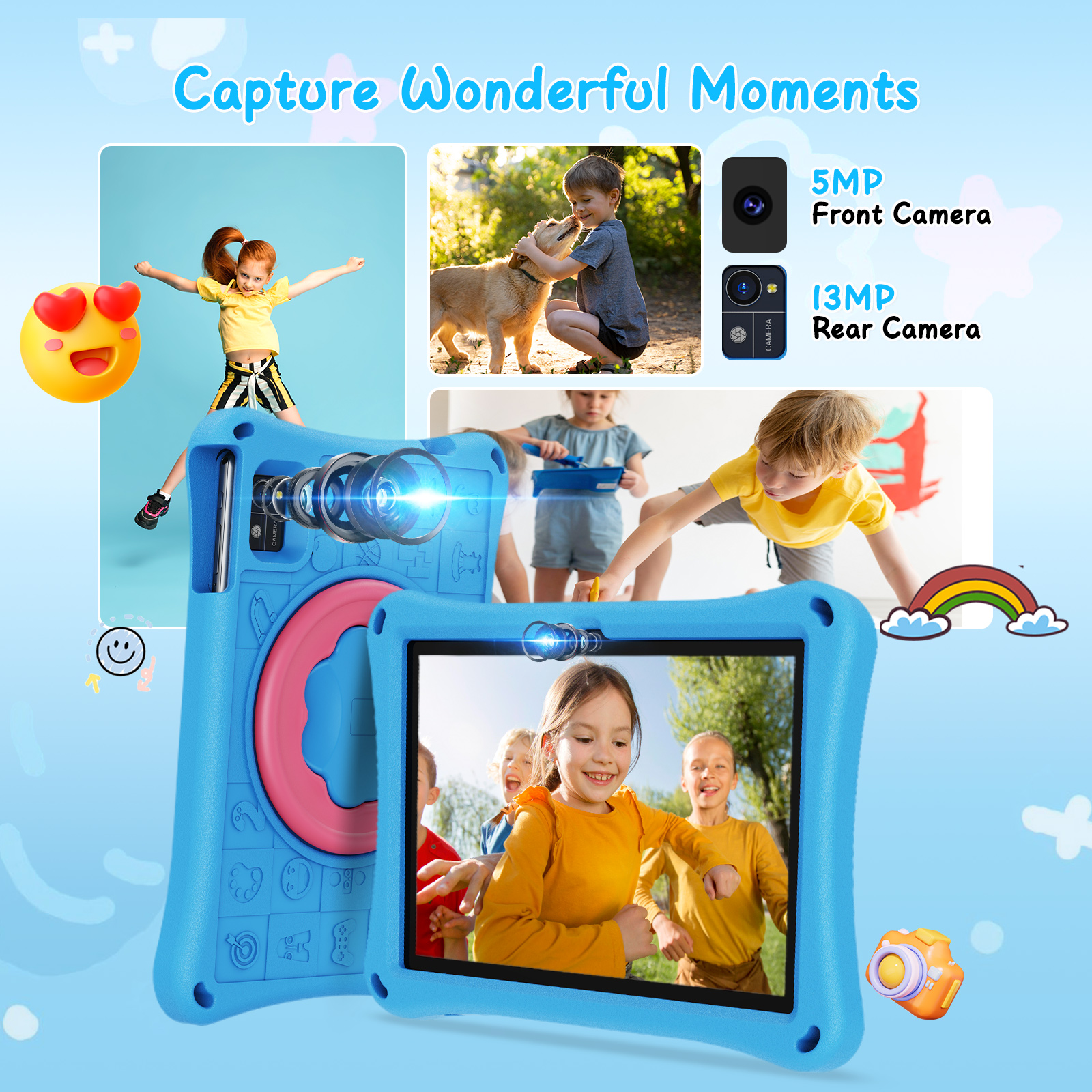
The XGODY N02 Pro Kids Tablet is equipped with a 5MP+13MP dual camera capable of taking high-resolution photos and videos, meeting your and your children's simple daily photography needs. It also supports 5G Wi-Fi and BT 5.0 with stable network connectivity and Bluetooth transmission, allowing you to enjoy a seamless network experience whether it's video calls, online learning, or entertainment.
🍉🍉GMS Certification + Dual Speakers + 7000 mAh
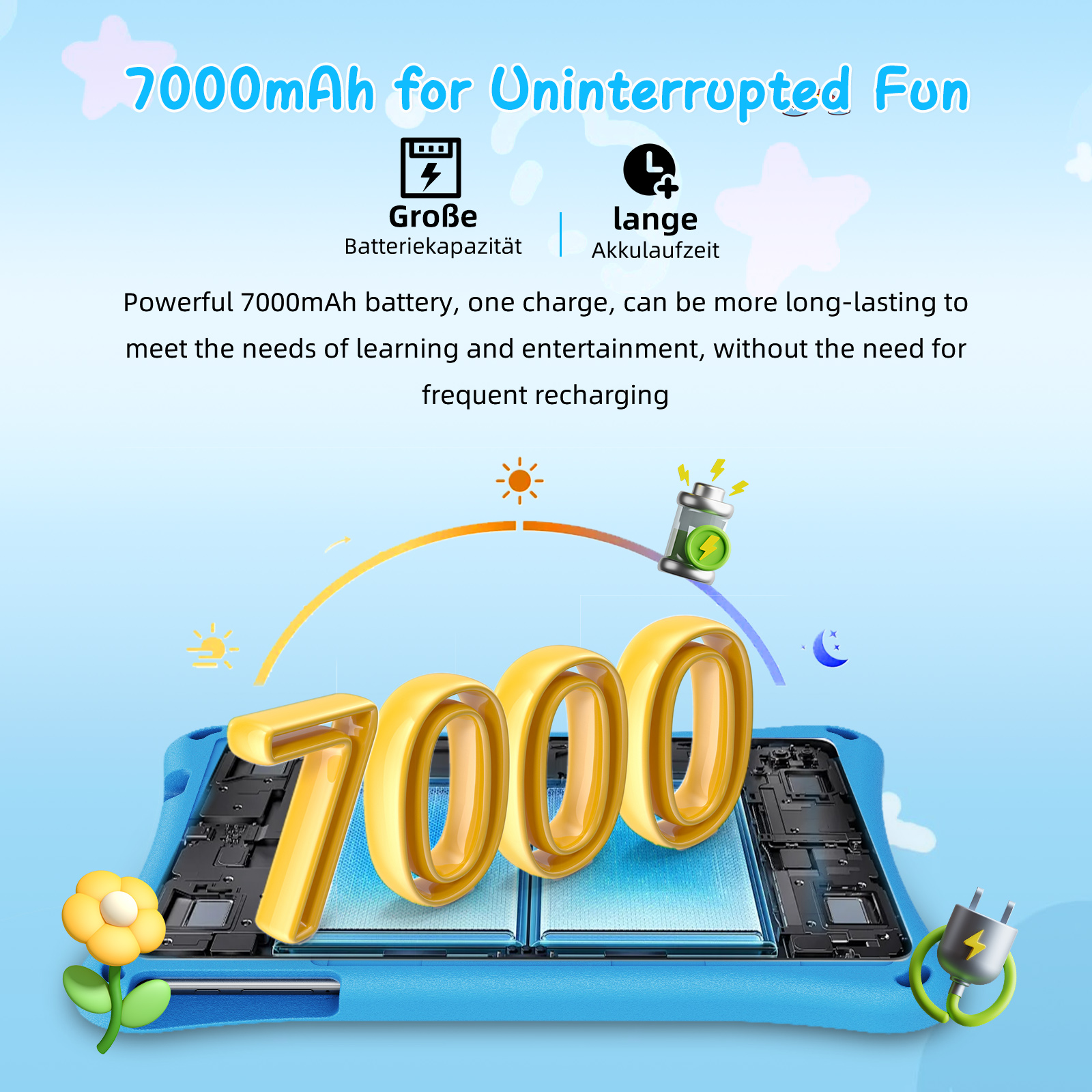
The tablet is GMS certified, ensuring you can access the Google Play Store and download various apps. Built-in dual speakers provide an immersive audio experience, allowing you to enjoy excellent sound effects whether watching movies or listening to music. The 7000mAh high-capacity battery provides long-lasting battery life, allowing up to 6 hours of video playback (at maximum brightness and medium volume), meeting the needs of long-term use. It's especially suitable for outdoor use or for children's long-term learning. At the same time, this kids tablet is equipped with Widevine L1, which enhances content protection, improves the user experience, and provides a wide range of application scenarios. |
 |
 |
 |
 |
 |
|
|
  |
|
 |
 |
|
 |
|
Question: Why is the Wi-Fi connection disconnected? Answer: 1. Please check the router protocol and make sure the Wi-Fi security option is WPA-PSK/WPA2-PSK. 2. This may be affected by the router's dual-band Wi-Fi bonding. We recommend separating the router's 2.4G and Wi-Fi 6 bands to ensure the tablet's network runs more smoothly. |
Question: Why is my tablet running slow? Answer: It is recommended to close unnecessary software, as it will otherwise take up memory. |
|
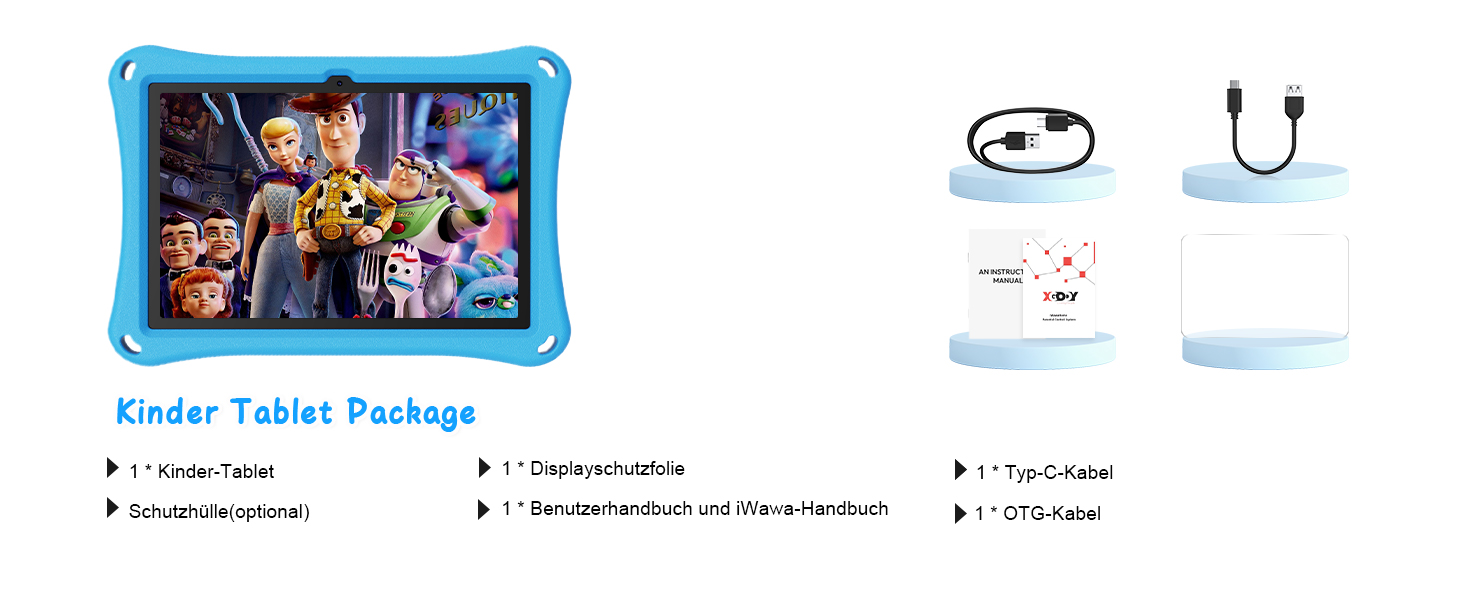
Question: What accessories are included in the package? Answer: You will receive a package with TABLET, HD film, Type-C data cable, OTG cable, lanyard, holder, protective case, stylus, manual (English and German version). |
Question: Is there a warranty? How do I activate the warranty? Answer: We offer 1 year + lifetime service. Please feel free to send us a message. We will be happy to help you resolve any issues in a timely manner. |
|
Question: I want to install YouTube, Netflix, and all sorts of other programs. Does it support downloads from Google Play? Answer: Yes. XGODY comes pre-installed with YouTube and Google Play Store software. I can install any apps I want from Google Play, such as Facebook, Twitter, Instagram, and more. The XGODY tablet also offers more than enough storage space. We can also add 1 TB of external storage (TF card not included). |
Question: Why won't my tablet turn on after charging? Answer: Try connecting it to your computer first, charging it for a while, and then try using a 5V 2A charger. Try charging it for as long as possible to get a charging prompt. If it still doesn't work, you can poke the reset hole with a needle. We recommend charging the tablet when it's under 10% of usage. |