Origin : Mainland China
Certification : CE,FCC,RoHS
Wire or Wireless : Wire
Alarm Type : Vehicle Backup Cameras,Front,Front Side,Rear Side
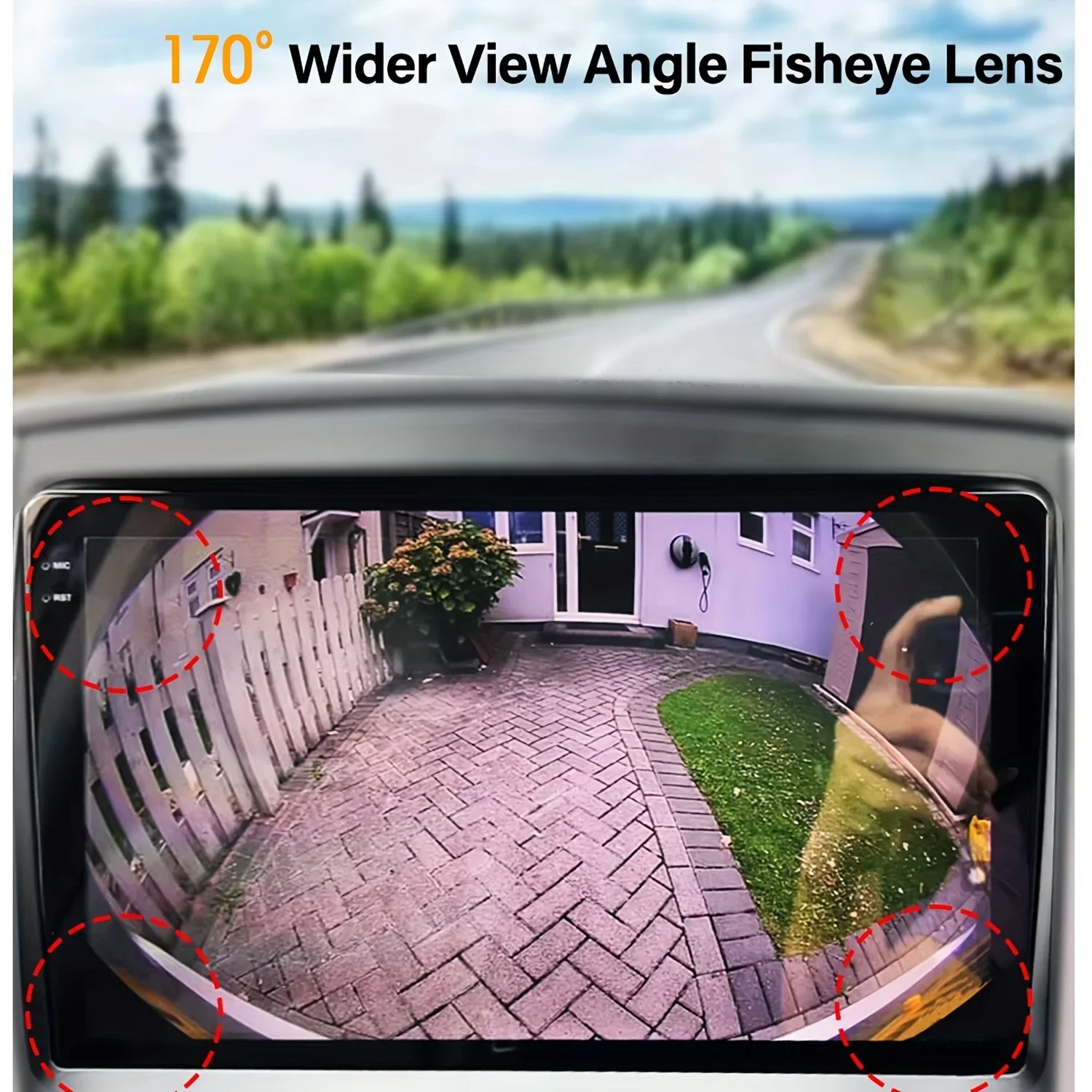
Viewing Angle : 170°
Length of Video Cable : 6M
Lens Material : Plastic + Glass
Guiding Line : Yes
Hign-concerned Chemical : None
Applicable Models : Universally Applicable
Signal Format Compatibility:
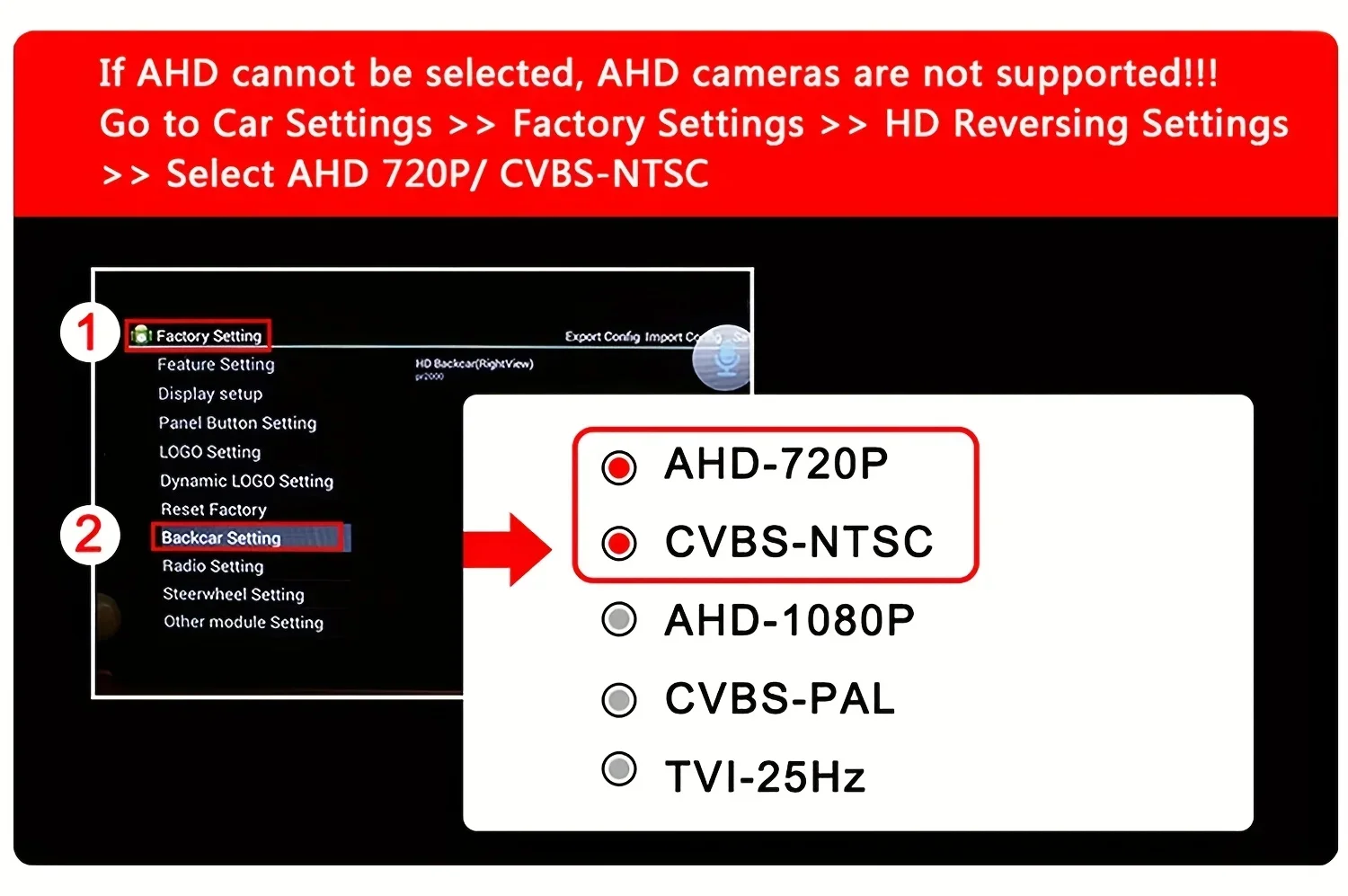
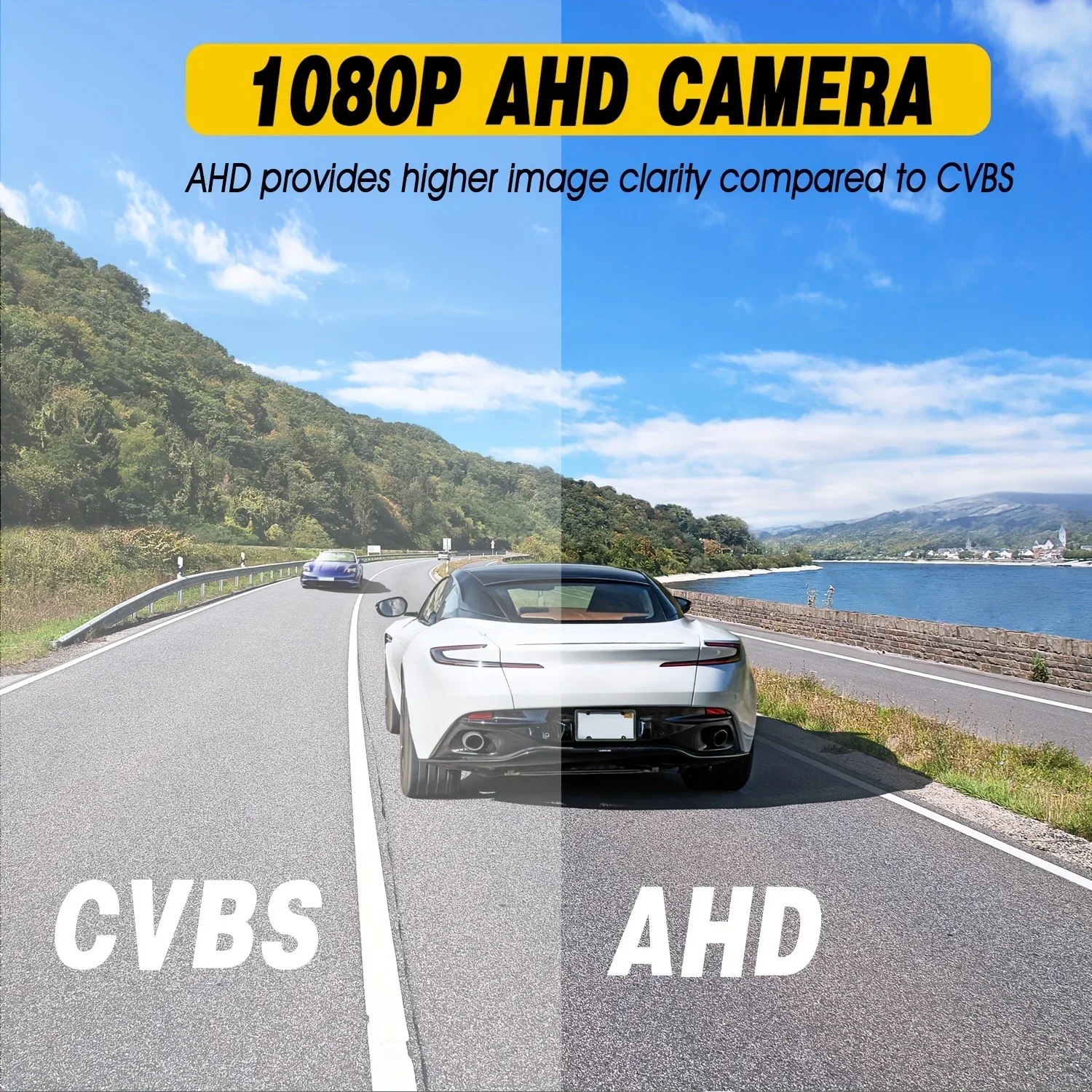
1. AHD Signal: Ensure your car monitor supports AHD signals. If it doesn’t, For Switch to CVBS and restart the camera’s power.
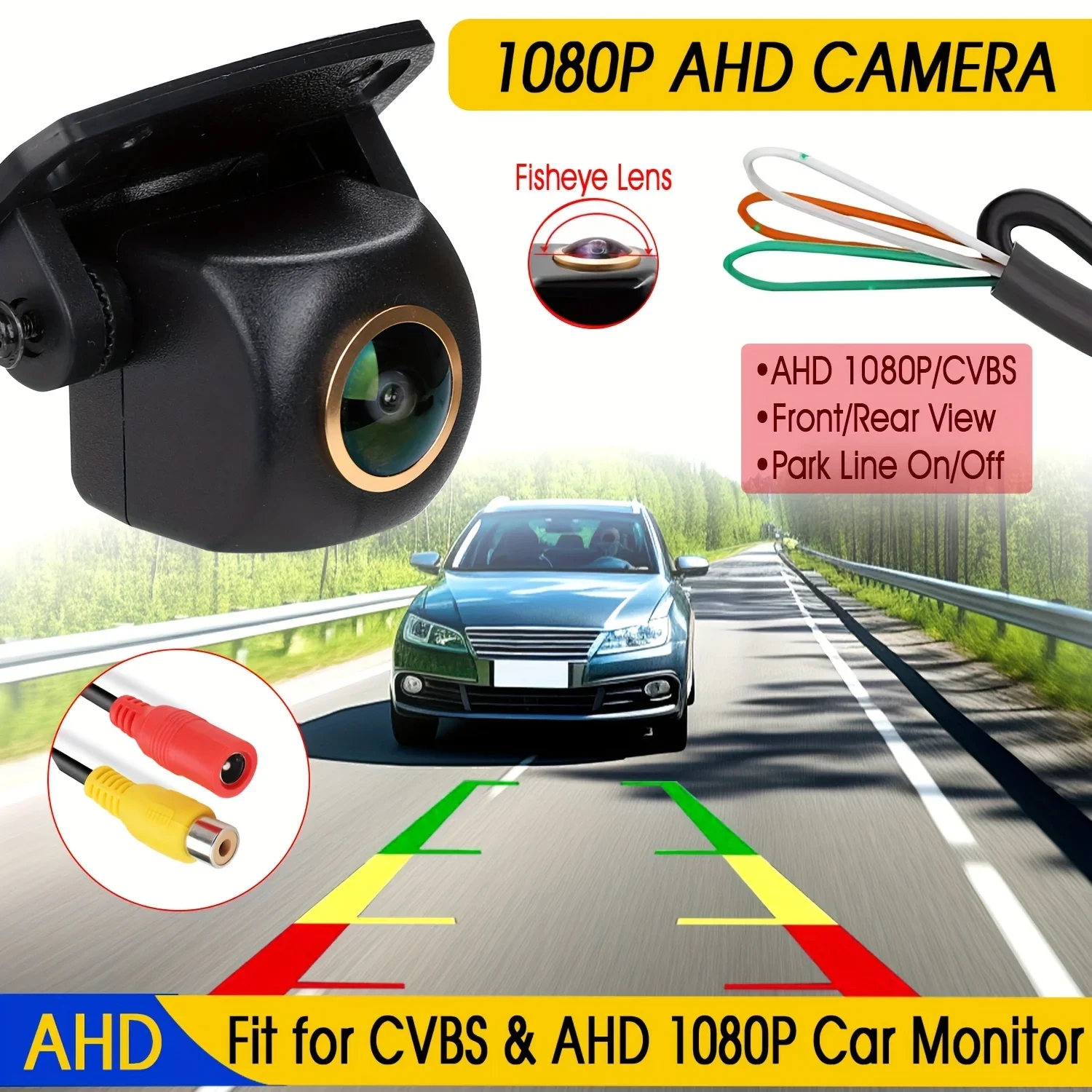
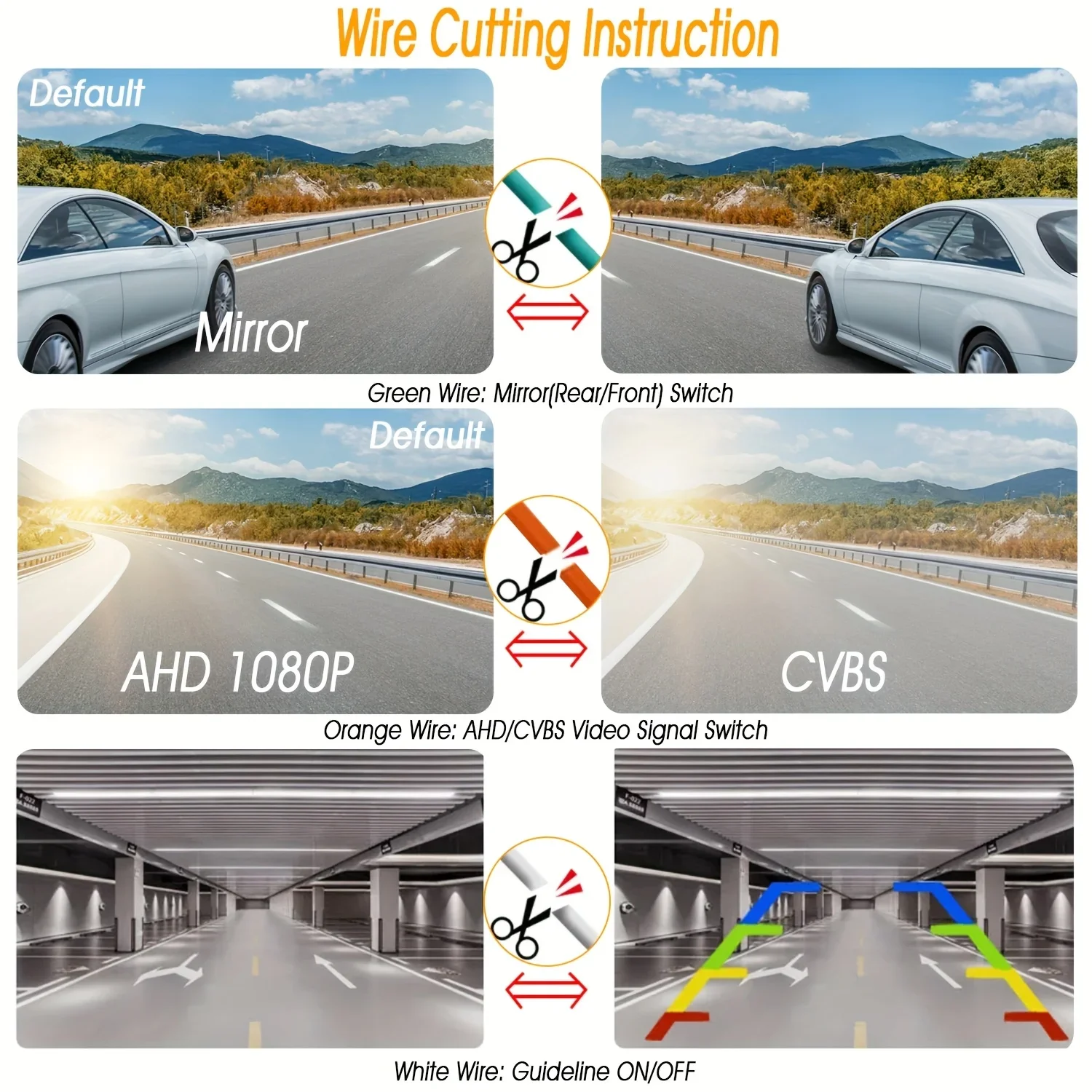
2.AHD and CVBS For Switch: If your vehicle display does not support AHD, PLEASE cut the orange wire For Switch to the CVBS signal, then restart the camera’s power.
Wire Functions (3 cable controlled features):
Orange Wire: Default is AHD signal. To For Switch to CVBS, cut the wire.
Green Wire: Default is Mirror mode. To For Switch to Non-mirror, cut the wire.
White Wire: Default is Guideline ON. To turn off the guideline, cut the wire.
Please Note: After cutting any wire, reconnect the power and restart the device for the changes to take effect.
FAQ:
After connecting the rear view camera, the display shows no Signal, Black Screen and No Picture, what should I do?
1.Check Signal Format: Ensure the correct signal format (AHD or CVBS) is selected based on your monitor’s compatibility.
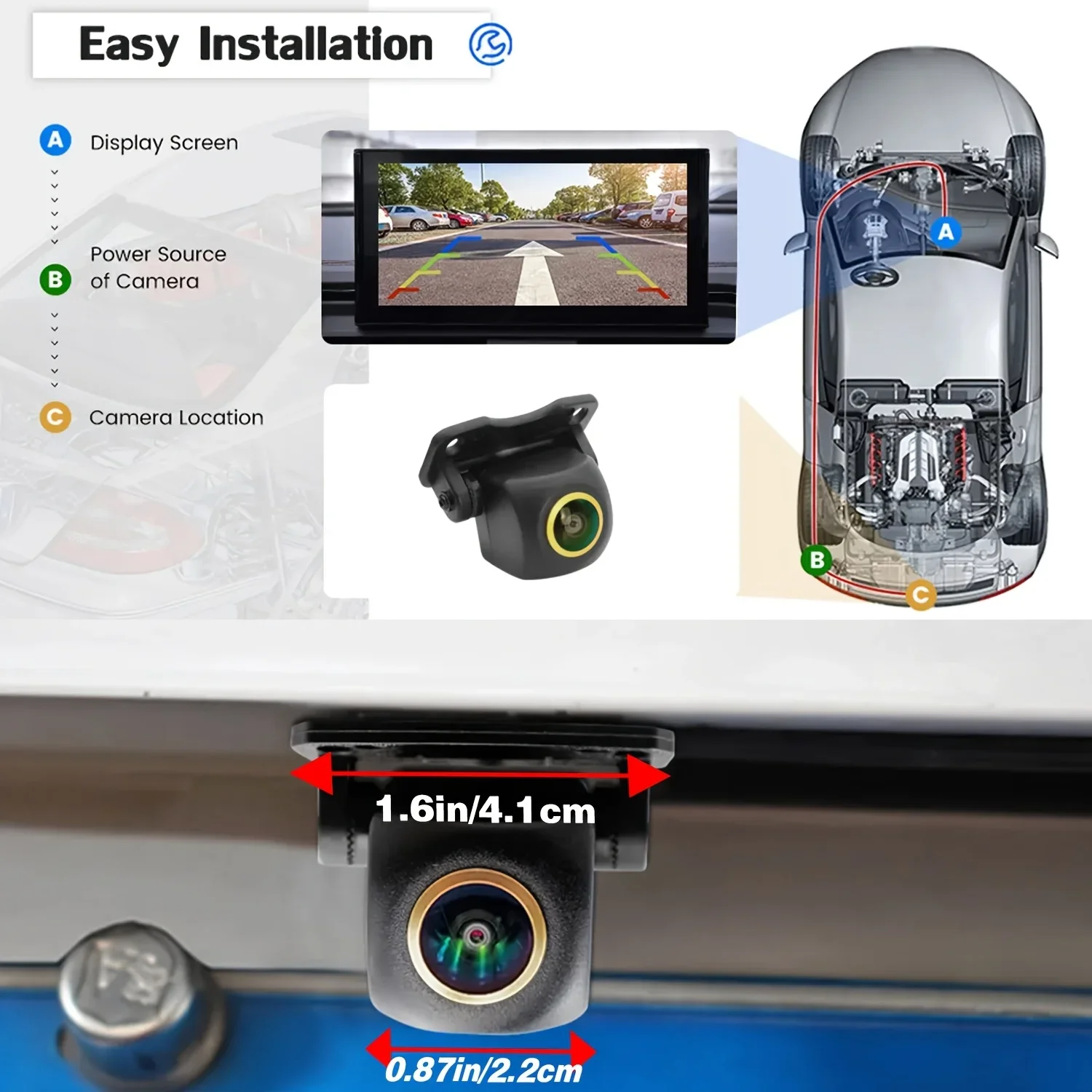
2.Verify Connections: Make sure the red trigger wire is connected to the reverse light and the reverse-in cable on the monitor.
3.AUX-IN Option: If your monitor supports AUX-IN, you can connect the camera to the AUX-IN port.
Selecting the wrong signal standard (like PAL or NTSC) may cause a gray and white screen.
NTSC is used for CVBS cameras.
PAL is used for AHD 1080P cameras.
Please choose the correct signal standard and restart the camera’s power.