

Please Note:
a) Import duties,
taxes and charges are not included in the item price or shipping
charges. These charges are the buyer’s responsibility.
b) Please check with your country’s customs office to determine what these additional costs will be prior to bidding/buying.
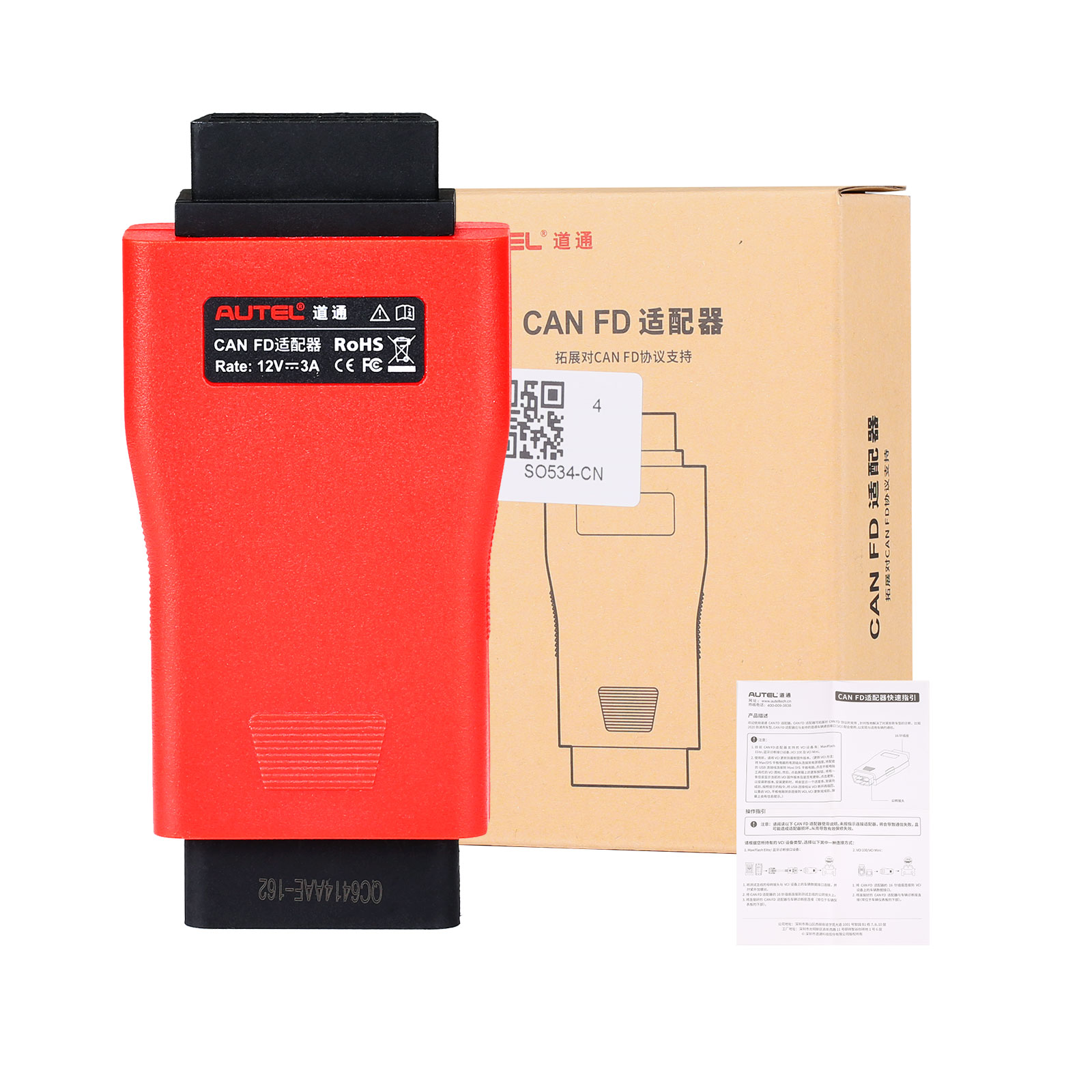
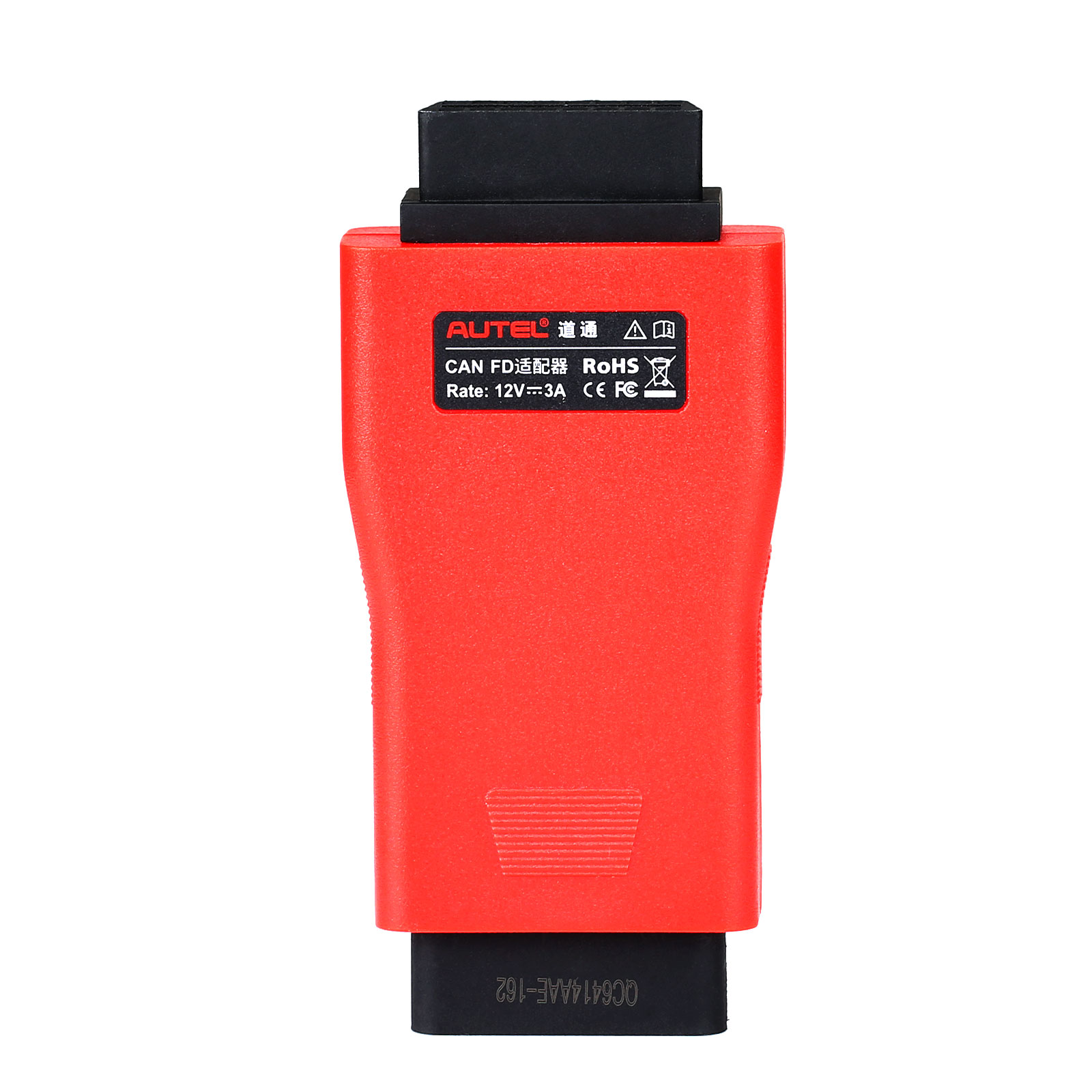
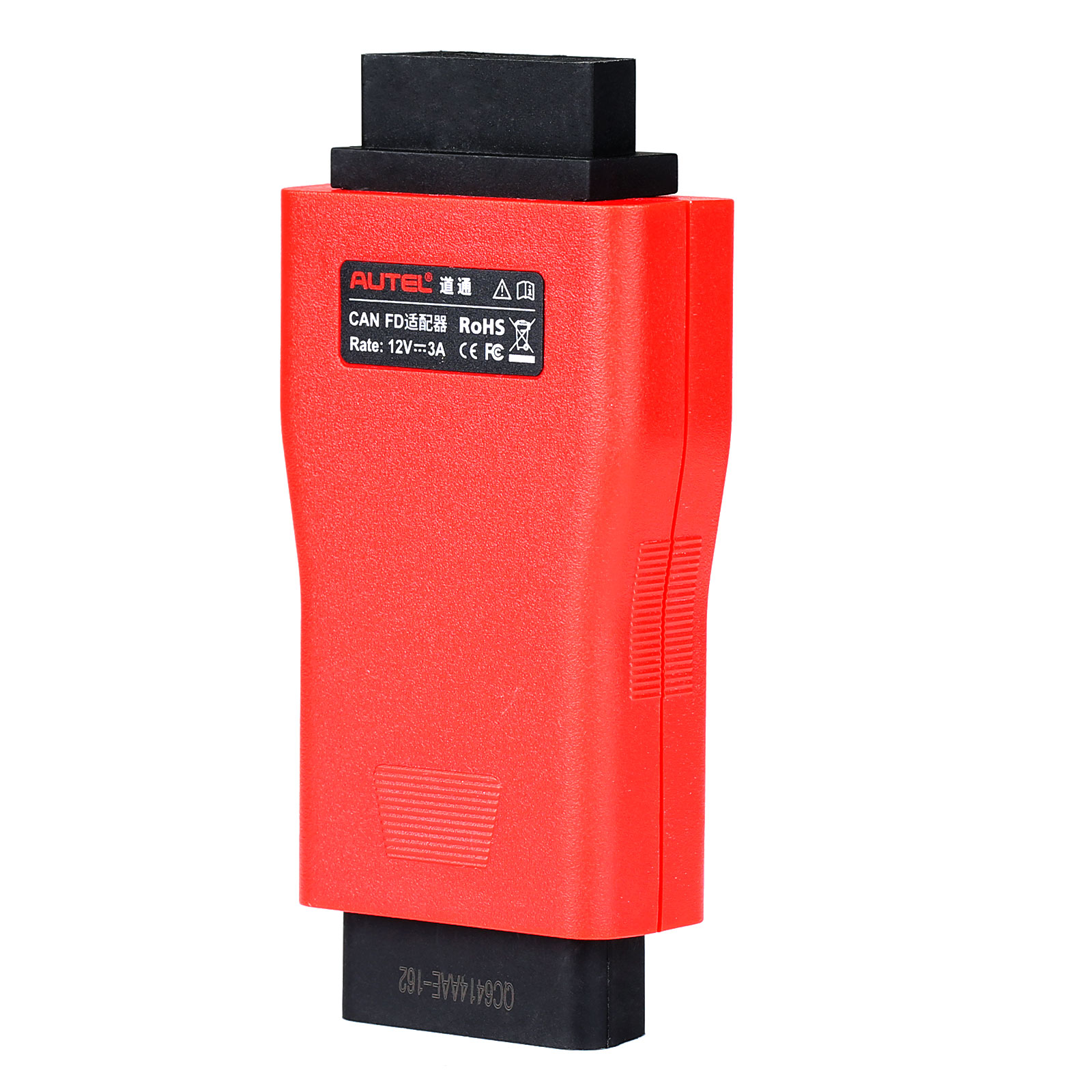
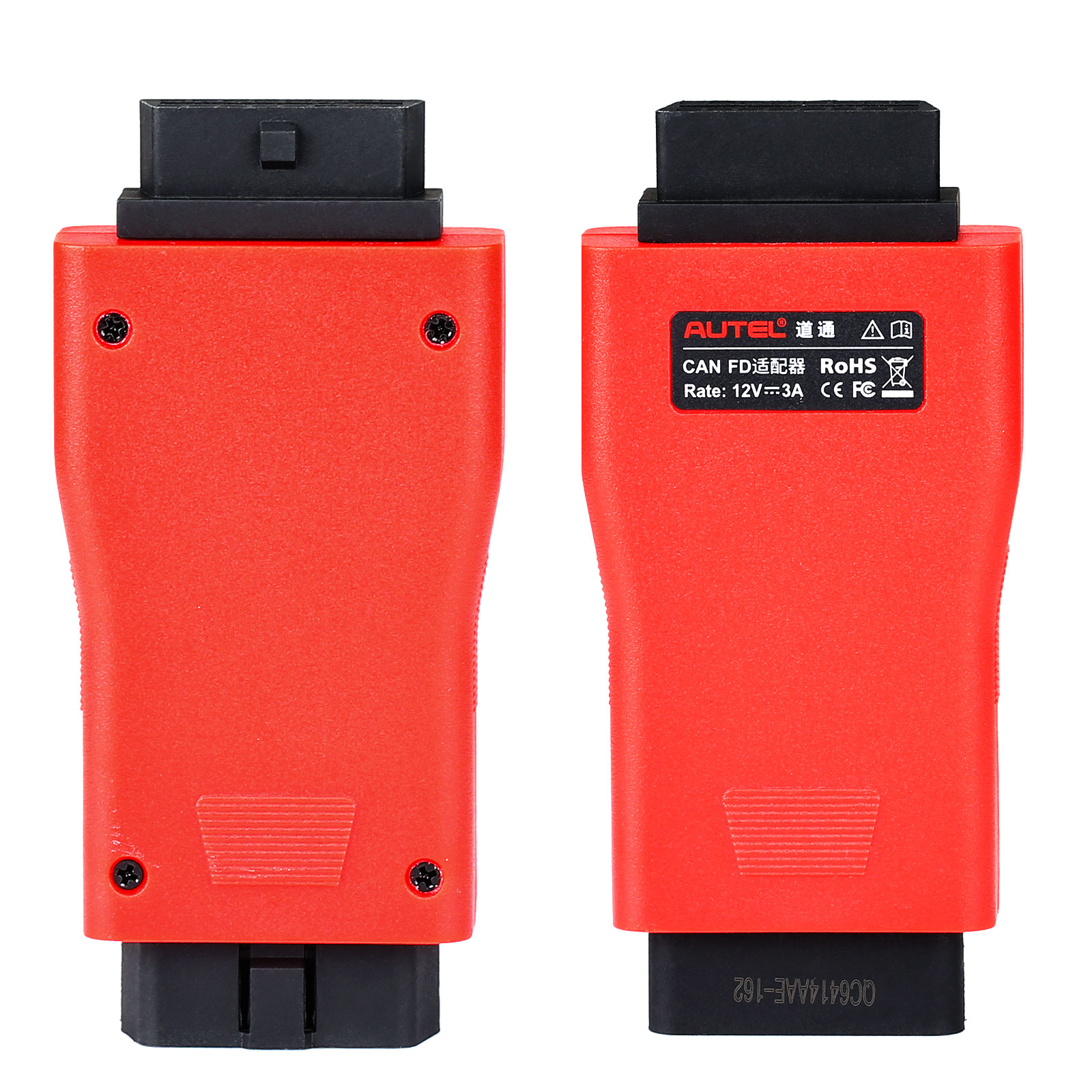
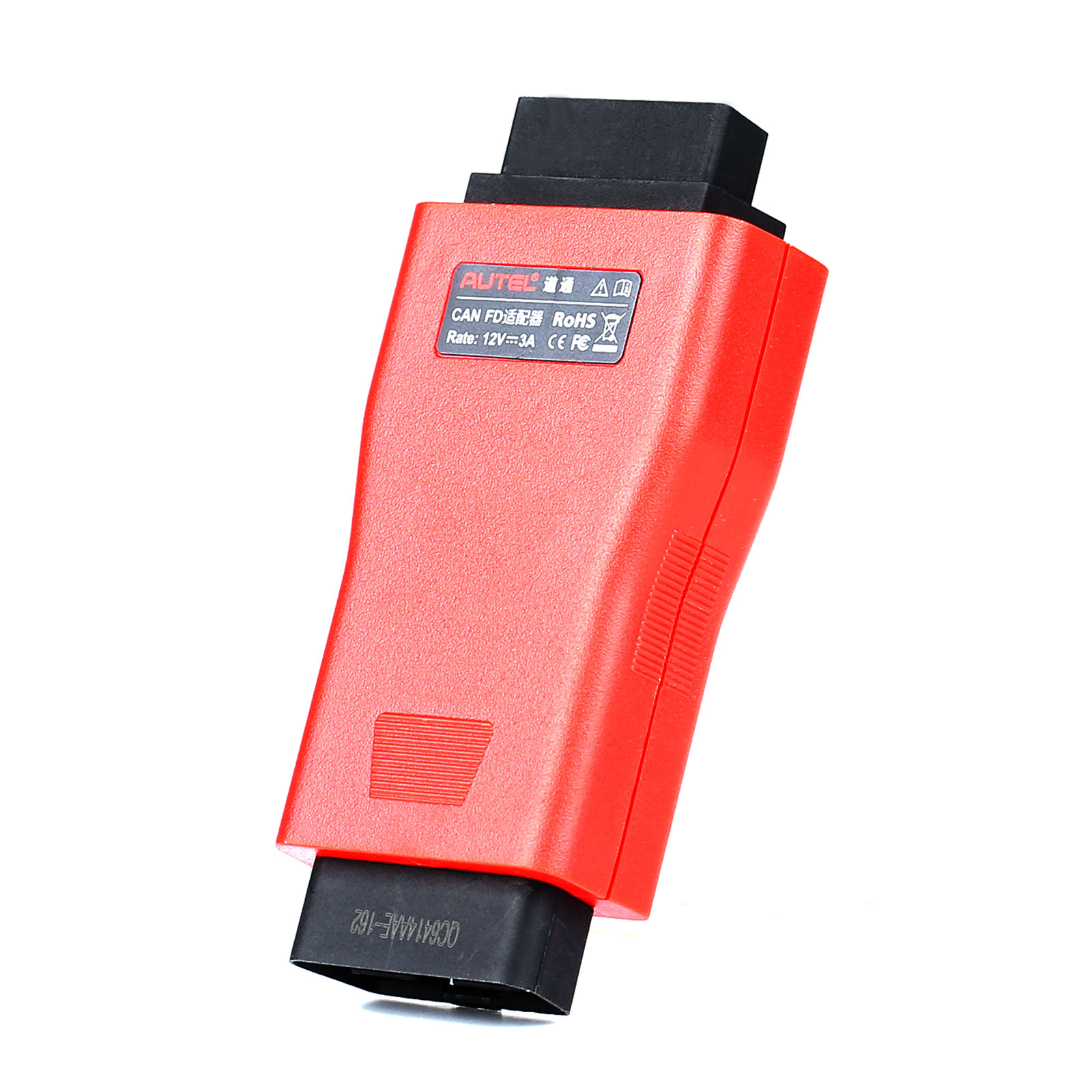
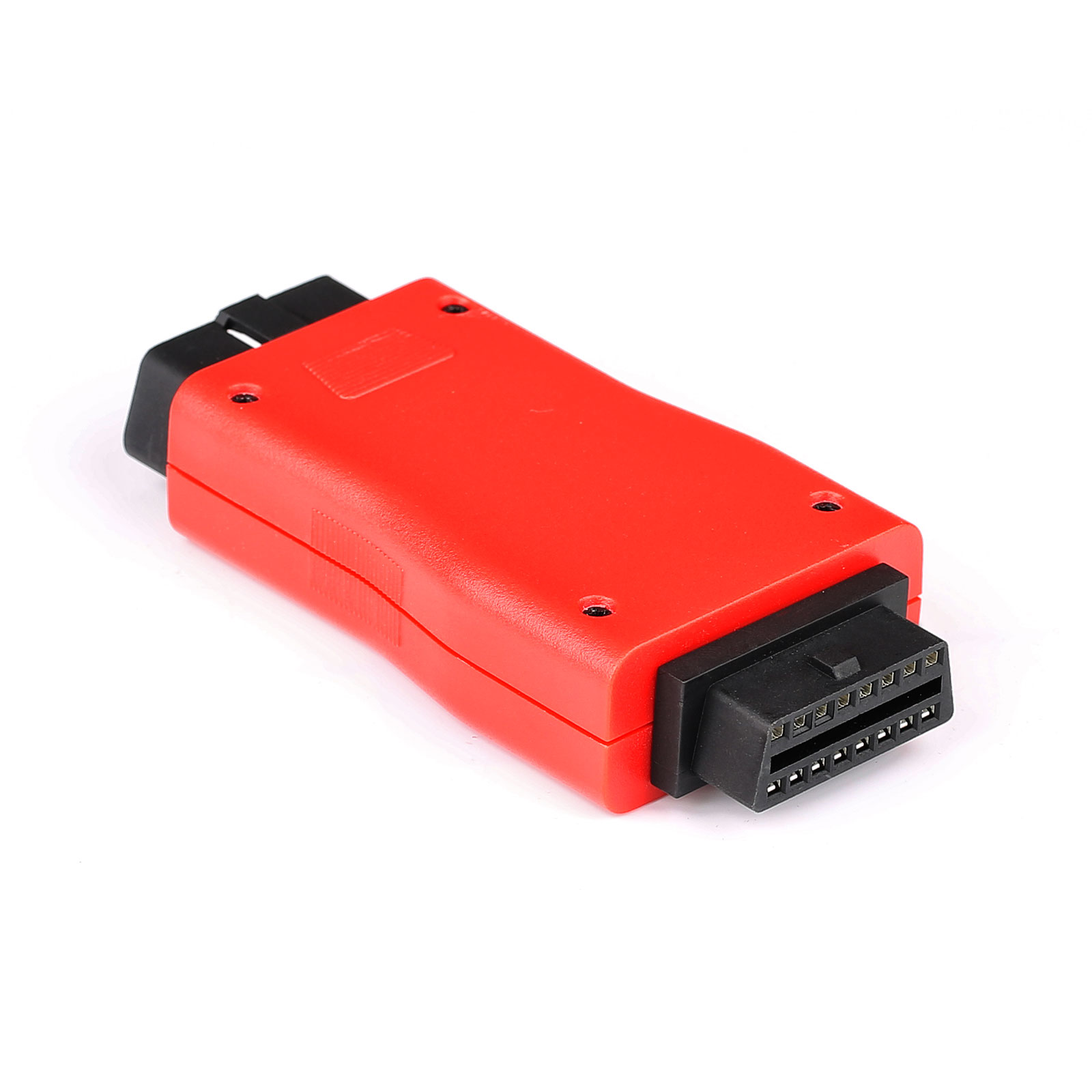
Autel CAN FD Adapter Chinese Version Compatible with Autel VCI work for Maxisys Series Tablet
Highlights:
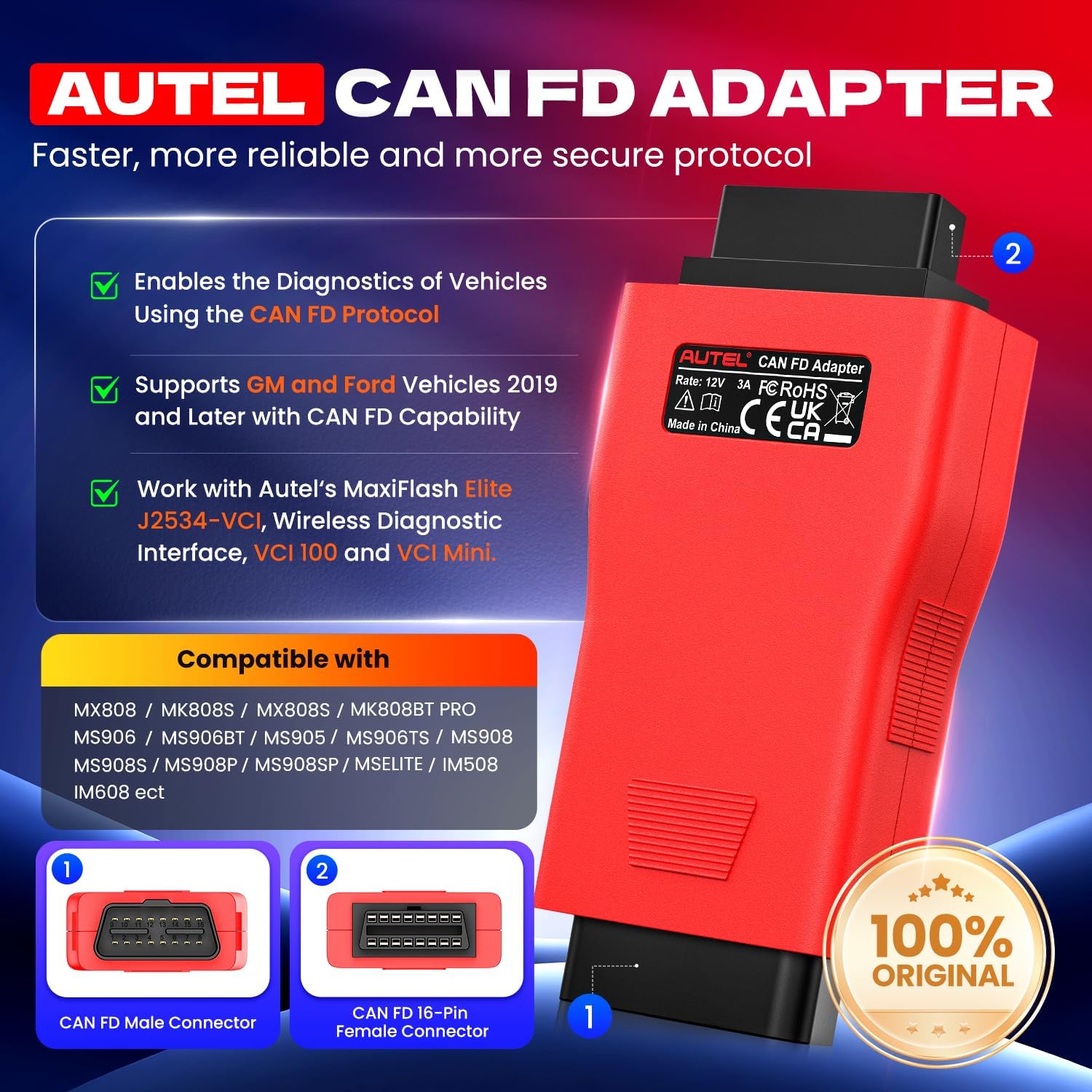
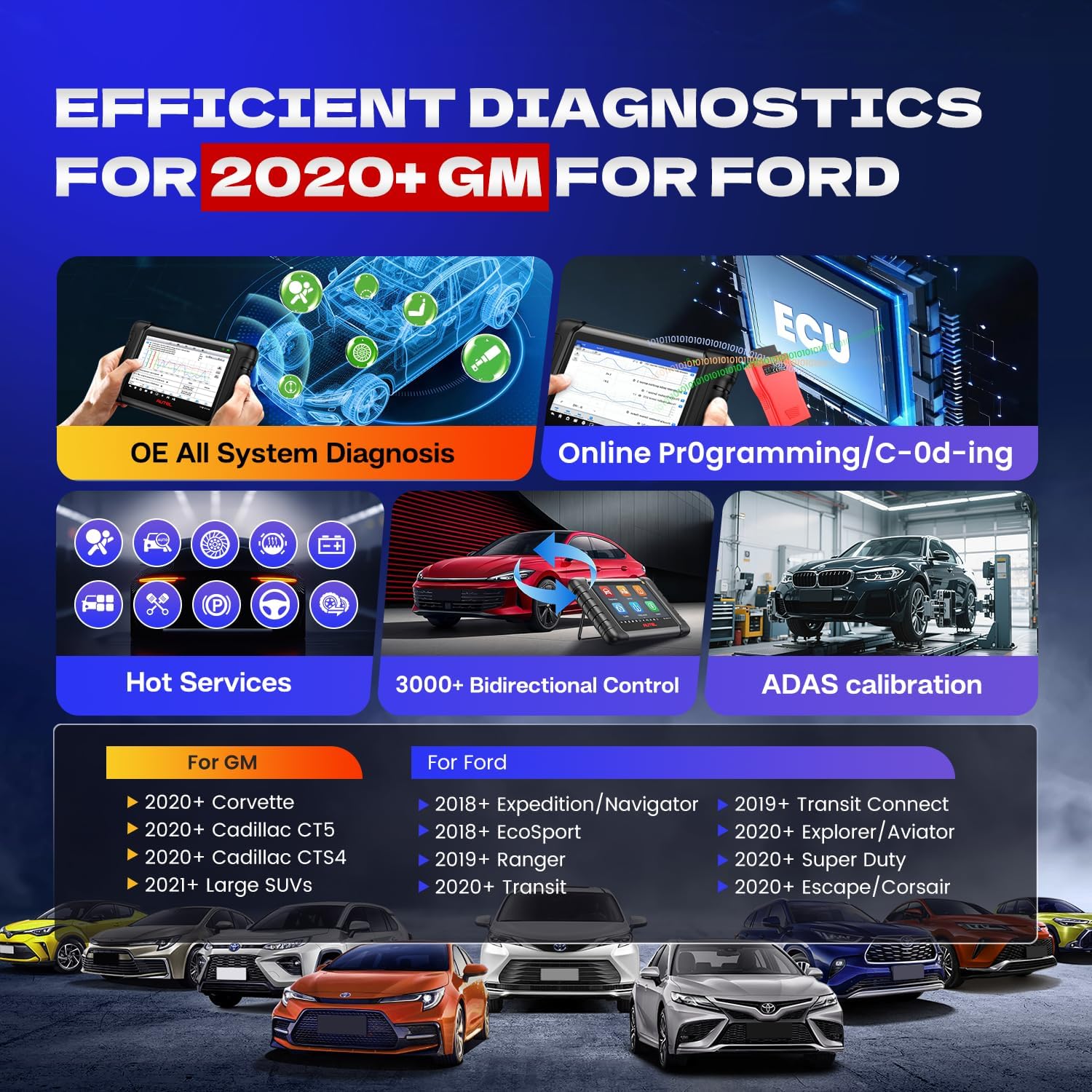
【SUPPORT CAN FD PROTOCOL】Autel CAN FD Adapter is designed to support diagnosis of vehicle models with CAN FD protocol, including the MY2020 GM models. Autel CAN FD Adapter is a must-have connector for checking the newer GM vehicles.
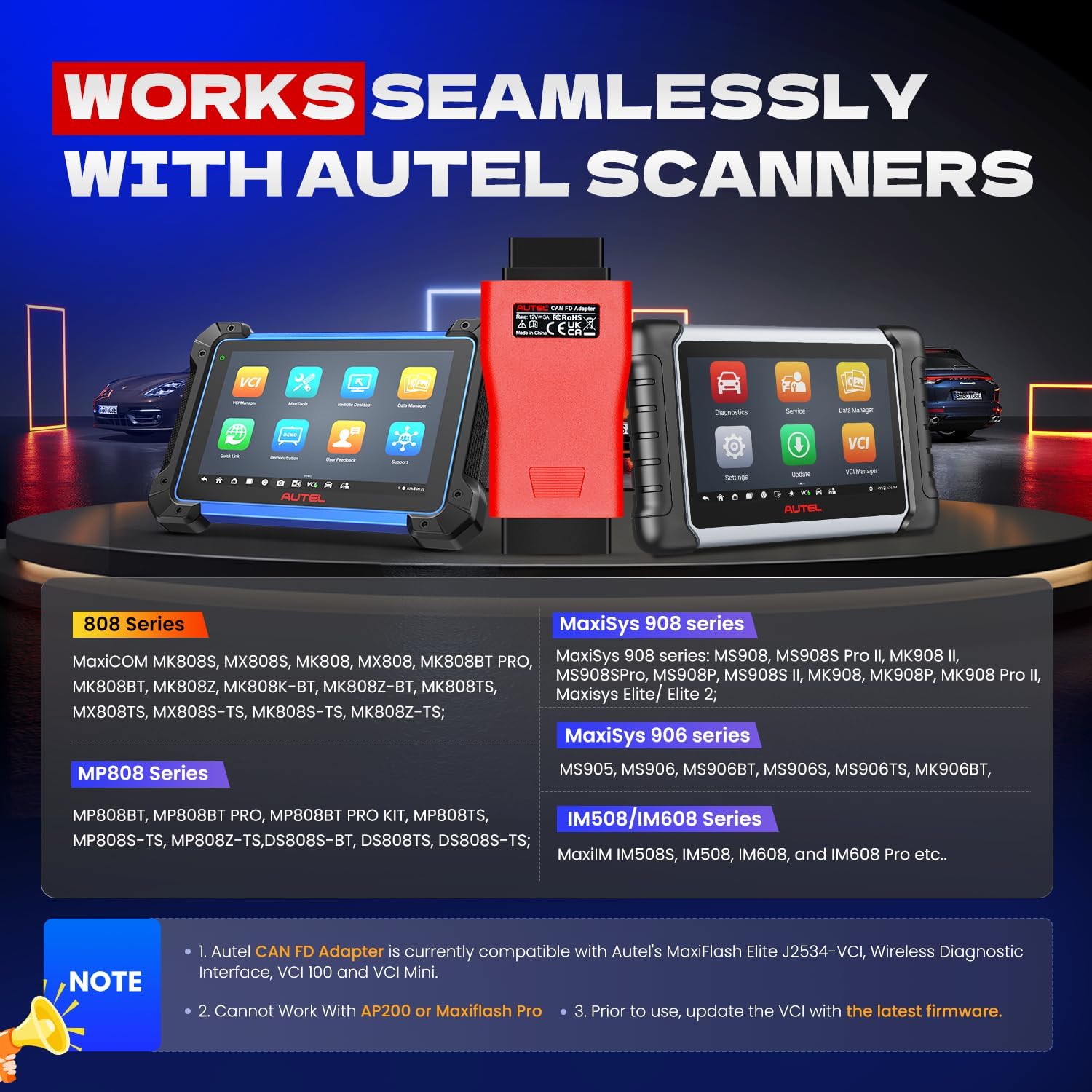
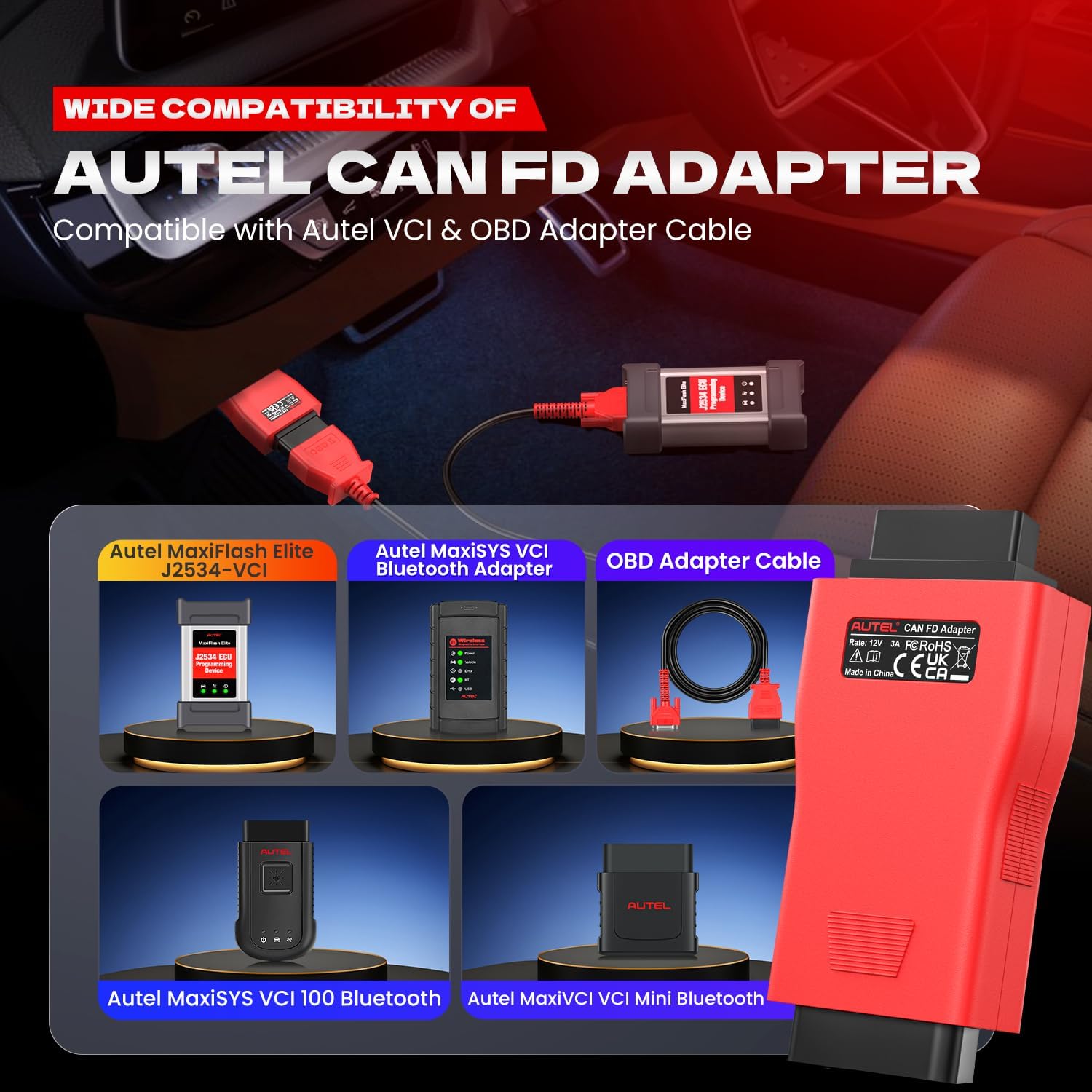
【DESIGNED TO WORK WITH AUTEL SCAN TOOL】The CAN FD Adapter is designed to work with Autel scanner Maxicheck MX808, MaxiCom MK808BT Pro, MK808, MK808S, MK808TS, MX808TS, MP808, MP808BT Pro, MP808BT KIT, MP808S, DS808K, DS708, DS808, DS808TS, DS808S-TS, MP808S-TS, MaxiSys 906 series MS906BT, MS906, MS906TS, MK906 Pro, MK906S Pro, MS908, Maxisys Elite/ Elite 2, MaxiSys 908 series MS908S Pro/ MS908S Pro II, MK908, MK908 II, IM508, IM608, and IM608 Pro etc. to communicate with applicable vehicles.【COMPATIBLE WITH AUTEL VCI】The adapter is compatible with a supported Autel vehicle communication interface (VCI), including Autel's MaxiFlash Elite J2534-VCI, Wireless Diagnostic Interface, VCI 100 and VCI Mini.
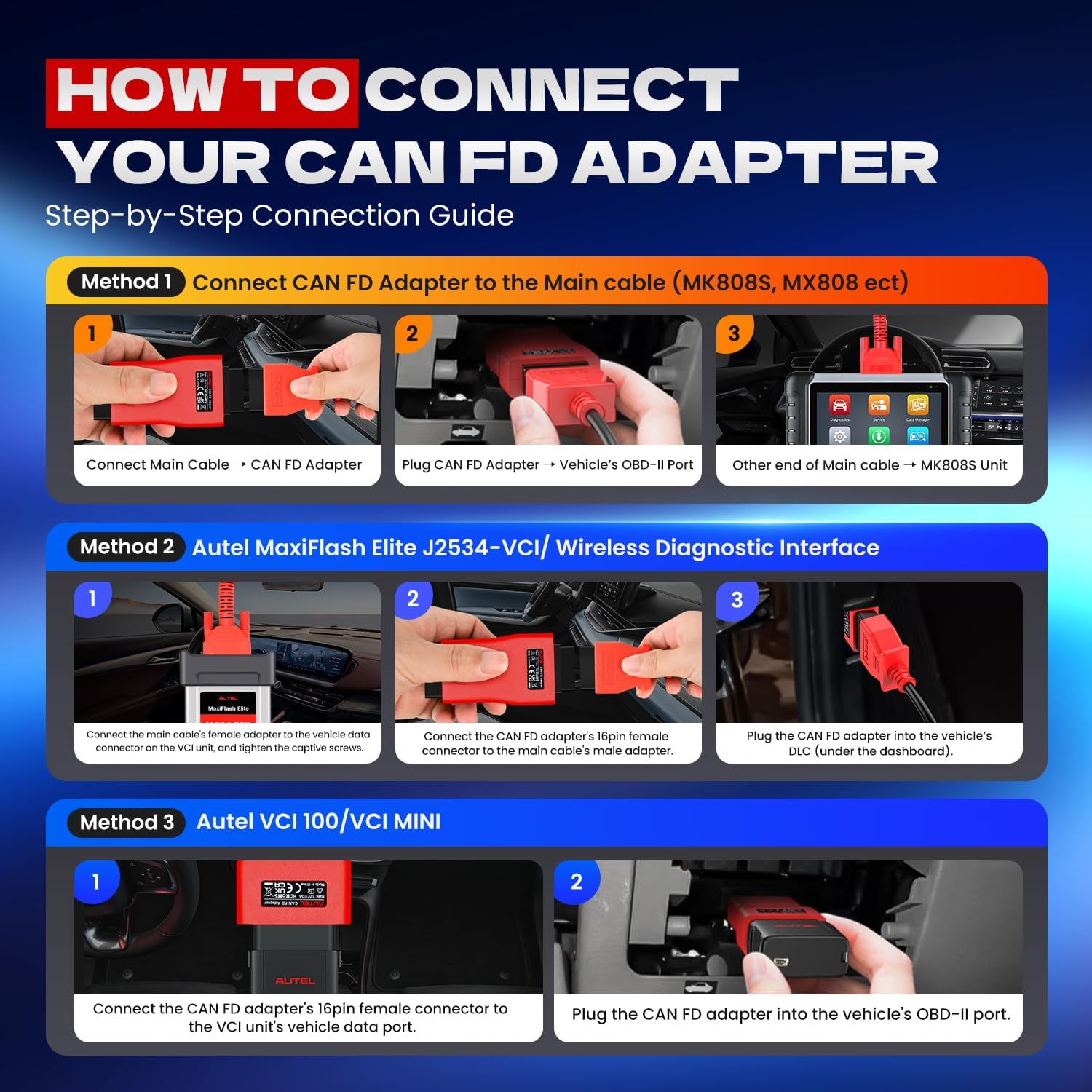
【PORTABLE & EASY TO USE】This CAN FD Adapter is compact, portable and easy to use. Step1: Connect the main cable’s female adapter to the vehicle Data Link Connector(DLC) on the VCI unit and tighten the captive(thumb) screws. Step 2: Connect the CAN FD Adapter’s 16-PIN female connector to the main cable’s male adapter. Step 3: Connect the attached CAN FD adapter to the vehicle’s DLC which is generally located under the vehicle dashboard.
Please Note:
The package box language is Chinese and lable on main unit also Chinese,but the language of device is English,it doesn't effect to use.


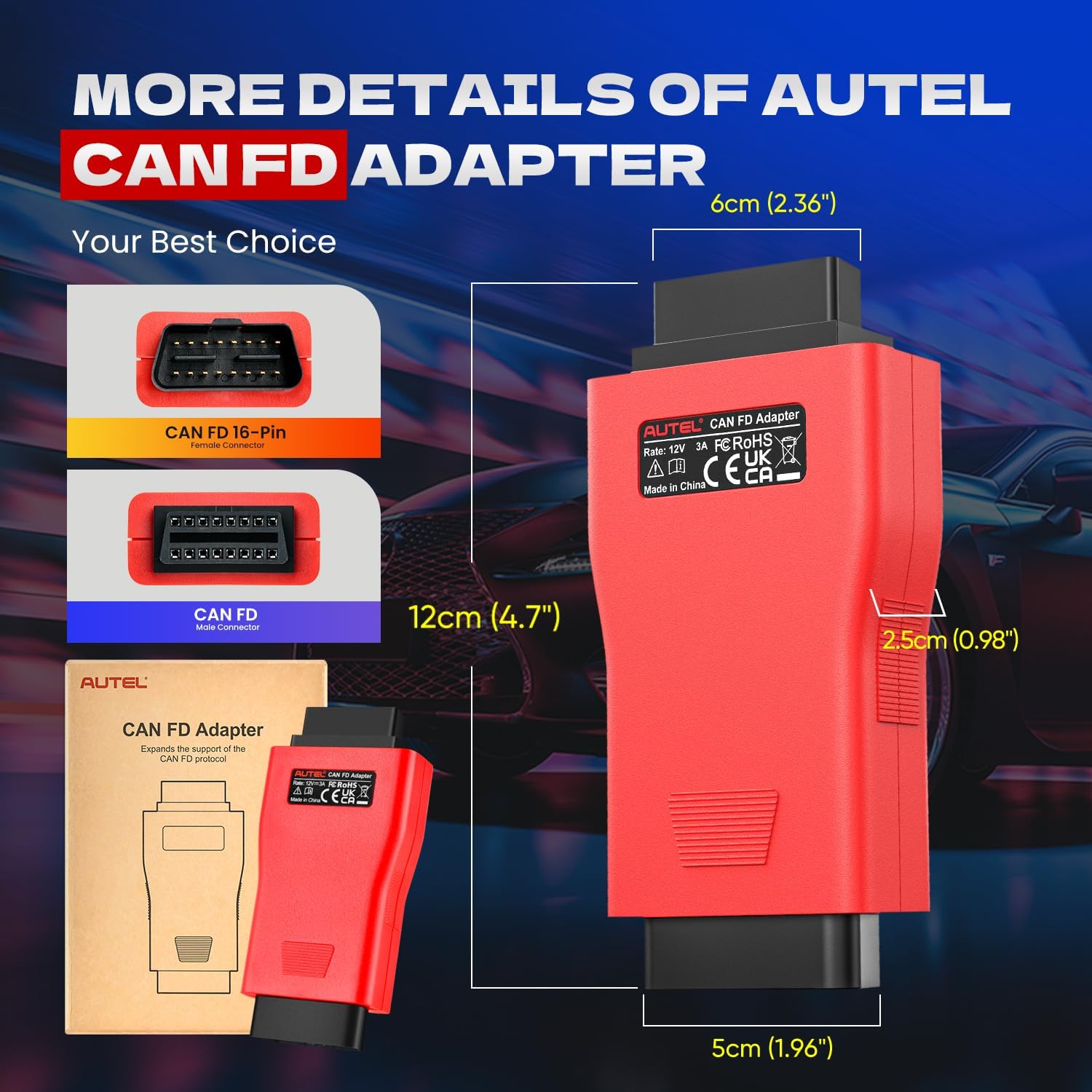
2025 NEWEST AUTEL CAN FD CANFD ADAPTER
Autel CAN FD adapter is designed to support diagnosis of vehicle models with CAN FD protocol, including the MY2020 G-M models. It is compatible with a supported Autel vehicle communication interface (VCI), Maxisys Elite, 908 series and 906 series to communicate with applicable vehicles.
CAN FD Adapter Features:
1. Designed to support diagnosis of vehicle models with CAN FD protocol, including the MY2020 for G-M models.
2. Compatible with a supported Autel vehicle communication interface (VCI) to communicate with applicable vehicles.
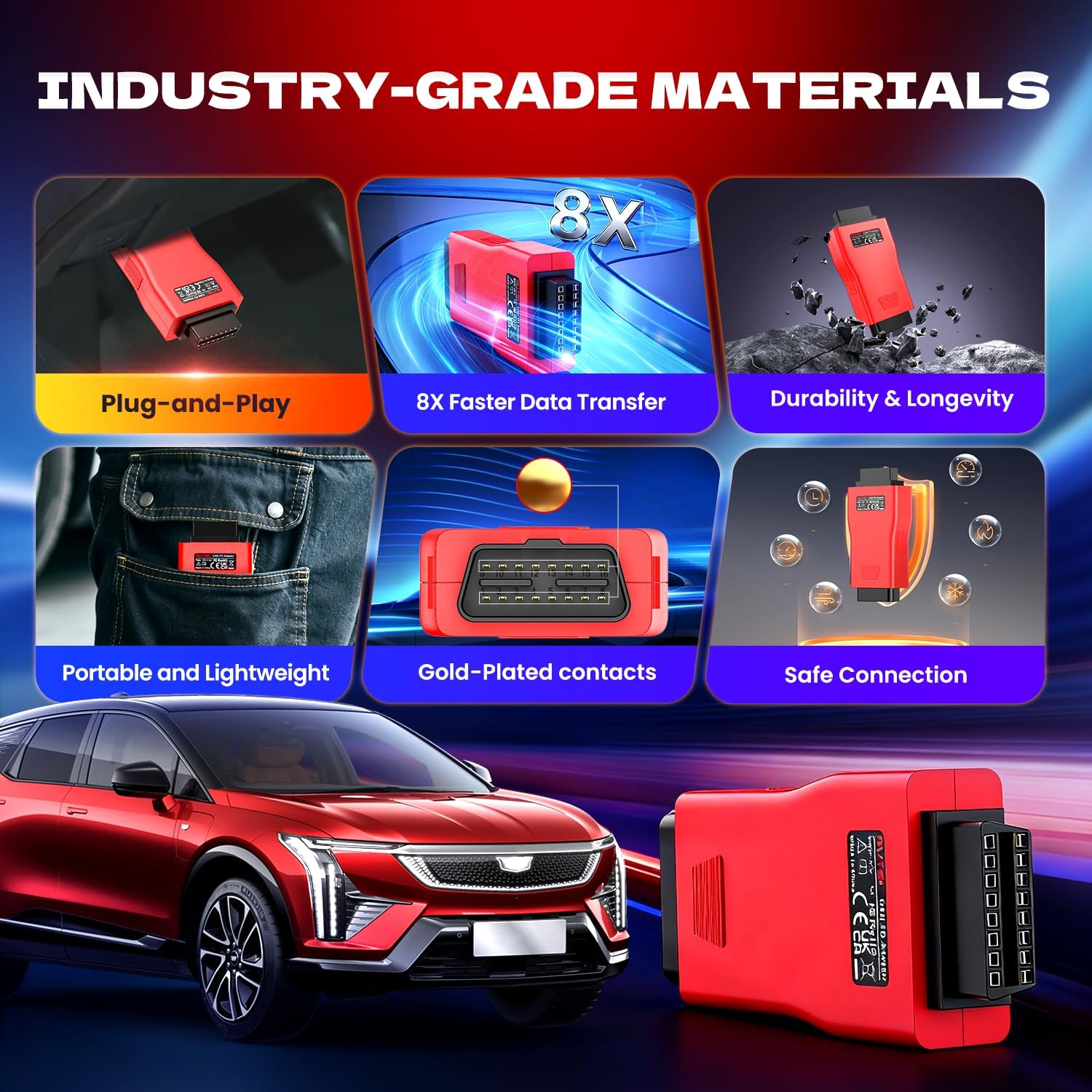
3. Small size and easy to carry, superior flexibility and durability.
4. Cannot work with AP200 or Maxiflash Pro
IMPORTANT!
1. The CAN FD Adapter is currently compatible with Autel's MaxiFlash Elite J2534-VCI, Wireless Diagnostic Interface, VCI 100 and VCI Mini.
2. Prior to use, update the VCI with the latest firmware.
( To update the VCI, use the power supply and plug in the MaxiSYS tablet to electrical outlet. Attach the supplied USB cable to the MaxiSYS tablet. Tap the VCI icon on the Tablet toolbar. Next, tap the VCI firmware version and if an update is available, tap Update for the new version to install. A progress bar will display as the update is installed. Once completed, follow the instructions displayed and reboot the VCI by deteching the USB cable from the VCI and then plug the USB cable back into the VCI. The tabler will then connect to the VCI. A message will display once the VCI update is completed.)


Compatible with Autel Scanners:
- MaxiCOM MK808S, MX808S, MK808, MX808, MK808BT PRO, MK808BT, MK808Z, MK808K-BT, MK808Z-BT, MK808TS, MX808TS, MX808S-TS, MK808S-TS, MK808Z-TS;
- MP808BT, MP808BT PRO, MP808BT PRO KIT, MP808TS, MP808S-TS, MP808Z-TS,DS808S-BT, DS808TS, DS808S-TS;
- MaxiSys 906 series MS906BT, MS906S, MS906TS, MK906BT;
- MaxiSys 908 series MS908, MS908S Pro II, MS908SPro, MS908S II, MK908, MK908 II, MK908P, MK908 Pro II, Maxisys Elite/ Elite 2;
- MaxiIM IM508S,IM508, IM608, and IM608 Pro etc..
How to connect CAN FD Adapter?
Autel MaxiFlash Elite J2534-VCI/ Wireless diagnostic interface:
- Step1:Connect the main cable's female adapter to the vehicle data connector on the VCI unit, and tighten the captive screws.
- Step 2:Connect the CAN FD adapter's 16pin feamale connector to the main cable's male adapter.
- Step 3:Conncect the attached CAN FD apapter to the vehicle's DLC which is generally located under the vehicle dashboard.
Autel VCI 100/VCI MINI:
- Step1:Connect the CAN FD adapter's 16pin female connector to the vehicle data connecter on the VCI unit.
Step 2:Connect the attached CAN FD adapter to the vehicle's DLC.


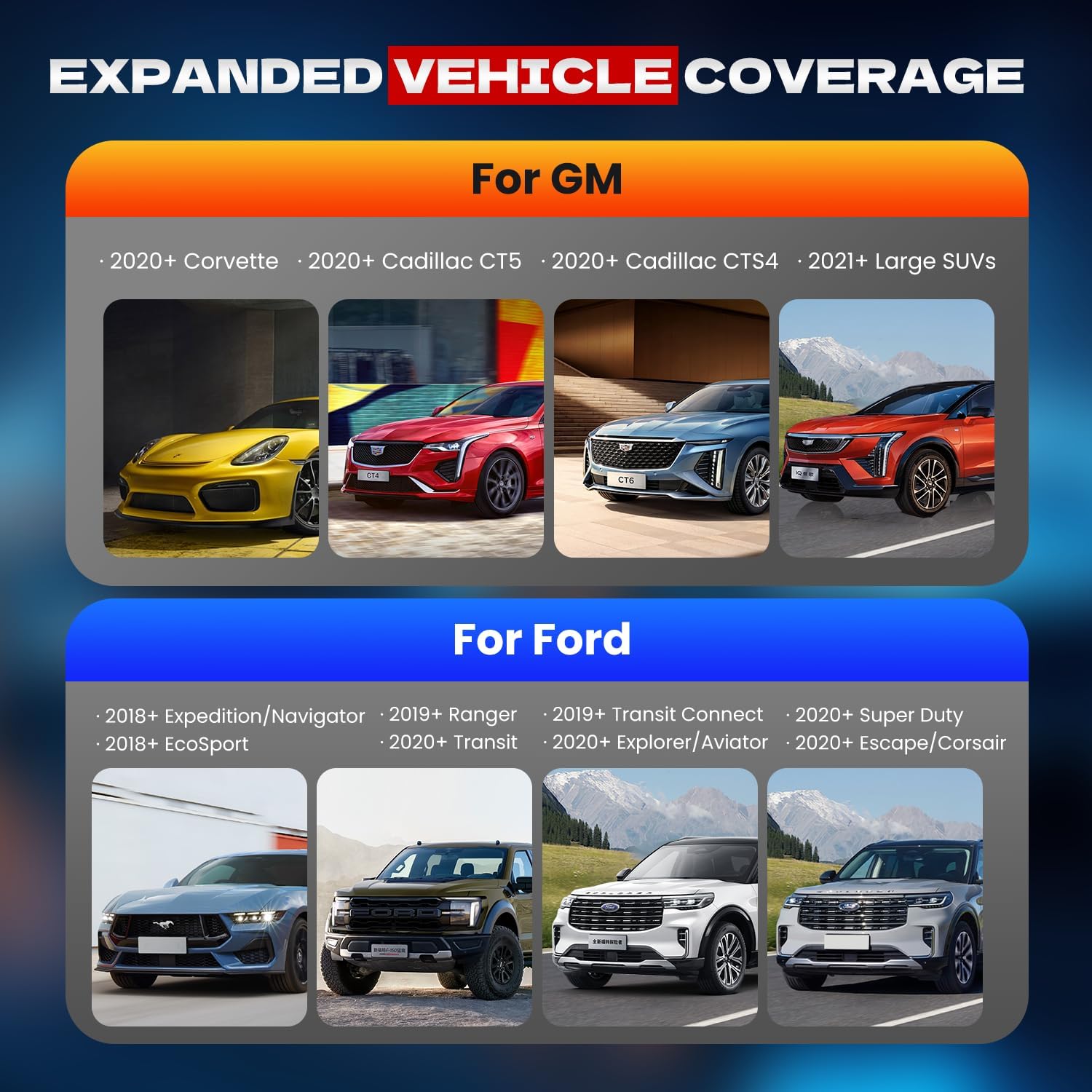
Expanded Vehicle Coverage for GM for Ford
CAN FD Works With Following Models:
For GM: 2020+ C~orvette, 2020+ C~adillac CT5, 2020+ C~adillac CTS4, 2021+ Large SUVs;
For Ford: 2018+ E~xpedition/N~avigator, 2018+ E~coSport,2019+ R~anger, 2020+ T~ransit, 2019+ T~ransit C~onnect, 2020+ E~xplorer/A~viator, 2020+ S~uper Duty, 2020+ E~scape/C~orsairFor Every 
