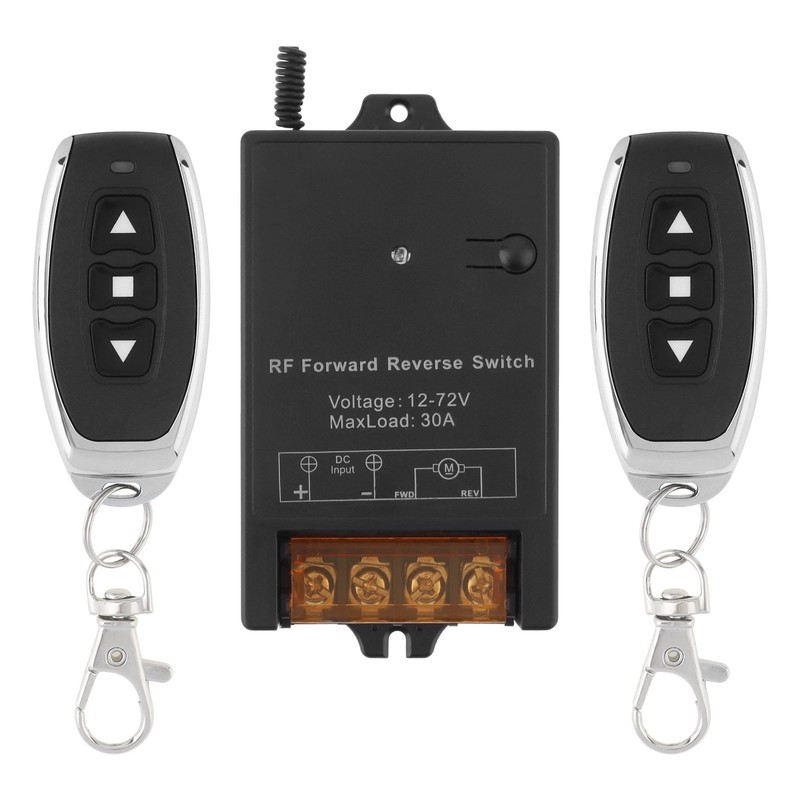
DC Wireless Remote 12V-72V 30A RF Relay Control Remote Switch 433Mhz Receiver
Description
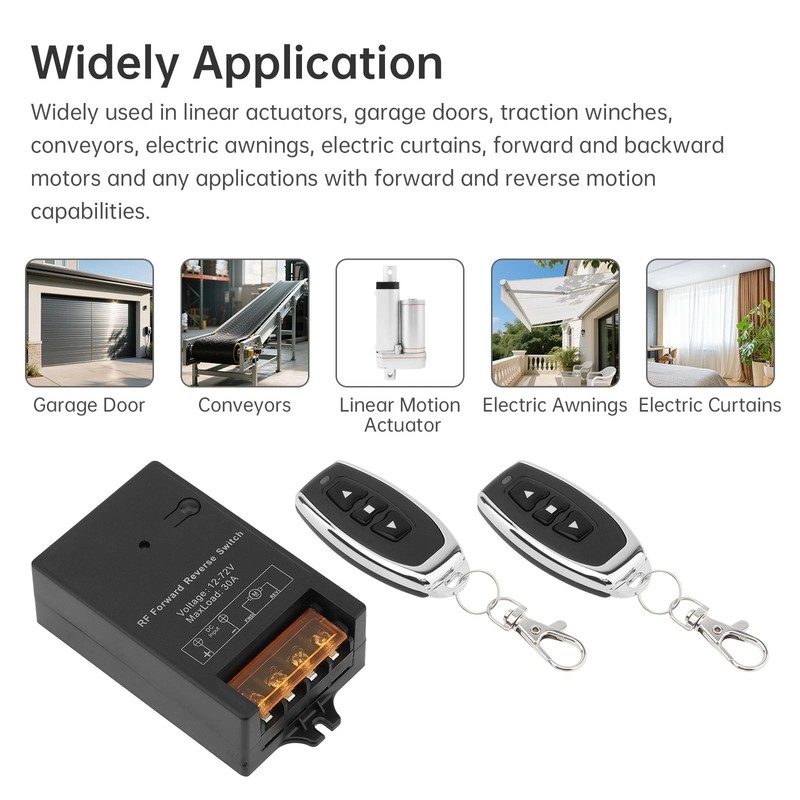
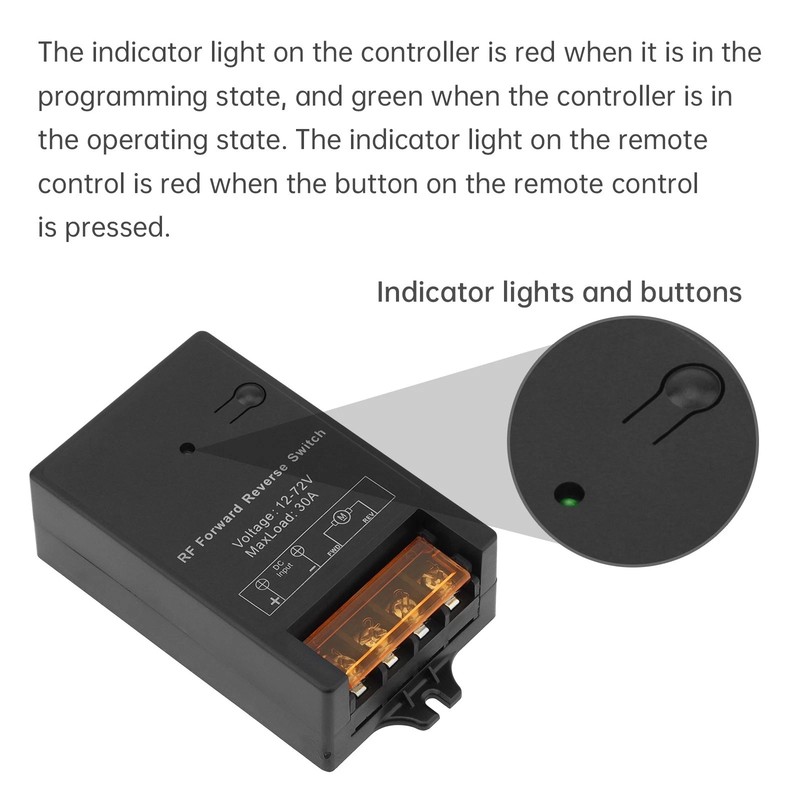
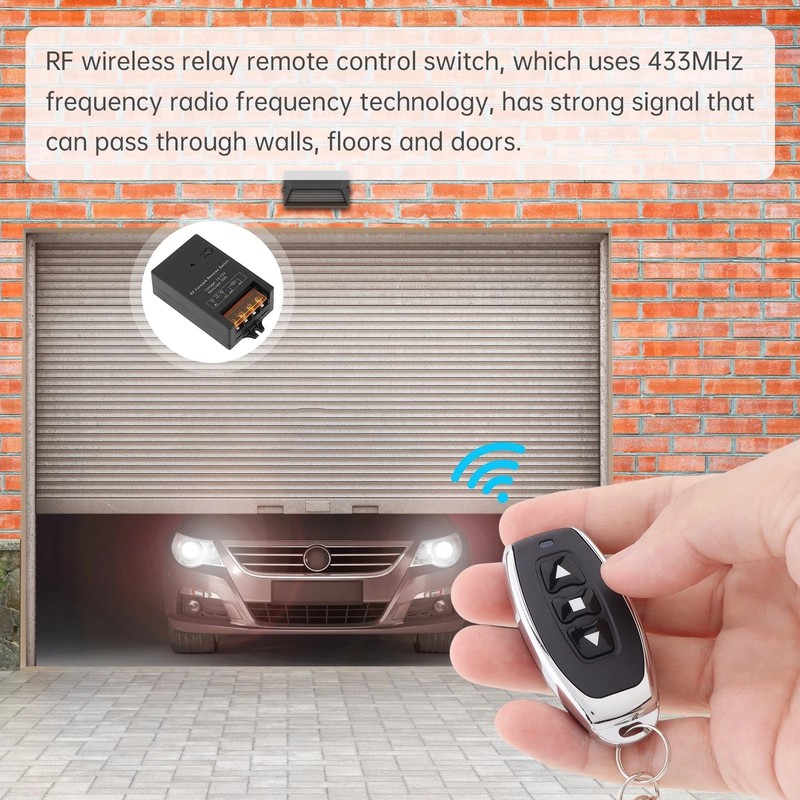
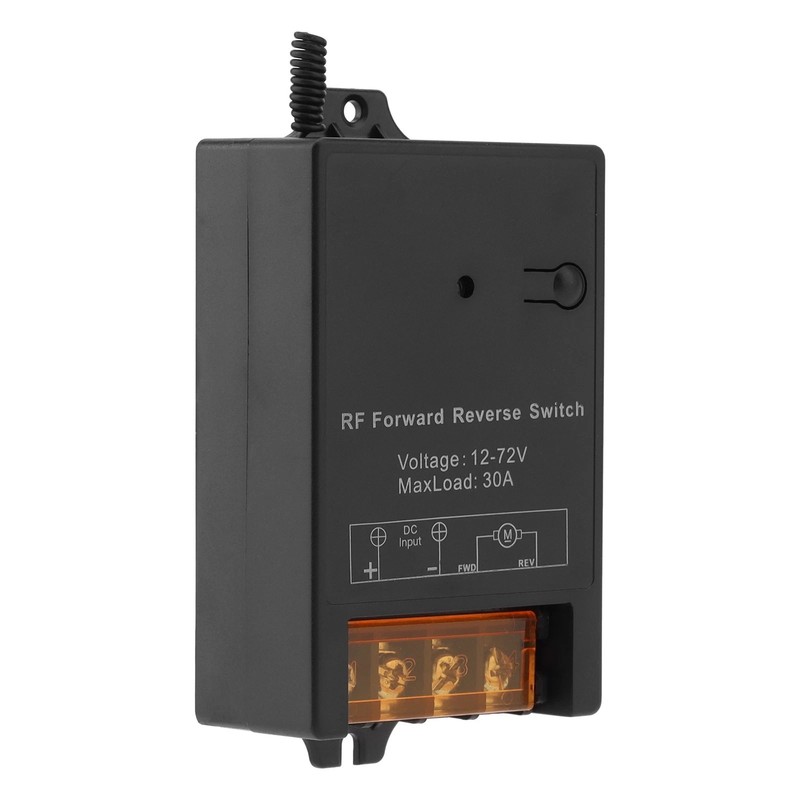
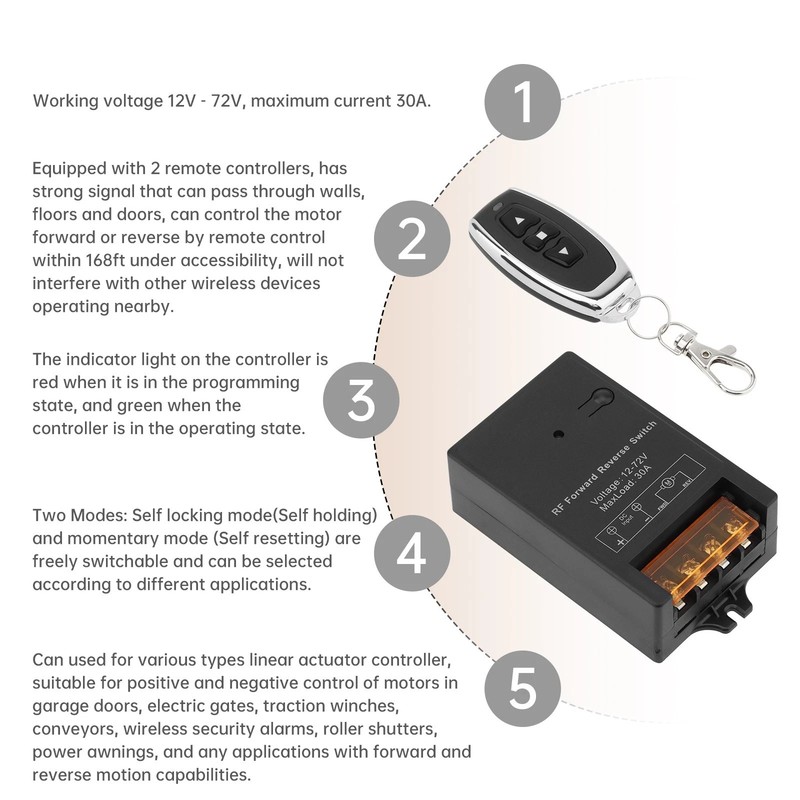
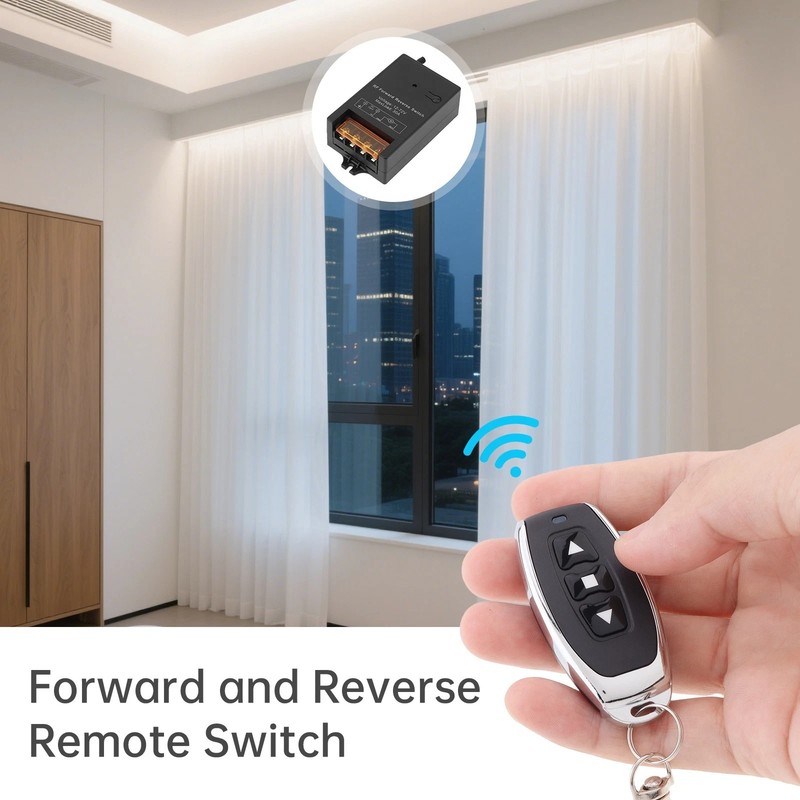
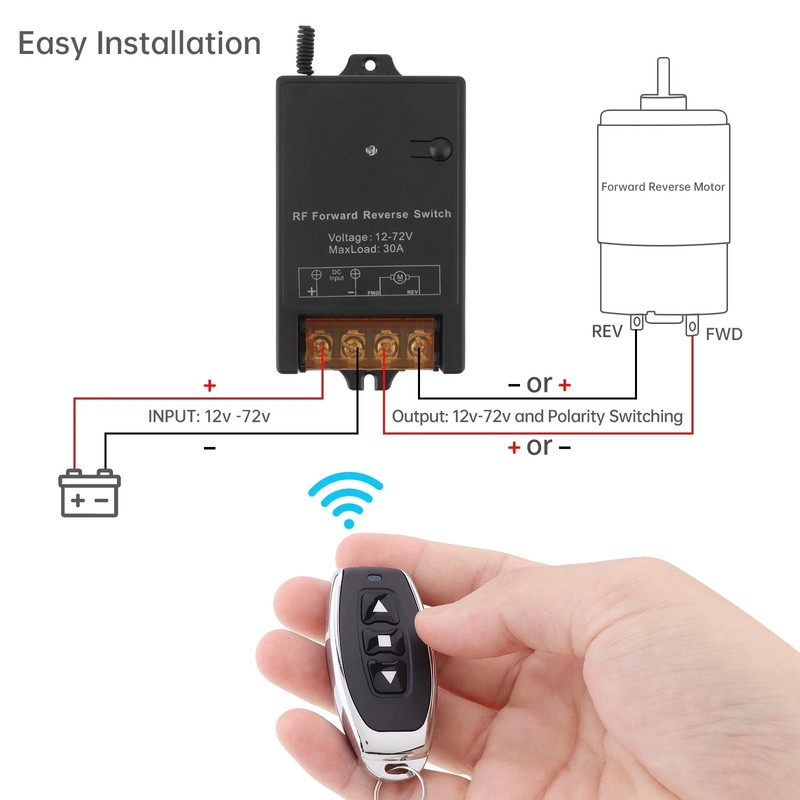
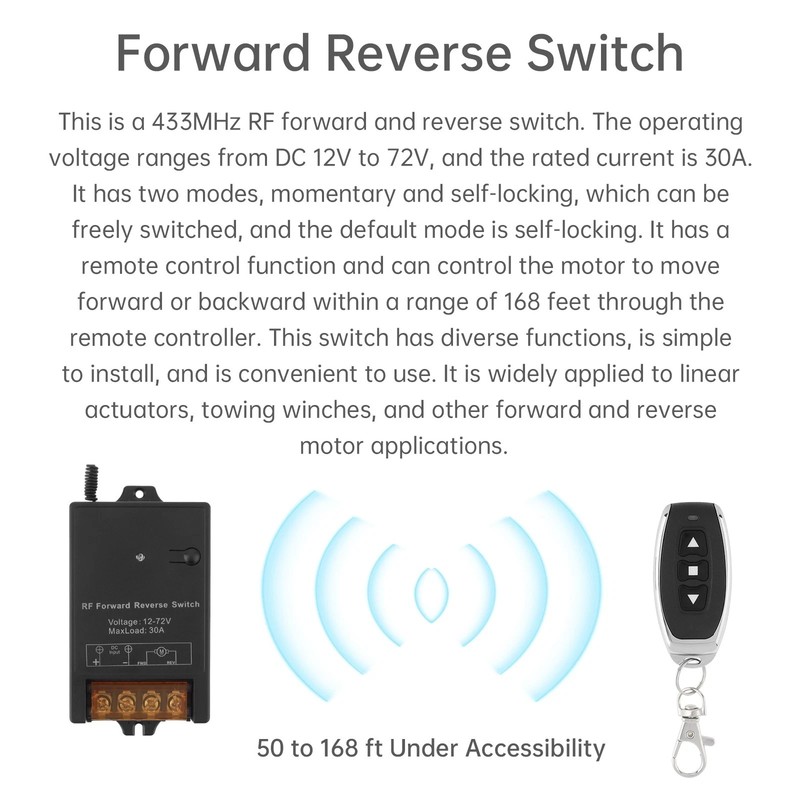
Description: Product Name: Forward and Reverse Switch Color: Black Size: 10.1 * 5.5 * 2.9 centimeters/3.98 * 2.17 * 1.14 inches Load current: maximum 30A Input voltage: 12V-72V Package includes: 1 x relay receiver, 2 remote controllers, 1 product manual Feature: -Remote Control: Equipped with 2 remote controls, it has strong signals and can pass through walls, floors, and doors. It can control the motor to move forward or backward within 168 feet without interfering with other wireless devices nearby. -Instant and self-locking modes: The two modes can be freely switched according to your needs. It is set to self-locking mode at the factory. If you need to switch to instantaneous mode, please refer to the manual. It can be used alone to control all types of linear actuators, or together with electromagnetic relay contactors to control winches from other manufacturers. -This type of DC motor forward and reverse switch can be remotely operated through a remote control. Working voltage 12V-72V, maximum current 30A. Stable and reliable performance, high receiving sensitivity. -Widely applicable: It can be used for various types of linear actuator controllers, suitable for forward and negative control of motors in garage doors, electric doors, traction winches, conveyors, wireless safety alarms, rolling shutter doors, electric sunshades, and any application with forward and reverse motion functions. -Easy to use. The product manual provides a detailed description of how to wire and how to use it. This switch can also be programmed to control multiple winches simultaneously. The indicator light on the controller is red in programming mode and green in operating mode. When the button on the remote control is pressed, the indicator light on the remote control is red. How to use self-locking mode: Press the up button on the remote control once, and the motor will rotate in the forward direction; Press the remote stop button to stop the motor from rotating. Press the button on the remote control once, and the motor will rotate in reverse; Press the stop button on the remote control, and the motor will stop rotating. How to use instantaneous mode: Press the up button on the remote control, the motor rotates forward, release the up button, and the engine stops rotating; Press the up button on the remote control again, and the motor will rotate forward again. After releasing the up button, the motor will stop rotating; Press and hold the up button, and the motor will continue to rotate. The same principle also applies to the down button. How to switch to instantaneous mode: Step 1: Press and hold the programming button at the top of the switch, the light will turn on, flash once after about 2 seconds, and then release the button Step 2: Press the up button on the remote control, and then press the down button on the remote control again. Step 3: The light at the top of the switch will flash 3 times, indicating completion of programming. How to switch to self-locking mode: Step 1: Press and hold the programming button at the top of the switch, the light will turn on, flash once after about 2 seconds, continue to press and hold the button without releasing it, flash twice after about 2 seconds, and then release the button. Step 2: Press the up button on the remote control, and then press the down button on the remote control again. Step 3: The light at the top of the switch will flash 3 times, indicating completion of programming.