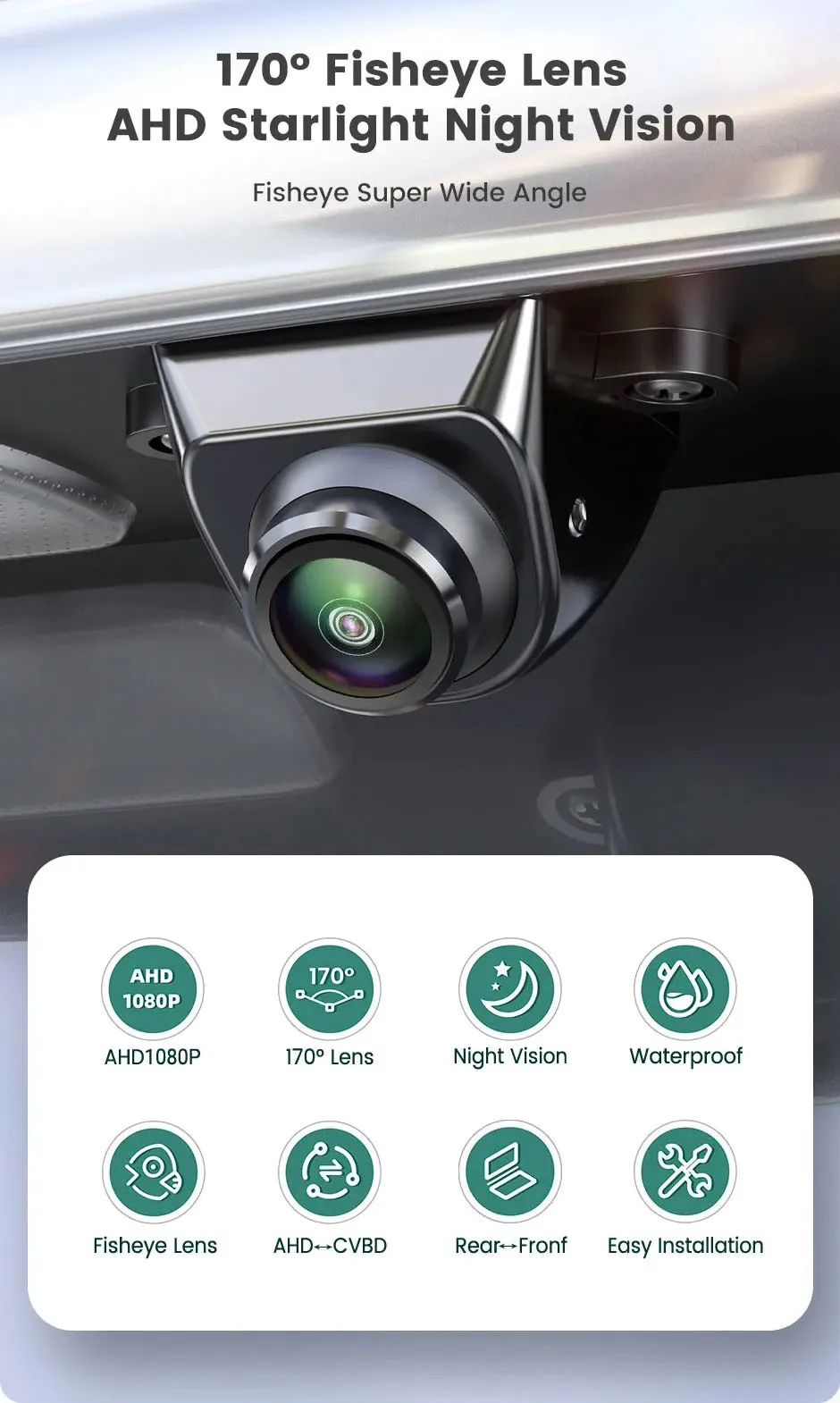
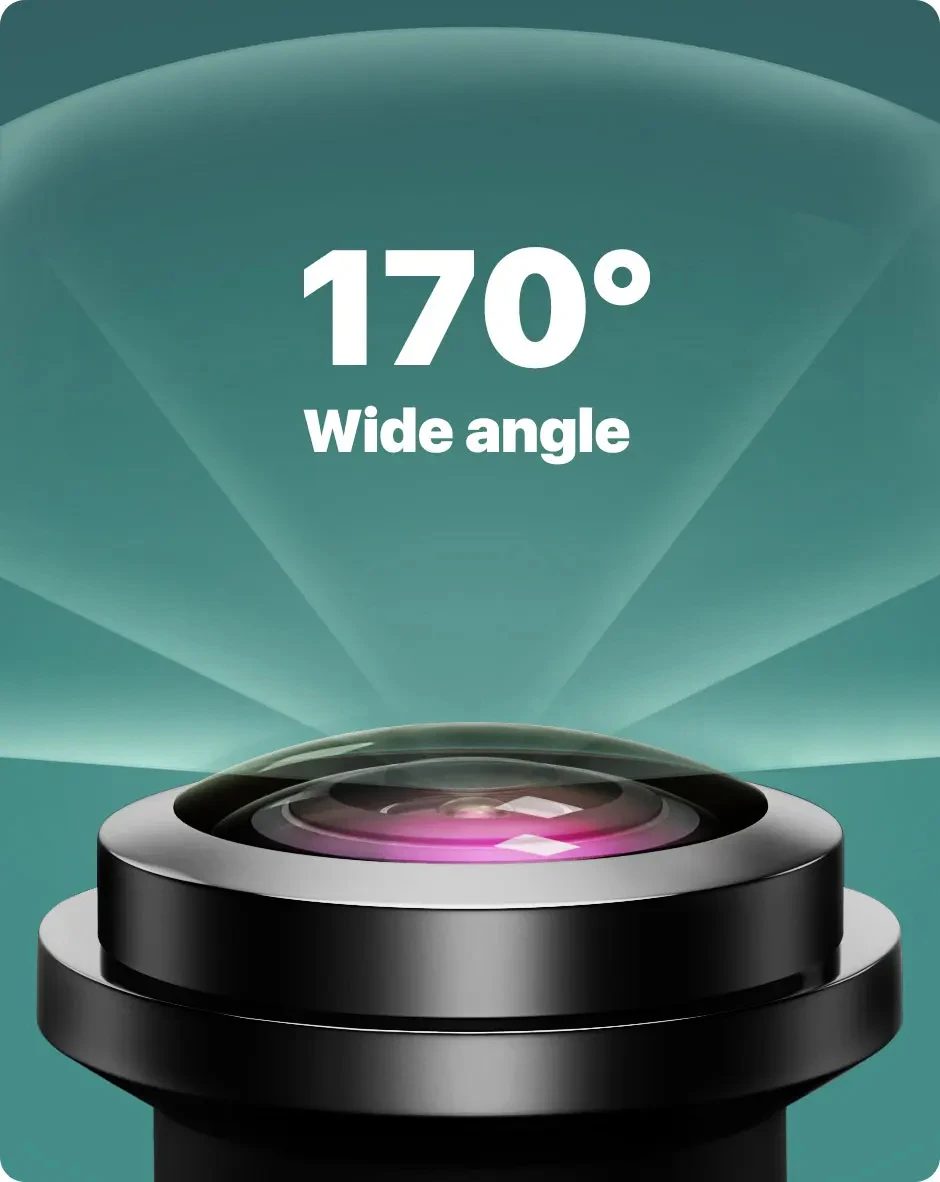
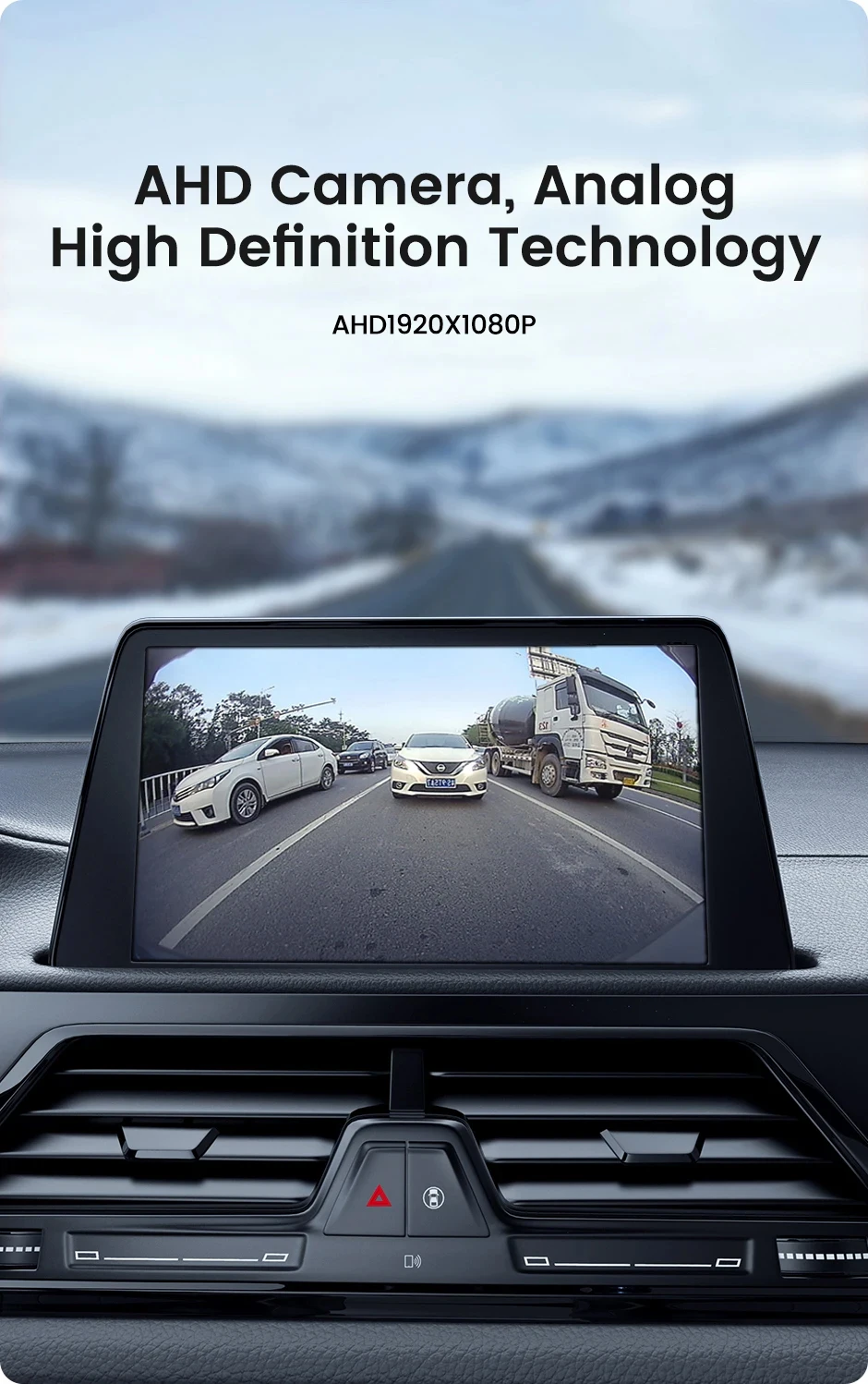
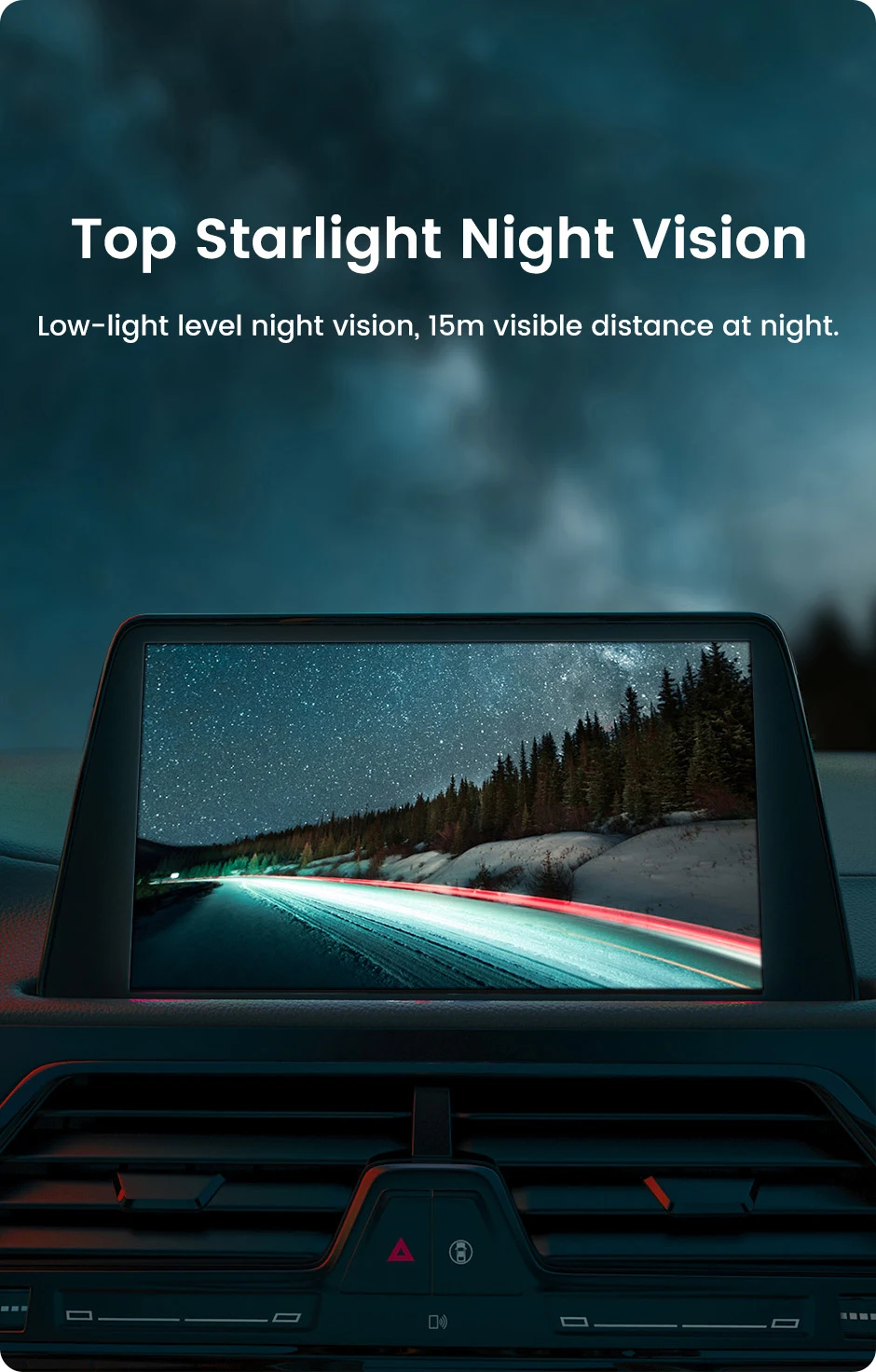
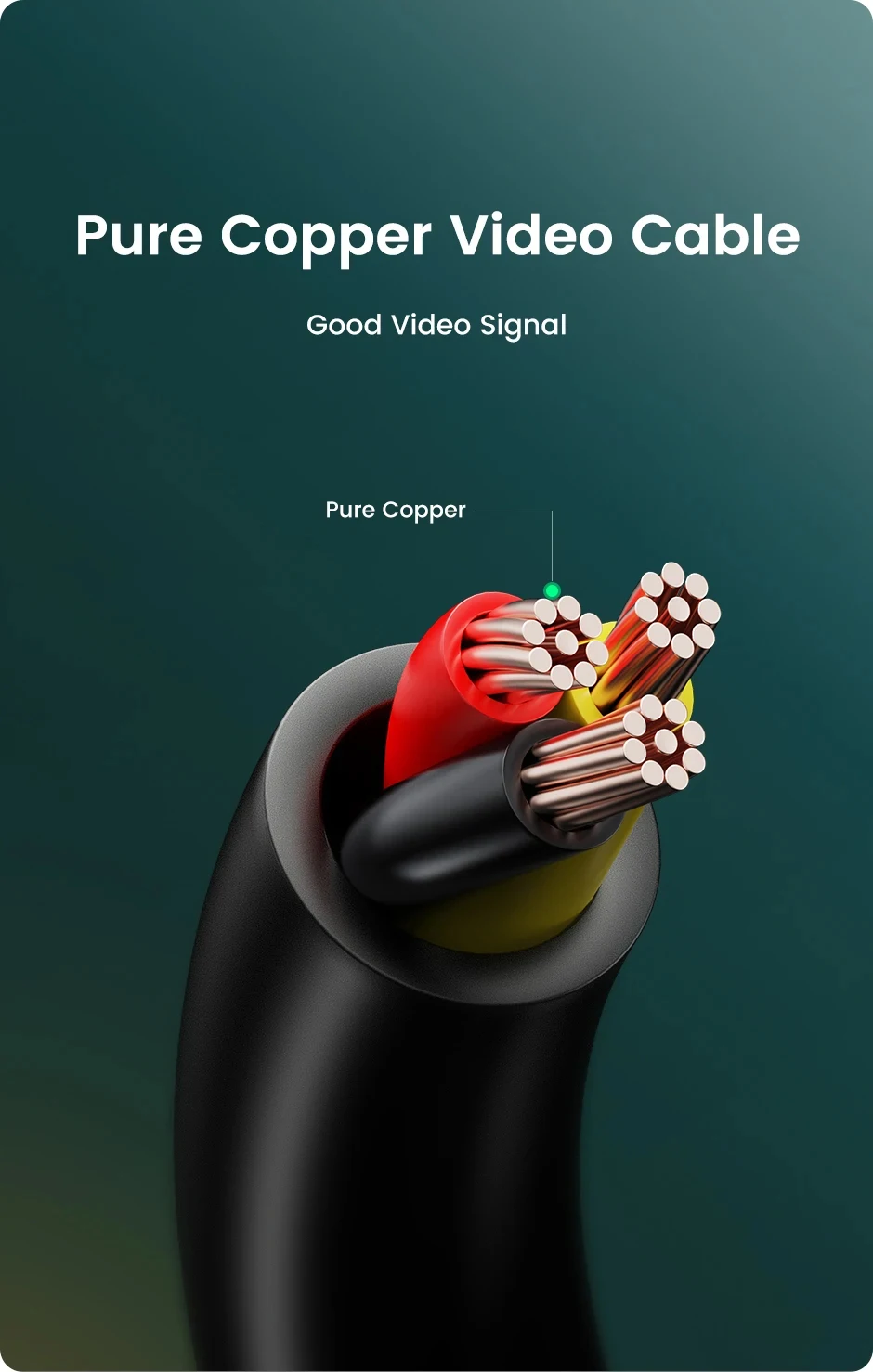
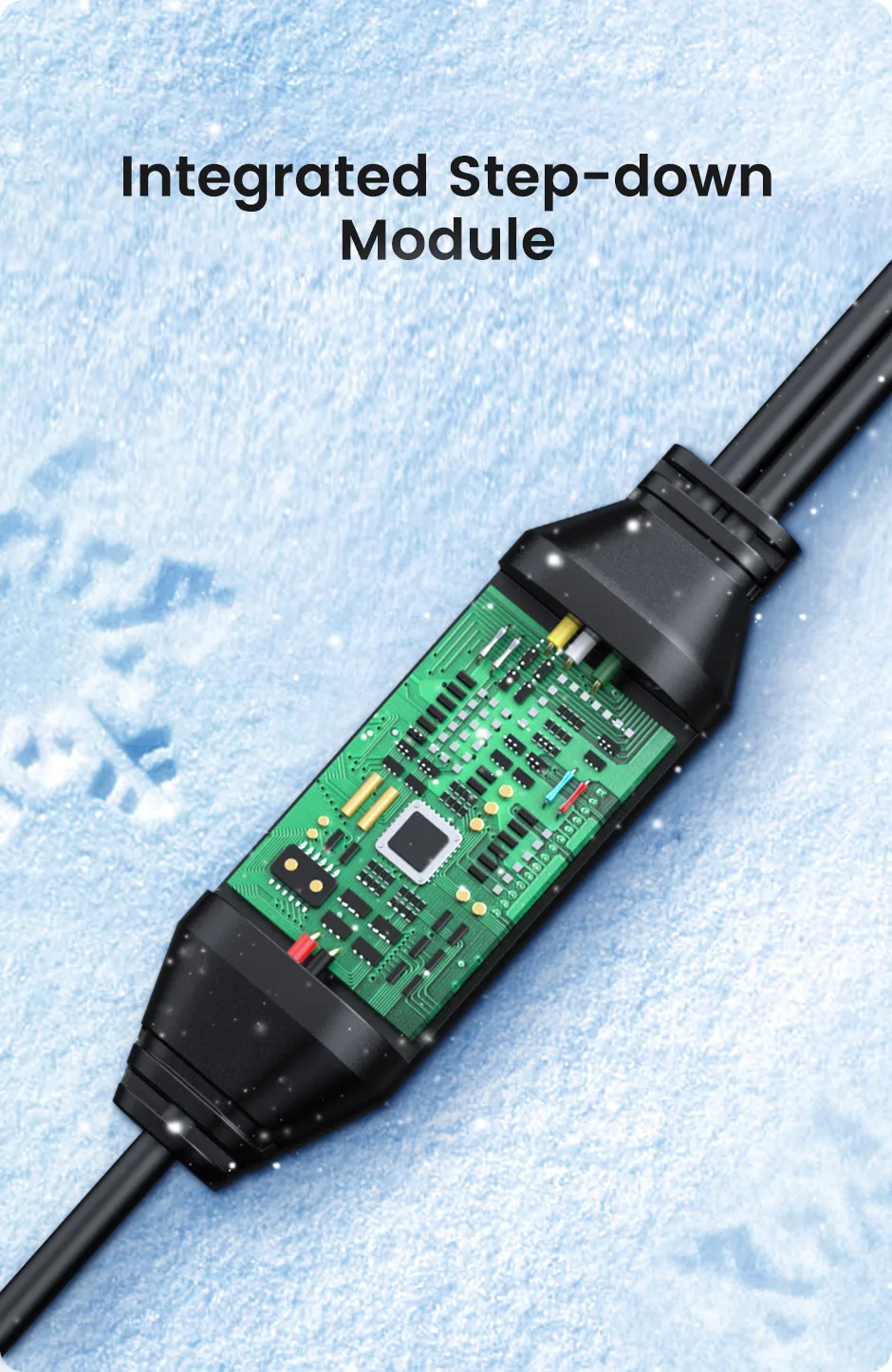
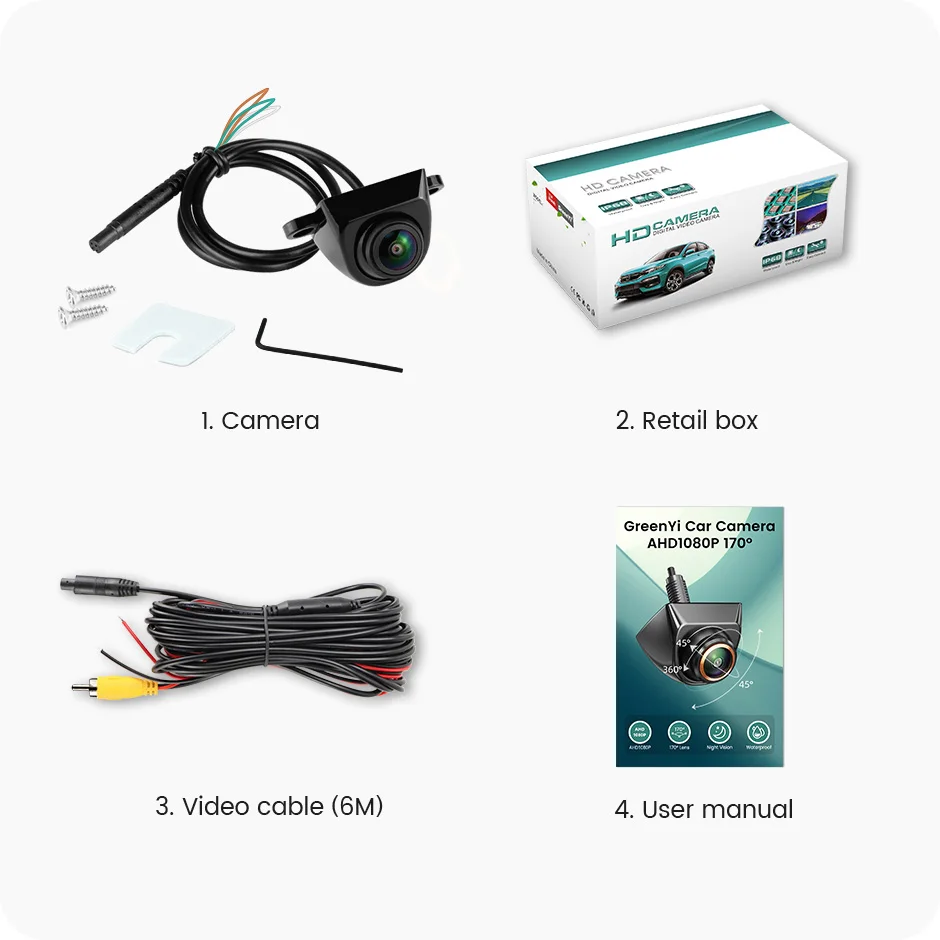
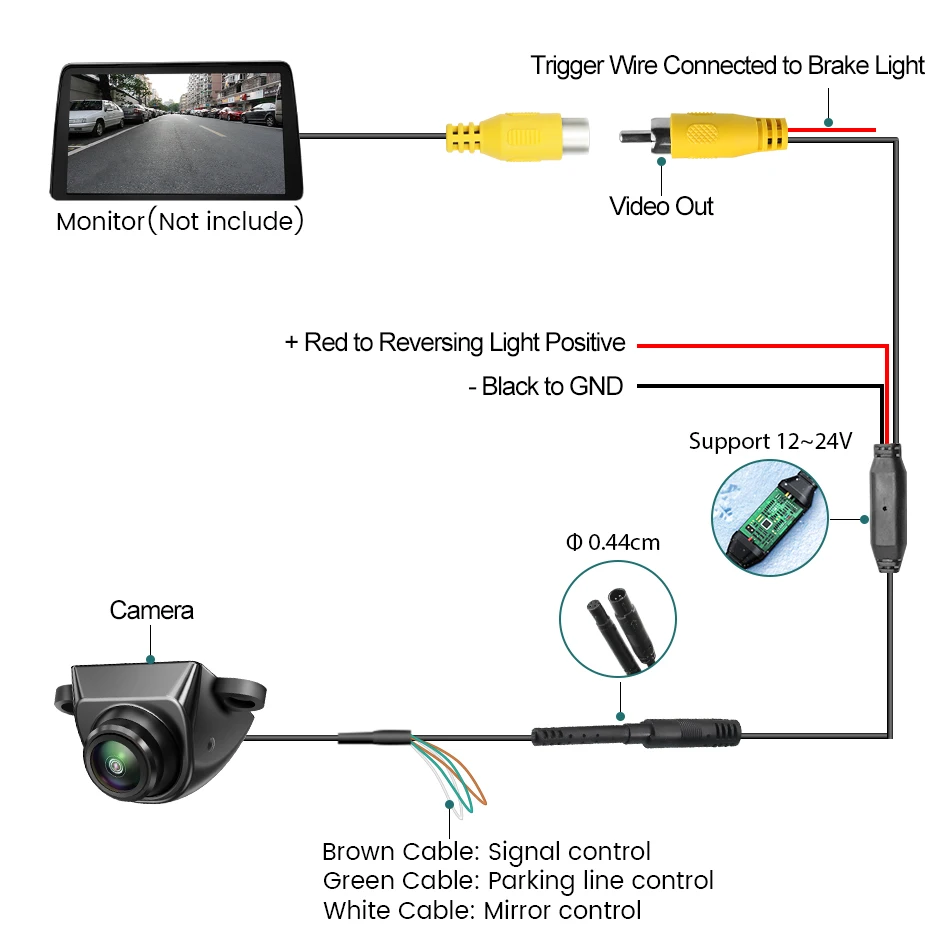
FAQ: Please check whether the Android unit supports the AHD1080P camera! If AHD1080P cannot be selected, AHD1080P cameras are not supported! Cameras with CVBS video signals are universal for all monitors, but AHD will only work with AHD monitors! 170° Wide Angle Fisheye Lens - Real 170° AHD1080P Camera Top Starlight Night Vision Starlight night vision function allows the camera to be used properly even at night Waterproof The camera is filled with waterproof silicone, Effective chip protection, Conversion Line Control White: Mirror control Pure Copper Cable The video cable is made of high-quality pure copper, which provides better video transmission quality than cables that can be attracted by magnets. Integrated Step-down Module Package Installation Diagram
After connecting the rearview camera, the screen shows no signal, a black screen, and no picture, what should I do?
A) Please check your signal format (AHD/CVBS), and choose the right signal to run the camera.
B) Please check your connection, the red trigger line should connect to your reverse light and monitor the reverse-in cable.
C) If your monitor has an AUX-IN function, you can connect to the AUX-IN.
Tip: CVBS cameras can test the performance of the TV. Universal cameras with 4Pin plugs can only be installed with our cables. You can consult customer service if you encounter any problems during the installation process.
After connecting the rearview camera, the screen shows black and white, what should I do if there is no color?
A) Choosing the wrong camera system(such as PAL/NTSC) will cause the screen to be black and white. Please select the right system to run the camera and restart the camera power. CVBS camera is an NTSC system, and the AHD1080P camera is a PAL system.
B) Please check whether the 6M line is normal, please replace it with another 6M cable to test the camera.
What functions are controlled by each of the 3 cables of the rearview camera?
Brown Cable: Video Signal Control
• AHD1080P Camera:
Default ( AHD1080P )+( 1920x1080 )+( 170° )
Cut the white cable→
( CVBS )+( 1280x720 )+( 170° )
White Cable: Mirror Control
• The default is the rearview camera (Mirroring).
Cut the white cable→
Front view camera ( Non-mirroring )
You can also manually rotate the sphere angle 90 °, to achieve the effect of the side camera
Green Cable: Parking Line Control
• The camera with the parking line/camera does not display the parking line, you can cut the green cable, and then reconnect the camera's power supply, which can change the parking line.
Tips, About AHD1080P Style:
Go to Car settings >> Factory settings >> Reverse (picture) settings >> Select AHD1080P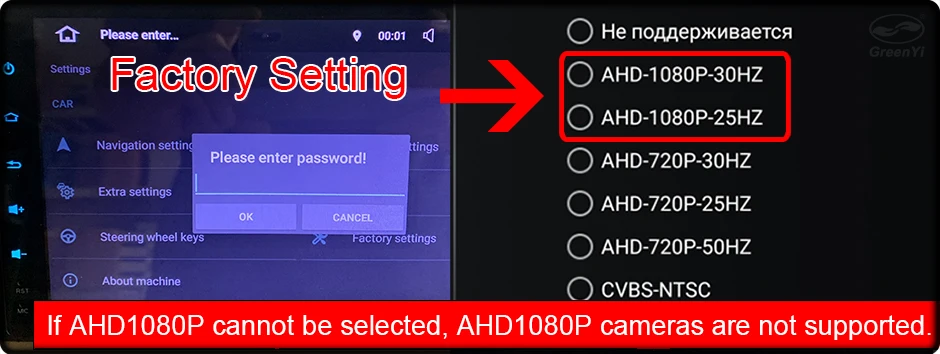
IP68-Rated for Use in Extreme Conditions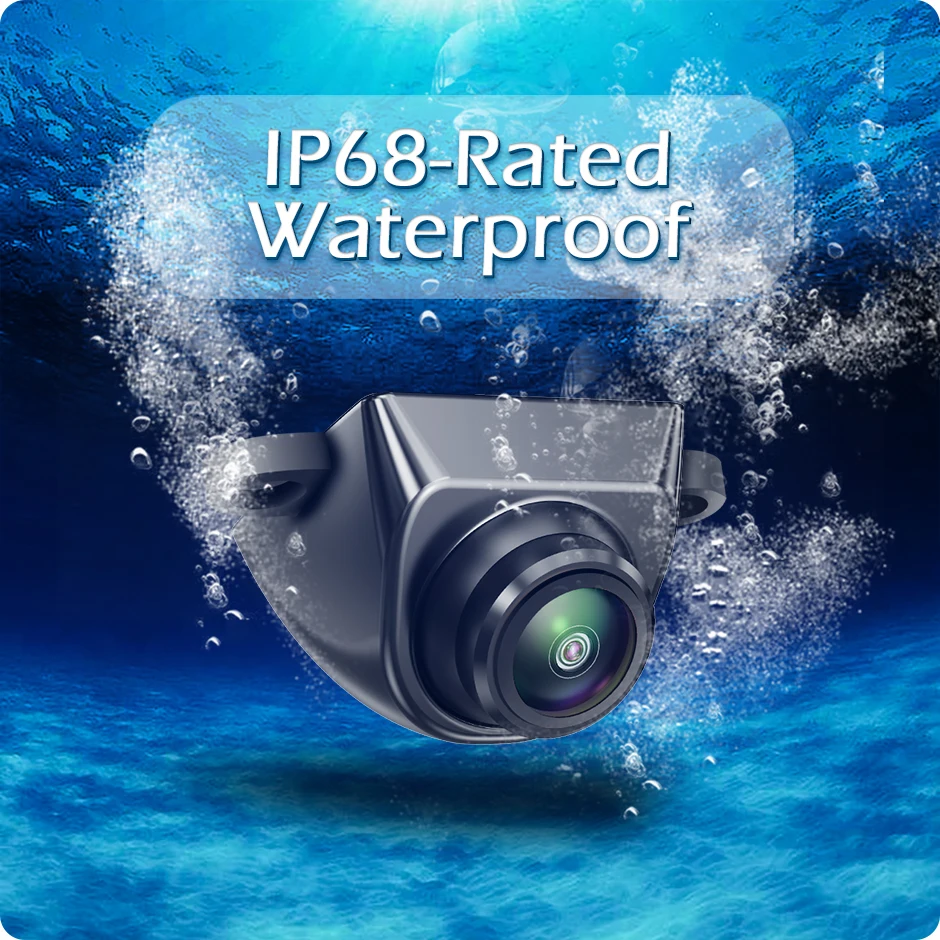
Brown: Signal control
Green: Parking line switch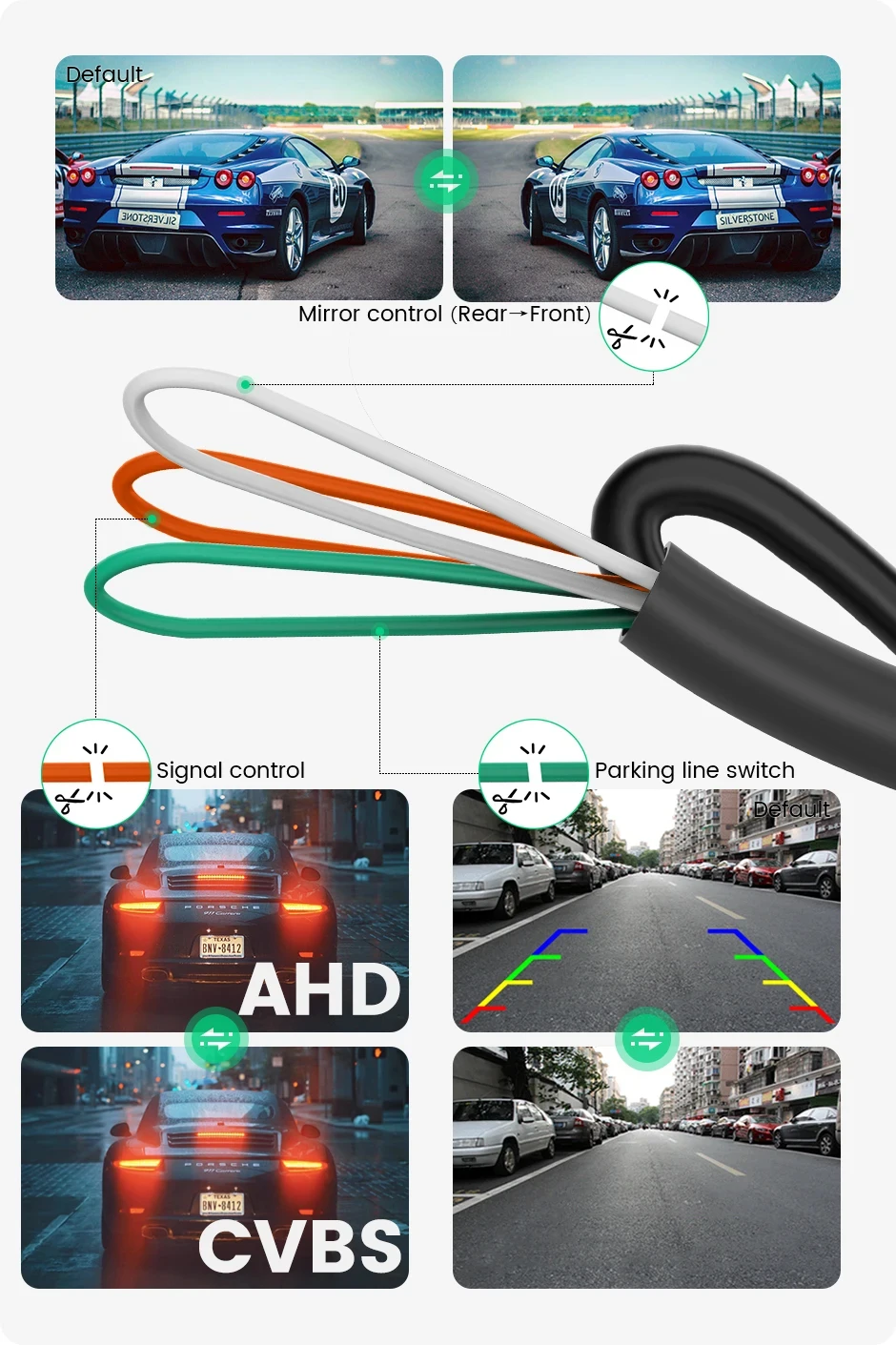
About Us
Prime Living Canada is a Canadian company specialized in exporting a wide range of products. With strong expertise in e-commerce and logistics, we guarantee efficient order processing, secure packaging, and fast tracked shipping. Our mission is to deliver reliable, professional, and transparent service to every customer while keeping our prices competitive.
Shipping policy
We are always working hard to ensure your package arrives as soon as possible. Please understand that some factors like weather, high postal traffic, and the performance of shipping companies are outside of our control.
Returns
We offer a 14-Day Return Policy on items in which you are not completely satisfied with. You have the option of a full-refund or an exchange of the item.