Material : Plastic
Origin : Mainland China
Certification : CE
Shell Material : Plastic
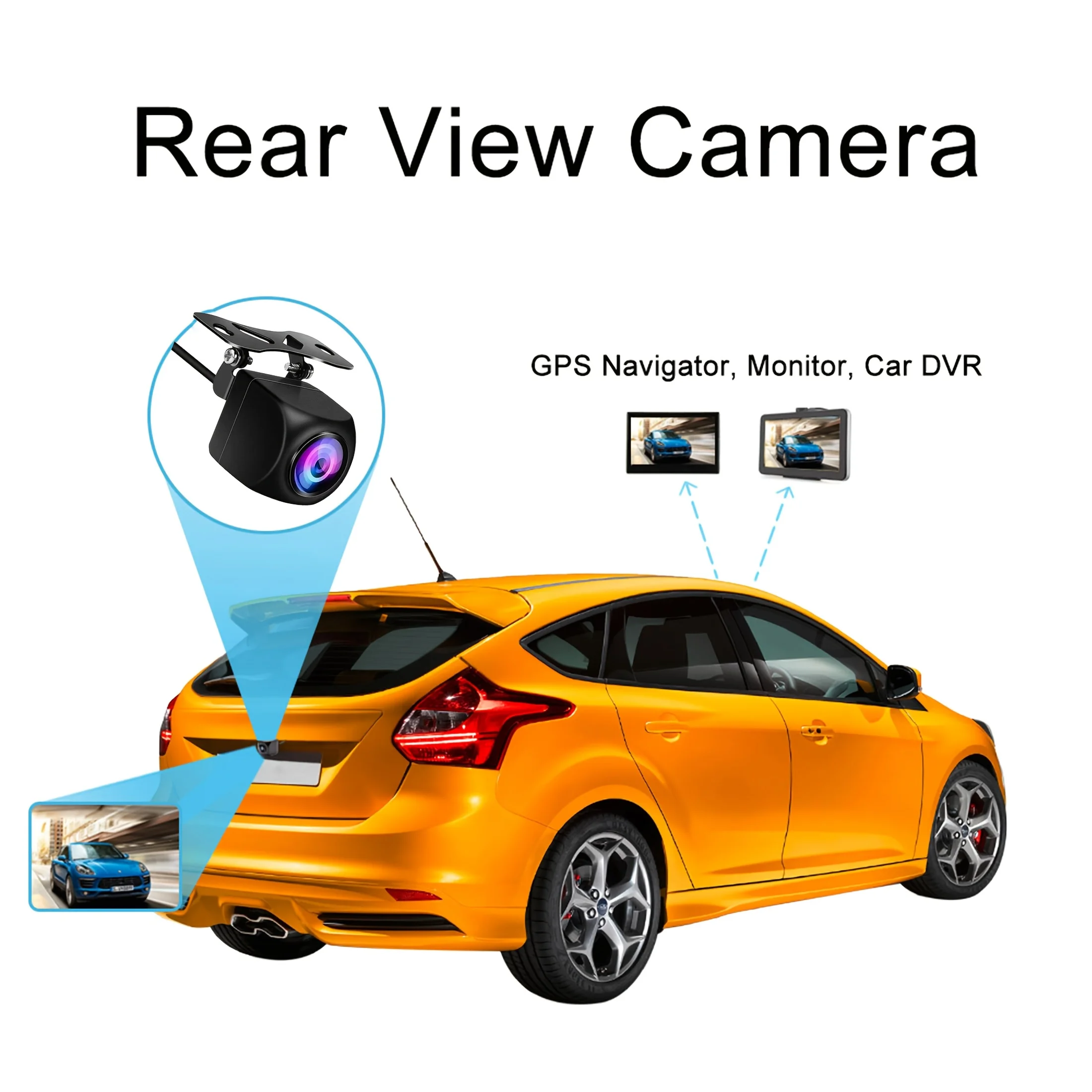
Wire or Wireless : Wire
Alarm Type : Vehicle Backup Cameras
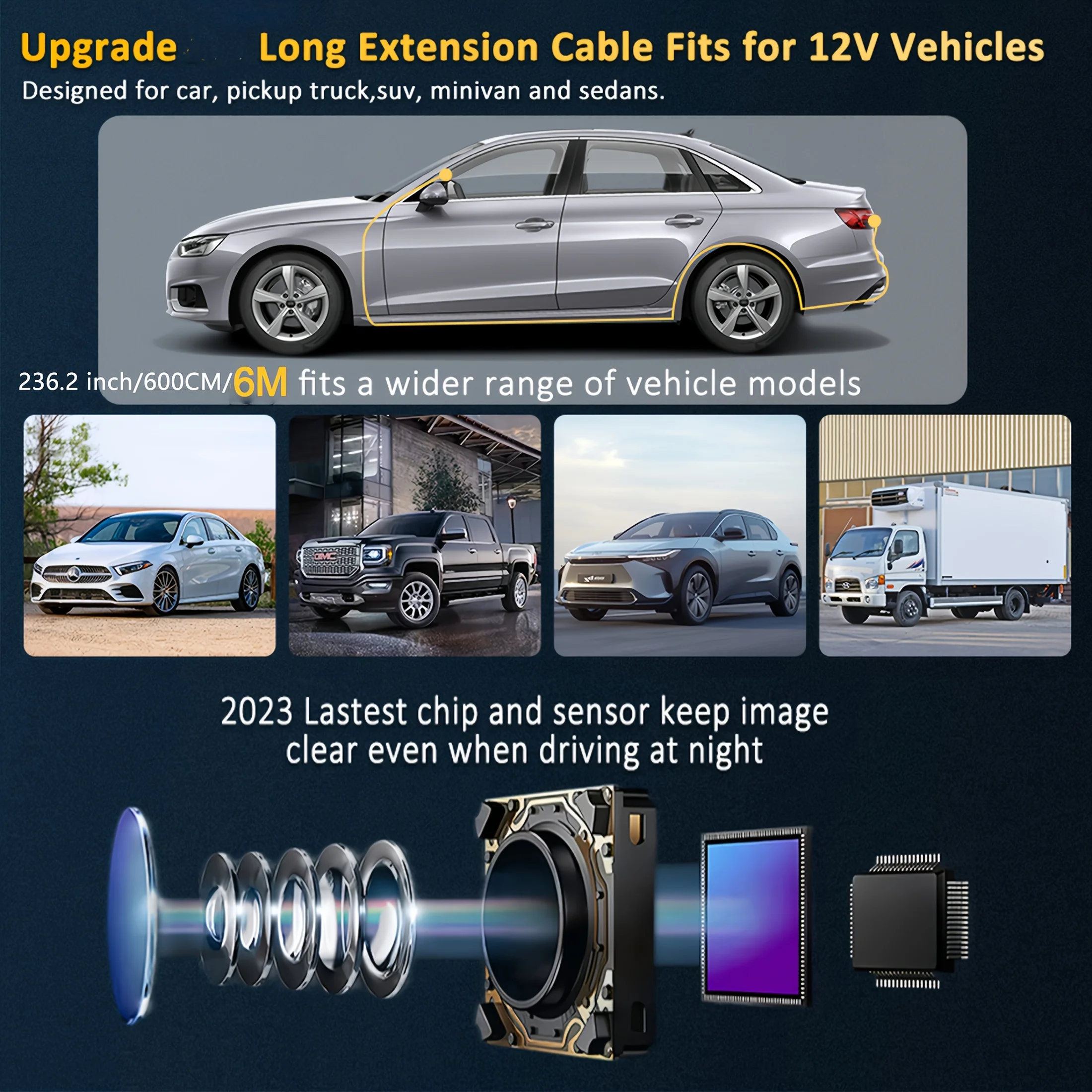
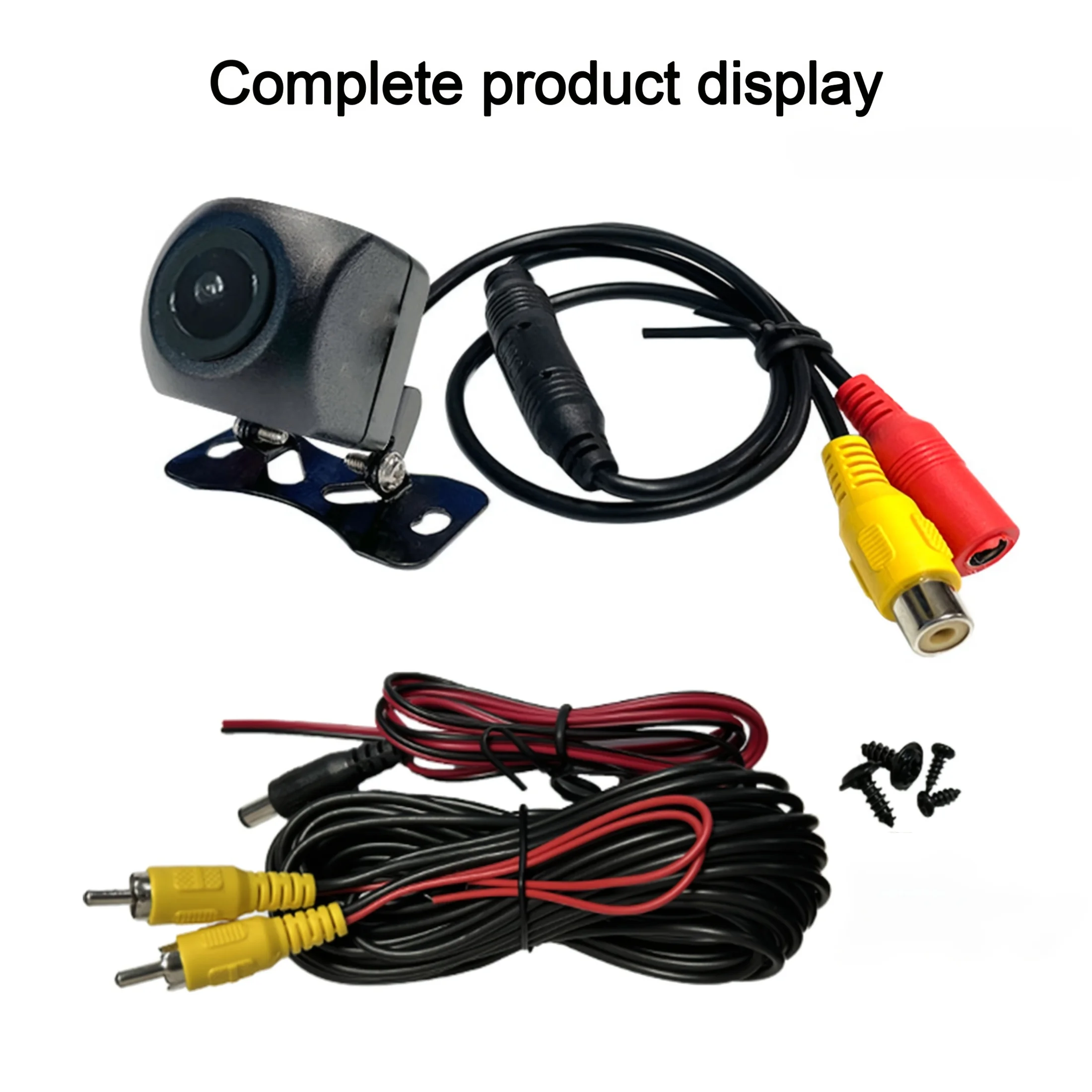
Length of Video Cable : 6M
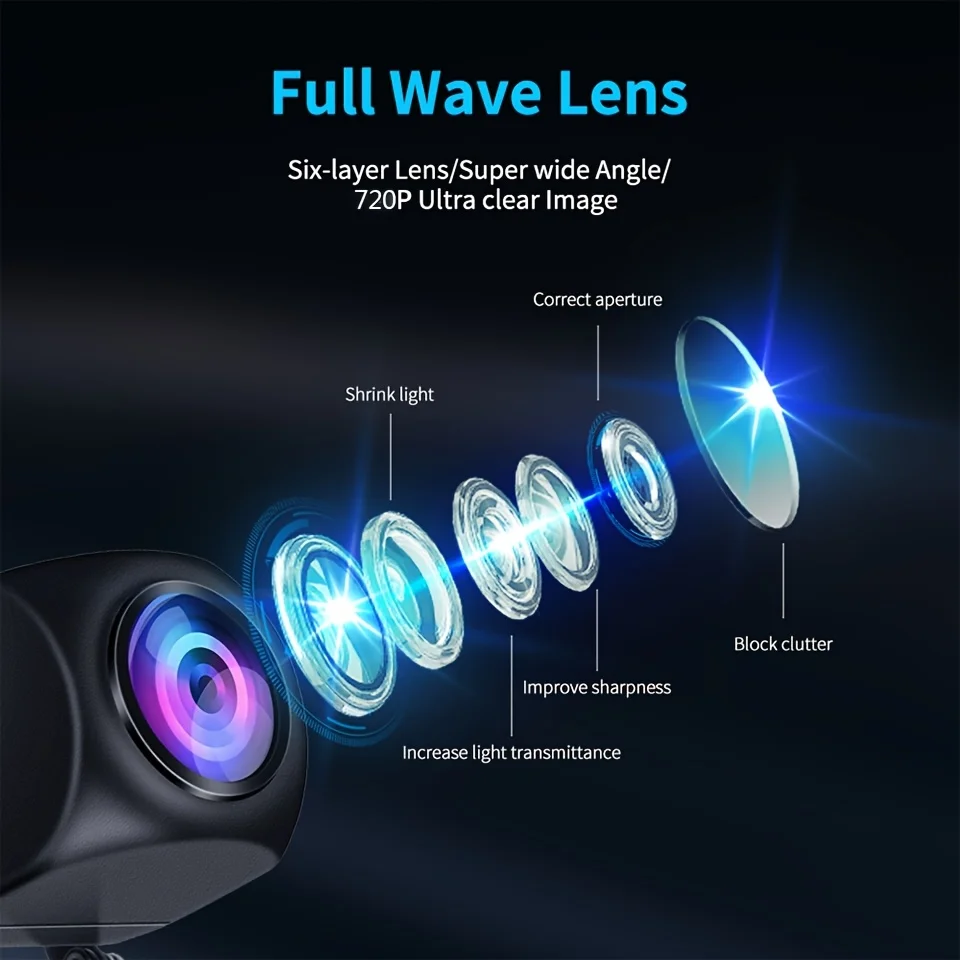
Lens Material : Plastic
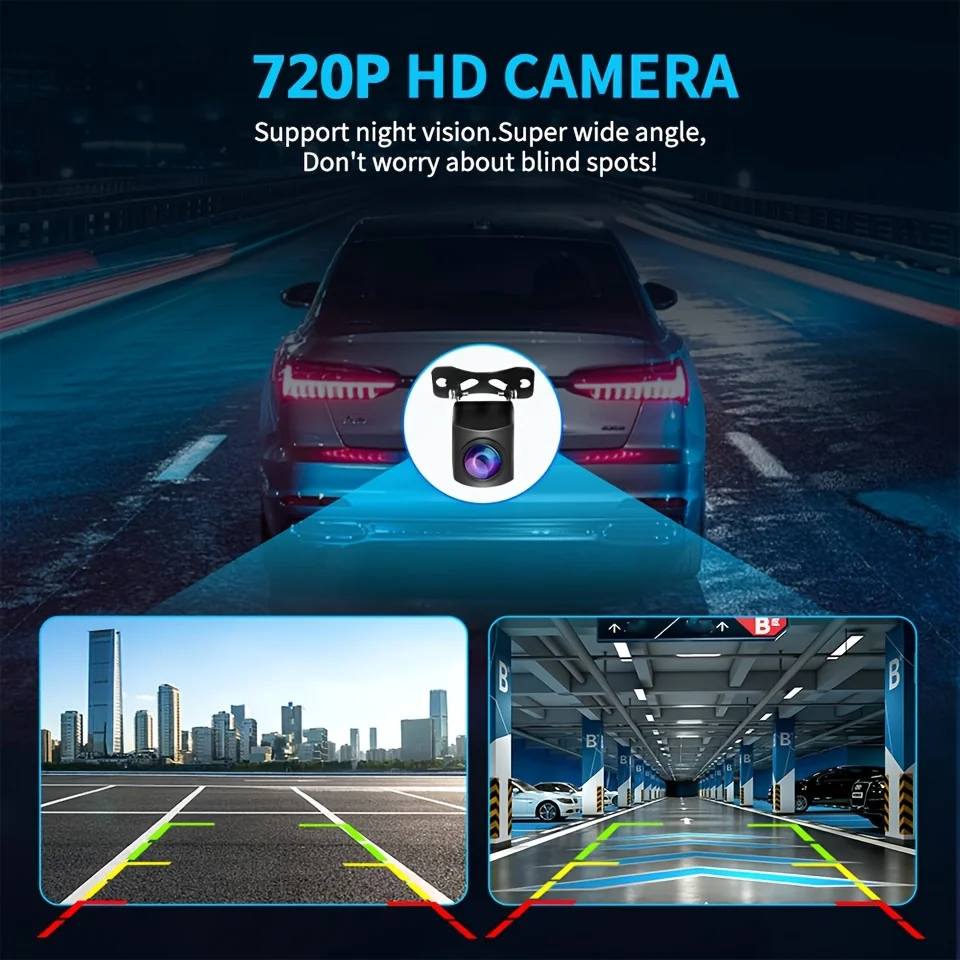
Guiding Line : Yes
Hign-concerned Chemical : None
Origin : Guangdong,China
Please note that:
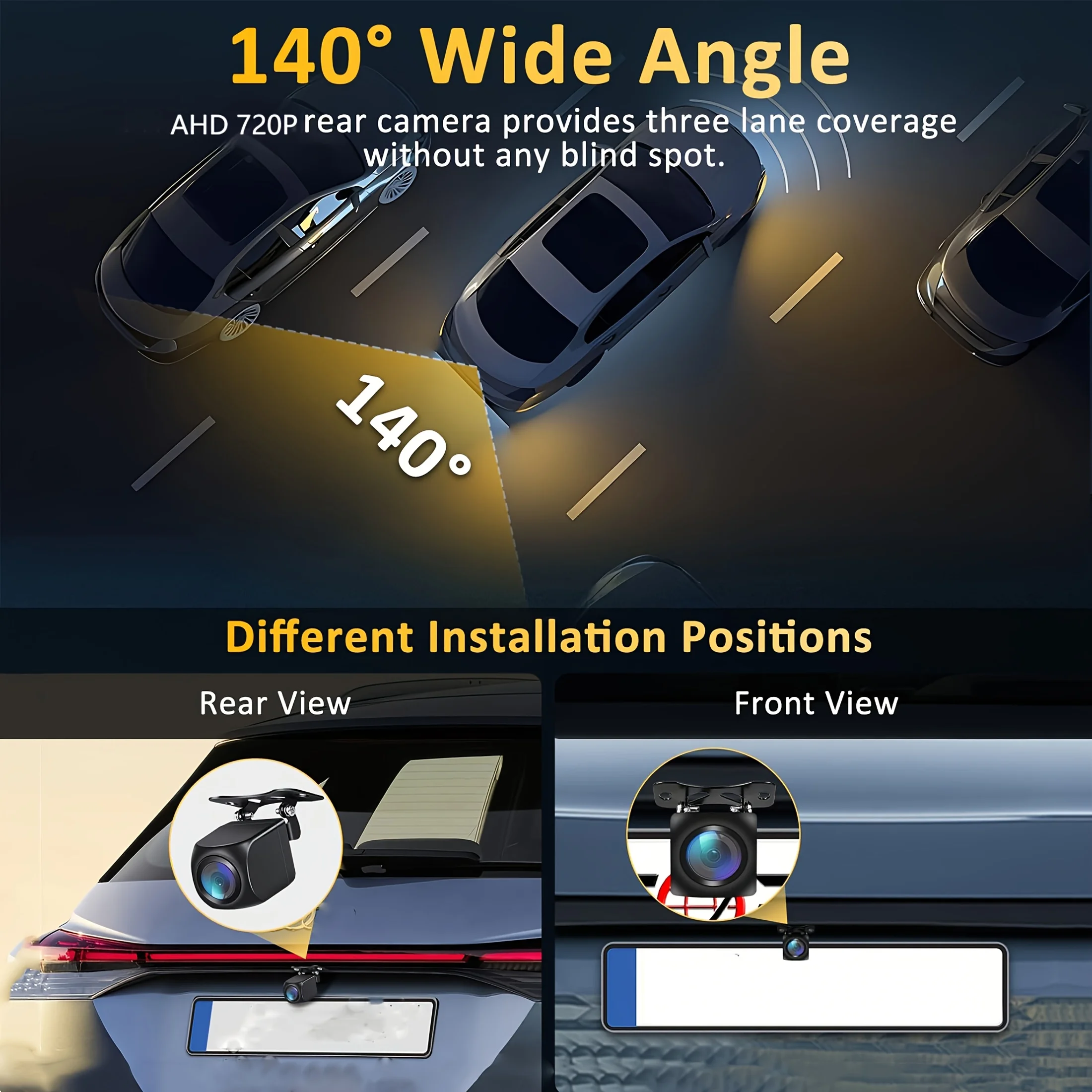
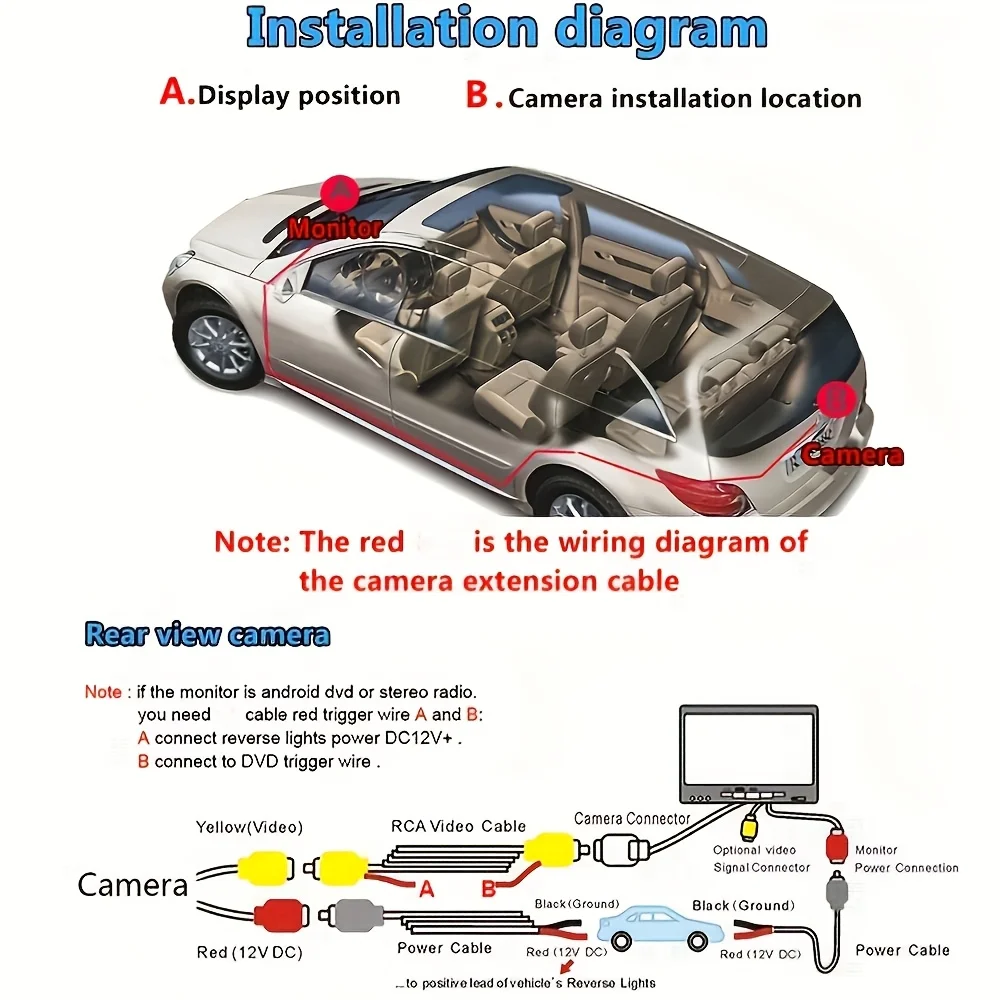
The reverse camera setting of your navigation screen or reverse image must be AHD720P25fps screen to have a reverse video signal.
The following are common ways to adjust the screen reversing camera settings:
1. Shift into reverse gear, click the button on the reverse image page to select the correct setting.
2. If there is no setting button on the reverse camera page, enter the "Car Settings" screen, find the "Reverse Camera" option, and select the correct setting.
If the "reverse camera" option is not found, go to "factory settings", find the "reverse camera" option inside, and select the correct setting.