|
|
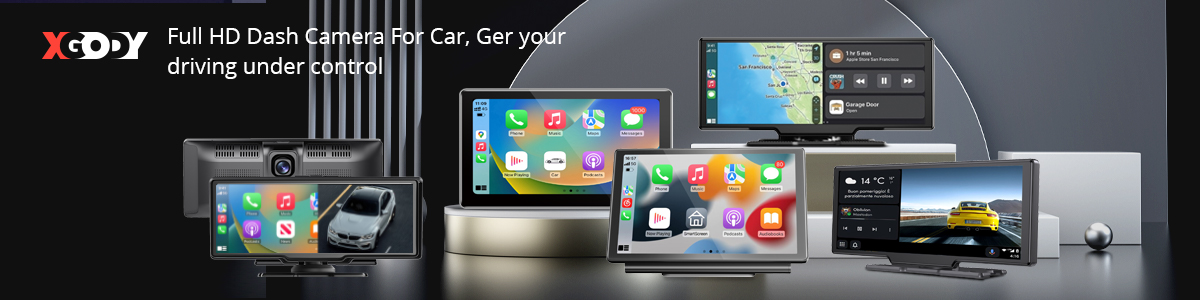
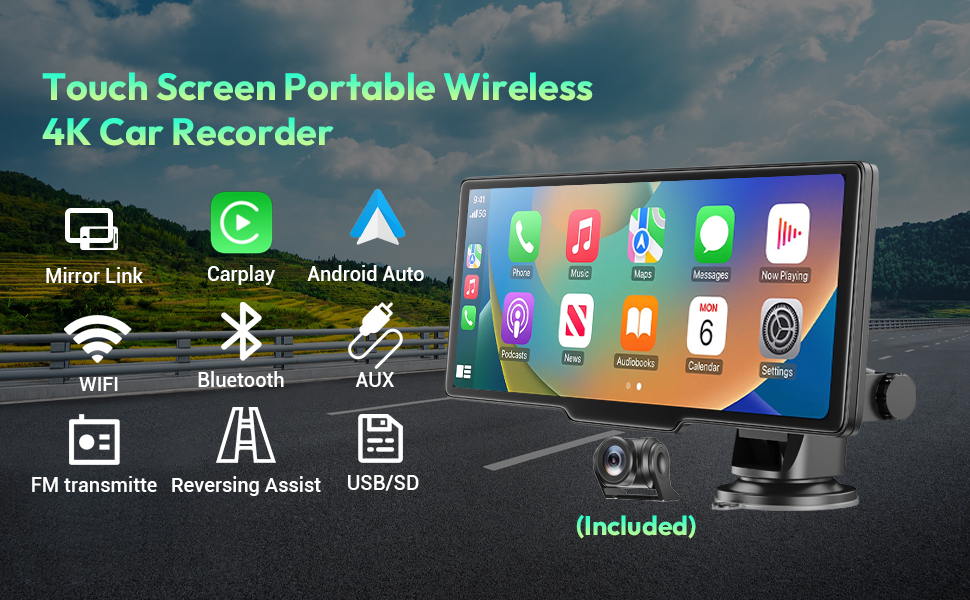
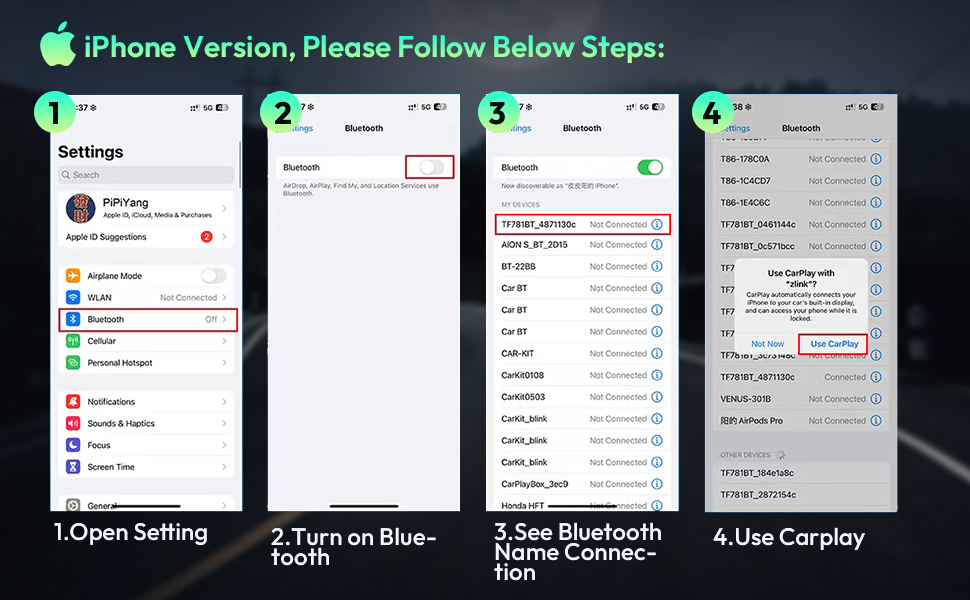
🚘Wireless Apple CarPlay and Android Auto: This dashcam, specifically designed to connect to smartphones, enables wireless Apple CarPlay and Android Auto by simply connecting your phone to the XGODY H26PRO via Bluetooth. It automatically recognizes your smartphone after the first successful connection. Use voice controls or the touchscreen to access features such as music, navigation, voice emails, calls, notifications and messages - CarPlay is a safer way to use your smartphone in the car.
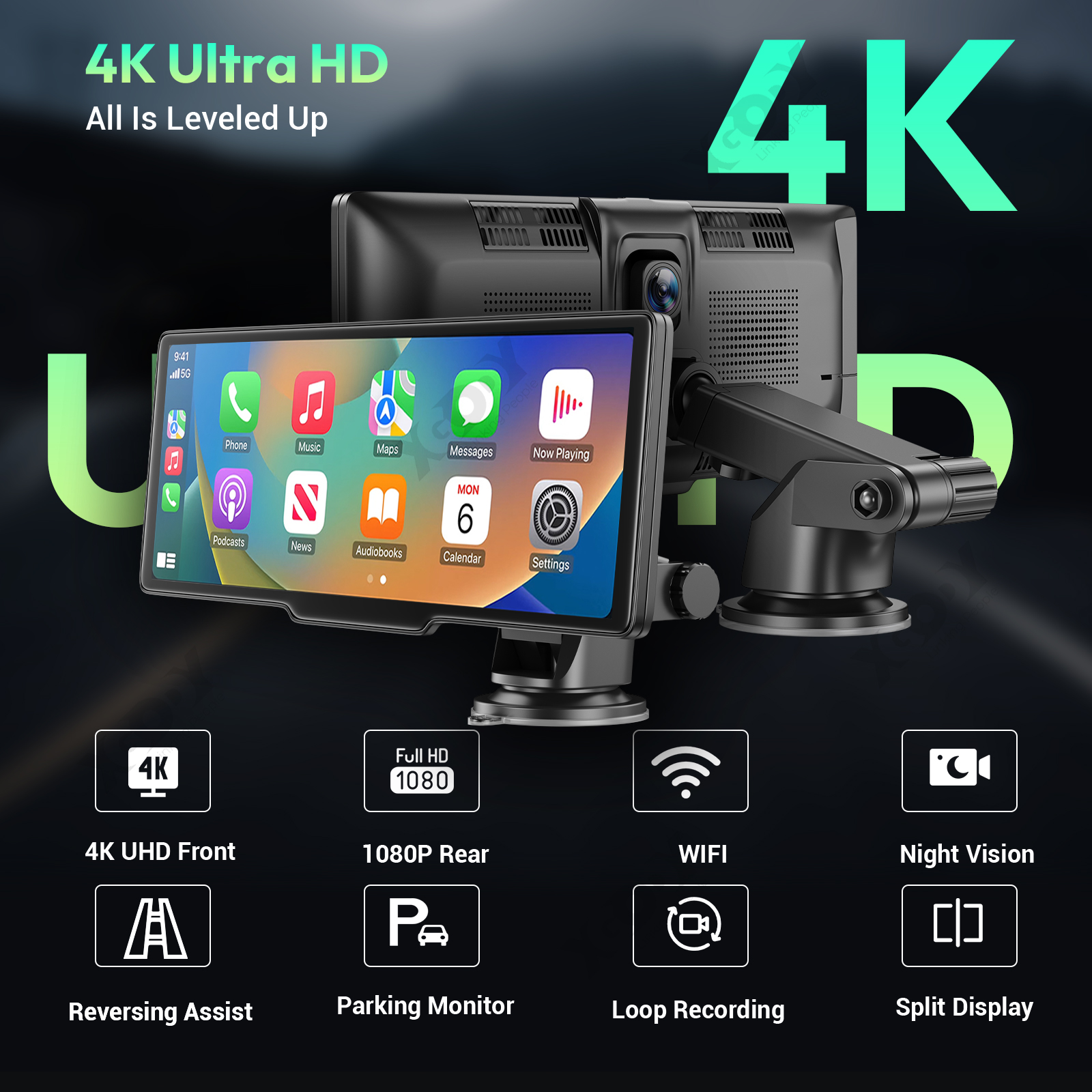
🚚4K Front Camera + 1080P Rear Camera: This dual dash cam is equipped with 4K resolution for front camera and 1080P waterproof rear camera. The dashcam offers full-color HD cameras and a wide dynamic range. The front camera captures license plates and traffic signs clearly and consistently at night to give you the best shots. With a viewing angle of 170° at the front and 160° at the back, blind spots are eliminated.
🚗Basic Functions: The dash cam has a parking mode that automatically activates and records videos when your car is shaken or attacked. Supports 24-hour parking monitoring and time-lapse mode with XGODY Hardwire Kit (not included). Automatically starts loop recording when the vehicle starts and seamlessly overwrites older videos without having to change memory cards frequently. In the event of an impact that activates the G-sensor, the camera records and locks 20 seconds of video.
🚙Bluetooth 5.0 & AUX & FM transmission: Version 5.0 enables clearer and more stable calls and sound quality. With built-in microphone, you can answer calls and play music wirelessly via Bluetooth. Support FM and AUX cable connection to car radio (tune FM to a free channel to avoid interference; this function requires the original charger). The product has a small speaker and can play sound independently.
🚌Automatic Reverse Assist: When in reverse, the dashcam screen automatically displays a full rear view with parking guide lines. The waterproof rear view camera helps you park safely and easily. Note: The red wire must be connected to the taillight to function as a backup camera.
🚕Compatible with 99% of Vehicles: Compared to the usual 12V settings for Apple CarPlay Navigation, the operating voltage of this non-embedded car stereo with navigation is 12-36V, making it suitable for cars and trucks. Car stereos with screens are suitable for most vehicles such as sedans, trucks, vans, buses and pickup trucks.
|
|||
|
|
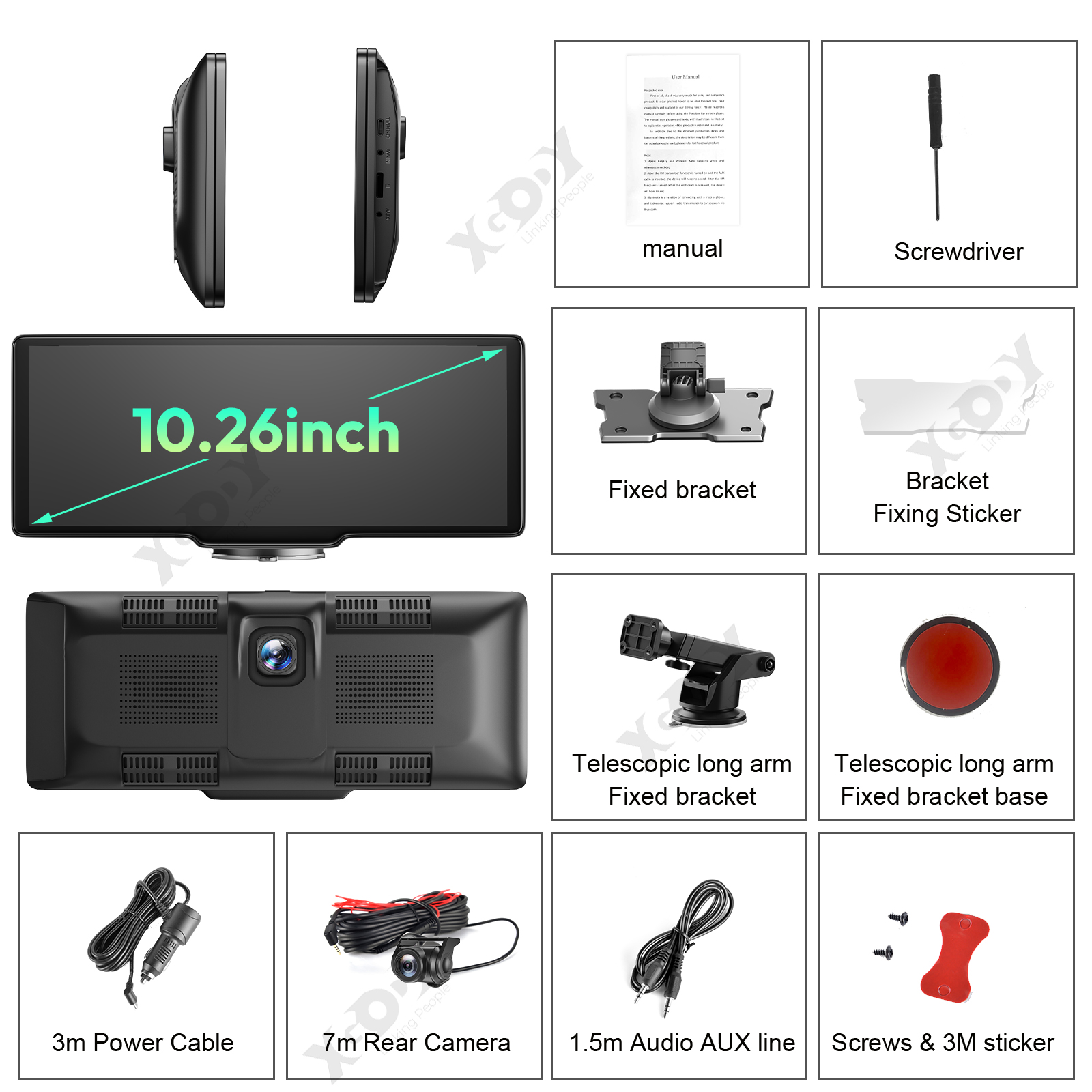
Specification: Color: Black Display: 10.26 inch capacitive screen, touch sensitive TF card slot (Micro SD socket): Supports TF card sizes up to 256GB TYPE-C interface (TYPE-C port): Powered by car charger 5V/3A Front Camera: 4K Ultra-Clear Rear view camera: AHD 1080P high resolution camera Bluetooth: Supports BLE 4.2 FM: Supports 88-108MHz WIFI: Supported and compatible with 2.4G/5G 802.11b/g/n System/OS: LINUX Language: Supports 15 languages (English, Traditional Chinese, Japanese, Korean, French, German, Italian, Spanish, Hebrew, Russian, Polish, Portuguese, Vietnamese, Thai) Mobile WIFI (APP playback view): Roadcam Apple Internet Screen Mirroring: Supports Carplay International Android Internet Projection: Supports Android Auto Apple Mirroring: Supports Airplay Android Mirror Screencasting: Supports mirroring Audio output: Support local speaker + FM + AUX + BT Rear camera: Supported Split Screen Display: Supported Format/Codec: H.264 |
|
|
|
|
|
|
|
|
|
|
|
|
|


|
How to connect the device to the car radio to get sound:
This wireless Android car stereo has a built-in speaker, but if you want louder sound, you can connect it to your car's speakers. |
Bluetooth connection problems when making phone calls
You the volume settings: Make sure the dashcam's volume settings are enabled and appropriate. Sometimes the volume may be accidentally muted or set at a low level, which can result in missing audio. |