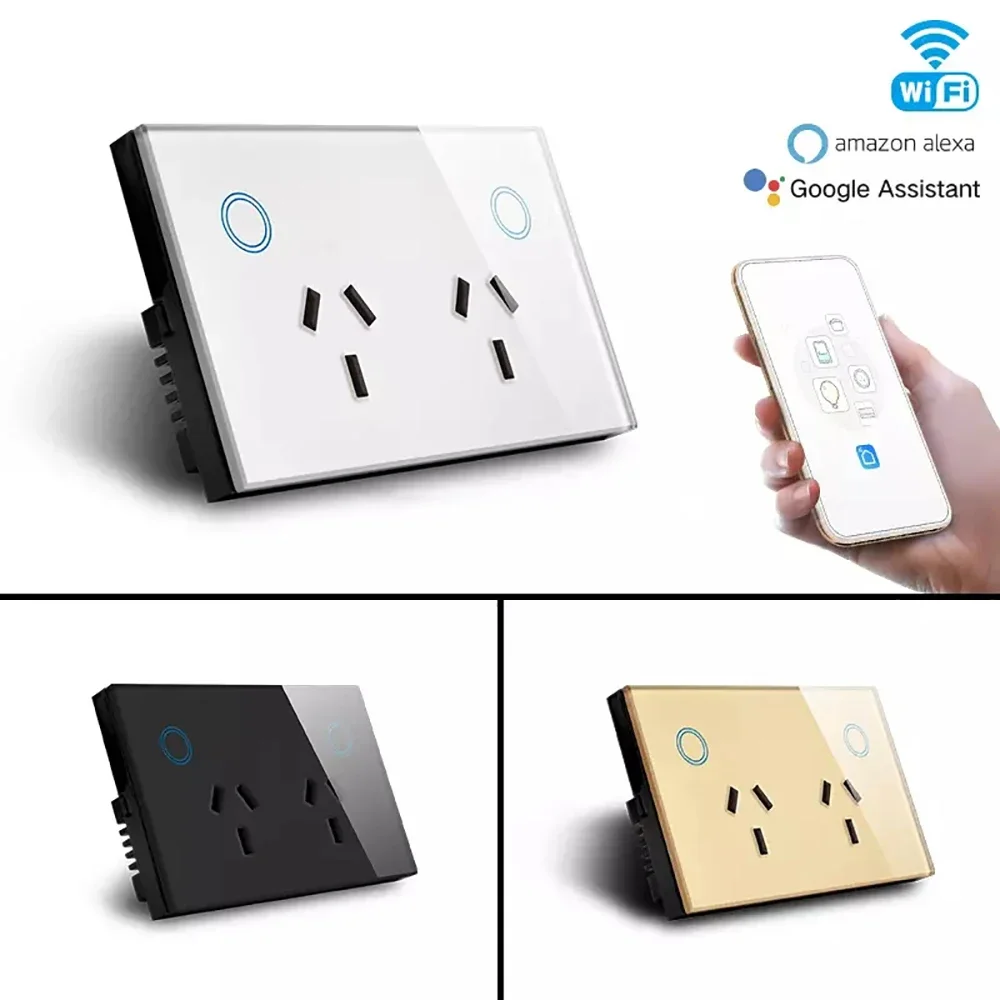
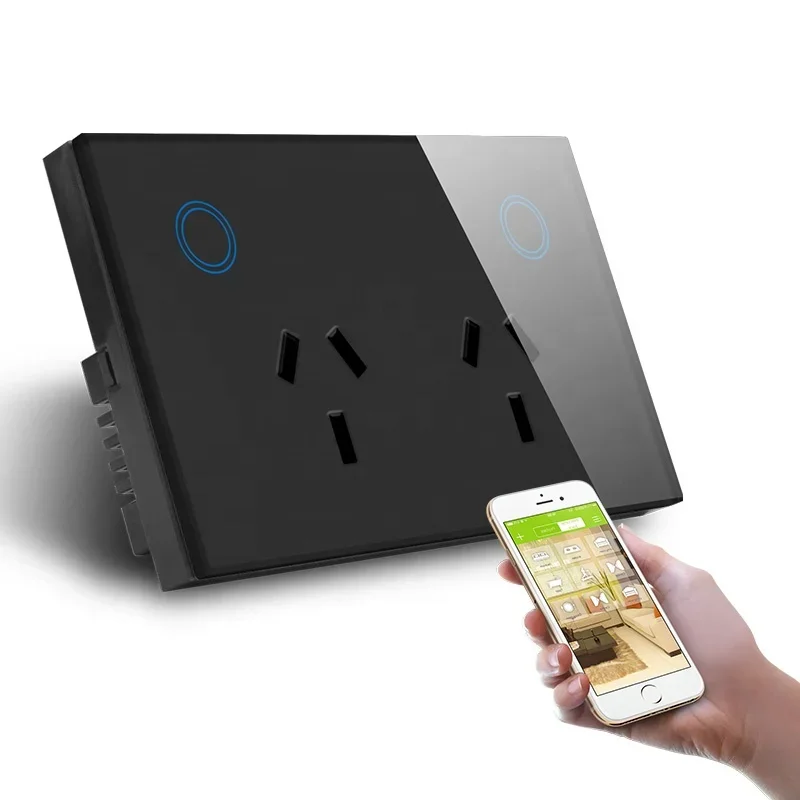
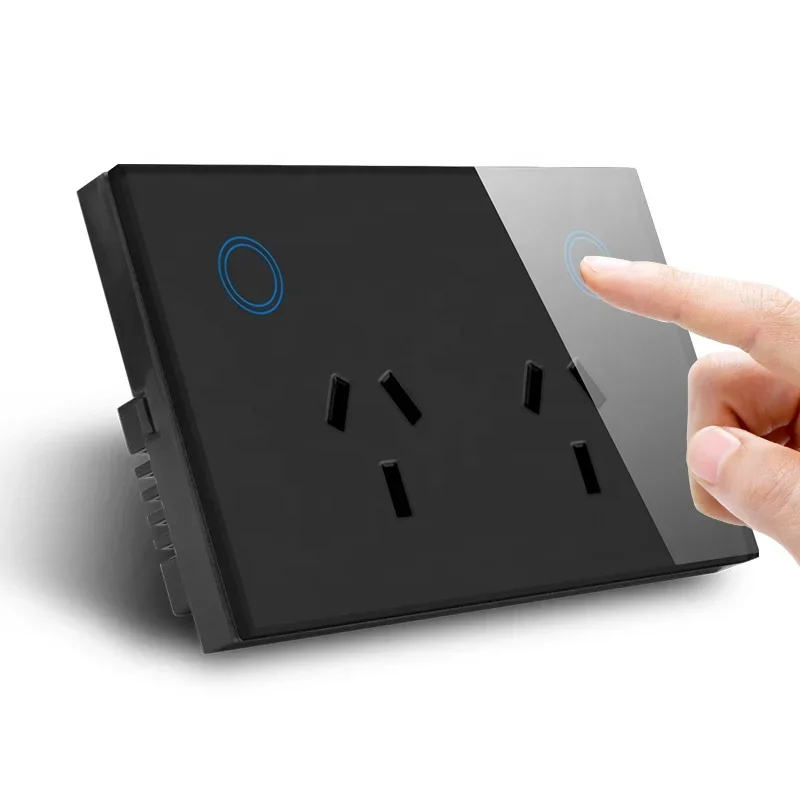
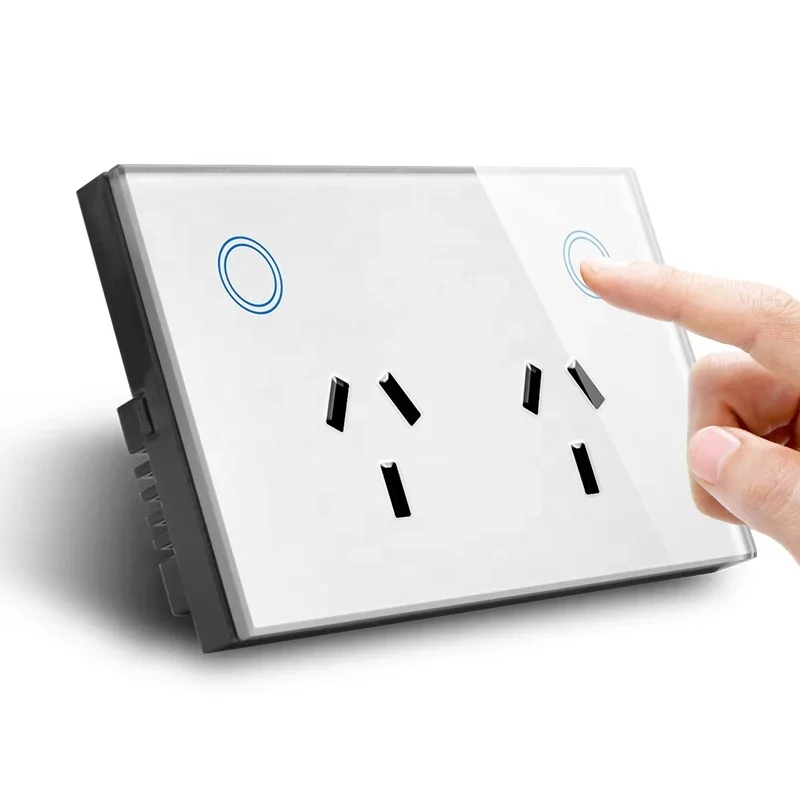
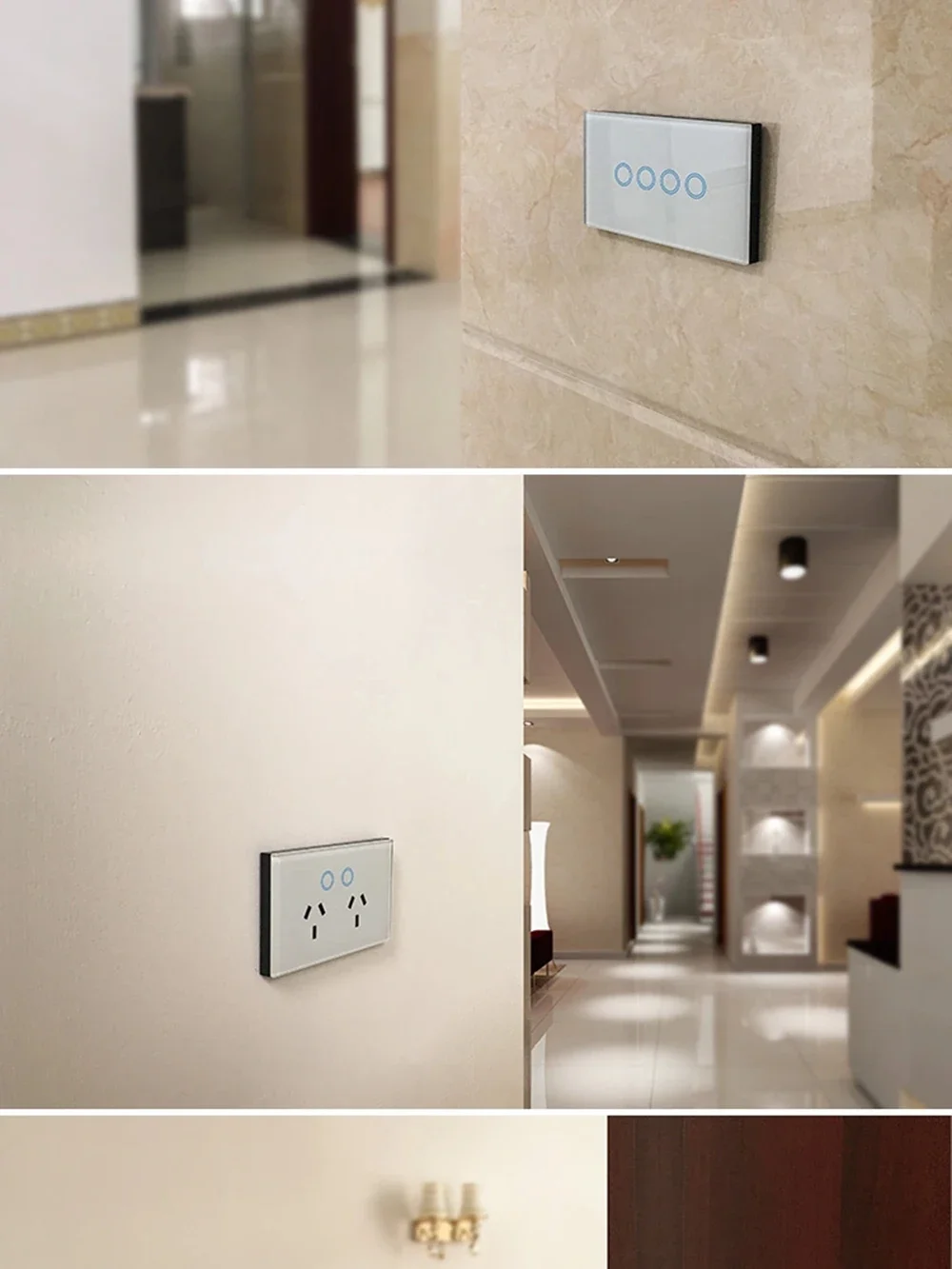
Melery Wifi Smart Wall Socket AU Plug 10A Touch Sensor Switch, Alexa & Google Home Compatible
Upgrade your home to a smart space with Melery Wifi Smart Wall Socket AU Plug! Designed for Australia & Argentina markets, this 10A power touch sensor switch supports wireless remote control via Alexa, Google Home, and your mobile phone—making your daily life more convenient, energy-efficient, and intelligent.
Product Specifications
|
Specification
|
Details
|
|---|---|
|
Color
|
White
|
|
Size
|
(L) 118*(W)86*(H)38mm
|
|
Weight
|
191g
|
|
Material
|
PC (High-quality, fire-retardant)
|
|
Voltage Range
|
90-250V AC (Suitable for Australia & Argentina voltage standards)
|
|
Max Current
|
10A each
|
|
USB Port Current
|
Max 2.1A per port, total 4A
|
|
Wireless Frequency
|
2.412~2.484GHz
|
|
Wireless IEEE Standards
|
IEEE802.11b/g/n
|
|
Security Type
|
WEP61/WEP/128/TKIP/CCMP(AES)
|
|
Security Mechanism
|
WEP/WPA-PSK/WPA2-PSK
|
|
Wireless Consuming
|
≤0.3W (Energy-saving design)
|
|
Working Condition
|
Temperature: -30~60℃ (Adapt to various environments)
|
Core Features
- WiFi Remote Control: Connects to 2.4GHz WiFi network, allowing you to control the socket and monitor home appliances status anytime, anywhere via your mobile phone (available with network coverage).
- Alexa & Google Home Compatible: Seamlessly integrates with Amazon Alexa (Echo, Echo Dot) and Google Home/Assistant. Assign a name to the socket and control your appliances with simple voice commands—hands-free convenience at your fingertips.
- Smart Net Configuration: Adopts Smart Link technology, making WiFi connection and settings super easy—no professional skills required, just follow simple steps to set up.
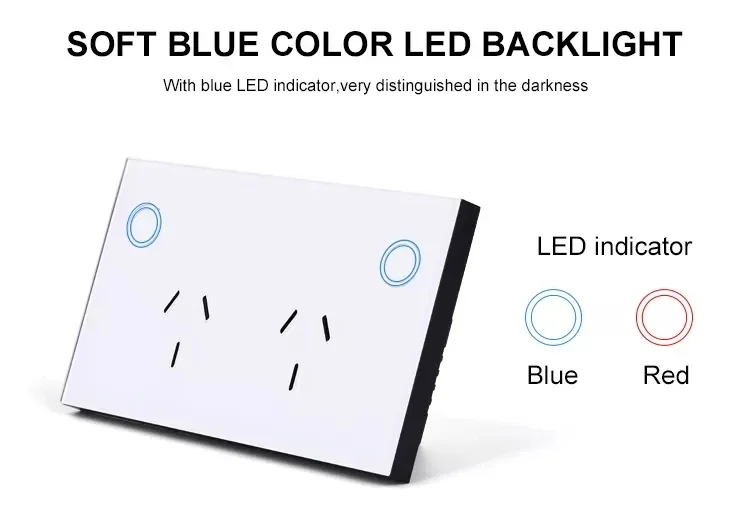
- Touch Sensor Switch: Sensitive touch control design, easy to turn on/off manually, complementing the remote and voice control functions.
- Multi-device Management: One smartphone can control up to 150 Melery WiFi smart devices, helping you build a fully smart home system.
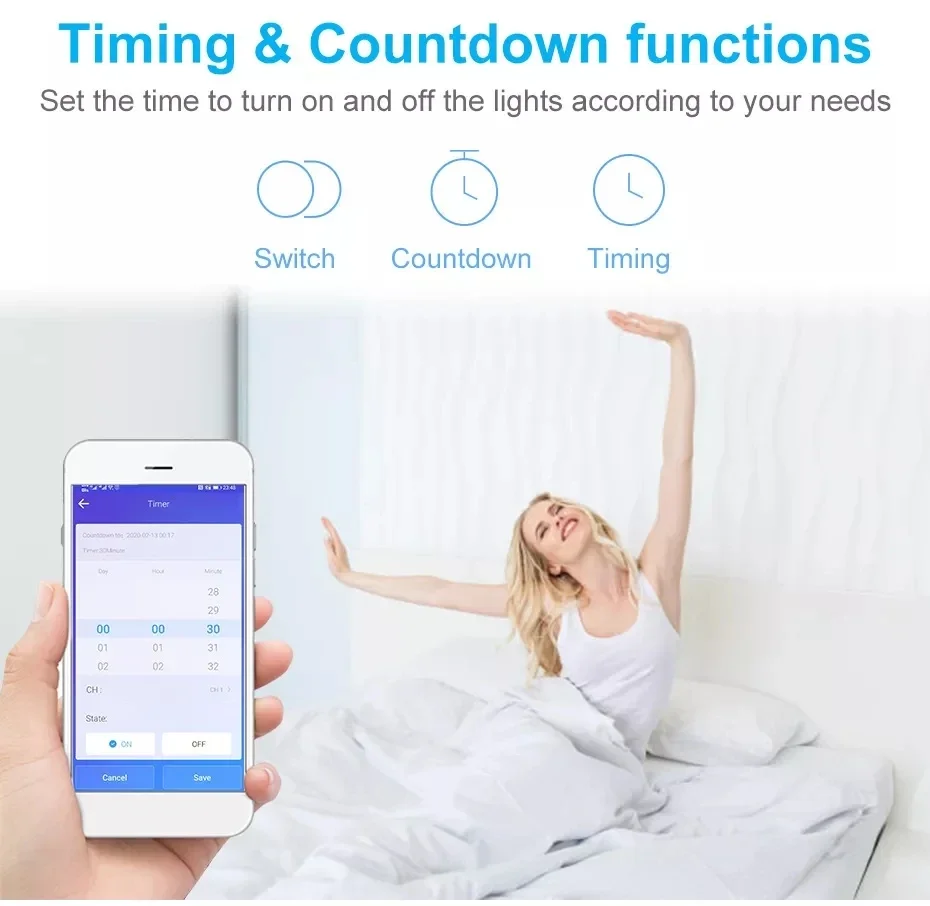
- Energy Saving & Status Tracking: Real-time power status feedback, with timing function to set auto on/off for appliances. Reduce unnecessary power consumption and save electricity bills.
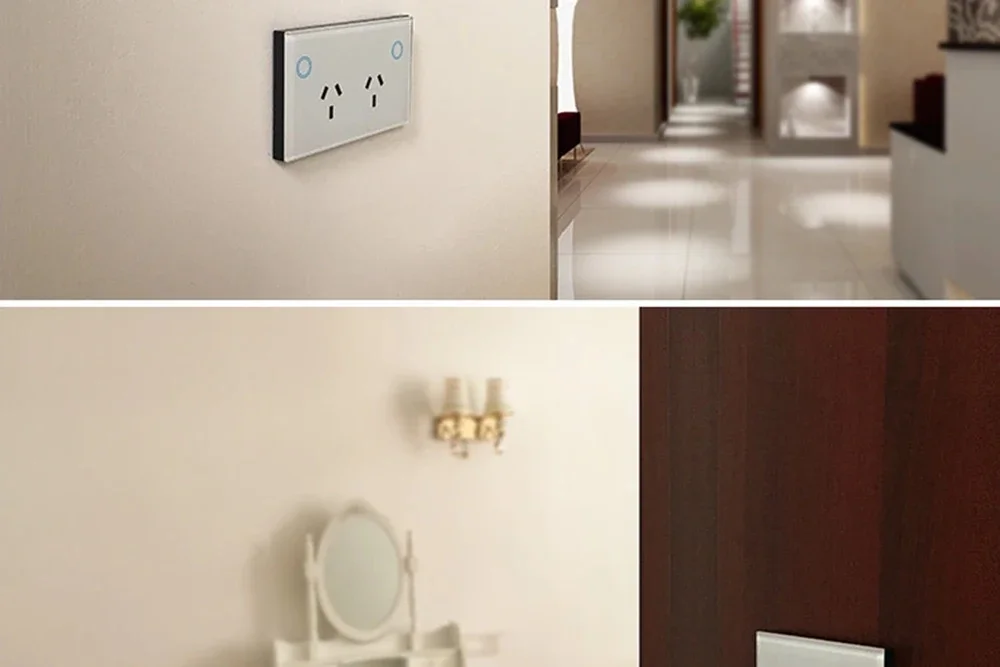
- Easy Installation & Stable Performance: Simple wiring and installation, ready to use immediately after setup. Stable connection, anti-drop and anti-interference.
- Certified Safety: Passed FCC, CE, ROHS, RED certifications, made of high-quality PC material—fire-retardant, safe and durable for long-term use.
- USB Charging Ports: Equipped with USB ports (max 2.1A per port, total 4A), convenient to charge your mobile phone, tablet, and other USB-powered devices.
Set Up in 4 Easy Steps
- Download the "TUYA" Smart Home app from the App Store (iOS) or Google Play Store (Android).
- Plug the Melery Smart Wall Socket into a standard AU plug outlet.
- Open the app, follow the prompts to pair the smart socket with your WiFi network.
- Integrate with Alexa (add Smart Home as a skill) or Google Home (add as a new device) for voice control.
Wide Compatibility with Home Appliances
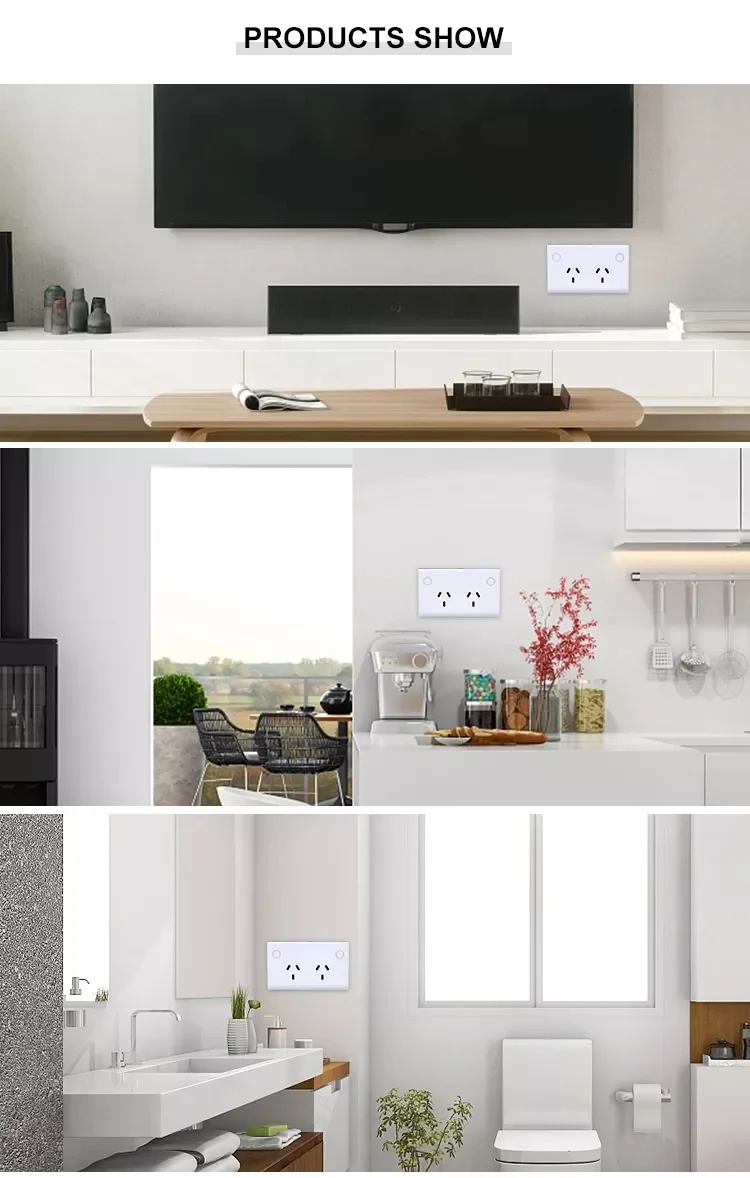
This Melery SMART WiFi Wall Socket supports a maximum power of up to 2900W, compatible with most home appliances such as lamps, fans, audio systems, coffee makers, kettles, chargers, portable heaters, humidifiers, air conditioners, and more. Easily convert your traditional home appliances into smart ones!
Why Choose Melery Smart Wall Socket?
- Convenience: Control appliances remotely via phone, voice, or touch—no more getting up to turn off devices.
- Energy Saving: Timing and power monitoring functions help reduce energy waste, saving your electricity costs.
- Safety: Certified by international authorities, high-quality material ensures safe use for your family.
- Versatility: Suitable for Australia & Argentina voltage, with USB ports for multi-purpose use.
- Easy to Use: Simple setup, no professional installation required—perfect for every household.
Package Included
- 1 * Melery Smart WiFi Wall Socket (AU Plug)
- 2 * Screws (for installation)
- 1 * User Manual (English, easy to follow)
Note: This product is designed for AU plug standards, perfectly suitable for Australia and Argentina markets. Ensure your WiFi is 2.4GHz (not 5GHz) for stable connection. If you have any questions about setup or use, please contact our customer service anytime—we are always here to help!