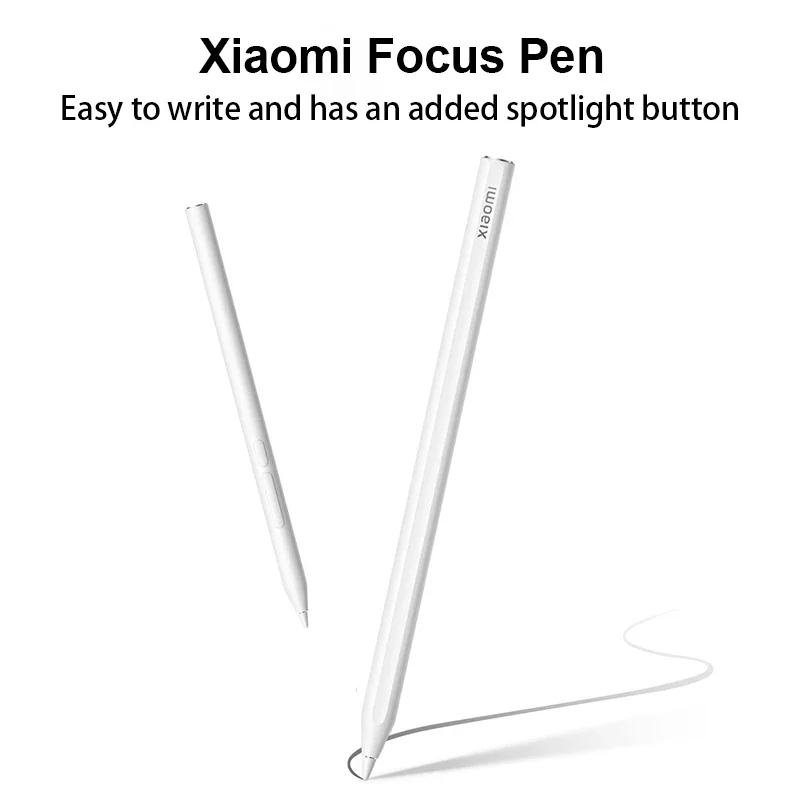
Xiaomi Focus Stylus Touch Pen 8192 Level For Xiaomi Mi Pad 6 Max 14.0" Pad7/7pro/7 Ultra 6S 12.4
Compatible models:Xiaomi Pad 7, Xiaomi Pad 7 Pro,Xiaomi Pad 7 Ultra Xiaomi Pad 6S Pro 12.4, Xiaomi Pad 6 Max 14
Sampling rate:240Hz
Three buttons:Spotlight button, screenshot button, writing button
Weight:15.6g
Pen length:160*8.8mm
Pressure sensitivity:8192-level
Package contents
Xiaomi Focus Pen *1
Pen Tip*1
Quick Start Guide*1
1.first time please charge it full . and please make sure open bluetooth the Xiaomi Pad 7/7 Pro/7Ultra、Xiaomi Pad 6S Pro 12.4、Xiaomi Pad 6 Max 14,
2.Attach the stylus to the side with the volume button, aim it at the charging module and a "click to connect" prompt will pop up, follow the prompt to click to pair Bluetooth。 Place the pen where the magnetic attraction is strongest。(Ensure the right direction)
if put pen on pad Top middle , If can't show。Please move left and right to adjust the position 。
and please Restart the Xiaomi Pad 7/7 Pro/7Ultra、Xiaomi Pad 6S Pro 12.4、Xiaomi Pad 6 Max 14 .
3.if your pad have case , please Take it away the pad case .
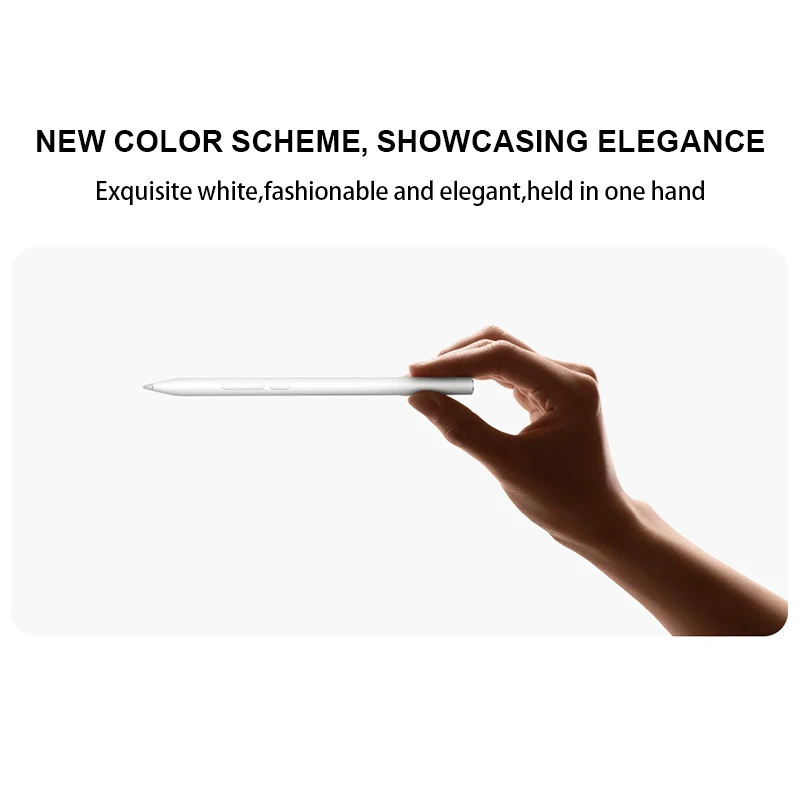
New color scheme, Showcasing Elegance
Exquisite white,fashionable and elegant,held in one hand
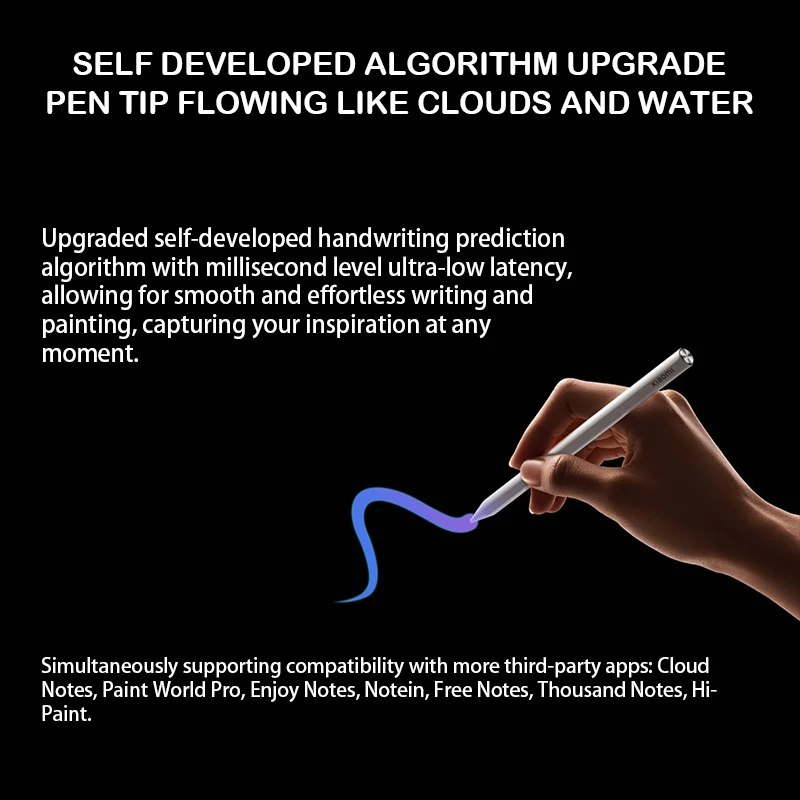
Self developed algorithm upgrade,Pen tip flowing like clouds and water
Upgraded self-developed handwriting prediction algorithm with millisecond level ultra-low latency, allowing for smooth and effortless writing and painting, capturing your inspiration at any moment.
*Simultaneously supporting compatibility with more third-party apps: Cloud Notes, Paint World Pro, Enjoy Notes, Notein, Free Notes, Thousand Notes, HiPaint.
8192 level pressure sensation
Thickness is moderate, sensitive and smooth
The thickness of the lines changes sensitively with the writing force,
and the transition is more natural, making it easy to write and draw.
*8192 level is the design value, and actual experience may vary depending on different writing styles and apps.Please refer to the actual usage situation

Multi functional focus key
Virtual laser:Press and hold for seconds to turn into a virtual laser pointer, making the conference presentation clearer.
Circle Note:After clicking to bring up the brush icon, long press the circle mark and double-click to clear the screen in one second.
Remote control shooting:Click to take photos and start/stop recording.
*The remote shooting function is only supported within the system camera.

Handwritten function doubles office efficiency
Writing with a stylus in the input box will automatically convert handwritten text into typed text. More support for stroke determination, smudging and rewriting, making it stand out on the screen.

Multi functional main and auxiliary buttons, capable of completing tedious operations with one hand

Secondary key · screenshot
Long press the secondary key and lightly tap the screen to complete quick global and local screenshots. Click on the secondary keys in the Xiaomi Creative Canvas to easily switch between commonly used colors.
*This feature is only effective in Xiaomi creations
