Product features
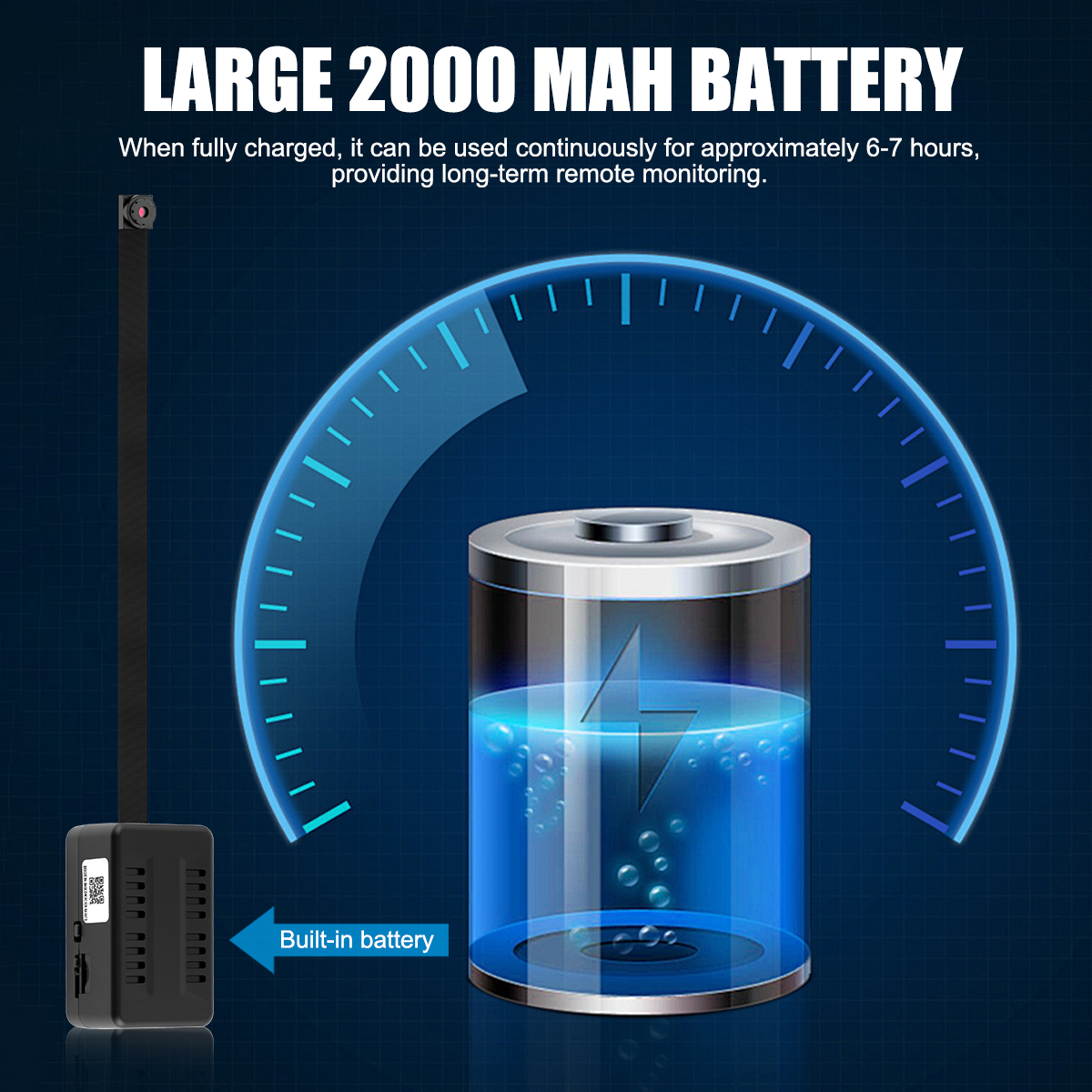
1. Equipped with a 2000mAh super-large capacity battery, it can be used continuously for about 6-7 hours when fully charged, providing long-term remote monitoring.
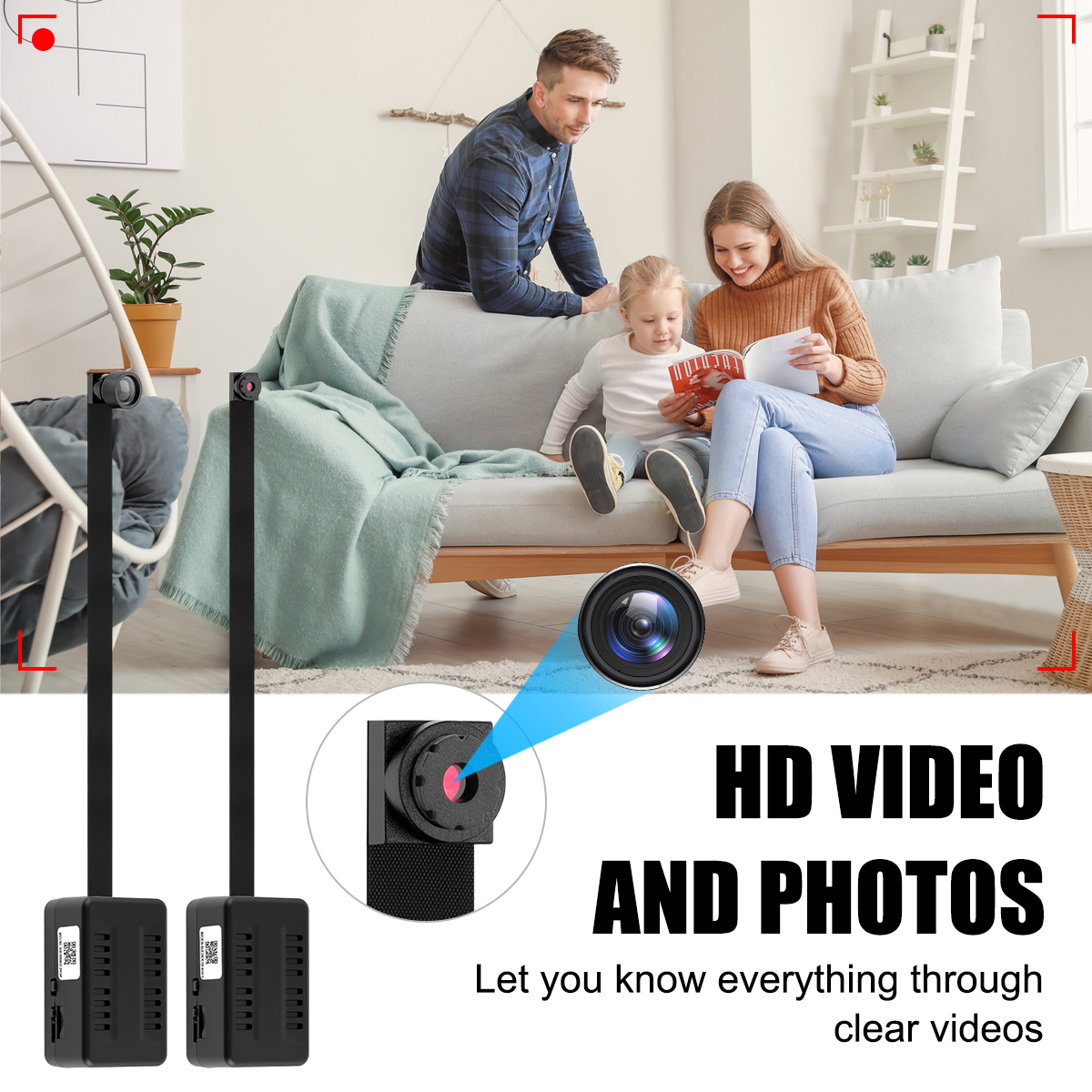
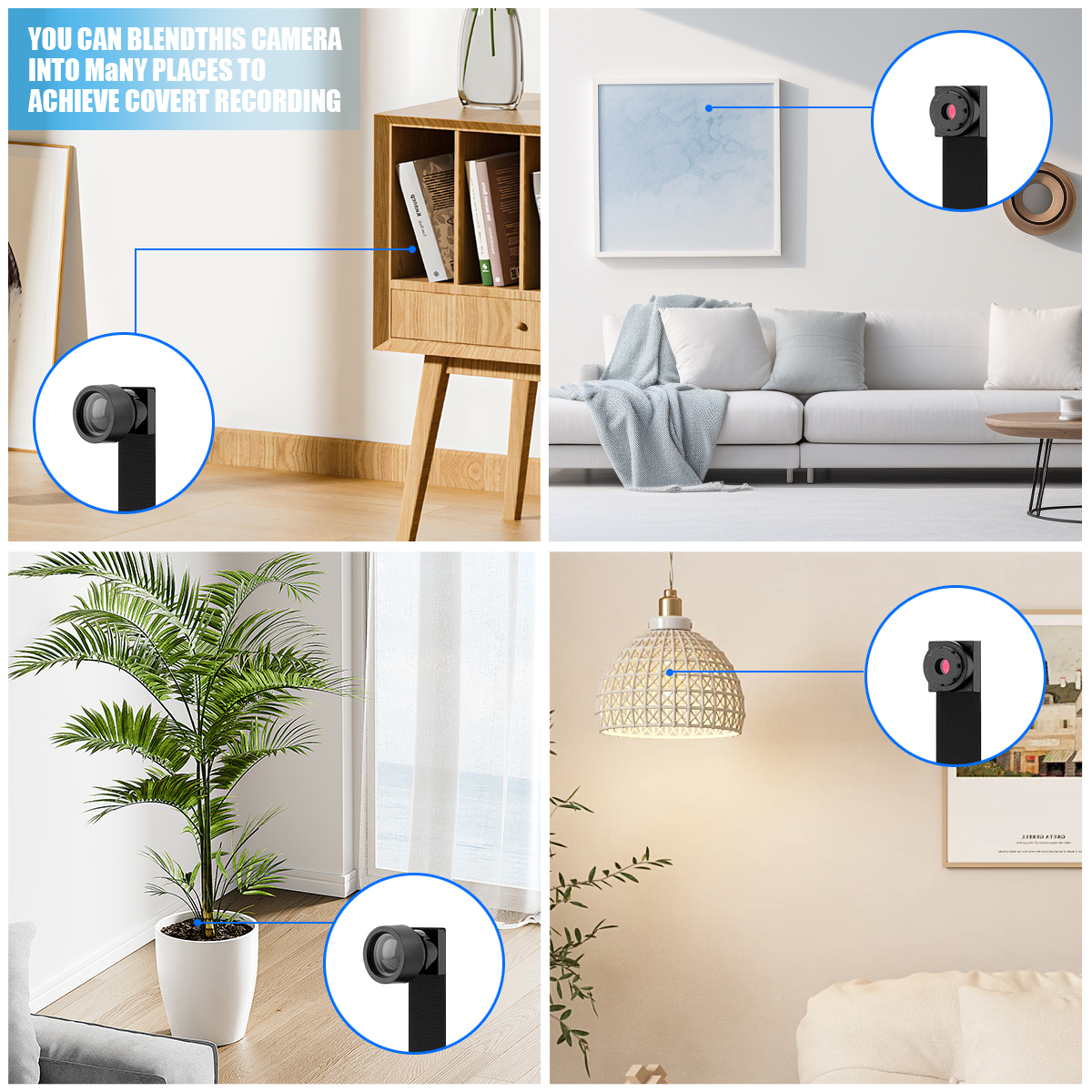
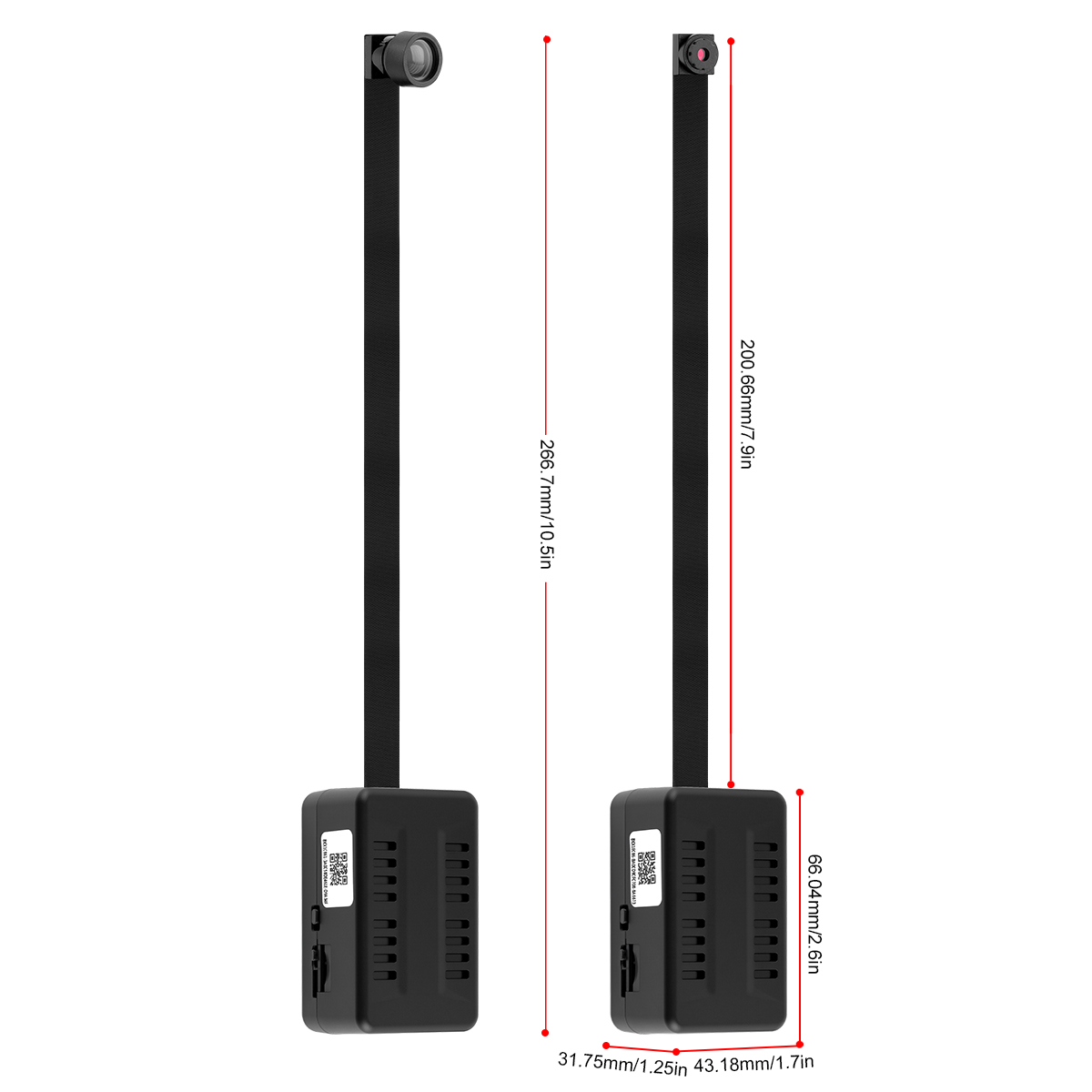
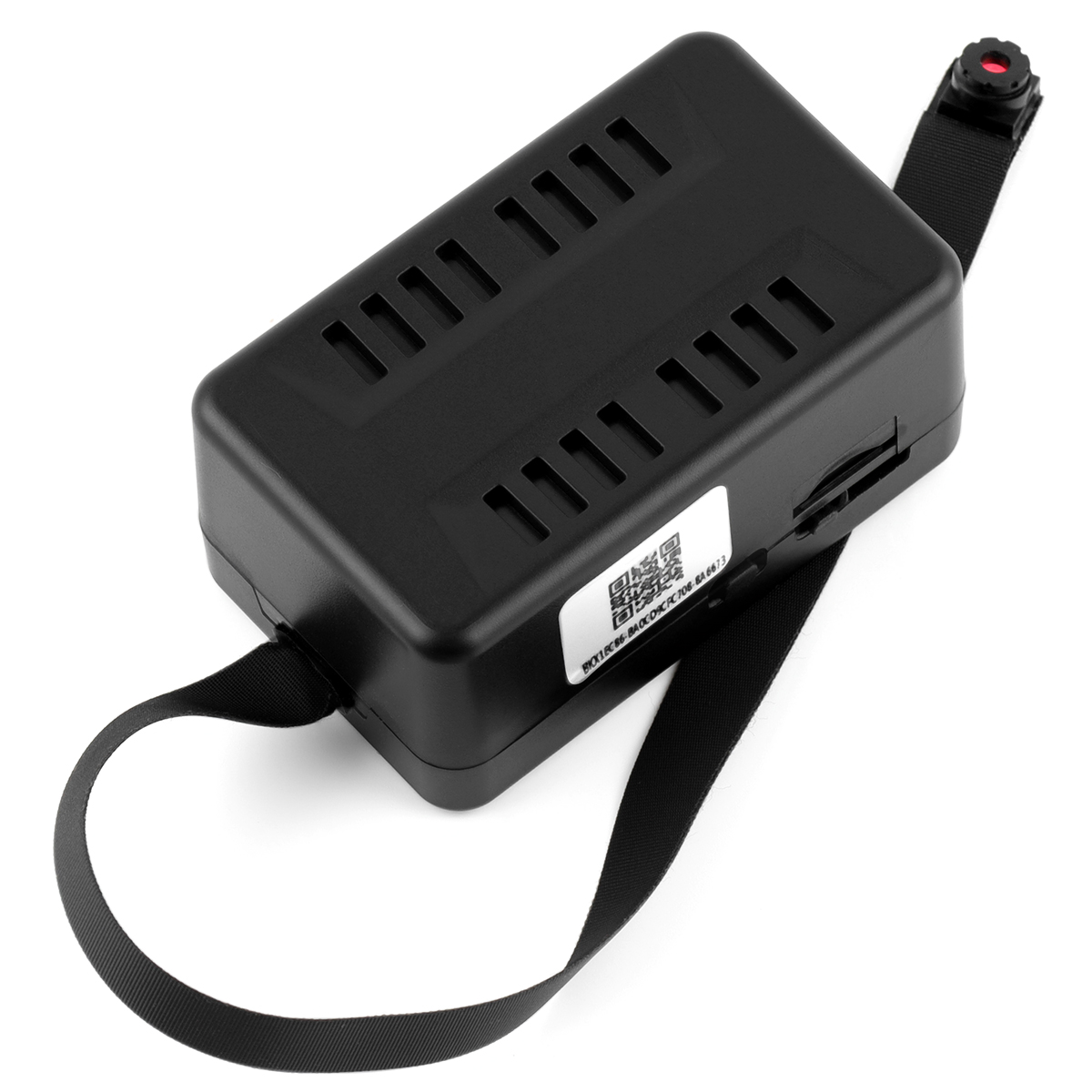
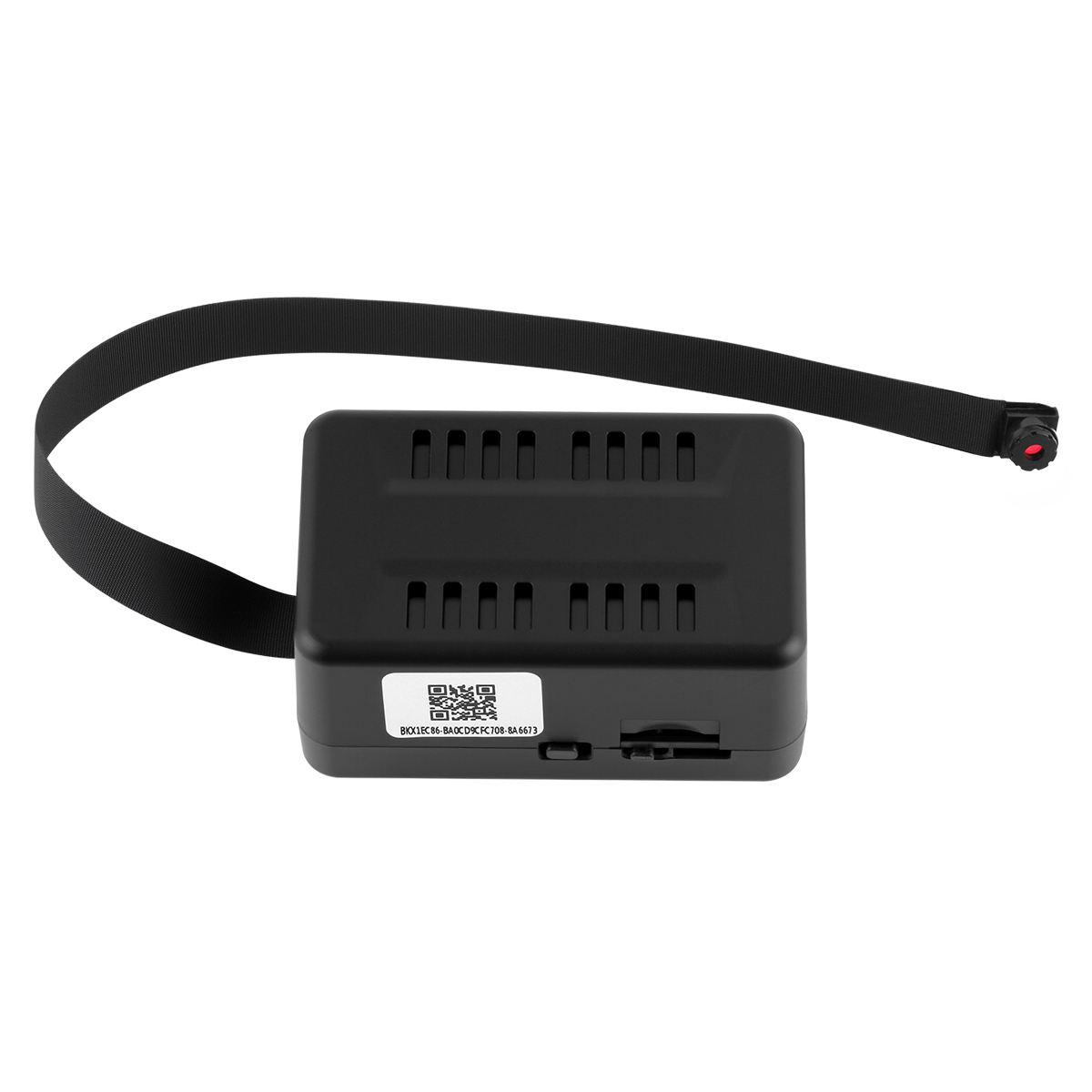
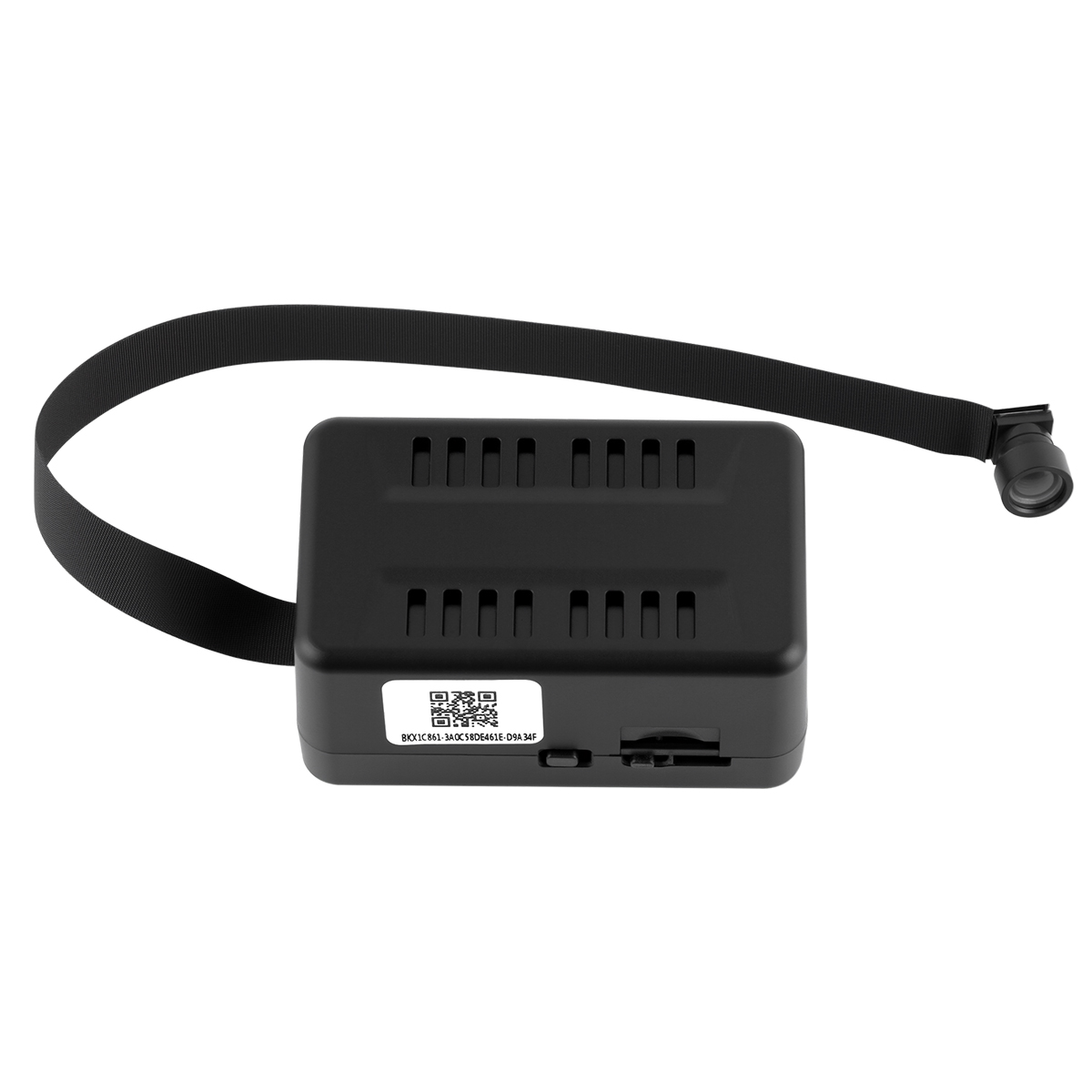
2. The main body of the lens cable is separated for easy installation and placement, providing a flexible lens cable up to 7.9 inches long for convenient installation.
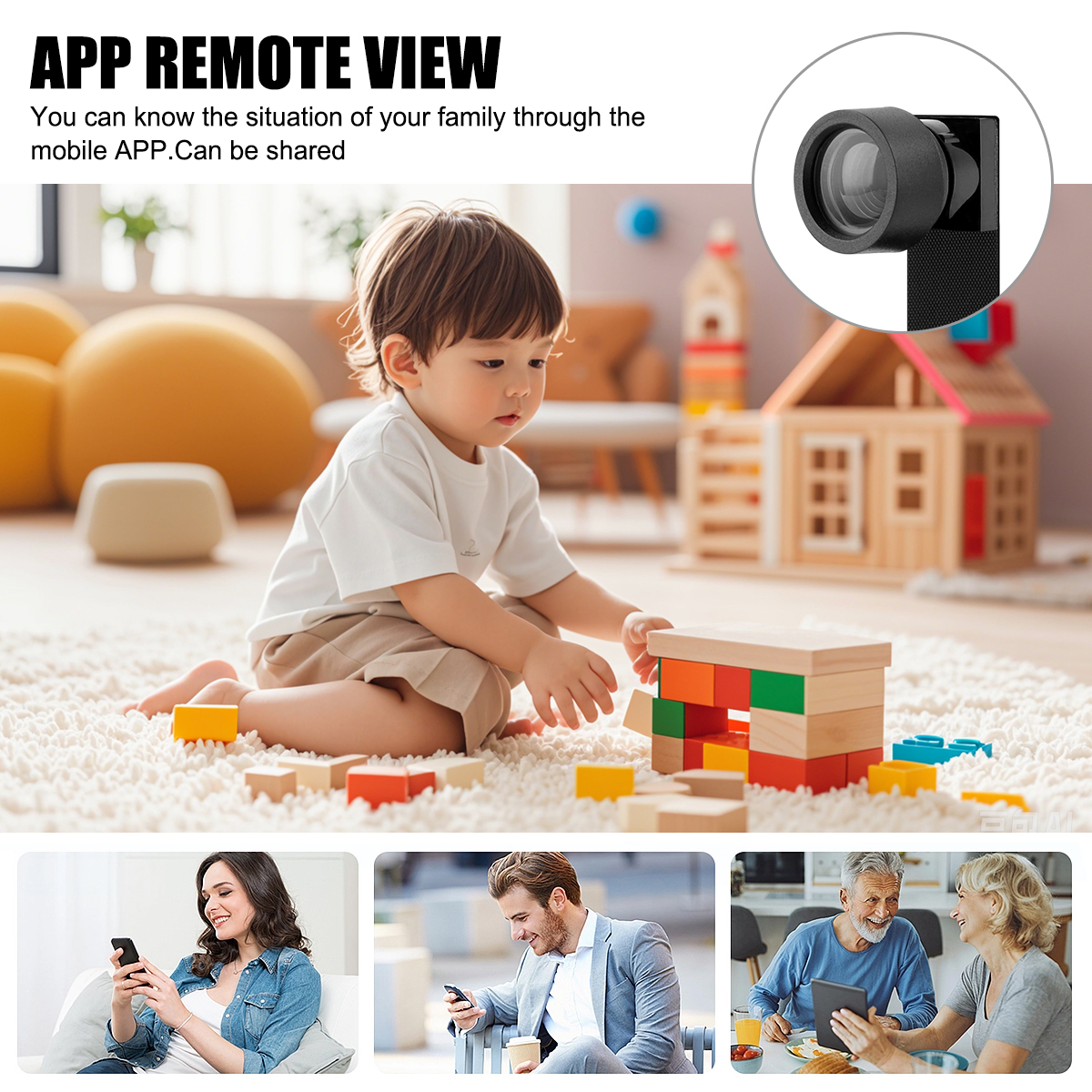
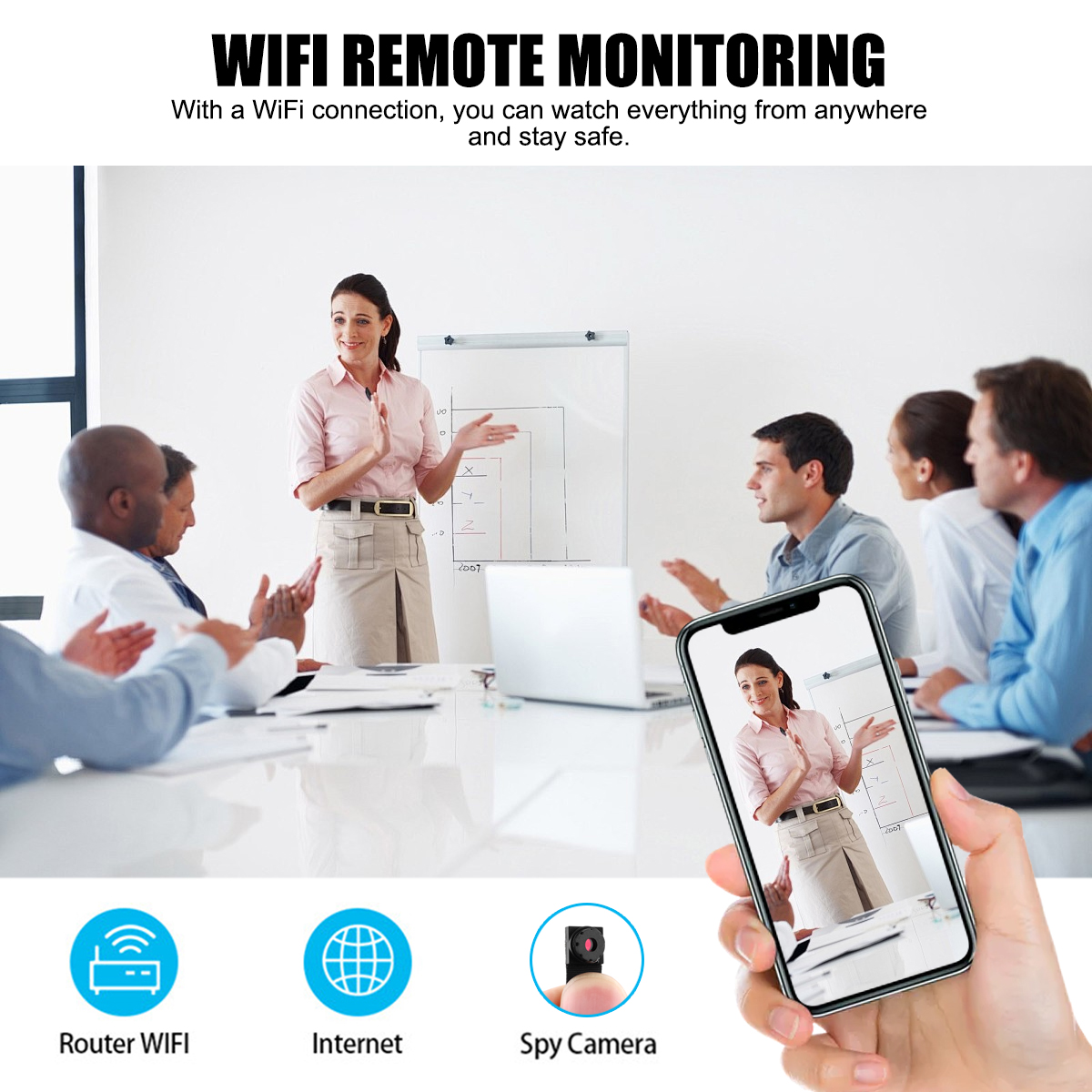
3. High-definition monitoring images, remote monitoring after connecting to the network, real-time viewing of installation locations such as home, garage, and office, ensuring property safety;
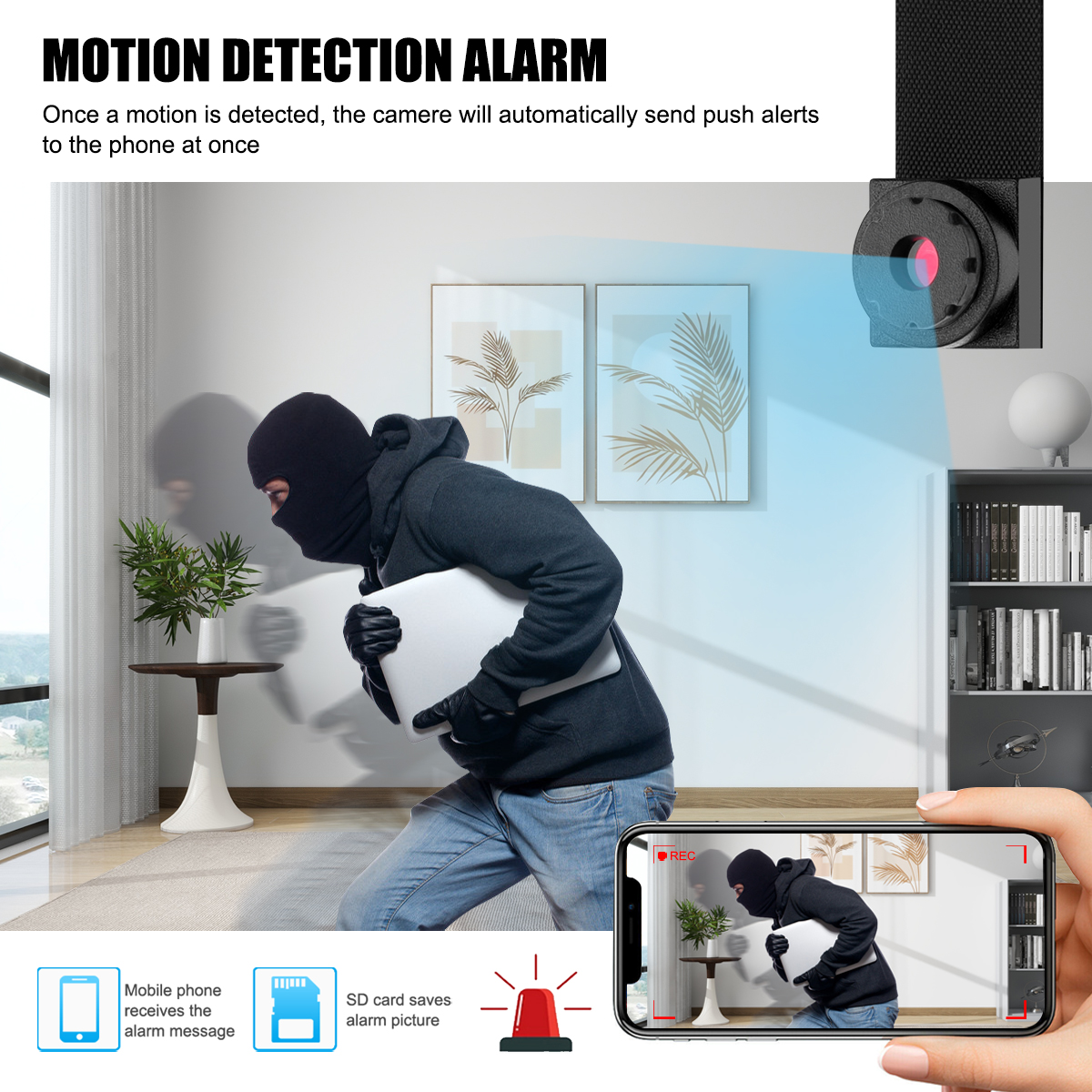
4. The camera matching APP can provide motion detection and alarm. When it detects human movement, it will promptly send a message to remind you to check the surveillance footage as soon as possible.
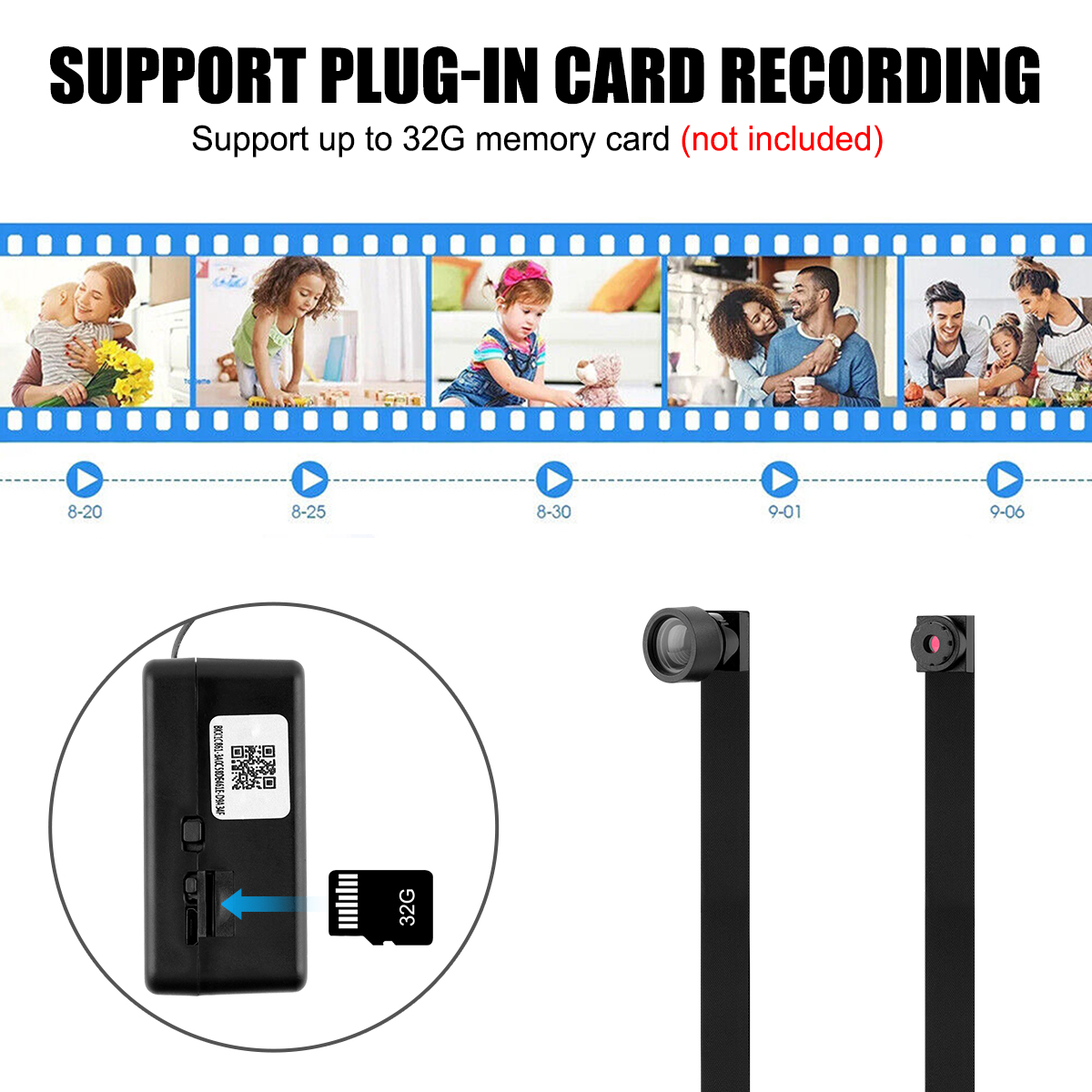
5. Supports memory card recording and playback on the APP.
6. The APP is easy to connect, quick to operate and get started, and does not require complex Settings.
Product parameters
Material: Plastic silicone
Main body size: 2.6*1.7*1.25 inches
Lens line length: 7.9 inches
Total length: 10.5 inches
Functions: Security monitoring, video playback
Advantages: Extra-long lens tube, oversized battery
Network connection method: 2.4G WiFi
Mobile monitoring notification: Yes
Night vision function: None
Storage method: Supports 32G TF card (not included)
Built-in battery: 2000mAh
Battery life: Approximately 6 to 7 hours
Charging duration: 12 hours
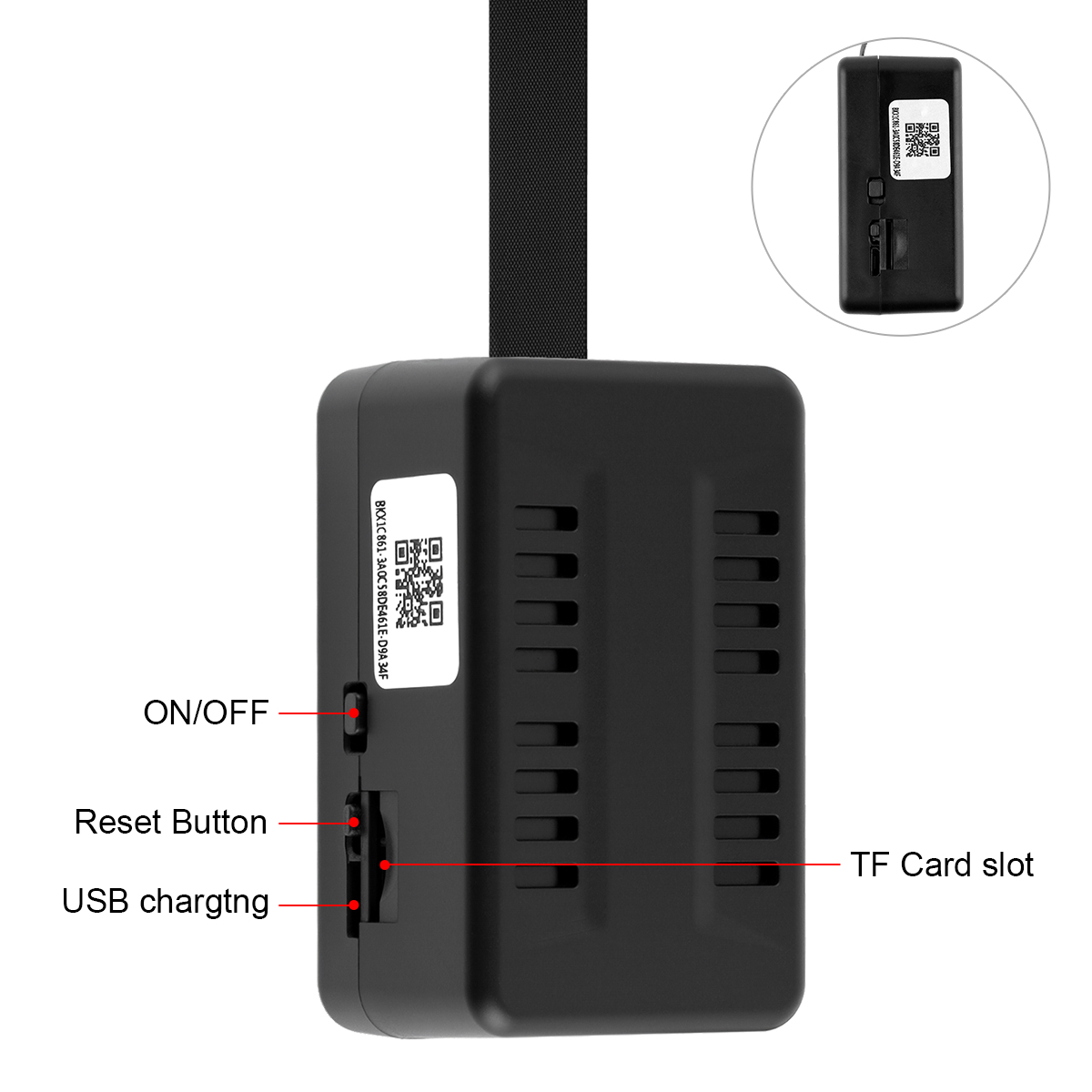
Charging indicator light: The yellow light is on when charging, and the green light is on when fully charged (the device is turned on during charging, and there is no light when it is turned off).
Usage (networking) steps:
Insert the formatted memory card, download the compatible APP on your phone (obtain it from the user manual) -- After the camera is fully charged, turn it on -- The camera starts successfully, with the red indicator light constantly on and the blue indicator light flashing -- in the phone Settings -WiFi list, find the WiFi hotspot signal of the camera (starting with BK--) Click and connect -- Open the compatible APP, pull down to refresh, and the camera will be automatically added to the APP-- You can change the camera usage password according to the prompts (please remember it after modification) -- Click Settings, WiFi Settings to connect to the network -- Find your own 2.4G WiFi (5G is not supported, nor is dual-band WiFi supported) Enter the password to confirm and wait for the connection - the camera restarts. When connecting, the blue indicator light flashes rapidly - the camera has successfully connected to the network. At this time, the blue indicator light remains constantly on - Set other functions in the Settings
Common Questions
1. Memory card not recognized - Please confirm that you are using a memory card with a capacity of 32G or less and format it on your computer before inserting it into the camera. If it fails to be recognized once, you can plug and unplug it several times. Generally, it can be recognized normally.
2.If the camera fails to connect to the Internet after performing the Internet connection steps and the indicator light remains unchanged, please confirm whether the camera has sufficient battery. It is recommended to fully charge it or connect it to a charging cable for power supply before trying again. It could also be due to WiFi. Make sure it is 2.4G WiFi and the password is entered correctly. Use the camera close to the router.
3.If your phone is unable to view the surveillance after disconnecting from Wi-Fi, please check the permission Settings of the APP to confirm that the mobile data permission of the APP is enabled (the APP can access the network under the mobile network).
4. Regarding the charging indicator light - When the camera is turned on and the charging cable is connected, a yellow indicator light will light up. When it is fully charged, a green indicator light will light up. If the camera is turned off during charging, there will be no indicator light, but the camera will charge normally.
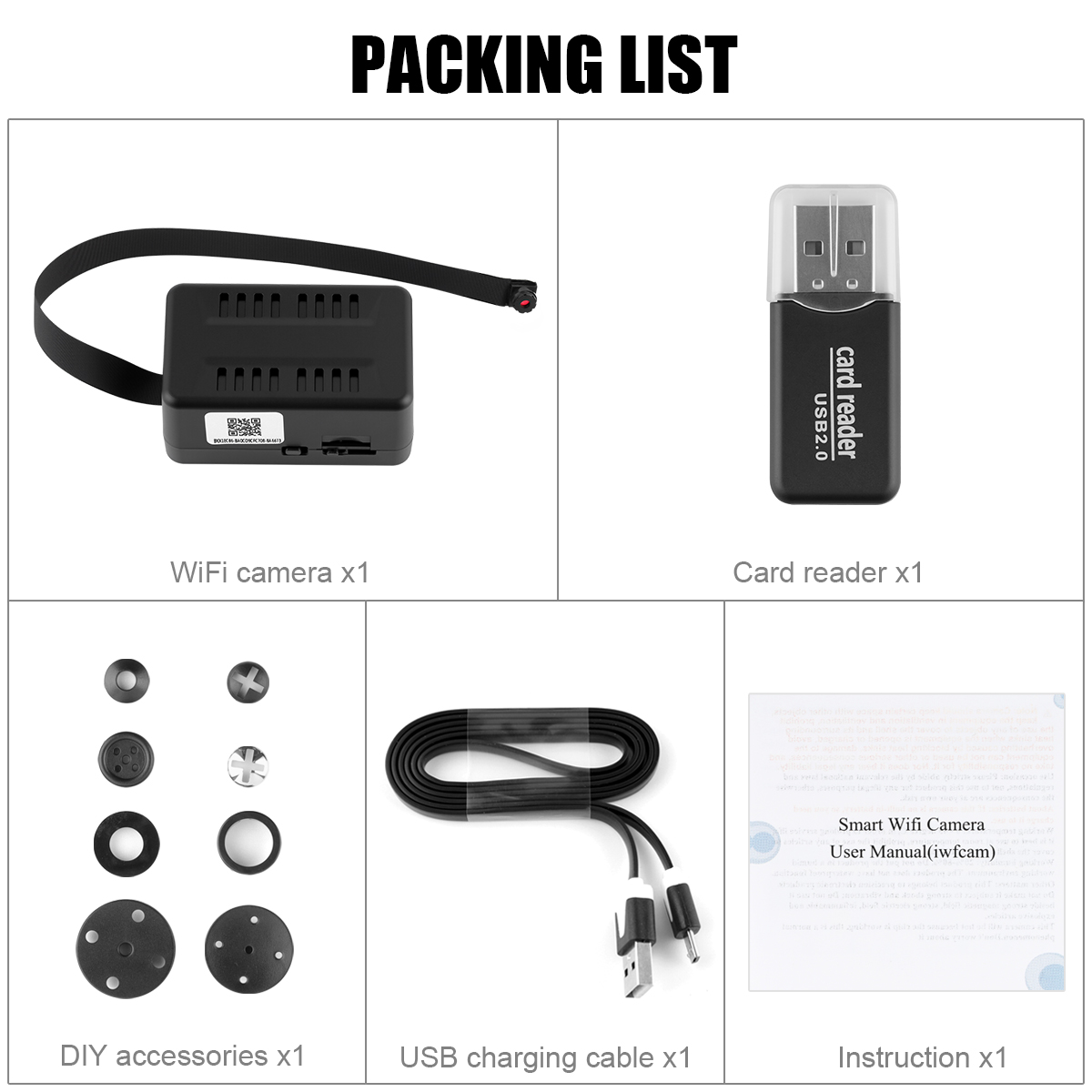
Packaging list
WiFi Camera x1
USB charging cable x1
User Manual x1
Card reader x1
1 set of DIY lens caps (only available in the flat-angle style)
1. Equipped with a 2000mAh super-large capacity battery, it can be used continuously for about 6-7 hours when fully charged, providing long-term remote monitoring.
2. The main body of the lens cable is separated for easy installation and placement, providing a flexible lens cable up to 7.9 inches long for convenient installation.
3. High-definition monitoring images, remote monitoring after connecting to the network, real-time viewing of installation locations such as home, garage, and office, ensuring property safety;
4. The camera matching APP can provide motion detection and alarm. When it detects human movement, it will promptly send a message to remind you to check the surveillance footage as soon as possible.
5. Supports memory card recording and playback on the APP.
6. The APP is easy to connect, quick to operate and get started, and does not require complex Settings.
Product parameters
Material: Plastic silicone
Main body size: 2.6*1.7*1.25 inches
Lens line length: 7.9 inches
Total length: 10.5 inches
Functions: Security monitoring, video playback
Advantages: Extra-long lens tube, oversized battery
Network connection method: 2.4G WiFi
Mobile monitoring notification: Yes
Night vision function: None
Storage method: Supports 32G TF card (not included)
Built-in battery: 2000mAh
Battery life: Approximately 6 to 7 hours
Charging duration: 12 hours
Charging indicator light: The yellow light is on when charging, and the green light is on when fully charged (the device is turned on during charging, and there is no light when it is turned off).
Usage (networking) steps:
Insert the formatted memory card, download the compatible APP on your phone (obtain it from the user manual) -- After the camera is fully charged, turn it on -- The camera starts successfully, with the red indicator light constantly on and the blue indicator light flashing -- in the phone Settings -WiFi list, find the WiFi hotspot signal of the camera (starting with BK--) Click and connect -- Open the compatible APP, pull down to refresh, and the camera will be automatically added to the APP-- You can change the camera usage password according to the prompts (please remember it after modification) -- Click Settings, WiFi Settings to connect to the network -- Find your own 2.4G WiFi (5G is not supported, nor is dual-band WiFi supported) Enter the password to confirm and wait for the connection - the camera restarts. When connecting, the blue indicator light flashes rapidly - the camera has successfully connected to the network. At this time, the blue indicator light remains constantly on - Set other functions in the Settings
Common Questions
1. Memory card not recognized - Please confirm that you are using a memory card with a capacity of 32G or less and format it on your computer before inserting it into the camera. If it fails to be recognized once, you can plug and unplug it several times. Generally, it can be recognized normally.
2.If the camera fails to connect to the Internet after performing the Internet connection steps and the indicator light remains unchanged, please confirm whether the camera has sufficient battery. It is recommended to fully charge it or connect it to a charging cable for power supply before trying again. It could also be due to WiFi. Make sure it is 2.4G WiFi and the password is entered correctly. Use the camera close to the router.
3.If your phone is unable to view the surveillance after disconnecting from Wi-Fi, please check the permission Settings of the APP to confirm that the mobile data permission of the APP is enabled (the APP can access the network under the mobile network).
4. Regarding the charging indicator light - When the camera is turned on and the charging cable is connected, a yellow indicator light will light up. When it is fully charged, a green indicator light will light up. If the camera is turned off during charging, there will be no indicator light, but the camera will charge normally.
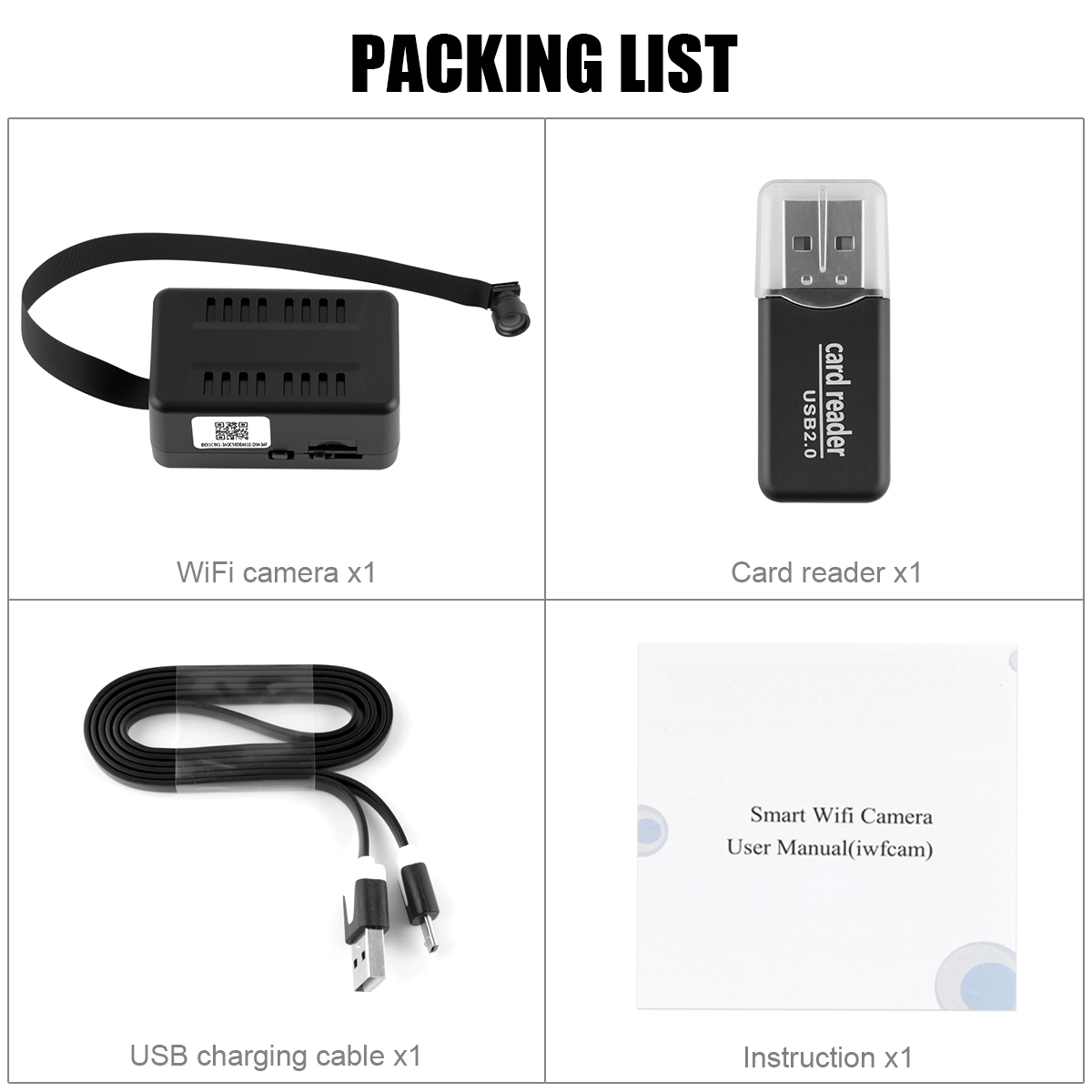
Packaging list
WiFi Camera x1
USB charging cable x1
User Manual x1
Card reader x1
1 set of DIY lens caps (only available in the flat-angle style)
