Kamvas Slate 13
Practical, Easy, Go!
A Large Canvas for On-the-Go Creation
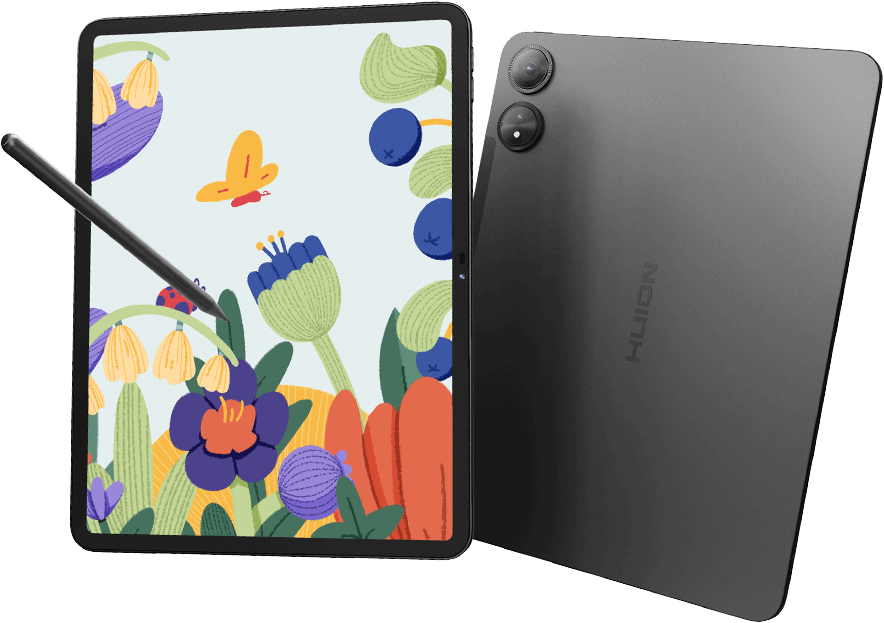
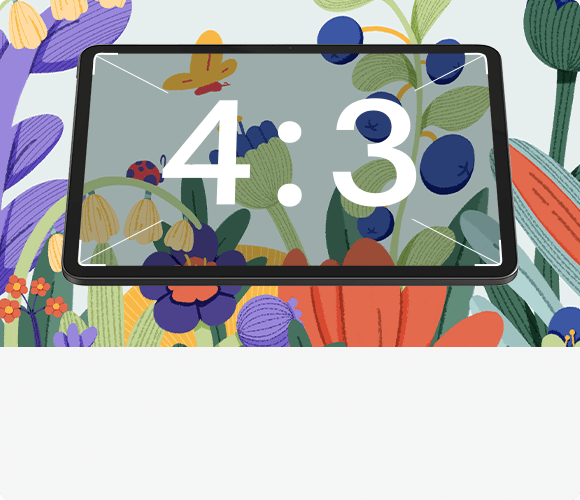
12.7″ 4:3 QHD Large Canvas
The perfect aspect ratio expands your canvas; ultra-high clarity makes your art stunning.
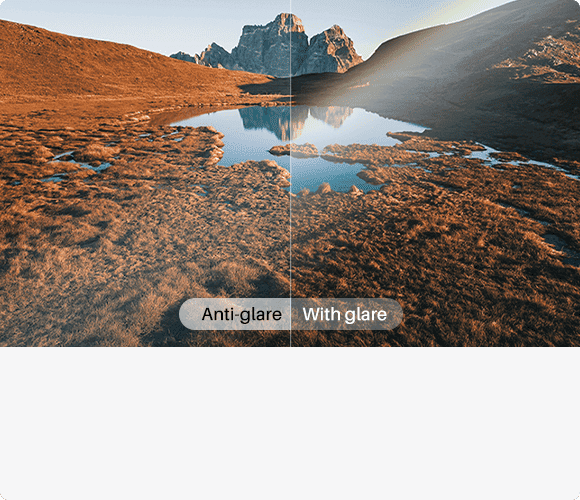
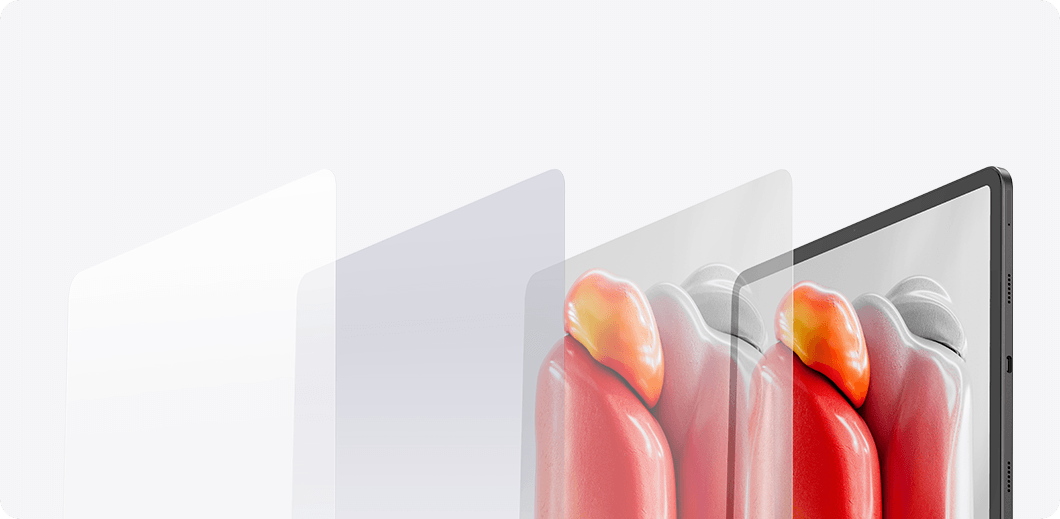
Nano-Etched Soft Light Screen
Eye-friendly screen with a paper-like texture for comfortable viewing.
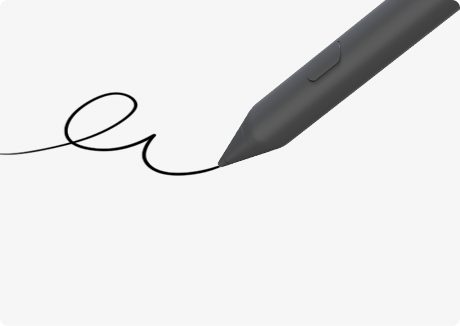
H-Pencil
Delivers a natural pen-on-paper experience as always.
Ready to Use
Runs on the easy-to-use Android 14 and comes with pre-installed creative apps.
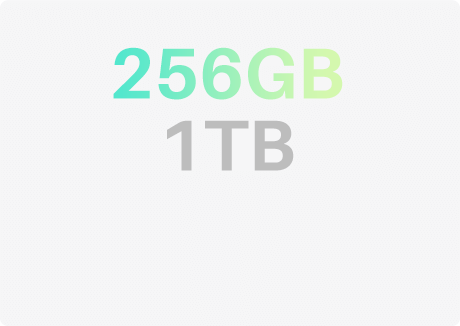
More Storage Space
256GB built-in storage, expandable up to 1TB—your mobile workstation.
More Space for Your Creativity
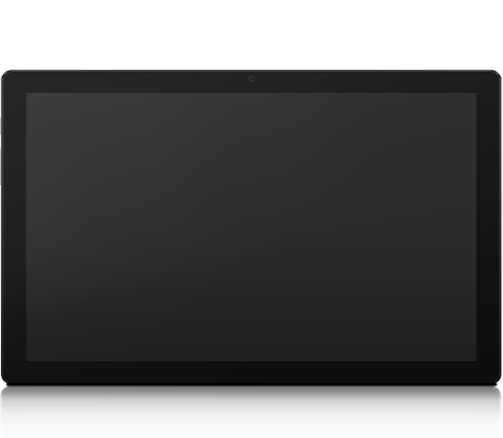
Kamvas Slate 13 features a 12.7-inch display with a 4:3 aspect ratio, providing extra canvas space on the top and bottom. Its narrow bezel and 86% screen-to-body ratio maximize the active drawing area, creating an immersive experience in a compact form factor.
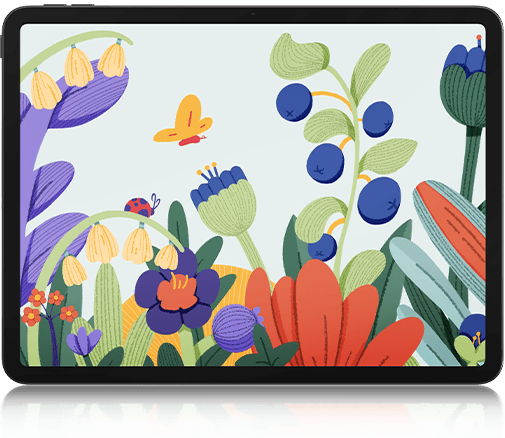
So Brilliant at The Large Screen
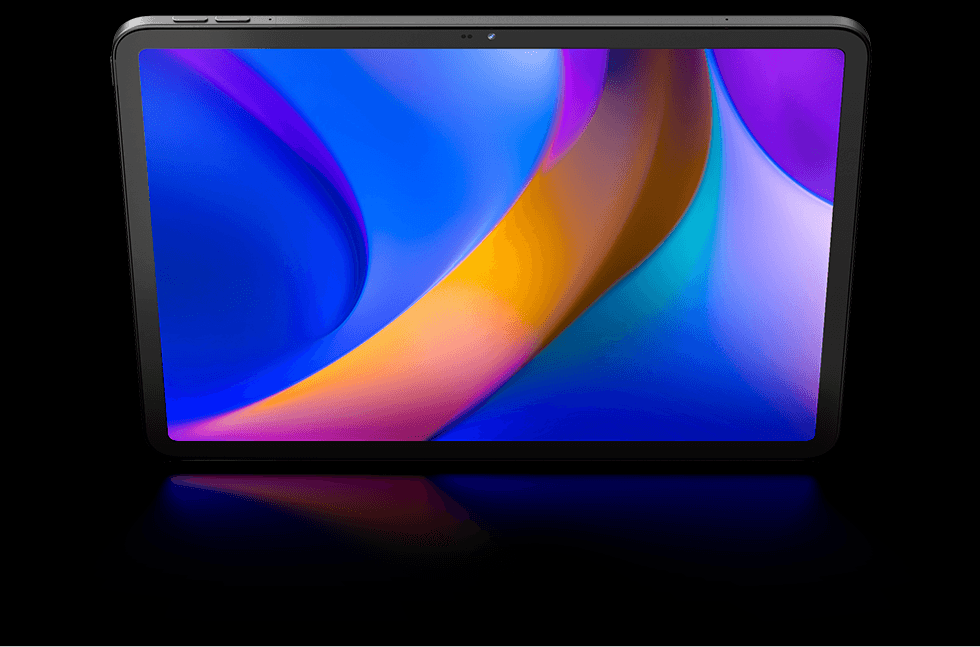
The perfect combination of a 12.7-inch screen and QHD (2176*1600) resolution ensures a high pixel density of 212 PPI, delivering a sharp visual experience. With an sRGB color gamut, every stroke of your artwork is precisely represented.
12.7 Inches
Portable Size
2176*1600
Resolution
212 PPI
Pixel Density
99% sRGB
Color Gamut
We Care About Your Eyes
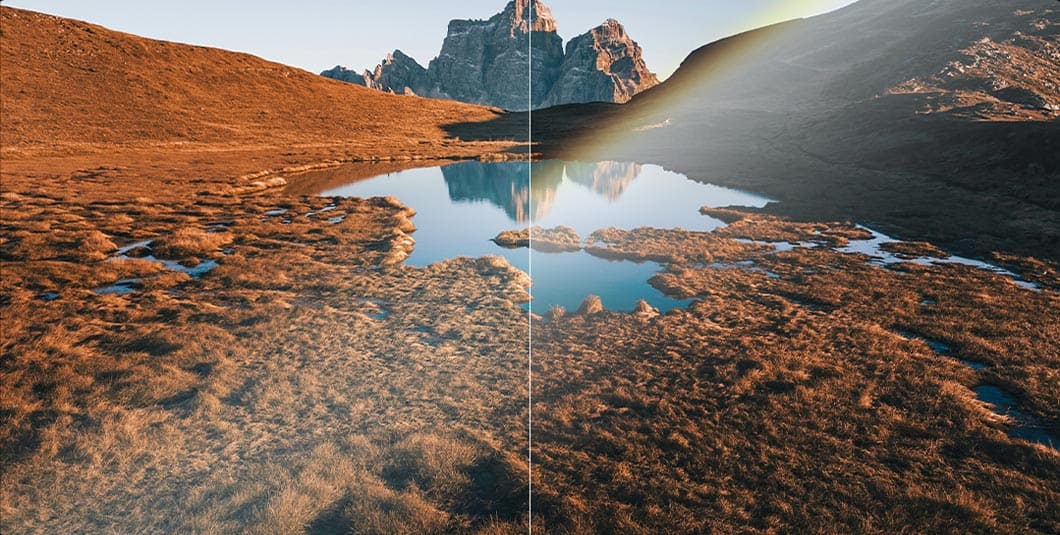
The tablet uses nano etching technology to process the screen finish, reducing glare from strong light while effectively preventing graininess on solid backgrounds. This results in a softer viewing experience and helps reduce eye strain during long creation sessions.
H-Pencil,
All Your Creativity at Your Fingertips



Note: This side key can only be customized in HiPaint and ibisPaint.
Always a Natural Feel in Your Hand
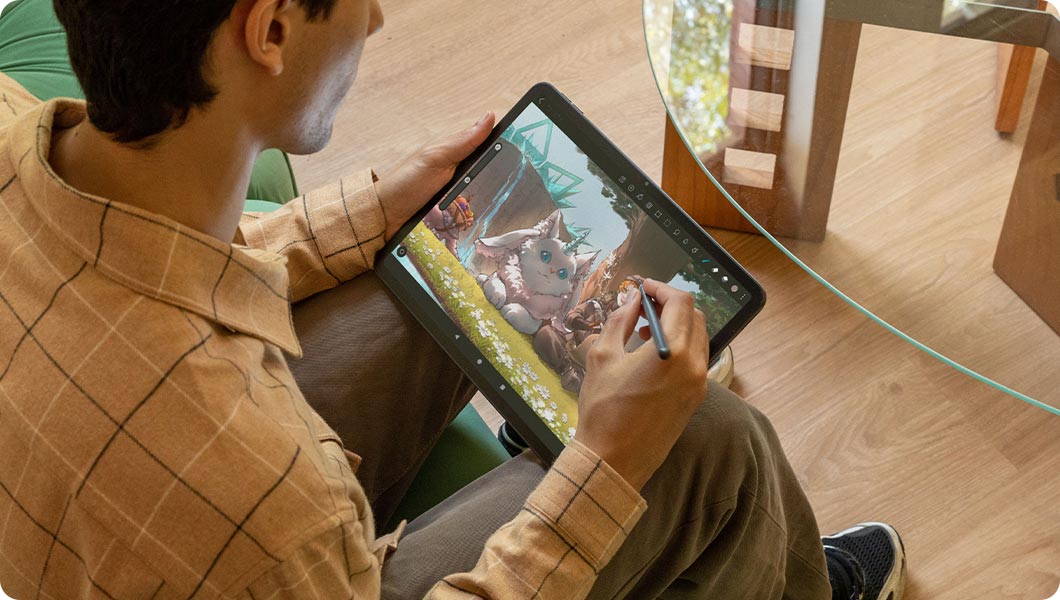
The H-Pencil features Huion's years of experience in line-drawing algorithms, offering better accuracy and preventing line offset while drawing. It also provides superior linearity, significantly reducing wobbling when drawing from any direction. With 4096 levels of pressure sensitivity and 60° tilt recognition, it brings you a writing experience that feels just like using a real pencil.


Clear Paper-Textured Display
The screen uses full-lamination technology, reducing thickness while enhancing touch precision and image quality. Additionally, the nano-etched soft light screen provides a paper-like texture, making drawing and writing feel more natural. It also features a fingerprint-resistant coating to keep the screen clean at all times.
Use it Right Out of the Box
Kamvas Slate 13 runs on Android 14, allowing you to use it as a portable drawing display. You can download software from Google Play. Additionally, it supports split-screen, making it easy to handle multiple tasks simultaneously. Kamvas Slate 13 also comes with a variety of pre-installed software, helping you take notes and learn more about drawing.

Note: Some software is available as a trial. For more information, please check this link.
Higher Performance, Higher Capacity
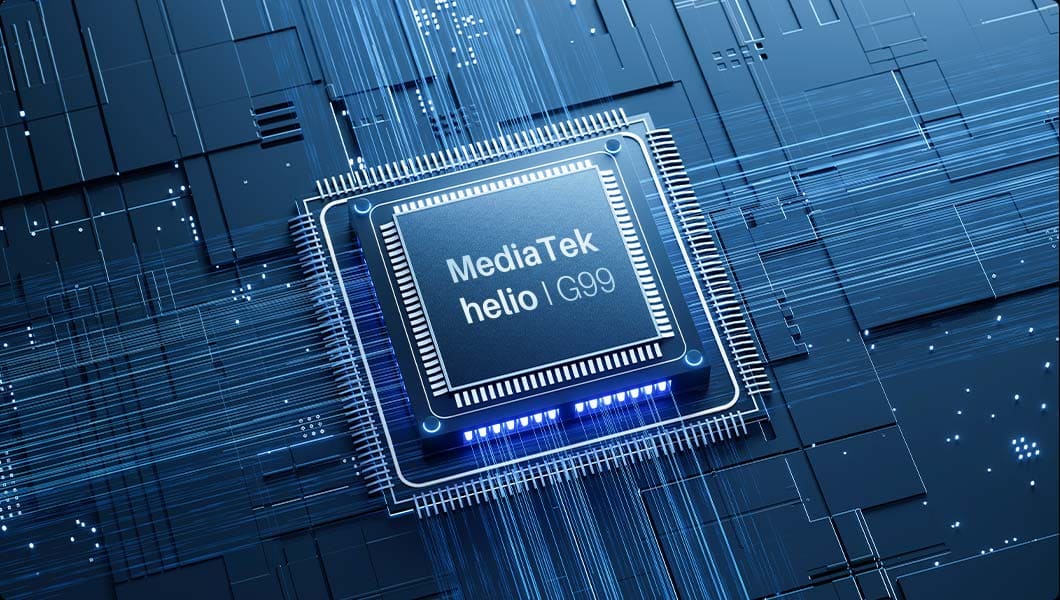
Kamvas Slate 13 is powered by the Mediatek Helio G99 SoC with an 8-core processor (2 high-performance cores and 6 high-efficiency cores). With 8GB of RAM, it supports ample layers and prevents lag, ensuring a smooth creative process and enhancing the multimedia entertainment experience. Additionally, it comes with 256GB of built-in storage, expandable up to 1TB with a micro-SD card, so your creativity is never limited.
8-Core
Processor
8GB
RAM
256GB
Storage
1TB
Expandable Storage
More Power, More Possibilities
Built-in 10000mAh battery supports up to 14 hours of use, ensuring smooth workflow and an uninterrupted viewing experience.
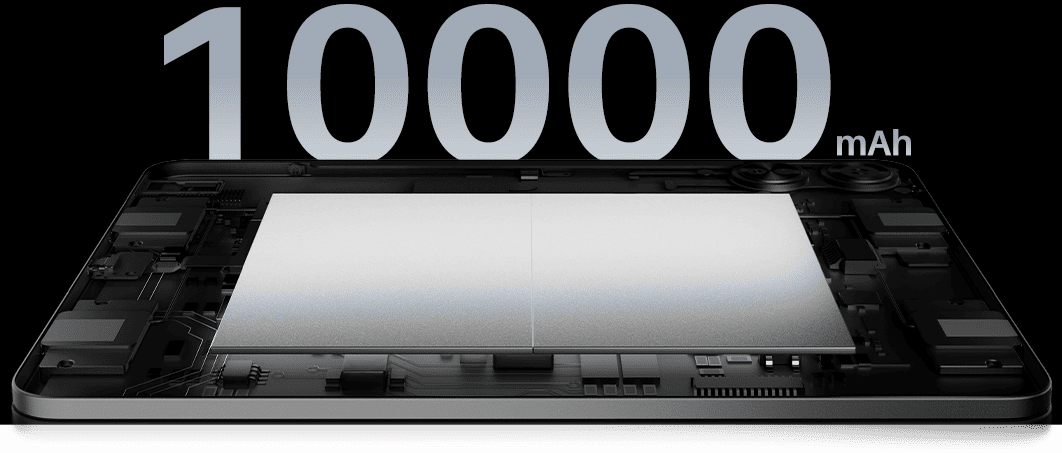
*This data is based on tests conducted by Huion's Laboratory under 50% brightness conditions. The battery position is shown for reference purposes only.
3.3 Hours
Fast Charge
14 Hours
Continuous Use
From Music to Movies, Hear It All
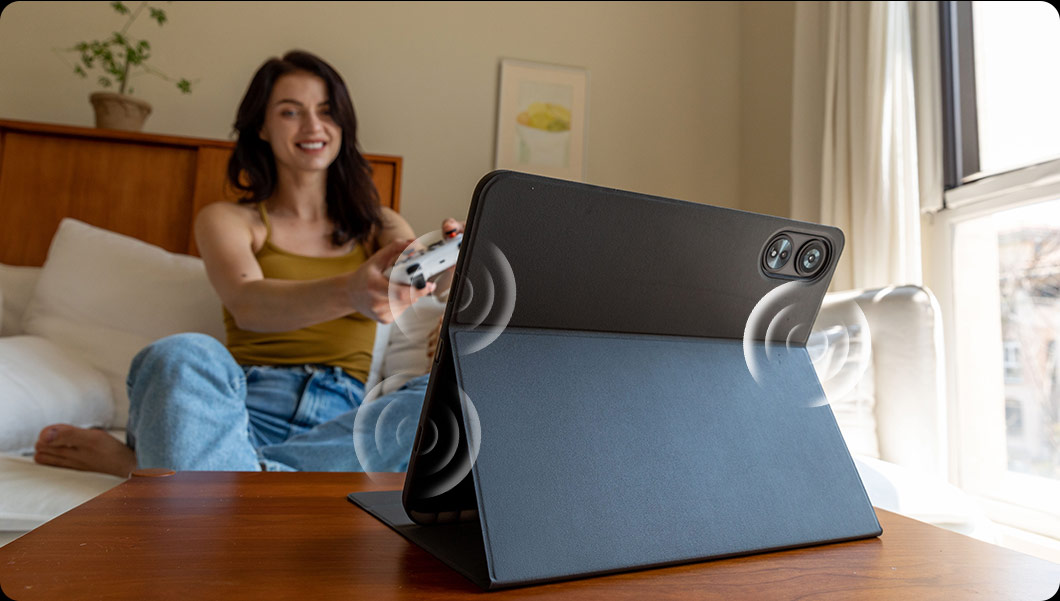
4 speakers are evenly distributed on both sides of the tablet, creating stereo sound for an enhanced audio-visual experience.
Smooth Meeting Time
The front camera with 8MP lets you make video calls and conference conveniently.

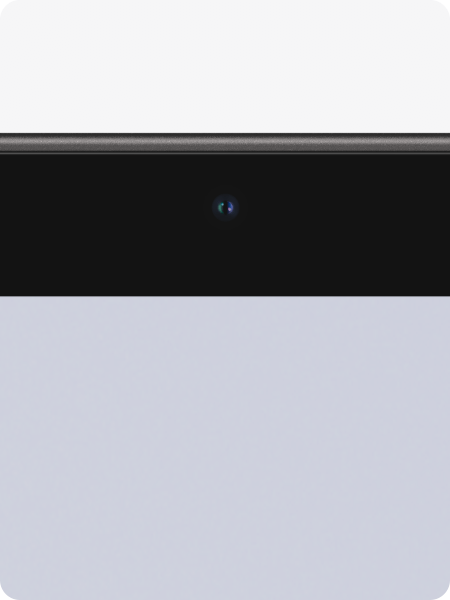
8MP Front Camera
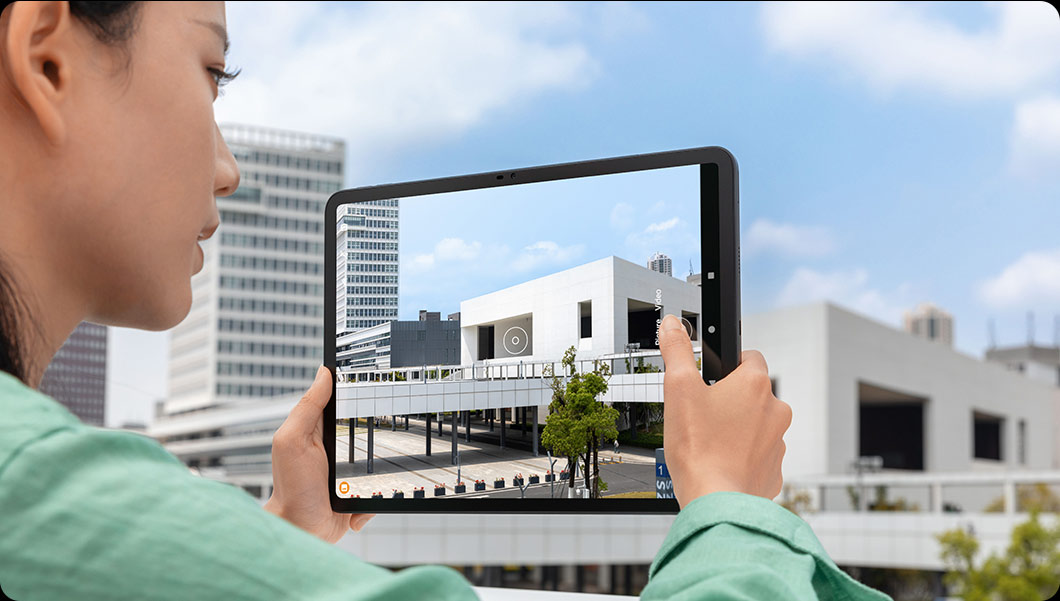
Instant Photo Perfection
The 13MP rear camera is perfect for taking pictures, especially when using the Insert Picture tool in HiPaint.