 |
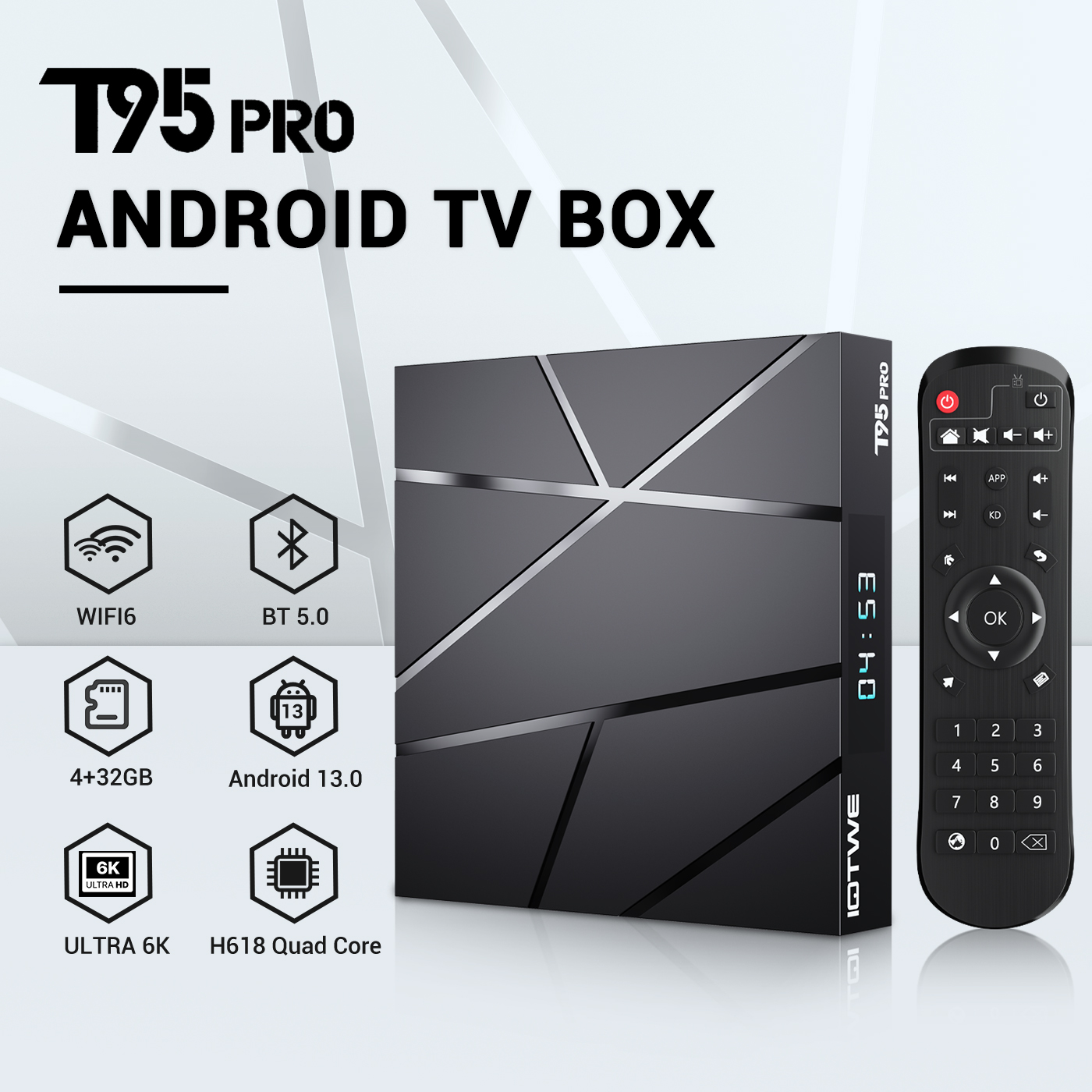
【Android 13.0 and H618】 The Android TV box with Android 13.0 ensures stability and smooth loading of films, images and games without buffering. Experience improved performance and usability with a smooth and stable interface. With the powerful Allwinner H618 quad-core processor and advanced image processing technology, you can enjoy an outstanding experience with fast running speed and professional image quality. 【4GB RAM 32/64/128GB ROM】 Android 13.0 TV Box offers impressive performance with 32/64/128GB ROM to ensure smooth operating system and enable faster running speed without buffering or crashes. With enough storage space for apps, games and more. Additionally, you can expand the storage using the micro SD card slot, so you never run out of storage space.【2.4/5G Wi-Fi 6 and Bluetooth 5.0】 The smart TV box offers fast and stable 2.4G/5G WiFi 6 connections with a transfer rate of up to 9.6 Gbit/s. Enjoy smooth streaming, gaming and more. Additionally, it features HDMI 2.0, 10/100M Ethernet LAN and Bluetooth 5.0 for versatile connectivity options and improved wireless audio transmission. 【6K + 3D and H.265】 The TV box supports playback of all popular audio and video formats and allows you to enjoy 6K HD videos with clearer resolution than 4K. Experience thousands of Android games on a spacious 6K screen and enjoy a smooth gaming experience with less buffering. In addition, the Android 13.0 TV box also offers 3D support for an impressive visual feast. (*Note: 6K and 3D features also require compatible devices.) 【Comfort and convenience】 The T95 Pro is the ideal solution for those who don't own a Smart TV or don't want to spend a lot of money on an expensive TV. Connect your smartphone wirelessly to the TV and enjoy images and sound on the big screen. With the Android 13.0 TV box you can use a web browser, use social network apps, play music, videos, photos and much more. Turn your TV into a versatile entertainment hub with the T95 Pro. |
|
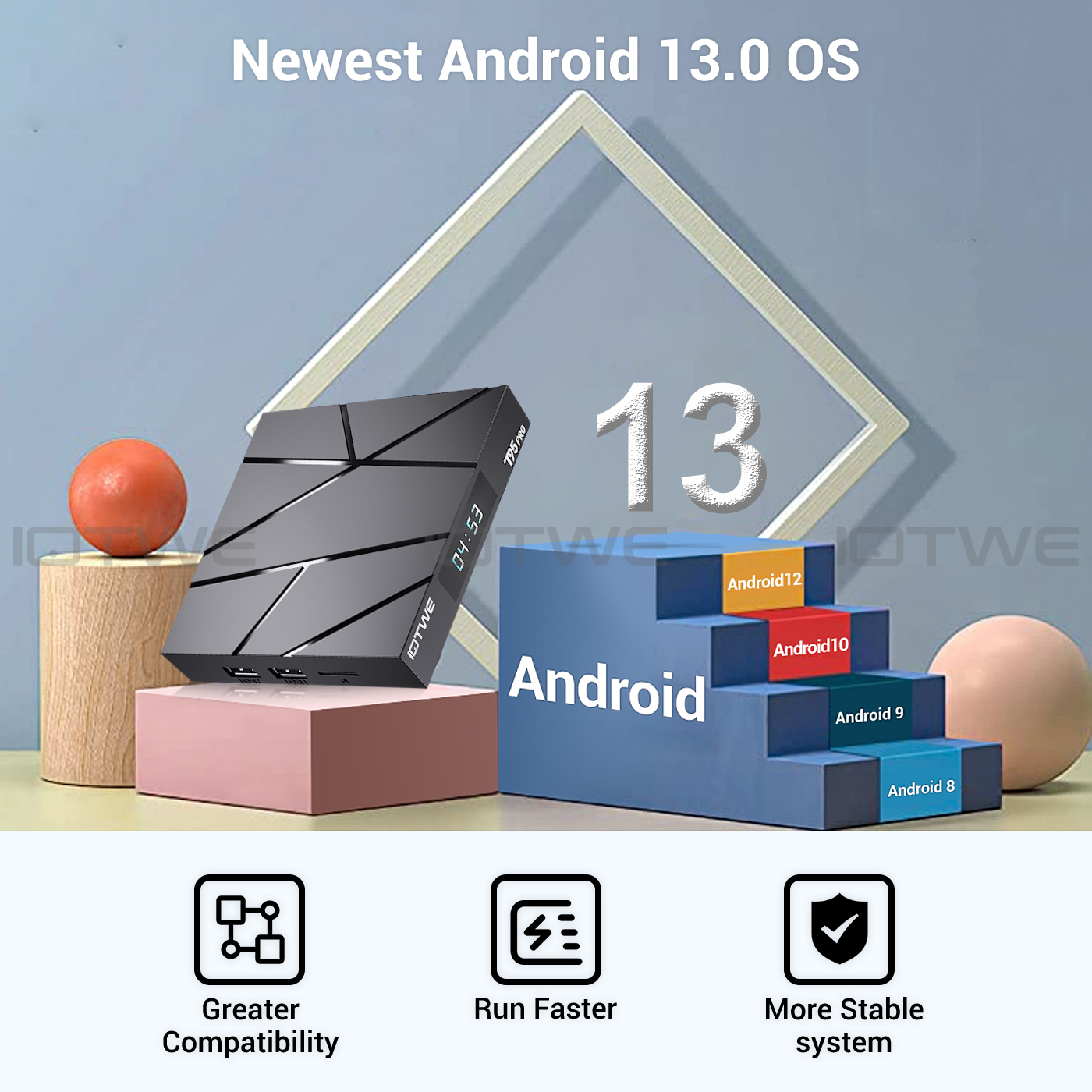
• T95 Pro Smart TV Box with Android 13.0 OS offers you an improved operating system compared to Android 12.0. Enjoy the benefits of a faster, more stable system, improved software compatibility, and a streamlined user interface and experience. Experience better games, applications and overall improved performance with the T95 Pro Android 13.0 TV Box. |
 |
|
|
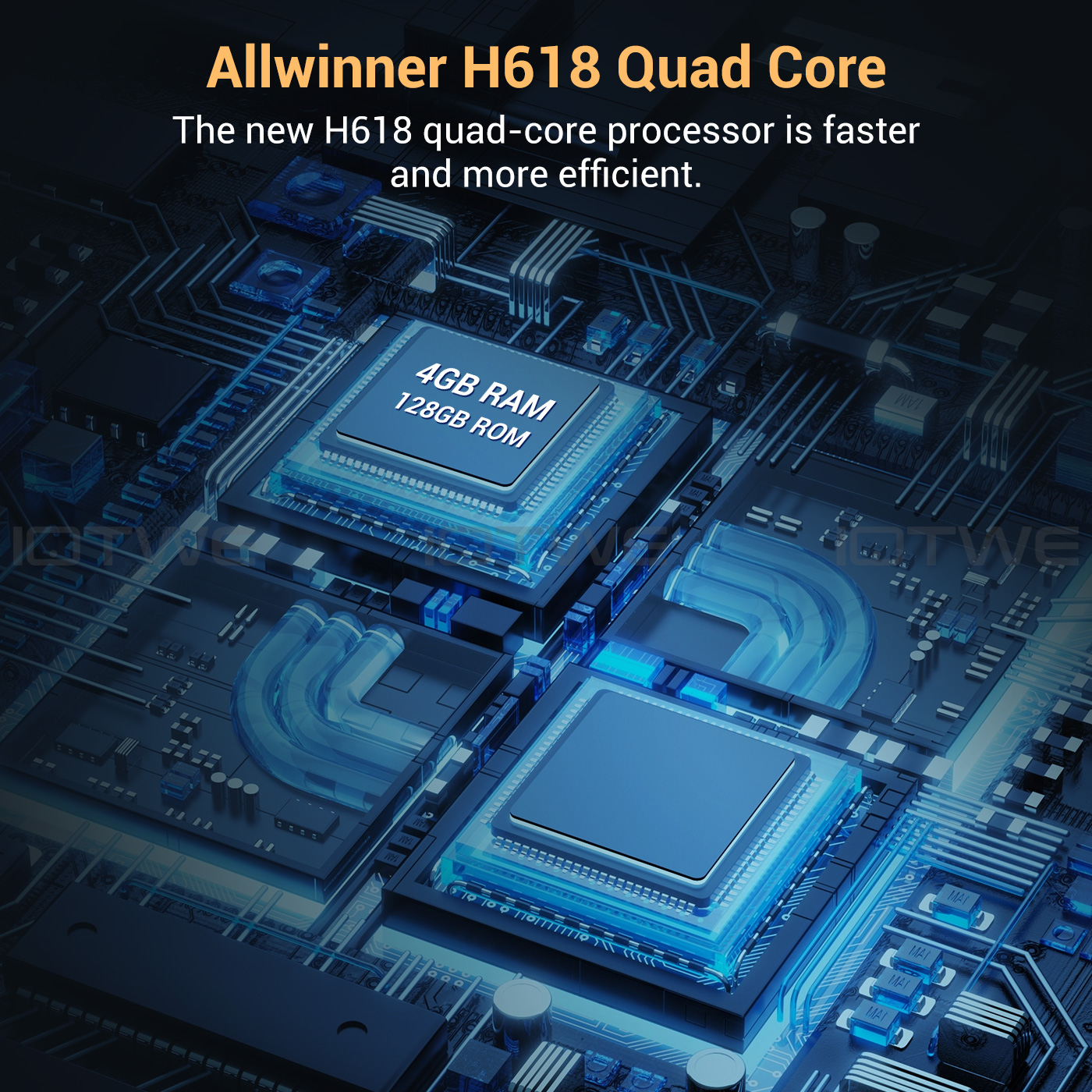
• The Android 13.0 TV Box is equipped with the powerful Allwinner H618 quad-core Cortex-A53 CPU chip, which ensures smooth and lag-free performance. With 16/32/64/128 GB ROM, the T95 Pro Smart TV Box offers enough storage space for your applications and content. And if that's still not enough, you can expand the storage space with a maximum expansion capacity of 64GB (*SD card not included). Enjoy downloading and playing crisp videos and games with ample ROM storage. |
|
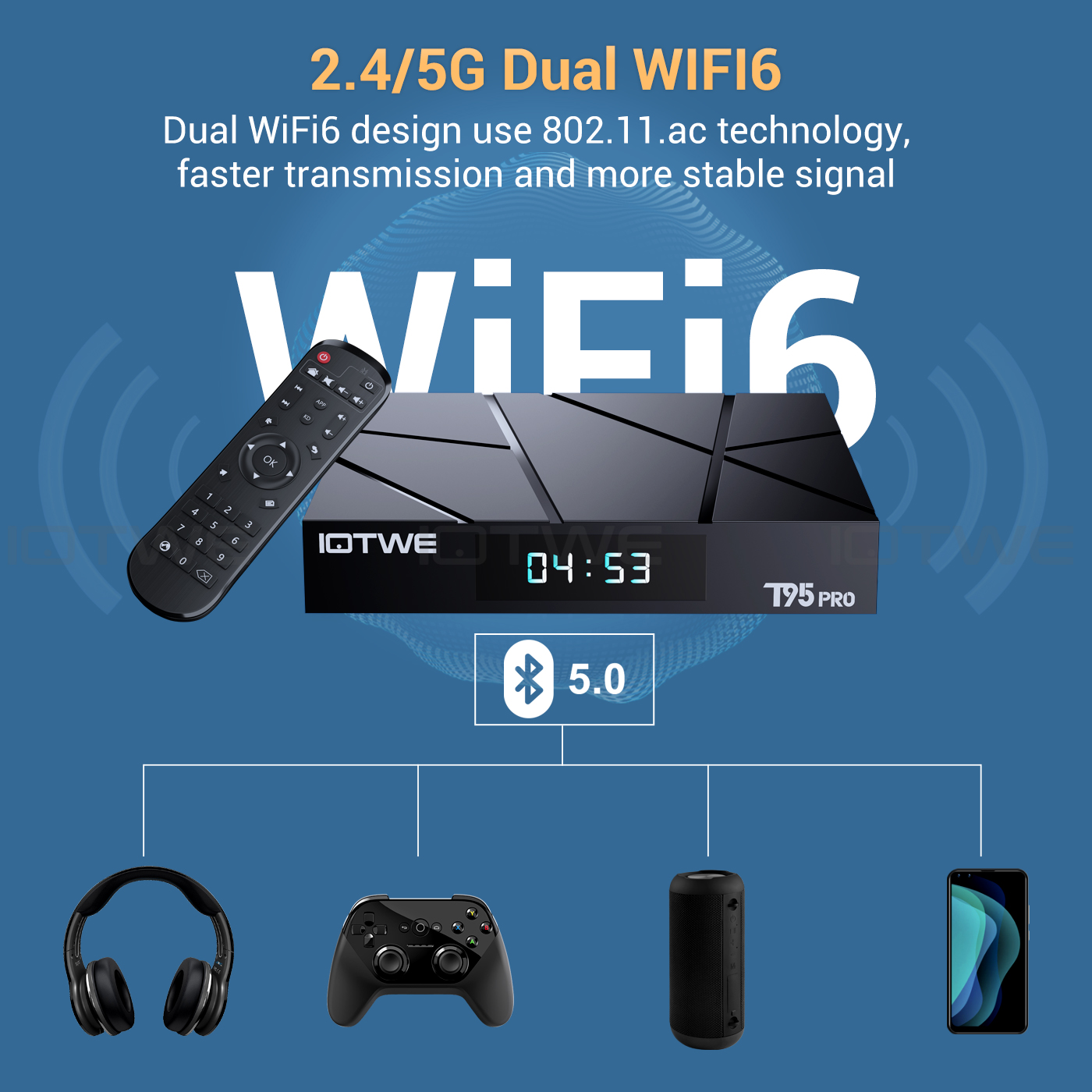
• The Android 13.0 TV Box supports 2.4G/5G WiFi 6 and BT 5.0, making using mini keyboards and headphones even more enjoyable. With WiFi 6 you can benefit from an increased number of up to 12 simultaneous streams in the 2.4 and 5 GHz bands, compared to the 8 streams that WiFi 5 offers in a dual-band configuration. Enjoy a fast and high-quality WiFi 6 signal, giving you better quality when browsing, gaming, running applications and watching movies. |
|
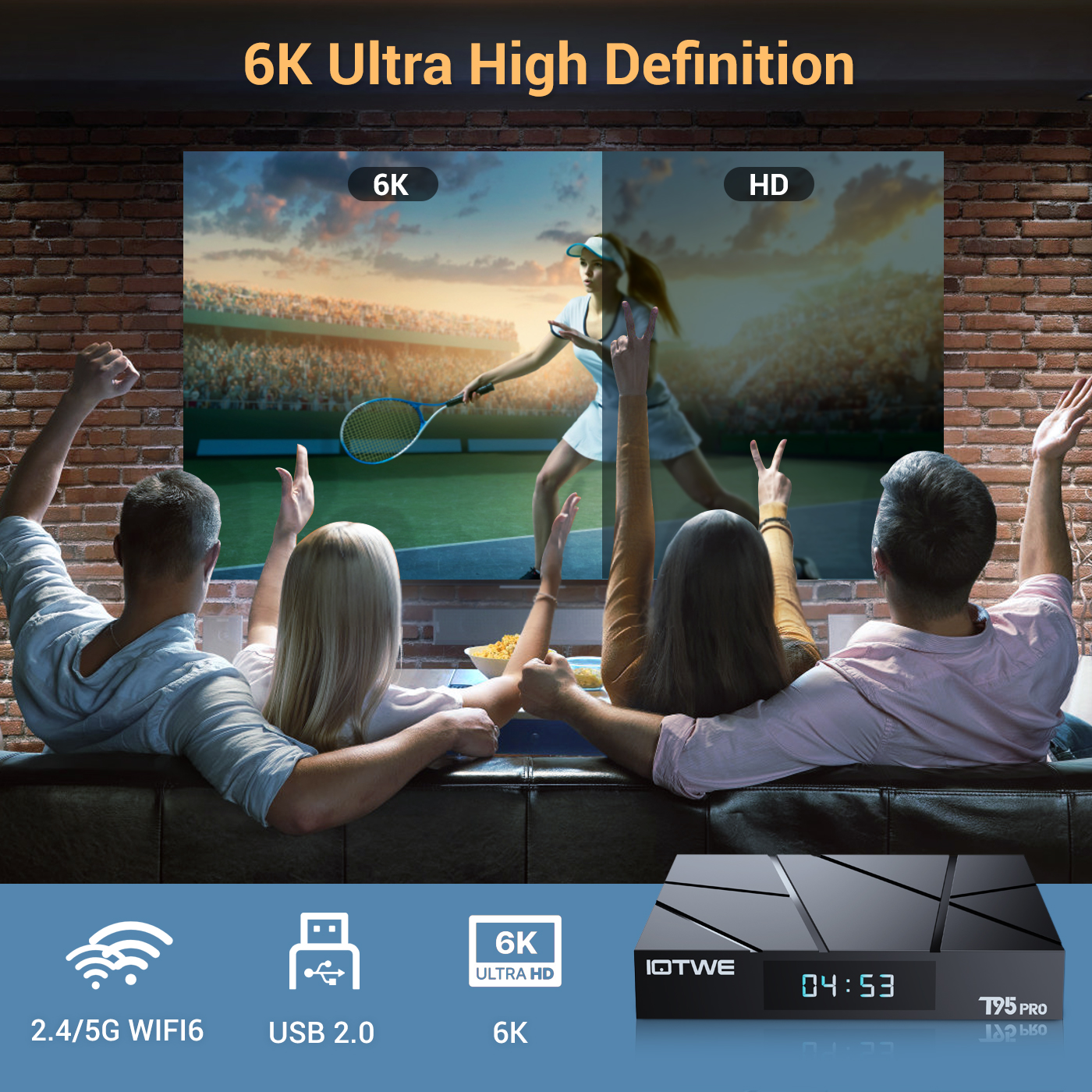 |
• The T95 Android TV Box enables decoding and playback of almost all common audio and video formats. Enjoy crisp 6K HD video with even higher resolution than 4K. Play thousands of Android games on a large 6K screen and get a high quality experience with minimal buffering. Additionally, this TV box supports 3D playback, giving you a visual feast. (*Please note that your other devices must also support 6K and 3D.) |
|
|
|
|
|
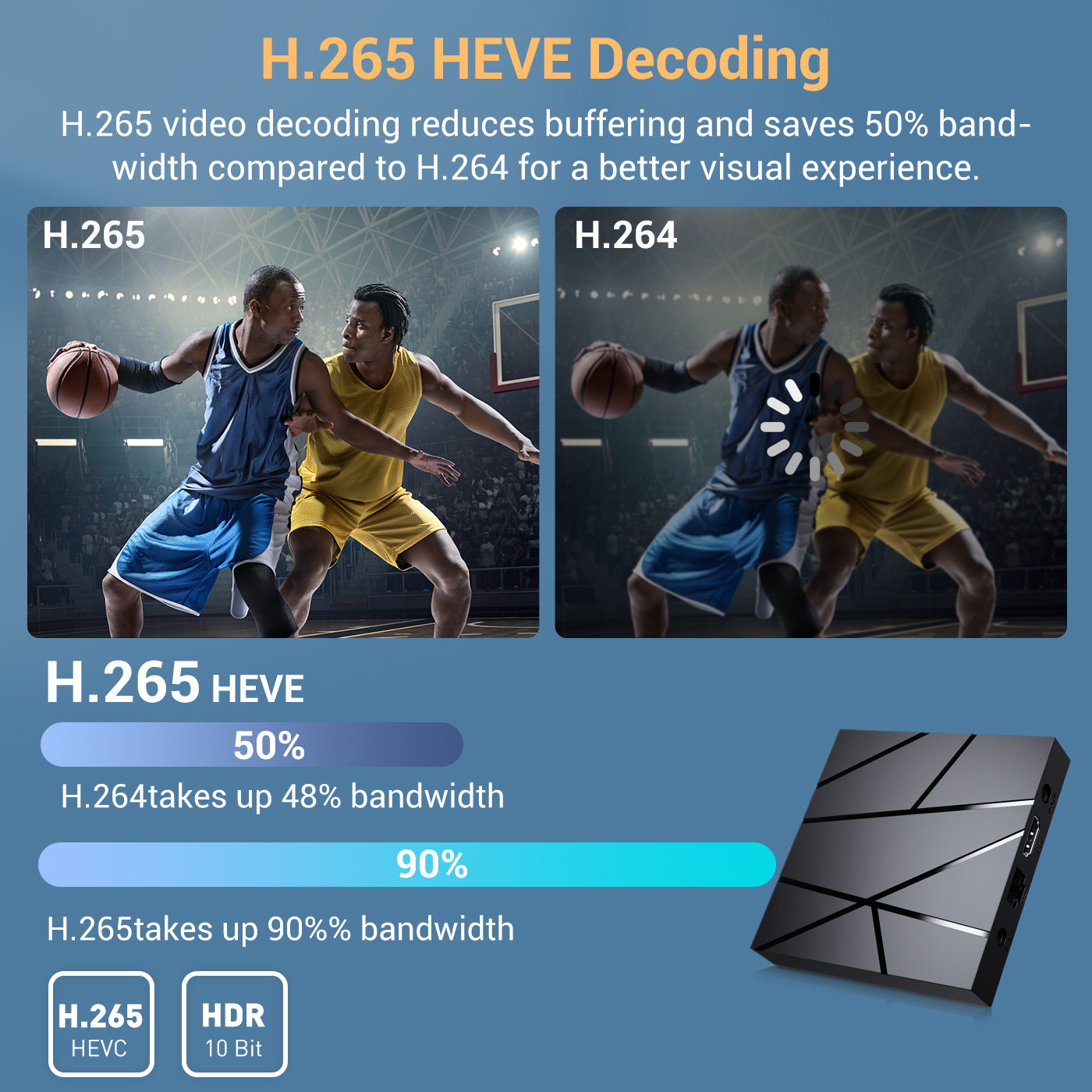
• Receive signals through H.265 video decoding, output realistic 6K image quality, and quickly restore every detail of the image. Not only does it give you a smoother HD video experience, but also saves 50% of broadband resources. |
|
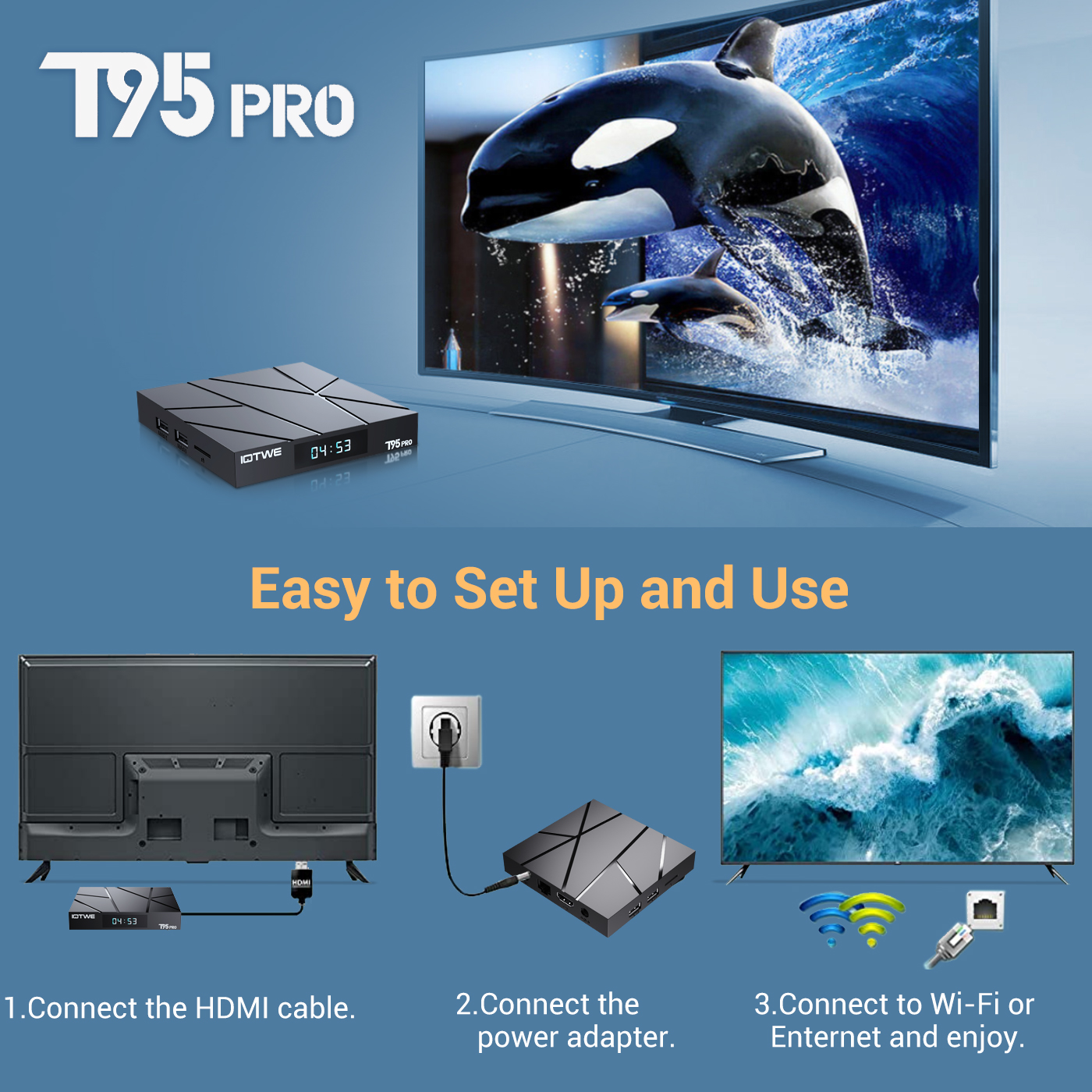
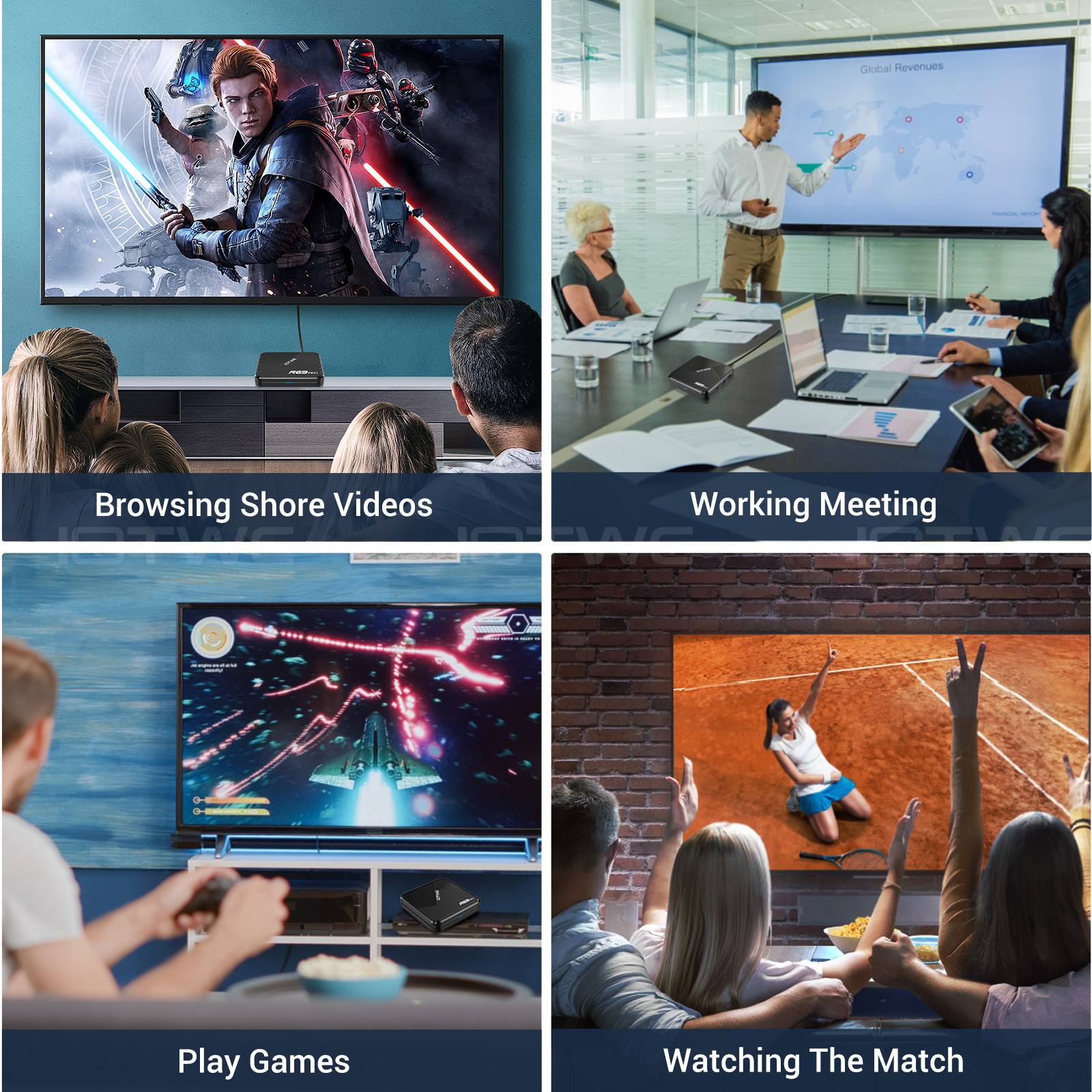
• The T95 Pro Android 13.0 TV BOX offers excellent performance and functionality along with an easy-to-use, user-friendly interface. Connect it to your TV or monitor and enjoy browsing apps, watching movies, playing games and more. |
 |
|
• Dating • Music • Games • Match |

|
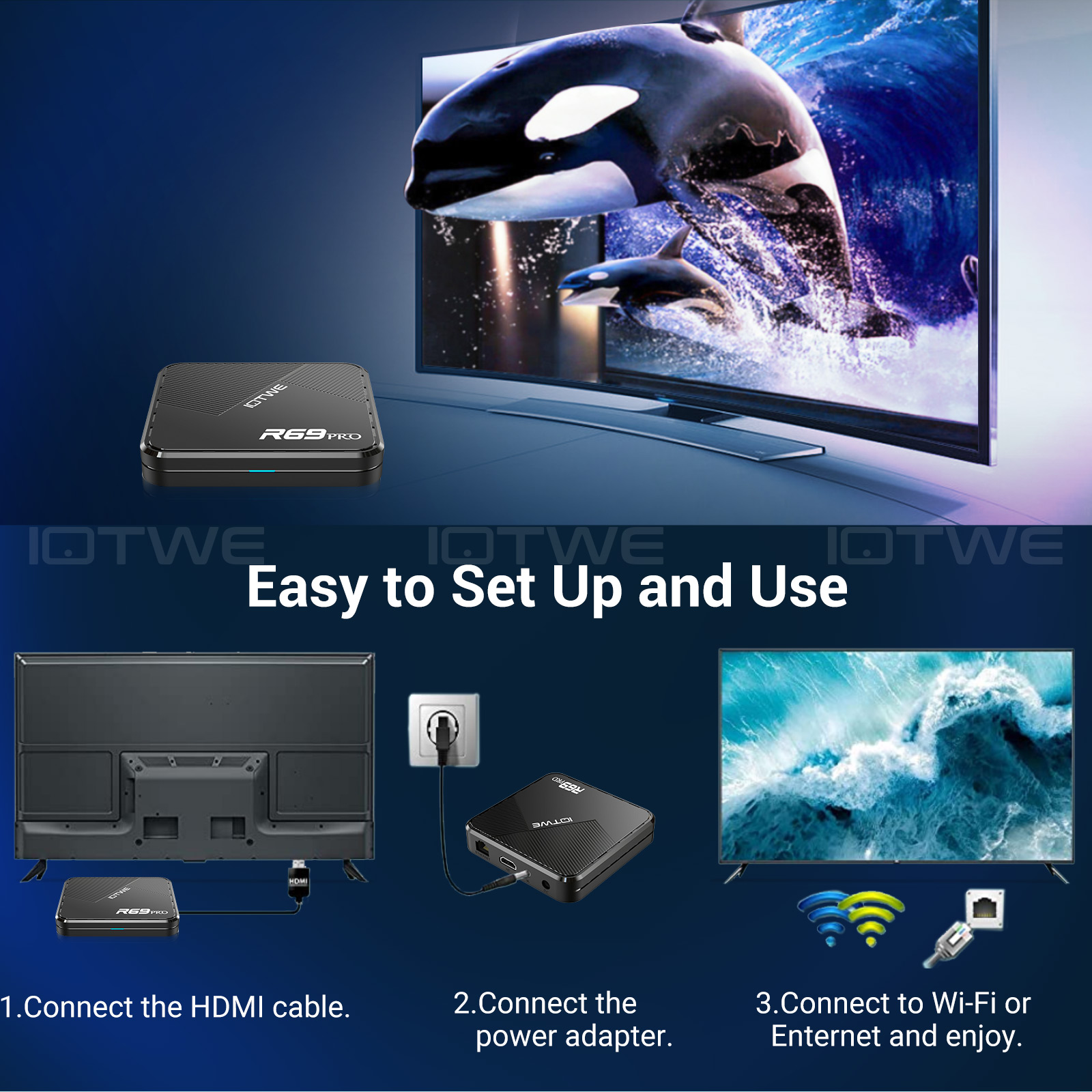
Question: Can't boot/open for the first time? Answer:Our QC team tested the item in detail before we ship it out, so I believe we can solve the problem together. In this situation, please try the following: 1.here is step how to set up the TV box A. Connect the charger to the TV box and the socket B. Connect the HDMI cable between the TV box and the TV C. Set your TV to HDMI mode. Please check whether you have connected the cables correctly. 2. Check whether a red or blue light is on, or whether there is no light at all and contact me. |
|
Question:How to solve TV box video blur? Answer: If it happened in some of them, it may be the problem for video quality, it doesn't depend on the box, you can try setting the resolution to max (1080P or more), then check if it works well. Or You can use it in other app. 1.If it happens in the all videos, here is the step: A.If you have a different HDMI cable, could you please try a different HDMI cable? B.Connect the TV with the TV box via Av-Out cable properly (there are different color port. Please check and set correctly), or you can choose to use the HDMI cable to connect it too . C.If the problem is still there, please try to restore factory settings as below: Press Settings - Backup & Reset ---- Factory data reset ----- Reset TV box ---- Erase everything. D.Set the TV box resolution to 1080P, here is the step: Setting--Display--Turn off automatic resolution--Set resolution to 1080P. |
|
Question: Problems with WiFi setting or connection? Answer:1. Please try resetting the device: (Setting)-(Backup & Reset)----(Reset factory data)-----(Reset device)----(Delete everything) 2. Please check whether you have successfully connected the device to your WiFi router and whether the signal is strong? If the signal is very weak or it is out of range, then try using it near your wireless router; if it is unable to connect then please check your wireless router setting and also try connecting to another router. 3. Could you please plug your network cable directly into the RJ45 port to see if it can work. |
|
Question: How can I set the language of the XGODY TV Box? Answer:1.In this situation, please check the setting /Setting-Language/Language-English/English 2.if it still can't work, please do as follows: A:Press : Setting - Backup & Reset ---- Factory data reset ----- Reset TV box ---- Erase everything (or:Settings--other---more settings-- Backup & Reset ---- Reset factory data ----- Reset TV box ---- Delete everything ) B: and then when you switch on the device for the first time, please select the desired language. 3 You can also type in the apps, and there is an icon like a compass, please click it to change the language. |
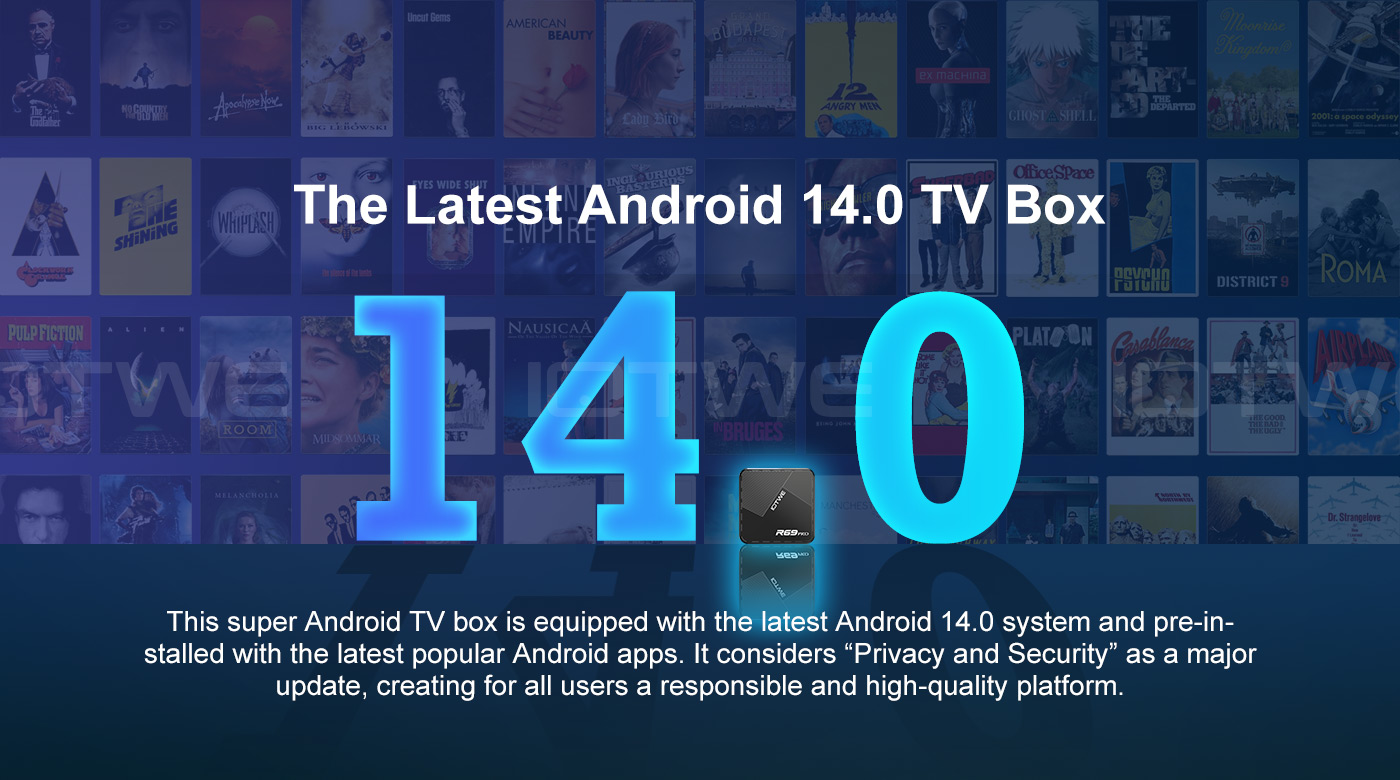
Main features:
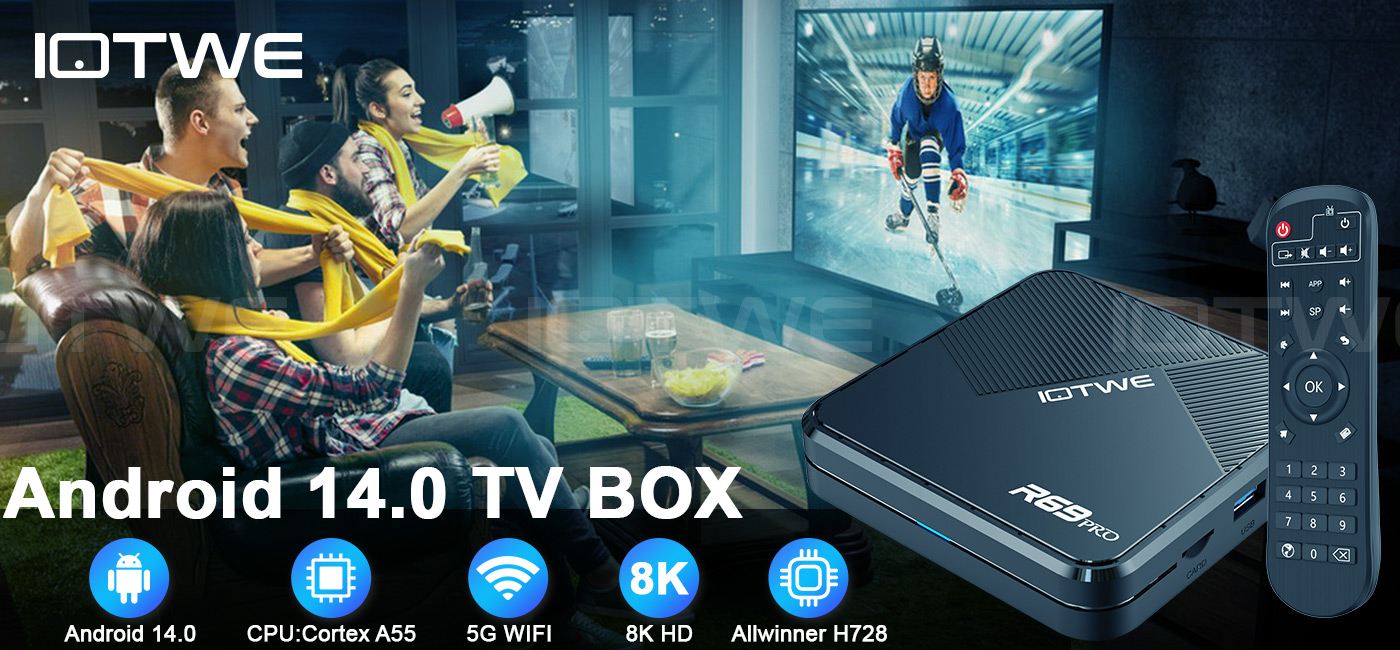
Powered by Android 14.0, enjoy a smooth interface and cutting-edge features. Supports thousands of apps from Google Play, seamlessly adapting to major streaming platforms like Netflix and BBC iPlayer. Regular system updates ensure long-lasting stability and performance.
👍Stunning 8K Ultra HD Decoding
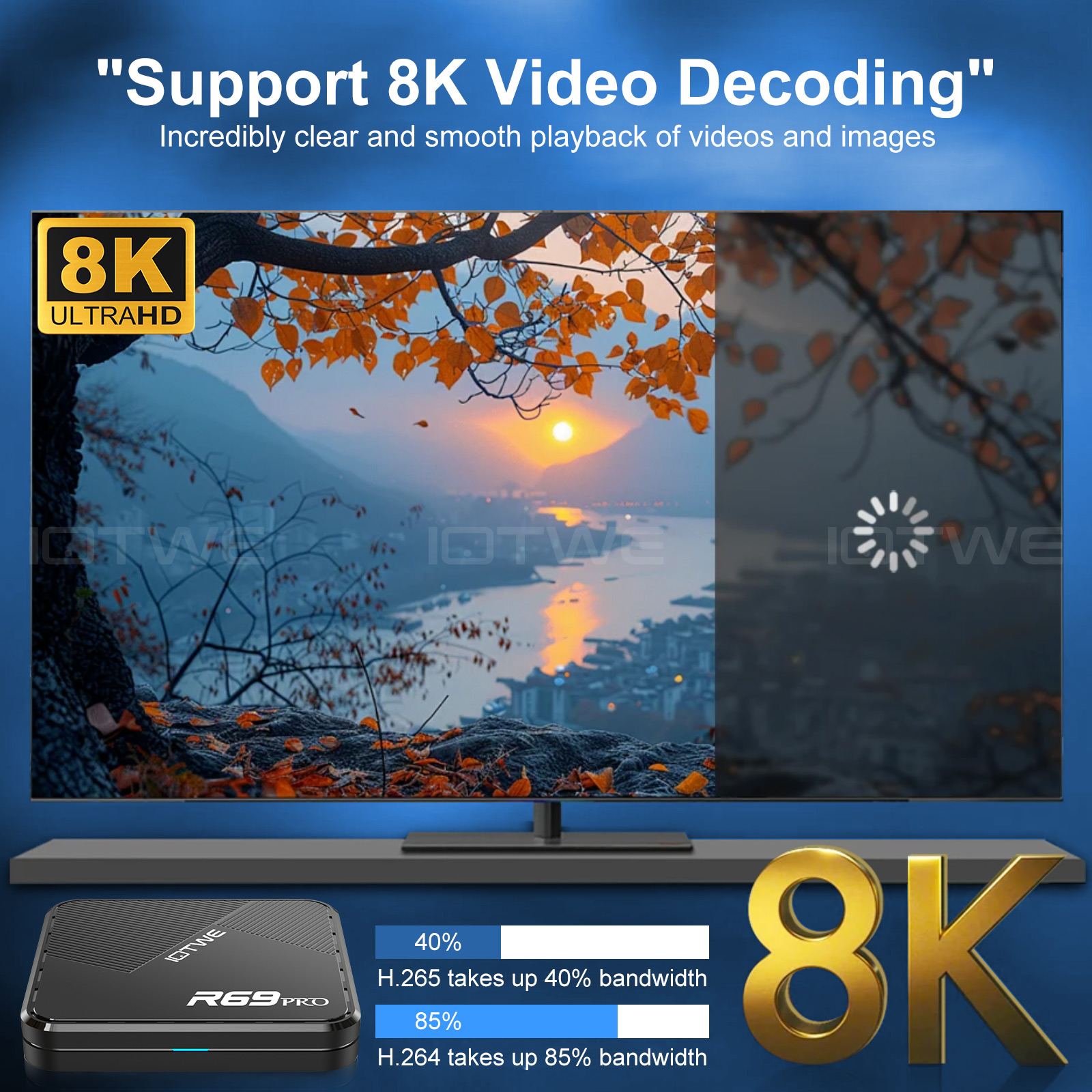
The Android TV BOX supports 8K@60fps video decoding with HDR10+ technology, delivering incredibly lifelike colors and details. Perfect for movies, sports, and games, it brings cinema-grade visuals to your living room and redefines home entertainment quality.
👍Gigabit Network Connectivity
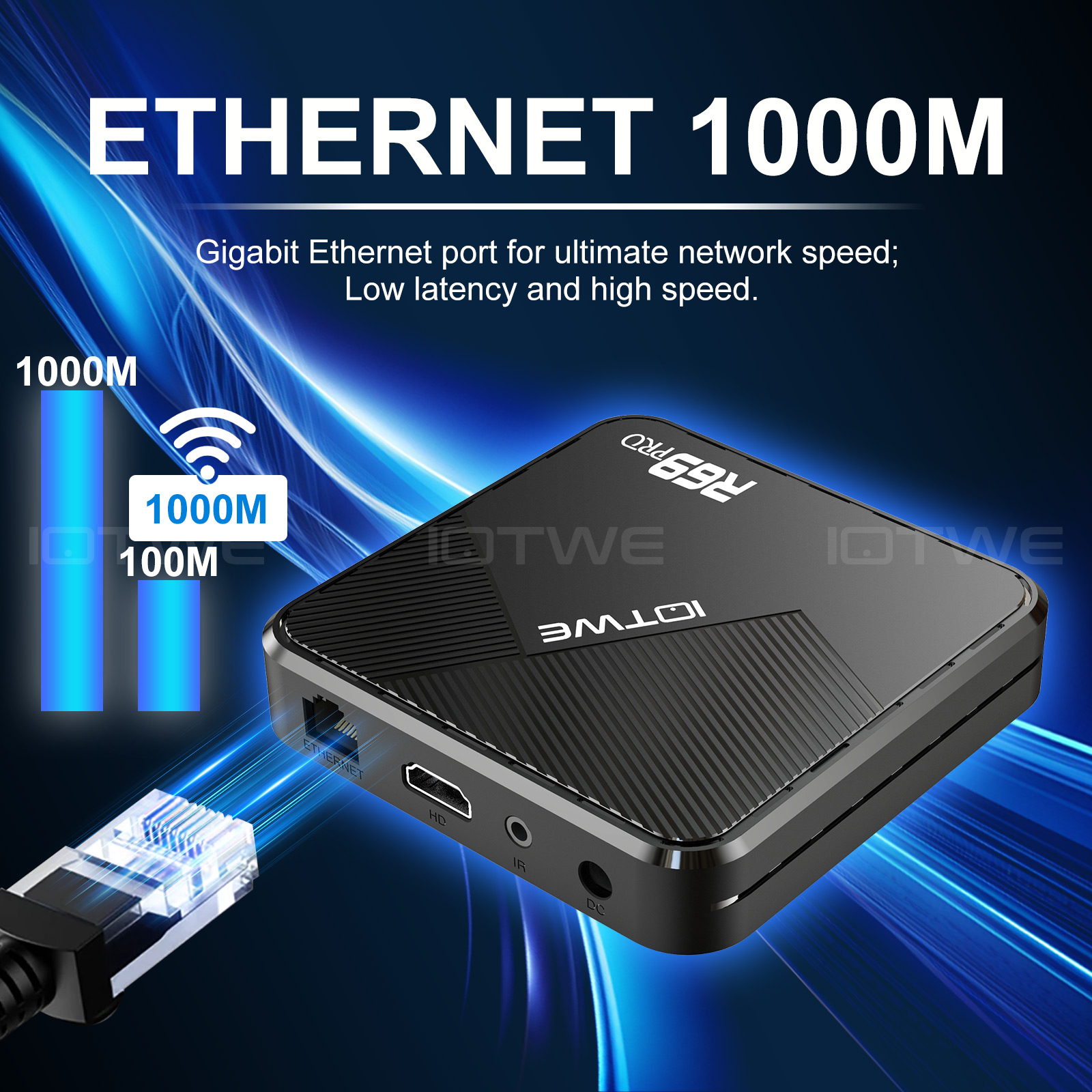
The Equipped with a 1000Mbps Ethernet port for ultra-fast wired connections. Handles 4K/8K streaming, large file downloads, and online gaming without lag, providing stable, high-speed data transfer for all your needs.
👍Dual-Band WiFi & Bluetooth 5.3
Dual 2.4GHz/5GHz WiFi automatically selects the best frequency for wider coverage and stronger signals. Bluetooth 5.3 enables quick pairing with wireless headphones, game controllers, and other devices, creating a cable-free entertainment hub.
👍Multi-Device Compatibility & Easy Control
The HDMI 2.1 port enables seamless connection to TVs and monitors, ensuring broad compatibility with mainstream peripherals and smart home ecosystems. Complemented by a user-friendly remote control with built-in voice control functionality (accessible via app), it delivers an intuitive and effortless operating experience suitable for users of all ages.
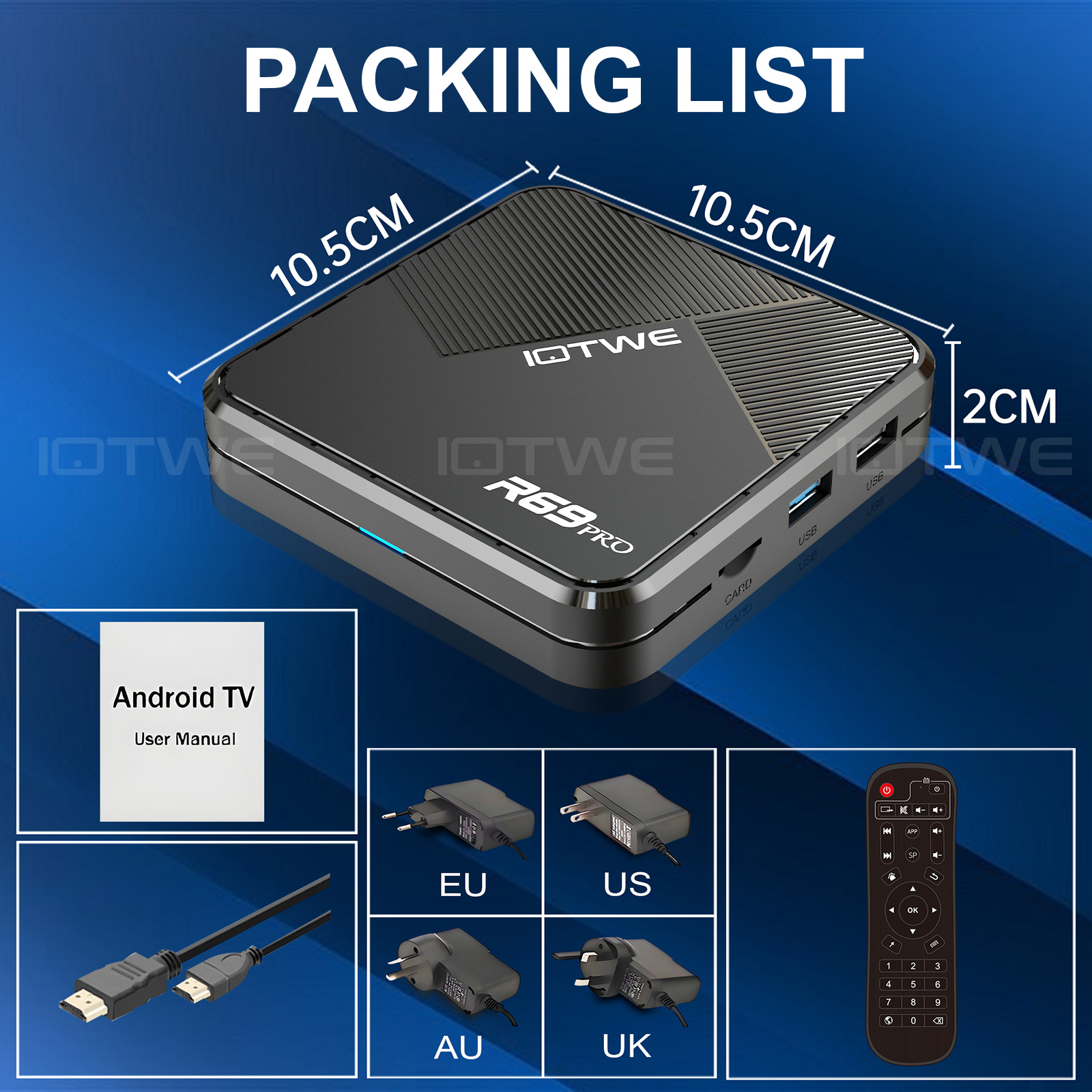
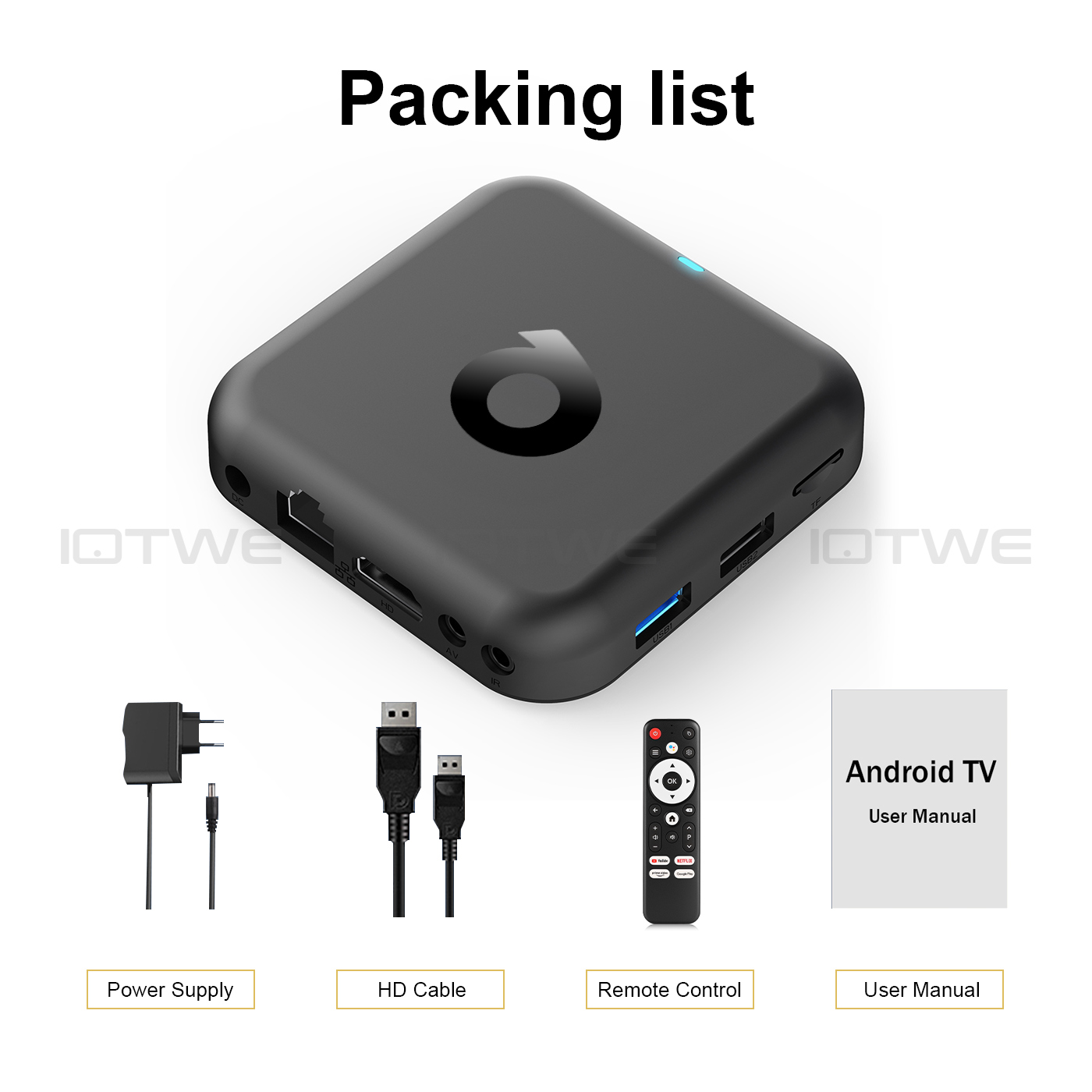
Contents of the package
1 x TV BOX
1 x remote control
1 x HDMI-Kabel
1 x User manual
|
|
|
|
|
|
|
|
|
|
Question: Can't boot/open for the first time? Answer:Our QC team tested the item in detail before we ship it out, so I believe we can solve the problem together. In this situation, please try the following: 1.here is step how to set up the TV box A. Connect the charger to the TV box and the socket B. Connect the HDMI cable between the TV box and the TV C. Set your TV to HDMI mode. Please check whether you have connected the cables correctly. 2. Check whether a red or blue light is on, or whether there is no light at all and contact me. |
|
Question:How to solve TV box video blur? Answer: If it happened in some of them, it may be the problem for video quality, it doesn't depend on the box, you can try setting the resolution to max (1080P or more), then check if it works well. Or You can use it in other app. 1.If it happens in the all videos, here is the step: A.If you have a different HDMI cable, could you please try a different HDMI cable? B.Connect the TV with the TV box via Av-Out cable properly (there are different color port. Please check and set correctly), or you can choose to use the HDMI cable to connect it too . C.If the problem is still there, please try to restore factory settings as below: Press Settings - Backup & Reset ---- Factory data reset ----- Reset TV box ---- Erase everything. D.Set the TV box resolution to 1080P, here is the step: Setting--Display--Turn off automatic resolution--Set resolution to 1080P. |
|
Question: Problems with WiFi setting or connection? Answer:1. Please try resetting the device: (Setting)-(Backup & Reset)----(Reset factory data)-----(Reset device)----(Delete everything) 2. Please check whether you have successfully connected the device to your WiFi router and whether the signal is strong? If the signal is very weak or it is out of range, then try using it near your wireless router; if it is unable to connect then please check your wireless router setting and also try connecting to another router. 3. Could you please plug your network cable directly into the RJ45 port to see if it can work. |
|
Question: How can I set the language of the XGODY TV Box? Answer:1.In this situation, please check the setting /Setting-Language/Language-English/English 2.if it still can't work, please do as follows: A:Press : Setting - Backup & Reset ---- Factory data reset ----- Reset TV box ---- Erase everything (or:Settings--other---more settings-- Backup & Reset ---- Reset factory data ----- Reset TV box ---- Delete everything ) B: and then when you switch on the device for the first time, please select the desired language. 3 You can also type in the apps, and there is an icon like a compass, please click it to change the language. |
|
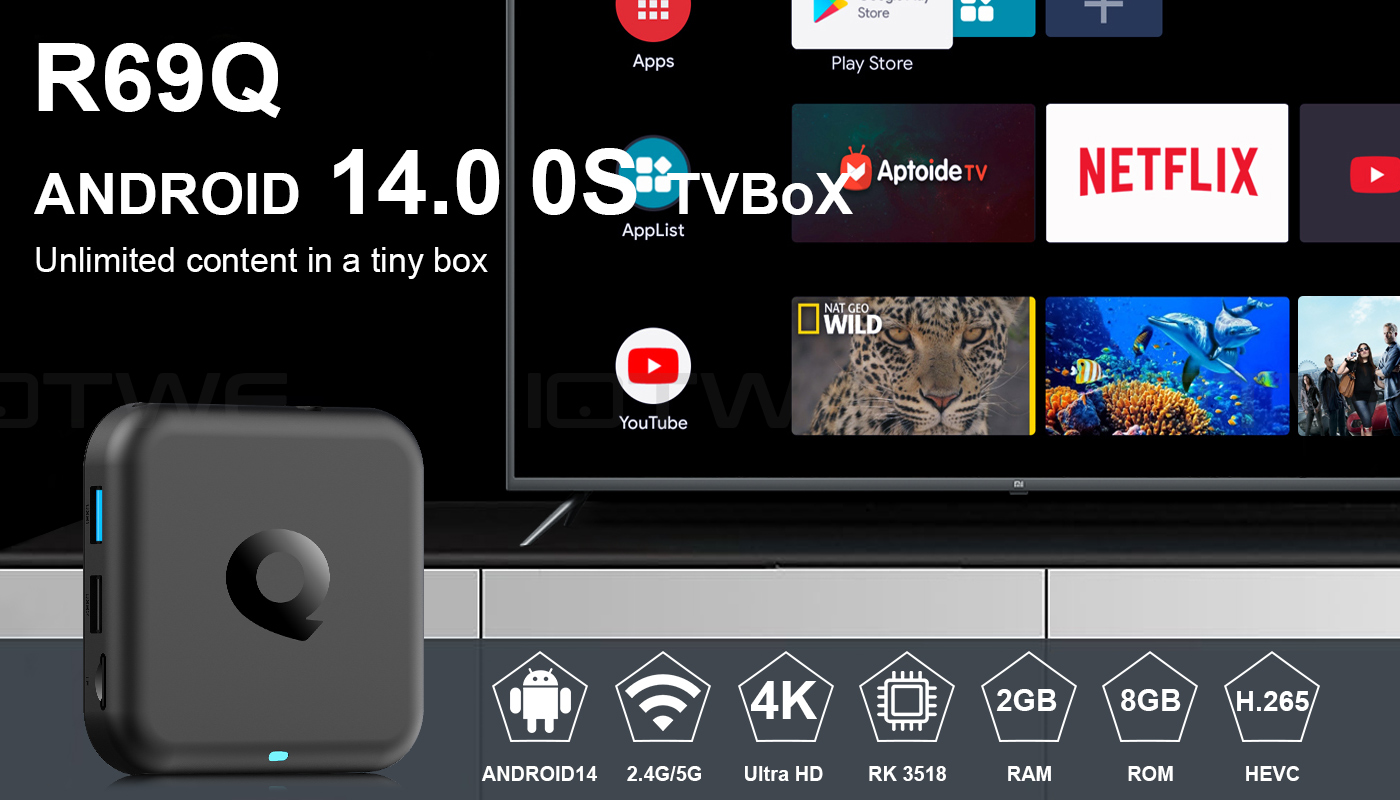
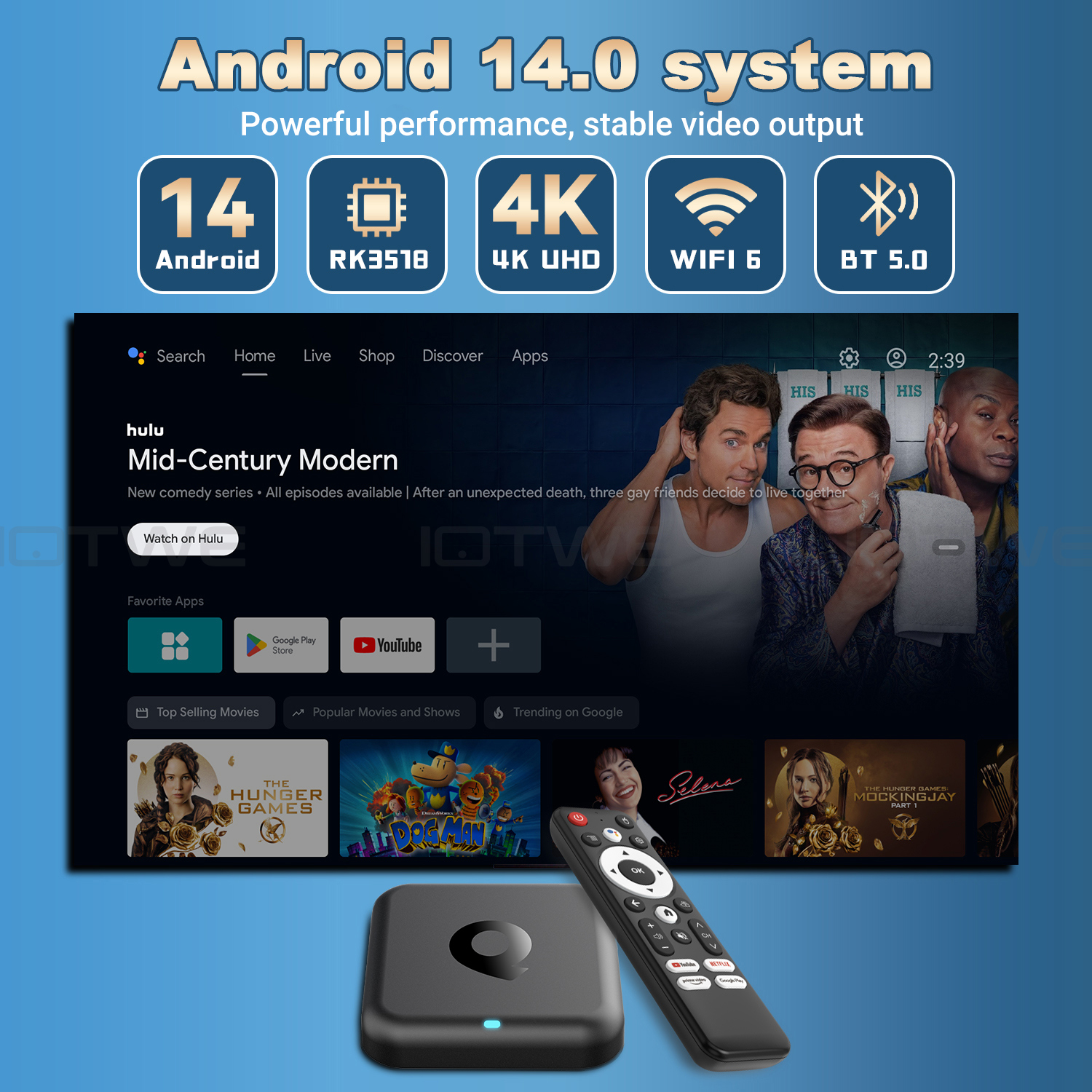
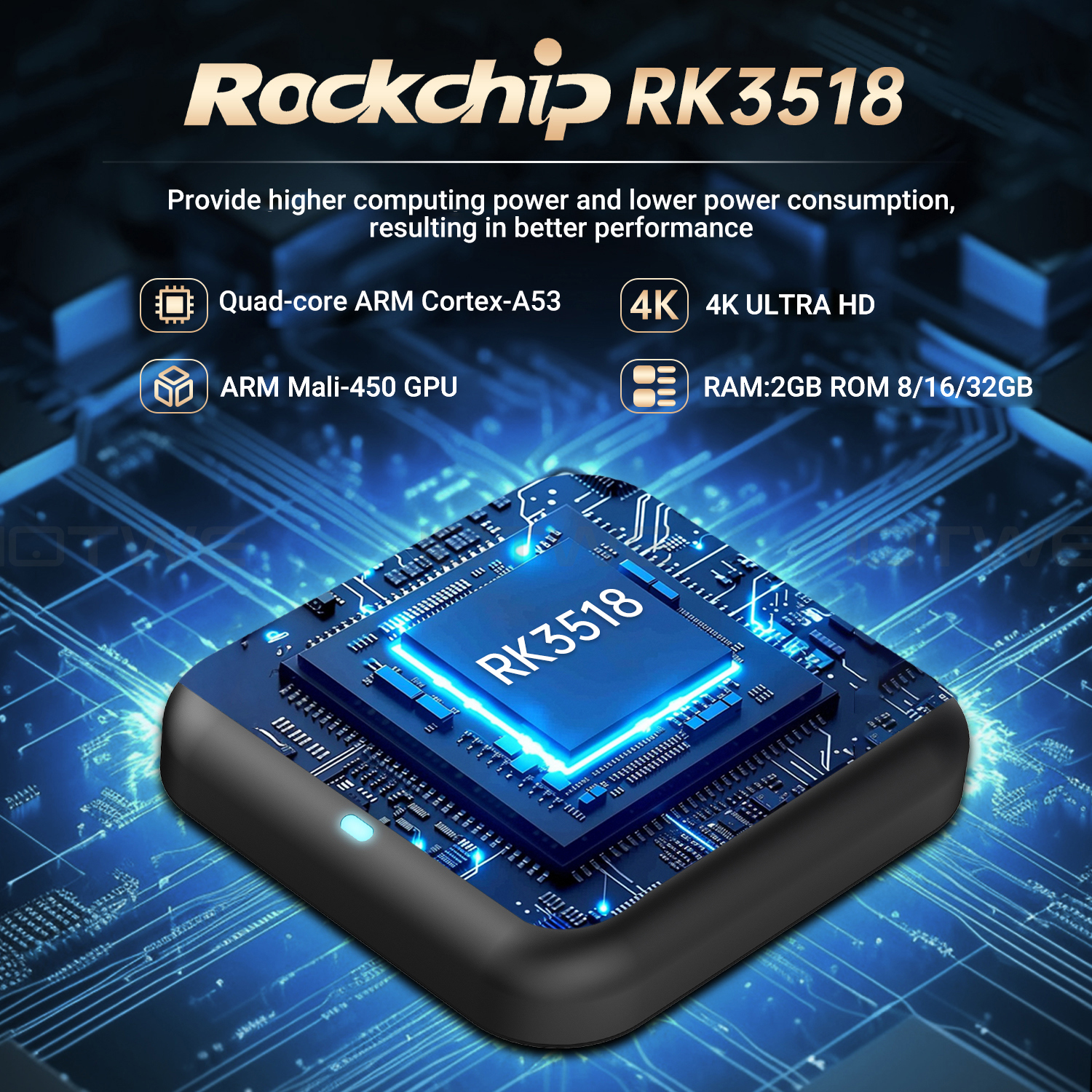
【Android 14 & RK3518】
Der TV BOX HThe TV BOX RK3518 is equipped with a Quad Core ARM Cortex A53 CPU.This powerful CPU provides ultra-fast running speed and professional image processing functions, ensuring a stable and smooth operation when loading movies and playing games without any delay. |
|
【2 GB RAM 32 GB ROM】 |
|
【4K TV Box mit Miracast/DLNA/Airplay Functions】
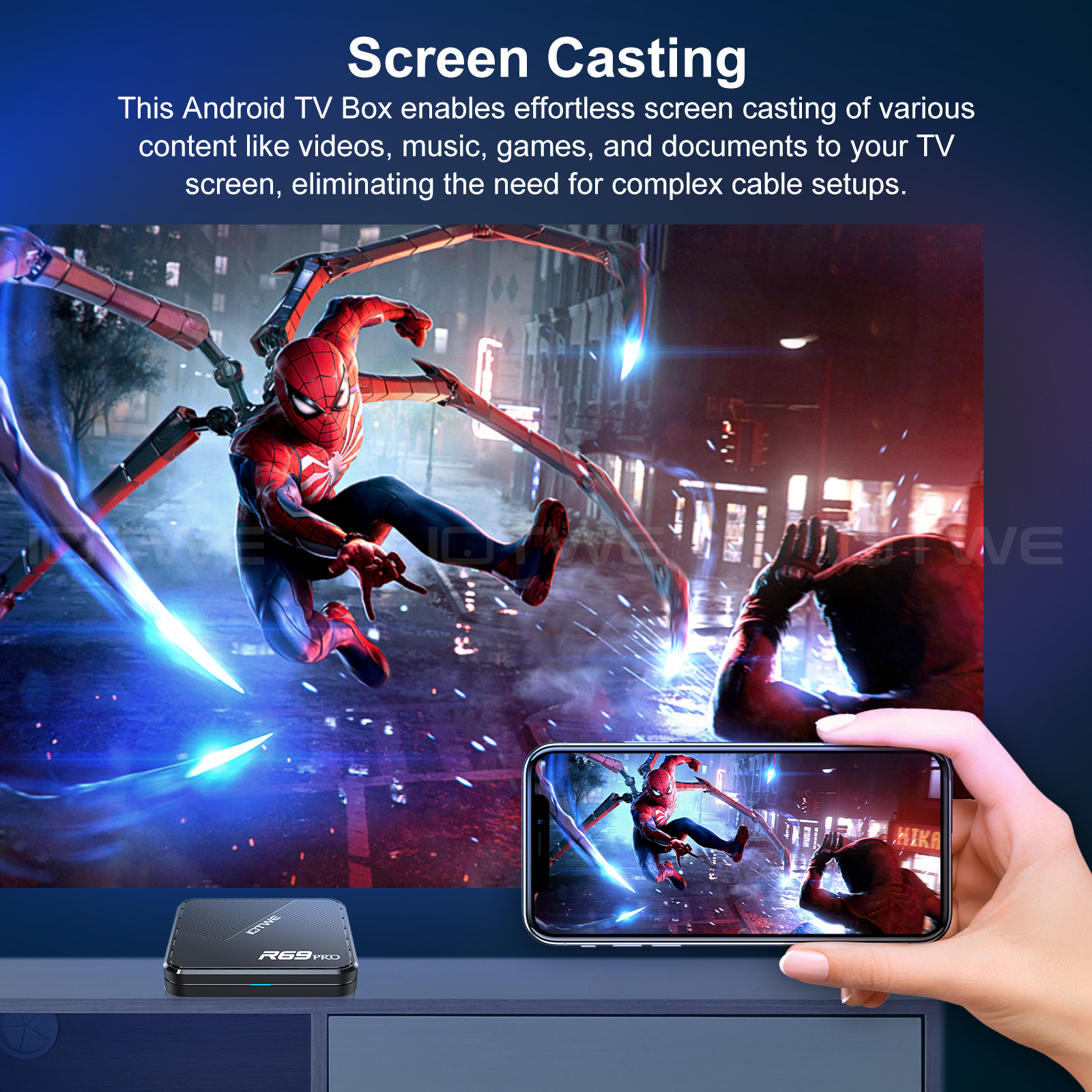
The R96Q TV Box supports Miracast/DLNA/Airplay functions,allowing you to easily connect to other devices and share media content. In this way, you can enjoy an optimal entertainment experience. |
|
【Stable wireless and wired connections】
The R96Q TV box supports Miracast, DLNA and Airplay functions, enabling you to effortlessly establishconnections with other devices and share media content. In this way, you can enjoy an optimal entertainment experience. |
|
【Ultimate comfort and convenience】 The R96Q is the perfect solution for everyone who doesn't want to buy an expensive smart TV. You can seamlessly connect your smartphone to your TV and wirelessly transfer pictures and sounds.With the Android TV box, you have access to a web browser, social networks, music, videos, photos and much more – all with unparalleled convenience. |
 |
 |
|
|
|
|
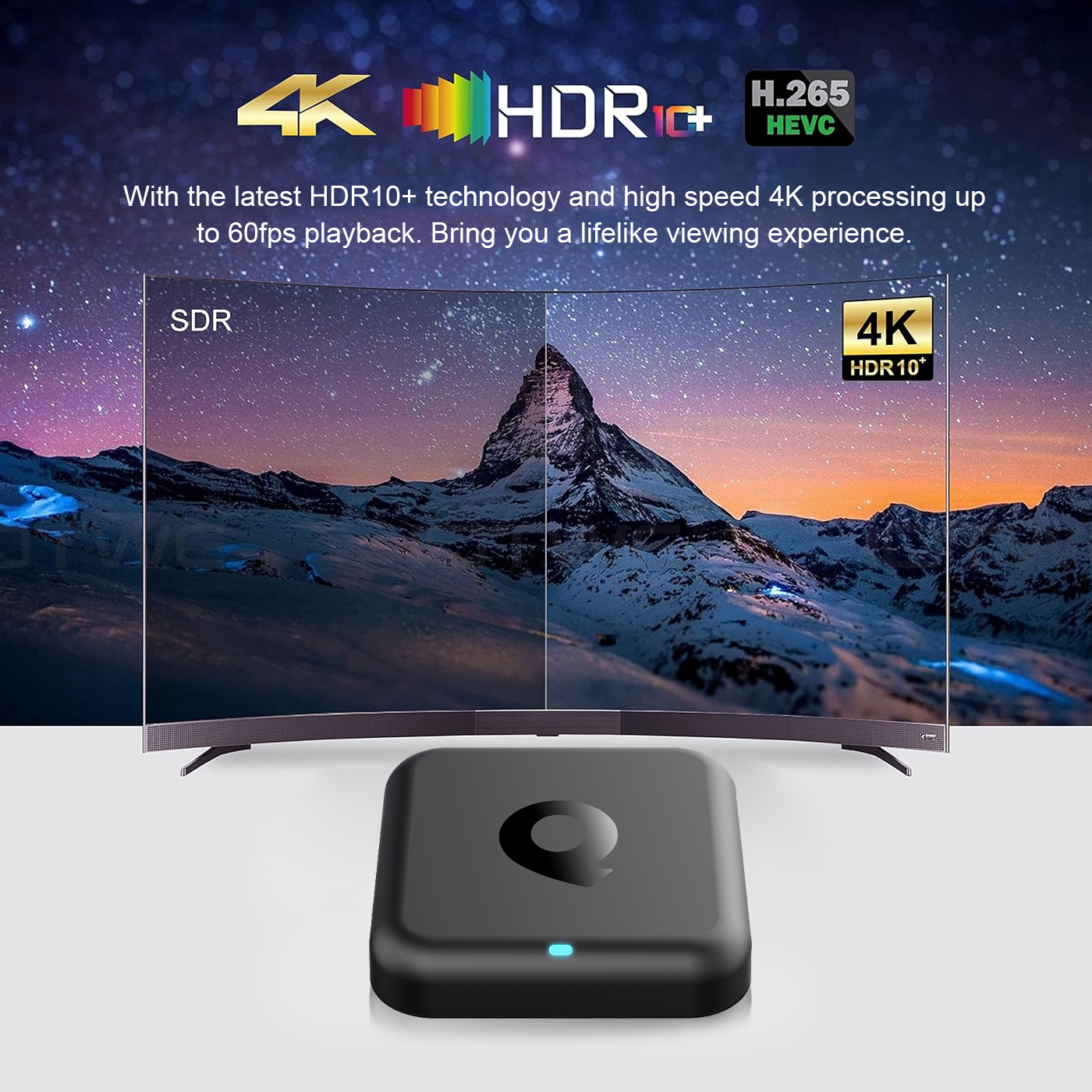
Note: Our TV box can support 4K resolution. However, if you want to achieve a 4K resolution, your TV must also support 4K resolution, and the video you play must be of 4K quality. |
 |
|
|
|

|
Question: Unable to boot/Open for the first time? Answer: Our QC team has tested the product in detail before we shipped it, so I believe we can solve the problem together. In this situation, please try the following: 1.Here are the steps on how to set up the TV box:A. Connect the power adapter to the TV box and then to the power socket. B. Connect the HDMI cable between the TV box and the TV. C. Set your TV to the HDMI mode.Please check whether you have connected the cables properly. 2. Check whether a red or blue light is on,or whether there is no light on at all, and then let me know. |
Question:How do you solve the video blurriness of a TV box? Answer: If it has happened in some of them, it might be the problem regarding the video quality. It doesn't depend on the box. You can try setting the resolution to the maximum (1080P or higher), and then check whether it works well. Or you can try it in other apps.If it happens to all the videos, here are the steps: A.If you have another HDMI cable, could you please try using a different HDMI cable?B.Connect the TV to the TV box properly using the AV-Out cable (there are different colored ports. Please check and set them correctly), or you can choose to use the HDMI cable to connect them as well. C.If the problem still persists, please try restoring the factory settings as follows: Press "Settings" - "Backup & Reset" ---- "Reset factory data" ----- "Reset TV box" ---- "Erase everything". D.Set the resolution of the TV box to 1080P. Here are the steps: "Settings"--"Display"--"Turn off automatic resolution"--"Set resolution to 1080P". |
|
|
Question: Problems with WiFi settings or connection. Answer: 2. Please check whether your TV box has been successfully connected to your Wi-Fi router and whether the signal is strong. If the signal is very weak or it is out of range, then try using it near your Wi-Fi router; if it is unable to establish a connection, then please check your Wi-Fi router settings and also try to connect to another router. 3. Could you please plug your networkcable directly into the RJ45 port to see if it can work. |
Question: How can I set the language of the TV Box? Answer: 2.If it still doesn't work, please follow these steps:A: Press: "Settings - Backup & Reset" ---- "Reset factory data" ----- "Reset TV box" ---- "Erase everything" (Or: "Settings - Other - More Settings - Backup & Reset" ---- "Reset factory data" ----- "Reset TV box" ---- "Erase everything") B: And then when you turn on the device for the first time, please choose the desired language. 3.You can also enter the apps,and there is a symbol like a compass. Please click on it to change the language. |