High quality
The wireless controller is perfectly compatible with Xbox one/one X/XSX/XSS game consoles and PC (Win7/8/10), It will be a great replacement for the Xbox one controller and PC controller.
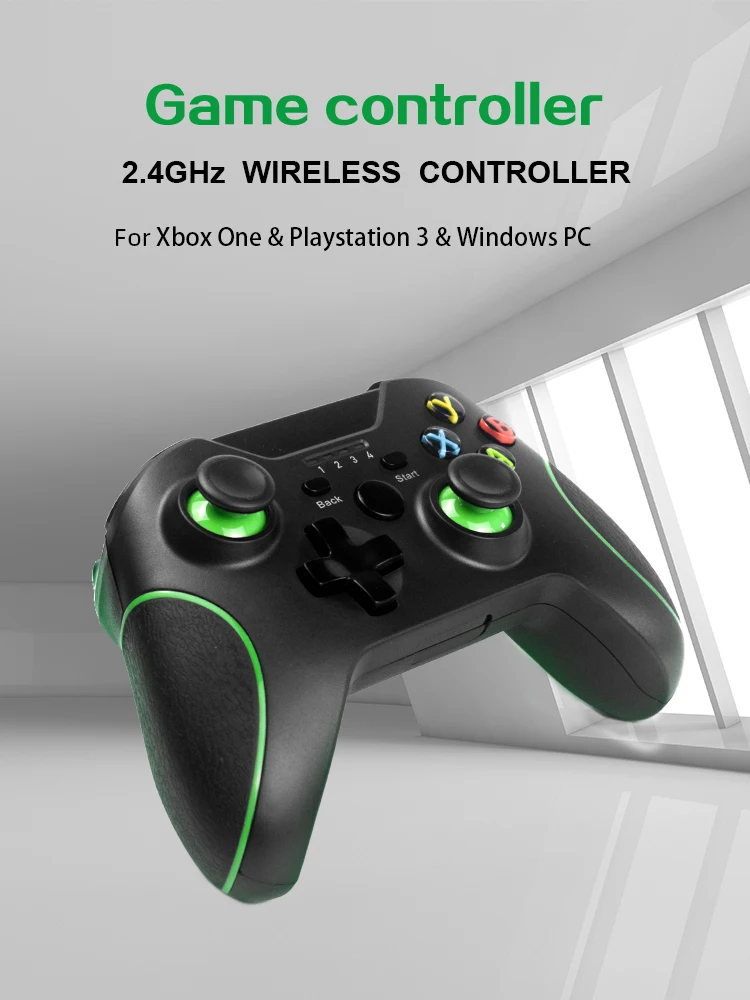
Vibration function
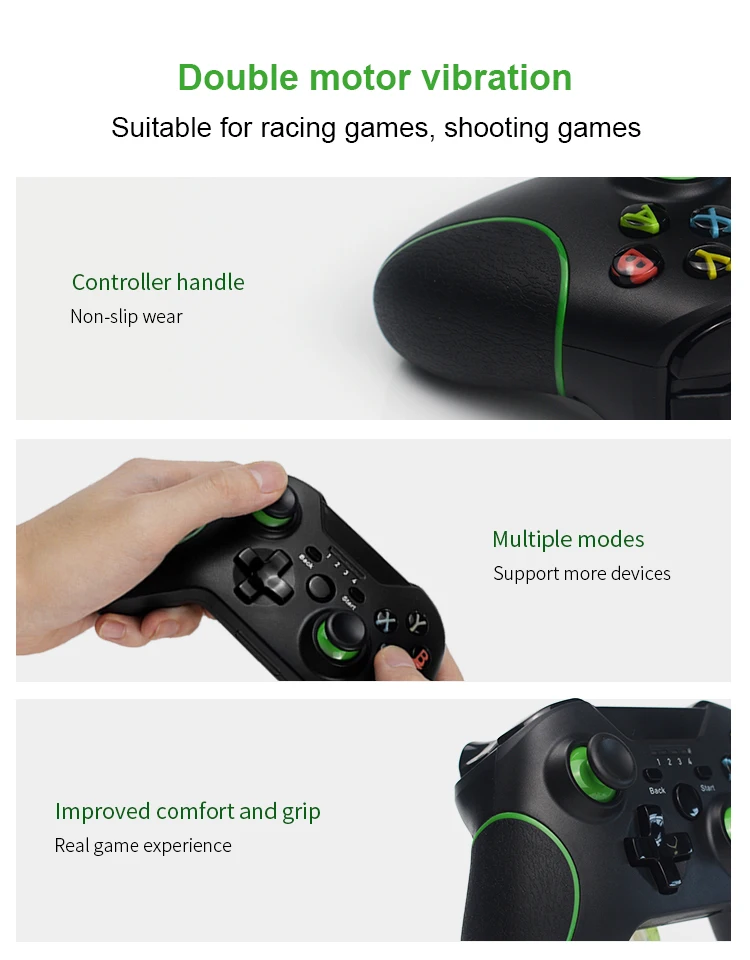
Built-in double shock feedback motors, perfectly fit for racing, shooting, fighting, and sports games, enhancing game experience. Bring you a consistent and maximum comfort gaming experience.
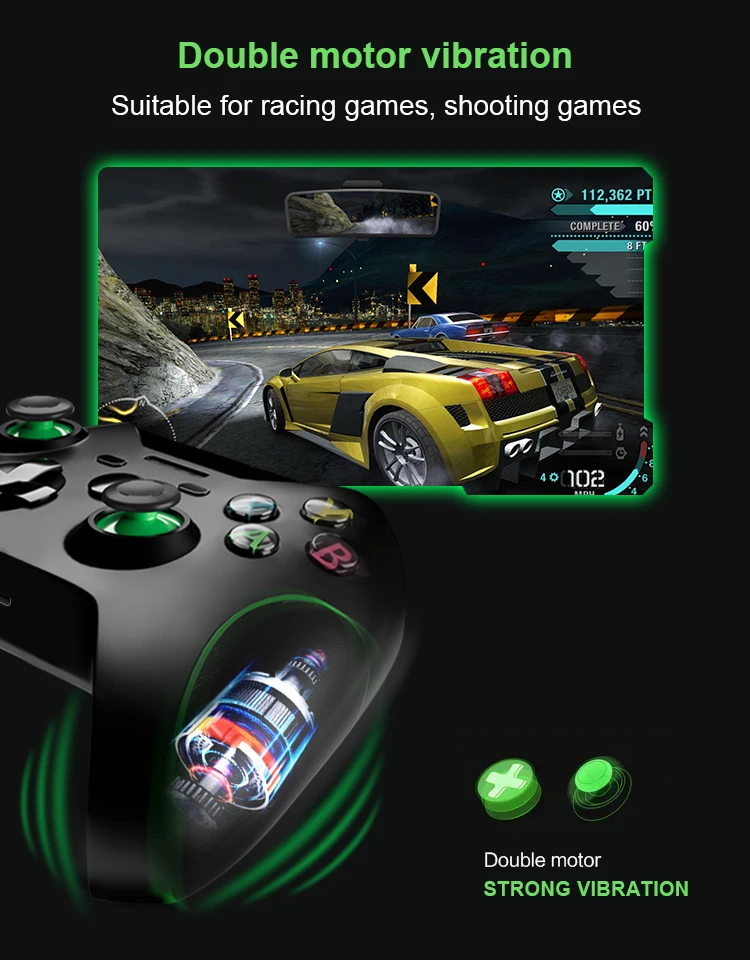
2.4G Wireless receiver
Compatible for Xbox one controller includes a brand new 2.4GHZ wireless connection function, which can connect for XBOX ONE and Windows 10 system computers, help you get rid of the cable line, enjoy the wireless range of more than 30 feet. ATTENTION, this controller do not have audio jack.
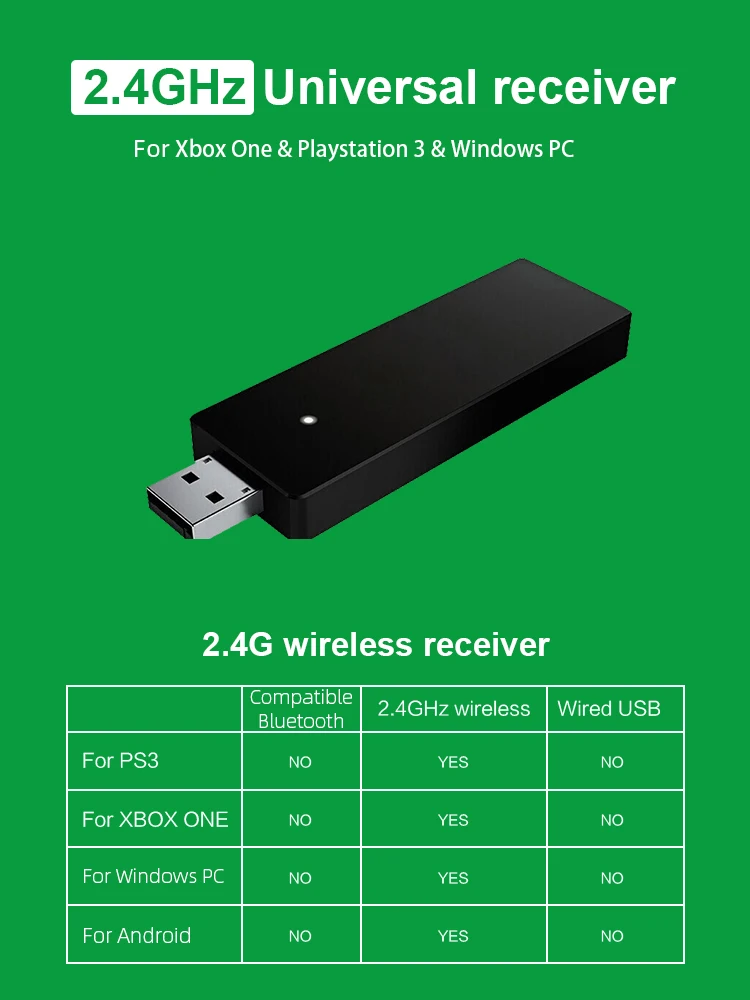

Compatible Systems
The core of the controller is identical to the official for XBOX controller, and the excellent powerful performance bring you the wonderful gaming experience. This controller can be compatible with xbox one, xbox one x, Windows 10 and other platforms.
No headphone jack!

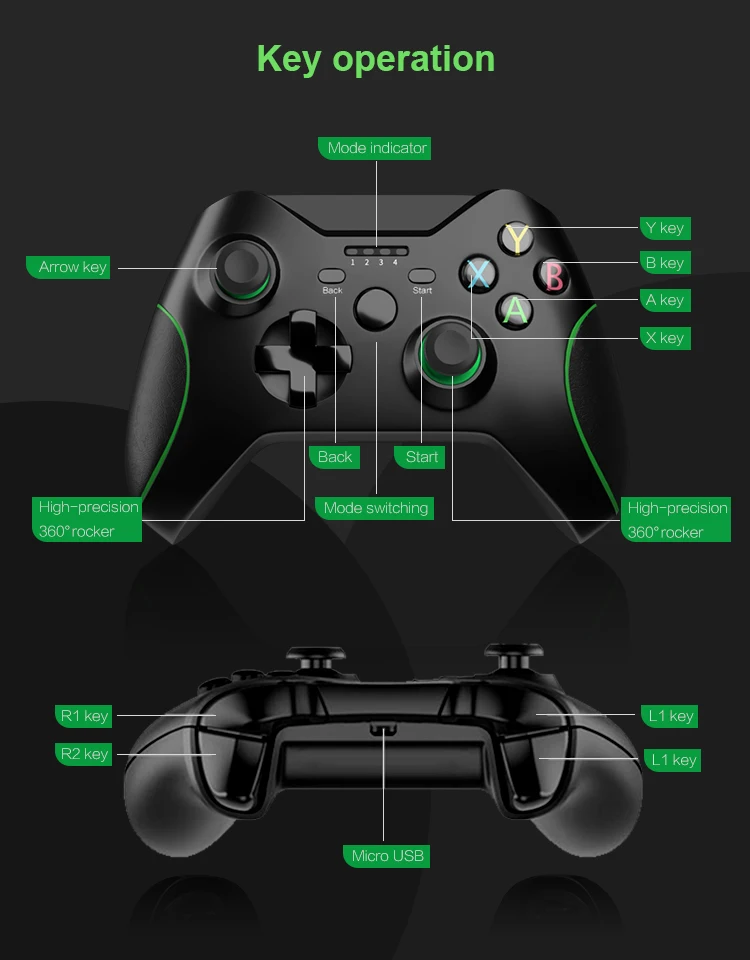
Layout design
It holds the well-built layout and buttons, intelligent energy-saving mode design, which allows you to play the most accessible game, give you a better gaming experience.
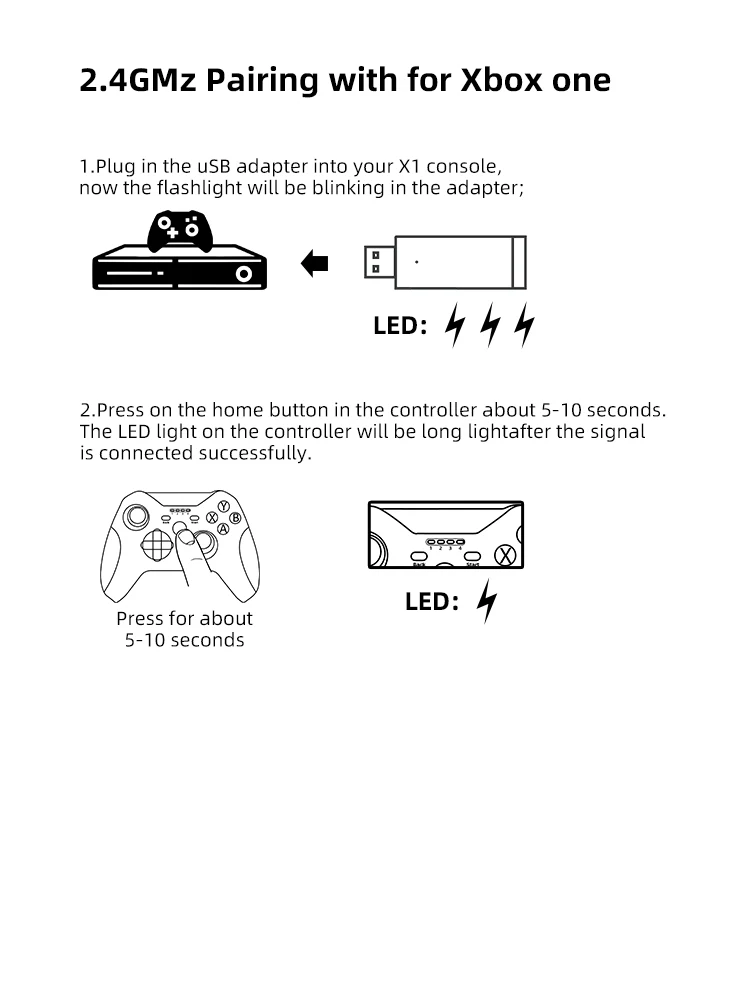
How To Connect Xbox One Console
1.Plug in the USB adapter into your X1 console now the flashlight will be blinking in the adapter.
2.Press on the home button in the controller about 5-10 seconds. The LED light on the controller will belong light after the signal is connected successfully.
How To Connect P3 Game Stick.
1.Plug in the USB adapter into your X1 console now the flashlight will be blinking in the adapter.
2.Press on the home button in the controller about 5-10 seconds. The LED light on the controller will belong light after the signal is connected successfully.

How To Connect PC(Win7/8/10)
1.Plug in the USB adapter into your X1 console now the flashlight will be blinking in the adapter.
2.Press on the home button in the controller about 5-10 seconds. The LED light on the controller will belong light after thesignal is connected successfully.
3.After connection the controller is on the Xbox one mode
defaultly, Please press on the home button about 5-10 seconds to switch the moldto"X-INPUT"or"D-INPUT" mode.

Enjoyable Gaming Experience
The more sensitive joystick and enhanced arrow keys provide higher operational accuracy. The built-in dual motor and 256-level precision 3D joystick bring you the most realistic gaming experience, just as if you are in the game. ATTENTION, press left joystick, back and start button at the same time to close the controller.

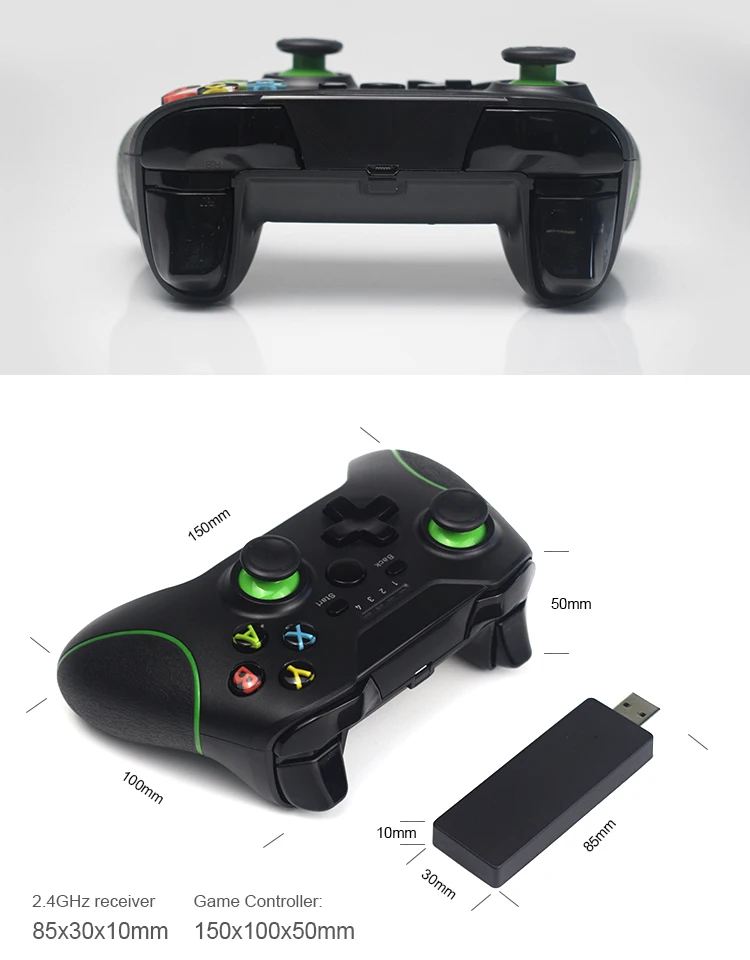
Package list
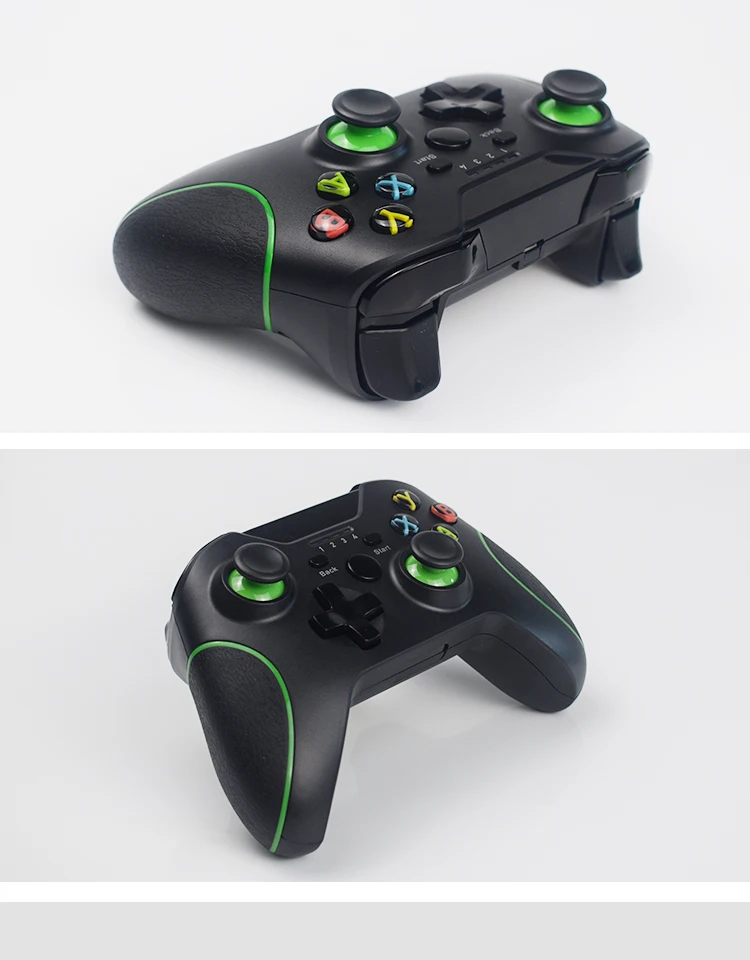
1 * Wireless Game Controller
1 * Receiver
