|
This GPS is used but it is professionally tested and
guaranteed to be free of defects and fully functional, optional additional warranty is also available
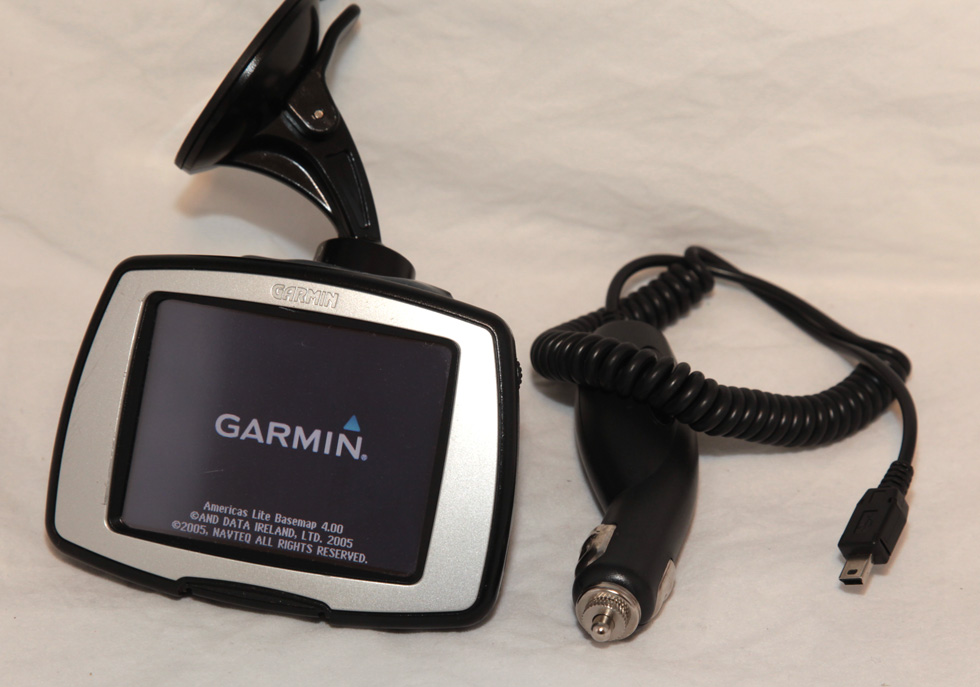
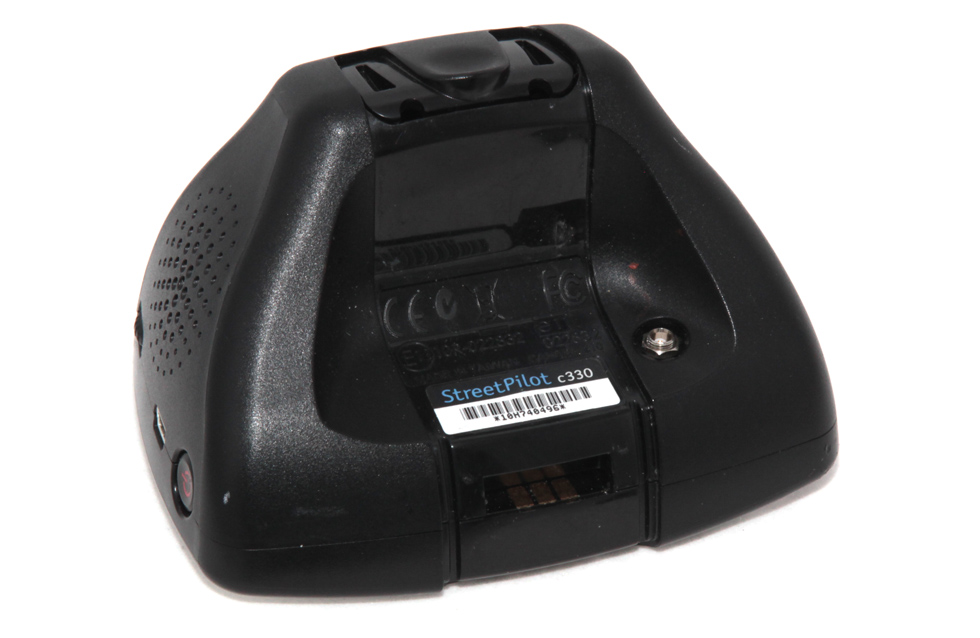
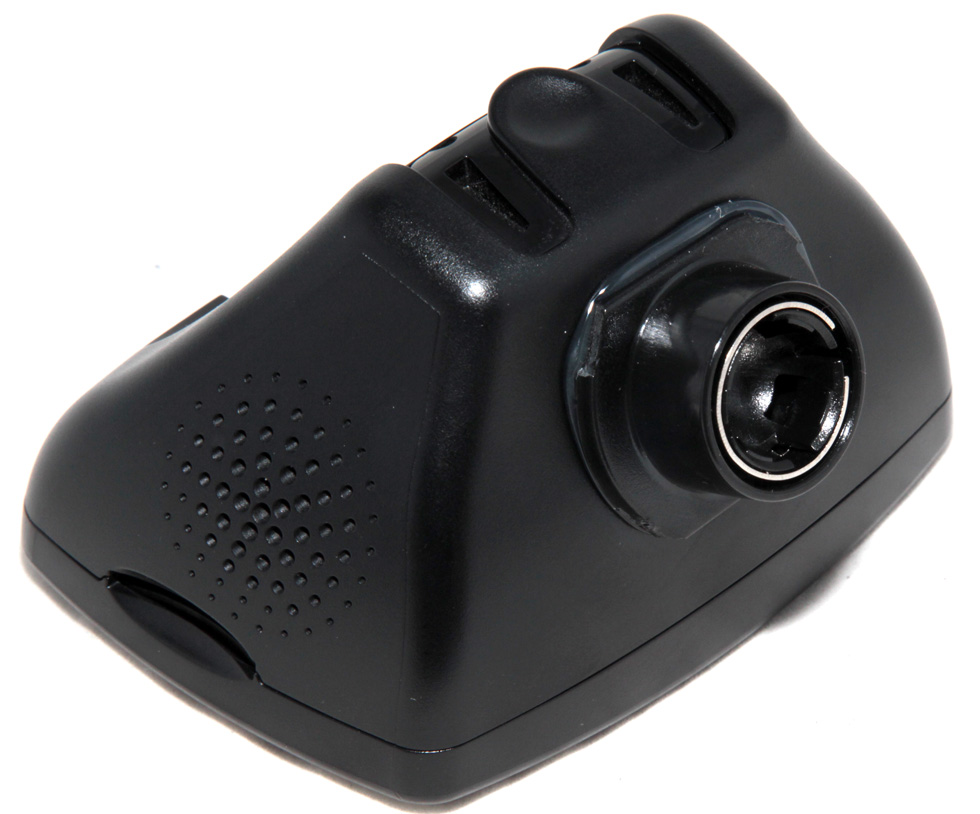
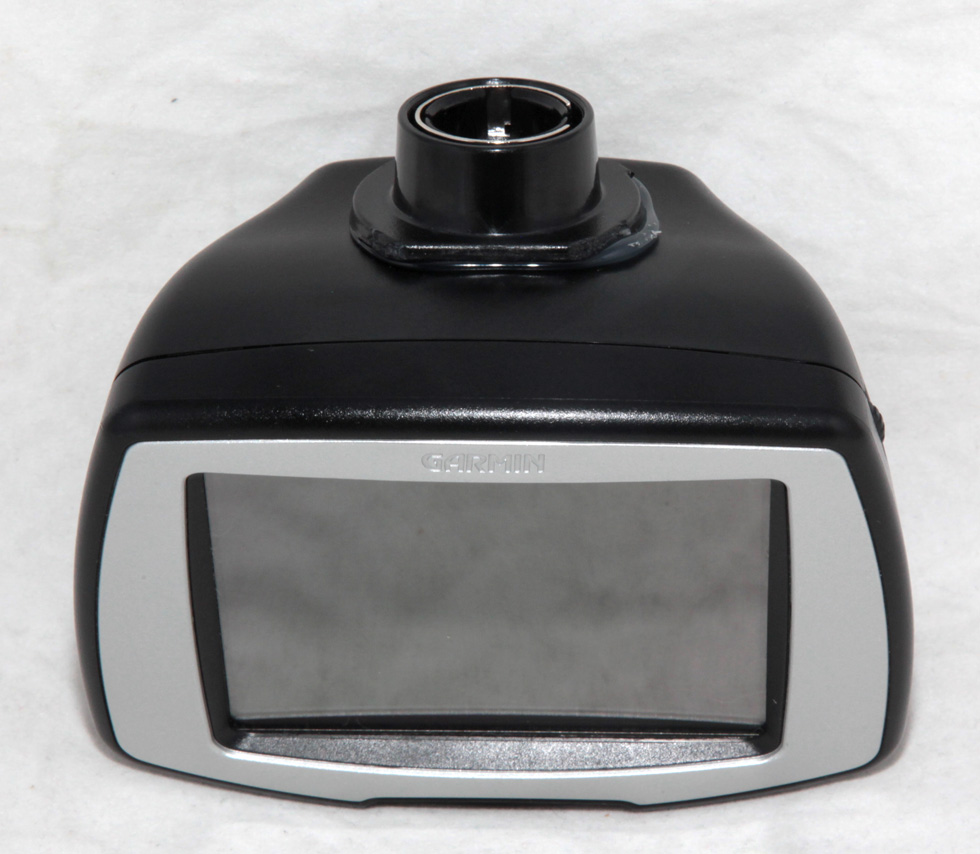
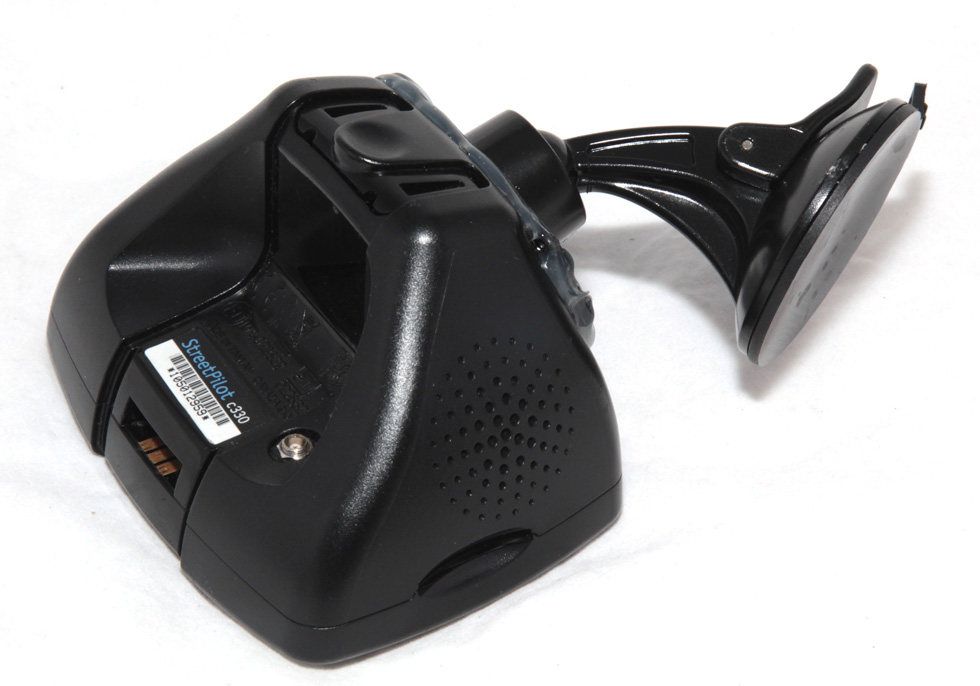
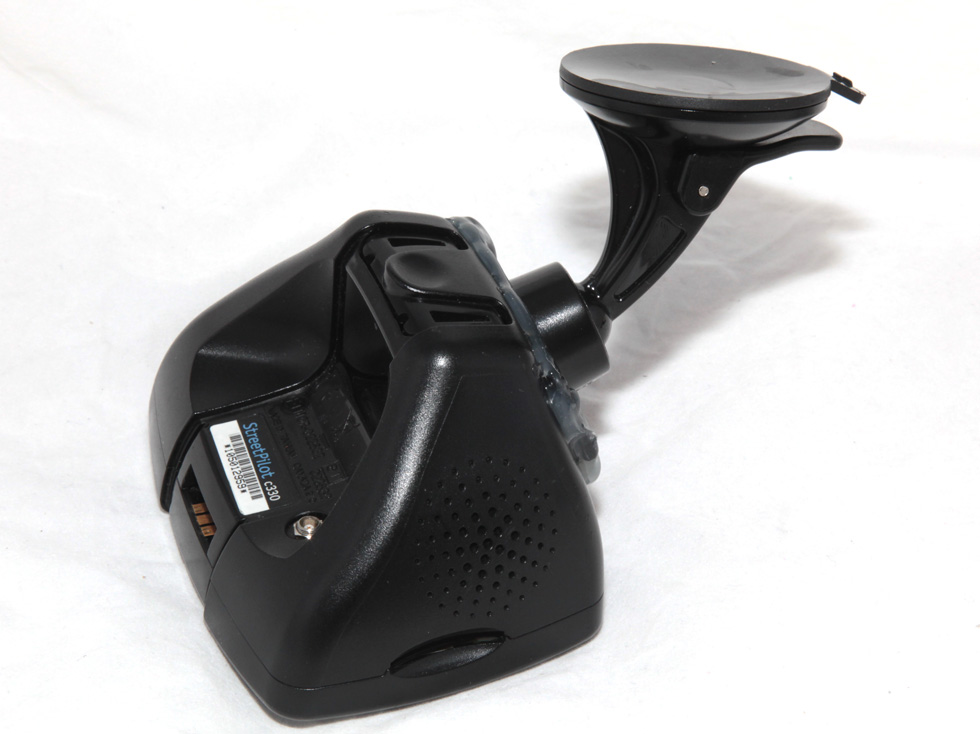
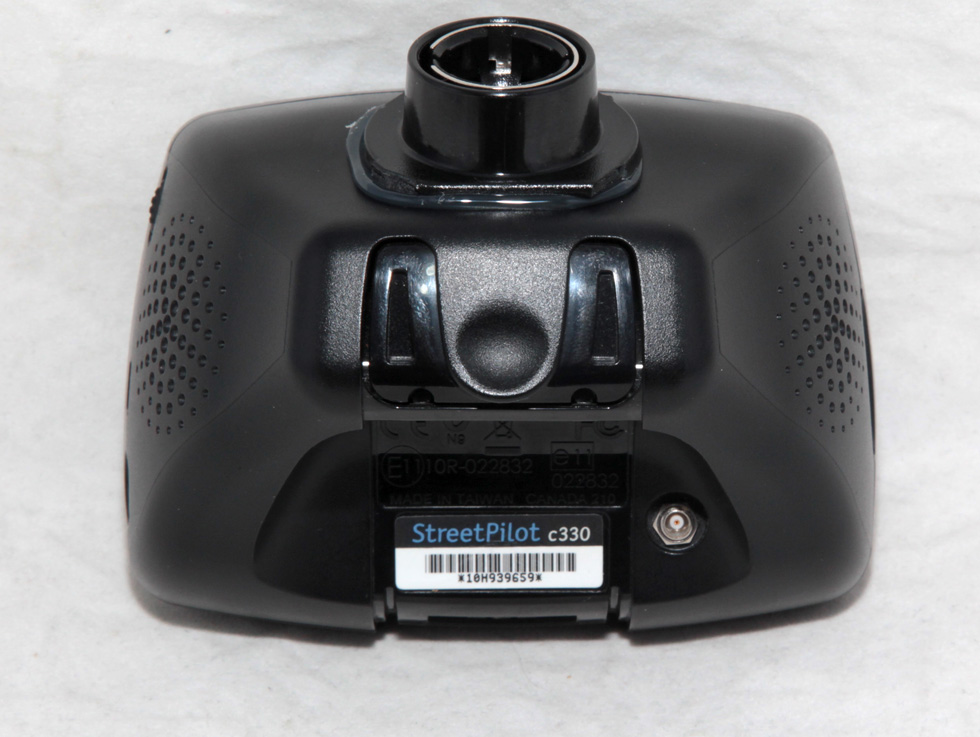
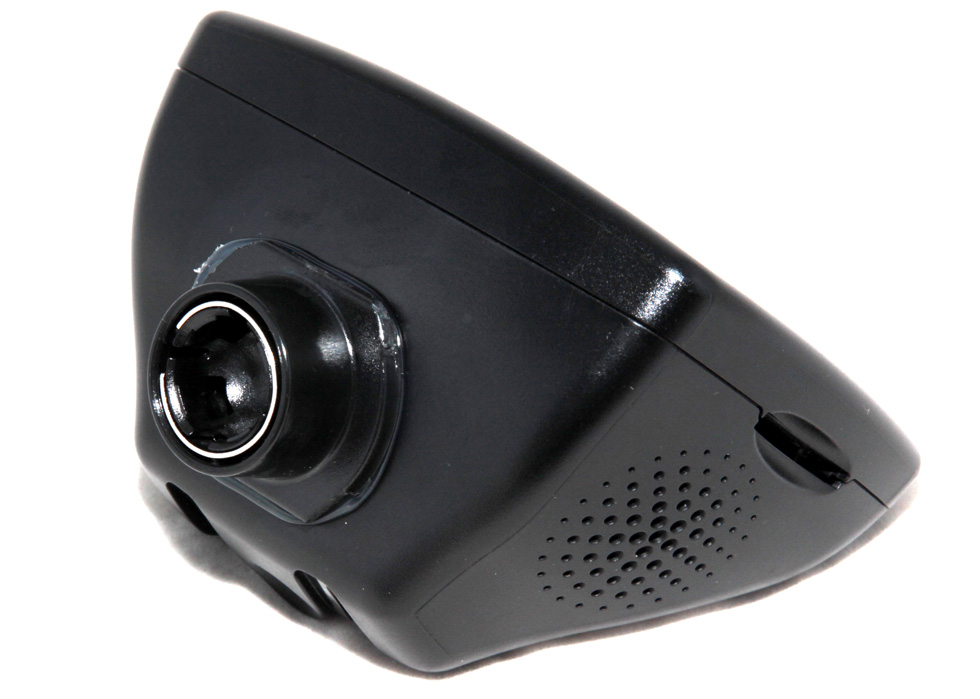
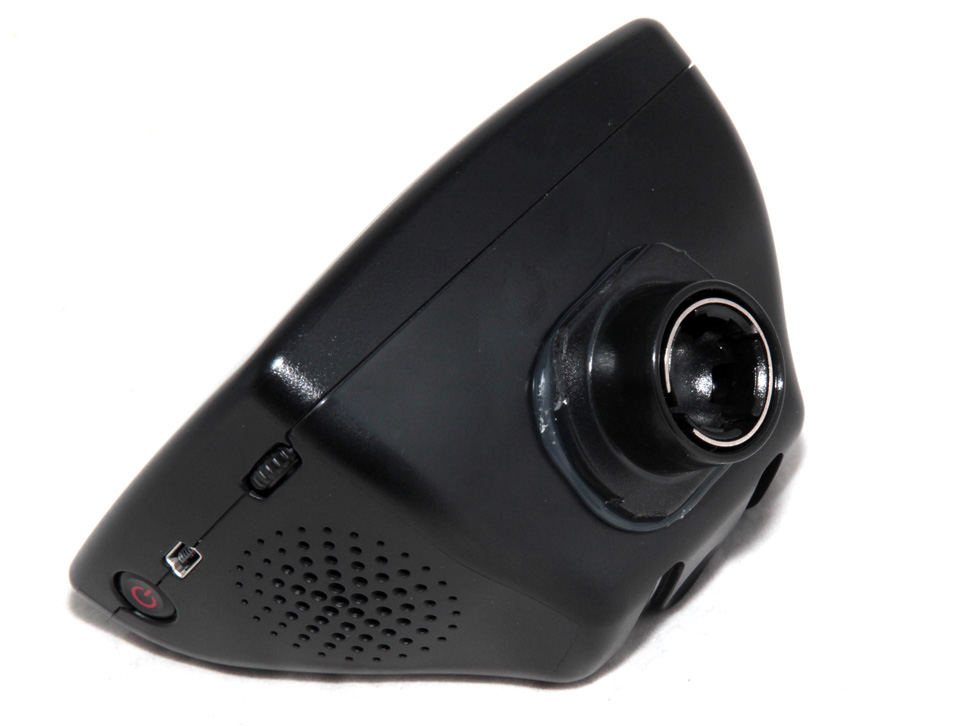
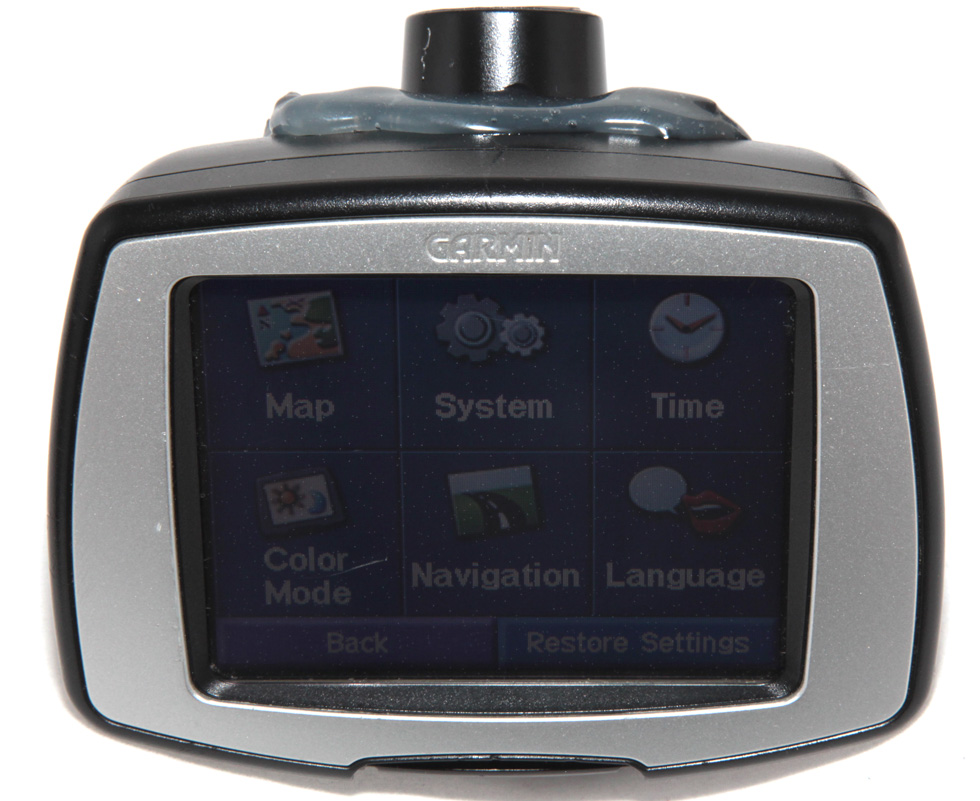
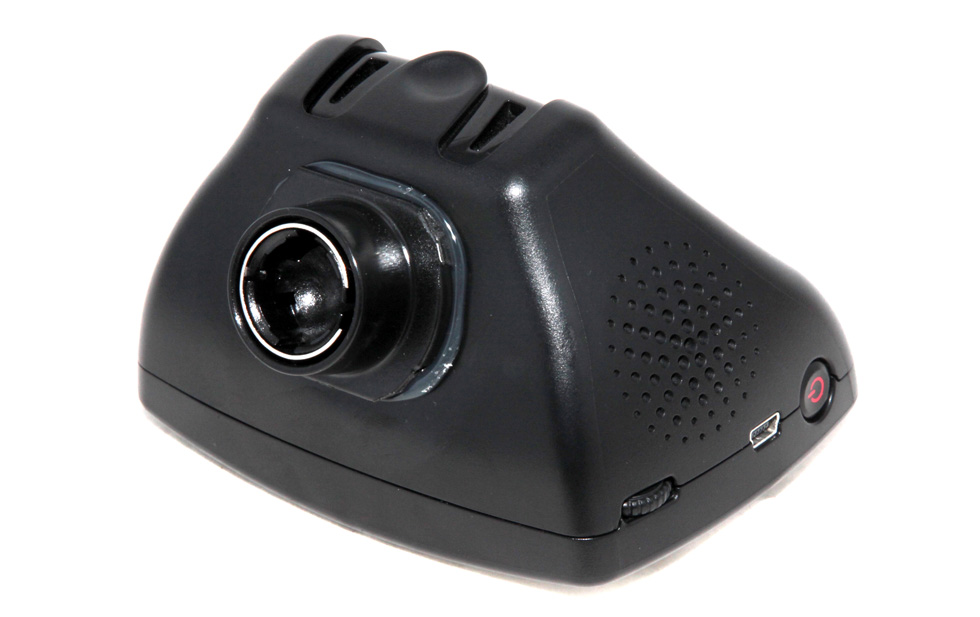
by Square Trade. As you can see in photos the Holding Mount is
modified with a Garmin Ball Head Holder. The original Holder was too
bulky and not as stable as the one permanently glued on the back. This
Mount has advantages and disadvantages. The Advantages are that you have
better stability, better suction, better grip, larger degree of motion
so the device faces you better, better suction release with a release
clip, and the GPS unit will not vibrate when driving a bumpy road. The
Disadvantage is that the plastic adhesive looks ugly on the back, and
the attachment is not removable unless you use a Hair Dryer to warm up
the plastic glue on the back. You can still buy the original Mount
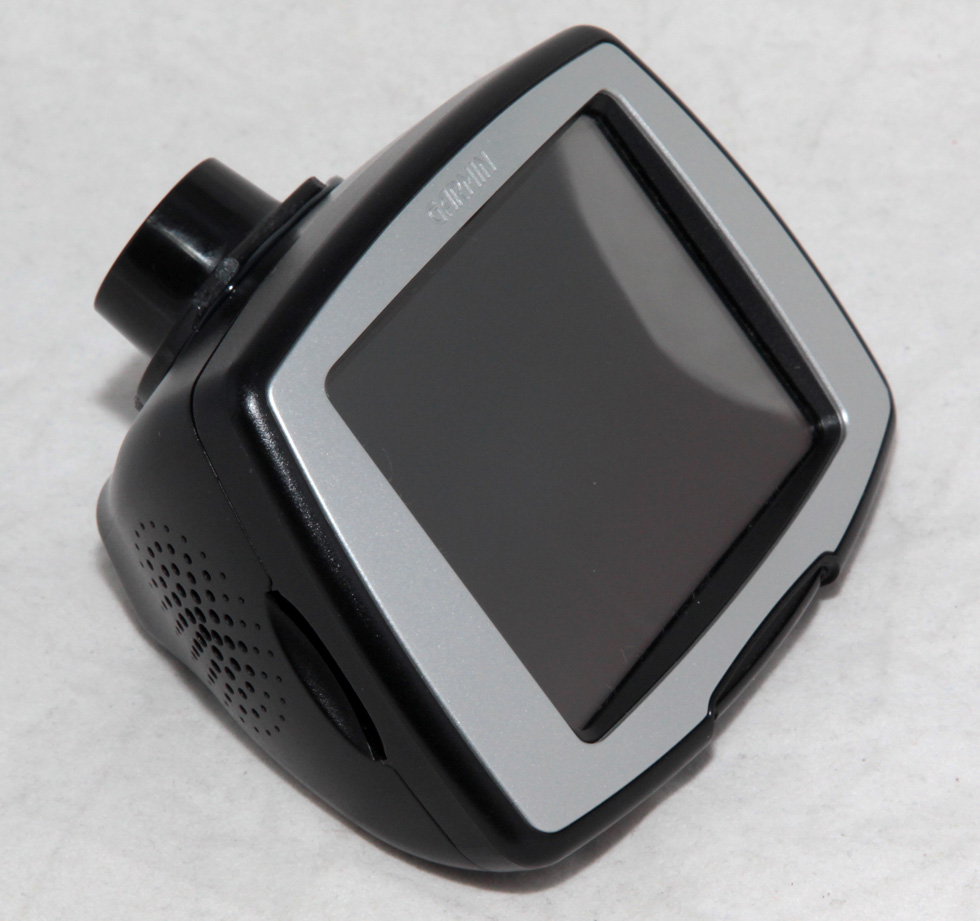
as the modified one will not interfere with the original mounting area. The unit is in great condition but
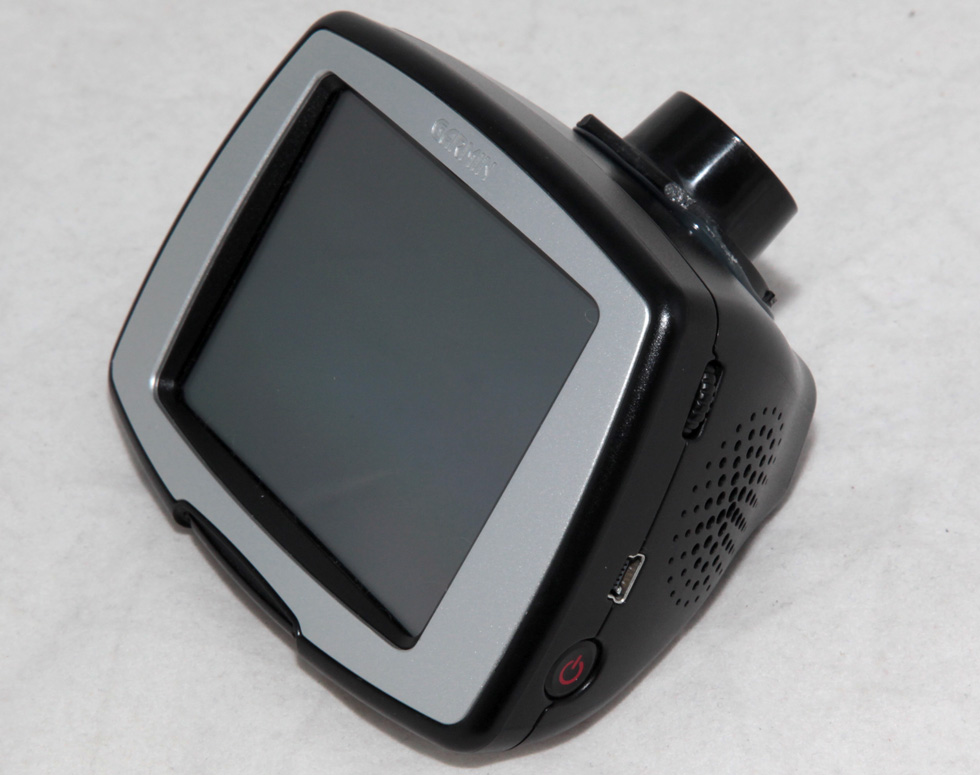
there are a few scratches on it all around including some very small
ones on the touch screen. The South American Map does not cover Ecuador I am not sure why but Garmin is not making any maps for Ecuador. There are some
tips and tricks on how to operate this device under the last photo
below. Please
scroll down and look at all high resolution photos that I have provided
for you below so you can see exactly all the details of this item.
If you have any questions you are more than welcome to call me or e-mail
me; all my contact information is posted below the last photo. Thanks
IMPORTANT NOTICE TO
INTERNATIONAL BUYERS: The shipping and Handling fees does not
included any additional Customs Taxes or Duties that you might be paying
at your local Customs office or Post Office. These Taxes are usually
collected at the time of deliver or pickup and it is buyers
responsibility to pay. The amount of these Taxes depends on the tax rate
in each country, and on the value of this item. In some counties such as
Dubai there are no Customs Taxes. So please keep this in mind before
buying this item.
ALL PHOTOS REPRESENT THE SAME ITEM FROM DIFFERENT
SIDES AND ANGLES. WHAT IS NOT SHOWN IN THE PICTUERES IS NOT INCLUDED.
AND WHAT EVER YOU SEE IN THE PICTURES IS INCLUDED
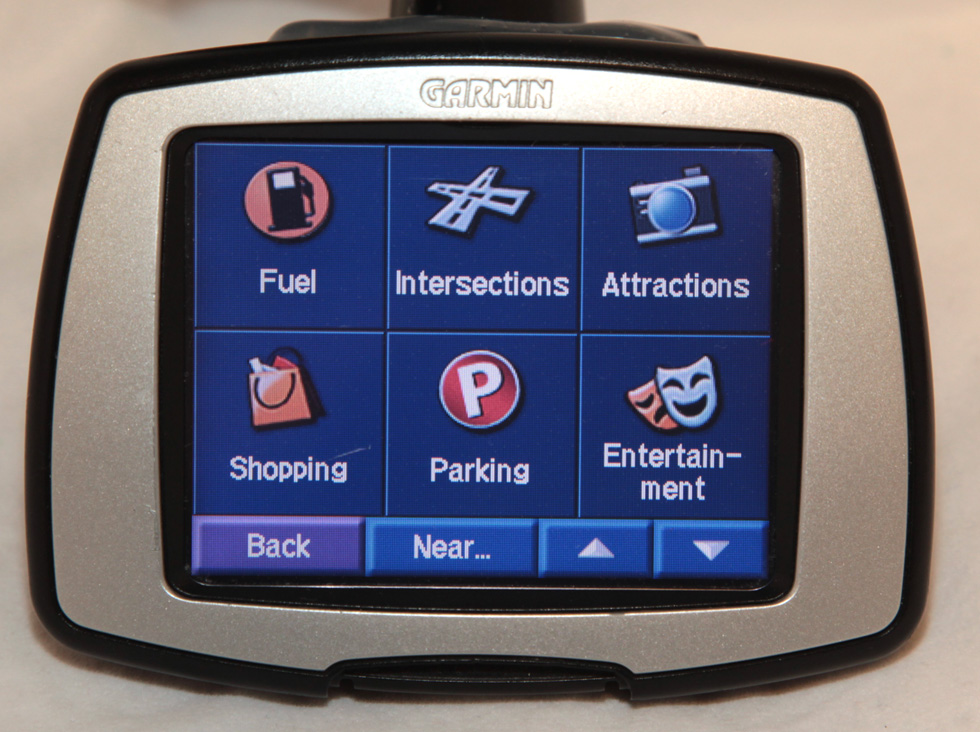
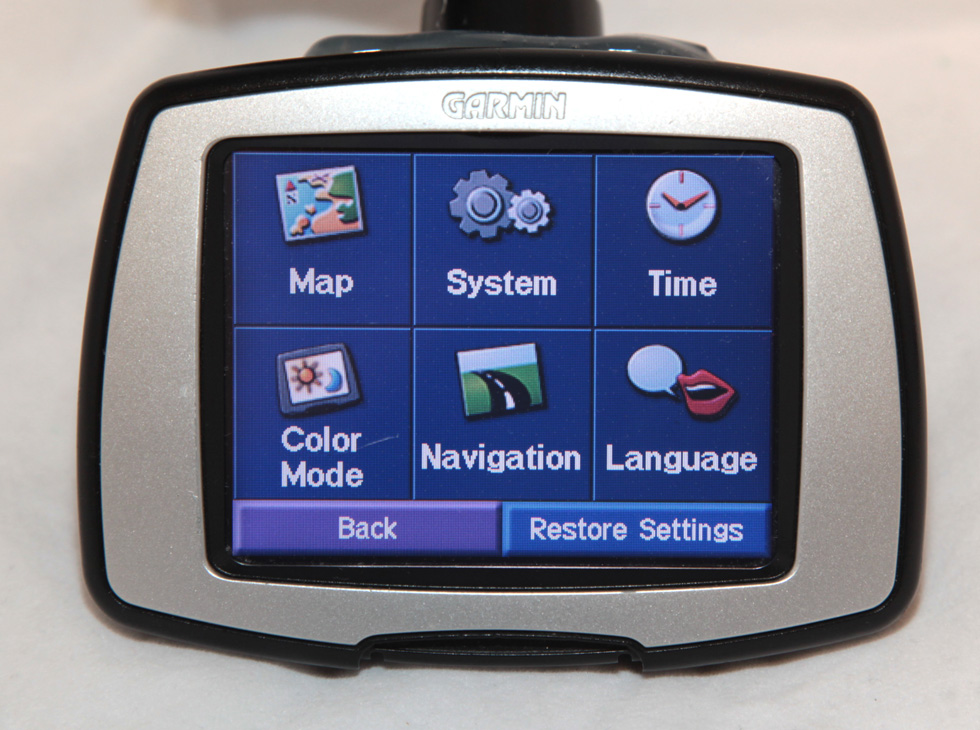
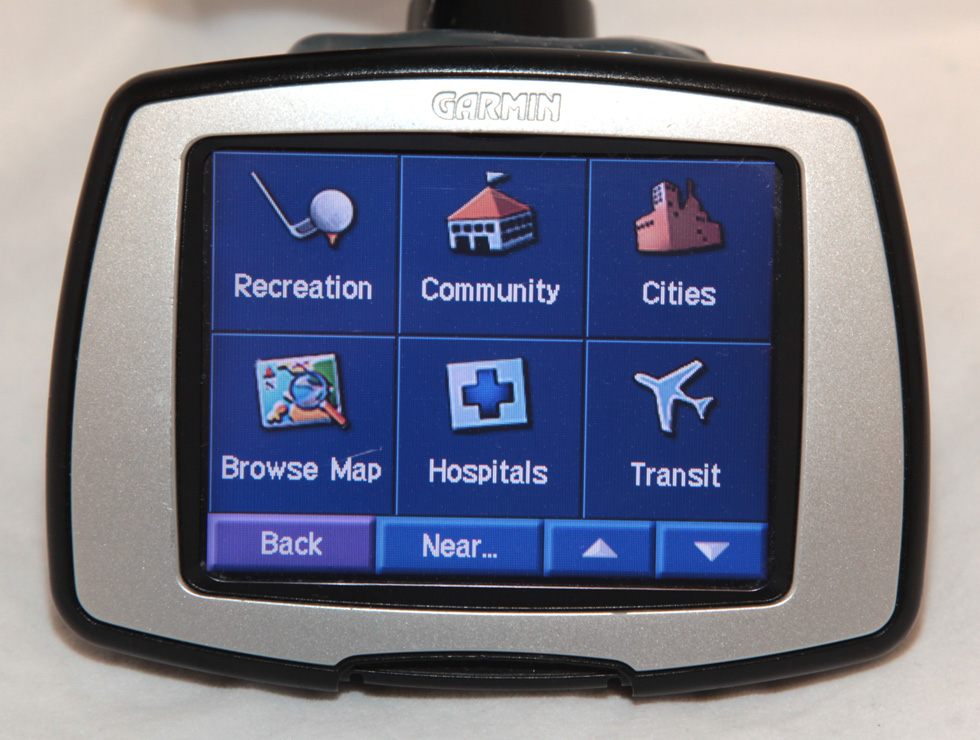
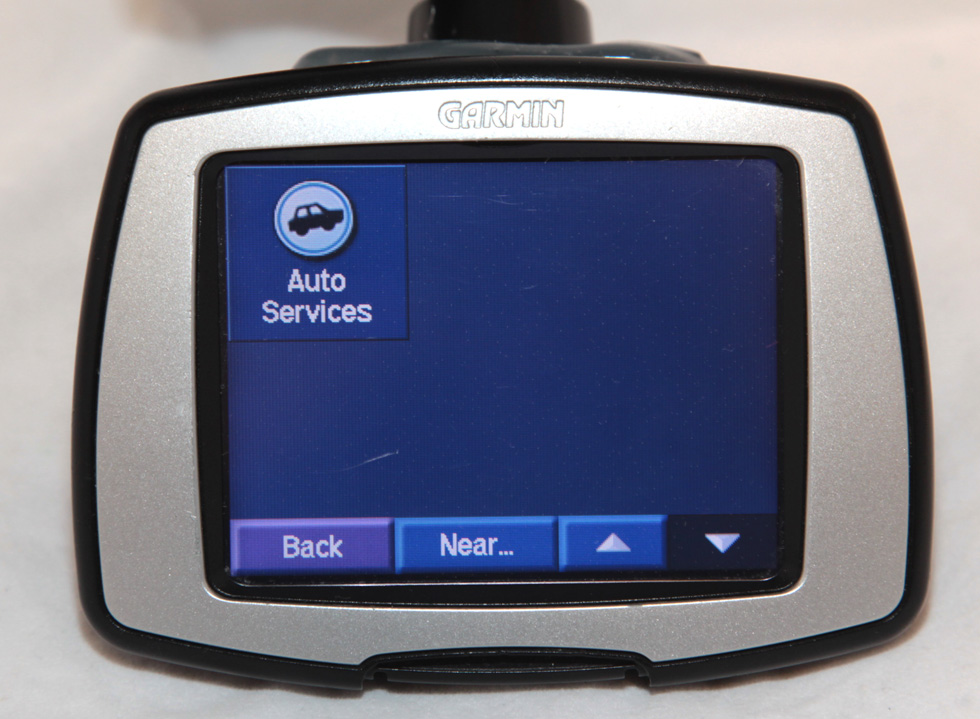
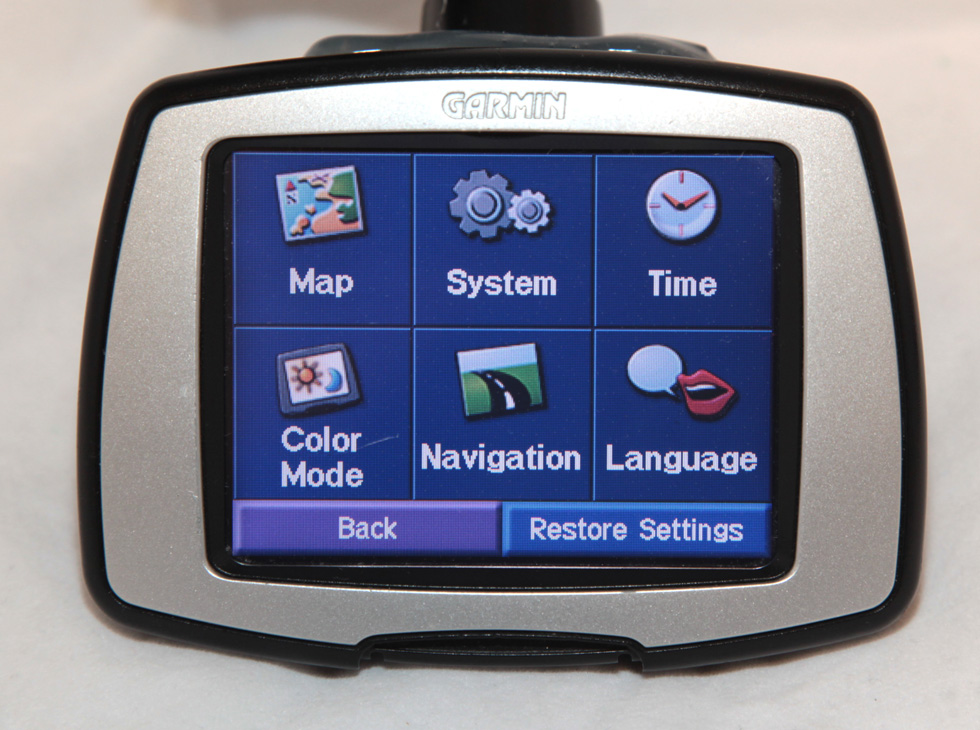
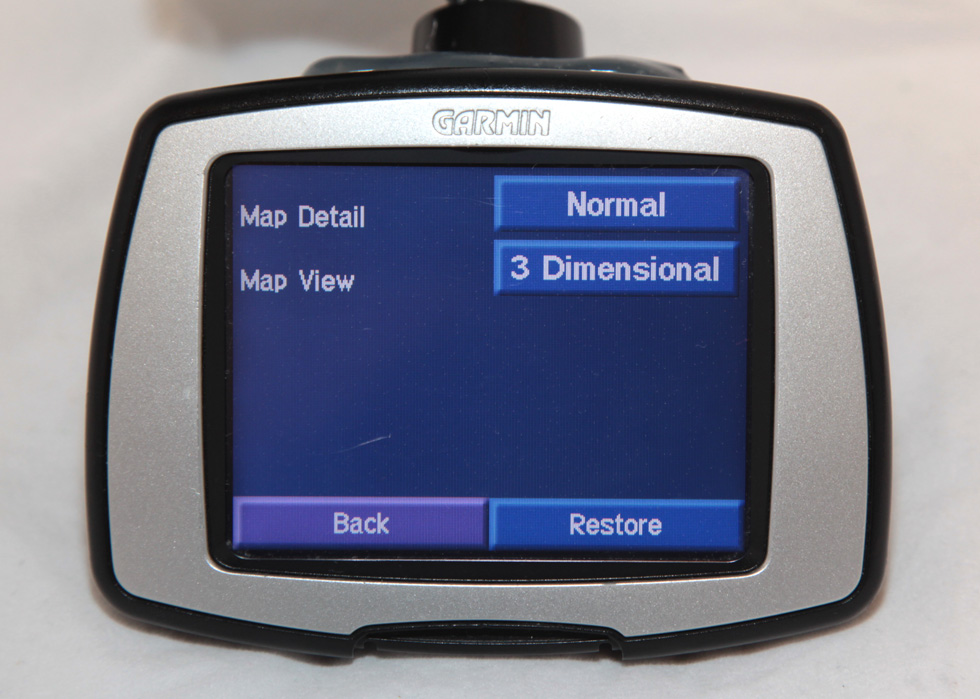

Tips and Tricks for This GPS Unit
Go to Street
without knowing exact number:
1. Turn on Unit
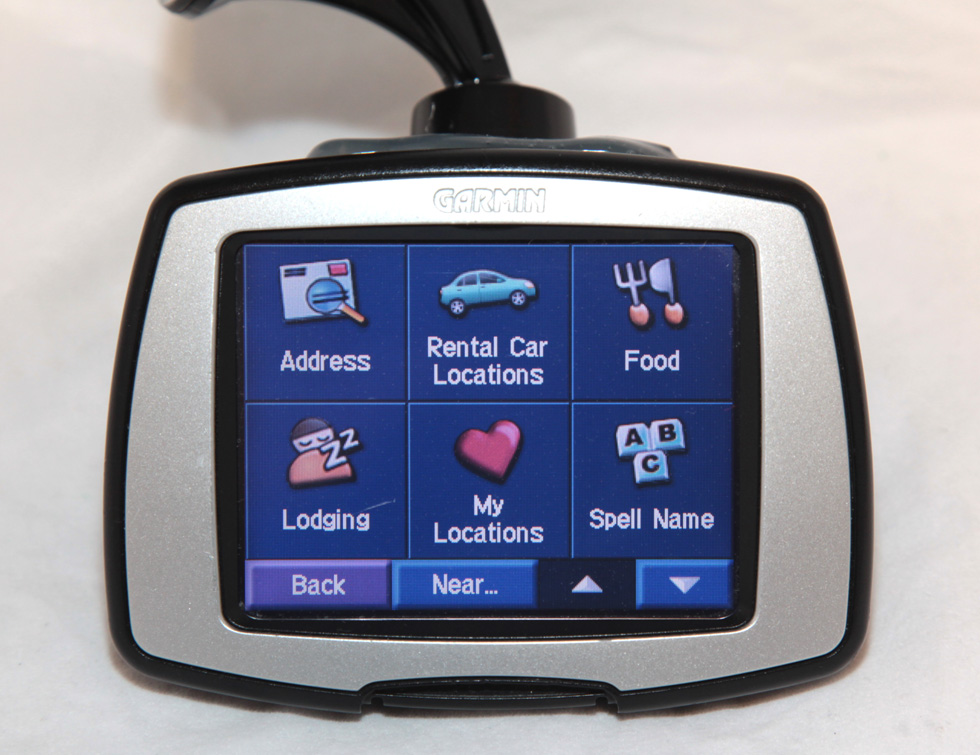
2. Click Address
3. Select State and City
4. When asked to enter House Number just click Done
5. Type in Street Name
6. Your point will automatically be picked on that road.
See Trip Stats
(Time, Speed, etc) and Reset Trip:
1. Turn on GPS
2. View Map
3. Click the Speed Box in the lower left corner
To Calibrate The
Touch Screen:
1. Turn off GPS
2. Hold Power Button for 30 secs or so
3. Calibration screen will appear
To Save Current
Location into your Favorites:
1. Get to the main menu
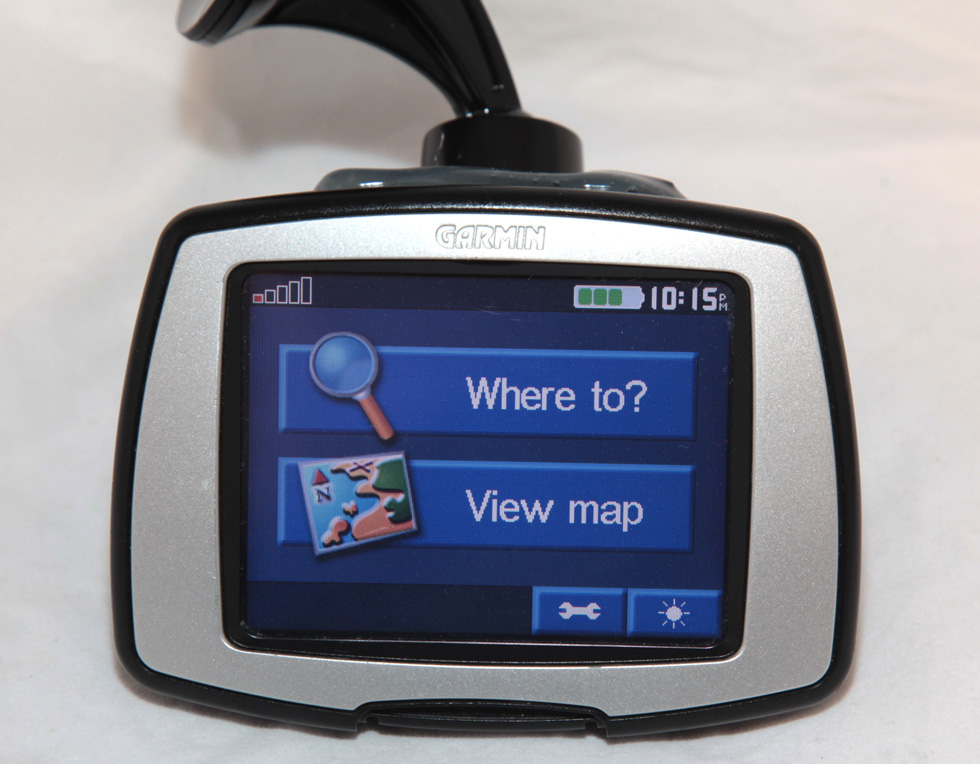
2. Click Where to?
3. Click My Locations
4. Click Save
5. Confirm
View Turn by Turn
Instead of Moving Map:
1. While navigating click, the top direction green bar
2. This will show a list of upcoming turns
3. Click the top direction choice
4. You will turn by turn directions instead of the moving map
Access the
Debug/Diagnostic Pages:
1. Turn GPS on
2. Click View Map
3. Click the Speed section in the left lower corner
4. Press and Hold the Moving Avg box for several
seconds
5. The Diagnostic Screen will appear.
6. Press Next to cycle through them all.
Perform a Hard
Reset to Clear Your GPS:
1. Turn GPS off
2. Press and hold the bottom right hand corner of the screen
3. Turn the GPS on (and continue to hold the right hand corner)
4. A warning screen will appear and ask if you want to continue
This will erase all your
custom data. This is excellent after buying a used unit or after moving
to clear all your data. |
 SHIPPING
 PAYMENT