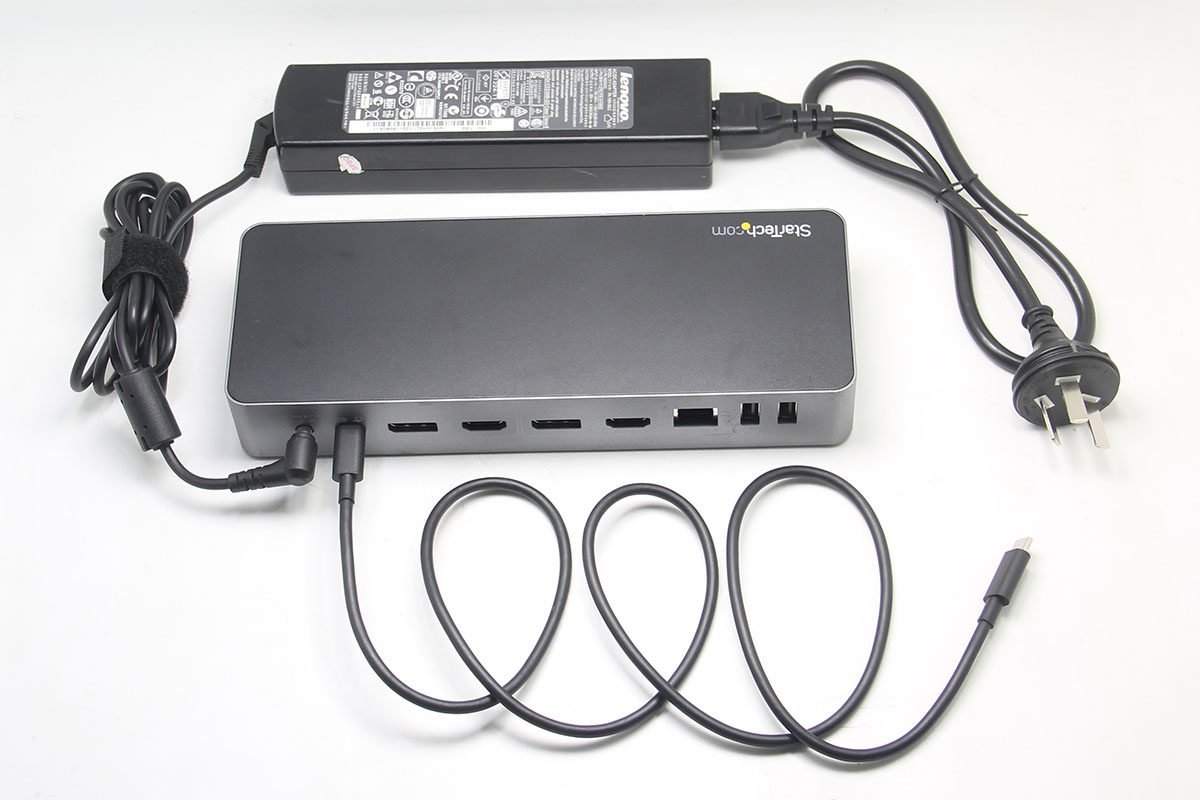
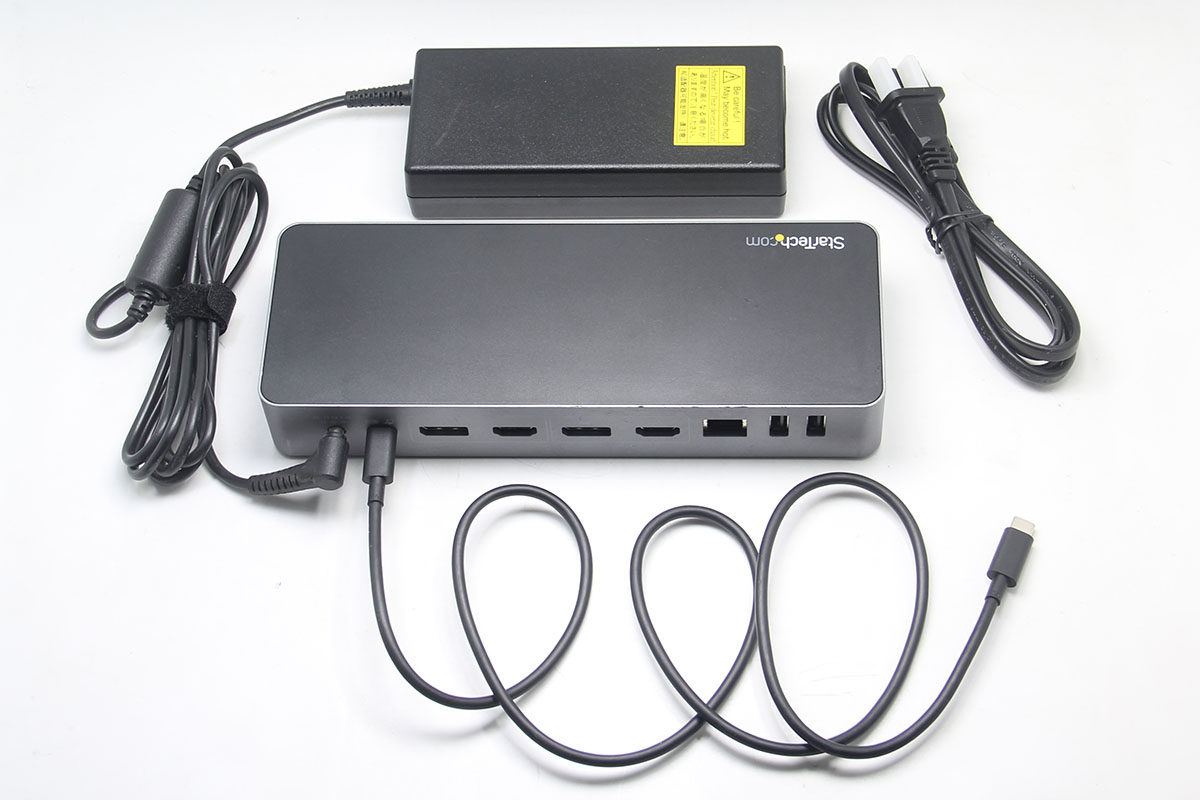
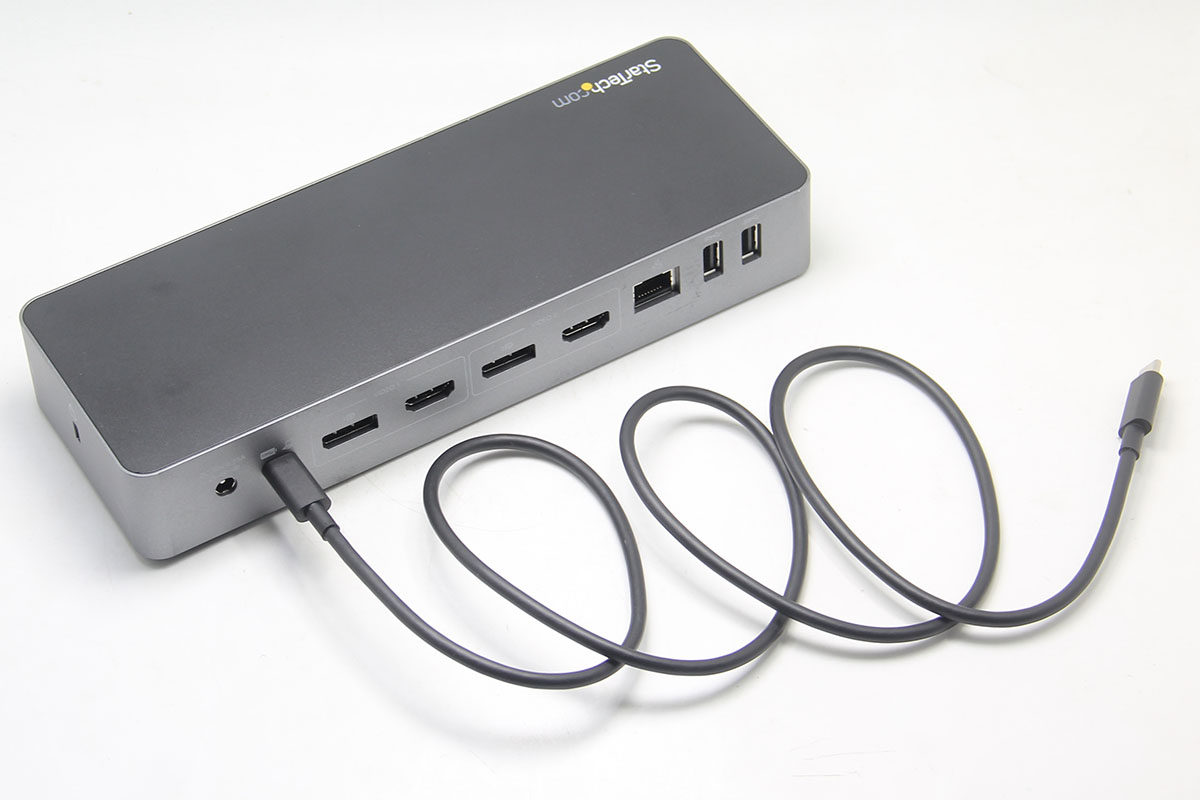
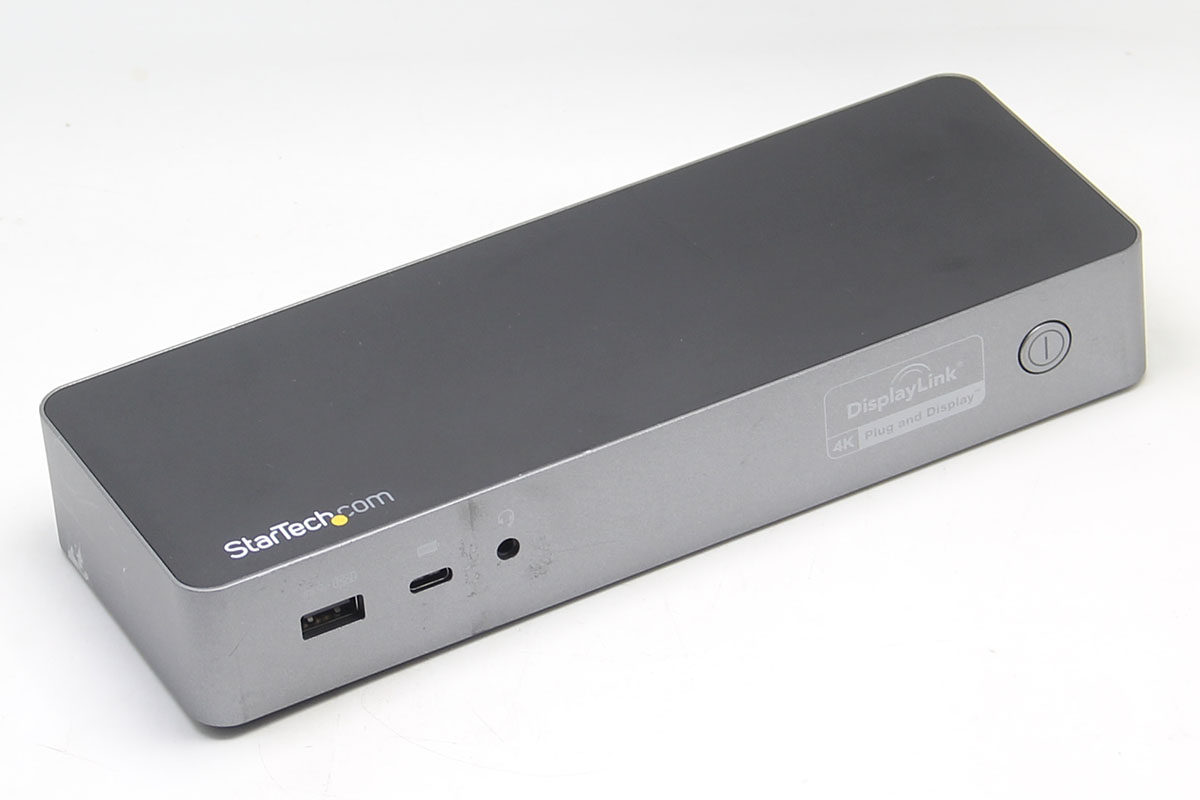
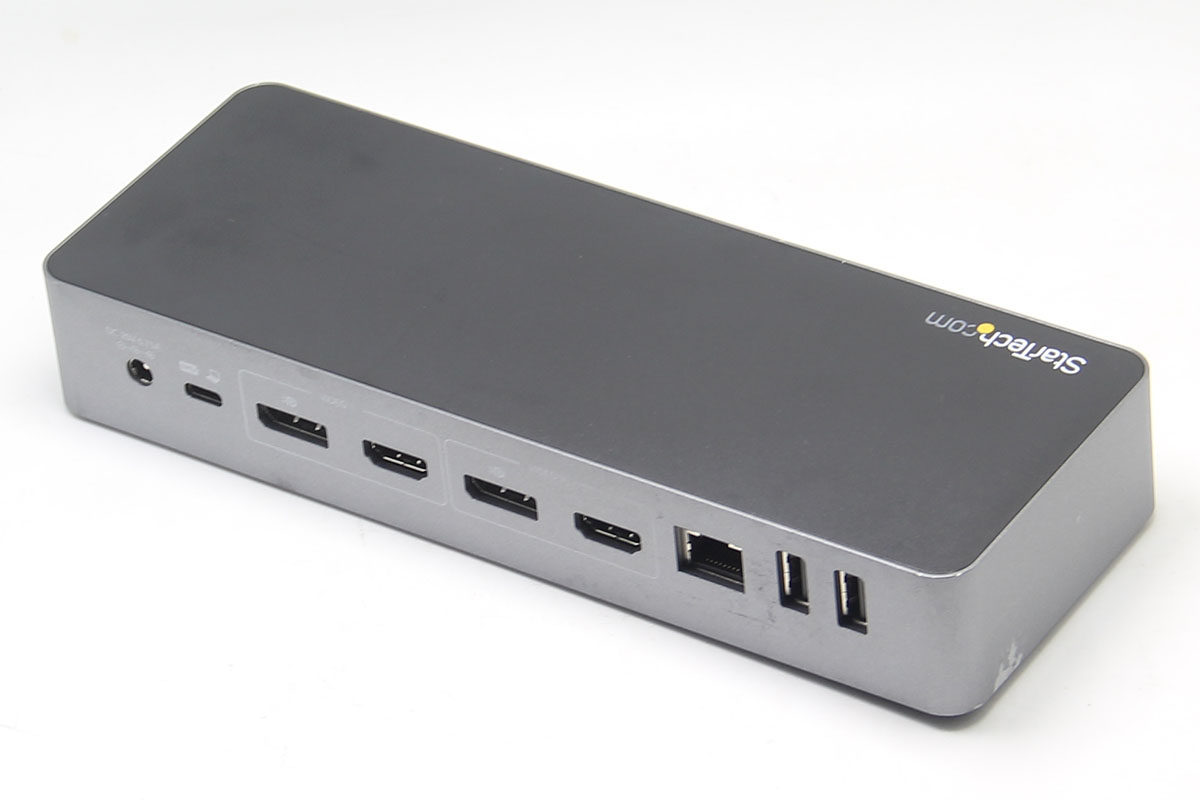
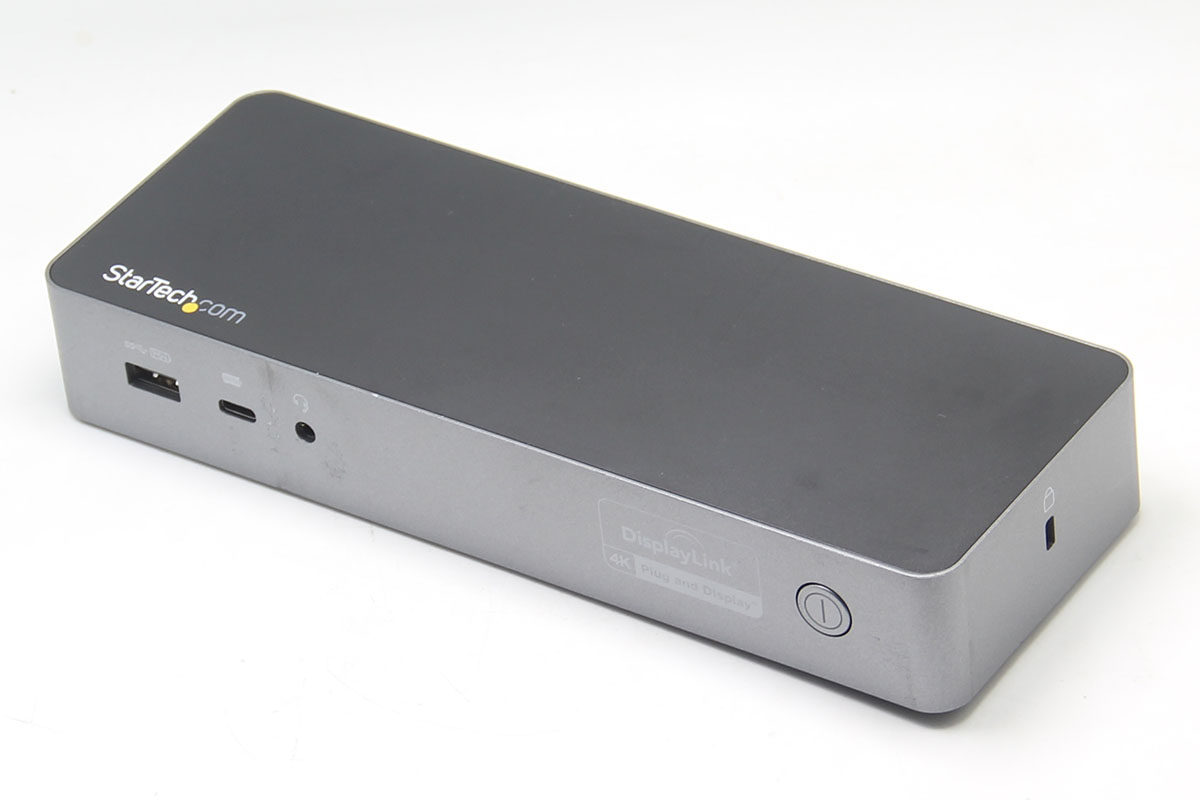
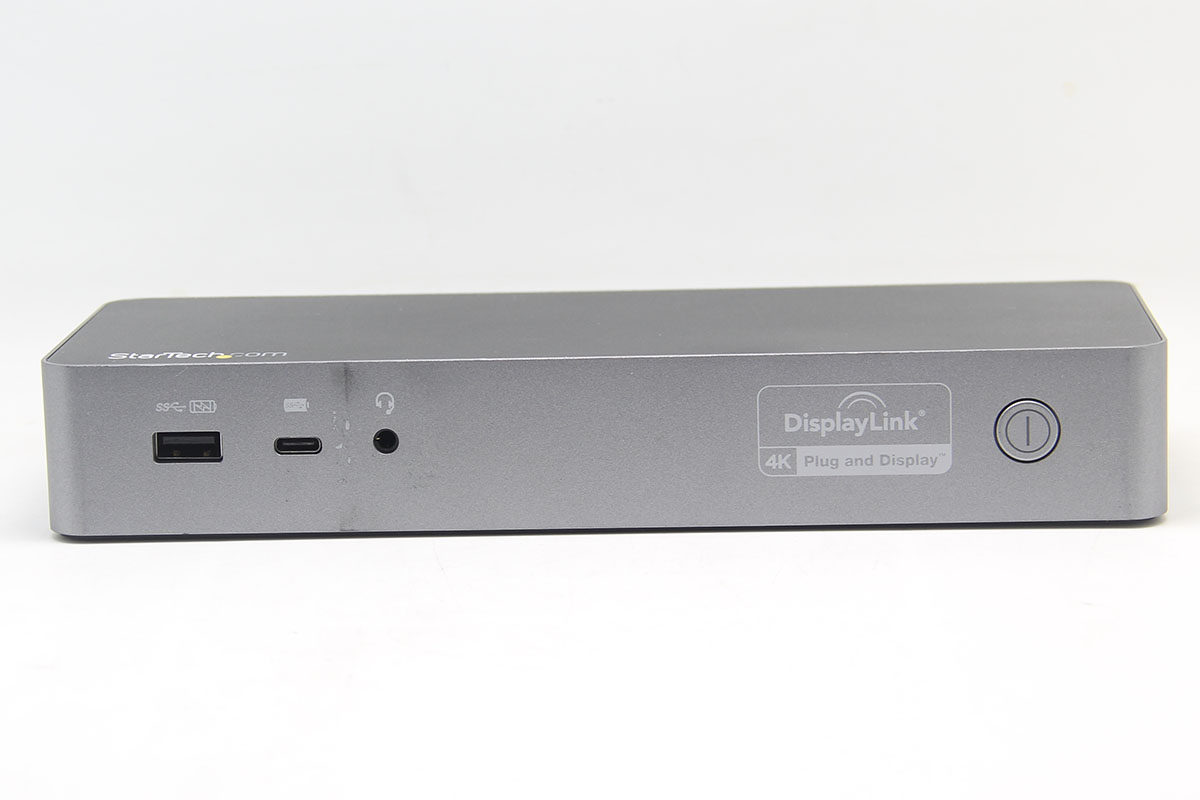
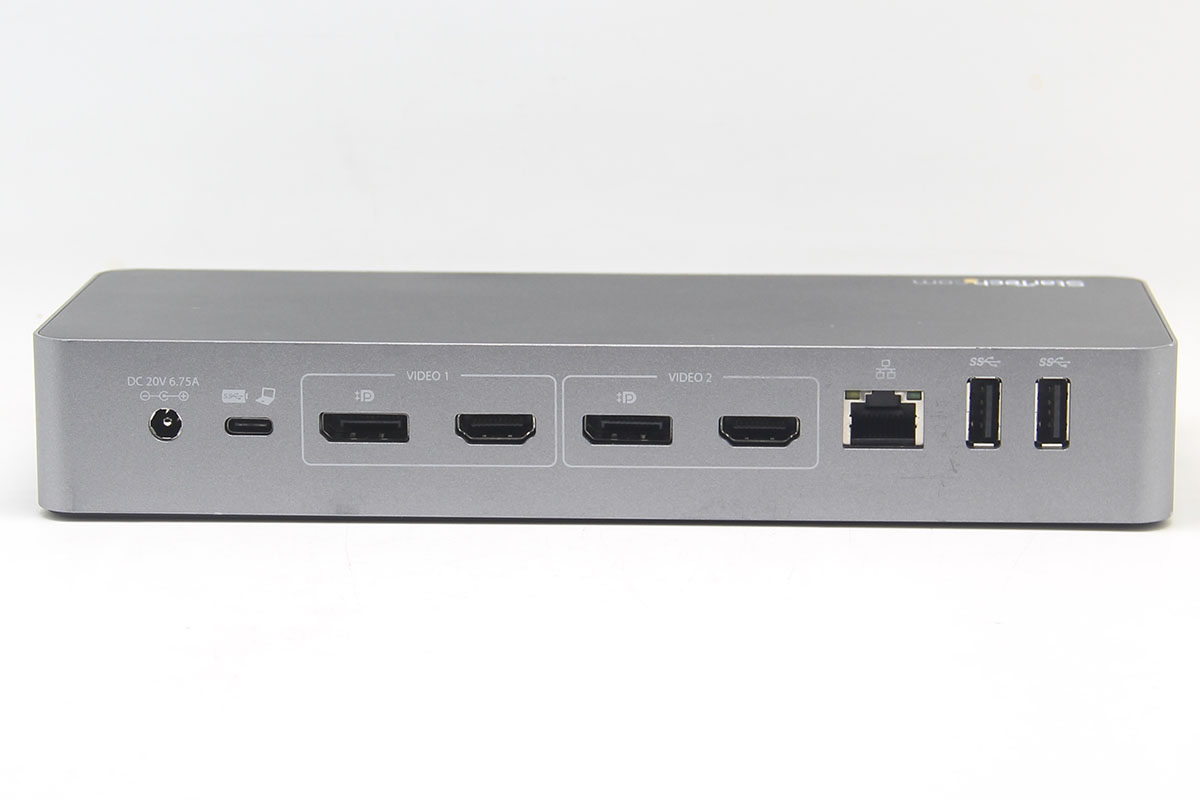
In my own language, a brief introduction to this dock: it can charge a computer, expand two monitors, expand several USB ports, and allow the computer to use wired broadband.
This dock comes in two models:
One is the DK30C2DPPD, which can provide 60 watts of PD power to the computer.
One is the DK30C2DPEP, which can provide 100 watts of PD power to the computer. Currently out of stock.
The appearance of 60 watts and 100 watts is the same, the interface is the same, and the function is the same, only the power supply to the computer is different. It can be understood as high power, and charging the computer will be faster.
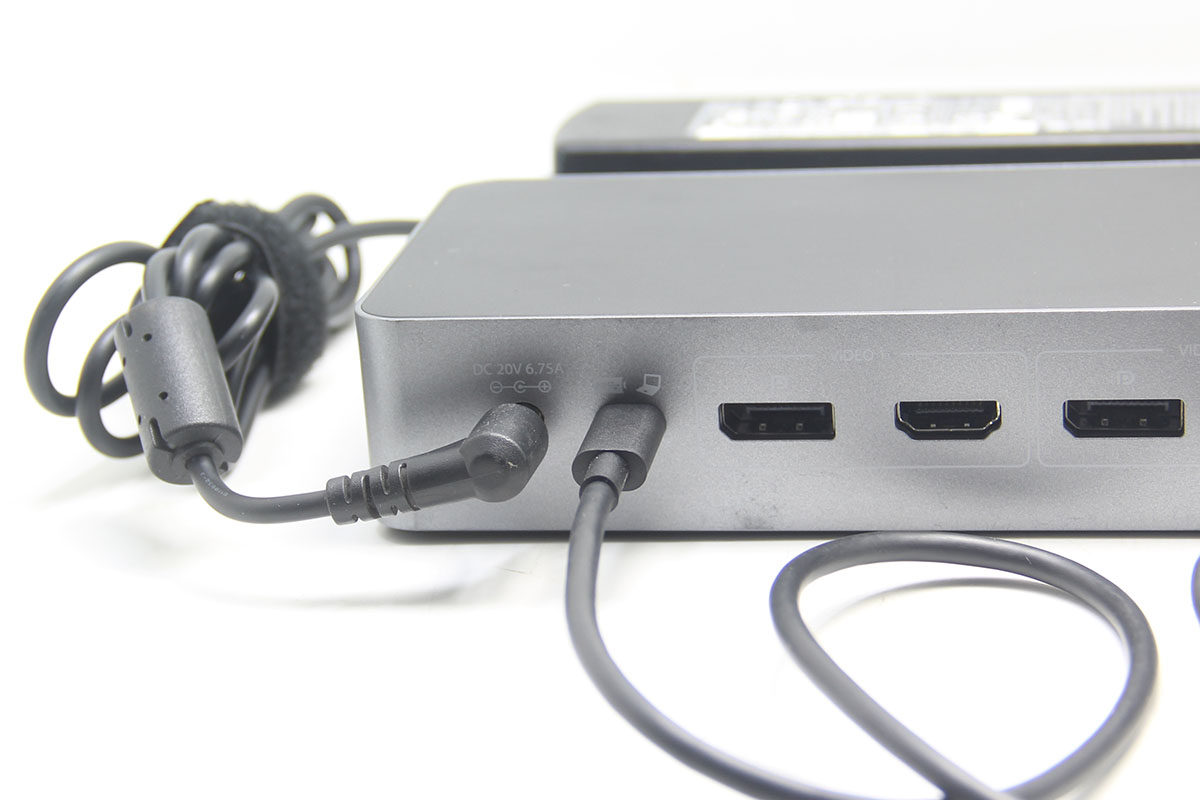
About the interface: It has 3 USB-A 3.0 interfaces, 1 USB-C 3.0 interface, 1 Gigabit network interface card interface, 1 composite audio interface for sound input and output. There are 2 sets of monitor interfaces (each group contains 1 HDMI and 1 DP, each time you use any one of each group, you can use 2 DP, or 2 HDMI, expand 2 4k monitors. Of course, you can also use 1 monitor directly.).
Customers can choose according to the power of the original power supply of their computer. For example, if your computer is a Mac with M1 M2 M3 chip, then 60 watts is enough. If you want to use a 14-inch, 16-inch laptop that requires high power, it is recommended to choose a 100-watt one.
Friendly reminder: The power supply of this dock is our ordinary 5.5 * 2.5mm interface power supply, 20V voltage, 4A or more current can be used.
Common problem:
1. Can this dock control the computer switch?
Answer: No, the switch of the dock can only control the power supply of the dock.
2. If my computer's own resolution is very low, can this external monitor reach 4k 60hz?
Answer: No matter how low the resolution of your computer itself is, even a computer from 15 years ago will not affect the resolution of its external monitor. It independently drives the external monitor.
3. What is the agreement for this dock?
Answer: This dock is a Displaylink protocol with a built-in USB graphics card chip, so no matter what computer it is, it can be used with an external monitor. Note that the Android system can only be connected to an external monitor (1920 * 1080P).
4. My computer only has USB-A and no USB-C interface. Can I use it?
A: You can use it, use the USB to C adapter, or tell me to replace the USB-A to USB-C data cable for you.
5. How much power can this dock output to the computer? Can it be used without power?
Answer: There are 2 models of this dock, which can output different power supplies of 60 watts and 100 watts. The dock cannot be used without connecting the power supply.
Can this dock achieve a refresh rate of 1080p 144?
Answer: Yes. This dock has an output of 4k 60hz. Under the same bandwidth, it can achieve low score and high brush. But this dock uses the USB graphics card Displaylink protocol, which has low performance and is not suitable for playing games. It is only suitable for daily office, watching movies, etc.
7. What operating systems does this dock support, and does it support Apple's M1 M2 chip for Mac computers?
A: This dock supports windwos, macos, Linux, android, chrome. Support m1 m2 Mac to expand different screen monitors.
The following introduction is excerpted from the official website:
USB-C and USB-A Dock - Hybrid Universal Laptop Dock with Dual Display 4K60Hz HDMI and DisplayPort - USB 3.1 Gen 1 Hub, GbE - 60W Power - Windows, Mac and Chrome Dual 4K60 DisplayPort and/or HDMI USB-IF Certified 3 USB-A 1 USB-C Mac, Windows ® and Chrome OS ™ Lock Slots
Hybrid docking station: Universal docking station can be used with USB Type-C, Thunderbolt 3 and 4, and USB Type-A laptops, using a 2-in-1 USB-C/USB-A 3.1 Gen 1 cable, ideal for hotel stays or shared workspace settings; 60W USB-C powered for laptop charging Wide compatibility: USB-C and USB-A hybrid docking stations are USB-IF, VESA, and DisplayLink certified for performance and universal compatibility when deploying hybrid laptop brands Flexible Dual Display Video Output: This dual 4K60Hz UHD USB-C and USB-A docking station supports multiple screens: Dual DisplayPort/Dual HDMI/DP + HDMI displays; supports dual expansion displays on MacBook Pro/Air with Intel CPU or Apple M1/M2 chips Full-featured dock: 1 USB-C, 3 USB-A (2 fast charging), Gigabit Ethernet and audio ports, k-slot for secure and holes for optional mounting brackets; includes. DisplayLink update utility Connectivity Tools: Apps that come with this device improve performance and security, featuring a MAC address changer, US *** monitoring, Windows layout and a Wi-Fi auto-switch utility.