Buyers Please Note:
This item located in Czech Republic and only ship to some European Countries.
If you need to return the item for some reasons, please contact us via eBay message at the first time to get the RMA#,and return address instead of sending back directly without permission,I am afraid we can't receive the goods and give you a refund. I hope you can understand and cooperate with us. Thank you so much!
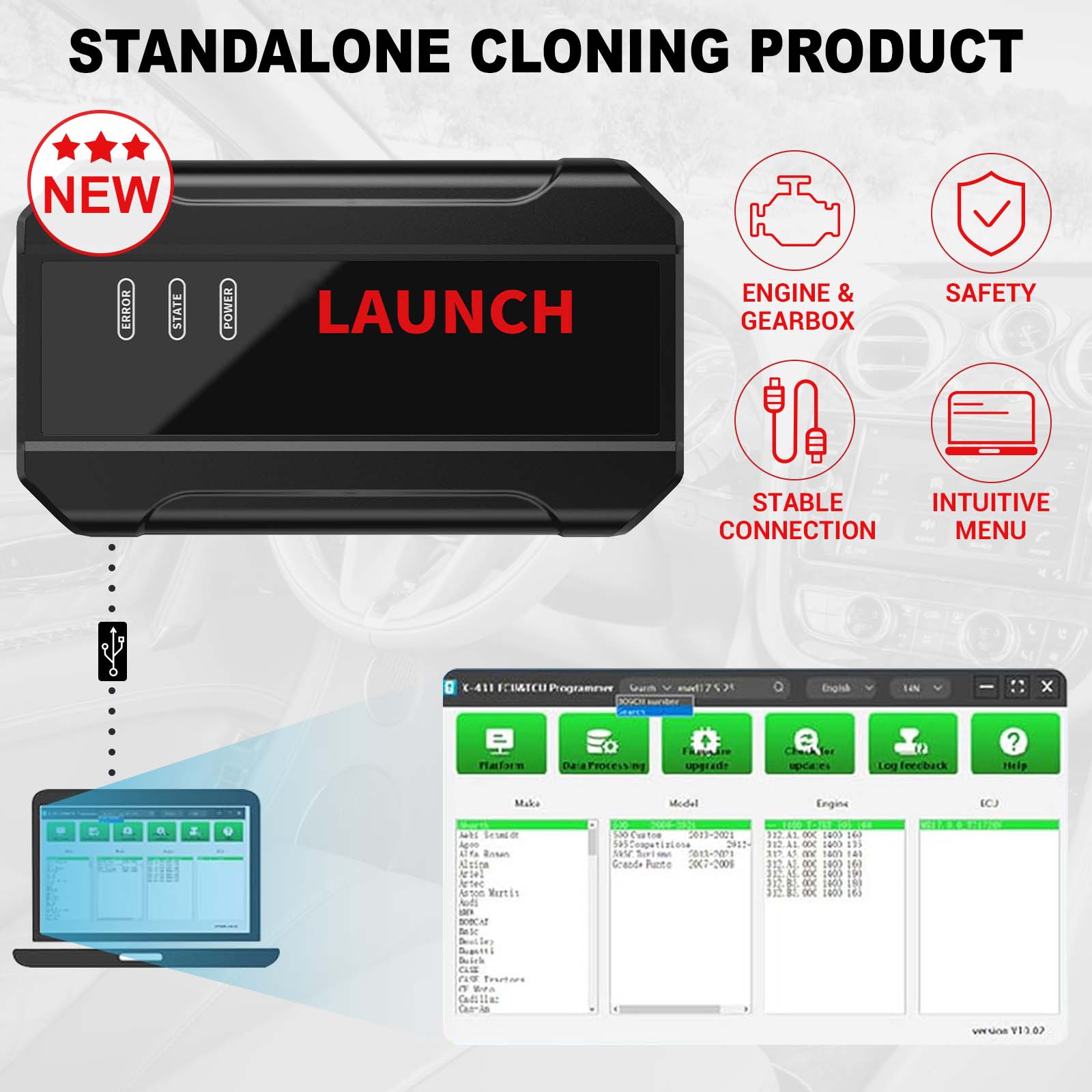
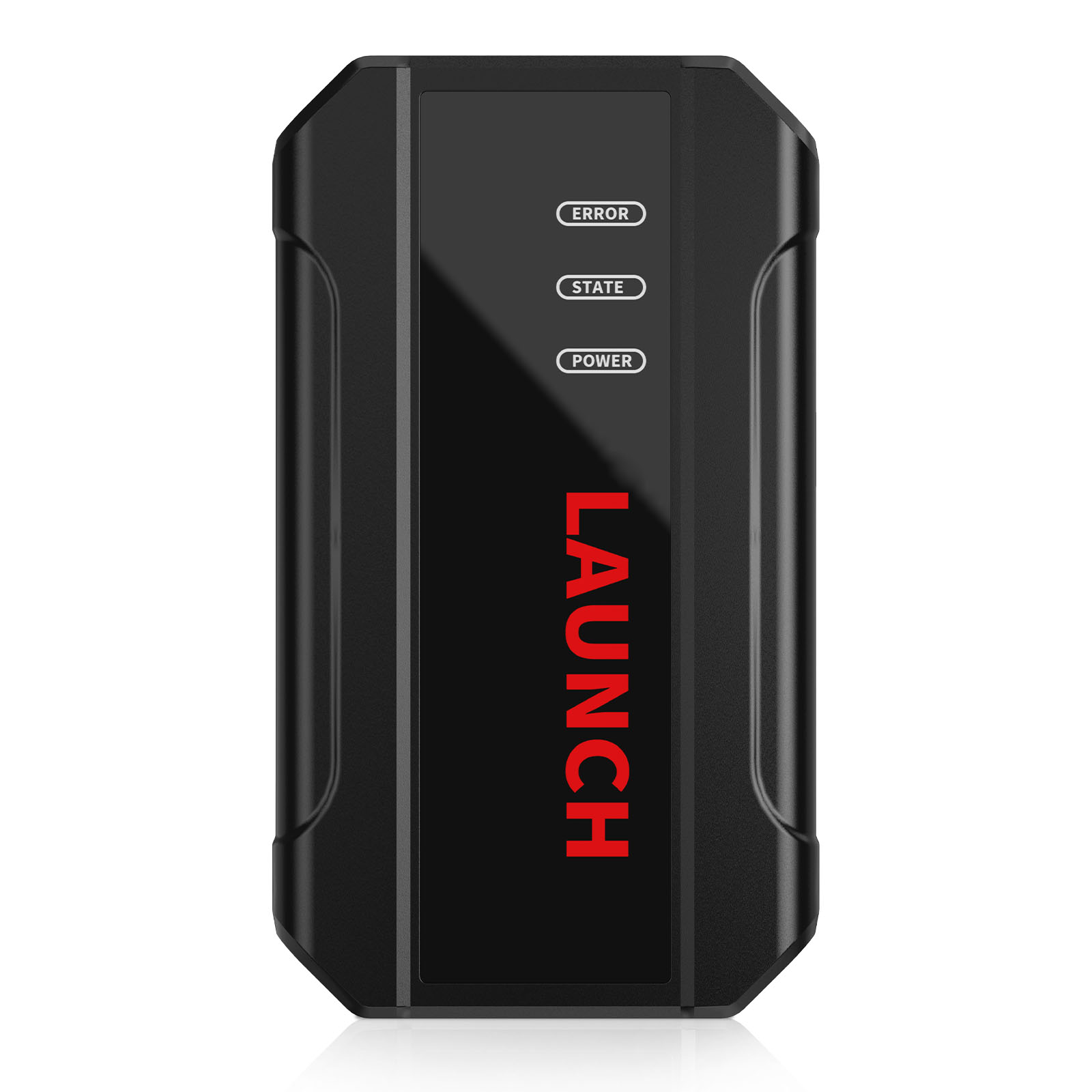
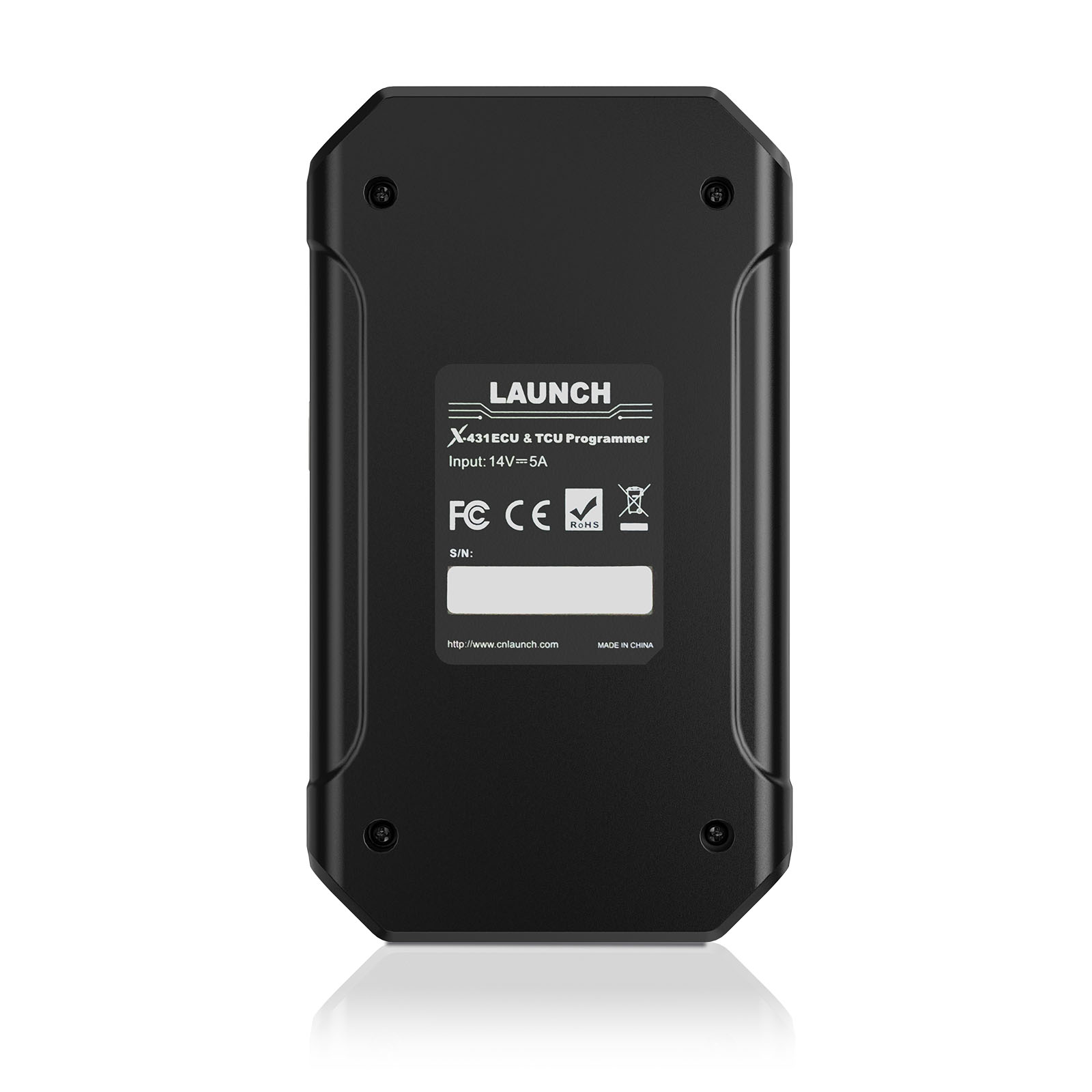
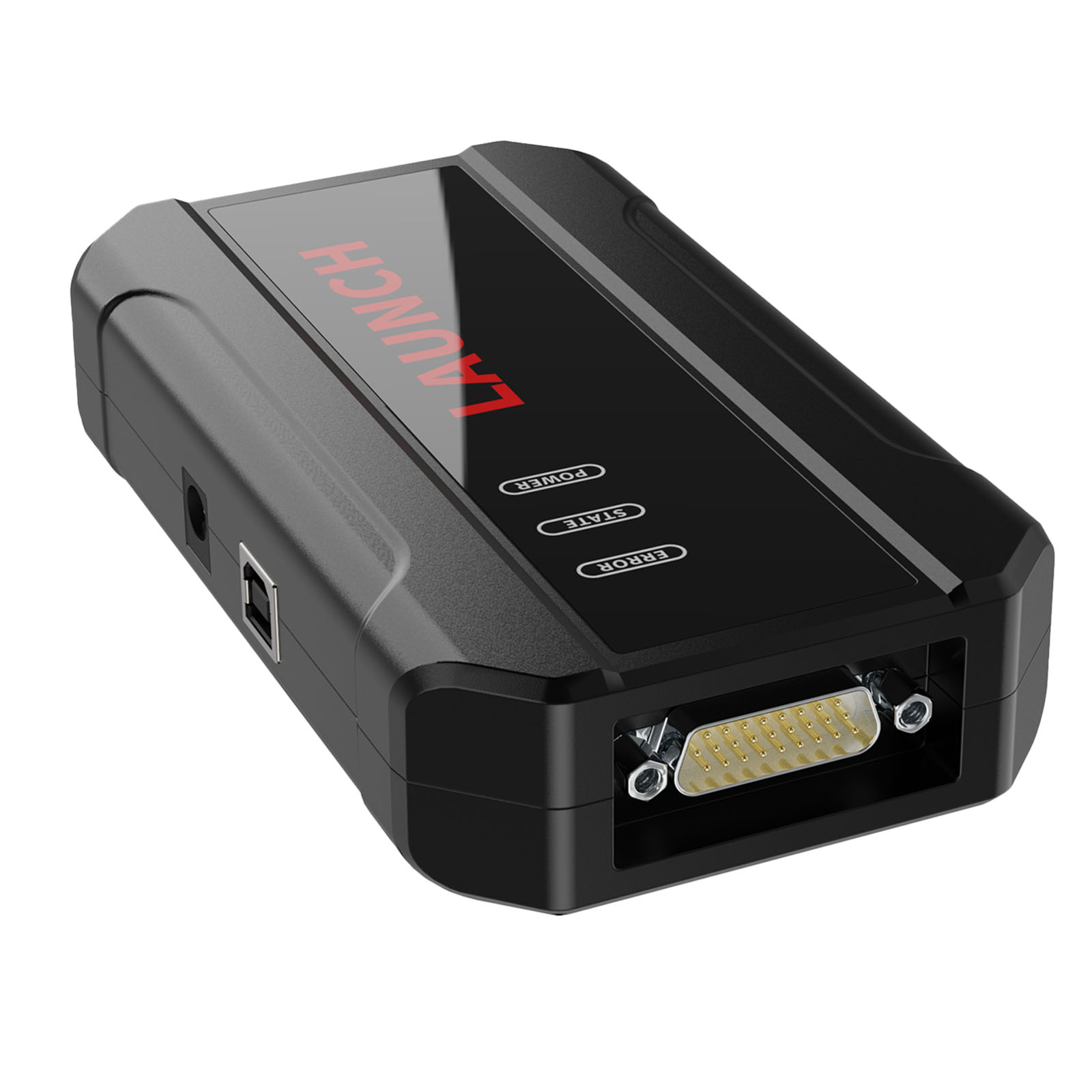
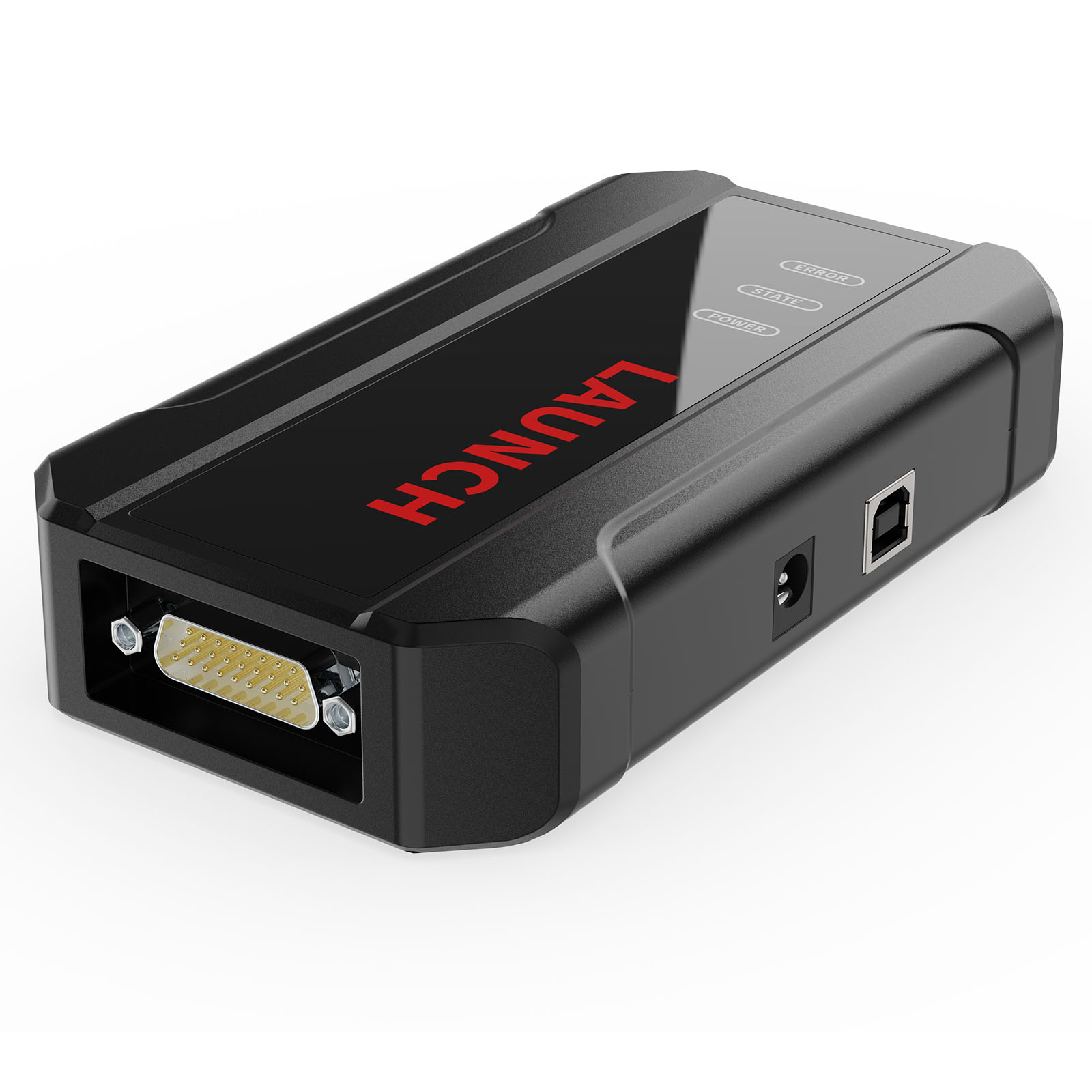
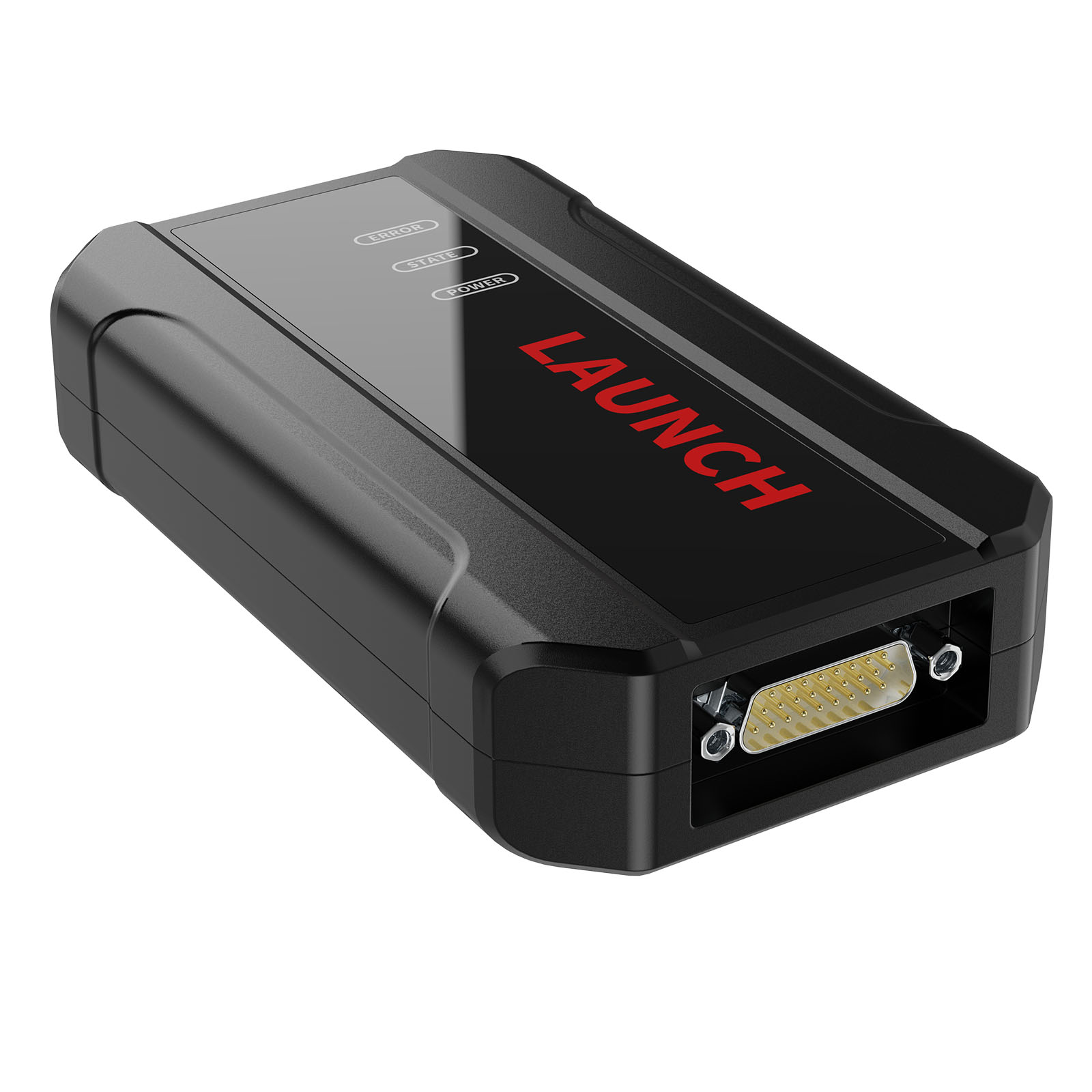
Launch X-431 E-C-U & TCU Progarmmer supports E-C-Us data reading & writing quickly, including reading the chip ID and backing up the EEPROM data, backing up the FLASH data and restoring EEPROM/FLASH data. There are two methods to read various vehicle brand E-C-Us info. The X-431 E-C-U & TCU Progarmmer also supports Data Processing, anti-theft shutdown and file verification.
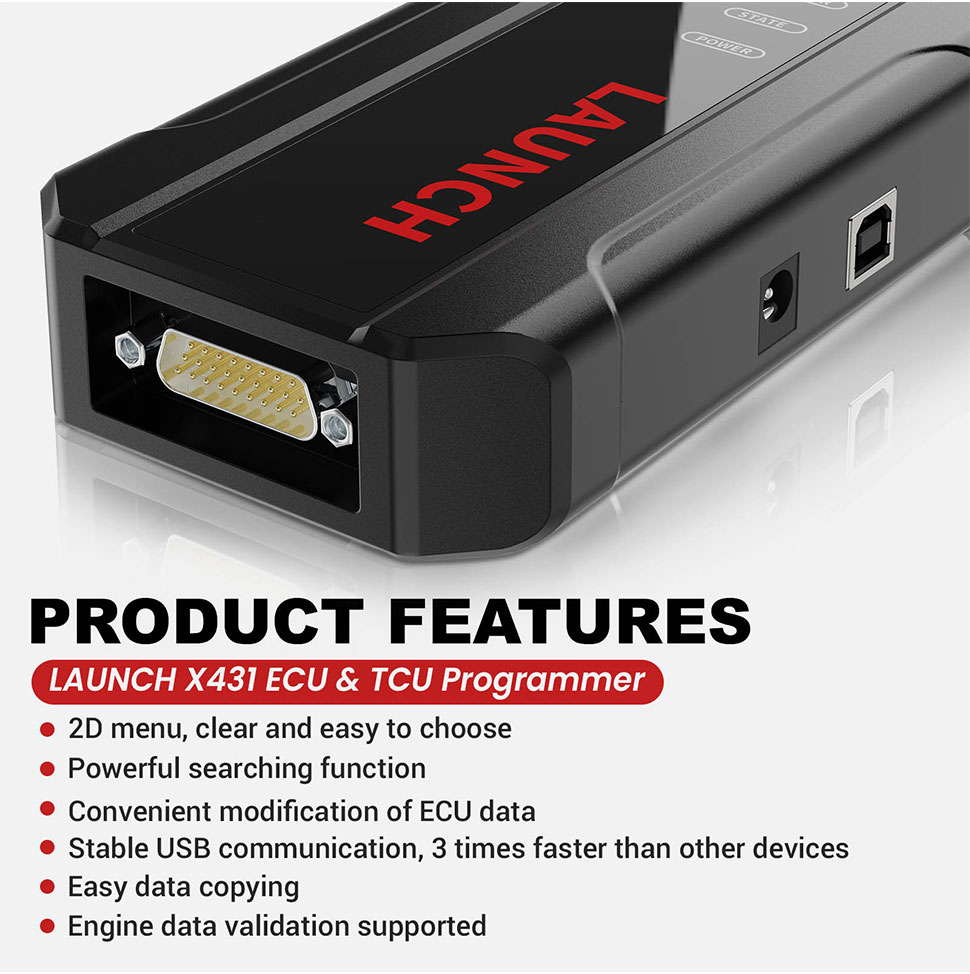
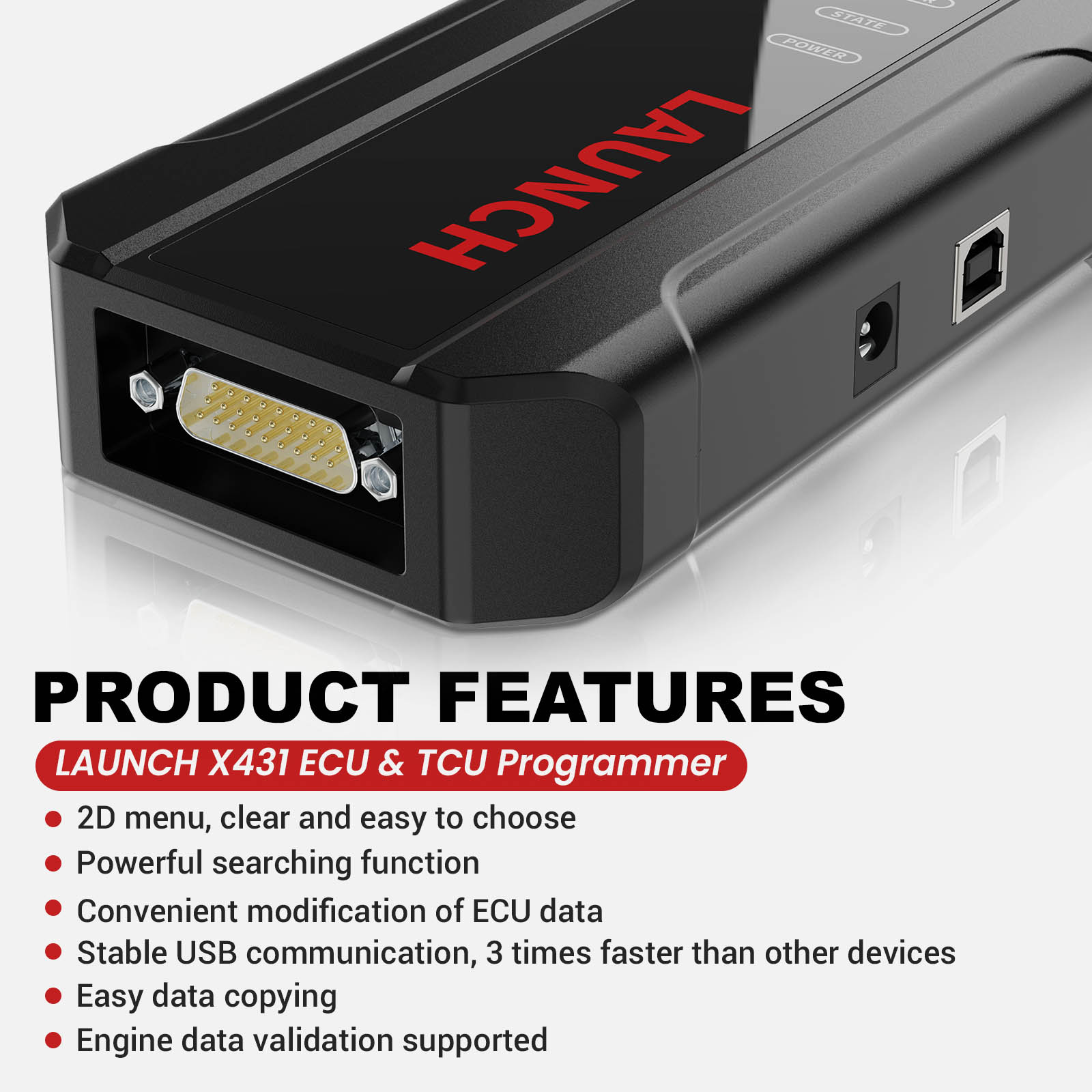
Product Features:
7. One year free update,after one year, please pay One Year Online Update Service for Launch X-431 E-C-U & TCU Progarmmer
8. X-431 E-C-U TCU Programmer Support Function List
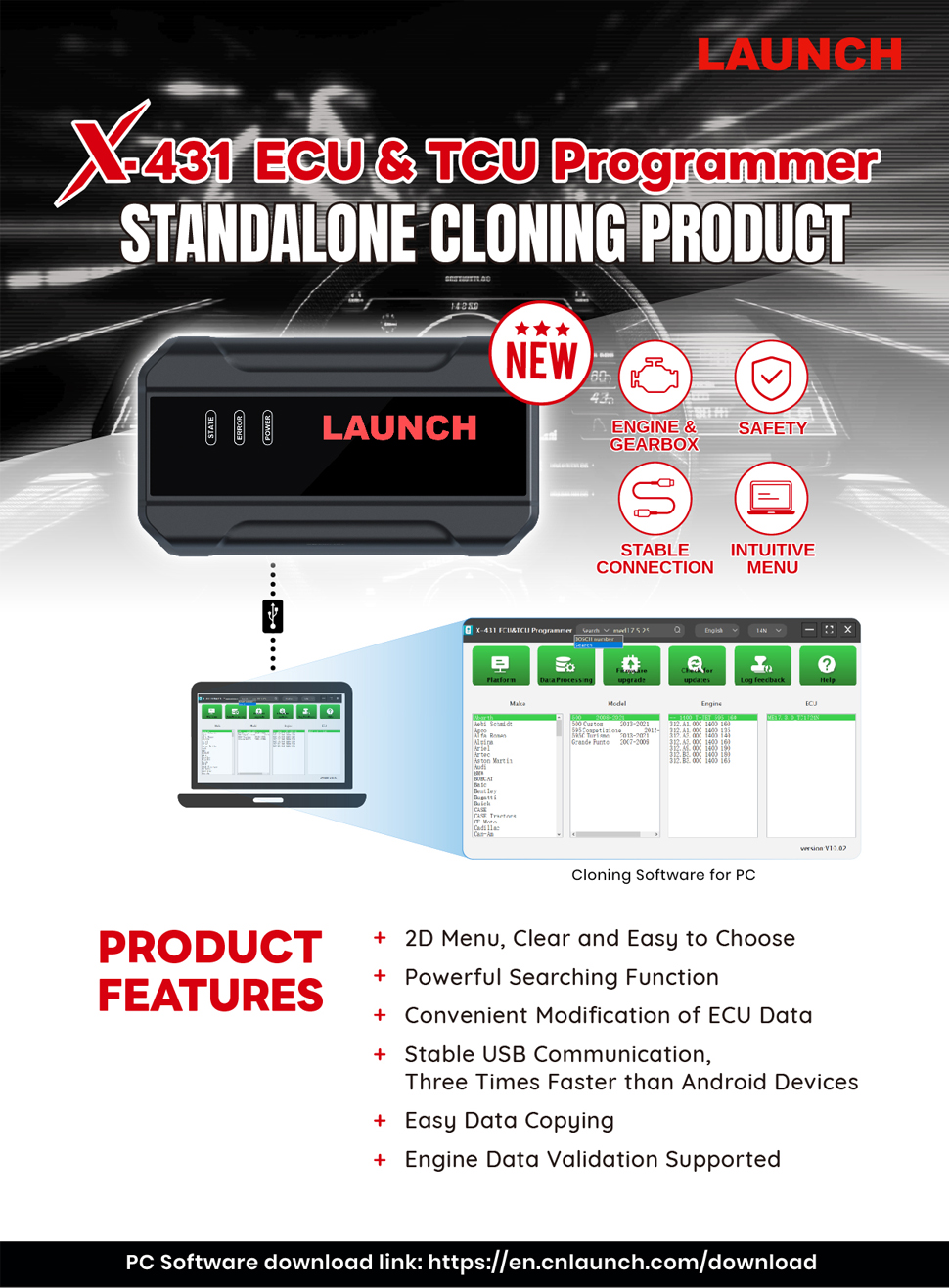
Launch X431 E-C-U Progarmmer Functions:
1. E-C-Us Data Reading & Writing quickly.
· Support two methods to read various vehicle brand E-C-Us info.
· Support Read the chip ID and Back up the EEPROM data.
· Support Back up the FLASH data and Restore EEPROM/FLASH data
2. Support Data Processing, anti-theft shutdown and file verification.
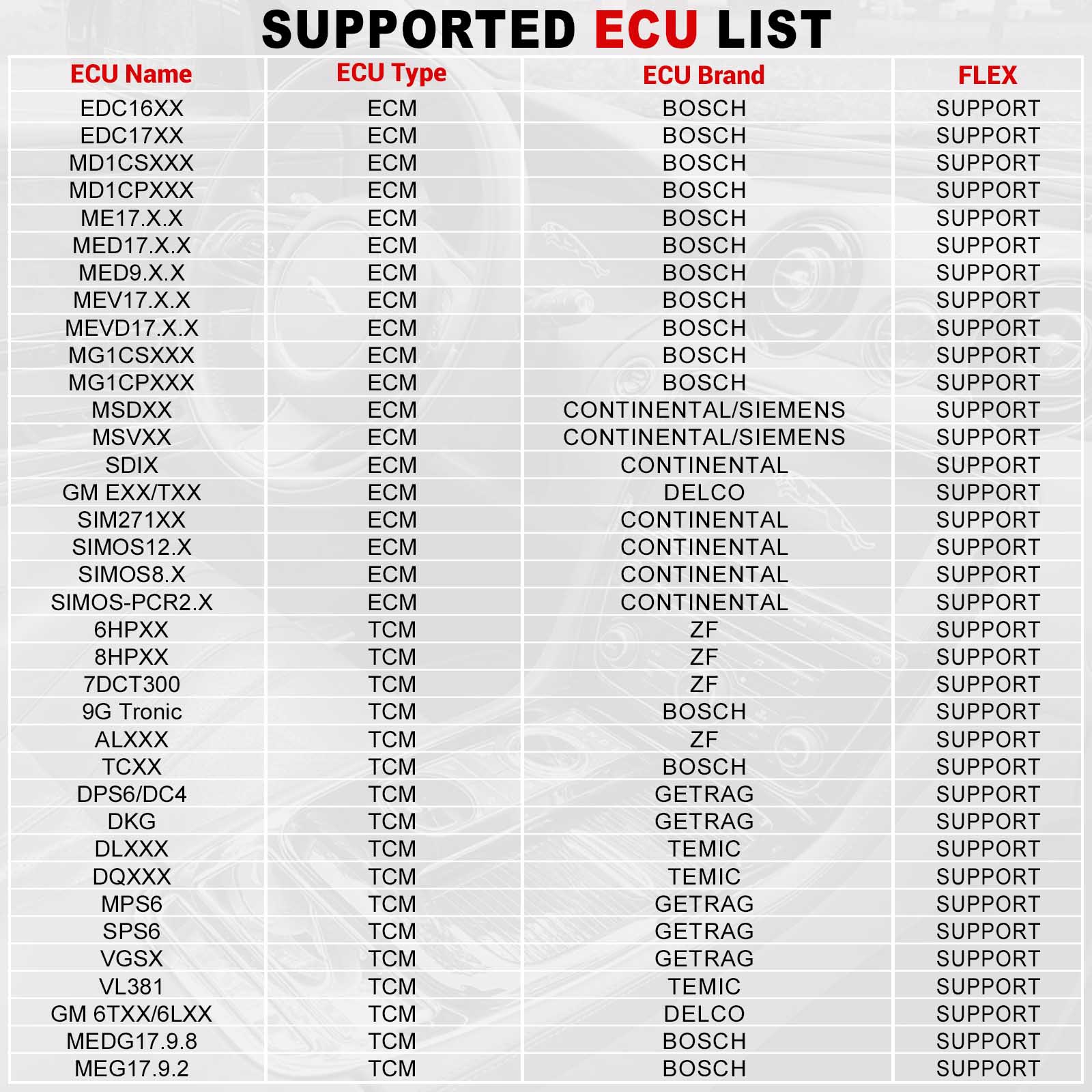
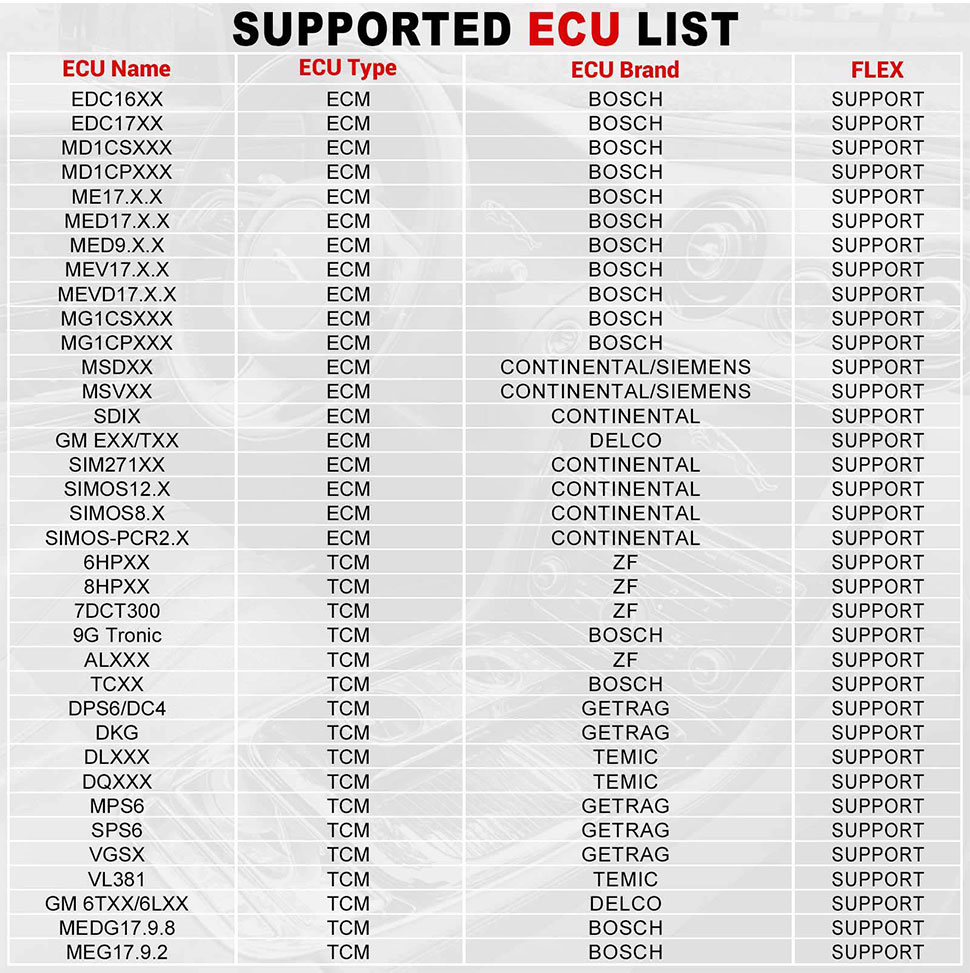
E-C-U Support list June 2023:
Launch X431 E-C-U TCU Progarmmer and PC Software Use Guide:
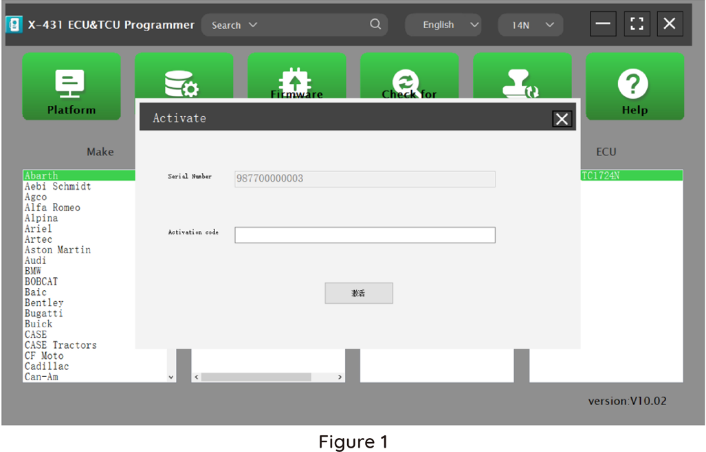
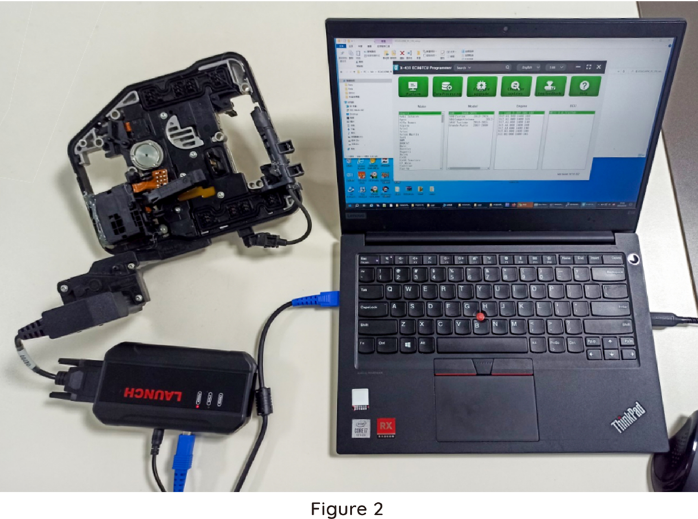
Firstly, connect the X431 E-C-U &TCU Progarmmer to the computer with a cable. Then, click to enter the software. The serial number will be automatically recognized from the X-431 E-C-U &TCU Progarmmer, and the activation code needs to be obtained from the envelope bar of the X-431 E-C-U&TCU Progarmmer.
Click [Activate] to activate (only activate once, no need to activate again later), as shown in Figure 1. Without connection, you cannot access the software, as shown in Figure 2.
I. E-C-U Date Reading and Writing:
1. Obtain the related E-C-U.
Method (1): Obtain the desired E-C-U type through brand > model > engine > E-C-U in turn, as shown in Figure 3.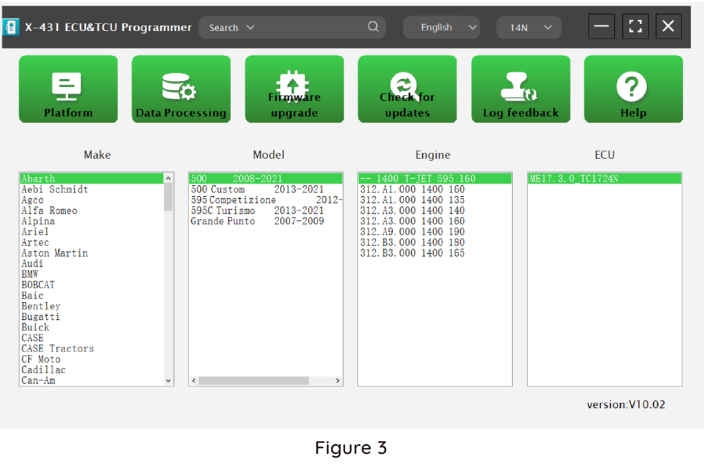
Method (2): Query the desired E-C-U by entering a value in the search box. The search categories include Bosch number and Search, as shown in Figure 4. For example, search for the MED17.5.25 engine by Search, as shown in Figure 5.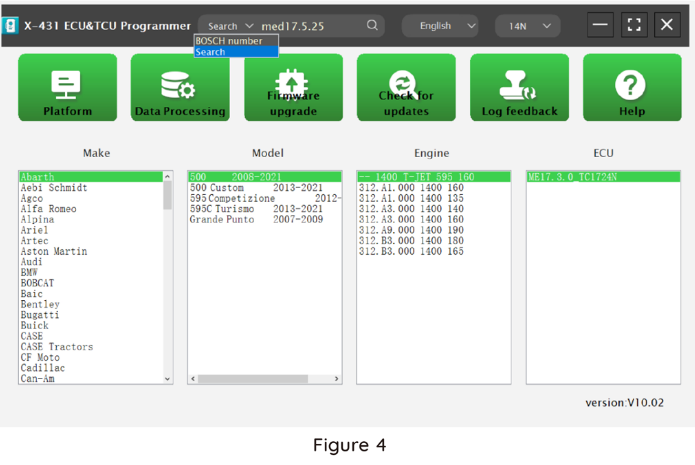
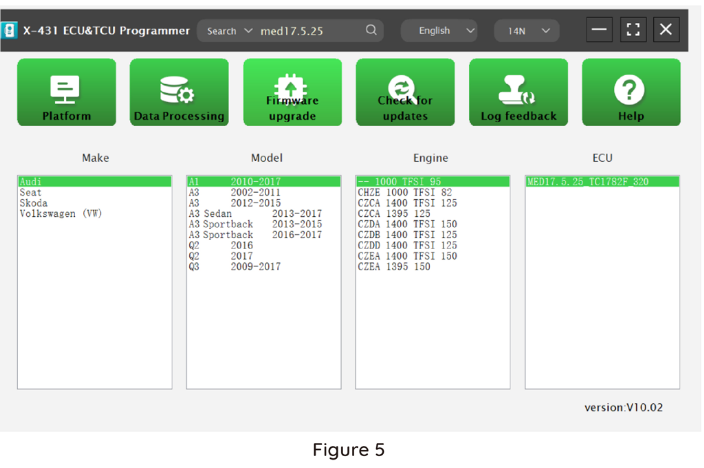
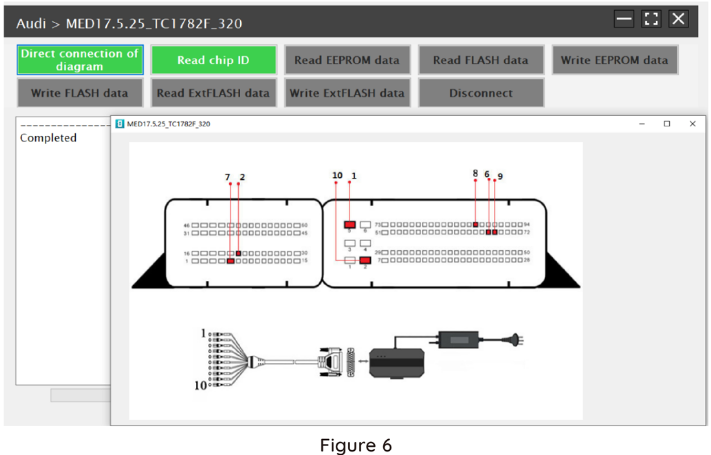
2.Click [Direct Connection Diagram] to obtain the E-C-U connection diagram, as shown in Figure 6.
3. Connection:
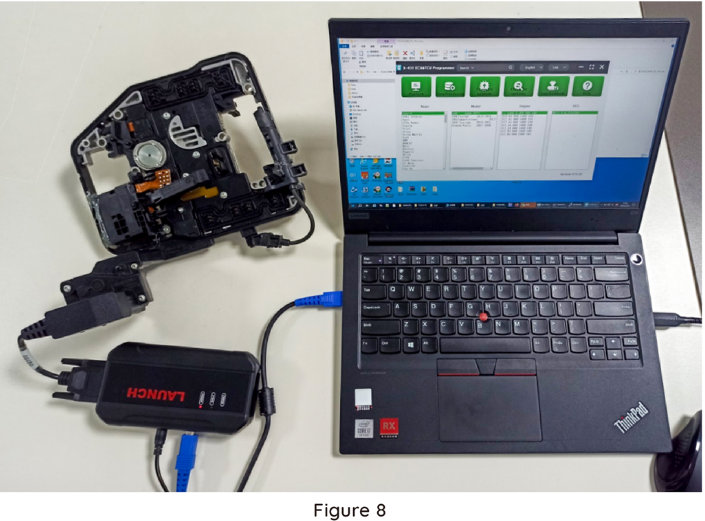
Connect the E-C-U and PCBOX according to the information provided in the connection diagram. The physical connection diagram of MED17 .5 .25 (using the BENCH mode line)is shown in Figure 7, and the physical connection diagram using the gearbox adapter is shown in Figure 8.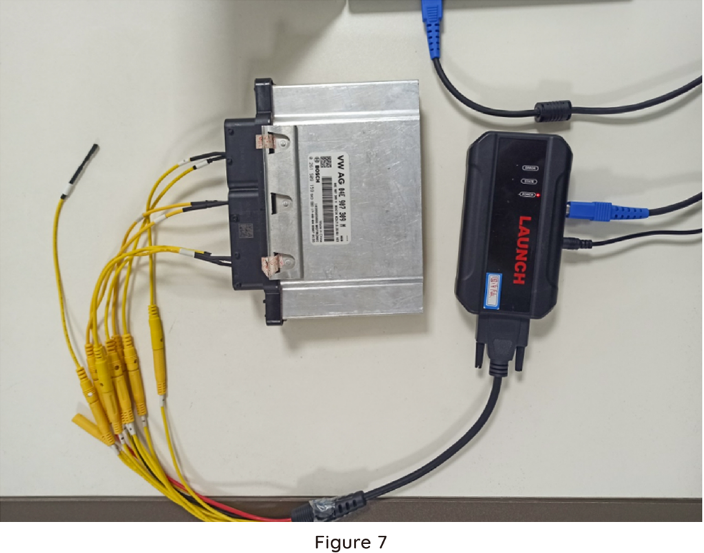
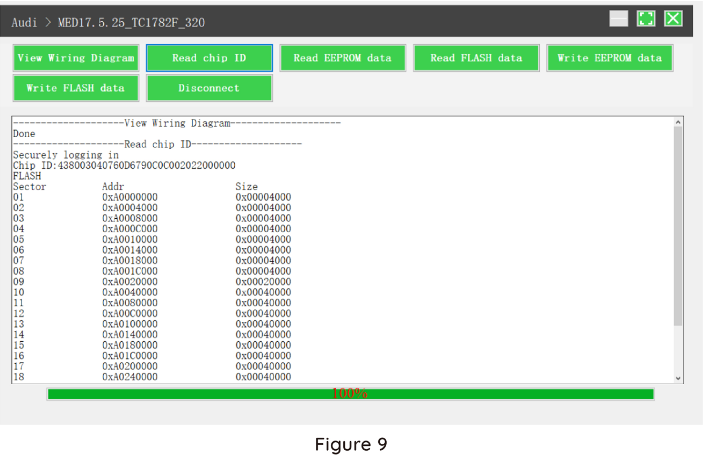
4. Read the chip ID, as shown in Figure 9.
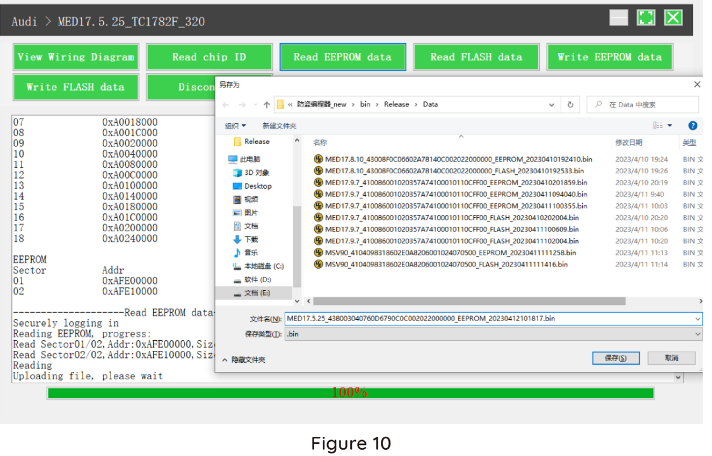
5. Back up the EEPROM data and save it, as shown in Figure 10 (the figure shows the save page of the read date).
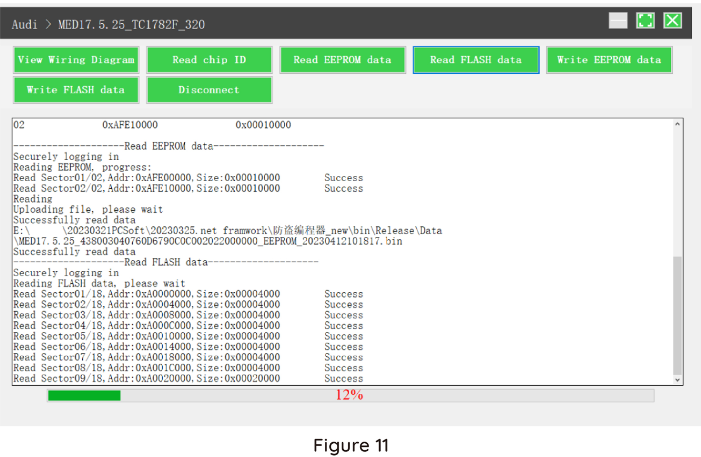
6. Back up the Flash date and save it, as shown in Figure 11 (the figure shows the process of reading FLASH date).
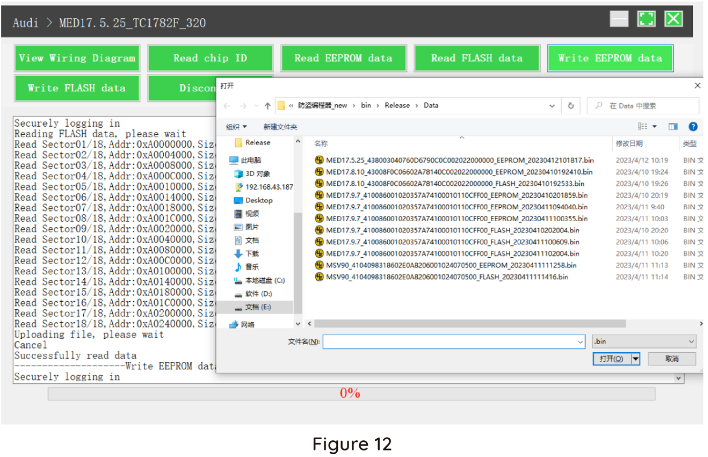
7. Restore EEPROM / FLASH date, as shown in Figure 12 (the figure shows the file selection page).
II. Date Processing
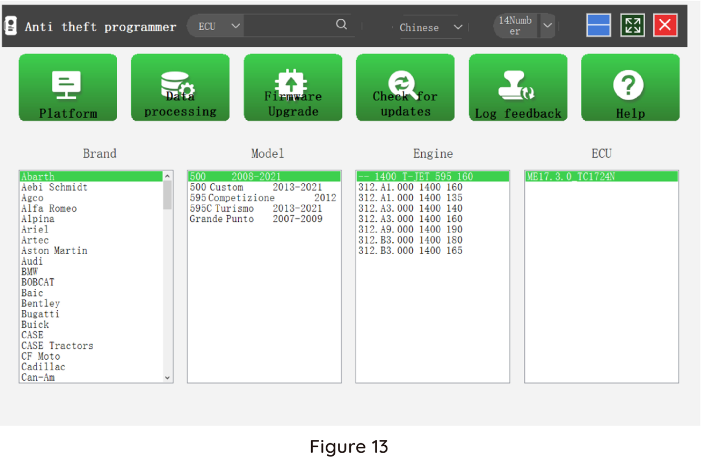
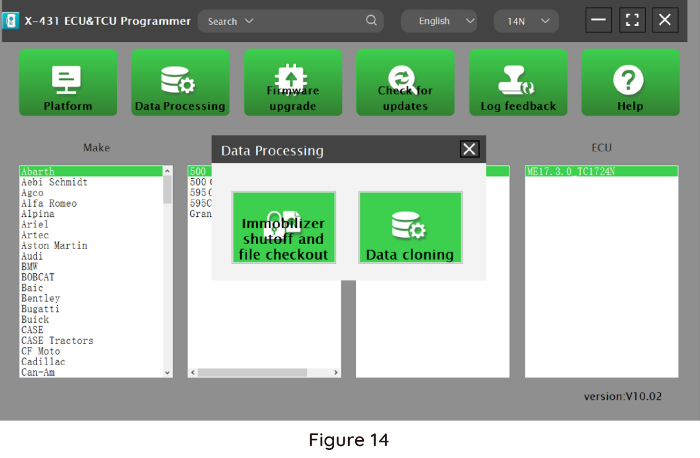
1. Click the [Date Processing] button on the main page, as shown in Figure 13, and select [IMMO Off and File Verification] ([DTC Shield] is not currently supported), as shown in Figure 14.
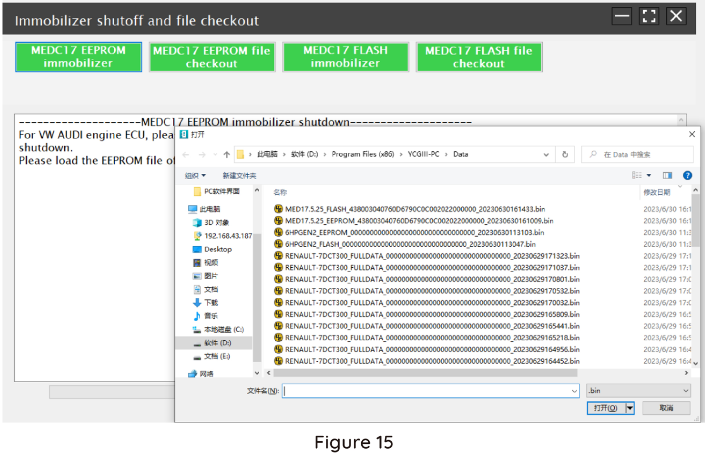
2. File verification and IMMO OFF (process: select file>connect network to obtain>save file), as shown in Figure 15.
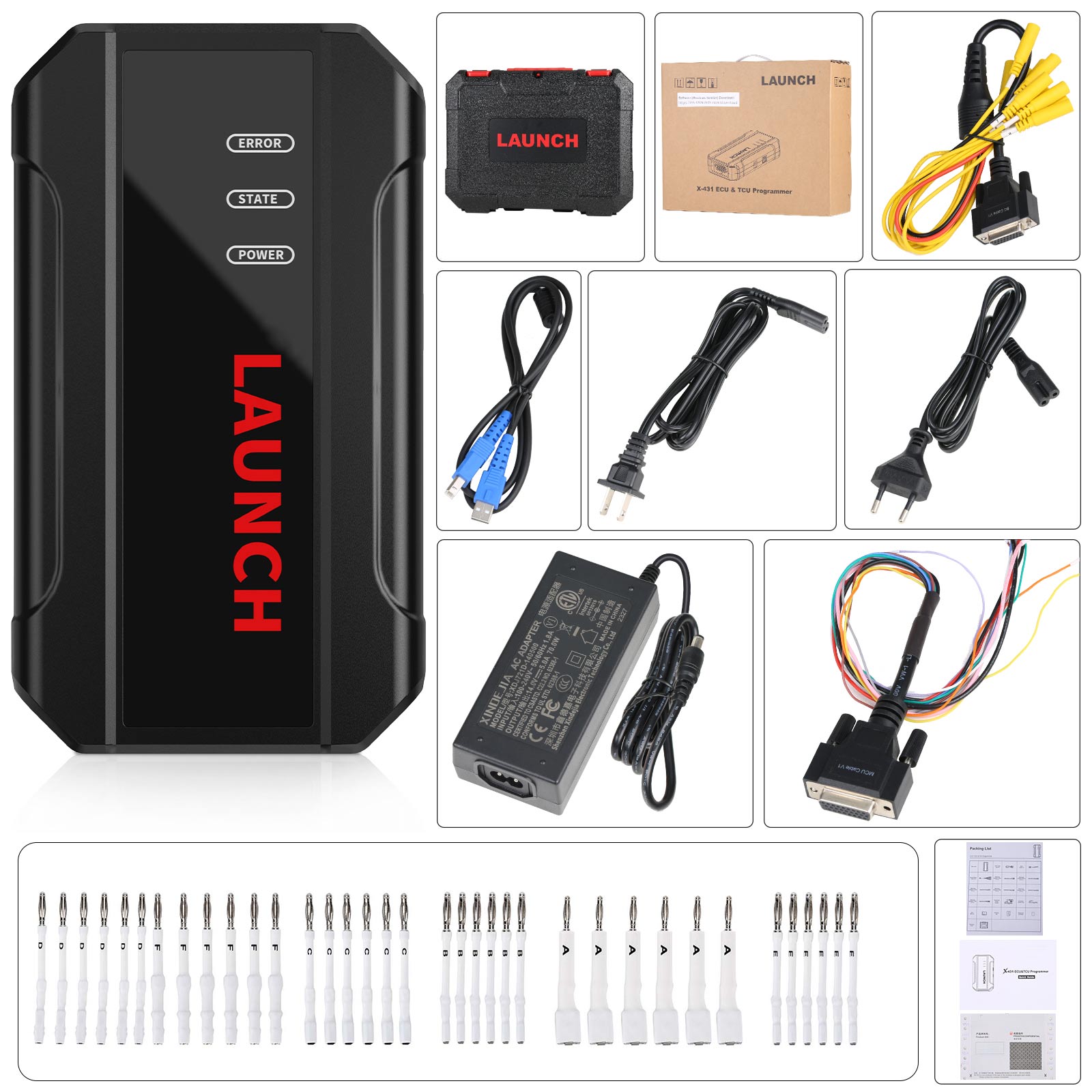
Package includes:
1pc x main unit
1pc x USB cable
1pc x MCU cable V1
1pc x Bench Mode Cable V2.0
2pcs x Bench Extension Cables
6pcs x Matching adapters A
6pcs x Matching adapters B
6pcs x Matching adapters C
6pcs x Matching adapters D
6pcs x Matching adapters E
6pcs x Matching adapters F
1pc x switching power adapter
1pc x European power cord
1pc x user manual
1pc x packing list
1pc x password envelope
1pc x carrying case
 ,E-Check will be held until
cleared.
,E-Check will be held until
cleared.