
| Product name | Ink cartridge, Compatible ink cartridge |
| Suitable printers | For Epson SureColor F2000 Series printer For Epson SureColor F2100 Series printer For Epson SureColor SC-F2000 printer For Epson SureColor F2130 For Epson SureColor F2140 For Epson SureColor F2150/F2160 |
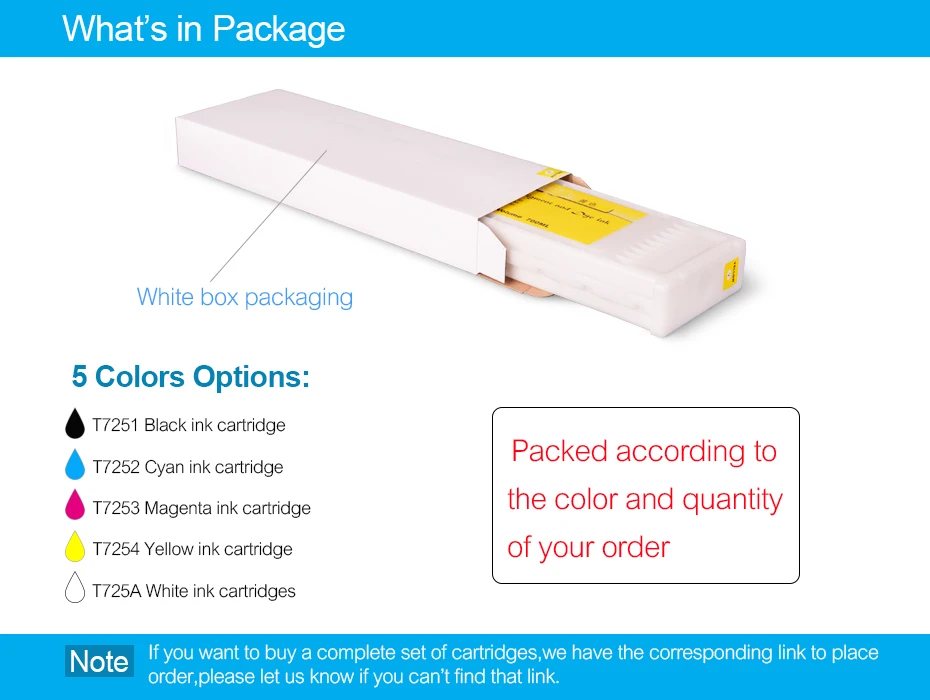
| Cartridge number | T7251 T7252 T7253 T7254 T725A T725A |
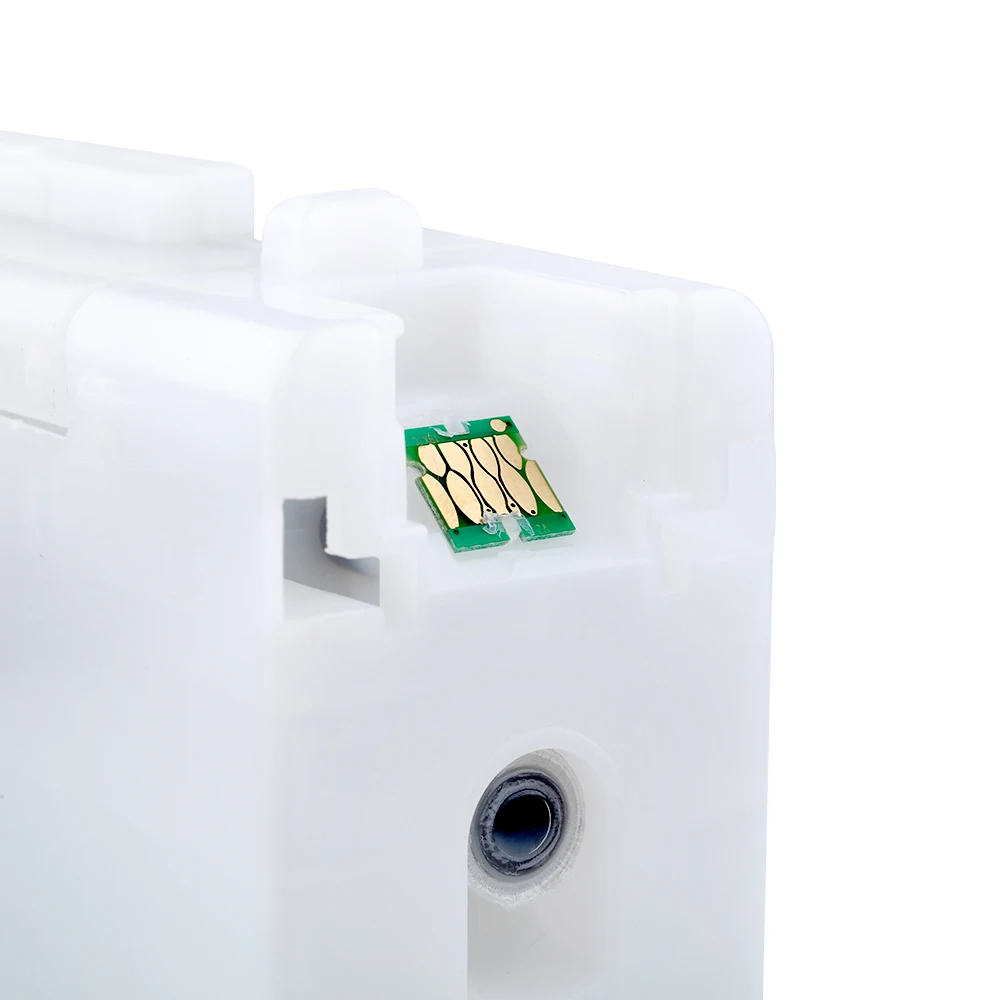
| Chip type | Installed with latest version one time cartridge chip |
| Color | Black / Cyan / Magenta / Yellow / White / White |
| Cartridge capacity | 600ml/pc |
| Ink type | Filled with 600ml garment ink (Textile ink/ DTG INK) |
| Warranty | 1:1 replace any defective |
| What's in package | Packed according to the color and quantity of your order |

Replacing ink cartridges
If one of the installed ink cartridges is expended, printing cannot be performed. If an ink low warning is displayed, we recommend replacing the
ink cartridge(s) as soon as possible.If an ink cartridge runs out while printing, you can continue printing after replacing the ink cartridge.
However, when replacing ink during a print job, you may see a difference in color depending on the drying conditions.
How to replace
You can use the same procedure to replace all ink cartridges.
1. Turn on the printer.
2. Open the cartridge cover.
3. Put your finger into the indentation on top of the ink cartridge and pull it straight out.
Note: Removed ink cartridges may have ink around the ink supply port, so be careful not to get ink on the surrounding area.
4. Rapidly shake each new ink cartridge for about 15 seconds, then flip the cartridge over as shown and repeat.
Caution: Do not touch the IC chip on the top of the cartridge; otherwise, the cartridge may not be recognized, or the printer may not print properly.
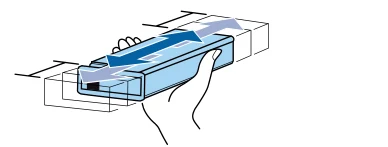
5. Hold the cartridge with the label side facing the side of the printer and slide it all the way into the slot.
Note: Make sure that the color of the ink cartridge matches with the color of the label on the printer.
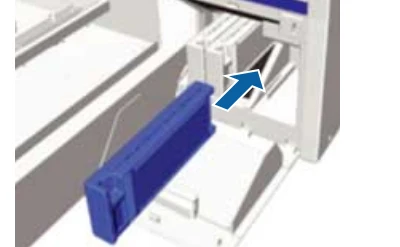
6. Make sure to install ink cartridges into all the slots, or the printer cannot print.
7. Close the ink cartridge cover.